Your drone just captured 500 images of a construction site. Now what? Raw aerial footage sitting on an SD card doesn't help anyone make decisions. Drone analytics software processes that imagery into orthomosaics, 3D models, and volumetric reports that construction managers, surveyors, and inspectors actually use. This guide covers 10 platforms for turning flight data into site intelligence, with honest comparisons of when each tool fits best.
What's inside
This guide covers 10 drone analytics platforms for construction, agriculture, mining, and inspection teams in a market that reached USD 2.21 billion in 2024. You'll learn what drone analytics software actually does, when each tool fits best, and how to evaluate options based on your industry. We focused on platforms that handle real-world workflows: processing aerial imagery, generating accurate deliverables, and connecting with existing software stacks.
TL;DR
- Best for cloud-based collaboration: DroneDeploy offers real-time progress tracking across multiple job sites
- Best for photogrammetry accuracy: Pix4D remains the industry standard for survey-grade precision
- Best for GIS integration: ArcGIS Drone2Map works natively within the Esri ecosystem
- Best open-source option: OpenDroneMap provides full processing control without licensing costs
- Key selection factor: Match processing type (cloud vs. desktop) to your data security and collaboration requirements
What is drone analytics software
Drone analytics software processes aerial imagery and sensor data to create 2D maps, 3D models, and actionable insights for industries like construction, agriculture, and inspection. The platforms turn raw flight data into measurable deliverables: orthomosaics for site documentation, digital elevation models for grading plans, and volumetric reports for stockpile tracking.
Here's the distinction that matters. Raw drone footage is just video or photos. Drone analytics software stitches images together, georeferences them, and extracts measurements you can actually use for decisions. Without processing, you have pretty pictures. With it, you have survey-grade data.
Core processing capabilities
- Photogrammetry: Stitches overlapping images into orthomosaics and 3D models using computer vision algorithms
- Point cloud generation: Creates dense coordinate datasets for volumetric calculations and terrain analysis
- Thermal and multispectral analysis: Processes specialized sensor data for crop health assessment or equipment inspection
- AI-powered defect detection: Identifies anomalies in infrastructure imagery automatically, reducing manual review time
Common data outputs for drone site mapping
- Orthomosaic maps: Georeferenced 2D aerial images accurate to survey grade, typically within 1-3 cm with proper ground control
- Digital elevation models (DEMs): Terrain surface data for grading, drainage planning, and cut/fill calculations
- 3D mesh models: Textured visual representations for stakeholder communication and progress documentation
- Volumetric reports: Cut/fill calculations for earthwork tracking, often updated weekly on active construction sites
When to use drone analytics software
Different industries have distinct requirements for accuracy, sensor support, and integration. Understanding your primary use case helps narrow the field quickly.
Construction and earthwork tracking
Construction teams fly sites weekly or bi-weekly to document progress and measure stockpiles. The key requirements here are cloud collaboration (multiple stakeholders accessing the same data), CAD overlay capabilities, and fast turnaround. Most construction workflows prioritize speed over maximum accuracy since relative measurements work fine for progress photos.
Mining and aggregates volumetrics
Mining operations care deeply about volumetric accuracy because stockpile measurements directly affect inventory valuation. Ground control points matter more here, and teams often require survey-grade absolute accuracy. Processing large datasets quickly also becomes important when mapping entire quarry operations.
Agriculture and crop health analysis
Agricultural use cases require multispectral imaging for NDVI analysis and yield prediction. Your software choice depends heavily on sensor support. Not every platform handles multispectral data well, and some specialize in agricultural analytics with prescription map outputs.
Infrastructure and asset inspection
Inspection workflows prioritize annotation tools, thermal/radiometric data support, and AI-powered defect detection for 80% faster inspections. Building envelope inspections, solar farm assessments, and tower inspections all benefit from platforms that organize large volumes of imagery and flag potential issues automatically.
Land surveying and drone 3D mapping services
Topographic surveys and boundary mapping demand 1-1.5 cm RTK accuracy. Survey-grade results typically require RTK/PPK-enabled drones and ground control points. Desktop processing often wins here because surveyors want maximum control over processing parameters and data stays local for security.
Drone analytics software comparison table
# | Product | Best for | Key differentiation | Pricing | G2 rating |
|---|---|---|---|---|---|
1 | DroneDeploy | Cloud collaboration | Real-time multi-site tracking | Subscription tiers | 4.4/5 |
2 | Propeller Aero | Construction command center | AeroPoints GCP system | Per-site subscription | 4.5/5 |
3 | Pix4D | Photogrammetry accuracy | Industry-standard algorithms | Perpetual + subscription | 4.5/5 |
4 | ArcGIS Drone2Map | GIS integration | Native Esri ecosystem | ArcGIS licensing | 4.3/5 |
5 | OpenDroneMap | Open-source processing | Free, full parameter control | Free (support optional) | 4.2/5 |
6 | DJI Terra | DJI hardware users | Real-time mapping, tight integration | Subscription tiers | 4.1/5 |
7 | Agisoft Metashape | Research and surveying | Maximum processing control | Perpetual license | 4.6/5 |
8 | Optelos | Visual data management | AI defect detection at scale | Enterprise pricing | 4.3/5 |
9 | Hammer Missions | Building inspection | Automated façade scanning | Subscription | 4.4/5 |
10 | SimActive Correlator3D | Large-scale production | Fast batch processing | Perpetual license | 4.2/5 |
1. DroneDeploy

DroneDeploy leads the cloud-based drone analytics market with a platform built for quick, collaborative 2D/3D mapping. Construction and agriculture teams use it when multiple stakeholders access the same data without passing files around. The mobile app lets field teams capture and review on-site, while automatic cloud uploads mean processing starts immediately after landing.
The platform handles the full workflow from flight planning through deliverable generation. You get orthomosaics, 3D models, and measurement tools without switching between applications. Integration with construction management platforms like Procore and Autodesk means drone data flows into existing project documentation.
Best for: Multi-site construction teams and agriculture operations wanting real-time collaboration and fast turnaround.
Key strengths
- Cloud-native processing: Automatic uploads from field with processing that starts immediately
- Real-time progress tracking: Compare flights over time with timeline slider and annotation tools
- Construction integrations: Native connections to Procore, Autodesk, and other project management platforms
- AI-powered measurements: Automated stockpile volumes, linear measurements, and area calculations
- Mobile field app: Capture, review, and annotate directly on-site from iOS or Android devices
Why choose DroneDeploy
Pick DroneDeploy when collaboration matters more than maximum processing control. The platform excels at getting data in front of stakeholders quickly. You trade some advanced photogrammetry options for ease of use and speed.
Pricing
Subscription tiers based on features and processing volume. Free trial available. Enterprise pricing requires contacting sales for a quote.
2. Propeller Aero
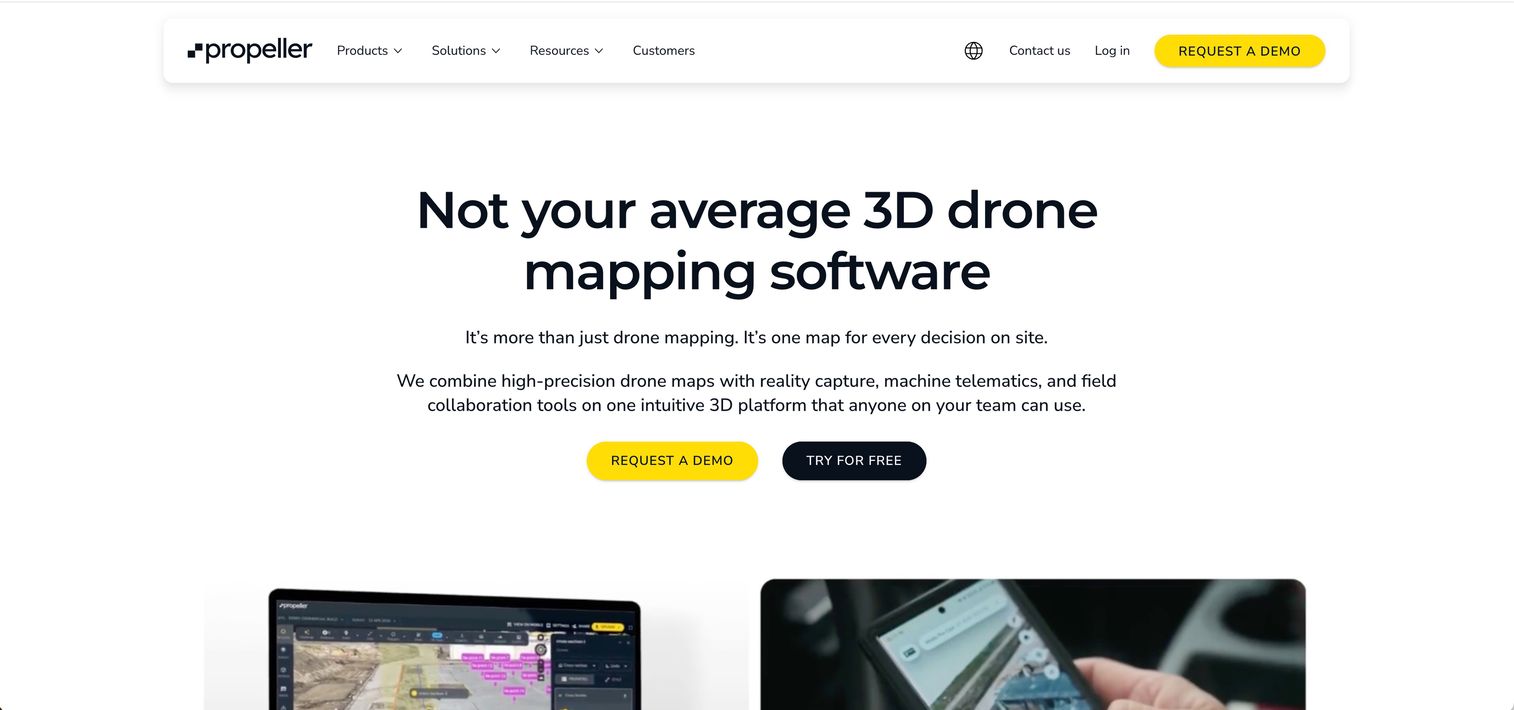
Propeller Aero positions itself as a map-based command center for construction and mining teams. The platform combines drone data with machine telematics, giving you a unified view of site activity. Their proprietary AeroPoints ground control system simplifies achieving survey-grade accuracy without traditional surveying workflows.
What sets Propeller apart is the hardware-agnostic approach. You can use any drone brand, which matters for teams with existing fleets. The platform also handles document management and CAD overlay, so design files live alongside drone data in one interface.
Best for: Construction and mining operations wanting survey-grade accuracy with simplified ground control workflows.
Key strengths
- Hardware-agnostic: Works with any drone brand, protecting existing equipment investments
- AeroPoints GCP system: Proprietary smart ground control points that simplify survey-grade accuracy
- Machine telematics integration: Real-time equipment tracking alongside drone data
- CAD overlay capabilities: Design files displayed directly on drone maps for progress comparison
- Document management: Site documents, photos, and drone data in one coordinated hub
Why choose Propeller Aero
Choose Propeller when you want survey-grade accuracy without the complexity of traditional ground control workflows. The AeroPoints system reduces setup time significantly. The platform also works well for teams already using mixed drone fleets.
Pricing
Subscription model with pricing that scales based on site count and processing volume. Contact sales for specific quotes.
3. Pix4D
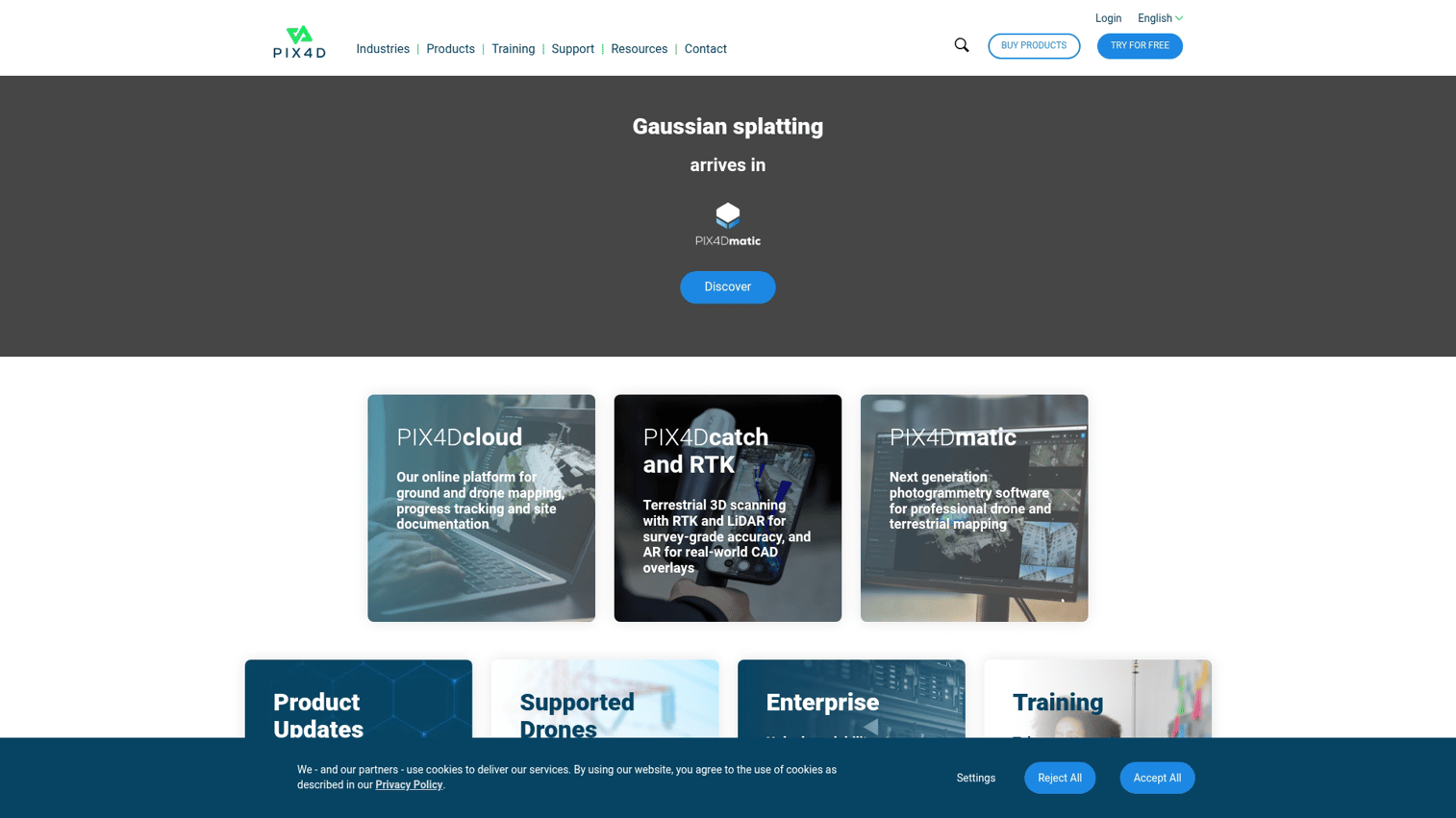
Pix4D remains the industry standard for photogrammetry accuracy. The product suite includes Pix4Dmapper for desktop processing, Pix4Dcloud for collaboration, and Pix4Dmatic for handling large datasets efficiently. Surveying and engineering teams choose Pix4D when precision matters most.
The platform supports RGB, thermal, and multispectral sensors, making it versatile across industries. Processing parameters are highly configurable, which appeals to users who want maximum control over outputs. Integration with CAD and GIS platforms means deliverables flow into existing workflows.
Best for: Surveying firms, engineering teams, and anyone requiring maximum photogrammetry accuracy and processing control.
Key strengths
- Industry-standard algorithms: Photogrammetry processing trusted by surveyors and engineers worldwide
- Flexible deployment: Desktop (Mapper) and cloud options for different security and collaboration requirements
- Multi-sensor support: Handles RGB, thermal, and multispectral imagery in the same platform
- Pix4Dmatic for scale: Automated processing optimized for large datasets and corridor mapping
- CAD/GIS integration: Direct export to common formats and integration with major platforms
Why choose Pix4D
Choose Pix4D when accuracy is non-negotiable and you want maximum control over processing parameters. The learning curve is steeper than cloud-first platforms, but the output quality justifies it for professional surveying applications.
Pricing
Perpetual license and subscription options available. Different products (Mapper, Fields, Cloud) have separate pricing. Educational discounts exist for academic users.
4. ArcGIS Drone2Map
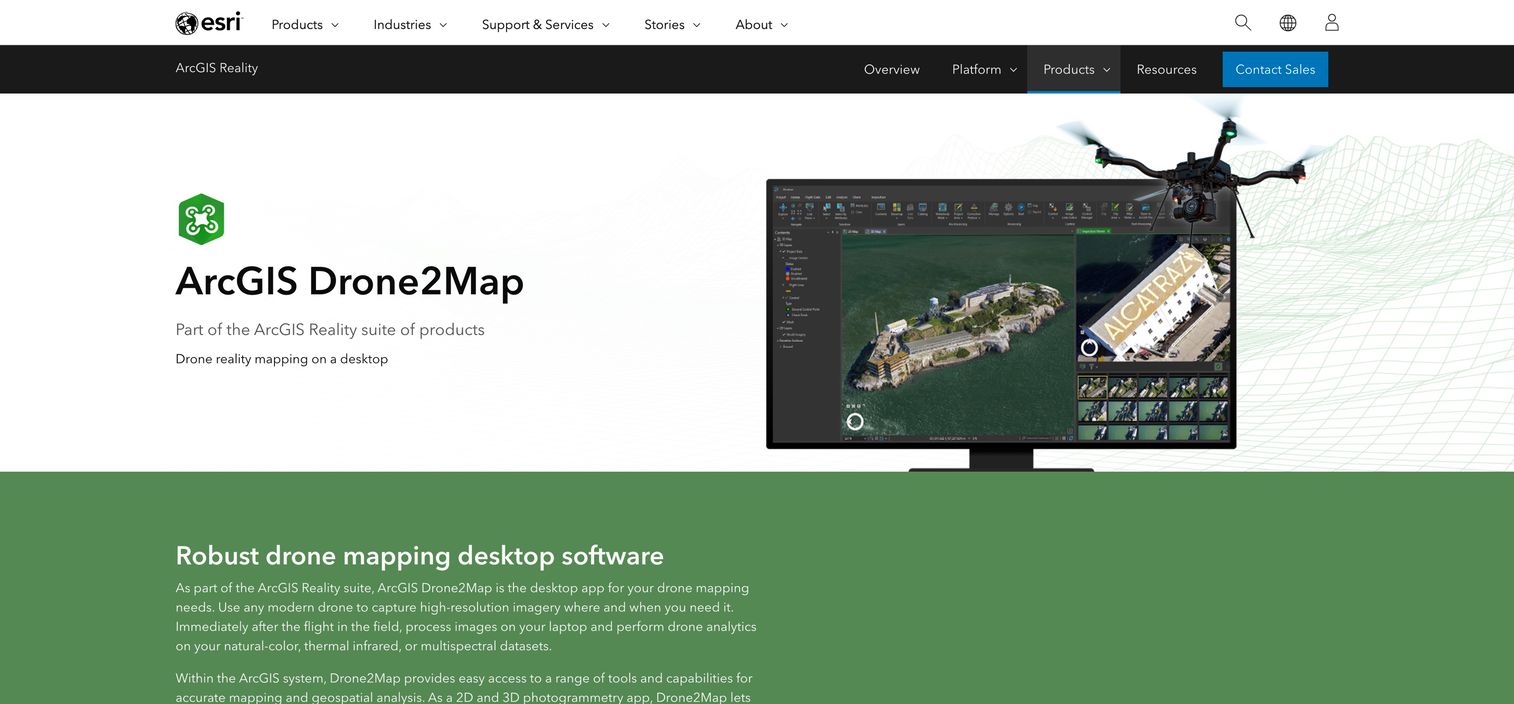
ArcGIS Drone2Map converts drone imagery directly into GIS-ready layers without leaving the Esri ecosystem. For teams already using ArcGIS Pro and ArcGIS Online, Drone2Map eliminates the friction of moving data between systems. Processed outputs publish directly to enterprise GIS infrastructure.
The platform handles 2D orthomosaics and 3D meshes with field-based processing for immediate on-site mapping. As part of the broader ArcGIS Reality suite, it connects to Esri's full range of spatial analysis tools.
Best for: Government agencies, utilities, and enterprises already invested in the Esri GIS ecosystem.
Key strengths
- Native Esri integration: Processed outputs flow directly into ArcGIS Pro and ArcGIS Online
- Direct publishing: Share to enterprise GIS infrastructure without export/import steps
- 2D and 3D outputs: Orthomosaics and 3D meshes from the same processing workflow
- Field-based processing: Generate maps on-site for immediate decision-making
- ArcGIS Reality suite: Part of a broader photogrammetry and reality capture ecosystem
Why choose ArcGIS Drone2Map
Choose Drone2Map when your organization already runs on Esri products. The integration value outweighs standalone feature comparisons. If you're not in the Esri ecosystem, other options likely make more sense.
Pricing
Pricing ties to ArcGIS licensing. Named user and organizational licensing options available through Esri sales channels.
5. OpenDroneMap
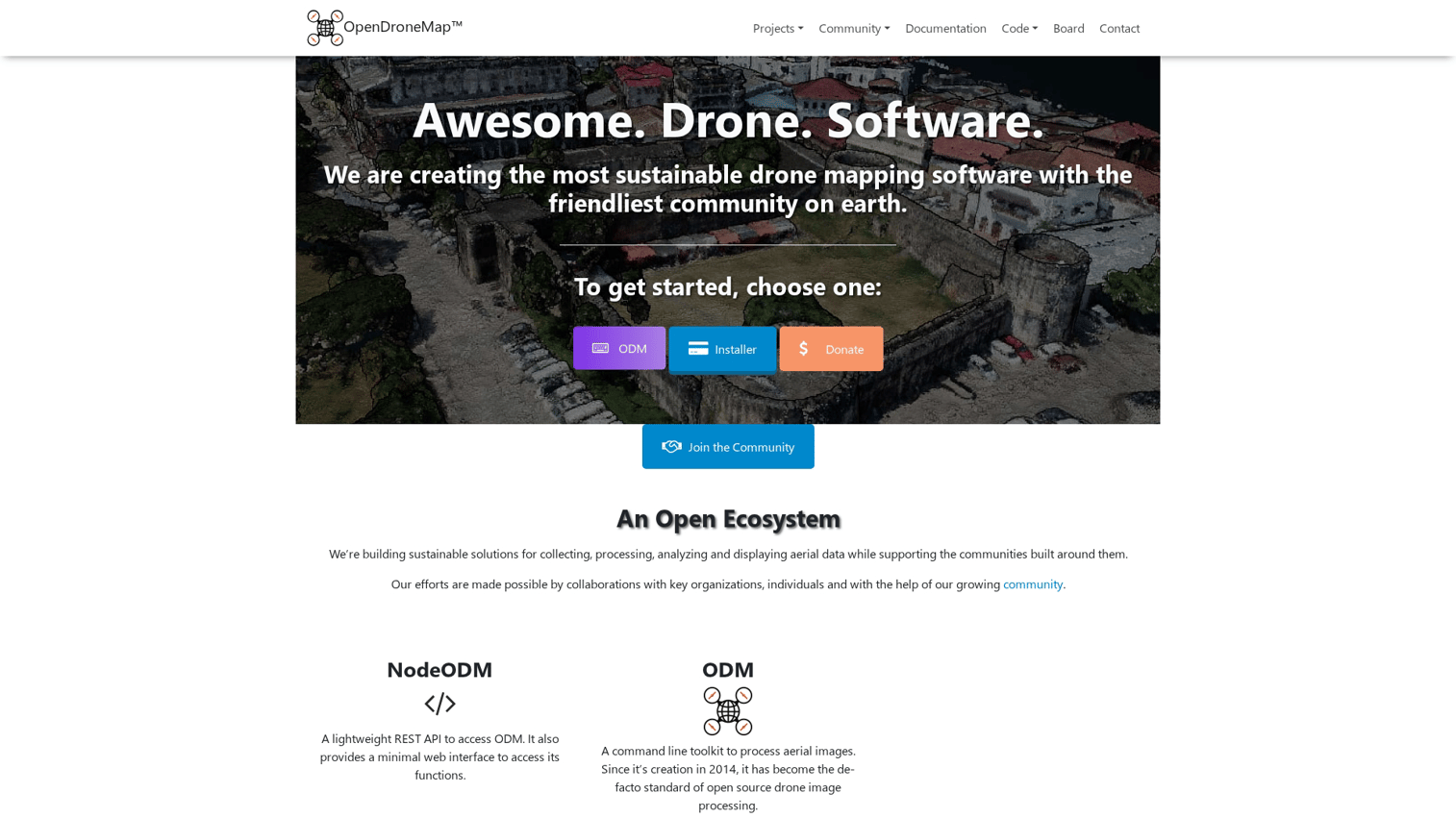
OpenDroneMap provides a robust, free, open-source option for teams with technical capability. WebODM offers a user-friendly interface for non-technical users, while the command-line ODM toolkit gives developers full control. Budget-conscious teams or organizations requiring data sovereignty often start here.
The platform produces orthomosaics, point clouds, 3D models, and DEMs without licensing costs. An active community maintains regular updates, and commercial support options exist for teams that want assistance.
Best for: Budget-conscious teams, academic researchers, and organizations requiring full data control without vendor lock-in.
Key strengths
- Completely free: No licensing costs for the core software
- WebODM interface: Accessible GUI for users who prefer not to use command line
- Full parameter control: Configure every aspect of processing for specific requirements
- No vendor lock-in: Open-source means you own your workflow entirely
- Active community: Regular updates and community support forums
Why choose OpenDroneMap
Choose OpenDroneMap when budget constraints matter or when you require complete control over your processing pipeline. The tradeoff is setup time and technical knowledge. Commercial support through WebODM Lightning provides a middle ground.
Pricing
Free for the core software. WebODM Lightning offers hosted processing for a fee. Commercial support packages available for enterprise deployments.
6. DJI Terra
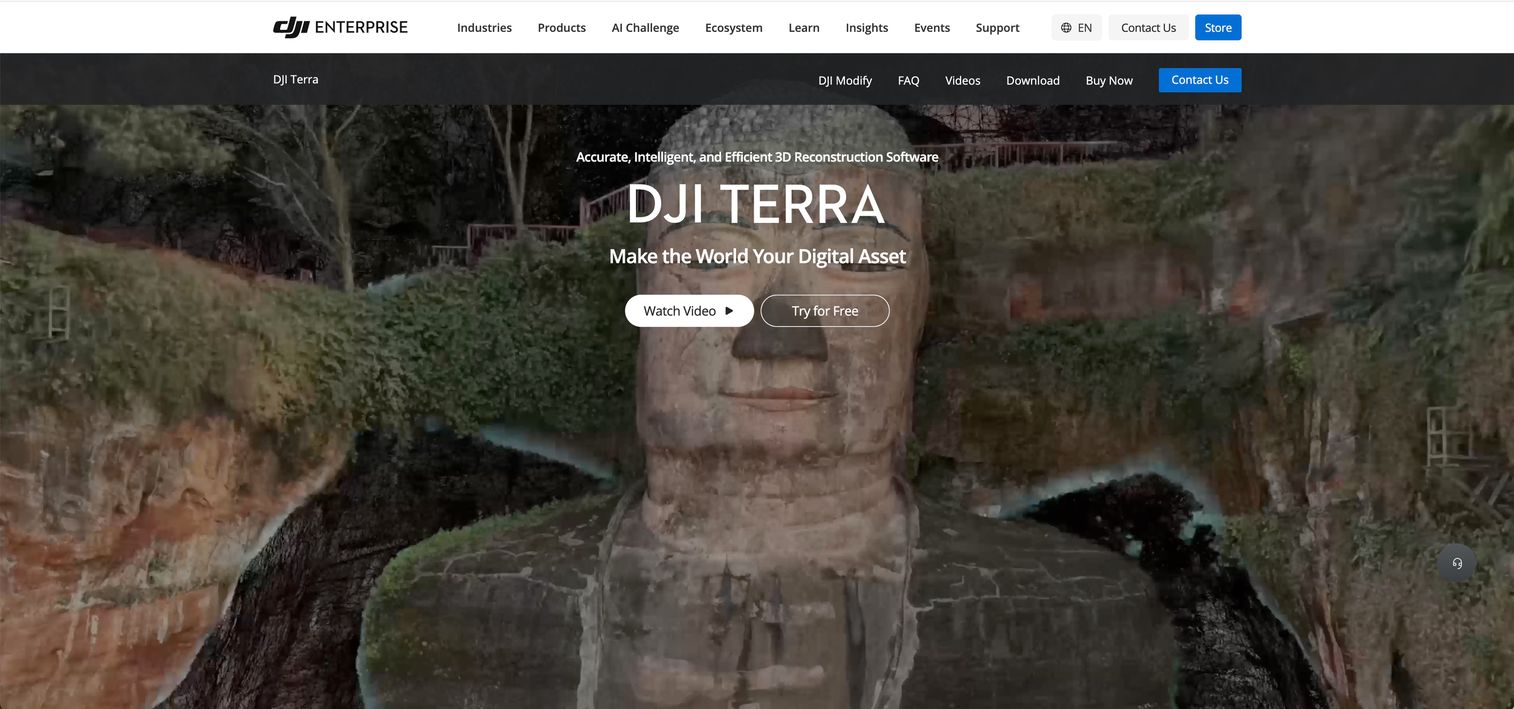
DJI Terra provides the native option for DJI drone users. The tight integration with DJI hardware enables features like real-time 2D mapping during flight. LiDAR point cloud processing works with compatible DJI sensors, and mission planning lives in the same interface as processing.
Local processing keeps data on your machines, which matters for teams with security requirements. The platform handles both photogrammetry and LiDAR workflows, though it only works with DJI equipment.
Best for: Teams standardized on DJI hardware who want seamless integration from flight planning through processing.
Key strengths
- Deep DJI integration: Mission planning and processing in one interface with DJI drones
- Real-time 2D mapping: Generate maps during flight for immediate field decisions
- LiDAR processing: Handle point cloud data from DJI LiDAR sensors
- Local processing: Data stays on your machines for security-sensitive applications
- Unified workflow: Flight planning, capture, and processing without switching tools
Why choose DJI Terra
Choose DJI Terra when your fleet is entirely DJI and you want the simplest possible workflow. The platform won't work with other drone brands, so mixed fleets look elsewhere.
Pricing
Subscription tiers (Pro, Electricity, Agriculture) with pricing that varies by use case. Contact DJI for specific quotes.
7. Agisoft Metashape
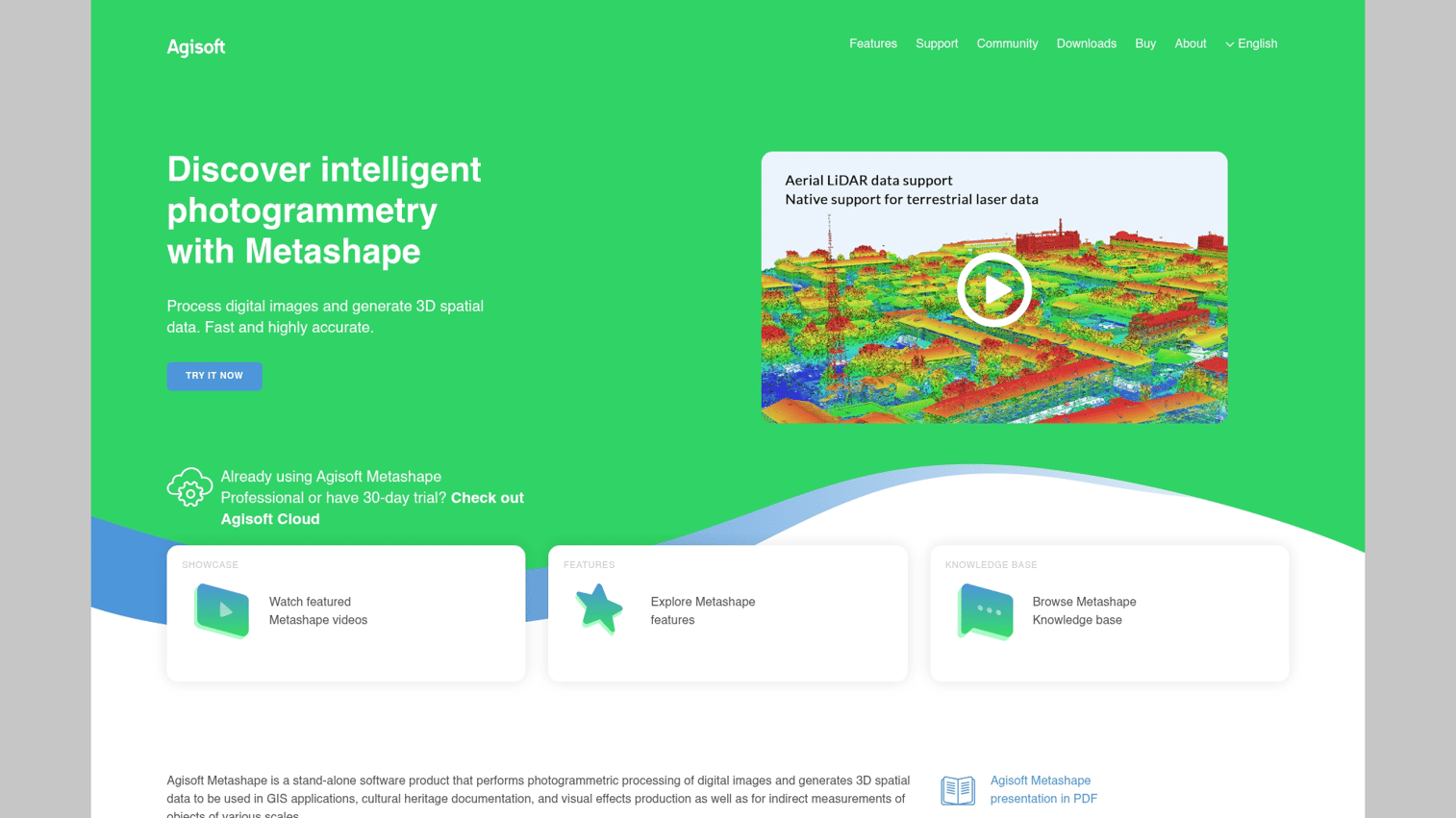
Agisoft Metashape delivers powerful desktop processing for creating high-quality orthomosaics and 3D models. Academic, research, and professional surveying teams choose Metashape when they want maximum control over processing parameters. The Python API enables scripting and automation for production workflows.
The perpetual license model appeals to teams that prefer one-time purchases over ongoing subscriptions. Support for RGB, thermal, and multispectral imagery makes it versatile across applications.
Best for: Academic researchers, professional surveyors, and teams requiring maximum processing control with perpetual licensing.
Key strengths
- Dense point cloud generation: High-quality mesh and point cloud outputs for detailed analysis
- Multi-sensor support: Handles RGB, thermal, and multispectral imagery
- Python API: Scripting and automation for batch processing and custom workflows
- Perpetual license: One-time purchase without recurring subscription costs
- Academic adoption: Widely used in research with extensive documentation and tutorials
Why choose Agisoft Metashape
Choose Metashape when you want maximum processing control and prefer perpetual licensing. The interface is less polished than cloud platforms, but the output quality and flexibility justify it for technical users.
Pricing
Perpetual license pricing for Standard and Professional editions. Educational discounts available for academic institutions.
8. Optelos

Optelos specializes in AI-powered visual data management for inspection and asset analysis. The platform organizes and analyzes large volumes of inspection imagery with automated defect detection. Integration with existing asset management systems means inspection data flows into maintenance planning workflows.
For teams running repeated inspection campaigns across infrastructure portfolios, Optelos handles the scale challenge. The AI classification reduces manual review time significantly.
Best for: Utilities, energy companies, and infrastructure operators running large-scale inspection programs.
Key strengths
- AI-driven defect detection: Automated classification and flagging of potential issues
- Visual data management: Organize inspection imagery across campaigns and assets
- Asset management integration: Connect inspection findings to maintenance systems
- High-volume handling: Built for portfolios with thousands of assets
- Reporting and analytics: Generate maintenance planning reports from inspection data
Why choose Optelos
Choose Optelos when inspection volume exceeds what manual review can handle. The platform makes most sense for organizations with large asset portfolios requiring repeated inspection cycles.
Pricing
Enterprise-focused pricing. Contact sales for quotes based on asset count and inspection volume.
9. Hammer Missions
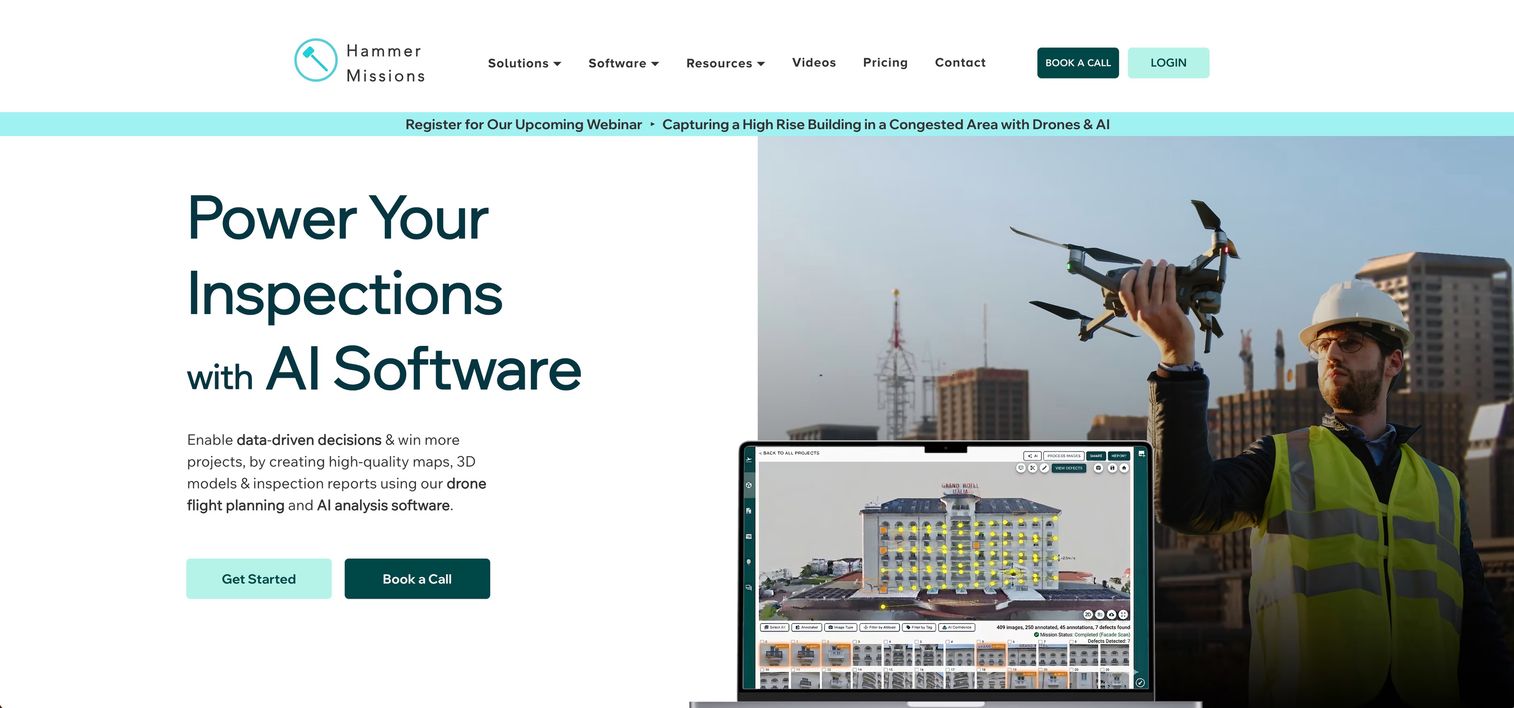
Hammer Missions focuses on AI-based inspection for building envelopes and infrastructure. The platform combines automated flight planning, capture, and AI analysis in one workflow. Façade and roof inspections benefit from the streamlined approach.
The platform generates 2D maps, 3D models, and AI-based assessment reports from inspection flights. For building inspection specialists, the focused feature set reduces complexity compared to general-purpose platforms.
Best for: Building inspection companies and infrastructure assessment teams specializing in façade and envelope analysis.
Key strengths
- AI-based assessment reports: Automated defect identification for façade and roof inspection
- Automated flight planning: Generate building scan missions without manual waypoint programming
- 2D and 3D outputs: Maps and models from inspection flights
- Building envelope focus: Features designed specifically for building inspection workflows
- Streamlined workflow: Capture to report without switching between multiple tools
Why choose Hammer Missions
Choose Hammer Missions when building inspection is your primary use case. The focused feature set means less complexity than general-purpose platforms, though it won't handle other drone analytics workflows.
Pricing
Subscription model with enterprise pricing available. Contact sales for specific quotes.
10. SimActive Correlator 3D
SimActive Correlator3D focuses on speed for large-scale mapping projects. The platform processes massive datasets quickly, making it suitable for corridor mapping, large area surveys, and production environments. GPU-accelerated processing handles the computational load.
The software supports aerial, satellite, and drone imagery, which matters for organizations working across multiple capture methods. Batch processing capabilities enable production workflows with minimal manual intervention.
Best for: Mapping production companies and organizations processing large datasets requiring fast turnaround.
Key strengths
- Fast processing: GPU-accelerated algorithms for rapid large-scale mapping
- Multi-source support: Handles aerial, satellite, and drone imagery
- Batch processing: Production workflows with minimal manual intervention
- Corridor mapping: Optimized for linear infrastructure projects
- Large dataset handling: Built for processing thousands of images efficiently
Why choose SimActive Correlator3D
Choose Correlator3D when processing speed and volume matter most. The platform excels at production mapping where turnaround time directly affects project economics.
Pricing
Perpetual license model with pricing that varies by configuration. Contact SimActive for quotes.
How to choose the best drone mapping software
Selection depends on processing requirements, hardware compatibility, accuracy requirements, and existing software stack. The right choice varies significantly based on your primary use case.
Cloud processing vs local deployment
Cloud platforms like DroneDeploy offer speed and collaboration but require internet connectivity and may raise data security concerns for sensitive projects. Modern platforms increasingly focus on multiple sharing options to balance accessibility with security requirements. Desktop applications like Pix4D Mapper and Agisoft Metashape keep data local but require hardware investment and don't support real-time collaboration as easily.
Government contracts and enterprise security policies often mandate local processing. Check your compliance requirements before committing to a cloud-first platform.
Hardware compatibility and sensor support
Not all software works with all drones. DJI Terra only works with DJI hardware. Pix4D and DroneDeploy are hardware-agnostic. Multispectral and thermal sensors require specific software support, so verify compatibility before purchasing.
Accuracy requirements and ground control
The difference between relative accuracy (good for progress photos) and absolute/survey-grade accuracy (required for legal surveys, engineering) matters significantly. Ground control points (GCPs) or RTK/PPK-enabled drones typically produce survey-grade results. Relative accuracy works fine for many construction progress tracking applications.
CAD and GIS integration
Construction teams often want CAD overlay capabilities for comparing as-built conditions to design files. Government and utility teams typically want GIS integration. ArcGIS Drone2Map wins for Esri shops. Propeller and DroneDeploy offer CAD overlay features for construction workflows.
Pricing model and total cost
Subscription vs. perpetual license tradeoffs affect long-term costs significantly. Total cost includes processing credits, storage, and team seats beyond the base subscription. Open-source options eliminate software cost but require technical setup time and potentially hardware investment for local processing.
How to demo drone analytics platforms before you commit
Most enterprise platforms offer trial periods or sandbox environments for evaluation. Testing with your own flight data rather than sample datasets reveals how well the platform handles your specific imagery and workflows.
Interactive product demos let you explore interfaces before scheduling live demos with sales teams. Evaluating multiple tools side-by-side helps surface workflow differences that aren't obvious from feature lists. For software comparisons beyond drone analytics, platforms like G2 help you compare products across categories. Pay attention to processing time, output quality, and how easily deliverables integrate with your existing tools.
From drone flights to site intelligence
Drone analytics software turns raw aerial imagery into actionable outputs for construction, agriculture, mining, and inspection teams. The right choice depends on your specific industry, accuracy requirements, and existing software stack.
Cloud platforms win for collaboration and speed. Desktop applications win for control and data security. Specialized tools win for specific use cases like building inspection or large-scale production mapping.
Before committing to any platform, test with your actual data and workflows. The best tool is the one that fits how your team actually works.
Start your journey with Guideflow today!
FAQs about drone analytics software
Drone mapping creates visual outputs like orthomosaics and 3D models from aerial imagery. Drone analytics goes further by extracting measurements, detecting changes over time, and generating actionable insights from maps. Most platforms combine both capabilities, though some specialize in one area.
Desktop applications like Pix4D Mapper, Agisoft Metashape, and DJI Terra process data locally without internet connectivity. Cloud platforms like DroneDeploy require connectivity for processing but may support offline field capture with later upload.
Accuracy depends on ground control, flight parameters, and processing settings. With proper ground control points, drone volumetrics can achieve accuracy within 1-3% of traditional survey methods. This level of precision works for inventory valuation and earthwork tracking in most commercial applications.
Common exports include GeoTIFF for orthomosaics, LAS/LAZ for point clouds, OBJ or PLY for 3D meshes, and PDF for reports. Most platforms support integration with CAD and GIS software through standard formats like DXF and shapefile.
For survey-grade absolute accuracy, ground control points or RTK/PPK-enabled drones are typically required. Relative accuracy for progress tracking and visualization often works without GCPs, though results won't be legally defensible for boundary surveys or engineering certifications.
DJI Terra integrates tightly with DJI hardware and offers real-time mapping, but only works with DJI drones. Pix4D is hardware-agnostic with more advanced photogrammetry controls, making it the choice for multi-vendor fleets or specialized accuracy requirements. The "better" option depends entirely on your hardware and accuracy requirements.