
Your marketing team already uses AI tools. The question is whether you're using the right ones for each task, or forcing a general-purpose chatbot to do everything.
This guide compares 12 generative AI tools across text, image, video, audio, and code in a market projected to reach USD 55.51 billion in 2026, with pricing, G2 ratings, and practical guidance on when each platform actually outperforms the alternatives.
What's inside
This guide covers 12 generative AI tools that marketing and business teams actually use to create content, visuals, video, and audio. You'll find a comparison table with pricing and G2 ratings, detailed breakdowns of each tool's strengths, and practical guidance on choosing the right platform for your workflow.
We selected tools based on output quality, ease of adoption, integration options, and value for marketing and business use cases.
TL;DR
- Best for versatile writing and coding: ChatGPT
- Best for nuanced, long-form content: Claude
- Best for brand-safe image generation: Adobe Firefly
- Best for text-to-video: Runway
- Best for realistic voiceovers: ElevenLabs
- Best free starting point: Google Gemini
What are generative AI tools
Generative AI tools are platforms that create entirely new text, images, videos, audio, and code based on user prompts. Unlike analytical AI that processes existing data, generative AI produces original content from natural language instructions.
You give the tool a prompt. The underlying model interprets your request. Then the tool generates an output.
That's the basic workflow, whether you're writing blog posts, creating social graphics, or producing voiceovers.
How generative AI creates content
The process starts with a prompt, which is simply a natural language instruction describing what you want. "Write a product description for a CRM" or "Create an image of a modern office space" both qualify as prompts.
The model (GPT, Claude, Stable Diffusion, or similar) interprets your prompt and generates a response. Output quality depends heavily on prompt clarity. Vague instructions produce generic results, while specific, detailed prompts yield content closer to what you actually want.
Key capabilities of modern AI tools
Different tools specialize in different output types:
- Text generation: Blog posts, emails, product descriptions, ad copy, social captions
- Image creation: Marketing visuals, social graphics, product mockups, presentation slides
- Video production: Short clips, explainer videos, social content, talking-head presentations
- Audio synthesis: Voiceovers, podcast intros, narration, multilingual audio
- Code assistance: Writing scripts, debugging, explaining existing code, generating tracking snippets
Most marketing teams use multiple platforms depending on the task at hand.
When to use generative AI tools in your workflow
Knowing when to reach for AI (and when to skip it) saves time and improves results in a category that drew $37 billion in 2025.
Content creation and copywriting
AI handles first drafts faster than starting from scratch. Landing page copy, email sequences, social posts, and product descriptions all benefit from AI-generated starting points that help marketers recover 6.1 hours weekly.
The key word is "starting points." Teams still edit for brand voice, accuracy, and strategic alignment. AI accelerates production but doesn't replace editorial judgment.
Visual asset generation
When you want social graphics, blog illustrations, or presentation visuals quickly, AI image tools deliver usable assets in minutes. Tools like Canva's AI image generator make this particularly accessible for non-designers. They work well for concepts, mood boards, and internal materials.
For client-facing or brand-critical visuals, consider tools trained on licensed content (like Adobe Firefly) to avoid copyright concerns. AI-generated images often require iteration, so budget time for prompt refinement.
Video and audio production
Text-to-video tools create short clips without cameras, studios, or editing software. AI voiceovers produce professional narration without booking voice talent.
The tradeoff is control. AI-generated video and audio work well for social content, training materials, and internal communications. High-stakes brand campaigns typically still involve traditional production.
Code assistance and technical documentation
Even non-developers benefit from AI code tools. Marketers working on landing pages, tracking scripts, or API documentation can use AI to generate snippets, debug issues, and explain unfamiliar code.
GitHub Copilot and similar tools integrate directly into code editors, suggesting completions as you type and helping developers complete tasks 55% faster. For occasional coding tasks, ChatGPT or Claude handle most requests without specialized setup.
Generative AI tools comparison table
# | Product | Category | Best for | Pricing | G2 rating |
|---|---|---|---|---|---|
1 | ChatGPT | Multi-purpose | Versatile writing, coding, and research | Free tier, Plus from $20/mo | 4.7/5 |
2 | Claude | Text | Nuanced writing and long-form content | Free tier, Pro from $20/mo | 4.7/5 |
3 | Google Gemini | Multi-purpose | Google Workspace integration | Free tier, Advanced from $20/mo | 4.4/5 |
4 | Midjourney | Image | Distinctive, artistic visuals | From $10/mo | 4.4/5 |
5 | DALL-E 3 | Image | Accurate prompt following with text | Included with ChatGPT Plus | 4.3/5 |
6 | Adobe Firefly | Image | Brand-safe, commercial visuals | Free tier, Premium available | 4.5/5 |
7 | Runway | Video | Text-to-video and AI editing | Free tier, from $15/mo | 4.4/5 |
8 | Synthesia | Video | Avatar-based talking-head videos | From $29/mo | 4.7/5 |
9 | ElevenLabs | Audio | Realistic voiceovers and speech | Free tier, from $5/mo | 4.7/5 |
10 | GitHub Copilot | Code | In-editor code assistance | From $10/mo | 4.5/5 |
11 | Jasper | Text | Marketing templates and brand voice | From $49/mo | 4.7/5 |
12 | Copy.ai | Text | Sales copy and outbound messaging | Free tier, from $49/mo | 4.7/5 |
Best generative AI tools for marketing and business teams
1. ChatGPT
ChatGPT remains the most versatile generative AI tool for business use. OpenAI's flagship chatbot handles writing, brainstorming, coding, research, and conversational tasks from a single interface. The platform includes DALL-E integration for image generation, web browsing for current information, and a plugin ecosystem for extended functionality.
Best for: Teams wanting one tool that covers most content types without switching platforms.
Key strengths
- Broad capability: Handles text, code, image generation, and web research in one place
- Plugin ecosystem: Connects to third-party tools for tasks like data analysis and document processing
- Voice mode: Enables spoken conversations for hands-free brainstorming and dictation
Why choose ChatGPT
Pick ChatGPT when you want a generalist AI that handles 80% of tasks well. The learning curve is minimal, and most team members can produce useful output within minutes. For specialized work (like nuanced long-form writing or brand-safe images), dedicated tools often outperform it.
ChatGPT pricing
Free tier available with GPT-3.5. Plus subscription ($20/month) unlocks GPT-4, DALL-E, and advanced features. Team and Enterprise plans available for business use.
2. Claude
Claude from Anthropic focuses on writing quality over feature breadth. The platform produces polished prose that requires less editing, handles complex reasoning tasks well, and supports massive context windows for processing long documents.
Best for: Writers who prioritize quality and work with lengthy source materials.
Key strengths
- Writing quality: Produces nuanced, on-brand content that requires fewer revision cycles
- Large context window: Processes documents up to 200,000 tokens (roughly 150,000 words) in a single conversation
- Thoughtful reasoning: Handles multi-step analysis and complex instructions more reliably than most alternatives
Why choose Claude
Pick Claude when writing quality matters more than feature variety. Content teams, copywriters, and anyone working with long documents often prefer Claude's output over ChatGPT's. The tradeoff is fewer integrations and no native image generation.
Claude pricing
Free tier with usage limits. Pro subscription ($20/month) for higher usage and priority access. Team plans available.
3. Google Gemini
Google Gemini integrates deeply with Google Workspace. If your team lives in Docs, Sheets, Gmail, and Slides, Gemini brings AI assistance directly into those tools without context switching.
Best for: Teams already using Google Workspace who want AI built into their existing workflow.
Key strengths
- Google Workspace integration: Works inside Docs, Sheets, Gmail, and Slides natively
- Multimodal input: Accepts text, images, and documents in prompts
- Web search access: Pulls current information through Google Search
Why choose Gemini
Pick Gemini when your team already works in Google's ecosystem. The integration reduces friction compared to copying content between tools. For standalone AI tasks, ChatGPT or Claude often produce better results.
Google Gemini pricing
Free tier through Google. Advanced tier ($20/month) through Google One includes 2TB storage and Gemini in Workspace apps. Enterprise plans available.
4. Midjourney
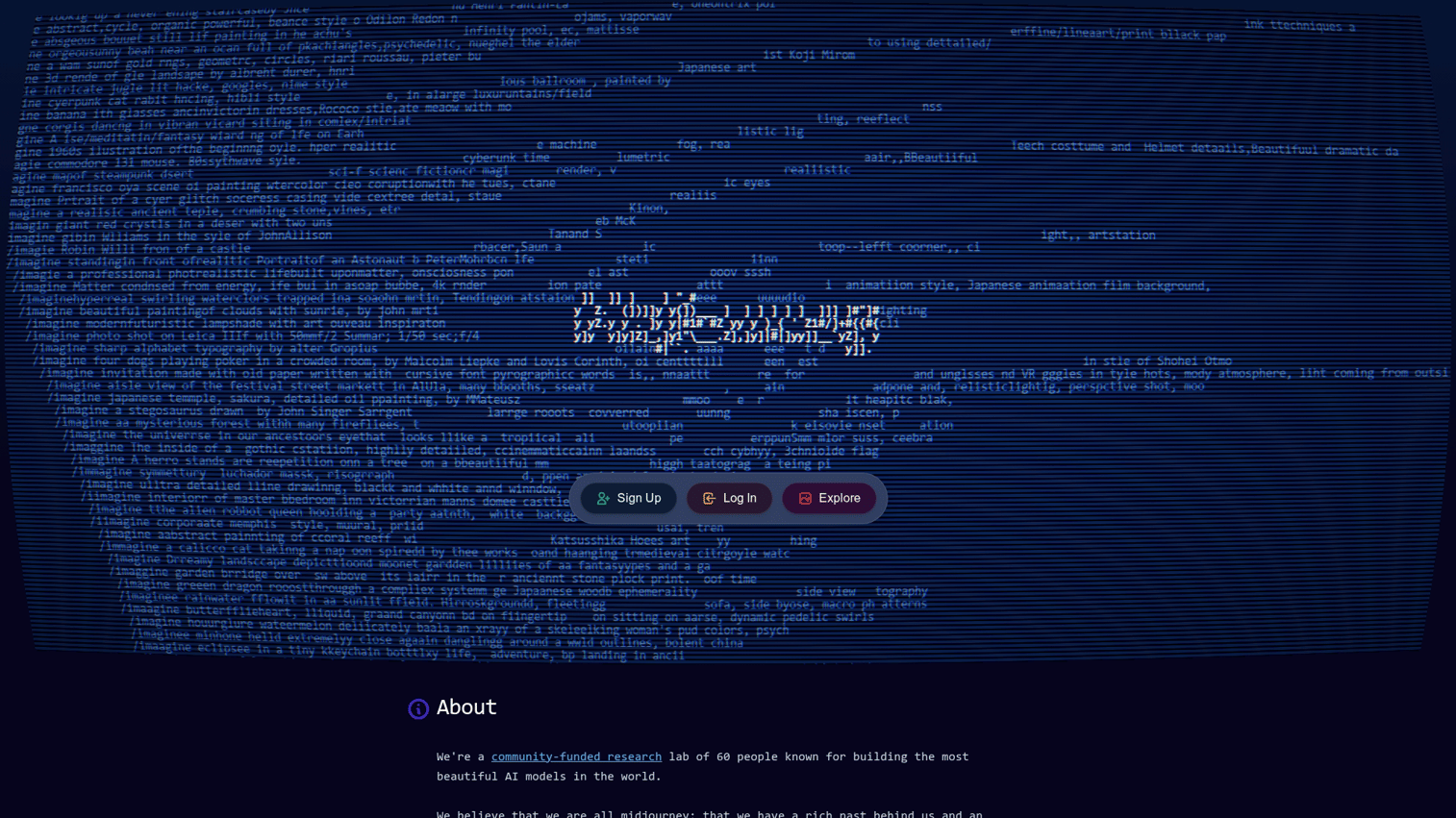
Midjourney produces distinctive, artistic images that stand out from other AI generators. The platform operates through Discord, which takes adjustment, but the visual quality and stylistic consistency make it worth the learning curve.
Best for: Marketers creating eye-catching visuals for campaigns, social media, and brand content.
Key strengths
- Distinctive aesthetics: Produces highly stylized images with a recognizable artistic quality
- Consistent quality: Delivers polished results even with simple prompts
- Community inspiration: Discord server provides prompt ideas and style references from other users
Why choose Midjourney
Pick Midjourney when visual distinctiveness matters more than photorealism or brand safety. The images look different from stock photography, which helps content stand out. For commercial use, verify licensing terms and consider brand guidelines.
Midjourney pricing
Subscription-based starting at $10/month for Basic. Higher tiers ($30/month and up) include more generation capacity and faster processing.
5. DALL-E 3
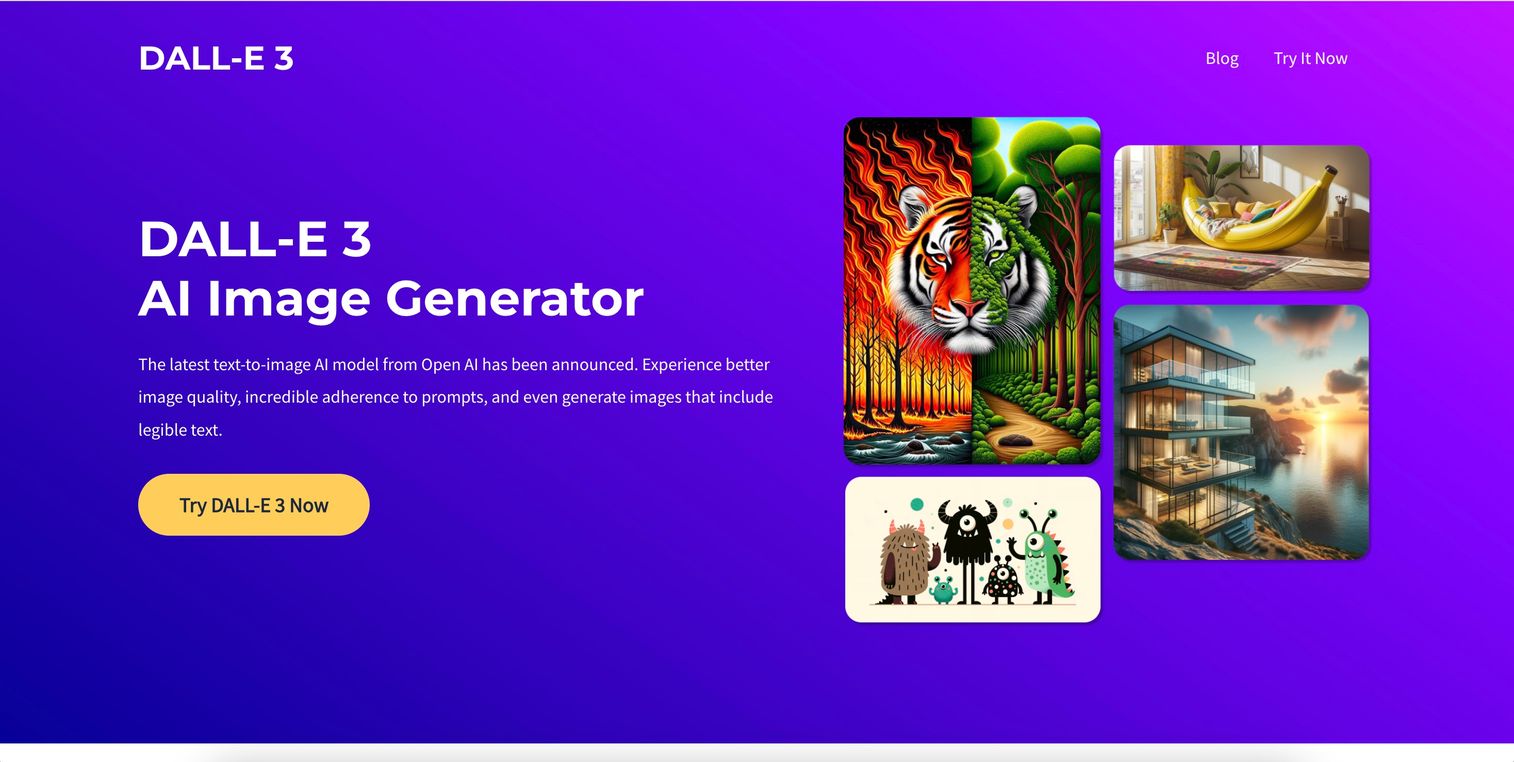
DALL-E 3 from OpenAI excels at following detailed prompts accurately. Unlike earlier versions, DALL-E 3 renders readable text within images and interprets complex instructions reliably.
Best for: ChatGPT users who want image generation without switching platforms.
Key strengths
- Prompt accuracy: Follows complex, detailed instructions more closely than most alternatives
- Text in images: Renders readable text, logos, and typography within generated images
- ChatGPT integration: Generate and iterate on images within conversations
Why choose DALL-E 3
Pick DALL-E 3 when you already use ChatGPT and want seamless image generation. The integration means you can describe, generate, and refine images through conversation. For standalone image work, Midjourney often produces more distinctive results.
DALL-E 3 pricing
Included with ChatGPT Plus ($20/month). API access available with usage-based pricing.
6. Adobe Firefly
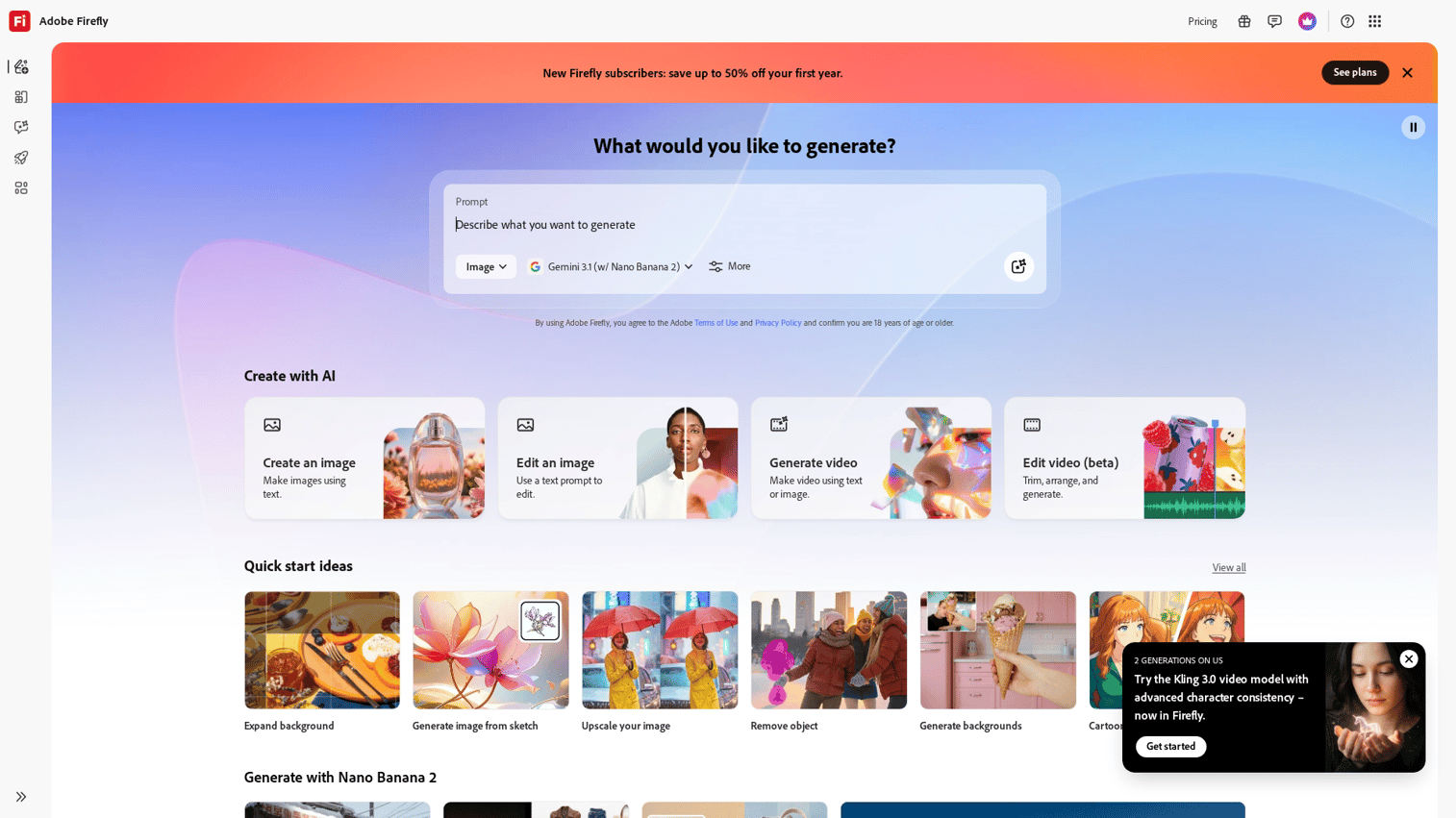
Adobe Firefly prioritizes commercial safety. The platform trains on licensed content and Adobe Stock, reducing copyright concerns for business use. Integration with Photoshop, Illustrator, and other Creative Cloud apps makes it practical for design teams.
Best for: Brands and agencies that require commercially safe, brand-consistent asset creation.
Key strengths
- Commercial safety: Trained on licensed and Adobe Stock content, reducing legal risk
- Creative Cloud integration: Works inside Photoshop, Illustrator, and Express
- Style reference: Upload brand assets to maintain visual consistency across generated images
Why choose Adobe Firefly
Pick Firefly when commercial licensing and brand safety are non-negotiable. The integration with Creative Cloud tools makes it practical for design workflows. For experimental or internal visuals where licensing matters less, other tools offer more creative range.
Adobe Firefly pricing
Free tier with limited generations. Included in Creative Cloud subscriptions. Premium plans available for higher usage.
7. Runway
Runway brings text-to-video generation to marketing teams. Describe a scene, and the platform generates video clips. The AI editing tools handle background removal, clip extension, and effects without traditional video editing skills.
Best for: Marketing teams producing video content without large production budgets.
Key strengths
- Text-to-video: Generate video clips from written descriptions
- AI editing tools: Remove backgrounds, extend clips, and apply effects automatically
- Professional quality: Outputs suitable for social media and commercial use
Why choose Runway
Pick Runway when you want to produce video content quickly without traditional production. The results work well for social content, ads, and internal communications.
For high-stakes brand campaigns, traditional video production still offers more control. Some teams opt for live demos as a middle ground between fully automated AI content and traditional production.
Runway pricing
Free tier with limited generations. Subscription tiers start at $15/month based on generation credits.
8. Synthesia
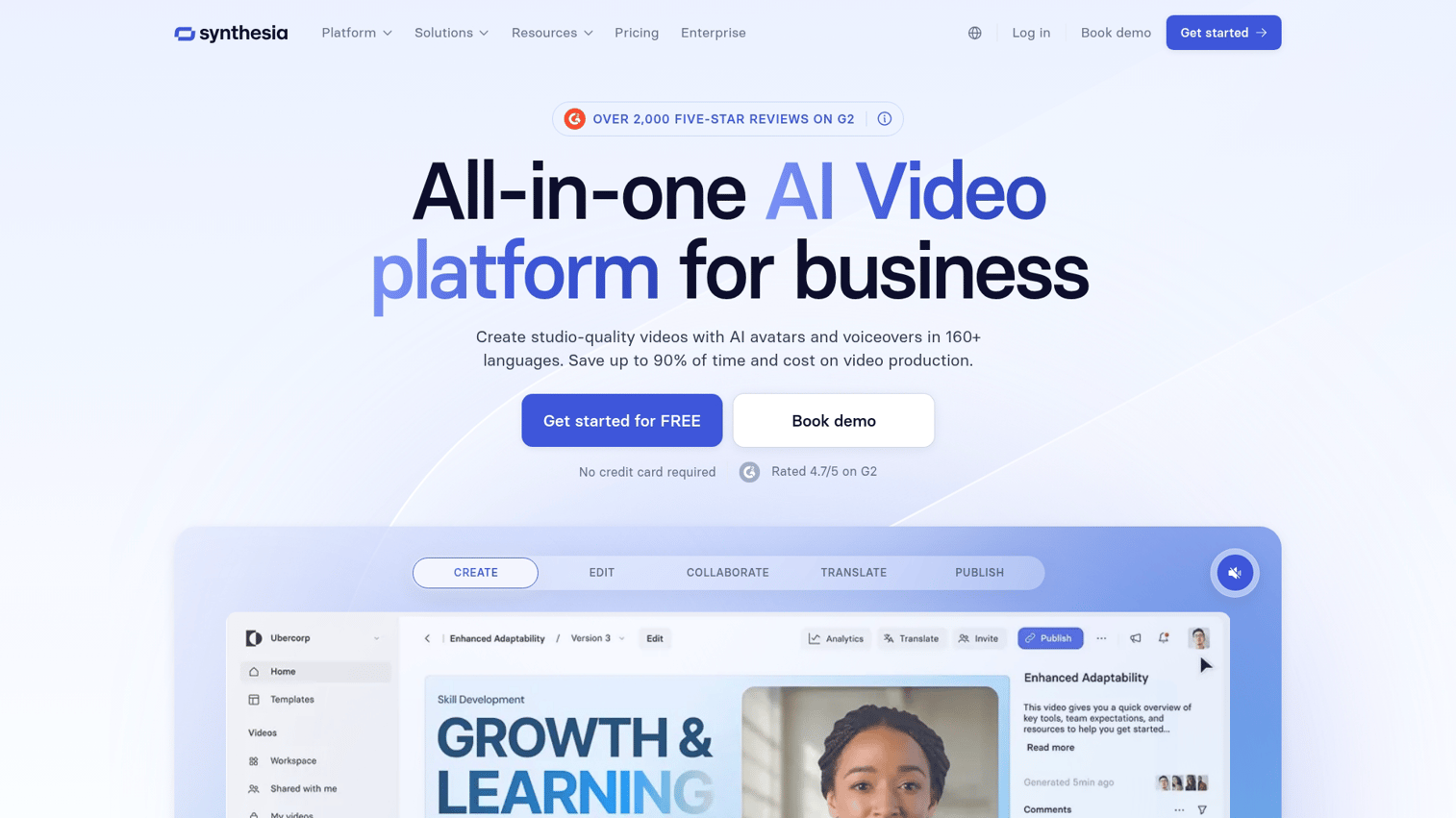
Synthesia creates talking-head videos using AI avatars. Write a script, choose an avatar, and the platform generates a video of a realistic digital presenter speaking your words. No cameras, studios, or actors required.
Best for: Teams creating training videos, product explainers, and personalized video messages at scale.
Key strengths
- AI avatars: Realistic digital presenters that speak your script naturally
- Multi-language support: Generate videos in dozens of languages from one script
- No production required: Skip filming, editing, and post-production entirely
Why choose Synthesia
Pick Synthesia when you want talking-head videos without video production overhead. Training content, product walkthroughs, and internal communications work well. For customer-facing content, test audience reception before scaling.
Tip: If you're creating product walkthroughs, consider pairing video with interactive demos that let viewers click through your product themselves.
Synthesia pricing
Subscription-based starting at $29/month for personal use. Enterprise tiers available for teams.
9. ElevenLabs
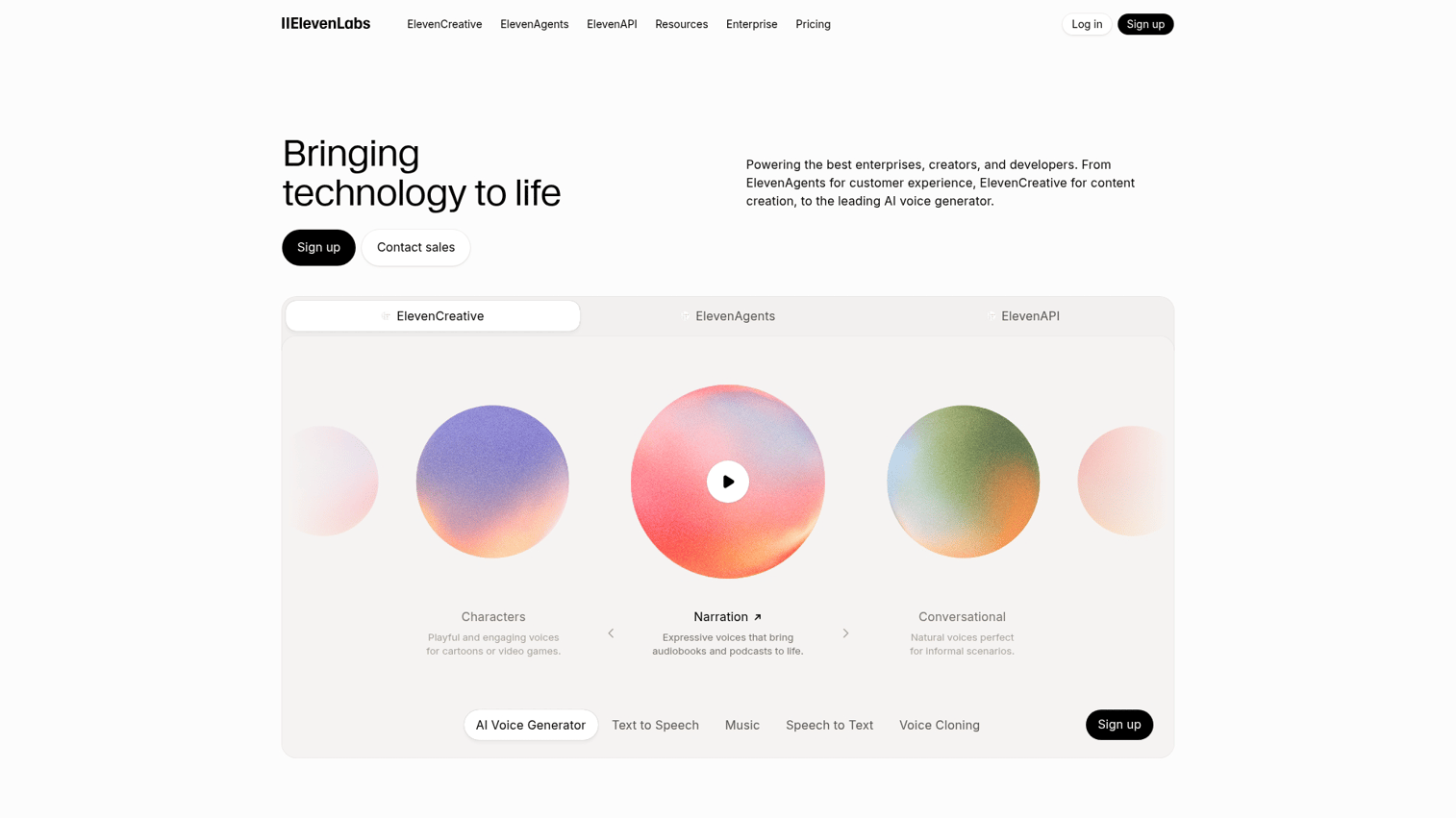
ElevenLabs produces the most realistic AI voiceovers available. The platform handles emotion, intonation, and pacing naturally, making synthetic speech nearly indistinguishable from human recordings.
Best for: Creators producing professional voiceovers for videos, podcasts, and audio content.
Key strengths
- Voice realism: Produces natural-sounding speech with emotion and dynamic pacing
- Voice cloning: Create custom voices from audio samples (with consent)
- Multi-language: Supports speech generation in 29+ languages
Why choose ElevenLabs
Pick ElevenLabs when voice quality is critical and synthetic audio needs to sound human. The platform works well for explainer videos, podcast intros, and multilingual content. For conversational or highly emotional content, human voice talent may still outperform AI.
ElevenLabs pricing
Free tier with limited characters. Subscription tiers start at $5/month based on character limits.
10. GitHub Copilot
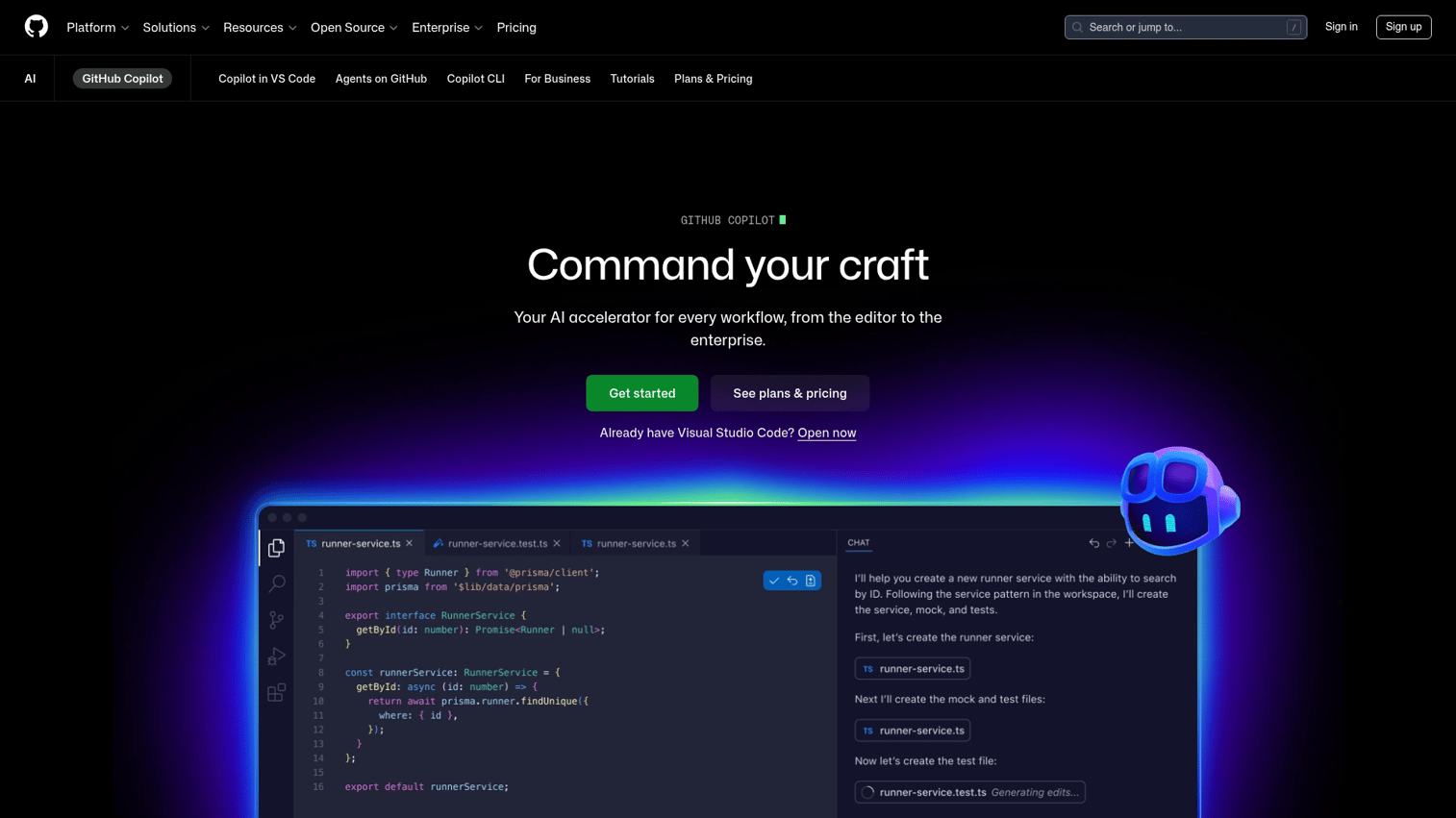
GitHub Copilot assists with code as you write. The AI suggests completions, writes functions, and explains existing code directly in your editor. Even marketers working on landing pages or tracking scripts benefit from AI code assistance.
Best for: Developers and technical marketers working with code for landing pages, tracking, and integrations.
Key strengths
- Code completion: Suggests lines and functions as you type
- Multi-language: Supports most programming languages
- IDE integration: Works inside VS Code, JetBrains, and other popular editors
Why choose GitHub Copilot
Pick Copilot when you write code regularly and want AI assistance inside your editor. The integration reduces context switching compared to copying code into ChatGPT. For occasional coding tasks, ChatGPT or Claude handle most requests without specialized setup.
GitHub Copilot pricing
Individual plans start at $10/month. Business and Enterprise plans available for teams.
11. Jasper
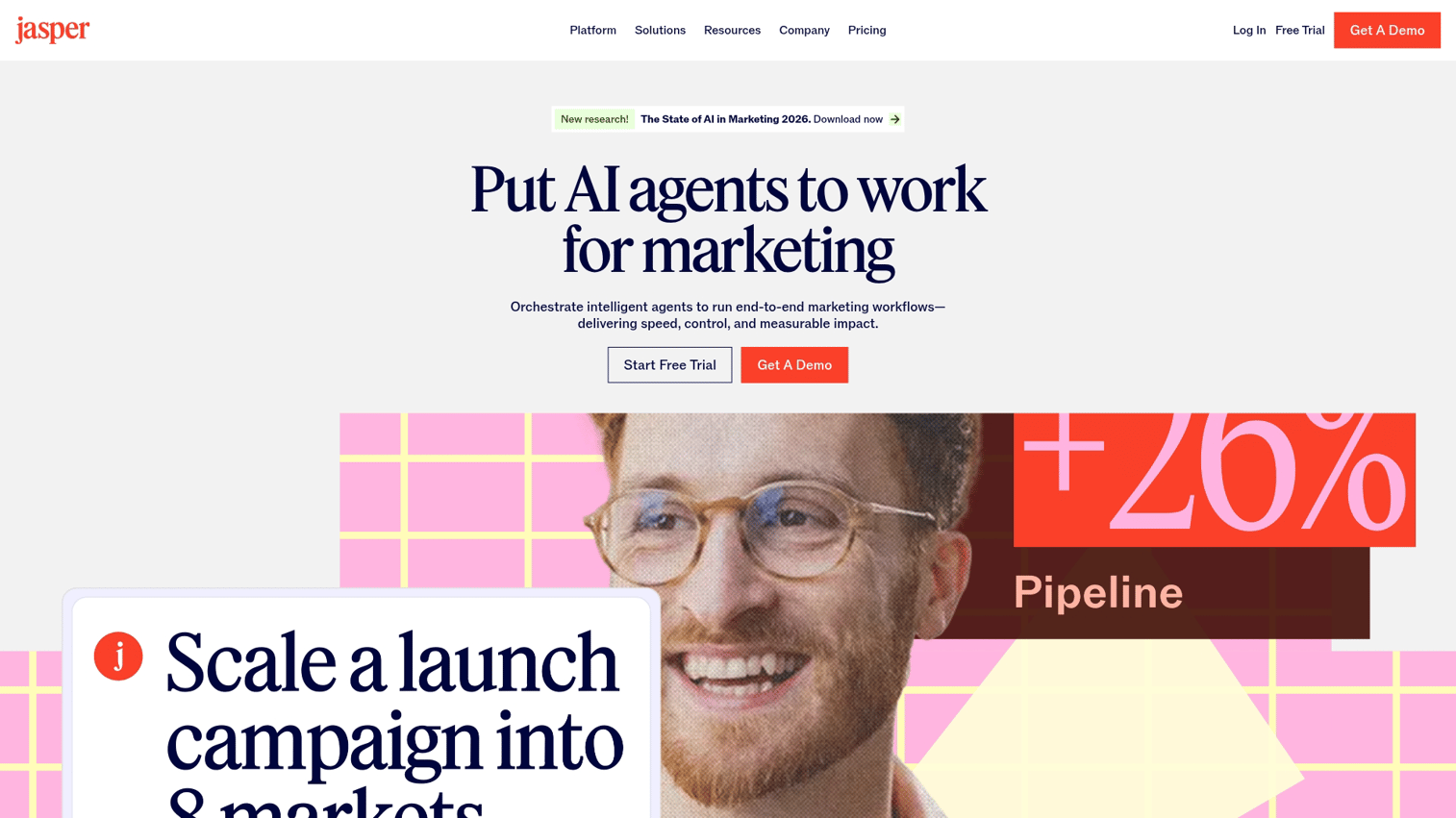
Jasper builds AI writing specifically for marketing teams. The platform offers templates for ads, emails, social posts, and landing pages, plus brand voice training to maintain consistency across content. For teams evaluating broader product marketing software tools, AI writing represents just one category in the marketing tech stack.
Best for: Marketing teams that want structured templates and brand voice controls built in.
Key strengths
- Marketing templates: Pre-built formats for ads, emails, social posts, landing pages, and more
- Brand voice: Train the AI on your brand's tone, style, and terminology
- Campaign workflows: Organize content by project and collaborate with team members
Why choose Jasper
Pick Jasper when you want marketing-specific templates and brand voice controls out of the box. The platform reduces setup time compared to training general-purpose AI on your brand. For teams comfortable with prompt engineering, ChatGPT or Claude offer more flexibility at lower cost.
Jasper pricing
Subscription-based starting at $49/month for Creator. Business plans available for teams.
12. Copy.ai
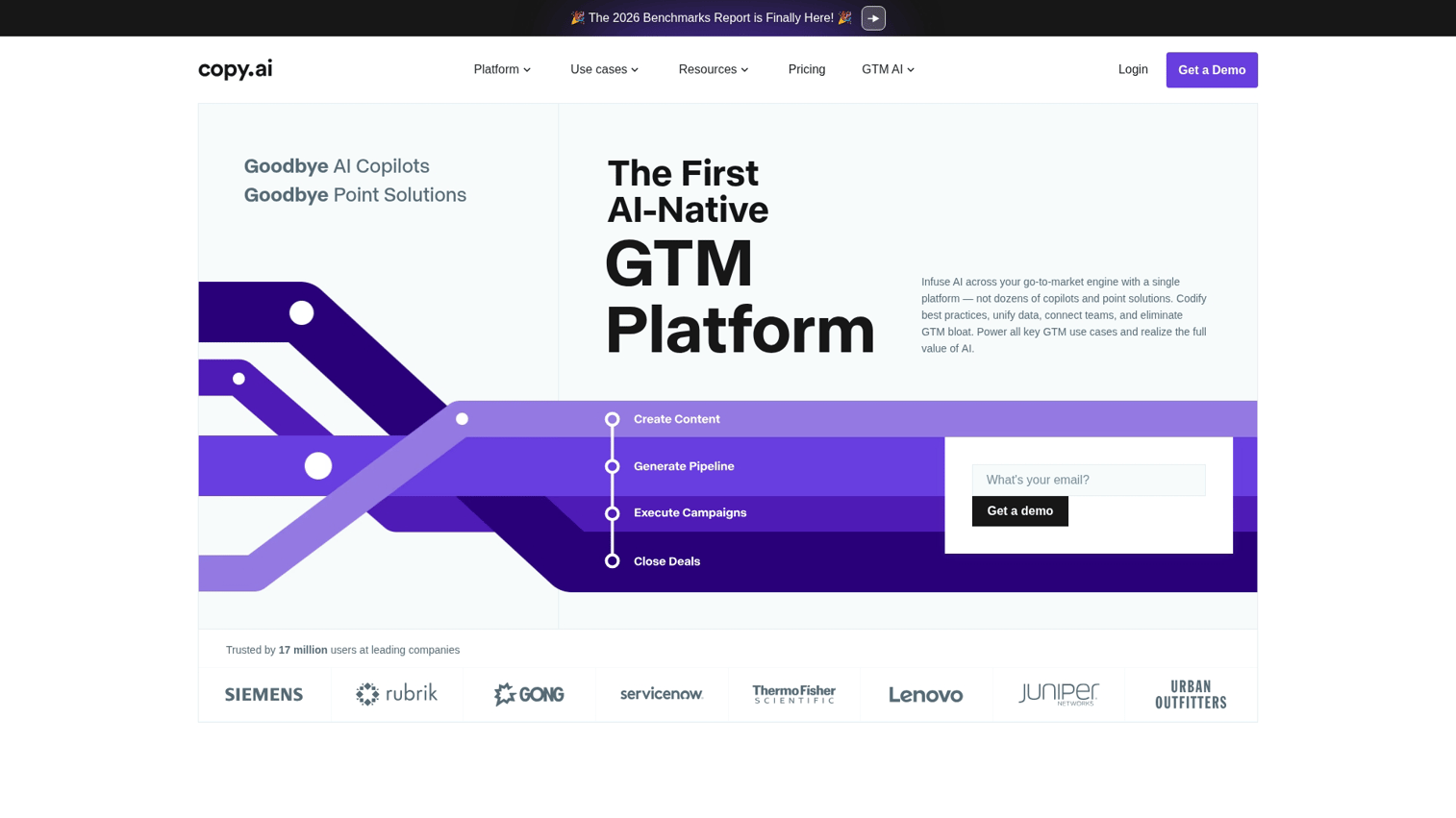
Copy.ai focuses on sales and marketing copy with workflows for outbound messaging, content creation, and go-to-market teams. The platform emphasizes automation for repetitive copywriting tasks.
Best for: Sales and marketing teams automating repetitive copywriting tasks.
Key strengths
- Sales workflows: Generate personalized outreach at scale
- Content automation: Create blog posts, social content, and product descriptions
- Team collaboration: Shared workspaces for content teams
Why choose Copy.ai
Pick Copy.ai when you want AI focused on sales copy and outbound messaging. The workflows suit demand generation teams running high-volume campaigns. For general writing tasks, ChatGPT or Claude offer broader capability.
Copy.ai pricing
Free tier with limited words. Pro plans start at $49/month. Team plans available.
How to choose the right generative AI tool
With 12 options on the table, how do you decide? Start with your primary use case, then evaluate against the criteria below.
Output quality and consistency
Not all generative AI tools produce equal quality. Text tools vary in tone and accuracy. Image tools vary in style and prompt adherence.
Test multiple tools with the same prompt before committing. What works for one use case may disappoint for another.
Pricing and usage limits
Generative AI pricing models vary significantly:
- Free tiers: Good for testing, limited for production use
- Subscriptions: Predictable monthly costs, may include unused capacity
- Usage-based: Pay for what you use, but costs can spike unexpectedly
Calculate your expected usage before committing. Hitting limits mid-project disrupts workflows and forces difficult decisions.
Integration with your existing stack
The best tool is one that fits your workflow. Consider whether the platform connects to your CRM or marketing automation software.
Check if it works inside tools you already use (Google Workspace, Slack). Look for API access if you want custom integrations.
Tools that integrate with HubSpot, Salesforce, and more reduce manual work and help you connect AI output to pipeline metrics.
Learning curve and team adoption
Powerful tools can be complex. Consider how long until your team produces useful output.
Check whether the tool offers templates or guidance for beginners. Look for documentation and support when you get stuck.
Simpler tools often drive faster adoption than feature-rich platforms. A tool your team actually uses beats a powerful tool that sits unused.
Data privacy and security
Enterprise teams face additional considerations around where data goes, who can access it, and whether inputs train future models.
Questions to ask before adopting any AI tool:
- Does the tool offer enterprise data policies?
- Can you opt out of training data collection?
- Does it meet your compliance requirements (SOC 2, GDPR)?
Data privacy matters especially for teams handling customer data or proprietary content.
Put generative AI tools to work
Start with one of these generative AI tools that addresses your most pressing use case. Text generation? Try ChatGPT or Claude.
Visual assets? Test Midjourney or Adobe Firefly. Video content? Explore Runway or Synthesia.
Most teams end up using multiple tools for different tasks. That's normal. The goal is accelerating production, not consolidating everything into one platform.
One thing AI tools can't do: show prospects your actual product. Descriptions and visuals help, but hands-on experience converts. For teams that want to show rather than tell, interactive demos let prospects experience your product firsthand.
Start your journey with Guideflow today!
FAQs about generative AI tools
ChatGPT offers broader capabilities including image generation, plugins, and web browsing. Claude focuses on writing quality, nuanced reasoning, and processing very long documents. Choose ChatGPT for versatility, Claude for writing-intensive work.
AI tools produce high-quality drafts but require human review for accuracy, brand voice, and factual claims. Treat AI output as a starting point, not a finished product.
Most commercial AI tools grant usage rights for generated content. Check each tool's terms of service. For maximum commercial safety, consider tools trained on licensed content like Adobe Firefly.
Use tools with brand voice training features (like Jasper), create detailed style guides in your prompts, and always edit AI output to match your established tone. Consistency requires human oversight.
ChatGPT, Claude, Gemini, Adobe Firefly, Copy.ai, and ElevenLabs all offer free tiers with usage limits. Free tiers work well for testing before committing to paid plans.
AI tools accelerate production and handle repetitive tasks. Human judgment remains essential for strategy, brand voice, quality control, and creative direction. Think of AI as a force multiplier, not a replacement.
Most text-based generative AI tools are usable within minutes. Image and video tools may take a few hours to learn effective prompting. The learning curve is generally shallow compared to traditional creative software.
Evaluate whether the tool uses your inputs for model training, where data is stored, who has access, and whether enterprise data protection agreements are available. Many tools offer enterprise tiers with stronger privacy controls.