Moving a workload to a dedicated server is not just a hardware decision. It is a responsibility decision. You are choosing who patches the OS at 2 a.m., who responds when a disk fails, who owns the firewall rules, and who calls you back when something breaks.
The dedicated server hosting market reached $23.96 billion in 2025, according to Maximize Market Research, growing at a projected 18.9% CAGR through 2032. Demand is accelerating because shared and virtual infrastructure no longer satisfies teams that need predictable performance, isolated resources, or tighter control over their security posture.
Getting the choice wrong means overpaying for hardware you do not need, inheriting operational tasks your team cannot support, or discovering renewal pricing that doubles the first-year cost. This guide is built to help you avoid all three.
What's inside
This guide covers 12 dedicated hosting providers, compared across hardware, management level, security, support, migration, and total cost. It is written for presales engineers, solutions consultants, and technical buyers who need to validate infrastructure choices and justify them internally.
Items were selected using four criteria:
- Workload fit: Does the provider's plan structure match real use cases, from shared-resource upgrades to bare metal deployments?
- Management clarity: Are management tiers (unmanaged, managed, fully managed) clearly defined?
- Pricing transparency: Are starting prices and renewal rates findable without a sales call?
- Support credibility: Is 24/7 support included, or is it an add-on?
TL;DR
- Best low-cost starting point: Namecheap or IONOS for buyers prioritizing hardware access at a controlled entry price
- Best for managed dedicated hosting: Liquid Web, with explicit managed tiers and 24/7/365 support
- Best for familiar website hosting workflows: HostGator or Bluehost for teams upgrading from shared hosting
- Best for bare metal control: OVHcloud or Hivelocity for technical teams that need infrastructure-level access
- Best for agencies: InMotion Hosting or A2 Hosting, both offer cPanel, migration help, and managed options
- Best for Windows-friendly hosting: GoDaddy or IONOS, both support Linux and Windows server configurations
What is dedicated hosting?
Dedicated hosting is a web hosting model where one customer rents an entire physical server, rather than sharing CPU, memory, storage, and network resources with other customers.
Unlike shared hosting (where dozens of accounts share one machine) or VPS hosting (where a physical server is partitioned into virtual machines), dedicated server hosting gives you the full machine. No other tenant affects your performance.
Core features of dedicated hosting
- Dedicated CPU and RAM: Resources are not shared with other accounts
- Root or administrator access: Full control over the operating system and software stack
- Linux or Windows operating systems: Choose your OS at provisioning
- SSD or NVMe storage: Faster read/write speeds for I/O-heavy workloads
- Dedicated bandwidth and IP addresses: Your traffic and network identity are isolated
- Control panels: cPanel, WHM, or Plesk for server management
- DDoS protection and firewall support: Varies significantly by provider
- Backups and monitoring: Often add-ons, not defaults
Dedicated hosting versus VPS and shared hosting
| Hosting type | Resource model | Best for | What to watch |
|---|---|---|---|
| Shared hosting | Shared server | Small sites with low traffic | Performance variability from neighbors |
| VPS hosting | Virtualized resources | Growing apps on a budget | Noisy-neighbor risk, resource ceiling |
| Dedicated hosting | Full physical server | High-control, high-traffic workloads | Higher cost and admin responsibility |
| Colocation | Customer-owned hardware | Teams that own their hardware | Full operational complexity |
When to use dedicated hosting
Run high-traffic websites without shared-resource risk
Dedicated server hosting fits sites where traffic spikes, database load, or checkout latency cannot depend on shared infrastructure. An ecommerce site running flash sales, a media publisher serving millions of page views per month, or a SaaS application with database-heavy queries all benefit from guaranteed CPU and RAM. If a noisy neighbor on a VPS has ever caused your site to slow down during a campaign, a dedicated server removes that variable.
Control infrastructure for compliance-sensitive workloads
Dedicated servers let you isolate workloads, control patching cadence, configure access logging, and manage software versions without a shared tenant environment. Teams handling regulated data or undergoing security reviews often find that dedicated hosting gives them the configuration control auditors and security questionnaires require. Note that using dedicated hosting does not automatically make a workload compliant; configuration choices still matter.
Support compute-heavy or I/O-heavy applications
CPU, RAM, NVMe storage, and network port speed become concrete buying decisions when your workload is compute-intensive or I/O-intensive. Database clusters, machine learning inference jobs, video encoding pipelines, and application servers under sustained load require predictable hardware. Cloud VPS still fits when elastic scaling matters more than fixed hardware; dedicated hosting wins when you need stable, owned performance.
Dedicated hosting comparison
The table below gives a shortlist for quick evaluation. Verify plan availability, renewal pricing, control panel licensing costs, data center location options, and migration terms directly with each provider before committing. Pricing in this table reflects starting prices from each vendor's pricing page at time of writing.
| # | Product | Best for | Key differentiator | Pricing | G2 rating |
|---|---|---|---|---|---|
| 1 | Namecheap | Budget-conscious dedicated hosting | Low entry price with management tier options | From ~$45/mo | 4.3/5 |
| 2 | HostGator | Website owners upgrading from shared hosting | AMD EPYC processors and unmetered bandwidth | Contact for current rates | 3.6/5 |
| 3 | Liquid Web | Managed dedicated hosting | 24/7/365 managed support with SLA | From $77/mo | 4.2/5 |
| 4 | InMotion Hosting | Agencies and SMBs needing managed support | Free migration and U.S.-based support | From $35/mo | 4.3/5 |
| 5 | Bluehost | WordPress teams upgrading from shared hosting | Familiar cPanel environment with root access | Contact for current rates | 3.4/5 |
| 6 | IONOS | Cost-competitive Linux or Windows hosting | Strong entry price with DDoS protection included | From ~$45/mo | 3.7/5 |
| 7 | A2 Hosting | Performance-focused teams choosing their management level | Managed and unmanaged options on the same platform | Contact for current rates | 4.4/5 |
| 8 | DreamHost | Managed hosting from an established provider | Unmetered bandwidth and daily automated backups | Contact for current rates | 4.1/5 |
| 9 | GoDaddy | Businesses consolidating domains and hosting | Linux and Windows with cPanel or Plesk | Contact for current rates | 4.0/5 |
| 10 | InterServer | Technical buyers configuring their own server | Flat-rate pricing with no lock-in surprises | From $7/mo (web hosting) | 4.0/5 |
| 11 | OVHcloud | Developers and infrastructure-heavy workloads | Global bare metal ranges with included DDoS protection | From $4.54/mo (VPS); bare metal pricing varies | 3.1/5 |
| 12 | Hivelocity | Custom bare metal with hands-on support | Configurable bare metal, API access, multiple locations | From $75/mo (dedicated) | 4.6/5 |
Best 12 dedicated hosting plans for 2026
Each provider below is evaluated for server specs, management options, security, migration support, pricing clarity, and workload fit. For presales teams supporting infrastructure decisions, these are the details that appear in technical validation and security review conversations.
1. Namecheap
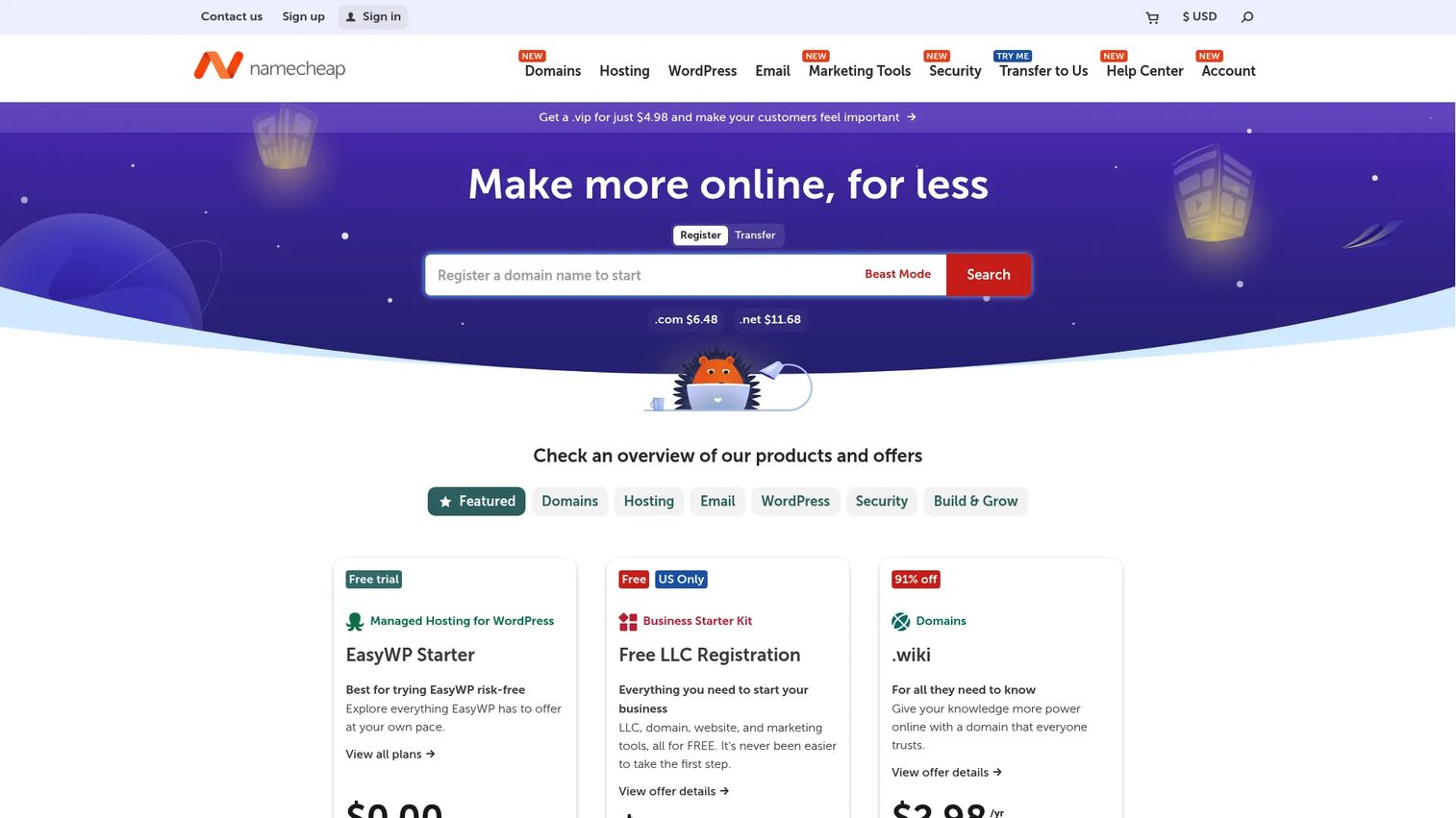
Namecheap is a domain and hosting provider that extends into dedicated server hosting with multiple Intel and AMD server configurations. It targets cost-conscious buyers who want clear plan cards and practical add-on choices without enterprise-style procurement overhead. Linux options are standard, and control panel add-ons (cPanel, WHM, Webuzo) are available at additional cost. Management tiers let you choose how much server administration Namecheap handles.
Best for: Cost-conscious teams that want dedicated hardware with familiar domain and hosting management in one account.
Key features
- Multiple Intel and AMD server configurations
- Linux operating system options
- cPanel, WHM, and Webuzo control panel add-ons
- Management tier choices (from unmanaged to managed)
- Optional backups and security tools
Why choose Namecheap: Namecheap suits buyers who want transparent plan cards and a recognizable hosting brand. Verify renewal pricing, your chosen management tier's cost, and any control panel licensing fees before committing to a term.
Namecheap pricing: Dedicated server plans start around $45/month for entry configurations billed annually; pricing varies by CPU, RAM, and storage choices. Control panel licenses and management tiers add to the monthly total.
G2 rating: 4.3/5
2. HostGator

HostGator is a mainstream hosting provider whose dedicated server plans are built around AMD EPYC processors, DDR5 RAM, and NVMe storage. Linux and Windows options are available, and plans include unmetered bandwidth alongside DDoS protection and server monitoring. HostGator is a practical upgrade path for teams that already understand traditional web hosting and want dedicated resources without switching ecosystems.
Best for: Website owners upgrading from shared hosting or VPS hosting who want a familiar workflow and modern processor options.
Key features
- AMD EPYC processor options
- DDR5 RAM configurations
- NVMe storage
- Linux and Windows OS support
- DDoS protection and server monitoring included
Why choose HostGator: HostGator fits teams that want modern hardware specs inside a hosting brand they already know. Check that "unmetered bandwidth" terms align with your actual traffic patterns, as fair-use clauses may apply under sustained high-throughput workloads.
HostGator pricing: HostGator's dedicated server pricing was not displaying clearly at time of writing; visit their dedicated server page directly for current plan rates, promotional first-term prices, and renewal costs. Migration assistance availability also varies by plan.
G2 rating: 3.6/5
3. Liquid Web

Liquid Web positions itself as a managed hosting provider for mission-critical workloads. Its dedicated servers come with 24/7/365 support, server monitoring, daily cloud backups, edge CDN, and a web application firewall. This is not a budget option; it is for teams that cannot afford to manage their own infrastructure but still want dedicated resources rather than shared cloud compute.
Best for: Businesses, agencies, and developers who need managed dedicated hosting with SLA-backed support and do not want internal staff handling patching, monitoring, or incident response.
Key features
- Managed and self-managed hosting tiers
- 24/7/365 support included
- Server monitoring with proactive response
- Daily cloud backups
- Edge CDN and web application firewall
Why choose Liquid Web: Liquid Web's managed tier reduces operational burden significantly. The tradeoff is price: Managed dedicated hosting costs more than an unmanaged server from a budget provider. For teams where downtime has a measurable revenue cost, the managed support model justifies the gap.
Liquid Web pricing: Dedicated hosting starts from $77/month. VPS plans start from $8.50/month for teams that need a lower entry point. Promotional pricing applies to eligible new accounts and may be limited to the first two months.
G2 rating: 4.2/5
4. InMotion Hosting
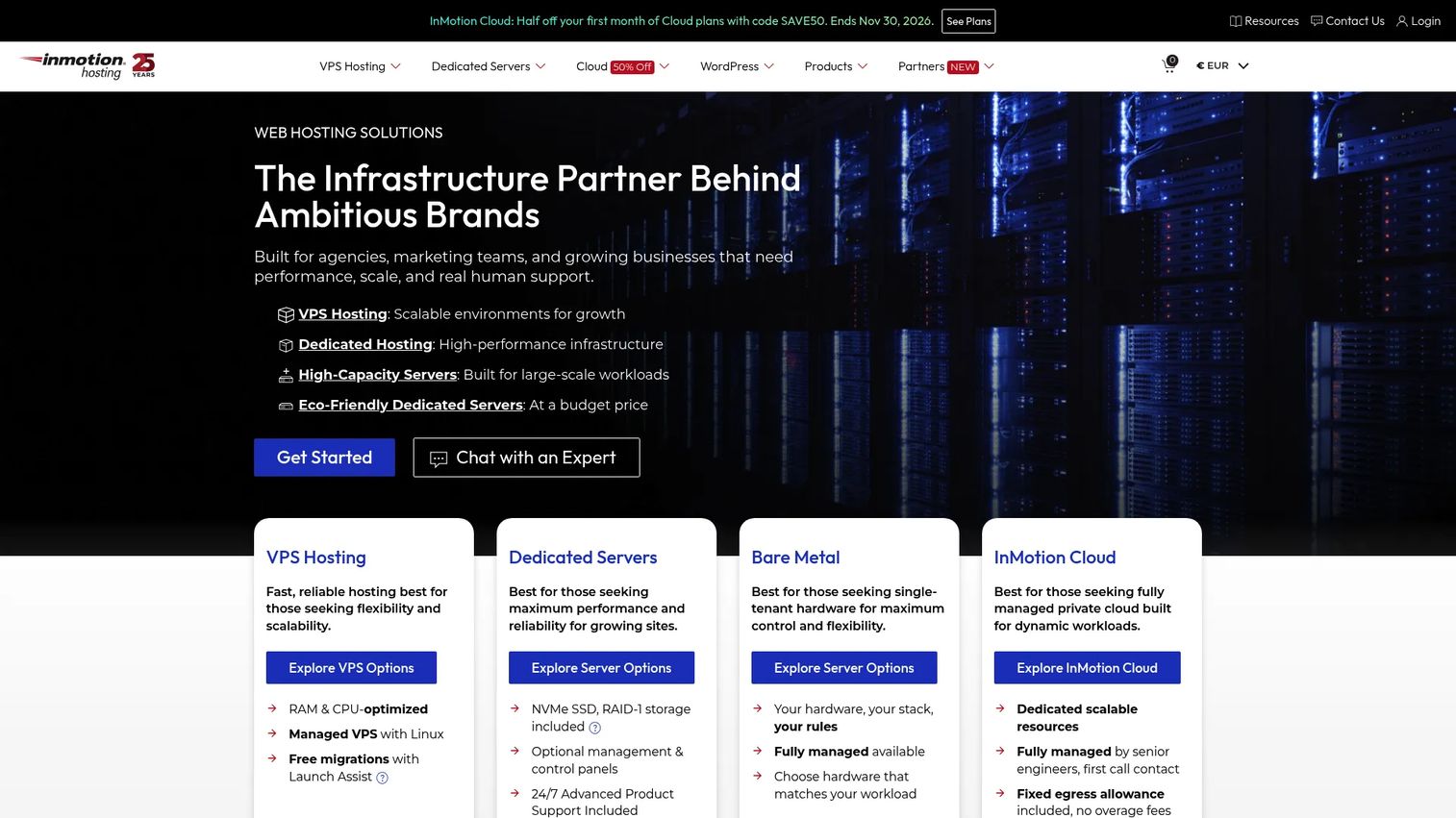
InMotion Hosting covers shared, VPS, and dedicated server hosting, with a focus on agencies and SMBs that need managed support alongside cPanel and WHM. NVMe SSD storage is standard, and free website migration is available on applicable plans. U.S.-based support is a differentiator for teams that want to speak with someone familiar with their configuration rather than routing through a generic support queue.
Best for: Agencies and small businesses that need managed dedicated hosting with cPanel support and a reliable migration path for existing client or business websites.
Key features
- Managed dedicated server options
- cPanel and WHM control panel support
- Free migration on eligible plans
- NVMe SSD storage
- U.S.-based 24/7 support
Why choose InMotion Hosting: InMotion Hosting works well for agencies managing multiple client sites that need a supportive hosting partner rather than raw infrastructure access. Verify current data center options and whether managed support covers your specific OS or software stack before signing a term.
InMotion Hosting pricing: Dedicated server plans start at $35/month on a 12-month term, renewing at $49.99/month. Shared hosting plans begin at $4.79/month on a 24-month promotional term.
G2 rating: 4.3/5
5. Bluehost

Bluehost is a hosting brand that many WordPress site owners encounter first. Its dedicated server plans extend the familiar cPanel environment into a full server context, with root access, storage and RAM tier options, and website migration support. Teams moving from Bluehost shared hosting to dedicated hosting can do so without switching control panels or learning a new admin interface.
Best for: WordPress site owners and small businesses upgrading from shared or entry-level hosting who want to stay in a familiar hosting environment.
Key features
- Dedicated server plans with storage and RAM tier choices
- cPanel integration
- Root access
- Website migration support
- SSL certificates included
Why choose Bluehost: Bluehost reduces the learning curve for teams already in its ecosystem. More technical teams wanting deeper server customization, bare metal provisioning, or a choice of management depth may find Bluehost's offering too constrained compared to infrastructure-first providers.
Bluehost pricing: Dedicated server pricing was not displaying publicly at time of writing; check Bluehost's dedicated server page for current first-term rates and renewal pricing. Shared hosting starts from $3.99/month on a 36-month term, renewing at $9.99/month.
G2 rating: 3.4/5
6. IONOS
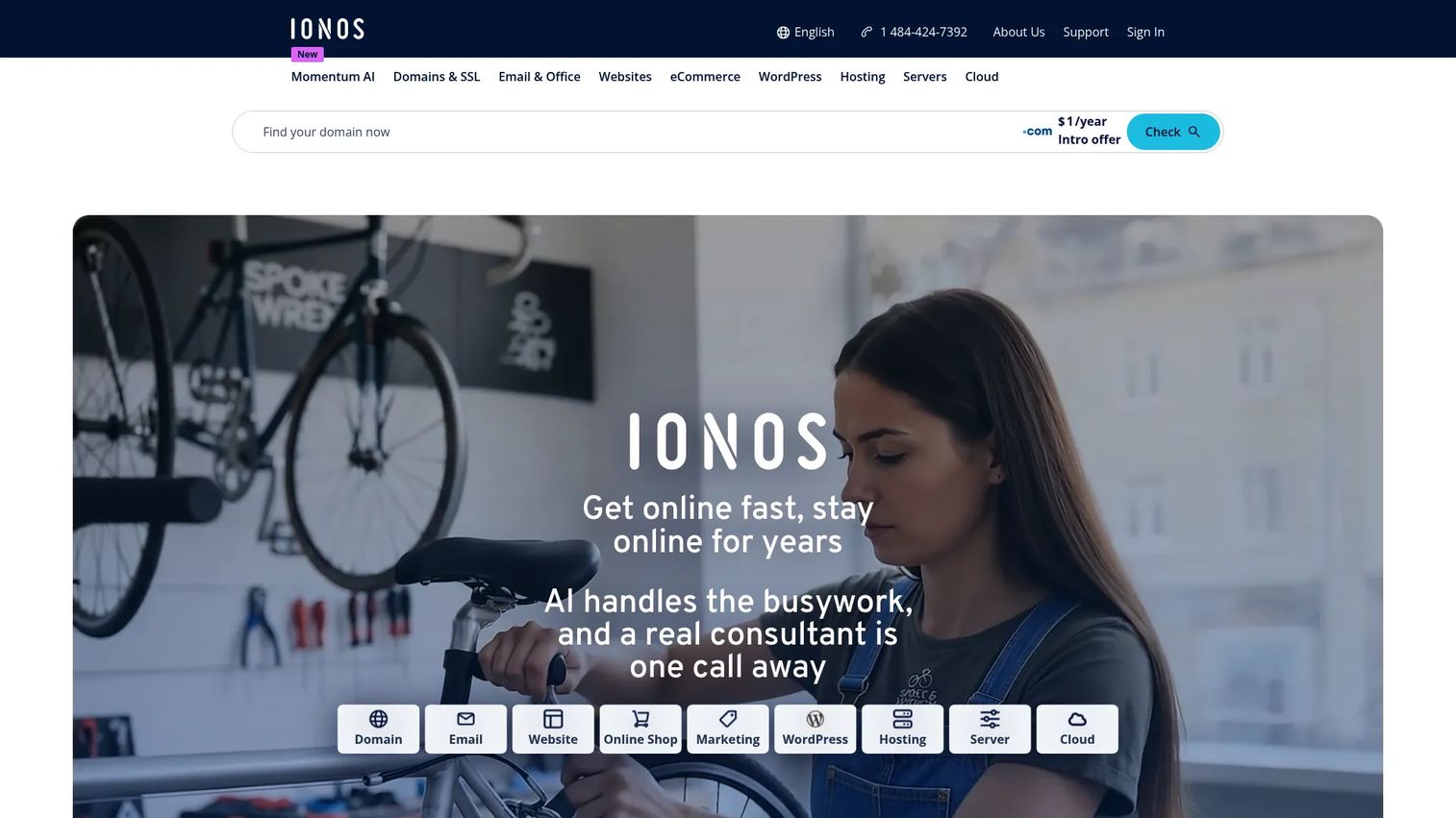
IONOS offers domains, web hosting, servers, and cloud infrastructure under one account. Its dedicated server options include both Linux and Windows configurations, SSD or NVMe storage, DDoS protection, and root access. IONOS competes on entry price and OS flexibility, making it a reasonable fit for buyers comparing cost against control and who need a Windows-compatible server without paying a premium.
Best for: Buyers who want a lower-cost dedicated server with Linux or Windows flexibility and data center choices across multiple regions.
Key features
- Linux and Windows dedicated server options
- SSD or NVMe storage
- Multiple data center locations
- DDoS protection included
- Root access
Why choose IONOS: IONOS gives you OS flexibility and a competitive entry price from an established European provider with U.S. data center presence. Verify contract terms, renewal pricing, and any Windows license costs that may be billed separately before committing to a term.
IONOS pricing: Web hosting plans start from $1/month on a one-year term, renewing at $8/month. Dedicated server pricing varies by configuration; check IONOS's server product pages directly for current rates. Introductory offers apply to the first term only.
G2 rating: 3.7/5
7. A2 Hosting

A2 Hosting offers managed and unmanaged dedicated server options, NVMe storage, cPanel availability, and migration support. This flexibility suits developers and agencies that want to choose their operational model: Technical teams can take unmanaged access and configure everything themselves, while teams that prefer support can opt for managed coverage. Performance-focused shared and cloud server plans are also available.
Best for: Developers and ecommerce teams that want performance-focused hosting and a clear choice between managed and unmanaged service levels.
Key features
- Managed and unmanaged dedicated server options
- Root access on unmanaged plans
- cPanel available as a control panel
- NVMe storage
- Migration support included
Why choose A2 Hosting: A2 Hosting's managed/unmanaged split lets teams match the plan to their internal skills. Unmanaged plans suit technical buyers comfortable with Linux administration; managed plans suit teams that want support without the overhead of a fully managed provider. Note that A2 Hosting now operates under the hosting.com brand.
A2 Hosting pricing: Managed bare-metal plans are available; numeric pricing was not displaying on the public pricing page at time of writing. Visit hosting.com's package comparison page for current rates across shared hosting, cloud server, and bare-metal options.
G2 rating: 4.4/5
8. DreamHost

DreamHost is a long-running web hosting provider offering dedicated servers alongside managed WordPress, VPS, domains, and cloud services. Its dedicated plans include unmetered bandwidth, daily automated backups, unlimited free SSL certificates, and root or shell access. DreamHost suits buyers who value a simpler hosting experience and want predictable managed coverage from a provider with a track record.
Best for: Site owners and small businesses that need managed dedicated hosting with automatic backups from a provider they can rely on for support.
Key features
- Unmetered bandwidth
- Daily automated backups included
- Unlimited free SSL certificates
- Root or shell access
- DDoS protection
Why choose DreamHost: DreamHost works well for teams that want managed coverage and automatic backups without negotiating add-ons. Verify that dedicated server plans remain available at your required specifications, as DreamHost's product lineup has shifted over time toward managed WordPress and cloud VPS.
DreamHost pricing: Web hosting starts from $2.89/month for the first year, renewing at $10.99/month. Dedicated server pricing should be confirmed directly on DreamHost's current pricing pages, as plan availability and rates change.
G2 rating: 4.1/5
9. GoDaddy

GoDaddy is a domain registrar and hosting provider that lets businesses manage domains, DNS, SSL, email, and hosting under one account. Dedicated server options support Linux and Windows configurations, with cPanel or Plesk control panels and managed service options. For teams that consolidate all their online services with one vendor, GoDaddy reduces the number of vendor relationships to manage.
Best for: Businesses that want dedicated hosting inside a broader account covering domains, email, SSL, and marketing tools.
Key features
- Linux and Windows dedicated server support
- cPanel or Plesk control panel options
- Root access
- Managed service options available
- Domain and SSL ecosystem included in one account
Why choose GoDaddy: GoDaddy makes sense when account consolidation matters and your team already uses GoDaddy for domains or email. Technical buyers should verify server specs, confirm support scope for dedicated hosting specifically, and check control panel license costs before signing up.
GoDaddy pricing: GoDaddy's Airo AI Builder plans start from free, with paid plans from $9.99/month. Dedicated server plan pricing requires visiting GoDaddy's dedicated hosting pages; verify first-term versus renewal pricing and any Windows licensing or control panel costs billed separately.
G2 rating: 4.0/5
10. InterServer
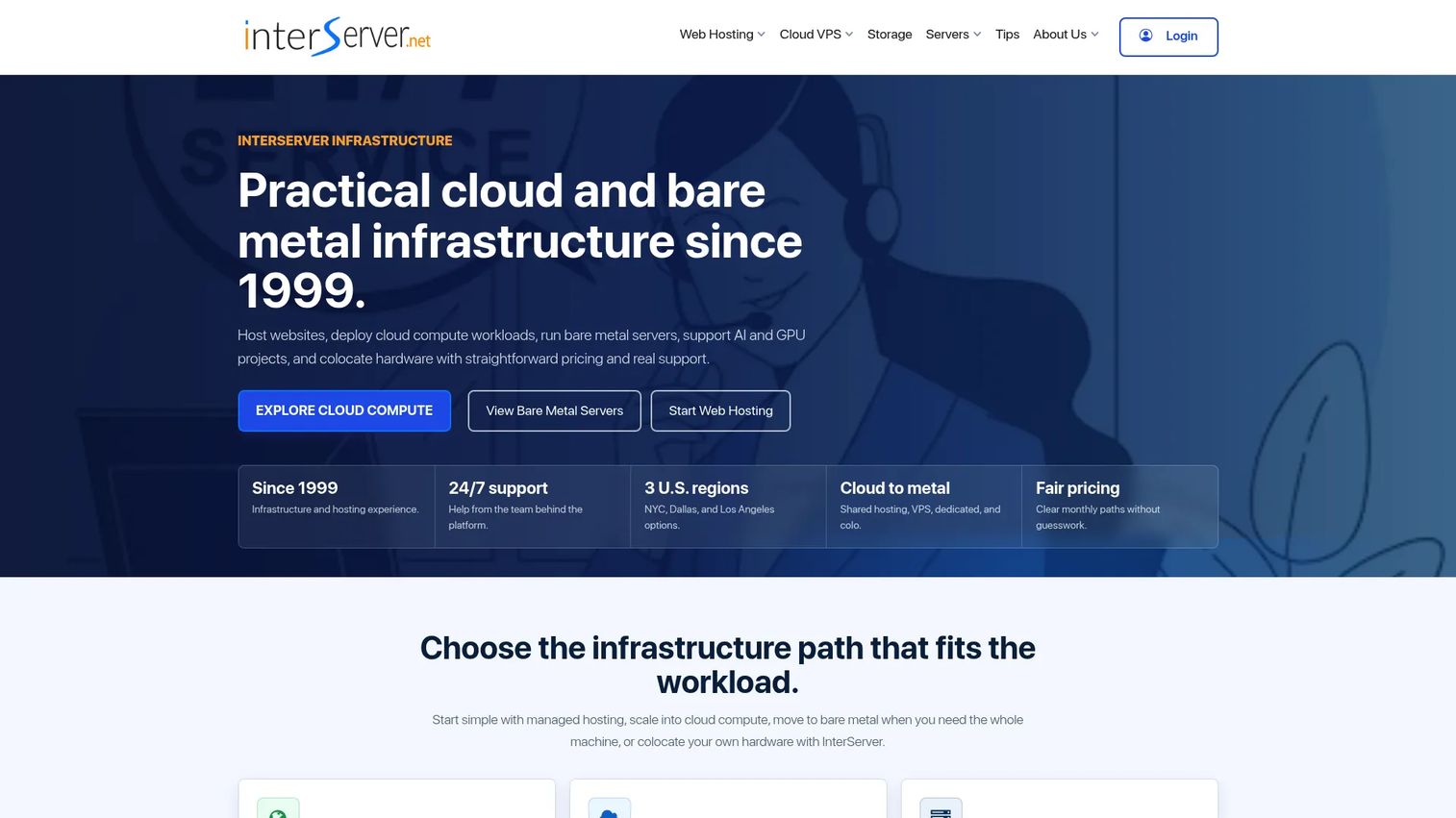
InterServer offers shared web hosting, VPS hosting, and dedicated servers with configurable builds. Standard web hosting plans include unlimited storage, data transfer, and email accounts, with weekly backups, SSD caching, Cloudflare CDN, SSL support, and a DirectAdmin control panel. Dedicated server buyers can configure CPU, RAM, storage, and bandwidth to match their workload rather than choosing from fixed plans.
Best for: Technical buyers who know their workload requirements and want to configure a dedicated server to those specs at a controlled monthly cost.
Key features
- Configurable dedicated server builds
- Multiple storage options
- Bandwidth choices per configuration
- DDoS protection options
- Free website migration and 24/7 support
Why choose InterServer: InterServer rewards buyers who know what they need. The configurability avoids overpaying for hardware you will not use. Verify which management level is included in your configuration, who handles backups and restores, and what support covers on dedicated plans specifically.
InterServer pricing: Standard web hosting starts at $2.50 for the first month, renewing at $7/month. Dedicated server pricing varies by configuration; visit InterServer's dedicated server configurator for current hardware options and monthly costs.
G2 rating: 4.0/5
11. OVHcloud
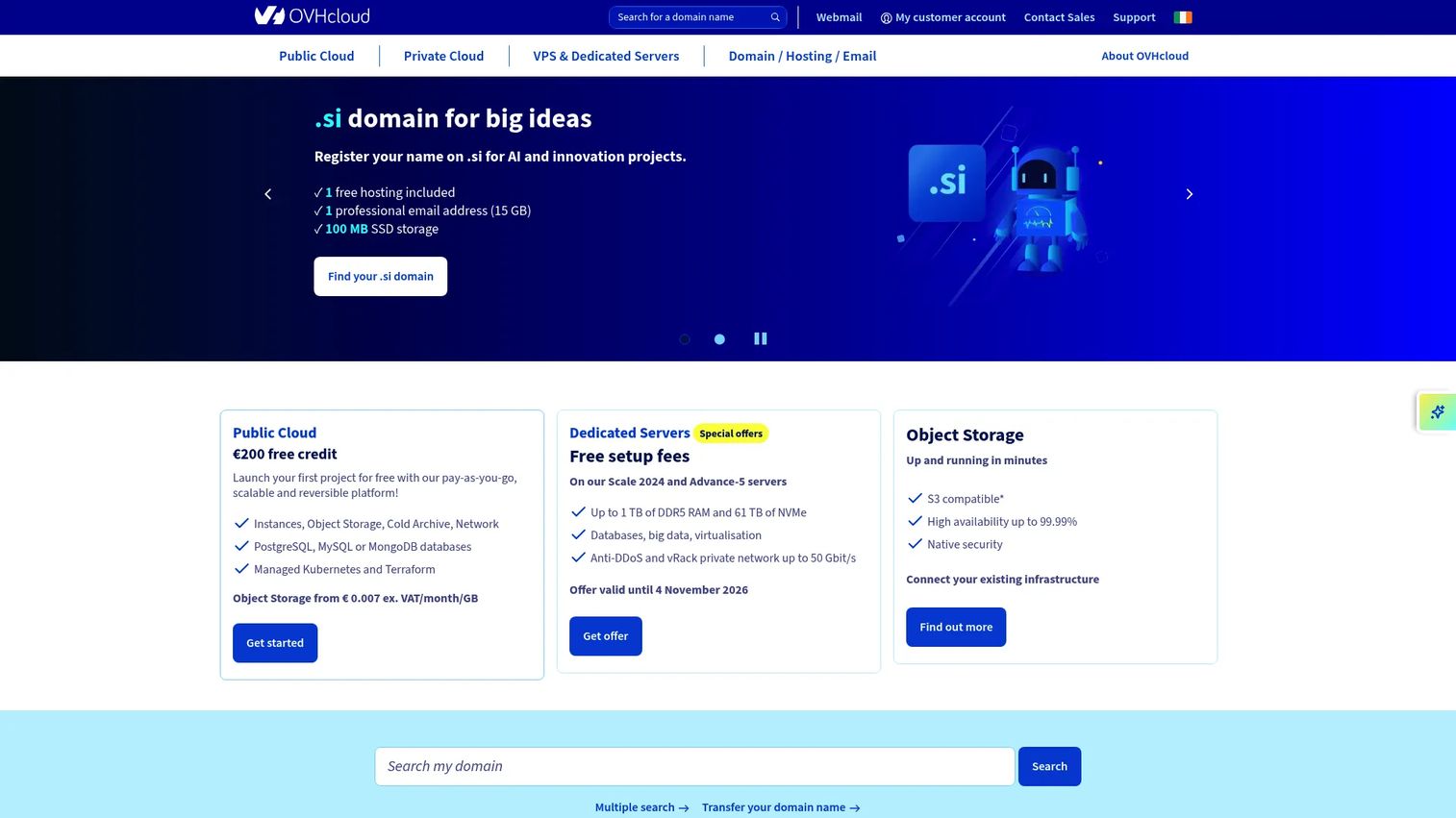
OVHcloud is a European cloud and infrastructure provider with global data centers offering bare metal servers, VPS hosting, public cloud, managed Kubernetes, and storage. Its bare metal ranges span entry-level to high-performance hardware, with included DDoS protection, high-bandwidth options, and adjacency to public cloud services. OVHcloud suits technical teams that need infrastructure control, a broad hardware catalog, and data center presence across multiple regions.
Best for: Developers, SaaS teams, and infrastructure-heavy workloads that need bare metal control, global data center options, and included network-level DDoS protection.
Key features
- Broad bare metal server ranges
- Global data centers across Europe, North America, and Asia-Pacific
- Included DDoS protection on dedicated and bare metal plans
- High-bandwidth options
- Public cloud services adjacent to bare metal infrastructure
Why choose OVHcloud: OVHcloud's hardware range and global footprint are genuine differentiators for teams with data residency requirements or distributed infrastructure needs. Review the support model carefully; OVHcloud is infrastructure-focused, and managed support depth differs from a provider like Liquid Web.
OVHcloud pricing: VPS plans start from $4.54/month. Bare metal and dedicated server pricing varies by region and hardware configuration; visit OVHcloud's dedicated server pages for current rates and any setup fees by region.
G2 rating: 3.1/5
12. Hivelocity
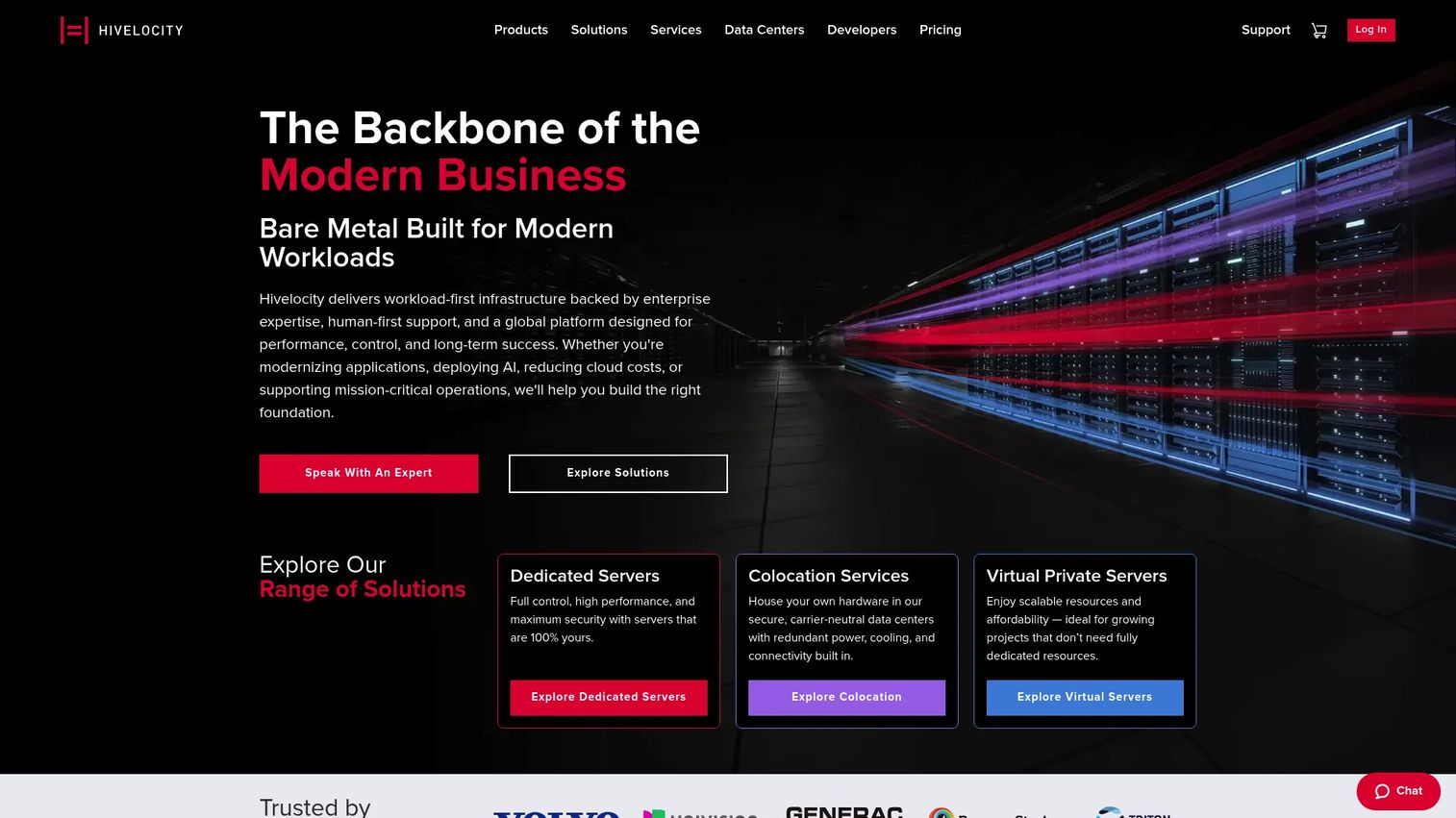
Hivelocity provides dedicated servers, VPS hosting, colocation, and private cloud with an emphasis on configurability and support quality. Bare metal server configurations are customizable, and the platform exposes a public API, Terraform integration, and webhooks for teams that want infrastructure-as-code workflows. Hardware firewall options, DDoS protection, and 24/7 phone, chat, and ticket support are available. Multiple U.S. data center locations let teams match latency requirements to specific regions.
Best for: Technical teams that need configurable bare metal hosting, infrastructure automation, and hands-on support from a provider with a strong G2 reputation.
Key features
- Customizable bare metal server configurations
- Public API, Terraform integration, and webhooks
- 24/7 phone, chat, and ticket support
- DDoS protection and hardware firewall options
- Multiple U.S. data center locations
Why choose Hivelocity: Hivelocity earns its 4.6/5 G2 rating through support quality and configuration flexibility. It fits teams that outgrow standard website hosting plans and need infrastructure control without sacrificing responsive support. Custom configurations require direct engagement to confirm final pricing.
Hivelocity pricing: Dedicated server plans start from $75/month for entry configurations. VPS plans start from $10/month. Colocation starts from $99/month. Custom bare metal builds require a quote; visit Hivelocity's pricing pages for current standard server rates.
G2 rating: 4.6/5
Considerations when choosing dedicated hosting
Before signing a contract, presales teams supporting infrastructure decisions should work through these criteria with the buyer.
Match CPU, RAM, and storage to the actual workload
CPU-heavy workloads (application servers, ML inference, encoding) need core count and clock speed. Database-heavy workloads need RAM for buffer pools and fast storage for I/O throughput. NVMe storage outperforms SATA SSD for random read/write operations but costs more. Ask what the workload's bottleneck is before comparing plan cards.
Decide how much server management your team can absorb
Unmanaged means your team handles OS updates, security patching, monitoring setup, backup configuration, and incident response. Self-managed typically means the provider covers hardware; you cover everything above the OS. Managed and fully managed move more of those responsibilities to the provider, at higher cost. Match the plan to your team's actual capacity, not its aspirational capacity.
Verify bandwidth, port speed, and fair-use terms
"Unmetered bandwidth" sounds unlimited. Check whether it means truly unlimited throughput or a shared port where fair-use clauses apply under sustained high-bandwidth workloads. Also verify port speed (1 Gbps versus 10 Gbps matters for certain workloads) and whether bandwidth overages are billed or throttled.
Review security, backup, and restore responsibilities
DDoS protection, firewalling, SSL, malware scanning, OS patching, backup storage, and restore testing responsibilities all need an owner. Backups without tested restores are not backups. Ask each provider who owns each item, at what plan tier, and what the RTO looks like if you need to restore a server.
Calculate total cost across the first two years
Entry pricing is often promotional. Add control panel licensing, Windows licensing (if applicable), backup storage, extra IP addresses, managed support, migration fees, and setup costs to the advertised rate. Then calculate the second-year cost using renewal pricing. The gap between year one and year two can be substantial.
Conclusion
Dedicated hosting is not a single category. Liquid Web and InMotion Hosting give teams the managed support model. OVHcloud and Hivelocity give technical teams bare metal control and infrastructure flexibility. Namecheap, IONOS, and InterServer compete on entry price for buyers who know what they are doing. HostGator, Bluehost, and GoDaddy serve teams that want dedicated resources without leaving a familiar hosting environment. A2 Hosting sits in the middle, offering a real choice between managed and unmanaged service at the same provider.
The decision comes down to one question your team needs to answer before comparing plans: Who owns server operations when something goes wrong at 2 a.m.? Match your answer to a management tier, then match the management tier to a provider.
Verify pricing, renewal rates, and support scope directly with each provider before committing to a contract.
Start your journey with Guideflow today!
FAQs
Dedicated hosting is a web hosting arrangement where one customer rents an entire physical server. The buyer gets exclusive use of the machine's CPU, RAM, storage, and network resources, with no other tenants sharing the hardware.
VPS hosting partitions a physical server into virtual machines using a hypervisor; each VPS gets a slice of the underlying hardware. Dedicated hosting gives the customer the full physical machine, with no virtualization layer and no shared resources. VPS is generally cheaper and easier to scale vertically; dedicated hosting gives more predictable performance and full hardware isolation.
Dedicated hosting is better for high-traffic sites, compute-heavy applications, and workloads that require resource predictability or strict isolation. Shared hosting remains a reasonable choice for small websites with low traffic, limited technical requirements, and no need for root access. The performance and cost gap between the two is significant.
The answer depends on your team's actual server administration capacity. If your team handles OS patching, security hardening, monitoring, backup configuration, and incident response, unmanaged hosting works. If any of those responsibilities fall outside your team's skills or bandwidth, managed hosting reduces operational risk. Be honest about capacity; under-resourced unmanaged servers accumulate security debt quickly.
Namecheap, Bluehost, HostGator, and IONOS are likely candidates depending on budget, required operating system, and how much management the business needs. Namecheap and IONOS compete on entry price. Bluehost and HostGator suit teams already familiar with those brands. InMotion Hosting adds migration help and U.S.-based support for businesses that want hand-holding during the transition.
Entry dedicated hosting plans start around $35 to $77 per month from the providers in this list, based on verified pricing at time of writing. Total cost rises with control panel licensing (cPanel licenses run roughly $15 to $25/month from most providers), Windows licensing, backup storage, managed support tiers, and renewal pricing. Compare both the first-year and second-year cost before choosing a provider.
CPU core count and clock speed matter for application and compute workloads. RAM size matters for databases, caching layers, and concurrent application processes. Storage type (NVMe versus SATA SSD) affects I/O-intensive workloads. Bandwidth and port speed affect sustained data transfer. Operating system and management level affect operational overhead. The workload pattern matters more than chasing the highest number on each spec.
Yes, if the server has sufficient resources and the control panel is configured correctly for multi-site hosting. cPanel and WHM support multiple accounts on one server. Agencies routinely run client sites this way. The risk is that one server becomes a single point of failure for all hosted sites; backups, monitoring, and restore testing become more critical in this configuration.