
Your marketing team wants to produce 50 personalized videos this quarter. Your budget says you can afford to film three. That gap between ambition and resources is exactly where synthetic media software lives.
These AI-powered tools generate video, audio, and images without cameras, studios, or voice actors. This guide covers nine synthetic media software platforms for creating AI avatars and cloning voices. It explores multilingual content production in a market projected at $9.54 billion by 2030.
What This Guide Covers
This guide covers nine synthetic media software platforms for creating AI-generated video, audio, and images. You'll find tools for AI avatar videos, voice cloning, generative video editing, and text-to-speech.
We selected platforms based on output quality, ease of use, pricing transparency, and G2 ratings where available. Whether you're producing training content, marketing videos, or multilingual campaigns, this list helps you find the right fit.
Quick Summary: Best Synthetic Media Tools
- Best for AI avatar videos: Synthesia offers enterprise-grade avatars with SOC 2 compliance
- Best for voice cloning: ElevenLabs delivers the most realistic synthetic voices available
- Best for video editing with AI: Runway provides generative tools for creative professionals
- Best free tier: Pictory lets you create short clips without upfront cost
- Best for multilingual content: HeyGen handles video translation with lip sync dubbing
- Best for L&D teams: Colossyan specializes in scenario-based training videos
What is synthetic media software
Synthetic media software uses artificial intelligence to create, manipulate, or generate digital content. Video, audio, images, and text all fall under this umbrella. The key distinction: no traditional cameras or recording studios required.
Think of it this way. A digital avatar delivering a scripted message is synthetic media. A cloned voice replicating someone's speech patterns is synthetic media.
A photorealistic portrait of a person who was never photographed is synthetic media. The software that produces all of this falls into the synthetic media category.
The term "synthetic media" describes the output. "Synthetic media software" describes the tools that produce it.
Types of synthetic media software
Different synthetic media software tools serve different purposes. Understanding the categories helps you pick the right platform.
AI video generation
AI video generation tools create video content from text prompts or scripts in a market projected at 20.3% CAGR through 2033. You describe what you want, and the software generates footage, animations, or scene compositions. Runway and similar platforms fall here, popular with filmmakers and creative teams experimenting with AI-generated scenes.
Voice synthesis and cloning
Voice tools generate speech from text or replicate a specific person's voice. Text-to-speech (TTS) converts written words into spoken audio using pre-built voices.
Voice cloning goes further, creating a custom voice model from audio samples, similar to how you can clone a persona for consistent outreach. ElevenLabs and Murf AI lead this category. The voice synthesis market is projected to reach $20.71 billion by 2031.
AI avatars and digital humans
Avatar platforms create realistic or stylized virtual presenters who lip-sync to audio. You write a script, select an avatar, and the software generates a video of that digital human speaking your words.
Synthesia, HeyGen, and D-ID dominate here. Marketing teams use them for personalized outreach. L&D teams use them for training content.
Image synthesis and manipulation
Image tools generate new visuals or edit existing ones using AI. Face swapping, background replacement, inpainting (filling in missing areas), and creating entirely new images from text descriptions all fall here. Midjourney and Adobe Firefly are well-known examples, though this guide focuses on video and audio tools.
Text to video conversion
Text-to-video platforms transform written scripts, blog posts, or articles into video with visuals, voiceover, and motion. They overlap with video generation but focus specifically on content repurposing. Pictory and Elai.io specialize in turning long-form content into short video clips.
Examples of synthetic media in business
Where does synthetic media actually fit in day-to-day operations? Here are the most common applications.
Marketing and advertising campaigns
Teams using interactive marketing strategies use AI avatars to produce personalized video ads at scale. Instead of filming a spokesperson once, they generate hundreds of variations with different names, companies, or value propositions.
Localized content becomes practical too. A single script can become videos in 30 languages without hiring native speakers or booking studio time.
Training and onboarding content
L&D teams update training videos by editing text rather than re-recording. When a policy changes, you revise the script and regenerate the video in minutes. This cuts production costs and turnaround time dramatically.
Sales enablement and product demos
Sales teams use AI-generated explainer videos for outreach. A personalized video with the prospect's name and company can increase response rates.
That said, synthetic video serves a different purpose than interactive demos. Video is passive. Prospects watch.
Interactive demos let prospects click through real product flows and explore features themselves. Many teams pair both: synthetic video for awareness, interactive demos for evaluation.
Customer support and self service
Customer success teams create AI avatar FAQ videos and visual help content. Some platforms integrate synthetic avatars directly into chatbots, creating a more engaging self-service experience.
Localization and multilingual content
Video translation tools dub existing footage into new languages while preserving lip sync. The avatar's mouth movements match the translated audio, creating a natural viewing experience. This eliminates the cost of multiple native-speaker recordings.
When to use synthetic media software
Three scenarios make synthetic media tools particularly valuable.
Scale personalized video content
When you want hundreds of video variations (by name, company, or vertical) without recording each one, AI avatars and voice cloning handle the workload. Sales teams use this for personalized outreach. Marketing teams use it for ABM campaigns.
The math is simple. Recording 500 personalized videos manually takes weeks. Generating them with synthetic media takes hours.
Reduce production costs and timelines
Traditional video production involves scripts, talent, studios, editing, and revisions. Synthetic media compresses this into a text-based workflow.
Write the script. Select the avatar. Generate the video. Make changes by editing text.
Create multilingual content without re-recording
Serving global audiences traditionally meant re-shooting content in every language or hiring voice actors for dubbing. AI dubbing and lip sync tools localize at speed. HeyGen and similar platforms translate and dub video while matching mouth movements to the new audio.
How to evaluate synthetic media tools
Before committing to a synthetic media software platform, assess the following criteria.
Output quality and realism
Lip sync accuracy, voice naturalness, and visual artifacts vary significantly between tools. Request sample outputs before signing a contract. Watch for uncanny valley effects: avatars that look almost human but trigger discomfort.
Ease of use and learning curve
Look for no-code interfaces, templates, and in-app guidance. Complex tools slow down adoption and limit who on your team can create content. The fastest platforms let you go from script to finished video in under 10 minutes.
Pricing and usage limits
Compare per-minute pricing, monthly video caps, and overage fees. Some platforms charge per seat. Others charge per minute of generated content.
Watch for hidden costs on premium voices, custom avatars, or high-resolution exports.
Integration capabilities
Check for API access, CRM connectors, and export formats. Teams using marketing automation software want smooth handoffs between content creation and distribution.
Ethical safeguards and disclosure features
Look for watermarking, consent workflows, and deepfake detection partnerships. Enterprise buyers require audit trails showing who created what content and when after 1,740% growth in deepfake fraud.
Synthetic media software comparison table
Rank | Product | Primary use case | Key differentiation | Pricing | G2 rating |
|---|---|---|---|---|---|
1 | Synthesia | Training and internal comms | Enterprise-grade avatars with SOC 2 compliance | From $29/mo | 4.7/5 |
2 | HeyGen | Multilingual marketing | Video translation with lip sync dubbing | From $29/mo | 4.8/5 |
3 | D-ID | Developer integrations | Photo-to-video API for custom apps | From $5.90/mo | 4.5/5 |
4 | Colossyan | L&D and compliance training | Scenario-based learning templates | Custom pricing | 4.7/5 |
5 | Elai.io | Content repurposing | URL-to-video conversion | From $29/mo | 4.6/5 |
6 | Pictory | Social media clips | Auto-highlight extraction from long content | From $25/mo | 4.6/5 |
7 | Runway | Creative video production | Text-to-video and generative editing | From $15/mo | 4.5/5 |
8 | ElevenLabs | Voice synthesis | Industry-leading voice cloning quality | From $5/mo | 4.8/5 |
9 | Murf AI | Quick voiceovers | Studio-quality TTS with video sync | From $29/mo | 4.5/5 |
1. Synthesia
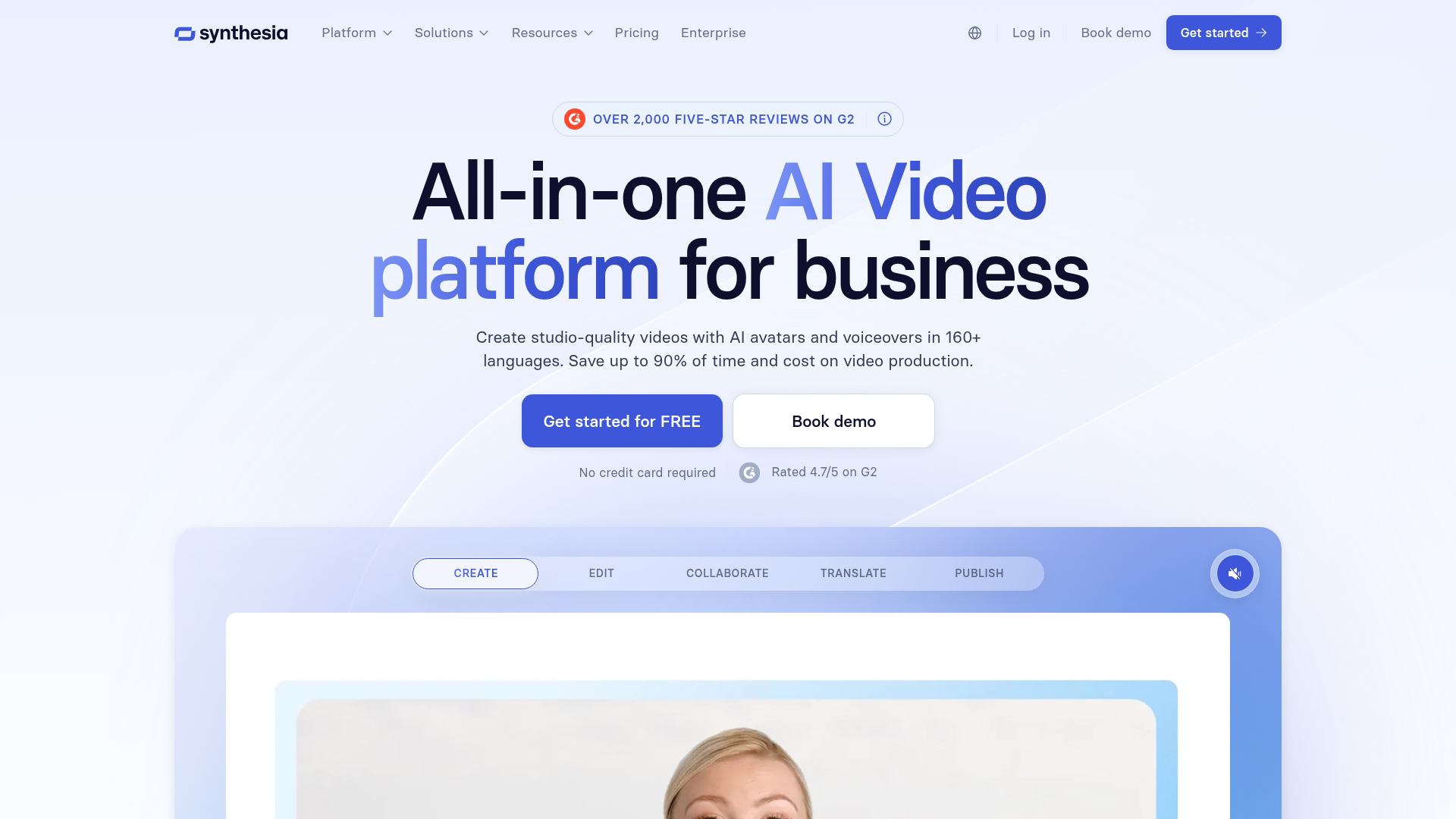
Synthesia is the market-leading enterprise platform for AI avatar videos. The tool generates professional digital presenters from text scripts, making it ideal for corporate training and marketing content.
Best for: Enterprise teams creating training and internal communications videos at scale.
Key strengths
- Stock and custom avatars: Choose from a library of pre-built avatars or create a custom digital twin of yourself
- Script-to-video workflow: Paste your text, select an avatar, and generate a finished video in minutes
- Enterprise security: SOC 2 Type II compliance, SSO support, and detailed audit logs
Why choose Synthesia
Synthesia fits L&D and HR teams who produce high volumes of training content. The platform handles compliance videos, onboarding materials, and internal announcements well. It may be overkill for one-off marketing videos where simpler tools suffice.
Synthesia pricing
Plans start at $29/month for the Starter tier with limited minutes. Business plans with custom avatars and higher limits require custom pricing.
2. HeyGen
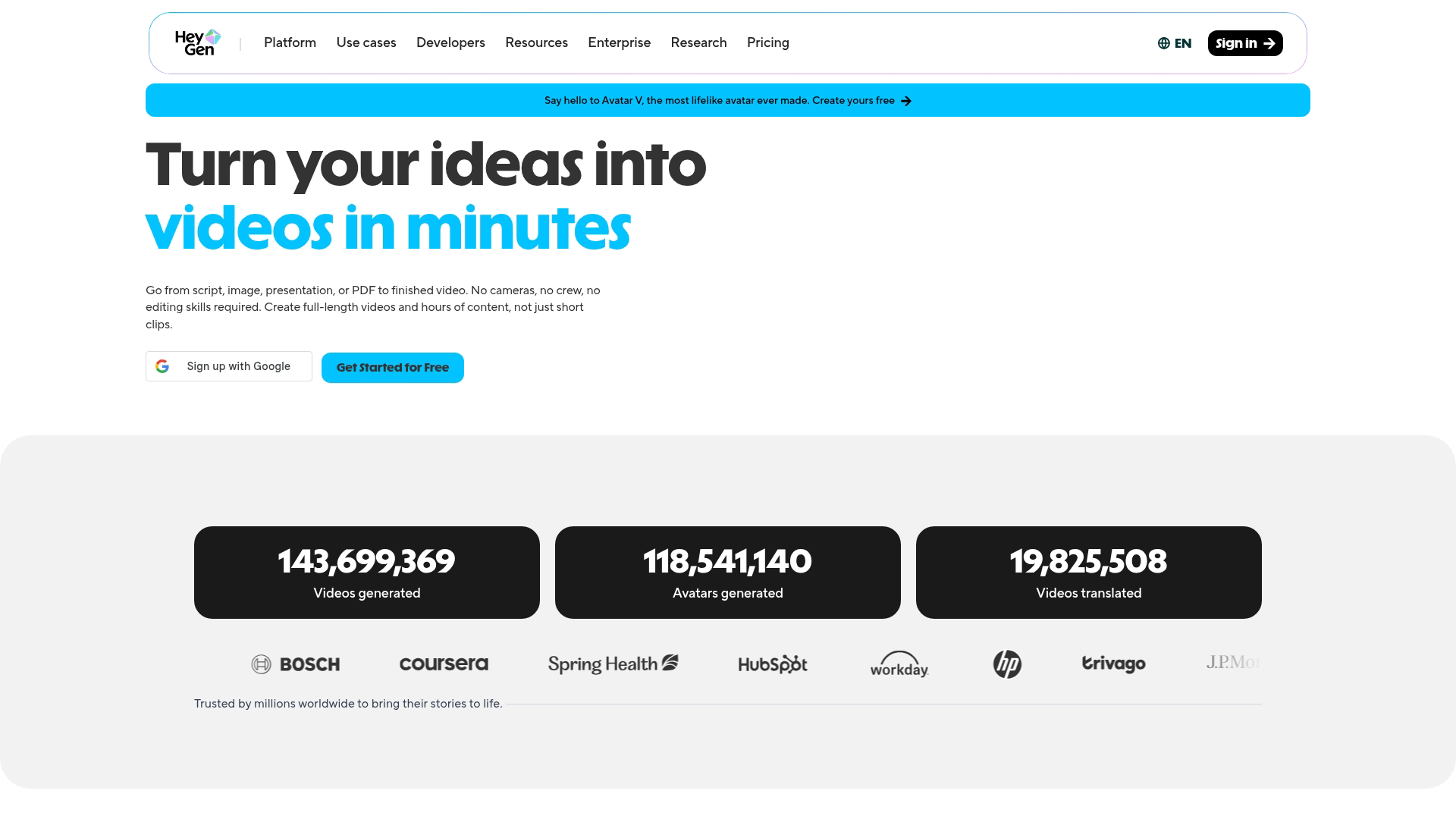
HeyGen combines AI avatar generation with powerful video translation features. The platform excels at localizing existing footage into new languages while preserving natural lip movements.
Best for: Marketing teams producing multilingual video campaigns across global markets.
Key strengths
- Video translation with lip sync: Dub existing footage into new languages with matched mouth movements
- Instant avatar creation: Upload a short clip of yourself to generate a custom avatar
- Template library: Pre-built formats for ads, explainers, and social media content
Why choose HeyGen
HeyGen works best for global teams who create content in multiple languages. The translation feature alone justifies the platform for international marketing. It's less suited for long-form training content where Synthesia or Colossyan offer more specialized features.
HeyGen pricing
Plans start at $29/month for Creator tier. Team and Enterprise plans with additional features require custom pricing.
3. D-ID
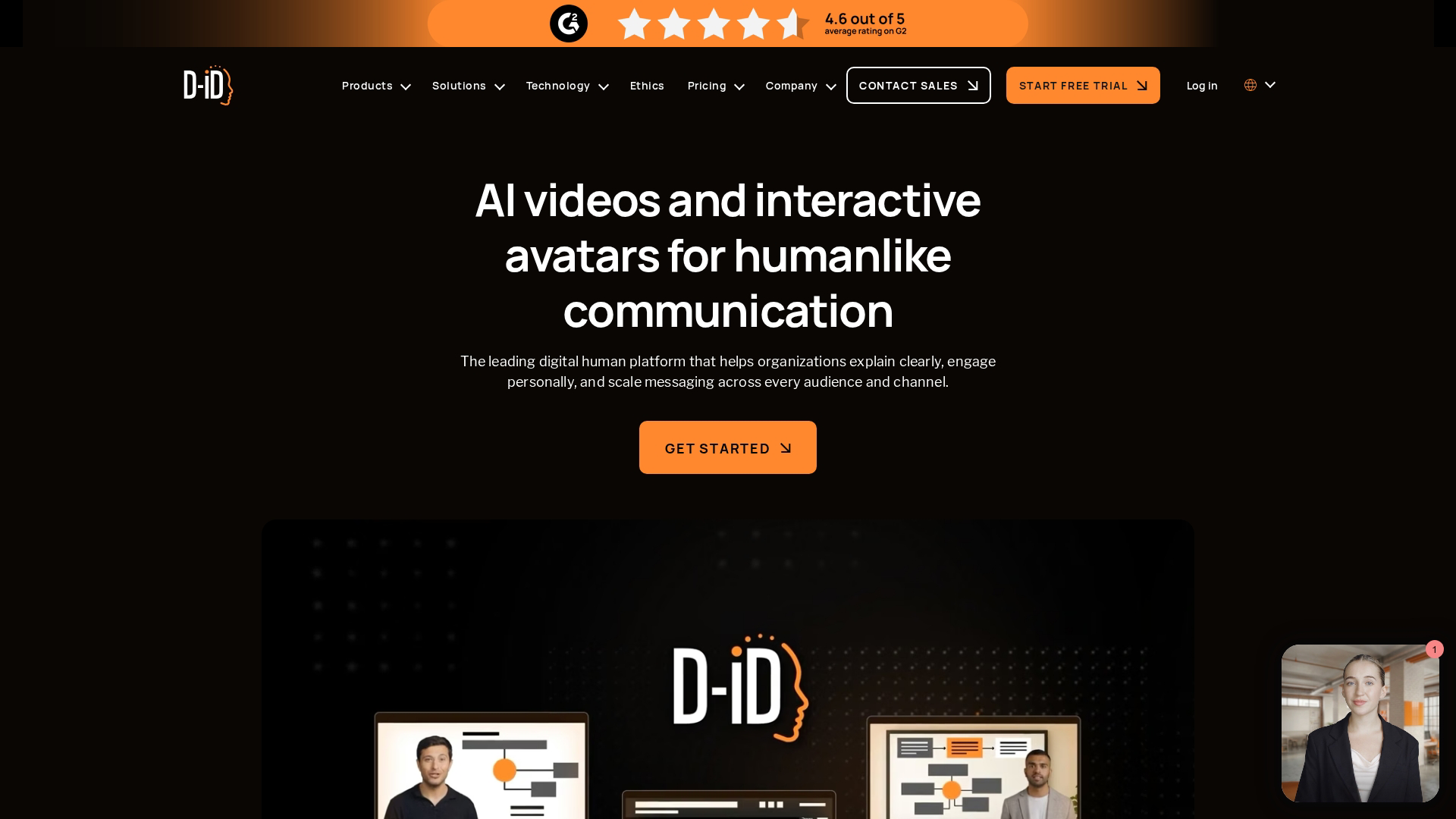
D-ID focuses on turning static photos into talking avatars. The platform's API-first approach makes it popular with developers building AI video into their own applications.
Best for: Developers and product teams embedding AI video capabilities into custom apps.
Key strengths
- Photo-to-video conversion: Animate any portrait image into a speaking avatar
- Real-time streaming API: Power live avatar experiences in applications
- Presenter customization: Adjust voice, language, and facial expressions programmatically
Why choose D-ID
D-ID fits technical teams building custom integrations rather than marketing teams who want turnkey solutions. The API is robust, but the platform requires more setup than Synthesia or HeyGen.
D-ID pricing
Plans start at $5.90/month for Lite tier with limited API credits. Pro and Enterprise tiers scale with usage.
4. Colossyan
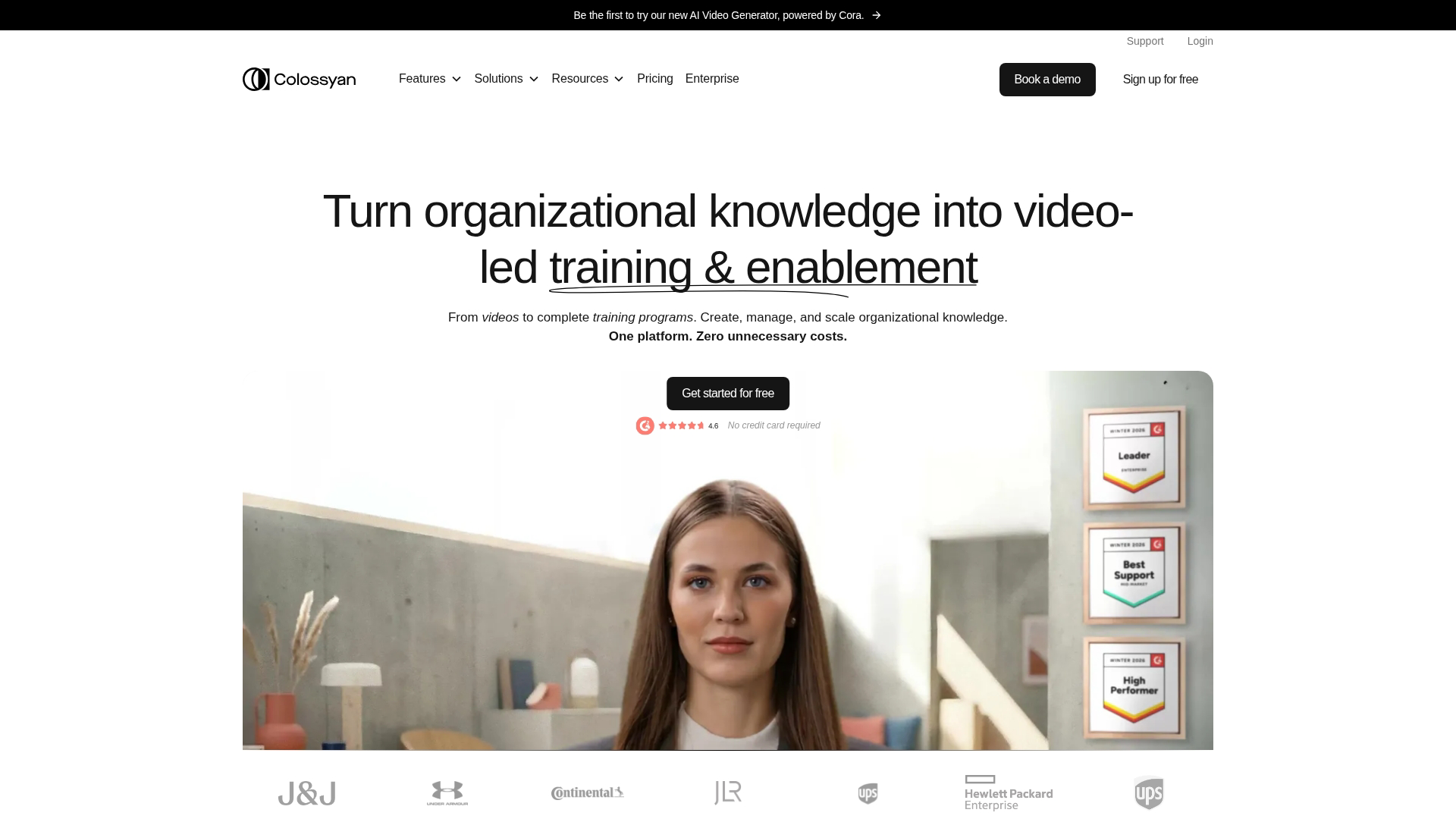
Colossyan targets L&D and corporate communications with specialized features for workplace learning. The platform emphasizes scenario-based training and diverse avatar representation.
Best for: HR and training teams creating compliance, onboarding, and skills development videos.
Key strengths
- Scenario-based learning templates: Build branching video courses where learners make choices
- Diverse avatar library: Inclusive representation across age, ethnicity, and professional style
- Auto-translate feature: Localize scripts into multiple languages with one click
Why choose Colossyan
Colossyan excels at structured learning content. The branching scenarios and quiz integrations make it more than a video generator. It's less flexible for ad-hoc marketing use where HeyGen or Synthesia offer faster workflows.
Colossyan pricing
Custom pricing based on team size and feature requirements.
5. Elai.io
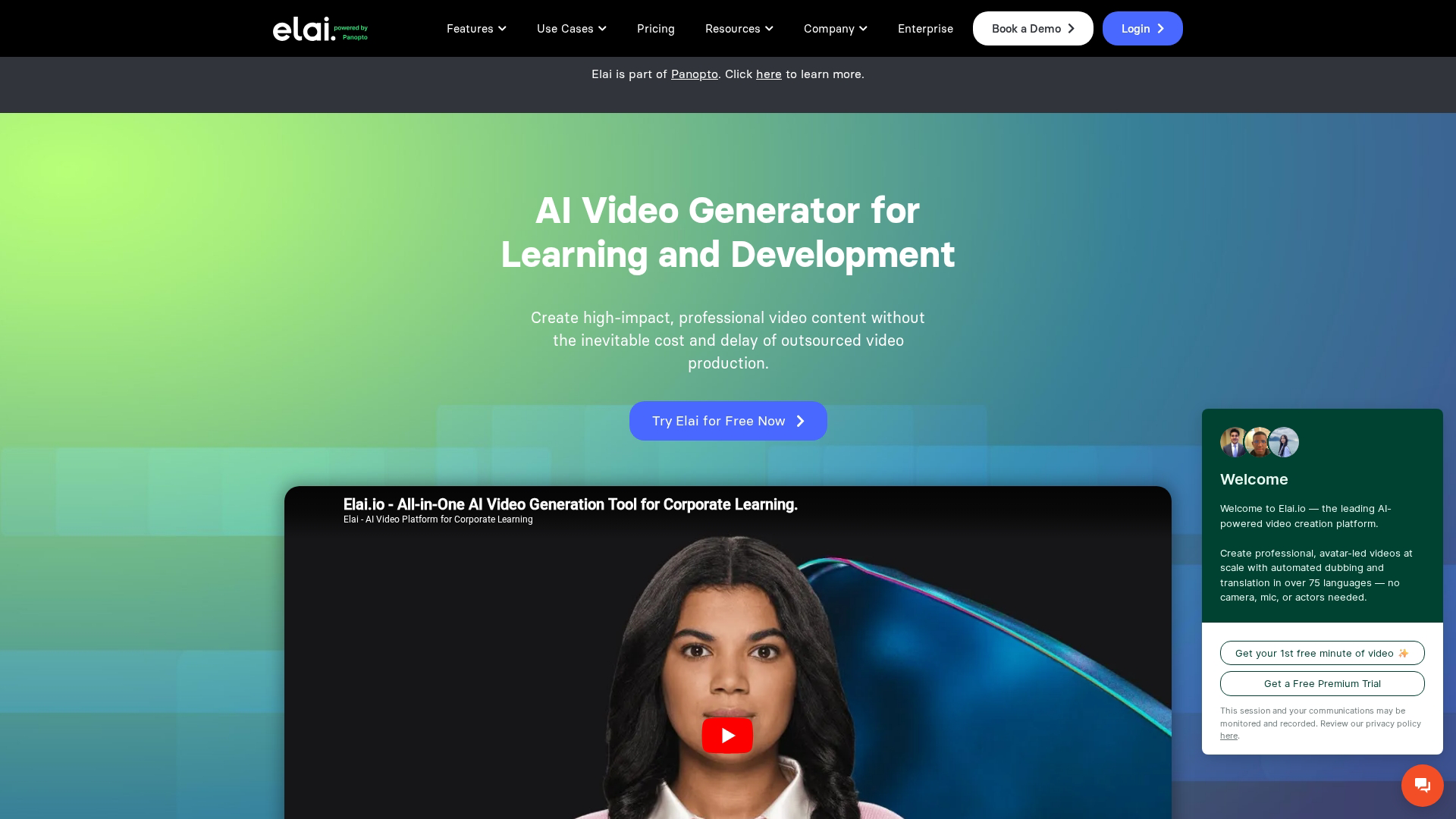
Elai.io specializes in converting existing content into video. The platform can transform blog posts, articles, and documents into AI avatar presentations.
Best for: Content marketers repurposing written content into video format.
Key strengths
- URL-to-video conversion: Paste a blog link and generate a video draft automatically
- Slide-based editor: Familiar PowerPoint-style workflow for non-video editors
- Voice cloning option: Create a custom voice from your own audio samples
Why choose Elai.io
Elai.io works well for content repurposing workflows. If you have a library of blog posts and want video versions, this platform streamlines the process. Avatar quality trails Synthesia, so it's better for quick content than polished brand videos.
Elai.io pricing
Plans start at $29/month for Basic tier with limited minutes.
6. Pictory
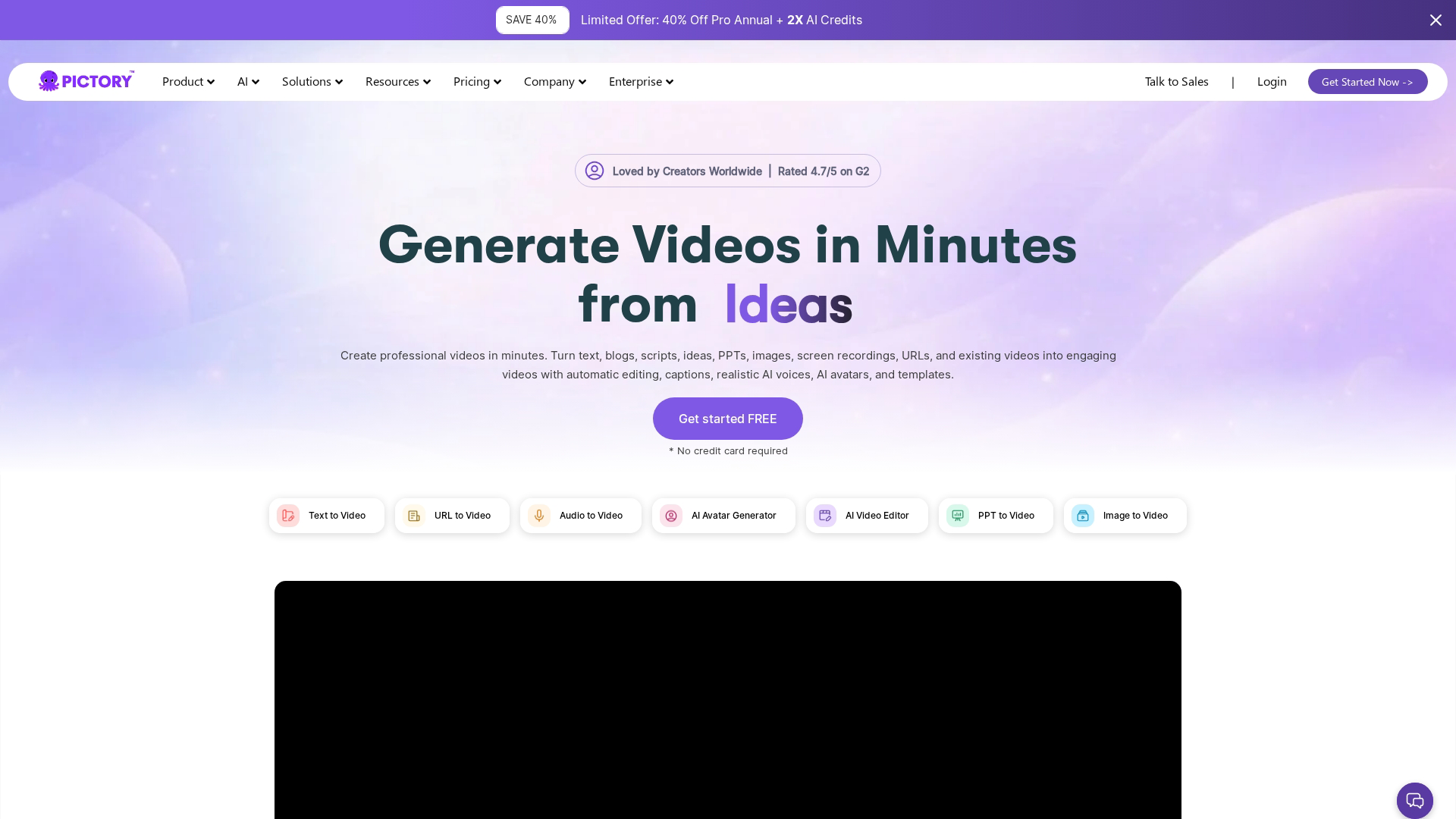
Pictory turns long-form content into short video clips. The platform excels at extracting highlights from webinars, podcasts, and recorded meetings.
Best for: Social media managers creating short-form video from existing long-form content.
Key strengths
- Auto-highlight extraction: AI identifies key moments worth clipping
- Text-based editing: Edit video by editing the transcript, not the timeline
- Auto-captioning: Generate captions in multiple styles for social platforms
Why choose Pictory
Pictory solves a specific problem: turning long recordings into shareable clips. It's not a full avatar or voice cloning solution. Choose Pictory when you have existing video content and want to maximize its reach on social platforms.
Pictory pricing
Plans start at $25/month for Starter tier.
7. Runway
Runway provides generative AI video tools for creative professionals. The platform's Gen-2 and Gen-3 models create video from text prompts, pushing the boundaries of what AI can generate.
Best for: Creative teams and filmmakers experimenting with AI-generated footage and effects.
Key strengths
- Text-to-video generation: Create video scenes from text descriptions
- AI-powered editing tools: Inpainting, green screen removal, and motion tracking
- Image-to-video extension: Animate still images into motion clips
Why choose Runway
Runway targets creative experimentation rather than corporate video production. The learning curve is steeper than template-based tools, but the creative possibilities are broader.
Runway pricing
Plans start at $15/month for Standard tier with limited generation credits.
8. ElevenLabs
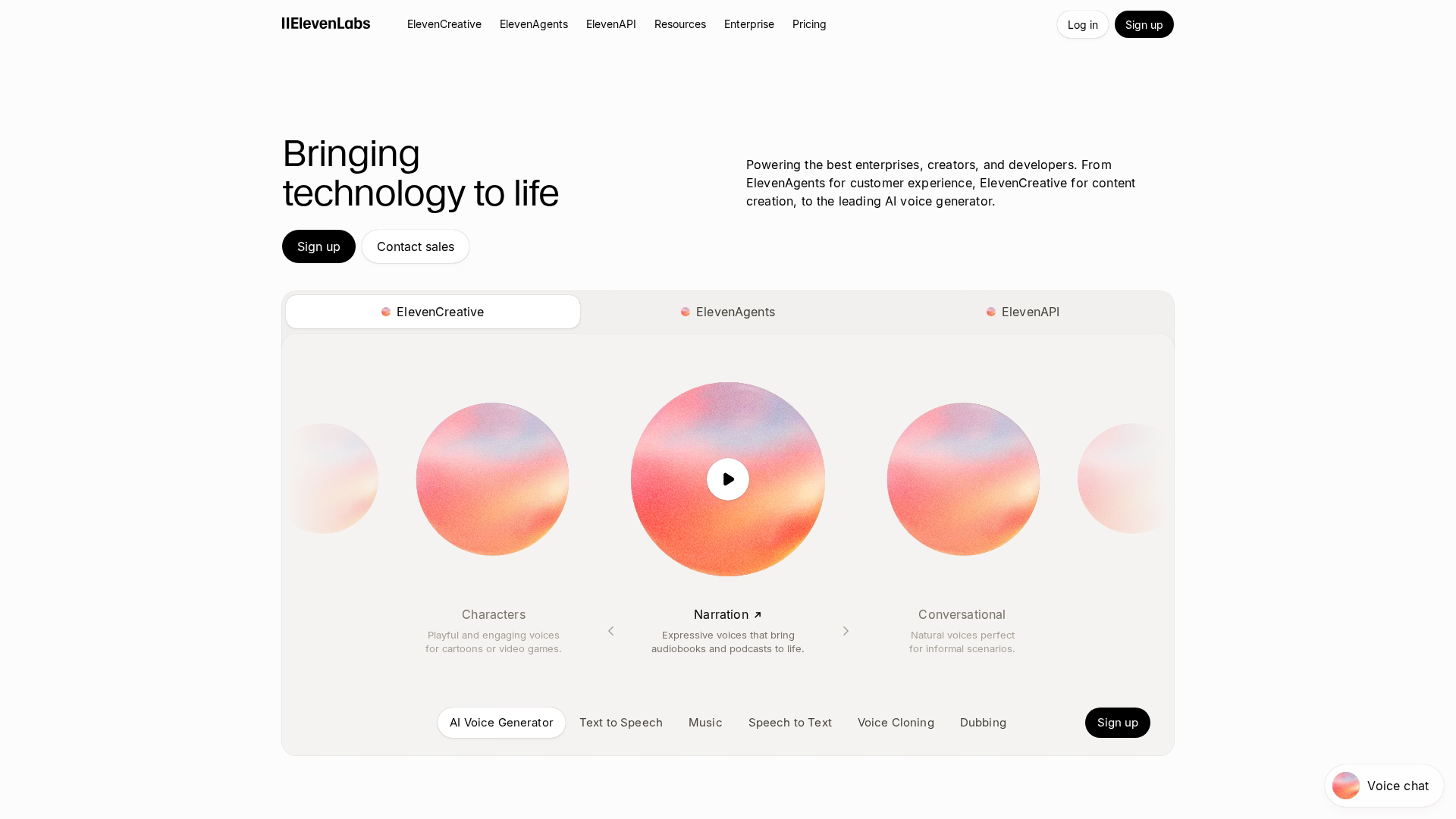
ElevenLabs leads the voice synthesis market with remarkably realistic text-to-speech and voice cloning. The platform serves podcasters, audiobook creators, and teams needing high-quality voiceovers.
Best for: Podcasters, audiobook creators, and teams needing realistic AI voiceovers.
Key strengths
- Voice cloning from samples: Replicate a voice from short audio clips with high fidelity
- Extensive voice library: Hundreds of pre-made voices across languages and styles
- Projects feature: Manage long-form audio like audiobooks or course narration
Why choose ElevenLabs
ElevenLabs offers the best voice quality available in synthetic media. The tradeoff: it's audio-only. Pair it with a video tool like Synthesia or HeyGen for full synthetic media production.
ElevenLabs pricing
Plans start at $5/month for Starter tier.
9. Murf AI
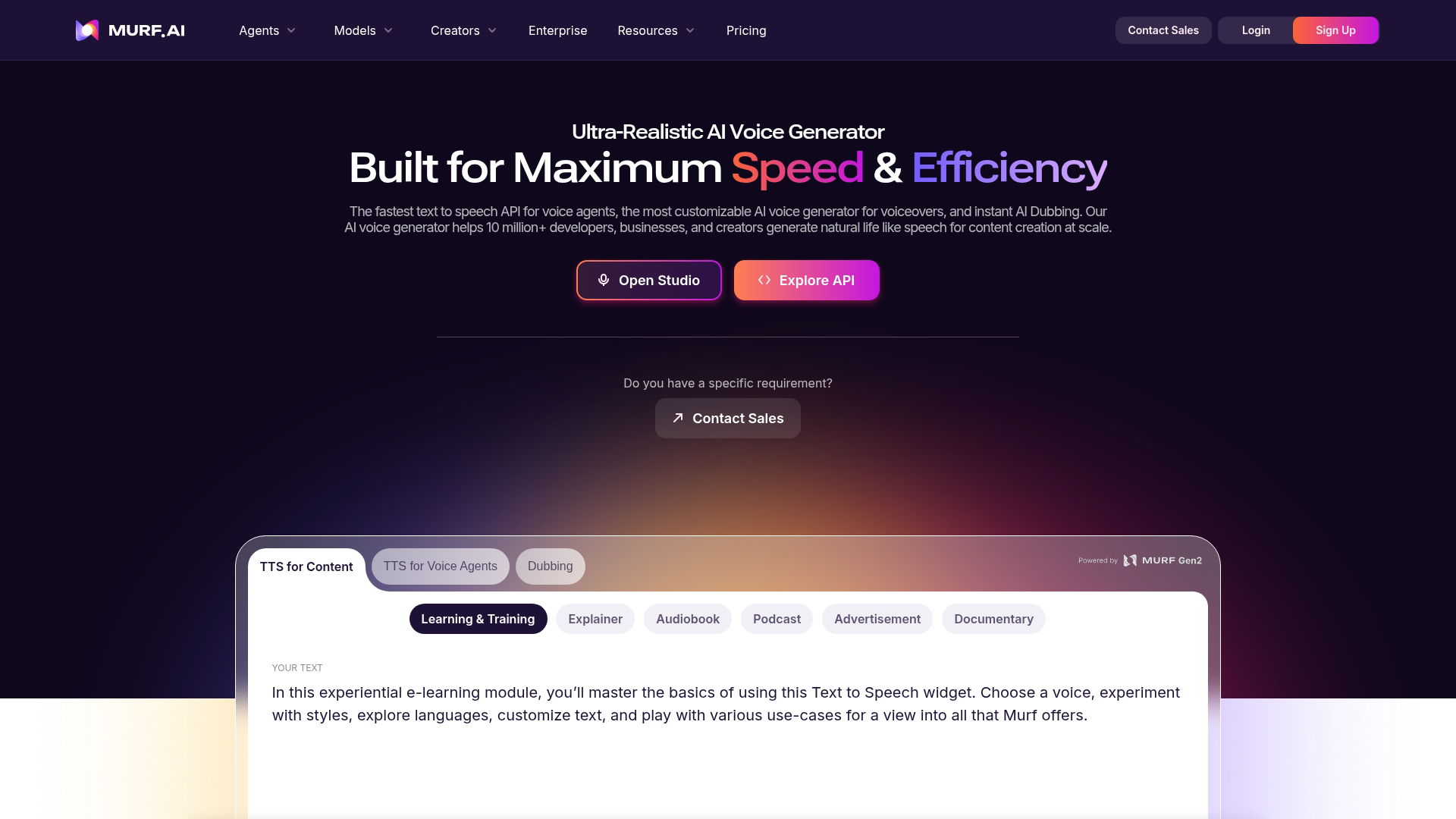
Murf AI provides text-to-speech and voice cloning with a focus on simplicity. The platform targets teams who want quick voiceovers without the complexity of full audio production.
Best for: E-learning creators and marketers who want fast voiceovers without recording.
Key strengths
- Studio-quality voices: Natural-sounding output without microphones or studios
- Voice-over video sync: Add AI voice to uploaded video with timing controls
- Collaboration features: Team workspaces and review workflows for larger organizations
Why choose Murf AI
Murf AI fits teams who want voiceover capabilities without the depth of ElevenLabs. It's simpler and often cheaper for basic use cases.
Murf AI pricing
Plans start at $29/month for Creator tier.
What data deepfake tools require to produce synthetic media
To produce synthetic media, current deepfake tools require access to specific input data. Understanding input requirements helps you plan content creation and navigate consent considerations.
Voice cloning input requirements
Voice cloning tools require audio samples of the target voice. Duration requirements vary by platform. Some tools clone from just 30 seconds of audio.
Others want several minutes for higher quality. Higher quality samples yield better output. Clean recordings without background noise, consistent volume, and natural speech patterns produce the most realistic clones.
Image and video inputs for avatar creation
Photo-based avatars require high-resolution images. Most platforms want front-facing portraits with good lighting and neutral expressions.
Video-based avatars require footage of the subject speaking. Platforms typically ask for 2-5 minutes of video with varied expressions and head movements.
Consent and rights considerations
Responsible synthetic media creation requires documented consent from anyone being cloned. Most enterprise platforms now require signed consent forms before processing voice or likeness data.
This isn't just ethical. It's increasingly a procurement requirement. Enterprise buyers want audit trails showing consent was obtained before any synthetic content was created.
Tip: Before creating custom avatars or voice clones, document consent in writing. Many platforms provide consent form templates.
Ethical and legal considerations for synthetic media
Synthetic media carries risks alongside its benefits. Responsible use separates legitimate business applications from harmful deepfakes.
Key considerations include:
- Disclosure requirements: Some jurisdictions require labeling AI-generated content, especially when depicting real people
- Deepfake misuse: Unauthorized cloning and impersonation create legal and reputational risks
- Platform policies: Social networks have rules about synthetic media disclosure that vary by platform
- Enterprise safeguards: Audit trails, watermarking, and consent documentation protect organizations from liability
The technology itself is neutral. How you use it determines whether it's a productivity tool or a liability.
How to choose synthetic media software for your team
Start with your use case. Training videos, marketing content, and voice-only applications each point to different tools.
Match tool type to output:
- Avatar platforms like Synthesia and HeyGen handle video with digital presenters
- Voice tools like ElevenLabs and Murf handle audio
- Editing platforms like Pictory and Runway handle editing and generation
Evaluate against your stack. Check integrations with your CRM, marketing automation tools, and content management systems. Native integrations reduce manual work.
Run a pilot. Most tools offer free tiers or trials. Test with a real project before committing budget.
One more consideration: synthetic media creates passive viewing experiences. Prospects watch.
For product-led teams who want prospects to interact with the actual product, interactive demos offer a different approach. Many teams use both: synthetic video for awareness, interactive demos for evaluation.
Build your AI content stack with the right tools
For AI avatar videos, Synthesia and HeyGen lead the market. Synthesia fits enterprise L&D teams. HeyGen excels at multilingual marketing.
For voice cloning, ElevenLabs offers the highest quality. Murf AI provides a simpler alternative for basic voiceover work.
For video editing and generation, Pictory handles content repurposing. Runway serves creative experimentation.
Synthetic media creates content people watch. But watching isn't the same as experiencing. For product-led teams who want prospects to click through real product flows rather than watch AI-generated video, interactive demos offer a complementary approach.
Start your journey with Guideflow today to see how interactive demos convert AI-referred traffic into qualified pipeline.
FAQs about synthetic media software
What is synthetic media technology?
Synthetic media technology refers to AI systems that generate or manipulate digital content including video, audio, images, and text. The tools use machine learning models trained on large datasets to produce realistic outputs that would traditionally require cameras, microphones, or human creators.
Who are the key players in synthetic media?
Major players include Synthesia and HeyGen for AI avatars, ElevenLabs for voice synthesis, Runway for generative video, and D-ID for photo-to-video conversion. The market also includes audio-focused tools like Murf AI and content repurposing platforms like Pictory.
Is creating deepfake content illegal in the United States?
Creating deepfakes is not inherently illegal in the US. However, specific uses can violate laws around fraud, defamation, non-consensual intimate imagery, and election interference. Several states have passed laws targeting malicious deepfake use, and federal legislation continues to evolve.
What is the difference between synthetic media and deepfakes?
Synthetic media is the broad category of AI-generated content. Deepfakes are a specific type of synthetic media that replaces one person's likeness with another's. The term "deepfake" often carries negative connotations due to association with deceptive use, while "synthetic media" is the neutral industry term.
Can synthetic media be detected by automated tools?
Yes, detection tools analyze artifacts, inconsistencies, and metadata to identify synthetic content. However, detection remains a cat-and-mouse game as generation quality improves.
What file formats do synthetic media tools typically export?
Most tools export standard video formats (MP4, MOV) and audio formats (MP3, WAV). Some offer API access for programmatic output. Enterprise platforms often support additional formats for specific distribution channels.
Do businesses have to disclose AI-generated content to audiences?
Disclosure requirements vary by jurisdiction and platform. Best practice is to label AI-generated content, especially when depicting real people or making factual claims.
Some social platforms require disclosure. Some jurisdictions mandate it by law.
How much does synthetic media software typically cost?
Pricing ranges from free tiers with limited minutes to enterprise plans with custom pricing. Most tools charge per minute of generated content or per seat. Entry-level plans typically start between $15-30/month.