Cloud bills keep rising, but the hardest part is rarely the spend itself. It's explaining where it came from. According to Flexera's 2025 State of the Cloud report, 84% of organizations say managing cloud spend is a top cloud challenge, and teams estimate 27% of that spend is wasted. The gap between what you're paying and what you can justify is where presales conversations get painful fast.
Sales Engineers pulled into a FinOps evaluation, a finance review, or a cloud architecture POC know this well. A prospect asks which workload drove the cost spike, which team owns that bill, whether Kubernetes spend is visible, or how rightsizing actions will be approved. The answer depends entirely on which tool is in the stack.
Choosing the right cloud cost management platform means matching the tool to the cloud environment, the team structure, and how mature the FinOps operating model is. A tool that works for a single-cloud startup with two engineers is a different product than one that needs to run showback and chargeback across eight business units on three providers.
This guide gives you a practical shortlist for that decision.
What's inside
This guide compares 15 cloud cost management tools for 2026. Tools were selected based on recurring SERP presence, multicloud support, Kubernetes relevance, optimization depth, and usefulness for technical GTM evaluation.
- Who each tool fits: Early-stage visibility, enterprise FinOps governance, Kubernetes optimization, or automated rightsizing
- How pricing models differ: Spend-based, module-based, free tier, and quote-only
- What G2 reviewers rate: Current ratings sourced directly from each tool's G2 listing
- What to evaluate before a demo or POC: Allocation depth, automation safety, and Kubernetes coverage
TL;DR
- Best for cost intelligence and unit economics: CloudZero, for teams allocating spend by product, customer, feature, and team
- Best for fast cloud cost visibility: Vantage, with a free Starter tier and clean dashboards across providers
- Best for engineering-led allocation: Finout, with a MegaBill model and granular shared-cost mapping
- Best for enterprise FinOps governance: IBM Cloudability, for budgeting, forecasting, showback, and chargeback at scale
- Best for Kubernetes automation: CAST AI, for teams that want the platform to act, not just report
- Best native option: Azure Cost Management, free for Azure customers and strong for Microsoft-centric environments
- Best for observability-led cost monitoring: Datadog Cloud Cost Management, for teams already using Datadog for infrastructure telemetry
What is cloud cost management software?
Cloud cost management software helps teams monitor, allocate, forecast, govern, and optimize spending across cloud infrastructure, SaaS-like cloud services, and Kubernetes environments.
The category covers five distinct jobs:
- Visibility: Knowing where spend is going across accounts, services, and providers
- Allocation: Mapping spend to teams, products, customers, features, and business units
- Optimization: Reducing waste through rightsizing, commitment purchasing, Spot usage, autoscaling, and scheduling
- Governance: Budgets, alerts, anomaly detection, showback, chargeback, approval workflows, and policy enforcement
- Forecasting: Predicting future spend and measuring variance against budget
Key capabilities to look for in a cloud cost management platform:
- Multicloud billing ingestion (AWS, Azure, Google Cloud, and others)
- Cost allocation and tagging, including virtual tags for untagged resources
- Budget alerts and cloud anomaly detection
- Cloud cost forecasting and variance reporting
- Kubernetes cost management at namespace, pod, and workload level
- Rightsizing and cloud rightsizing recommendations
- Automated optimization actions with guardrails
- Showback and chargeback reporting
- Unit economics and per-customer cost tracking
- Engineering and finance collaboration workflows
One important distinction: Native cloud provider tools, such as Azure Cost Management, give solid provider-specific visibility. Third-party platforms earn their place when teams need multicloud cost management, Kubernetes cost allocation, cross-team reporting, or automated remediation that spans beyond a single provider.
When to use cloud cost management tools
Reduce unexplained cloud spend
Cloud costs go up for two reasons: Growth and waste. Rising spend tied to customer growth or new workloads is expected. Idle resources, oversized instances, and orphaned snapshots are not. A good cloud spend management tool helps you separate the two, so finance sees a credible explanation rather than a shrug.
Hold teams accountable for usage
When everyone can spin up infrastructure but no one owns the bill, costs drift. Showback and chargeback workflows, team-level allocation, and unit economics reporting give engineering leads, product owners, and finance a shared view of what they're consuming and what it costs per customer or per feature.
Optimize workloads without breaking performance
Rightsizing looks easy on paper. In practice, an undersized instance can take down a service. Cloud cost optimization tools that include application-aware automation, approval workflows, and performance context let you act on savings recommendations without gambling on reliability. Kubernetes cost management adds another layer: Bin packing and autoscaling decisions need workload-level data to be safe.
Cloud cost management tools comparison
No single tool wins every situation. Some are cost intelligence platforms focused on allocation and unit economics. Others are FinOps governance systems built for enterprise reporting. Some automate infrastructure optimization. Others focus on Kubernetes cost visibility or native cloud reporting. The table below maps each tool to its primary fit.
| # | Product | Best for | Key differentiator | Pricing | G2 rating |
|---|---|---|---|---|---|
| 1 | CloudZero | Cost intelligence and unit economics | Allocation by product, customer, feature, and team | Custom quote | 4.6/5 |
| 2 | Vantage | Fast cloud cost visibility | Clean dashboards across providers; free Starter tier | Free to $200/mo | N/A |
| 3 | Finout | Engineering-led allocation | MegaBill model for granular cost mapping | Custom quote | 4.5/5 |
| 4 | IBM Cloudability | Enterprise FinOps governance | Budgeting, forecasting, showback, and chargeback | Custom quote | 4.2/5 |
| 5 | IBM Turbonomic | Automated resource optimization | Application-aware rightsizing across hybrid environments | Custom quote | 4.4/5 |
| 6 | CloudBolt | Hybrid and multicloud governance | Cloud management with integrated cost controls | Free to enterprise | 4.3/5 |
| 7 | CloudHealth | Enterprise cloud financial management | Mature multicloud reporting and policy controls | Custom quote | N/A |
| 8 | Harness | Engineering workflow cost control | Cost attribution, anomaly detection, and AutoStopping | Free plan available | 4.6/5 |
| 9 | Kubecost | Kubernetes cost visibility | Cluster, namespace, pod, and workload allocation | Free to enterprise | N/A |
| 10 | Datadog Cloud Cost Management | Observability-led cloud cost monitoring | Cost context inside infrastructure and service telemetry | $5 per $1K spend/mo | 4.5/5 |
| 11 | Flexera One | Hybrid IT and cloud cost governance | Cloud cost alongside IT asset and software spend | Custom quote | 4.3/5 |
| 12 | DoiT | Managed FinOps and cloud intelligence | Runtime-based allocation plus expert support | From $200/mo | 4.4/5 |
| 13 | CAST AI | Kubernetes automation | Automated bin packing, scaling, and Spot optimization | Custom quote | 4.5/5 |
| 14 | Azure Cost Management | Microsoft cloud environments | Native Azure billing, budgets, and cost analysis | Free for Azure | 3.8/5 |
| 15 | Spot by NetApp | Automated cloud infrastructure optimization | Spot instance automation and commitment management | Custom quote | 4.8/5 |
Pricing and G2 ratings verified November 2026 from each vendor's pricing page and G2 listing.
Best 15 cloud cost management tools for 2026
1. CloudZero
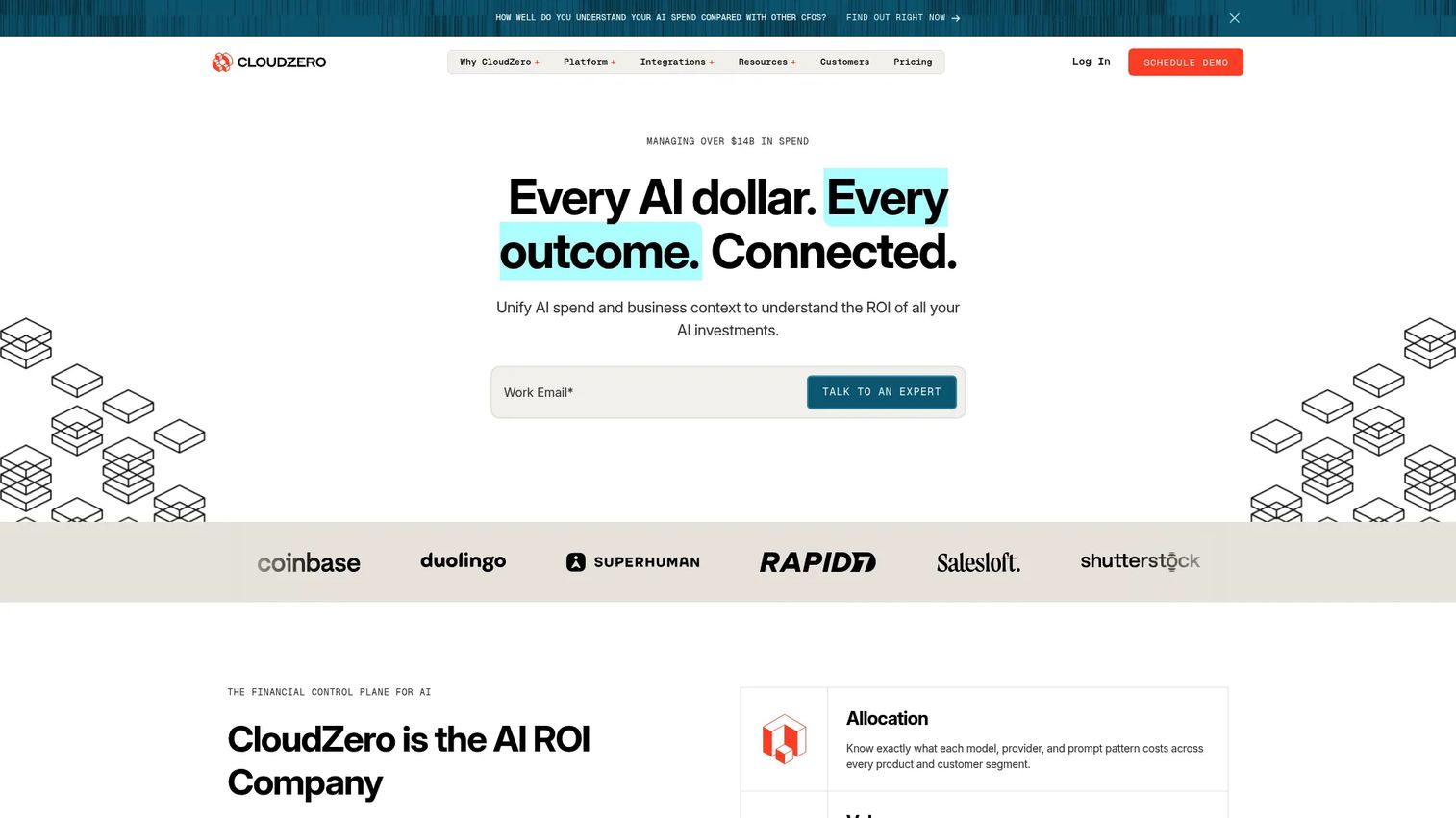
CloudZero is a financial control plane for cloud and AI spend, built for SaaS teams that need to connect infrastructure costs to business outcomes. Rather than reporting spend by service or account, it maps costs to the dimensions that matter in a product conversation: Product lines, customer segments, features, environments, and teams. This makes it particularly useful when finance asks about gross margin or a prospect asks how cloud cost scales with customer growth.
Best for: Finance, engineering, and FinOps teams that need cost intelligence beyond provider billing reports.
Key features
- Cost allocation by product, customer, feature, team, and environment
- Unit economics and per-customer cost reporting
- Cloud anomaly detection and spend monitoring
- AI Hub for natural-language cost analysis
- Budget and forecast management with workflow integrations
Why choose CloudZero: It fits the use case where engineering, finance, and product need to talk about cost in the same language. If a prospect is building a usage-based pricing model or trying to prove cloud cost efficiency to investors, this is the tool that speaks that language. Presales software tools evaluations often surface this when buyers need to demonstrate ROI against customer-level margins.
CloudZero pricing: CloudZero prices on a custom subscription based on the scale and complexity of the cloud environment. There is no free tier or self-serve starting price. Request a quote directly from the CloudZero pricing page.
G2 rating: 4.6/5
2. Vantage
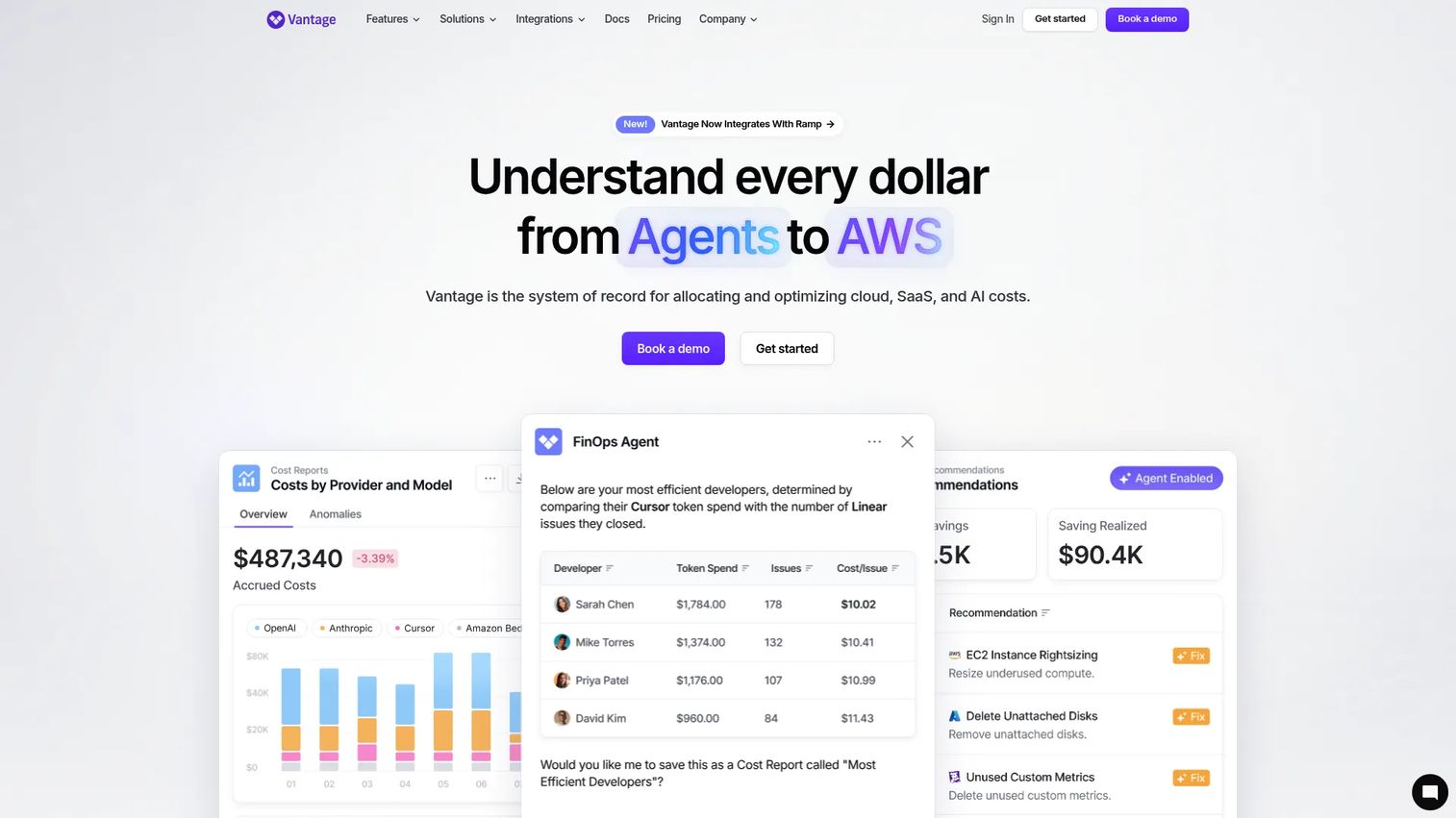
Vantage is a FinOps platform for allocating, analyzing, and optimizing cloud, SaaS, and AI costs. Engineering and finance teams use it for cost reports, virtual tagging, budget alerts, forecasting, and Kubernetes cost reporting without a heavy enterprise rollout. The free Starter tier covers up to $2,500 of cloud spend, which makes it accessible for teams still building their cloud financial management practice.
Best for: Engineering and finance teams that want straightforward cloud spend reporting across multiple accounts and services before committing to an enterprise contract.
Key features
- Cost reports and virtual tagging across providers
- Automated waste detection and savings recommendations
- Kubernetes cost reporting and rightsizing
- Budget alerts and cloud cost forecasting
- AI integrations via MCP Server
Why choose Vantage: It stands out for usability and time-to-value. Teams can get dashboards running quickly without a lengthy implementation cycle, which is useful when a FinOps practice is still forming or when an engineering team needs visibility before finance gets involved.
Vantage pricing: Starter is free and covers up to $2,500 of cloud spend. Pro runs $30/month (billed monthly), Business is $200/month, and Enterprise is custom. Both Pro and Business include 14-day free trials.
G2 rating: No current G2 listing verified at time of publication.
3. Finout
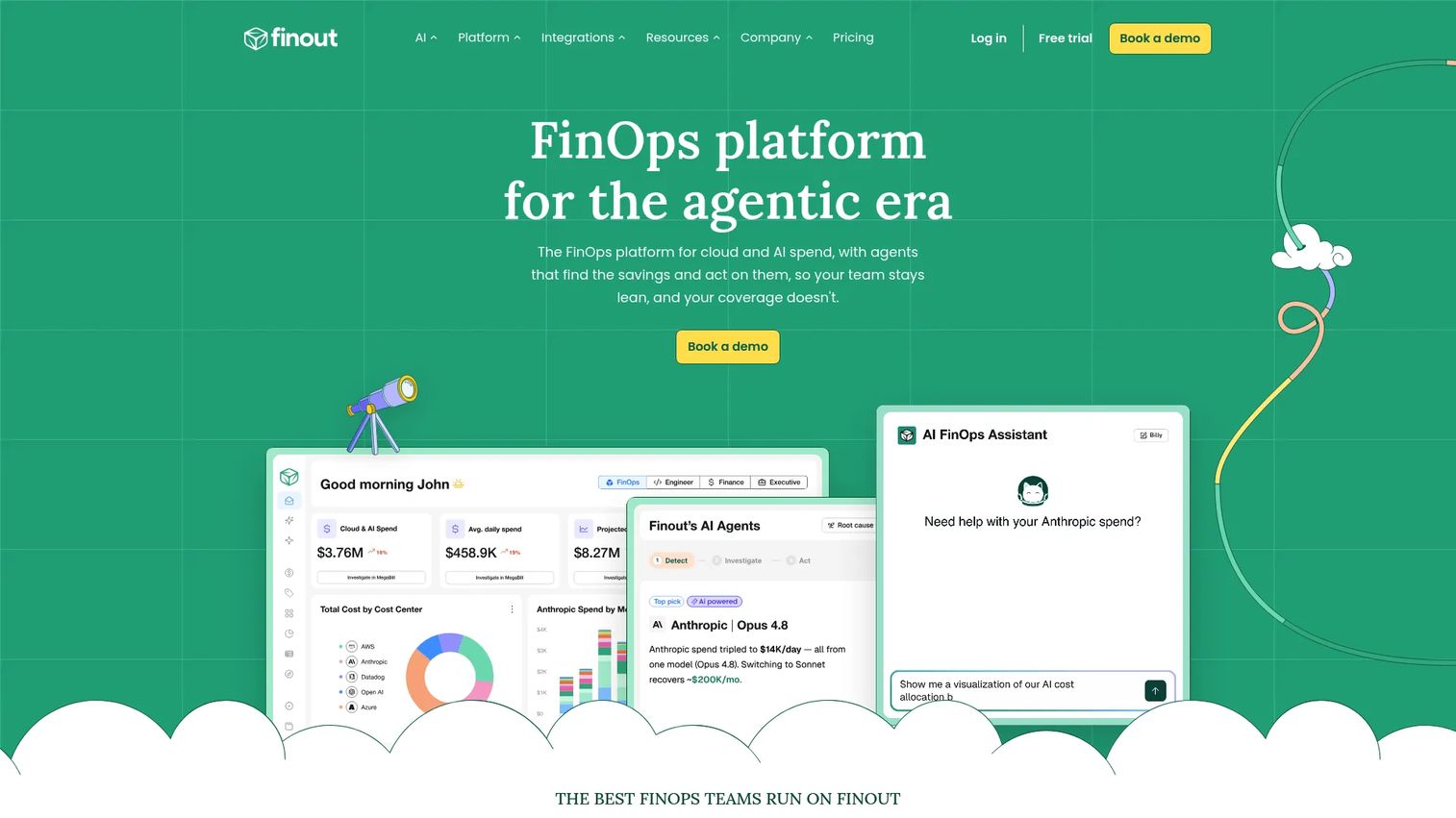
Finout is an enterprise FinOps platform that centralizes cloud, SaaS, Kubernetes, and AI spend into a unified billing view it calls the MegaBill. It is designed for teams that need to allocate shared infrastructure costs across products, teams, workloads, and customers without relying solely on cloud provider tags. CostGuard identifies cost waste automatically, and Financial Plans support budgeting and forecasting.
Best for: Engineering and FinOps teams that struggle with shared infrastructure costs and need granular allocation across products and customers without a full tagging overhaul.
Key features
- Unified MegaBill dashboard for cloud and AI spend
- Virtual Tags and shared-cost allocation rules
- FinOps dashboards, anomaly detection, and budget alerts
- Financial Plans for budgets and cloud cost forecasting
- CostGuard cost-waste detection and optimization recommendations
Why choose Finout: The MegaBill model is the core differentiator. When a prospect has multiple products sharing the same cloud account and can't separate costs by tag alone, Finout's virtual allocation layer solves a real problem. It also covers Kubernetes cost management, so teams don't need a separate tool for container spend.
Finout pricing: Finout prices on a custom flat fee based on committed cloud spend, connected cost centers, data volume, and integrations required. A free trial is available. Contact Finout directly for a quote.
G2 rating: 4.5/5
4. IBM Cloudability
IBM Cloudability is a cloud financial management platform that supports enterprise FinOps teams with multicloud cost visibility, cost allocation, budgeting, forecasting, showback, and chargeback. It is one of the more established platforms in the category for organizations that need structured cloud financial processes across multiple business units, with customizable dashboards and anomaly detection built in.
Best for: Large organizations with established FinOps, finance, and cloud platform teams that need governance across multiple providers and business units.
Key features
- Multicloud cost visibility and analysis across AWS, Azure, and Google Cloud
- Cost allocation and business mapping
- Budget management and cloud cost forecasting
- Showback and chargeback reporting workflows
- Rightsizing and commitment recommendations
Why choose IBM Cloudability: It is a strong fit when multiple business units need consistent cloud financial reporting and governance. The showback and chargeback capabilities are particularly relevant for IT and finance teams running internal charge models. IBM's Essentials, Standard, and Premium tiers give organizations room to scale the feature set as FinOps maturity grows.
IBM Cloudability pricing: IBM Cloudability is available in Essentials, Standard, and Premium tiers. There is no publicly listed price for any tier. IBM directs prospects to request a demo or pricing quote.
G2 rating: 4.2/5
5. IBM Turbonomic
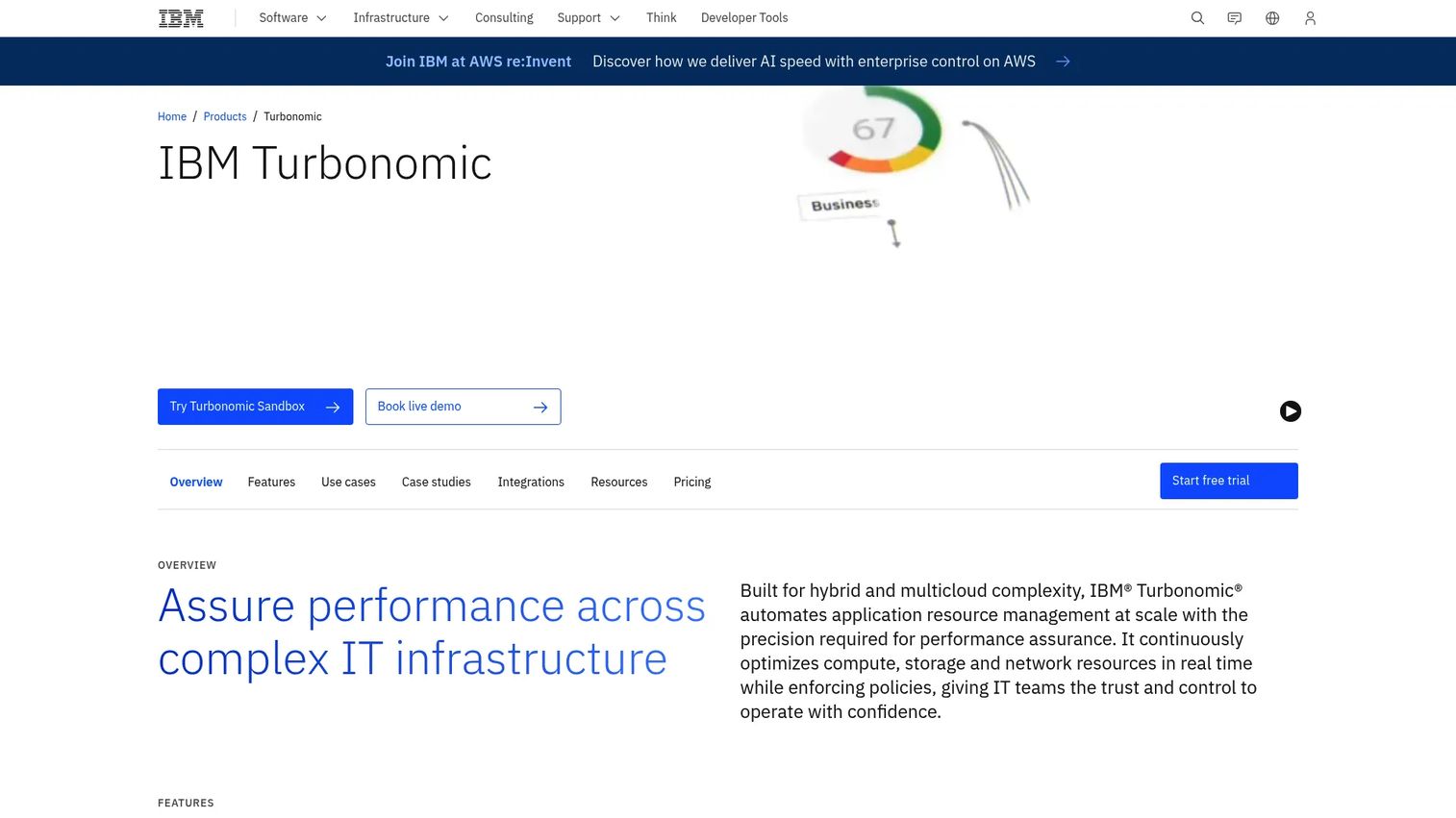
IBM Turbonomic takes a different approach from most cost management tools. Instead of starting with a billing report, it starts with application performance and works backward to the resource decisions that would maintain service levels while reducing waste. It supports automated actions across compute, storage, containers, and virtual machines in hybrid and multicloud environments.
Best for: Enterprise IT teams that want continuous automated optimization without relying on manual rightsizing reports or ad hoc recommendations.
Key features
- Full-stack visibility across applications, containers, VMs, and infrastructure
- Policy-driven automation for scaling, placement, and cloud rightsizing
- Application dependency mapping for performance-aware optimization
- Kubernetes optimization support
- Real-time demand-based resource management
Why choose IBM Turbonomic: The application-aware approach is the key differentiator. If a prospect's engineering team is nervous about automated rightsizing because of past performance incidents, Turbonomic's service-level awareness addresses that objection directly. It fits environments where cost savings must not come at the expense of application reliability.
IBM Turbonomic pricing: A free 30-day trial is available. Paid plans are quote-based and depend on environment size, resource count, and optimization scope. IBM offers SaaS and on-premise deployment options.
G2 rating: 4.4/5
6. CloudBolt
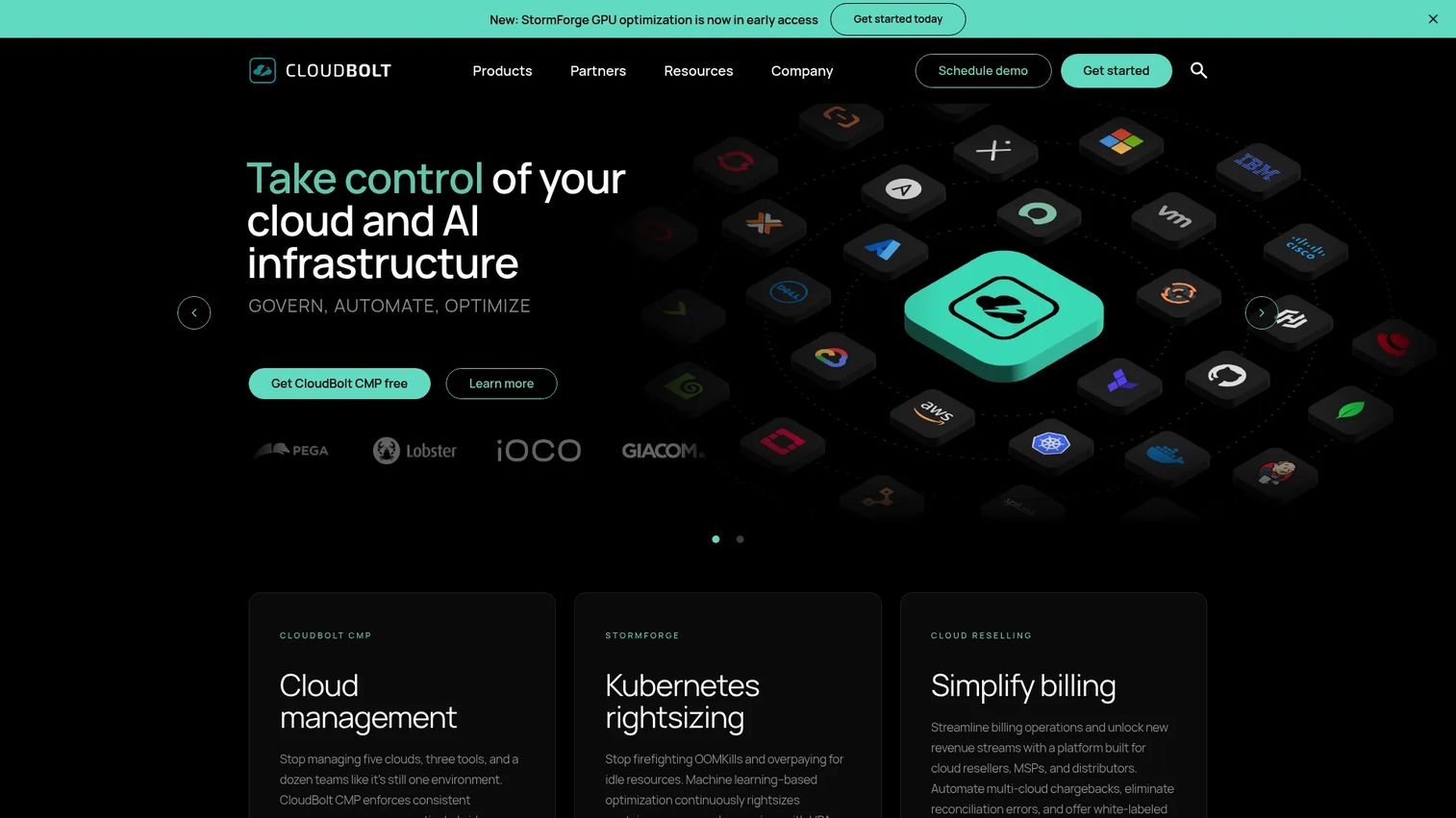
CloudBolt is a cloud management platform that ties governance, provisioning, policy controls, and cost management together. It is built for IT teams that need to manage public, private, and hybrid cloud infrastructure from a single system, with cost visibility as part of broader cloud lifecycle management rather than as a standalone reporting tool.
Best for: Organizations managing complex hybrid or multicloud infrastructure that need centralized governance, provisioning automation, and cost control in the same platform.
Key features
- Self-service infrastructure provisioning with approval workflows
- Governance, policy controls, and budget management
- Hybrid cloud orchestration and lifecycle management
- Day-2 operations automation
- APIs and MCP support for extensibility
Why choose CloudBolt: It fits teams where cloud cost governance is inseparable from cloud operations. If a prospect needs provisioning controls alongside cost visibility, rather than a pure FinOps reporting layer, CloudBolt covers both. The free CMP tier (up to 100 resources) gives teams a way to evaluate before buying.
CloudBolt pricing: CloudBolt CMP Free is available at no cost for up to 100 resources. The enterprise edition supports unlimited resources; contact sales for pricing.
G2 rating: 4.3/5
7. CloudHealth
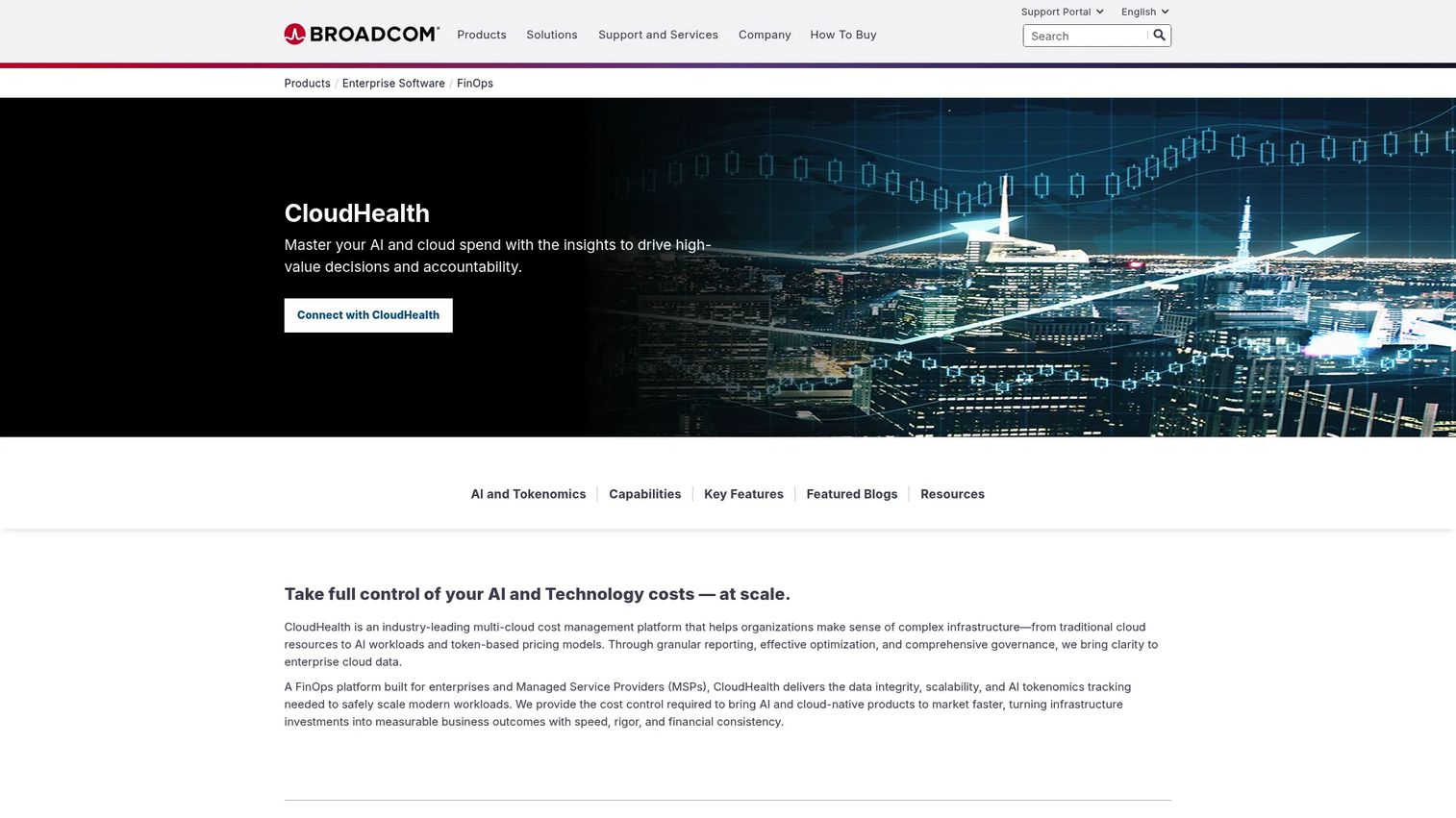
CloudHealth is a multicloud FinOps and cloud cost management platform with a long track record in enterprise visibility, governance, policy automation, and optimization reporting. Now part of Broadcom, it continues to serve large organizations and managed service providers that need structured views across accounts, business units, and cloud providers with policy-based controls.
Best for: Enterprise FinOps teams and managed service providers running mature cloud financial management programs across multiple cloud providers.
Key features
- Multicloud cost and usage visibility across AWS, Azure, and Google Cloud
- Cloud cost optimization recommendations including rightsizing and commitment discounts
- Policy-based governance and automation
- Custom and interactive reporting with dashboards and datasets
- AI-powered Intelligent Assist and Smart Summary
Why choose CloudHealth: It fits organizations with existing FinOps practices that need structured reporting, policy management, and cross-cloud governance. The platform has a mature feature set for teams running complex allocation and chargeback models across multiple providers.
CloudHealth pricing: Pricing is quote-based and not displayed. Contact Broadcom or CloudHealth directly for current pricing and packaging.
G2 rating: No current G2 listing verified at time of publication.
8. Harness
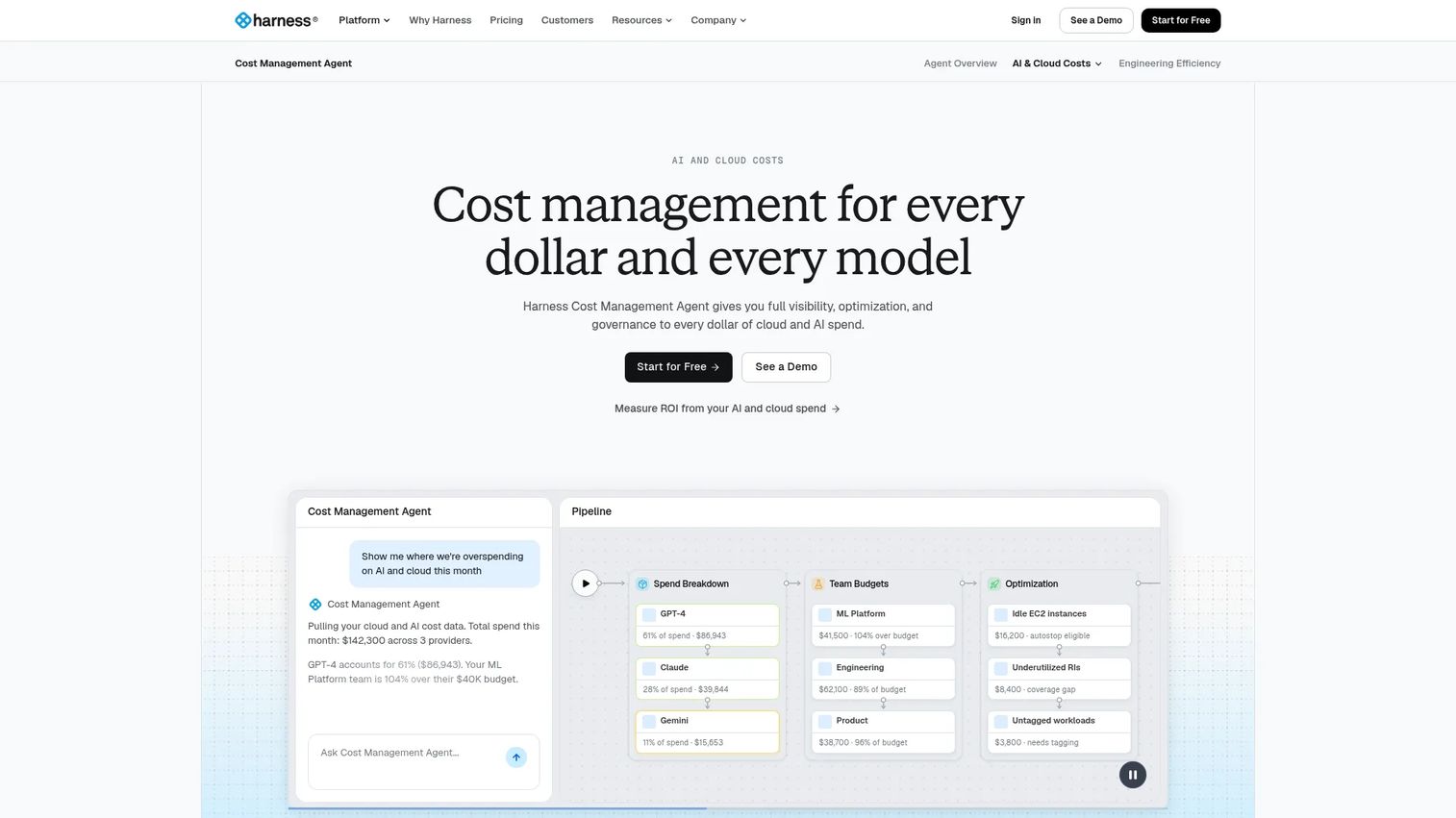
Harness Cloud and AI Cost Management connects cost visibility directly to engineering workflows. It provides cloud cost attribution, chargeback and showback, anomaly detection, budget management, Kubernetes cost insights, and an AutoStopping feature that shuts down idle resources automatically. For teams already using Harness for software delivery, the integration between deployment activity and cost spikes is a practical advantage.
Best for: Engineering teams that want cloud cost visibility close to where code ships, with automated waste reduction and team-level attribution.
Key features
- Cloud cost attribution with chargeback and showback
- Automated AutoStopping for idle resource shutdown
- Kubernetes cost insights and recommendations
- Budget management, anomaly detection, and policy enforcement
- Commitment management and cloud rightsizing recommendations
Why choose Harness: The AutoStopping feature is a real differentiator for development and staging environments where resources run overnight or across weekends. When a prospect's engineering team owns cloud cost accountability but doesn't have time to manually audit idle resources, this delivers savings without adding process overhead.
Harness pricing: Harness offers a free plan. Essentials and Enterprise plans are contact-sales only. Cloud AI Cost Management is part of the Operations module in the Enterprise offering; no public module-level price is shown.
G2 rating: 4.6/5
9. Kubecost
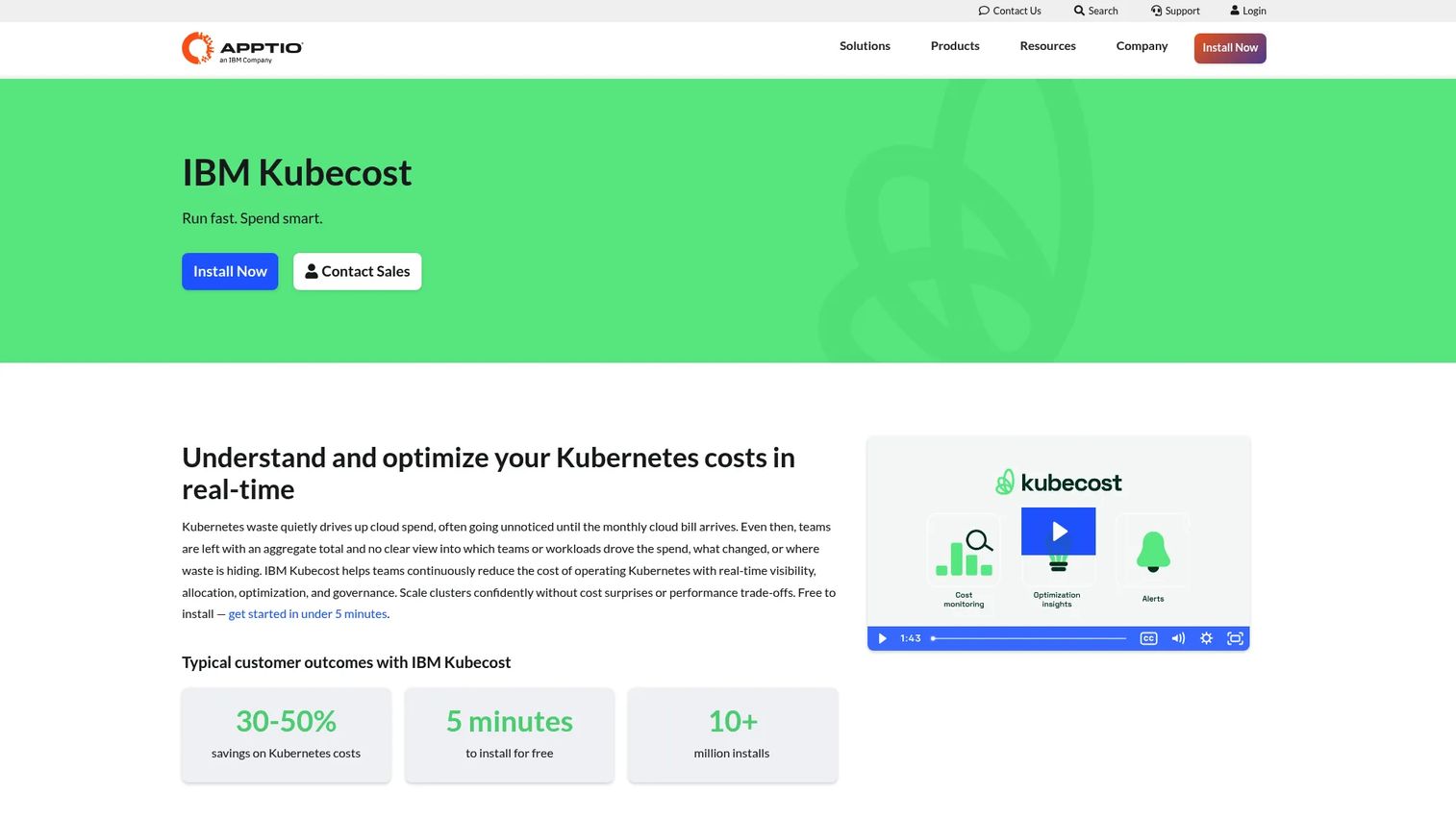
Kubecost (now part of IBM) provides real-time Kubernetes cost visibility, allocation, and optimization. It is purpose-built for Kubernetes environments and allocates spend at cluster, namespace, pod, workload, and label level. For platform teams trying to answer which workloads are driving spend, it goes deeper than cloud provider billing can reach.
Best for: Platform teams running Kubernetes across production, staging, and shared clusters that need granular Kubernetes cost allocation and optimization insights.
Key features
- Real-time cost visibility across clusters, namespaces, and workloads
- Multi-cloud and hybrid Kubernetes cost operations with cloud-bill reconciliation
- Optimization insights for over-provisioned workloads, nodes, containers, and storage
- Budgets, anomaly detection, forecasting, and role-based access
- Shared cost allocation and team-level reporting
Why choose Kubecost: For teams where Kubernetes cost management is the primary gap, it goes deeper on container infrastructure than any general-purpose FinOps tool. Cloud provider billing aggregates at the account level; Kubecost shows cost at the workload level, which is where engineering teams can actually act. It also integrates with cloud billing for full reconciliation.
Kubecost pricing: The Foundations plan is always free and supports unlimited clusters up to 250 cores. Enterprise Self-hosted and Enterprise Cloud plans are contact-sales only.
G2 rating: No current G2 rating verified at time of publication.
10. Datadog Cloud Cost Management
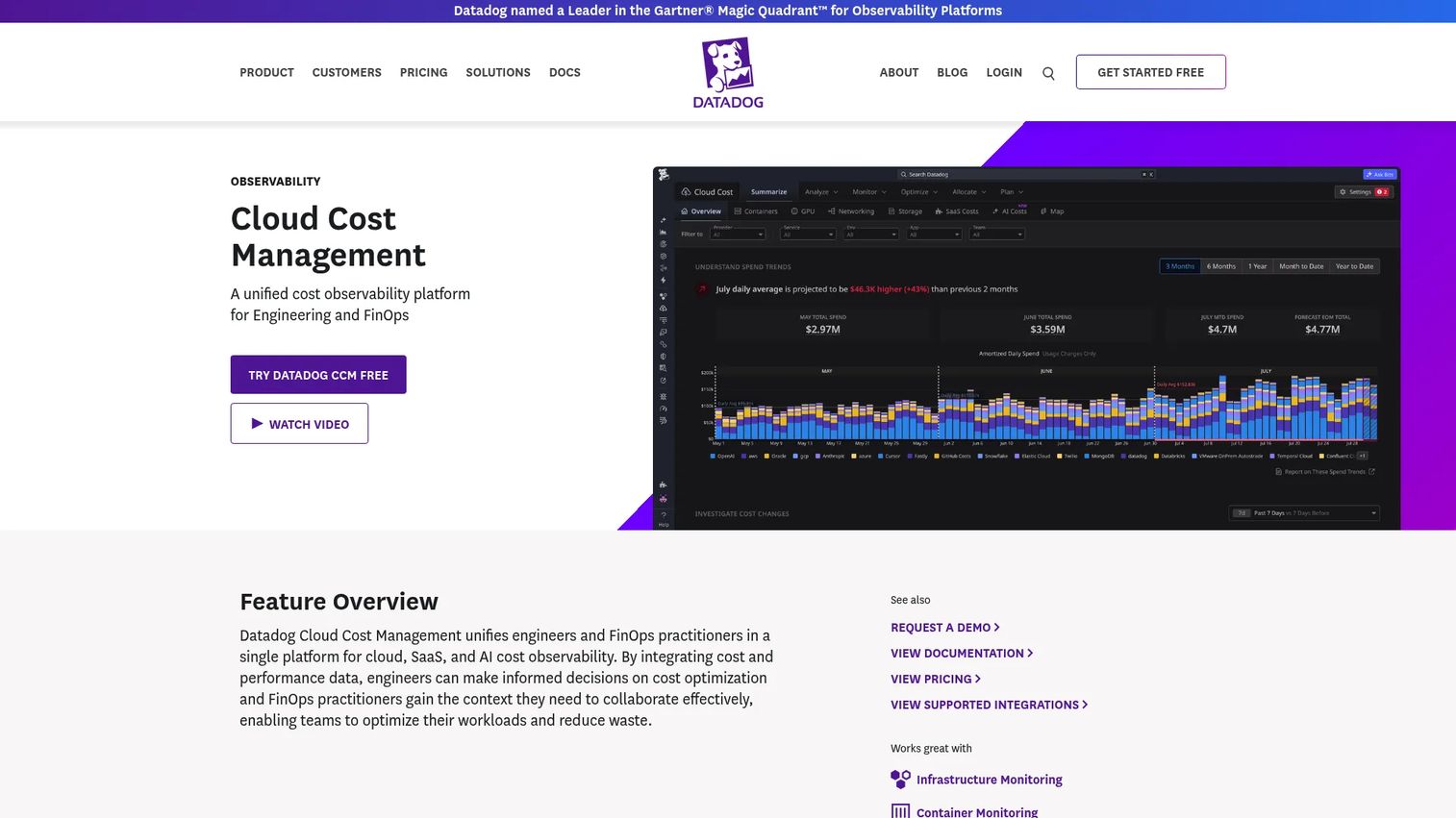
Datadog Cloud Cost Management puts cloud spend data in the same place teams use for infrastructure, application, and service telemetry. For engineers debugging a cost spike, the ability to correlate spend increases with deployments, incidents, or infrastructure changes without switching context is the core value proposition.
Best for: Engineering, FinOps, and finance teams already using Datadog for infrastructure monitoring that want cost visibility in the same environment.
Key features
- Cloud, SaaS, and AI cost visibility across providers
- Cost allocation across teams, products, and services using tags
- Cloud anomaly detection, budget monitors, and cloud cost forecasting
- Observability context linking cost to deployments and infrastructure events
- Free Cost Visibility tier covering Datadog's own spending
Why choose Datadog Cloud Cost Management: The observability context is what sets it apart. When cloud spend jumps, an engineer using Datadog can see whether it correlates with a deployment, a traffic event, or an infrastructure change, all in one place. This is especially valuable for teams that already use Datadog as their primary monitoring stack.
Datadog Cloud Cost Management pricing: Free Cost Visibility covers Datadog costs only. Pro starts at $5 per $1,000 of cloud/SaaS spend per month (billed annually; $7.20 on-demand). Enterprise is $10 per $1,000 of cloud/SaaS spend per month (billed annually; $15 on-demand).
G2 rating: 4.5/5
11. Flexera One
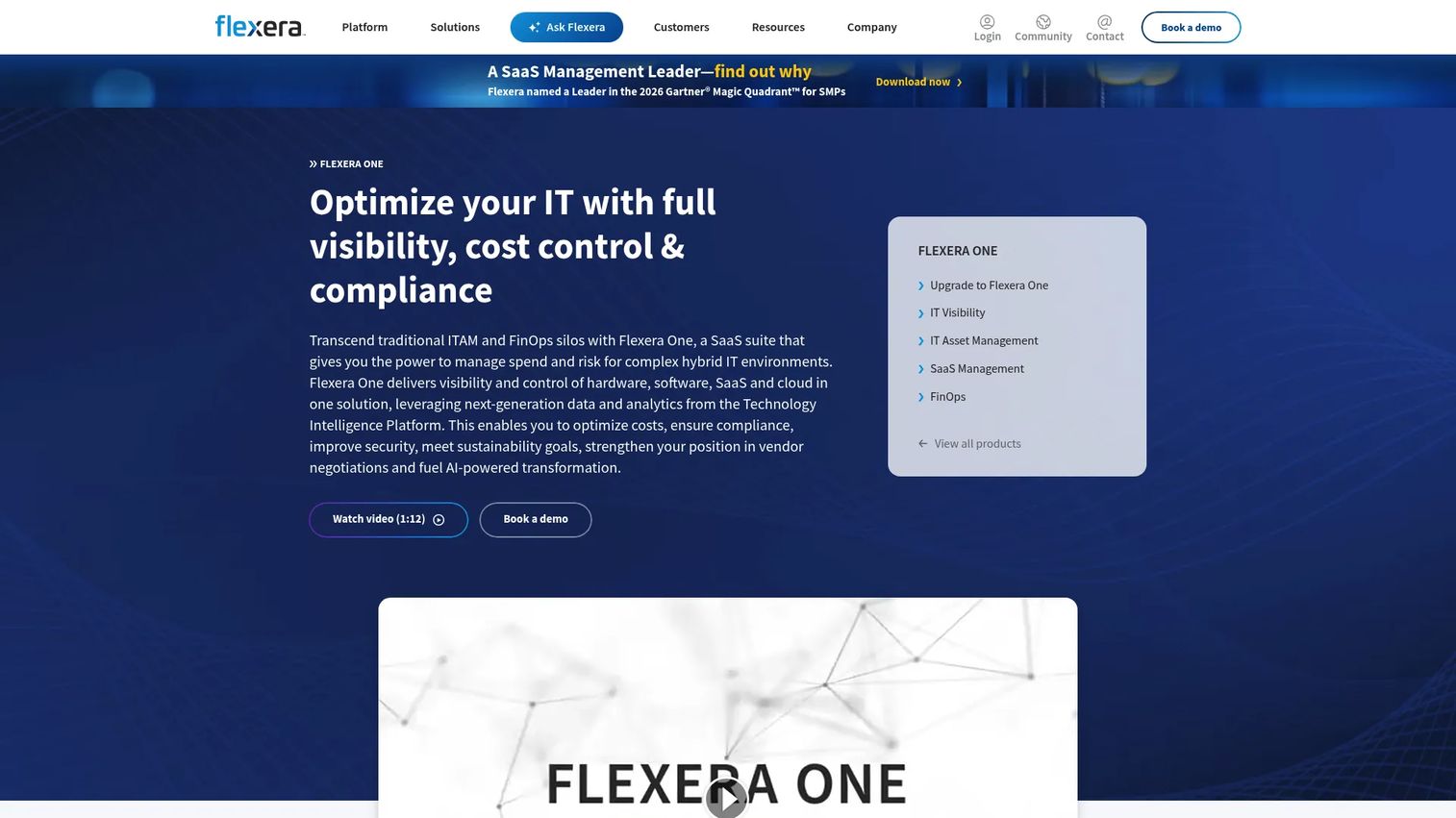
Flexera One is a SaaS platform that covers cloud cost governance alongside IT asset management, software license optimization, and SaaS spend visibility. It fits enterprises where cloud cost management is part of a broader technology financial management program rather than a standalone FinOps initiative.
Best for: Large enterprises that manage cloud costs together with software, SaaS, and IT asset spend under a single governance framework.
Key features
- Cloud cost optimization across public and private clouds
- IT asset management and software license optimization
- SaaS discovery, monitoring, and spend optimization
- Technology Intelligence Platform with Technopedia data
- Hybrid IT visibility across on-premise and cloud environments
Why choose Flexera One: The cross-asset visibility is the differentiator. When a prospect's procurement or IT finance team needs to see cloud costs alongside software licensing and SaaS contracts in one view, Flexera One covers that scope. Most pure-play FinOps tools don't touch software asset management, which is where Flexera earns its place in enterprise IT governance programs.
Flexera One pricing: Flexera prices on a fixed subscription based on term length and usage metrics. Contact Flexera directly for a current quote.
G2 rating: 4.3/5
12. DoiT
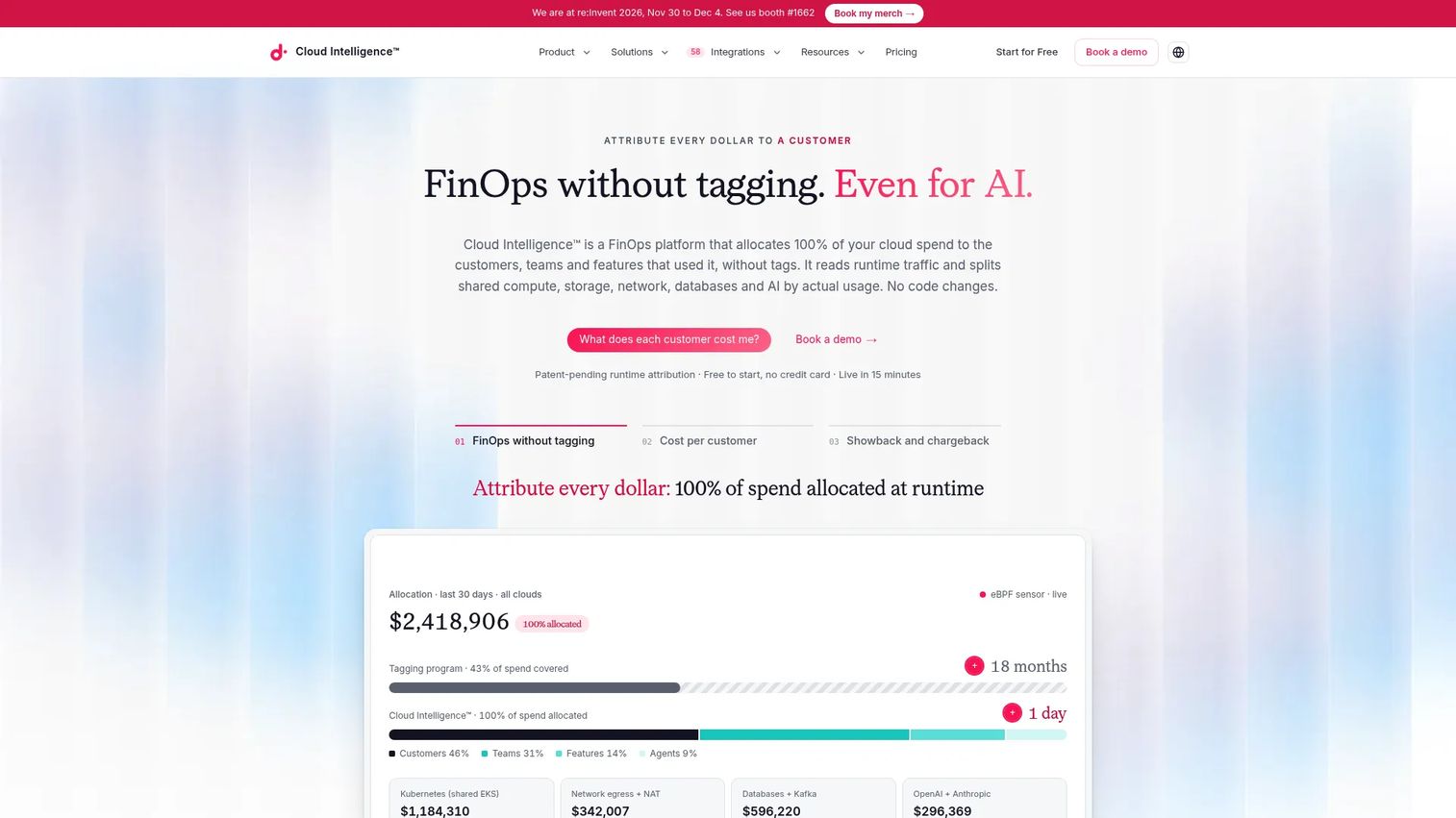
DoiT Cloud Intelligence is a FinOps platform that allocates cloud spend to customers, teams, and features using runtime usage data, without requiring a full tagging implementation first. It also pairs the platform with cloud expertise and managed services, which makes it useful for organizations where internal FinOps capacity is limited but cloud complexity is high.
Best for: Cloud-driven organizations that want multicloud cost management software with expert guidance alongside the platform, particularly those scaling on Google Cloud or AWS.
Key features
- Runtime-based cloud cost allocation without full tag dependency
- Cloud cost visibility, reports, budgets, alerts, and anomaly detection
- Optimization recommendations across cloud, Kubernetes, and AI workloads
- Commitment management and savings recommendations
- Expert support and managed FinOps services
Why choose DoiT: The service-plus-platform model is the differentiator. For organizations that don't have a dedicated FinOps team yet, DoiT provides both the tooling and the expertise to interpret and act on cost data. The Standard plan starts at $200/month, which makes it accessible for growth-stage companies before they need full enterprise FinOps infrastructure.
DoiT pricing: Standard plan starts at $200/month. Enhanced is $1,500/month with usage caps, Premium is $3,000/month, and Enterprise is custom. A free start option is available. Pricing may vary based on cloud spend and scope.
G2 rating: 4.4/5
13. CAST AI
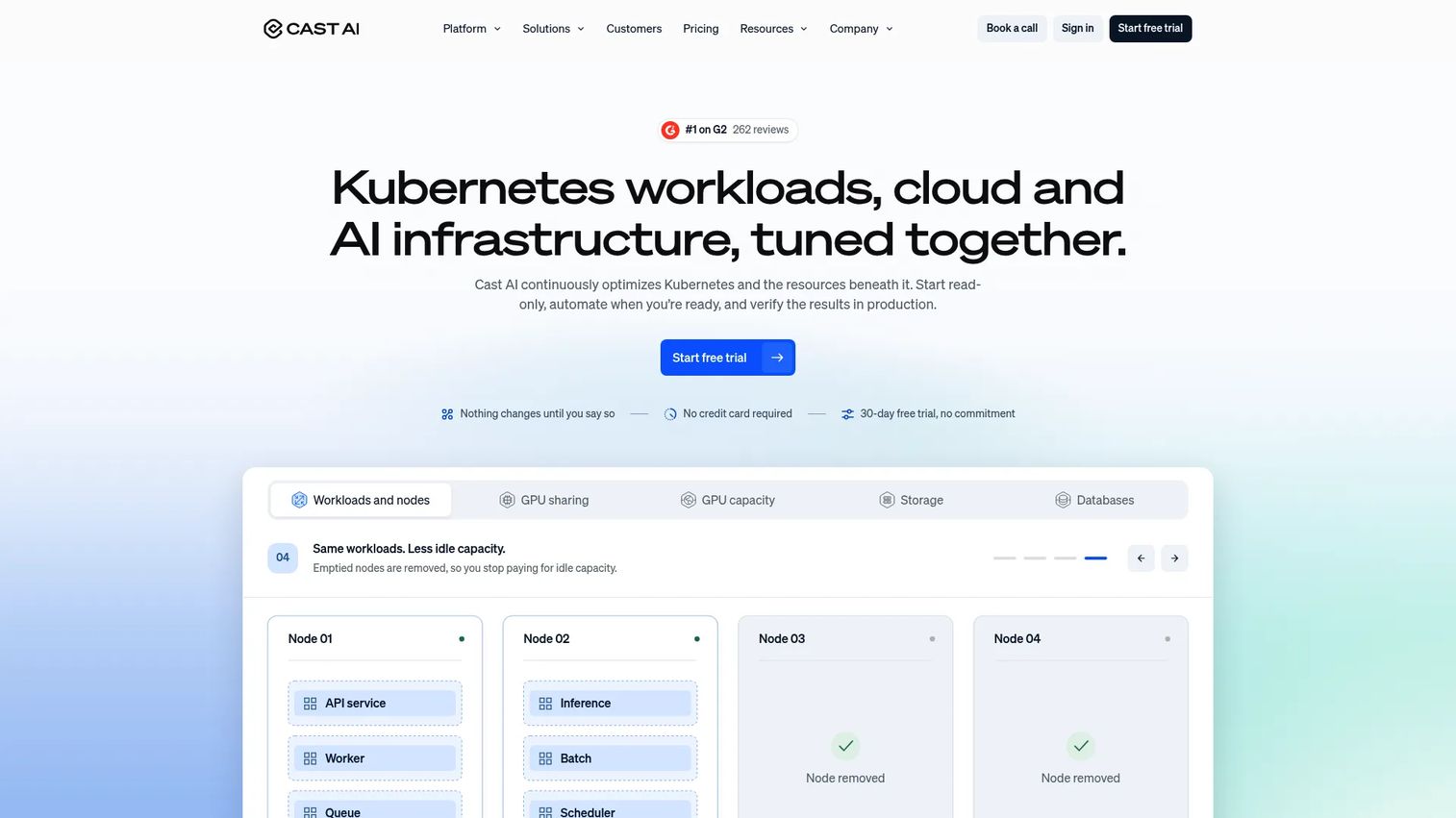
CAST AI is a Kubernetes and AI infrastructure optimization platform that automates the actions most tools only report on. Workload rightsizing, cluster autoscaling, bin packing, Spot instance provisioning, storage autoscaling, and database optimization all happen automatically. For teams that want Kubernetes cost optimization to run continuously without manual intervention, it is one of the most automation-focused options on this list.
Best for: Engineering and platform teams running Kubernetes that want automated savings actions, not just visibility and recommendations.
Key features
- Kubernetes workload rightsizing and cluster autoscaling
- Automated Spot instance provisioning, scaling, and rebalancing
- Bin packing and node optimization
- Storage autoscaling and database optimization (PostgreSQL, MySQL)
- GPU capacity sourcing across clouds and regions
Why choose CAST AI: The automation depth is what distinguishes it. Kubecost tells you what's over-provisioned; CAST AI fixes it automatically and continuously. For Kubernetes-heavy teams managing multiple clusters across providers, the platform acts on cost signals rather than waiting for an engineer to review a recommendation report.
CAST AI pricing: Cost monitoring is free for unlimited clusters. Optimization features require a custom quote based on environment size. A 30-day free trial is available with no credit card required.
G2 rating: 4.5/5
14. Azure Cost Management
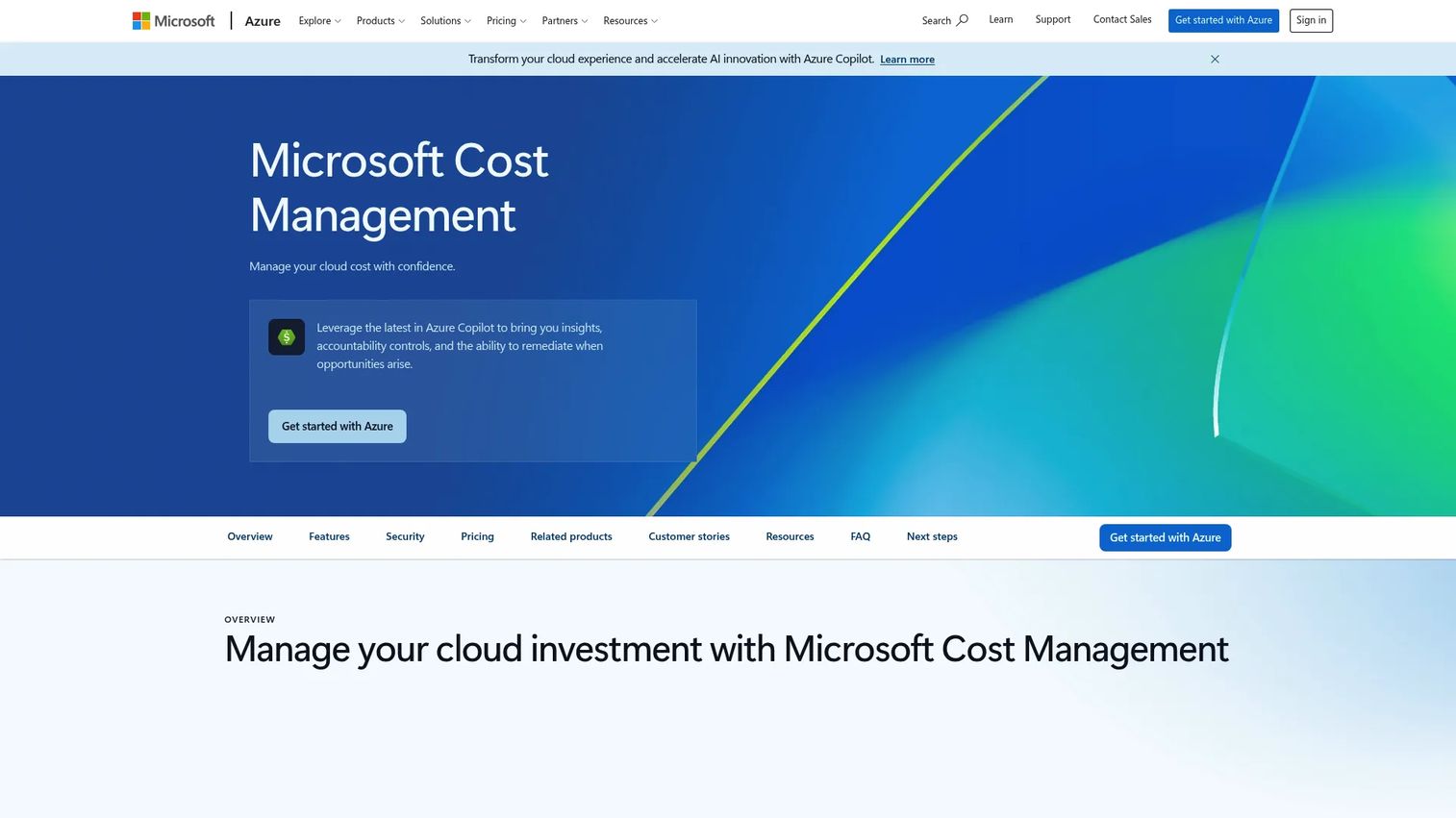
Azure Cost Management is Microsoft's native toolset for tracking, analyzing, and optimizing Azure costs. It provides cost analysis, budget management, cost alerts, cost allocation, billing exports, and rightsizing recommendations through Azure Advisor. For teams running primarily on Azure, it is included at no additional cost and covers the baseline visibility most teams need before considering a third-party cloud financial management tool.
Best for: Microsoft-centric organizations that need native Azure cost visibility, budget controls, and optimization recommendations without adding a separate cloud cost management platform.
Key features
- Cost analysis and reporting across Azure subscriptions and resource groups
- Budget management and cloud budget alerts
- Cost allocation and tag-based reporting
- Billing exports for custom reporting and external integrations
- Azure Advisor recommendations for idle resource elimination and rightsizing
Why choose Azure Cost Management: The zero-procurement-friction case is clear: If the environment is Azure-primary and the team needs baseline cost control, this is the starting point. Where it shows its limits is multicloud cost management, Kubernetes cost allocation, and cross-team FinOps governance. For those requirements, a third-party platform will add the depth Azure Cost Management doesn't cover.
Azure Cost Management pricing: Available at no additional cost to Azure customers and managed service providers. No separate subscription is required.
G2 rating: 3.8/5
15. Spot by NetApp
Spot by NetApp (acquired by Flexera in March 2025) is a cloud infrastructure optimization platform focused on automating Spot instance usage, workload scaling, commitment management, and Kubernetes infrastructure. Its core products, Eco, Ocean, Elastigroup, and Spot Security, work across AWS, Azure, and Google Cloud. It is built for CloudOps and FinOps teams that want savings to happen through automation rather than periodic review cycles.
Best for: CloudOps and FinOps teams managing compute-heavy workloads that want automated Spot instance management, commitment optimization, and Kubernetes rightsizing.
Key features
- Automated Spot instance provisioning, scaling, and rebalancing
- Kubernetes infrastructure optimization with workload rightsizing (Ocean)
- Cloud commitment management for reserved instances, savings plans, and committed-use discounts (Eco)
- Automated workload scaling and bin packing (Elastigroup)
- Cloud cost visibility and actionable savings recommendations
Why choose Spot by NetApp: The Spot instance automation is the strongest differentiator. Running Spot instances manually requires constant monitoring for interruptions and replacement. Spot by NetApp handles that automatically across cloud providers, which makes compute-heavy workloads significantly cheaper without adding operational overhead. Its G2 rating of 4.8/5 reflects consistent user satisfaction on that core job.
Spot by NetApp pricing: Pricing is quote-based and depends on the products, cloud environment, and optimization scope. Contact Spot/Flexera for current pricing.
G2 rating: 4.8/5
Considerations when choosing cloud cost management tools
Match the tool to your FinOps maturity
Early-stage teams usually need visibility and budget alerts first. Adding chargeback workflows, allocation rules, and forecasting before there's a FinOps operating model can create friction without payoff. Match the tool's complexity to the team's current practice. A budgeting and forecasting software evaluation is a good parallel: The right tool is the one the team will actually use.
Check allocation depth before the demo
Most cloud cost management platforms claim strong allocation. The real question is how they handle shared infrastructure, Kubernetes, and resources without tags. Ask specifically whether the tool supports virtual tags, runtime-based allocation, Kubernetes label mapping, and shared cost splitting. Generic "tagging supported" answers often mean basic provider-tag pass-through, which won't solve shared resource attribution.
Verify optimization safety for your environment
Cloud cost optimization tools that automate rightsizing or workload scaling need guardrails. Before a POC, evaluate whether the platform includes application-aware performance context, approval workflows for automated actions, rollback options, and service-level objective awareness. Savings recommendations that ignore application dependencies can cause incidents. This is a common blocker in presales evaluations, especially for enterprise infrastructure teams.
Test Kubernetes coverage in depth
Kubernetes cost management is where cloud provider billing consistently breaks down. Node costs are visible at the account level but not at the namespace, pod, or workload level without a specialized tool. During evaluation, test whether the platform allocates idle costs, handles shared cluster scenarios, and integrates with your specific Kubernetes distribution (EKS, GKE, AKS, or self-managed). A tool that reports at cluster level only will not answer the questions engineering teams are actually asking.
Understand the pricing model before modeling savings
Cloud FinOps tools price in several ways: Percentage of cloud spend, per-seat licenses, module-based fees, savings-share models, and flat enterprise contracts. The total cost of the tool needs to be weighed against expected savings and implementation effort. A spend-based pricing model that takes 1% of a $5M annual cloud bill is a $50K annual cost, which changes the ROI math considerably. Ask vendors how the price scales as cloud spend grows.
Conclusion
The right cloud cost management tool depends on what's most broken. If your team can't explain cloud spend to finance, CloudZero or Finout's allocation depth addresses that first. If Kubernetes cost visibility is the gap, Kubecost gives you granular cluster and workload data for free at the Foundations tier, and CAST AI automates the actions once you know what to fix.
For enterprise FinOps governance across business units and providers, IBM Cloudability has the showback, chargeback, and forecasting infrastructure most mature programs need. If the environment is Microsoft-centric, Azure Cost Management is the practical starting point before a third-party platform is warranted.
For teams that already use Datadog for infrastructure monitoring, adding Cloud Cost Management keeps cost signals in the same view as performance and deployment data. And for automation-first teams running compute-heavy workloads, Spot by NetApp's commitment management and Spot instance automation consistently earns strong reviewer ratings.
The practical next step: Shortlist two or three tools based on cloud environment (single-cloud, multicloud, or Kubernetes-heavy), current FinOps maturity (visibility only versus governance and optimization), and automation appetite. Run a focused POC against those criteria rather than a broad feature comparison, and you'll have a defensible recommendation much faster.
FAQs
Cloud cost management tools help teams monitor, allocate, forecast, govern, and optimize spending across cloud infrastructure, SaaS cloud services, and Kubernetes environments. They translate raw billing data from providers like AWS, Azure, and Google Cloud into actionable views by team, product, customer, or workload, and surface recommendations for reducing waste and controlling costs over time.
Cloud cost management covers the full lifecycle: Visibility, allocation, budgeting, anomaly detection, showback, and governance. Cloud cost optimization is the action layer within that, covering rightsizing, commitment purchasing, Spot instance usage, autoscaling, scheduling, and automated waste reduction. Most tools in this category do both, but they vary significantly in how deep the optimization layer goes and how much automation they support.
Kubecost is the strongest option for Kubernetes cost visibility, with free cluster support up to 250 cores and allocation at namespace, pod, workload, and label level. CAST AI is the better fit when teams want automated Kubernetes optimization rather than reporting alone, handling bin packing, autoscaling, and Spot management continuously. Harness and Datadog can also add cost context for Kubernetes workloads within broader engineering and observability workflows.
Native tools are a solid starting point for provider-specific reporting, budget alerts, and basic rightsizing recommendations. They become insufficient when teams need multicloud cost management across two or more providers, Kubernetes cost allocation at workload level, cross-team showback and chargeback, or governance workflows that span multiple business units. For those requirements, a third-party FinOps platform adds the allocation and governance depth native tools don't provide.
They operationalize the FinOps cycle by providing cost allocation rules that map spend to teams and products, budget and anomaly alerts that surface issues before they become surprises, forecasting that helps finance plan cloud spend alongside other IT costs, and showback and chargeback workflows that create shared accountability between engineering and finance. More mature platforms also track commitment utilization, model unit economics, and support cross-functional collaboration between cloud, finance, and product teams.
Start with the billing data question: What does the tool ingest, and how long does the historical import take? Then confirm how allocation works, particularly for shared infrastructure and Kubernetes. Ask how optimization actions are approved and whether there are guardrails for automated changes. Verify whether the tool supports the prospect's specific cloud providers and Kubernetes distributions. For a POC, focus on one allocation scenario and one optimization action rather than a broad feature walkthrough, since that's where fit becomes visible quickly.
The category uses several distinct models. Spend-based pricing (like Datadog's $5 per $1,000 of spend per month) scales with the cloud bill. Flat subscription fees (like DoiT's Standard plan at $200/month) are predictable regardless of spend volume. Module-based pricing charges separately for cost visibility, optimization, and governance features. Enterprise contracts are quote-based and driven by environment size, user count, and contract term. For any spend-based model, calculate the annualized cost against expected savings before committing.
The features that drive buying decisions most often are allocation depth (how well the tool maps costs to teams, products, and customers without full tag coverage), anomaly detection accuracy, Kubernetes cost management at workload level, and the safety controls around optimization automation. Beyond those, look for cloud cost forecasting, multi-provider support, governance workflows for showback and chargeback, and integrations with the tools your team already uses for ticketing, alerting, and pipeline management. Application performance monitoring tools and cloud cost platforms increasingly overlap in observability-first teams, so integration between them matters more than it did two years ago.