You closed a container of goods last month. It looked profitable on the purchase order. Then the freight invoice came in higher than quoted, a duty reclassification added a few thousand dollars, and the currency moved against you before payment cleared. By the time everything reconciled, the margin you thought you had was mostly gone.
That gap between quoted margin and actual margin is the core problem import and export software exists to solve. When your customs paperwork lives in one place, your landed cost math in a spreadsheet, and your accounting in a separate system, you cannot see true profitability until weeks after a shipment lands. You are running a trade business on lagging data.
The market has noticed. The global trade management software market reached USD 1,271.8 million in 2025 and is forecast to hit USD 2,627.0 million by 2034 at an 8.1% CAGR, according to IMARC Group (2025). Solutions covering customs compliance, trade finance, and import-export documentation made up 58.4% of that revenue, with North America holding a 34.7% share. Buyers are moving off spreadsheets because the cost of not knowing is too high.
For SaaS founders and operators reading this to fix a fragmented stack, the logic is the same one you apply to your own product. You want fewer tools carrying more signal, and you want profitability visibility you can trust at the close of every quarter. This guide breaks down the software that gets you there.
What's inside
This is a practical shortlist for operators at importers, exporters, distributors, and wholesalers who need control over customs, landed cost, inventory, and accounting in one place. We chose these seven tools based on four criteria: depth of import export management features, quality of customs and landed cost handling, accounting integration or built-in financials, and fit by company size. Some are full trade ERP platforms. One is an accounting baseline many teams outgrow. One is a lightweight documentation tool for smaller exporters. We flag which is which so you can match scope to your real operational pain, not marketing promises.
TL;DR
- Best all-in-one ERP for importers: VISCO Global Trade ERP Software, built for landed cost, container tracking, and QuickBooks replacement.
- Best inventory plus accounting ERP: Blue Link ERP, for wholesalers who need multi-currency accounting and order entry in one system.
- Best for freight-forwarding-adjacent operations: Magaya, for shipment tracking, warehousing, and customs compliance.
- Best inventory depth on QuickBooks: Acctivate, for distributors who need order and warehouse management without freight features.
- Best trade compliance software: Descartes, for teams with heavy customs and denied-party screening needs.
- Best accounting baseline: QuickBooks, the starting point most trade businesses eventually outgrow.
- Best for small exporters: IncoDocs, for export management software focused on documentation before full ERP adoption.
What is import export software?
Import export software is a category of trade operations software that centralizes the workflows involved in moving goods across borders: customs documentation, landed cost tracking, inventory management, shipment tracking, and accounting. It replaces the spreadsheet-and-email approach most growing trade businesses start with.
The strongest platforms in this category are effectively an ERP for importers, tying together the financial and physical sides of a trade business so you can see true profitability per shipment, per SKU, and per customer.
Core features to expect:
- Landed cost tracking: allocates freight, duty, insurance, and handling across each unit so your cost basis reflects reality, not just the supplier invoice.
- Customs documentation software: generates and manages commercial invoices, packing lists, certificates of origin, and filing paperwork.
- Customs compliance: supports tariff handling, HS code classification, and regulatory checks so shipments clear without costly delays.
- Inventory management: tracks stock across warehouses, in transit, and on order, often with container-level visibility.
- Accounting integration: syncs with or replaces tools like QuickBooks so financials reflect trade activity without double entry.
- Shipment tracking: monitors container status, ETAs, and milestones across carriers.
The category spans a wide range. On one end, full trade ERP platforms run the entire operation. On the other, focused customs documentation software handles paperwork for smaller exporters. The cloud-based segment of import export documentation software already accounts for 58.2% of that market and is growing at 9.8% CAGR, outpacing on-premise, per MarketIntelo (2025). Most new buyers land on cloud tools for the visibility and remote access.
When to use import export software
Replace spreadsheets before they break
If your landed cost math lives in a workbook that only one person understands, you are one departure away from losing visibility entirely. Import export management software moves that logic into a system where costs allocate automatically and every shipment carries an accurate margin. This is usually the first trigger: a business hits enough volume that manual cost tracking stops scaling.
Centralize customs and compliance
Growing trade operations eventually face a compliance moment: an audit, a reclassification, or a denied-party screening requirement. Customs documentation software and compliance tooling turn ad hoc paperwork into repeatable, auditable workflows. If you export to regulated markets or handle controlled goods, this is not optional.
Connect trade activity to the books
When accounting sits apart from your trade operations, month-end close becomes a reconciliation project. Software with accounting integration, or a full inventory and accounting ERP, closes that gap. You see profitability without stitching together freight invoices, inventory counts, and general ledger entries by hand.
Comparison table
Here is how the seven tools compare at a glance. Pricing and ratings reflect verified sources as of 2026; several vendors quote custom pricing and direct buyers to sales.
| # | Product | Intent | Key use case | Pricing | G2 rating |
|---|---|---|---|---|---|
| 1 | Magaya | Logistics-heavy operations | Freight forwarding, warehousing, customs compliance | Contact sales | 4.4/5 |
| 2 | Blue Link ERP | Inventory plus accounting ERP | Multi-currency accounting, order entry, landed cost | Contact sales | 3.0/5 |
| 3 | VISCO Global Trade ERP Software | All-in-one trade ERP | Landed cost, container tracking, QuickBooks replacement | From $125/user/mo | 4.2/5 |
| 4 | Acctivate | Inventory depth on QuickBooks | Order, purchasing, warehouse management | Contact sales | 4.0/5 |
| 5 | Descartes | Trade compliance software | Customs, denied-party screening, export controls | Contact sales | 4.6/5 |
| 6 | QuickBooks | Accounting baseline | Invoicing, expenses, financial reporting | From $19/mo | 4.4/5 |
| 7 | IncoDocs | Export documentation | Export doc generation, invoicing, quoting | Free plan, from $29/mo | 0.0/5 |
1. Magaya
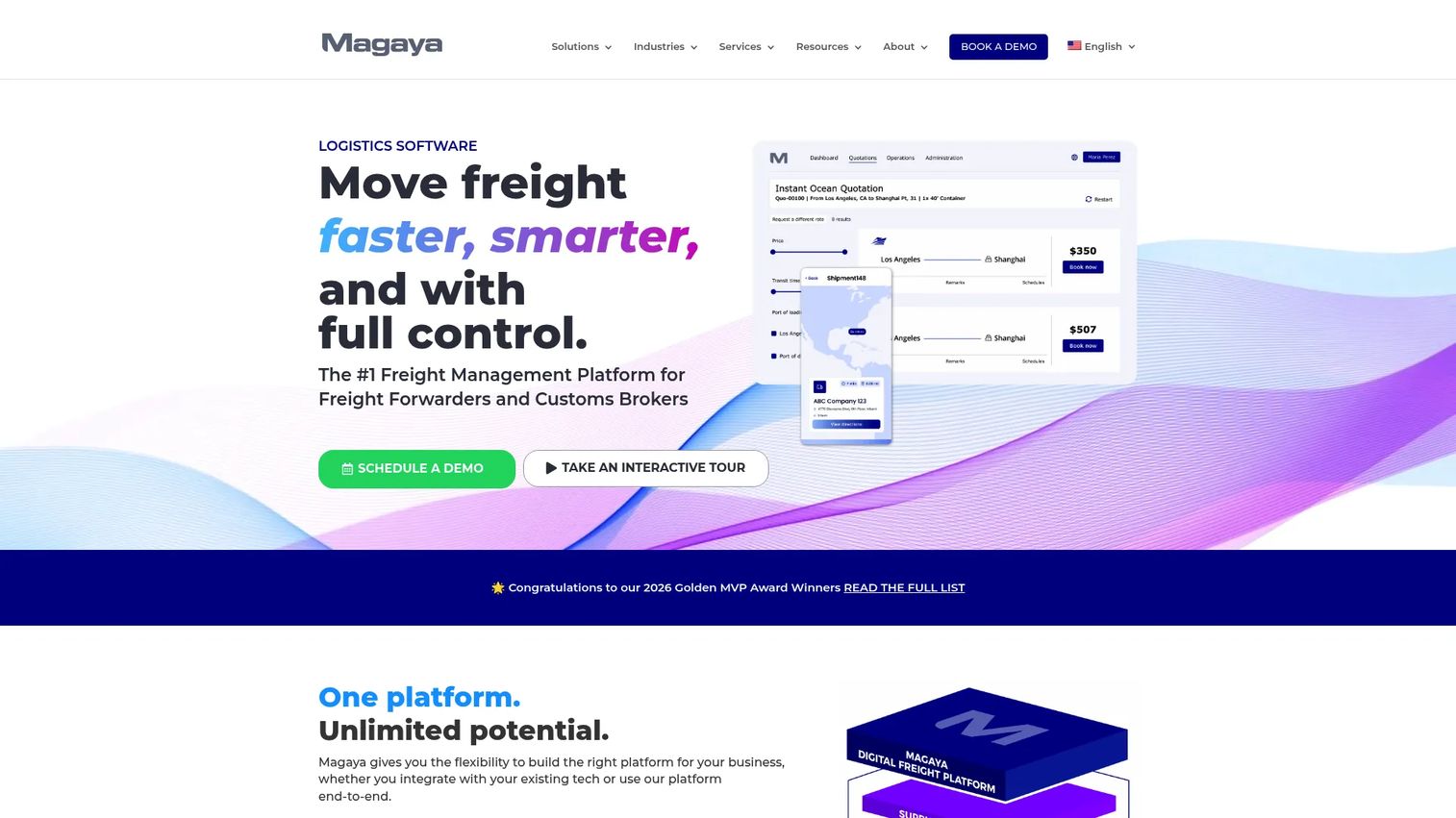
Magaya is a logistics software platform built for freight forwarders, customs brokers, and logistics operators who need freight, warehousing, and customs in one integrated system. Where the ERP tools on this list lead with inventory and accounting, Magaya leads with the movement of goods. That makes it the strongest fit when your operation looks more like freight forwarder software territory than a distributor's back office.
The platform ties together freight forwarding, warehouse management, and customs compliance, including ACE-certified ABI workflows for filing with US Customs. Rate management and a digital freight portal round out the shipment side, so quoting, booking, and tracking live in the same place your compliance paperwork does.
Best for: freight forwarders, customs brokers, and logistics operators who need shipment tracking and compliance in a single platform.
Key strengths
- Freight and warehouse management: runs forwarding operations and warehouse workflows together, so goods in motion and goods at rest share one record.
- Customs compliance: ACE-certified ABI workflows handle US customs filing directly inside the platform.
- Rate management and freight portal: centralizes quoting, booking, and digital freight interactions.
Why choose Magaya: If your business is closer to logistics than distribution, Magaya fits the shape of your work. It is built for teams whose core job is moving and clearing freight, not managing shelves of inventory against a ledger. Teams that primarily need inventory and accounting depth will find the ERP options here more aligned.
Magaya pricing: Magaya does not publish public pricing. The site directs prospects to contact sales for a quote tailored to their operation. Its G2 rating sits at 4.4/5.
2. Blue Link ERP
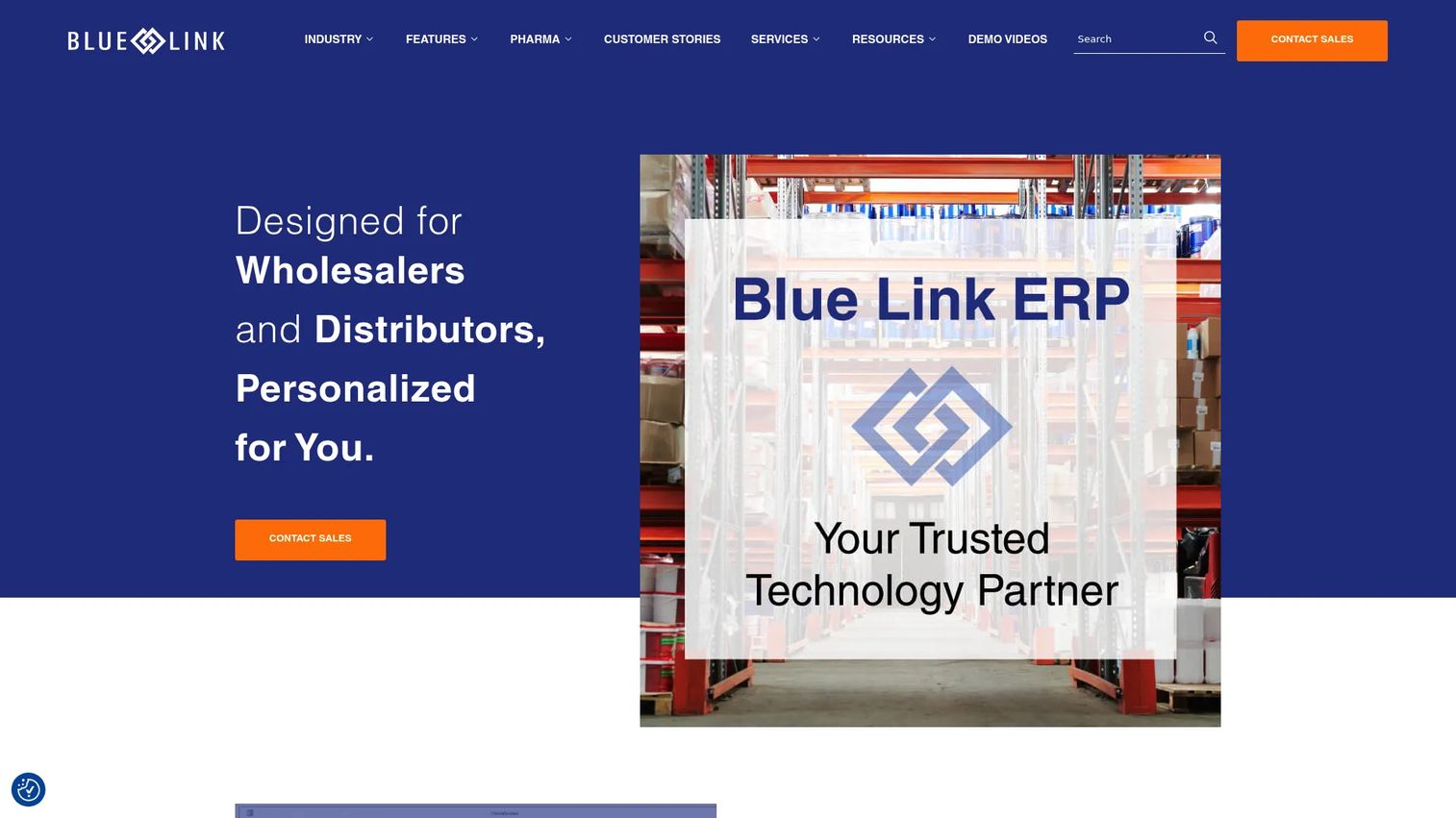
Blue Link ERP is cloud-based ERP software for wholesalers and distributors, centered on inventory management and accounting in one system. For importers who have outgrown separate tools, it functions as a genuine inventory and accounting ERP, which is the core reason it appears on so many QuickBooks replacement shortlists.
The platform handles inventory management, full accounting and financials, and order entry and invoicing in a single environment. For trade businesses specifically, it supports landed cost tracking and multi-currency accounting, so you can allocate freight and duty across units and transact in the currencies your suppliers actually invoice. Warehouse management rounds out the operational side.
Best for: wholesale and distribution businesses that need inventory plus accounting in one ERP.
Key strengths
- Inventory and accounting in one system: removes the sync problem between stock counts and the general ledger.
- Landed cost and multi-currency: allocates true cost per unit and handles supplier invoices in their native currency.
- Order entry and invoicing: processes sales orders through to invoice inside the same platform.
Why choose Blue Link ERP: Choose it when your central pain is fragmented inventory and accounting rather than freight movement. It replaces the QuickBooks-plus-spreadsheets setup that most growing importers start with. Expect an ERP implementation, which means scoping your workflows and configuring the system to match, rather than a same-day signup.
Blue Link ERP pricing: Blue Link does not publish public pricing, noting that ERP cost depends on several factors and directing prospects to discuss requirements directly. Its G2 rating is 3.0/5, based on a limited number of reviews.
3. VISCO Global Trade ERP Software
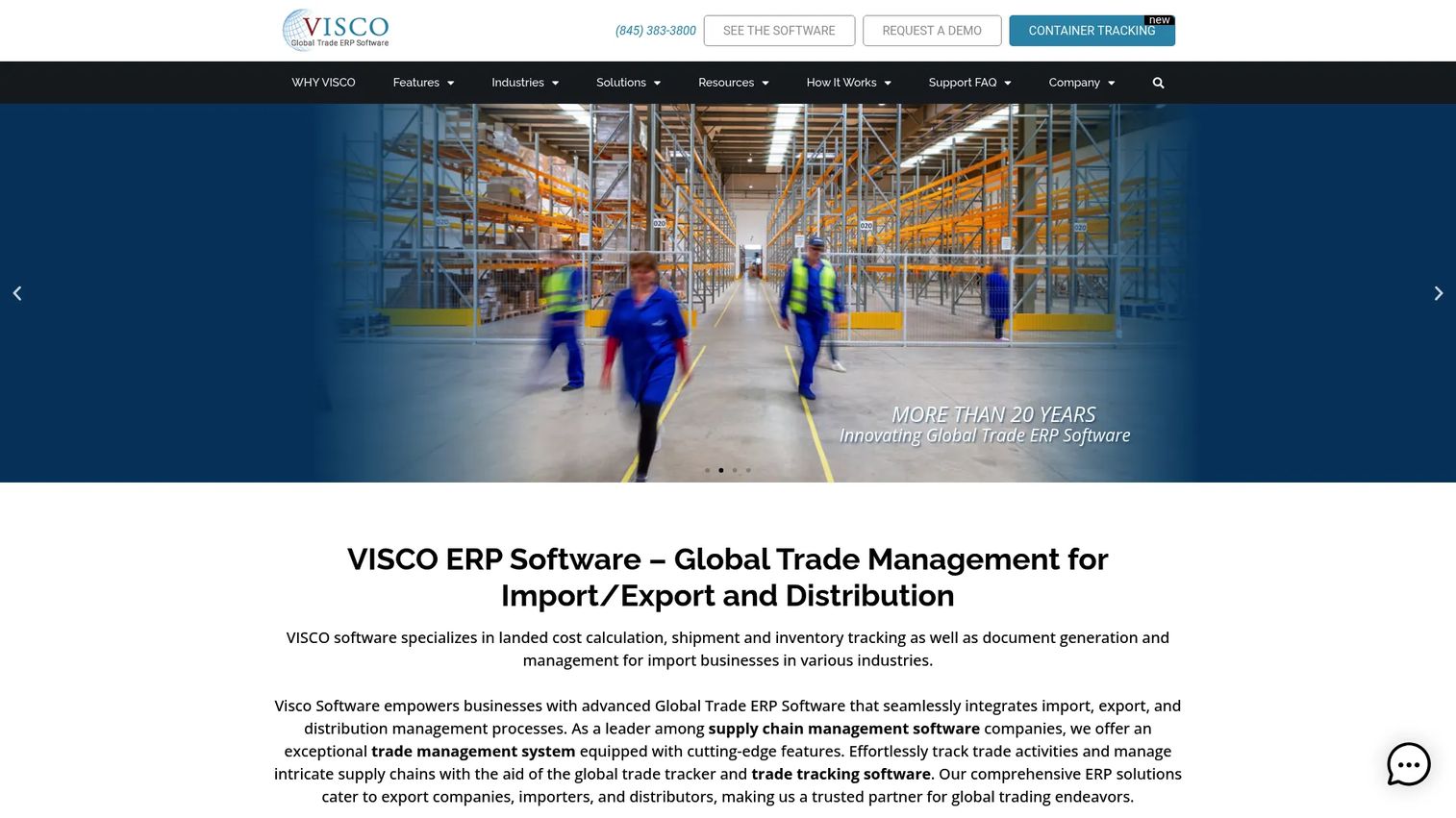
VISCO Global Trade ERP Software is purpose-built ERP for importers, exporters, and wholesale distributors, and it is arguably the most direct answer to the exact problem this article opened with. It centralizes landed cost, container tracking, and QuickBooks integration so trade businesses can finally see accurate profitability per shipment.
The platform emphasizes landed cost tracking, allocating freight, duty, and other charges automatically across units. Automatic container tracking pulls status updates so you know where goods are without chasing carriers. Document flow automation handles the customs documentation and paperwork chain, and QuickBooks integration means you can keep your existing books while VISCO runs trade operations, a common path for teams not ready to rip out accounting entirely.
Best for: importers and distributors who need trade ERP with inventory, shipping, and landed-cost workflows.
Key strengths
- Landed cost tracking: allocates all shipment costs across units automatically for true margin visibility.
- Container tracking: automatic status updates give real-time shipment tracking without manual carrier checks.
- QuickBooks integration: keeps existing accounting in place while centralizing trade operations, easing the move off spreadsheets.
Why choose VISCO: It targets the import/export operator directly, centralizing trade workflows and replacing the spreadsheet-and-QuickBooks combination without forcing an accounting migration on day one. If landed cost blindness and container visibility are your daily frustrations, this is the closest match on the list.
VISCO pricing: VISCO's own site points buyers to request a demo and quote. Capterra lists a Basic plan at $125.00 per user per month. Its G2 rating is 4.2/5.
4. Acctivate
Acctivate is inventory management software for QuickBooks that adds order, purchasing, warehouse, and business management on top of your existing books. It sits in a specific niche: businesses that run on QuickBooks, are inventory-heavy, and need real depth in stock and order handling without the freight-specific features of a logistics platform.
The platform delivers strong inventory management, order management, and QuickBooks integration, so your accounting stays put while inventory and operations get a serious upgrade. Warehouse management and shipping and receiving software workflows support the physical side of moving product, which matters for distributors and wholesalers handling high SKU counts.
Best for: small to mid-sized inventory-based businesses that run on QuickBooks and need deeper inventory and order management.
Key strengths
- Inventory management: adds real depth to stock tracking that QuickBooks alone does not provide.
- Order management: handles the full order lifecycle with purchasing and fulfillment workflows.
- QuickBooks integration: layers on top of existing accounting rather than replacing it.
Why choose Acctivate: Choose it when inventory depth matters more than freight and customs features. It is the right pick for a distributor or wholesaler who wants to keep QuickBooks and add serious inventory and order muscle. Businesses whose core pain is customs and shipment movement will get more from the trade-focused tools above.
Acctivate pricing: Acctivate's pricing page shows three packages, Starter, Professional, and Enterprise, each combining a one-time initial license with an annual subscription. Public numeric prices are not listed; contact Acctivate for a quote. Its G2 rating is 4.0/5.
5. Descartes
Descartes is a logistics and supply chain software provider spanning transportation, customs, ecommerce, and freight. For import/export operators specifically, its strongest draw is trade compliance software: customs and regulatory compliance, denied-party screening, and export control checks that compliance-heavy teams depend on.
The platform's Global Logistics Network connects a broad web of carriers and partners, and its transportation management adds real-time visibility across shipments. Customs and regulatory compliance solutions sit at the center, handling the screening and documentation that global trade demands. This is enterprise-grade infrastructure, built for organizations operating across many borders.
Best for: enterprises needing logistics, customs, and transportation software across global supply chains.
Key strengths
- Global Logistics Network: connectivity to a large network of carriers, brokers, and trade partners.
- Transportation management: real-time shipment tracking and visibility across the supply chain.
- Customs and compliance: denied-party screening, export controls, and regulatory checks in one place.
Why choose Descartes: Choose it when customs compliance and trade regulation are your defining challenge, not general inventory or accounting. It fits best alongside an ERP that handles your financials, with Descartes layered in for the compliance-heavy screening and documentation work. Smaller teams without complex compliance exposure will find it more than they need.
Descartes pricing: Descartes does not publish clear public pricing; product pages direct visitors to request a demo or tailored quote. Its G2 rating is 4.6/5.
6. QuickBooks
QuickBooks is cloud-based accounting software for small and mid-sized businesses. It earns a spot on this list not as a dedicated trade tool but as the accounting baseline nearly every import/export business starts on, and the one most eventually outgrow. Understanding what it does and does not do for trade operations is essential to any buying decision.
QuickBooks excels at invoicing and payments, expense tracking and cash flow management, and financial reporting and bookkeeping automation. For a small trade business, that covers the books cleanly. What it does not do natively is landed cost tracking, container tracking, or customs documentation. That is why tools like VISCO and Acctivate integrate with it, and why others position themselves as a QuickBooks replacement once trade complexity outgrows plain accounting.
Best for: businesses needing cloud accounting, invoicing, and reporting before trade-specific complexity sets in.
Key strengths
- Invoicing and payments: handles billing and collections cleanly for smaller operations.
- Expense and cash flow tracking: keeps day-to-day financials organized.
- Financial reporting: automated bookkeeping and reporting for month-end close.
Why choose QuickBooks: Choose it while your trade operation is simple enough that landed cost lives in a spreadsheet you can still trust. Treat it as a benchmark, not an endpoint. When freight allocation, container visibility, and customs paperwork start eating your team's time, that is the signal to layer on a trade tool or migrate to a full ERP.
QuickBooks pricing: QuickBooks Online lists four plans: Simple Start at $19/mo, Essentials at $37.50/mo, Plus at $57.50/mo, and Advanced at $137.50/mo. A 30-day free trial is available. Its G2 rating is 4.4/5.
7. IncoDocs
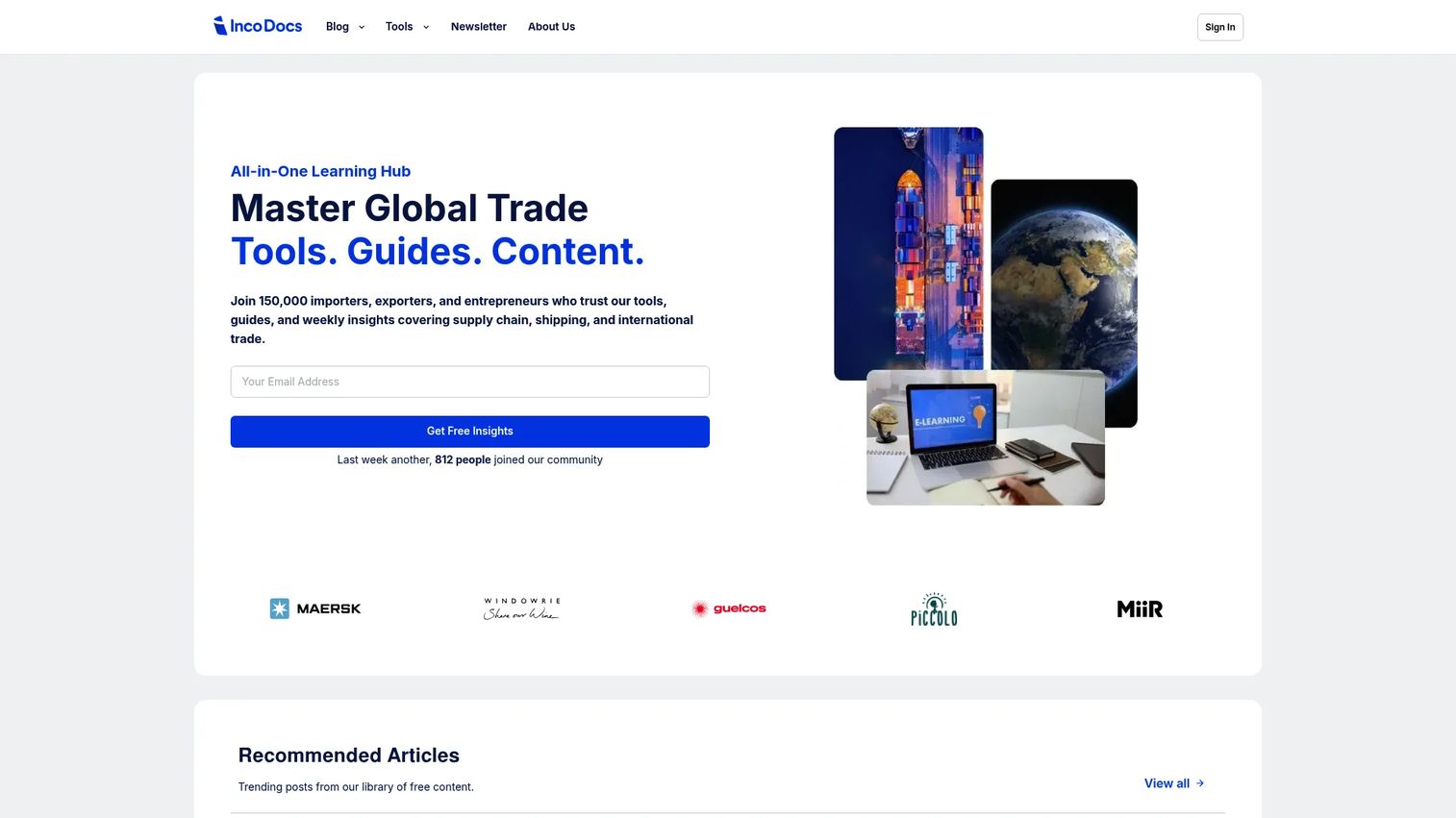
IncoDocs is cloud software for export documentation, invoicing, and global trade workflows. It is the lightest-weight option here, and deliberately so. Where the ERP platforms run your whole operation, IncoDocs focuses on the documentation layer, which makes it the right starting point for small exporters not yet ready for full ERP adoption.
The platform generates export documents using UNLK-aligned templates, so commercial invoices, packing lists, and shipping paperwork stay standardized and error-free. It handles quoting, invoicing, and online payments, and offers integrations and an API to connect with ERP, TMS, and accounting systems as you scale. Collaboration features let teams work on the same documents together.
Best for: SMBs needing export documentation and invoicing in one cloud workspace.
Key strengths
- Export document generation: UNLK-aligned templates keep customs documentation consistent and accurate.
- Quoting and invoicing: handles the commercial paperwork chain with online payment support.
- Integrations and API: connects to ERP, TMS, and accounting systems as your needs grow.
Why choose IncoDocs: Choose it when documentation is your immediate pain and full ERP is overkill for your stage. A free plan lets small exporters start without commitment, and the API means you are not boxed in when you eventually add a trade ERP. Businesses that need landed cost tracking and deep inventory will need to pair it with, or graduate to, one of the ERP options above.
IncoDocs pricing: IncoDocs offers a Free plan at $0/mo, Basic at $29/mo, Professional at $74/mo, and Organization at $167/mo, with an Organization Plus tier at custom pricing for unlimited usage. Its G2 listing currently shows a 0.0/5 rating from a single review, so weigh that lightly.
Considerations before you buy
Before you commit, work through this checklist against your actual operation, not the demo script.
Landed cost accuracy
Ask exactly how the tool allocates freight, duty, insurance, and handling across units. Landed cost tracking is where most spreadsheets fail and where the real margin visibility lives. If a platform cannot show you true cost per unit, it does not solve your core problem.
Customs and compliance depth
Match the tool to your regulatory exposure. If you handle controlled goods or export to regulated markets, denied-party screening and export controls matter, and a dedicated trade compliance layer like Descartes may sit alongside your ERP. Simpler operations may only need document generation.
Accounting fit
Decide whether you want accounting integration or a full inventory and accounting ERP. Some tools keep QuickBooks in place; others replace it. The right answer depends on whether your accounting fragmentation is the problem or just a symptom of deeper trade complexity.
Implementation reality
ERP platforms require scoping and configuration to match your workflows. Ask about implementation time, data migration, and who owns the setup. A tool that fits your process in week one beats a more powerful platform that takes two quarters to go live.
Scaling and integrations
Check the integration list and API access. As you grow, you will connect more systems, warehouse, carrier, and accounting tools included. A tool that boxes you in today becomes the bottleneck you replace next year.
Conclusion
The right import export software depends on where your pain actually lives. If you are an importer or distributor fighting landed cost blindness and container visibility, VISCO Global Trade ERP Software is the most direct fit. If your central problem is fragmented inventory and accounting, Blue Link ERP brings both into one system. Freight-forwarding-adjacent operations should look hard at Magaya, while inventory-heavy QuickBooks users get real depth from Acctivate without freight overhead.
For compliance-heavy global trade, Descartes is the strongest layer to run alongside your ERP. QuickBooks remains the accounting baseline most teams start on, and IncoDocs is the pragmatic first step for small exporters who need documentation before a full platform.
Your next step is diagnostic, not transactional. Audit three things this week: where your landed cost math actually lives and who understands it, which customs workflows still run on email and paper, and how fragmented your accounting is from your trade activity. The tool that closes the biggest of those three gaps is the one worth a demo first.
FAQs
Import export software centralizes the operational workflows of cross-border trade: customs documentation, landed cost tracking, inventory management, shipment tracking, and accounting. It ranges from full trade ERP platforms that run an entire operation to focused export management software that handles documentation for smaller exporters. The goal is one system where you can see true profitability per shipment instead of reconciling data across spreadsheets and disconnected tools.
QuickBooks handles accounting well, but it does not natively do landed cost tracking, container tracking, or customs documentation. Once freight allocation and trade paperwork start eating your team's time, you either add a tool that integrates with QuickBooks, like VISCO or Acctivate, or migrate to a full ERP as a QuickBooks replacement. The trigger is usually when your margin math no longer fits in a spreadsheet you trust.
Prioritize landed cost accuracy, customs compliance depth, and accounting fit. An ERP for importers should allocate freight and duty across units automatically, generate customs documentation, and either integrate with or replace your accounting. Also weigh implementation reality and integrations, because a tool that fits your workflow quickly beats a more powerful one that takes months to deploy.
Landed cost tracking allocates every cost of getting goods to your door, freight, duty, insurance, and handling, across the units in a shipment. Instead of only recording the supplier invoice, the software distributes these additional charges so each unit carries its true cost basis. That gives you accurate margin per SKU and per shipment, which is exactly what a spreadsheet struggles to maintain at volume.
Several tools handle customs documentation software needs. VISCO automates document flow as part of its trade ERP, Magaya includes ACE-certified customs filing for freight operations, and Descartes offers deep customs and regulatory compliance for enterprises. For smaller exporters, IncoDocs generates export documents using UNLK-aligned templates without a full ERP commitment.
IncoDocs is the strongest fit for small exporters who need export documentation and invoicing before adopting a full ERP. It offers a free plan, UNLK-aligned document templates, and an API to connect with other systems as you scale. When you eventually need landed cost tracking and deeper inventory management, you can graduate to a trade ERP like VISCO or Blue Link ERP.
ERP software leads with inventory, accounting, and landed cost, tying the financial and physical sides of trade together. Logistics software like Magaya leads with the movement of goods: freight forwarding, warehousing, and customs filing. Compliance software like Descartes specializes further in screening and trade regulation. The right choice depends on whether your daily pain is profitability visibility, freight movement, or regulatory exposure, and larger operations often run more than one layer together.