A security dashboard lights up with 400 findings. Developers open three, dismiss the rest as noise, and stop clicking. Six weeks later, the one real injection flaw is still sitting in production. The tool did its job. The team stopped trusting it.
That gap between what a scanner reports and what developers act on is the whole game with static code analysis tools. Coverage matters. Integration matters. But trust in the findings is what decides whether a tool becomes part of the workflow or becomes another tab nobody opens.
The stakes keep rising. More than 65% of enterprises have embedded static code analysis into their development pipelines, and around 70% of large US enterprises run these tools in CI/CD, reporting 30% faster vulnerability remediation and a 20% improvement in release cycle efficiency, according to Global Growth Insights (2025). The market itself reached USD 1.27 billion in 2025 and is projected to hit USD 2.45 billion by 2035. Cloud-based deployments now account for 59% of total usage, tracking the shift toward SaaS and remote-friendly development.
If you sit in presales or security, you already feel the friction. Buyers ask which scanner developers will actually adopt, whether it fits their language stack, and how it holds up during a security review. This guide compares eight static analysis tools so you can answer those questions with specifics, not vendor slides. For teams also evaluating adjacent categories, it pairs well with roundups on AI code generation tools, AI security posture management tools, and application performance monitoring tools.
What's inside
This guide compares eight static code analysis tools for teams deciding between developer-first scanners and broader AppSec platforms. It is written for presales, security engineers, and developers who need to explain where a tool fits and what to verify before committing.
We picked tools based on five criteria that decide real-world adoption:
- Language and framework coverage
- IDE integration and CI/CD integration
- False positive quality and rule tuning
- Reporting, governance, and scalability
- Broader platform fit beyond pure SAST
Each entry covers pricing, standout strengths, and the buyer it fits best.
TL;DR
- Most flexible for developers: Semgrep leads on custom rules, fast feedback, and a free tier that scales into an enterprise path.
- Best for central code quality and governance: SonarQube covers 40-plus languages and enforces standards through quality gates in CI/CD.
- Best for security-led development on a platform: Snyk Code connects SAST to dependency, container, and IaC scanning in one place.
- Best for enterprise AppSec governance: Checkmarx and Veracode fit compliance-heavy organizations with mature security programs.
- Best for GitHub-centric teams: GitHub Advanced Security lives where developers already work, and CodeQL powers the deep query-based analysis behind it.
- Best for deep enterprise scanning: Fortify Static Code Analyzer covers 44-plus languages with binary-level depth.
What static code analysis tools are
Static code analysis tools inspect source code, bytecode, or binaries for security flaws, bugs, and quality issues without running the application. They read the code the way a compiler does, tracing patterns, data flow, and syntax to flag problems before software ships.
Static application security testing, or SAST, is the security-focused branch of this category. When people say SAST tools, they mean source code analysis tools tuned to find vulnerabilities: injection risks, insecure patterns, and known-bad API usage mapped to standards like the OWASP Top Ten. A static code analyzer that only checks style is a linter. One that models tainted data flow across files is doing application security work.
Teams use these tools early because fixing a flaw in a pull request costs a fraction of fixing it after release. Static analysis catches classes of issues consistently and at scale, which is why code security scanning has moved left into the everyday developer workflow.
Where static analysis fits in the SDLC
Static scanning shows up at four points. In the IDE, it flags issues as developers type. In pull requests, it annotates diffs and blocks risky merges. In CI/CD pipelines, it runs on every build and enforces policy through gates. And in pre-release, it produces the audit trail security teams need before shipping.
The earlier a finding surfaces, the cheaper the fix. A vulnerability caught in a local branch is a quick edit. The same flaw caught in a security review before launch means a blocked release and a scramble. For presales teams supporting a buyer's evaluation, this is the story that resonates: scanning that fits the developer's flow keeps deals and releases moving.
What these tools typically check
- Injection risks (SQL, command, and cross-site scripting)
- Tainted data flow from untrusted input to sensitive sinks
- Hardcoded secrets and credentials
- Insecure API and library usage
- Language-specific anti-patterns and unsafe defaults
Some tools stay focused on code. Others broaden into software composition analysis (SCA) for dependencies, infrastructure-as-code (IaC) scanning, secrets detection, and application security posture management (ASPM). Where a tool draws that line shapes whether you buy a point scanner or a platform.
Key capabilities buyers care about
- Language and framework coverage: support for your actual stack, not just the popular ones.
- IDE plugins and feedback loops: results where developers write code.
- CI/CD and repo integration: scans on every pull request and build.
- False positives reduction and rule tuning: precision high enough that developers trust the output.
- Reporting and remediation suggestions: prioritization plus clear guidance on the fix.
- Broader AppSec platform reach: optional coverage for dependencies, IaC, and secrets.
When to use static code analysis tools
Shift security left without slowing developers down
Reach for these tools when you want checks earlier in development and inside normal workflows. Pull request review, branch protection, and IDE feedback let developers catch and fix issues before code merges. The goal is short feedback loops: a finding that appears while the context is still fresh gets fixed in minutes, not sprints.
Standardize security evaluation across many repositories
When an organization runs multiple codebases, teams, and language stacks, consistency becomes the problem. Centralized policy, unified reporting, and governance let security leaders enforce the same standard everywhere and prove it during audits. This is where dashboards and quality gates earn their keep, and where buyers with dozens of repos separate contenders from also-rans.
Expand from code scanning into broader AppSec coverage
Some buyers want one platform that goes beyond SAST into SCA, IaC, secrets, and ASPM. If a security team is consolidating vendors or building a full AppSec program, a platform play can reduce tool sprawl. If the team only needs code scanning today, a focused tool ships value faster. The rest of this guide sets up that exact choice between point tools and platforms.
Comparison table
The table below is built to help you compare fit, not just brand names. Read the Intent and Key use case columns first, then check pricing and rating against your stack and budget.
| # | Product | Intent | Key use case | Pricing | G2 rating |
|---|---|---|---|---|---|
| 1 | Semgrep | Developer-first flexible scanning | Custom rules, SAST, SCA, and secrets in one tool | Free; Teams from $30/mo per contributor | 4.6/5 |
| 2 | SonarQube | Code quality and security governance | Automated review across 40-plus languages with quality gates | Free; Team from $32/mo | 4.4/5 |
| 3 | Snyk Code | Security-led development on a platform | SAST connected to dependency, container, and IaC scanning | Free; Team from $25/mo per developer | 4.5/5 |
| 4 | Checkmarx | Enterprise AppSec governance | Unified security across code, dependencies, and containers | Custom quote | 4.2/5 |
| 5 | Veracode | Mature enterprise static analysis | Risk management across code, dependencies, and runtime | Sales-led | 3.8/5 |
| 6 | Fortify Static Code Analyzer | Deep enterprise security scanning | Binary-level scanning across 44-plus languages | Quote-based | 4.5/5 |
| 7 | GitHub Advanced Security | GitHub-native security | Secret and code scanning inside GitHub workflows | Secret Protection from $19/mo per committer | 4.7/5 |
| 8 | CodeQL | Query-based semantic analysis | Custom security queries at repository scale | Free for research and open source | N/A |
1. Semgrep
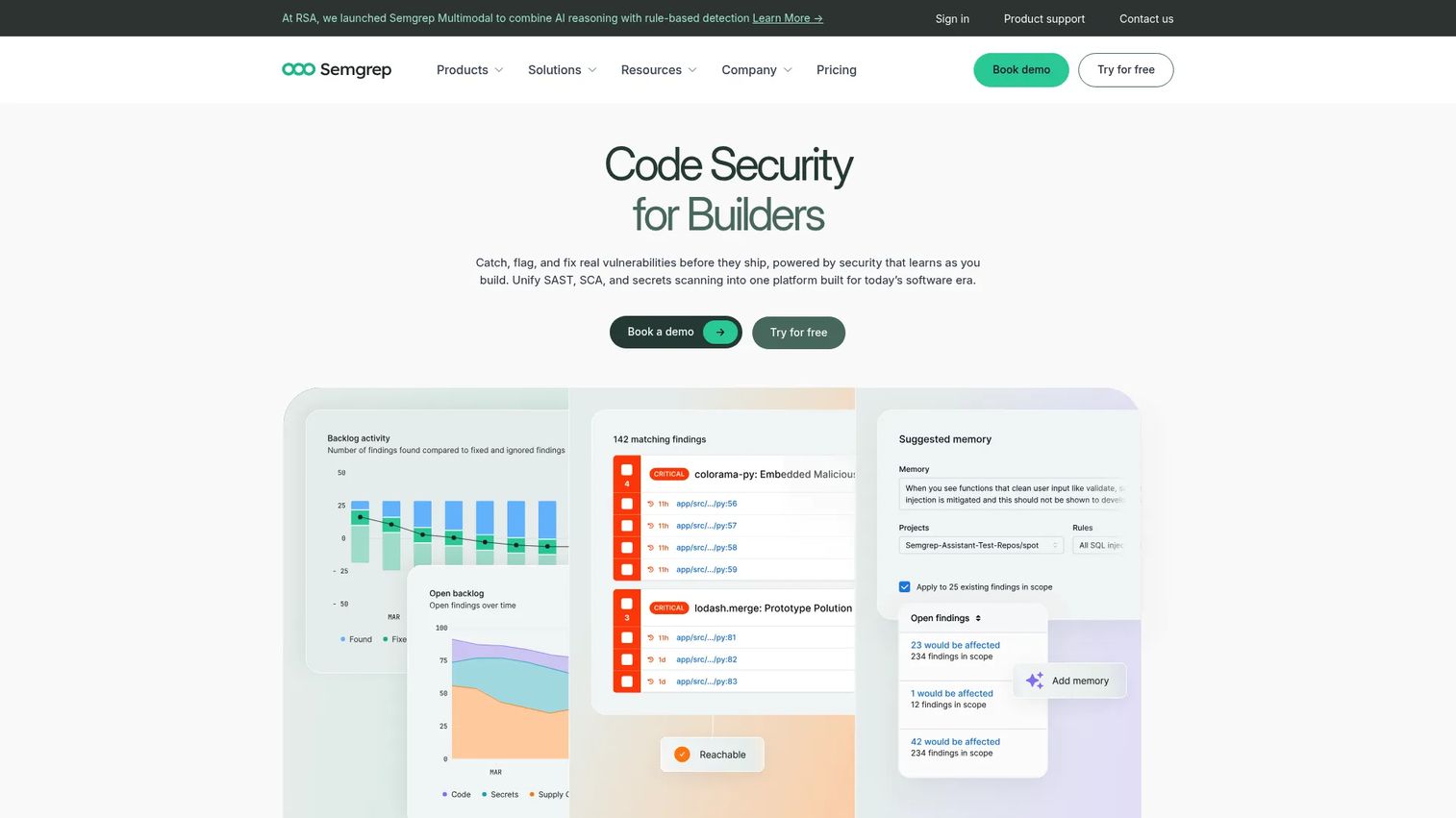
Semgrep is the most flexible developer-centric option on this list. It runs fast, reads rules that look like the code they match, and lets teams write custom checks without a PhD in program analysis. What started as a pattern-matching SAST engine now spans code scanning, supply chain (SCA), secrets detection, and AI-assisted triage and remediation.
The appeal for developers is speed and control. Rules are readable, feedback shows up quickly, and cross-file analysis catches issues that single-file scanners miss. Teams that want to encode their own security patterns, not just accept a vendor's defaults, gravitate here.
Best for: teams that want fast, developer-friendly code, dependency, and secrets scanning with a clear path to enterprise.
Key strengths
- Custom rule engine: write and share rules in a syntax that mirrors your source code.
- Multi-scanner coverage: SAST, SCA, and secrets detection in one tool with cross-file analysis.
- AI-assisted triage: AI-powered detection and remediation to cut through noise faster.
Why choose Semgrep: It rewards teams that want to own their rules and get results inside the developer workflow. If your engineers prefer to tune precision themselves rather than file support tickets, the custom rule model pays off. Getting the most from it means investing in rule ownership, which is exactly what control-minded teams want.
Semgrep pricing: The Free Edition is $0 per month per contributor, free for up to 10 contributors. The Teams plan starts at $30 per month per contributor. Enterprise is custom pricing. Semgrep holds a 4.6/5 rating on G2.
2. SonarQube
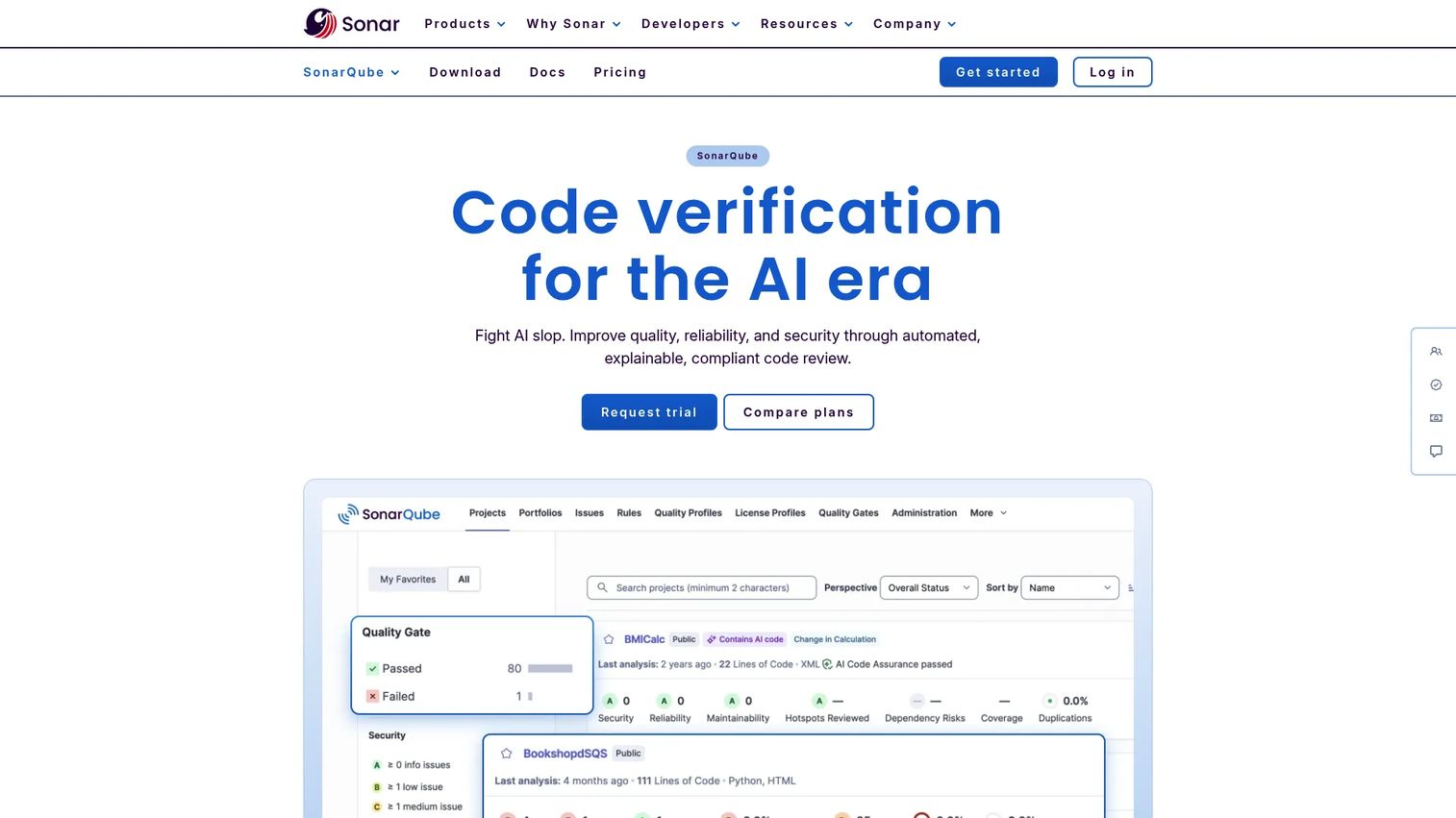
SonarQube is the broad code quality and security choice for teams that want a single review layer across the whole codebase. It analyzes every code change automatically, covers 40-plus programming languages, frameworks, and IaC platforms, and frames findings around code health, not just security.
That code-health lens is why it lands well in organizations standardizing on one governance layer. Quality gates can fail a pipeline when standards are not met, giving security and engineering leaders a hard enforcement point. Dashboards keep the whole team looking at the same numbers.
Best for: teams that want automated code quality and security checks enforced in CI/CD.
Key strengths
- Broad language coverage: 40-plus languages, frameworks, and IaC platforms in one tool.
- Quality gates: fail pipelines automatically when code does not meet defined standards.
- Continuous analysis: every code change gets reviewed, not just scheduled scans.
Why choose SonarQube: It shines when governance and consistency matter more than deep custom security logic. Organizations that want one dashboard, one standard, and enforceable gates across many teams get a lot of mileage. Smaller teams focused purely on security findings may find a lighter tool enough, and that is a fair call to make during evaluation.
SonarQube pricing: The Free tier is $0 and always free. The Team plan starts at $32 per month. Enterprise is sales-led. SonarQube Server pricing is contact-sales only. It carries a 4.4/5 rating on G2.
3. Snyk Code
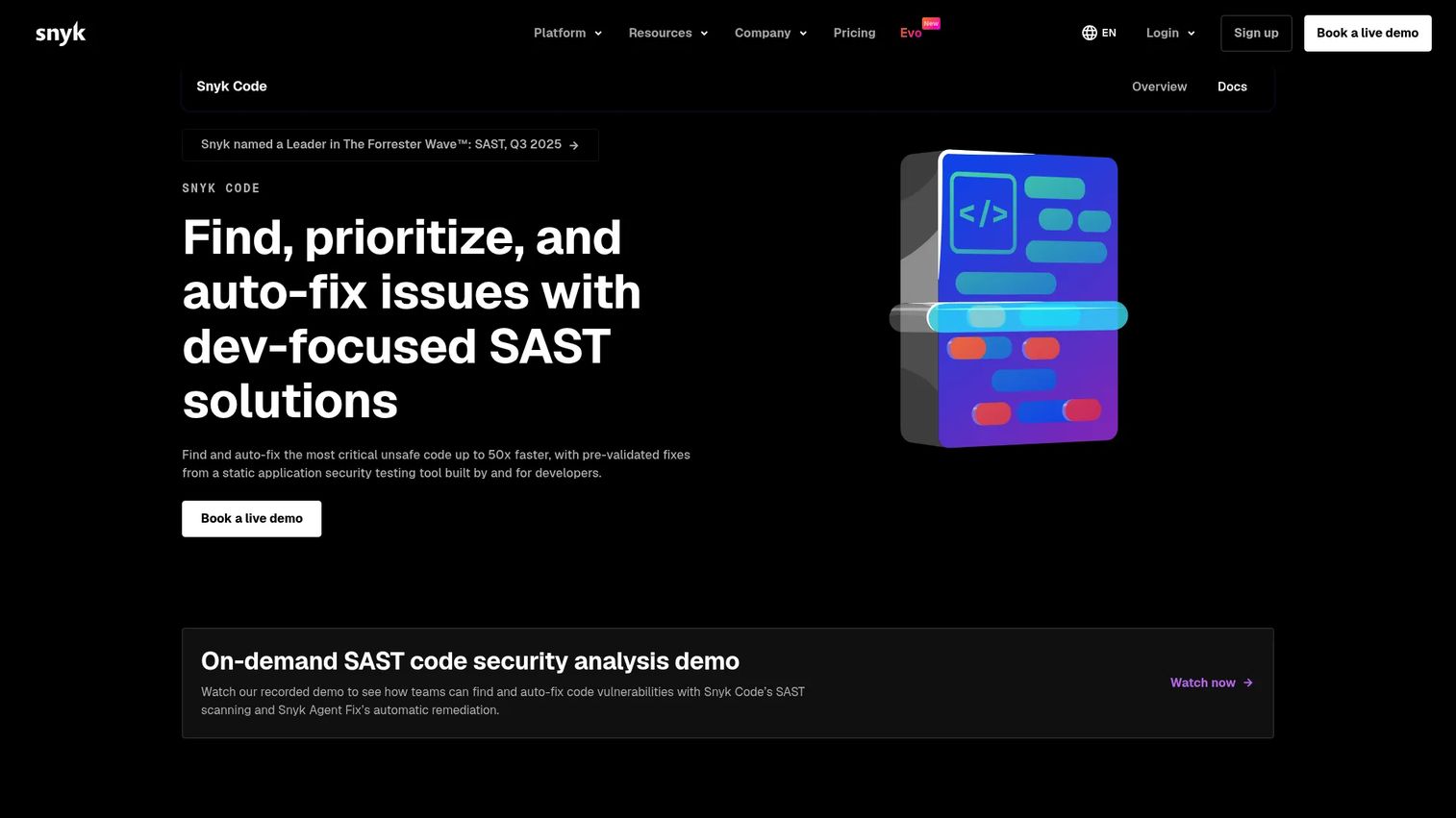
Snyk Code is the security-first option for teams already leaning into the broader Snyk platform. It scans code in real time inside the IDE, repos, and CI/CD, then connects to Snyk's dependency, container, and IaC scanning so one workflow covers most of the AppSec surface.
Developer workflow and risk prioritization are the differentiators. Snyk Code uses application context to prioritize the issues that actually matter and layers on AI-powered remediation guidance with automated fix workflows. For teams that want unified security coverage rather than a stack of point tools, the platform bundling is the draw.
Best for: teams that want developer-friendly SAST embedded in existing workflows and connected to broader scanning.
Key strengths
- Real-time scanning: code vulnerability detection in IDE, repos, and CI/CD.
- Context-based prioritization: ranks risky, relevant issues instead of dumping everything.
- AI remediation: guided and automated fix workflows to speed remediation.
Why choose Snyk Code: The case is strongest when you value unified security coverage and want SAST that connects to the rest of your dependency and infrastructure scanning. Developers who live in the IDE get findings without leaving their editor. It fits security-led teams building toward a full platform.
Snyk Code pricing: The Free plan is $0 per month per contributing developer. The Team plan starts at $25 per month per contributing developer. Ignite starts at $1,260 per year per contributing developer, and Enterprise is contact sales. Snyk holds a 4.5/5 rating on G2.
4. Checkmarx
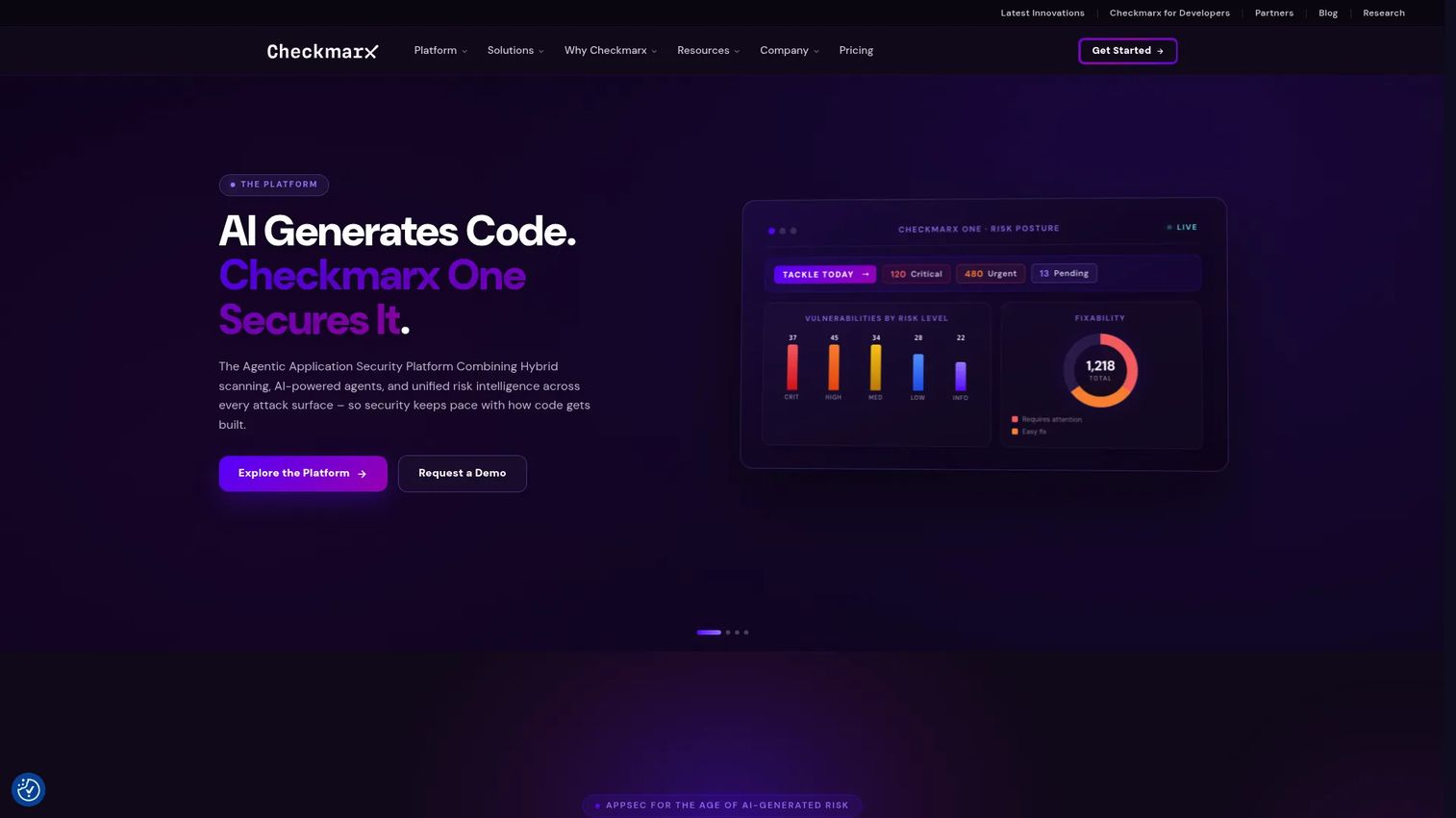
Checkmarx is an enterprise-grade AppSec platform built for organizations with large security teams and heavy compliance demands. Checkmarx One unifies code, dependency, and container scanning, with IDE and CI/CD integrations and agentic AI for triage and remediation.
The fit is clearest for compliance-heavy environments. Reporting depth, rule management, and broad language coverage give security leaders the audit trail and governance controls they need. This is a platform decision, and buyers should plan for the adoption effort that comes with any enterprise-wide security rollout.
Best for: large teams that need enterprise AppSec across code, dependencies, containers, and AI-assisted development.
Key strengths
- Unified platform: Checkmarx One brings scanning types together in one place.
- Deep integrations: IDE and CI/CD hooks fit scanning into existing pipelines.
- Agentic AI: automated triage and remediation to move findings toward fixes.
Why choose Checkmarx: It suits organizations that need governance, reporting depth, and a single AppSec platform across many teams. The trade-off worth weighing against lighter tools is the scope of rollout: enterprise platforms reward teams with the process maturity to run them. For a security program consolidating vendors, that scope is the point.
Checkmarx pricing: Checkmarx does not publish public pricing. The site describes a custom quote model built around developers, apps, and usage. Checkmarx carries a 4.2/5 rating on G2.
5. Veracode
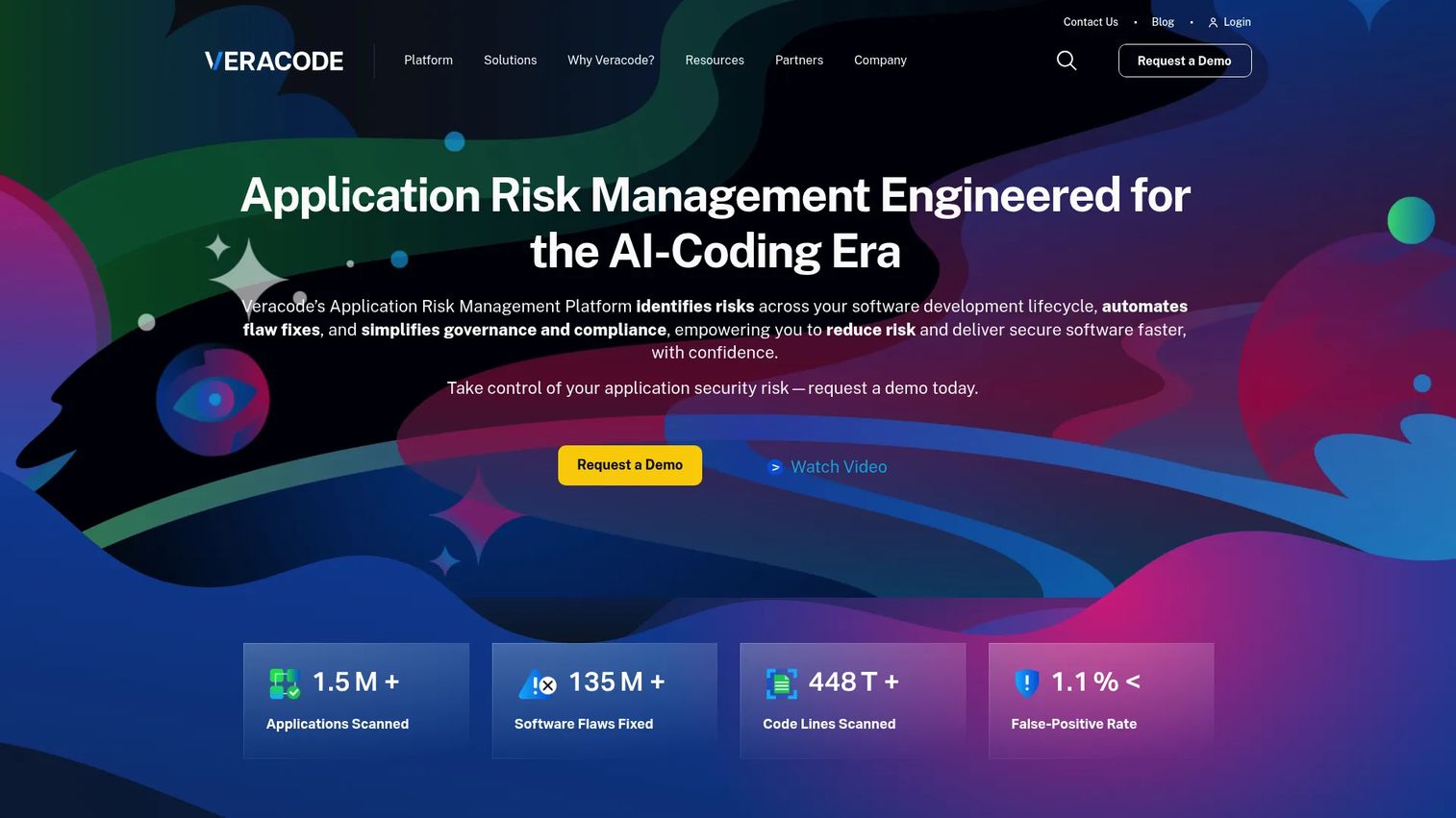
Veracode is a mature enterprise platform for application risk management across the software development lifecycle. It combines SAST, DAST, SCA, IaC and container scanning, and AI-powered remediation into one application security platform.
Veracode shows up often in regulated environments because of its scanning breadth and reporting posture. Security teams that need coverage across code, dependencies, and runtime testing, plus the documentation to satisfy auditors, put it on the shortlist. Remediation guidance helps developers move from a finding to a fix.
Best for: security teams and developers needing an enterprise AppSec platform across code, dependencies, and runtime.
Key strengths
- Multi-testing coverage: SAST, DAST, and SCA in a single platform.
- Infrastructure scanning: IaC and container checks alongside code analysis.
- AI remediation: guidance that helps developers close findings faster.
Why choose Veracode: It fits larger teams with established security processes and compliance requirements. If your evaluation prioritizes breadth across testing types and a reporting trail for regulators, Veracode earns a look. Teams that only need code scanning today may not use the full platform, which is worth confirming against your actual scope before you buy.
Veracode pricing: Veracode uses sales-led pricing with no public numeric price listed. It holds a 3.8/5 rating on G2.
6. Fortify Static Code Analyzer
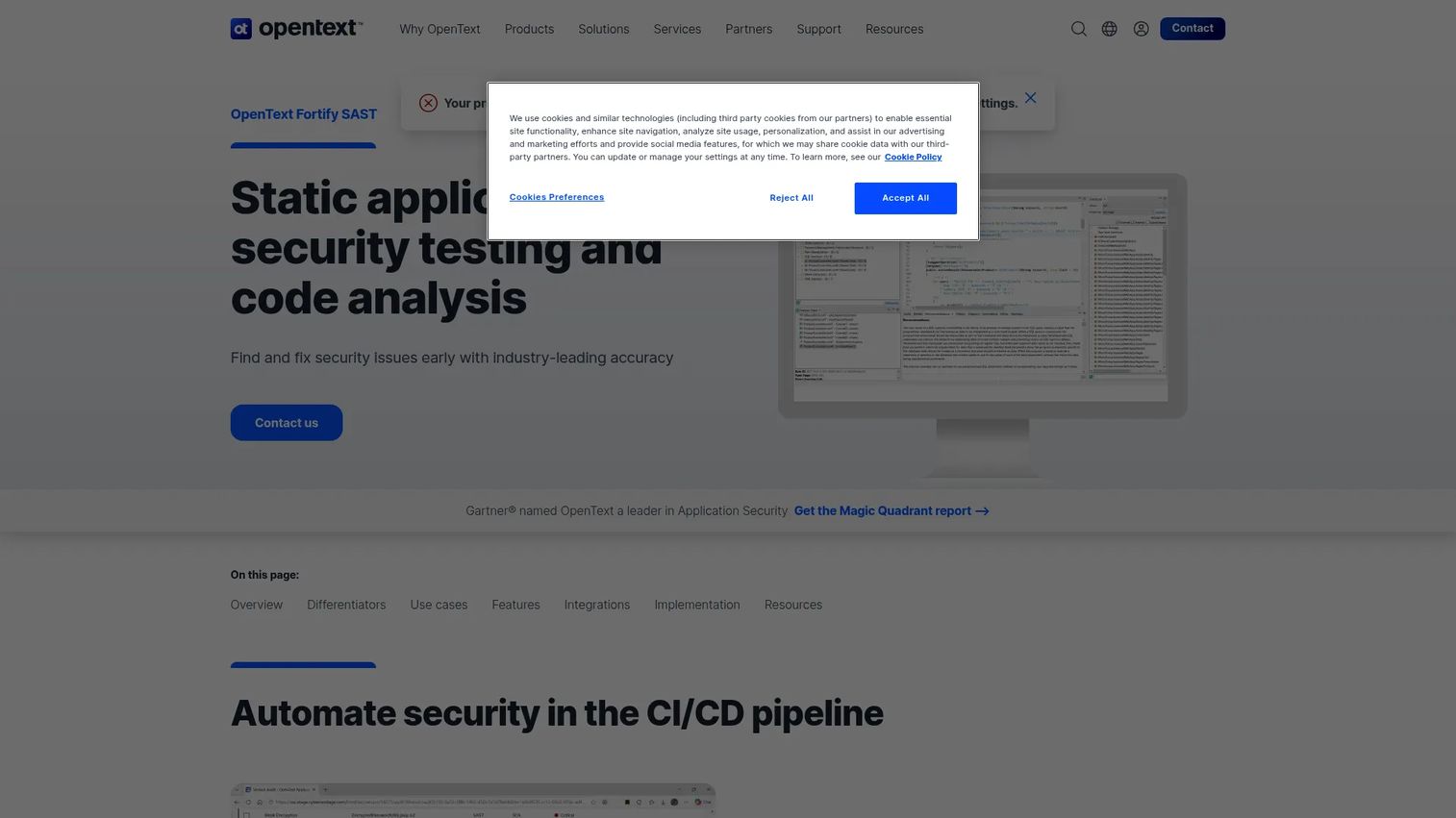
Fortify Static Code Analyzer is OpenText's enterprise SAST product, built for deep scanning of source code, bytecode, and binaries. It covers 44-plus languages and 350-plus frameworks, adds integrated IaC scanning for Docker, Kubernetes, and serverless, and layers on AI-powered auditing and remediation.
Fortify is a long-standing choice in large organizations that need scanning depth and a mature security program to match. Binary-level analysis and broad language support make it a fit where teams inherit legacy code across many stacks. This is enterprise tooling, selected for scale and governance rather than lightweight speed.
Best for: enterprises needing deep static analysis and CI/CD-integrated AppSec scanning.
Key strengths
- Extensive coverage: 44-plus languages and 350-plus frameworks.
- Binary and bytecode analysis: scans beyond source for deeper inspection.
- AI-powered auditing: automated auditing and remediation across findings.
Why choose Fortify Static Code Analyzer: It fits large security organizations that need depth, scale, and coverage across a sprawling codebase. Teams inheriting legacy systems in many languages benefit most from the breadth. Confirm deployment and licensing fit for your environment, since enterprise SAST rewards teams with the program maturity to operate it.
Fortify pricing: OpenText does not publish public pricing for Fortify Static Code Analyzer; it is quote-based. G2 shows a 4.5/5 rating for OpenText Static Application Security Testing, which corresponds to Fortify Static Code Analyzer.
7. GitHub Advanced Security
GitHub Advanced Security is the best fit for teams centered on GitHub repositories and workflows. GitHub now presents it as two products, Secret Protection and Code Security, with dependency monitoring built in. The value is that security lives exactly where developers already work.
Because scanning happens inside pull requests and the repo, there is little friction to adoption. Developers see findings in the same interface they use to review and merge code. For organizations already standardized on GitHub, this native fit removes a whole category of integration work.
Best for: teams using GitHub who need integrated secret scanning and code security.
Key strengths
- Secret Protection: detects exposed credentials across the repo.
- Code Security: code scanning surfaced directly in pull requests.
- Native workflow: results appear where developers already review and merge.
Why choose GitHub Advanced Security: It is strongest when your organization is already committed to GitHub. Adoption climbs because findings show up in the developer's existing flow, not a separate tool. Teams on mixed or non-GitHub source control should weigh how much of the value depends on that native placement.
GitHub Advanced Security pricing: GitHub Secret Protection starts at $19 per active committer per month. GitHub Code Security starts at $30 per active committer per month. Some capabilities are included for public repositories, with paid access for Team and Enterprise customers. It carries a 4.7/5 rating on G2.
8. CodeQL
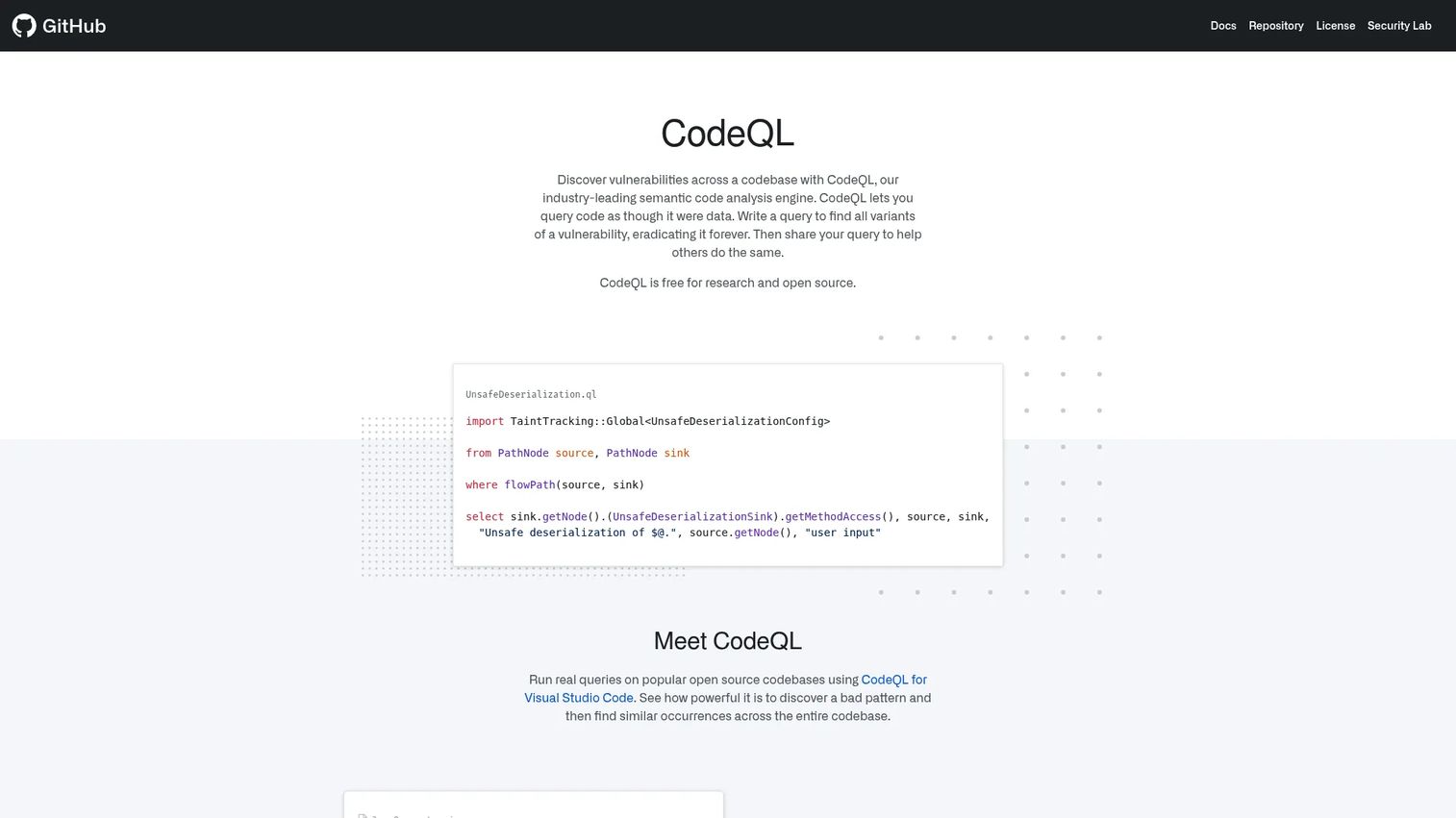
CodeQL is the query-based engine behind GitHub's advanced code scanning. It treats code as data: you build a database from a codebase, then run queries to find vulnerability patterns. Technical teams value it for depth and the ability to encode custom security logic.
The query model is what sets it apart. Security researchers and engineers write custom QL queries in VS Code or the CLI, then run them at repository scale to hunt for specific issue classes. It is a natural fit inside GitHub-centric workflows where the same engine powers automated scanning.
Best for: security teams and researchers writing or running semantic code-analysis queries.
Key strengths
- Code as data: query codebases to find vulnerability patterns precisely.
- Custom queries: write and run QL queries in VS Code or the CLI.
- Repository-scale analysis: build and analyze CodeQL databases across large repos.
Why choose CodeQL: It rewards technical teams that want to write their own detection logic and hunt for specific patterns. If you have security engineers who think in queries, the depth is hard to match. It shines inside GitHub-centric workflows, where the same engine drives automated scanning behind the scenes.
CodeQL pricing: CodeQL is free for research and open source. Commercial use runs through GitHub's code scanning products rather than a separate public price. No standalone G2 rating was available at the time of writing.
Considerations before you buy
Language and framework coverage
The right answer depends on your stack, not the brand's marketing. A tool that scans 40 languages is worthless if it misses the one framework your team ships on. Verify support for your actual languages, frameworks, and build tools before you commit, and test against a real repository rather than a demo project.
False positives and trust
Noisy tools get ignored. When developers dismiss findings faster than they read them, precision has failed and the tool becomes shelfware. Evaluate precision and recall on your own code, not benchmark suites. Check the triage workflow, tuning and baseline options, and the quality of remediation suggestions. False positives reduction is the difference between adoption and abandonment.
IDE and CI/CD integration
Adoption improves when results show up in the developer's normal flow. Check IDE plugin quality, pull request annotations, and how much a scan adds to pipeline time. A scanner that doubles build time gets disabled. Strong IDE integration and fast CI/CD integration are what keep a tool in the workflow instead of in a quarterly report.
Reporting and governance
Centralized dashboards, policy enforcement, and auditability matter most for enterprise buyers and security leaders. If you run many repos, you need one view of posture and the ability to prove standards during an audit. Confirm the reporting depth, exportability, and policy controls match what your compliance and governance processes actually require.
Broader platform fit
Decide whether a point solution is enough or whether you need broader SCA, IaC, secrets, and ASPM coverage. A focused code scanner ships value fast when code scanning is the whole job. A platform pays off when you are consolidating vendors and building a full program. Do not overbuy a platform for a team that only needs SAST today.
Conclusion
There is no universal winner here, only the best fit for a given team. Semgrep leads for developer flexibility and custom rules. SonarQube owns code quality and governance across many languages. Snyk Code fits security-led teams wanting SAST connected to a broader platform. Checkmarx, Veracode, and Fortify Static Code Analyzer serve enterprise programs with compliance and scale demands. GitHub Advanced Security is the natural pick for GitHub-centric teams, with CodeQL powering the deep query-based analysis underneath.
The best static code analysis tool is the one your developers will actually use. A perfect scanner that gets muted on day two protects nothing.
Your next step is simple. Shortlist two or three tools, run them on the same real repository, and compare three things: findings quality, workflow fit, and remediation speed. The tool that produces trustworthy findings inside the developer's flow is the one that will still be running a year from now.
FAQs
Static code analysis is the broad category of inspecting code without running it, which includes quality, style, and bug checks. SAST, or static application security testing, is the security-specific subset focused on finding vulnerabilities like injection flaws and insecure patterns. Every SAST tool does static analysis, but not every static analysis tool is tuned for security.
Developer-first tools stand out on IDE integration, fast feedback, and rule tuning that engineers can control. Semgrep is a strong fit for teams that want custom rules and speed, while Snyk Code and GitHub Advanced Security deliver results inside the workflows developers already use. The best choice depends on your language stack and where your team spends its time.
Yes. Most modern tools run on pull requests, in build pipelines, and as merge gates that block risky code. When you evaluate CI/CD integration, weigh scan time and pipeline performance impact, since a slow scanner gets disabled fast. Tools with quality gates let you fail a build automatically when code does not meet your standards.
Start with rule tuning and severity filters to cut noise to the findings that matter. Use baseline management to focus on new issues instead of drowning in legacy debt, and build a triage workflow so developers can dismiss or confirm findings quickly. The goal is trust: when the output is precise, developers act on it instead of ignoring it.
It depends on team size, governance needs, and security maturity. A focused code scanning tool ships value fast when code analysis is the whole job and the team is small. A broader platform covering SCA, IaC, secrets, and ASPM pays off when you are consolidating vendors and running a mature program across many repos. Do not buy platform breadth you will not use this year.
Support varies widely by vendor and language ecosystem. Some tools cover 40-plus or even 44-plus languages and frameworks, while others focus on a narrower set with deeper analysis. Confirm support for your core stack, including specific frameworks and build tools, before you buy, and test on a real repository rather than trusting a coverage list.
No, and they are not meant to. Static analysis catches patterns and classes of issues consistently and at scale, including many that map to the OWASP Top Ten. It does not catch business-logic flaws, design problems, or context that only a human reviewer understands. The strongest teams use static analysis to handle the repetitive checks so reviewers can focus on judgment calls.