A missed job rarely starts as a missed job. It starts as a text that never made it into the schedule. A quote sitting in someone's inbox. An invoice a tech meant to send from the truck and forgot.
Service teams don't usually break because they lack software. They break because the work lives in too many places. Jobs in one app, customer notes in another, invoices in a spreadsheet, follow-up in someone's head. Every gap creates a handoff, and every handoff is where revenue leaks.
That fragmentation costs more than most owners admit. The global business software and services market is projected to grow from roughly $725 billion in 2026 to around $1.5 trillion by 2033, at about 10 to 12% CAGR, according to Grand View Research (2026). Service companies are a big part of that spend for one reason: manual coordination stops scaling the moment you add a second crew.
The right service software collapses those gaps into one flow: quote, schedule, invoice, get paid. It turns founder-dependent operations into something repeatable. This guide compares the platforms that do it well.
What's inside
This guide is for owners, operators, and founders of service companies who are replacing spreadsheets, scattered scheduling, and manual follow-up with a single system. It covers home services, trades, and multi-crew field operations.
We chose tools based on:
- Operational depth: scheduling, dispatch, invoicing, and reporting in one place
- Field usability: a mobile app for field teams that techs actually use
- Cash flow speed: estimates, invoicing, and payment processing that shorten time to paid
- Fit by size: clear options for small teams and complex multi-crew operations
Every tool here is built for service work, not generic business admin.
TL;DR
- Best overall for growing service teams: Jobber, for its quote-to-get-paid workflow and ease of use
- Best for all-in-one operations at scale: ServiceTitan, for deep dispatch, memberships, and revenue controls
- Best for multi-vertical service operators: ServiceWorks, for flexible scheduling, CRM, and inventory across service lines
- Best for trade contractors: Simpro, for stronger job and project management
- Best for job management depth: AroFlo, for trade-specific workflow and scheduling control
- Best field service software for small business: Housecall Pro, for fast setup and mobile-first invoicing
- Best for service agreement complexity: FieldEdge, for HVAC and recurring-service visibility
This is service business management software built to make operations run without you in the middle of every job.
What is service business software?
Service business software is cloud-based software that helps service companies manage the full workflow from quote to schedule to invoice to get paid, in one system.
It replaces the patchwork of spreadsheets, calendars, and paper that most teams outgrow. Also called field service management software or service company software, it connects the office and the field so nothing falls through the cracks.
Core capabilities include:
- Scheduling and dispatch: assign jobs, route crews, and adjust in real time
- Mobile app for field teams: work orders, notes, and photos from the job site
- CRM for service businesses: customer history, communication, and customer notifications
- Estimates and invoicing: turn approved quotes into invoicing software for service businesses without re-keying
- Payments and accounting integrations: payment processing plus sync to your books
- Inventory, route planning, and reporting: track parts, plan the day, and see revenue
Good service software gives leadership one clean view of job status, revenue, and collections, instead of five dashboards that never agree.
When to use service business software
Replace spreadsheets and inboxes
Manual tracking works until it doesn't. One crew, ten jobs a week, and a shared calendar can hold. Add a second crew or a wider service area, and the cracks show fast. Jobs get double-booked. Notes live in one person's phone. A single spreadsheet becomes the bottleneck everyone waits on. That's the point where service job management software stops being a nice-to-have.
Coordinate office and field teams
Missed handoffs are where jobs die. The dispatcher schedules, the tech shows up without the right parts, finance never gets the invoice. Field service scheduling software keeps technicians, dispatchers, and finance looking at the same job in real time. When a tech marks a job complete, the office sees it, and the invoice can move the same day.
Speed up cash collection
The gap between finished work and money in the bank is pure friction. Estimates that convert to invoices, automated reminders, and in-field payment tools shorten that path. A tech can collect payment before leaving the driveway. Automated follow-up chases the invoices that slip. Service call software that closes this loop turns weeks of waiting into days.
Comparison table
The tools below are sorted by fit for service teams, not alphabetically. We led with the platforms that serve the widest range of growing service businesses, then moved into more specialized and trade-specific options. Pricing and G2 ratings change often, so verify current figures on each vendor's site before you commit.
| # | Product | Best for | Key differentiator | Pricing | G2 rating |
|---|---|---|---|---|---|
| 1 | Jobber | Growing home and field service teams | Clean quote-to-get-paid workflow | From $21/mo | 4.6/5 |
| 2 | ServiceTitan | Larger, complex trades operations | Deep dispatch and revenue controls | Per-technician, request pricing | 4.5/5 |
| 3 | ServiceWorks | Multi-vertical service operators | Flexible modules across service lines | From $49 (third-party listed) | 3.5/5 |
| 4 | Simpro | Trade contractors needing job control | Strong project and job management | Quote-based | 4.2/5 |
| 5 | AroFlo | Field teams wanting workflow depth | Trade-specific job management | Request pricing | 3.5/5 |
| 6 | Housecall Pro | Small to mid home service teams | Fast setup and mobile invoicing | From $59/mo | 4.3/5 |
| 7 | FieldEdge | HVAC and recurring-service teams | Service agreement visibility | Request pricing | 4.0/5 |
Best 7 service business software for 2026
1. Jobber
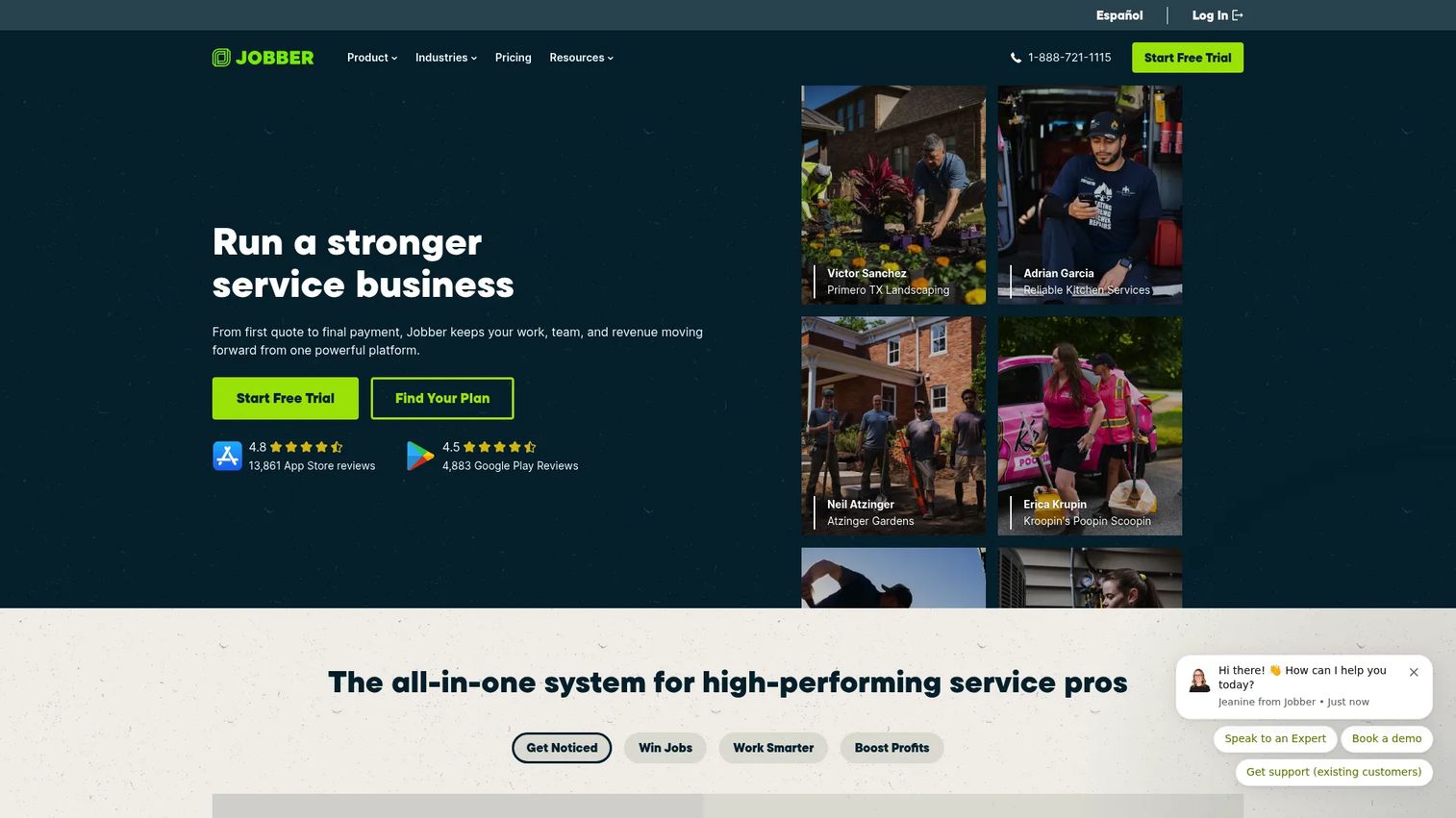
Jobber is field service management software built around the workflow most service owners actually live: quote, schedule, invoice, get paid. It targets home and field service businesses that want an all-in-one operations platform without a heavy implementation. The appeal is speed. You can move from an approved quote to a scheduled job to a paid invoice without re-entering the same information three times.
For a growing team, that matters. The less a job depends on one person remembering to send the invoice, the more repeatable your operation becomes. Jobber leans into automation, two-way SMS, and job costing to keep the office and the field aligned.
Best for: Home service and field service businesses that need an all-in-one operations platform.
Key features
- Online booking and job scheduling
- Quotes, invoices, and online payments
- Automations, job costing, and two-way SMS
Why choose Jobber: Choose Jobber when you want operational speed and simplicity over deep enterprise configuration. It's the strongest fit for owners moving off spreadsheets who want a system their crew adopts in days, not months.
Jobber pricing: Jobber offers four plans: Core at $21/mo, Connect at $70/mo, Grow at $105/mo, and Plus at $280/mo, with annual billing options. A free trial is available, with no public free tier.
2. ServiceTitan
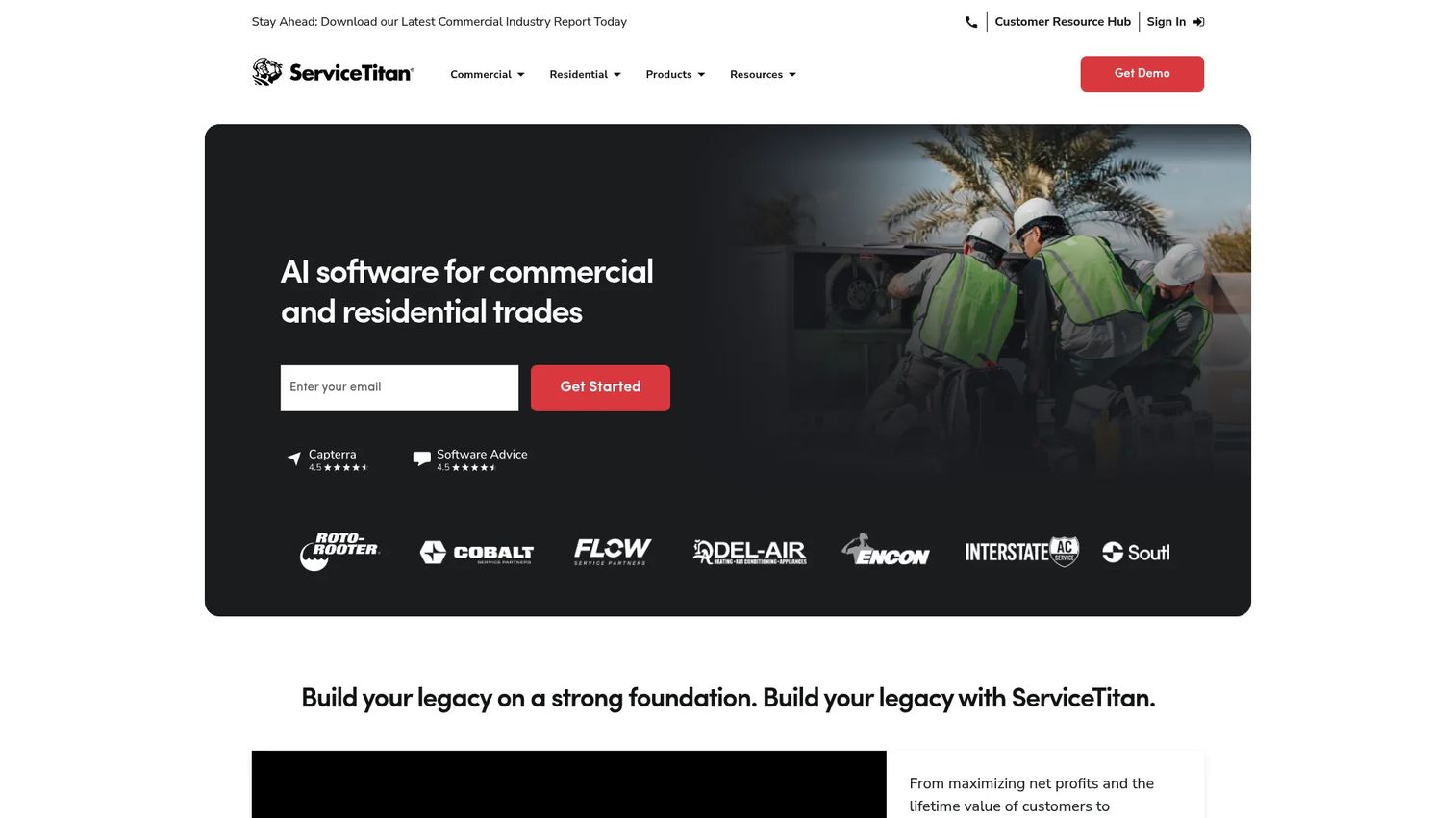
ServiceTitan is a cloud platform built for home and commercial service businesses that need depth across every part of operations. It handles scheduling, dispatching, invoicing, and the pricebook, plus call booking and mobile estimates. This is the tool for teams that have outgrown lighter systems and need an operating system for the whole business.
The depth is the point. ServiceTitan carries revenue controls, memberships, and reporting that give leadership visibility into how the business actually runs. That breadth means a more involved rollout, but for larger trades operations, the operational depth pays back in control and repeatability.
Best for: Trades contractors that need an all-in-one field service management platform.
Key features
- Dispatching and scheduling
- Invoicing and pricebook
- Call booking and mobile estimates
Why choose ServiceTitan: Choose ServiceTitan when the business needs a broad operating system, not a point tool. It fits multi-truck HVAC, plumbing, and electrical operations that want membership programs and revenue reporting under one roof.
ServiceTitan pricing: ServiceTitan lists three packages, Starter, Essentials, and The Works, priced per technician. Public numeric prices are not displayed; you request pricing directly.
3. ServiceWorks
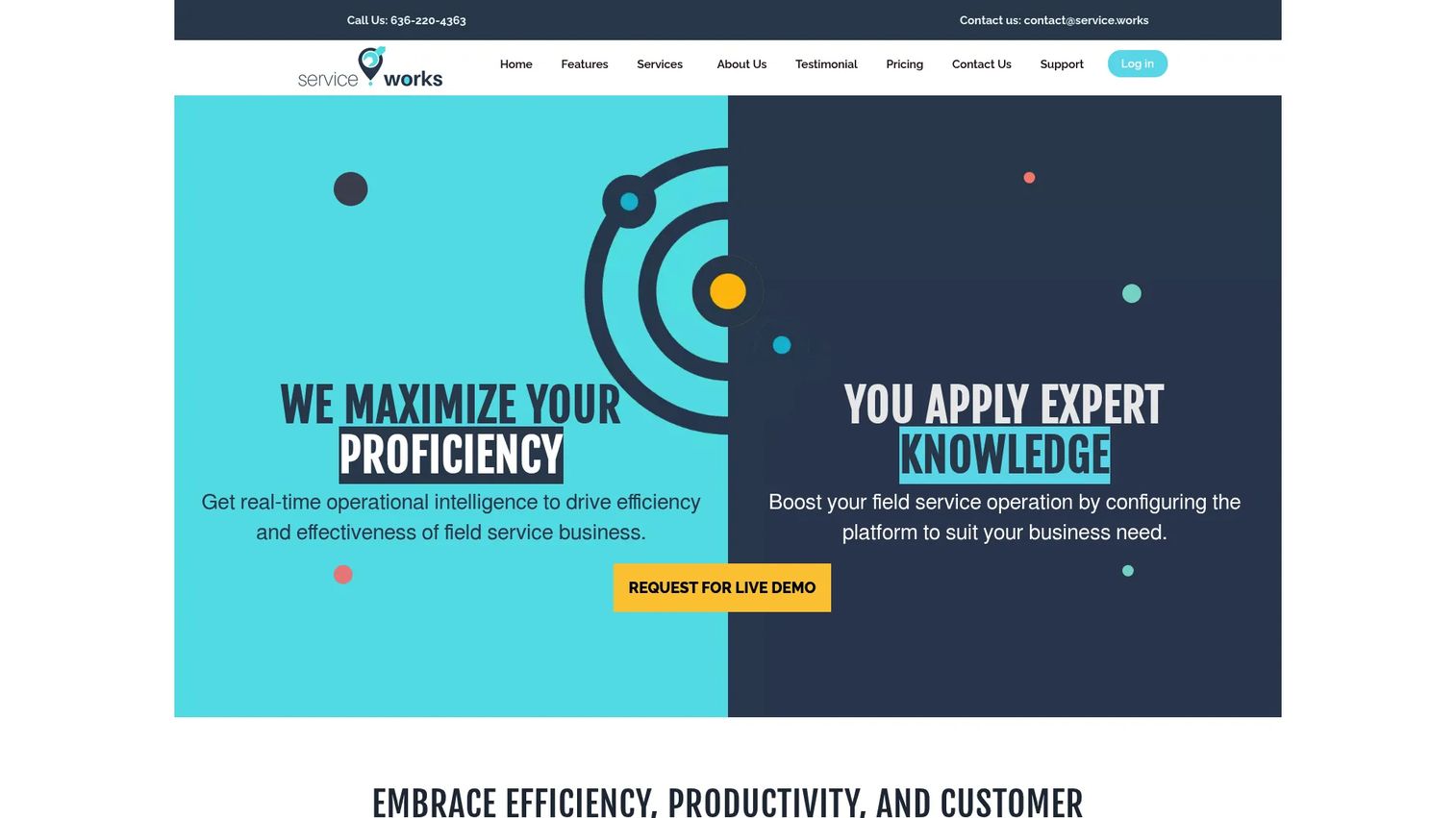
ServiceWorks is cloud-based field service and business management software built for service, retail, and delivery businesses. It covers scheduling, work order and invoice management, plus inventory, payments, and reporting. The breadth is what stands out: it's designed for operators who run more than one type of service line and need flexibility across them.
That flexibility makes ServiceWorks a fit for teams that don't fit a single trade template. If your operation spans multiple verticals or mixes field work with retail or delivery, the modular approach lets you assemble the workflow you need rather than force-fit a narrow one.
Best for: Service businesses needing scheduling, dispatch, and field operations management.
Key features
- Scheduling and dispatch
- Work order and invoice management
- Inventory, payment, and reporting tools
Why choose ServiceWorks: Choose ServiceWorks when your team needs flexibility across service lines rather than a single-trade system. It suits multi-vertical operators who want scheduling, CRM, inventory, and invoicing under one platform.
ServiceWorks pricing: Third-party listings show a Starter plan at $49.00 and a Plus plan at $149.00. ServiceWorks' own pricing page lists Starter, Standard, and Pro plans without displaying public prices, so confirm current figures directly.
4. Simpro
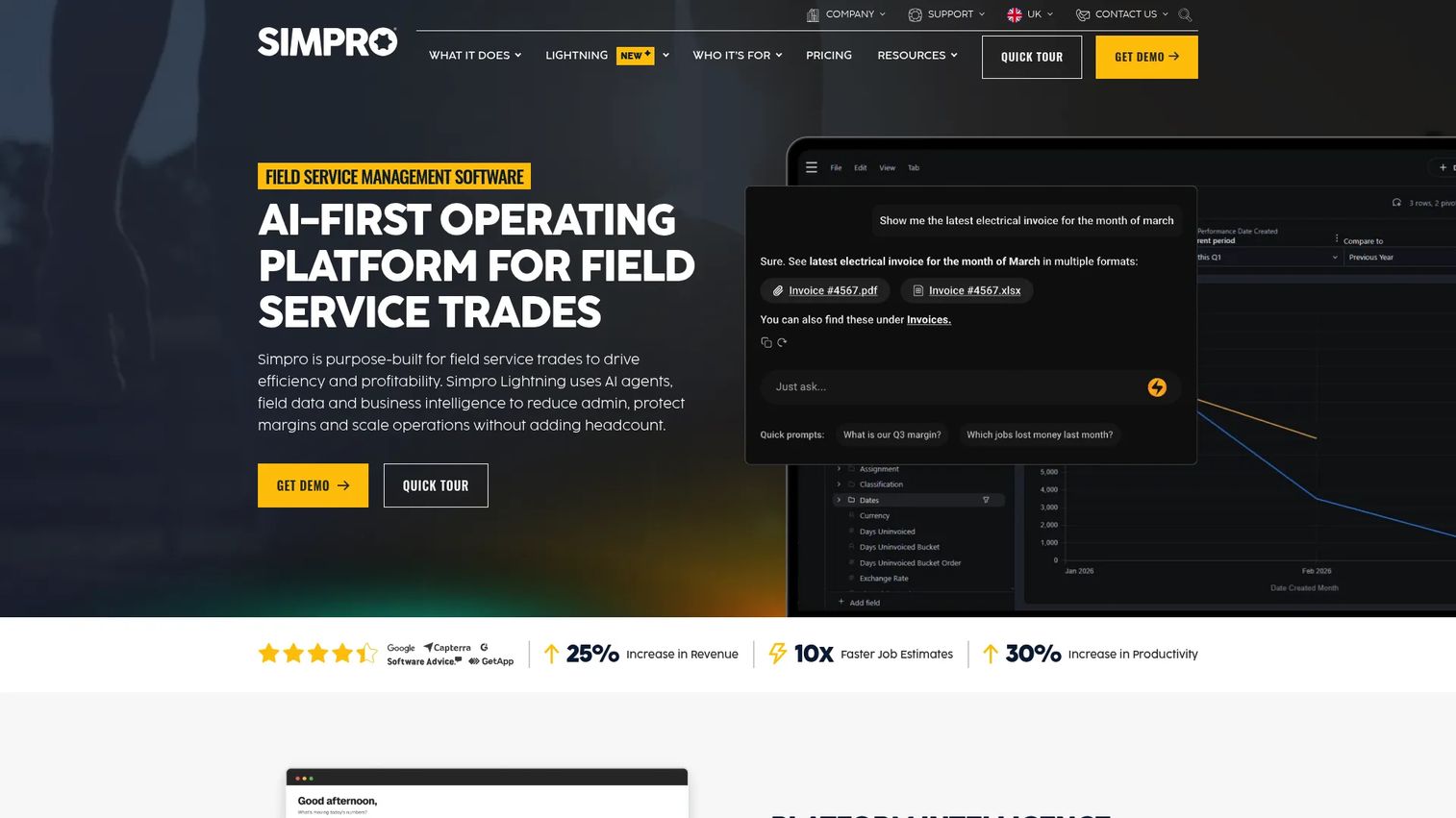
Simpro is field service management software for trade contractors who need stronger job and project management than a lightweight tool provides. It handles estimating and quoting, scheduling and dispatch, and inventory management, with the process control that more complex field workflows demand.
For growing trade businesses, that control is the draw. When jobs turn into multi-stage projects with parts, labor, and stages to track, you need software that keeps the whole thing organized. Simpro is built for teams whose work has real complexity and who want process discipline to match. The trade-off is a more involved setup, which is normal for a platform with this operational depth.
Best for: Trades and field service businesses that need an all-in-one job management platform.
Key features
- Estimating and quoting
- Scheduling and dispatch
- Inventory management
Why choose Simpro: Choose Simpro when your team needs process control across quoting, jobs, and inventory. It fits growing trade contractors whose work has moved beyond simple one-visit jobs into managed projects.
Simpro pricing: Simpro uses quote-based pricing. The company says cost depends on business complexity, team size, customization, support, and add-ons, with monthly or annual billing available. Request a quote for current figures.
5. AroFlo
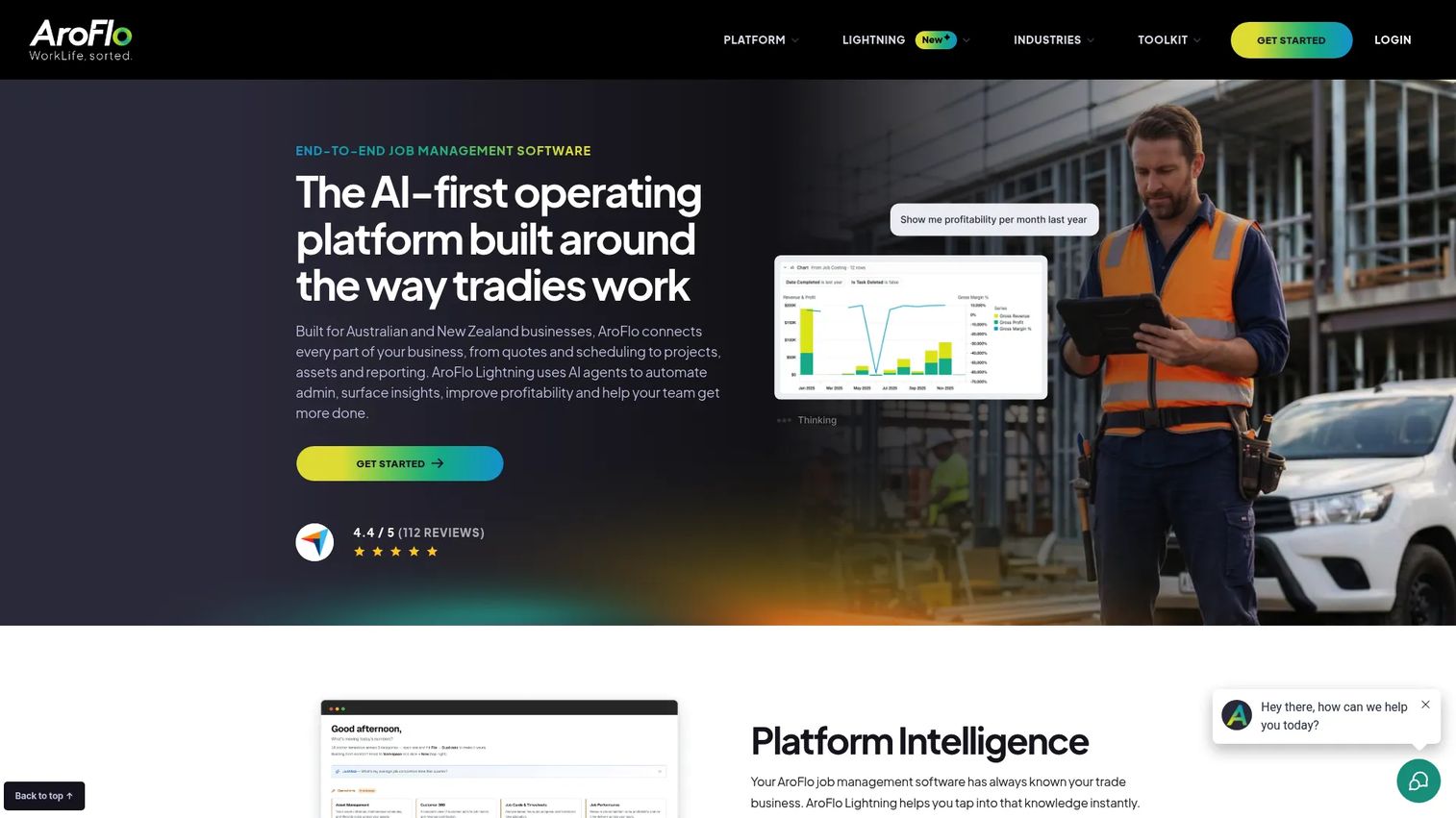
AroFlo is cloud-based job management software for trade and field service businesses that want depth in scheduling and workflow coordination. It covers quoting, scheduling and timesheets, project management, asset management, inventory, accounting and payments, GPS tracking, SMS notifications, and reporting. That's a wide feature set built for operational visibility.
For service companies with repeatable job patterns, AroFlo gives you control over how work flows from quote through completion. The mobile access keeps field teams connected, and the reporting gives operators a clear read on how jobs are tracking. It's a fit for teams that want trade-specific control rather than a generic scheduler.
Best for: Trade businesses needing an all-in-one job management platform.
Key features
- Quoting and estimating
- Scheduling and timesheets
- Project management, asset management, and inventory
Why choose AroFlo: Choose AroFlo when your service company runs repeatable job patterns and wants job management depth with strong reporting. It fits trade teams that value operational visibility over a stripped-down interface.
AroFlo pricing: AroFlo lists an AroFlo Premium plan and directs you to request pricing. No public numeric price is shown on its pricing page, so contact the vendor for a current quote.
6. Housecall Pro
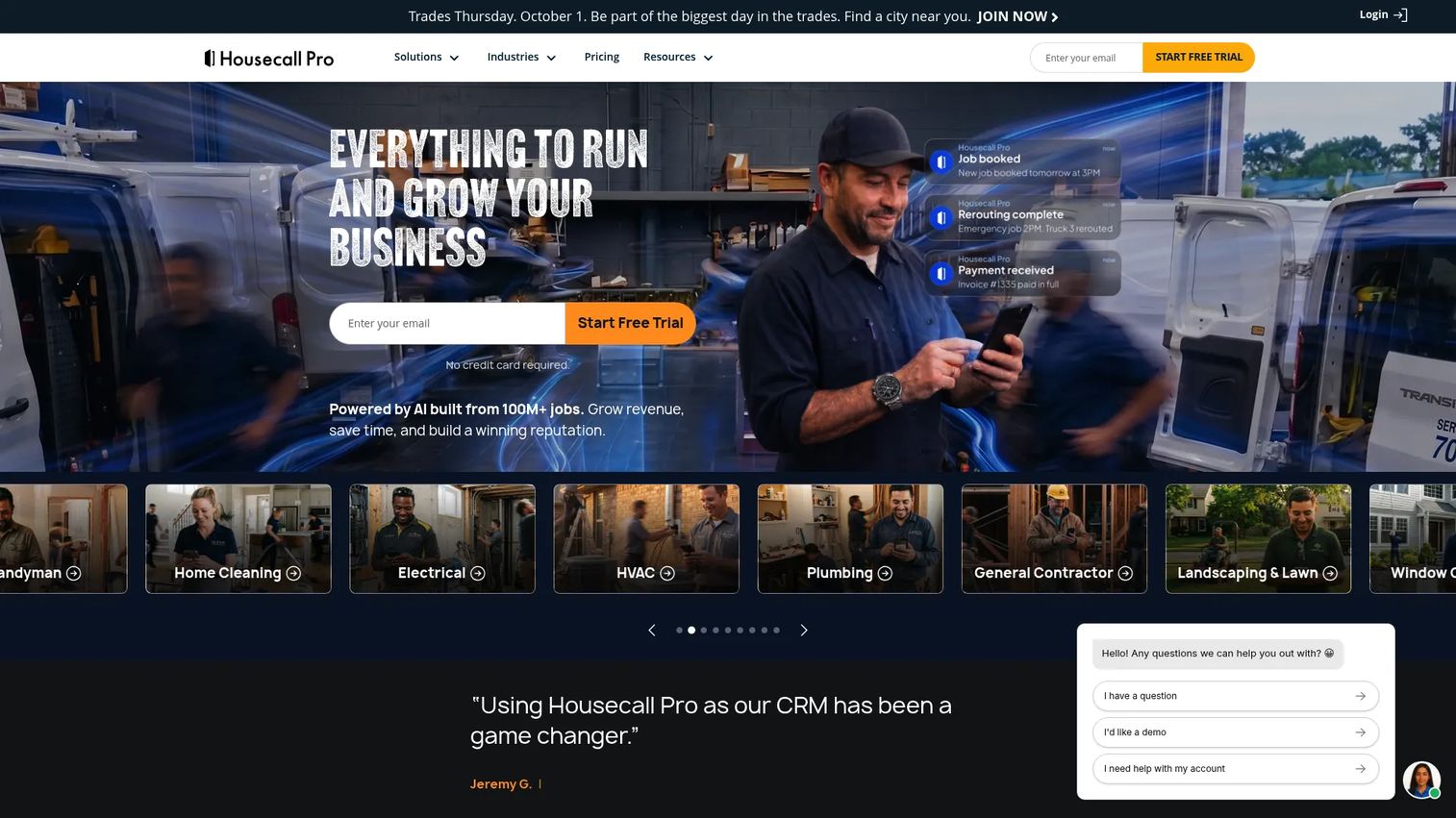
Housecall Pro is field service management software for home service businesses that want to be running fast. It covers online booking, scheduling and dispatching, and estimates and invoicing, with a mobile-first approach that keeps techs productive from the job site. The pitch is speed to value: set up, add your team, and start booking work.
For small to mid-sized home service teams, that simplicity is the win. You get scheduling, invoicing, reminders, and payments without a long onboarding curve. Client communication and technician workflows are built in, so the office and the field stay aligned without extra tools. If you value getting operational quickly over deep enterprise configuration, Housecall Pro fits.
Best for: Home service businesses needing scheduling, invoicing, and customer communication in one platform.
Key features
- Online booking
- Scheduling and dispatching
- Estimates and invoicing
Why choose Housecall Pro: Choose Housecall Pro when speed and simplicity matter more than deep configuration. It's a strong fit for small to mid-sized home service teams that want to be live and booking jobs quickly.
Housecall Pro pricing: Housecall Pro offers three paid plans: Basic at $59/mo, Essentials at $149/mo, and MAX at $299/mo, billed annually. A 14-day free trial is available, with no free tier.
7. FieldEdge
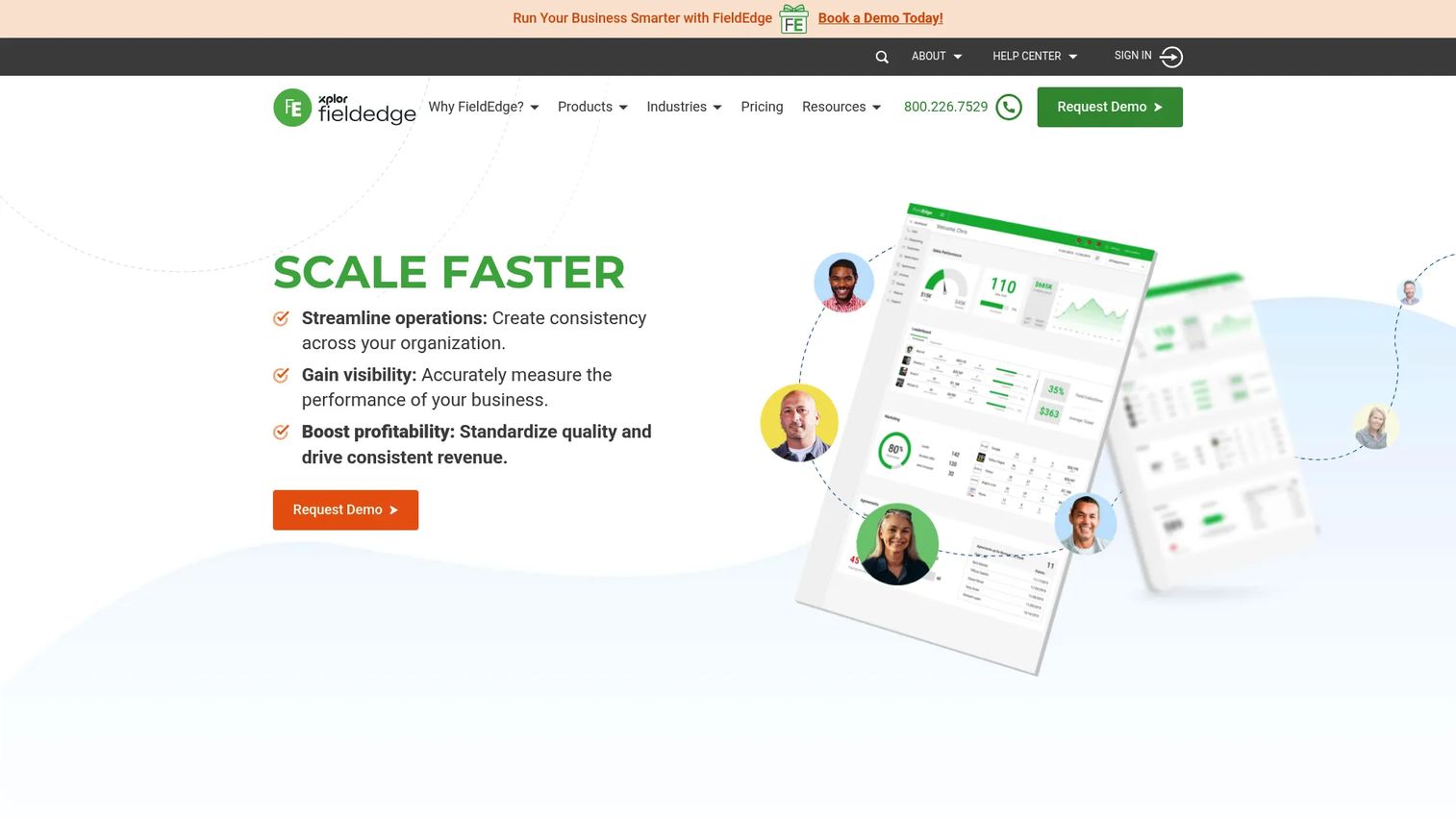
FieldEdge is field service management software for SMB and mid-market contractors running multiple trucks, with particular strength for HVAC and home service businesses that manage service agreements. It covers dispatching and scheduling, customer management and work orders, plus quotes, invoicing, and integrated payments.
The recurring-service angle is what sets it apart. Businesses built on service contracts need to see which agreements are active, what's due, and how each customer's history looks. FieldEdge gives that service agreement visibility, so recurring revenue doesn't slip through the cracks. For teams whose business model depends on renewals and maintenance plans, that depth is the reason to choose it.
Best for: Contractors managing dispatch, scheduling, customer records, and field operations across multiple trucks.
Key features
- Dispatching and scheduling
- Customer management and work orders
- Quotes, invoicing, and integrated payments
Why choose FieldEdge: Choose FieldEdge when your business runs on service agreements and recurring maintenance. It fits HVAC and home service teams that need clear visibility into contracts, renewals, and customer history.
FieldEdge pricing: FieldEdge lists three plans, Select, Premier, and Elite. Pricing varies by business, and the vendor directs you to request pricing rather than showing public numbers. Contact them for a current quote.
Considerations
Fit to your operating model
The first question is all-in-one versus point solution. A broad platform gives you one system of record but asks you to run more of your operation inside it. A lighter tool moves faster but may need help from other apps. Match the tool to how your business actually runs, not to the longest feature list.
Implementation and migration
Before you move off spreadsheets or a legacy system, verify what migrates and what doesn't. Ask about data import, historical jobs, customer records, and how long onboarding really takes. A platform with deep operational depth is worth more setup time, but you should know the timeline before you commit, not after.
Mobile and field usability
Office-side power means nothing if techs won't use the app. Field adoption is where most rollouts succeed or stall. Test the mobile app for field teams with an actual technician before buying. If it's clunky on a phone in a driveway, your data will stay incomplete and your reporting will lie to you.
Reporting and cash visibility
Leadership needs a clean view of job status, revenue, and collections without stitching together dashboards. Check whether reporting shows what you actually manage on: which jobs are open, what's invoiced, what's collected. Cash visibility is the difference between reacting to problems and seeing them coming.
Support and scalability
Onboarding, training, and account support shape long-term success more than any single feature. Ask how support works after the sale, whether training is included, and how the platform scales as you add crews. The right partner grows with you instead of becoming the next thing you outgrow.
Conclusion
The choice comes down to a few clear patterns.
Choose the simplest tool if you want speed. Jobber and Housecall Pro get small and growing teams operational fast, with clean quote-to-get-paid workflows.
Choose the broadest platform if you need depth. ServiceTitan and Simpro give larger and more complex operations the process control, dispatch, and reporting to run at scale.
Choose the most trade-specific tool if your workflow is complex. AroFlo, ServiceWorks, and FieldEdge each bring specialized strength, whether that's job management depth, multi-vertical flexibility, or service agreement visibility.
The best next step is practical: shortlist two tools and test the quote-to-invoice flow first. That single workflow tells you more about fit than any feature comparison. Run a real quote, schedule a real job, send a real invoice, and see how the office and the field actually move together. The tool that makes that flow feel repeatable is the one that will scale with you.
FAQs
For most small service businesses, Jobber and Housecall Pro are the strongest starting points. Both offer fast setup, mobile-first workflows, and a clean path from quote to invoice to payment. Field service software for small business should get you operational in days, not months, and both fit that bar.
At minimum, look for scheduling and dispatch, a mobile app for field teams, estimates and invoicing, payment processing, and customer communication. Stronger platforms add inventory management, route planning, job costing, and reporting. The core test is whether the tool connects your quote-to-get-paid workflow in one place.
It shortens the path from finished job to paid invoice. Techs can send invoices and collect payment in the field, automated reminders chase overdue balances, and estimates convert to invoices without re-keying. That closes the gap where cash usually gets stuck, turning weeks of waiting into days.
They overlap heavily. Service business software usually describes the full workflow from CRM and scheduling to invoicing and payments. Service job management software often emphasizes the job lifecycle: quoting, tracking, and completing work. Most modern platforms cover both, so the label matters less than the workflow fit.
It depends on your complexity. All-in-one platforms give you one system of record and cleaner reporting, which reduces handoffs and founder dependency. Separate tools can offer more depth in a single area but create gaps between them. For most growing service teams, a single platform wins on visibility and repeatability.
ServiceTitan and FieldEdge are common choices for HVAC and plumbing, especially teams running multiple trucks or service agreements. ServiceTitan brings deep dispatch and revenue controls, while FieldEdge focuses on service contract visibility. Simpro and AroFlo also fit trades that need stronger job and project management.
Verify data migration first: which customer records, historical jobs, and invoices carry over. Then confirm the real onboarding timeline, mobile usability with an actual tech, and how support works after the sale. Test the quote-to-invoice flow on a shortlist of two before committing to any one platform.