Your activation dashboard shows a 40% drop between sign-up and first key action. You know the number. You do not know why.
That gap is the whole problem. Event analytics tell you what happened and when. They rarely tell you what the user was actually looking at, where they hesitated, or which button they clicked three times expecting something to happen. Around 72% of enterprises worldwide were integrating session replay software to improve user experience and website analytics as of 2024, according to MarketGrowthReports. The reason is simple: numbers describe behavior, but replay shows it.
For a product manager, that difference is not academic. It is the space between shipping an onboarding fix that works and shipping one that guesses. Session recording software records real user sessions, then lets you replay them like video, so you can watch the friction instead of inferring it. This guide breaks down the tools worth evaluating in 2026 and how to pick one for your stack.
What's inside
This guide is for product managers and product teams evaluating session recording tools to diagnose UX issues, reduce onboarding drop-off, and validate release changes.
- The 7 tools we shortlisted for 2026, ranked by fit for product work
- How session replay differs from heatmaps and event analytics
- A comparison table with best-for, key differentiators, pricing, and G2 ratings
- What to check on privacy masking, mobile coverage, and analytics integration
We selected tools based on replay quality, cross-device coverage, privacy controls, and how well replay data feeds product decisions.
TL;DR
- Best for all-in-one product analytics and replay: FullStory
- Best for mobile app replay: UXCam
- Best for engineering-led debugging: LogRocket
- Best for straightforward website replay and heatmaps: Mouseflow
- Best for cross-device behavior analytics: Smartlook
- Best for quick setup and UX feedback loops: Hotjar
- Best for free session replay at any scale: Microsoft Clarity
Start light if you are validating a hypothesis. Free tools like Clarity or Hotjar cover early needs. Move to FullStory, LogRocket, or UXCam when replay becomes part of your weekly release and diagnosis workflow.
What is session recording software?
Session recording software captures real user interactions on a website or app, then reconstructs them into replayable sessions so teams can watch how people actually navigate the product.
It is easy to lump replay in with other behavior analytics, but the three formats answer different questions. Session replay shows you one user's full journey. Heatmaps aggregate many users into a single visual of clicks, taps, and scrolls. Event analytics count and segment specific actions across your whole base.
Most session recording tools capture:
- Clicks, taps, and swipes
- Scroll depth and mouse movement
- Form interactions and field-level hesitation
- Page and screen transitions
- Console errors, network requests, and metadata (in developer-focused tools)
Coverage matters. Some tools handle web session recording only, while others add app session replay across iOS and Android for true cross-device session replay. Privacy masking is the other baseline: any tool worth using can blur, redact, or exclude sensitive fields before data ever leaves the user's browser or device.
Here is how the three overlap and differ:
| Capability | Session replay | Heatmaps | Event analytics |
|---|---|---|---|
| Unit of analysis | One user session | Aggregated views | Counted actions |
| Answers | Why did this happen | Where do users focus | What happened, how often |
| Best for | UX debugging, drop-off diagnosis | Layout and attention | Funnels, cohorts, trends |
| Individual detail | High | Low | Medium |
Most product teams use all three together. Replay explains the anomaly that event analytics surfaces.
When to use session recording software
Diagnose onboarding drop-off
Your funnel shows users leaving during setup, but the reason is invisible in the numbers. Watch ten sessions of users who abandoned and you will usually spot the pattern fast: a confusing empty state, a form that rejects input silently, a step that loads slowly. Replay turns a drop-off percentage into a specific fix.
Debug product issues faster
Support tickets describe symptoms, not reproduction steps. "It froze when I tried to save" is not enough for engineering to act on. Tools that capture console errors and network activity alongside the replay give your team the exact sequence, so UX debugging stops depending on the user's memory.
Validate UX changes
You shipped a redesigned flow. Completion is up 6%. Was it the new layout or seasonal noise? Watching sessions before and after gives you behavioral evidence, not just a metric move. This matters most when a design decision is contested and you need proof instead of opinion.
Understand mobile behavior
Mobile app session recording captures taps, swipes, and gestures that desktop replay never sees. If your product is mobile-first, web-only replay leaves you blind to the interactions that decide activation. Device-specific analysis is the only way to see how tap targets and navigation actually perform.
Comparison table
Ranked by fit for product manager workflows and broad market adoption. Use this to shortlist two or three tools, then verify current pricing on each vendor's site before you commit.
| # | Product | Best for | Key differentiator | Pricing | G2 rating |
|---|---|---|---|---|---|
| 1 | FullStory | All-in-one analytics and replay | Behavioral data tied to replay with AI insights | Free tier; paid plans quote-based | 4.5/5 |
| 2 | UXCam | Mobile app replay | Mobile-first replay, gestures, and heatmaps | Free plan (3,000 sessions/mo); paid quote-based | 4.6/5 |
| 3 | LogRocket | Engineering-led debugging | Replay plus error monitoring and logs | Free tier; Core from $176/mo | 4.6/5 |
| 4 | Mouseflow | Straightforward website replay | Friction scoring and form analytics | Free; Essential from $25/mo | 4.6/5 |
| 5 | Smartlook | Cross-device behavior analytics | Web and mobile replay with event tracking | Free plan available | Not listed |
| 6 | Hotjar | Quick setup and feedback | Replay plus heatmaps and feedback widgets | Free; Growth from $49/mo | Not listed |
| 7 | Microsoft Clarity | Free replay at any scale | Free forever with no traffic limits | Free forever | 4.5/5 |
Best 7 session recording software for 2026
1. FullStory
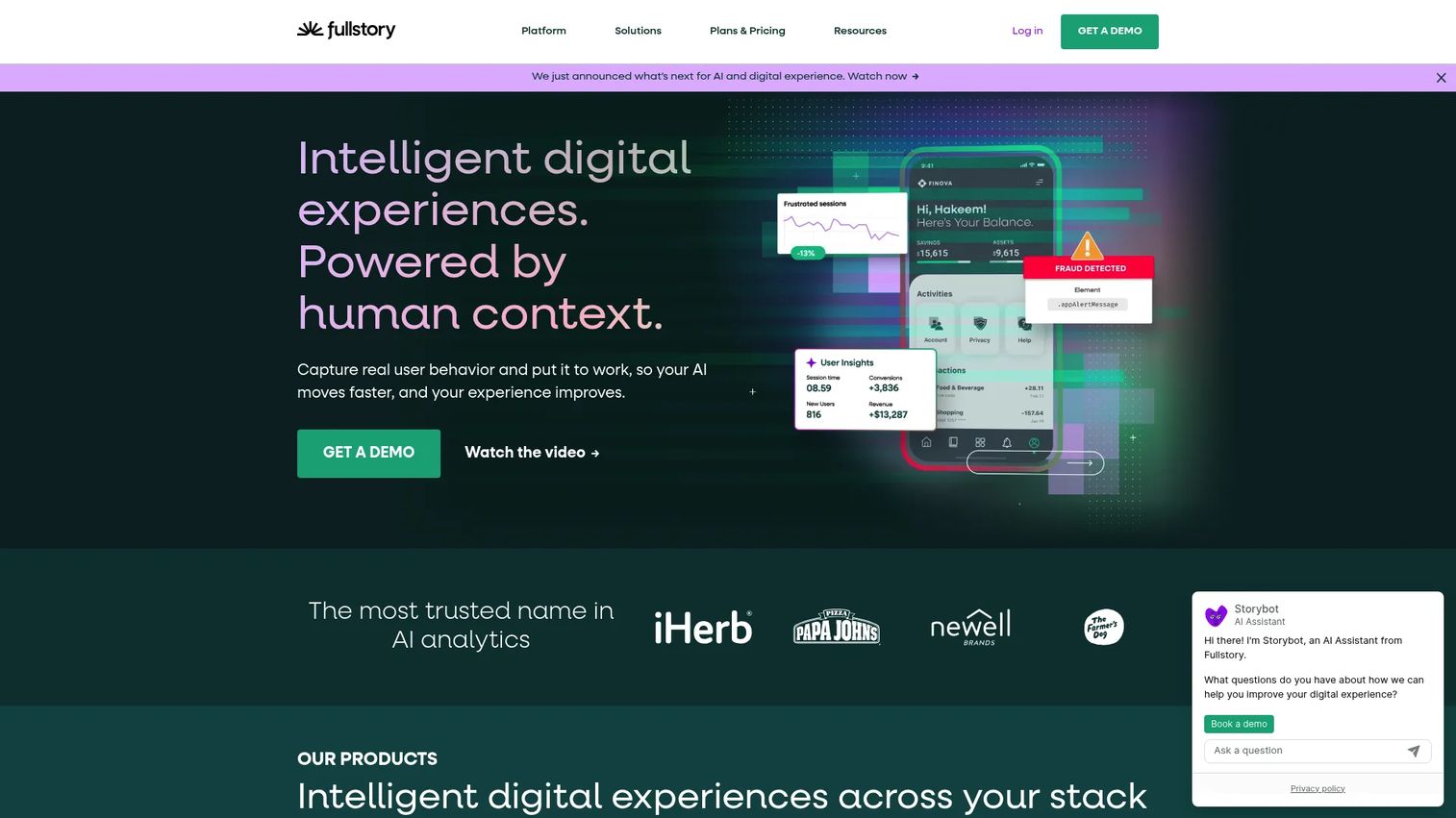
FullStory is a digital experience intelligence platform that pairs session replay with behavioral analytics and AI-assisted journey analysis. It indexes every interaction, so you can search for sessions where users rage-clicked, hit an error, or abandoned a specific flow, then replay exactly those moments. For product managers, that search-and-segment depth is the difference between hunting through recordings and jumping straight to the sessions that explain a metric.
Best for: Teams that want behavioral analytics with session replay and AI-assisted user journey analysis.
Key strengths
- Session replay with searchable interactions
- Heatmaps for click and scroll patterns
- Funnels and conversion analysis
Why choose FullStory: If your team wants one layer that answers both "what happened" and "why," FullStory folds product analytics and replay together. It suits teams ready to make replay a shared diagnostic tool across product, design, and support rather than a niche debugging utility.
FullStory pricing: FullStoryFree is a no-cost plan with session replay, basic analytics, and limited monthly session capture. Business, Advanced, and Enterprise tiers are available with pricing provided on request.
2. UXCam
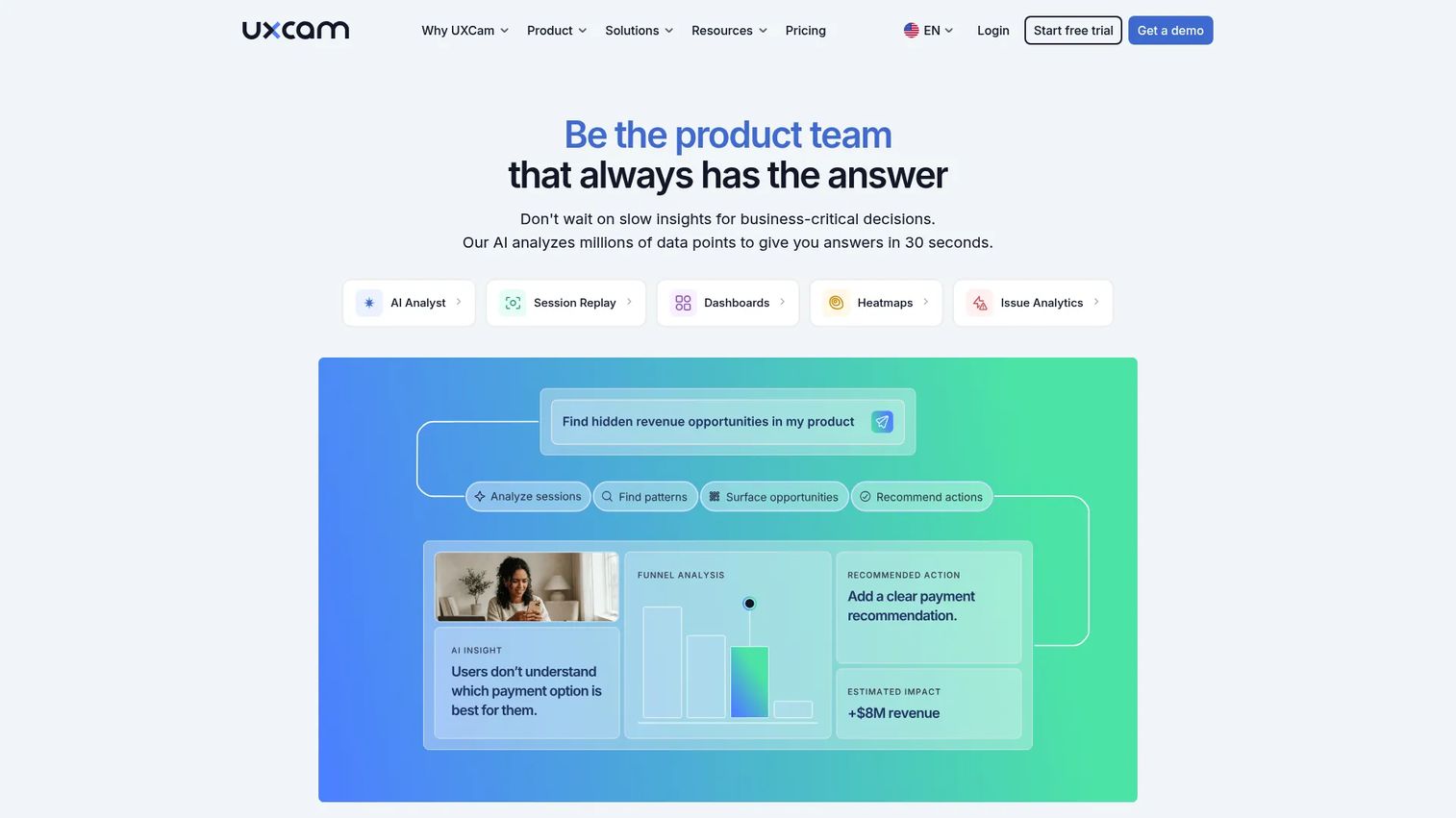
UXCam is a product analytics platform built for mobile apps, with session replay, heatmaps, funnels, and AI-driven insights. It captures gestures, taps, and screen transitions the way they actually happen on a device, which web-first tools cannot replicate. If your activation happens inside an iOS or Android app, this is the replay that shows you the real experience.
Best for: Teams that need mobile and web UX analytics with session replay and behavior diagnostics.
Key strengths
- Mobile-first session replay
- Touch and gesture heatmaps
- Funnel analytics for app flows
Why choose UXCam: Mobile behavior is its own discipline. UXCam is the pick when tap targets, swipe patterns, and screen-to-screen navigation decide whether users activate. Product teams shipping native apps get device-accurate replay instead of a responsive-web approximation.
UXCam pricing: Pricing is based on monthly session volume. The free plan includes 3,000 sessions per month, and a free trial offers full feature access. Paid and Enterprise plans are quote-based.
3. LogRocket
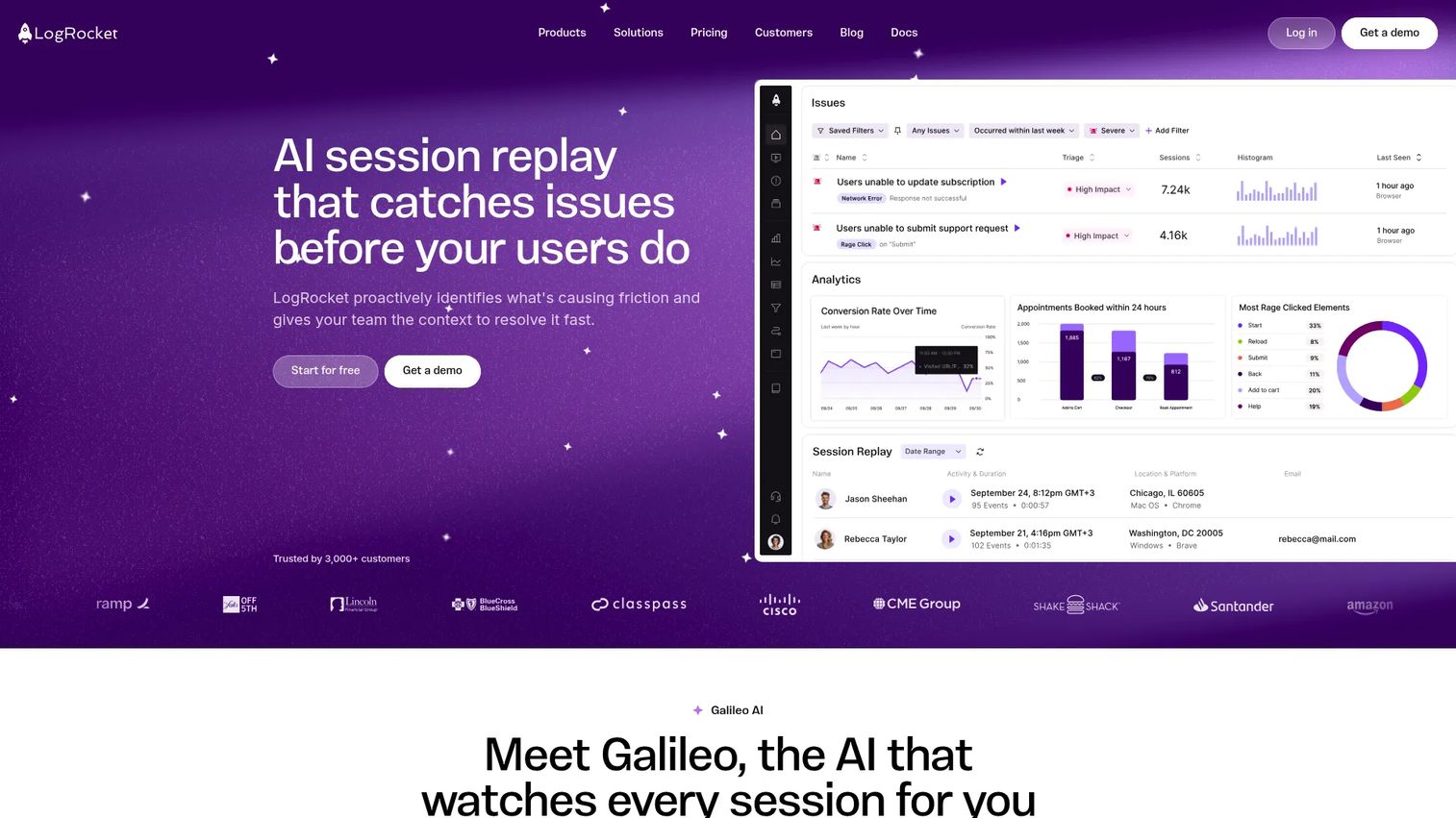
LogRocket combines session replay with product analytics and error monitoring in one product. Alongside the replay, it captures console logs, network requests, and stack traces, so an engineer can see the exact state that produced a bug. That technical context makes it the tool most likely to shorten the gap between a vague bug report and a reproducible fix.
Best for: Teams that need session replay plus analytics and error tracking in one product.
Key strengths
- Session replay with full technical context
- Product analytics for user behavior
- Error monitoring with logs and traces
Why choose LogRocket: When product and engineering share the same replay tool, triage speeds up. LogRocket suits teams where technical depth matters and where the person diagnosing the issue also needs the console and network data, not just the visual.
LogRocket pricing: A free tier is available. Core starts at $176 per month and includes session replays, analytics, errors, logs, and integrations. Pro adds Galileo AI features, and Enterprise adds unlimited seats, streaming data export, and self-hosted availability with pricing on request.
4. Mouseflow
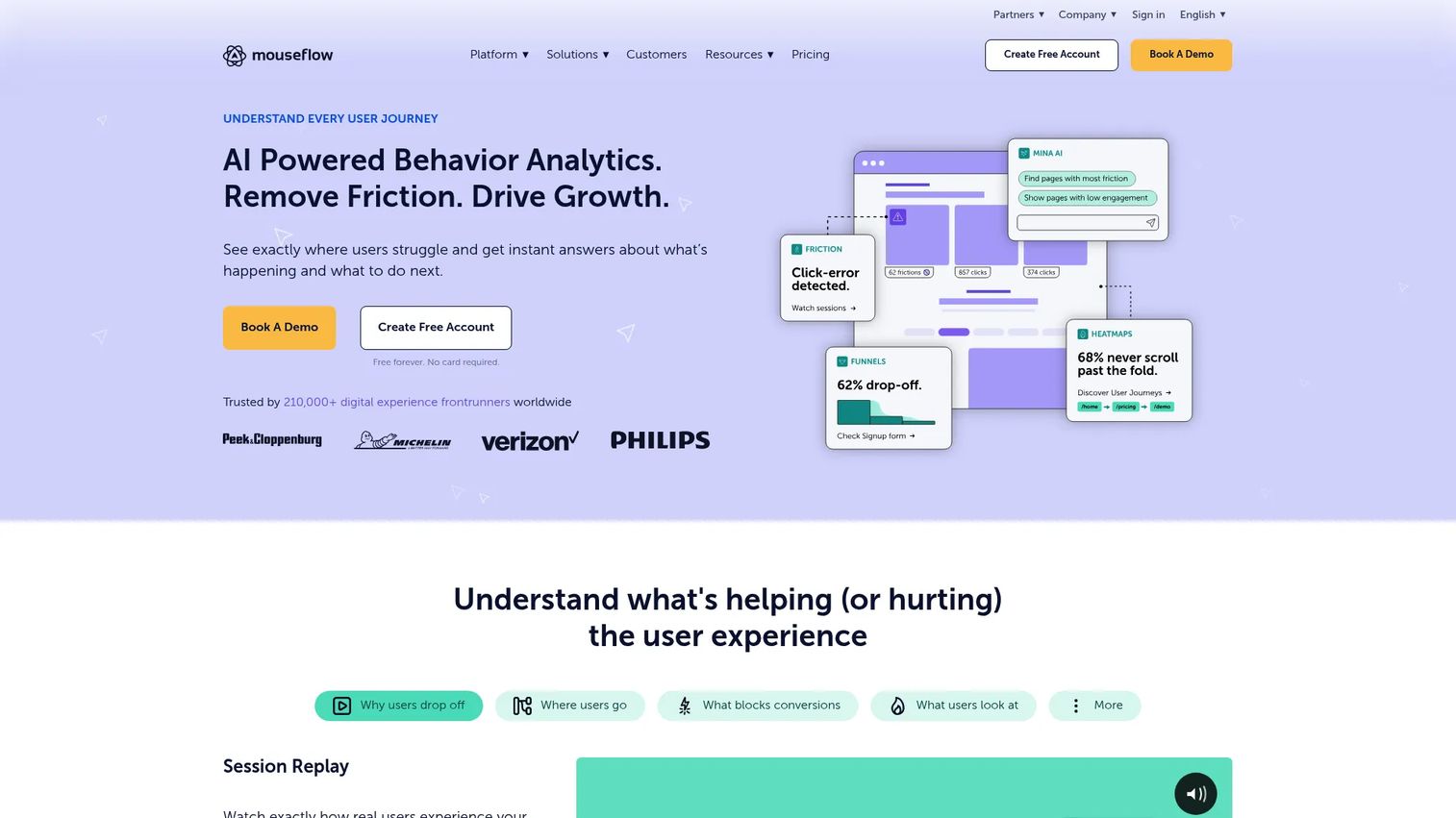
Mouseflow is a behavior analytics platform focused on website session recording, heatmaps, journey analytics, and friction detection. Its friction scoring flags sessions worth watching, which saves you from scrubbing through hundreds of recordings to find the one that matters. Form analytics show exactly which fields cause hesitation and abandonment.
Best for: Teams that want all-in-one behavioral analytics to find UX friction and improve conversion.
Key strengths
- Session replay with friction scoring
- Website heatmaps
- Journey and form analytics
Why choose Mouseflow: For teams that want capable web replay without a steep learning curve, Mouseflow keeps setup and daily use straightforward. It fits product and growth teams optimizing web funnels and landing pages more than deep engineering diagnostics.
Mouseflow pricing: A free plan is available. Essential starts at $25 per month, Advanced at $109 per month, and Premium at $319 per month, with Enterprise pricing on request. The site lists a 14-day money-back guarantee.
5. Smartlook
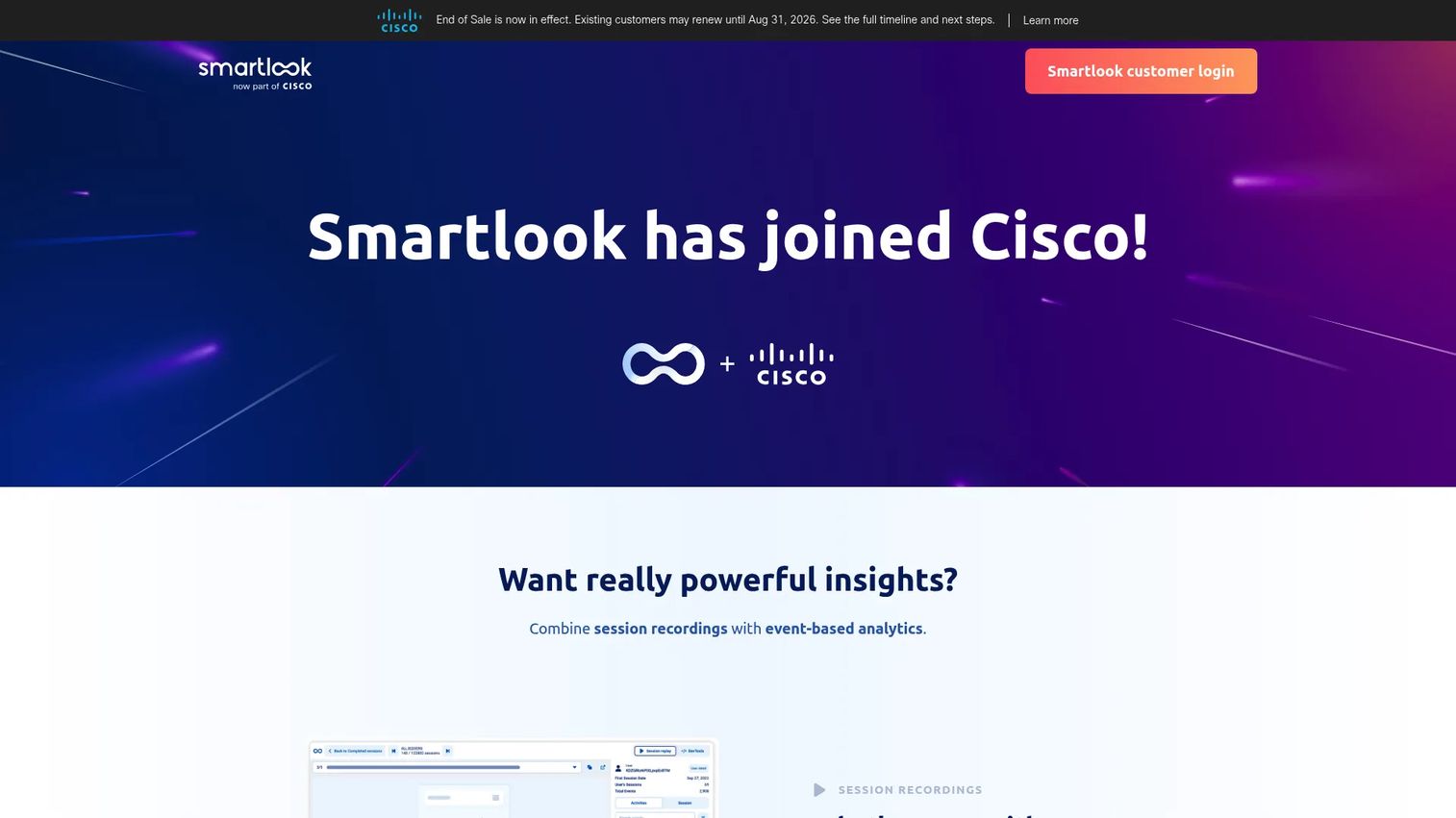
Smartlook is a session replay and product analytics platform for websites and mobile apps, with recordings, heatmaps, funnels, and event tracking in one place. Its cross-device coverage means you can follow behavior across web and native app experiences under a single tool, which matters when your product spans both surfaces.
Best for: Teams needing session replay and behavior analytics on web and mobile apps.
Key strengths
- Cross-device session recordings
- Heatmaps for web and mobile
- Event tracking and funnels
Why choose Smartlook: If you need a broader behavior analytics layer that treats web and mobile as one continuous journey, Smartlook covers both. Check its current availability and plan terms before committing, since the vendor has published changes to its sales and subscription timelines.
Smartlook pricing: A free plan remains available. The vendor has announced end-of-sale timing for paid plans, so confirm current purchasing and renewal terms directly on the pricing page before you evaluate.
6. Hotjar
Hotjar is a website behavior analytics and feedback tool, now part of Contentsquare. It pairs session replay with heatmaps, surveys, and on-page feedback widgets, so you can watch a session and then ask the user directly what tripped them up. That combination makes it a fast way to close a UX feedback loop without wiring up multiple tools.
Best for: Teams wanting quick website behavior insights and user feedback.
Key strengths
- Session replay and heatmaps
- Surveys and feedback widgets
- Quick setup with a lightweight snippet
Why choose Hotjar: When you want qualitative feedback and behavioral replay in one place, Hotjar delivers both with minimal setup. It fits early UX diagnosis and lighter product needs, and it is often enough on its own for smaller sites and teams.
Hotjar pricing: Pricing is now shown on Contentsquare. A free plan is available, and Growth is listed at $49 per month or $99 billed annually. Higher tiers scale with session volume and features.
7. Microsoft Clarity
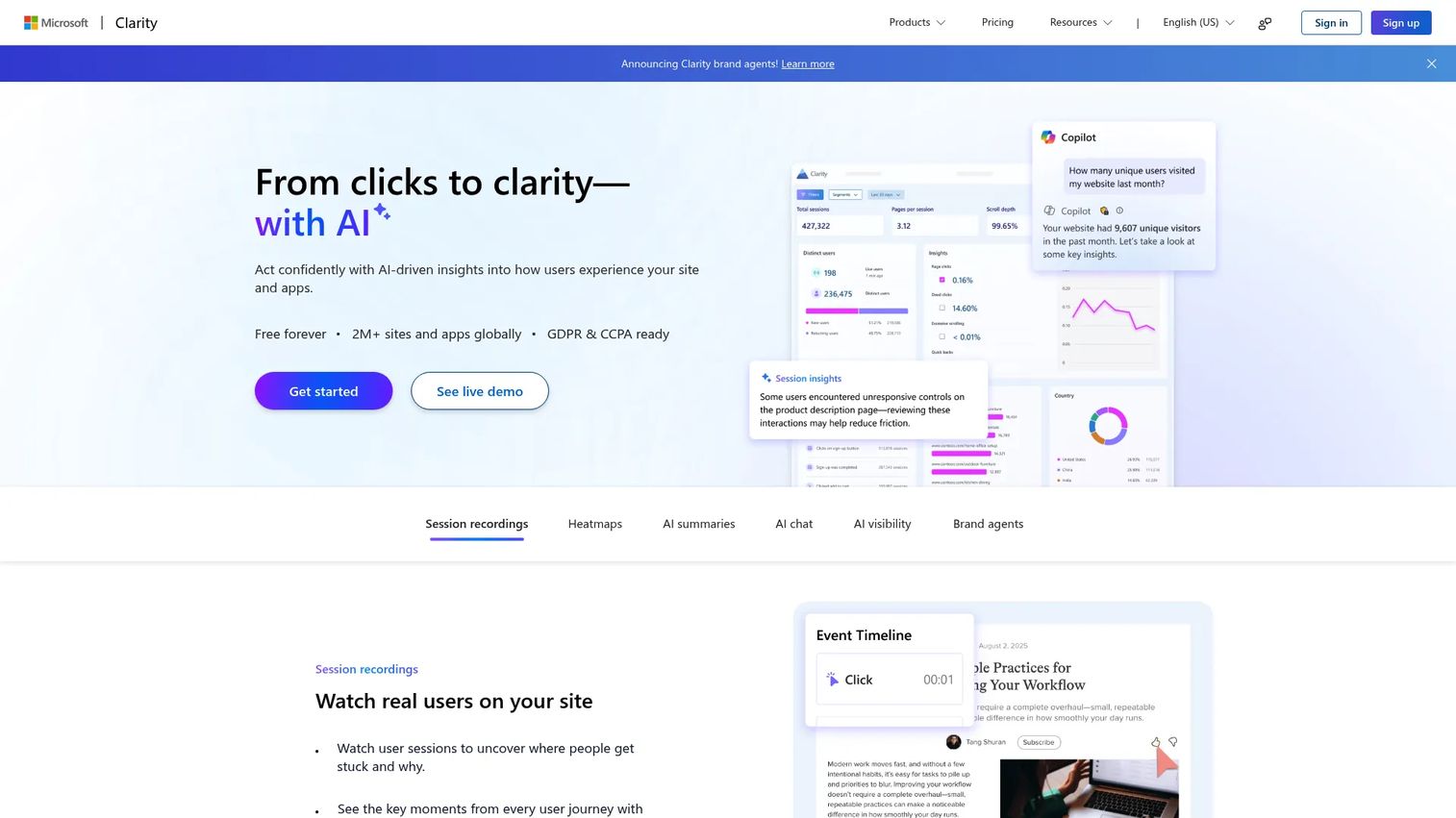
Microsoft Clarity is a free behavior analytics tool for understanding how users interact with websites and apps. It offers session recordings, heatmaps, and AI summaries with no traffic caps and no paid upgrade, which is rare in this category. For teams validating an early hypothesis or working without budget, that removes the usual barrier to getting started.
Best for: Teams that want free session replay and heatmaps for website and app behavior analysis.
Key strengths
- Session recordings with no traffic limits
- Heatmaps for clicks and scrolls
- AI summaries of session activity
Why choose Microsoft Clarity: Free forever with all features included is the headline, and for early validation it is genuinely enough. It performs best as a first step: prove that replay changes how your team diagnoses issues, then layer in deeper analytics or error context as your workflow matures.
Microsoft Clarity pricing: Free forever, with all features included and no traffic limits or paid tier.
Considerations
Privacy masking and consent
Check what a tool masks by default, not just what it can mask. The safest tools redact input fields, keystrokes, and sensitive elements before data leaves the browser or device. Verify how PII is handled, whether masking is on by default, and how consent integrates with your existing cookie and privacy workflow. Under GDPR and CCPA, the default posture matters as much as the capability.
Cross-device and mobile coverage
Web-only replay leaves gaps for mobile-first products. If activation happens in a native app, confirm the tool captures taps, swipes, and gestures, not just responsive web sessions. True cross-device session replay follows a user across surfaces so you see the whole journey, not fragments.
Analytics and engineering integrations
Replay is most useful when it connects to the rest of your stack. Look for product analytics integration so you can jump from a funnel drop straight into the sessions behind it. For debugging, verify links to your issue tracker and support tools so a replay attaches to the ticket that needs it.
Collaboration and workflow fit
Product, design, support, and engineering want different things from replay. PMs want segment-level patterns, designers want individual journeys, support wants reproduction, engineering wants console and network data. Confirm the tool serves each without forcing everyone into one view.
Scalability and volume
Session sampling, storage limits, and retention windows decide whether the tool holds up as traffic grows. Check how sessions are sampled, how long recordings are retained, and what enterprise controls exist for access and data governance before volume becomes a problem.
Conclusion
The right tool depends on where your team sits today. For free early validation, start with Microsoft Clarity or Hotjar and prove that replay changes how you diagnose problems. For mobile-first products, UXCam gives you device-accurate replay. For engineering-heavy debugging, LogRocket pairs replay with the console and network context your team needs. For all-in-one analytics and replay, FullStory ties behavioral data to the sessions behind it, and Mouseflow keeps web replay straightforward when you want quick answers on funnels and forms.
Pick two candidates from your shortlist, run them on a real onboarding flow for a sprint, and watch ten sessions from each. The tool that gets your team from "our activation dropped" to "here is the exact step that breaks" is the one worth paying for. Verify current pricing and plan terms on each vendor's site before you commit, since several in this category have shifted packaging recently.
FAQs
It is used to record and replay real user sessions so teams can see how people actually navigate a product. Product managers use it to diagnose onboarding drop-off, reproduce bugs, and validate UX changes with behavioral evidence rather than guesswork. It answers the "why" that dashboards leave open.
The terms are used interchangeably in practice. Recording refers to capturing the session data, and replay refers to playing it back like video. Any tool that records sessions also lets you replay them, so most vendors and buyers treat the two as one feature.
Yes, but not every tool covers it. Web-focused tools capture browser sessions only, while mobile-first tools like UXCam and cross-device tools like Smartlook capture taps, swipes, and gestures inside native iOS and Android apps. If your product is mobile-first, confirm true app session replay before you choose.
It can be, provided you handle consent and masking correctly. Under GDPR and CCPA, you generally need a lawful basis and appropriate notice, and you should mask personal and sensitive data. Most tools support privacy masking that redacts inputs before data leaves the device, but the default settings vary, so verify them.
Password fields and sensitive inputs should be masked by default in any reputable tool, and most reputable tools do exactly that. Replay reconstructs interactions from the page structure, so masking can hide the actual characters while still showing that a field was engaged. Always confirm which fields are excluded before recording live traffic.
Session replay shows one user's full journey as a playback. Heatmaps aggregate many users into a single visual of where clicks, taps, and scrolls concentrate. Replay answers "why did this user struggle," while heatmaps answer "where do users focus overall." Most teams use both together.
It depends on your product. FullStory suits teams wanting analytics and replay in one layer, UXCam fits mobile-first products, LogRocket serves engineering-heavy debugging, and Microsoft Clarity or Hotjar work well for free or lightweight early validation. Match the tool to your primary use case, not to a generic ranking.
Modern tools use lightweight, asynchronous snippets or SDKs designed to minimize performance impact. Most capture happens without blocking the main thread, and reputable vendors publish their performance overhead. Still, test load times before and after installation on a real page, especially for mobile app session recording where bundle size matters more.