You made 340 trades across four exchanges, two hardware wallets, and a handful of DeFi protocols. Then you staked some of it, minted an NFT, and moved coins between wallets six times. Now it's tax season, and none of that lives in one place. Every transfer looks like a taxable event until you prove it wasn't. Every missing cost basis becomes a guess that the IRS may not accept.
That's the real problem crypto tax software solves. Not "doing your taxes." Reconstructing a coherent transaction history from fragmented sources, then turning it into numbers you can defend.
The stakes are rising. Worldwide cryptocurrency users reached roughly 580 million in 2024, according to Intel Market Research, and that surge is pulling automated compliance tools into the mainstream. The same research firm projects the crypto tax calculation and reporting software market to grow from $0.39 billion in 2026 to $2.89 billion by 2034, a 28.5% CAGR. More users, more transactions, more scrutiny. And starting with the 2025 tax year, brokers began issuing Form 1099-DA, which means the IRS now receives its own version of your activity. If your report doesn't reconcile against theirs, you get a letter.
So the question isn't whether you need software. It's which tool handles your specific mess: the number of wallets, the depth of DeFi activity, and whether you want to file yourself or hand it to a professional.
What's inside
This guide compares seven crypto tax tools built for people with real transaction complexity, not just a single Coinbase account. It's written for anyone reconciling multiple wallets, exchanges, staking income, and NFT activity into filing-ready output.
We evaluated each tool on four criteria that actually matter at filing time: import coverage across exchanges, wallets, and chains; cost basis accuracy and accounting method support; filing outputs like Form 8949 and 1099-DA reconciliation; and how well each handles complex portfolios without creating more manual work than it removes.
TL;DR
- Best overall for most portfolios: Koinly, for its wide import coverage, capital gains preview, and free trial before you pay.
- Best for portfolio tracking plus taxes: CoinTracker, especially if you live inside the Coinbase ecosystem.
- Best value on report generation: CoinLedger, with one-time per-report pricing and free portfolio tracking.
- Best if you already file with TurboTax: TurboTax, for folding crypto into a single guided return.
- Best for active traders and complex DeFi: TokenTax, with advanced reporting and full-service filing options.
- Best for accountant-assisted crypto reporting: ZenLedger, with tax pro plans and broad protocol coverage.
What is crypto tax software?
Crypto tax software is a tool that imports your cryptocurrency transaction history, calculates capital gains, losses, and income, and generates IRS-ready tax forms you can file yourself or hand to an accountant.
The core workflow is the same across every tool on this list. You connect your accounts, the software cleans up the data, you review the numbers, and it produces the forms.
- Import: Connect exchanges and wallets by API, public wallet address, or CSV upload. Good tools cover thousands of integrations plus manual imports for edge cases.
- Categorize: The software labels each transaction as a trade, transfer, income, staking reward, airdrop, or fee. This step is where reconciliation happens, matching outgoing transfers to incoming ones so a wallet-to-wallet move isn't taxed as a sale.
- Preview gains and losses: Before you commit, you see estimated capital gains, ordinary income, and unrealized positions. This is also where tax-loss harvesting opportunities surface.
- Generate forms: The output is filing-ready. Common formats include Form 8949 (sales and dispositions), Schedule D (capital gains summary), income reports for staking and airdrops, and increasingly, 1099-DA reconciliation.
- File: You either export the forms, send them to your accountant, or push them directly into tax filing software.
Supported data types typically span spot trades, transfers, staking income, mining, airdrops, DeFi activity (lending, liquidity pools, yield), NFT purchases and sales, and margin or futures activity on the more advanced tools.
When to use crypto tax software
Not every crypto holder needs dedicated software. If you bought once on a single exchange and never moved it, that exchange's own 1099 may cover you. The tools below earn their keep when your activity crosses a complexity threshold.
You have multiple exchanges or wallets
The moment your history lives in more than one place, manual reconciliation becomes error-prone. Software pulls everything into one ledger and matches transfers automatically, so you don't double-count coins that simply moved between your own accounts.
You need to reconcile basis across chains
Cost basis follows your coins, not your accounts. When you send ETH from Coinbase to MetaMask and then into a DeFi protocol, the original purchase price has to travel with it. Crypto tax software tracks basis across wallets and chains so your capital gains reflect what you actually paid.
You want to spot loss-harvesting opportunities before filing
Seeing unrealized losses before December 31 lets you decide whether to sell and offset gains. A good crypto tax calculator surfaces these positions while there's still time to act, turning a reporting tool into a planning one.
Comparison table
Read the table by matching the "Intent" and "Key use case" columns to your situation, then check pricing and rating. Tools are ordered by overall relevance for people with multi-source portfolios. Prices reflect each vendor's published figures as of mid-2026 and vary by tax year and transaction volume.
| # | Product | Intent | Key use case | Pricing | G2 rating |
|---|---|---|---|---|---|
| 1 | Koinly | Broad DIY reporting | Multi-wallet import and capital gains preview | Free tier; paid from $49/tax year | Not published |
| 2 | CoinTracker | Tracking plus taxes | Portfolio tracking with Coinbase integration | Free plan; paid annual plans | 5.0/5 |
| 3 | CoinLedger | Value report generation | Per-report tax filing with free tracking | Free tracking; reports from $49 | 4.6/5 |
| 4 | TurboTax | All-in-one filing | Crypto folded into a full tax return | Free edition; DIY from $59 federal | 4.6/5 |
| 5 | TokenTax | Advanced and full-service | Active traders and complex DeFi | From $49/tax year | Not published |
| 6 | Accointing | Tracking and tax prep | Portfolio tracking with tax reports | Free tracking; reports from €49 | 5.0/5 |
| 7 | ZenLedger | Accountant-assisted | Broad protocol coverage with tax pro plans | From $49/year | Not published |
1. Koinly

Koinly is the default recommendation for most people because it does the hardest part well: pulling messy history from many sources into one clean ledger. It supports over 1,000 direct integrations plus unlimited CSV imports, so exchanges, wallets, and chains that lack a native connection still land in your report. From there it calculates capital gains, losses, and income, and generates tax reports you can file or send to an accountant.
Best for: Crypto users and accountants who need accurate gain, loss, and income reporting across many wallets and exchanges.
Key strengths
- Wide import coverage: 1,000+ direct integrations plus unlimited CSV means fewer transactions fall through the cracks.
- Capital gains preview: See your estimated gains, losses, and income before you pay, so you know what you're dealing with early.
- DeFi and NFT support: Handles lending, liquidity, staking, and NFT activity, not just spot trades.
Why choose Koinly: The free tier lets you import everything and preview your numbers before spending a cent. You only pay when you download the finished report. That "see it before you buy it" model removes the biggest risk in crypto tax filing: paying for software that can't actually parse your history.
Koinly pricing: Koinly offers a free forever tier that covers import and preview. Paid plans are priced per tax year: Newbie at $49, Hodler at $99, and Trader from $199. Higher tiers unlock larger transaction counts. There's no need to pay until you're ready to generate the final report.
2. CoinTracker

CoinTracker blends year-round portfolio tracking with tax reporting, which makes it a natural fit if you want to watch your holdings all year and not just scramble in April. It tracks positions across exchanges, wallets, blockchains, and dapps, and generates automated tax forms at filing time. Its integration with the Coinbase ecosystem gives mainstream users a familiar, trusted path.
Best for: Crypto users who want ongoing portfolio tracking and IRS-ready tax reporting in one place.
Key strengths
- Synced portfolio tracking: Live view of holdings across exchanges, wallets, blockchains, and CSV uploads.
- Automated tax forms: Generates filing-ready crypto tax reports without manual assembly.
- Tax optimization: Built-in tax-loss harvesting surfaces positions you can sell to offset gains.
Why choose CoinTracker: If tracking and filing feel like two separate chores, CoinTracker collapses them into one workflow. The polished interface and Coinbase relationship make it approachable for people who want a mainstream, low-friction experience rather than a power-user console.
CoinTracker pricing: CoinTracker offers one free plan plus six paid annual plans, with pricing tied to your cryptocurrency transaction count and the features you need. Higher transaction volumes move you into higher tiers. Check the current pricing page for the exact figure that matches your activity level.
3. CoinLedger
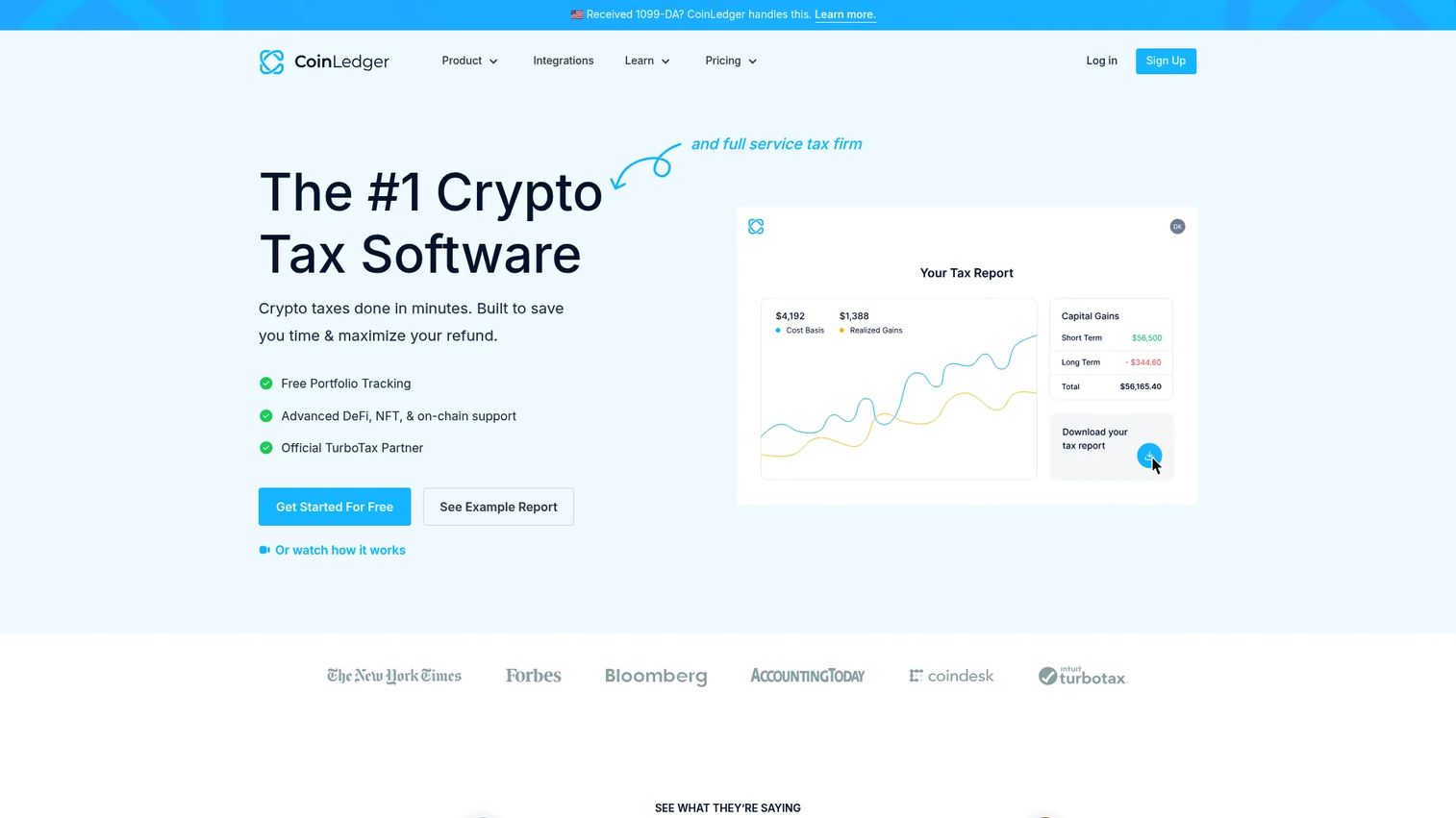
CoinLedger takes a pay-per-report approach that appeals to people who resent annual subscriptions. Portfolio tracking is free, and you only pay a one-time fee when you generate a tax report for a given year. It imports automatically from wallets, exchanges, DeFi, and NFTs, and supports FIFO, LIFO, and HIFO accounting methods with adjustments.
Best for: Crypto investors who want automated tax reporting and free portfolio tracking without a recurring subscription.
Key strengths
- Free portfolio tracking: Watch your holdings year-round at no cost, then pay only when you need a report.
- Broad automatic import: Pulls from wallets, exchanges, DeFi, and NFT activity with minimal manual entry.
- Flexible accounting methods: FIFO, LIFO, and HIFO support lets you choose the method that fits your strategy.
Why choose CoinLedger: The one-time-per-report pricing is the differentiator. If you don't want to commit to a yearly plan and prefer to pay only when you actually file, CoinLedger's model fits. The free tracking tier also means you can evaluate the import quality before paying anything.
CoinLedger pricing: Portfolio tracking is free. Each tax report is a one-time purchase: Hobbyist at $49, Investor at $99, and Pro from $199, with higher tiers covering more transactions. CoinLedger holds a 4.6 out of 5 rating on G2.
4. TurboTax

TurboTax is the filing-first choice. It's not a crypto-native tool, but if your crypto activity is modest and you already file your whole return through Intuit, folding crypto into that single guided flow beats juggling two systems. It imports crypto transactions, handles cost basis, and offers expert assistance if you get stuck.
Best for: Individuals and small business filers who want guided, all-in-one tax prep with optional expert help.
Key strengths
- Free edition: Qualifying simple returns can file federal and state at no cost.
- Guided DIY filing: Step-by-step prompts walk you through the whole return, crypto included.
- Expert help on demand: Expert Assist and Full Service options connect you with a professional when needed.
Why choose TurboTax: The value is consolidation. When your crypto activity is straightforward, importing it into the same return that handles your W-2, investments, and deductions is simpler than exporting from a standalone tool. For heavy DeFi or thousands of transactions, pair TurboTax with a dedicated crypto tax calculator that produces a clean Form 8949 first.
TurboTax pricing: TurboTax offers a Free Edition ($0 federal, $0 state) for qualifying simple returns. Do It Yourself Deluxe starts at $59 federal per return, and Premium at $139 federal. Expert Assist Basic starts at $59 federal, and Full Service starts at $100 per return. Prices vary by tax situation, and some offers are time-limited. TurboTax holds a 4.6 out of 5 rating on Capterra.
5. TokenTax
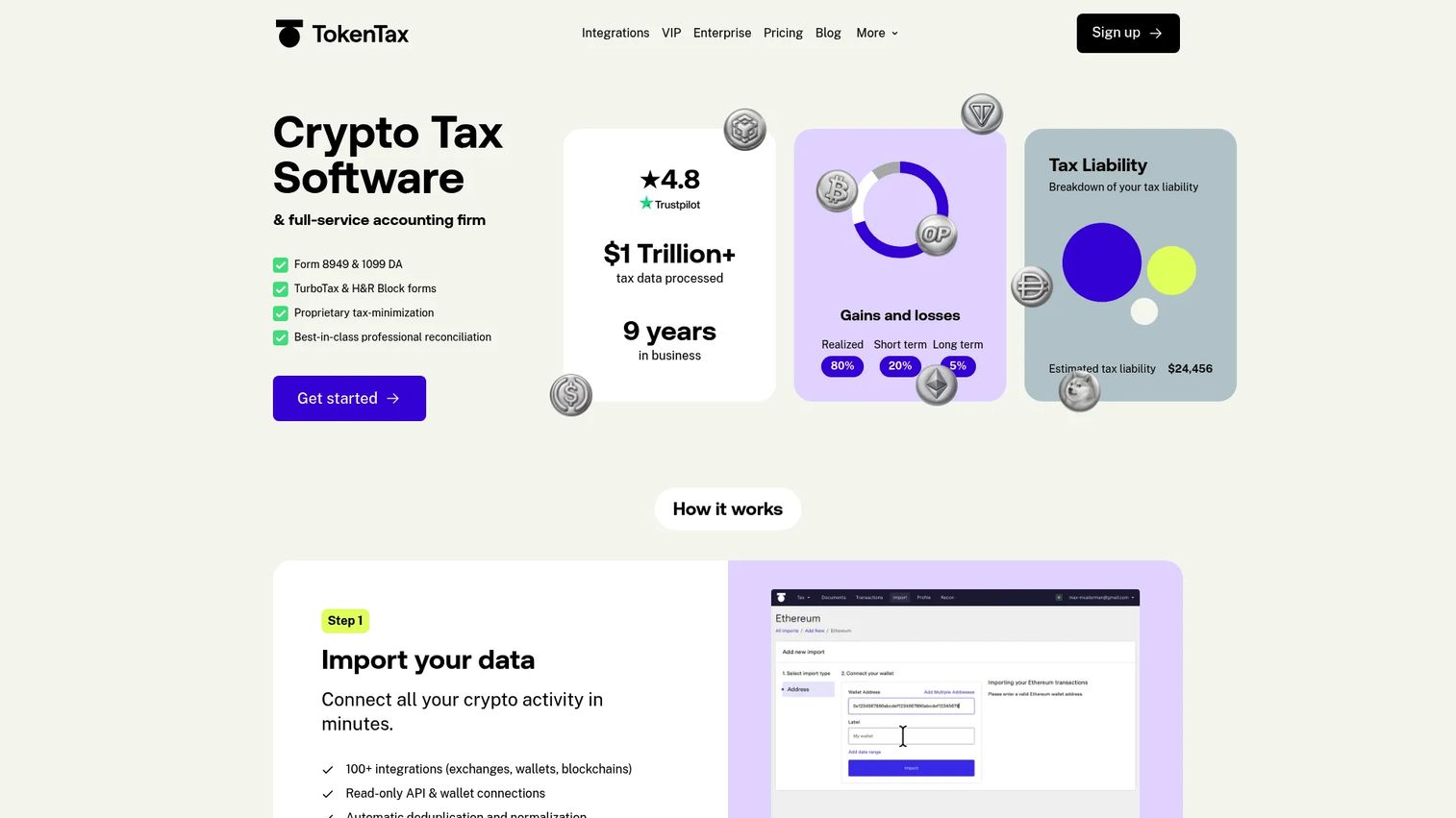
TokenTax is built for people whose activity would break simpler tools. It imports from exchanges, blockchains, protocols, and wallets via API or CSV, calculates capital gains and losses, and produces reports including IRS Form 8949. It supports DeFi, NFTs, margin trading, tax-loss harvesting, and multiple accounting methods, and it's also a full-service filing platform if you want humans to handle it.
Best for: Crypto investors and active traders who need advanced tax reporting or optional full-service filing.
Key strengths
- Deep transaction support: Handles DeFi, NFTs, and margin-style complexity that trips up lighter tools.
- IRS Form 8949 output: Produces the exact forms the IRS expects, plus multiple accounting methods.
- Full-service option: Hand your entire crypto return to TokenTax's team if you'd rather not touch it.
Why choose TokenTax: For high-volume traders and DeFi-heavy portfolios, reporting accuracy is the whole game, and TokenTax's higher tiers are built for exactly that complexity. The full-service option also means you can escalate from DIY to done-for-you without switching platforms.
TokenTax pricing: Plans are priced per tax year: Basic at $49, Premium at $199, Pro at $1,999, and VIP at $3,499, with a custom Enterprise tier. There's a free crypto tax calculator on the site, though not a free software plan. Higher tiers unlock more transactions and hands-on support.
6. Accointing

Accointing now runs on Blockpit, and the combined platform pairs portfolio tracking with tax reporting in a straightforward package. Its focus is a clean data import workflow and simple tax calculation, which suits users who want a no-drama path from transactions to reports rather than a power-user cockpit.
Best for: Crypto users who want portfolio tracking and tax reporting in one approachable tool.
Key strengths
- Free portfolio tracking: Monitor holdings year-round without paying for tracking.
- Tax reports: Generate crypto tax reports priced per tax year.
- Source of Funds reports: Produce documentation of where funds originated when you need it.
Why choose Accointing: The appeal is simplicity. If you want to track your portfolio and generate a tax report without wading through advanced settings, the Accointing and Blockpit experience keeps the workflow tight. The free tracking tier lets you get familiar before committing to a report.
Accointing pricing: Portfolio tracking is free. Tax reports start at €49 per tax year, Source of Funds reports are €19.99 per report, and Blockpit Plus is €3.99 per month billed annually. Accointing holds a 5.0 out of 5 rating on G2, based on a small review sample.
7. ZenLedger

ZenLedger is a recognizable, crypto-native platform with strong coverage and a clear path to professional help. It imports from more than 400 exchanges, 50-plus blockchains, and 100-plus DeFi and NFT protocols via API or CSV. It generates detailed tax reports and forms, including support for DeFi, staking, and margin trading, and offers tax professional plans for people who want an expert to prepare the return.
Best for: Crypto investors and traders who want broad protocol coverage plus optional accountant-prepared filing.
Key strengths
- Wide protocol coverage: 400+ exchanges, 50+ blockchains, and 100+ DeFi and NFT protocols.
- Detailed reporting: Generates forms covering DeFi, staking, and margin activity.
- Tax pro options: Professional-prepared plans and a tax pro suite for accountant-assisted filing.
Why choose ZenLedger: ZenLedger sits well for people who want DIY software but the option to hand off to a professional as complexity grows. The tax pro prepared plans let you escalate to expert help without leaving the platform, which matters when a return gets complicated enough that you'd rather not sign it alone.
ZenLedger pricing: DIY plans are priced per year: Silver at $49, Gold at $199, and Platinum at $399. An unlimited transactions add-on is $600 one-time. Professional-prepared plans start at $2,800 for a single year, and a separate state and federal tax filing product is $30 per year.
Considerations before you buy
Before you commit to a tool, run your situation against these criteria. The right pick depends less on brand and more on how each handles your specific data.
Import coverage for your exact accounts
A tool is only as accurate as the data it can pull in. Check that it supports every exchange, wallet, and chain you actually use, plus CSV import for the ones it doesn't. A missing integration means manual entry, and manual entry means errors.
Cost basis and accounting method flexibility
Confirm the tool supports the accounting method you want, whether FIFO, LIFO, or HIFO, and that it tracks basis across transfers between your own wallets. Basis that doesn't travel with your coins produces inflated gains.
1099-DA reconciliation
With brokers now issuing Form 1099-DA, the IRS receives its own record of your activity. Look for tools that help reconcile your calculated figures against the 1099-DA so your return matches what the agency already has.
DIY versus done-for-you
Decide how much you want to touch. Some tools are pure self-serve, others offer full-service filing or accountant-prepared plans. If your portfolio is DeFi-heavy or high-volume, the option to escalate to a professional without switching platforms is worth paying for.
Conclusion
There's no single best crypto tax software, only the best fit for your portfolio's shape. For most people juggling several wallets and exchanges, Koinly's wide import coverage and free preview make it the safe first stop. If you want tracking and taxes in one place, CoinTracker fits, and CoinLedger's pay-per-report model rewards people who don't want a subscription. TurboTax wins when crypto is a small slice of a bigger return, while TokenTax and ZenLedger serve active traders and anyone who wants professional help without leaving the platform. Accointing keeps it simple for tracking-plus-report users.
Here's the practical next step: pick the tool that matches your account list, connect a single exchange, and check the quality of the imported report before you pay. If the numbers reconcile cleanly on one source, they'll scale to the rest. Get that first import right, and tax season stops being a reconstruction project.
FAQs
There's no universal winner. For most multi-wallet portfolios, Koinly's import coverage and free capital gains preview make it a strong default. CoinTracker suits users who want year-round tracking, while TokenTax and ZenLedger fit active traders and those who want accountant-assisted filing.
The software assigns a purchase price to each coin, then tracks that basis as coins move between wallets and get sold. You typically choose an accounting method, FIFO, LIFO, or HIFO, which determines which lot is considered sold first. Accurate basis across transfers is what keeps your capital gains from being overstated.
Most leading tools generate Form 8949, the IRS form for reporting sales and dispositions. Since brokers began issuing Form 1099-DA for the 2025 tax year, several tools now help reconcile your calculated figures against the 1099-DA the IRS receives, reducing the odds of a mismatch letter.
The tools on this list support DeFi activity like lending and liquidity pools, staking income, and NFT purchases and sales, though depth varies. Koinly, TokenTax, and ZenLedger handle heavier DeFi and protocol coverage, while simpler tools cover common spot and staking activity well.
Many tools surface unrealized losses so you can decide whether to sell and offset gains before year-end. CoinTracker and Koinly include tax-loss harvesting views, and TokenTax supports it for more complex portfolios. Acting before December 31 is what turns a reporting tool into a planning one.
If crypto is a small part of your return and your activity is simple, importing it into TurboTax keeps everything in one filing. If you have heavy DeFi activity or thousands of transactions, use a dedicated crypto tax calculator to produce a clean Form 8949 first, then bring that into your broader return.
Most tools offer three import paths: API connection to exchanges, public wallet address syncing for on-chain activity, and CSV upload for anything without a native integration. Start by connecting one exchange, confirm the transactions look right, then add the rest.
Verify it supports every exchange, wallet, and chain you use, plus CSV import for gaps. Confirm your preferred accounting method, check that it tracks basis across transfers, and see whether it reconciles against 1099-DA. If your portfolio is complex, prioritize tools that let you escalate to professional help.