Your front desk is juggling three screens. One for scheduling, one for insurance, one for billing. A patient calls to reschedule and nobody can find the chart. A claim gets denied and nobody notices for two weeks. This is what operational fragility looks like inside a dental practice, and it gets worse the moment you add a second location.
The category that fixes this is dental software: a single system that runs scheduling, charting, billing, claims, payments, reminders, and patient communication without adding admin headcount. The global dental practice management software market sits at USD 3.3 billion in 2026 and is projected to reach USD 6.8 billion by 2033, growing at a 10.9% CAGR, according to Grand View Research (2026). Adoption already sits near 80% of practices across the U.S. and Europe, per Market.us (2026).
The real decision is not "which has the most features." It is a structural choice: cloud vs server, single-site vs multi-location dental groups, and modular versus all-in-one. Get that split right and everything downstream, from dental workflow automation to reporting, follows. Get it wrong and you inherit a switching project 18 months from now. This guide covers the dental practice management systems worth your shortlist for 2026, with the tradeoffs that actually change the buying decision.
If you evaluate operational software often, you may also find our roundups of contract lifecycle management software and event management software useful reference points for how to run a structured tool evaluation.
What's inside
This guide is for practice owners, office managers, and DSO operators comparing cloud dental practice management software before a purchase or migration. We selected the seven platforms based on four criteria: cloud vs server flexibility, fit for single-site versus multi-location groups, depth of billing and claims workflows, and pricing transparency. Every pricing figure and rating below comes from a first-party source or a named review platform, not memory. We stayed neutral: no vendor paid for placement, and each entry names where the tool fits and where it does not.
TL;DR
- Best all-in-one cloud for DSOs: CareStack combines scheduling, clinical, billing, and patient engagement in one platform with public pricing from $829/month.
- Best for browser-based access with less IT overhead: Dentrix Ascend runs entirely in the cloud with customizable packages.
- Best for centralized multi-location control: Denticon is built for multi-location dental groups that need standardization across sites, starting at $795/month.
- Best for configurability and data ownership: Open Dental offers self-hosted or cloud with transparent support fees from $199/month per location.
- Best free starting point: Oryx Dental has a $0/month Startup Offer and a modern, AI-forward cloud stack.
- Best value entry for small clinics: tab32 starts at $125/month with a 14-day trial.
What is dental practice management software?
Dental practice management software is a system that centralizes the clinical and administrative operations of a dental office, covering scheduling, charting, treatment planning, billing, insurance claims, payments, reminders, and patient communication in one place. It replaces the fragmented stack of a scheduler, a spreadsheet, and a standalone claims tool with one connected record.
Modern dental office software is increasingly cloud-first. Cloud-based deployment now holds roughly 68% of the market, according to Market Research Future (2025), which also reports practices see around a 30% lift in operational efficiency after adopting a dedicated system. That is the cloud vs server decision in a nutshell: cloud reduces on-site IT and enables remote access, while server-based control appeals to practices that want data on-premise.
Core capabilities to expect from any dental patient management software:
- Patient scheduling software: online scheduling, chair and provider management, and automated appointment reminders.
- Clinical charting and imaging integrations: odontograms, treatment planning, and connections to X-ray and imaging systems.
- Dental billing software: billing and collections, patient payments, and revenue cycle management.
- Dental claims software: eligibility verification, electronic claims submission, and attachment handling.
- Patient engagement: a patient portal, digital forms, two-way texting, and recall automation.
- Reporting and analytics: production, collections, and multi-location performance visibility.
- Security and compliance: HIPAA-aligned access controls, audit trails, and backups.
The best dental patient management software ties these together so a change in one place, like a rescheduled appointment, updates everywhere without manual re-entry.
When to use dental practice management software
Consolidate a fragmented front-desk stack
If scheduling, claims, and billing live in separate tools, staff waste hours reconciling them and errors slip through. A single system with connected patient scheduling software and dental billing software removes the swivel-chair work. This is the most common trigger for a first purchase.
Standardize operations across multiple locations
Multi-location dental groups and DSOs need one source of truth. Cloud dental practice management software with centralized scheduling, reporting, and claims lets a regional manager see production across every site without logging into six systems. Standardization is the difference between scaling and multiplying chaos.
Reduce IT overhead and enable remote access
If you are tired of server maintenance, backup anxiety, and being tied to one physical location, cloud is the answer. Browser-based dental office software lets owners check numbers from home and lets new locations spin up without racking hardware. The cloud vs server tradeoff usually resolves here for growing practices.
Comparison table
Here is the shortlist at a glance. Pricing and ratings below are pulled from first-party pages and named review platforms as of mid-2026. Use this to narrow by structure first, then dig into the sections.
| # | Product | Intent | Key use case | Pricing | G2 rating |
|---|---|---|---|---|---|
| 1 | CareStack | All-in-one cloud PMS | DSOs and growing groups wanting one connected system | From $829/month | 4.7/5 |
| 2 | Dentrix Ascend | Cloud-native access | Practices wanting browser-based access, less IT | Customizable packages | Not listed |
| 3 | Denticon | Multi-location control | DSOs needing centralized standardization | From $795/month | 4.7/5 |
| 4 | Curve Dental | All-in-one cloud workflow | Practices wanting integrated cloud operations | Custom quote | 4.4/5 |
| 5 | Open Dental | Configurable, cost-control | Buyers who value data ownership and flexibility | From $199/month/location | 4.3/5 |
| 6 | tab32 | Value cloud platform | Smaller clinics and mobile groups | From $125/month | 2.8/5 |
| 7 | Oryx Dental | Modern AI-forward cloud | Startups through multi-location orgs | From $0/month | 4.8/5 |
1. CareStack
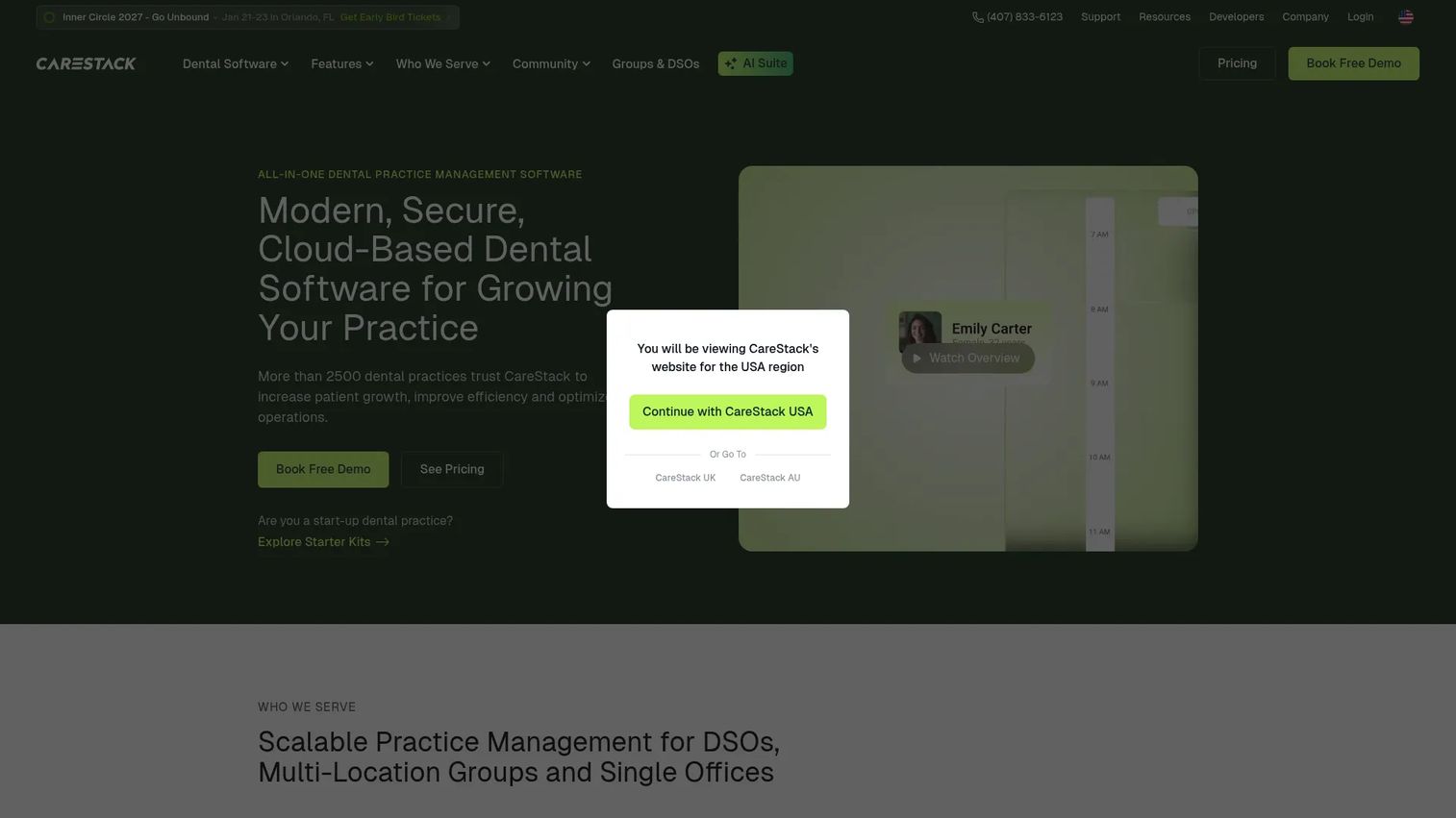
CareStack is a cloud-based, all-in-one dental practice management platform that pulls scheduling, clinical charting, billing, patient engagement, and analytics into a single system. It is built with growing groups and DSOs in mind, so multi-location practices can run centralized scheduling, claims, and reporting without stitching together separate tools. For an operator focused on repeatable, scalable operations, that consolidation is the whole pitch.
Best for: Dental practices and DSOs that want one connected cloud system across every location.
Key strengths
- Multi-specialty scheduling: online appointments, chair management, and automated reminders in one calendar.
- Clinical plus imaging: charting, treatment planning, and imaging integrations that keep the clinical record connected to billing.
- Patient engagement built in: patient portal, digital forms, reminders, and two-way texting without a bolt-on tool.
Why choose CareStack: If your growth plan involves adding locations, CareStack is engineered for that trajectory. Centralized revenue cycle management and reporting mean a new site inherits the same workflows on day one, which is exactly the kind of standardization that stops operations from routing through the owner. It suits practices that want fewer vendors and one connected patient record.
CareStack pricing: CareStack publishes bundles on its pricing page, with Essentials starting at $829/month and Intelligence starting at $1,299/month, billed monthly. The company notes final pricing varies by locations, chairs, and providers, so a multi-location quote will differ from the list price. There is no free tier. CareStack holds a 4.7/5 rating on G2.
2. Dentrix Ascend
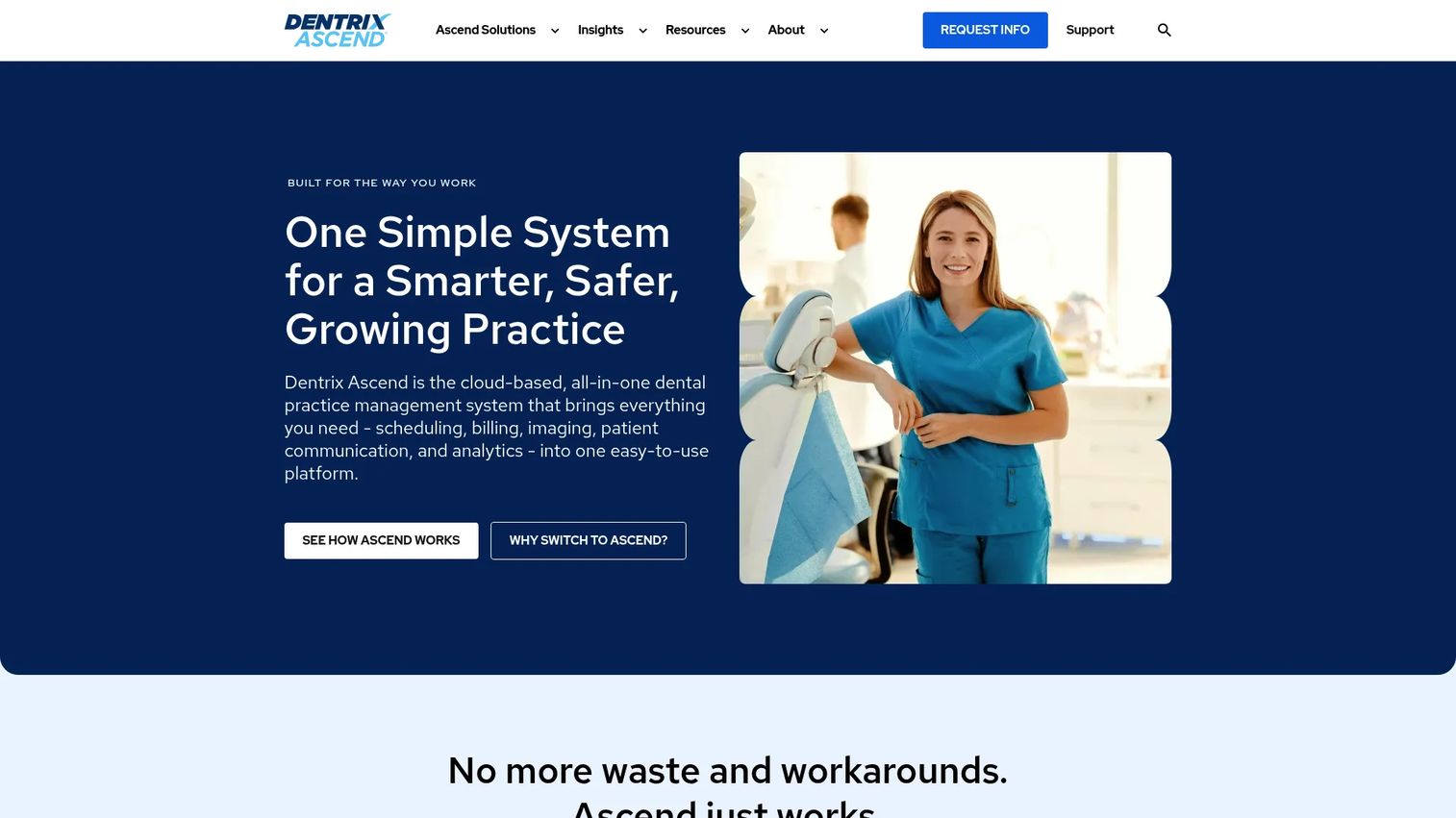
Dentrix Ascend is a cloud-native dental practice management system covering scheduling, clinical charting, billing, insurance eligibility, imaging, reminders, and reporting from any browser. Because it runs fully in the cloud, practices get remote access and reduced on-site IT overhead, which is a meaningful pull for owners tired of maintaining a server. It also supports multi-location workflows for groups standardizing on one platform.
Best for: Practices or DSOs that want browser-based access and less hardware to manage.
Key strengths
- Cloud-based access: run scheduling, charting, and billing from any browser, on any location.
- Integrated clinical tools: charting, imaging, and AI-assisted features connected to the patient record.
- Billing and claims: insurance eligibility verification, claims submission, and patient payments in one flow.
Why choose Dentrix Ascend: Ascend appeals to practices that want the Dentrix lineage in a modern, browser-first package. The admin simplicity of no local server, plus centralized updates, reduces the operational drag that comes with on-premise systems. It fits owners who want reliable clinical and dental claims software without an IT staffer on payroll.
Dentrix Ascend pricing: Dentrix Ascend does not publish dollar amounts on its site. The pricing page lists customizable packages and suites, Ascend Essentials, Ascend Pro, and Ascend Accelerate, with feature differences across tiers but no public prices. You will need a direct quote. On Capterra, Ascend carries a 4.2/5 rating across 232 reviews.
3. Denticon
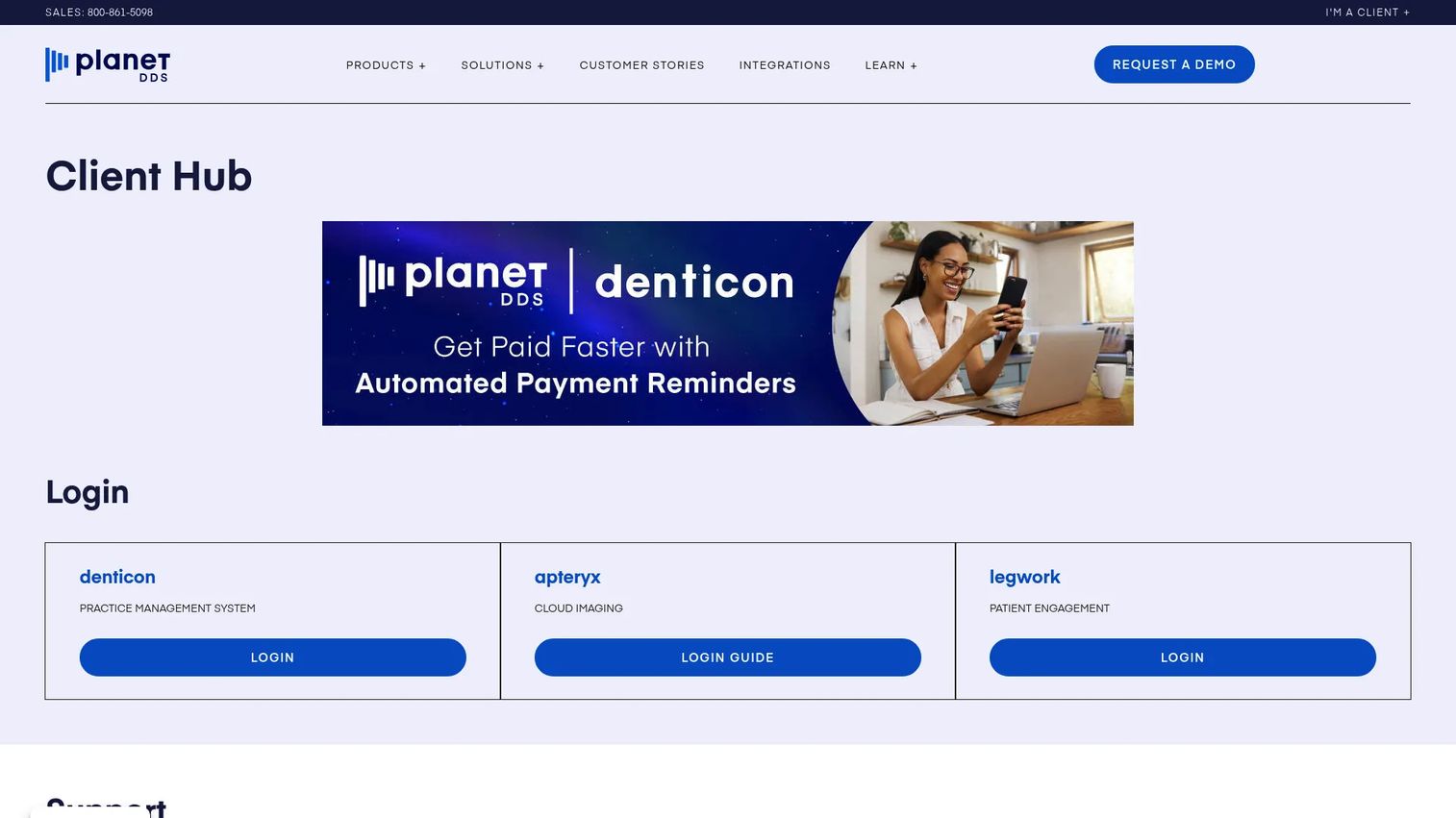
Denticon, from Planet DDS, is cloud-based dental practice management software built specifically for multi-location dental organizations. Its center of gravity is centralized operations: one login gives leadership visibility into scheduling, reminders, billing, claims, and analytics across every site. For DSOs and groups where standardization is the whole strategy, that centralization is the reason to look.
Best for: Multi-location dental groups and DSOs that need centralized control and remote access.
Key strengths
- Centralized multi-location management: manage every location's schedule, production, and claims from one system.
- Patient communication: scheduling, appointment reminders, and recall built into the workflow.
- Billing and reporting: insurance claims, billing and collections, and cross-location analytics.
Why choose Denticon: Enterprise buyers care about consistency, and Denticon delivers it by design. When every site runs the same scheduling, claims submission, and reporting logic, onboarding a new practice becomes a repeatable process rather than a custom project. That is the operational leverage a scaling group needs, plus the remote visibility owners want.
Denticon pricing: Denticon uses customizable packages and add-ons, with pricing starting at $795/month per the Planet DDS site. Public tier names and dollar amounts beyond the starting price were not listed, so plan on a scoped quote based on your location count. Denticon holds a 4.7/5 rating on G2.
4. Curve Dental
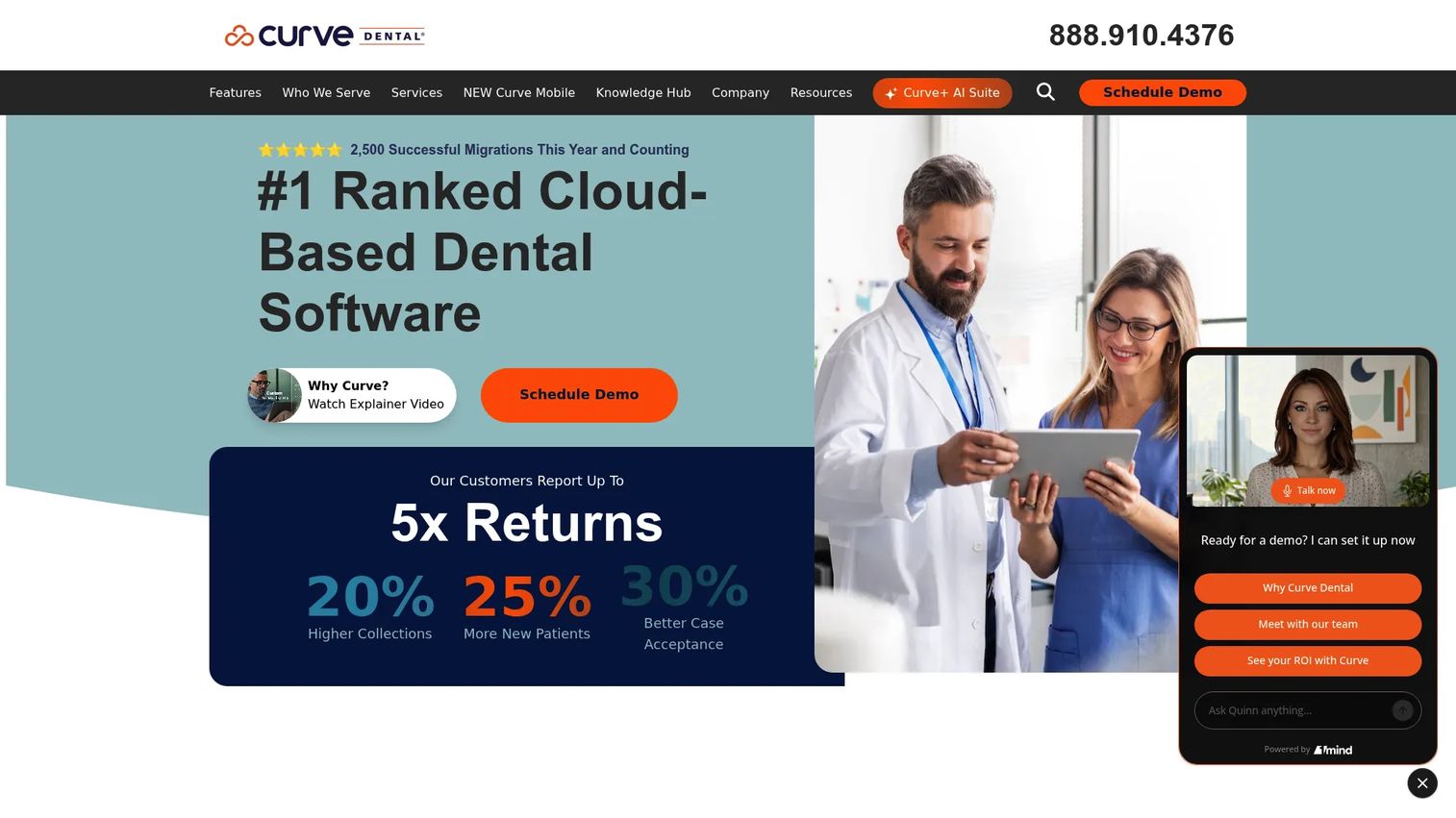
Curve Dental is a cloud-based dental practice management platform that bundles charting, scheduling, billing, insurance verification, patient engagement, imaging, and payment processing into one all-in-one workflow. It is a genuine cloud product, not a hosted legacy system, and its mobile-friendly interface is a frequent draw for practices that want to move away from server-bound software.
Best for: Dental practices that want a true cloud PMS with integrated billing, imaging, and patient engagement.
Key strengths
- Integrated workflow: charting, scheduling, and billing connected so the record stays in sync.
- Insurance and payments: eligibility verification, claims, and patient payment processing in one place.
- Patient engagement plus imaging: communication tools and imaging built into the same cloud platform.
Why choose Curve Dental: Curve is often praised for being user-friendly, which matters when you are training front-desk staff on a new system under a tight timeline. The all-in-one cloud approach means fewer integrations to maintain and a single vendor for support. It suits single-site and small-group practices that value a clean, integrated experience over deep enterprise configuration.
Curve Dental pricing: Curve's pricing page uses personalized quotes and startup-discount language rather than a public price. There is no listed numeric starting price, so you will request a quote scoped to your practice. On Capterra, Curve Dental carries a 4.4/5 rating.
5. Open Dental
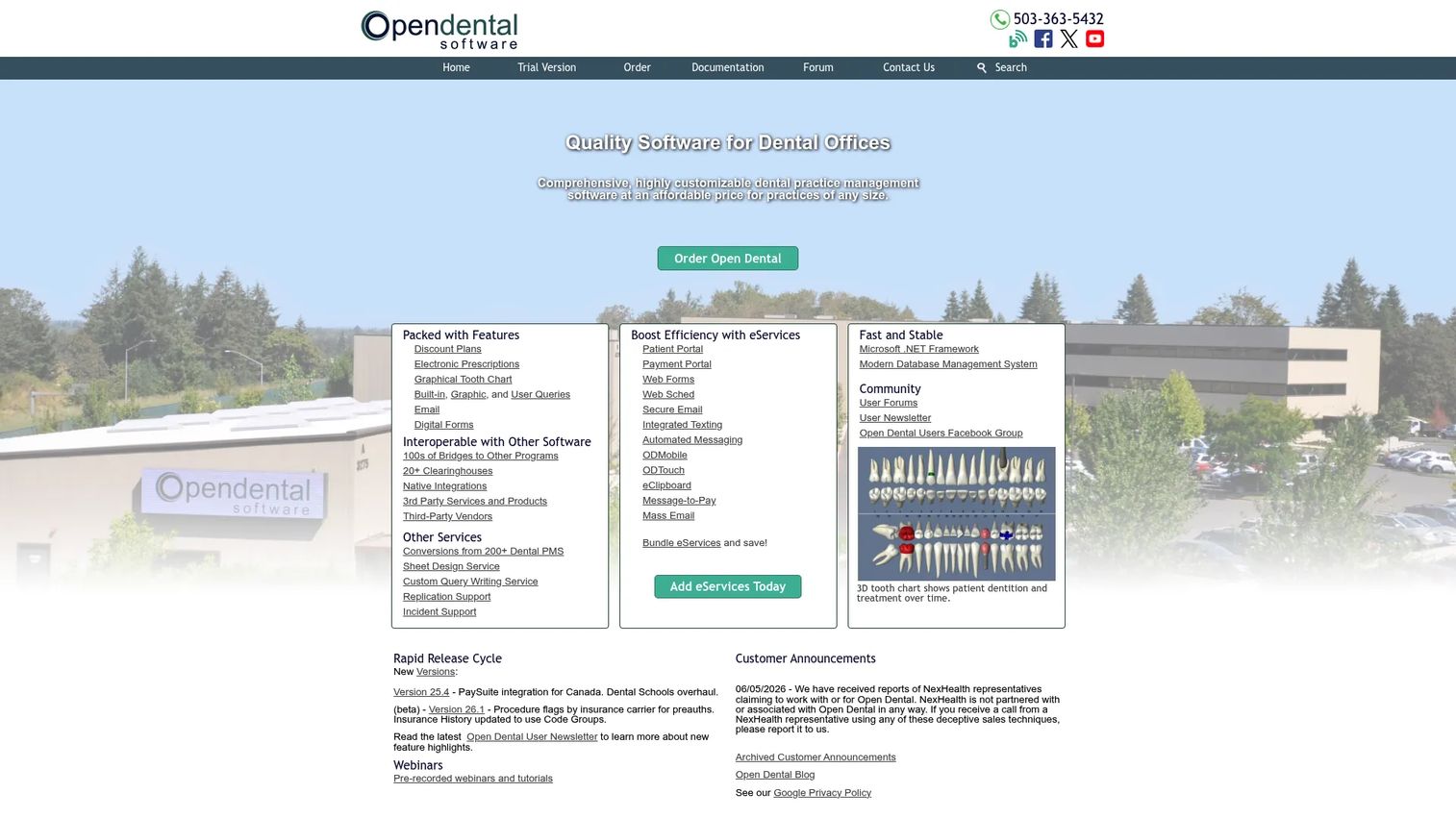
Open Dental is a highly configurable dental practice management system that offers both self-hosted and cloud deployment, which puts the cloud vs server decision directly in your hands. Its appeal is control: data ownership, an open ecosystem of integrations, and transparent support fees rather than opaque enterprise contracts. For buyers who want to tune the system to their workflow and manage cost tightly, it is a distinct option.
Best for: Buyers who prioritize configurability, data ownership, and cost control.
Key strengths
- Deployment choice: run it self-hosted for full control or use Open Dental Cloud for remote access.
- eServices suite: eClipboard, automated messaging, secure email, a patient portal, web forms, and Web Sched.
- Open integrations and eRx: a broad integration ecosystem plus e-prescribing through DoseSpot and NewCrop.
Why choose Open Dental: Open Dental rewards practices willing to configure. You own your data, you pick your deployment, and the support fee model is transparent rather than seat-gated. That flexibility comes with more decisions to make during implementation and migration, so it fits operators who want control over the details rather than a fully packaged experience.
Open Dental pricing: Open Dental publishes support and service fees on its site: an initial rate of $199/month per location, dropping to $149/month per location after 12 consecutive months, with a separate Canada rate of $164/month. Open Dental Cloud pricing varies by practice needs. There is no free tier. Open Dental holds a 4.3/5 rating across 46 reviews on G2.
6. tab32
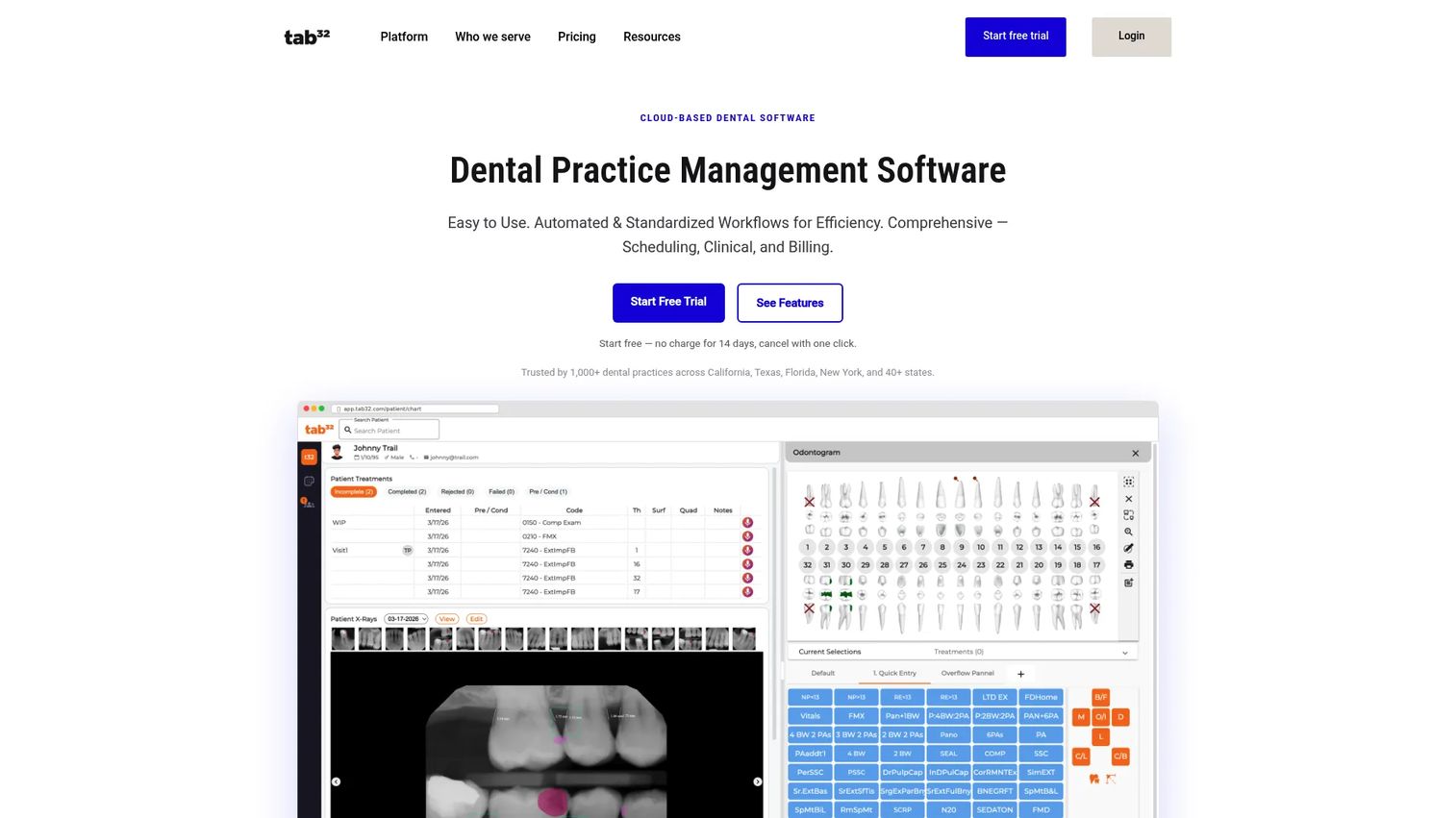
tab32 is an all-in-one, browser-based cloud dental platform covering scheduling, charting, imaging, billing, patient communication, and claims. It leans into AI-assisted radiology and modern patient engagement features like two-way texting, online booking, and digital forms. Its pricing entry point makes it a value-focused option for smaller clinics and mobile groups getting off legacy software.
Best for: Smaller dental practices and mobile groups that want an affordable all-in-one cloud platform.
Key strengths
- All-in-one cloud: scheduling, charting, imaging, and billing in one browser-based system.
- AI-assisted radiology: PiAI supports imaging review inside the clinical workflow.
- Patient communication: two-way SMS and email, recalls, online scheduling, and digital forms.
Why choose tab32: tab32 packs an all-in-one feature set into an accessible price, which is why it attracts solo and small-group practices watching budget. The e-claims and e-attachments handling covers the dental claims software basics without a separate tool. Its current G2 review volume is small, so weigh the platform against a hands-on trial before committing.
tab32 pricing: tab32's platform page lists Alpine for solo and small practices starting at $125/month with a 14-day free trial, and Summit for multi-location groups at custom pricing. Its pricing page also names Operate ($99), Grow ($159), and Excel ($249) plans, so confirm current plan naming with the vendor. tab32 holds a 2.8/5 rating on G2 based on a small review count.
7. Oryx Dental
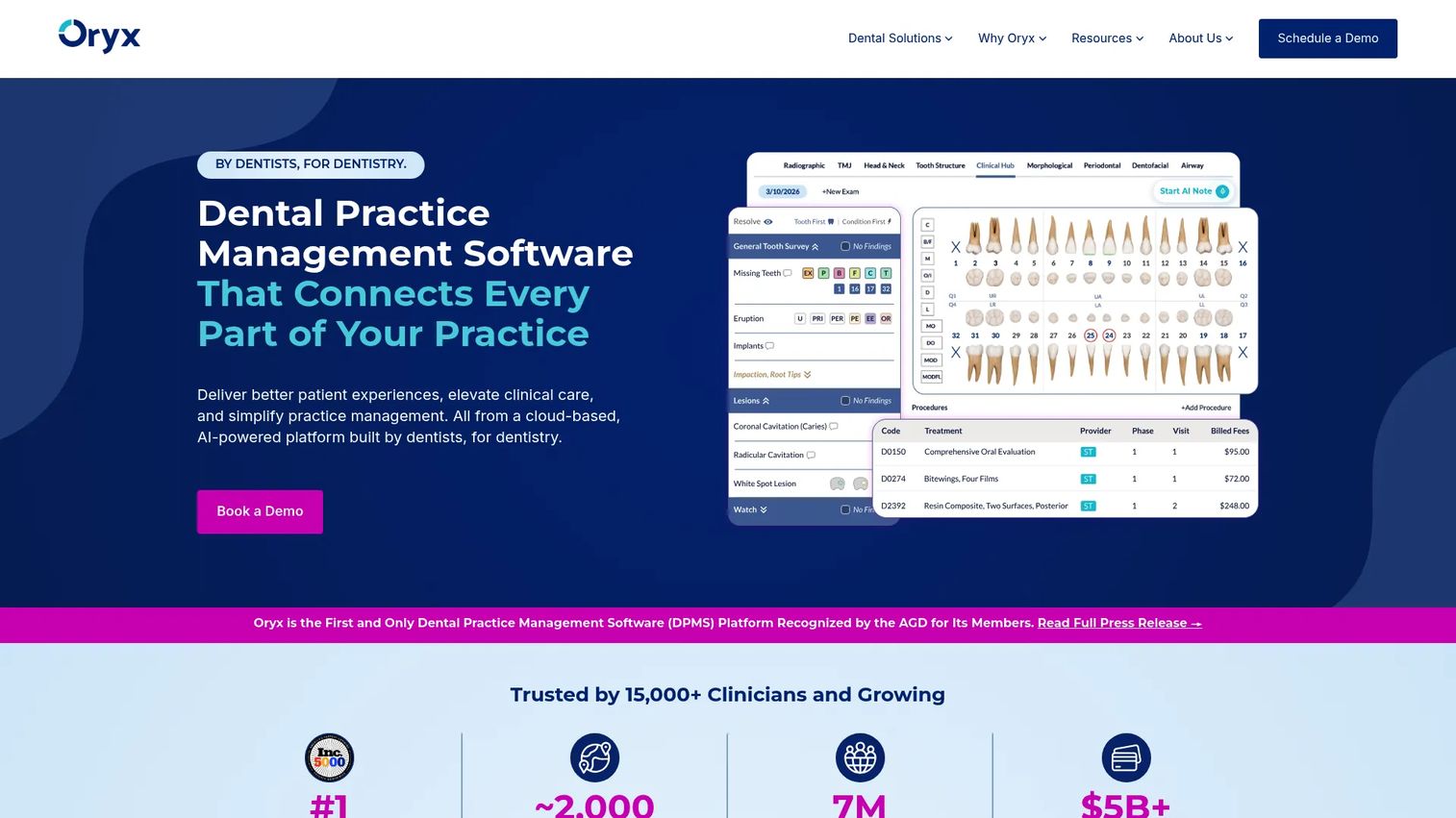
Oryx Dental is a cloud-based, AI-forward dental practice management platform built by dentists for dentistry. It covers billing and practice management, imaging, charting and treatment tools, and patient communication in one modern system, with transparent public pricing that includes a genuine free starting tier. It is one of the newer cloud options positioned for practices that prioritize simplicity and modern access.
Best for: Practices from startup through multi-location size that want an all-in-one cloud platform with AI and automation.
Key strengths
- All-in-one operations: billing, practice management, imaging, charting, and treatment tools in one platform.
- AI and automation: built-in AI radiology and automation to reduce manual admin work.
- Patient communication and scheduling: integrated patient engagement and online scheduling.
Why choose Oryx Dental: Oryx stands out on pricing transparency and its no-cost entry tier, which lowers the risk of trying a modern system. Because it scales from a startup plan up to enterprise, a growing practice can start small and add automation and AI as it grows. It fits owners who want a modern, dentist-built platform without a legacy interface.
Oryx Dental pricing: Oryx publishes US pricing openly. Plans run from a $0/month Startup Offer to Oryx Pro at $650/month, Oryx Automate at $899/month, Oryx AI at $1,399/month, and a custom-priced Oryx Enterprise tier, all billed monthly. A free starting tier is available. Oryx Dental holds a 4.8/5 rating on G2.
Considerations before you buy
Before you commit, run every shortlisted platform through this checklist. The goal is to avoid a switching project 18 months out.
Cloud vs server fit
Decide your deployment model first, because it drives everything else. Cloud reduces IT overhead and enables remote access, which suits growing and multi-location practices. Server-based or self-hosted appeals to buyers who want data on-premise and tight control. Open Dental is the clearest option if you want to choose.
Multi-location and scaling readiness
If you plan to add locations, verify the system was built for centralized control, not retrofitted for it. Look at how scheduling, reporting, and claims submission behave across sites. Denticon and CareStack are engineered for multi-location dental groups from the ground up.
Claims and billing depth
Test the revenue cycle management workflow directly. Check eligibility verification, claims submission, attachment handling, and billing and collections. A denied claim that nobody catches for two weeks is a cash problem, so this workflow deserves a hands-on trial, not a feature-list scan.
Security, compliance, and backups
Confirm HIPAA-aligned access controls, audit trails, encryption, uptime commitments, and backup practices. For cloud systems, ask about data residency and export. Security and compliance are not optional in a dental context, so get specifics in writing before signing.
Implementation and migration
Ask each vendor how data migration works, how long it takes, and what training is included. Switching cost is the hidden line item in any dental software list. A clean migration plan and real onboarding support separate a smooth transition from months of front-desk frustration.
Conclusion
The seven tools above cover the full range of dental practice management systems for 2026, but the decision is not really about the tool. It is about structure. Start with cloud vs server, then narrow by single-site versus multi-location, then decide whether you want an all-in-one platform or a configurable modular stack.
For DSOs and growing groups, CareStack and Denticon lead on centralized, multi-location operations. For browser-based access with less IT, Dentrix Ascend and Curve Dental are strong. For configurability and data ownership, Open Dental stands alone. For a modern, low-risk entry, Oryx Dental's free tier and tab32's value pricing both make sense for smaller practices.
Pick the two or three that match your practice structure, then narrow by support quality, implementation and migration plan, and pricing clarity. Book a hands-on walkthrough with each finalist and run a real claim through the system before you sign. That single test will tell you more than any feature list.
FAQs
Dental practice management software is a system that centralizes a dental office's clinical and administrative work, including scheduling, charting, billing, insurance claims, payments, reminders, and patient communication. It replaces separate tools with one connected record so a change in one place updates everywhere. Most modern dentist clinic software is cloud-based, though some vendors still offer server deployment.
Cloud reduces on-site IT, enables remote access, and simplifies updates, which is why roughly 68% of the market is now cloud-based. Server-based or self-hosted software appeals to practices that want data on-premise and full control. Growing and multi-location practices usually favor cloud; single-site owners who prioritize on-premise control may prefer server. Open Dental lets you choose either.
Centralized visibility is the top priority: one system that shows scheduling, production, claims, and reporting across every site. Standardized workflows matter next, so a new location inherits the same processes on day one. Look for cross-location analytics, centralized claims submission, and role-based access. Denticon and CareStack are built specifically for this.
It varies by data volume, number of locations, and the source system, but most single-site migrations run from a few weeks to a couple of months. Multi-location rollouts take longer and are often phased site by site. Ask each vendor for a written migration timeline, a data-mapping plan, and the training included, since these drive the real duration.
Verify data migration scope, training and onboarding support, contract terms, and whether your historical records transfer cleanly. Confirm the claims and billing workflows match how your practice actually works. Run a hands-on trial with real scenarios, and check total cost including implementation, not just the monthly price.
They are critical, because they are your cash flow. Weak dental claims software means denied claims slip through and revenue leaks. Strong dental billing software handles eligibility verification, clean claims submission, attachments, and billing and collections in one flow, with clear denial tracking. Test this workflow directly before buying, not from a feature list.
Integrations determine how well the system connects to imaging, e-prescribing, payment processing, and patient communication tools. A platform with an open integration ecosystem, like Open Dental, lets you connect best-of-breed tools. All-in-one platforms reduce integration work by bundling more natively. Match the approach to whether you value flexibility or fewer vendors.
Confirm HIPAA-aligned access controls, encryption in transit and at rest, audit trails, and documented backup and recovery practices. For cloud systems, ask about uptime commitments, data residency, and how you export your data if you leave. Get these specifics in writing, because security and compliance failures in a dental context carry legal and financial risk.