


Your sales team sends 50 proposals a week. Each one requires copying customer names, deal values, and product details from your CRM into a template.
Finding the best document creation software can eliminate that manual work and reduce errors. Choosing the right tool requires evaluating templates, automation, and integrations.
Document creation software automates this process by merging data into templates, enforcing brand standards, and tracking engagement. This automation approach mirrors what marketing automation tools deliver across campaigns and workflows. This guide reviews 12 tools across visual design platforms, enterprise document generators, and flexible workspaces to help you find the right fit for your workflow.
TL;DR
- Best for enterprise teams: Templafy enforces brand compliance and template governance at scale
- Best for design-forward documents: Canva Docs delivers polished visuals without design expertise
- Best for sales proposals and contracts: PandaDoc automates the full workflow from draft to signature
- Best free document creator: Google Docs offers real-time collaboration at zero cost
- Best for technical documentation: Document360 structures help centers and product docs with version control
- Best for Salesforce-native workflows: Conga generates contracts directly from CRM records
What's inside this guide
The "best" document creation software depends entirely on what you're making. Everyday collaboration tools like Google Docs and Microsoft Word handle general writing. Visual document creators like Canva Docs serve marketing teams.
Document generation platforms like PandaDoc and Templafy automate proposals, contracts, and compliance-heavy workflows and the category is projected to reach USD 6.86 billion by 2031.
This guide covers 12 tools across all three categories to help you identify the best document creation software. Selection criteria included template depth, automation capabilities, integrations, and G2 ratings.
- Who this is for: Teams evaluating document creation tools for proposals, contracts, knowledge bases, or internal docs
- How tools were selected: Based on template libraries, data merge automation, CRM integrations, and G2 ratings
- What you'll learn: Which document creator fits your workflow, team size, and budget
Document creation tools compared
| # | Product | Best for | Key differentiation | Pricing | G2 rating |
|---|---|---|---|---|---|
| 1 | Adobe Acrobat | PDF editing and e-signatures | Built-in form capture and approval workflows | $12.99/mo (Standard) | 4.5/5 |
| 2 | PandaDoc | Sales proposals and contracts | CRM integration with native e-signature | $35/mo (Essentials) | 4.7/5 |
| 3 | Canva Docs | Visual documents | Drag-and-drop design with brand kit | Free; Pro $15/mo | 4.7/5 |
| 4 | Templafy | Enterprise template governance | Centralized brand compliance at scale | Custom pricing | 4.5/5 |
| 5 | Conga | Salesforce document automation | Native Salesforce integration | Custom pricing | 4.4/5 |
| 6 | Confluence | Team wikis and knowledge bases | Deep Jira integration | Free; Standard $6.05/user/mo | 4.1/5 |
| 7 | Notion | Flexible workspaces | Blocks-based editor with databases | Free; Plus $12/user/mo | 4.7/5 |
| 8 | Bit.ai | Media-rich documents | Embedded videos, files, and live content | Free; Pro $12/user/mo | 4.2/5 |
| 9 | Document360 | Customer-facing knowledge bases | Category-based organization with analytics | $199/mo (Standard) | 4.7/5 |
| 10 | ClickUp Docs | Project-linked documentation | Docs connected to tasks and workflows | Free; Unlimited $10/user/mo | 4.7/5 |
| 11 | Formstack Documents | Data merge automation | Conditional logic from forms and databases | $92/mo (Essentials) | 4.4/5 |
| 12 | Docmosis | API-driven document generation | Developer-focused batch processing | $625/year (Cloud) | 4.6/5 |
12 best document creation tools reviewed
The tools below range from visual design platforms to enterprise document generation software with automation. Each review follows a consistent format: overview, ideal user, key strengths, tradeoffs, and verified pricing.
1. Adobe Acrobat
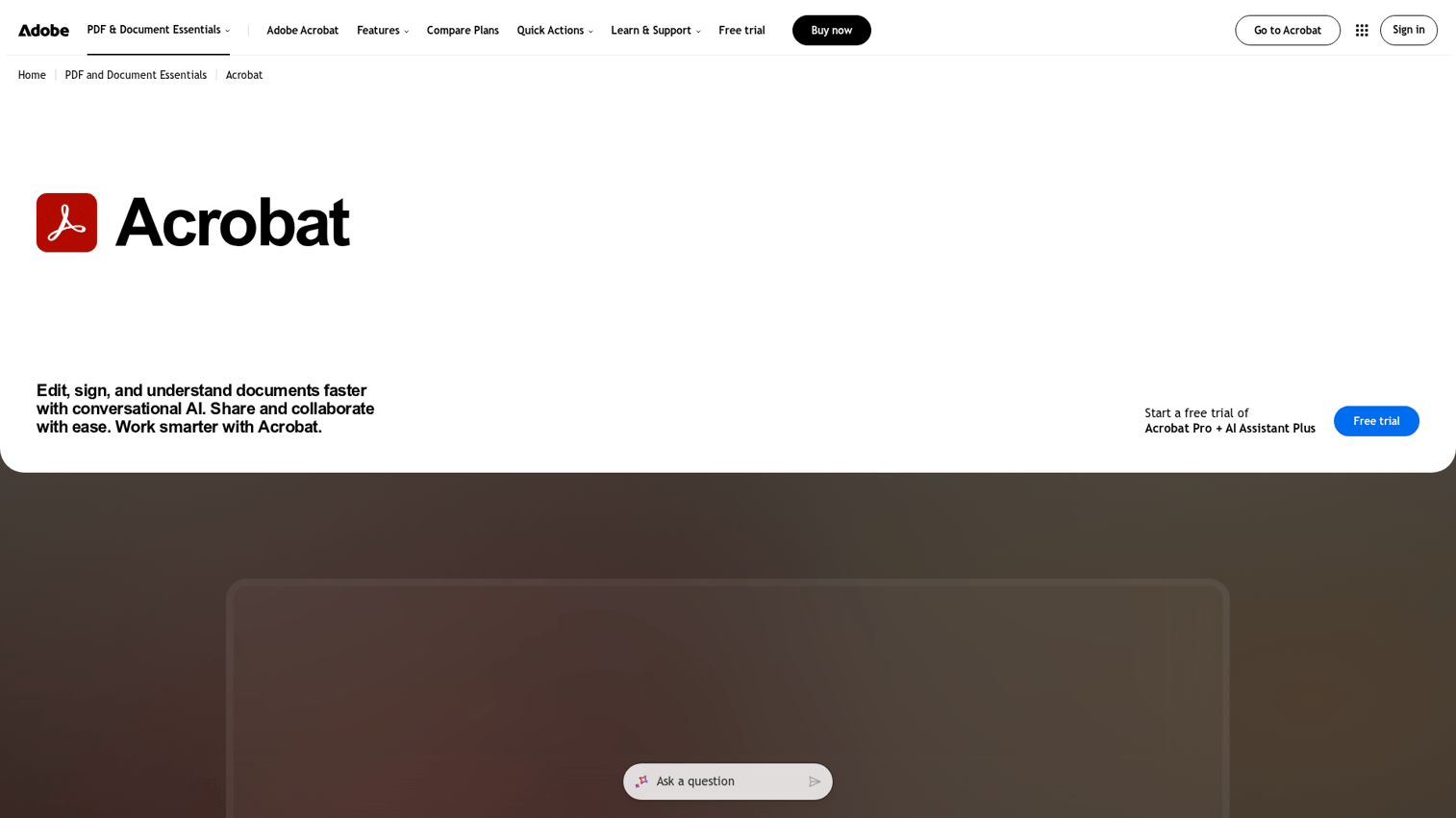
Adobe Acrobat remains the standard for PDF document creation and editing. The platform handles everything from basic PDF editing to complex form capture, e-signatures, and approval workflows.
Best for: Teams that work primarily with PDFs and require advanced editing, form creation, and e-signature capabilities in one tool.
Key strengths
- Built-in e-signatures: Route documents for approval without switching to a separate signing tool
- Form capture and fill: Create interactive forms that collect data directly within PDFs
- Cross-platform consistency: PDFs render identically across devices and operating systems
Why choose Adobe Acrobat
Adobe Acrobat fits teams where PDF is the primary document format. Legal departments, finance teams, and regulated industries often standardize on Acrobat because of its reliability and security features. The tradeoff: higher cost than alternatives and less suited for collaborative drafting or visual design work.
Adobe Acrobat pricing
Acrobat Standard starts at $12.99/month (annual billing). Acrobat Pro with advanced features runs $19.99/month. A 7-day free trial is available.
2. PandaDoc
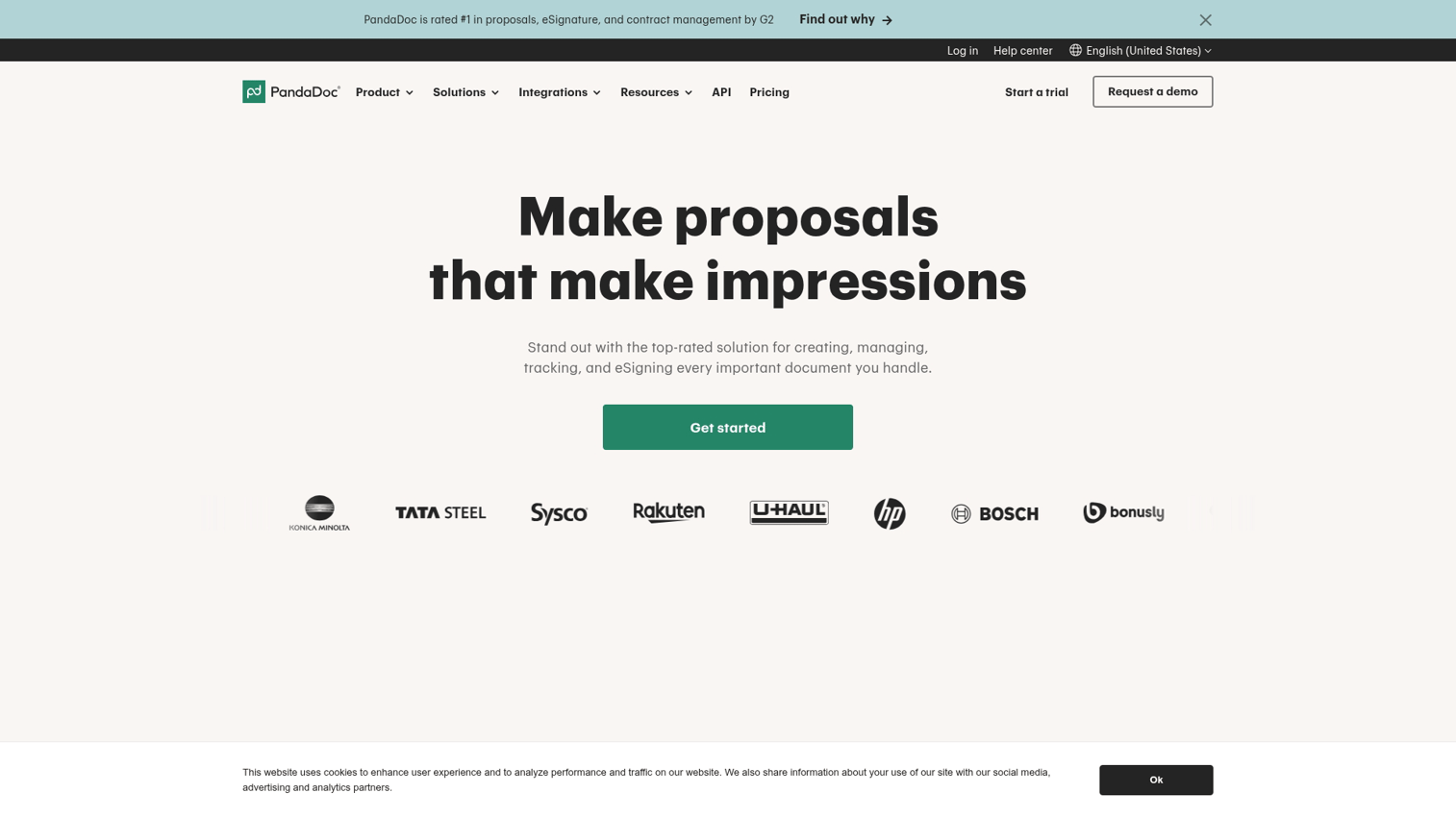
PandaDoc focuses on sales document automation and the category is estimated to reach USD 3.3 billion by 2033. The platform streamlines proposals, quotes, and contracts from creation through signature and payment collection.
Best for: Sales and revenue teams automating proposal workflows with CRM data and built-in e-signatures.
Key strengths
- Template library: Pre-built templates for proposals, quotes, contracts, and invoices. Users can also convert existing documents into reusable templates to speed up their workflow
- CRM integration: Pulls contact and deal data from Salesforce, HubSpot, and Pipedrive automatically
- E-signature built in: Closes the loop from document creation to legally binding signature
Why choose PandaDoc
PandaDoc excels when document creation connects directly to deal flow. Sales teams reduce manual data entry by pulling CRM fields into templates and see 90% fewer data entry errors. The platform is less suited for general content creation or knowledge base documentation.
PandaDoc pricing
A free eSign plan covers basic signatures. Essentials starts at $35/month per user (annual billing). Business plans with advanced features run $65/month per user.
3. Canva Docs
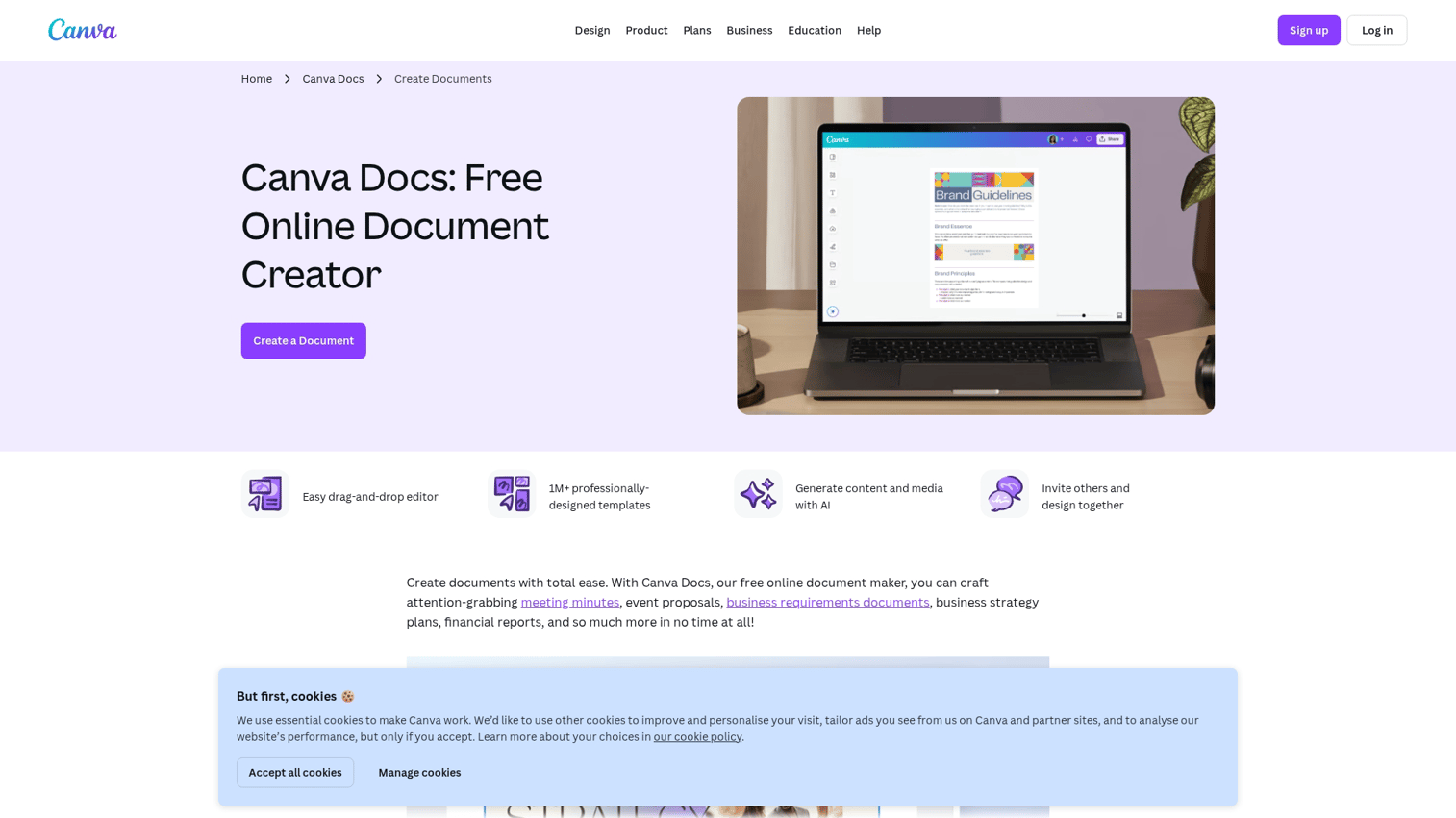
Canva Docs brings Canva's visual design approach to document creation. The platform helps marketing teams create polished documents without design expertise.
Best for: Marketing teams creating visually engaging documents, reports, and presentations without dedicated designers.
Key strengths
- Drag-and-drop editor: Add images, charts, and design elements without learning complex software
- Brand kit integration: Lock in fonts, colors, and logos so every document stays on-brand
- Magic Write AI: Generate and refine copy with built-in AI assistance
Why choose Canva Docs
Canva Docs works well for one-off visual documents where appearance matters. Marketing collateral, internal reports, and client-facing presentations benefit from the design-forward approach. The platform lacks the automation and data merge features that document generation tools provide.
Canva Docs pricing
A free tier covers basic features. Canva Pro at $15/month (annual billing) unlocks the full brand kit, premium templates, and advanced AI features.
4. Templafy
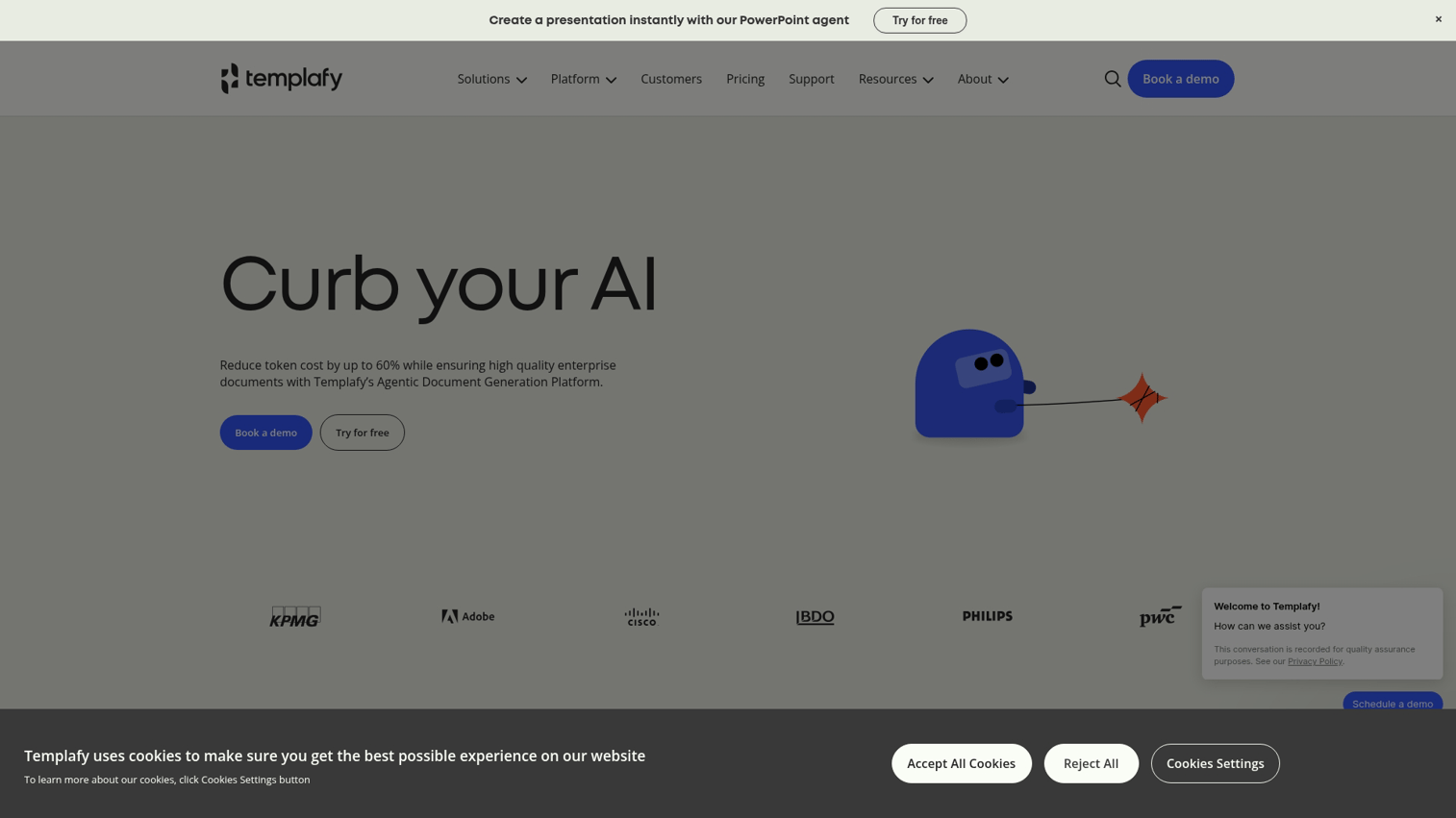
Templafy provides enterprise document generation with a focus on brand compliance and template governance. Large organizations use it to ensure every document meets brand and legal standards.
Best for: Large enterprises enforcing brand and compliance standards across thousands of users creating documents daily.
Key strengths
- Template governance: Centralized control over approved templates with version management
- Dynamic content automation: Pull live data from CRM, ERP, and other systems into documents
- Enterprise security: SOC 2 compliance, SSO, and granular admin controls
Why choose Templafy
Templafy fits organizations where brand consistency and compliance are non-negotiable. Financial services, legal firms, and global enterprises benefit from centralized template management. The platform requires significant implementation effort and is overkill for small teams or simple use cases.
Templafy pricing
Custom pricing based on user count and feature requirements. Contact Templafy for a quote.
5. Conga
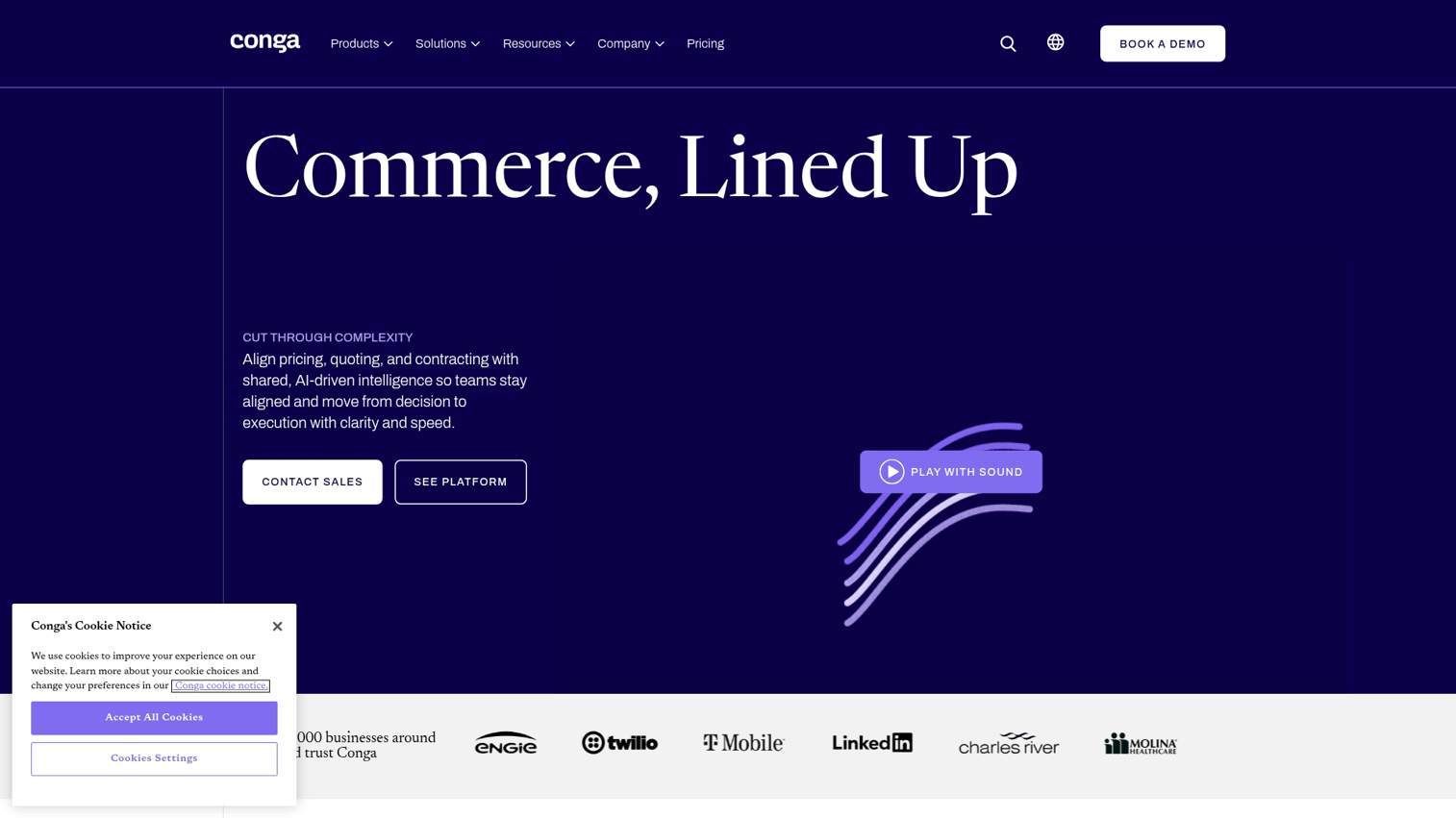
Conga specializes in document generation for Salesforce-native workflows. The platform automates contracts, proposals, and quotes directly from CRM records.
Best for: Salesforce-heavy organizations automating document creation from CRM data without manual copy-paste.
Key strengths
- Salesforce-native: Deep integration that goes beyond basic connectors
- Clause library: Reusable contract clauses with legal team approval workflows
- Workflow automation: Trigger document generation from deal stages or custom events
Why choose Conga
Conga makes sense when Salesforce is your system of record and document creation ties directly to deals. Sales ops and legal teams benefit from automated contract generation. Implementation complexity increases for organizations not already invested in Salesforce.
Conga pricing
Custom pricing based on Salesforce edition and feature requirements. Contact Conga for a quote.
6. Confluence
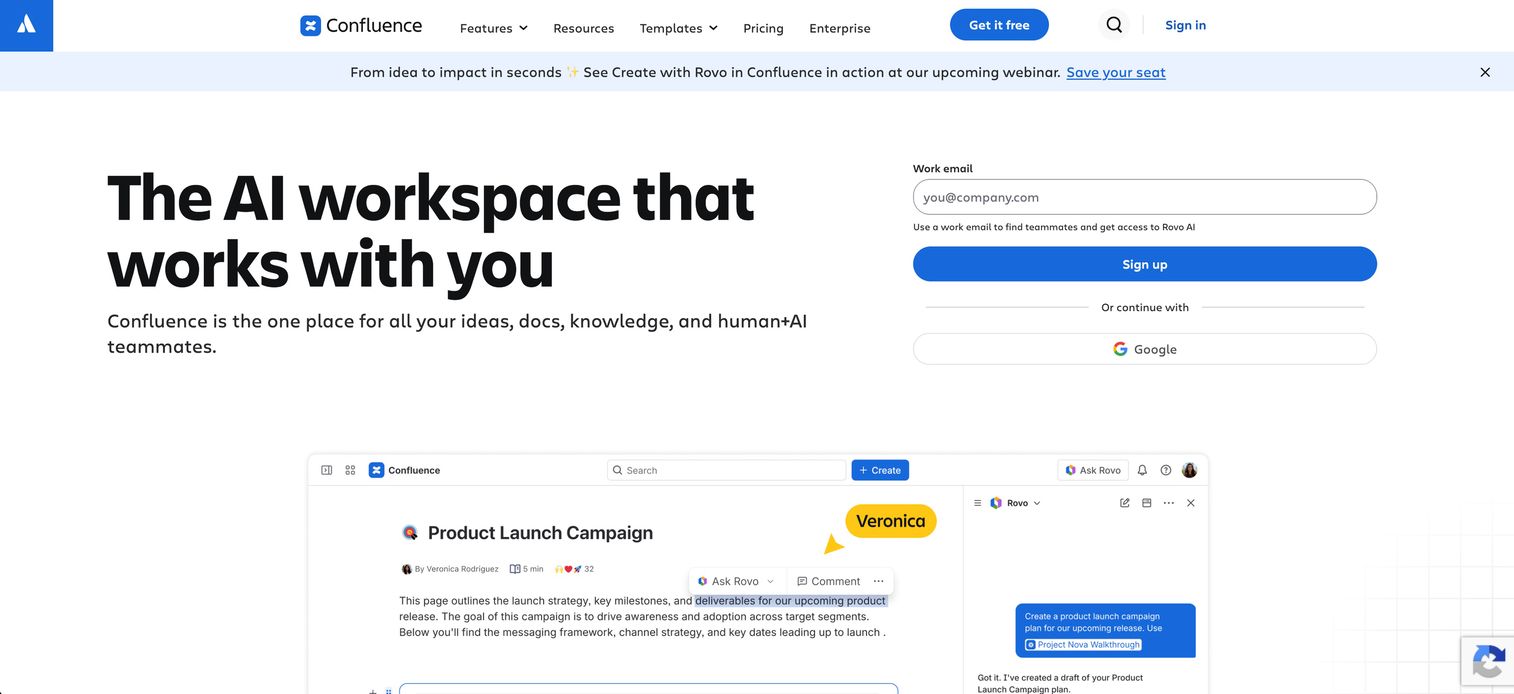
Confluence from Atlassian serves as a team collaboration and documentation platform. Product and engineering teams commonly use it for internal wikis and knowledge bases.
Best for: Product and engineering teams creating internal documentation and collaborative knowledge bases alongside Jira projects.
Key strengths
- Real-time collaboration: Multiple editors, inline comments, and version history
- Jira integration: Link documentation directly to tickets, sprints, and projects
- Template marketplace: Community and official templates for common documentation needs
Why choose Confluence
Confluence fits teams already using Atlassian products. The Jira integration creates natural connections between documentation and project work. The platform is less suited for external-facing proposals or branded sales documents.
Confluence pricing
A free tier supports up to 10 users. Standard plans start at $6.05 per user per month. Premium with advanced features runs $11.55 per user per month.
7. Notion
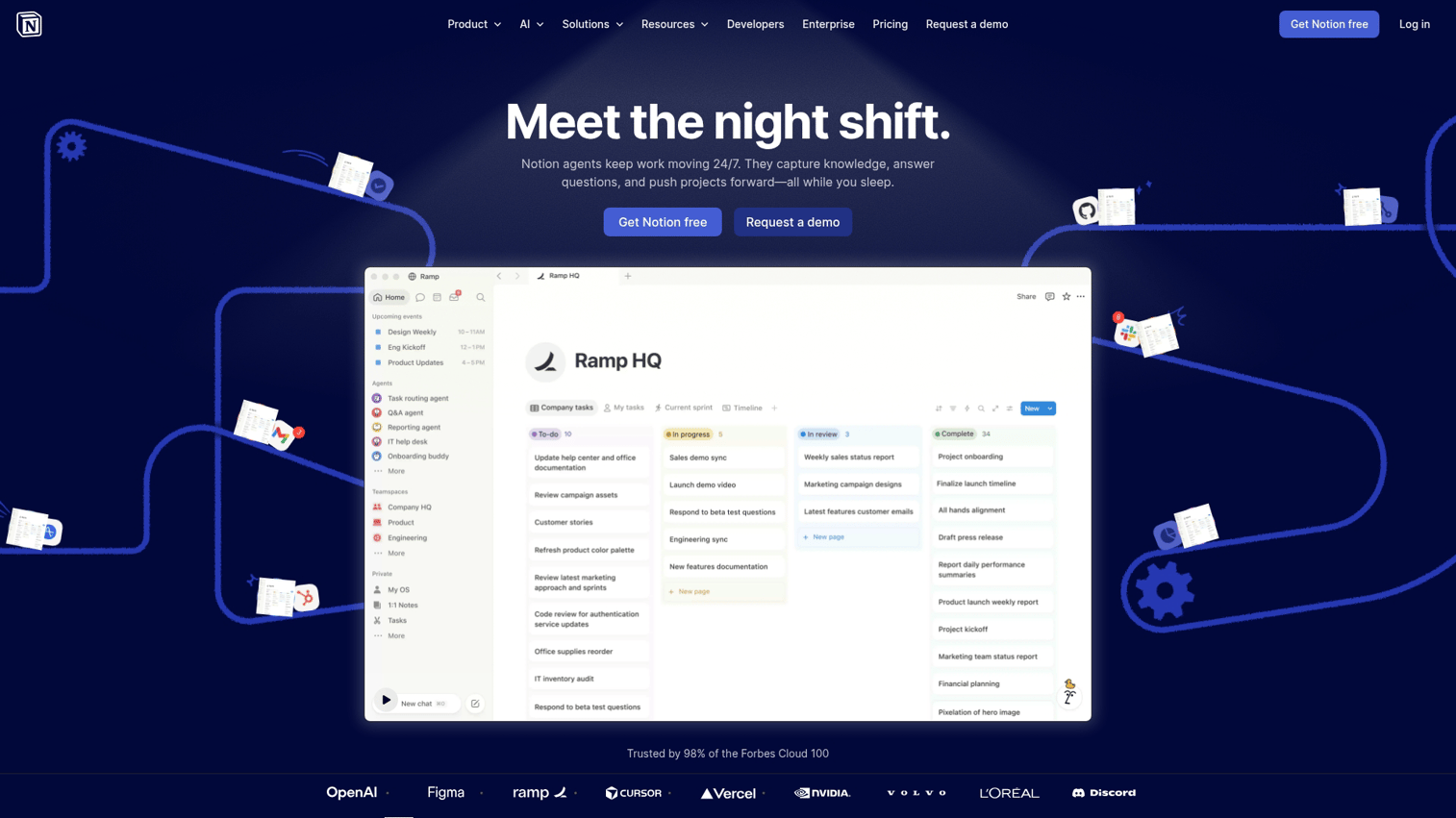
Notion combines docs, databases, and wikis in a flexible workspace. Startups and agile teams often adopt it as an all-in-one tool for documentation and project management.
Best for: Startups and agile teams wanting a unified workspace for docs, projects, and wikis without multiple tools.
Key strengths
- Blocks-based editor: Mix text, databases, embeds, and media in a single document
- Database-driven docs: Create documents that pull from linked databases dynamically
- AI assist: Built-in AI for drafting, summarizing, and editing content
Why choose Notion
Notion's flexibility appeals to teams that want one tool for everything. The learning curve is manageable, and the free tier is generous. However, Notion lacks the automation and data merge features that dedicated document generation tools provide.
Notion pricing
A free tier covers personal use and small teams. Plus plans start at $12 per user per month (annual billing). Business plans with advanced features run $18 per user per month.
8. Bit.ai
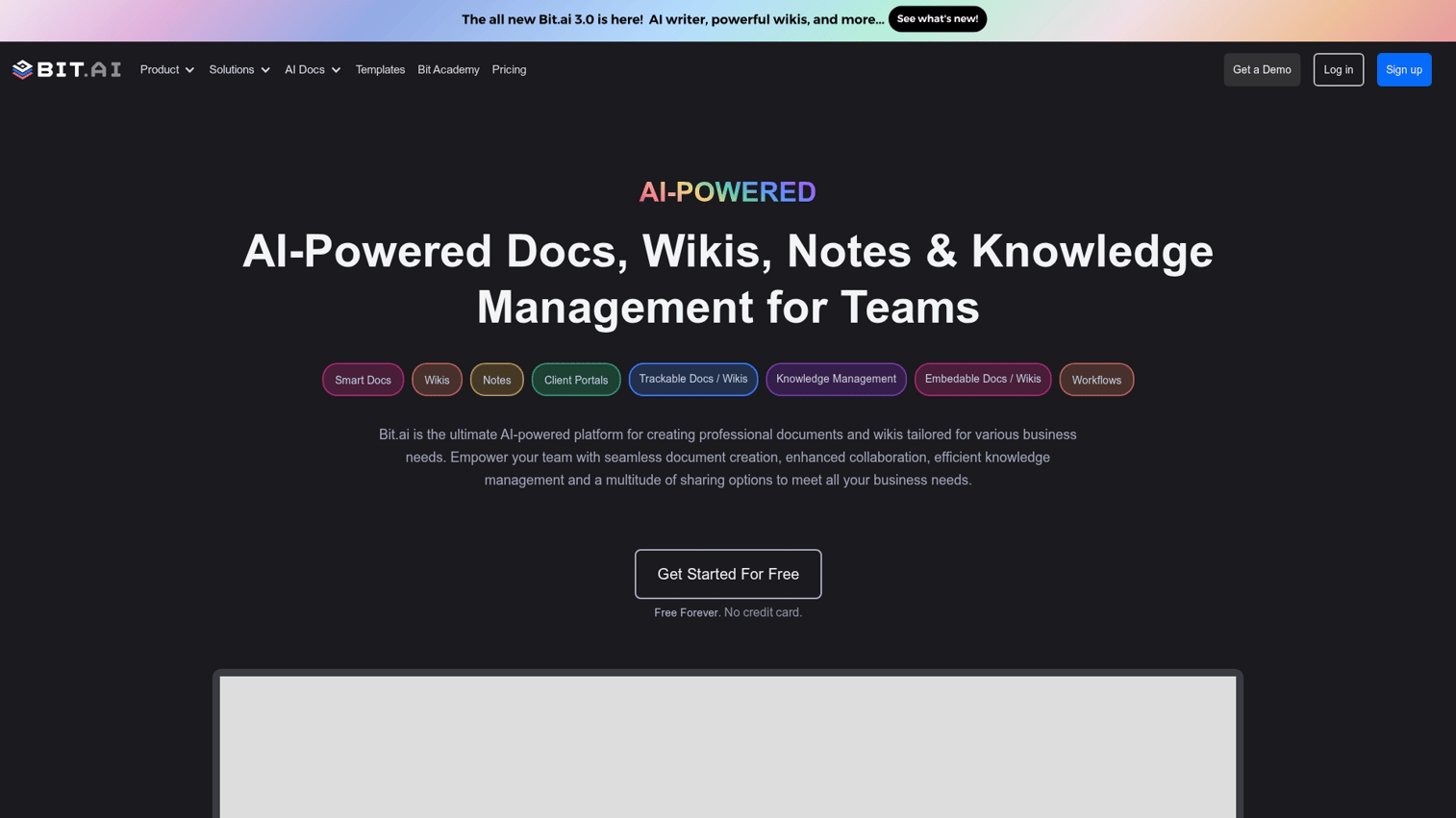
Bit.ai focuses on interactive, media-rich documents. The platform makes it easy to embed videos, spreadsheets, code snippets, and live content directly in documents.
Best for: Teams creating media-rich documents with embedded content that goes beyond static text and images.
Key strengths
- Rich media embeds: Embed videos, cloud files, code snippets, and live content inline
- Smart workspaces: Organize documents by team, project, or client
- Guest access: Share documents with external collaborators securely
Why choose Bit.ai
Bit.ai works well for interactive document creation where embedded content matters. Training materials, technical documentation, and client deliverables benefit from the media-rich approach. The platform lacks the CRM integration and automation features of document generation tools.
Bit.ai pricing
A free tier covers basic features. Pro plans start at $12 per user per month. Business plans with advanced features run $20 per user per month.
9. Document360
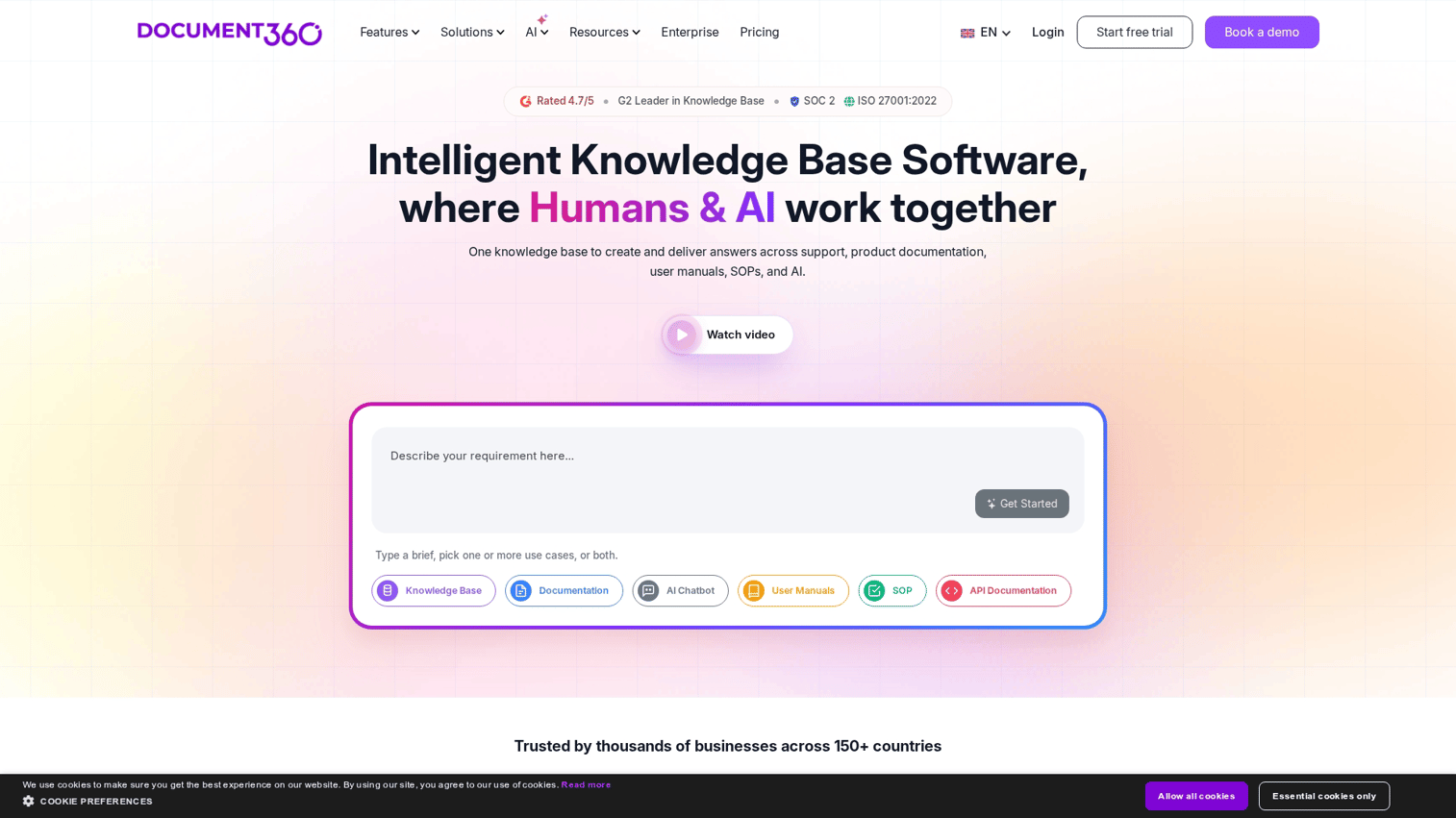
Document360 provides a knowledge base and documentation platform built for customer-facing help centers and product documentation.
Best for: Product and support teams building customer-facing knowledge bases and self-service help documentation.
Key strengths
- Category-based organization: Structured hierarchy for help articles and product docs
- Version control: Track changes, compare versions, and roll back when needed
- Analytics: See which docs get views, where users drop off, and what content gaps exist
Why choose Document360
Document360 fits teams building external documentation for customers. The analytics help identify content gaps and improve self-service support. The platform is purpose-built for help docs and less suited for sales proposals or internal wikis.
Document360 pricing
Standard plans start at $199 per month. Professional plans with advanced features run $399 per month. Enterprise pricing is custom.
10. ClickUp Docs
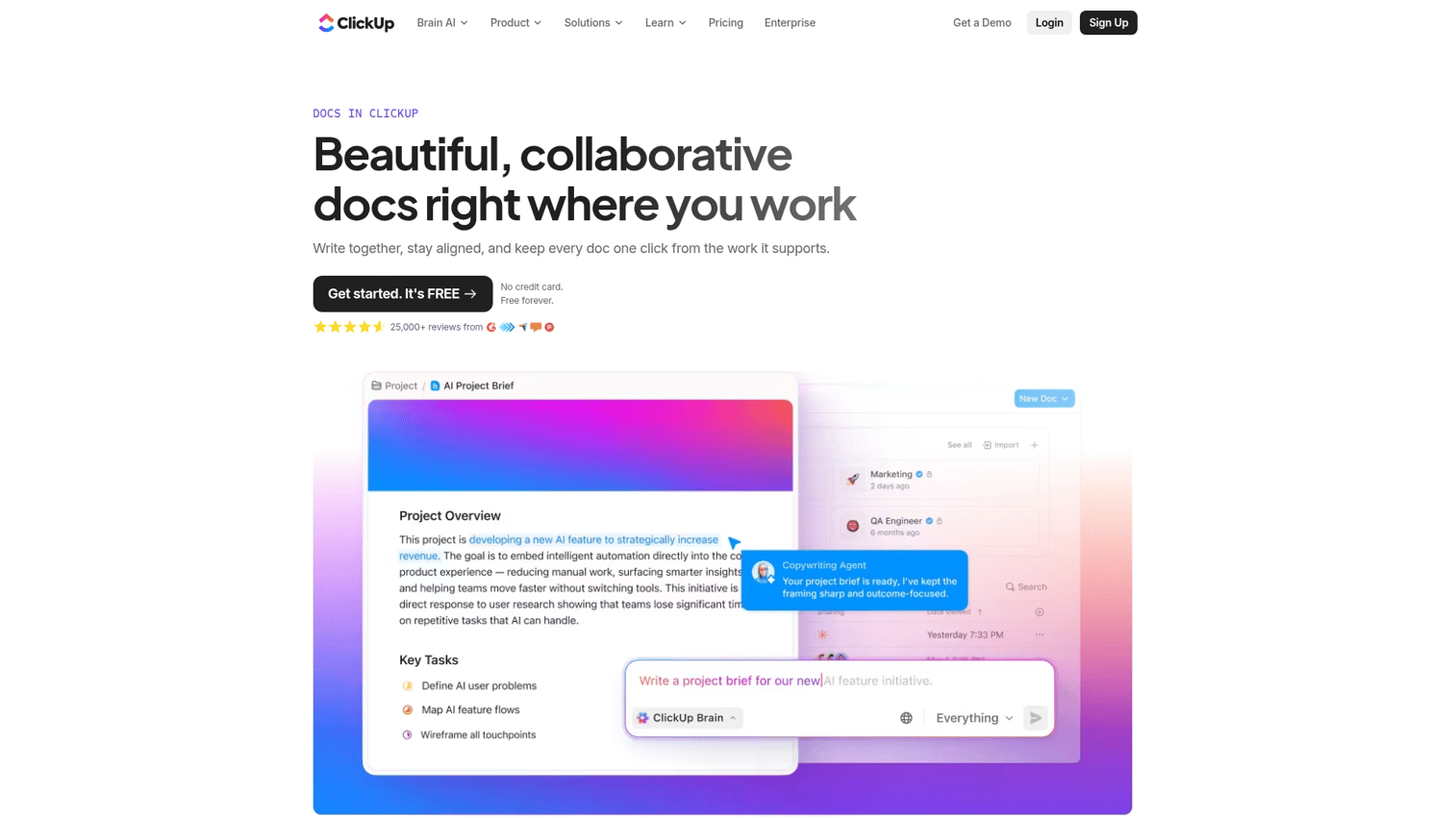
ClickUp Docs provides document creation within ClickUp's project management platform. Teams already using ClickUp can create docs connected to their tasks and workflows.
Best for: Teams already using ClickUp who want documentation connected to their project workflows without adding another tool.
Key strengths
- Docs linked to tasks: Embed tasks, assign action items, and reference projects from within docs
- Rich formatting: Nested pages, tables, embeds, and collaborative editing
- Real-time collaboration: Real-time editing, comments, and @mentions
Why choose ClickUp Docs
ClickUp Docs delivers the best value when you already use ClickUp for project management. The integration between docs and tasks creates natural workflows. Standalone document creation is not its primary strength.
ClickUp Docs pricing
A free tier includes basic docs. Unlimited plans start at $10 per user per month (annual billing). Business plans with advanced features run $19 per user per month.
11. Formstack Documents
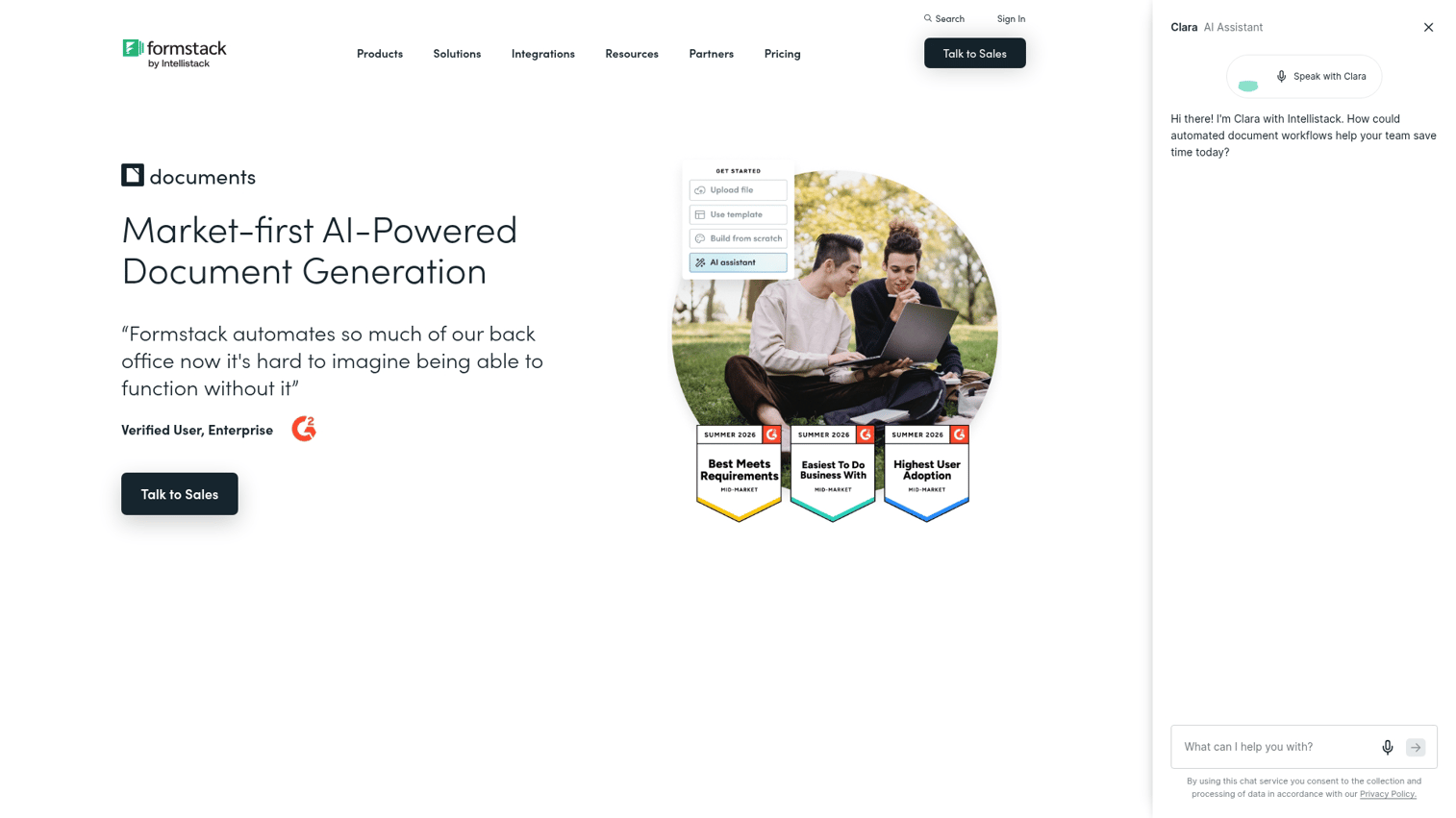
Formstack Documents (formerly WebMerge) merges form data into templates. The platform automates creation of contracts, agreements, and reports from form submissions or database records.
Best for: Operations teams automating document creation from form submissions, spreadsheets, or database records.
Key strengths
- Data merge automation: Populate templates from forms, spreadsheets, or integrations automatically
- Conditional logic: Show or hide sections based on data values
- Delivery automation: Route completed documents via email, e-signature, or cloud storage
Why choose Formstack Documents
Formstack Documents excels at data-driven automation. HR teams generating offer letters, finance teams creating invoices, and operations teams producing reports benefit from the merge capabilities. The platform requires setup and is less suited for freeform creative documents.
Formstack Documents pricing
Essentials plans start at $92 per month. Pro plans with advanced features run $249 per month.
12. Docmosis
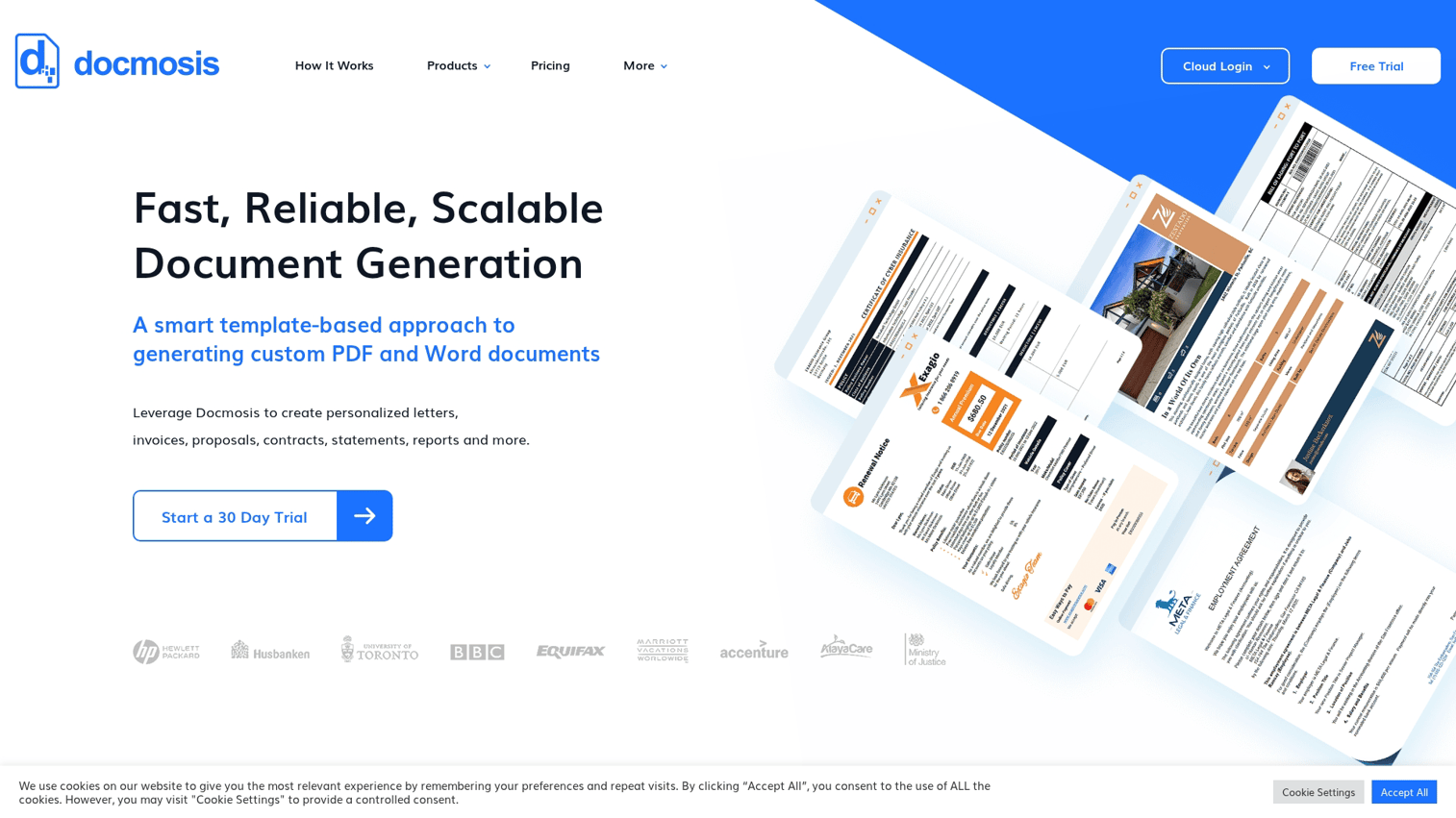
Docmosis provides developer-focused document generation via API. Development teams use it to create documents programmatically from templates at scale.
Best for: Development teams needing API-driven document generation for high-volume, automated workflows.
Key strengths
- API-first design: Generate documents from code without a user interface
- Template engine: Supports Word and PDF output from data sources
- High-volume processing: Built for batch generation at scale
Why choose Docmosis
Docmosis fits teams with technical resources who want programmatic control over document generation. SaaS platforms generating user reports, invoicing systems, and automated compliance documentation benefit from the API approach. Non-technical users will find the platform inaccessible.
Docmosis pricing
Cloud plans start at $625 per year. On-premise licensing is available for enterprise deployments.
What is document generation software
Document generation software automates the creation of documents by merging data into templates. Instead of starting from a blank page and manually entering information, the software pulls data from CRMs, forms, or databases and populates pre-built templates automatically.
The distinction matters for teams creating repetitive documents. A sales team generating 50 proposals per week benefits from automation. A marketing team writing one blog post benefits less.
- Manual document creation: Start from scratch or a template, manually enter all content, copy-paste data from other systems
- Automated document generation: Templates pull live data, conditional logic shows relevant sections, output routes automatically
Document creator vs word processor
You might wonder whether you actually need a dedicated document creation tool. After all, Microsoft Word and Google Docs handle text editing. The difference lies in what happens around the writing.
| Capability | Word processor (Word, Google Docs) | Document creator/generator |
|---|---|---|
| Basic text editing | Yes | Yes |
| Template libraries | Limited | Extensive |
| Data merge automation | Manual or plugin | Built-in |
| Real-time collaboration | Varies | Standard |
| Analytics on usage | No | Often included |
| CRM/form integrations | Requires add-ons | Native |
Word processors work well for general writing. The best document creation software adds infrastructure around that writing: templates, automation, integrations, and analytics.
Problems document creation software solves
Teams adopt document creation tools to address specific operational friction. Understanding the pain points helps you evaluate whether a dedicated tool makes sense for your situation.
Information scattered across multiple tools
Documents live in email attachments, shared drives, Slack threads, and individual desktops. Finding the latest version of a proposal or contract becomes a scavenger hunt. Document creators centralize creation and storage, so teams work from a single source of truth.
Brand inconsistency across teams
Sales, marketing, and operations teams create documents independently. Without approved templates, each team develops its own formatting, fonts, and messaging. Document generation tools enforce brand standards automatically, so every document looks professional regardless of who created it.
Manual data entry and repetitive copy paste
Copying customer names, deal values, and product details from CRM into proposals introduces errors and wastes time. Document generation software automates this merge, pulling live data directly into templates. The result: fewer mistakes and faster turnaround.
No visibility into document engagement
Most teams have no idea whether a sent proposal was opened, read, or shared internally. Some document creators include analytics showing views, time spent, and completion rates.
Teams using tools like PandaDoc can manage notification settings for sent documents to focus on the most important engagement signals. This visibility helps sales teams prioritize follow-up.
Teams looking to understand how prospects engage with content often pair document tools with interactive demos that track engagement at each step.
How to choose the best document creation software for your team
Selecting the right document creation software depends on your specific workflow, team size, and integration requirements. Use the criteria below to evaluate options.
Template library and customization depth
Evaluate how many ready-made templates exist and how easy they are to customize. Basic template management tasks like renaming templates in PandaDoc should be straightforward and intuitive.
The tradeoff: rigid templates speed up creation but limit flexibility. Flexible editors offer more control but require more setup time.
Automation and dynamic data capabilities
Look for conditional logic, data merge from CRM and forms, and triggered generation based on events. Automation separates document generators from basic editors and AI can reduce content creation time by 46%.
Questions to consider:
- Can templates pull data from your CRM automatically?
- Does the platform support conditional sections based on data values?
- Can document generation trigger from deal stages or form submissions?
Integration with your existing stack
Check for native integrations with the tools you already use:
- CRM: Salesforce, HubSpot, Pipedrive (which can integrate with tools like Mailchimp for unified workflows)
- E-signature: DocuSign, Adobe Sign
- Storage: Google Drive, Dropbox, SharePoint
- Communication: Slack, email
Native integrations reduce manual export and import steps. API access matters for custom workflows.
Collaboration and approval workflows
Real-time co-editing, commenting, version history, and approval routing matter for teams. Solo users may not need collaboration features, but teams creating documents collaboratively do.
Consider whether your workflow requires:
- Multiple editors working simultaneously
- Comment threads and @mentions
- Approval gates before documents go external
- Version comparison and rollback
Security certifications and access controls
Enterprise buyers evaluating document creation tools for contracts, legal documents, or financial data require specific security features:
- SOC 2 compliance
- SSO and SAML support
- Role-based access controls
- Audit logs
Security requirements scale with document sensitivity. A marketing team creating blog posts has different needs than a legal team generating contracts.
Build documents that actually convert
The best document creation software depends on your use case. Visual design tools like Canva Docs serve marketing teams. Automation platforms like PandaDoc and Templafy serve sales and enterprise operations.
Flexible workspaces like Notion serve startups wanting one tool for everything.
For teams wanting interactive product experiences, tools like Guideflow turn product flows into self-serve interactive demos. These show value instead of describing it. When a proposal or contract sparks interest, an embedded demo lets prospects explore the product immediately.
Start your journey with Guideflow today!
FAQs about document creation software
Document creation software adds template libraries, automation, collaboration features, and integrations that go beyond basic text editing in Word or Google Docs. The core difference is infrastructure around the writing, not the writing itself.
Most document generation tools offer native integrations with CRMs like Salesforce and HubSpot, plus e-signature platforms like DocuSign and Adobe Sign. Integrations automate the full document lifecycle from data merge through signature.
Look for SOC 2 compliance, SSO and SAML authentication, role-based access controls, and audit logs. Security requirements increase when handling contracts, legal documents, or sensitive financial data.
Most document creators support import from Word, Google Docs, and PDF formats. Check whether the tool preserves formatting and offers bulk import options before committing. Migration complexity varies by platform.
Pricing ranges from free tiers for basic document creators to custom enterprise pricing for document generation platforms with automation and compliance features. Entry-level paid plans typically start between $10 and $35 per user per month.
Yes. Document generation tools populate templates with data from CRMs, forms, or databases automatically. Advanced platforms trigger creation based on workflows or deal stages without manual input.
Most modern document creation tools offer mobile apps or responsive web editors. Full feature parity with desktop varies by platform, so test mobile functionality if your team works remotely or in the field.










