Call volume scales faster than headcount. Your queue fills up, your average handle time creeps up, and every minute an agent spends re-explaining a password reset is a minute stolen from the customer with a genuinely hard problem.
Support leaders feel this acutely. You own the ticket queue, the help center, and the line between self-serve and human-handled. Voice is one of the loudest channels you manage, and it is rarely the cheapest.
The investment pressure is real. According to Nextiva's 2026 contact center statistics report, 73% of contact center leaders say they plan to increase their budgets over the next year. The money is moving toward voice infrastructure, AI, and routing that keeps cost per contact in check.
That spending only pays off if you pick the right platform. The wrong one adds another tab, breaks your reporting, and takes six months to deploy. The right one sits inside your existing helpdesk, routes intelligently, records and scores calls, and gives you clean numbers on first-contact resolution and CSAT.
This guide ranks the 12 call center solutions support teams actually evaluate in 2026. We looked at routing depth, AI maturity, helpdesk and CRM integration, and pricing transparency. Every pricing figure and rating here was checked against live vendor pages and current G2 listings. No vendor self-promotion, no inflated claims, just what each tool does well and who it fits.
What's inside
This is a buyer's guide for support leaders and ops owners at SaaS and digital-first companies, plus contact center managers replacing legacy systems. We tested and compared 12 call center software tools across four criteria that matter most to support teams:
- Routing depth: IVR, ACD, skills-based and intelligent routing, queues, callbacks.
- AI maturity: transcription, summaries, agent assist, voice AI agents.
- CRM and helpdesk integration: does it live inside your stack or add a tab?
- Pricing transparency and free trials: published entry tiers and trial availability.
Each tool entry includes verified pricing, a current G2 rating, key strengths, and a clear "best for" so you can build a focused 2 to 3 vendor shortlist.
TL;DR
- Best for SaaS support teams already on a helpdesk: Zendesk, with voice built directly into ticketing.
- Best for fast deployment with deep CRM integrations: Aircall, set up in days, not months.
- Best for AI-first voice: Dialpad AI Contact Center, with live transcription and sentiment built in.
- Best for scaling mid-market and enterprise support: Five9, Talkdesk, Genesys Cloud CX, and NICE CXone.
- Best for small support teams on a budget: Nextiva and LiveAgent, with voice bundled into broader communication and helpdesk plans.
- Best for teams with engineering resources: Twilio Flex, fully programmable from the ground up.
What is call center software?
Call center software is technology that manages inbound and outbound voice calls, handling routing, queueing, recording, and tracking across agents. It connects callers to the right agent, logs every interaction, and gives managers analytics on volume and performance.
Call center software vs. contact center software
This is the question buyers ask first, so let's settle it cleanly. Call center software focuses on voice. Contact center software adds digital channels (chat, email, SMS, social) into one platform.
| Category | What it handles |
|---|---|
| Call center software | Inbound and outbound voice calls, routing, IVR, recording, call analytics |
| Contact center software | Voice plus digital channels: live chat, email, SMS, and social messaging |
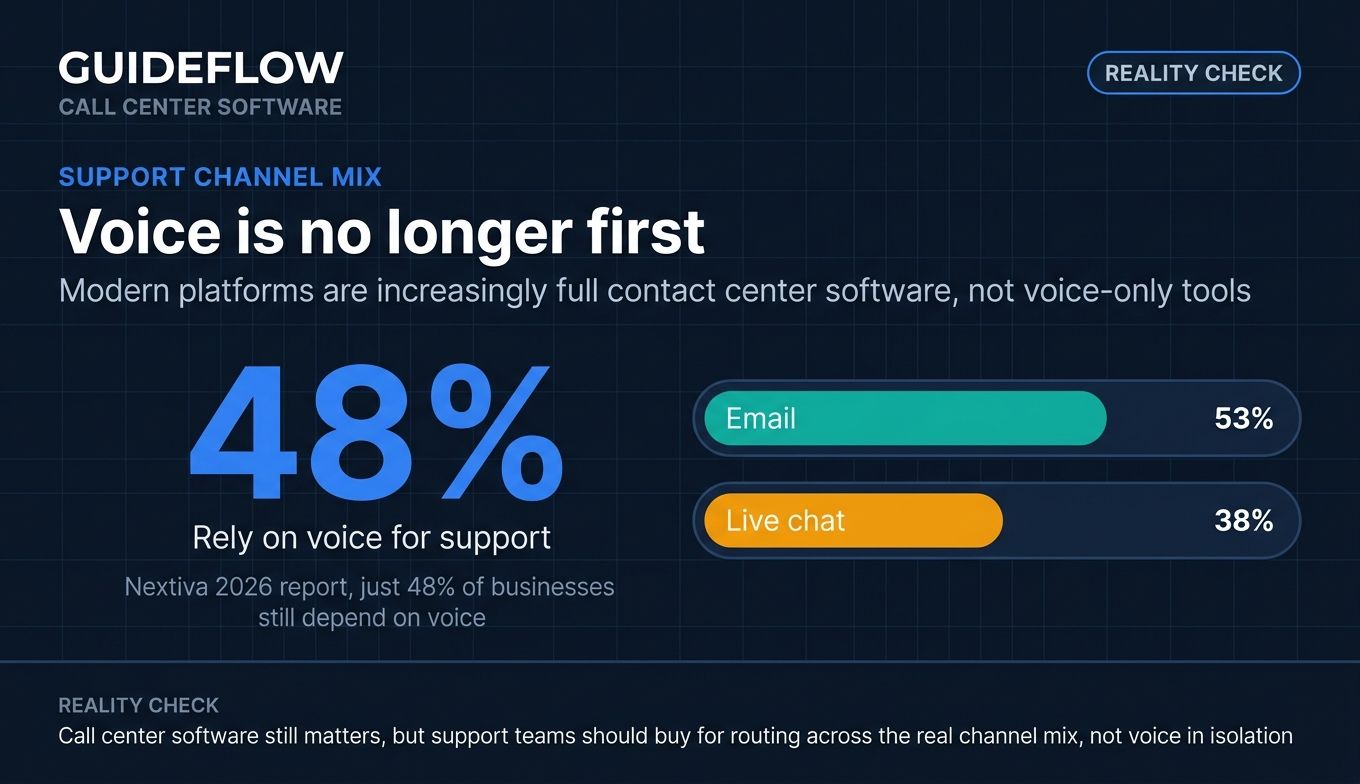
Most modern platforms in 2026 are full contact center software, not voice-only tools, per Intermedia's 2026 buyer guide. The distinction matters because support is no longer voice-first. Nextiva's 2026 report found just 48% of businesses rely on voice for support, while 53% use email and 38% use live chat. Many of the tools below are technically contact center platforms with strong voice at their core.
Types of call center software
Buyers encounter several deployment and use-case categories:
- Cloud call center software: hosted by the vendor, accessed through a browser or app, no on-site hardware.
- On-premise: installed and maintained on your own servers, common in legacy setups.
- Virtual call center software: browser-based systems that let remote and distributed agents take calls from anywhere.
- Inbound call center software: optimized for incoming support calls, IVR, and queueing.
- Outbound call center: built for proactive outreach, dialers, and campaign management.
- Mixed (blended): handles inbound and outbound from one agent desktop.
- Omnichannel: unifies voice with chat, email, SMS, and social.
Core features to expect
Strong call center management software shares a common feature set:
- Interactive voice response (IVR) and self-service menus
- Automatic call distribution (ACD) and intelligent routing
- Skills-based routing, queues, and transfers
- Callback and queue callback options
- Autodialers and power dialers for outbound
- Call recording and screen recording
- Real-time analytics and historical reporting
- Quality assurance (QA) and call monitoring
- Live agent monitoring, whisper, and barge
- CRM and helpdesk integration
- Omnichannel routing across digital channels
When to use call center software (and when self-serve deflects the call first)
Not every problem needs a phone line. Knowing when voice is the right tool, and when it is not, is how good support leaders control cost per contact.
Handle high inbound voice volume without adding headcount
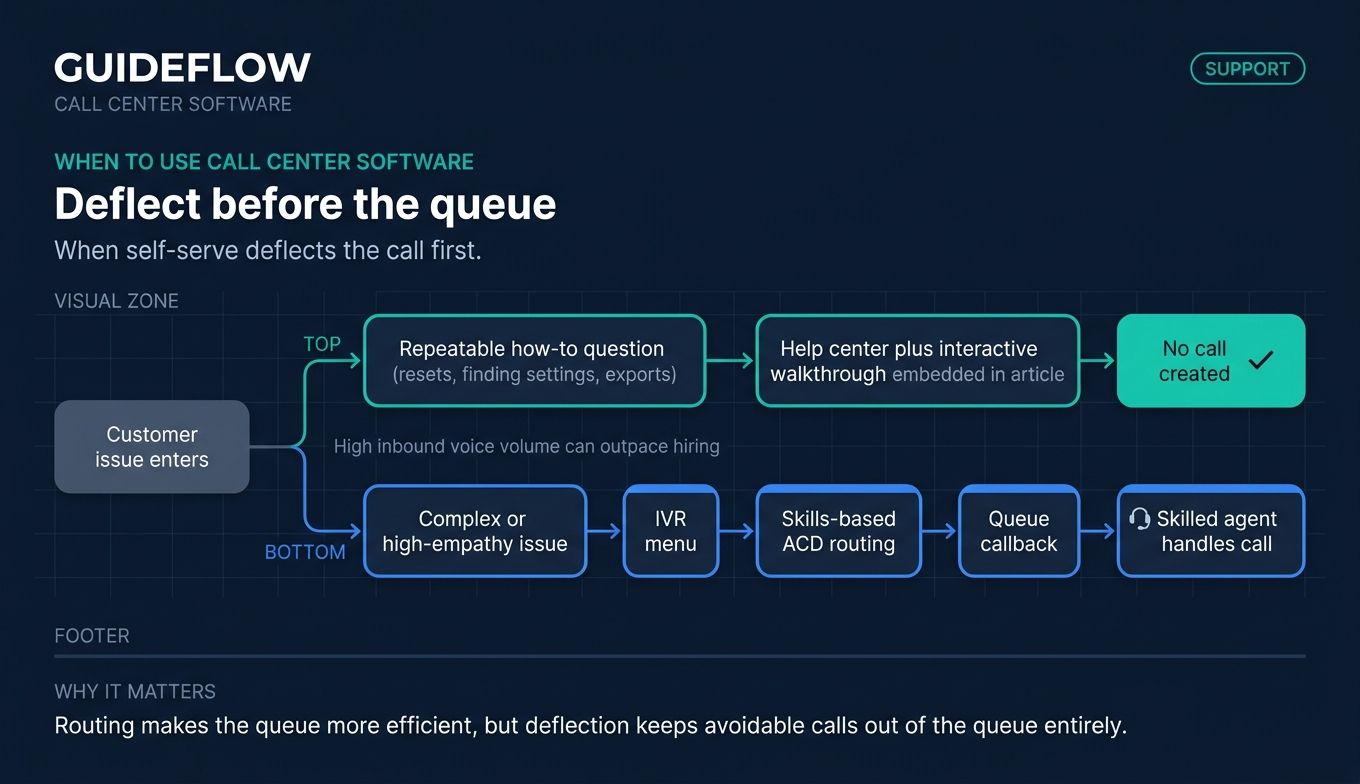
When call volume outpaces your hiring, routing and automation do the work people cannot. IVR menus, skills-based ACD, and queue callbacks keep wait times down without throwing more agents at the queue. This is the core case for call center technology: scale voice capacity without scaling headcount one-for-one.
Run outbound campaigns and proactive outreach at scale
Outbound call center software handles proactive outreach: renewal reminders, onboarding checks, or win-back campaigns. Power dialers and voicemail drop let a small team reach far more contacts per hour. Proactive calls catch issues before they become inbound tickets. For a deeper look at the outbound toolset, see our guide to the best auto dialer software and outbound call tracking software.
Deflect repetitive "how do I" questions before they reach the queue
A large share of inbound calls are repeatable how-to questions: how do I reset this, where do I find that, how do I export. These do not need a human voice. They need a clear answer at the moment of confusion.
Self-serve interactive walkthroughs resolve these questions inside your help center before a customer ever dials. A clickable guide embedded in a help article walks the user through the exact steps, so agents spend phone time on issues that genuinely need a person. Pairing a strong knowledge base with these guides means you build self-service experiences that deflect before a ticket is ever created. The cheapest call is the one that never happens. Pairing self-serve deflection with call center software lets your queue carry the calls that actually need a human, and nothing else.
Comparison table
Here is the full lineup at a glance. We sorted by relevance to SaaS support teams, leading with helpdesk-native and fast-deploy options before enterprise contact center software. Pricing reflects published entry tiers, and G2 ratings come from live listings as of June 2026.
| # | Product | Intent | Key use case | Pricing | G2 rating |
|---|---|---|---|---|---|
| 1 | Zendesk | Helpdesk-native voice | Voice inside an existing ticketing workflow | From $19/agent/mo (Support Team), billed yearly | 4.3/5 |
| 2 | Aircall | Fast-deploy cloud telephony | Quick setup with deep CRM and helpdesk integrations | From $30/license/mo, billed annually | 4.4/5 |
| 3 | Five9 | AI-driven cloud contact center | Scaling omnichannel support with WEM | From $119/seat/mo | 4.1/5 |
| 4 | RingCentral | Unified comms plus contact center | Consolidating phone and contact center | From $19.99/user/mo | 4.3/5 |
| 5 | Dialpad | AI-first voice | Real-time transcription and sentiment | From $15/user/mo, billed annually | 4.4/5 |
| 6 | Talkdesk | Enterprise CCaaS | Deep customization and self-service automation | From $85/user/mo | 4.4/5 |
| 7 | Genesys Cloud CX | Enterprise cloud CX | Predictive routing and journey orchestration | From $75/user/mo, billed annually | 4.4/5 |
| 8 | NICE CXone | Enterprise CCaaS with WEM | QA and workforce management at scale | From $110/agent/mo | 4.3/5 |
| 9 | Nextiva | SMB VoIP plus contact center | Simple voice and CX for small teams | From $15/user/mo, billed annually | 4.5/5 |
| 10 | Twilio Flex | Programmable contact center | Full custom control with engineering resources | From $1.00/active user hour | 4.1/5 |
| 11 | GoTo Connect | Unified comms plus contact center | Distributed and virtual teams | Contact sales | 4.5/5 |
| 12 | LiveAgent | Helpdesk with built-in call center | Ticketing plus voice in one budget tool | From $15/agent/mo, billed annually | 4.5/5 |
The 12 best call center software tools for 2026
1. Zendesk
Zendesk is an AI-powered service platform that resolves customer requests across email, messaging, live chat, phone, social, and help center. Its call center capability (Zendesk Talk and Contact Center) lives inside the same ticketing system your agents already use, so a call becomes a ticket with full context attached. For SaaS support teams already running Zendesk, voice stops being a separate tool and becomes one more channel in the queue. You can also see how Zendesk's interface works in this interactive Zendesk demo.
Best for: SaaS support teams that already run Zendesk and want voice inside their existing ticketing workflow.
Key strengths
- Email and ticketing system: every call logs as a ticket with full customer history, so agents pick up context instantly.
- AI Agents and knowledge base: automated resolution and a connected knowledge base deflect repetitive questions before they reach an agent.
- Messaging, live chat, telephony, and omnichannel routing: one platform routes voice alongside digital channels with shared reporting.
Why choose Zendesk: If your support team measures itself on FCR and CSAT, having voice in the same place as your tickets removes the context-switching tax. Agents stop hunting across tabs, and managers get unified analytics across every channel. It fits teams that want their phone line to feel native, not bolted on.
Zendesk pricing: Plans start at $19 per agent per month (Support Team) billed yearly for core support. Suite Team is $55 per agent per month and adds AI Agents, knowledge base, omnichannel routing, messaging, live chat, and telephony. Suite Professional is $115 per agent per month with skills-based routing and IVR. Suite Enterprise plus Copilot is sales-priced. Zendesk offers a 14-day free trial, with no permanent free tier listed.
2. Aircall
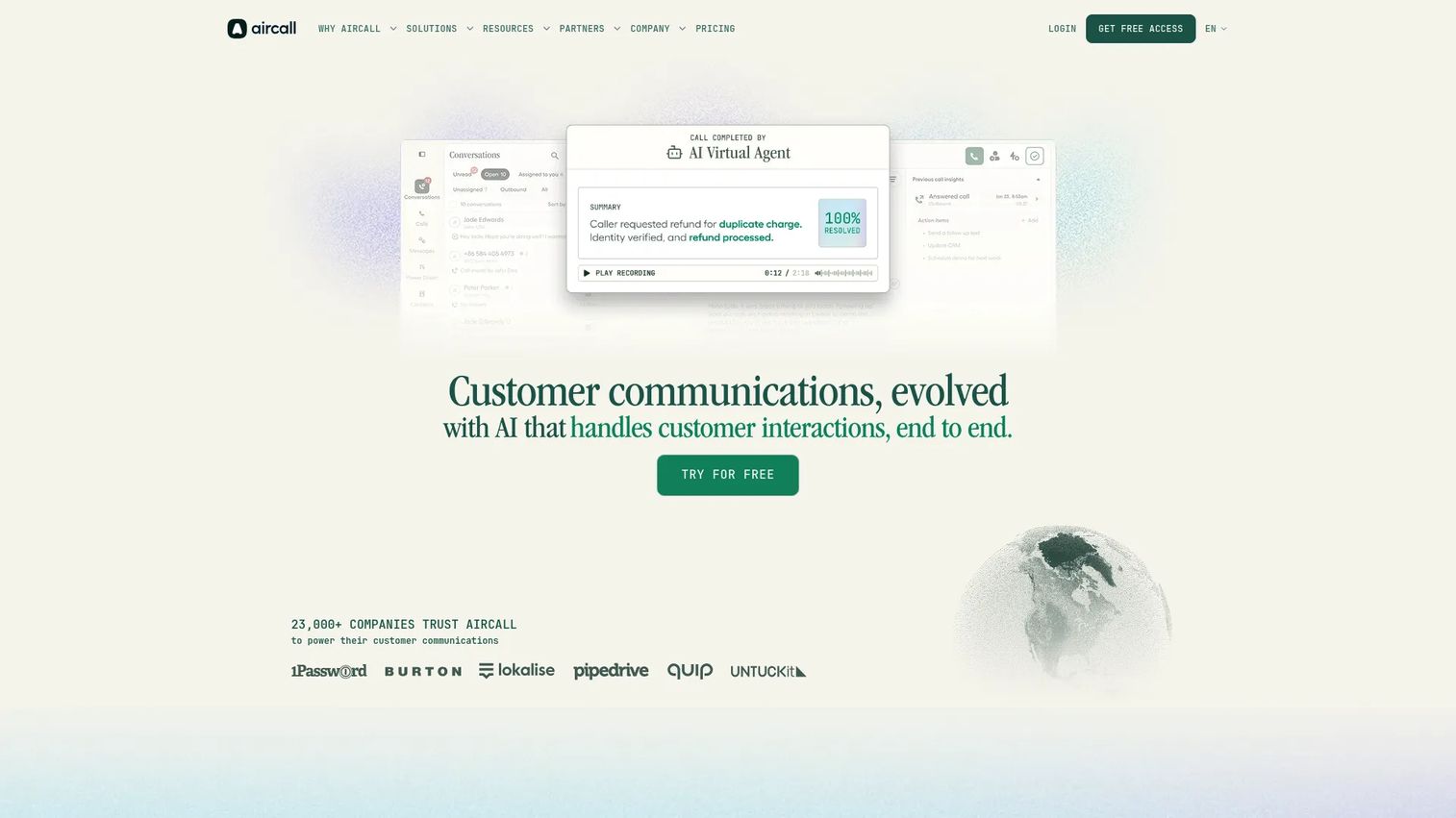
Aircall is a cloud telephony and call intelligence platform built for business calls, texts, customer context, and analytics. It is known for fast setup and deep integrations with CRMs and helpdesks like Salesforce, HubSpot, and Zendesk. Support and sales teams that want to deploy in days rather than months gravitate to it. Explore the platform in this interactive Aircall demo.
Best for: Support and sales teams wanting quick deployment with tight CRM and helpdesk integration.
Key strengths
- Business calling with local, toll-free, and international numbers: spin up numbers across regions without procurement delays.
- Call recordings, IVR, click-to-dial, shared inbox, and call tags: the core support toolkit out of the box, with tagging that feeds clean reporting.
- Integrations with CRMs and help desks, plus AI Assist and AI Voice Agents: customer context surfaces automatically, and AI handles routine interactions.
Why choose Aircall: Aircall trades deep enterprise customization for speed and simplicity. If your team needs a reliable cloud phone system connected to your CRM without a long implementation, it deploys quickly and the integrations work as advertised. It suits growing support and sales teams more than highly complex enterprise routing needs.
Aircall pricing: The Essentials plan starts at $30 per license, sold as 3 licenses for $90 per month billed annually. It includes 250+ integrations, API access, unlimited US and Canada calls, IVR, call recording, and SMS/MMS. Professional is $50 per license (3 licenses for $150 per month) and adds Salesforce CTI, advanced analytics, smart routing, queue callback, and Power Dialer. A Custom plan covers 25-license minimums with SLA and SSO.
3. Five9
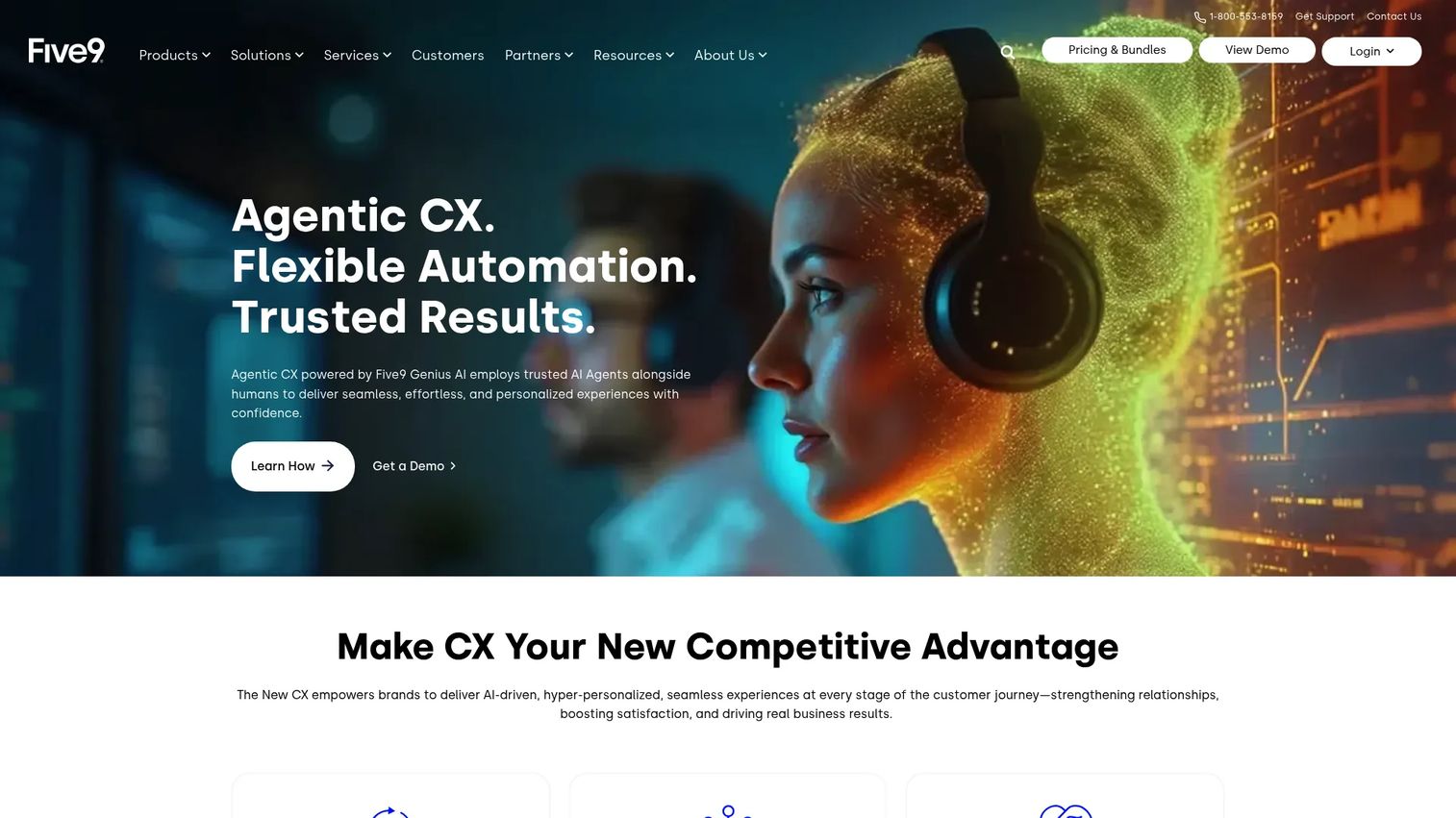
Five9 provides an Intelligent CX Platform for cloud contact centers that unifies data, automates routine work, and integrates with existing tools. It pairs AI-assisted agents with omnichannel engagement and workforce management, making it a fit for support orgs scaling past the SMB stage.
Best for: Mid-market and enterprise support teams that need omnichannel engagement, AI assistance, and workforce management.
Key strengths
- Omnichannel customer engagement: voice, chat, email, SMS/MMS, and social messaging routed from one platform.
- AI capabilities: AI Summaries, live transcription, AI Agent Assist, AI Knowledge, and Intelligent Virtual Agent reduce handle time and automate self-service.
- Contact center operations tools: blended inbound/outbound, recording, dialer, CRM adapters, workforce engagement, and analytics in one suite.
Why choose Five9: Five9 is built for scale, with the AI and WEM tooling larger support operations need to manage hundreds of agents. The tradeoff is a higher entry price and a 50-seat minimum, so it fits teams past the early stage rather than small squads. If you need predictive routing and deep automation, it delivers.
Five9 pricing: The Digital bundle starts at $119 per seat per month for digital channels only. Core is $159 per seat per month for all channels with AI essentials. Plus, Pro, and Enterprise bundles add advanced AI and WEM and are sales-priced. Pricing is per concurrent user, usage-based pricing may apply, and there is a 50-seat minimum.
4. RingCentral
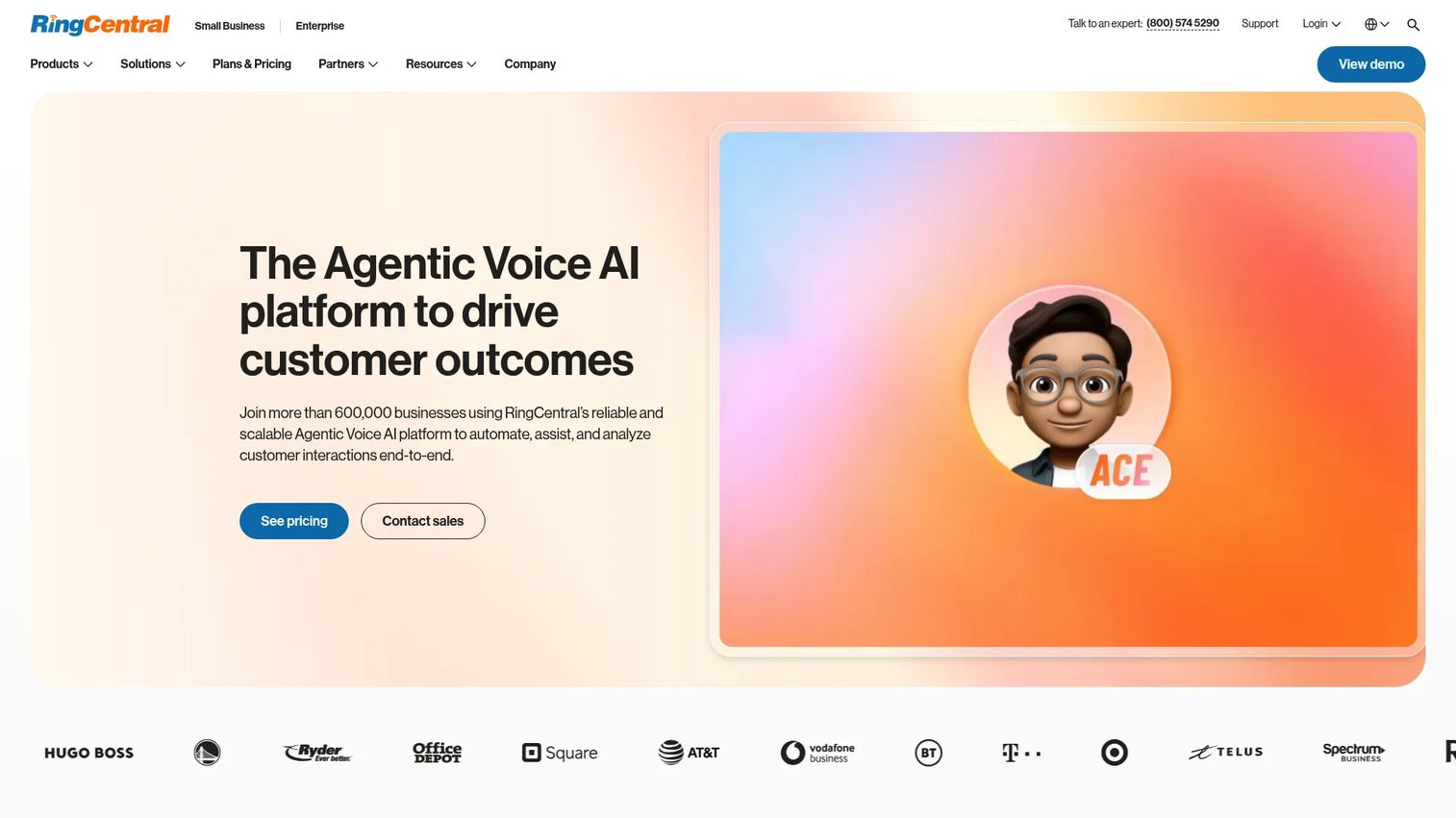
RingCentral is an AI-powered business communications platform covering business phone, SMS, contact center, video, and AI agents. It appeals to teams that want to consolidate phone and contact center under one vendor, with RingSense AI layered across calls and meetings.
Best for: Teams consolidating business phone and contact center into a single unified communications platform.
Key strengths
- AI-powered calls, messages, and meetings across devices: RingSense AI surfaces summaries and insights across every interaction.
- Business phone with unlimited US and Canada calling: a reliable foundation for both internal comms and customer support.
- Video, voicemail-to-text, internet fax, and automatic call recording on higher tiers: a broad communications suite beyond voice alone.
Why choose RingCentral: RingCentral makes sense when you want one platform for internal communications and customer-facing voice, rather than separate tools for each. The unified approach simplifies vendor management and billing. Teams that need a dedicated contact center can layer on RingCX, its AI-first contact center product, on top of the core phone system.
RingCentral pricing: RingEX plans start at $19.99 per user per month (Essentials). Standard is $24.99, Premium is $44.99, and Ultimate is $59.99 per user per month. You can pay monthly or annually, with annual billing saving up to 33%. A 14-day free trial is available, with no permanent free tier for RingEX.
5. Dialpad
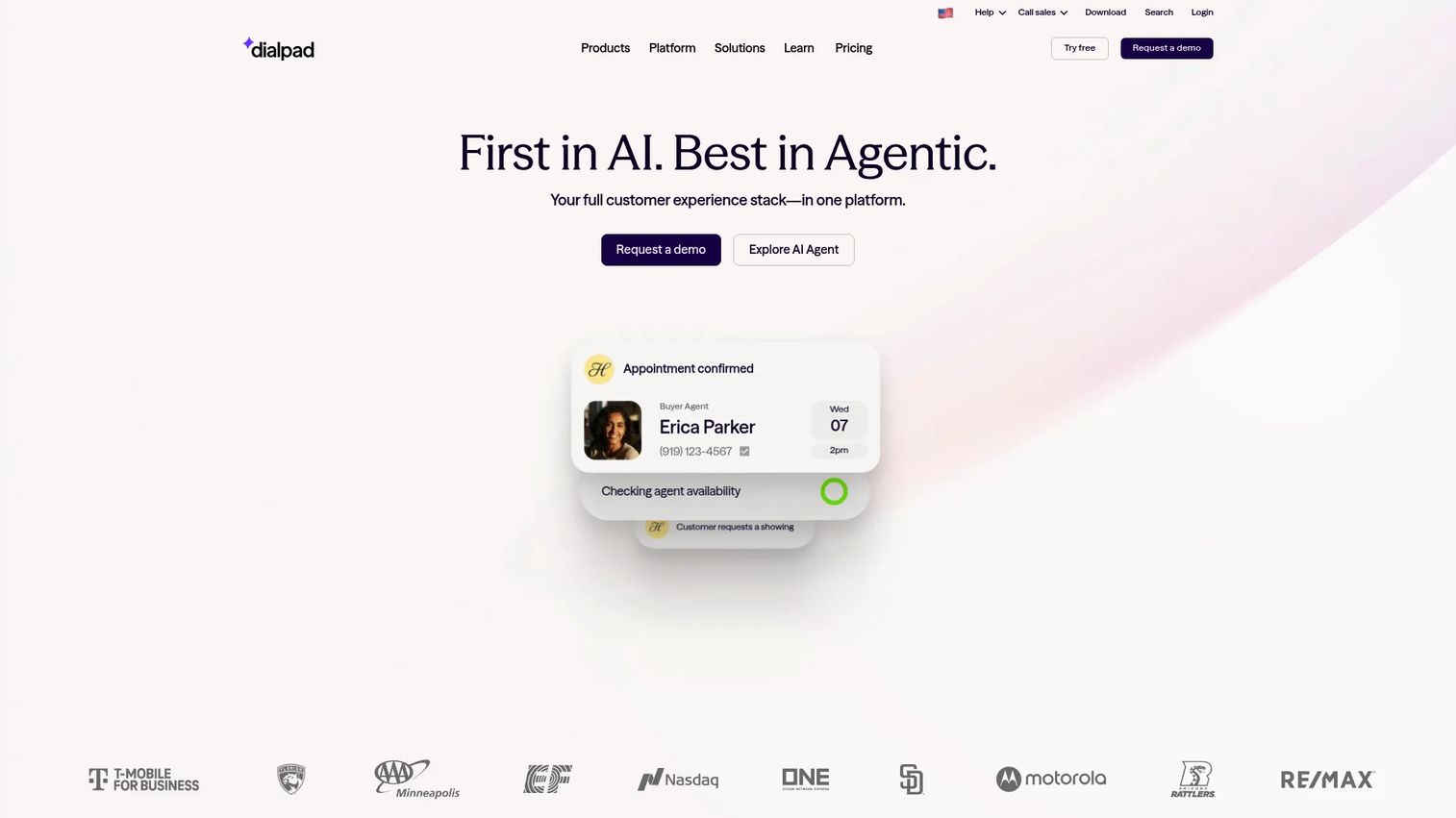
Dialpad is an AI-native customer communications platform spanning contact center, sales, calling, messaging, and meetings. Its differentiator is real-time AI: live transcription, sentiment analysis, and its own DialpadGPT model running during calls. Teams that want AI assisting agents in the moment choose it.
Best for: Support teams that want real-time AI assistance built into every call.
Key strengths
- AI-powered communications across calls, messages, and meetings: AI runs natively across the platform, not as an add-on.
- Real-time transcription, AI Recaps, and automated action items: agents and managers get summaries and next steps without manual note-taking.
- Integrations with Salesforce, Zendesk, Microsoft Teams, Google Workspace, and HubSpot: Dialpad slots into your existing support and sales stack.
Why choose Dialpad: If AI maturity is your top criterion, Dialpad leads on real-time, in-call intelligence. Live transcription and sentiment help agents adjust mid-conversation, and AI Recaps cut after-call work. It fits teams that want practical AI assisting agents now, not a roadmap promise.
Dialpad pricing: Dialpad Connect starts at $15 per user per month (Standard, billed annually). Pro is $25 per user per month, and Enterprise is sales-priced. A 14-day free trial is available, with no permanent free tier.
6. Talkdesk
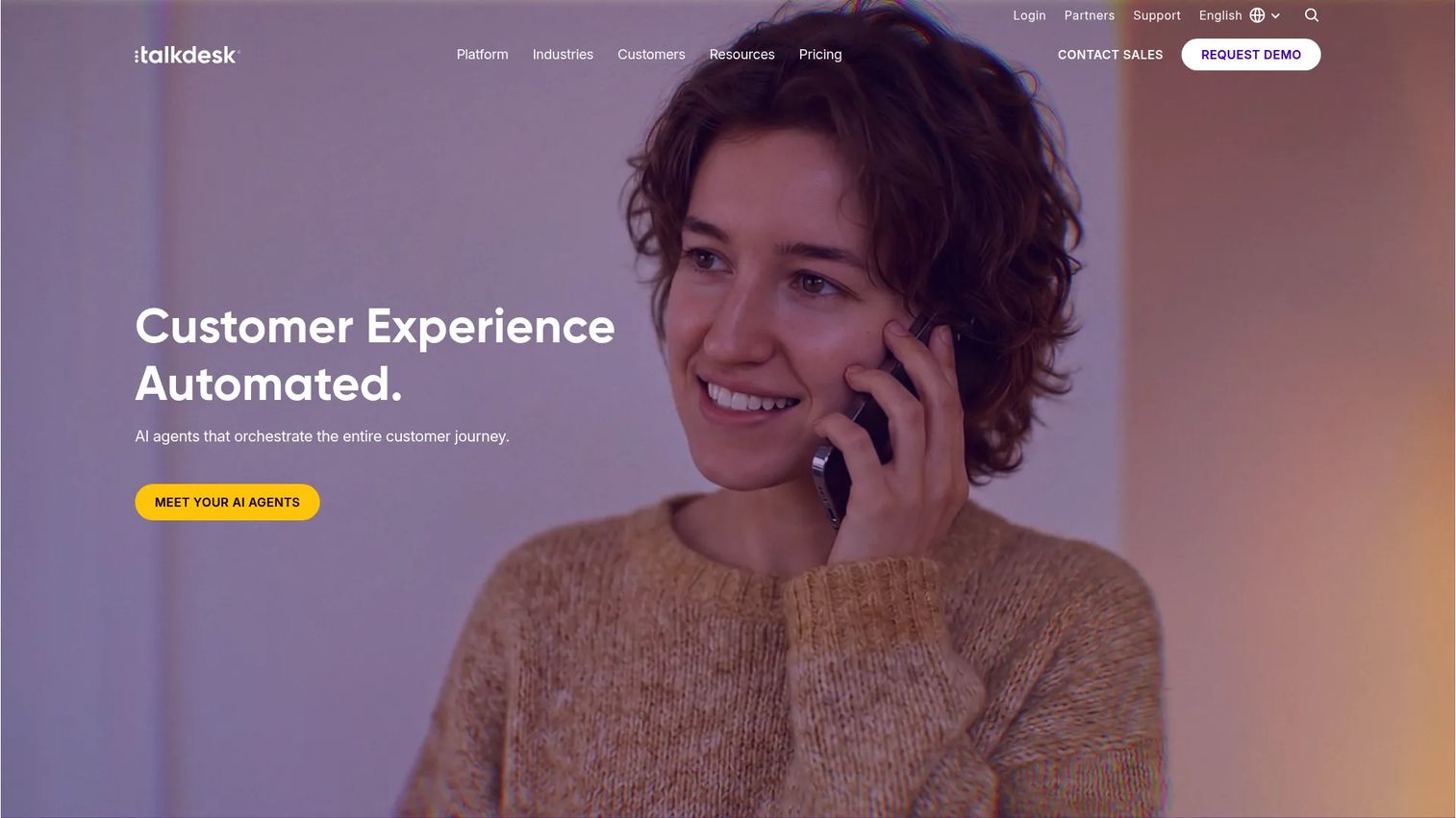
Talkdesk is a cloud contact center and customer experience automation platform for service, sales, and support teams. It leans heavily on AI-powered CX automation and deep customization, making it a fit for support orgs that need to tailor routing and workflows.
Best for: Mid-market and enterprise support orgs needing deep customization and AI-driven self-service automation.
Key strengths
- Digital Engagement for email, chat, SMS, and social messaging: full omnichannel support alongside voice.
- Voice Engagement with speech recognition and voicemail transcription: strong voice capabilities with AI built in.
- AI-powered CXA products: Copilot, Autopilot, Navigator, and Interaction and Quality Analytics automate and analyze across the journey.
Why choose Talkdesk: Talkdesk suits teams that need to shape the platform to their workflows rather than adapt to a fixed structure. Its Studio routing and CXA suite give support leaders room to build custom self-service and automation. The depth comes with a higher entry price, so it fits established support operations.
Talkdesk pricing: Digital Essentials starts at $85 per user per month. Voice Essentials is $105 per user per month and adds voice engagement, speech recognition, and voicemail transcription. Elite is $165 per user per month with custom reporting, screen recording, and workforce management. Industry Experience Clouds are $225 per user per month for industry-specific editions.
7. Genesys Cloud CX
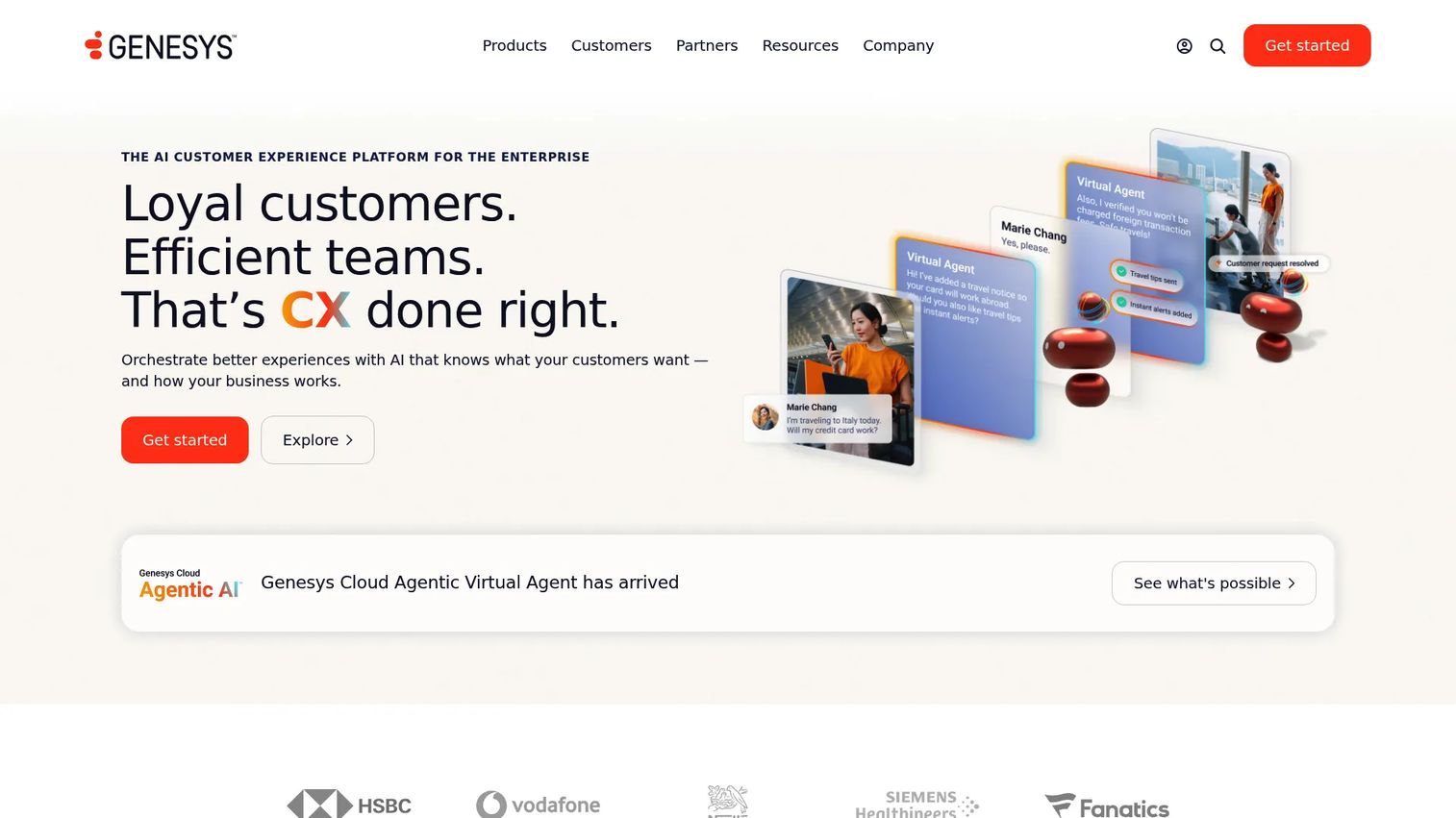
Genesys Cloud CX is an AI customer experience platform that orchestrates customer and employee experiences across contact center channels, automation, and journey management. It is built for large, omnichannel support operations that need predictive routing and journey orchestration.
Best for: Large support operations running omnichannel at scale with predictive routing needs.
Key strengths
- Voice channel, call routing, and speech-enabled IVR: strong voice foundation with intelligent, speech-driven self-service.
- Digital channels with omnichannel routing: unified routing across every channel a customer might use.
- Analytics and reporting: speech and text analytics plus customizable performance dashboards for support KPIs.
Why choose Genesys Cloud CX: Genesys fits enterprise support teams that need journey orchestration, predictive routing, and deep analytics across high volume. It scales from voice-only setups to full omnichannel with AI experience tokens layered in. The tiered model lets you start focused and expand as your channel mix grows.
Genesys Cloud CX pricing: Genesys Cloud CX 1 starts at $75 per user per month billed annually for voice contact centers. CX 2 is $115 and adds omnichannel with QA and compliance. CX 3 is $155 with full WEM. CX 4 is $240 per user per month, adding journey management and 30 AI Experience tokens per named agent.
8. NICE CXone
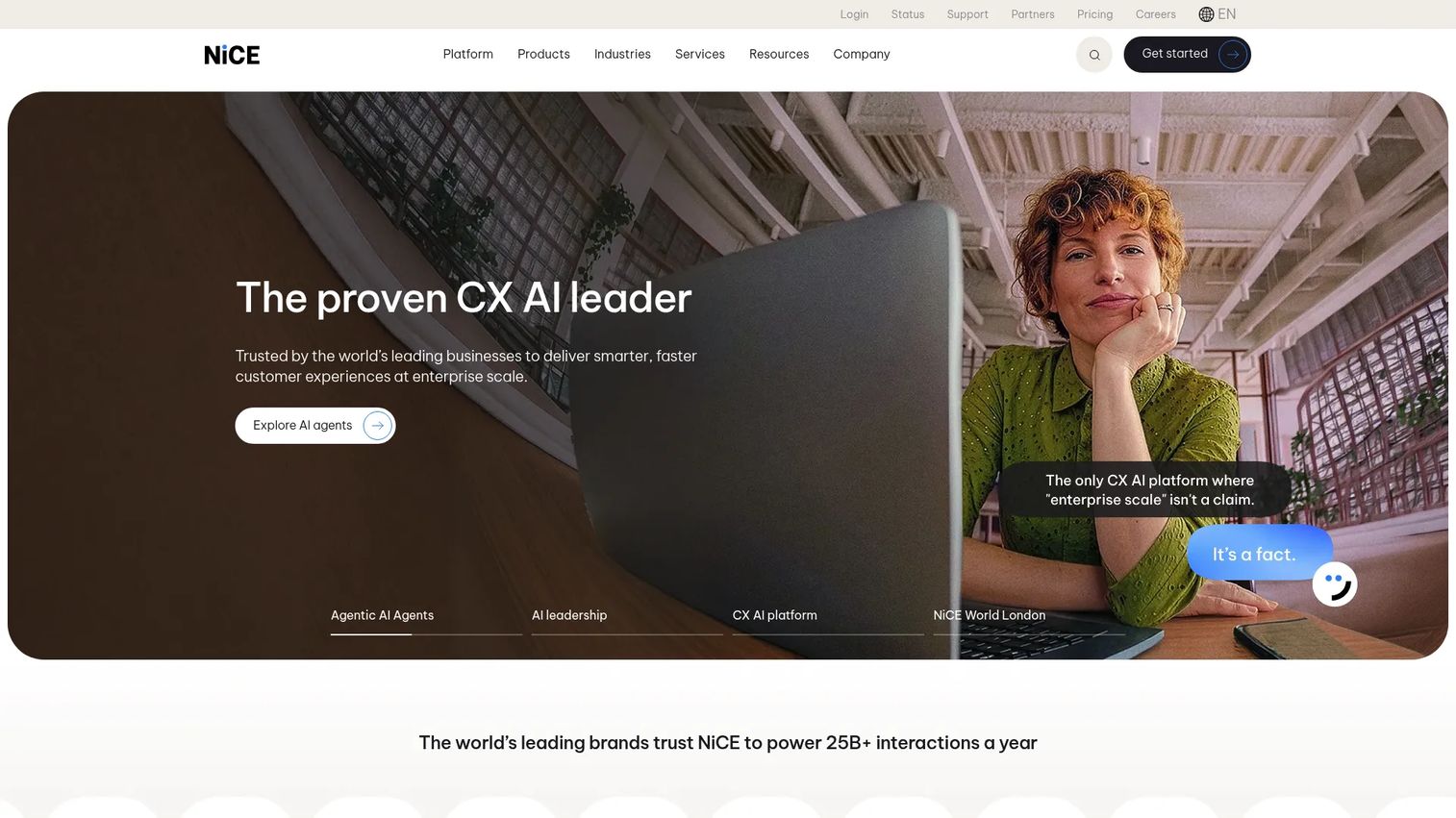
NICE CXone is an AI-powered customer experience platform for managing and automating interactions across the CX journey. It is a fit for large contact centers that prioritize quality assurance and workforce engagement alongside omnichannel routing.
Best for: Large contact centers prioritizing QA and workforce management on one platform.
Key strengths
- Voice and digital channels: full omnichannel coverage in a single platform.
- Omnichannel routing: route every interaction to the right agent across channels.
- Recording and compliance: built-in recording and compliance tooling for regulated and high-volume environments.
Why choose NICE CXone: NICE CXone is strong where QA and workforce management drive your operation. Its Enlighten AI and WEM tooling help large teams maintain quality at scale and forecast staffing. The entry price reflects its enterprise focus, so it suits established contact centers over small support squads.
NICE CXone pricing: The Omnichannel Suite starts at $110 per agent per month. Essential Suite is $135, Core Suite is $169, and Complete Suite is $209 per agent per month. The Ultimate Suite is $249 per agent per month or $0.25 per session. Pricing uses a monthly, usage-based, tiered model.
9. Nextiva
Nextiva is a unified customer experience and business communications platform spanning voice, video, messaging, contact center, and AI. It targets small and mid-sized businesses that want phone, messaging, and contact center tools in one place without enterprise complexity.
Best for: Small and mid-sized support teams wanting simple, reliable voice and CX in one platform.
Key strengths
- Business phone with inbound and outbound voice, call routing, and SMS: the core voice toolkit small teams need.
- Video meetings, screen sharing, file sharing, and team chat: internal collaboration bundled with customer-facing comms.
- Customer experience tools: live chat, chatbot, reporting, inbound call center, and AI transcription/summaries on higher plans.
Why choose Nextiva: Nextiva fits small support teams that value simplicity and an all-in-one platform over deep customization. You get phone, messaging, and contact center capability without stitching together vendors. Its highest G2 rating among the group (4.5/5) reflects reliability that smaller teams depend on.
Nextiva pricing: Small business plans start at Core for $15 per user per month, Engage at $25, and Scale at $75 per user per month (annual pricing). Contact center plans start at Essential from $75 per agent per month, with Professional and Premium available via sales. No free tier is listed.
10. Twilio Flex
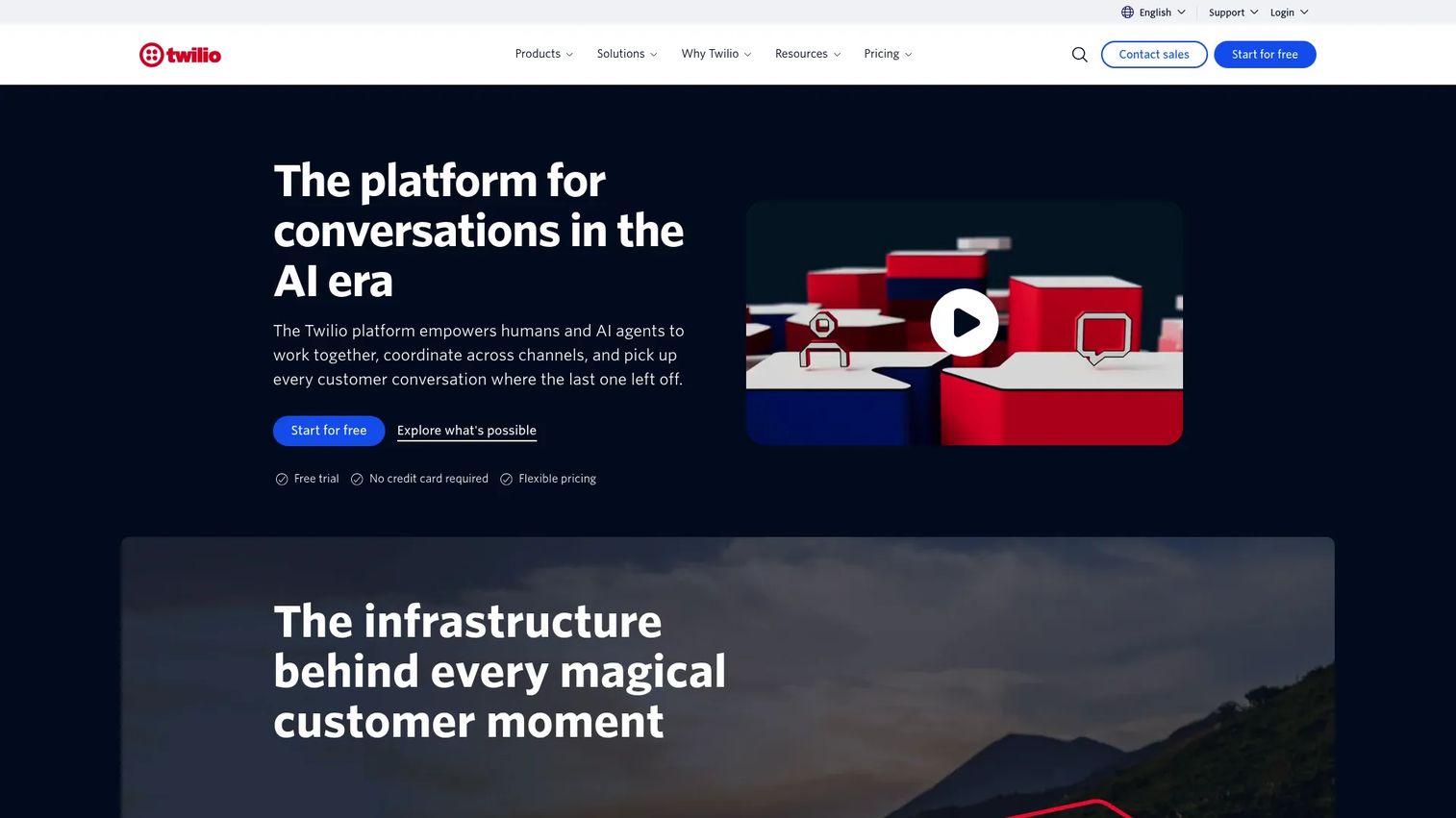
Twilio Flex is a programmable digital engagement center for sales and service, with a single UI and native channels to manage omnichannel customer experiences. It is built for teams with engineering resources who want full control over call flow, routing, and agent UI. See how it works in this interactive Twilio demo.
Best for: Teams with engineering resources that want full programmable control over their contact center.
Key strengths
- Native inbound voice and messaging channels: SMS, Facebook Messenger, WhatsApp, and WebChat built in.
- Programmable customization: shape call flow, routing, queue assignment, agent skills, and UI layout in code.
- Agent Copilot AI tools: propose responses, expedite complex tasks, and handle post-interaction wrap-ups.
Why choose Twilio Flex: Flex is the choice when an off-the-shelf platform cannot match your exact requirements. With developer resources, you build precisely the routing, integrations, and agent experience you need. The flip side is that it requires engineering investment, so it suits teams that have, and want to use, that capability.
Twilio Flex pricing: Flex offers a free trial with 5,000 free active user hours for new accounts. From there, pricing options include $35 per monthly active user plus metered usage, $150 per named user, or $1.00 per active user hour. Agent Copilot beta is priced separately at $0.035 per voice minute and $0.005 per digital message.
11. GoTo Connect
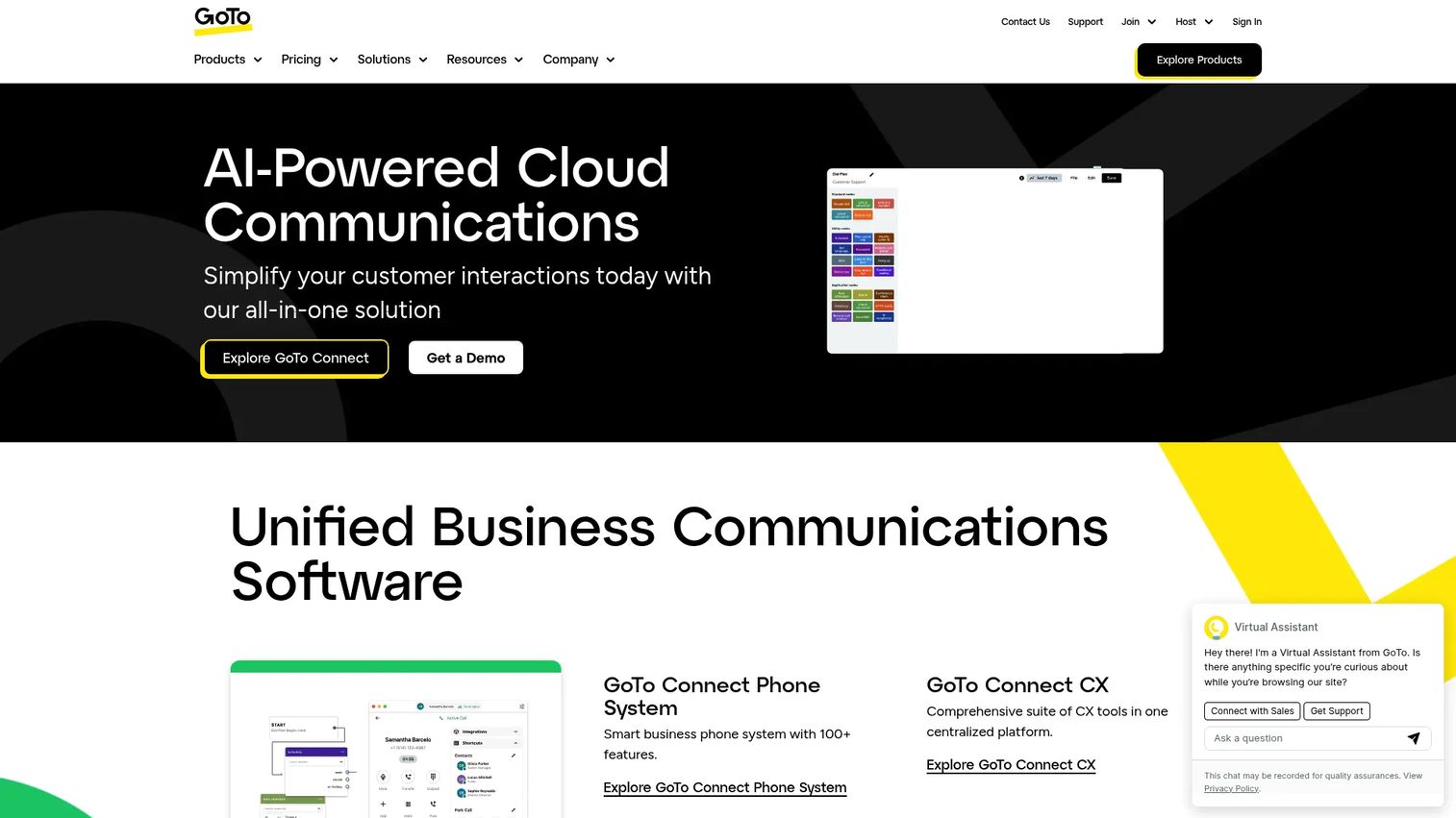
GoTo Connect is an AI-powered cloud communications platform combining business phone, messaging, meetings, customer experience, and contact center. It suits SMBs and distributed teams that want an integrated phone system with optional contact center capability and simple administration.
Best for: SMB and distributed or virtual teams wanting an integrated cloud phone system with simple admin.
Key strengths
- Cloud business phone system with softphone and SMS: a flexible foundation for remote and virtual call center setups.
- Video meetings with up to 250 participants: collaboration built alongside customer communications.
- AI features: AI receptionist, call summaries, sentiment analysis, and topic monitoring.
Why choose GoTo Connect: GoTo Connect is a fit for distributed support teams that want straightforward administration and a phone system that scales into contact center capability. The unified approach keeps your stack simple. Plans span Phone System, Customer Experience, CX Complete, and Contact Center to match your needs.
GoTo Connect pricing: GoTo Connect lists Phone System, Customer Experience (CX), CX Complete, and Contact Center plans. Pricing is available through sales rather than published on the pricing page, so request a quote based on your seat count and required tier.
12. LiveAgent
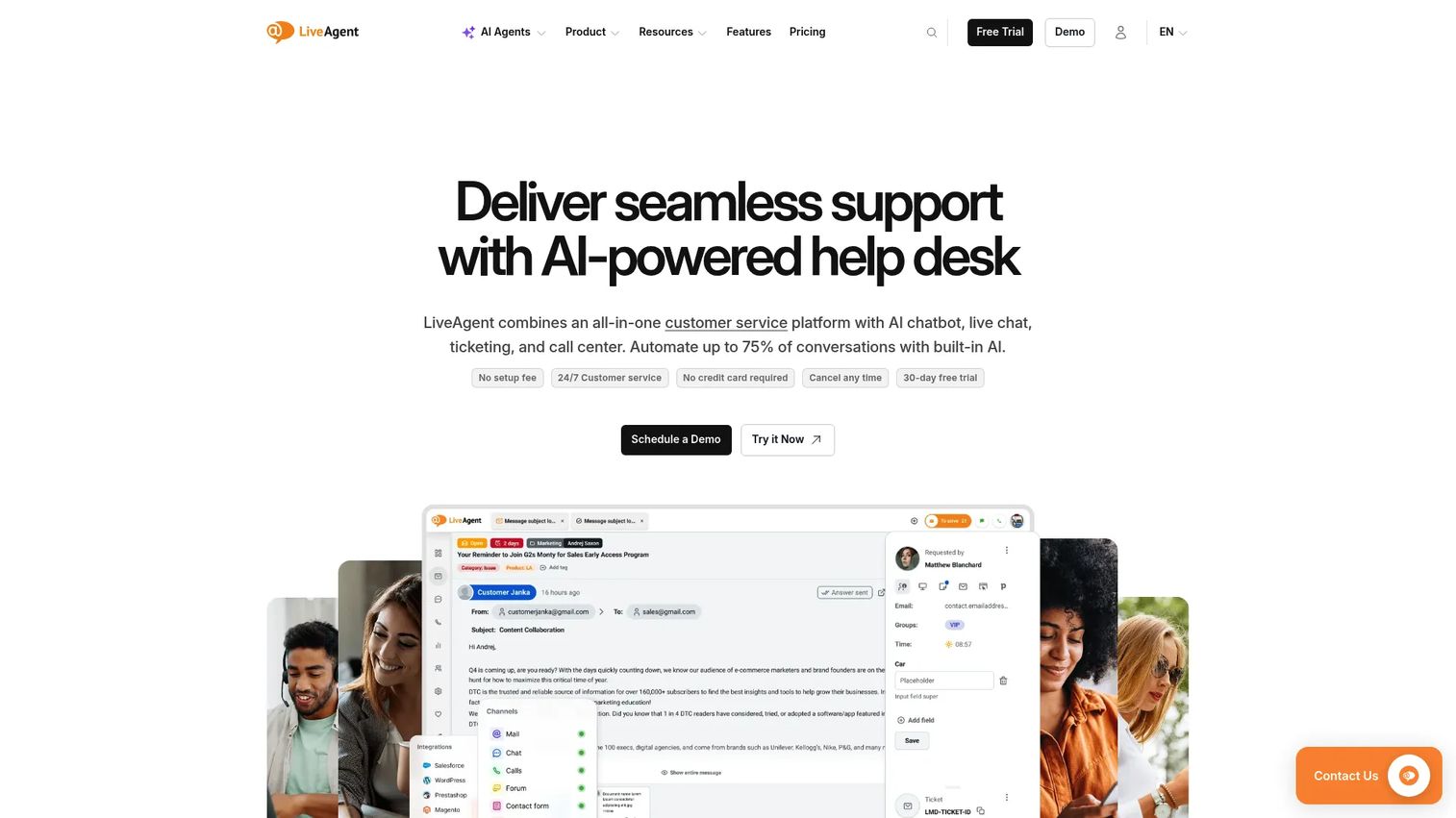
LiveAgent is an AI-powered help desk and customer service platform combining live chat, ticketing, call center, AI chatbot, and omnichannel support. It packs voice into a broader helpdesk at a budget-friendly price, making it a fit for small teams that want ticketing and a call center in one tool. Walk through the interface in this interactive LiveAgent demo.
Best for: Small support teams wanting ticketing and built-in voice in a single budget-friendly tool.
Key strengths
- Ticketing: a full ticketing system as the backbone, with voice as one connected channel.
- Live chat: strong real-time chat alongside the call center and ticket queue.
- Knowledge base: a connected knowledge base to deflect repetitive questions before they reach an agent.
Why choose LiveAgent: LiveAgent fits budget-conscious small teams that want their helpdesk and phone line under one roof. You get ticketing, chat, knowledge base, and call center without buying separate products. The call center and IVR features arrive at the Medium business tier, so plan around that if voice is central.
LiveAgent pricing: Small business starts at $15 per agent per month billed annually, with ticketing, live chat, knowledge base, and AI tools. Medium business is $29 per agent per month and adds call center and IVR. Large business is $49 and adds SSO and social channels. Enterprise is $69 per agent per month. A 30-day free trial is available, with no free tier.
Considerations: how to choose call center software for your support team
Beyond features, a few criteria separate a tool that fits your support operation from one that fights it. Run any shortlist through these checks. Beyond the 12 above, teams sometimes also evaluate 8x8, Vonage, and Webex Contact Center, all established contact center solutions worth a look if none of the picks here fit.
Helpdesk and CRM integration
The biggest practical question: does it sit inside your existing support stack, or add another tab? Native integrations with helpdesks and CRMs mean a call arrives with full customer context, and every interaction logs automatically. Check whether your specific CRM (Salesforce, HubSpot, Zendesk) is supported natively, not through a workaround. If you are still evaluating the CRM side of your stack, our roundup of the best CRM software is a useful companion read.
AI and automation maturity
Look past the AI label to what the AI actually does. Real-time transcription, call summaries, sentiment analysis, intelligent routing, and AI voice agents each cut handle time or deflect calls differently. Test the features your team will use daily rather than the longest feature list.
Pricing model and total cost of ownership
Per-seat pricing scales fast, so model your cost at your projected agent count, not today's. Watch for seat minimums (Five9 requires 50), usage-based add-ons, and annual-only contracts. Factor in the free trial length so you can validate before committing.
Security, compliance, and uptime/SLA
For support teams handling customer data, SOC 2, GDPR, and HIPAA where relevant are non-negotiable. Ask for the uptime SLA and historical reliability, since a phone system that drops calls costs you CSAT directly.
Reporting depth for support KPIs
Your platform should report on the metrics you are accountable for: first-contact resolution, average handle time, CSAT, and queue analytics. Check whether reports are exportable and whether dashboards segment by agent, channel, and queue. Shallow reporting hides the problems you need to fix.
Conclusion
The right call center software depends on where your support team sits today. If you already run Zendesk, voice inside your ticketing workflow is the path of least friction. If you want to deploy fast with deep CRM integrations, Aircall sets up in days. For AI assisting agents in real time, Dialpad leads on live transcription and sentiment.
Scaling mid-market and enterprise support teams should weigh Five9, Talkdesk, Genesys Cloud CX, and NICE CXone for their routing depth, AI, and workforce management. Small teams on a budget get strong value from Nextiva and LiveAgent, which bundle voice into broader plans. Teams with engineering resources can build exactly what they need with Twilio Flex.
The next step is simple: shortlist 2 to 3 tools that match your stack and scale, then start free trials. Test routing, AI features, and reporting against your real call volume before you commit. The platform that fits your existing workflow and reports cleanly on FCR, AHT, and CSAT is the one worth paying for. And to cut the calls that never needed a human in the first place, pair your platform with interactive product tours that guide users to answers on their own.
FAQs
Call center software is voice-focused, managing inbound and outbound calls, routing, and recording. Contact center software adds digital channels like chat, email, SMS, and social to the same platform. Most modern tools in 2026 are full contact center platforms with strong voice at their core, so the line between the two has blurred.
Entry-tier pricing typically runs from around $15 to $30 per user per month for SMB-focused tools, and from $75 to $120 per agent per month for enterprise contact center platforms. Custom and enterprise pricing usually kicks in when you need advanced AI, WEM, or higher seat counts, and some vendors set seat minimums. Most providers offer a 14-day or 30-day free trial rather than a permanent free tier.
A call comes in and hits the IVR, which routes it based on menu choices or caller data. The ACD assigns the call to an available, suitably skilled agent. During and after the call, the system records the interaction, transcribes it, and logs everything to your CRM or helpdesk. Managers then review analytics on volume, handle time, and resolution.
Nextiva and LiveAgent are strong picks for small teams. Nextiva bundles voice, messaging, and contact center into simple plans starting at $15 per user per month, with a 4.5/5 G2 rating for reliability. LiveAgent combines ticketing, chat, and a built-in call center starting at $15 per agent per month, with call center features at the $29 Medium tier.
Virtual call center software is cloud-based software that lets remote and distributed agents handle calls from anywhere using just a browser or app. There is no on-site hardware to maintain. It suits teams with remote agents or multiple locations who need consistent routing, recording, and reporting regardless of where agents physically sit.
Yes. Most modern call center platforms offer native integrations with major CRMs and helpdesks like Salesforce, Zendesk, and HubSpot. These integrations surface customer context automatically when a call arrives and log every interaction back to the record. For support teams, that context is what makes a call feel personal rather than starting from scratch.
AI handles several jobs: real-time transcription, automated call summaries, sentiment analysis, intelligent routing, and AI voice agents that resolve simple requests without a human. Live in-call assistance helps agents adjust mid-conversation, while post-call summaries cut after-call work. Together these reduce average handle time and deflect a share of calls entirely.
Reducing call volume starts with deflecting repeatable questions before they reach the queue. A clear help center with self-serve guides, IVR self-service options, and proactive communication catches issues early. Better routing also helps by resolving more on first contact, since industry benchmarks suggest aiming for 70 to 75% first-contact resolution per CallCenterStudio's 2026 data. Track which questions drive the most calls, then build self-serve answers for those specifically rather than guessing.