A resident emails a photo of an overgrown lot. The complaint lands in someone's inbox, gets copied into a spreadsheet, then written on a paper form an inspector carries into the field. The inspector takes photos on a personal phone, jots notes, and reconstructs the case back at the office. By the time a notice goes out, three systems have touched one violation and nobody can say for certain what the current status is.
That friction is expensive. It slows resolution, buries case history, and makes it nearly impossible to show a council member what happened to a specific property over time. The fix is not more staff. It is software that centralizes complaint intake, inspections, violations, notices, citations, and abatement into one record that follows the case from first report to closure.
The market has moved fast here. The global code enforcement software market was valued at roughly USD 1.2 billion in 2024 and is projected to reach between USD 2.5 and 4.5 billion by 2033, a compound annual growth rate near 9 to 14.5 percent depending on the forecast, according to DataHorizzon Research and Verified Market Reports. Roughly 60 percent of North American municipal governments had adopted some form of code enforcement software by 2024, per 9cv9, and cloud-based deployments now account for over 68 percent of new purchases. Local government software is no longer a nice-to-have. It is the operating layer for compliance work.
This guide is a buyer's shortlist for operators who need cleaner case history, stronger field continuity, and less manual handoff work.
What's inside
This list covers seven municipal code enforcement software platforms built for local government workflow: complaint intake, inspections, violation tracking, case management, and reporting. We evaluated each tool against the criteria that actually change how a department runs, not raw feature counts.
We weighed six factors:
- Centralized case management that holds the full property history
- Mobile inspections for field staff, including photos and notes
- Resident reporting portal for public complaint intake
- Workflow automation for routing and enforcement steps
- GIS integration and property data
- Reporting and dashboards for leadership and council
Each entry includes who it fits best, honest positioning, and pricing where a verified figure exists.
TL;DR
- Best overall: OpenGov, for mobile-friendly, centralized enforcement across a broader public-sector platform.
- Best for complaint intake and hearings: Citizenserve, with portal-driven self-service and end-to-end case handling.
- Best for enterprise suite buyers: Tyler Technologies, when code enforcement sits inside a larger permitting and licensing ecosystem.
- Best for field-first teams: iWorQ, with unlimited-user pricing and strong mobile access.
- Best for lean local government operations: Comcate, focused on straightforward CRM/311 and enforcement workflows.
- Best for modern government management breadth: GovPilot, with modular workflow automation and a report-a-concern app.
- Best for established civic platform buyers: Accela, for agencies running broad permitting and licensing digital transformation.
What is code enforcement software?
Code enforcement software is a system that local governments use to manage the full lifecycle of a code compliance case: complaint intake, inspections, violations, notices, citations, fines, abatement, and case history in one place. It replaces the mix of email, spreadsheets, paper forms, and disconnected permit records that most departments still stitch together by hand.
The category is sometimes called code enforcement management software or code compliance software, and it overlaps with permitting, licensing, and community development suites. The core job is the same across vendors: give staff a single source of truth for every property and every open case.
Most platforms in this category share a common feature set:
- Centralized case management: every complaint, inspection, photo, note, and notice tied to a property record and a status.
- Mobile inspections: a field inspections app that lets staff capture photos, log findings, and update cases from a phone or tablet, sometimes with offline continuity.
- Resident reporting portal: a public reporting portal or online citizen portal where residents submit complaints and track status.
- Workflow automation: rules that route cases, trigger notices, and standardize enforcement steps by violation type.
- GIS integration: map layers and property data so staff can see cases geographically and pull parcel history.
- Reporting and dashboards: case metrics, resolution times, and violation trends for leadership and council reporting.
The strongest code inspection software ties these together so a case never lives in more than one system. That is the difference between software that reduces manual work and software that just digitizes the same fragmented process.
When to use code enforcement software
Centralize complaint intake and case history
Complaints arrive by phone, email, walk-in, and web form. Without a single intake point, each channel becomes its own mini-backlog and evidence gets scattered across inboxes and drives. Code enforcement management software gives you one queue where every report, photo, and status update attaches to the property record. When a resident calls to ask about their complaint, any staff member can answer in seconds instead of hunting through email threads.
Equip inspectors in the field
Field inspections are where paper-based workflows break down hardest. Inspectors write notes, take photos on separate devices, and re-enter everything at the office, which introduces delay and transcription errors. Mobile inspections close that gap. Staff pull up the case on a tablet, capture geotagged photos, log findings against the code, and update status on site. Offline continuity matters for areas with poor connectivity, since work should never wait on signal.
Standardize routing and enforcement steps
Different violation types follow different paths. A weeds complaint and a structural hazard should not move through the same timeline. Workflow automation lets you codify each path once so notices, deadlines, escalations, and citations fire consistently regardless of who owns the case. This is what makes enforcement defensible: every property gets treated the same way, and the system records the steps for you.
Comparison table
The table below ranks the seven platforms by relevance to a code enforcement buyer. Most vendors in this category quote pricing based on population, module count, or user seats, so confirm current figures and ratings directly with each vendor before you shortlist.
| # | Product | Intent | Key differentiation | Pricing | G2 rating |
|---|---|---|---|---|---|
| 1 | OpenGov | Best overall | Centralized enforcement inside a broad public-sector platform with GIS-integrated asset and work-order workflows | Contact sales | 4.4/5 |
| 2 | Citizenserve | Complaint intake and hearings | End-to-end community development with portal self-service and included setup, training, and support | $150 per user/month or less | 2.5/5 |
| 3 | Tyler Technologies | Enterprise suite buyers | Code enforcement within an integrated permitting, licensing, and records ecosystem | Contact sales | 4.0/5 |
| 4 | iWorQ | Field-first teams | Unlimited users with population-based pricing and mobile field access | Population-based | 3.8/5 |
| 5 | Comcate | Lean local government | Focused CRM/311 and enforcement workflows with multilingual citizen experience | From $125 per user/month | Not listed |
| 6 | Accela | Established civic platform | Unified civic platform spanning permitting, licensing, inspections, and citizen services | Contact sales | 3.9/5 |
| 7 | GovPilot | Modern government breadth | Modular workflow automation with GIS map and report-a-concern app | Population and module based | Not listed |
1. OpenGov
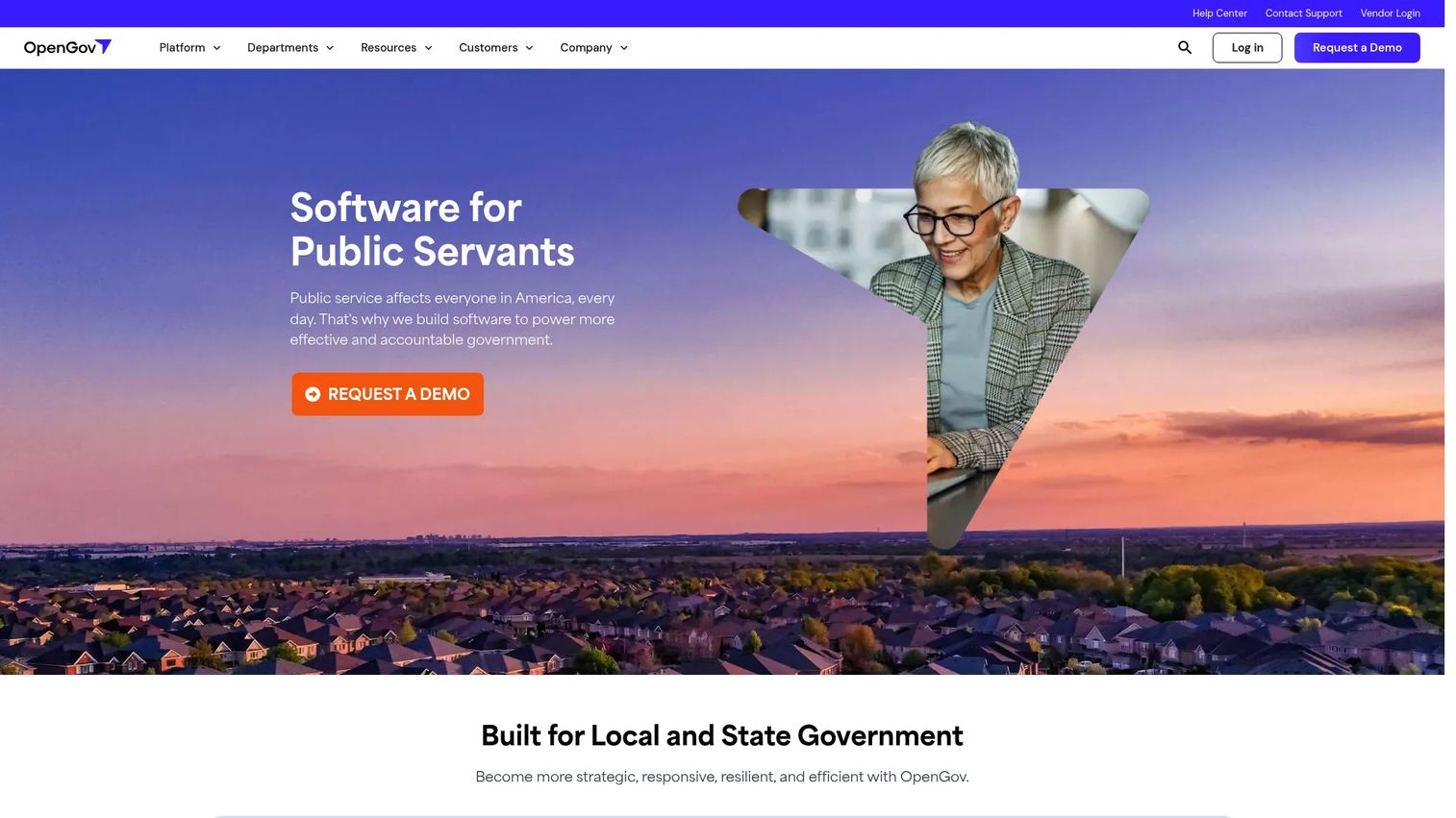
OpenGov is a public-sector software platform covering budgeting, procurement, asset management, permitting, tax and revenue, and financial management. For code enforcement teams, the draw is that enforcement work lives inside the same platform that handles permitting and asset workflows, so property data and case history do not sit in a separate silo. Its enterprise asset management includes work orders, asset tracking, GIS integration, and reporting, which maps cleanly onto how enforcement and public works often overlap.
Best for: Local and state governments modernizing budgeting, procurement, assets, and finance alongside enforcement in one platform.
Key strengths
- GIS-integrated workflows: Asset and work-order tools tie to map layers and parcel data, so cases have geographic and property context.
- Broad platform coverage: Budgeting, procurement, permitting, and asset management reduce the number of systems a city runs.
- All-inclusive asset packaging: OpenGov describes its asset management package with unlimited users, which suits departments that add field staff over time.
Why choose OpenGov: Choose OpenGov when you want enforcement to be one workflow inside a wider government operating platform rather than a standalone tool. The consolidation is the point. If your city is already modernizing finance, procurement, or permitting, running enforcement on the same platform keeps property and case data connected across departments and cuts the manual reconciliation between systems.
OpenGov pricing: OpenGov does not publish numeric prices on its site. Its asset management page describes an all-inclusive package with unlimited users but directs buyers to contact sales for a quote. The company holds a 4.4/5 seller rating on G2. Confirm current pricing and packaging directly with OpenGov before you shortlist it.
2. Citizenserve
Citizenserve is cloud-based community development software built for local governments that need an all-in-one platform. It covers online permitting and plan review, code enforcement and inspections, licensing, planning and zoning, and request tracking. For enforcement specifically, the strength is depth across the full case lifecycle: complaint intake, inspections, case routing, violations, notices, fines, hearings, and abatement all live in one workflow, with a resident reporting portal for public self-service.
Best for: Small to mid-sized local governments that want an all-in-one community development platform with strong resident self-service.
Key strengths
- End-to-end case handling: Intake through hearings and abatement in a single system, so nothing falls out of the record.
- Resident self-service portal: An online citizen portal for complaint submission and status tracking reduces phone volume.
- Included services: The vendor states setup, configuration, project management, and online training are included at no additional fee.
Why choose Citizenserve: Choose Citizenserve when hearings, notices, and abatement are central to how your department operates and you want that entire sequence handled in one place. The included setup and training model also matters for lean teams that cannot absorb a heavy implementation project. It fits departments that want the full community development suite rather than a narrow enforcement-only tool.
Citizenserve pricing: Citizenserve prices on dedicated user subscriptions at $150 per user per month or less, with all features included and, per its site, no annual fees, setup fees, or hidden charges. The platform holds a 2.5/5 rating on G2 based on a small review count, so weigh that against your own reference calls. Verify current terms with the vendor.
3. Tyler Technologies
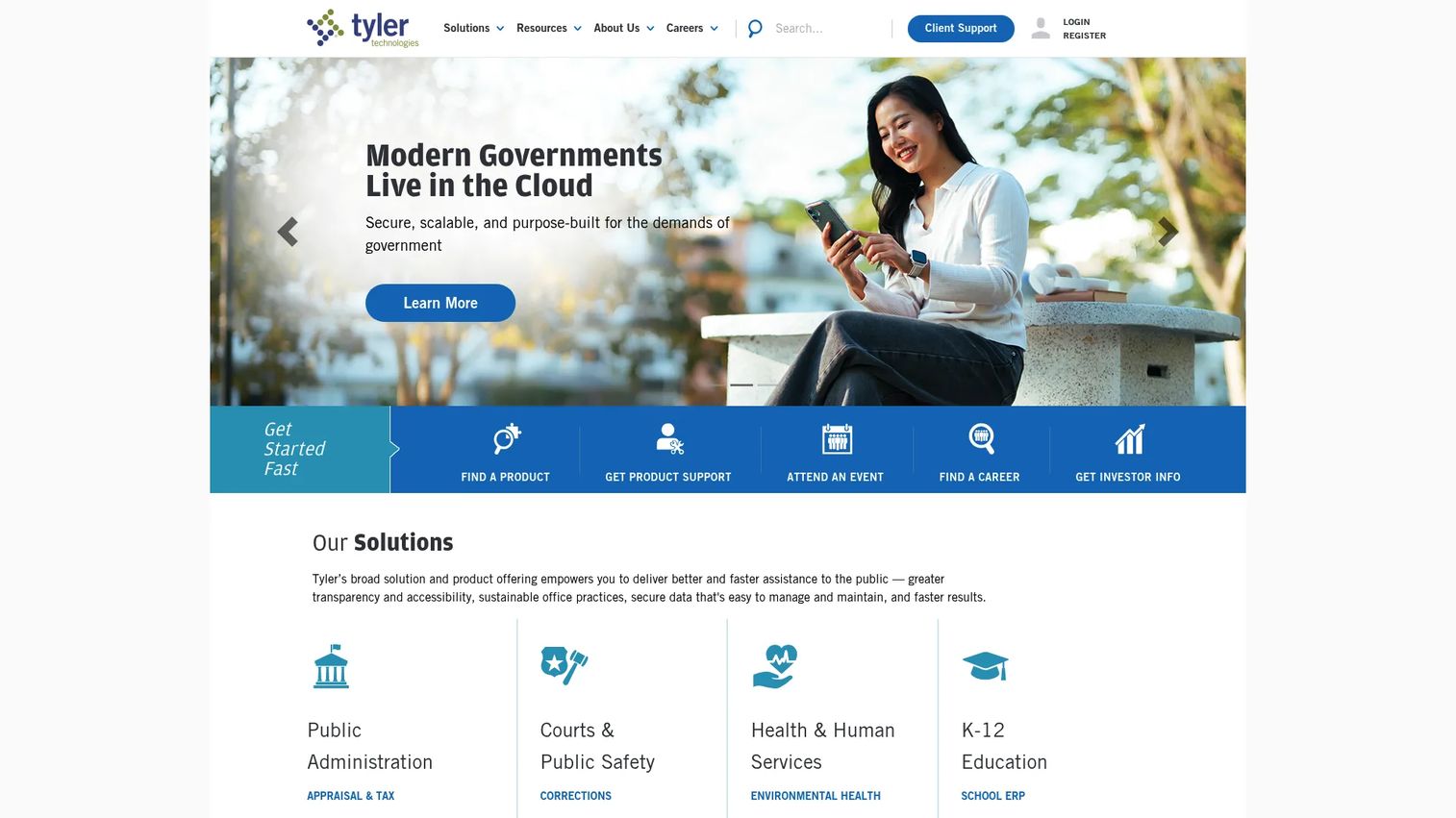
Tyler Technologies is a public-sector software and services provider for government and schools, with integrated products across public administration, courts and public safety, health and human services, and K-12 education. For code enforcement, Tyler's value is context: enforcement fits inside a broader permitting, licensing, and records ecosystem, backed by cloud platform technologies like payments, data and insights, and cybersecurity. Larger municipalities already running Tyler infrastructure get centralized case history, mobile field tools, and reporting without adding a disconnected vendor.
Best for: State, local, and K-12 organizations that need integrated government software and want enforcement inside a wider suite.
Key strengths
- Integrated ecosystem: Permitting, licensing, records, and ERP share data, so enforcement cases connect to the rest of government operations.
- Cloud platform services: Payments, data and insights, and cybersecurity are built into the platform layer.
- Suite consolidation: Product suites for permitting, records, and ERP reduce vendor sprawl for larger agencies.
Why choose Tyler Technologies: Choose Tyler when suite consolidation is the goal and code enforcement is one of many workflows you want on shared infrastructure. It is strongest for larger municipalities that already run Tyler for finance, courts, or permitting and want enforcement to inherit the same data, reporting, and security posture rather than standing up a separate system.
Tyler Technologies pricing: Tyler does not publish public pricing for its core products, and quotes depend on product mix and implementation scope. The company holds a 4.0/5 seller rating on G2. Because pricing is not listed, request a scoped quote that reflects your module set and user count before comparing it against other options.
4. iWorQ
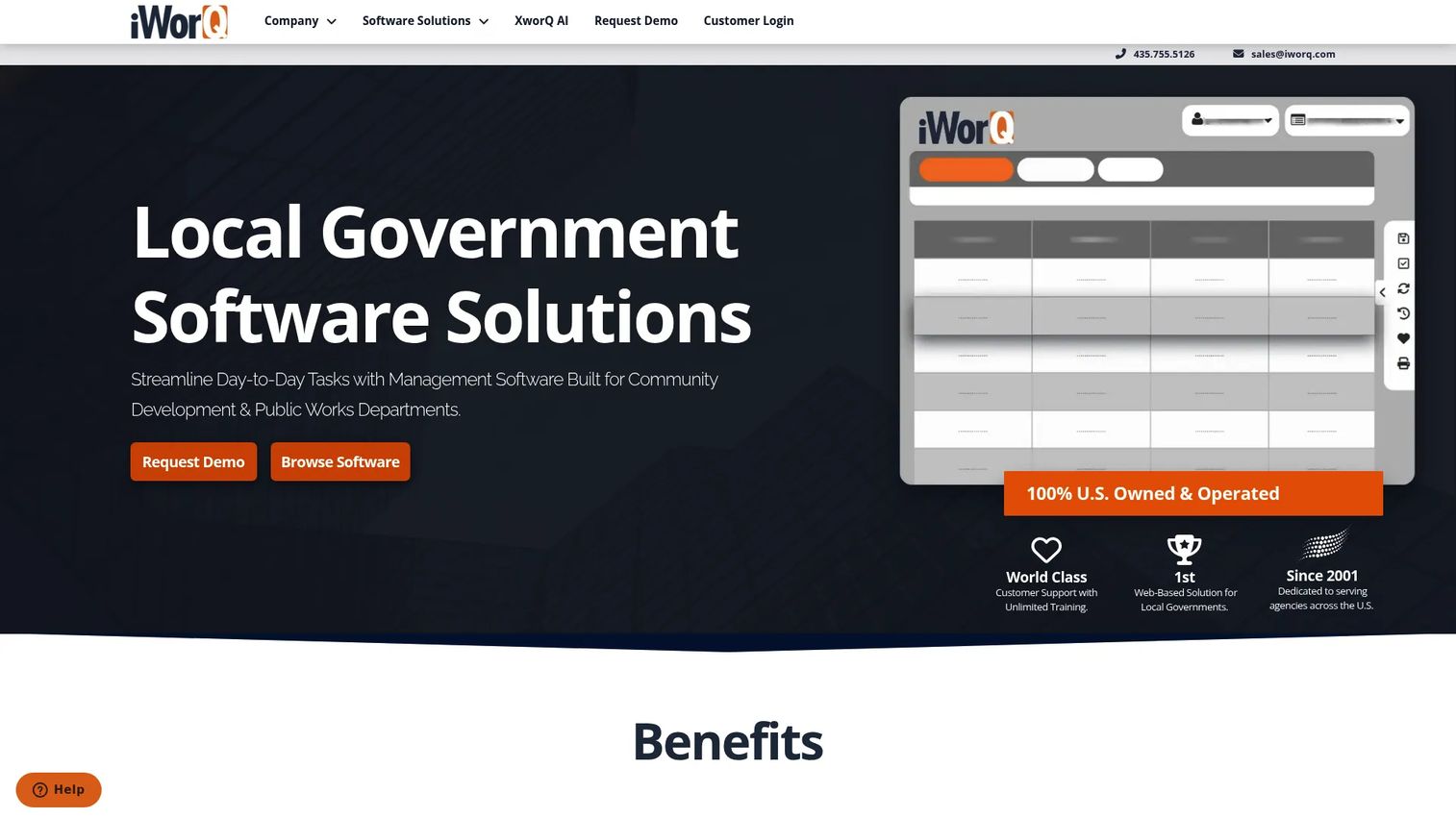
iWorQ is web-based local government software for public works and community development departments, with modules spanning permits, code enforcement, licensing, asset management, fleet, stormwater, and pavement. The practical framing is what stands out: iWorQ leans field-first, with mobile access for both field and office use and a unified platform that keeps enforcement close to public works. GIS integration and case management support the day-to-day work of inspectors who spend more time in the field than at a desk.
Best for: Cities, counties, and agencies that need a unified public works and community development platform with strong field usage.
Key strengths
- Mobile field access: Built for field and office use, so inspectors work cases from wherever they are.
- Unlimited users and support: Training, support, and updates are included, which removes per-seat friction as teams grow.
- Broad module coverage: Permits, code enforcement, licensing, asset management, and more on one platform.
Why choose iWorQ: Choose iWorQ when field work drives your operation and you want practical case management without large-suite complexity. The unlimited-user model is a real advantage for departments that share cases across many staff or add seasonal field help. It fits teams prioritizing straightforward workflows and mobile continuity over an enterprise-scale ecosystem.
iWorQ pricing: iWorQ states that pricing is based on population and describes a straightforward, unlimited-user model with no per-seat fees, though it does not publish a numeric starting price. The platform holds a 3.8/5 rating on G2. Ask for a population-based quote that reflects your city size and module selection to compare it fairly against seat-priced options.
5. Comcate
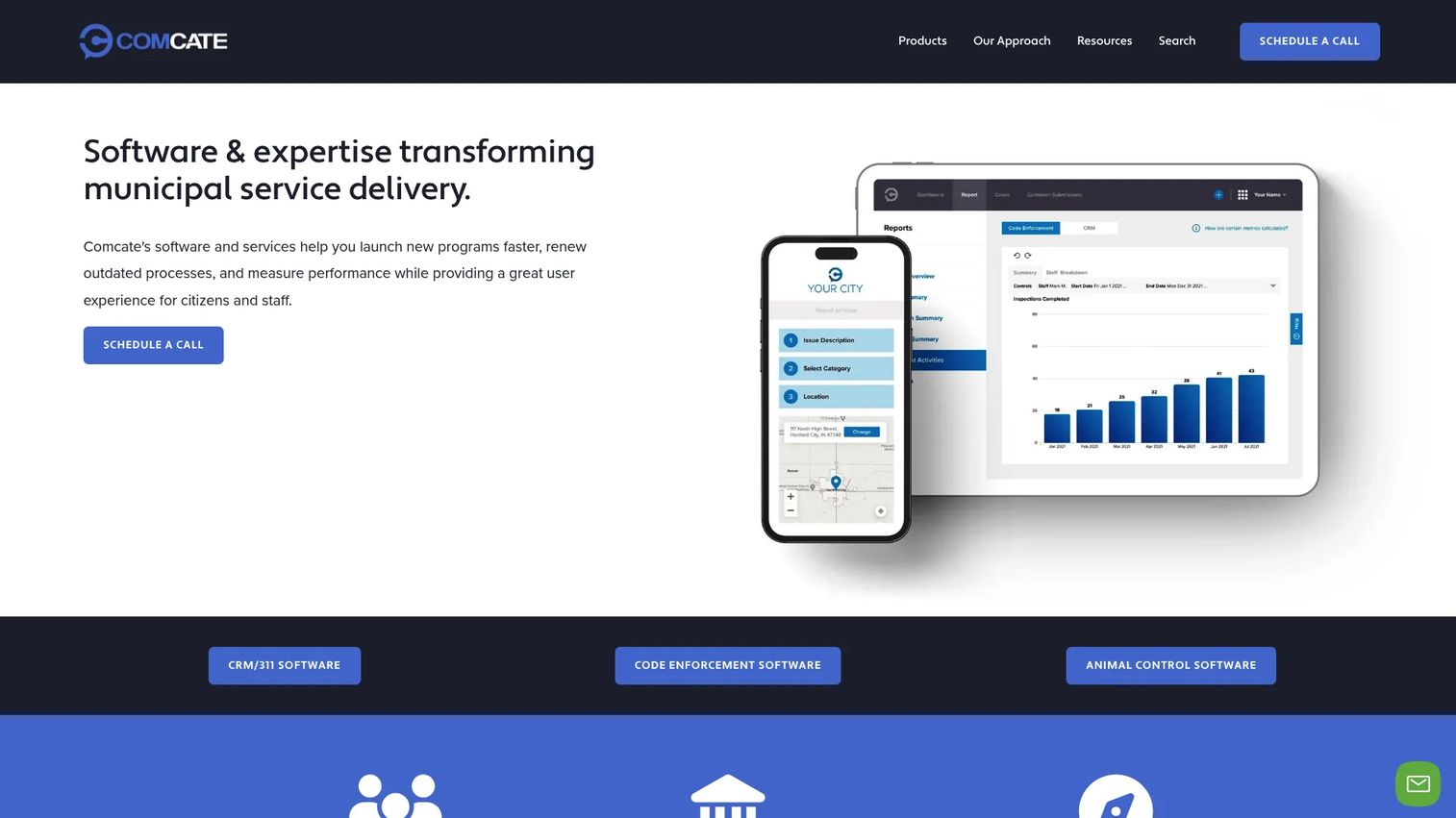
Comcate is cloud software for municipal service delivery, including CRM/311, code enforcement, and animal control. It positions itself as a focused option for departments that want straightforward enforcement workflows rather than a sprawling suite. Core capabilities include CRM/311 case and request management, code enforcement workflow automation and reporting, plus integrations, mobile access, and a multilingual citizen experience for public complaint intake.
Best for: Local government agencies that need municipal CRM/311 and code enforcement software without heavy suite overhead.
Key strengths
- CRM/311 case management: Requests and cases handled in one system, so resident service and enforcement share a record.
- Workflow automation and reporting: Standardized enforcement steps with reporting for leadership visibility.
- Multilingual citizen experience: A resident-facing intake experience that serves diverse communities.
Why choose Comcate: Choose Comcate when you want enforcement and constituent service handled cleanly without adopting a full permitting and licensing ecosystem. The focus is the advantage for lean departments. Teams that mainly need reliable intake, routing, and reporting, plus a citizen-friendly public portal, will find it maps to their reality rather than to a larger agency's org chart.
Comcate pricing: Comcate describes flexible pricing on its own site and does not publish a first-party number. Third-party listing on Capterra shows the code enforcement product starting around $125 per user per month, with an Essentials plan at $1,500 per year and a Professional plan at $7,500 per year. Treat these as directional and confirm current pricing directly with Comcate.
6. Accela

Accela is a government software platform for permitting, licensing, inspections, and citizen services. Code enforcement fits inside an end-to-end civic platform that runs from intake through inspection, approval, and renewal, alongside building permitting, planning and zoning, and business licensing. Reporting comes through its Enhanced Reporting Database and Accela Insights analytics. The breadth makes it a natural fit for agencies where enforcement is one piece of a broader digital transformation.
Best for: Government agencies that need a unified cloud platform for permitting and citizen service workflows, with enforcement included.
Key strengths
- End-to-end civic platform: Permit intake through inspection, approval, and renewal in one workflow.
- Broad government functionality: Building permitting, planning and zoning, and business licensing on the same system.
- Analytics and reporting: Enhanced Reporting Database and Accela Insights surface case and workflow metrics.
Why choose Accela: Choose Accela when code enforcement sits inside a larger digital transformation initiative and you want permitting, licensing, and enforcement on one civic platform. It fits agencies that need broad public-sector functionality and centralized workflows across departments, with resident access and integration breadth to match. It is strongest when enforcement is part of a multi-workflow modernization rather than a standalone purchase.
Accela pricing: Accela does not publish public prices. Per its FAQ, pricing depends on product mix, users and seats, volume discounts, ancillary products, and implementation complexity, and the company directs prospects to contact sales. Accela holds a 3.9/5 rating on G2. Given the quote-based model, scope your module set carefully before requesting a proposal.
7. GovPilot
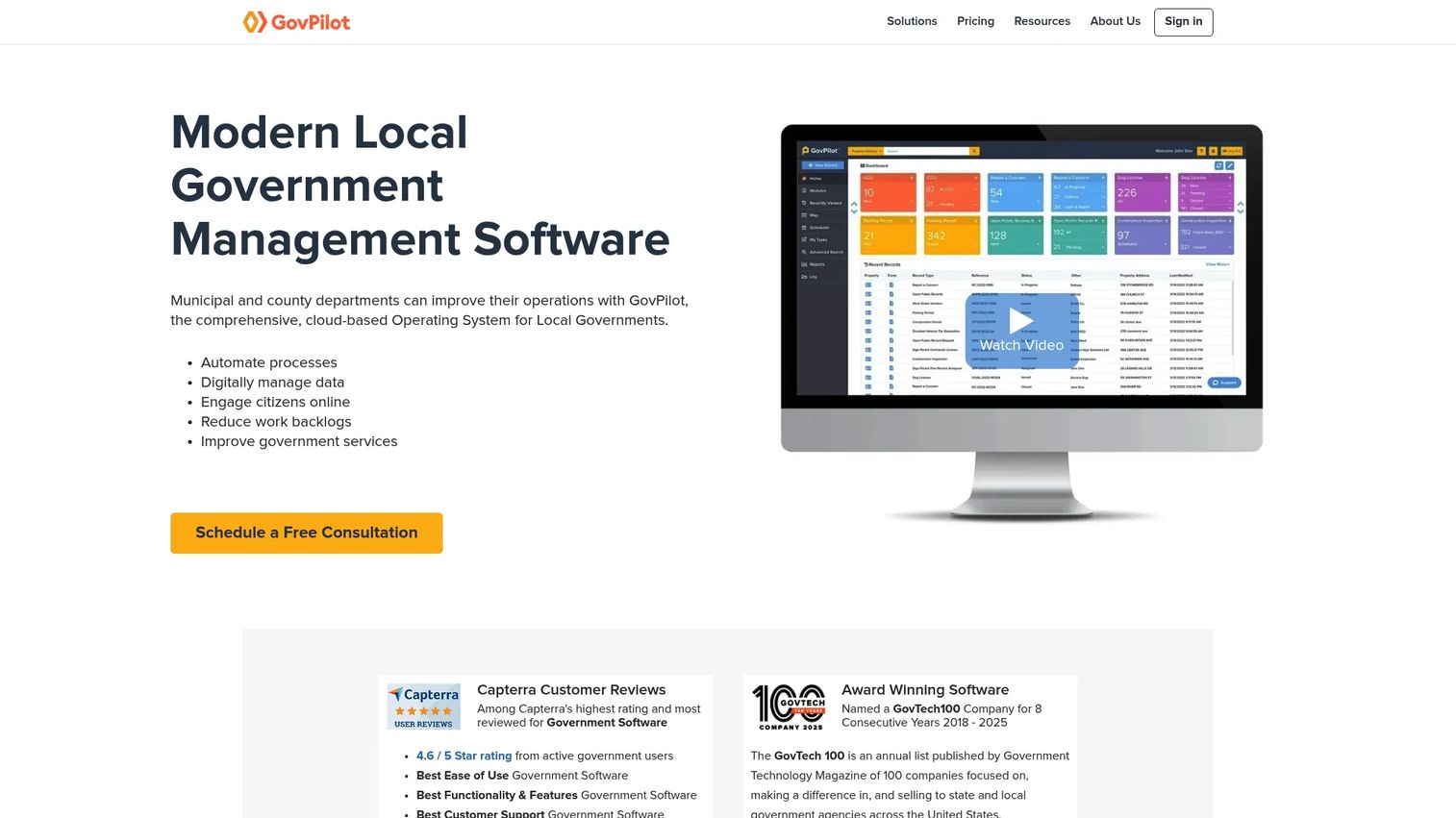
GovPilot is cloud-based government management software for local governments, built around templated modules and constituent service tools. Depending on plan, agencies get 5, 10, 20, or 125+ modules, unlimited users and support, plus a GIS map and a report-a-concern app for public intake. For code enforcement, that means enforcement can be one standardized workflow among many, which suits local governments trying to centralize multiple processes at once.
Best for: Local governments that need modular workflow automation and constituent service tools across many departments.
Key strengths
- Modular workflow automation: Templated modules let a city standardize enforcement alongside other processes.
- GIS map and concern app: Geographic case context plus a public report-a-concern app for resident intake.
- Unlimited users and support: No per-seat pricing, which helps as departments and case volume grow.
Why choose GovPilot: Choose GovPilot when centralizing multiple government processes matters as much as enforcement itself. The modular model lets you start with code enforcement and expand into adjacent workflows without switching vendors. It fits local governments that want cross-department coordination and a practical implementation path, with pricing that scales by population and modules rather than seats.
GovPilot pricing: GovPilot shows an instant estimate based on population size and modules selected, but its pricing page displays placeholders rather than public numeric prices, and it notes pricing is based on a five-year contract. Plans are named Essentials, Professional, Enterprise, and Unlimited. A verified G2 rating was not available, though Capterra reviews are positive. Request a population-based estimate directly to confirm figures.
Considerations before you buy
The right shortlist depends less on feature counts and more on how each platform fits your actual workflow. Weigh these criteria before you commit.
Case management depth
Every platform claims case management, but depth varies. Confirm that a single property record holds every complaint, inspection, photo, note, notice, citation, and abatement action with clear status. Ask how history displays for a property with multiple past cases, since that view is what council members and attorneys will ask for.
Field mobility and offline use
Test the mobile inspections experience on the devices your inspectors actually carry. Check whether photos geotag automatically, how findings map to code sections, and whether work continues offline in areas with poor signal. Field friction is where adoption succeeds or stalls, so put the app in an inspector's hands during evaluation.
Resident intake and portal fit
A resident reporting portal only helps if residents use it and staff can route what comes in. Evaluate how complaints flow from the public portal into the queue, whether residents can track status, and whether the citizen experience supports the languages your community speaks.
GIS and property data
Confirm how the platform handles GIS integration and parcel data. Map-based case views and accurate property records reduce duplicate cases and speed up field routing. Ask whether it reads from your existing GIS layers or requires a separate data sync.
Pricing model and total cost
Population-based, module-based, and per-seat pricing produce very different totals as you grow. Factor in setup, training, and support, since some vendors include these and others bill separately. Get a scoped quote against your real user count and module set.
Conclusion
The strongest pick depends on how your department actually works. OpenGov is the best overall when you want enforcement centralized inside a broad public-sector platform. Citizenserve leads for teams where complaint intake, hearings, and abatement drive the workflow. Tyler Technologies fits enterprise buyers consolidating onto one suite, while Accela suits agencies running enforcement inside a larger permitting and licensing transformation. iWorQ is the field-first choice with unlimited users, Comcate fits lean departments wanting focused CRM/311 and enforcement, and GovPilot works for local governments centralizing many processes with modular workflows.
Let your decision criteria drive the shortlist: case management depth, field mobility, resident intake, GIS integration, and a pricing model that scales with your city. Then narrow to two or three and run each against a live case workflow, from complaint intake through inspection to notice, before you sign. The tool that reduces manual handoffs on your real cases is the one worth buying.
FAQs
Code enforcement software is a system local governments use to manage code compliance cases end to end: complaint intake, inspections, violations, notices, citations, fines, abatement, and case history in one record. It replaces the mix of email, spreadsheets, and paper forms that fragment enforcement work. The goal is a single source of truth for every property and every open case.
The features that change how a department runs are centralized case management, mobile inspections, a resident reporting portal, workflow automation, GIS integration, and reporting dashboards. Together they cut manual handoffs and keep the full property history in one place. Prioritize depth of case management and field mobility over raw feature counts.
A field inspections app lets inspectors capture geotagged photos, log findings against code sections, and update case status on site instead of re-entering everything at the office. That removes transcription delay and errors. Offline continuity matters so work never waits on signal in low-connectivity areas.
Most do. A resident reporting portal, sometimes called an online citizen portal, lets residents submit complaints, attach photos, and track status without calling in. That reduces phone volume for staff and routes complaints directly into the case queue. Confirm that the portal supports the languages your community speaks.
Yes. Full-featured platforms track citations and abatement through the entire sequence: notices, deadlines, escalations, fines, hearings, and abatement actions, all tied to the property record. Citizenserve, for example, covers intake through hearings and abatement in one workflow. Confirm each vendor's depth against your specific enforcement steps.
GIS integration is a repeated differentiator in this category for good reason. Map-based case views and accurate parcel data reduce duplicate cases, speed field routing, and give leadership a geographic view of violation trends. Ask whether a platform reads your existing GIS layers or requires a separate sync.
Prioritize a clean single intake point, mobile field access, and case history that follows a property across multiple cases. Look for included setup and training if your team cannot absorb a heavy implementation. Run a live case through the system during evaluation, from intake to notice, before committing.
For most small cities, yes. Cloud-based code enforcement software avoids on-premise infrastructure, updates automatically, and enables field access from any device. It reflects where the market is heading: cloud deployments now account for over 68 percent of new purchases, according to 9cv9. Vendors with unlimited-user or population-based pricing often fit small-city budgets better than per-seat models.