You built a landing page variant. The copy is tight, the offer is sharp, and the hero section still looks flat because the product screenshot sits there like a raw PNG. So you open a design tool, hunt for a device frame, resize, align, export, and 40 minutes later you have one mockup. Then the ad team asks for the same asset in three more formats.
That gap between "I have a screenshot" and "I have a polished visual" is where most teams lose hours every week. Mockup software closes it. The right tool turns a flat screen grab into a device preview, a packaging shot, or a UI presentation in a fraction of the time, so campaign production, client reviews, and app store assets stop bottlenecking on manual design work.
The category is growing fast because demand is real. The prototyping software market is forecast to grow from $1.47B in 2025 to $3.69B by 2030, a 19.5% CAGR, according to The Business Research Company (2026). Graphic design software, the broader category most mockup tools live inside, is expected to rise from $10.51B in 2026 to $19.59B by 2033 per Coherent Market Insights (2026). As of June 2026, roughly 20.6% of businesses were already using software design tools, per Ramp (2026).
This guide ranks nine tools worth your shortlist. If your bottleneck is design speed more broadly, our roundup of AI design tools covers adjacent options for generating campaign creative faster.
What's inside
This guide is for designers, marketers, product teams, founders, and agencies who need to create product, device, print, and UI mockups quickly without heavy manual design work. It covers nine tools spanning fast template-driven generators, full UI design suites, and advanced prototyping platforms.
We chose tools based on four criteria that matter most for real work: ease of use and speed to first output, template and library breadth, collaboration and sharing, and pricing transparency. Where relevant, we flag commercial-use and licensing details, since those trip up marketing teams more than any feature gap. Every pricing figure and rating below reflects verified vendor and G2 sources.
TL;DR
Short on time? Here are the quick picks by use case:
- Best for all-around mockup creation: Canva. Broad library, AI editing, and Brand Kit for fast multi-channel output.
- Best for large mockup libraries and device previews: Mockuuups Studio. Thousands of ready scenes with drag-and-drop placement.
- Best for collaborative wireframes plus mockups: Moqups. One workspace for wireframes, diagrams, and prototypes.
- Best for design teams already in Figma workflows: Figma. Collaborative UI design with deep ecosystem and community files.
- Best for marketers needing polished presentation-ready visuals: Visme. Template-rich presentations, infographics, and branded assets.
If your team also builds interactive product experiences for landing pages, our guide to AI design tools pairs well with this list.
What is mockup software?
Mockup software is a tool that lets you place designs, screenshots, or product artwork into realistic contexts, like a phone frame, a laptop screen, a coffee mug, or a UI layout, so an idea looks finished before anything ships. It sits between raw assets and final production, giving teams a fast way to visualize how a product, app, package, or interface will appear in the real world.
It helps to separate three terms people often blur together:
- Mockup: a static, high-fidelity visual that shows what something looks like. Think a product screenshot dropped into an iPhone frame for an ad.
- Wireframe: a low-fidelity layout that maps structure and hierarchy without polish. It answers "what goes where," not "how does it look."
- Prototype: an interactive version that adds clicks, transitions, and logic so people can test how something behaves, not just how it appears.
Most good mockup tools, whether you call them a mockup generator, an online mockup tool, or a mockup design tool, should support a common set of capabilities:
- Drag-and-drop editing so you place assets without manual masking or alignment
- Device and scene previews across phones, tablets, laptops, and print surfaces
- Templates and libraries that cover common formats out of the box
- Sharing and collaboration for feedback and approvals
- Export options in the resolutions and file types your channels need
- Licensing clarity so you know what you can use commercially
The strongest tools for marketing work lean on speed and template breadth. The strongest for product work lean on interactivity and design-system depth. Where your bottleneck sits determines which end of that spectrum fits.
When to use mockup software
Mockups earn their keep in a few specific moments. Here is how to pattern-match to your situation.
Create marketing visuals faster
When you need device mockups or product mockups for ads, landing pages, social posts, and launch content, a mockup tool cuts production from hours to minutes. Drop a screenshot into a ready frame, apply your brand colors, export in every format the campaign needs, and move on. For growth marketers juggling paid social, email, and organic at once, this is the difference between shipping a variant today and filing a design ticket that lands next week. Consistent framing across channels also keeps brand presentation clean without a designer reviewing every asset.
Review concepts with stakeholders
Mockups act as a cheap review layer before design or development gets expensive. A realistic visual gives stakeholders something concrete to react to, which surfaces feedback earlier and prevents costly rework downstream. Collaboration features, comments, and shareable links matter most here, since the goal is fast alignment and clear approvals across product, marketing, and leadership.
Build client-ready presentations
For agencies, freelancers, and product marketers, a polished mockup sells an idea faster than a bulleted deck. Presentation-quality visuals communicate the concept at a glance, reduce revision churn, and make the work feel finished. Export flexibility matters, since client decks, PDFs, and web embeds each need different formats.
Comparison table
The table below ranks all nine tools by relevance to mockup work. Read it as a shortlist filter: the Intent column tells you who each tool fits, Key differentiation shows what sets it apart, and pricing plus G2 rating give you the quick commercial read. Compare on three axes as you scan: speed to first output, library depth, and collaboration.
| # | Product | Intent | Key differentiation | Pricing | G2 rating |
|---|---|---|---|---|---|
| 1 | Canva | All-around mockup and content creation | Huge template library, AI editing, Brand Kit | Free; Pro US$144/yr | Not listed |
| 2 | Mockuuups Studio | Fast device and product mockups | Thousands of ready mockup scenes | Free; from $10/mo | Not listed |
| 3 | Moqups | Wireframes, diagrams, and mockups in one | All-in-one visual ideation workspace | Free; Starter $7/mo | 4.2/5 |
| 4 | Figma | Collaborative UI design and mockups | Real-time design, Dev Mode, community files | Free; Pro $16/mo | 4.7/5 |
| 5 | Visme | Presentation-ready branded visuals | Presentations, infographics, AI design | Free; from $12.25/mo | 4.5/5 |
| 6 | Mockplus | Prototyping and design handoff | Drag-and-drop prototyping plus collaboration | Free; Annual $49.5/yr | 4.5/5 |
| 7 | UXPin | Code-backed interactive prototypes | Real interactions, states, logic, variables | Free; Core $29/mo | 4.2/5 |
| 8 | Justinmind | Responsive web and mobile prototypes | 4000+ UI components, responsive design | Free; Standard $19/mo | 4.0/5 |
| 9 | Axure | Advanced logic-heavy prototyping | 20+ triggers, conditional logic, specs | RP Pro $29/mo | 4.2/5 |
1. Canva
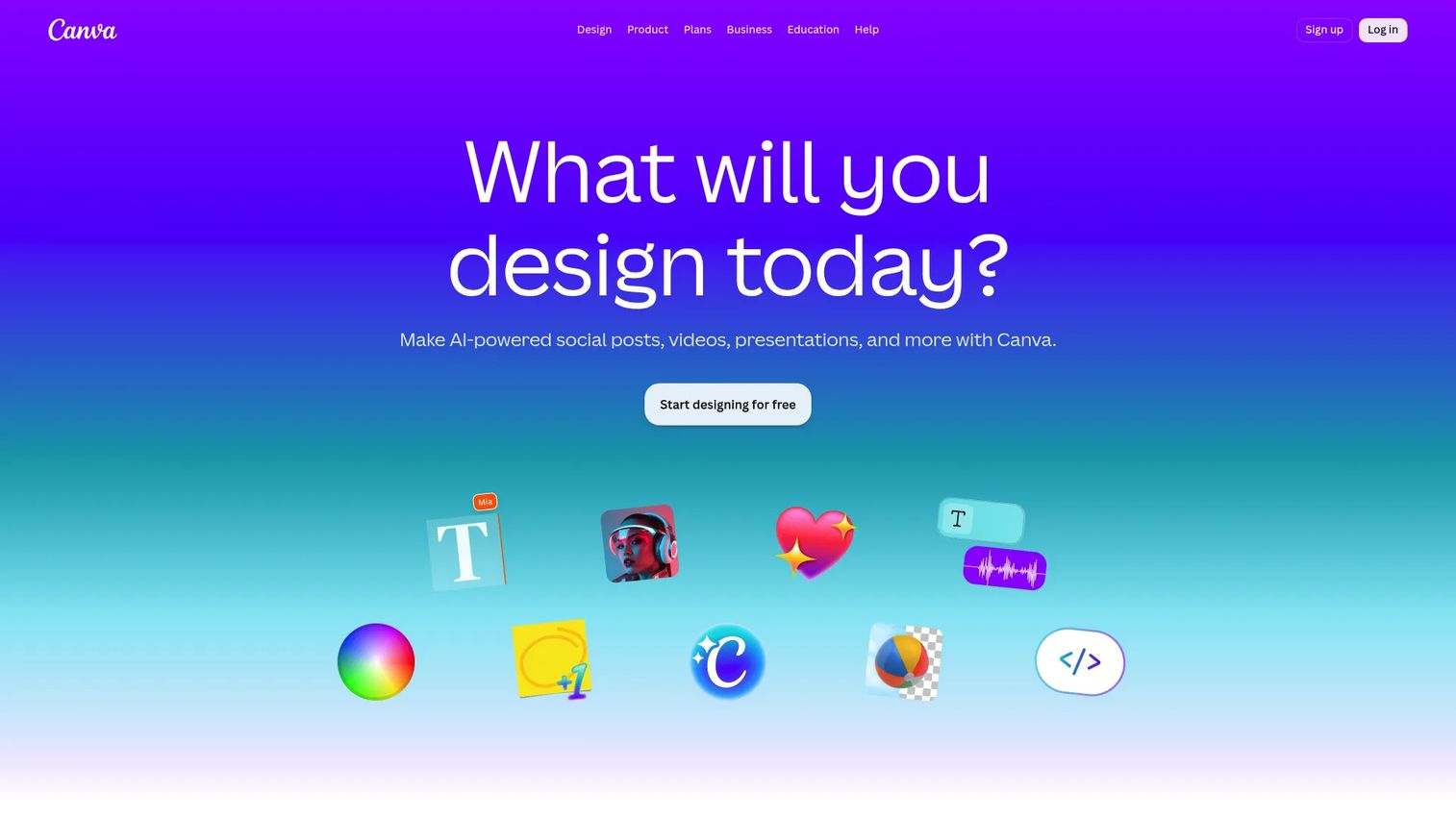
Canva is an all-in-one visual design platform for individuals, teams, and organizations. For mockups specifically, it pairs a deep template library with AI-assisted editing and a Brand Kit, so a marketer can drop a product screenshot into a device frame, apply brand colors, and export in multiple formats without leaving the browser. It is the most broadly useful pick for teams that produce visuals across many channels.
Best for: Marketers and small teams who need polished mockups and social, ad, and presentation assets from one tool.
Key strengths
- Massive template and mockup library: Ready device, product, and social frames cover most campaign formats out of the box.
- AI design and writing tools: Generate, edit, and adjust visuals fast without manual masking or layout work.
- Brand Kit and team controls: Lock fonts, colors, and logos so every asset stays on brand across the team.
Why choose Canva: If your work spans landing pages, ads, decks, and social, Canva replaces several point tools with one. It rewards speed and consistency over deep interaction design, which fits growth marketers who ship many assets weekly and want brand controls that hold without a designer reviewing each one.
Canva pricing: The Free plan is US$0/year and covers a large share of everyday mockup and design needs. Pro runs US$144/year for individuals. Business is US$250/year per person, and Enterprise is sales-led. The free tier is genuinely usable for marketing teams testing the waters, with paid tiers unlocking Brand Kit depth, more AI, and team admin.
2. Mockuuups Studio
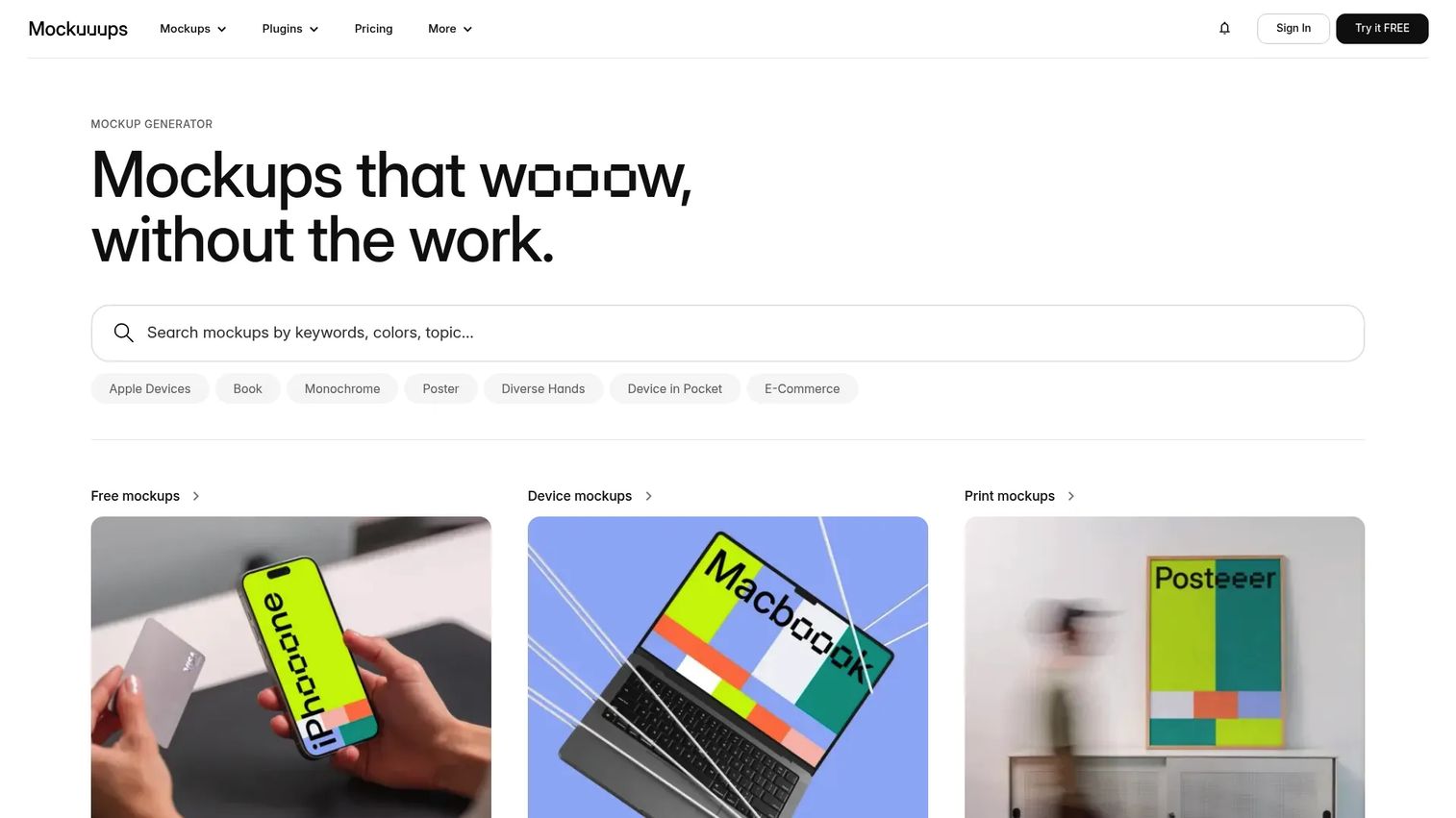
Mockuuups Studio is a mockup generator built for creating product visuals and marketing mockups from screenshots and designs. Its library runs into the thousands of scenes across devices, angles, and backgrounds, and automatic image positioning drops your asset into place instantly. For teams that need device mockups at volume without design skills, it is the fastest route from screenshot to finished visual.
Best for: Designers and marketers who need a high volume of ready-made device and product mockups quickly.
Key strengths
- Thousands of ready mockup scenes: Diverse device models, angles, and backgrounds mean less time hunting for the right frame.
- Instant previews with auto-positioning: Drop in a screenshot and see it placed correctly without manual masking.
- Design tool integrations: Works with Figma, Sketch, Photoshop, and Adobe Express to fit existing workflows.
Why choose Mockuuups Studio: When your bottleneck is producing many device and print mockups fast, this tool is purpose-built for it. It handles licensing on the scenes so you create without chasing usage rights, which removes a recurring headache for marketing teams shipping public-facing assets.
Mockuuups Studio pricing: A free tier covers basic mockup needs. Paid plans start at $10/month for Team when billed annually ($120/year per user), with Professional at $15/month and Team at $20/month on monthly billing. The pricing page also notes a 40% yearly discount, a 50% educational discount, and a one-time prepaid export option for occasional users.
3. Moqups
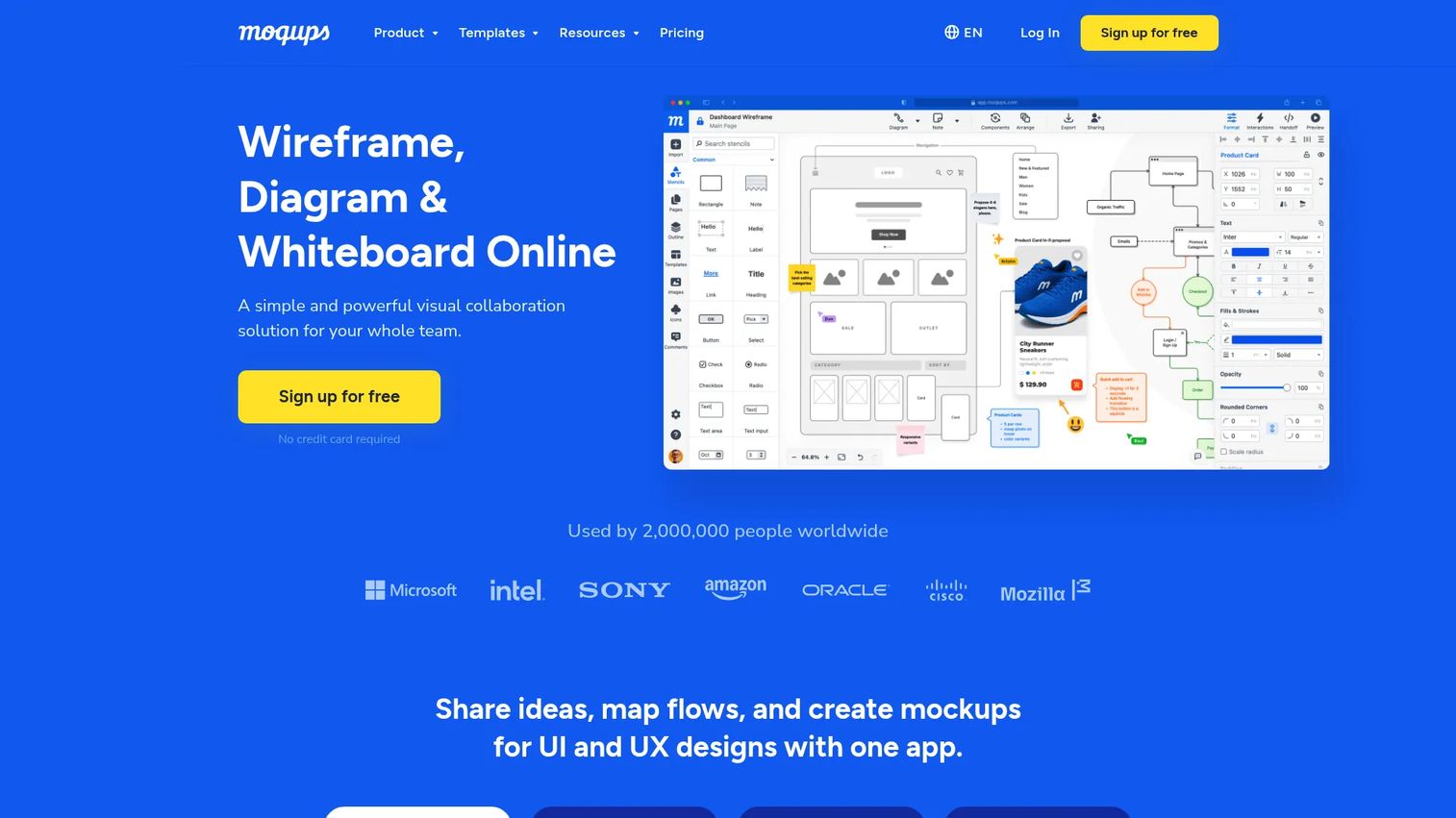
Moqups is cloud-based wireframing, diagramming, prototyping, and whiteboarding software. It brings wireframes, mockups, diagrams, and prototypes into one workspace with real-time collaboration, which suits teams that want a single app for early-stage product visuals rather than a stack of separate tools. Trusted by roughly two million users, it sits comfortably between rough sketching and polished presentation.
Best for: Teams needing one visual ideation workspace for wireframes, diagrams, and mockups together.
Key strengths
- All-in-one visual workspace: Wireframes, mockups, diagrams, prototypes, and whiteboards live in the same file.
- Real-time collaboration: Comments and live presence keep distributed teams aligned during reviews.
- Broad integrations: Connects with Jira, Confluence, Google Drive, Dropbox, Box, and Slack.
Why choose Moqups: If your team keeps switching between a diagram tool, a wireframe tool, and a mockup tool, Moqups consolidates that into one browser tab. It fits product and marketing teams collaborating on early concepts who value speed of iteration and shared context over pixel-perfect final polish.
Moqups pricing: A Free plan gets you started. Starter is $7/month billed annually or $11/month monthly. Business runs $30/month annually or $40/month monthly, and Unlimited is $103/month annually or $139/month monthly, with Business and Unlimited supporting multiple seats and teams. Moqups holds a 4.2/5 rating on G2.
4. Figma
Figma is a cloud-based collaborative design platform for product teams. While it is a full UI design and prototyping tool, it doubles as a powerful mockup environment thanks to its vast community files, plugins, and device frames. For teams already working in Figma daily, creating mockups inside their existing design workflow removes handoff friction entirely.
Best for: Product and design teams that already live in Figma and want mockups inside their design workflow.
Key strengths
- UI design and vector editing: Build mockups, screens, and full interfaces with precise control.
- Prototyping and Dev Mode: Add interactions and hand off clean specs to engineering.
- Real-time collaboration and design systems: Shared libraries keep mockups consistent across the team.
Why choose Figma: If design already happens in Figma, adding mockup work there means no extra tool, no export dance, and instant reuse of existing components and brand libraries. It excels for teams that need both mockups and production-ready UI in the same place, backed by a huge ecosystem of community mockup files.
Figma pricing: The Starter plan is free and covers individual and light-team use. Professional is $16/month per seat, Organization is $55/month per seat, and Enterprise is $90/month per seat. Figma carries a strong 4.7/5 rating on G2, reflecting deep adoption among product teams.
5. Visme
Visme is an online visual content creation platform for presentations, infographics, documents, charts, and branded visuals. For mockups, its strength is presentation-ready output: template-rich layouts, data visualization, and AI design tools that turn a concept into a polished, on-brand asset. Marketers and small teams reach for it when the deliverable is a communication piece, not just a device frame.
Best for: Marketers and small teams creating branded presentations, infographics, and presentation-ready mockups.
Key strengths
- Presentation Maker: Build polished decks and pitch visuals with mockups embedded directly.
- Infographics and data visualization: Turn numbers into branded, shareable graphics fast.
- AI design tools: Speed up layout and content creation without a designer.
Why choose Visme: When your mockups need to live inside a broader communication asset, a pitch deck, a report, an infographic, Visme keeps everything on brand in one place. It fits marketers who present ideas to clients and stakeholders and want the whole package to look finished, not just the product shot.
Visme pricing: A free Basic plan is available. Paid individual plans start at US$12.25/month billed annually ($147/year), and Pro runs US$24.75/month billed annually ($297/year). Team and enterprise options add advanced security, governance, and onboarding support. Visme holds a 4.5/5 rating on G2.
6. Mockplus
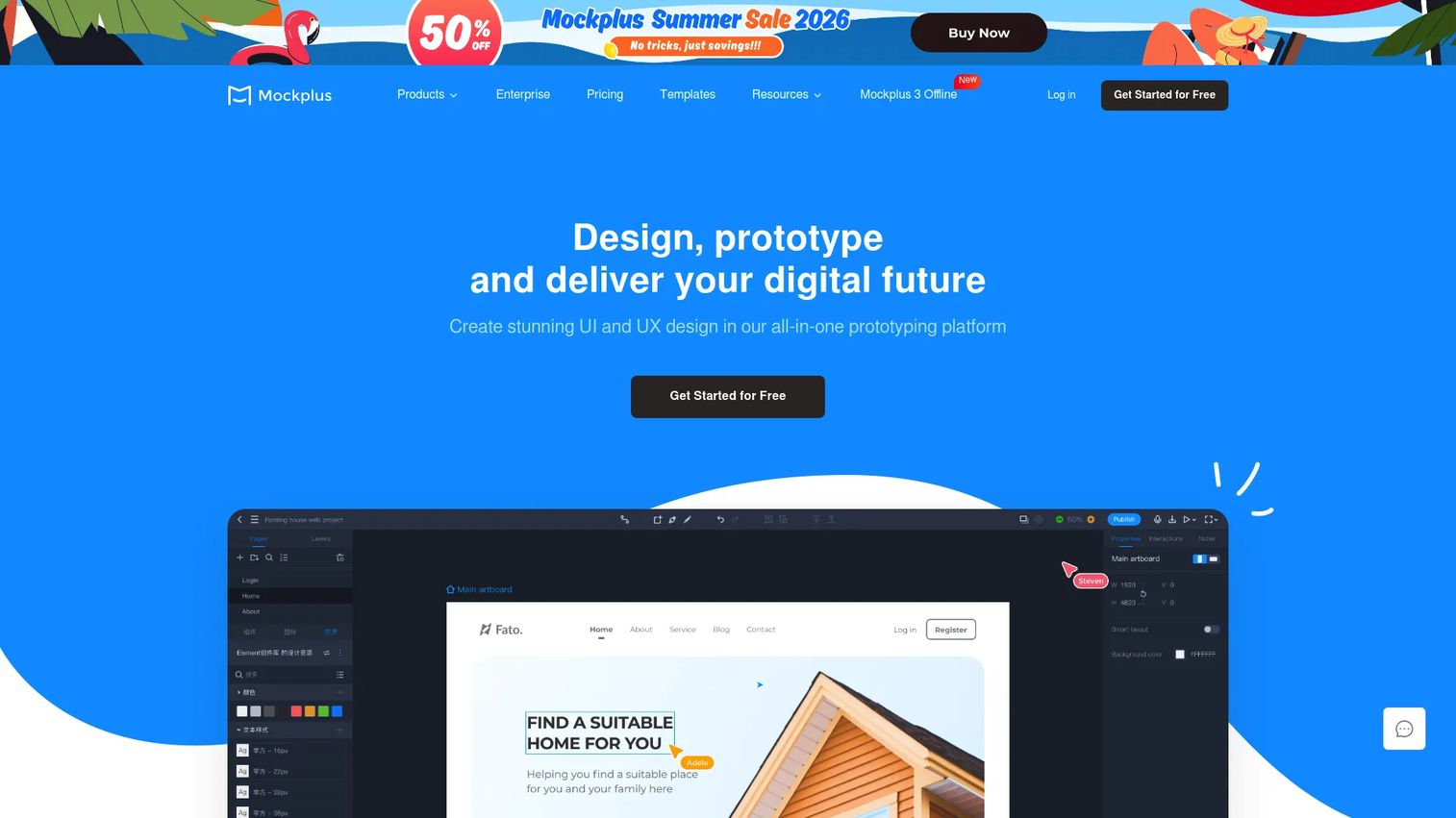
Mockplus is a web-based product design platform for prototyping, UI design, collaboration, and handoff. It suits teams moving from simple image mockups toward more structured product workflows, with drag-and-drop prototyping and design collaboration in one place. The handoff features make it a fit where mockups need to travel cleanly from design into development.
Best for: Teams building wireframes, prototypes, and design handoff workflows in a single suite.
Key strengths
- Drag-and-drop prototyping: Add interactions to mockups without code.
- Design collaboration and handoff: Share, comment, and pass clean specs to developers.
- Broad import and export: Work with common design files and assets across tools.
Why choose Mockplus: If your team is outgrowing static mockups and needs prototyping plus handoff without a steep jump in complexity, Mockplus bridges that gap. It fits product and design teams that want structure and teamwork features alongside straightforward mockup creation.
Mockplus pricing: Mockplus RP offers a Free plan with no time limit, an Annual plan at $49.5 billed annually, and a Perpetual license at $249.5 as a one-off payment. Additional Cloud and DT product lines add free, Pro, and Enterprise tiers. Mockplus holds a 4.5/5 rating on G2.
7. UXPin
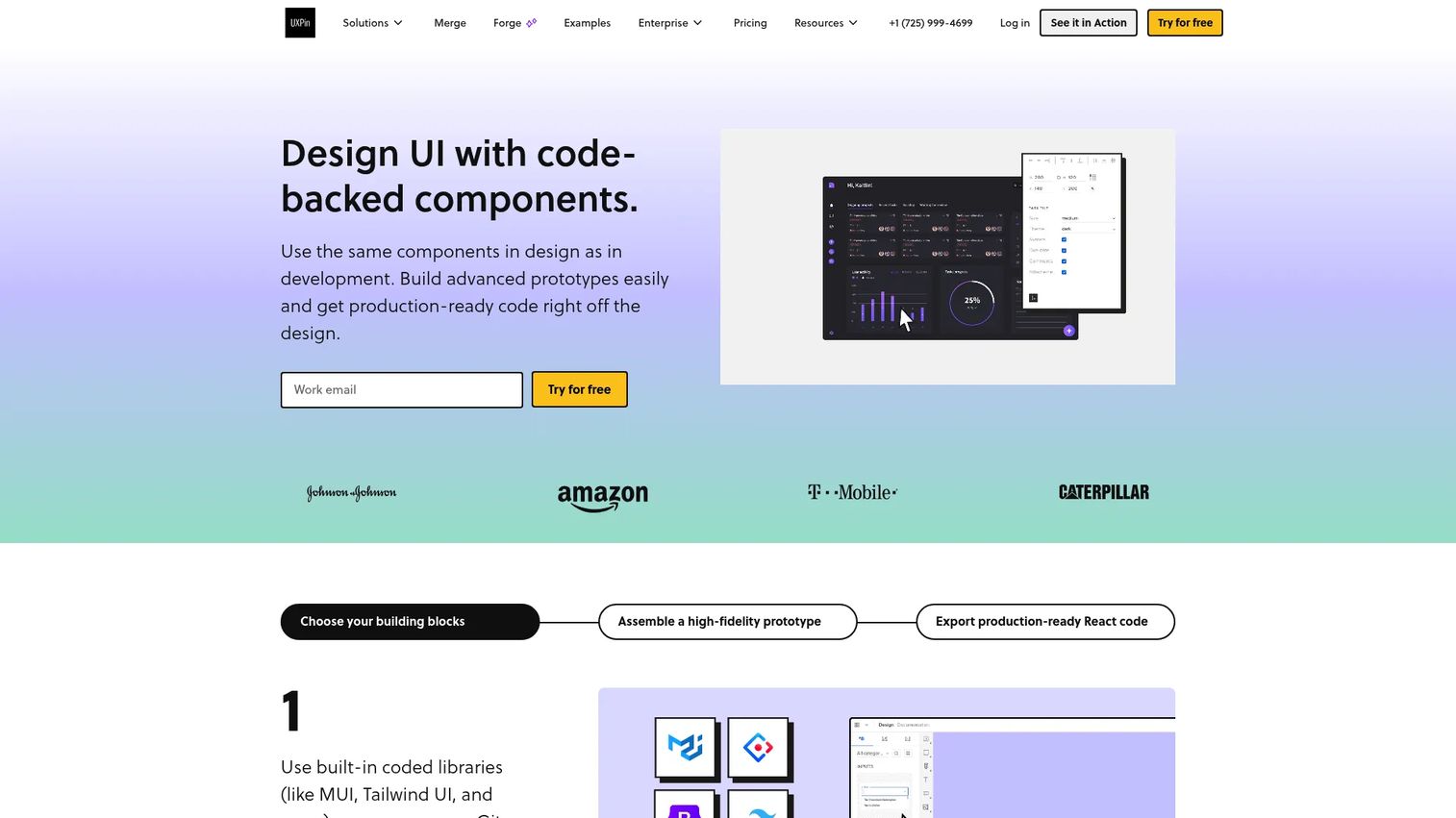
UXPin is a code-backed UX and UI prototyping and design platform for teams. It goes beyond static mockups with real interactions, states, logic, variables, and conditional flows, plus code-backed components that make design-to-development handoff cleaner. For product teams that need consistency and interaction logic, not just images, it is a strong fit.
Best for: Product and design teams needing interactive, code-backed prototypes and developer handoff.
Key strengths
- Real interactions and logic: States, variables, and conditional flows make prototypes behave like the real product.
- Code-backed components: Built-in code libraries tighten the design-to-development handoff.
- Design system support: Storybook and Git integrations keep mockups consistent with the codebase.
Why choose UXPin: When your mockups need to reflect real product behavior and stay in sync with a design system, UXPin's code-backed approach reduces drift between design and build. It excels for teams that treat mockups as the front end of a governed, interactive workflow rather than one-off visuals.
UXPin pricing: A free plan and a 14-day trial are available. Core is $29/month, Growth is $40/month, and Enterprise is custom pricing. UXPin holds a 4.2/5 rating on G2, with reviewers noting its strength in interactive, code-aligned prototyping.
8. Justinmind
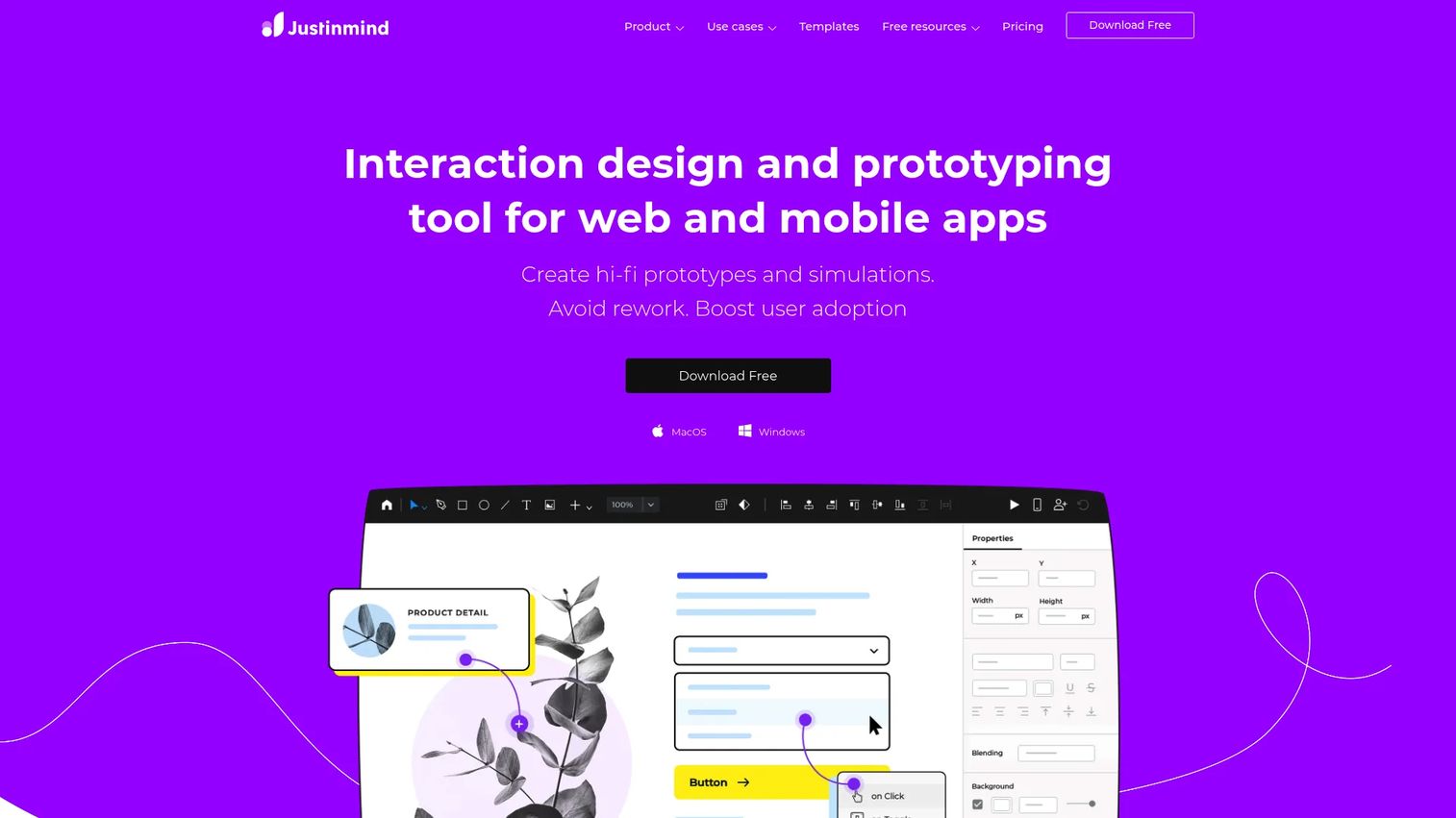
Justinmind is UI and UX design software for wireframing, prototyping, collaboration, and specifications. It leans on responsive design and rich interactions, backed by pre-built UI kits with 4000+ components, so app and web product teams can build high-fidelity simulations that behave across screen sizes. It suits teams that need more structure than pure image mockups.
Best for: Teams building responsive, interactive web and mobile prototypes with detailed specs.
Key strengths
- 4000+ UI components: Pre-built kits speed up mockup and prototype assembly.
- Responsive design and rich interactions: Mockups adapt across web and mobile breakpoints.
- Export and documentation: Requirements management and specs travel with the design.
Why choose Justinmind: If you build for both web and mobile and need mockups that respond and interact realistically, Justinmind's component libraries and responsive tooling save real build time. It fits app and web teams that want usability and specification depth alongside sharing for review.
Justinmind pricing: A Free plan is available at $0 per editor per month. Standard is $19 per editor/month, Professional is $29 per editor/month, and Enterprise is $59 per editor/month, with annual and user details quoted on request. Justinmind holds a 4.0/5 rating on G2.
9. Axure
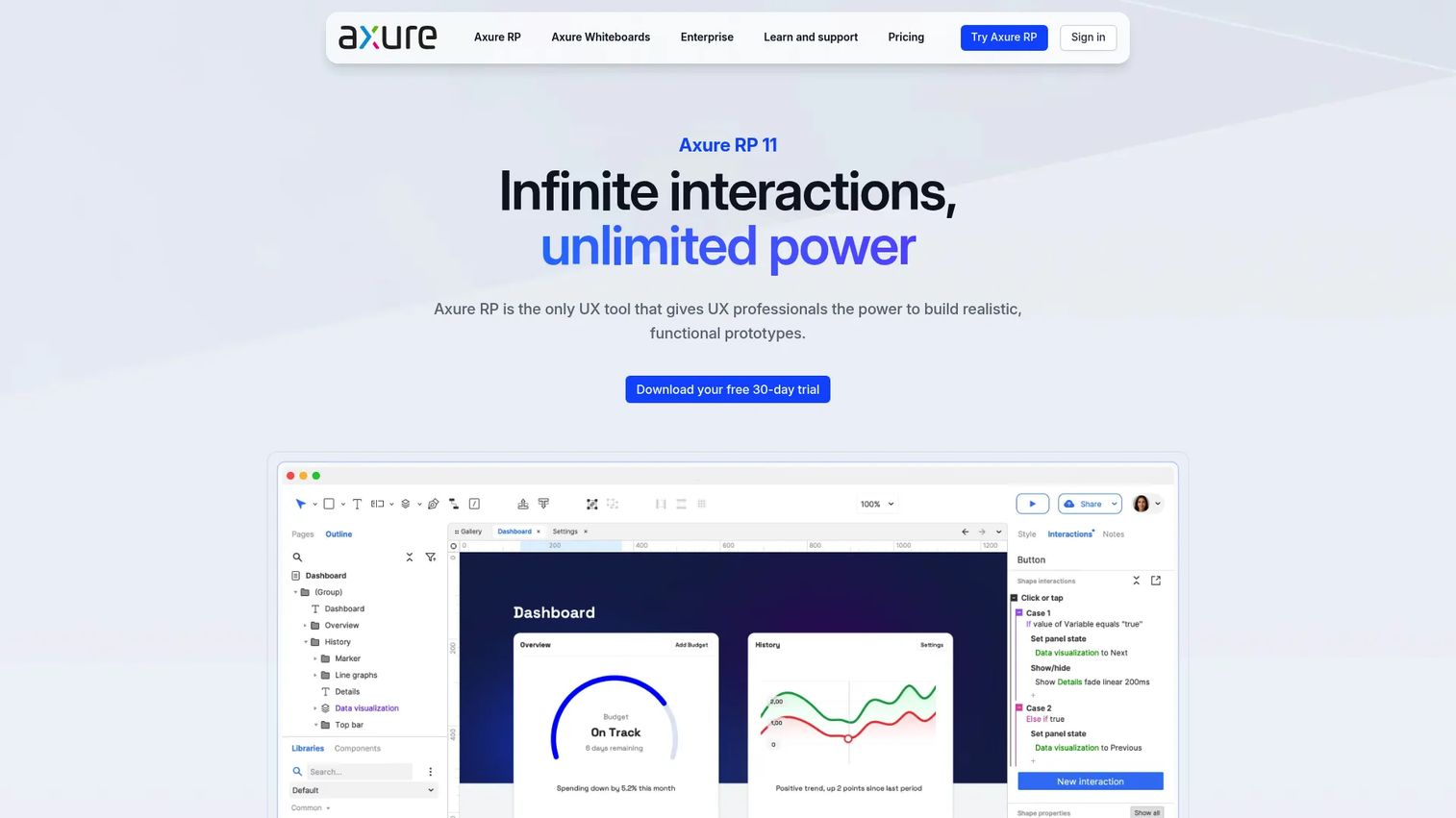
Axure is UX prototyping software for building interactive prototypes, specifications, and diagrams. It is the most logic-heavy option here, with 20+ triggers, 30+ actions, and conditional logic that let teams model complex flows and validate them with stakeholders. For over 20 years, enterprise teams have relied on it, and it is used across a large share of the Fortune 100.
Best for: Product teams and UX professionals needing highly interactive prototypes and detailed documentation.
Key strengths
- 20+ triggers and 30+ actions: Model complex, conditional interactions without code.
- High- and low-fidelity prototyping: Move from rough mockups to detailed simulations in one tool.
- Live sharing and collaboration: Share, comment, and gather stakeholder feedback in context.
Why choose Axure: When your mockups need real logic, branching, and dynamic behavior to prove out a complex flow, Axure gives you that depth. It fits enterprise product teams and UX specialists who need stakeholder validation and thorough documentation, and it rewards teams ready to invest in its capabilities.
Axure pricing: Axure RP Pro is $29/month per user, and Axure RP Team is $49/month per user. Enterprise is custom with security and licensing options. There is no general free tier, but a free 30-day trial is offered, and qualified students and educators can use Axure RP Team free of charge. Axure holds a 4.2/5 rating on G2.
Considerations before you buy
Before you commit, run each shortlisted tool through these criteria against your actual workflow.
Speed to first output
How long from opening the tool to a finished mockup you can ship? For marketing teams producing many assets weekly, this is the single biggest lever. Template-driven tools like Canva and Mockuuups Studio win here; deeper prototyping tools trade some speed for interaction depth.
Template and library breadth
Check whether the tool covers the device frames, print surfaces, and UI formats your channels actually need. A large library means less time hunting for the right scene and more consistency across campaigns. Verify the library matches your product type, whether that is mobile app, web app, or physical packaging.
Collaboration and approvals
If stakeholders review your work, comments, shared links, and live presence matter. Tools built for teams reduce the back-and-forth of exporting, emailing, and re-exporting. Confirm the sharing model fits how your reviewers actually give feedback.
Pricing and licensing
Free tiers are often enough to test, but check what unlocks at paid levels: brand controls, higher-resolution exports, team seats, and commercial-use rights. Licensing on mockup scenes varies by tool, so confirm you can use assets in paid ads and client work before you build a campaign around them.
Conclusion
The best mockup software depends entirely on what you are trying to ship. For fast, all-around mockups across every marketing channel, Canva is the most versatile pick. If you need device and product mockups at volume, Mockuuups Studio is purpose-built for speed. Teams wanting wireframes, diagrams, and mockups in one workspace should look at Moqups, while design teams already in Figma should keep mockups there. For presentation-ready branded visuals, Visme fits marketers best.
If your work leans toward interactive product visuals, Mockplus, UXPin, Justinmind, and Axure move you up the ladder from static images into prototyping and logic, with Axure sitting at the advanced, enterprise end.
Match the tool to your bottleneck. If it is campaign production speed, start with a template-driven tool and a free tier today. If it is product fidelity, invest in a prototyping platform. Either way, pick one, ship a mockup this week, and stop losing hours to manual design work.
Start your journey with Guideflow today!
FAQs
Mockup software is used to visualize products, devices, packaging, apps, or UI before final production. Teams drop screenshots or artwork into realistic frames and scenes to see how something will look in the real world, which speeds up ad creative, landing pages, app store assets, and client presentations without heavy manual design work.
A mockup is a static, high-fidelity visual that shows what something looks like, such as a screenshot placed in a device frame. A prototype adds interaction, transitions, and logic so people can test how something behaves, not just how it appears. Mockups sell the look; prototypes validate the experience.
Often, yes, for testing and lighter needs. Free tiers from tools like Canva, Moqups, and Mockuuups Studio cover a lot of everyday mockup work. Paid plans matter most when you need brand controls, higher-resolution exports, team seats, and clear commercial-use licensing for paid ads and client deliverables.
Canva is the easiest starting point, with drag-and-drop editing, a huge template library, and no learning curve. Mockuuups Studio is also beginner-friendly for device mockups specifically, since it auto-positions your screenshot into ready scenes. Both let non-designers produce polished visuals quickly.
Yes. Polished mockups communicate a concept at a glance and reduce revision churn by giving clients something concrete to react to. Tools like Visme and Canva are built for presentation-ready output, with export options for decks, PDFs, and web embeds so the whole deliverable looks finished.
Prioritize speed to first output, template and library breadth, export quality, branding controls, and collaboration for approvals. For growth marketers watching CAC and tool sprawl, a tool that replaces several point solutions and produces on-brand assets fast delivers the clearest return.
Most do, but licensing varies by tool and by asset. Some mockup libraries handle usage rights for you, while others restrict certain scenes or require a paid tier for commercial rights. Always confirm commercial-use and licensing terms before building a paid campaign or client deliverable around a mockup.
Mockuuups Studio is purpose-built for device mockups, with thousands of scenes across phones, tablets, and laptops plus automatic screenshot placement. Canva also offers strong device frames inside its broader library. For product teams wanting device previews inside a design workflow, Figma's community files cover most frames.