Your customer feedback lives in 12 different places right now.
Some of it's buried in support tickets. Some sits in a Slack channel no one checks. A few golden insights are trapped in a sales call recording from three weeks ago, and your most vocal users are venting on Twitter instead of telling you directly.
Here's what that fragmentation costs you: according to industry benchmarking data on customer retention, companies that systematically collect and act on customer input tend to retain customers at measurably higher rates than those relying on ad-hoc methods (Coresignal, 2026). Yet most product teams still don't have a centralized customer feedback platform connecting what users say to what gets built.
We evaluated over 40 customer feedback software options and narrowed the list to 21 - organized by category so you can skip straight to what matters. Whether you're a PM at a 50-person startup or a CX director at a 500-person SaaS company, you'll find user feedback tools here that match your budget, your stack, and your actual workflow.
Jump to a section: - Comparison table - Survey & form tools (Zonka Feedback, SurveyMonkey, Typeform, Qualtrics, Alchemer, Google Forms) - In-app & website feedback (Survicate, Usersnap, Qualaroo, Mopinion, Hotjar, Instabug) - Feature voting & roadmaps (Canny, UserVoice, Pendo, Zeda.io) - Review & reputation management (Trustpilot, Birdeye, Podium) - AI-powered analytics (Enterpret, Chattermill) - How to choose the right tool
What's inside
This guide covers every major category of customer feedback tools - from simple survey builders to AI-powered customer feedback analysis tools that process millions of data points in real time. Each tool gets a consistent review with pricing, key strengths, honest limitations, and a clear "best for" verdict.
We also include something no other guide on this topic offers: a side-by-side comparison table, a decision framework to narrow your shortlist, and specific recommendations by team size and budget.
TL;DR
- Best free starting point: Survicate's free plan or Google Forms for zero-budget teams
- Best for collection and AI analysis in one platform: Zonka Feedback, with omnichannel delivery and per-theme sentiment scoring
- Best for SaaS product roadmaps: Canny (feature voting + public roadmap + changelog in one)
- Best for enterprise CX programs: Qualtrics for collection, Enterpret or Chattermill for analysis
- Best for mobile apps: Instabug - shake-to-report with automatic device diagnostics
- Best for local/multi-location businesses: Birdeye or Podium for review generation via SMS
- Most teams need 2-3 tools: one for collection, one for prioritization, and optionally one for deep analysis
What are customer feedback tools (and why do they matter)?
Customer feedback tools are software that helps you collect, organize, analyze, and act on input from your customers across multiple channels. That last part - acting on it - is what separates a dedicated customer feedback system from a basic survey or a shared spreadsheet.
A good feedback management tool doesn't just gather opinions. It closes the loop between what customers say and what your team builds, fixes, or changes. Teams that use interactive demos alongside feedback tools can even show customers exactly how their requested features work once shipped - closing the loop visually, not just verbally.
Here's why that matters in 2026:
- Product-market fit stays sharp. Structured customer feedback management replaces gut-feel prioritization with data.
- Churn drops. When customers see their input reflected in your roadmap, they stick around.
- Support load decreases. Proactive feedback collection catches issues before they become ticket avalanches.
- NPS and CSAT scores climb. Customers who feel heard score you higher - consistently.
The biggest shift in 2026 is AI. Customer feedback analysis tools now auto-tag themes, detect sentiment, and surface trends from unstructured text - support tickets, app reviews, call transcripts - without anyone manually reading through them. If you're still copying feedback into a spreadsheet, you're leaving insights on the table.
Types of customer feedback tools
Not every feedback tool does the same thing. The market breaks into five distinct categories, and understanding them helps you skip tools that don't fit your use case.
1. Survey & form tools - Structured feedback via NPS, CSAT, and CES surveys. Think questionnaires distributed by email, link, or embed. Best when you need quantitative data at scale.
2. In-app & website feedback tools - Contextual widgets, micro-surveys, and visual bug reporters that capture input while users are actively using your product. Best when you need feedback tied to specific screens or flows. Pairing these with product tours can guide users to the right feedback touchpoints at the right moment.
3. Feature voting & product roadmap tools - Community-driven boards where customers suggest and upvote features. Often include public roadmaps and changelogs. Best for SaaS teams connecting feedback directly to what gets built.
4. Review & reputation management tools - Platforms that aggregate, monitor, and respond to third-party reviews across Google, Yelp, Trustpilot, and industry-specific sites. Best for B2C, e-commerce, and multi-location businesses.
5. AI-powered feedback analytics tools - Platforms that ingest feedback from every channel and use machine learning for sentiment analysis, theme extraction, and trend detection. Best for scaling companies drowning in unstructured data.
Some tools span multiple categories. We've placed each in its primary strength area and noted overlaps where relevant.
How we evaluated these tools
Transparency matters. Here's the rubric we used across all 21 customer feedback software options:
- Ease of setup and use - Can a PM get value within a day, or does it need a dedicated admin?
- Core feedback collection features - Channels supported, survey formats, customization depth
- Analysis and reporting - Dashboards, sentiment analysis, trend tracking, exportability
- Integration ecosystem - Connections to Slack, Jira, Intercom, HubSpot, Salesforce, Zapier, and others
- Pricing and scalability - Free tiers, per-seat vs. per-response models, enterprise options
- AI capabilities - Auto-tagging, summarization, smart routing, predictive features
- User reviews - Aggregated ratings and patterns from G2, Capterra, and TrustRadius
No tool on this list paid for placement. We don't have a product to promote here - this is a purely editorial comparison.
Quick-glance comparison table: 21 best customer feedback tools
| Tool | Best For | Starting Price | Free Plan? | Key Strength | Category |
|---|---|---|---|---|---|
| Zonka Feedback | Feedback collection with AI analysis built in | Custom (contact sales) | Free trial | Omnichannel collection with AI theme analysis | Survey & Form |
| SurveyMonkey | Scalable survey analytics | ~$25/user/mo | Yes (limited) | 250+ templates, AI builder | Survey & Form |
| Typeform | High-completion surveys | ~$25/mo | Yes (10 responses) | Conversational one-at-a-time UI | Survey & Form |
| Qualtrics | Enterprise CX programs | Custom ($1,500+/yr) | No | Predictive analytics, iQ AI | Survey & Form |
| Alchemer | Mid-market survey needs | ~$55/user/mo | No | Enterprise features, mid-market price | Survey & Form |
| Google Forms | Zero-budget basics | Free | Yes | Familiar, instant setup | Survey & Form |
| Survicate | Multi-channel feedback | ~$99/mo | Yes (25 responses) | Email + web + in-app + mobile | In-App & Website |
| Usersnap | Visual bug + feedback | ~$69/mo | Free trial | Screenshot annotation for QA | In-App & Website |
| Qualaroo | In-app micro-surveys | ~$19.99/mo | Yes | Non-intrusive Nudge technology | In-App & Website |
| Mopinion | Website/app analytics | ~$259/mo | Free trial | Real-time feedback dashboards | In-App & Website |
| Hotjar | Feedback + behavior data | ~$32/mo | Yes (35 sessions/day) | Heatmaps + surveys in one | In-App & Website |
| Instabug | Mobile app feedback | ~$249/mo | Yes (limited) | Shake-to-report + device logs | In-App & Website |
| Canny | Feature voting + roadmap | ~$99/mo | Yes (1 board) | Public roadmap + changelog | Feature Voting |
| UserVoice | Enterprise feature requests | Custom ($799+/mo) | No | Revenue-tied prioritization | Feature Voting |
| Pendo | Product-led growth suite | Custom ($7,000+/yr) | Yes (500 MAUs) | Analytics + feedback + guides | Feature Voting |
| Zeda.io | AI feedback-to-roadmap | ~$49/mo | Free trial | AI impact scoring | Feature Voting |
| Trustpilot | B2C review collection | ~$259/mo | Yes (basic profile) | SEO-boosting review widgets | Review Management |
| Birdeye | Multi-location reviews | Custom ($299+/mo) | No | 200+ platform aggregation | Review Management |
| Podium | SMS review generation | ~$399/mo | No | Text-first review requests | Review Management |
| Enterpret | AI feedback unification | Custom (enterprise) | No | Custom-trained AI models | AI Analytics |
| Chattermill | Real-time CX sentiment | Custom (enterprise) | No | Journey-level sentiment analysis | AI Analytics |
Survey & form feedback tools
1. Zonka Feedback
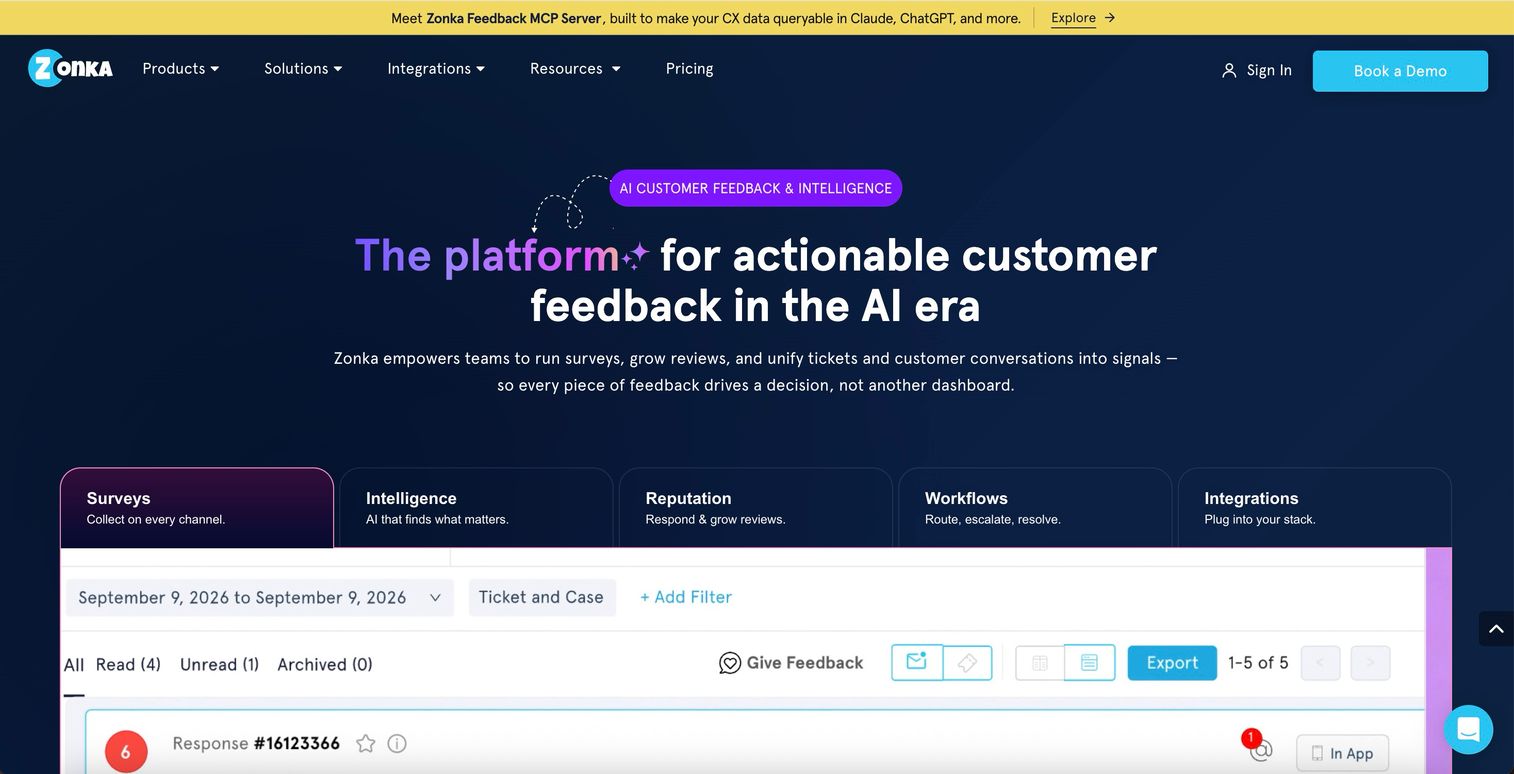
Zonka Feedback is built for teams that want the survey tool and the analysis layer to be the same platform, rather than piping data from one into the other. Surveys run across email, SMS, WhatsApp, web, in-app, kiosk, and offline touchpoints, with the branching and logic you'd expect from a dedicated survey builder.
What sets it apart is what happens after a response comes in. AI clusters open-text feedback into themes, scores sentiment per theme rather than returning one overall label, and maps each theme to the entity behind it - a location, an agent, a product line - so you can see what's actually moving your NPS or CSAT without exporting anything to a second tool.
Best for: Teams that want survey collection and AI-powered analysis in a single platform, without stitching together a separate analytics tool
Key strengths
- Omnichannel survey distribution across email, SMS, WhatsApp, web, in-app, kiosk, and offline
- AI theme clustering and per-topic sentiment scoring included rather than sold as an add-on
- Entity-level reporting that maps feedback to locations, agents, or products
- Case management and automated workflows to close the loop with detractors
- Native integrations with Salesforce, HubSpot, Zendesk, and Intercom
Pricing: Custom (contact sales). No free plan; 14-day free trial available.
The trade-off: pricing isn't published and there's no self-serve free tier, so smaller teams comparing options purely on cost will find it faster to start somewhere else. Zonka is built for teams ready to commit to a full feedback-and-analysis program, not for testing the waters.
2. SurveyMonkey
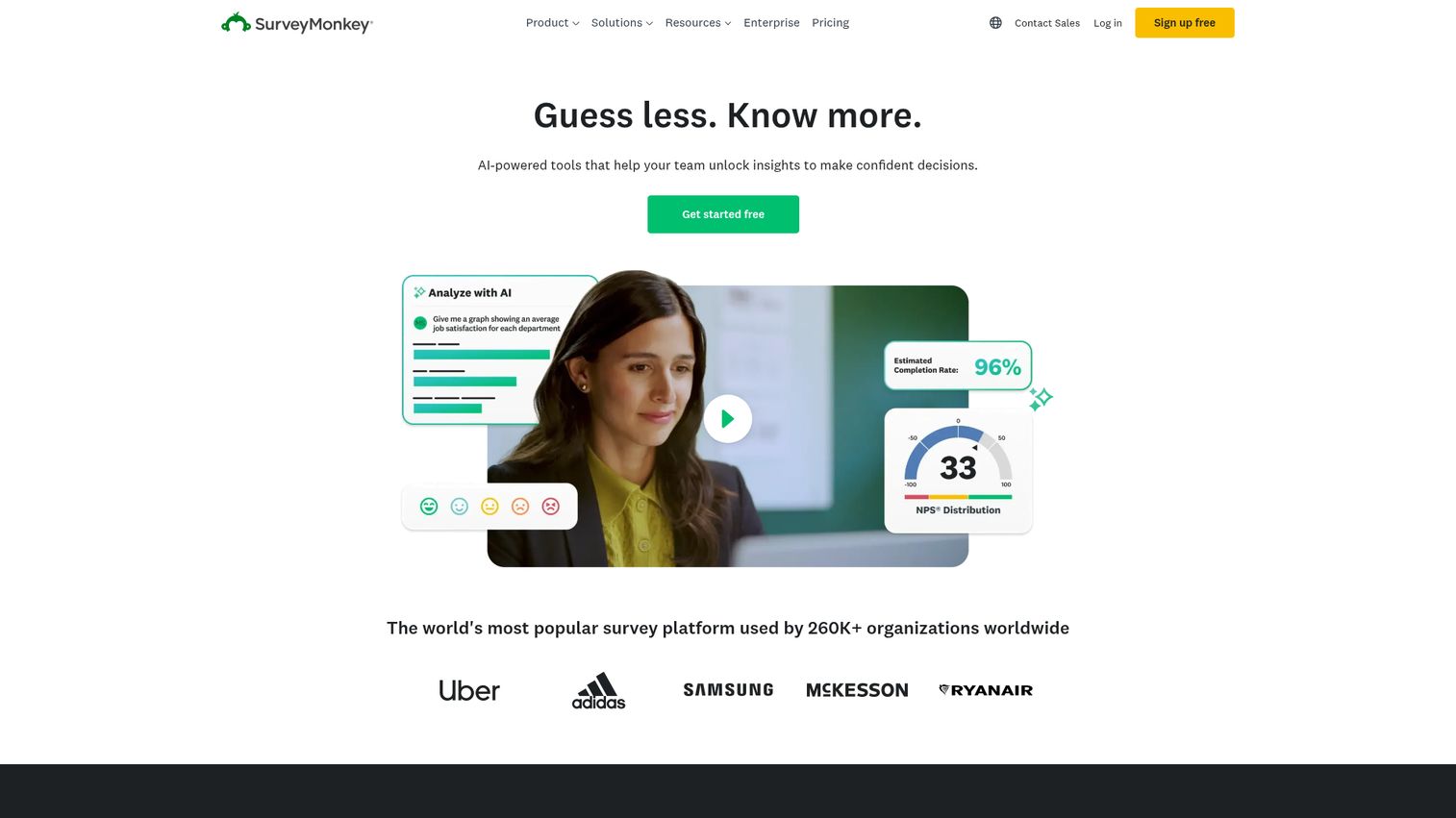
SurveyMonkey is the most widely recognized survey platform on the market, with over 250 templates and an AI-powered survey builder that drafts questions based on your stated goal. You can also explore SurveyMonkey's interactive demo to see the interface before committing.
It's the default choice for a reason: the template library covers NPS, CSAT, CES, market research, employee engagement, and dozens of niche use cases. The analytics dashboard handles cross-tabulation, filtering, and statistical significance testing without requiring a data analyst on your team.
Best for: Teams that need reliable, scalable survey distribution with built-in analytics
Key strengths
- 250+ survey templates covering every standard feedback type
- AI-assisted question generation and survey logic suggestions
- Enterprise-grade analytics with cross-tabulation and filtering
- Multi-channel distribution via email, web link, social, and embed
- Established brand recognition increases respondent trust and completion
Pricing: Starts at ~$25/user/month (Team Advantage). Free plan available but limited to 10 questions and 25 responses per survey.
The trade-off: SurveyMonkey gets expensive fast when you're adding seats. A 10-person team on the Team Advantage plan runs $250/month before you've sent a single survey. For solo PMs or small teams, Typeform or Survicate often deliver more value per dollar.
3. Typeform

Typeform takes a fundamentally different approach to surveys - presenting one question at a time in a conversational, design-forward interface that tends to hold attention longer than traditional grid-style forms. Check out the Typeform interactive demo to experience the conversational UI firsthand.
Typeform reports completion rates roughly double the industry average for online surveys, which tracks with what we've seen in practice. The logic branching is intuitive, the design customization is deep, and the VideoAsk integration lets you collect video responses for qualitative research.
Best for: Brands that prioritize beautiful, conversational survey experiences with high completion rates
Key strengths
- One-question-at-a-time conversational UI increases engagement
- Advanced logic branching with conditional paths and calculations
- VideoAsk integration for video-based qualitative feedback
- Deep design customization matching brand aesthetics
- Generous template library with modern, mobile-friendly layouts
Pricing: Starts at ~$25/month (Basic). Free plan available with 10 responses/month.
Where Typeform falls short: analytics. The built-in reporting is basic compared to SurveyMonkey or Qualtrics. If you need cross-tabulation, segmentation, or statistical testing, you'll need to pipe data into Google Sheets or a BI tool. It's a collection tool first, an analysis tool second.
4. Qualtrics
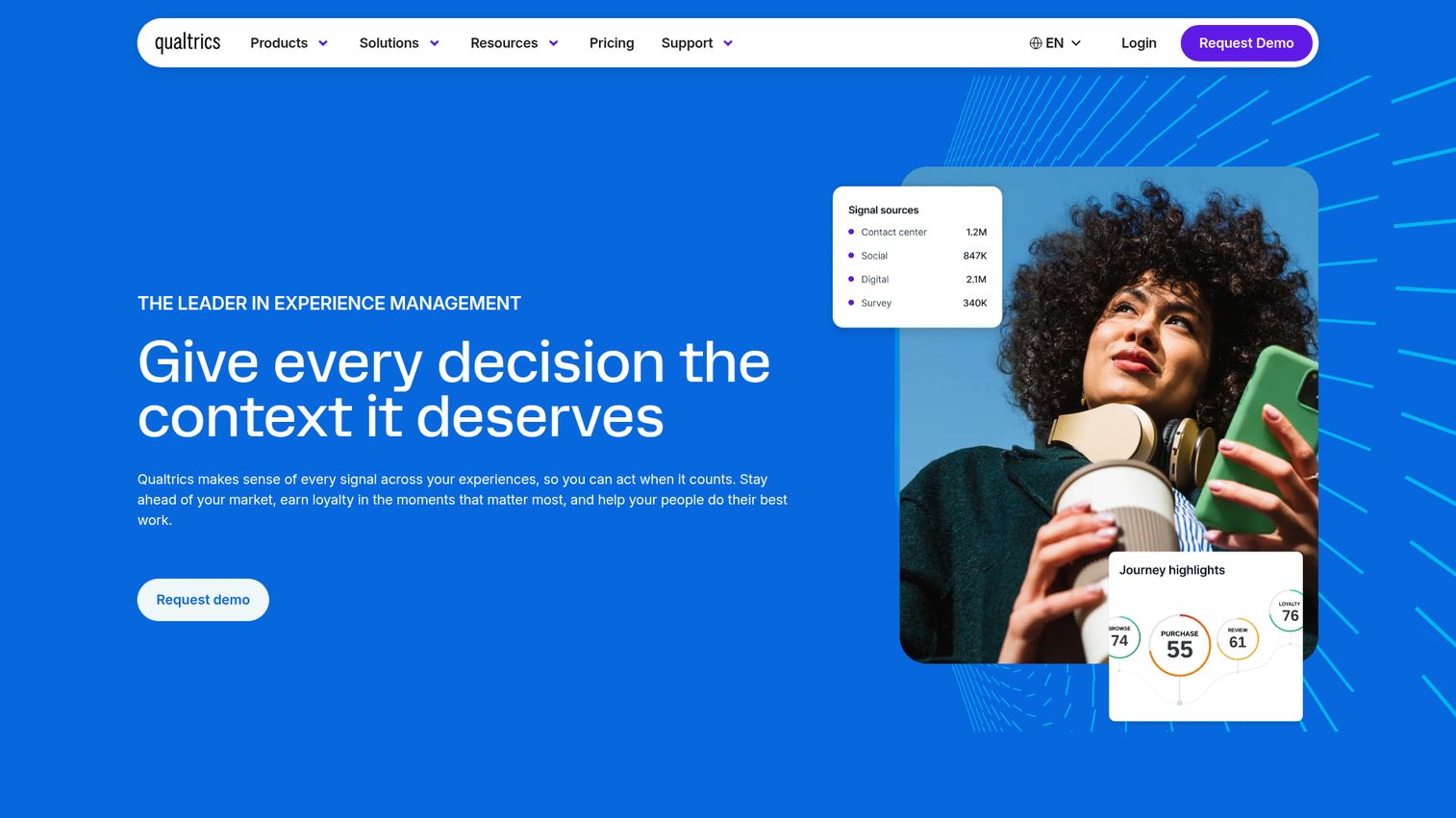
Qualtrics is the enterprise heavyweight of customer feedback software - a full Experience Management (XM) platform with predictive analytics, the iQ AI engine, and multi-channel distribution across email, SMS, web, and in-app.
If you're running a sophisticated CX program with thousands of respondents, multiple business units, and a need for advanced statistical analysis, Qualtrics is built for that. The iQ engine handles text analysis, statistical testing, and predictive modeling without requiring a research methods degree.
Best for: Enterprise teams running sophisticated CX programs with advanced statistical analysis needs
Key strengths
- Full XM platform covering customer, employee, product, and brand experience
- iQ AI engine for predictive analytics and automated text analysis
- Multi-channel distribution with advanced audience targeting
- Role-based dashboards and automated reporting workflows
- Enterprise security with SOC 2, GDPR, and FedRAMP compliance
Pricing: Custom/enterprise only (typically $1,500+/year). No free plan.
The trade-off is clear: Qualtrics is often overkill for startups and mid-market teams. The implementation timeline can stretch weeks, the learning curve is steep, and the price tag puts it out of reach for most teams under 200 employees. If you don't need predictive analytics or multi-department rollouts, look at Alchemer or SurveyMonkey first.
5. Alchemer
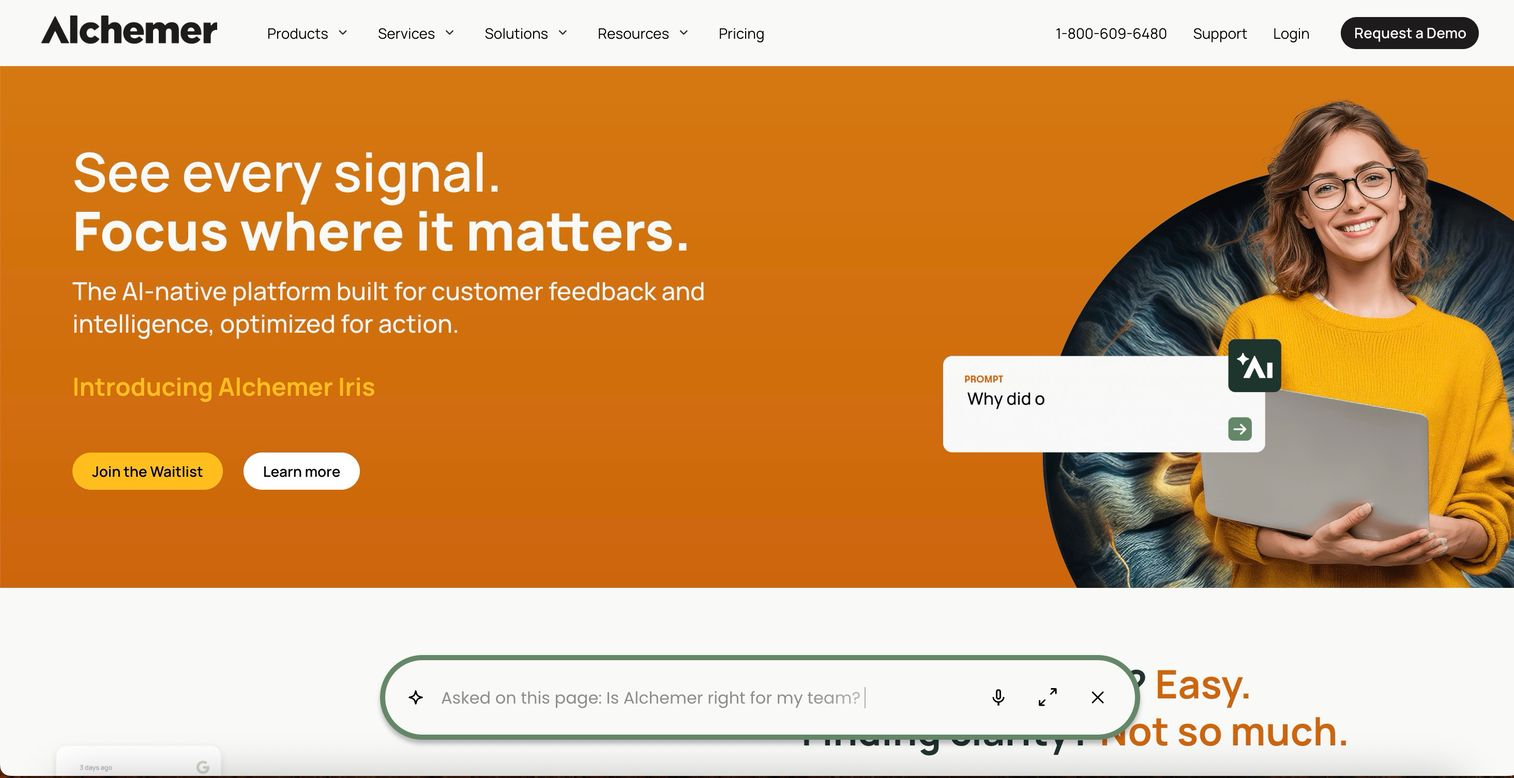
Alchemer (formerly SurveyGizmo) sits in the sweet spot between SurveyMonkey's simplicity and Qualtrics' enterprise depth - offering flexible survey logic, workflow automation, and a strong API at a price point that mid-market teams can actually justify.
The rebrand from SurveyGizmo reflected a shift toward workflow-driven feedback management software. You can trigger surveys based on CRM events, route responses to specific teams automatically, and build multi-step feedback workflows without involving engineering.
Best for: Mid-market teams that need enterprise survey features without enterprise pricing
Key strengths
- Advanced survey logic with piping, branching, and quotas
- Workflow automation triggered by CRM events or responses
- Strong API and webhook support for custom integrations
- Flexible reporting with cross-tabulation and trend analysis
- White-labeling and custom branding on all plans
Pricing: Starts at ~$55/user/month (Collaborator). No free plan.
The limitation: Alchemer's UI feels dated compared to Typeform or even SurveyMonkey's recent redesign. If survey aesthetics and respondent experience matter to your brand, this might not be the right fit. But if you care more about what happens after the response comes in - routing, automation, CRM sync - Alchemer tends to outperform its price tier.
6. Google Forms
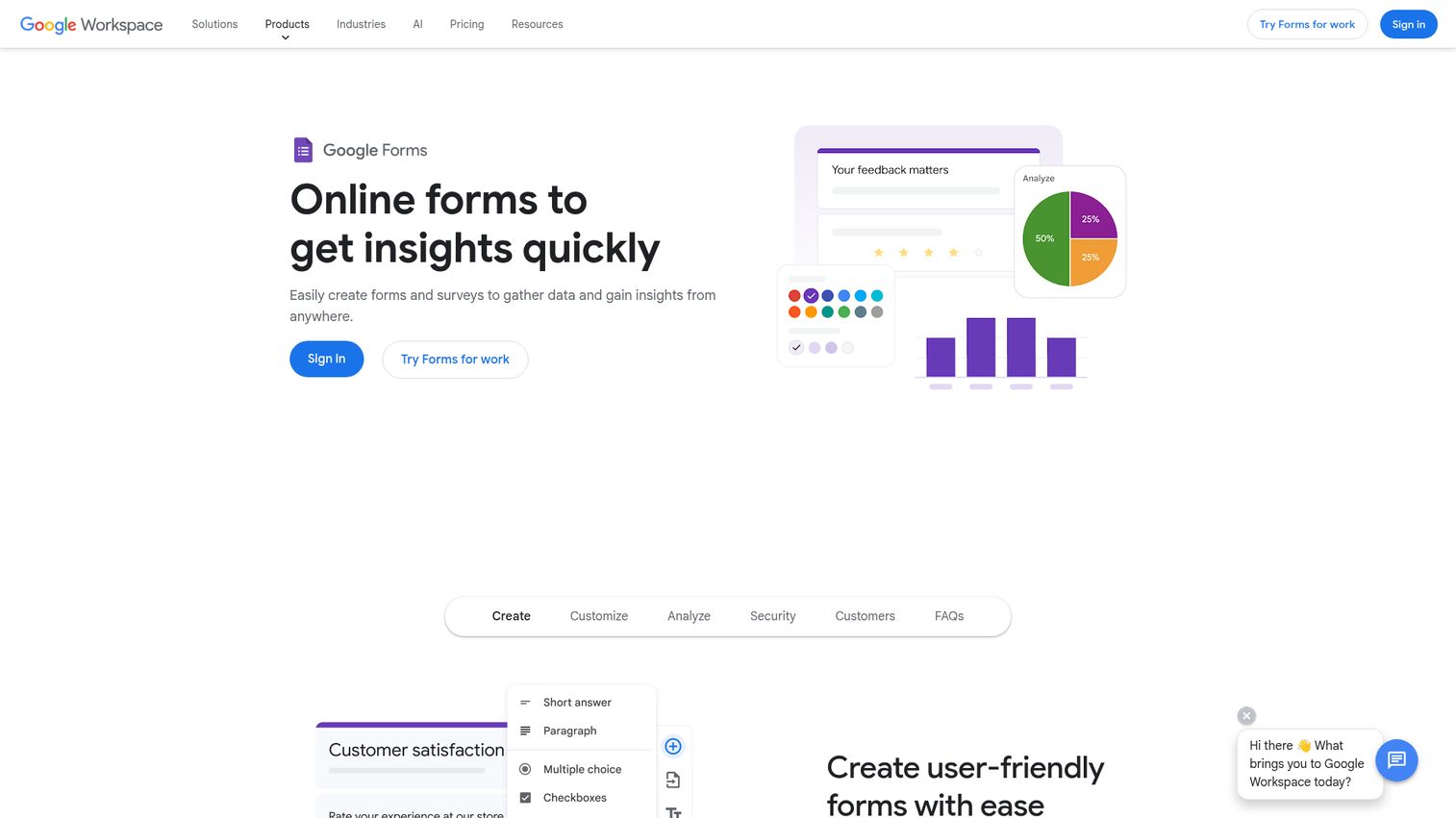
Google Forms is free, familiar, and good enough for basic internal feedback collection or early-stage validation surveys. That's not a knock - "good enough" has real value when your budget is zero.
You can create a form in under five minutes, share it via link or embed, and see responses auto-populate in Google Sheets. For internal team surveys, quick customer pulse checks, or event feedback, it works.
Best for: Bootstrapped teams and internal feedback collection with zero budget
Key strengths
- Completely free with any Google account
- Instant setup with zero learning curve
- Automatic response collection in Google Sheets
- Collaborative editing within Google Workspace
- Basic branching logic and multiple question types
Pricing: Free (included with Google Workspace).
But let's be direct about the limitations. Google Forms has no NPS scoring, no sentiment analysis, no in-app targeting, no integrations beyond Google's own ecosystem (without Zapier workarounds), and no analytics beyond what you build yourself in Sheets. It's a starting point. Most teams outgrow it within 3-6 months once they need to act on feedback at scale, not just collect it.
In-app & website feedback tools
7. Survicate
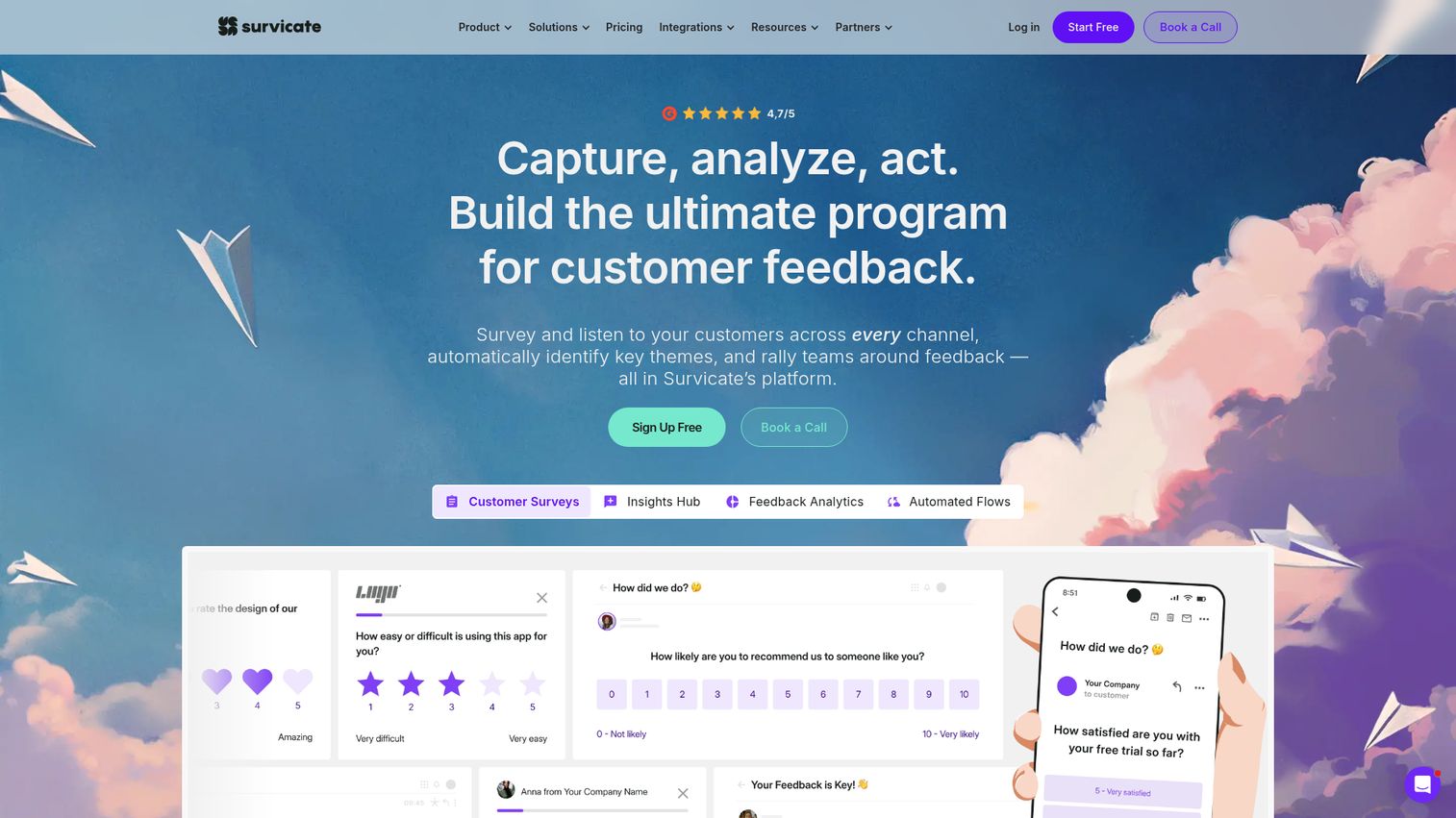
Survicate is a multi-channel customer feedback platform that lets you deploy NPS, CSAT, and CES surveys across email, web, in-app, and mobile - all from one dashboard. See how the platform works with the Survicate interactive demo.
What makes Survicate stand out is the targeting engine. You can trigger surveys based on user behavior (pages visited, time on site, scroll depth, exit intent) and segment responses by user attributes pulled from your CRM. The native Intercom and HubSpot integrations are particularly strong, syncing feedback directly to contact records without pinging someone on Slack to pass the data along.
Best for: Product and marketing teams that want multi-channel feedback from one customer feedback management platform
Key strengths
- Four-channel distribution: email, web, in-app, and mobile
- Behavioral targeting rules for contextual survey triggers
- Native HubSpot and Intercom integrations with contact syncing
- NPS, CSAT, and CES templates with benchmarking data
- Generous free plan for teams testing the waters
Pricing: Free plan (25 responses/month); paid starts at ~$99/month.
The free plan is genuinely useful for validation - 25 responses/month is enough to run a targeted micro-survey and see if the tool fits your workflow before committing. The jump to $99/month is steep, though, so make sure you'll use the multi-channel features to justify it.
8. Usersnap
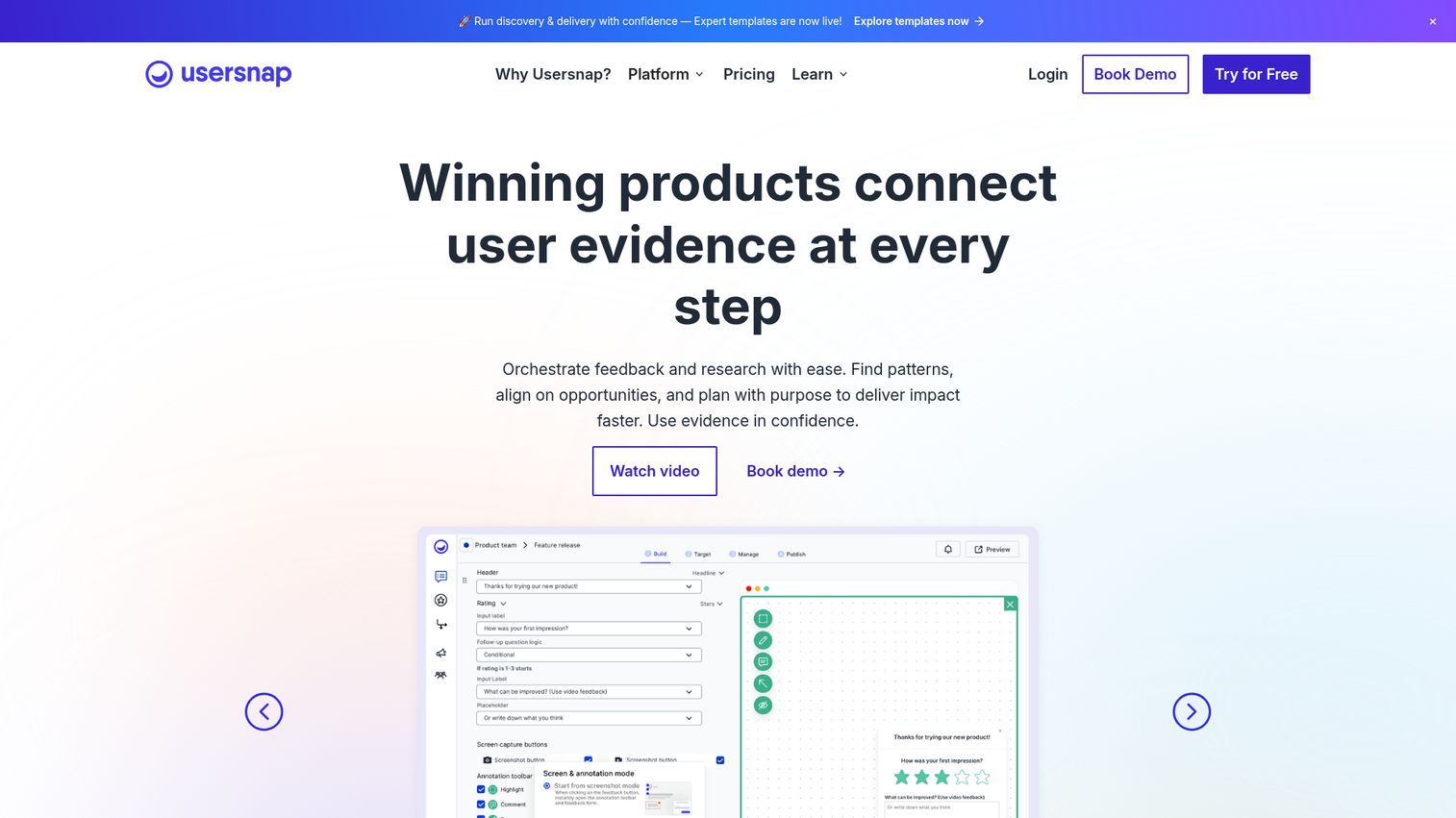
Usersnap bridges the gap between user feedback tools and bug tracking - letting users annotate screenshots, record their screen, and submit feedback tied to specific UI elements, all with technical metadata automatically attached.
This is a niche tool, and it knows it. If your product team spends hours trying to reproduce bugs from vague user descriptions ("the button doesn't work on the page with the blue thing"), Usersnap eliminates that back-and-forth. Every submission includes browser info, console logs, and a visual annotation.
Best for: Development and QA teams that need visual bug reporting combined with user feedback
Key strengths
- Screenshot and screen recording annotation on any page
- Automatic browser, OS, and console log capture per submission
- In-app feedback widgets customizable by page or user segment
- Direct integration with Jira, Trello, and Azure DevOps
- Feedback categorization with labels and assignment workflows
Pricing: Starts at ~$69/month (Startup). Free trial available.
Usersnap isn't the right fit if you're looking for NPS surveys or broad voice-of-customer collection. It's purpose-built for product and engineering teams that need feedback tied to specific screens and bugs. If that's your use case, it's hard to beat.
9. Qualaroo
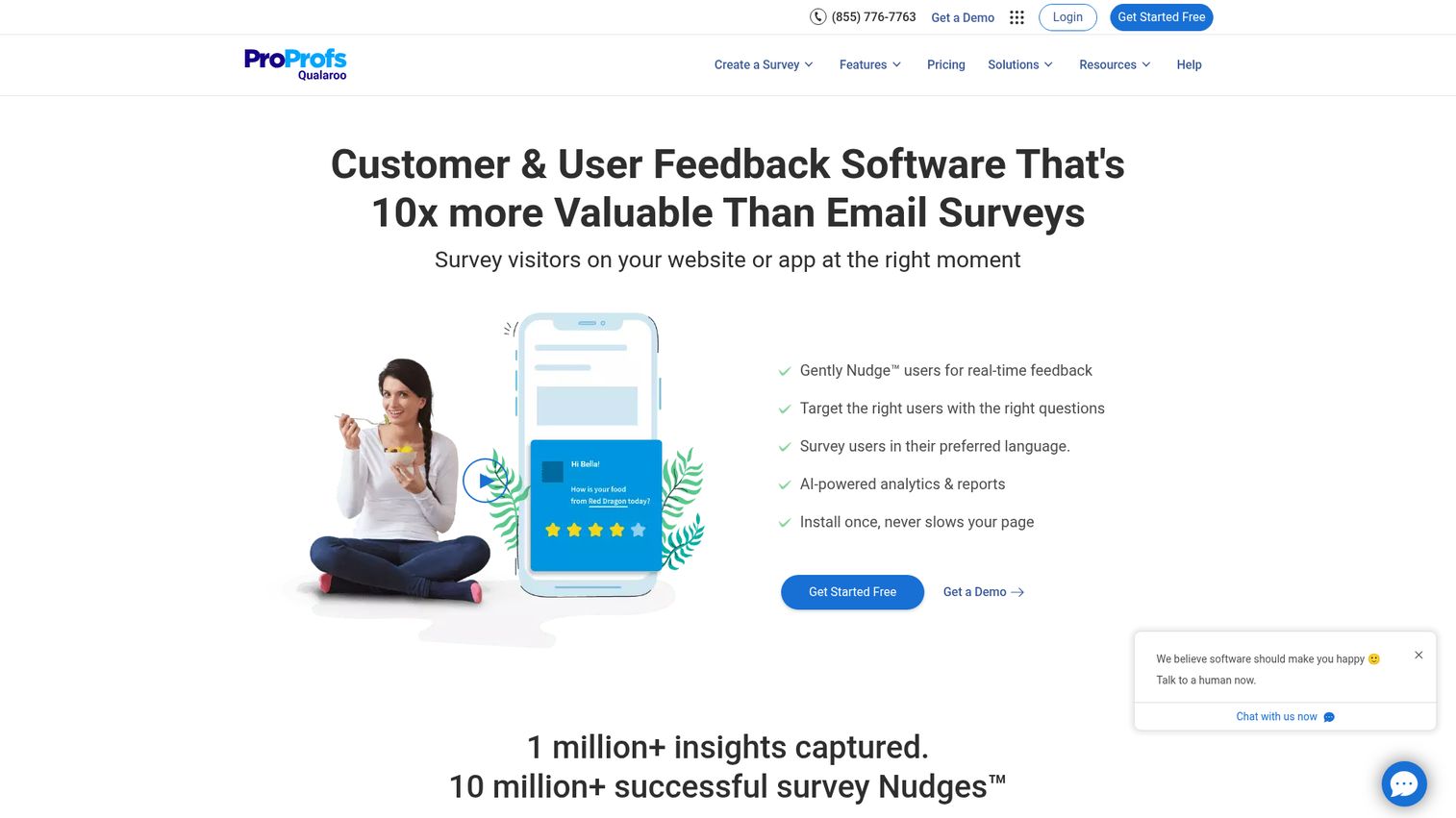
Qualaroo (now part of ProProfs) specializes in non-intrusive in-app micro-surveys using its proprietary "Nudge" technology - small, contextual pop-ups that ask one or two questions without hijacking the user experience.
The targeting is granular: you can trigger Nudges by page URL, scroll depth, exit intent, time on page, visit frequency, or custom JavaScript conditions. The AI sentiment analysis powered by IBM Watson integration automatically categorizes open-text responses, which saves hours of manual tagging.
Best for: UX researchers who want targeted, non-intrusive in-app micro-surveys with sentiment analysis
Key strengths
- Nudge technology for unobtrusive contextual micro-surveys
- Advanced targeting by page, scroll depth, exit intent, and custom rules
- AI sentiment analysis powered by IBM Watson integration
- Branching logic within micro-surveys for follow-up questions
- Low starting price compared to other in-app feedback tools
Pricing: Starts at ~$19.99/month (100 responses). Free plan available.
The downside: Qualaroo's design options are limited compared to Survicate or Hotjar. The Nudges look functional, not beautiful. If brand-consistent design matters to your team, you might find the customization options restrictive.
10. Mopinion
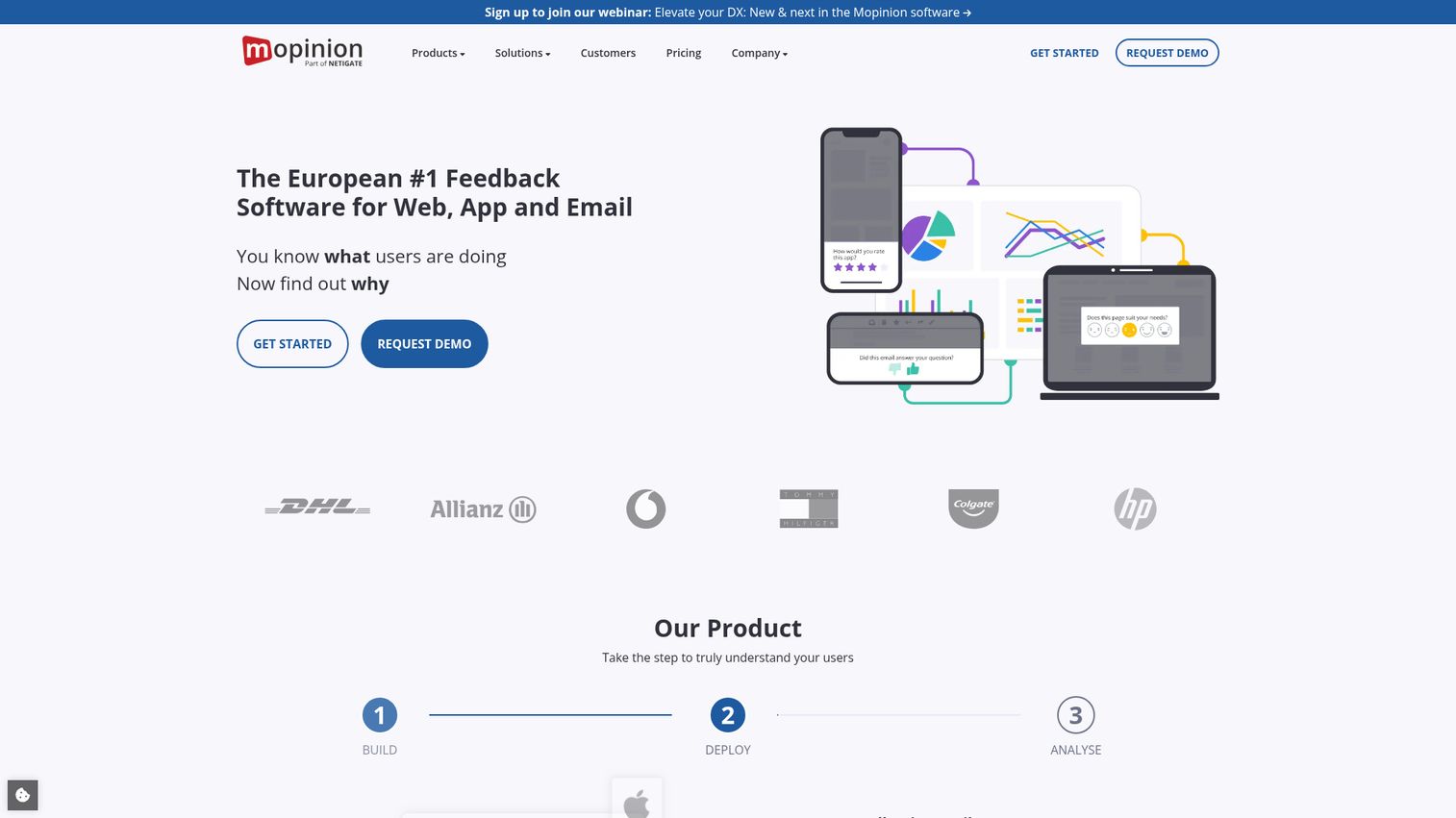
Mopinion is a European-headquartered customer feedback system built for digital teams that want deep analytics on website and app feedback - with real-time dashboards, text analytics, and role-based access controls.
The dashboards are where Mopinion shines. You can build custom views by team, channel, or feedback category, and the text analytics engine surfaces themes and sentiment from open-text responses automatically. Being headquartered in the EU means GDPR compliance is native, not bolted on - which matters for enterprise buyers with data residency requirements.
Best for: Digital teams that want deep website/app feedback analytics with GDPR-native compliance
Key strengths
- Real-time feedback dashboards with custom views and filters
- Built-in text analytics for theme and sentiment extraction
- GDPR-native with EU data residency options
- Role-based access for multi-team feedback management
- Customizable feedback forms with visual targeting rules
Pricing: Starts at ~$259/month (Growth). 14-day free trial.
The price point puts Mopinion out of reach for small teams. At $259/month, you're paying for enterprise-grade analytics and compliance features. If you don't need role-based access or EU data residency, Survicate or Hotjar deliver similar collection capabilities at a fraction of the cost.
11. Hotjar
Hotjar is the rare customer feedback tool that also shows you what users do, not just what they say - combining on-site surveys and feedback widgets with heatmaps, session recordings, and funnel analysis in a single platform. If you're evaluating heatmap tools specifically, see our guide to the best heatmap tools.
Most competitor guides miss Hotjar, which is an oversight. The combination of behavioral data and stated feedback gives you context that neither data source provides alone. When a user says "checkout was confusing," you can watch their session recording and see exactly where they got stuck. Hotjar's 2026 AI features now auto-summarize session recordings and flag high-friction moments. For deeper behavioral analysis, you might also explore session replay software to compare dedicated options.
Best for: Product teams that want feedback and behavior analytics (heatmaps, recordings) in one tool
Key strengths
- Feedback widgets and on-site surveys alongside heatmaps and recordings
- AI-powered session summary and friction detection in 2026
- Free plan generous enough for early-stage validation
- Simple setup with a single tracking script
- Integrations with Slack, HubSpot, and Segment for data routing
Pricing: Free plan (35 sessions/day); paid starts at ~$32/month (Plus).
The limitation: Hotjar's survey capabilities are basic compared to Survicate or SurveyMonkey. You won't find advanced branching logic, multi-channel distribution, or CRM-synced targeting. It works best as a behavior-plus-feedback combo tool, not a standalone survey platform.
12. Instabug
Instabug is built specifically for mobile app teams - offering shake-to-report bug submission, in-app feedback surveys, and crash reporting with automatic device diagnostics attached to every submission.
If you're a mobile PM, you know the pain of getting a bug report that says "it crashed on my phone" with no other context. Instabug automatically captures device model, OS version, network conditions, app state, and console logs with every report. Your engineering team gets reproducible context without a single follow-up question.
Best for: Mobile app teams that need in-app bug reporting and user feedback with automatic device diagnostics
Key strengths
- Shake-to-report gesture for intuitive mobile bug submission
- Automatic device, OS, network, and console log capture
- In-app surveys and feature request collection for mobile users
- Crash and ANR reporting with stack traces
- Direct routing to Jira, Slack, and GitHub for engineering triage
Pricing: Free plan (limited); paid starts at ~$249/month (Growth).
The price is high for small teams, and Instabug is mobile-only - it doesn't cover web feedback. If you're building a web app or need cross-platform feedback collection, pair it with a web-focused tool like Survicate or Hotjar.
Feature voting & product roadmap tools
13. Canny
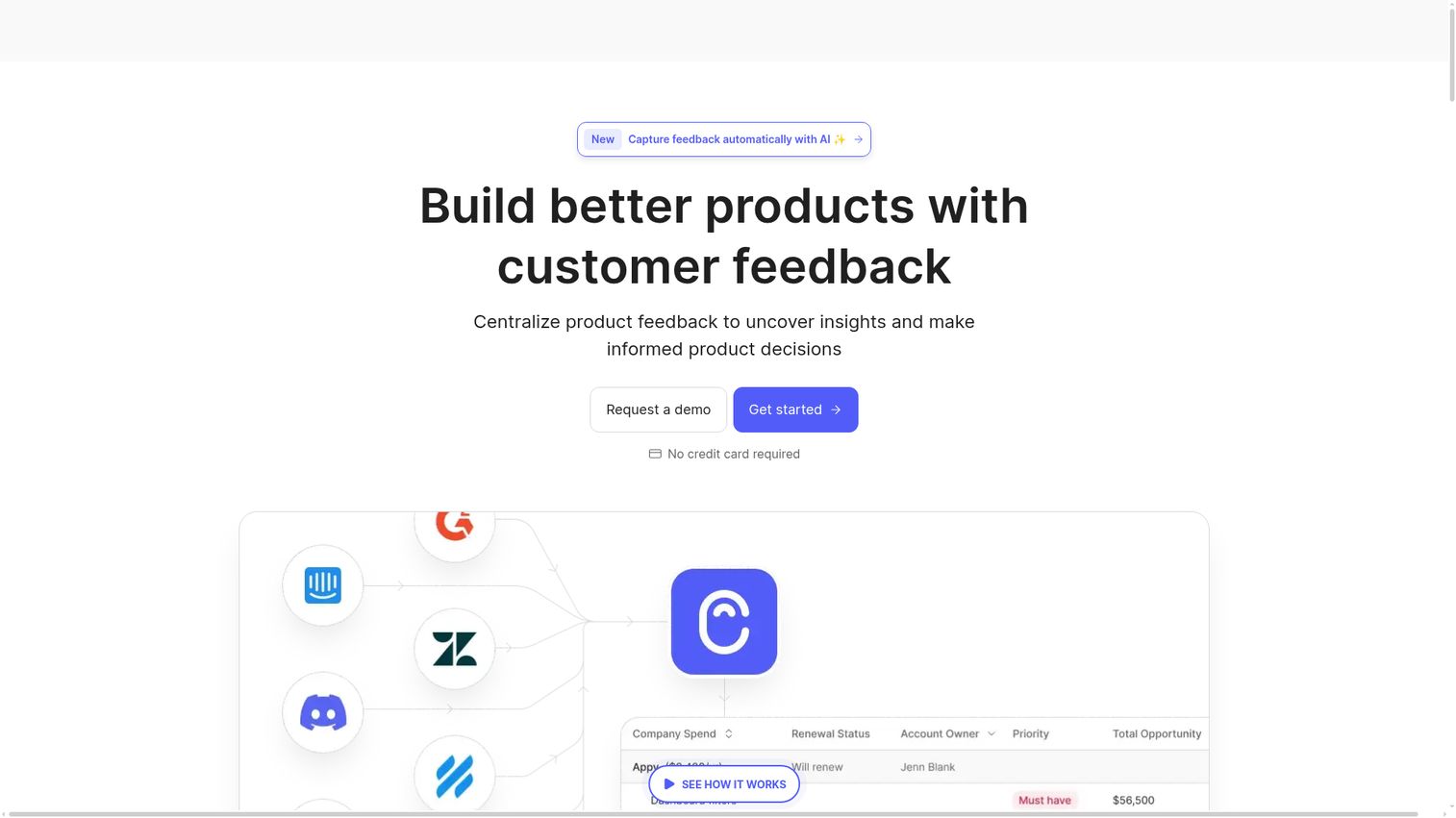
Canny is the most popular feature voting and customer feedback management tool for SaaS teams - combining feedback boards, voting, AI-powered categorization, prioritization formulas, public roadmaps, and changelogs in one platform.
The workflow is straightforward: customers submit and vote on feature requests, your team categorizes and scores them (Canny's AI now auto-tags and groups related requests), you build your roadmap based on data instead of gut feel, and you close the loop by publishing status updates and changelog entries. It's the full feedback-to-ship cycle in one tool.
Best for: SaaS product teams that want structured feature voting with public roadmaps and changelog
Key strengths
- Public and private feedback boards with voting and commenting
- AI-powered auto-categorization and duplicate detection
- Customizable prioritization formulas with impact scoring
- Public roadmap and changelog for closing the feedback loop
- Native Jira, Intercom, Salesforce, and Zendesk integrations
Pricing: Free plan (limited to 1 board); paid starts at ~$99/month (Growth).
Canny's free plan is useful for testing the concept of public feature voting, but the single-board limit means you'll outgrow it quickly if you have multiple products or user segments. The jump to $99/month is justified if feature prioritization is a core part of your PM workflow.
14. UserVoice
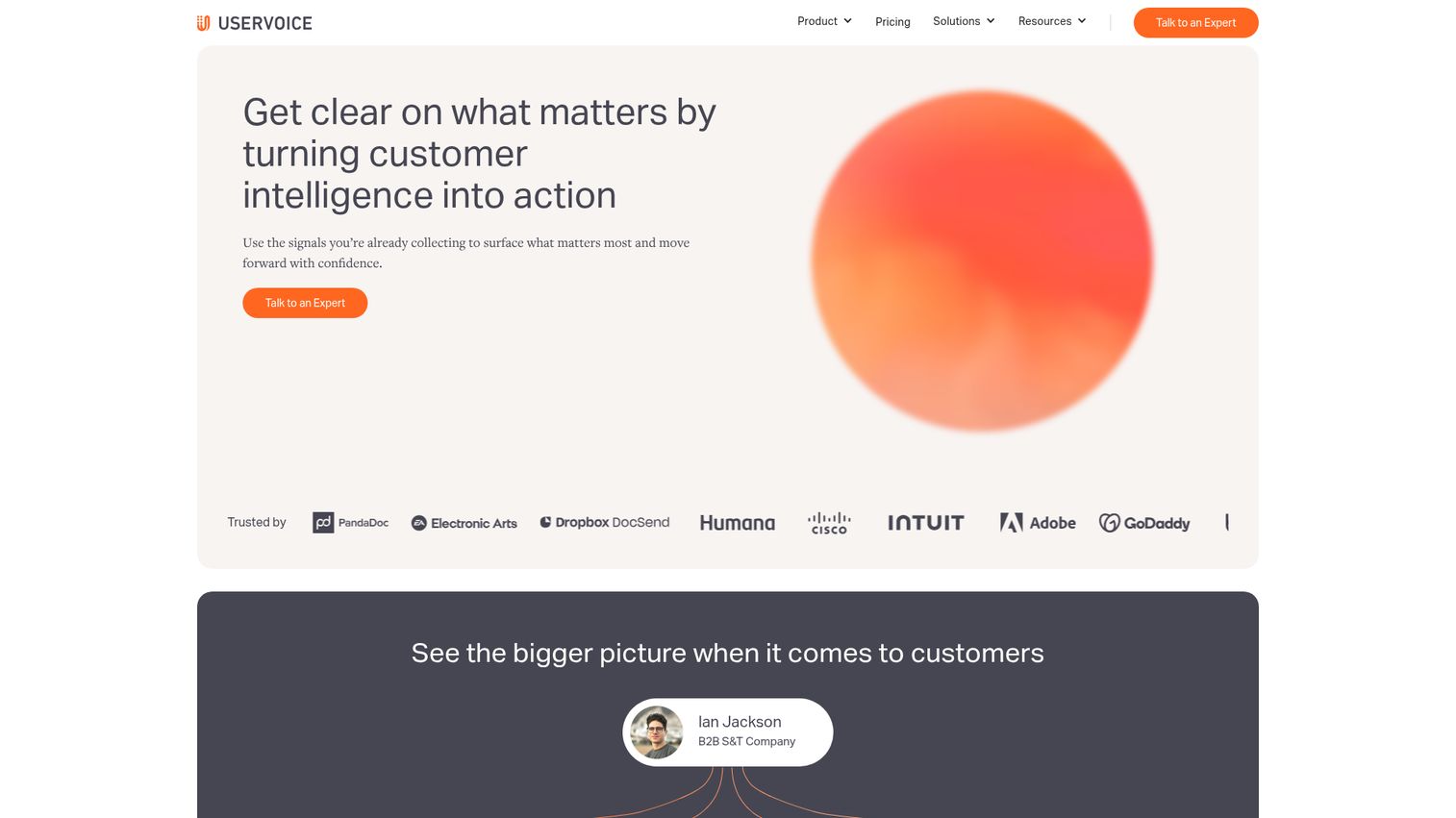
UserVoice is the enterprise-grade alternative to Canny - designed for product teams that need to connect customer feedback directly to revenue data and account value for prioritization decisions.
The SmartVote system lets you allocate votes based on account size, so a feature request from a $500K ARR customer carries more weight than one from a free-tier user. The product management analytics dashboard shows you which requests correlate with retention, expansion, and churn - turning feedback into a revenue conversation, not just a popularity contest.
Best for: Enterprise product teams that need to connect customer feedback directly to revenue data
Key strengths
- Revenue-based prioritization tying feedback to account value
- SmartVote system weighting input by customer segment
- Product management analytics linking requests to retention and churn
- Enterprise security with SOC 2 compliance and SSO
- Salesforce and Fullstory integrations for account-level context
Pricing: Custom (typically $799+/month). No free plan.
UserVoice is expensive and doesn't offer a self-serve trial. If you're a startup or mid-market team without a dedicated product ops function, Canny or Zeda.io will give you 80% of the value at a fraction of the cost. UserVoice makes sense when your feedback volume is high enough and your customer base is segmented enough that revenue-weighted prioritization actually changes your decisions.
15. Pendo
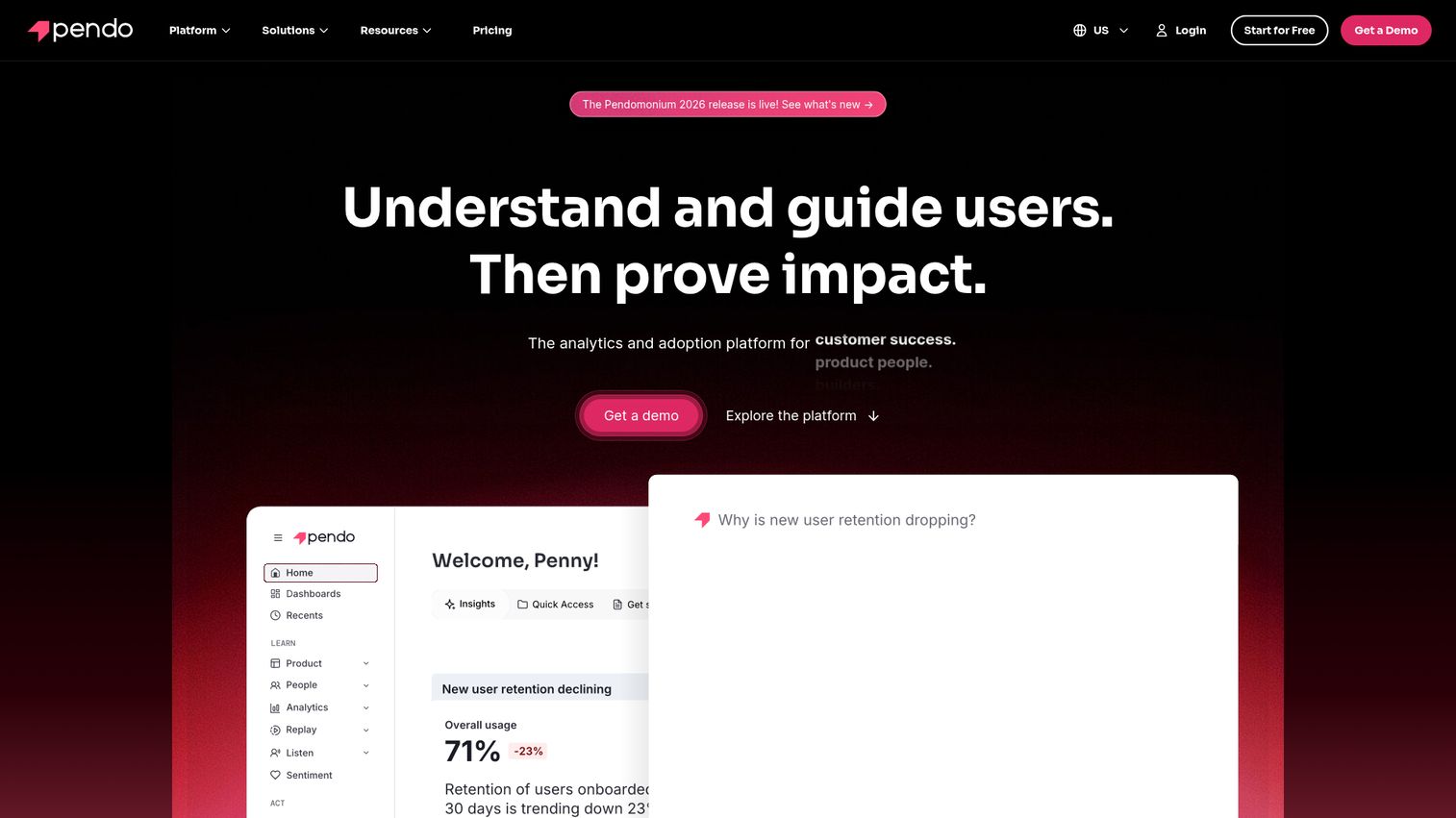
Pendo is a full product experience platform that combines product analytics, in-app guides, and feedback collection (via the Pendo Feedback module, formerly Pendo Listen) into a single customer feedback platform. You can explore the Pendo interactive demo to see how the analytics and guides work together.
The value proposition is integration density. Instead of stitching together separate tools for analytics, onboarding, and feedback, Pendo gives you all three with shared data. You can see which features drive engagement, guide users to underused features, and collect feedback - all correlated in one dashboard. Retroactive analytics means you can analyze feature usage going back to when you first installed the snippet, even if you didn't set up tracking in advance. For teams evaluating the broader product analytics software landscape, Pendo consistently ranks among the top options.
Best for: Product-led growth teams that want feedback, analytics, and in-app guidance in one platform
Key strengths
- Combined product analytics, feedback, and in-app guides platform
- Retroactive analytics without pre-configured event tracking
- NPS and in-app surveys tied to product usage data
- Feature adoption tracking correlated with feedback themes
- Free plan for up to 500 monthly active users
Pricing: Custom (typically $7,000+/year). Free plan (Pendo Free) for up to 500 MAUs.
The catch: feedback is one module in a larger platform. If you only need feedback collection and don't plan to use the analytics or in-app guides, you're paying for capabilities you won't use. Pendo works best when you're buying the full suite. The free plan is genuinely useful for early-stage products under 500 MAUs, though.
16. Zeda.io
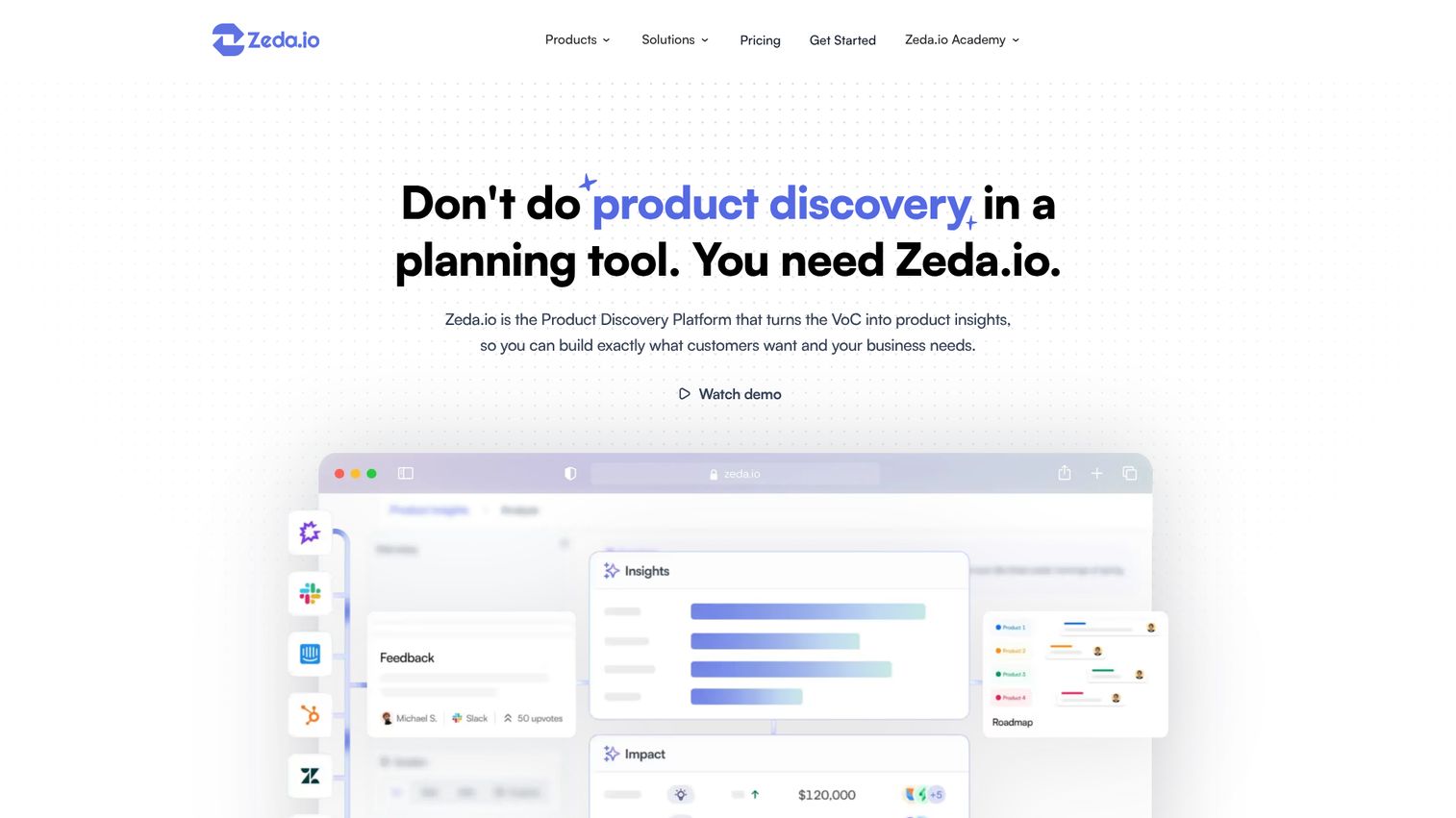
Zeda.io is a newer entrant in the feedback-to-roadmap space, built from the ground up with AI-assisted workflows that automatically categorize feedback, score impact, and generate roadmap items from recurring themes.
Where Canny requires you to set up boards and let users self-organize, Zeda.io takes a more automated approach. It pulls feedback from multiple sources (support tickets, surveys, Slack, sales calls), uses AI to identify patterns, and suggests roadmap priorities based on frequency, sentiment, and estimated impact. For PMs who want to spend less time organizing feedback and more time deciding what to build, it's a compelling feedback management tool.
Best for: Product managers who want AI-assisted feedback-to-roadmap workflows with minimal manual sorting
Key strengths
- AI-powered feedback categorization from multiple input sources
- Automated impact scoring based on frequency and sentiment
- Direct roadmap creation from identified feedback themes
- Multi-source ingestion including support, surveys, and Slack
- Modern UI designed for PM workflows and sprint planning
Pricing: Starts at ~$49/month. Free trial available.
Zeda.io is newer and less battle-tested than Canny or UserVoice. The community and ecosystem are smaller, and you won't find as many third-party integrations or community resources. If you want a proven, stable option, Canny is the safer pick. If you want the most AI-forward approach to feedback management at a lower price, Zeda.io is worth a pilot.
Review & reputation management tools
17. Trustpilot
Trustpilot is the dominant review platform for B2C and e-commerce brands - offering automated review collection, TrustBox display widgets, and a Trustpilot score that generates rich snippets in Google search results.
The SEO angle is what makes Trustpilot uniquely valuable. A strong Trustpilot score with review stars showing in search results directly impacts click-through rates. The platform automates review invitations post-purchase, lets you respond to reviews publicly, and provides analytics on review sentiment trends over time.
Best for: B2C and e-commerce brands that need to collect, manage, and showcase customer reviews at scale
Key strengths
- Automated post-purchase review invitation workflows via email
- TrustBox widgets displaying reviews on your website
- Google rich snippet integration boosting search click-through rates
- Review response management with templates and team assignments
- Analytics dashboard tracking review volume and sentiment trends
Pricing: Free plan (basic profile); paid starts at ~$259/month (Plus).
The free plan gives you a basic Trustpilot profile, but you can't send automated invitations or use TrustBox widgets without paying. The $259/month starting price for paid features is steep for small businesses. If you're a local shop or early-stage e-commerce brand, consider building your Google Business Profile reviews organically before investing in Trustpilot.
18. Birdeye
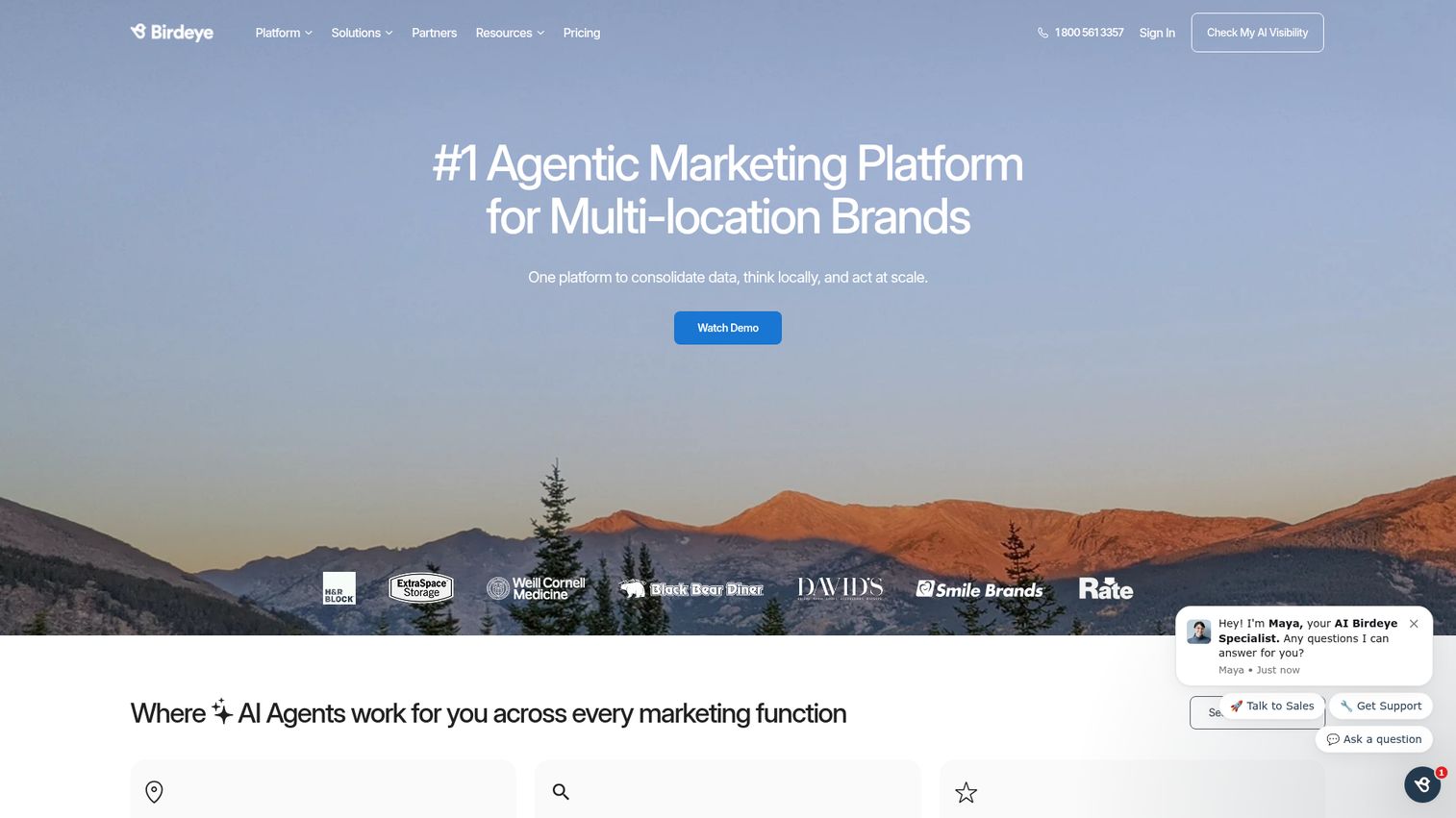
Birdeye aggregates and manages reviews across 200+ platforms - Google, Facebook, Yelp, Healthgrades, Cars.com, and dozens of industry-specific sites - from a single dashboard, making it the go-to for multi-location businesses.
The automated review request system sends SMS and email invitations to recent customers, and the response management tools let your team reply to reviews across all platforms without logging into each one separately. For businesses with 5, 50, or 500 locations, the centralized view and location-level benchmarking are hard to replicate with any other tool. Multi-location businesses investing in review management often pair it with local SEO software to maximize their search visibility.
Best for: Multi-location businesses that need unified review management across 200+ platforms
Key strengths
- Aggregation across 200+ review platforms in one dashboard
- Automated review requests via SMS and email post-transaction
- Location-level benchmarking for multi-site businesses
- Built-in messaging and webchat for customer communication
- Local SEO features boosting visibility in map and search results
Pricing: Custom (typically $299+/month). No free plan.
Birdeye does more than reviews - it includes messaging, payments, and webchat features. If you only need review management, you might be paying for capabilities you won't use. But if you're a multi-location business looking to consolidate customer communication tools, the bundled approach can actually save money compared to separate point solutions.
19. Podium
Podium takes an SMS-first approach to review generation - sending text-based review invitations to customers who are far more likely to respond to a text than an email. If you're comparing SMS-based tools more broadly, our roundup of the best SMS marketing software covers the full landscape.
This works particularly well for local service businesses - healthcare practices, auto dealerships, home service providers, dental offices - where customers interact in person and have a phone number on file but may never open a follow-up email. The webchat-to-text conversion feature captures website visitors and continues the conversation via SMS, and the integrated payment collection lets you request reviews alongside invoice delivery.
Best for: Local service businesses (healthcare, automotive, home services) that want review generation via text
Key strengths
- SMS-first review invitations with high open and response rates
- Webchat-to-text conversion for website visitor capture
- Integrated payment collection alongside review requests
- Google and Facebook review focus for local SEO impact
- Team inbox for centralized SMS conversation management
Pricing: Starts at ~$399/month (Core). No free plan.
Podium is the most expensive tool in the review management category, and the $399/month starting price is hard to justify for businesses with fewer than 2-3 locations. If you're a single-location business, Birdeye or even a manual Google review request process might be more cost-effective. Podium's value scales with location count and transaction volume.
AI-powered feedback analytics tools
20. Enterpret
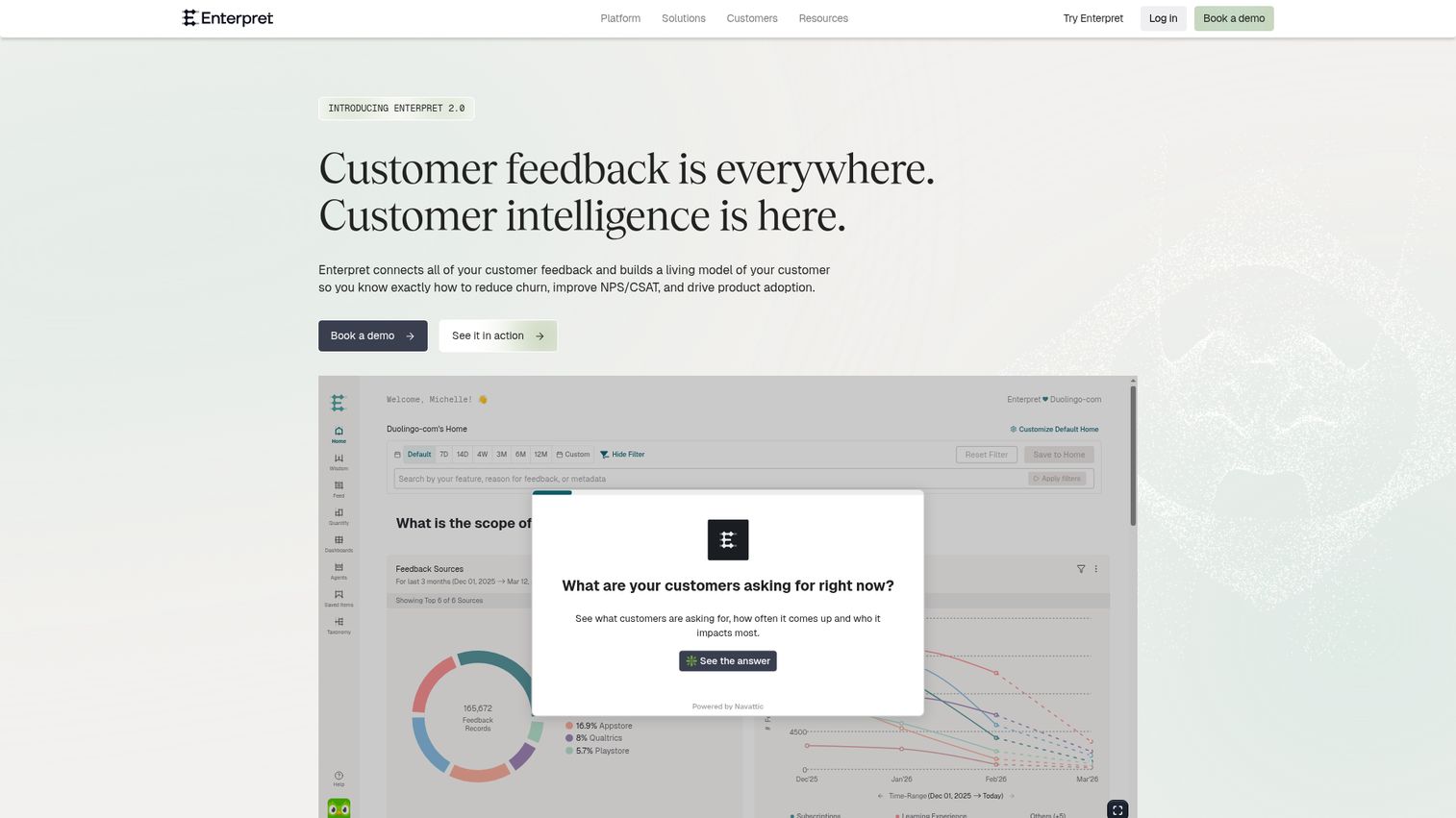
Enterpret is an AI-first customer feedback analysis tool that ingests feedback from every channel - support tickets, app reviews, NPS surveys, sales calls, social media, community forums - and uses custom-trained machine learning models to categorize, tag, and surface trends automatically.
The key differentiator is the adaptive AI. Instead of using generic sentiment models, Enterpret trains custom taxonomy models on your specific product, your terminology, and your feedback patterns. This means the categorization improves over time and matches how your team actually thinks about product areas, not how a generic NLP model would label them.
Best for: Scaling SaaS companies that need to automatically unify and analyze feedback from every channel
Key strengths
- Custom-trained AI models adapted to your product taxonomy
- Multi-source feedback aggregation from 10+ channel types
- Automated theme extraction and trend detection over time
- Revenue and retention correlation with feedback patterns
- Native integrations with Zendesk, Intercom, Gong, and Salesforce
Pricing: Custom (enterprise). No free plan.
Enterpret is built for companies generating thousands of feedback data points monthly across multiple channels. If you're getting 50 support tickets a week and running one quarterly NPS survey, you don't need this - Canny or Survicate will handle your volume. Enterpret's value kicks in when manual categorization becomes impossible and you need the AI to do the pattern-finding for you.
21. Chattermill
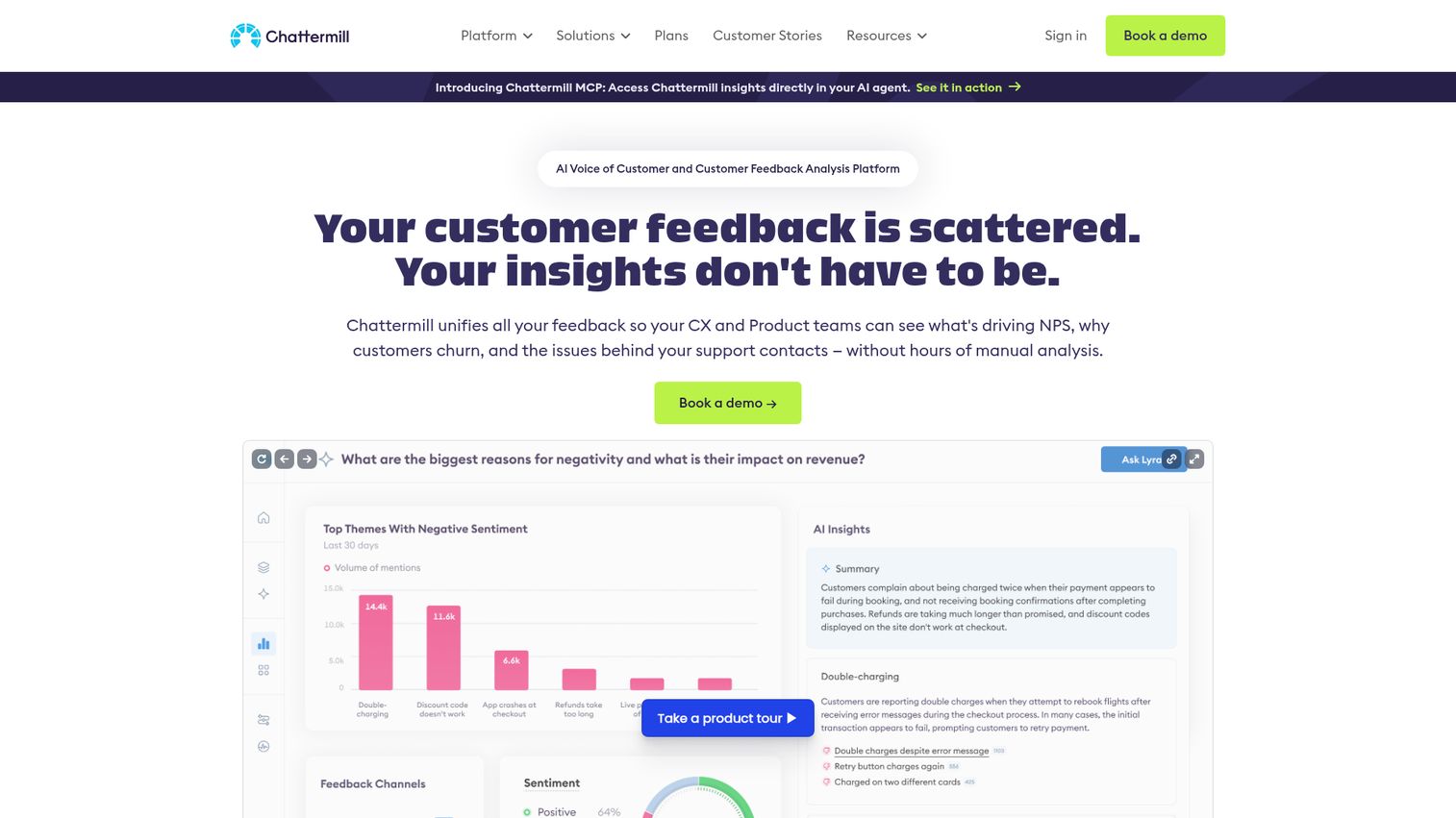
Chattermill is a unified customer feedback analytics platform that performs real-time sentiment analysis across millions of feedback data points - with a particular strength in mapping feedback to customer journey stages. Teams focused on journey optimization may also want to explore customer journey analytics software for complementary tools.
Where Enterpret leans toward product management use cases, Chattermill is built for CX teams. The platform connects feedback from surveys, support, reviews, and social into a unified analytics layer, then maps sentiment and themes to specific journey touchpoints (onboarding, purchase, renewal, support). Real-time alerting flags sudden sentiment drops before they become churn events.
Best for: CX teams at large organizations that need real-time sentiment analysis across millions of feedback data points
Key strengths
- Real-time sentiment analysis processing millions of data points
- Customer journey mapping with feedback overlaid on touchpoints
- Automated alerting for sudden sentiment drops or emerging themes
- Unified analytics across surveys, support, reviews, and social
- Integrations with Zendesk, Salesforce, SurveyMonkey, and Trustpilot
Pricing: Custom (enterprise). No free plan.
Like Enterpret, Chattermill is enterprise-priced and enterprise-scoped. The two tools serve different primary audiences: Chattermill for CX and customer journey optimization, Enterpret for product management and roadmap prioritization. Some large organizations use both. If you have to pick one, choose based on whether your primary stakeholder is the CX team or the product team.
How to choose the right customer feedback tool for your team
With 21 tools across five categories, the list can feel overwhelming. Here's a practical decision framework to narrow your options from 21 to 2-3 finalists.
Step 1: define your primary goal
Start with the job to be done. Are you collecting structured survey data (NPS, CSAT)? Capturing in-context product feedback? Managing public reviews? Analyzing unstructured feedback at scale? Your goal determines your category, and your category narrows the list immediately.
Step 2: assess your team size and budget
A solo PM at a seed-stage startup has different needs than a 15-person CX team at a Series D company. Be honest about what you'll actually use. A $799/month UserVoice subscription makes no sense if three people will log in once a week.
Step 3: check integration requirements
Map your existing stack before evaluating any feedback management tool. If your team lives in Jira and Slack, tools with native integrations there (Canny, Usersnap, Survicate) will see higher adoption than tools that require Zapier workarounds. If your CRM is Salesforce, check for native sync. For a broader view of how tools connect, see Guideflow's integration options as an example of how modern SaaS platforms approach ecosystem connectivity.
Step 4: evaluate AI capabilities
In 2026, AI-powered categorization and sentiment analysis are table stakes for mid-market and above. If you're processing more than a few hundred feedback items monthly, manual tagging becomes a bottleneck. Look for auto-categorization, theme detection, and sentiment scoring at minimum.
Step 5: test with a pilot
Most tools offer free trials or free plans. Run a 2-week pilot with real feedback data before committing. Pay attention to team adoption, not just feature checklists - the best customer feedback tool is the one your team actually uses.
Quick recommendations by scenario:
- Startup with <$100/month budget: Start with Survicate (free plan) + Google Forms
- Team that wants collection and AI analysis without stitching two tools together: Zonka Feedback
- SaaS PM building a roadmap: Canny or Zeda.io
- Enterprise CX team: Qualtrics for collection + Enterpret for analysis
- Local or multi-location business: Podium or Birdeye
- Mobile app team: Instabug + Canny for feature requests
Key features to look for in a customer feedback tool
Regardless of which category you're shopping in, these eight capabilities separate strong customer feedback management software from tools you'll outgrow in six months.
Multi-channel collection - The best tools collect feedback via email, in-app, website, SMS, and social from a single platform. Avoid tools that lock you into one channel.
Survey templates and customization - Pre-built NPS, CSAT, and CES templates save setup time. Customization (branding, logic branching, conditional paths) ensures surveys match your product and audience.
AI-powered analysis - Sentiment analysis, auto-tagging, and theme detection are no longer premium features. In 2026, any feedback management system handling more than a few hundred responses monthly should offer some level of automated categorization.
Reporting and dashboards - Real-time dashboards, exportable reports, and role-based views let different teams access the insights they need without waiting for a weekly summary email.
Integration ecosystem - CRM sync (Salesforce, HubSpot), helpdesk connections (Zendesk, Intercom), project management routing (Jira, Asana), and analytics platforms (Segment, Google Analytics) are the connective tissue of your feedback workflow.
Workflow automation - Auto-routing feedback to the right team, triggering follow-up surveys based on responses, and sending Slack notifications on negative sentiment save hours of manual triage.
Closing the feedback loop - Status updates, changelogs, and public roadmaps let customers know their input led to action. This is what turns feedback collection into customer loyalty. Some teams go further by collecting user feedback with interactive demos - letting users interact with a prototype and leave contextual input directly on the experience.
Compliance and security - GDPR compliance, SOC 2 certification, data residency options, and SSO support matter for enterprise buyers. Check these before your security team blocks the procurement.
Build your feedback stack in 2026
The "best" customer feedback tool doesn't exist in isolation - it depends on your use case, team size, budget, and existing stack. Most high-performing teams in 2026 use 2-3 tools in combination: one for collection (Survicate, Typeform), one for prioritization (Canny, UserVoice), and optionally one for deep analysis (Enterpret, Chattermill).
Start with one tool, measure adoption after 30 days, and expand from there. AI is shifting feedback from reactive pattern-matching to predictive insight - the teams that build their feedback infrastructure now will have a compounding advantage over those still relying on spreadsheets and gut feel. And once you're acting on feedback, consider using a demo center to showcase new features and updates to the customers who requested them - closing the loop in the most tangible way possible.
Bookmark this guide and revisit it as your feedback needs evolve - we update this list quarterly.
Frequently asked questions about customer feedback tools
A customer feedback tool is software that helps businesses collect, organize, analyze, and act on input from customers across channels like email, in-app widgets, surveys, reviews, and support tickets. It goes beyond basic surveys to include feature voting, sentiment analysis, review management, and closed-loop communication - connecting what customers say to what your team actually builds or changes.
Start with your primary goal: structured surveys, in-app feedback, feature prioritization, review management, or AI-powered analysis. Then filter by budget, team size, and integration requirements with your existing stack (CRM, helpdesk, project management). Evaluate AI capabilities if you process more than a few hundred feedback items monthly. Most tools offer free trials - run a 2-week pilot with real data before committing. The comparison table above lets you scan all 21 options by category, price, and use case.
Yes - several tools offer genuinely useful free plans. Google Forms is completely free. Survicate offers 25 responses/month, Canny gives you 1 feedback board, Hotjar provides 35 sessions/day, Pendo Free covers up to 500 MAUs, Qualaroo has a free tier, and Typeform allows 10 responses/month. Free plans work well for early validation, but most teams outgrow them within 3-6 months as feedback volume increases.
Support tools like Zendesk and Freshdesk are designed to resolve individual tickets - they're reactive and operate at the single-customer level. Feedback tools aggregate patterns across many customers to inform product, CX, and business decisions - they're strategic and trend-level. Some platforms (Intercom, HubSpot) bridge both worlds. The key distinction: support asks "how do we fix this person's problem?" while feedback asks "what should we build or change next?"
Five main categories cover the market. Survey and form tools (SurveyMonkey, Typeform) collect structured quantitative data. In-app and website feedback tools (Survicate, Hotjar) capture contextual input during product use. Feature voting and roadmap tools (Canny, UserVoice) let customers suggest and prioritize features. Review and reputation management tools (Trustpilot, Birdeye) aggregate third-party reviews. AI-powered analytics tools (Enterpret, Chattermill) process unstructured feedback at scale with sentiment analysis and theme detection.
AI capabilities in 2026 feedback tools include automatic sentiment analysis on open-text responses, theme and topic extraction from unstructured data (support tickets, reviews, call transcripts), smart categorization and auto-tagging that improves over time, predictive analytics forecasting churn from feedback trends, AI-generated survey questions, and automated response drafting. Zonka Feedback, Enterpret, Chattermill, and Canny are among the tools with the most advanced AI implementations in their respective categories, with Zonka distinct in that it also runs the underlying survey collection rather than only ingesting data gathered elsewhere.
Yes, and many teams do. The "feedback stack" concept works well: one tool for collection (Survicate, Typeform), one for prioritization (Canny, UserVoice), and optionally one for deep analysis (Enterpret, Chattermill). Native integrations and Zapier connections make data flow between tools straightforward. The key is avoiding overlap - pick tools with complementary strengths rather than redundant features.
For small businesses and teams with limited budgets, focus on tools with free plans or low starting prices that don't require a dedicated admin. Google Forms (free) handles basic surveys. Survicate's free tier covers multi-channel feedback. Hotjar's free plan combines feedback with heatmaps. Typeform ($25/month) delivers high-completion surveys. Canny's free plan lets you test feature voting. Prioritize ease of setup and low learning curve over advanced features you won't use yet.