Most teams track website visits, email opens, and support tickets in completely separate systems - 86% of companies with multiple CX tools report siloed data. The result is a fragmented view where you can see individual interactions but never the full story of how a customer actually moves from first touch to purchase to loyalty.
Customer journey analytics software connects these dots by stitching together user identity across channels and over time. This guide covers 14 tools that help you map, measure, and optimize the complete customer experience, from enterprise platforms to accessible options for smaller teams.
What's inside
This guide covers the best customer journey analytics platforms for enterprises and growing teams. We selected tools based on cross-channel data integration, real-time behavior visualization, AI-driven insights, and transparent pricing.
- What customer journey analytics software actually does
- When to use journey analytics tools
- A comparison table of the top 14 platforms
- Detailed reviews of each tool
- How to choose the right software for your team
- Frequently asked questions
TL;DR
- Customer journey analytics software maps and optimizes customer interactions across digital and offline touchpoints to provide a unified view of behavior.
- Top picks include Guideflow for demo engagement, Adobe for enterprise cross-channel analysis, and Mixpanel for product-led growth.
- Choose journey analytics over standard web analytics when you want to connect user identity across multiple channels and over the full customer lifecycle.
- Interactive demos complement journey data by showing exactly where prospects engage with your product's features before they sign up.
What is customer journey analytics software
Now a $24.65 billion market, customer journey analytics software enables businesses to map, analyze, and optimize customer interactions across all digital and offline touchpoints, providing a 360-degree view to improve experience, reduce churn, and drive revenue. Key features include cross-channel data integration, real-time behavior visualization, and AI-driven insights.
Unlike basic web analytics that focus on anonymous, session-based metrics, journey analytics connects a user's identity across different channels and over long periods. You can trace someone from their first marketing touchpoint all the way to becoming a loyal advocate.
How journey analytics differs from standard web analytics
Standard web analytics tells you what happened on your website during a single session. Journey analytics tells you what happened across every touchpoint over months or years.
| Aspect | Standard web analytics | Journey analytics software |
|---|---|---|
| Scope | Single channel or session | Cross-channel, cross-device |
| Identity | Anonymous pageviews | Unified customer profiles |
| Time horizon | Session-based | Full customer lifecycle |
| Insight type | Traffic metrics | Behavioral patterns and intent |
Core capabilities of customer journey platforms
Most platforms in this category share a common set of features, though the depth and execution vary:
- Cross-channel data integration: Connects websites, mobile apps, email, and contact centers into a single view.
- Behavior flow analysis: Identifies drop-off points, bottlenecks, and conversion paths.
- Real-time visualization: Shows customer interactions as they happen.
- AI-driven insights: Predicts future behavior and surfaces optimization opportunities.
- Customer personalization: Tailors engagement based on journey stage.
Journey mapping vs journey analytics
Journey mapping is a strategic design exercise that visualizes the ideal paths you want customers to take. Journey analytics is the measurement layer that shows what customers actually do by analyzing real behavioral data. Mapping defines the strategy, and analytics validates or refines it.
When to use customer journey analytics tools
Journey analytics tools work well for breaking down data silos, reducing engineering dependency, and moving from reactive to proactive CX management - important given only 22% of business leaders say their teams share data well. Marketing teams, product, and sales can understand the complete customer story without complex queries or manual data stitching.
Tracking omnichannel customer behavior
Use journey analytics when you want to connect customer touchpoints across web, mobile, email, support, and offline channels. Organizations with multiple customer-facing channels that currently exist in separate, siloed systems benefit most here, especially when combined with sandbox demos that let prospects experience your value firsthand across touchpoints.
Identifying funnel drop-off points
Journey analytics helps you find exactly where prospects abandon their journey and understand the "why" behind the drop-off. Pairing this data with interactive demos lets you address friction points directly by offering self-serve experiences that guide users through complex features, while live demos create authentic buyer experiences that accelerate sales cycles.
Connecting marketing and product data
Product marketing teams often want to see how campaigns influence in-product behavior. Journey analytics links marketing touchpoints, like an ad click or email open, to subsequent product adoption patterns and feature usage.
Measuring product-led growth engagement
User journey analytics helps product-led growth companies understand activation paths, feature adoption sequences, and expansion triggers without heavy engineering support. It provides the self-serve insights to optimize the user onboarding and conversion funnel.
Customer journey analytics platforms comparison table
| # | Product | Intent | Key differentiation | Pricing | G2 rating |
|---|---|---|---|---|---|
| 1 | Adobe Customer Journey Analytics | Enterprise cross-channel analysis | Unified identity across all Adobe Experience Cloud | Custom enterprise | 4.1/5 |
| 2 | Genesys Cloud CX | Contact center journey optimization | Real-time service interaction analytics | Custom | 4.3/5 |
| 3 | Mixpanel | Product analytics with journey focus | Event-based behavioral tracking | Free tier, paid from $20/mo | 4.6/5 |
| 4 | Amplitude | Product intelligence | Behavioral cohorts and retention analysis | Free tier available | 4.5/5 |
| 5 | Heap | Auto-capture analytics | Retroactive analysis without manual tracking | Custom | 4.4/5 |
| 6 | Pendo | Product experience analytics | In-app guidance combined with analytics | Custom | 4.4/5 |
| 7 | TheyDo | Journey management software | Collaborative journey mapping with analytics | From $50/mo | 4.8/5 |
| 8 | Smaply | Journey mapping and management | Visual journey orchestration | From $19/mo | 4.6/5 |
| 9 | Qualtrics XM | Experience management | Survey-driven journey insights | Custom enterprise | 4.4/5 |
| 10 | Medallia Experience Cloud | Enterprise feedback analytics | AI-powered experience orchestration | Custom enterprise | 4.5/5 |
| 11 | Contentsquare | Digital experience analytics | Session replay and zone-based heatmaps | Custom | 4.7/5 |
| 12 | FullStory | Digital experience intelligence | Session replay with frustration signals | Custom | 4.5/5 |
| 13 | Hotjar | Behavior analytics | Heatmaps and recordings for smaller teams | Free tier, paid from $32/mo | 4.3/5 |
| 14 | Google Analytics 4 | Web and app analytics | Free cross-platform tracking | Free, 360 is custom | 4.5/5 |
14 best customer journey analytics tools
1. Adobe Customer Journey Analytics
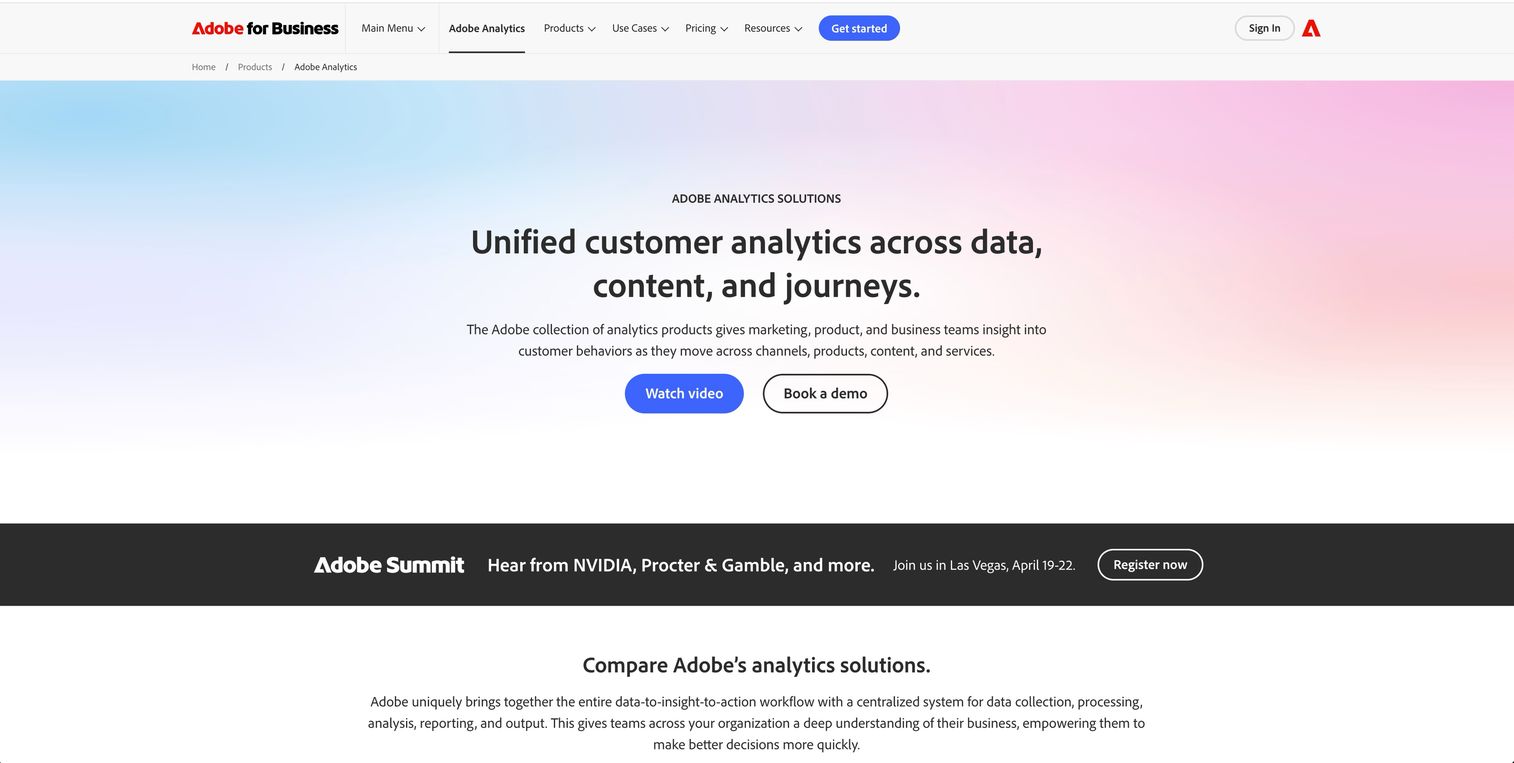
Adobe Customer Journey Analytics is the enterprise-grade platform for organizations already invested in the Adobe ecosystem. It excels at stitching together data from Adobe Analytics, Marketo Engage, and other Experience Cloud products to create a single, unified view of the customer.
Large enterprises that perform complex cross-channel and cross-device identity resolution will find this platform particularly valuable. The learning curve is steep, but the depth of analysis available is unmatched for organizations with the resources to use it fully.
Key strengths
- Unified customer profiles: Combines data from all Adobe products for a true 360-degree view.
- AI-accelerated insights: Uses machine learning to surface anomalies and opportunities in complex data sets.
- Experience Platform integration: Natively built on the Adobe Experience Platform for seamless data flow.
- Advanced segmentation: Allows for deep, granular analysis of customer cohorts across channels.
Pricing: Custom for enterprise clients.
2. Genesys Cloud CX
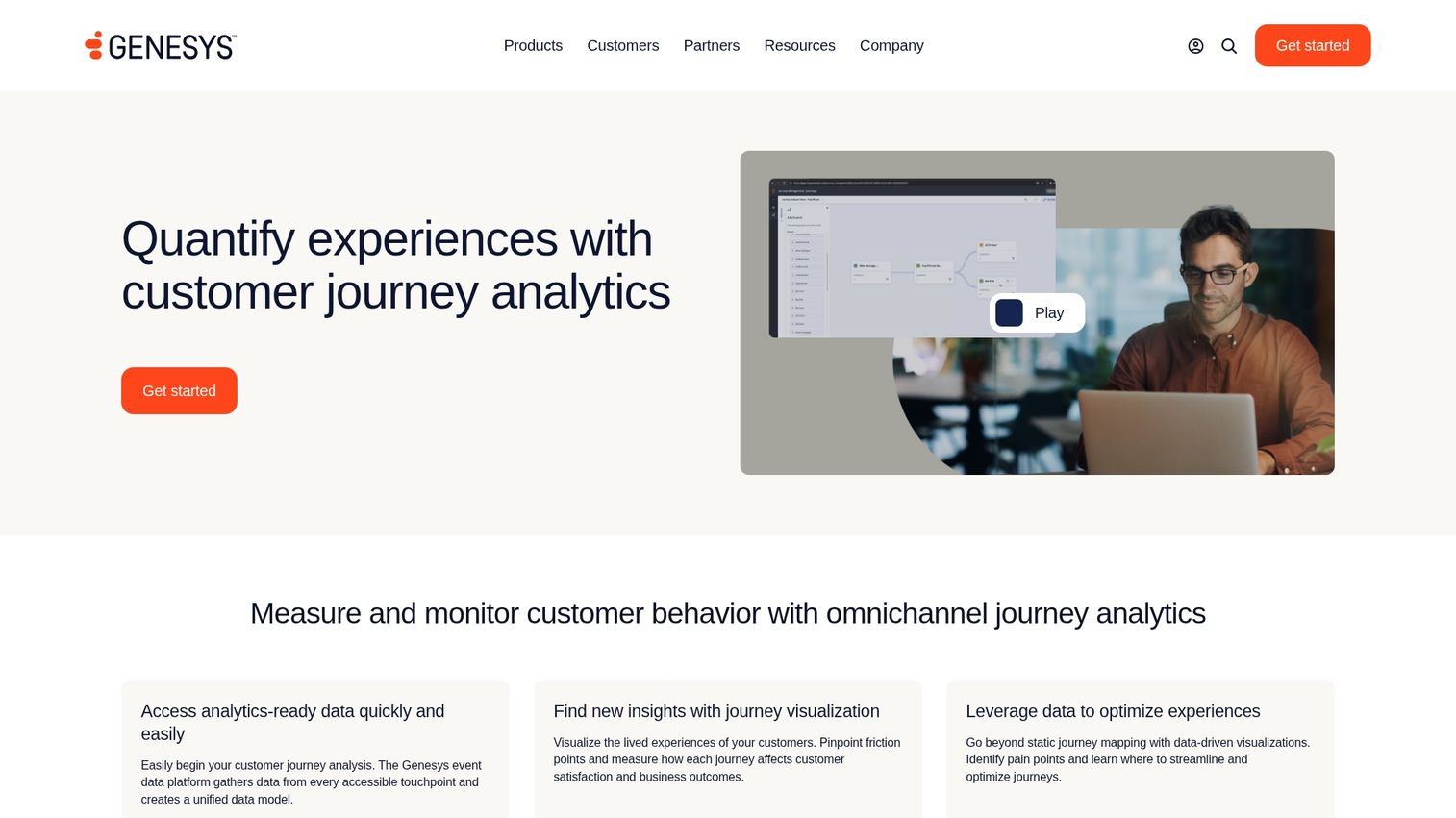
Genesys Cloud CX is a customer journey analytics platform built for contact center and customer service optimization. It provides real-time visibility into service journeys, helping teams identify friction points and improve agent performance.
Organizations looking to analyze and improve customer service interactions across voice, chat, email, and social channels will find this platform well-suited to their workflows.
Key strengths
- Real-time journey flows: Visualize customer service interactions as they happen.
- Funnel analysis for service: Identify where customers drop off during support requests.
- Agent performance correlation: Link agent actions to customer satisfaction and journey outcomes.
- Predictive engagement: Proactively offer assistance based on customer behavior.
Pricing: Custom.
3. Mixpanel
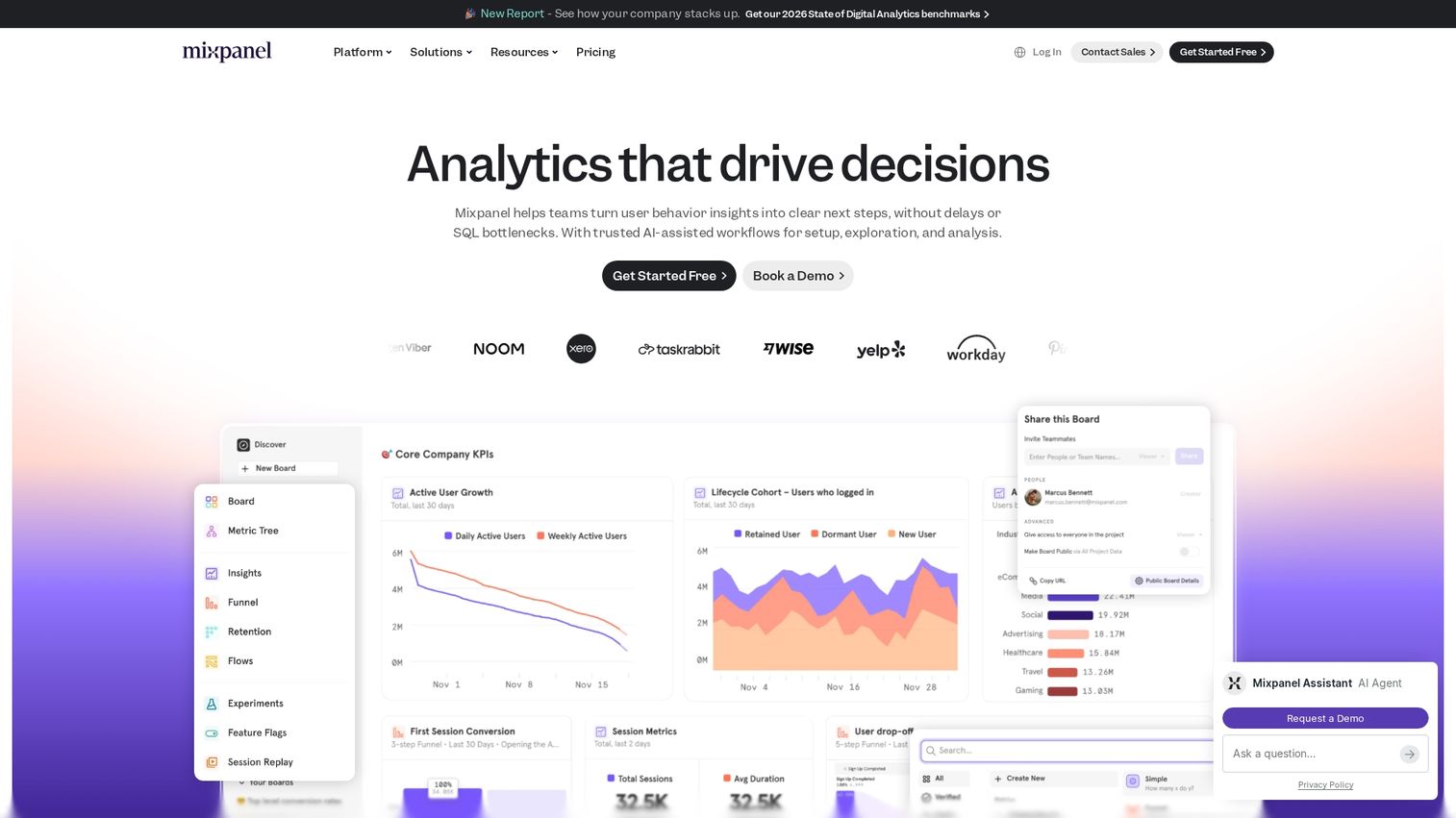
Mixpanel is a powerful product analytics tool with strong journey analysis capabilities. Its event-based tracking model provides granular data on how users interact with a product, making it particularly valuable for understanding feature adoption and conversion funnels.
Product teams at tech companies who track user flows and measure conversion funnels will appreciate Mixpanel's flexibility. The self-serve setup empowers non-technical teams to build their own reports without waiting on engineering.
Key strengths
- Event-based tracking: Provides deep insights into specific user actions.
- Funnel reports: Easily build and visualize conversion funnels to spot drop-offs.
- Retention analysis: Understand what makes users stick around.
- Self-serve setup: Empowers non-technical teams to build their own reports.
Pricing: Free tier available. Paid plans start at $20/month.
4. Amplitude
Amplitude is a leading behavioral analytics platform focused on product intelligence. It helps teams understand user behavior at a deep level to inform product strategy and experimentation.
Product-led companies that analyze user cohorts and map feature adoption paths to drive growth will find Amplitude's behavioral cohorts and journey mapping features particularly useful. The platform excels at connecting individual user actions to broader business outcomes, making it easier to identify which behaviors correlate with retention and expansion.
Amplitude is a leading behavioral analytics platform focused on product intelligence. It helps teams understand user behavior at a deep level to inform product strategy and experimentation.
Product-led companies that analyze user cohorts and map feature adoption paths to drive growth will find Amplitude's behavioral cohorts and journey mapping features particularly useful.
Key strengths
- Behavioral cohorts: Group users based on their actions to analyze patterns.
- Journey mapping: Visualize the paths users take through your product.
- Experimentation integration: Connect A/B testing results to long-term user behavior.
- Predictive analytics: Forecast user LTV and churn probability.
Pricing: Free tier available. Custom pricing for growth and enterprise plans.
5. Heap
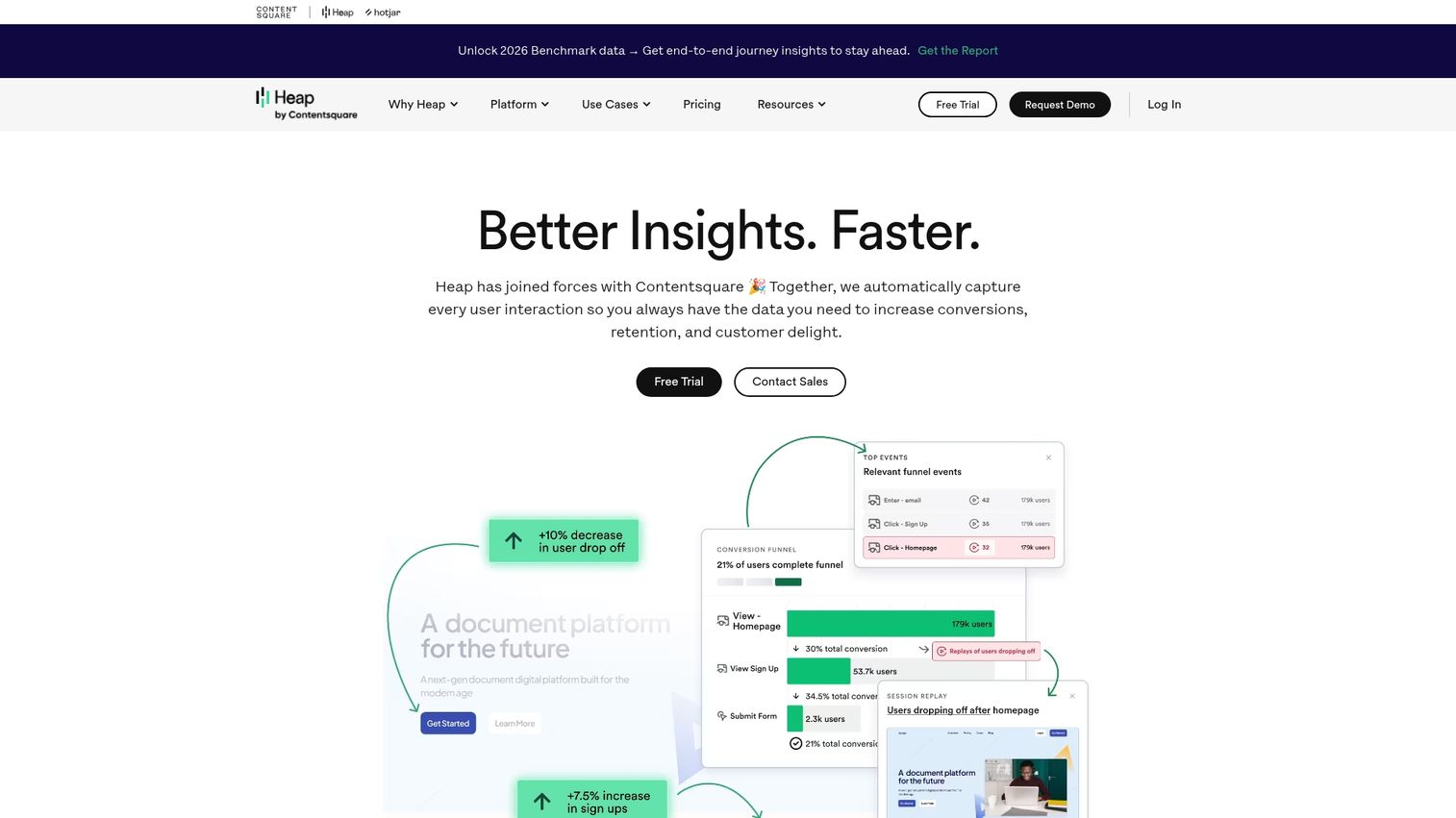
Heap stands out with its auto-capture approach, which automatically collects all user interactions without requiring manual event tracking. You can decide what to analyze long after the data has been collected.
Teams that want the ability to perform retroactive analysis without upfront instrumentation will appreciate this approach. The tradeoff is that auto-capture can generate large volumes of data, which may require more storage and processing resources.
Key strengths
- Automatic data collection: Captures every click, tap, and form submission automatically.
- Session replay: Watch recordings of user sessions to understand their experience.
- Funnel visualization: Define and analyze funnels retroactively.
- Data dictionary: Keep your event data clean and organized.
Pricing: Custom.
6. Pendo
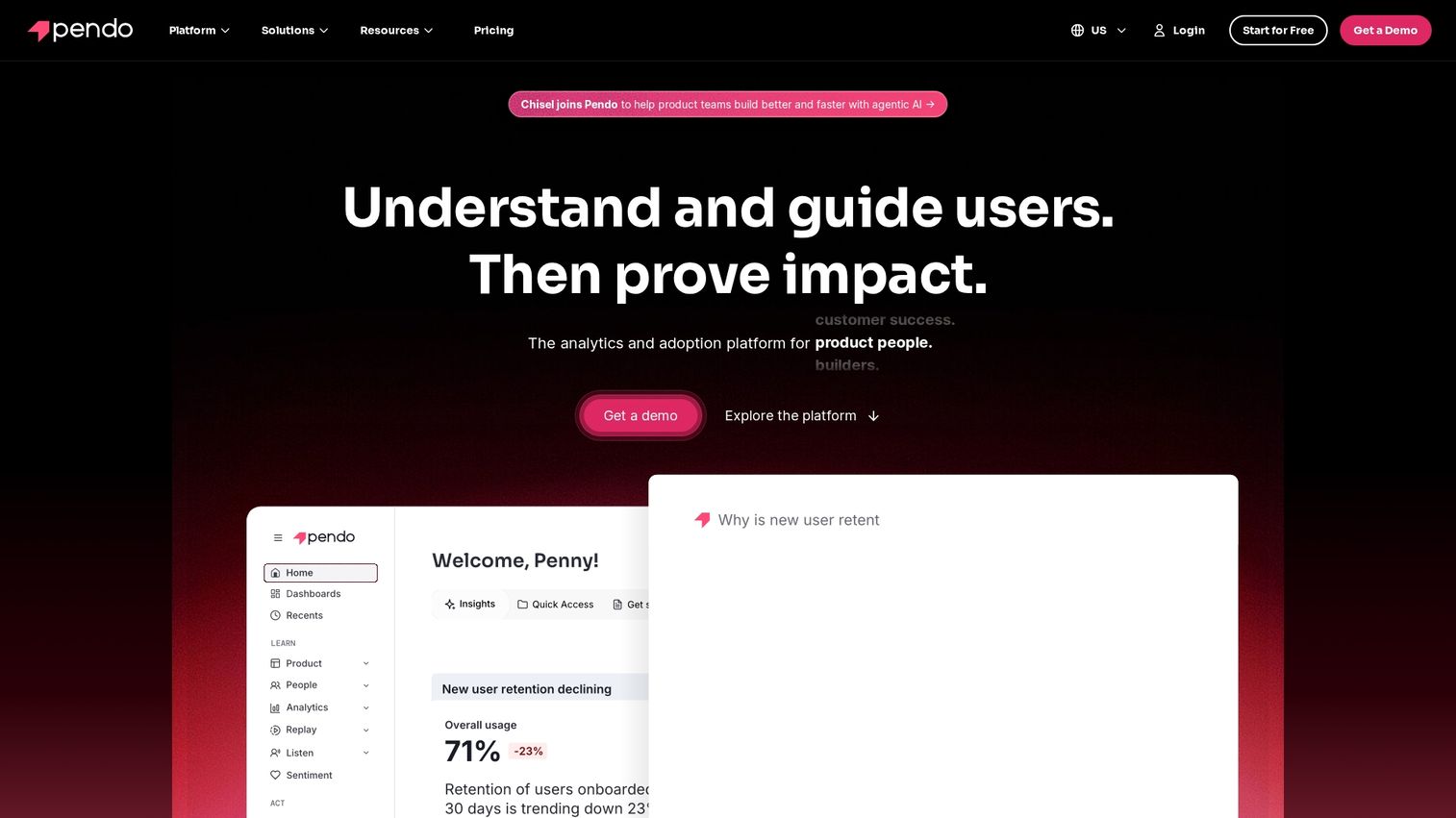
Pendo is a product experience platform that combines user analytics with in-in guidance and feedback tools. It helps you understand how users engage and then guide them to value with in-app messages and walkthroughs.
Customer success and product teams who want to not only measure product adoption but also influence it directly will find Pendo's combination of analytics and guidance particularly valuable.
Key strengths
- Feature adoption tracking: See which features are being used and by whom.
- NPS integration: Collect and analyze user feedback within the product.
- In-app messaging: Guide users, announce features, and onboard new customers.
- Roadmap planning: Use analytics to inform your product roadmap.
Pricing: Custom.
7. TheyDo

TheyDo is a journey management software designed for CX and product teams. It provides a collaborative platform to map, manage, and validate customer journeys, ensuring everyone is aligned on the customer experience.
Organizations that want to connect their strategic journey maps to actual analytics data will find TheyDo's approach useful.
Key strengths
- Collaborative journey canvas: Build and share journey maps across teams.
- Opportunity tracking: Identify and prioritize improvements based on journey friction.
- Stakeholder alignment: Create a single source of truth for the customer experience.
- Analytics integration: Connect real data to your journey maps to validate assumptions.
Pricing: From $50/month.
8. Smaply
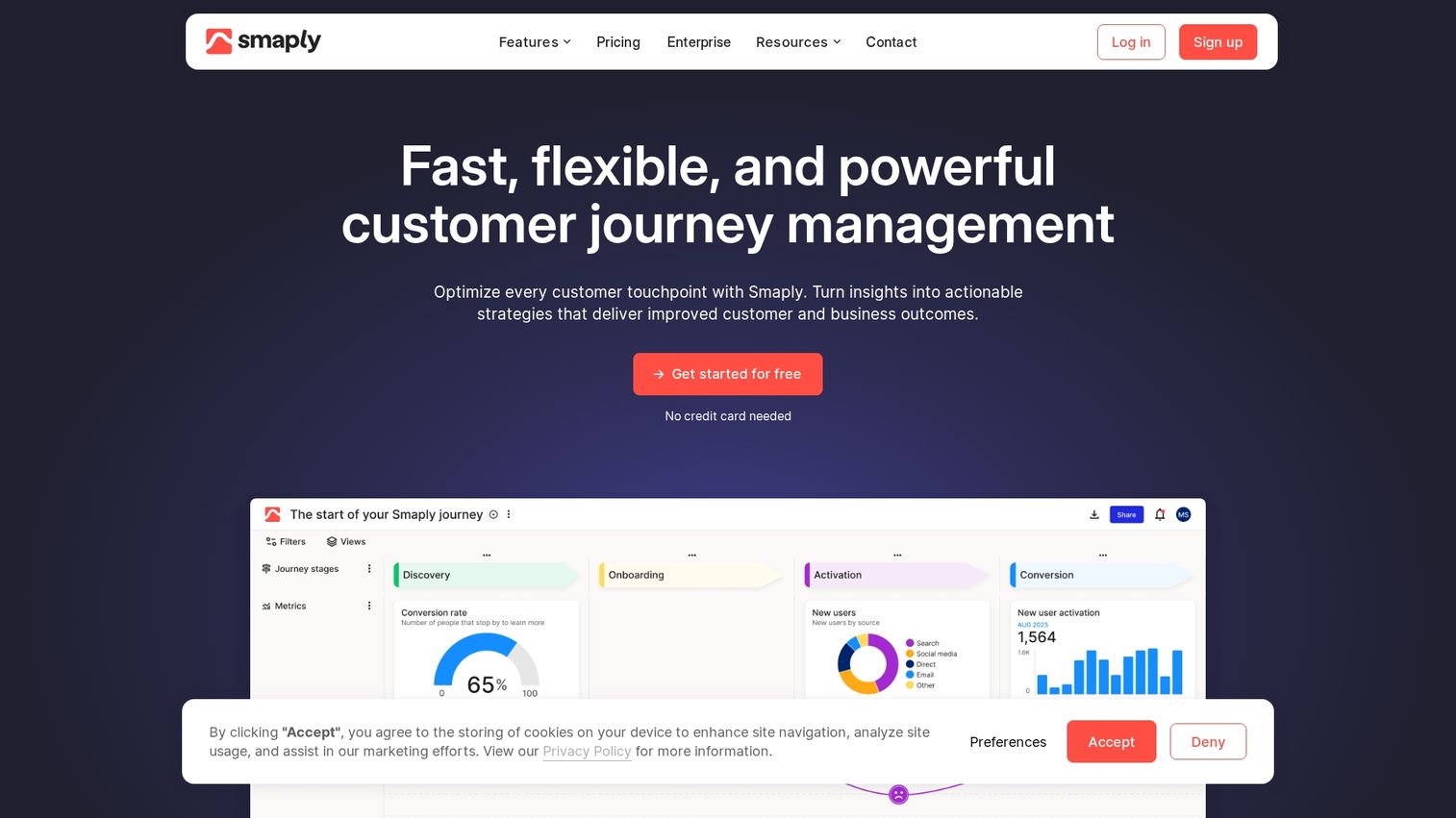
Smaply is a visual journey mapping tool that includes an analytics overlay. It helps visualize the entire customer ecosystem and connect it to real performance metrics.
UX and CX teams focused on creating detailed, data-informed journey maps, personas, and stakeholder maps will find Smaply's visual approach intuitive.
Key strengths
- Persona integration: Link journey maps directly to detailed customer personas.
- Stakeholder maps: Visualize the internal ecosystem that delivers the customer experience.
- Journey visualization: Create beautiful, easy-to-understand journey maps.
- Data-driven mapping: Overlay KPIs and analytics onto your visual maps.
Pricing: From $19/month.
9. Qualtrics XM
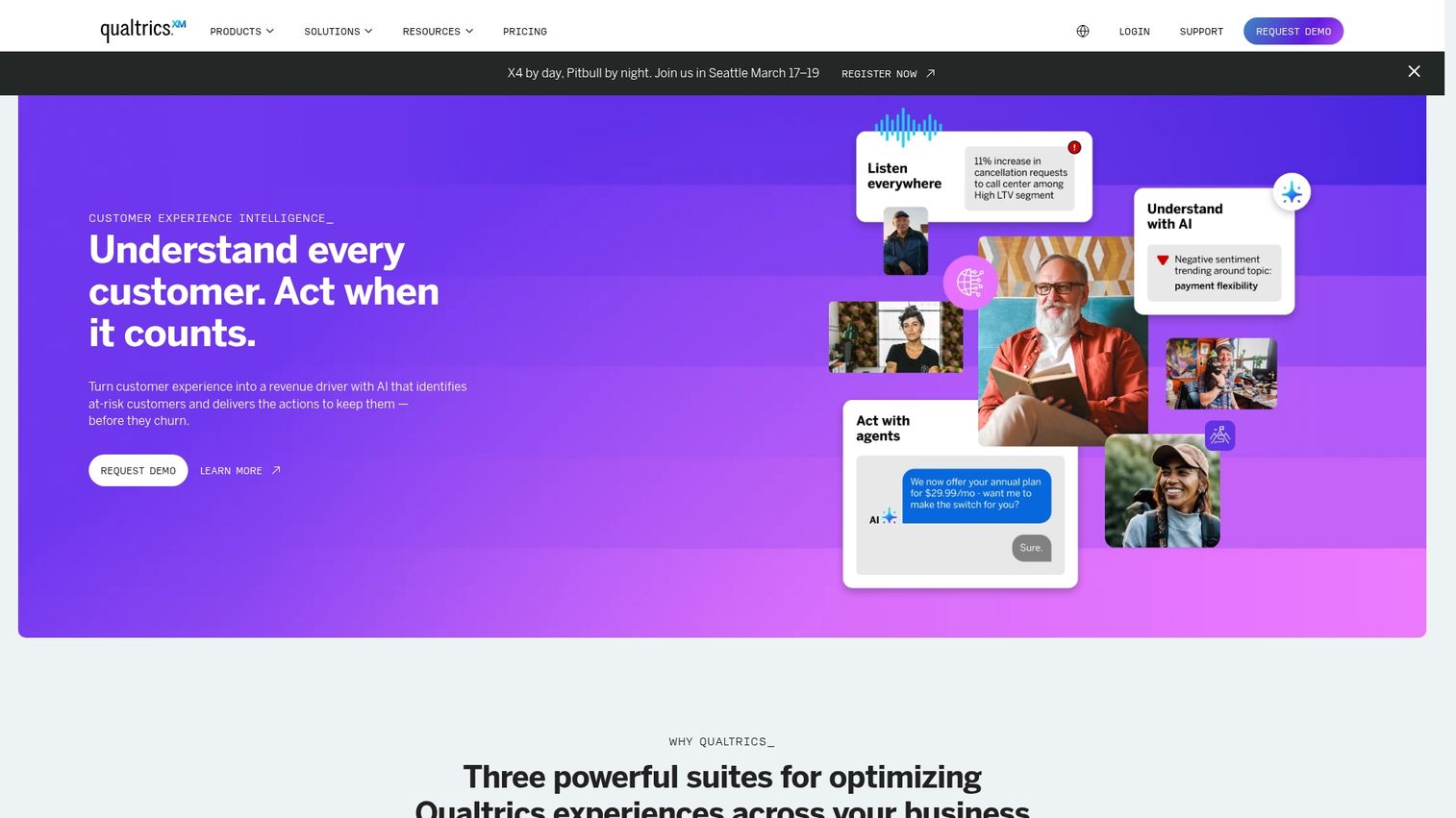
Qualtrics XM is an experience management platform that provides survey-driven journey insights. It excels at integrating voice-of-customer feedback directly into journey analysis.
Enterprises that want to combine operational data (what customers did) with experience data (how customers felt) will find Qualtrics' approach valuable.
Key strengths
- Feedback integration: Connect survey responses (NPS, CSAT) to specific journey touchpoints.
- Text analytics: Use AI to analyze open-text feedback and identify themes.
- Predictive modeling: Forecast how improvements to the journey will impact business KPIs.
- Actionable workflows: Trigger alerts and actions based on customer feedback.
Pricing: Custom enterprise.
10. Medallia Experience Cloud

Medallia Experience Cloud is an enterprise platform for experience orchestration. It focuses on turning customer feedback and behavioral data into immediate, personalized responses.
Large, complex organizations that capture real-time signals from every omnichannel journey and use AI to drive action will find Medallia's capabilities well-suited to their scale.
Key strengths
- Real-time signals: Capture data from dozens of channels as interactions happen.
- Action management: Automatically create and assign tasks to address customer issues.
- Industry solutions: Offers pre-built solutions for retail, finance, healthcare, and more.
- AI-powered text and speech analytics: Uncover insights from unstructured feedback.
Pricing: Custom enterprise.
11. Content Square
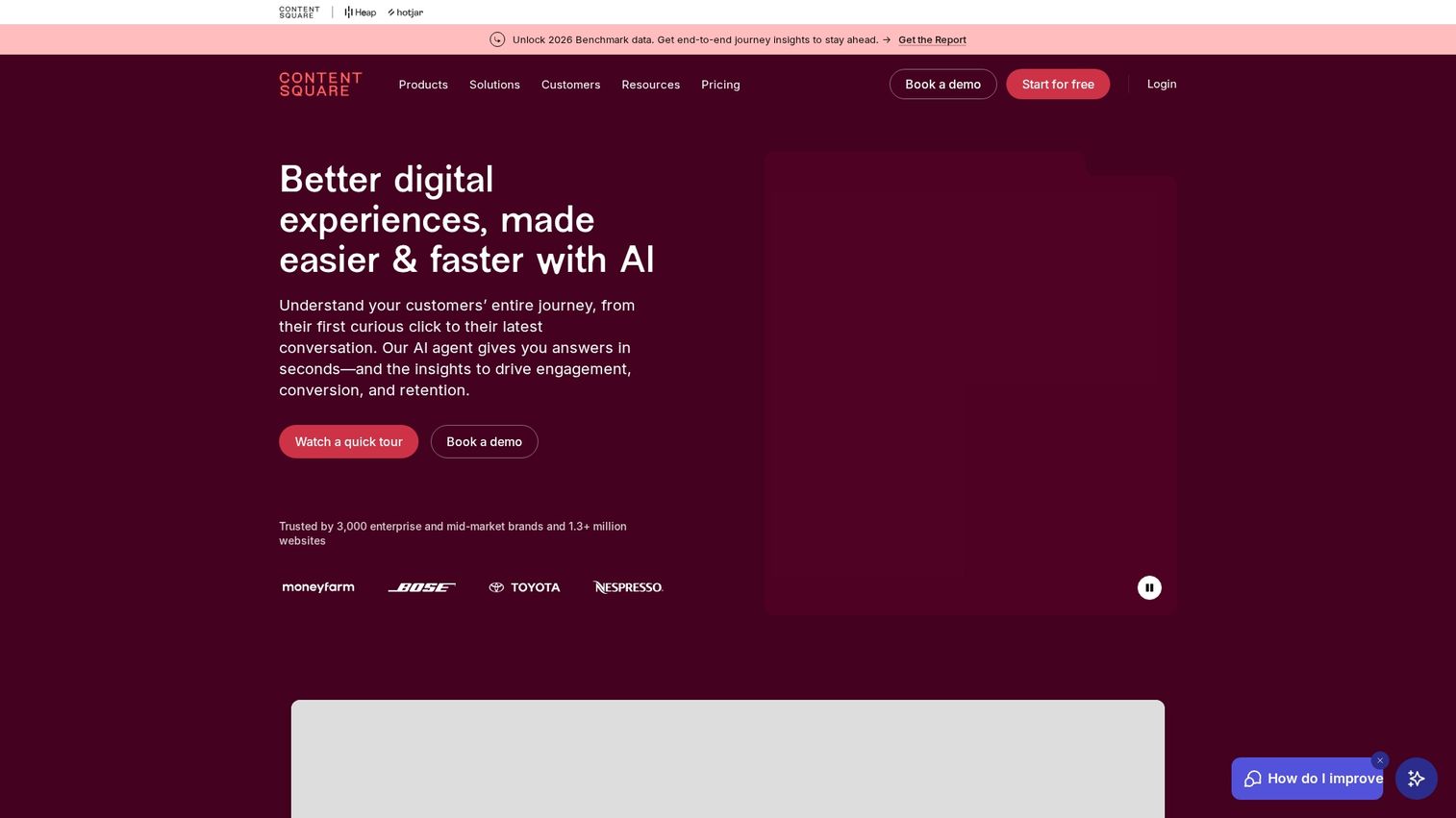
Contentsquare is a digital experience analytics platform focused on understanding user behavior within web pages and mobile apps. Its zone-based heatmaps provide a unique view of engagement that goes beyond standard clicks.
UX, product, and marketing teams diagnosing friction points at a micro-level will appreciate Contentsquare's ability to connect specific on-page behaviors to conversion and revenue.
Key strengths
- Zone-based heatmaps: Analyze engagement and revenue attribution for every element on a page.
- Customer journey analysis: Visualize the most common paths users take across your site.
- Revenue attribution: Connect specific on-page behaviors to conversion and revenue.
- Session replay: Watch user sessions to see their struggles firsthand.
Pricing: Custom.
12. FullStory
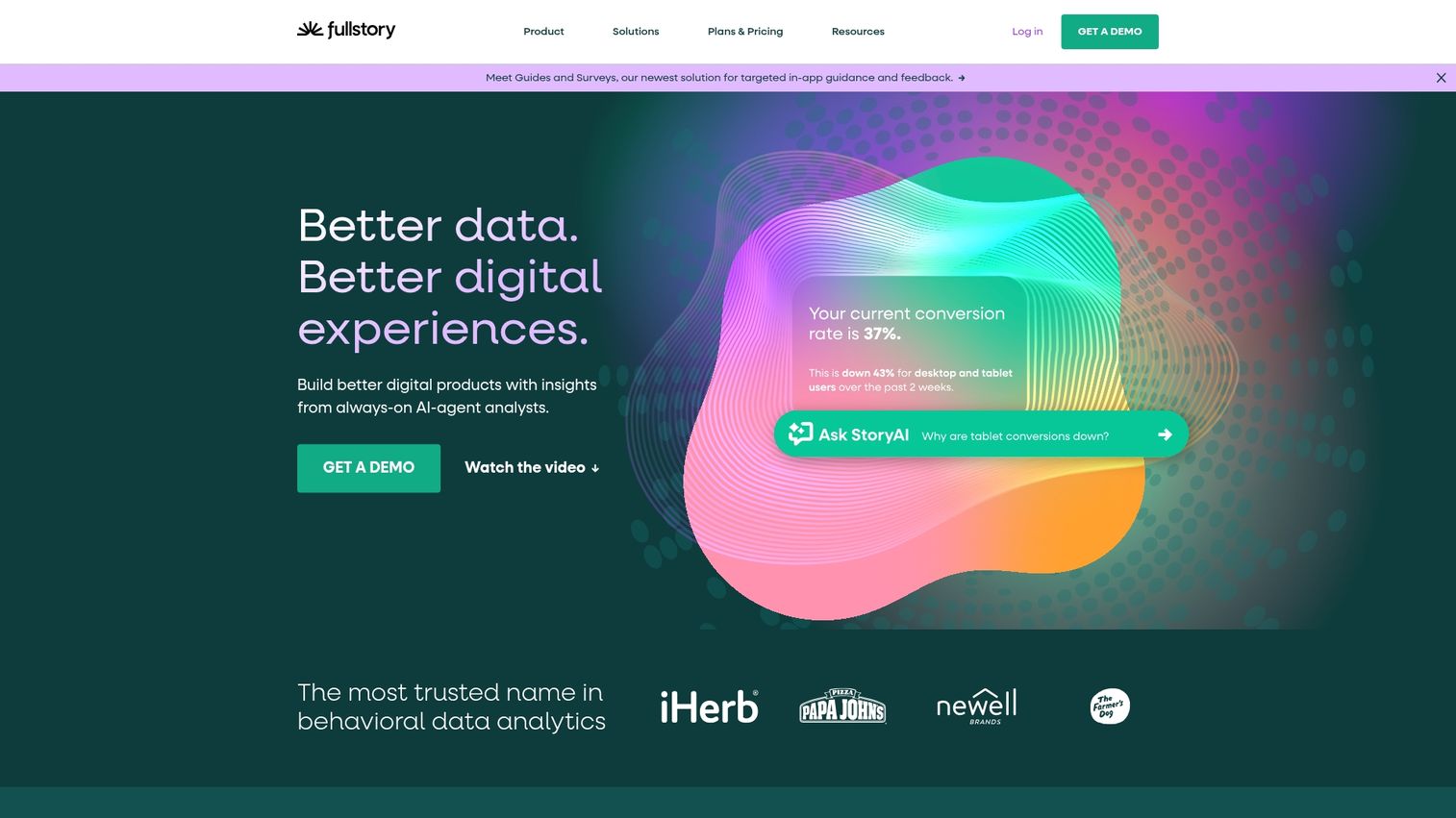
FullStory provides digital experience intelligence through high-fidelity session replay. It indexes every user interaction, making it possible to search for specific events or error messages and instantly watch the corresponding sessions.
Product and UX teams looking to identify and quantify user frustration signals will find FullStory's frustration scoring particularly useful.
Key strengths
- Frustration scoring: Automatically identifies rage clicks, dead clicks, and error clicks.
- Session replay: Pixel-perfect recordings of user sessions for deep empathy.
- Searchable sessions: Find any user session with a Google-like search interface.
- Conversion analysis: Pinpoint where and why users drop out of funnels.
Pricing: Custom.
13. Hotjar

Hotjar offers accessible behavior analytics tools for smaller teams and startups. It makes it easy to understand how users are experiencing your website without an enterprise-level budget or complexity.
Marketing teams and small businesses that want heatmaps, session recordings, and user feedback widgets will find Hotjar's simplicity refreshing.
Key strengths
- Heatmaps: Visualize where users click, move, and scroll on your pages.
- Recordings: Watch anonymous recordings of real visitor sessions.
- Feedback widgets: Collect in-the-moment feedback from your users.
- Simple setup: Easy to install and start gathering insights within minutes.
Pricing: Free tier available. Paid plans start at $32/month.
14. Google Analytics 4

Google Analytics 4 is a free, cross-platform analytics tool with basic journey capabilities. Its event-based model and cross-device tracking provide a solid foundation for understanding user paths across websites and mobile apps.
Teams just starting with journey analytics or those on a tight budget will find GA4's free tier surprisingly capable.
Key strengths
- Free tier: A powerful and comprehensive analytics tool available at no cost.
- Cross-device tracking: Uses Google Signals to unify user journeys across devices.
- BigQuery export: Allows for advanced, custom analysis of raw event data.
- Machine learning insights: Automatically surfaces trends and anomalies in your data.
Pricing: Free. GA4 360 is custom.
How to choose customer journey analytics software
Use practical buying criteria to evaluate options and find the platform that best fits your specific workflows. The right tool aligns with your existing tech stack, data maturity, and team structure.
Data integration and source flexibility
The completeness of your journey view depends on connecting all customer touchpoints. Ask whether the platform can easily ingest data from your existing stack, including your CRM, marketing automation software, product database, and support desk. Deep, flexible integration is critical for creating a single source of truth.
AI and predictive analytics capabilities
AI-driven customer journey mapping platforms can identify complex patterns and opportunities that humans might miss. Look for predictive features like churn risk scoring, next-best-action recommendations, and anomaly detection. However, not all teams require advanced AI on day one, so consider your immediate priorities.
Privacy controls and data governance
Ensure the platform meets your compliance requirements, such as GDPR and CCPA, and offers options for data residency. Enterprise customer journey analytics solutions provide granular permission controls, role-based access, and detailed audit trails to maintain data security and governance.
Cross-team collaboration features
Journey analytics delivers the most value when marketing, product, sales, and customer success teams are all viewing the same data. Look for features like shared dashboards, customizable alerts, and role-based access that facilitate cross-functional collaboration and alignment.
Pricing structure and total cost of ownership
Understand the different pricing models, which can be based on users, events, or monthly tracked users (MTUs). Be sure to ask about hidden costs related to implementation, training, and data overages. Where possible, start with free tiers or trials to validate a tool's value before committing.
Build your customer journey analytics stack
The best software for customer journey analytics depends on your team size, data complexity, and existing tools. The most effective approach is to start with one tool that solves your most painful visibility gap, whether that's understanding pre-purchase buyer intent or post-purchase product adoption.
Understanding journey data is only half the equation. You also want to act on it with personalized experiences, since over 75% of consumers are turned off by content that doesn't feel relevant. For teams looking to turn journey insights into powerful buyer engagement, interactive product demos let prospects experience your product's value exactly where analytics show they're most interested.
Start your journey with Guideflow today!
FAQs about customer journey analytics software
Journey mapping is a visual design exercise that outlines ideal customer paths, while journey analytics measures actual customer behavior across touchpoints with real data. Mapping defines strategy, analytics validates it.
Journey analytics platforms use identity resolution techniques like login matching, probabilistic modeling, and first-party cookies to connect sessions from the same person across phones, tablets, and desktops.
Most journey analytics platforms offer native integrations or APIs to sync data with Salesforce, HubSpot, and other CRM systems, enabling unified customer profiles and triggered workflows.
Key metrics include conversion rates by journey stage, drop-off points, time to conversion, customer lifetime value by acquisition path, and engagement scores across touchpoints.
Basic implementations with auto-capture tools can launch in days, while enterprise deployments with custom integrations and data modeling typically require weeks to months depending on complexity.
A CDP is not required but can enhance journey analytics by providing unified customer profiles. Many journey analytics tools include basic identity resolution features natively.
Product analytics focuses on in-app behavior and feature usage, while journey analytics spans the full customer lifecycle including marketing, sales, and support touchpoints outside the product.
Platforms typically assign anonymous visitor IDs and then stitch sessions together when visitors later identify themselves through form fills, logins, or other known identifiers.