Sales planning software automates territory management, quota allocation, and capacity planning so you can stop wrestling with spreadsheets that break every time someone changes a formula. It's the difference between spending a week reconciling territory disputes and spending an hour reviewing AI-suggested splits.
This guide covers 14 tools that handle everything from enterprise-grade complexity to spreadsheet-native simplicity, plus how to pick the right one for your team's size and sales motion.
What's inside
This guide covers what sales planning software actually does, when your team is ready for it, and how to evaluate your options. You'll find a ranked list of 14 tools for territory management, quota allocation, and capacity planning. Our selection criteria include core features, CRM integrations, pricing transparency, and G2 ratings.
TL;DR
- Spreadsheet replacement: Sales planning software replaces manual spreadsheets for territory carving and quota management.
- Key integrations: The best tools integrate directly with your CRM and support real-time adjustments.
- Enterprise solutions: Tools like Varicent and Anaplan handle complex, multi-layered sales hierarchies.
- Mid-market options: Several powerful options exist at lower price points for growing sales teams.
What is sales planning software
Sales planning software helps organizations structure their sales plans by automating territory management, quota allocation, and capacity planning. Territory management means assigning accounts to reps. Quota allocation means setting revenue targets. Capacity planning means determining how many reps you need to hit your goals.
Unlike spreadsheets - 94% of which contain errors - sales planning tools provide a centralized system of record for your entire sales strategy. When you're managing 10 reps, a spreadsheet works fine. When you're managing 100 reps across multiple regions with overlapping territories, spreadsheets become a liability.
Core capabilities include:
- Territory management: Assign and balance accounts or regions across reps
- Quota allocation: Distribute revenue targets based on historical data and market potential
- Capacity planning: Model how many reps you need to hit revenue goals
- Sales forecasting: Project future revenue based on pipeline and trends
When to use sales planning software
Territory and quota planning at scale
You'll know it's time when manual territory carving in spreadsheets becomes unmanageable. Common signs include reps fighting over the same prospects, overlapping account ownership, and unbalanced workloads across the team. If you're spending more than a few hours each quarter reconciling territory disputes, that's a clear signal.
Replacing spreadsheet based forecasting
Spreadsheets often lead to version control issues, hidden formula errors, and a lack of real-time updates. Sales planning tools solve this by centralizing data so everyone works from the same numbers. The failure mode here is predictable: someone overwrites a formula, and suddenly your entire Q3 forecast is off.
Aligning sales capacity with revenue targets
When leadership sets aggressive revenue targets, you need a reliable way to model whether your current headcount can deliver. Sales planner software automates capacity planning, showing you precisely if and when you need to hire to meet your goals.
What to look for in sales planning tools
Territory management and optimization
A good territory management tool does more than assign accounts. It helps you balance workloads, account for rep tenure, and factor in market potential. Advanced tools use AI to suggest optimal territory splits automatically.
Quota allocation and modeling
Look for top-down and bottom-up quota modeling, "what-if" scenario planning, and the ability to incorporate historical attainment data. Flexibility matters because it allows you to adjust targets mid-year without disrupting the entire plan.
Capacity planning
Effective capacity planning features include headcount modeling, adjustable ramp time assumptions, and attrition planning. The best tools clearly show the gap between your current team's capacity and the revenue targets you need to hit.
Sales forecasting integration
Your planning software can pull pipeline data directly from your CRM to inform quota feasibility and make forecasts more accurate. This connects future plans to the current pipeline in a way standalone forecasting tools don't.
CRM and data integrations
Key integrations with CRMs like Salesforce and HubSpot are non-negotiable. Look for bidirectional sync capabilities, which ensure that your sales plans stay current as deals progress and account data changes.
Real time adjustments
Sales is dynamic. Good tools handle mid-quarter territory changes, quota adjustments for new hires, and other unexpected shifts without breaking your existing plans.
Analytics and reporting
Dashboards are essential for tracking quota attainment, identifying territory coverage gaps, and monitoring capacity utilization. Strong reporting ties your strategic planning to tactical execution.
Sales planning software comparison table
| Rank | Product | Intent | Key differentiation | Pricing | G2 rating |
|---|---|---|---|---|---|
| 1 | HockeyStack | GTM intelligence | Unifies all data for B2B revenue attribution | Contact sales | 4.9/5 |
| 2 | Ruler Analytics | Attribution | Connects online marketing to offline conversions and calls | Contact sales | 4.7/5 |
| 3 | Google Analytics 4 | Web analytics | Free, event-based tracking integrated with Google Ads | Free tier available | 4.5/5 |
| 4 | Matomo | Web analytics | Open-source, privacy-focused with self-hosting option | Free tier available | 4.5/5 |
| 5 | Adobe Analytics | Enterprise platform | Advanced segmentation and AI for large organizations | Contact sales | 4.2/5 |
| 6 | Improvado | Data aggregation | Pulls data from 400+ sources into one place | Contact sales | 4.3/5 |
| 7 | Funnel | Data integration | Simplifies marketing data collection and transformation | Tiered plans | 4.6/5 |
| 8 | Supermetrics | Data connector | Moves marketing data into spreadsheets and BI tools | Tiered plans | 4.4/5 |
| 9 | HubSpot Marketing Hub | All-in-one platform | Native analytics within the HubSpot CRM ecosystem | Tiered plans | 4.4/5 |
| 10 | Salesforce Marketing Cloud Intelligence | Enterprise platform | AI-driven insights integrated with Salesforce | Contact sales | 4.2/5 |
| 11 | Tableau | BI and visualization | General-purpose BI tool for custom dashboards | Tiered plans | 4.6/5 |
| 12 | Domo | BI and visualization | Cloud-based BI for combining marketing and business data | Contact sales | 4.4/5 |
| 13 | Semrush | SEO and content | Competitive research and content performance tracking | Tiered plans | 4.6/5 |
| 14 | Sprout Social | Social media analytics | Social listening and engagement ROI tracking | Tiered plans | 4.4/5 |
Best sales planning software
1. Varicent
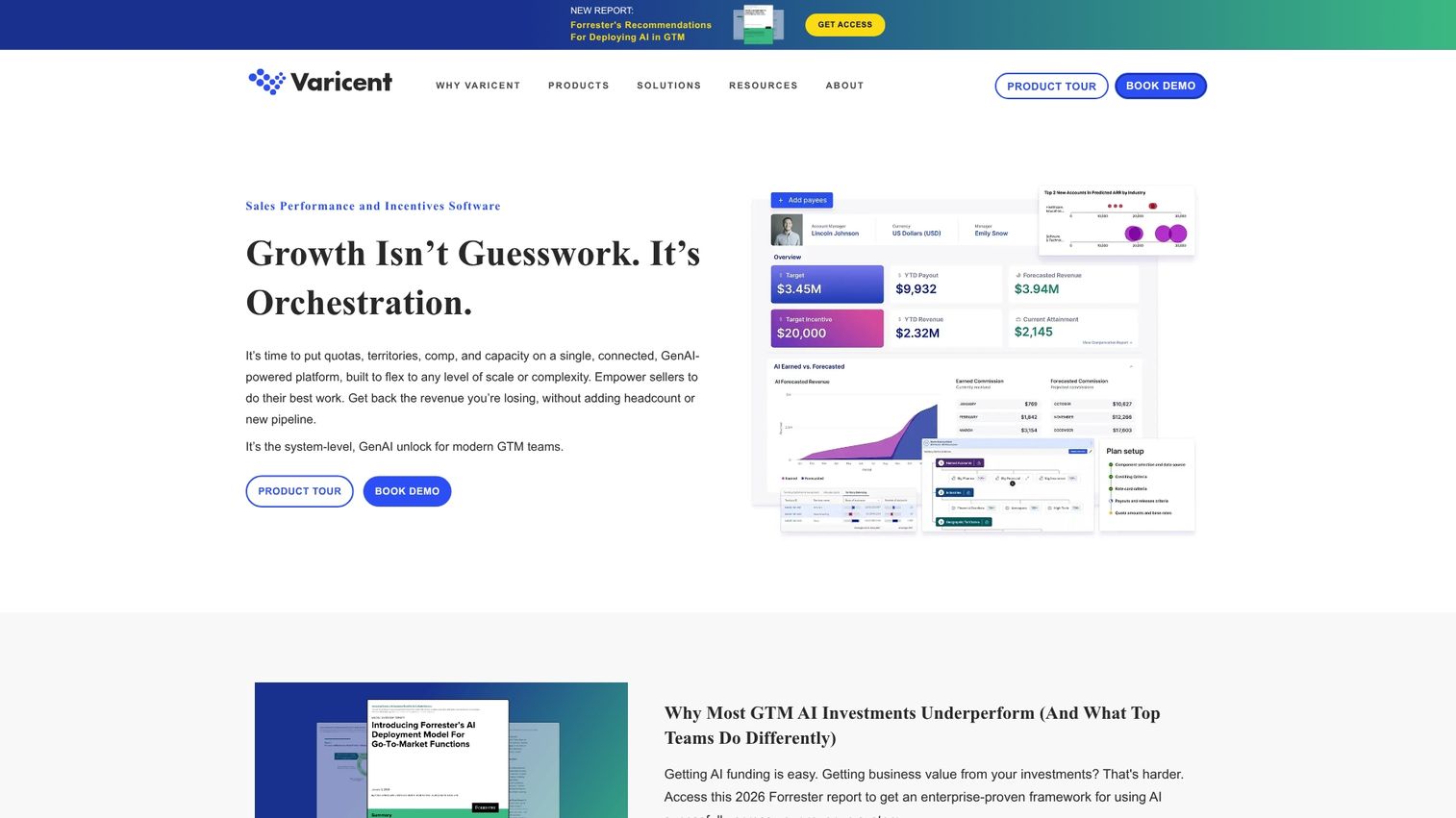
Varicent is an enterprise-grade quota and territory planning software built for complex, multi-layered team structures. It handles thousands of sellers, overlapping territories, and mid-quarter shifts.
The platform manages layered approvals and complex hierarchies that would break simpler tools. If you're managing a global sales org with regional managers, overlay reps, and multiple product lines, Varicent is built for that complexity.
Best for: Large sales organizations with layered territories and complex planning needs.
Key strengths
- GenAI-native planning: AI suggests optimal territory splits and quota allocations
- Multi-layered hierarchies: Handles complex org structures with overlapping territories
- Scenario modeling: Run hundreds of "what-if" scenarios to test different plans
- Deep Salesforce integration: Bidirectional sync keeps plans current
Varicent pricing
Contact sales for custom pricing. Enterprise-tier only.
2. Salesforce Sales Planning
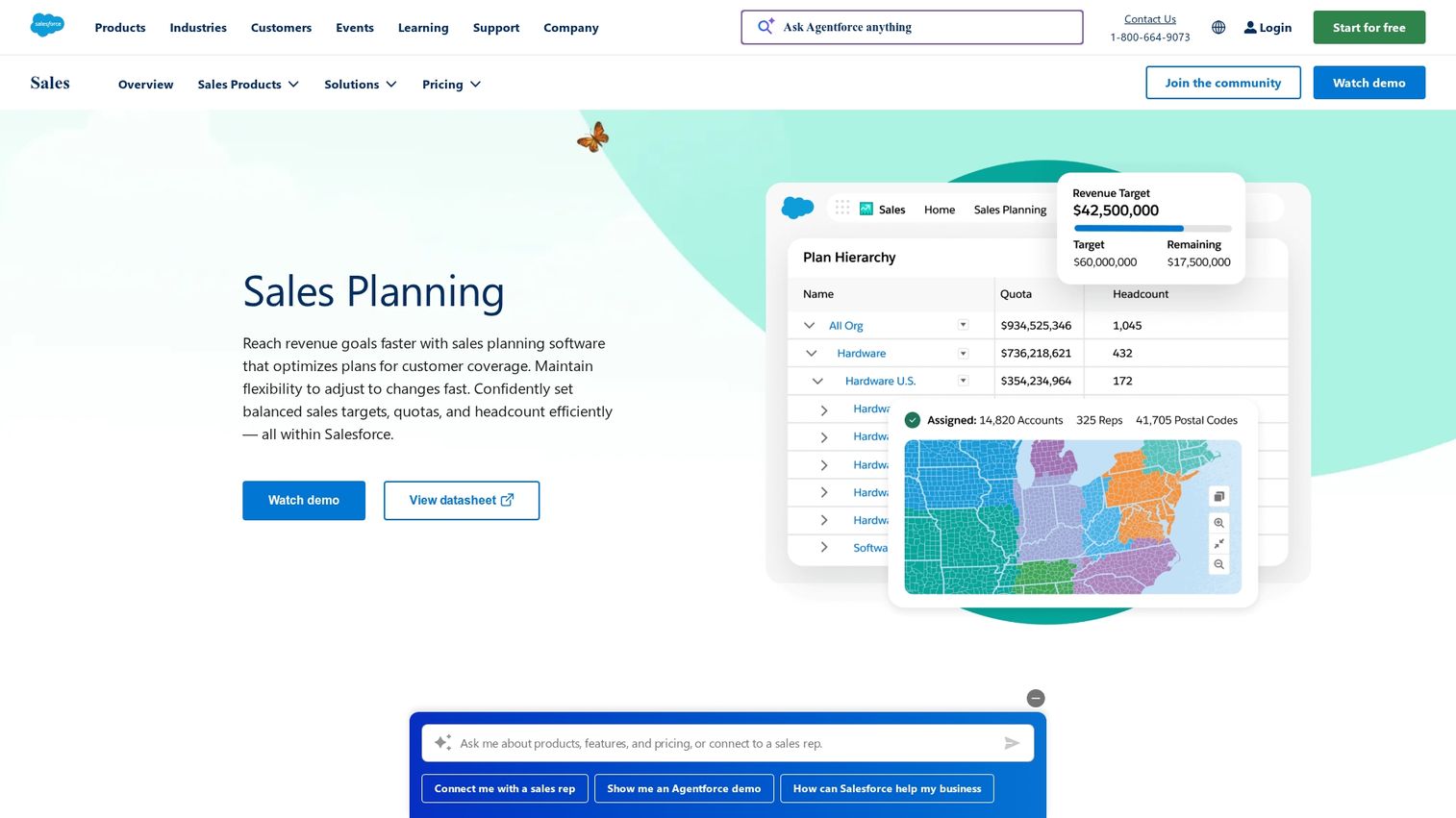
The primary advantage of Salesforce Sales Planning is its native integration within the Salesforce ecosystem. If your CRM is Salesforce, your planning data lives alongside your pipeline data without any sync issues.
Territory and quota features live directly in the platform your reps already use. That means less context switching and fewer data discrepancies between what's planned and what's happening in the field.
Best for: Organizations already deeply invested in Salesforce who want planning and CRM in one place.
Sales planning teams customize Salesforce for quick access to planning tools - the utility bar tutorial shows how to streamline the workspace
Key strengths
- Native Salesforce integration: No data sync issues or third-party connectors needed
- Real-time pipeline visibility: Plans update automatically as deals progress
- Territory modeling: Visual tools for carving and balancing territories
- Quota management: Top-down and bottom-up allocation within the CRM
Salesforce Sales Planning pricing
Contact sales. Typically starts at enterprise tier.
3. Anaplan
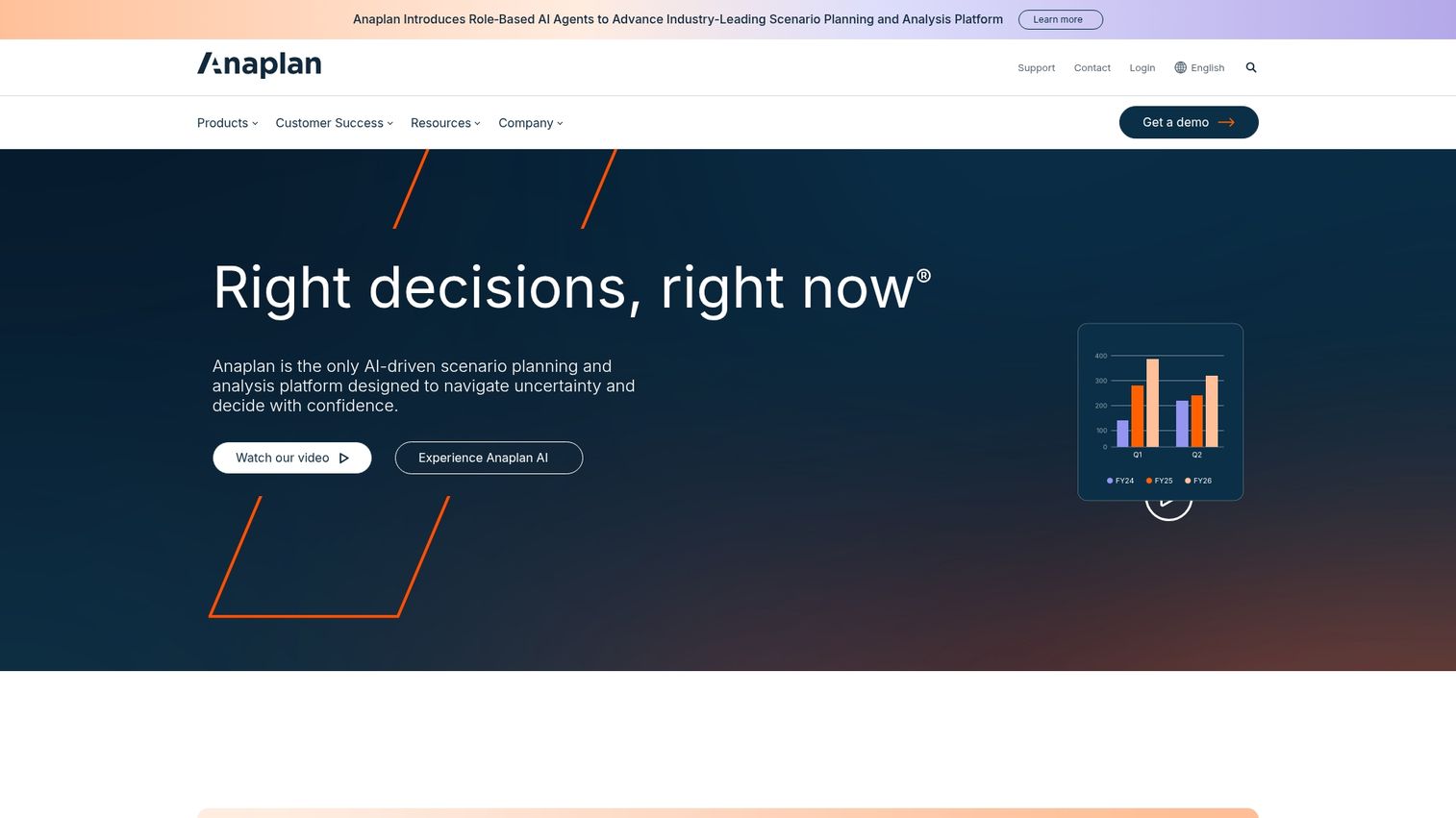
Anaplan is a connected planning platform where sales planning is one module within a broader enterprise planning suite. It unifies finance, HR, and sales planning on a single platform.
The power here is in connected planning. Your sales capacity model can pull directly from HR's headcount plan, and your quota targets can align with finance's revenue forecast. No more reconciling spreadsheets across departments.
Best for: Organizations that want to unify finance, HR, and sales planning on a single platform.
Key strengths
- Connected planning: Sales plans link directly to finance and HR models
- Powerful modeling: Build complex scenarios with multiple variables
- Enterprise scale: Handles thousands of users and massive datasets
- Collaboration features: Multiple stakeholders can work on plans simultaneously
Anaplan pricing
Contact sales for custom pricing. Enterprise-tier only.
4. Xactly Forecasting
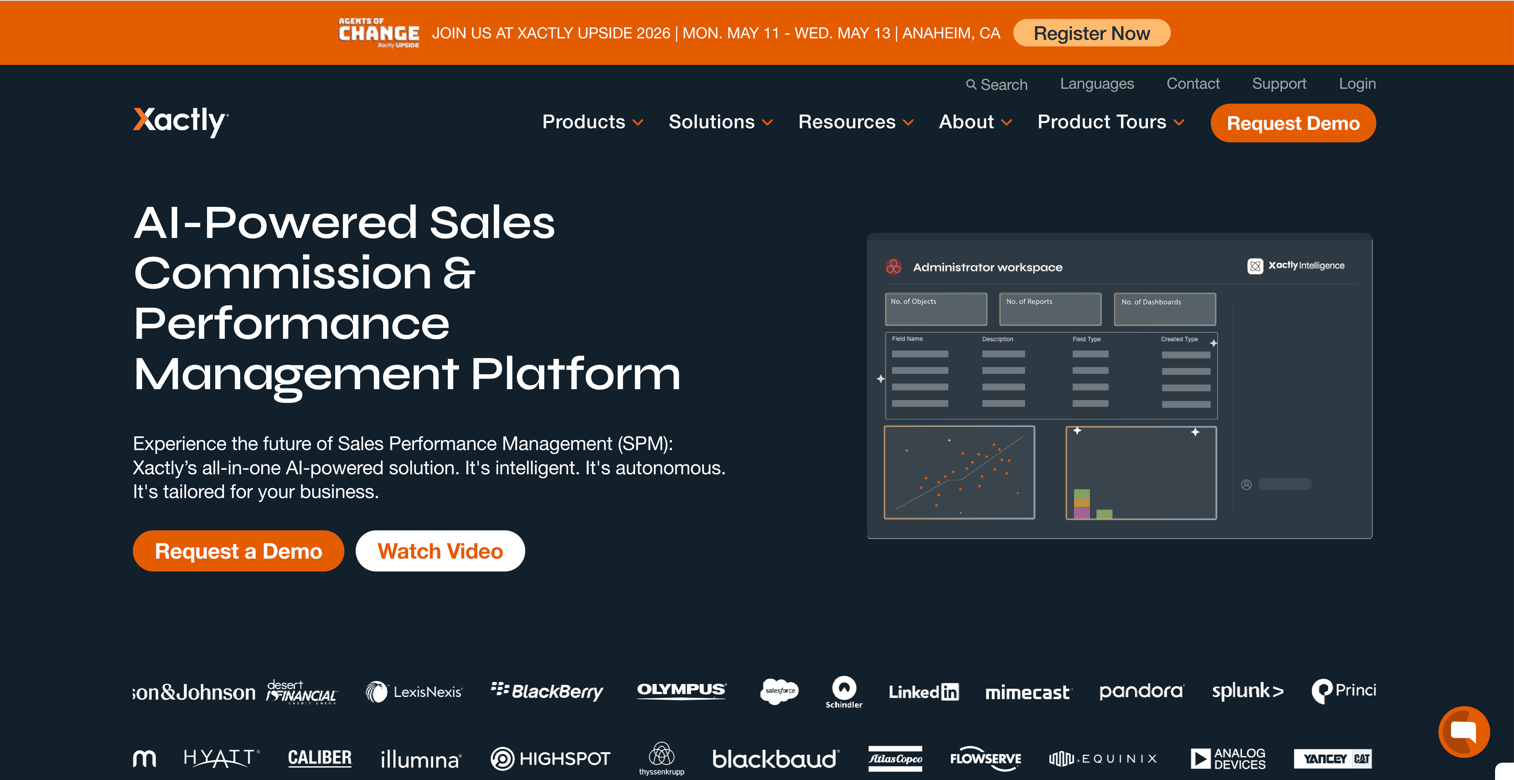
While known for incentive compensation, Xactly also has strong planning capabilities. It excels at tying quota and territory planning directly to commission structures.
The connection between planning and compensation is the key differentiator. When reps can see exactly how their quota translates to earnings, buy-in increases. And when you're modeling new territories, you can immediately see the compensation impact.
Best for: Organizations where tight alignment between compensation and planning is a top priority.
Key strengths
- Compensation integration: Quotas connect directly to commission calculations
- AI-powered forecasting: Predictive models improve quota accuracy
- Rep-facing dashboards: Reps see how their quota translates to earnings
- Historical analysis: Uses past attainment data to set realistic targets
Xactly pricing
Contact sales for custom pricing.
5. Board
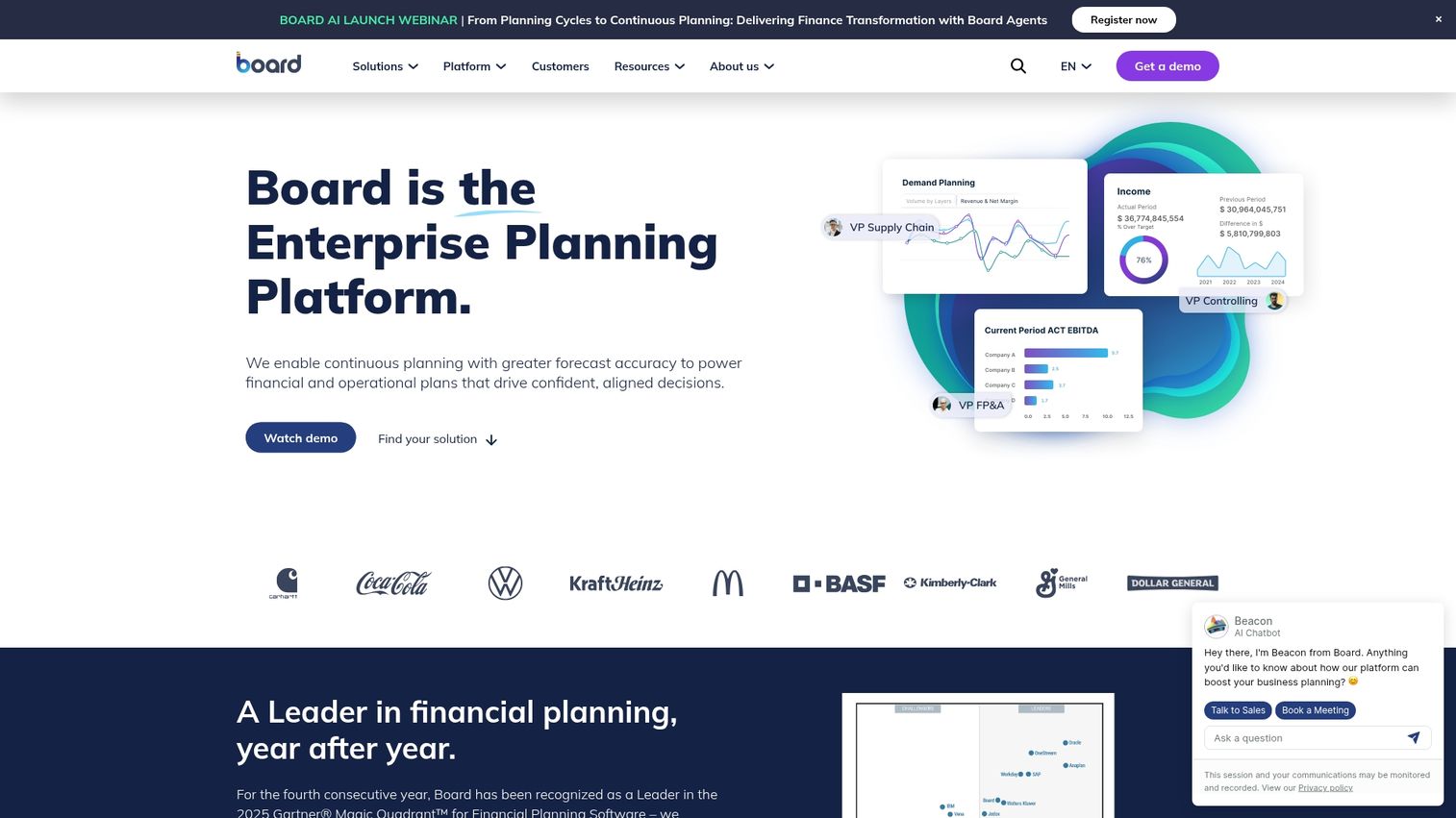
Board is a decision-making platform that includes a sales planning module. It offers robust customer segmentation and sales budgeting features tied directly to business intelligence.
The BI integration is the standout feature. Your planning decisions are informed by real-time analytics, not just historical data. You can see market trends, customer behavior, and competitive dynamics alongside your territory models.
Best for: Organizations that want their planning processes tightly integrated with business intelligence and analytics.
Key strengths
- BI integration: Planning decisions informed by real-time analytics
- Customer segmentation: Advanced tools for account prioritization
- Sales budgeting: Connect territory plans to financial budgets
- Visual dashboards: Executive-ready reporting out of the box
Board pricing
Contact sales for custom pricing.
6. Pigment
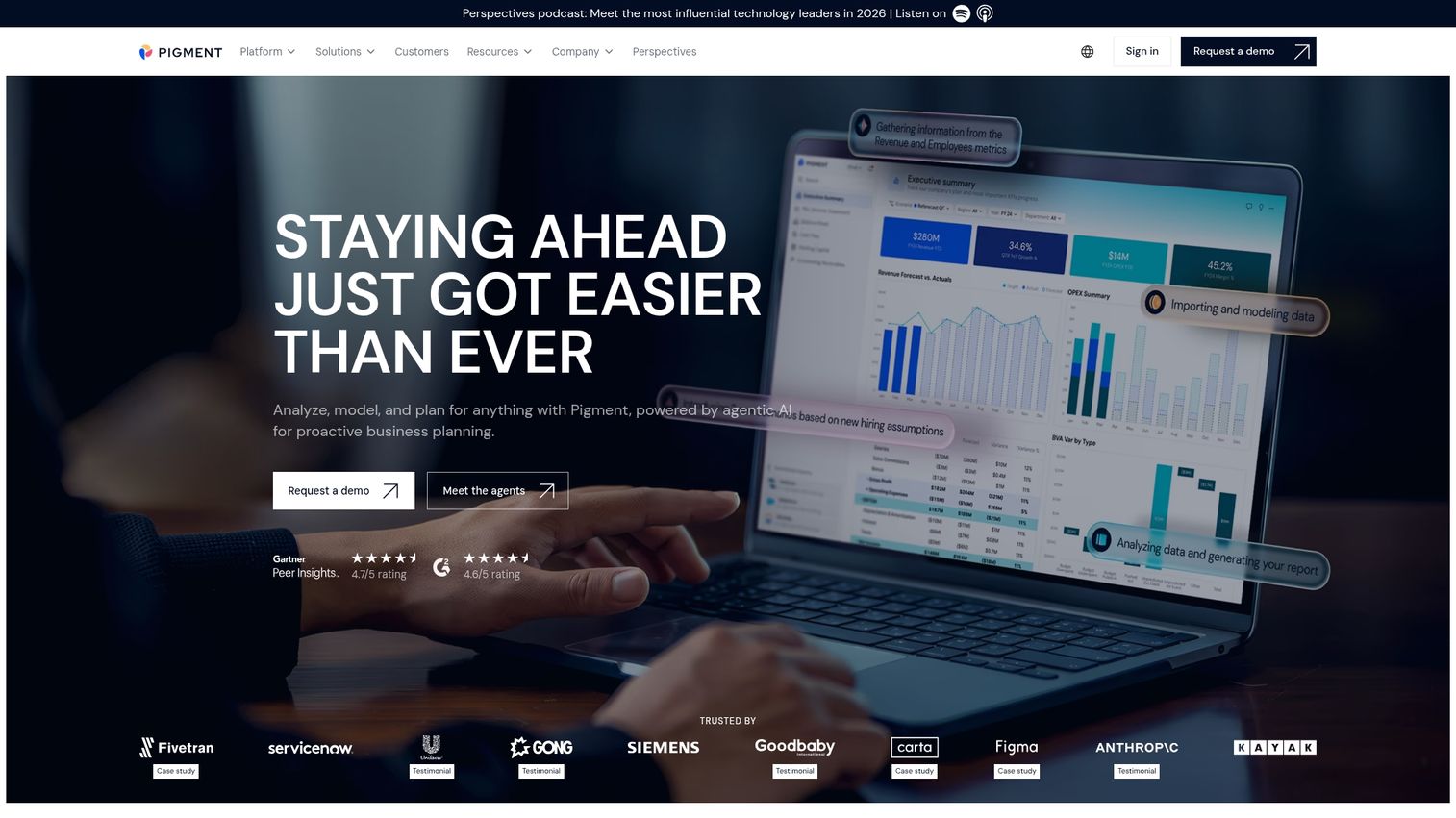
Pigment is a modern planning platform that competes with giants like Anaplan, often claiming faster implementation times. It's built for mid-market to enterprise companies that want flexibility without legacy complexity.
The implementation speed is the key selling point. Where Anaplan implementations can take months, Pigment claims weeks. For growing companies that can't wait six months to start planning, that matters.
Best for: Mid-market to enterprise companies that want a flexible, powerful planning solution without legacy complexity.
Key strengths
- Faster implementation: Weeks instead of months to go live
- Modern interface: Intuitive UI that doesn't require extensive training
- Flexible modeling: Build custom models without heavy IT involvement
- Collaboration: Real-time co-editing and commenting
Pigment pricing
Contact sales for custom pricing.
7. Planful
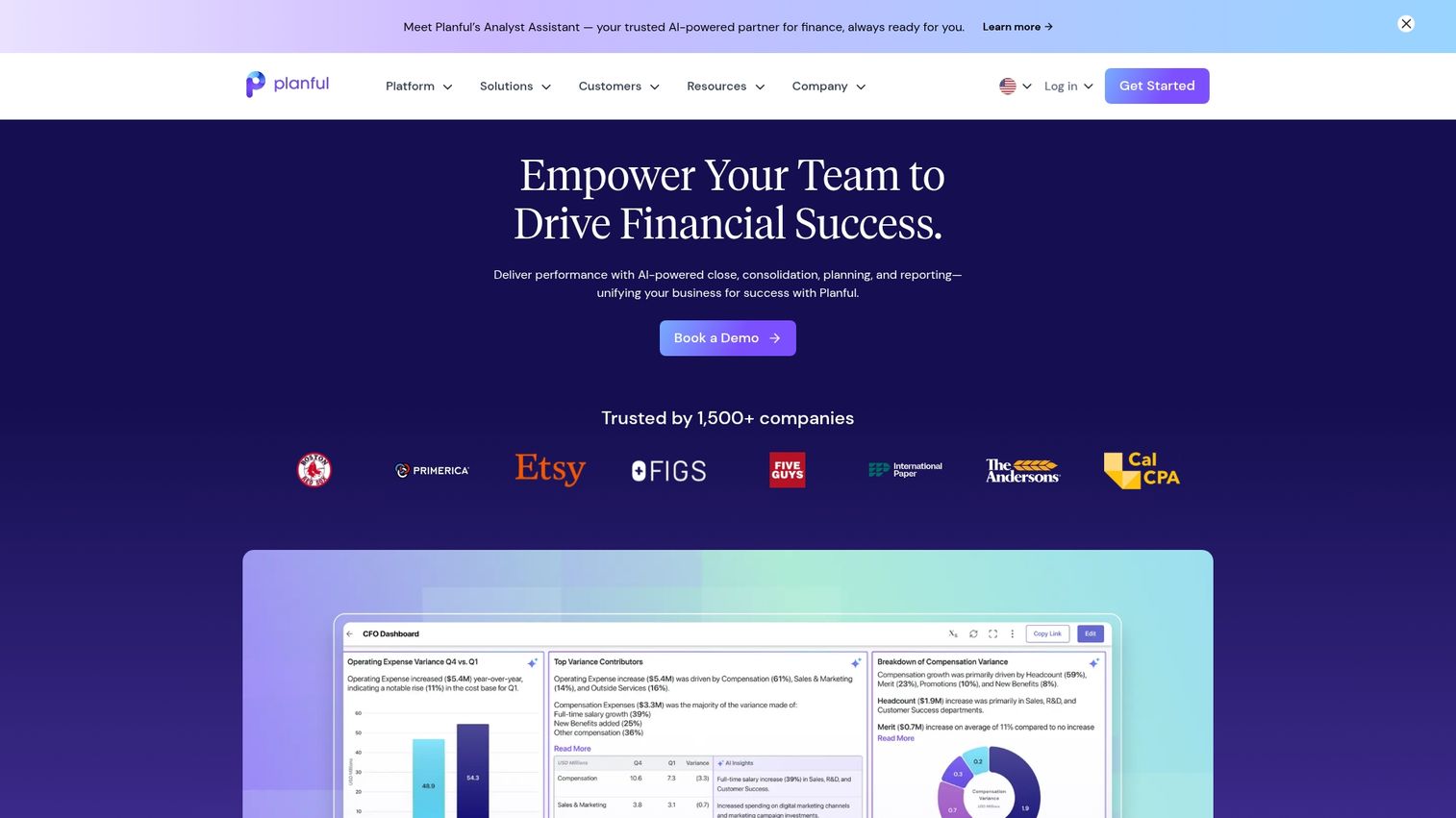
Planful is a financial planning platform that offers a sales planning add-on. It excels at connecting sales targets directly to the company's overall financial forecasts.
The finance connection is the differentiator. Your sales plan isn't just a sales document; it's part of the company's financial model. When leadership asks how sales targets connect to revenue projections, you have a direct answer.
Best for: Organizations with a finance-led planning process.
Key strengths
- Financial integration: Sales targets connect to company financials
- Budgeting alignment: Territory plans tie to departmental budgets
- Scenario planning: Model different revenue scenarios
- Audit trails: Track changes for compliance and governance
Planful pricing
Contact sales for custom pricing.
8. Oracle Sales Planning Cloud
Part of Oracle's extensive EPM suite, Oracle Sales Planning Cloud is built to handle extreme enterprise complexity. It's the choice for existing Oracle shops or large enterprises already invested in the Oracle technology stack.
The integration with other Oracle products is the main value. If you're running Oracle ERP, Oracle HCM, and Oracle CRM, adding Oracle Sales Planning creates a unified data environment.
Best for: Existing Oracle shops or large enterprises invested in the Oracle technology stack.
Key strengths
- Oracle ecosystem integration: Seamless connection to other Oracle products
- Enterprise scale: Handles massive, global organizations
- Advanced modeling: Complex scenario planning capabilities
- Compliance features: Built for regulated industries
Oracle Sales Planning Cloud pricing
Contact sales for custom pricing.
9. Workday Adaptive Planning
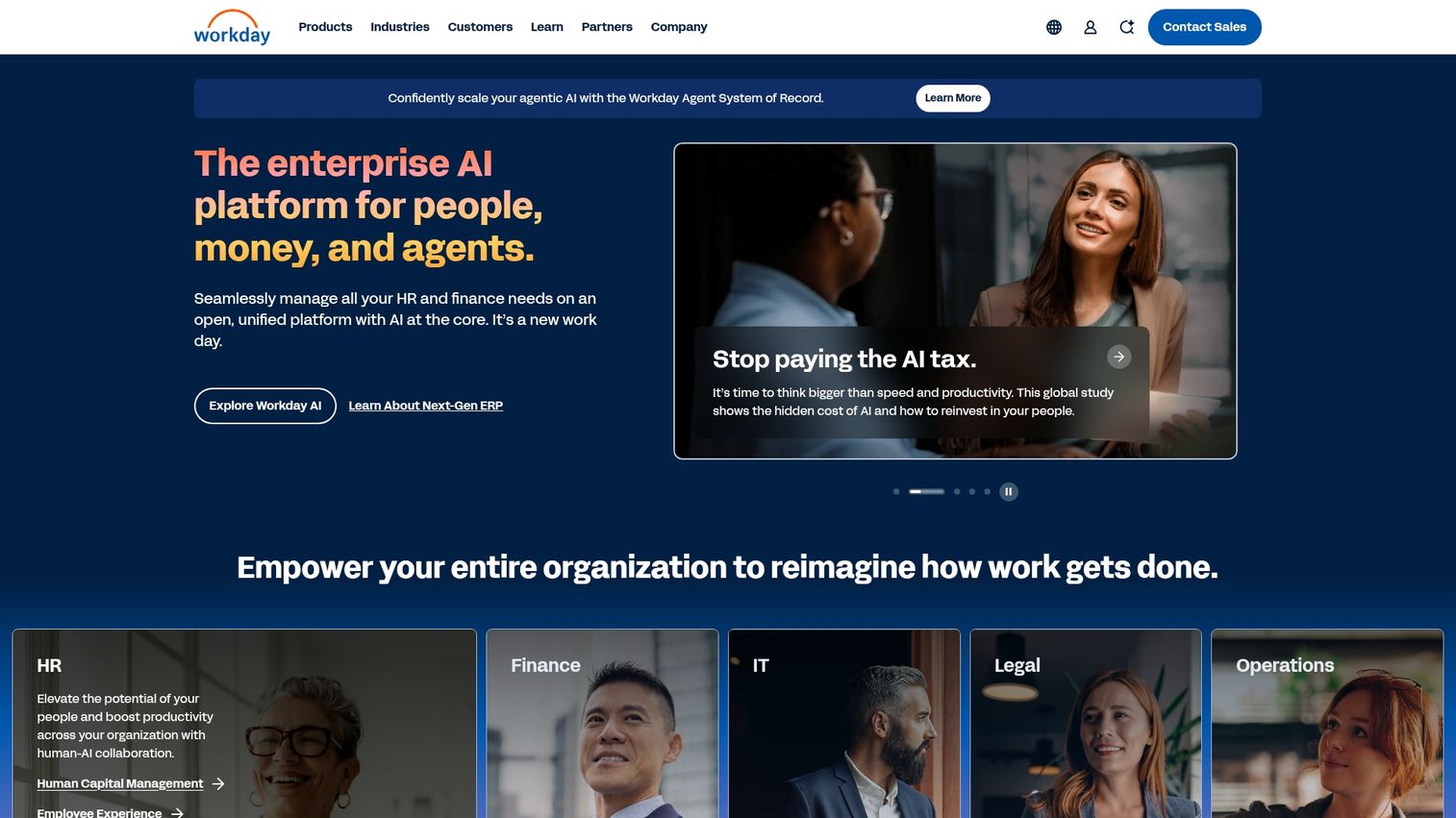
Formerly known as Adaptive Insights, Workday Adaptive Planning situates sales planning within the context of broader workforce planning. It integrates with Workday HCM for a unified view of headcount and capacity.
The workforce connection is the key differentiator. Your sales capacity model pulls directly from HR's headcount data. When you're planning how many reps you need, you're working with real hiring timelines and attrition data.
Best for: Organizations that already use Workday for Human Capital Management and want an integrated planning experience.
Key strengths
- Workday HCM integration: Sales capacity ties to HR headcount data
- Workforce planning: Model hiring, attrition, and ramp times
- Financial planning: Connect sales targets to company financials
- Scenario modeling: Test different headcount scenarios
Workday Adaptive Planning pricing
Contact sales for custom pricing.
10. Jedox

Jedox offers a powerful planning engine with a familiar, spreadsheet-like interface. Its strong Excel integration makes it appealing for teams transitioning away from manual spreadsheets.
The Excel familiarity is the selling point. Your team doesn't need to learn an entirely new interface. They can work in something that feels like Excel but with the power of a real planning platform behind it.
Best for: Teams transitioning away from manual spreadsheets who want to maintain a familiar UI.
Key strengths
- Excel-like interface: Familiar UI reduces training time
- Excel integration: Import and export seamlessly
- Powerful modeling: Enterprise-grade calculations behind the familiar interface
- Collaboration: Multiple users can work simultaneously
Jedox pricing
Contact sales for custom pricing.
11. Cube
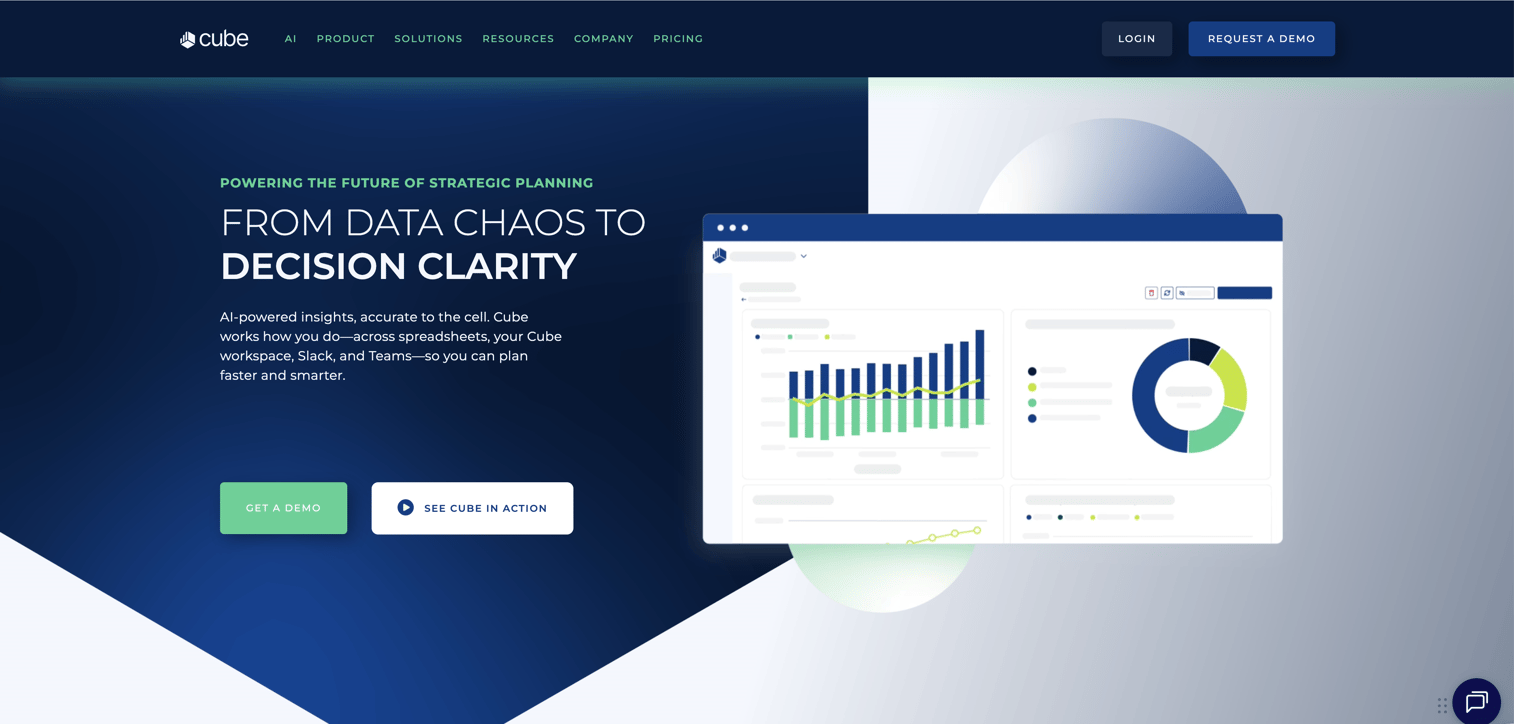
Cube is a spreadsheet-native planning tool that works directly inside Excel and Google Sheets. It's built for teams that aren't ready for a full enterprise platform but want more power than standalone spreadsheets.
The spreadsheet-native approach is the differentiator. You don't leave Excel. Cube adds a layer of governance, version control, and collaboration on top of the spreadsheets you're already using.
Best for: Small to mid-market teams that want more power and control than standalone spreadsheets but aren't ready for a full enterprise platform.
Key strengths
- Works inside Excel: No new interface to learn
- Version control: Track changes and roll back mistakes
- Collaboration: Multiple users without overwriting each other
- Data connections: Pull data from multiple sources into your spreadsheets
Cube pricing
Starts at $1,250/month.
12. Vena
Vena is another Excel-based planning platform that provides a native Excel experience backed by a structured database and governance controls. It's built for organizations with Excel-heavy processes.
The native Excel experience is the key feature. Unlike tools that just integrate with Excel, Vena actually runs inside Excel. Your team works in the interface they know while Vena handles the backend.
Best for: Organizations with Excel-heavy processes that want to align finance and sales planning.
Key strengths
- Native Excel: Works inside Excel, not just alongside it
- Database backend: Structured data storage behind the spreadsheet interface
- Governance controls: Audit trails, permissions, and version control
- Finance alignment: Connect sales plans to financial models
Vena pricing
Contact sales for custom pricing.
13. Fullcast
Fullcast is a planning platform built specifically for Revenue Operations teams. It focuses on territory, quota, and capacity planning for modern, complex go-to-market motions.
The RevOps focus is the differentiator. Fullcast understands hybrid motions where PLG and sales-led coexist. It handles the complexity of modern GTM approaches that traditional tools weren't built for.
Best for: Companies with hybrid PLG and sales-led motions.
Key strengths
- RevOps-native: Built for modern GTM complexity
- Hybrid motion support: Handles PLG and sales-led together
- Territory optimization: AI-powered territory balancing
- Capacity planning: Model different GTM scenarios
Fullcast pricing
Contact sales for custom pricing.
14. Everstage
Everstage is a commission and quota management tool that emphasizes the link between incentives and planning. It allows teams to model and set quotas in the same platform where commissions are calculated.
The commission connection is the key feature. When you're setting quotas, you immediately see the compensation impact. That visibility helps you set realistic targets that motivate reps rather than discourage them.
Best for: Organizations prioritizing compensation alignment in their planning process.
Key strengths
- Commission integration: Quotas connect directly to comp plans
- Rep visibility: Reps see how quotas translate to earnings
- Modeling tools: Test different quota scenarios
- Payout forecasting: Predict commission costs
Everstage pricing
Contact sales for custom pricing.
How to choose the right sales planner software
For enterprise sales teams
Enterprise teams have unique requirements: support for complex hierarchies, global territories, multi-step approval workflows, and strict SOC 2 security compliance. For this segment, solutions like Varicent, Anaplan, and Oracle make the most sense. Deep integration with your enterprise-grade CRM is the most critical factor.
For mid-market companies
Mid-market companies prioritize faster implementation times, reasonable pricing, and a "good enough" feature set that solves core problems without unnecessary complexity. Tools like Pigment, Fullcast, and Jedox offer a strong balance of power and usability that companies can grow into.
For product-led growth motions
PLG planning differs from traditional sales planning. Territories may be defined by user segments rather than geography, and capacity planning often focuses on Customer Success Managers as much as sales reps. Interactive demos are particularly useful here, as they help PLG teams show the product's value during planning conversations with stakeholders.
How AI is changing quota software and territory planning
AI is entering the sales planning category in practical ways - a Gartner survey found that sellers who effectively partner with AI are 3.7 times more likely to meet quota. In this context, "AI-native" refers to tools that use AI to automate and optimize core planning workflows.
Automated territory balancing
AI can analyze account potential, rep capacity, and historical performance to suggest optimal territory splits. This reduces the time sales leaders spend on manual territory carving.
Predictive quota setting
Using historical attainment data and external market signals, AI can recommend more realistic quotas. The goal is to reduce sandbagged targets or impossibly high goals - especially when only 28% of reps hit annual quota - leading to better team morale and performance.
Scenario modeling at scale
AI gives planners the ability to run hundreds of "what-if" scenarios in seconds. For example, you can instantly model the revenue impact of hiring five new reps in Q2 versus waiting until Q3.
Build your complete sales planning stack
Sales planning software delivers the most value when connected to your broader sales stack, including your CRM, demo automation tools, and sales enablement platforms. By integrating planning tools with execution tools, you create a seamless flow from strategy to action.
Showing your product and plans through interactive demos helps all stakeholders understand and buy into key planning decisions. Build a stack that empowers your team to plan effectively and execute with confidence.
Start your journey with Guideflow today!
FAQs about sales planning software
Implementation time varies based on complexity. Enterprise tools like Anaplan or Oracle can take 3-6 months to deploy fully. Mid-market solutions like Pigment or Cube can be up and running in a few weeks. Data migration is often the biggest bottleneck.
You'll want historical sales data, current territory assignments, your rep roster, quota history, and CRM pipeline data. Clean, organized data speeds up implementation significantly.
Yes, for most standard workflows, planning software becomes the system of record. However, many teams still use spreadsheets for quick, ad-hoc analysis or to handle unique edge cases.
Transparency is key. Leaders who show reps the data and methodology behind the numbers get better buy-in. Some tools provide rep-facing dashboards that explain exactly how individual quotas were calculated.
A CRM manages customer relationships and the sales pipeline. Sales planning software sets the strategic framework, the targets and territories, that reps work within. The two systems integrate but serve distinct purposes.
Most organizations conduct a major annual planning cycle with quarterly reviews and adjustments. Modern, real-time tools also allow for continuous updates as headcount or market conditions change.