
Your technical writers just updated the same safety warning in 47 different documents. Tomorrow, legal will find three they missed.
A component content management system stores content as reusable pieces rather than whole documents. That safety warning lives in one place and updates everywhere automatically. This guide covers 9 CCMS platforms for 2026, with comparison tables, detailed reviews, and evaluation criteria to match the right system to your documentation workflow.
What this guide covers
This guide covers everything you need to evaluate and select a CCMS for technical documentation workflows.
- A clear definition of what CCMS means and how it differs from traditional content management
- Four specific scenarios where component content management software delivers measurable ROI
- A comparison table of 9 platforms with pricing, ratings, and key differentiators
- Detailed reviews of each CCMS with strengths, trade-offs, and ideal use cases
- Evaluation criteria to match the right platform to your team's requirements
Quick summary: top CCMS picks by use case
- Best for cloud-native teams: Paligo offers browser-based authoring with built-in translation management
- Best for enterprise DITA workflows: Adobe Experience Manager Guides integrates with the broader Adobe ecosystem
- Best for MadCap users: IXIA CCMS extends Flare with enterprise-grade component management
- Best for API-first delivery: Heretto provides headless publishing options for developer teams
- Best for manufacturing documentation: Author-it handles complex variant management across product lines
What is a CCMS and what does CCMS stand for
A Component Content Management System (CCMS) is software that manages digital content at a granular level rather than at the document level. Instead of storing an entire user manual as a single file, a CCMS breaks content into modular pieces: individual paragraphs, sentences, images, tables, or procedures. Each piece lives in a centralized database and can be reused across multiple documents.
The architecture enables true single-sourcing. When a product specification changes, you update that specific component once. The change automatically propagates everywhere the component appears.
No more hunting through dozens of PDFs to find and fix the same safety warning in each one.
Here's how the core mechanics work:
- Single source of truth: Components live in one place. Edit once, update everywhere.
- Metadata tagging: Each component carries tags for audience, product version, region, or any custom attribute. The system uses tags to automatically assemble customized documents.
- Multi-format publishing: Push the same source content to HTML help systems, PDFs, mobile apps, and printed manuals simultaneously.
You might wonder how a CCMS compares to the CMS you already use for your website. The differences are significant.
Feature | Traditional CMS | Component CMS (CCMS) |
|---|---|---|
Storage level | Pages and whole files | Granular chunks, images, tables |
Primary use | Website and marketing content | Technical documentation and product content |
Content reuse | Copy and paste | Dynamic, automated reuse |
Version control | Document-level revisions | Component-level revision tracking |
Traditional CMS platforms like WordPress excel at managing web pages and marketing content. CCMS platforms solve a different problem: managing structured, reusable content that appears across multiple outputs in multiple formats.
When to use component content management software
Not every team needs a CCMS. Component content management systems add complexity and cost that only pays off in specific situations. Here are four scenarios where the investment makes sense.
Manage technical documentation at scale
If your team maintains large volumes of product manuals, user guides, and help content across multiple product lines, manual updates become unsustainable. Consider a company with 50 products, each with installation guides, user manuals, and troubleshooting documentation. When a shared component like a safety warning or regulatory statement changes, someone has to find and update it in potentially hundreds of documents.
A CCMS eliminates this problem and enables 11 percent faster authoring. Update the component once, and every document that references it reflects the change automatically.
Reduce translation and localization costs
Global companies publishing in multiple languages face a compounding cost problem. Every time content changes, the entire document typically goes back through translation, even if only one paragraph changed.
CCMS platforms track changes at the component level. When you update a single paragraph, only that paragraph gets flagged for re-translation, often leading to a 40 to 60 percent reduction. Organizations with significant localization requirements often see translation costs drop by 30-50% after implementing component-level tracking.
Maintain compliance in regulated industries
Industries like life sciences, medical devices, aerospace, and financial services face strict documentation requirements. Auditors want to know exactly who changed what, when, and whether proper approvals were obtained.
CCMS platforms provide granular version control and approval workflows at the component level that can drive 40 percent efficiency gains. You can trace the complete history of any piece of content and demonstrate that only approved, reviewed content made it into published documents.
Publish content across multiple channels
When the same content appears in web help, PDFs, mobile apps, and printed manuals, maintaining separate versions creates drift and inconsistency.
Single-sourcing through a CCMS means one authoritative source feeds all output channels. Format-specific styling gets applied at publish time, not during authoring.
Component content management systems comparison
The table below summarizes the 9 component content management systems covered in this guide. Pricing reflects publicly available information as of early 2026. Ratings come from G2.
# | Product | Best for | Key differentiation | Pricing | G2 rating |
|---|---|---|---|---|---|
1 | Paligo | Cloud-native teams | Browser-based CCMS with built-in translation management | From $499/month | 4.7/5 |
2 | Adobe Experience Manager Guides | Enterprise DITA | Full Adobe ecosystem integration | Custom pricing | 4.3/5 |
3 | MadCap IXIA CCMS | MadCap Flare users | Native Flare integration with enterprise features | Custom pricing | 4.4/5 |
4 | Heretto | API-first teams | Headless delivery with modern cloud interface | Custom pricing | 4.6/5 |
5 | Author-it | Manufacturing | Complex variant management for product documentation | Custom pricing | 4.2/5 |
6 | RWS Tridion Docs | Global enterprises | Advanced translation workflow management | Custom pricing | 4.1/5 |
7 | Componize DITA CCMS | On-premise requirements | Built on Alfresco with flexible deployment | Custom pricing | 4.3/5 |
8 | Xeditor | Existing infrastructure | Modern XML editor that integrates with various backends | Custom pricing | 4.4/5 |
9 | Documoto | Parts catalogs | Specialized for equipment and parts documentation | Custom pricing | 4.5/5 |
Best CCMS software for 2026
Each platform below serves different team sizes, technical requirements, and use cases. The reviews focus on practical fit rather than feature exhaustiveness.
1. Paligo
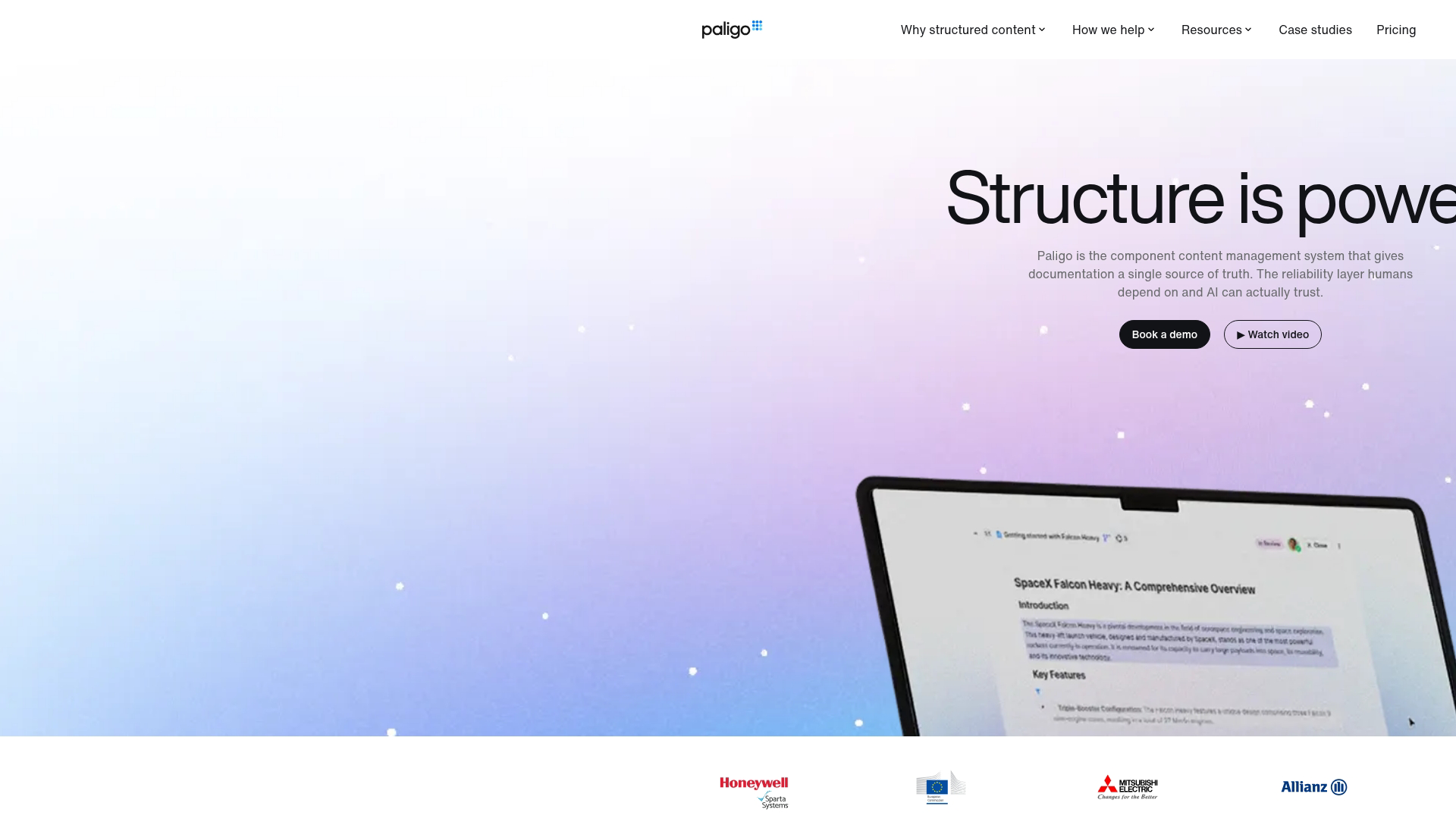
Paligo delivers a cloud-native CCMS designed for technical writing teams moving away from desktop authoring tools. The browser-based interface means no software installation, and the platform handles infrastructure, backups, and updates automatically.
Best for: Mid-size technical writing teams wanting structured authoring without deep XML expertise.
Key strengths:
- Cloud-based authoring: Access content from any browser without local software installation or IT involvement
- Built-in translation management: Connect directly to translation vendors and track localization status within the platform
- Topic-based reuse: Get DITA-like structured authoring benefits without requiring full DITA expertise from your team
Why choose Paligo: Teams frustrated with desktop tool limitations but not ready for enterprise DITA complexity find Paligo hits a practical middle ground. The learning curve is gentler than traditional XML-based systems, though power users may eventually want more customization options.
Paligo pricing: Plans start at $499/month for small teams. Enterprise pricing scales with user count and feature requirements. A free trial is available.
2. Adobe Experience Manager Guides
Adobe Experience Manager Guides (formerly Adobe XML Documentation) provides enterprise-scale DITA authoring integrated with the broader Adobe Experience Cloud. Organizations already invested in Adobe tools benefit from native connections to Experience Manager Sites, Assets, and other platform components.
Best for: Large enterprises with existing Adobe investments requiring full DITA compliance.
Key strengths:
- Adobe ecosystem integration: Content flows naturally between AEM Guides and other Adobe products for web publishing and asset management
- Full DITA support: Handles complex DITA specializations and maps for organizations with mature structured authoring practices
- Enterprise scalability: Built to support large distributed teams with sophisticated permission and workflow requirements
Why choose Adobe Experience Manager Guides: If your organization already runs on Adobe Experience Cloud and your team has DITA expertise, this platform provides tight integration. The implementation complexity and cost make it overkill for smaller teams or organizations new to structured authoring.
Adobe Experience Manager Guides pricing: Custom pricing based on deployment model and user count. Expect enterprise-level investment with implementation services.
3. MadCap IXIA CCMS
MadCap IXIA CCMS extends MadCap Flare with enterprise component management capabilities. Teams already using Flare for authoring can add IXIA to gain centralized content storage, advanced reuse, and collaboration features without changing their authoring environment.
Best for: Organizations with established MadCap Flare workflows needing enterprise-grade content management.
Key strengths:
- Native Flare integration: Authors continue working in familiar Flare interface while gaining CCMS benefits
- Advanced DITA support: Handles complex DITA workflows for teams requiring strict structured authoring standards
- Review and collaboration: Built-in review workflows support distributed teams and subject matter expert input
Why choose MadCap IXIA CCMS: The value proposition is strongest for teams already productive in Flare who have outgrown file-based content management. Switching authoring tools is disruptive, and IXIA lets you keep what works while adding what you need.
MadCap IXIA CCMS pricing: Custom pricing. Contact MadCap for quotes based on team size and deployment requirements.
4. Heretto
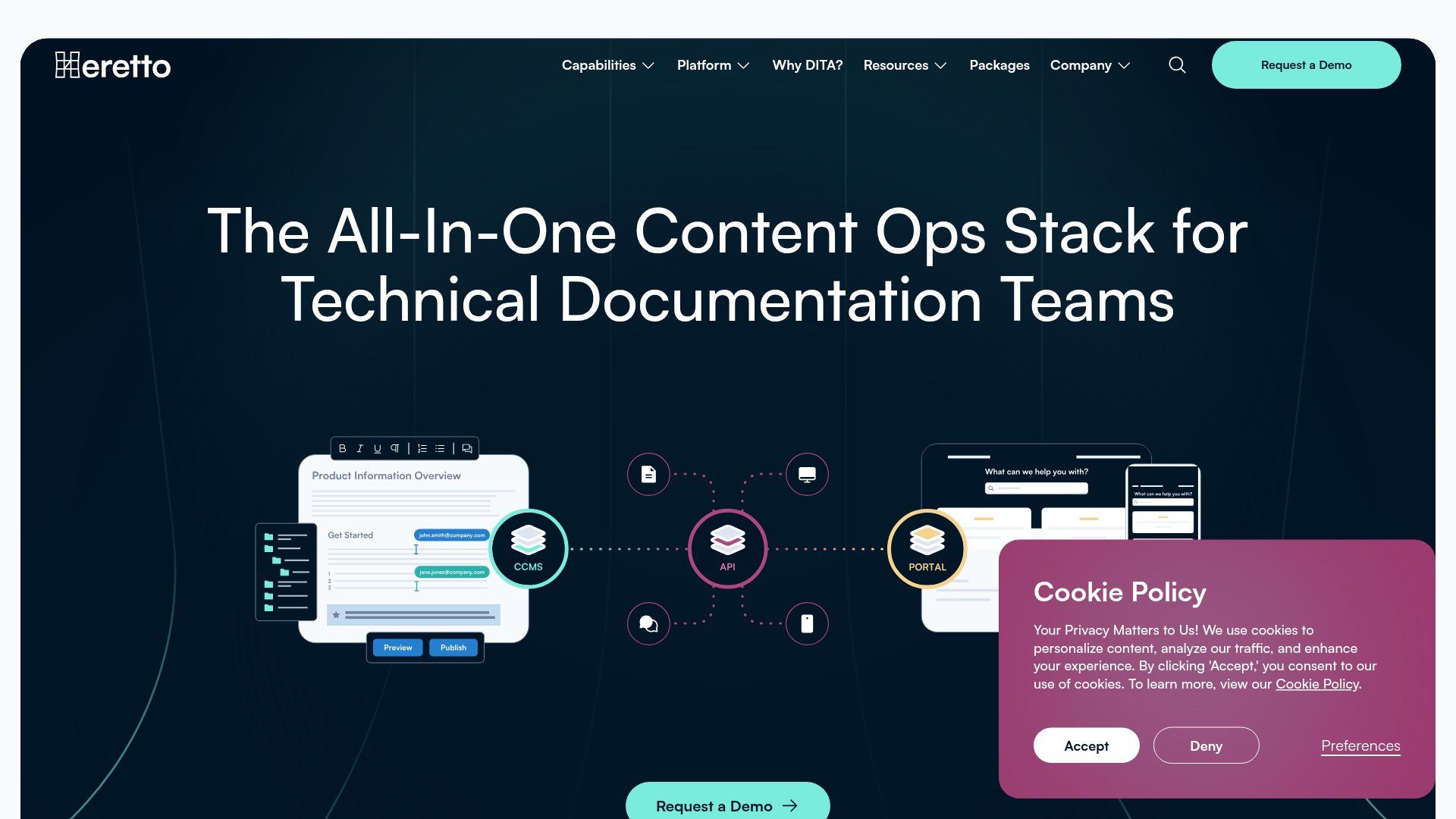
Heretto (formerly easyDITA) offers a modern cloud CCMS with strong API capabilities for headless content delivery. The platform appeals to teams wanting to treat documentation as structured data that feeds multiple downstream systems.
Best for: Developer-oriented teams wanting API-first content delivery and headless publishing options.
Key strengths:
- API-first architecture: Expose content through APIs for custom applications, chatbots, or embedded help systems
- Modern cloud interface: Clean, contemporary UI that feels less like legacy enterprise software
- Flexible publishing: Support for traditional outputs plus headless delivery to custom front-ends
Why choose Heretto: Teams building documentation into product experiences rather than just publishing static outputs find Heretto's API approach valuable. The platform also works well for organizations wanting cloud benefits without the weight of enterprise DITA platforms.
Heretto pricing: Custom pricing based on usage and team size. Free trial available.
5. Author-it
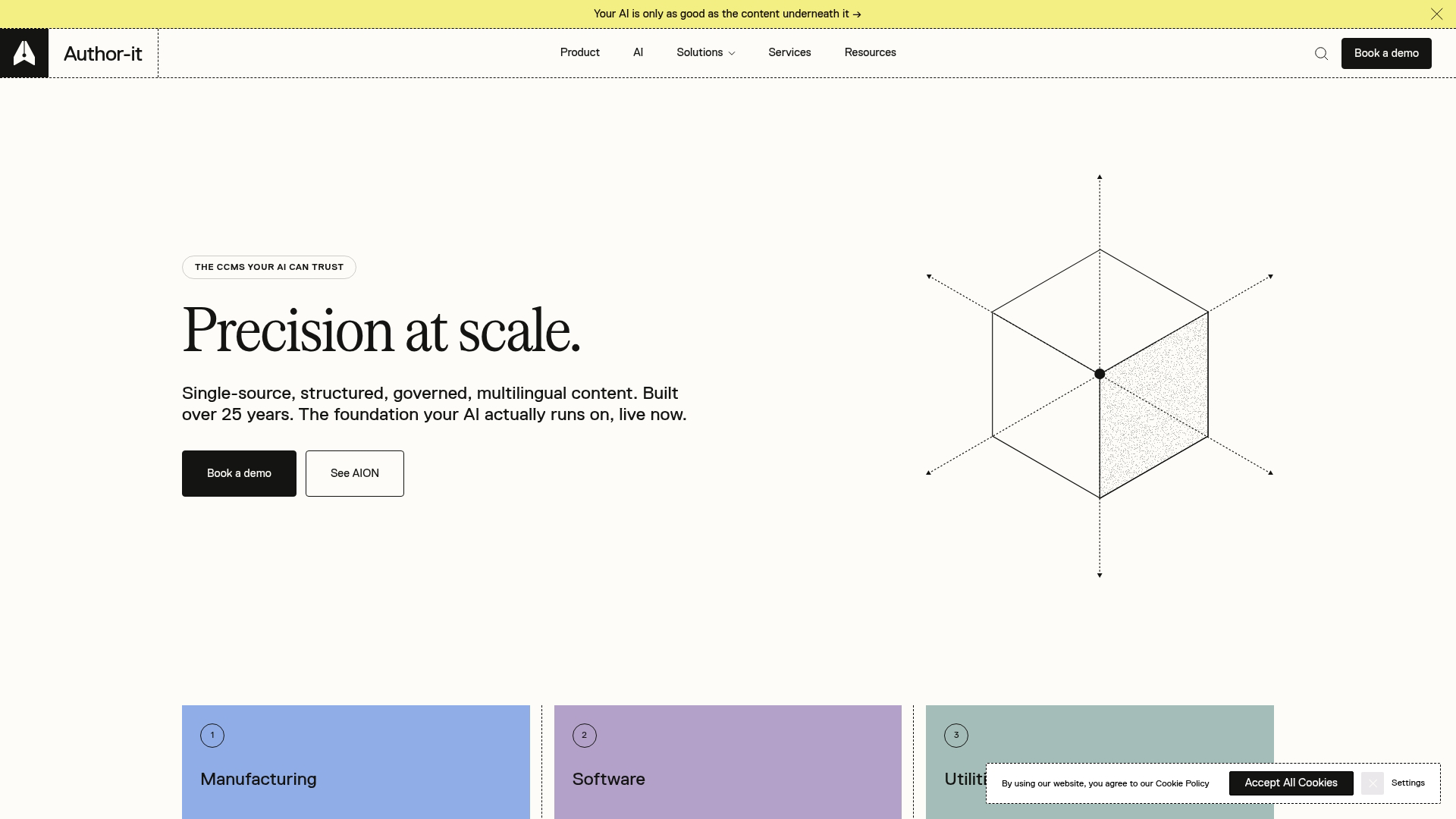
Author-it has served technical documentation teams for over two decades, with particular strength in manufacturing and industrial documentation. The platform handles complex variant management for organizations with many product configurations.
Best for: Manufacturing companies managing documentation across numerous product variants and configurations.
Key strengths:
- Variant management: Sophisticated conditional content and filtering for products with many configurations
- Long track record: Proven platform with extensive customer base in manufacturing and industrial sectors
- Publishing flexibility: Outputs to print, web, and mobile from single source content
Why choose Author-it: Organizations with complex product lines where documentation varies by model, region, or configuration find Author-it's variant management capabilities particularly valuable. The platform has less momentum in newer cloud-native approaches but remains solid for its core use cases.
Author-it pricing: Custom pricing. Contact vendor for quotes.
6. RWS Tridion Docs

RWS Tridion Docs (formerly SDL) provides enterprise CCMS with deep localization and translation management capabilities. Global organizations publishing in many languages benefit from tight integration with RWS translation services.
Best for: Global enterprises with significant translation requirements across many languages and regions.
Key strengths:
- Translation workflow integration: Native connection to RWS translation services and third-party translation management systems
- Global deployment: Supports distributed teams across regions with appropriate access controls and workflows
- Enterprise compliance: Audit trails and approval workflows for regulated industries
Why choose RWS Tridion Docs: If translation and localization represent a major portion of your documentation costs, Tridion Docs' focus on this area provides advantages. Organizations with simpler localization needs may find the platform more than they require.
RWS Tridion Docs pricing: Custom enterprise pricing. Expect significant investment for global deployments.
7. Componize DITA CCMS
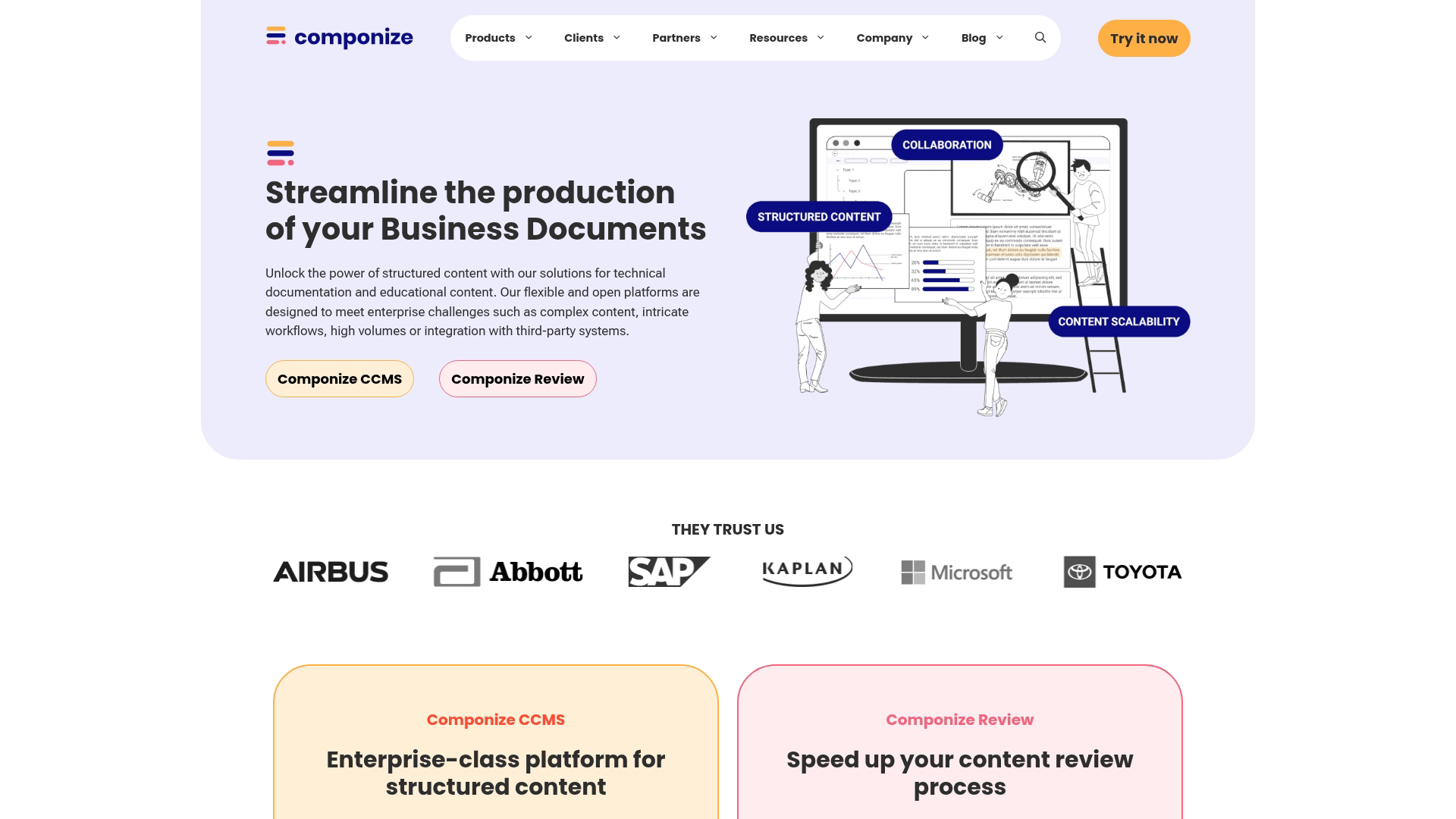
Componize builds its CCMS on the Alfresco content management platform, offering flexibility in deployment models including on-premise options. Organizations with specific security or data residency requirements appreciate this flexibility.
Best for: Teams requiring on-premise deployment or specific infrastructure control for security and compliance reasons.
Key strengths:
- Deployment flexibility: Cloud, on-premise, or hybrid deployment options based on organizational requirements
- Alfresco foundation: Leverages proven enterprise content management infrastructure
- DITA specialization: Strong support for DITA authoring and publishing workflows
Why choose Componize: Organizations that cannot use cloud-hosted solutions due to security policies, data residency requirements, or infrastructure preferences find Componize's deployment flexibility valuable. Pure cloud teams have simpler options available.
Componize pricing: Custom pricing based on deployment model and scale.
8. Xeditor
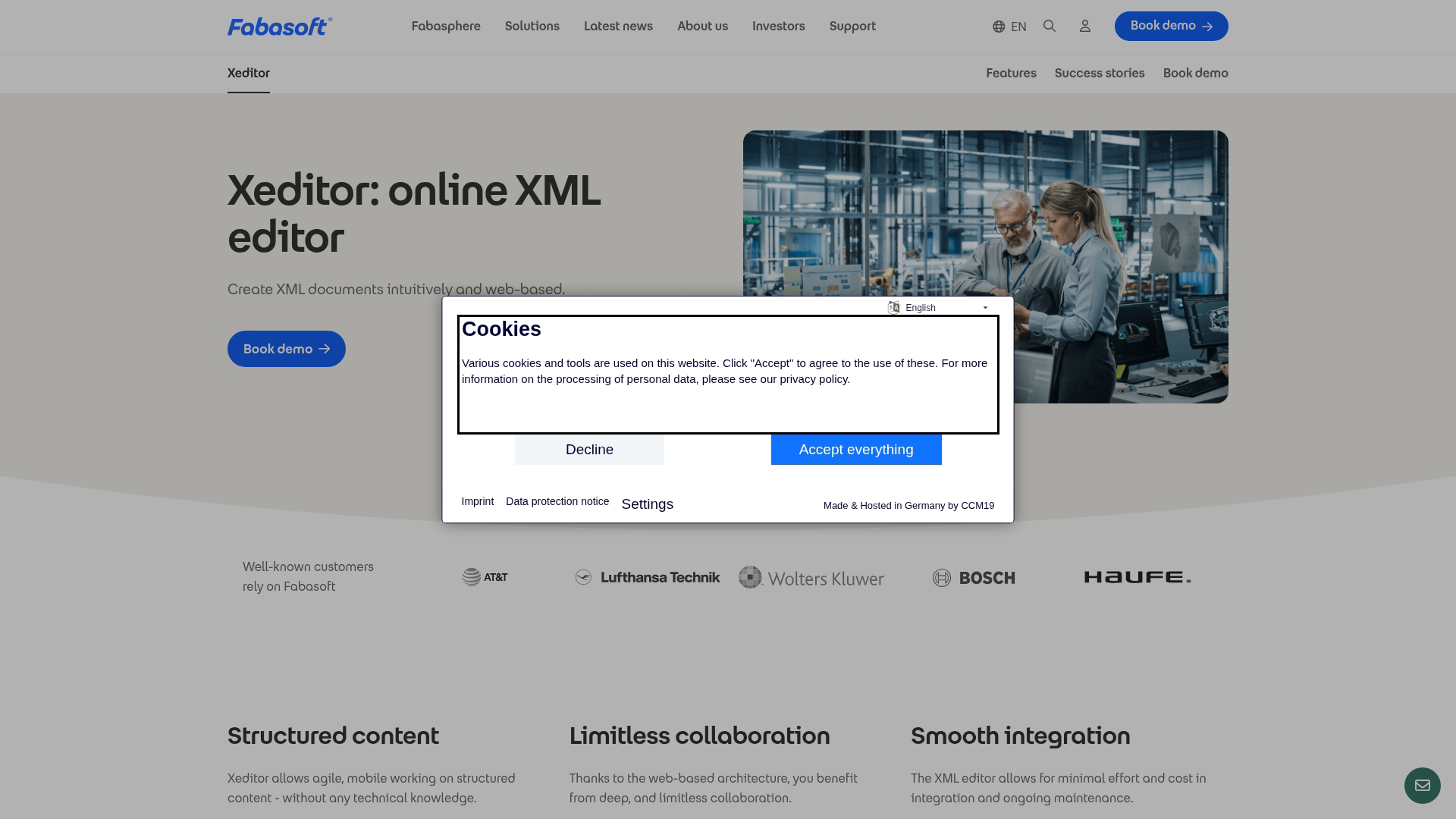
Xeditor provides a modern XML editing component that integrates with various backend systems. Rather than a complete CCMS, Xeditor offers a best-in-class authoring interface that organizations can connect to their existing content infrastructure.
Best for: Organizations wanting a modern XML editor within existing content management infrastructure.
Key strengths:
- Modern editing experience: Contemporary interface that makes XML authoring more accessible to non-technical users
- Backend flexibility: Integrates with various CMS and repository systems rather than requiring a specific platform
- Customizable: Extensive configuration options for different XML schemas and authoring requirements
Why choose Xeditor: Teams with existing content infrastructure who want to upgrade their authoring experience without replacing their entire stack find Xeditor's component approach appealing. Xeditor is not a complete CCMS solution but solves the authoring piece well.
Xeditor pricing: Custom pricing based on integration requirements and user count.
9. Documoto
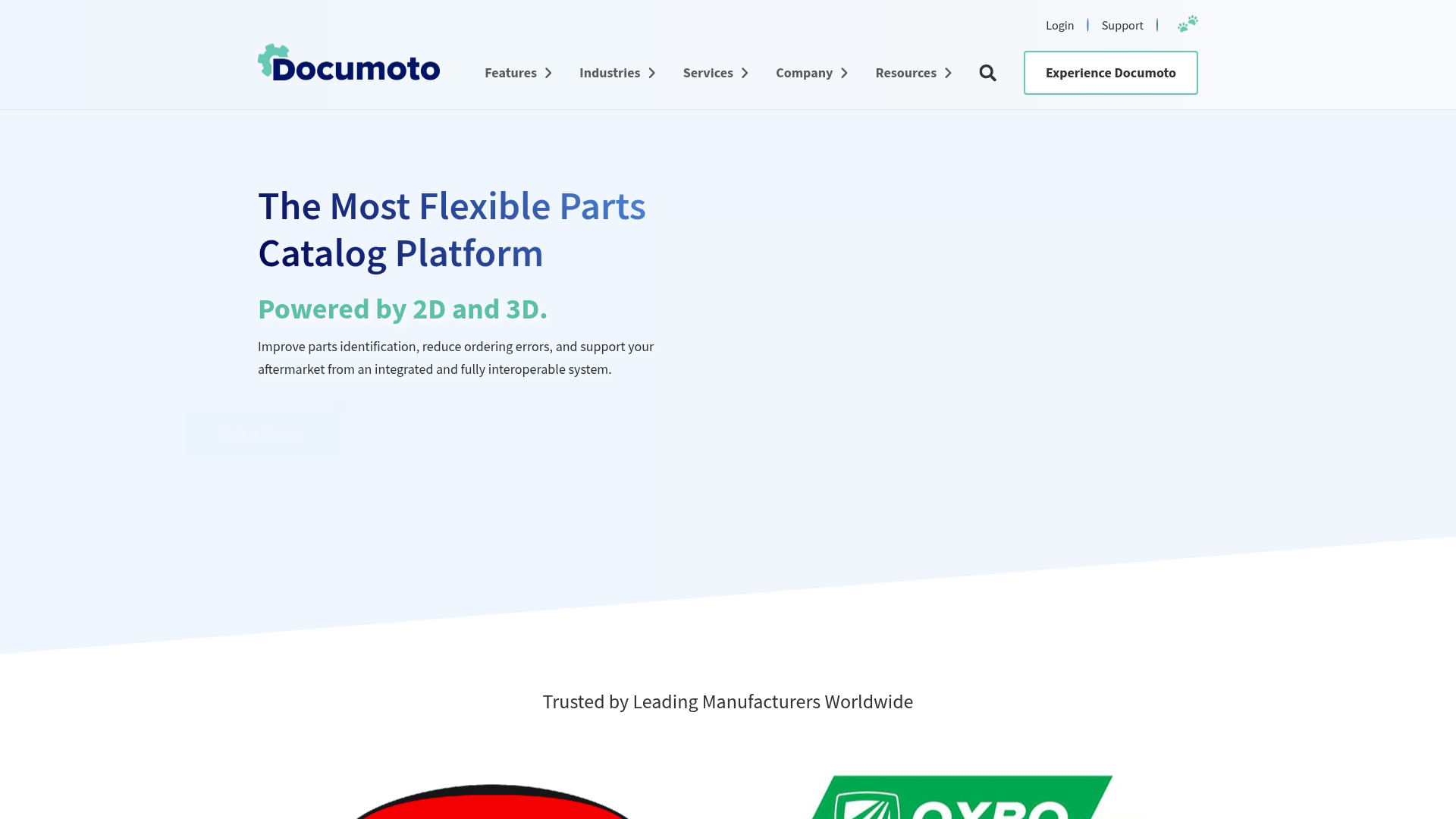
Documoto specializes in parts catalogs and equipment documentation for manufacturing and industrial equipment companies. The platform handles the specific requirements of parts information, including integration with ERP and PLM systems.
Best for: Manufacturing and industrial equipment companies managing parts catalogs and service documentation.
Key strengths:
- Parts catalog specialization: Purpose-built for the unique requirements of parts information management
- ERP/PLM integration: Connects to enterprise systems where parts data originates
- Interactive publishing: Produces interactive parts catalogs with hotspot navigation and parts ordering
Why choose Documoto: If your primary documentation challenge is parts catalogs and equipment service information, Documoto's specialization provides capabilities that general-purpose CCMS platforms lack. Organizations with broader documentation needs may want a more general platform.
Documoto pricing: Custom pricing based on catalog size and integration requirements.
How to evaluate CCMS platforms
Selecting among component content management systems involves more than comparing feature lists. The five criteria below help match platforms to actual requirements.
Content reuse and single-sourcing capabilities
The core value of a CCMS comes from content reuse. When evaluating platforms, look at:
- Topic-based authoring: Can you create self-contained content components that work in multiple contexts?
- Conditional content: How does the platform handle variations for different audiences, products, or regions?
- Variable support: Can you define variables for product names, version numbers, or other frequently changing values?
Ask vendors to demonstrate reuse scenarios that match your actual content challenges.
Translation and localization workflow
If you publish in multiple languages, translation workflow capabilities significantly impact ongoing costs. Look for:
- Translation memory integration: Does the platform connect to translation memory systems to avoid re-translating unchanged content?
- Change tracking: Can you identify exactly which components changed and require re-translation?
- Vendor connectivity: Does the platform integrate with your translation vendors or require manual file exchange?
Integration with your existing tech stack
A CCMS rarely operates in isolation. Check for integrations with:
- Source control: Git or other version control systems for content-as-code workflows
- Publishing systems: Your web CMS, help authoring tools, or custom publishing pipelines
- Enterprise systems: PLM, PIM, or ERP systems where product information originates
API availability matters for custom integrations. Ask about API documentation and developer resources.
Deployment model and security requirements
Your IT and security teams will have requirements that narrow your options:
- Cloud vs. on-premise: Some organizations cannot use cloud-hosted solutions for certain content types
- Authentication: SSO integration, role-based access control, and audit logging requirements
- Data residency: Where content is stored and whether that meets regulatory requirements
Total cost of ownership
Subscription pricing tells only part of the story. Factor in:
- Implementation services: Most enterprise CCMS deployments require professional services for setup and configuration.
- Content migration: Moving existing content into a new system takes time and often requires specialized help.
- Training: Your team will need training on new tools and workflows.
- Ongoing maintenance: Who handles updates, backups, and technical support?
Ask vendors for reference customers of similar size and complexity to understand realistic total costs.
Using structured content to support pre-sale buyers
Once you have structured, reusable content in your CCMS, the next challenge is making that content work for buyers and prospects, not just end users.
Technical documentation teams and marketing teams often operate in silos. Your CCMS manages product knowledge for post-sale users, while marketing struggles to communicate product value to pre-sale prospects. The same product complexity that makes a CCMS necessary also makes it hard for buyers to understand what your product actually does.
Interactive demos solve this gap. Instead of asking prospects to read documentation or wait for a sales call, you can let them experience your product through guided, clickable walkthroughs. Capture your product flows directly from your browser, then share experiences on landing pages, in emails, or through demand generation campaigns.
This approach complements your CCMS investment. Structured product content helps users after they buy. Interactive demos help buyers understand value before they commit.
Start your journey with Guideflow today!
FAQs about component content management systems
What is the difference between a CCMS and a traditional CMS?
A traditional CMS like WordPress manages content at the page or document level, primarily for websites. A CCMS manages content at the component level (paragraphs, images, tables) for reuse across multiple outputs like PDFs, help systems, mobile apps, and print. The granular approach enables single-sourcing and reduces duplication.
How much does CCMS software typically cost?
CCMS pricing varies widely based on deployment model, team size, and feature requirements. Cloud-based options for small teams start around $300-500/month per author. Enterprise on-premise solutions often require custom quotes in the five to six-figure annual range, plus implementation services.
What is the difference between a CCMS and an LCMS?
An LCMS (Learning Content Management System) focuses specifically on e-learning content, course delivery, and learner tracking. A CCMS manages technical documentation and product content for multi-channel publishing. Some overlap exists, but the primary use cases differ significantly.
Which CCMS platforms work best for small documentation teams?
Small teams typically benefit from cloud-based platforms like Paligo or Heretto that require minimal IT infrastructure and offer lower entry price points with per-author billing. Cloud platforms provide structured authoring benefits without the implementation complexity of enterprise solutions.
How long does CCMS implementation typically take?
Implementation timelines range from a few weeks for cloud platforms to several months for enterprise deployments requiring custom integrations, content migration, and extensive training. Content migration from existing systems often takes longer than the technical platform setup.
Can a CCMS integrate with existing content tools?
Most CCMS platforms offer APIs and pre-built connectors for common tools like Git repositories, translation management systems, and publishing platforms. Integration depth varies by vendor. Check specific documentation for your required integrations before committing.
Do technical writers need XML or DITA expertise to use a CCMS?
Not necessarily. Modern cloud-based CCMS platforms offer structured authoring interfaces that hide XML complexity from authors. Teams using DITA-native platforms or requiring advanced customization will benefit from XML and DITA training.
The learning curve depends on the specific platform and your authoring requirements.
What content types work best in a component content management system?
CCMS platforms excel at structured, reusable content like product documentation, user guides, maintenance manuals, API documentation, and compliance documents. Marketing content, brand storytelling, and highly visual content typically stay in traditional CMS or design tools better suited to those formats.