You listed a property last week. Great photos. Wide-angle shots, twilight exterior, staged kitchen. The listing got clicks. Then nothing. No inquiries, no showings, just a gallery that people swiped through and forgot.
Static images do not let a prospect walk a space. They cannot judge how a living room flows into a kitchen, how tall the ceilings feel, or whether the backyard is actually usable. A grid of photos answers "what does it look like." It never answers "what would it feel like to be there." That gap is where deals stall, and it is exactly what virtual tour software closes.
Virtual tour software lets you build interactive 360 and 3D experiences that people explore on their own. They click through rooms, look up, look around, and pan across a venue as if standing in it. For marketers and operators, that shift matters because engagement, lead quality, and brand control all improve when a prospect can self-navigate a space instead of scrolling past flat images.
The demand is real. The global virtual tour software market was valued at roughly USD 492 to 508 million in 2025 and is forecast to grow at around 12% CAGR through 2034, according to Fortune Business Insights (2026) and IMARC Group (2026). In real estate specifically, U.S. virtual tour software for property listings is expected to grow at about 12.6% CAGR from 2026 to 2033, per a 2026 U.S. Real Estate Virtual Tour Software Market Analysis.
Choosing between 360 virtual tour software, VR tour software, and browser-based pano tours comes down to a few practical questions: how fast can you build, how much branding control do you get, and where can you publish. If you evaluate tools by workflow and outcome, the way you would with any part of your stack, comparison content like our roundup of best AI code generation tools can be a useful reference for how to weigh feature depth against speed. This guide applies that same lens to virtual tours.
What's inside
This guide compares 7 virtual tour software tools for 2026, spanning 360, 3D, VR-ready, and browser-based tour builders. It is written for digital marketers, real estate teams, and operators who care about distribution, embeds, lead capture, and brand control, not just pretty panoramas.
We selected tools based on four criteria: ease of creation, publishing and embed flexibility, branding and white-label control, and mobile plus VR support. We also looked at pricing clarity and whether a free tier exists. Every pricing figure and rating below is sourced from each vendor's own materials or public review listings.
TL;DR
- Best overall for broad use cases: Kuula. A polished, web-first 360 tour experience that fits photographers, marketers, and businesses alike.
- Best for real estate and distribution workflows: CloudPano. Fast creation, white-labeling, live video chat, and listing-ready publishing.
- Best free option: Panoee. A browser-based builder with unlimited free projects and custom domain publishing.
- Best for advanced desktop-first creation: 3DVista. Deep control, offline tours, VR, and a one-time payment model.
- Best for enterprise scanning workflows: Matterport. 3D capture, digital twins, and accurate measurements for real spaces.
- Best for lightweight presentations and simple tours: Roundme. Clean panoramic presentation and quick sharing.
- Best for panoramic publishing and advanced control: Easypano. Panorama stitching plus flexible desktop tour building.
What virtual tour software is
Virtual tour software is a tool for creating interactive 360, 3D, and panoramic experiences that let people explore a physical space online from any browser or device.
Instead of a fixed photo, a virtual tour stitches panoramas or 3D captures into a navigable scene. Viewers pan, zoom, and move between rooms or points. Creators add hotspots, labels, and media so the tour guides the viewer without a person present.
The category shows up under a few names. Pano tours refer to panorama-based experiences built from stitched 360 photos. Virtual walkthrough software emphasizes moving through connected spaces, common in real estate. VR tour software adds headset support so a tour can be experienced in immersive mode. Most modern platforms cover more than one of these formats.
Core features buyers should expect
- Hotspots and guided navigation: clickable points that move viewers between scenes or reveal information.
- Brandable embeds and custom domains: control over how tours look and where they live, including white-label options.
- Mobile and VR viewing: tours that work on phones, tablets, and headsets without extra apps.
- Lead capture and analytics: forms, contact prompts, and engagement data to measure interest.
- Publishing to a website, URL, or listing: clean embeds and shareable links that drop into landing pages and listings.
- Optional floor plans, dollhouse views, or media embeds: richer context for property and venue tours.
Where virtual tour software is used
Real estate and property marketing lead adoption, where virtual walkthroughs help buyers shortlist without a physical visit. Hospitality, travel, and venue marketing use tours to sell an experience before booking. Education, museums, and events publish immersive spaces for remote audiences. Automotive dealers and local businesses showcase showrooms and storefronts. And marketing teams across categories embed tours on landing pages to lift engagement on space-based offers.
When to use virtual tour software
Use it when you need to sell a space visually
Photos alone force the viewer to assemble a mental floor plan from disconnected angles. Most people cannot, so they bounce. A virtual tour removes that friction by letting them move through the space in one continuous experience. For real estate virtual tour software especially, this filters out low-intent traffic early and surfaces buyers who already picture themselves in the space.
Use it when branding and embed control matter
If tours appear on your own site, listings, or partner pages, you want them on your domain and in your colors. White-label virtual tour software keeps your brand front and center and removes vendor logos. Clean embeds also matter for conversion: a tour that loads natively inside a landing page keeps the visitor on your page instead of bouncing to a third-party viewer.
Use it when mobile and VR access matter
Browser-based, headset-ready viewing widens your reach. A prospect on a phone during a lunch break, an agent walking a client through a listing on a tablet, or an event attendee slipping on a headset all need the same tour to work. Mobile and VR tour software support this without asking anyone to install an app, which keeps drop-off low at open houses, field sales meetings, and trade shows.
Comparison table
Read this table top to bottom by relevance to the primary keyword, not alphabetically. The Intent column tells you the buying shortcut, Key differentiation tells you what sets each tool apart, and pricing plus G2 rating give you the budget and credibility signal. Where a vendor does not publish a numeric price or a rating publicly, the cell notes that.
| # | Product | Intent | Key differentiation | Pricing | G2 rating |
|---|---|---|---|---|---|
| 1 | Kuula | Best overall | Polished web-first 360 tours with custom domains | Free tier; paid plans (amounts not publicly listed) | 4.4/5 |
| 2 | CloudPano | Best for real estate | White-label, live video chat, listing publishing | From $27/month | Not publicly listed |
| 3 | Panoee | Best free tours | Unlimited free projects, custom domain publishing | Free; paid from ~$7/month | 4.8/5 |
| 4 | 3DVista | Best for advanced editing | One-time purchase, offline tours, VR, 3D models | $499 one-time | 4.1/5 |
| 5 | Matterport | Best for 3D scanning | Digital twins, measurements, floor plans | Free plan; paid billed annually | 4.2/5 |
| 6 | Roundme | Best for simple tours | Lightweight panoramic presentation and sharing | Pricing not publicly confirmed | 4.1/5 |
| 7 | Easypano | Best for panorama control | Panorama stitching plus desktop tour building | From $299.95 one-time | 4.3/5 |
1. Kuula
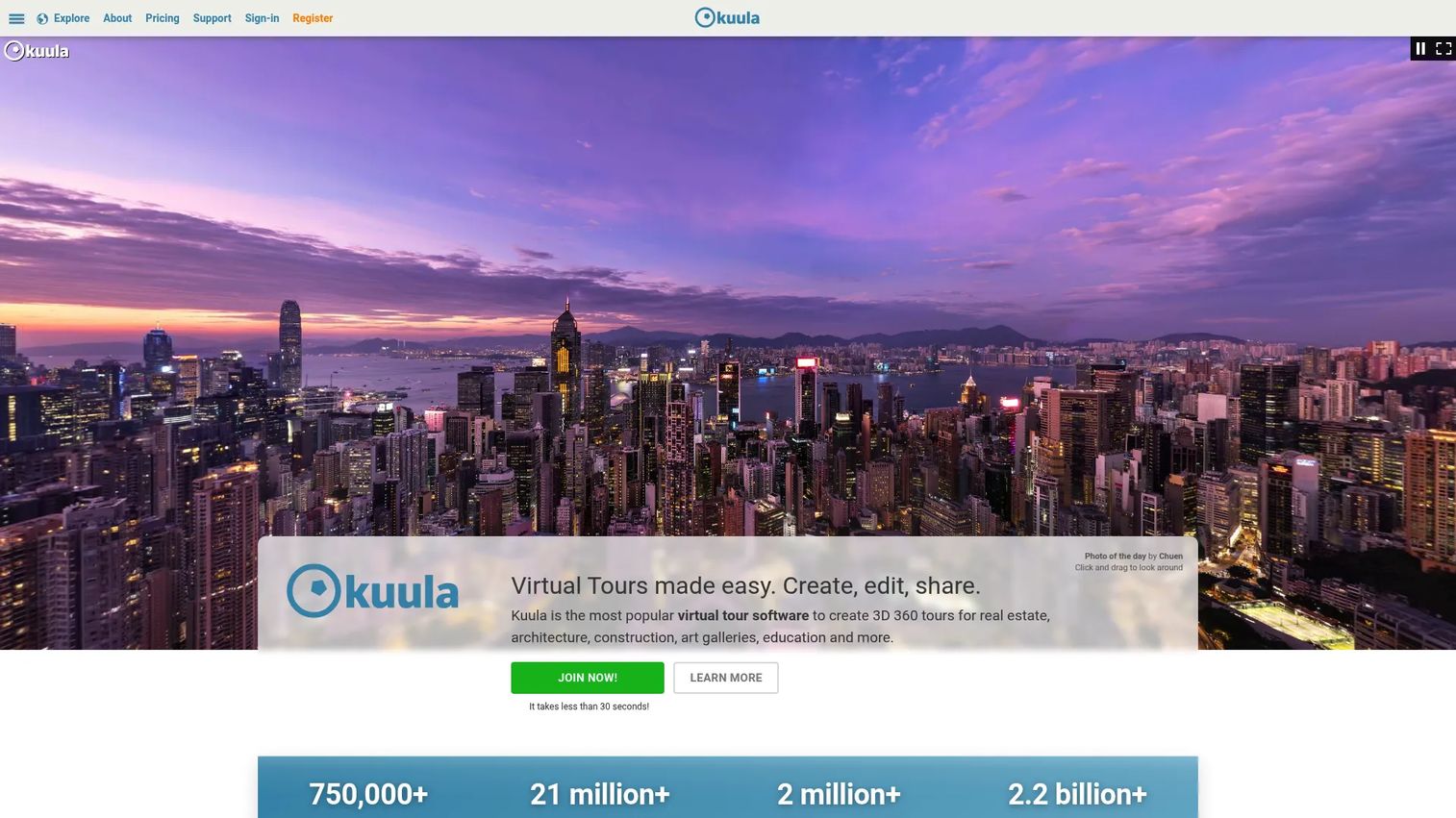
Kuula is cloud software for creating, editing, sharing, and embedding 360 virtual tours and panoramic photos. It has become one of the most widely used 360 virtual tour software platforms because it balances a low learning curve with a genuinely polished output. You upload panoramas, arrange scenes, add hotspots, and publish a tour that looks professional on the web without touching desktop software.
For marketers, the appeal is the web-first delivery. Tours embed cleanly, load fast, and stay on brand. That makes Kuula a strong fit anywhere a space needs to be shown at scale across a website or campaign.
Best for: teams and creators publishing 360 virtual tours for real estate and other visual marketing use cases.
Key strengths
- 360 virtual tour editor: build and arrange panoramic scenes with hotspots in the browser, no desktop install required.
- Custom branding and custom domains: publish tours under your own brand and domain for a native, on-site feel.
- VR viewing support: let viewers experience tours in immersive mode on a headset.
Why choose Kuula: If you want broad applicability without committing to a heavy desktop tool, Kuula is the safe default. It suits photographers shooting listings, marketers embedding tours on landing pages, and businesses that want a clean, shareable 360 experience. The web-first workflow keeps the whole team moving without a specialist.
Kuula pricing: Kuula offers a free plan, with Basic, Pro, Business, and Enterprise tiers above it. Paid plans are billed with Pro and Business on annual billing, and Enterprise on a contact-us basis. The public pricing page lists all prices in USD, though the exact amounts for the mid-tier plans are not displayed in a way that can be quoted reliably here. The free tier is a practical starting point for testing the platform before committing.
2. CloudPano
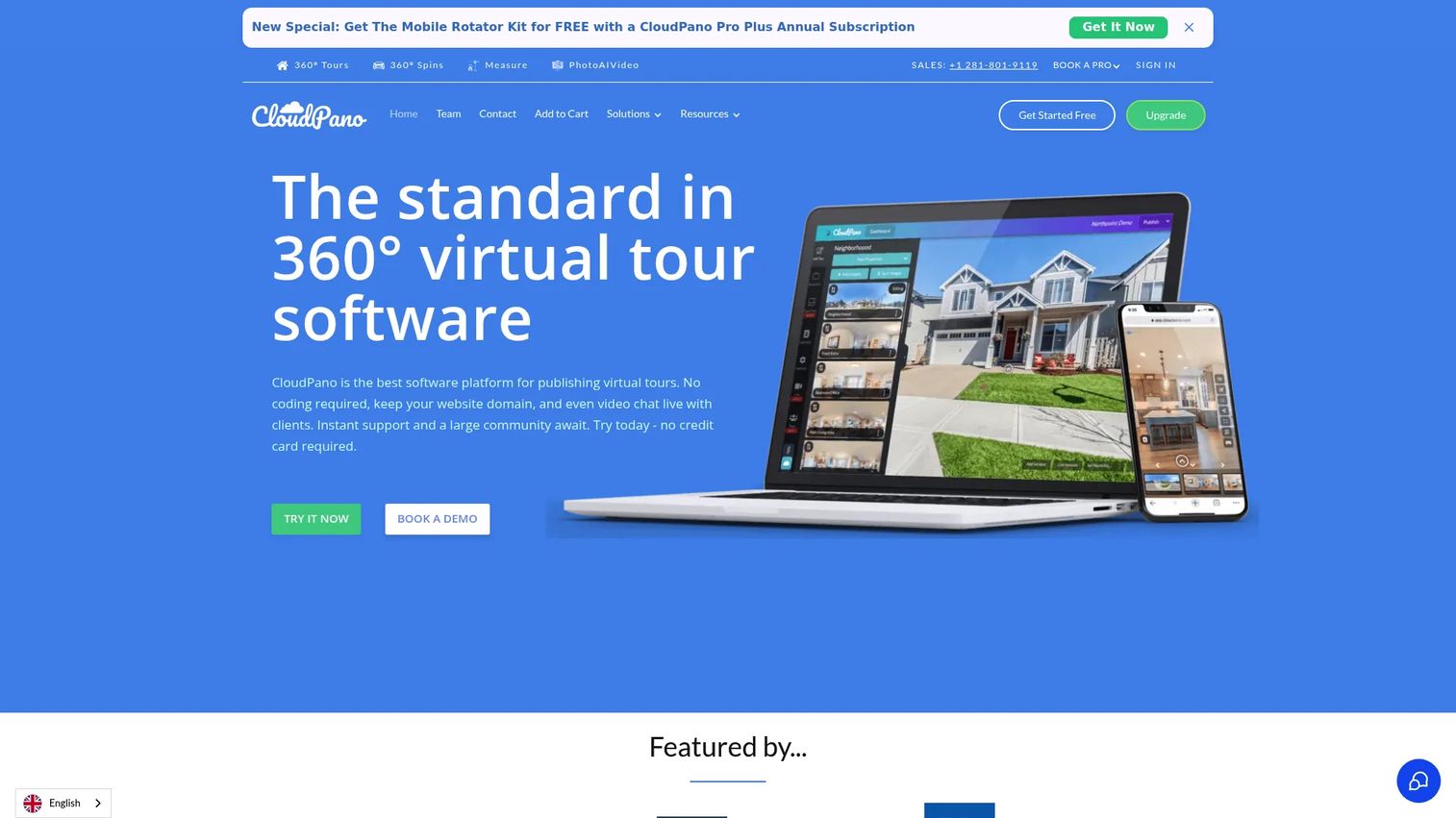
CloudPano is a 360 virtual tour software platform built for creating, embedding, and sharing immersive tours, with a clear lean toward real estate and commercial use. It is designed for speed: you can capture a space and stand up a branded 360 tour quickly, then push it to a listing or website. For agents and agencies, that turnaround is the point.
Where CloudPano stands out is distribution and lead generation. White-label branding, custom domains, live in-tour video chat, and floor plan or dollhouse views make it more than a viewer. It is a tool for closing.
Best for: real estate, photography, and other businesses that need branded 360 virtual tours tied to lead generation.
Key strengths
- 360 tour creation and embedding: build tours and publish them directly to your website or blog with WordPress compatibility.
- White-label and custom domain branding: keep your domain name and protect your brand across every tour.
- Live in-tour video chat: talk to a prospect inside the tour in real time, turning a passive view into a conversation.
Why choose CloudPano: For real estate virtual tour software, CloudPano hits the criteria marketers care about: fast creation, branded publishing, and features that generate and capture leads. The live video chat is a genuine differentiator for agents who want to guide a remote buyer through a space live. VR headset viewing extends the same tour to immersive contexts.
CloudPano pricing: CloudPano Pro starts at $27 per month billed monthly. CloudPano Pro Plus is $33 per month billed annually and adds private label white-label features, live video chat, unlimited published projects, and floor plans plus dollhouse tours. There is no free tier, so the entry point is the Pro plan. Pricing is verified from CloudPano's own site.
3. Panoee
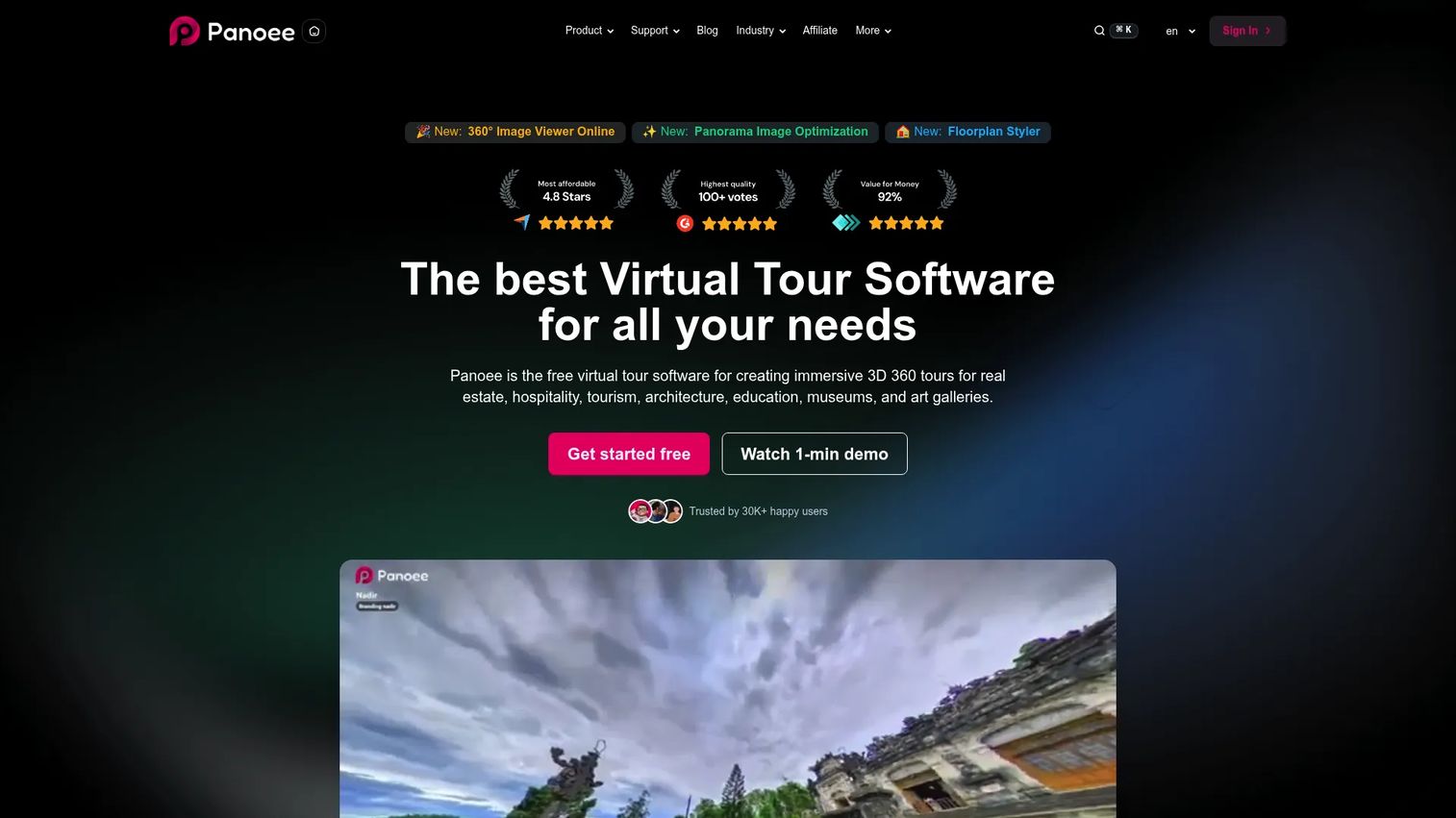
Panoee is free virtual tour software for creating and hosting interactive 3D and 360 tours in the browser. It is the strongest starting point on this list for budget-conscious teams and anyone testing the category. The free plan is genuinely usable, not a crippled trial, which makes it easy to build a real tour before spending anything.
The three-step workflow keeps things simple: upload, add hotspots, publish. From there you can point a custom domain at the tour and track engagement with built-in analytics.
Best for: teams needing a browser-based 360 virtual tour builder with a real free tier and clear upgrade options.
Key strengths
- Unlimited free projects and tours: build as many tours as you need on the free plan, which includes storage to get started.
- Seven hotspot types: add varied interactive points, from navigation to media, to make tours richer.
- Custom domain publishing and built-in analytics: publish under your own domain and see how viewers engage.
Why choose Panoee: If cost is the deciding factor or you want to validate virtual tours before a bigger commitment, Panoee is the obvious pick. As a no-code virtual tour software option, it lowers the barrier for small teams and solo marketers. The paid tiers scale up storage and features when you outgrow the free plan.
Panoee pricing: Panoee's free plan is $0 forever and includes 3 GB of storage. Paid options include Flex, a pay-as-you-go tier running roughly $7 to $12 per month, Pro at $22 per month, Pro+ at $200 per year, and Enterprise at $1,188 per year. There is also a data add-on at $0.15 per GB per month. Pricing is verified from Panoee's own site, and the platform displays a 4.8/5 rating on its pricing page.
4. 3DVista
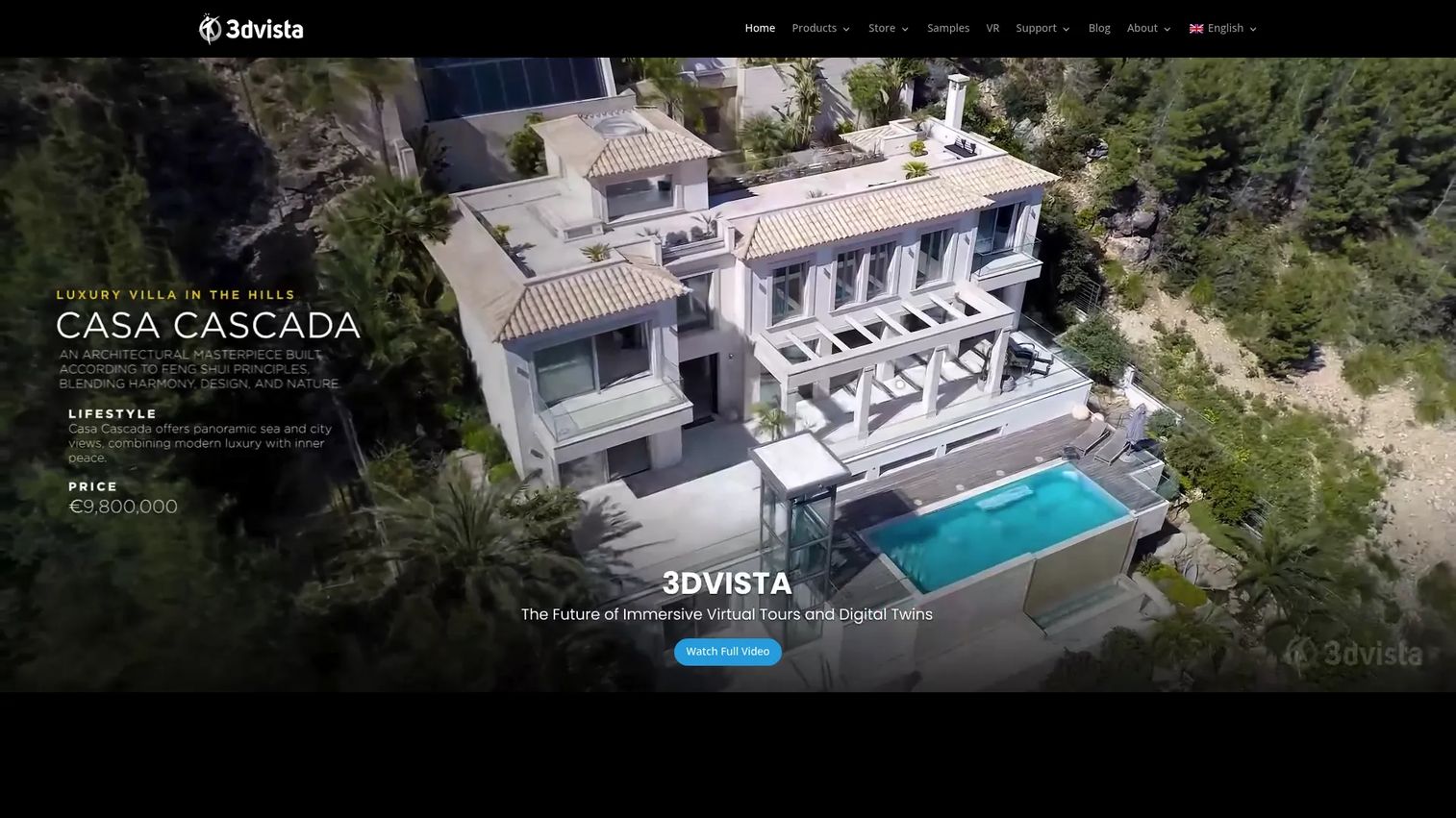
3DVista is virtual tour software for creating interactive 360 and 3D experiences, and it has been in the market since 1999. It is the power-user pick: a desktop-first application with deep control over hotspots, floor plans, 3D models, and 360 or 180 video. If you want to build something more elaborate than a standard scene-to-scene tour, this is where the ceiling is highest.
The offline capability is notable. Tours can run without an internet connection, which matters for trade shows, kiosks, and field presentations where wifi is unreliable.
Best for: teams creating interactive virtual tours for real estate, training, tourism, or exhibitions.
Key strengths
- Interactive 360 virtual tours: build detailed tours with granular control over navigation and interactivity.
- 360 and 180 video support: incorporate immersive video alongside still panoramas.
- Hotspots, floor plans, and 3D models: layer rich context and objects into a single tour.
Why choose 3DVista: Choose 3DVista when you want depth and ownership over a subscription. The one-time payment model appeals to agencies and creators who build tours regularly and would rather buy the software once. As VR tour software, it also supports headset viewing, and the offline mode is a real advantage for on-site selling.
3DVista pricing: Virtual Tour Pro is a one-time purchase at $499 with unlimited tours forever. If you want cloud hosting, 3DVista Cloud offers tiers starting around €8 per month, up to a Video Tour tier at €46 per month and an event tier at €425 per month, plus custom plans starting at €5 per month. A 30-day trial is available. Pricing is verified from 3DVista's own product pages.
5. Matterport
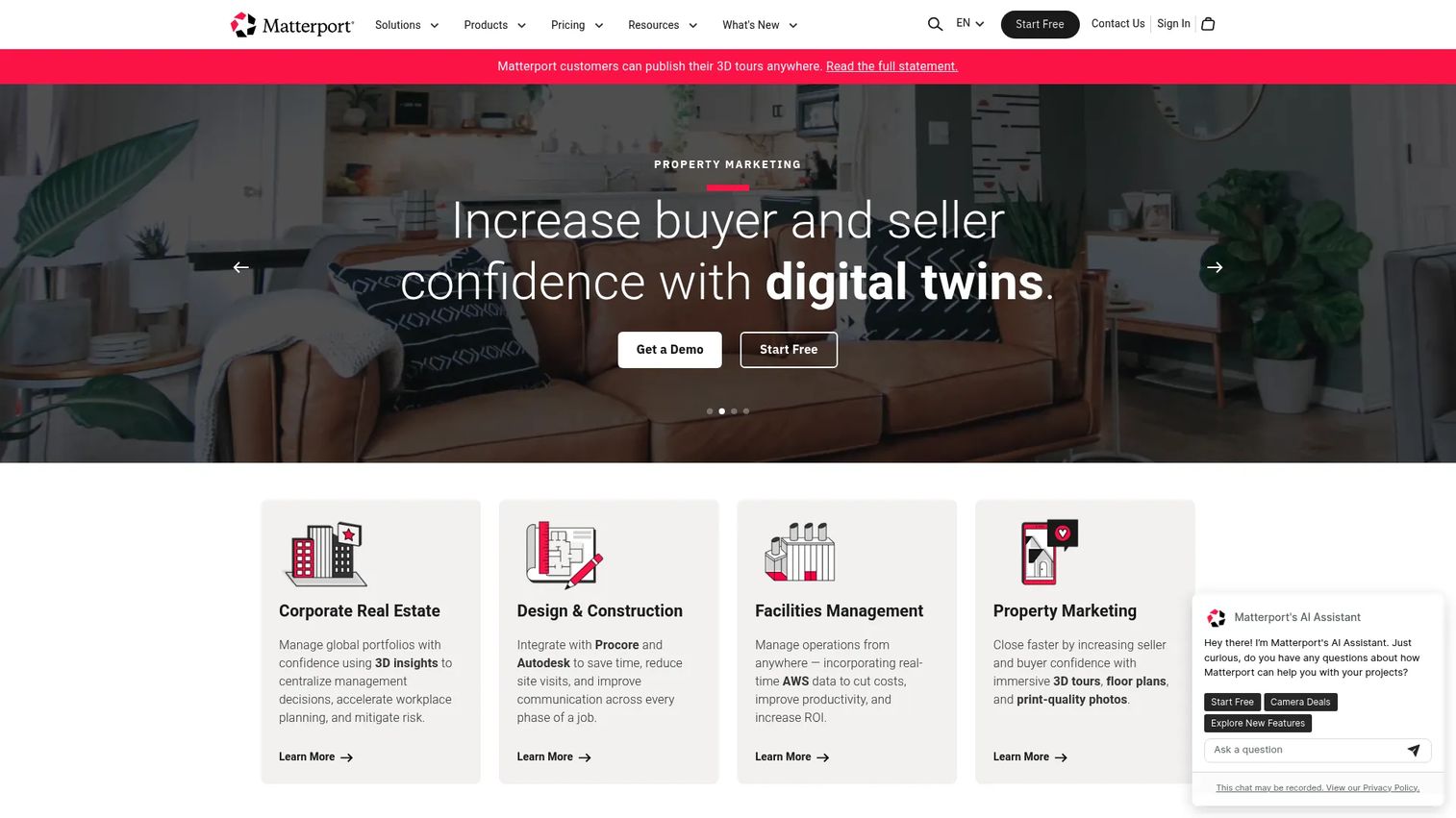
Matterport is a 3D capture and digital twin platform for creating, managing, and sharing immersive property experiences. It sits apart from the pano-first tools on this list because its core is capturing the physical space accurately. When the space itself needs to be measured, mapped, and turned into a precise 3D model, Matterport is the reference point.
For enterprise real estate and facilities teams, that accuracy is the draw. Digital twins, measurements, floor plans, and annotations turn a tour into an operational asset, not just a marketing one.
Best for: teams that need interactive 3D property tours and digital twins.
Key strengths
- 3D capture and virtual tours: produce accurate 3D models of real spaces, not just stitched panoramas.
- Measurements, labels, tags, and annotation: measure and annotate rooms and objects directly inside the tour.
- Floor plans, technical files, analytics, and enterprise collaboration: support portfolio-scale workflows with shared access and reporting.
Why choose Matterport: Choose Matterport when the physical space needs to be captured with precision, and when portfolios need managing at scale. Corporate real estate teams use it to handle global portfolios, and property marketers use immersive 3D tours, floor plans, and print-quality photos to increase buyer and seller confidence. It is a heavier commitment than a pano tool, and it earns that with fidelity.
Matterport pricing: Matterport offers a Free plan, with Starter, Professional, and Business tiers billed annually and priced by the number of Active Spaces, plus an Enterprise tier on contact-sales pricing. The public pricing page shows the plan names and the free option clearly, though numeric amounts for the paid tiers are not published in a quotable form. The Free plan makes it easy to start capturing before scaling up.
6. Roundme

Roundme is a lightweight option for creators who want clean panoramic presentation and quick publishing. It emphasizes simple 360 tour creation and easy sharing over deep feature sets, which suits people who value a fast path from upload to a shareable tour. If your priority is a tidy visual experience without a steep setup, it fits that brief.
For simple projects, portfolios, and presentation-focused tours, the appeal is the low overhead. You spend your time on the panoramas, not on configuration.
Best for: creators who want a simple, visually clean panoramic tour with minimal setup.
Key strengths
- Simple panoramic tour creation: stitch panoramas into a tour without a heavy editor.
- Lightweight sharing: publish and share tours quickly for presentations and portfolios.
- Visual presentation emphasis: keep the focus on clean, uncluttered panoramic viewing.
Why choose Roundme: Choose Roundme when simplicity is the point. It is a fit for creators, hobbyists, and small teams who want a clean pano tours experience and fast publishing without the feature depth of a professional desktop suite. It trades breadth for ease, which is exactly what some projects need.
Roundme pricing: Roundme carries a 4.1/5 G2 rating. A current, publicly confirmed price for its virtual tour offering was not available at the time of writing, so evaluate the platform directly for up-to-date plan details before committing. The lightweight positioning still makes it worth a look for presentation-first use cases.
7. Easypano
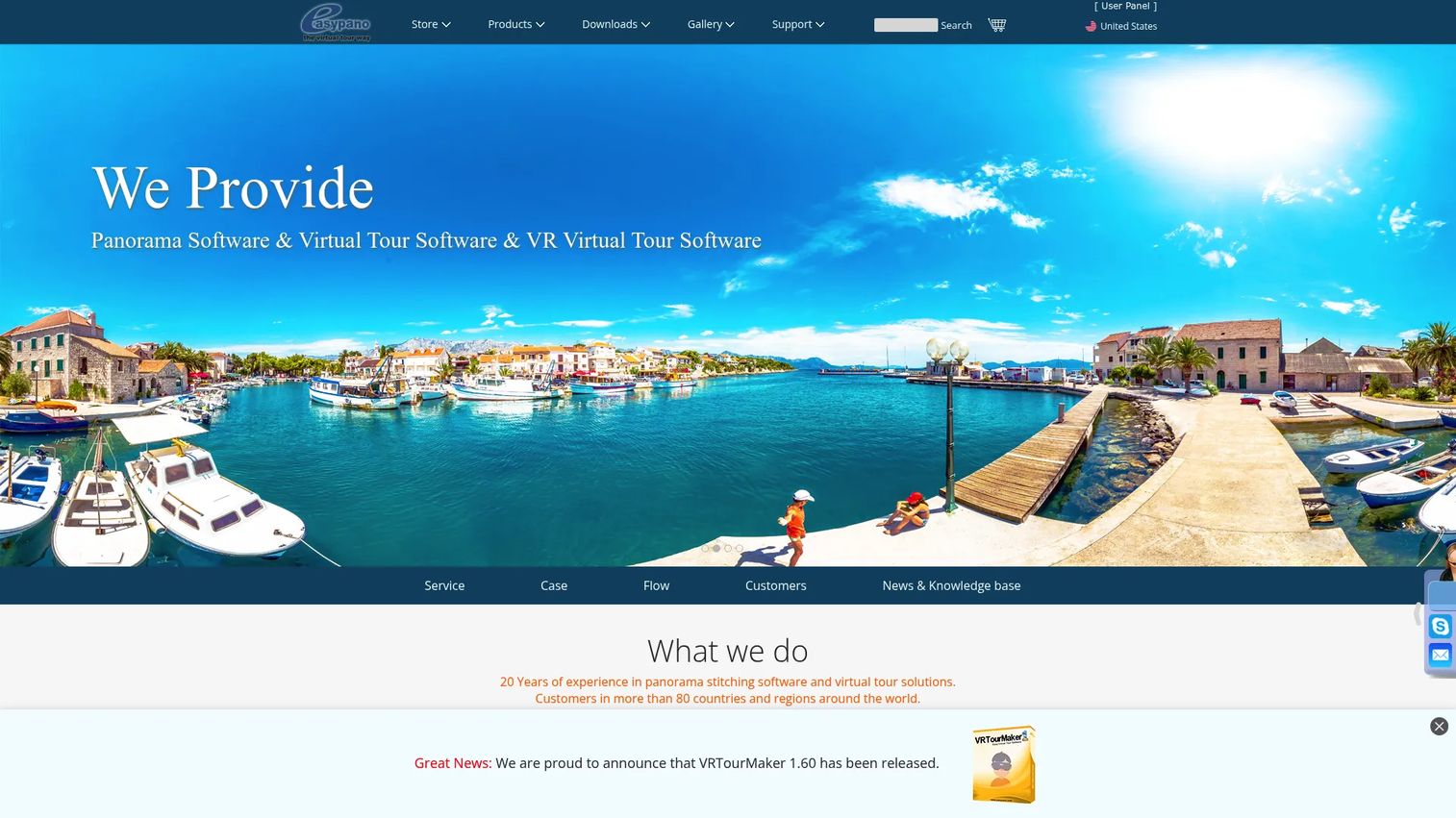
Easypano is a software company focused on panorama stitching and virtual tour creation. It sits with the power-user tools on this list, offering more control than a basic browser editor for creators who need to stitch their own panoramas and assemble flexible tours. If your workflow starts with raw captures and you want to own the stitching and publishing pipeline, Easypano covers both ends.
The publishing flexibility, including VR and HTML5 output, makes it a fit for agencies and creators who need tours that run across devices and formats.
Best for: teams that need panorama stitching plus virtual tour software in one toolkit.
Key strengths
- Panorama stitching: combine source images into seamless panoramas inside the same toolset.
- Virtual tour creation: assemble stitched panoramas into interactive tours with control over layout.
- VR and HTML5 publishing: output tours for headsets and modern browsers alike.
Why choose Easypano: Choose Easypano when you want desktop-grade control and a one-time purchase over a subscription. It suits agencies and advanced creators who value owning their stitching and tour-building workflow end to end. The bundled Studio packages let you combine stitching and tour tools when you need the full pipeline.
Easypano pricing: Easypano uses one-time purchase pricing through its online store. Individual products start at $299.95 for Tourweaver 7 Standard Edition, with VRTourMaker 1 at $399.95 and Tourweaver 7 Professional Edition at $899.95. Bundled Studio packages run from $699 for Studio II up to $1,299 for Studio III. Free trials are mentioned for the products, and pricing is verified from Easypano's online store.
Considerations before you buy
Before you commit, run each shortlisted tool through the criteria that actually affect your outcomes. A polished tour that cannot publish where you need it is not worth much.
Creation workflow and speed
Look at how fast you can go from capture to a published tour. Browser-based, no-code virtual tour software like Panoee or CloudPano gets you live quickly, while desktop suites like 3DVista and Easypano trade some speed for deeper control. Match the workflow to how often you build tours and who on your team owns them.
Branding and white-label control
Check whether you can publish on your own domain and remove vendor logos. White-label virtual tour software matters most when tours appear on client sites, listings, or partner pages where your brand needs to lead. Confirm which tier unlocks these controls, since branding is often gated to paid or higher plans.
Publishing and distribution
Verify the embed and sharing options against where your tours will live. Clean website embeds, WordPress compatibility, shareable links, and Google Street View virtual tour software publishing all widen distribution. The easier a tour drops into a landing page or listing, the more traffic it can convert.
Device and VR support
Confirm tours work on mobile browsers and, if relevant, VR headsets without extra apps. Mobile viewing is non-negotiable given how much property and venue browsing happens on phones. VR support is a bonus for events, showrooms, and immersive marketing.
Pricing model and free tier
Decide between subscription and one-time purchase based on how often you build. Free virtual tour software lowers the risk of testing, while a one-time license can be cheaper over years for frequent creators. Map the tier that unlocks the features you need against your real budget.
Conclusion
The right virtual tour software depends on your immediate use case, not a generic ranking. If you want a broadly capable, web-first 360 tool that just works, Kuula is the safe overall pick. If you sell real estate and need branded, lead-generating tours with live video chat, CloudPano is built for that motion. If budget is the constraint or you are validating the category, Panoee's real free tier is the place to start.
For power users who want depth and a one-time purchase, 3DVista and Easypano both reward the investment, with 3DVista leaning toward interactivity and offline tours and Easypano toward stitching and publishing flexibility. When you need accurate 3D capture and digital twins at portfolio scale, Matterport is the reference. And for simple, presentation-first pano tours with minimal setup, Roundme keeps things light.
Pick based on what you need to publish this quarter. Build one real tour, embed it where your audience already is, and measure whether it lifts engagement before you scale.
FAQs
360 photo software captures and displays a single panoramic image you can pan around. Virtual tour software connects multiple 360 scenes or 3D captures into a navigable experience with hotspots, so viewers move between rooms or points as if walking through the space. In short, one shows a single view, the other builds a connected journey.
For real estate virtual tour software, CloudPano is a strong pick because it pairs fast branded creation with lead-focused features like live in-tour video chat, white-labeling, and listing publishing. Matterport is the choice when you need accurate 3D capture and digital twins for higher-value listings or portfolios. The right fit depends on whether you prioritize speed and distribution or capture precision.
Panoee offers a genuinely usable free plan with unlimited projects and 3 GB of storage, which makes it the best free virtual tour software for testing the category. Kuula and Matterport also offer free tiers, though feature limits and space caps apply. A free plan is the low-risk way to build a real tour before choosing a paid platform.
Yes, several platforms support Google Street View virtual tour software publishing, letting you push 360 imagery to Street View and Google Maps listings. CloudPano, for example, offers a Street View publishing path. Check each vendor's current documentation, since Street View publishing options and any add-on costs change over time.
Most modern virtual tour software runs in a mobile browser with no app required, which matters because so much property and venue browsing happens on phones. Many tools also function as VR tour software, letting viewers experience tours on a headset in immersive mode. Confirm both mobile and headset support on the specific plan you are considering.
Look for custom domain publishing, full removal of vendor logos, and control over colors and interface elements so tours match your brand. White-label virtual tour software is essential when tours appear on client sites, listings, or partner pages. Confirm which pricing tier unlocks these controls, since branding features are often reserved for higher plans.
Video is passive: the viewer watches the path you chose. A virtual walkthrough software experience is interactive, letting the viewer explore at their own pace, revisit rooms, and inspect details that matter to them. That self-directed engagement tends to hold attention longer and helps buyers self-qualify, which is why many property marketers use tours alongside or instead of video.