



Two coaches booked the same gym for Saturday at 10am. Nobody caught it until both teams showed up.
That is the everyday failure mode of facility scheduling run on spreadsheets, shared calendars, and email threads. Someone forgets to update the master sheet. A renter's approval sits in an inbox for a week. A payment never gets invoiced. And at the end of the quarter, you have no idea which spaces actually got used.
The global facility booking software market hit $0.6B in 2025 and is projected to reach $1.5B by 2034 at a 12.4% CAGR, according to Marketintelo (2025). That growth tracks a real shift: operators are done managing shared spaces by hand.
The buying decision comes down to one tension. Do you need a scheduling-first facility reservation software tool that prevents double bookings and takes payments, or a broader facility management platform where booking sits alongside maintenance, assets, and portfolio reporting? This guide separates the two so you pick based on your actual environment.
What's inside
This guide is for the people who own facility scheduling: operations leads at schools and districts, sports and recreation managers, workplace teams, and multi-site operators running rentals across many locations.
We selected and ranked the seven platforms below on the criteria that decide day-to-day success:
- Booking workflow depth: approvals, exceptions, and policy enforcement
- Public portal quality for self-service reservations
- Payments and invoicing support
- Utilization tracking, reporting, and analytics
- Integrations and post-launch maintenance load
The list spans both scheduling-first facility rental software and all-in-one facility operations platforms, so you can match the tool to how your team actually works.
TL;DR
Short on time? Here are the fast picks.
- Best for schools and public facilities: Facilitron, built around community rentals, approvals, and payments
- Best for sports complexes: Swift, one platform for bookings, memberships, and recurring billing
- Best for workplace-style room and resource booking: Joan Workplace, covering rooms, desks, visitors, and signage
- Best for modular booking and automation: Anolla, flexible online booking software for facilities with add-on modules
- Best for enterprise workplace governance: IBM TRIRIGA (now IBM Maximo Real Estate and Facilities)
- Best for IWMS and facilities operations: Archibus, booking inside a broader real estate system
- Best for broad facility operations and analytics: Facilio, tying scheduling to maintenance and multi-site operations
What is facility booking software
Facility booking software is a system that manages reservations, real-time availability, approvals, payments, and communication for shared spaces and resources like gyms, courts, meeting rooms, fields, and event halls.
The category splits into two layers. Basic room booking software handles availability and reservations for internal teams. Broader facility management software wraps booking inside maintenance, asset tracking, and portfolio-level reporting, so a single system runs both the calendar and the building.
Common capabilities across facilities scheduling software include:
- Real-time availability across rooms, courts, and resources
- Booking approvals and permit workflows
- Public renter portals for external requests
- Payment collection and invoicing
- Utilization reporting and analytics
- Calendar sync with Google, Outlook, and iCal
- Automated reminders and confirmations
Who uses it: schools and districts renting gyms and auditoriums to the community, municipalities managing public parks and rec centers, sports venues coordinating courts and leagues, workplace teams booking rooms and desks, and multi-site operators standardizing scheduling across dozens of locations. The common thread is shared space that many people compete for, and the need to prevent conflicts while capturing revenue and usage data.
Adoption is trending toward cloud and mobile. Marketintelo (2025) reports 68.5% of facility booking software deployments are cloud-based, and by 2026, 82% of organizations had implemented mobile access to their booking systems.
When to use
Manage public rentals without drowning in email
If external groups rent your spaces, a public booking portal changes the math. Instead of fielding requests over email and phone, you publish availability, collect structured request forms, and route them through an approval workflow. This matters most for schools and municipalities where every rental needs sign-off, insurance verification, and a permit trail. The portal becomes the front door, and staff stop reconstructing who asked for what.
Prevent double bookings across rooms, courts, and resources
The moment more than one person can reserve the same space, you need real-time availability and calendar sync. Double booking prevention is not a nice-to-have when two teams show up for one court. Look for tools that lock a slot the instant it is reserved and sync bi-directionally with the calendars your staff already live in. Multi-site operators feel this hardest, since a conflict in one location is invisible to another without a shared system.
Turn booking data into revenue and utilization decisions
Once bookings flow through one system, the data becomes a management tool. Utilization tracking shows which spaces sit empty and which are overbooked. Revenue reporting shows which rentals actually pay. This is when reporting and analytics stop being a report you export once a year and start driving pricing, staffing, and capital decisions.
Comparison table
We ranked the seven tools by relevance to facility booking, starting with scheduling-first platforms built for rentals and moving toward broader facility operations systems. Pricing reflects what each vendor publishes; several use quote-based models common in this category.
| # | Product | Best for | Key use case | Pricing | G2 rating |
|---|---|---|---|---|---|
| 1 | Facilitron | Schools and public facilities | Community rentals, approvals, payments | Service fee on approved rentals; no direct software cost | 4.0/5 |
| 2 | Swift | Sports complexes | Bookings, memberships, recurring billing | From $179/mo | Not listed |
| 3 | Joan Workplace | Workplace room and resource booking | Rooms, desks, visitors, signage | Free 30-day Team trial; paid plans by quote | 4.5/5 |
| 4 | Anolla | Modular booking and automation | Flexible online booking and scheduling | Plus plan €11.99/user/mo (via Capterra) | Not listed |
| 5 | IBM TRIRIGA | Enterprise workplace governance | IWMS space and reservation management | Custom pricing | 3.8/5 |
| 6 | Archibus | IWMS and facilities operations | Booking inside real estate operations | Custom pricing | 4.0/5 |
| 7 | Facilio | Broad facility operations | Scheduling tied to maintenance | Custom quote (Standard, Essential, Enterprise) | 4.4/5 |
Best facility booking software for 2026
1. Facilitron
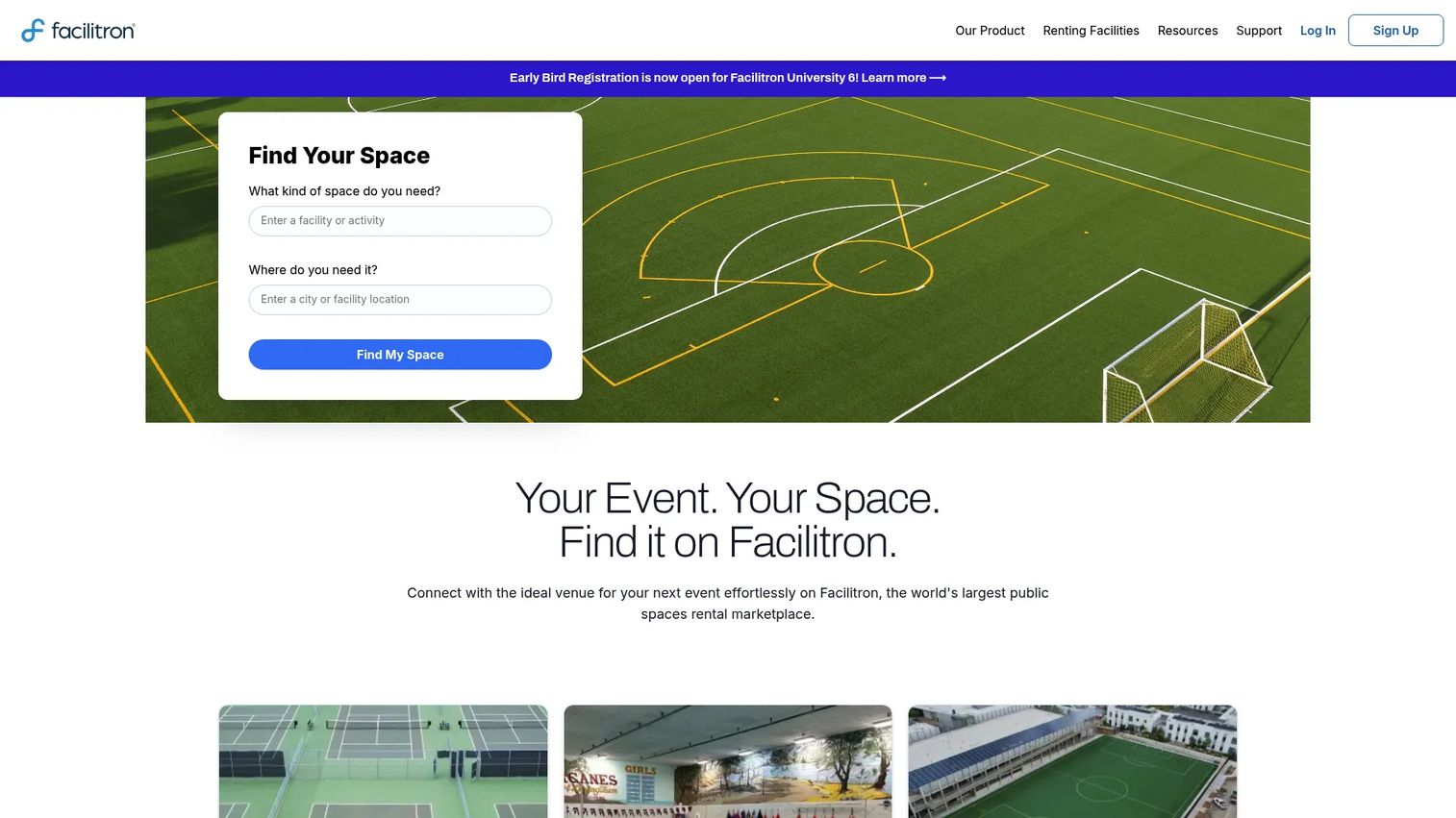
Facilitron is a facility management platform built around scheduling, community rentals, maintenance, and inspections. It is most at home in schools and public facilities, where internal scheduling and external rentals have to coexist under a single set of approval rules. If your gym doubles as a weekend rental and a weekday PE space, Facilitron is designed for exactly that overlap. As school facility booking software, it centralizes the request, approval, and payment chain that districts otherwise run across paper forms and email.
Best for: Schools, districts, and public-space operators managing both internal scheduling and community rentals.
Key features
- Scheduling and reservations for internal and community use
- Work orders, preventive maintenance, and asset tracking
- Facility inspections and building automation
- Public renter portal with online payments
- Developer fee management and reservation recordkeeping
Why choose it: Facilitron keeps the whole rental lifecycle in one place, from a public request through approval, invoicing, and payment, with operational visibility into how facilities get used. That end-to-end coverage is the draw for teams tired of stitching together a calendar, a payment tool, and a spreadsheet.
Facilitron pricing: Facilitron states there are no direct costs for software, setup, or support. It charges a service fee on approved rentals with a value greater than zero. No public price figure is published.
2. Swift
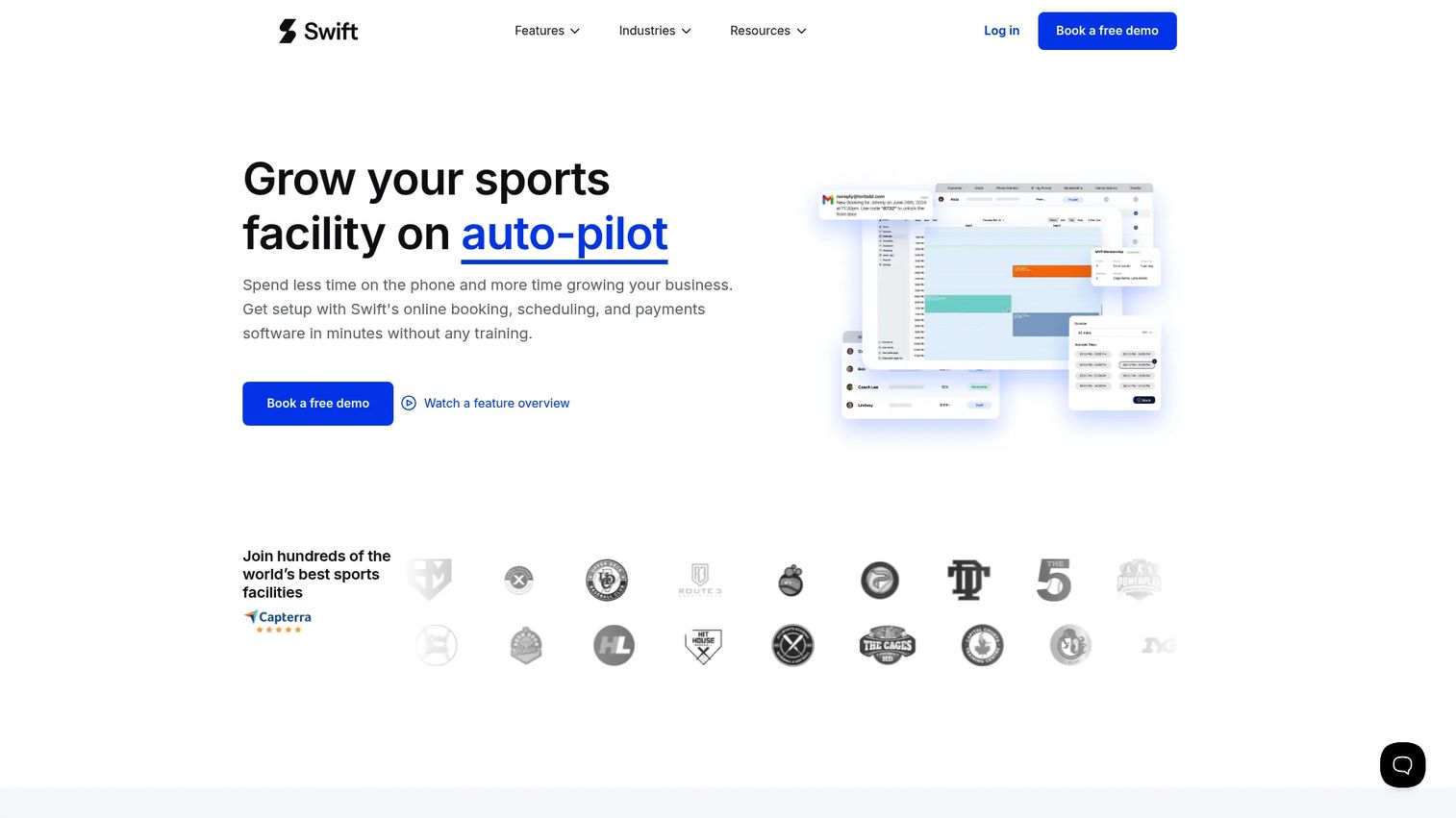
Swift is sports facility management software that pulls bookings, payments, memberships, retail, and payroll into one platform. It fits sports complexes, clubs, and recreation operators that want to run the whole operation, not just the calendar. The pitch is consolidation: instead of a booking tool plus a separate payments processor plus a membership CRM, you run one system. For a venue juggling drop-in bookings, recurring memberships, and league billing, that single source of truth is the point.
Best for: Sports facilities that need one platform for bookings, memberships, and payments.
Key features
- Online booking and payments
- Membership management with discounts and credits
- Packages and credit tracking
- Automated reminders to reduce no-shows
- Branded mobile experience
Why choose it: Swift leans into recurring revenue features that generic scheduling tools skip: memberships, packages, credit tracking, and recurring billing. If your revenue depends on retention rather than one-off rentals, that focus matters.
Swift pricing: Swift states plans start at $179/mo. The vendor notes there are no tiers of support by plan. Detailed public plan tiers were not available on the first-party site.
3. Joan Workplace
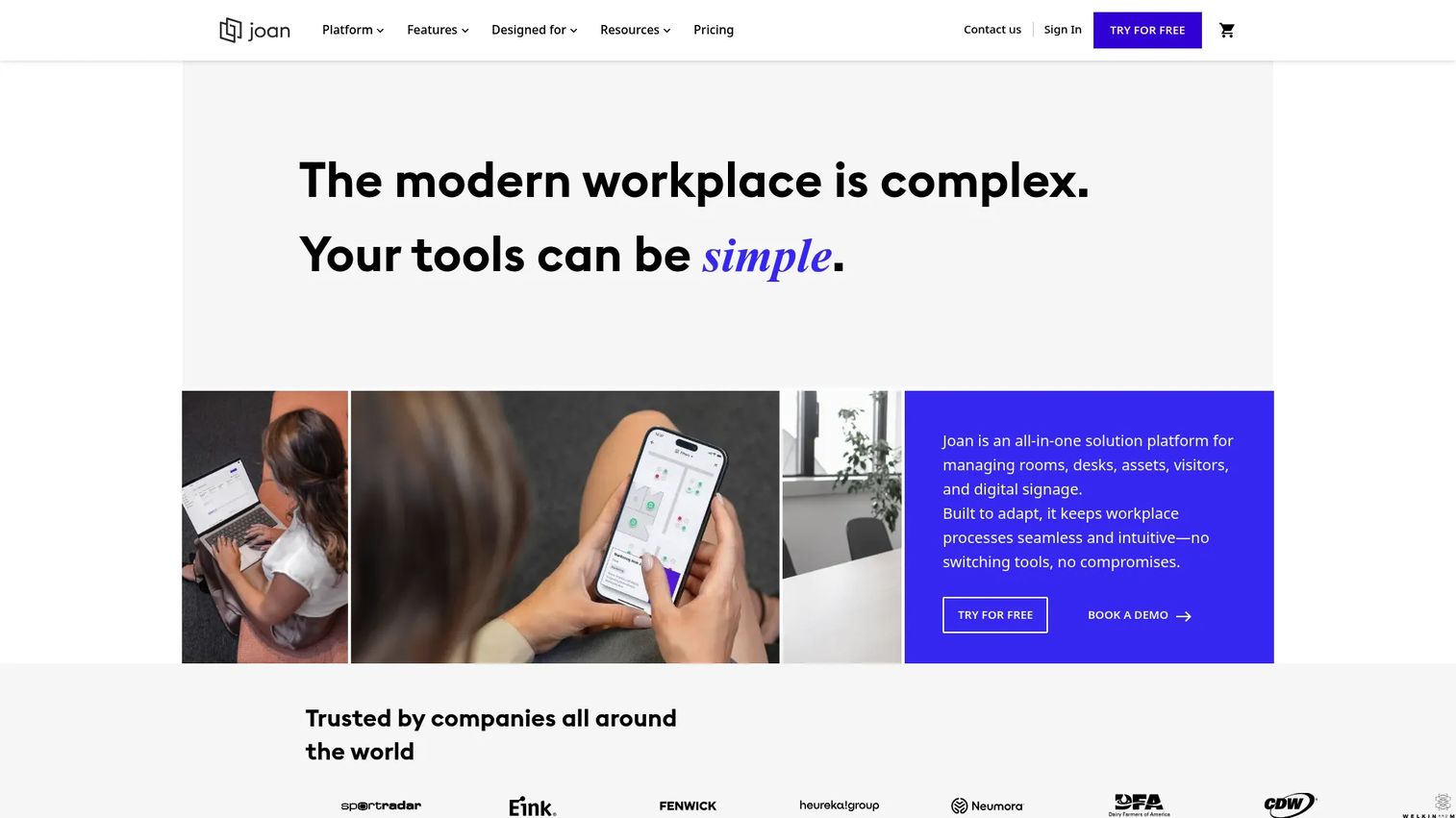
Joan Workplace is a workplace management platform covering room booking, desk booking, visitor management, parking, and digital signage. It fits teams whose scheduling overlaps with workplace operations, where booking a room is one piece of a larger resource picture. If your facilities challenge is less about public rentals and more about employees, visitors, and shared office resources, Joan is built for that world. Its room booking software sits alongside signage that shows availability right outside the door.
Best for: Organizations needing an all-in-one workplace booking and signage platform.
Key features
- Room booking
- Desk booking
- Visitor management
- Parking reservations
- Digital signage and calendar sync
Why choose it: Joan is the fit when your booking problem is a workplace problem: rooms, desks, visitors, and parking managed together, with signage giving real-time availability at the point of use. It handles resource visibility across the office in one system.
Joan Workplace pricing: New accounts start on a 30-day free Team trial. Business, Organization, and Enterprise plans are available on monthly, yearly, or custom billing. Public first-party plan prices were not verifiable at the time of writing.
4. Anolla
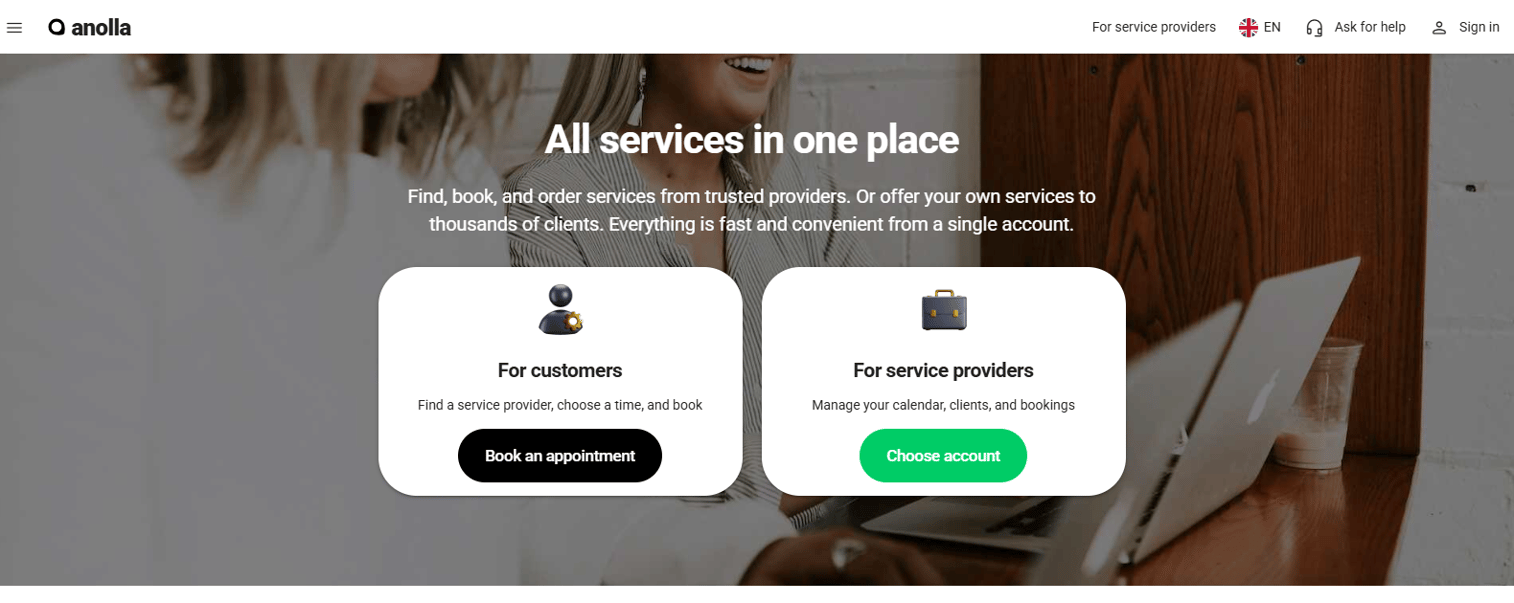
Anolla is AI-powered modular booking and scheduling software for service businesses, with add-on modules, workflow automation, mobile apps, and an API. Its modular design suits multi-facility operators who want to start with core booking and layer on memberships, payments, and automation as they grow. Rather than paying for one heavy platform, you assemble the pieces you need. Its public booking portal handles self-service reservations while the API supports multi-site scheduling across locations.
Best for: Service businesses and multi-facility operators that need flexible online booking and scheduling.
Key features
- Online booking and scheduling
- Add-on modules and workflow automation
- Mobile apps
- Memberships and subscriptions
- Payments, invoicing, and analytics
Why choose it: Anolla positions as an all-in-one platform you grow into, pairing flexible booking with automation and monetization. The modular approach means you are not forced to adopt features you do not need on day one.
Anolla pricing: Anolla offers a free plan, pay-as-you-go usage, and a Plus package, with a 30-day trial. Capterra lists the Plus plan at €11.99 per user per month. First-party numeric pricing was not visible during research.
5. IBM TRIRIGA
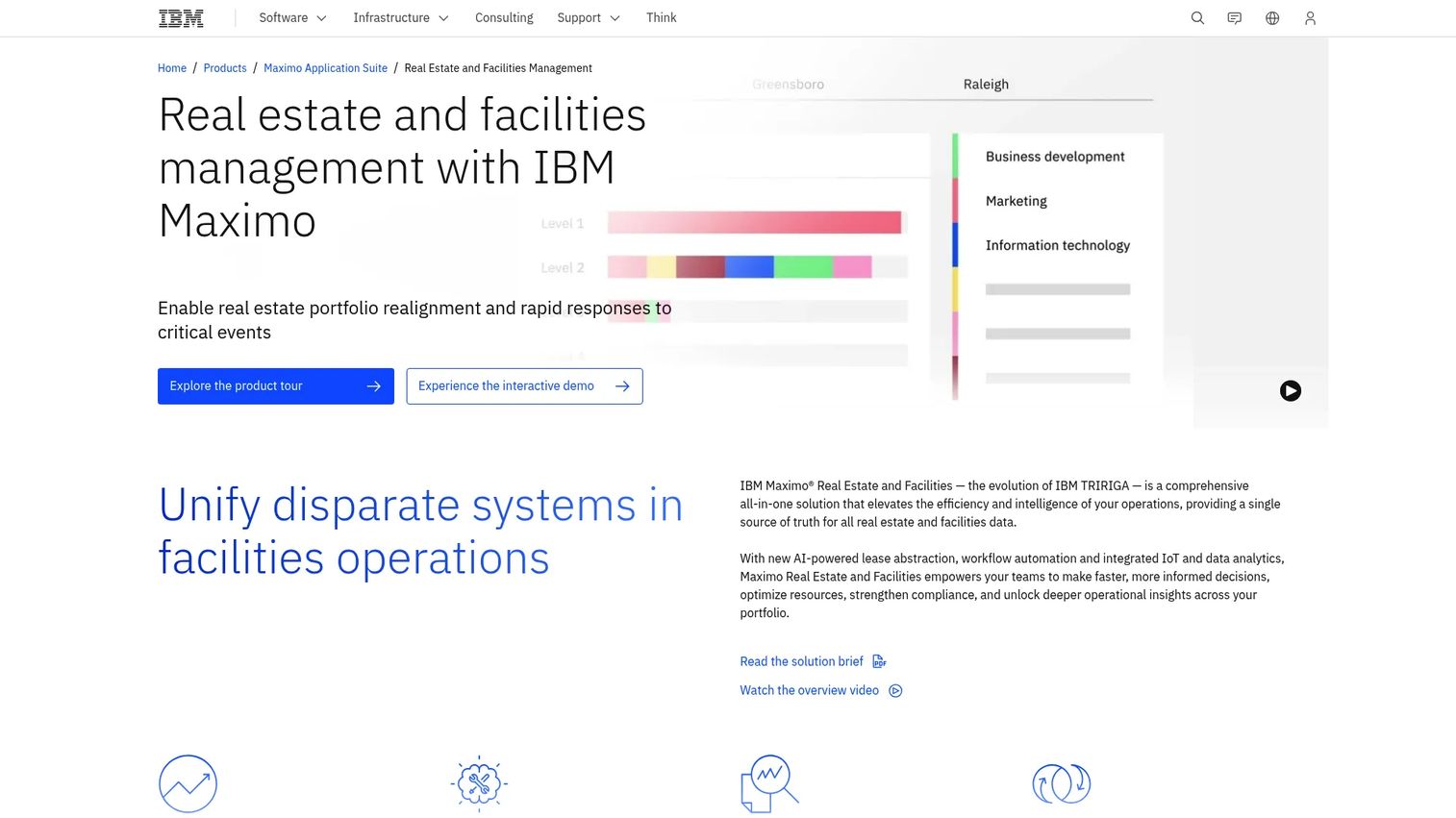
IBM TRIRIGA, now offered as IBM Maximo Real Estate and Facilities, is IBM's integrated workplace management system for real estate and facilities operations. Booking here is one module inside a much larger stack that includes lease management, space management, and capital planning. Enterprise teams choose it when reservations need to live under the same governance, reporting, and integration umbrella as the rest of their real estate portfolio.
Best for: Enterprise real estate and facilities teams needing a full IWMS.
Key features
- Lease management
- Space management
- Capital planning
- Space and reservation management
- Enterprise governance, integrations, and reporting
Why choose it: IBM TRIRIGA fits when booking is one part of a larger workplace management stack, not the whole job. If you are running a real estate portfolio at enterprise scale, having reservations under the same system as leases and space planning simplifies governance.
IBM TRIRIGA pricing: IBM's product page now redirects to IBM Maximo Real Estate and Facilities and offers SaaS and customer-managed deployment options. No public price is published; pricing is custom.
6. Archibus
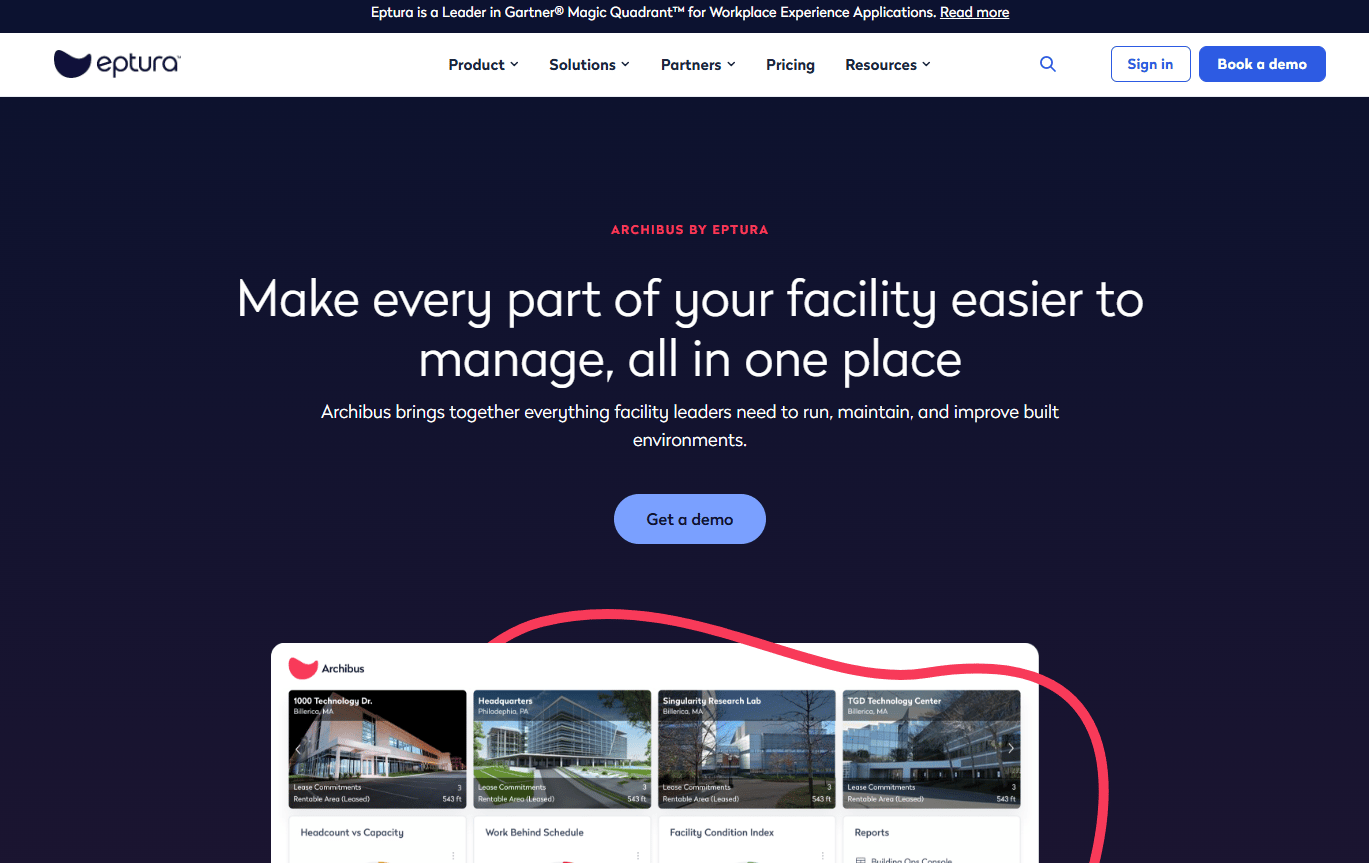
Archibus is integrated workplace and facilities management software covering space, assets, maintenance, leases, and portfolio operations. Booking sits inside that broader system, so reservations connect to space management and maintenance rather than running standalone. Organizations pick Archibus when they want workplace and facilities operations in one platform and reservation workflows are one requirement among many.
Best for: Organizations needing an IWMS for facilities, workplace, and real estate operations.
Key features
- Space, workplace, and asset management
- Reservation workflows
- Maintenance and service request workflows
- Lease, cost, and portfolio management
- Portfolio visibility and reporting
Why choose it: Archibus is the stronger fit when you want workplace and facilities operations consolidated, with booking as one connected workflow. Reservations tied to space and maintenance data give you a fuller operational picture than a standalone calendar.
Archibus pricing: Archibus doesn't list pricing anywhere. You'll need to reach out and request a quote.
7. Facilio
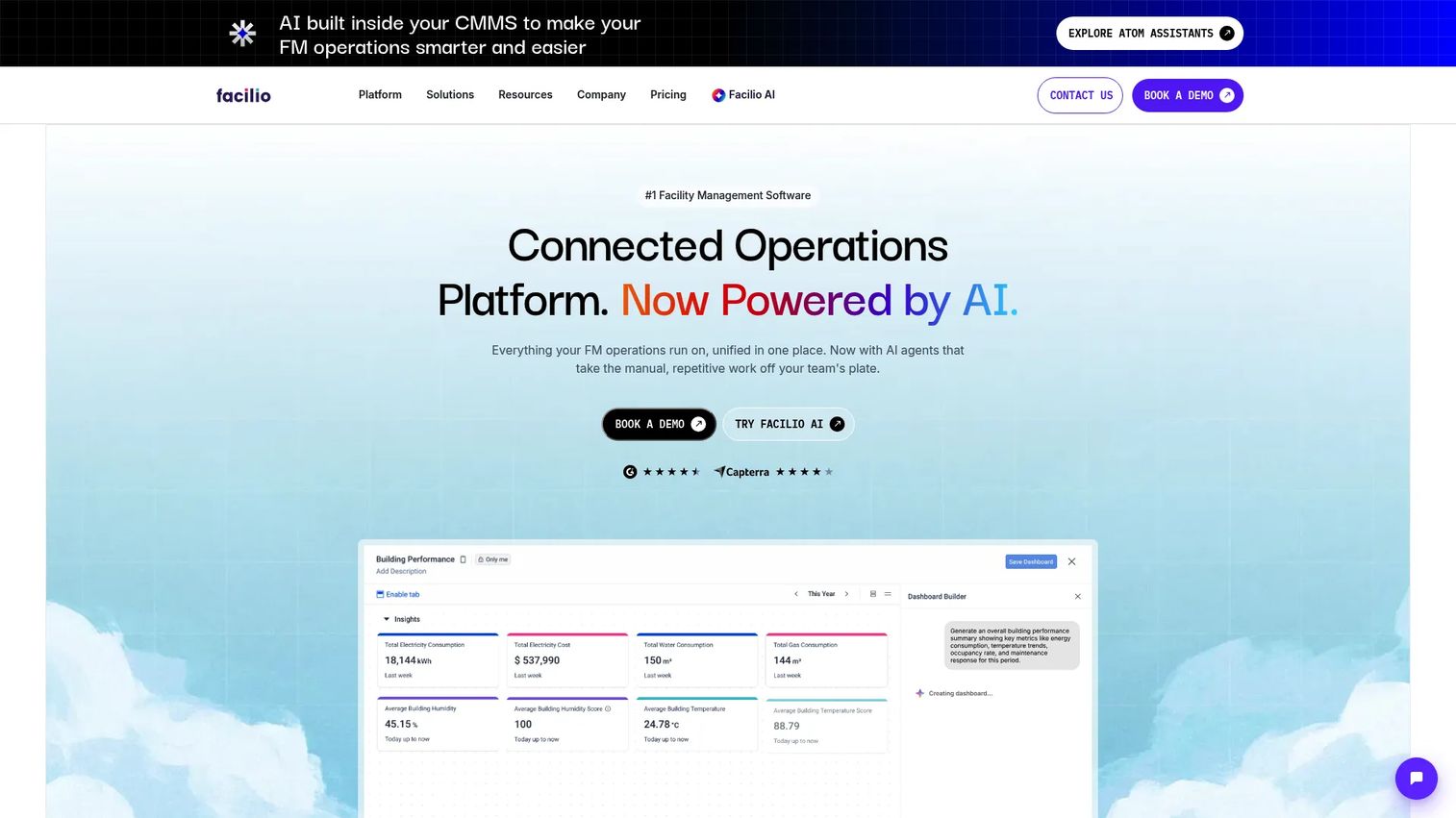
Facilio is a facilities management and connected CMMS platform for real-time building operations, maintenance, and sustainability. Scheduling and reservations sit alongside work orders, preventive maintenance, and asset workflows, so booking is part of running the building rather than a separate task. Multi-site facilities teams choose it when they want booking, maintenance, and operational control in one place.
Best for: Multi-site facilities teams needing centralized maintenance and building operations software.
Key features
- Work order and service request management
- Preventive maintenance scheduling
- Scheduling and reservations
- Asset, inventory, and compliance workflows
- Analytics and multi-site operations
Why choose it: Facilio is useful when booking, maintenance, and operational control must live together across many sites. Tying a reservation to the same system that runs work orders keeps operations coordinated rather than siloed.
Facilio pricing: Facilio uses quote-based pricing across three tiers: Standard, Essential, and Enterprise. It is priced by named users with annual subscription fees plus separate setup and implementation fees. No public dollar amount is published.
Considerations
Before you commit, pressure-test each tool against the criteria that actually shape day-to-day operations.
Booking workflow depth
The demo always looks clean. The mess is in the exceptions. Ask how the tool handles approvals with multiple sign-offs, recurring bookings, cancellations, and conflicts. Check whether you can enforce policies like blackout dates, insurance requirements, and permit rules automatically rather than manually policing them.
Public portal and self-service
If external groups book your spaces, the renter experience is the product. Verify that the public booking portal shows real availability, collects the request details you need, and communicates status back to the requester. A confusing portal pushes traffic right back to your inbox, defeating the point.
Payments and invoicing
Confirm which payment methods are supported, whether the system generates invoices, and how it handles deposits and refunds. Check that payments and invoicing feed into reporting so revenue is not tracked in a separate spreadsheet. Deposit handling in particular trips up tools that were bolted onto a scheduling core.
Reporting and utilization visibility
Look past the dashboard screenshots. Verify you can export the data, filter by space and time period, and see utilization tracking that answers which spaces earn their keep. Ask about audit trails, since public facilities often need a record of who approved what and when.
Integrations and maintenance
Calendar sync with Google and Outlook is table stakes. Beyond that, check for API access if you run multi-site scheduling or need to push data into other systems. Ask what maintenance the platform demands after launch, since a tool that needs constant admin babysitting quietly becomes its own project.
Conclusion
The real fork in this decision is scheduling-first versus operations-first.
If your job is renting spaces and preventing conflicts, a scheduling-first tool wins. Facilitron is the strongest pick for schools and public facilities that live on community rentals and approvals. Swift owns sports venues that need memberships and recurring billing. Joan Workplace fits workplace teams managing rooms, desks, and visitors. Anolla suits operators who want modular booking they can grow into.
If booking is one piece of running your buildings, an all-in-one facilities scheduling software platform makes more sense. IBM TRIRIGA and Archibus bring reservations under enterprise IWMS governance. Facilio ties scheduling to maintenance and assets across multiple sites.
Start by naming your environment. A district renting gyms has different needs than an enterprise managing a real estate portfolio. Shortlist two tools that match your category, then run the considerations checklist against a live demo before you sign anything.
FAQs
Facility booking software focuses on reservations: availability, approvals, payments, and conflict prevention for shared spaces. Facility management software is broader, wrapping booking inside maintenance, asset tracking, and portfolio reporting. Booking tools solve scheduling; management platforms run the whole building, with booking as one function among many.
Facilitron is built for schools and districts, centering on community rentals, approval workflows, invoicing, and payments. It handles the overlap between internal scheduling and external rentals that schools deal with constantly, plus the permit and recordkeeping trail public facilities need.
Swift is purpose-built as sports facility management software, covering bookings, memberships, recurring billing, packages, and retail in one platform. For a complex that depends on membership retention and league billing rather than one-off rentals, that recurring-revenue focus is the differentiator.
If you charge for space, yes. Online payments through an online facility reservation software tool remove the manual invoicing and chasing that eats staff time. Confirm the system supports your payment methods, generates invoices, handles deposits, and feeds revenue into reporting rather than a separate spreadsheet.
Real-time availability and bi-directional calendar sync are the core of double booking prevention. When a slot is reserved, the system should lock it instantly across every view and sync to Google, Outlook, or iCal. Multi-site operators should confirm conflicts are visible across all locations, not just within one.
Yes. Stronger platforms route requests through configurable approval workflows with multiple sign-offs, insurance verification, and permit tracking. This matters most for schools and municipalities where every external rental needs documentation and a sign-off trail before it is confirmed.
Very, once bookings run through one system. Utilization tracking shows which spaces sit empty and which are overbooked, turning the calendar into a management tool. That data drives pricing, staffing, and capital decisions, and justifies budget with evidence instead of guesswork.
Match the tool to your environment. If renting spaces and preventing conflicts is the job, a scheduling-first tool is faster to deploy and easier to run. If booking is one piece of maintenance, assets, and portfolio operations, an all-in-one facility management platform consolidates the work. Name your primary problem first, then choose.










