Security findings pile up. Developers ignore scanners with too much noise. Vulnerabilities slip past code review and surface in production. Meanwhile, enterprise buyers arrive at POCs demanding proof of a secure delivery process, and presales teams get pulled into technical diligence without a shared vocabulary for what the stack actually does.
In a Techstrong Research survey of more than 500 DevOps practitioners, fewer than half (47%) said their organization regularly employs best DevSecOps practices. Adoption is real, but a large share of the market is still catching up. The teams that have gotten it right are not running one tool across every risk class. They built a stack, matched each control to a specific pipeline stage, and reduced the surface area of what could go wrong before release.
This guide covers 15 DevSecOps tools across application security, dynamic testing, IaC scanning, container security, runtime detection, SBOM generation, and cloud posture. It is written for presales engineers, security-focused engineers, and technical buyers who need a clear, stage-by-stage shortlist rather than a list of product names.
What's inside
This guide is for Sales Engineers, Solutions Consultants, security engineers, and DevOps teams evaluating DevSecOps software. The 15 tools were selected against four criteria:
- Pipeline coverage: Does the tool address a distinct risk class, from code to runtime?
- Workflow fit: Can developers or engineers act on findings without leaving their existing tools?
- Mix of open-source and commercial: The list includes both to reflect real-world stack decisions
- Checked pricing and ratings: Figures come from each vendor's current pricing page and live G2 listing, checked in October 2026. Tools with no G2 listing are marked as such
TL;DR
- Best all-around developer security platform: GitHub Advanced Security, for teams building inside GitHub who want code scanning, secret scanning, and dependency review without switching tools
- Best for developer-first vulnerability management: Snyk, which combines dependency, container, IaC, and code scanning with fix guidance developers will use
- Best open-source scanner for containers and IaC: Trivy, a single CLI that covers artifact types most other free tools miss
- Best for DAST: ZAP, formerly OWASP ZAP, the open-source standard for web application security testing in CI/CD
- Best for runtime threat detection: Falco, for teams that need behavioral detection after deployment in containers and Kubernetes
- Best for cloud-native enterprise posture: Microsoft Defender for Cloud, covering multicloud workload protection and DevOps security context in one platform
What are DevSecOps tools?
DevSecOps tools are software products that embed security checks, policy enforcement, vulnerability detection, and compliance controls into the software development lifecycle. Rather than running security as a separate gate after code ships, these tools operate inside planning, coding, CI/CD pipelines, deployment, and runtime operations.
The category spans several distinct capability types:
- Source code scanning (SAST): Detects vulnerabilities in code before it runs
- Dependency vulnerability detection (SCA): Identifies known vulnerabilities in open-source packages
- Dynamic application testing (DAST): Tests running applications for exploitable weaknesses
- Secrets scanning: Catches credentials and tokens committed to repositories
- Infrastructure-as-code validation: Checks Terraform, Kubernetes, and cloud templates for misconfigurations before deployment
- Container image scanning: Analyzes container layers for vulnerable packages
- Runtime threat detection: Monitors live workload behavior for suspicious activity
- Policy enforcement: Applies consistent governance rules across cloud-native systems
- SBOM generation: Produces software bills of materials for supply-chain transparency
- Cloud workload protection: Monitors and protects cloud resources across providers
DevSecOps tools differ from traditional security tools in one important way: they run inside developer workflows and CI/CD pipelines, generating findings where engineers already work rather than routing alerts to a separate security queue.
The goal is not to add friction. It is to reduce the cost of finding and fixing a vulnerability by catching it earlier, where a developer can act on it in the same session rather than weeks later in production.
When to use DevSecOps tools
Catch vulnerabilities before release
Shift-left security means running controls at the point where code is written or reviewed. Code scanning, dependency checks, secrets scanning, and IaC validation all belong before a merge request closes. A vulnerability found at this stage costs a fraction of one discovered post-deployment. Presales teams supporting security-conscious buyers should understand that buyers with mature AppSec programs will ask where each scan runs in the pipeline.
Secure containers and cloud infrastructure
Container images and IaC templates are the packaging layer for modern applications. Scanning them before they reach a registry or a cloud account catches misconfigurations and vulnerable base images before they become runtime risk. API security tools and cloud posture checks sit at this stage too, validating that services are exposed correctly and that cloud accounts follow baseline security policies.
Monitor runtime behavior after deployment
Shift-right security covers what happens after code ships. Runtime detection tools watch for unexpected process behavior, privilege escalation attempts, shell access inside containers, and anomalous syscalls. This layer is the last line of defense and complements pre-deployment scanning. Teams typically need both because static scans cannot predict all runtime attack paths. See also our guide to application security testing software for deeper coverage of the testing layer.
DevSecOps tools comparison
The table below maps each tool to its primary use case inside a DevSecOps pipeline. Pricing and G2 ratings were checked against each vendor's current pricing page and live G2 listing in October 2026. Several open-source tools have no G2 product listing and are marked accordingly. Use this as a stage-by-stage reference, not a ranking by overall quality.
| # | Product | Best for | Key differentiator | Pricing | G2 rating |
|---|---|---|---|---|---|
| 1 | GitHub Advanced Security | Developer-native AppSec | Code scanning, secret scanning, dependency security inside GitHub | Secret Protection $19 and Code Security $30 per active committer/month | No standalone listing |
| 2 | Snyk | Developer-first vulnerability management | SCA, container, IaC, and code scanning with fix guidance | Free plan; Team $25/contributing developer/month (5 to 10 developers) | 4.5/5 |
| 3 | SonarQube | Code quality and SAST | Quality gates combining maintainability and security checks | Free tier; Cloud Team from $32/month at 100k LOC | 4.4/5 |
| 4 | Checkmarx | Enterprise AppSec testing | SAST, SCA, IaC, API, and ASPM in one platform | Checkmarx One custom-quoted; Developer Assist $25/user/month | 4.3/5 |
| 5 | ZAP (formerly OWASP ZAP) | Dynamic application security testing | Open-source DAST scanner for web applications, backed by Checkmarx | Free | 4.7/5 (14 reviews, listed as ZAP by Checkmarx) |
| 6 | Trivy | Open-source vulnerability scanning | Containers, filesystems, Git repos, Kubernetes, and IaC | Free | Not listed on G2 |
| 7 | Checkov | IaC scanning | Policy checks across Terraform, Kubernetes, and cloud templates | Free | Not listed on G2 |
| 8 | Terraform | Infrastructure as code | Declarative provisioning with policy and security integrations | From $0.10/month per resource | 4.7/5 |
| 9 | Docker | Container build and image workflow | Container packaging, local development, and image distribution | Free plan; Pro from $9/user/month | 4.6/5 |
| 10 | Falco | Runtime threat detection | Behavioral detection for containers, hosts, and Kubernetes | Free | 4.0/5 (3 reviews) |
| 11 | Open Policy Agent (OPA) | Policy as code | Rego-based policy decisions across cloud-native systems | Free | Not listed on G2 |
| 12 | Cosign | Artifact signing | Container and artifact signing through Sigstore workflows | Free | Not listed on G2 |
| 13 | Syft | SBOM generation | Open-source SBOM creation for container images and filesystems | Free | Not listed on G2 |
| 14 | IriusRisk | Threat modeling | Automated threat modeling for product and security teams | Free Community tier; Enterprise: Custom pricing | 4.7/5 |
| 15 | Microsoft Defender for Cloud | Cloud workload protection | Cloud posture, workload protection, and DevOps security context | Foundational CSPM free; paid plans usage-based | 4.4/5 |
The 15 DevSecOps tools, reviewed
1. GitHub Advanced Security
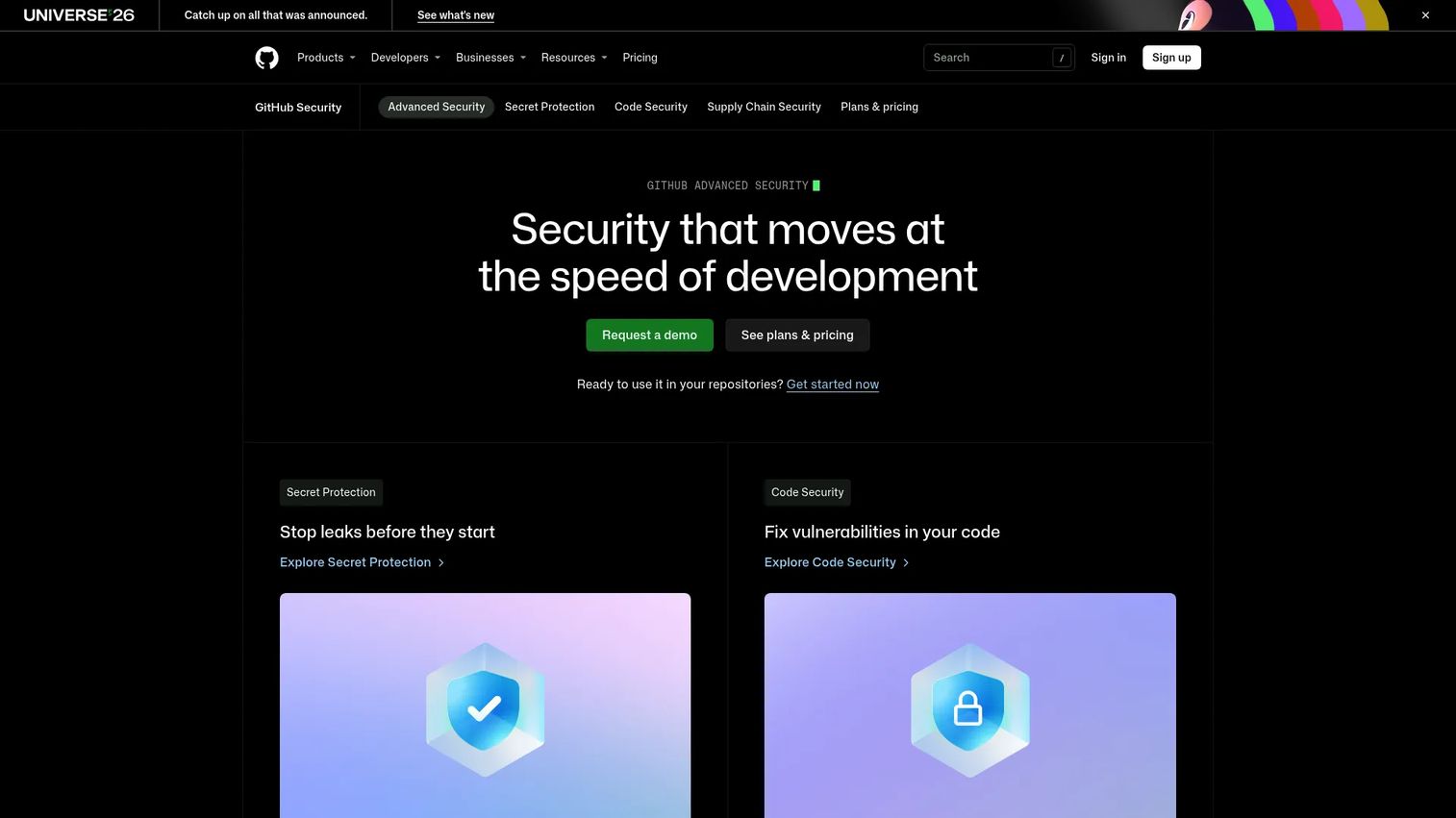
GitHub Advanced Security is a suite of application security products built natively into GitHub. It covers code scanning with CodeQL and third-party tools, secret scanning and push protection, dependency review, and Copilot Autofix for remediating code-scanning alerts. Because findings surface directly inside pull requests, developers see security feedback without ever leaving the repository.
Best for: Teams standardized on GitHub that want security controls embedded in the developer workflow, not bolted on as a separate tool.
Key features
- CodeQL code scanning with Copilot Autofix
- Secret scanning and push protection for private repositories
- Dependency review and premium Dependabot features
- Security campaigns and security overview insights
- Pull request alerts with remediation context
Why choose GitHub Advanced Security: It fits organizations where GitHub is already the center of development. For presales teams, it is worth noting that enterprise buyers often ask whether a vendor can demonstrate secure development practices inside GitHub. This tool directly answers that question.
GitHub Advanced Security pricing: Advanced Security is now licensed as two separate products rather than one bundle: GitHub Secret Protection at $19 per active committer per month, and GitHub Code Security at $30 per active committer per month. Some features are free for public repositories. Paid licensing is required for private repository coverage.
G2 rating: No standalone G2 listing. Reviews sit under GitHub's main product listing, which covers far more than the security products.
2. Snyk
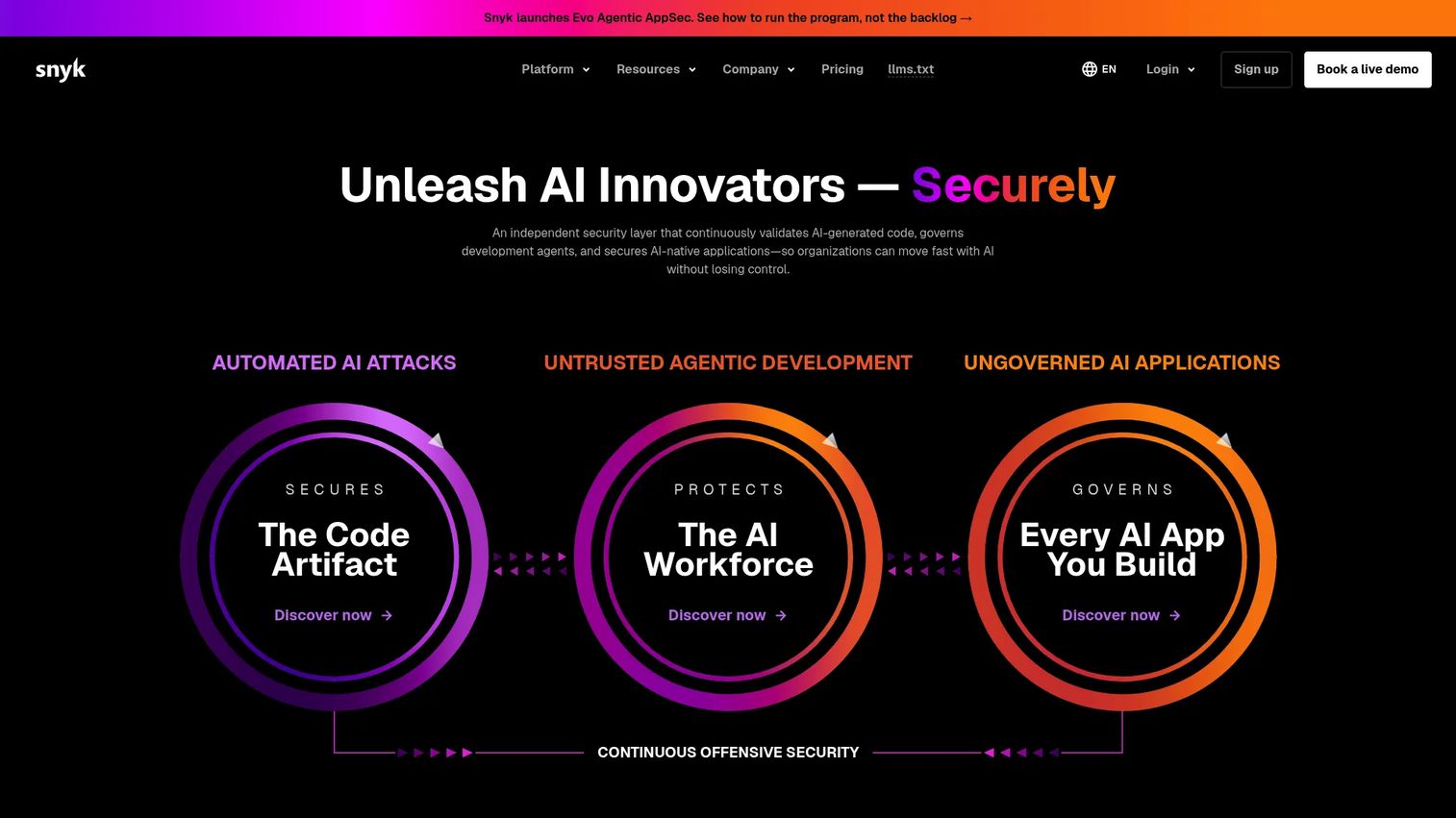
Snyk is an AI security platform that helps developers find and fix vulnerabilities across open-source dependencies, containers, infrastructure as code, and application code. It integrates with IDEs, CLIs, source-code managers, and CI/CD pipelines, routing findings into the tools developers already use and pairing each alert with fix guidance.
Best for: Engineering teams where developer adoption matters as much as coverage, especially those trying to reduce handoff friction between AppSec and engineering.
Key features
- Open-source dependency scanning (SCA)
- Container image scanning
- IaC and code security testing
- AI-powered remediation and risk prioritization
- Integrations with IDEs, GitHub, GitLab, and CI/CD
Why choose Snyk: Choose Snyk when you need scanning developers will engage with rather than route around. It covers more artifact types than most single-category tools, making it strong for teams that want one developer-facing security workflow.
Snyk pricing: Snyk offers a free plan with per-product test limits. The Team plan is $25 per contributing developer per month, with a five-seat minimum and a ten-seat ceiling, so the realistic entry point is $125 per month rather than $25. Above ten developers, teams move to Ignite at $1,260 per developer per year, or to Enterprise, which is custom-quoted. Budget for that step change before standardizing on the Team plan.
G2 rating: 4.5/5
3. SonarQube
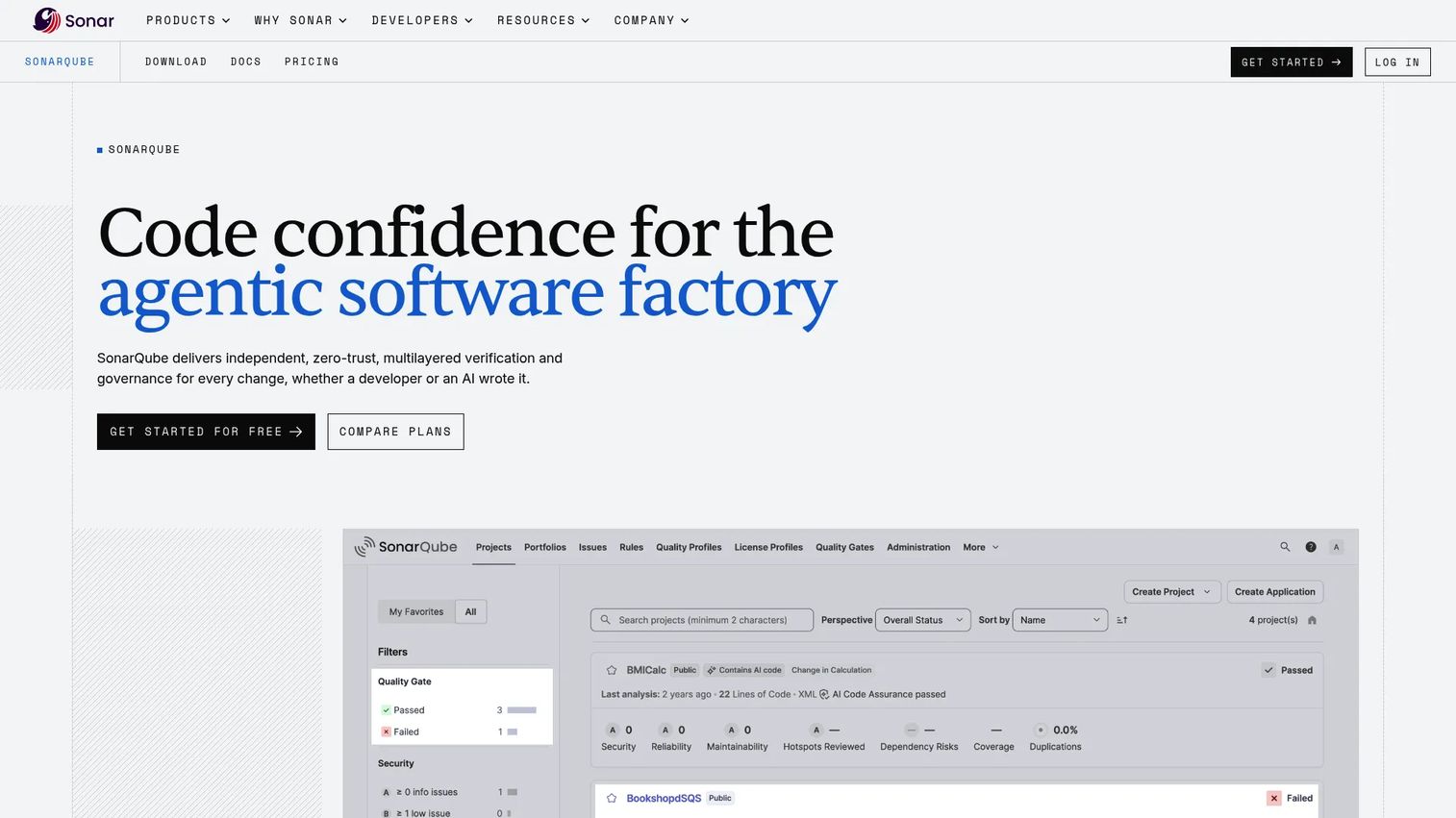
SonarQube is a code verification platform for static analysis, security scanning, and code quality enforcement across 30+ programming languages. It integrates with CI/CD pipelines, decorates pull requests with findings, and enforces quality gates that block promotion of code that fails defined thresholds.
Best for: Development teams that want a single gate covering code quality, reliability, security hotspots, and maintainability without managing separate tools for each concern.
Key features
- Static code analysis across 30+ languages
- Security hotspot review and SAST
- Quality gates with configurable pass/fail criteria
- Pull request decoration
- IDE integration with real-time feedback
Why choose SonarQube: SonarQube works well when engineering leaders want measurable quality gates, not just a list of findings. It is particularly useful when secure coding standards need to become part of daily development rather than a separate security review.
SonarQube pricing: SonarQube Cloud offers a free tier, capped at 50,000 lines of private code and five users. The Team plan starts at $32 per month for analysis of up to 100,000 lines of code and scales in LOC increments from there. SonarQube Server (Developer, Enterprise, and Data Center editions) is priced per instance per year based on lines of code; contact Sonar for those figures.
G2 rating: 4.4/5
4. Checkmarx
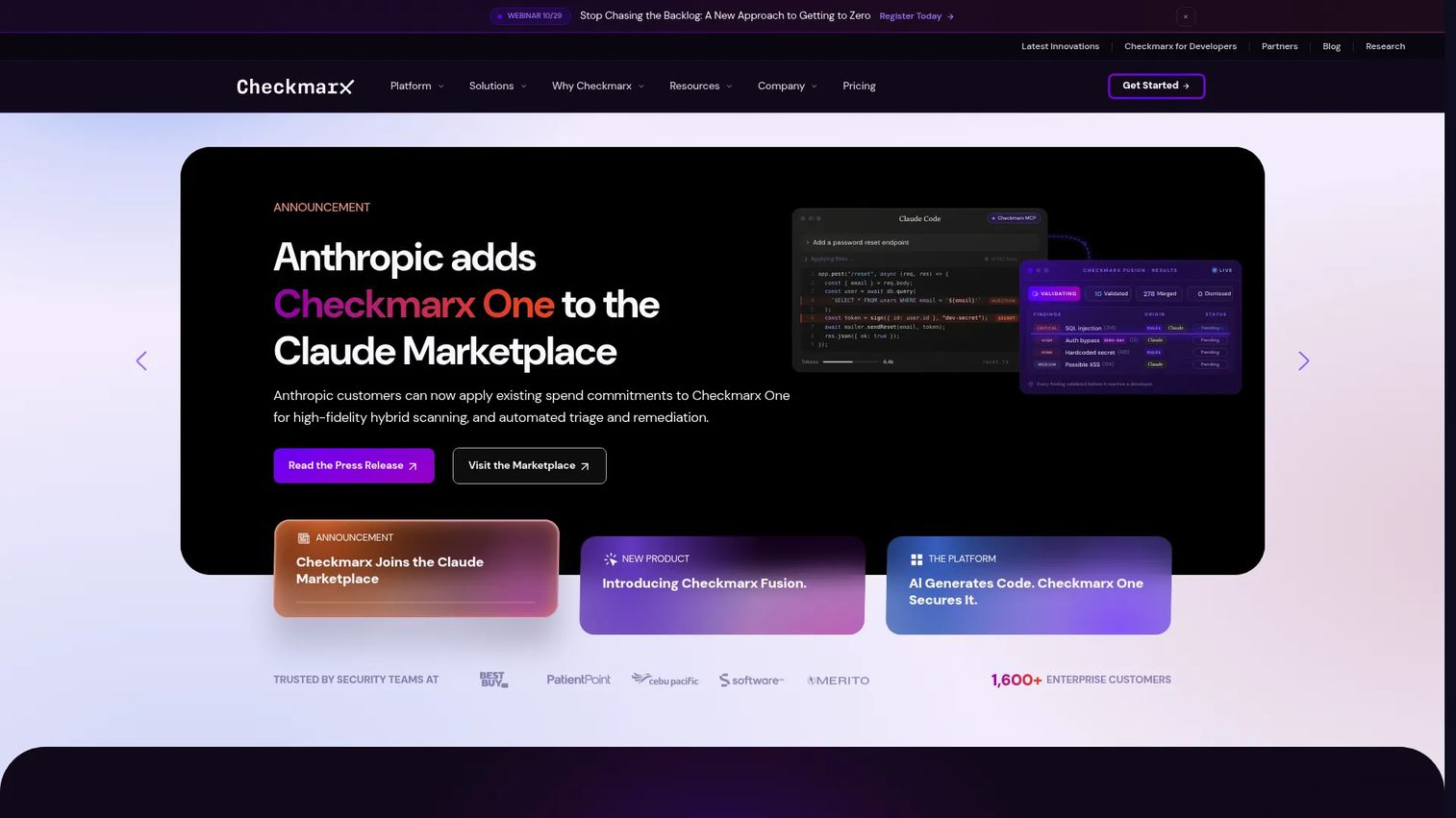
Checkmarx is an agentic application security platform that combines SAST, SCA, IaC scanning, API security, container scanning, secrets scanning, and application security posture management (ASPM) in one environment. It targets enterprise AppSec programs that need central governance, broad coverage, and AI-powered triage and remediation assistance across large development organizations. Checkmarx also backs ZAP, the open-source DAST scanner listed at number five below.
Best for: Enterprise AppSec programs that need broad testing coverage, central reporting, and governance across multiple development teams and technology stacks.
Key features
- SAST and SCA scanning
- IaC and API security
- Application security posture management (ASPM)
- AI-powered developer assist and remediation
- Container and secrets scanning
Why choose Checkmarx: Choose Checkmarx when the buyer has a mature AppSec program and needs depth across SAST, SCA, IaC, and API categories under a single governance layer. It fits enterprise procurement processes better than lightweight point tools. See our broader application security testing software guide for context on the category.
Checkmarx pricing: Checkmarx One, the platform itself, is custom-quoted. Checkmarx Developer Assist is a separate product listed at $25 per user per month with a one-month free trial, so treat that figure as an add-on price rather than a platform entry point. Reach out to Checkmarx directly for full platform pricing.
G2 rating: 4.3/5
5. ZAP (formerly OWASP ZAP)
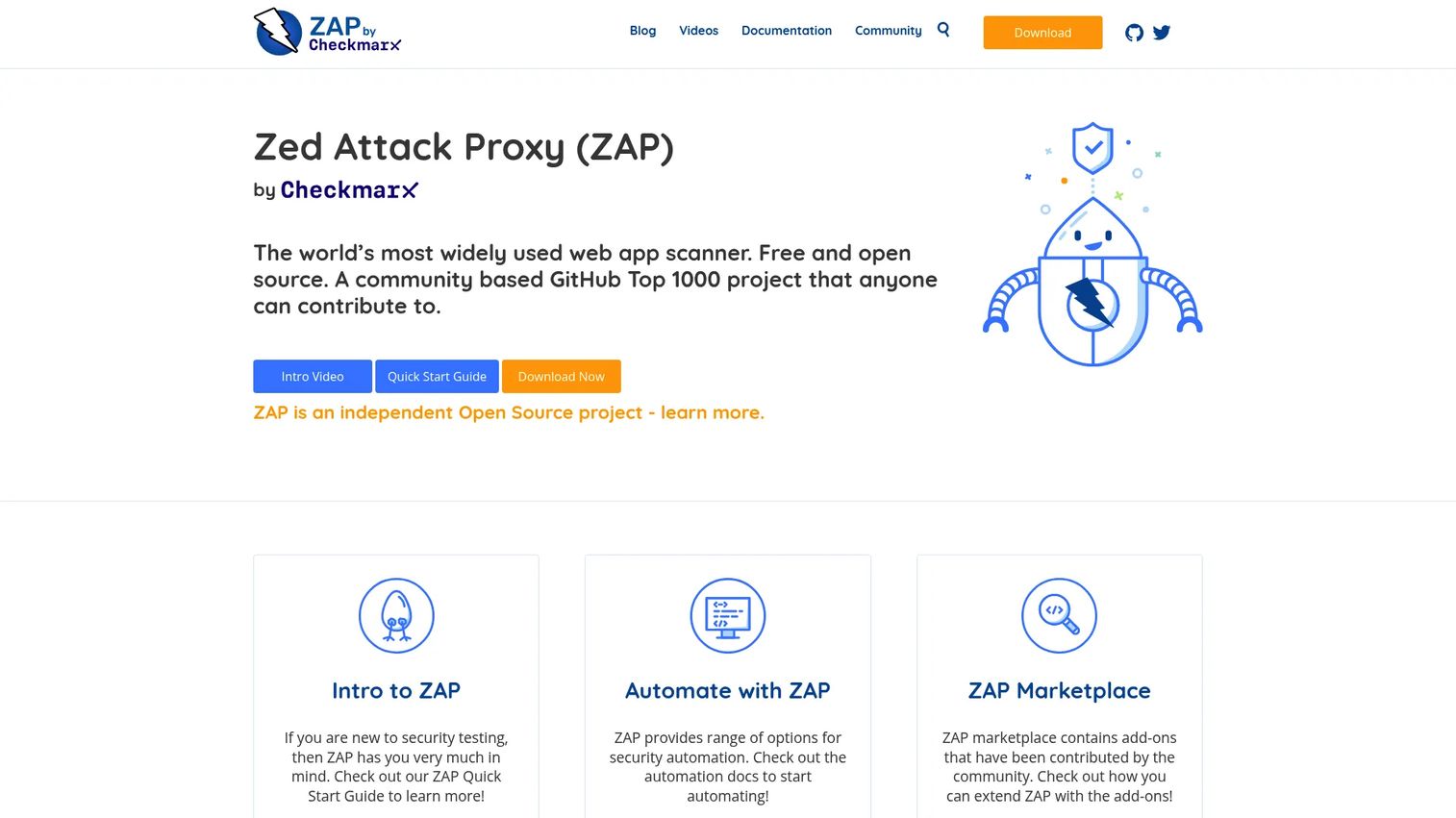
ZAP, originally the Zed Attack Proxy, is a free, open-source dynamic application security testing tool for finding vulnerabilities in running web applications. It supports baseline scanning, active scanning, API scanning, authentication, and CI/CD automation through its API and automation framework.
Its governance has changed twice since 2023, which matters when you are citing it in a security review. ZAP left the OWASP Foundation in September 2023 to become a founding project of the Linux Foundation's Software Security Project, and in September 2024 it joined forces with Checkmarx. ZAP is no longer part of any foundation and is now supported by Checkmarx, which also appears at number four on this list. The project remains free and open source, but it is not vendor-neutral, and buyers evaluating it alongside Checkmarx One should know the two are related.
Best for: Teams that need an open-source DAST tool for automated or manual web application security testing inside CI/CD without budget for a commercial scanner.
Key features
- Baseline and active scanning
- API scanning and automation framework
- Authentication support
- WebSocket support
- Add-on marketplace for extended capabilities
Why choose ZAP: Choose ZAP when budget is a real constraint and the team has the security skill to configure and tune scans. It is the most accessible DAST entry point before investing in a larger commercial testing suite.
ZAP pricing: ZAP is free and open source. Its marketplace add-ons are also free.
G2 rating: 4.7/5, from 14 reviews, listed on G2 as ZAP by Checkmarx.
6. Trivy
Trivy is an open-source, all-in-one security scanner that covers vulnerabilities, misconfigurations, secrets, licenses, and SBOMs across container images, filesystems, Git repositories, and Kubernetes clusters. It appears frequently in cloud-native DevSecOps stacks because it covers multiple artifact types with a consistent CLI interface.
Best for: Cloud-native teams that want broad open-source scanning in CI jobs without managing a separate tool for each artifact type.
Key features
- Container and filesystem vulnerability scanning
- IaC misconfiguration detection
- Secrets scanning for images and Git repositories
- SBOM generation and scanning
- Kubernetes component scanning
Why choose Trivy: Trivy is a strong first scanner because it covers many artifact types with a developer-friendly experience. Teams get useful results quickly inside CI jobs without writing custom integrations for each scan category.
Trivy pricing: Trivy is free and open source under the Apache-2.0 license. Enhanced commercial capabilities are available through Aqua Security, which maintains the project; contact Aqua for enterprise packaging.
G2 rating: Not listed on G2.
7. Checkov
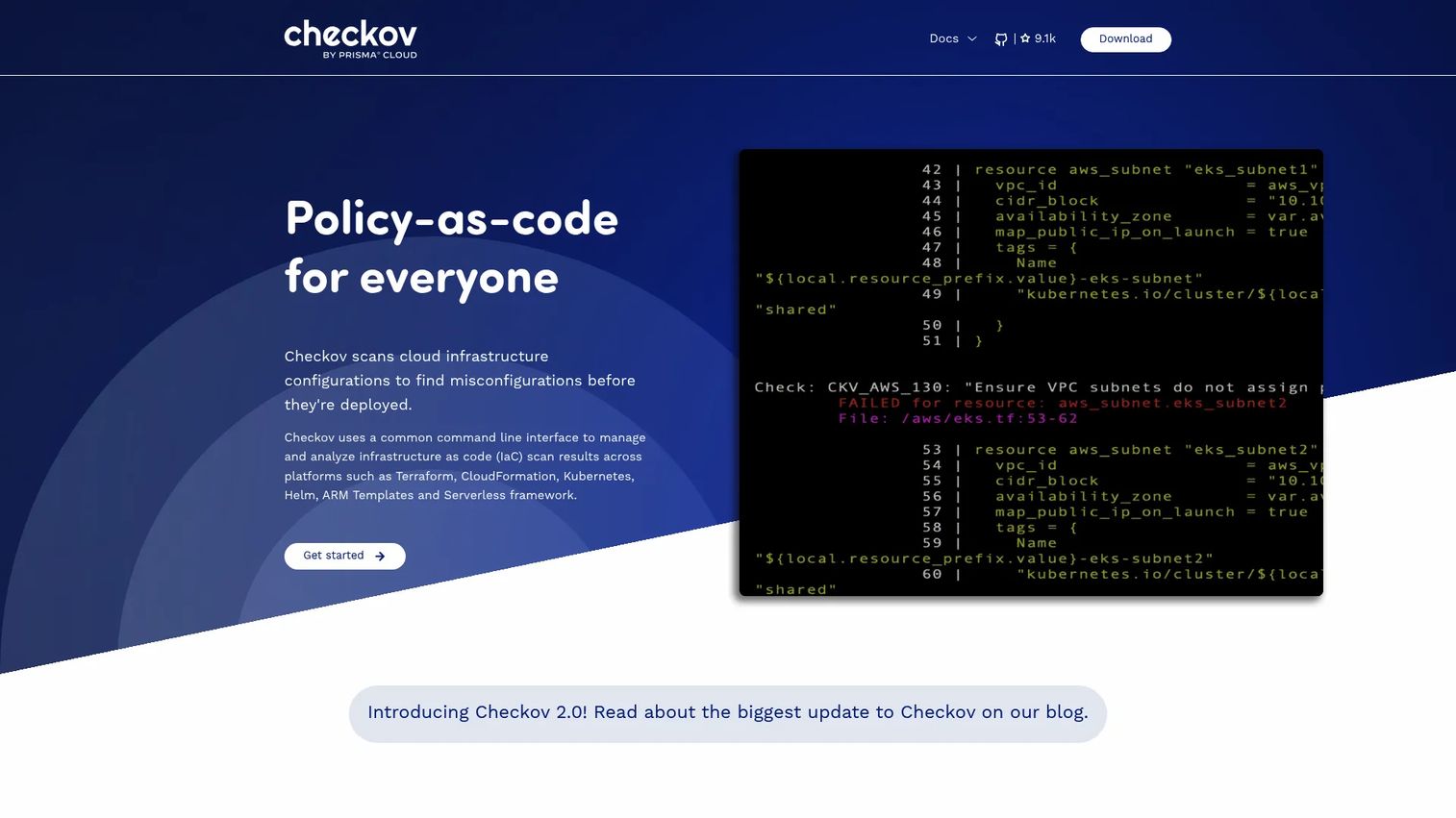
Checkov is a policy-as-code tool that scans infrastructure configuration files for security and compliance misconfigurations before deployment. It checks Terraform, CloudFormation, Kubernetes, Helm, ARM Templates, Docker, Ansible, and AWS CDK files against a library of built-in and custom policies, and integrates with Jenkins, GitHub Actions, GitLab CI, and Bitbucket Pipelines.
Best for: Teams that want to stop cloud misconfigurations before they reach production by scanning IaC in pull requests and CI jobs.
Key features
- Terraform, CloudFormation, and Kubernetes scanning
- Helm and ARM template checks
- Policy-as-code with custom Python or YAML rules
- CI/CD integration with major platforms
- Secrets and credentials scanning within configs
Why choose Checkov: Choose Checkov when misconfigured cloud infrastructure is your biggest security risk. Developers get feedback before risky configurations reach production, and security teams can write custom policies without modifying pipeline code.
Checkov pricing: Checkov is free and open source. Prisma Cloud (Palo Alto Networks) offers a managed platform with additional capabilities; contact Palo Alto Networks for enterprise packaging details.
G2 rating: Not listed on G2.
8. Terraform
Terraform is an infrastructure-as-code tool for defining, provisioning, and managing cloud, private datacenter, and SaaS infrastructure through declarative configuration files. Its DevSecOps relevance comes from the review, policy, and drift detection capabilities it enables when paired with tools like OPA, Checkov, and cloud scanners.
Best for: Teams standardizing cloud infrastructure provisioning through code so that security checks, drift detection, and policy enforcement can run before deployment.
Key features
- Declarative IaC with multi-cloud provider support
- Plan and apply workflow with pre-deployment review
- Remote state storage and drift detection
- VCS integration for CI/CD workflows
- Policy integrations with OPA and Sentinel
Why choose Terraform: Terraform is not a security scanner on its own. It earns a place on this list because it gives teams a governed, reviewable infrastructure workflow where scanners like Checkov and OPA can enforce policy before resources deploy.
Terraform pricing: HCP Terraform bills per managed resource and offers Essentials at $0.10 per month per resource, Standard at $0.47 per month per resource, and Premium at $0.99 per month per resource, with a free tier up to 500 resources. Terraform Enterprise is self-managed with custom pricing.
G2 rating: 4.7/5
9. Docker
Docker provides tools for building, sharing, and running containerized applications. For DevSecOps teams, Docker's relevance sits at the packaging layer: container images, registries, local development environments, and scanning integrations through Docker Scout. Standardized image builds make downstream scanning and policy enforcement far more repeatable.
Best for: Developers and teams building and shipping applications as containers who need consistent packaging, local development environments, and image scanning integrations.
Key features
- Container image builds with Docker Desktop and Engine
- Docker Hub for image storage and distribution
- Docker Scout for vulnerability and advisory scanning
- Docker Compose for multi-container local environments
- Kubernetes integration
Why choose Docker: Docker is the foundational packaging layer for containerized workloads. Consistent, well-structured images make scanning tools like Trivy and Falco more effective because the artifact being scanned is predictable.
Docker pricing: Docker Personal is free. Docker Pro starts at $9 per user per month (billed annually) or $11 per user per month (billed monthly). Docker Team is $15 per user per month (annually) or $16 per user per month (monthly). Docker Business is $24 per user per month (annually).
G2 rating: 4.6/5
10. Falco
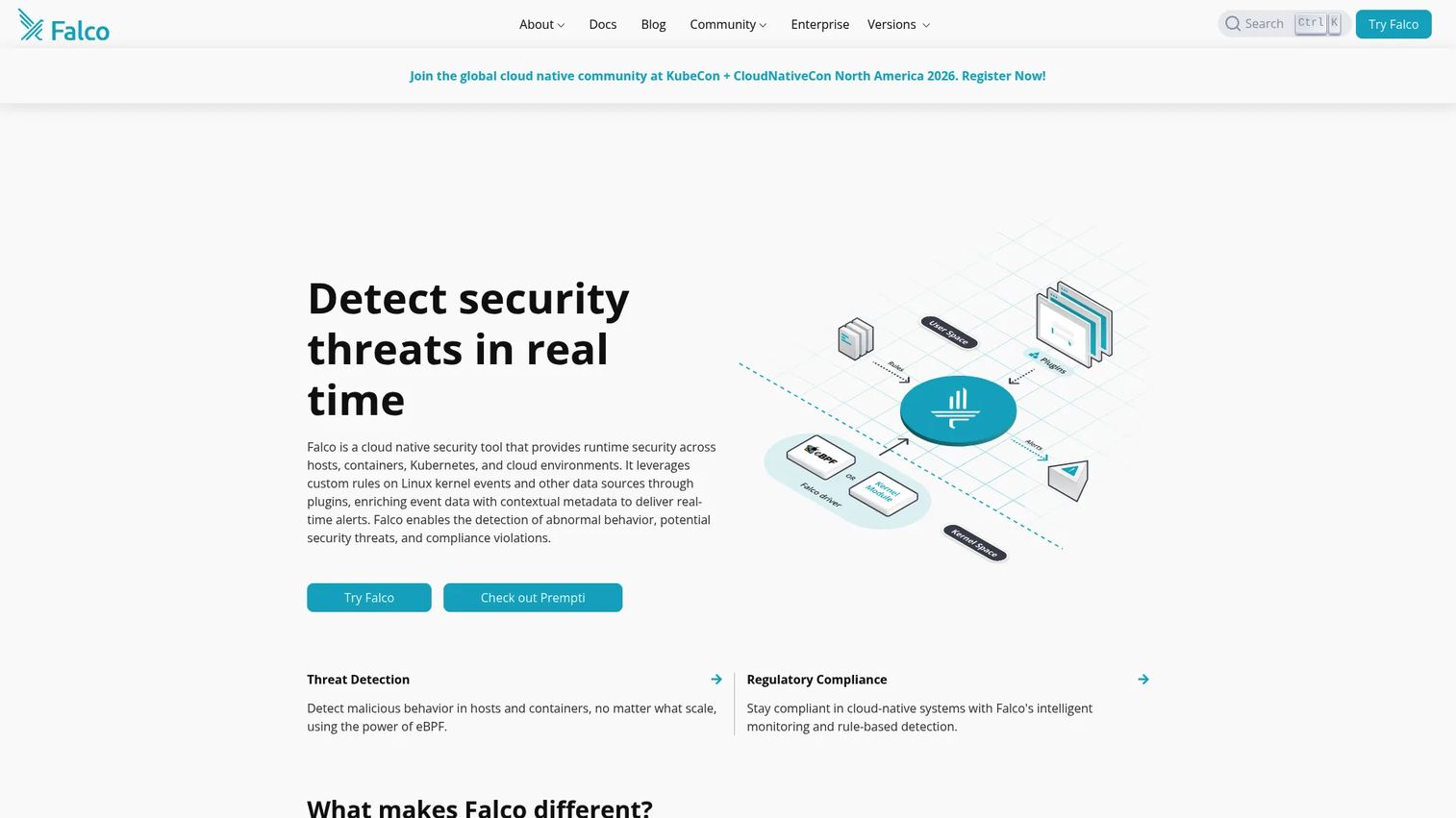
Falco is an open-source cloud-native runtime security tool that detects abnormal behavior across Linux hosts, containers, Kubernetes, and cloud environments. It uses a customizable rule engine fed by Linux kernel events, eBPF probes, and plugin-based data sources to detect shell access inside containers, unexpected process activity, privilege escalation, and other behavioral anomalies.
Best for: Security and platform teams that need real-time behavioral detection for containers and Kubernetes after deployment.
Key features
- Runtime threat detection using kernel events and eBPF
- Kubernetes audit event processing
- Container behavior rules with metadata enrichment
- Syscall monitoring
- Configurable alert forwarding to external systems
Why choose Falco: Falco fills the gap that pre-deployment scanning leaves open. Choose it when your team needs visibility into what workloads do at runtime, not only what a scanner found before release.
Falco pricing: Falco is free and open source under the Apache-2.0 license and is a CNCF graduated project. Sysdig, which created Falco and donated it to the CNCF, offers commercial products built on top of it.
G2 rating: 4.0/5, from only three reviews, so treat the score as indicative rather than representative.
11. Open Policy Agent (OPA)
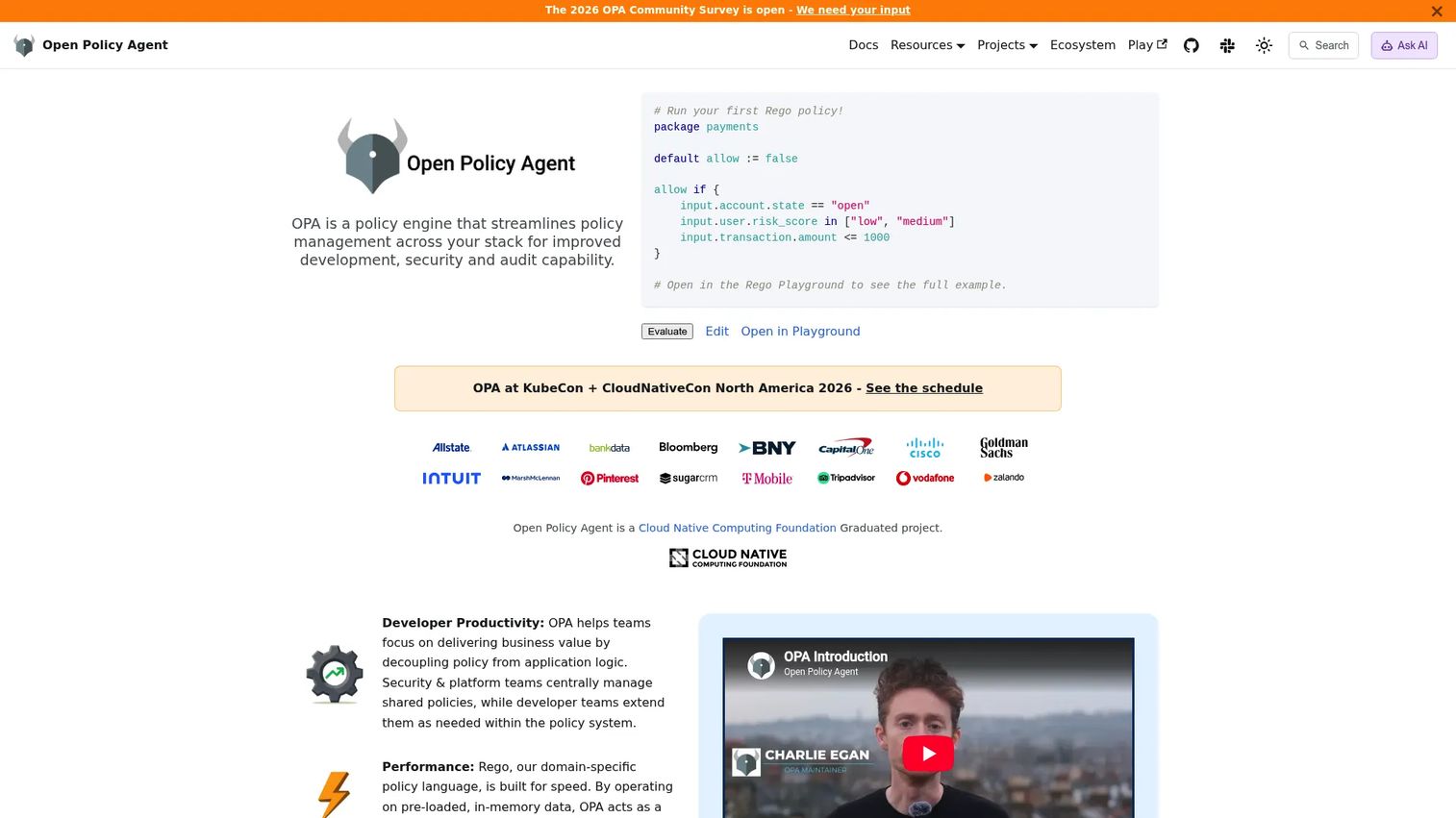
Open Policy Agent (OPA) is an open-source, general-purpose policy engine that unifies policy enforcement across cloud-native systems using the Rego policy language. It makes authorization and compliance decisions for Kubernetes admission control, CI/CD gates, API gateways, and microservices, providing a shared control layer instead of custom logic scattered across services.
Best for: Platform and security teams that need consistent, testable policy enforcement across Kubernetes, microservices, CI/CD, and API infrastructure.
Key features
- Declarative Rego policy language
- Kubernetes admission control
- CI/CD policy checks
- API authorization decisions
- Policy bundles, decision logging, and sidecar deployment
Why choose Open Policy Agent: OPA is useful when policies need to be version-controlled, tested, and enforced consistently across different systems. It gives platform teams a shared governance layer without manual reviews at each enforcement point.
Open Policy Agent pricing: OPA is open source with no commercial pricing on the official site. Styra (OPA's creator) offers a managed platform; contact Styra for enterprise packaging.
G2 rating: Not listed on G2.
12. Cosign
Cosign is a command-line tool for signing and verifying software artifacts as part of the Sigstore ecosystem. It supports keyless identity-based signing using OIDC, traditional key-based signing, in-toto attestations, SBOM signing, and integration with Rekor for transparency logging. Cosign fits into supply-chain security workflows that need proof of artifact provenance.
Best for: Teams that need artifact signing and verification in release pipelines, particularly where regulated or high-assurance software delivery requires provenance evidence.
Key features
- Keyless OIDC-based signing
- Container image and blob signing and verification
- In-toto attestations and SBOM signing
- Rekor transparency-log integration
- GitHub Actions integration
Why choose Cosign: Choose Cosign when the question is not only "is this image vulnerable?" but "can we verify where this artifact came from?" It is most valuable in regulated environments where supply-chain provenance appears in security reviews.
Cosign pricing: Cosign is free and open source. No commercial pricing was found on the official Sigstore site.
G2 rating: Not listed on G2.
13. Syft
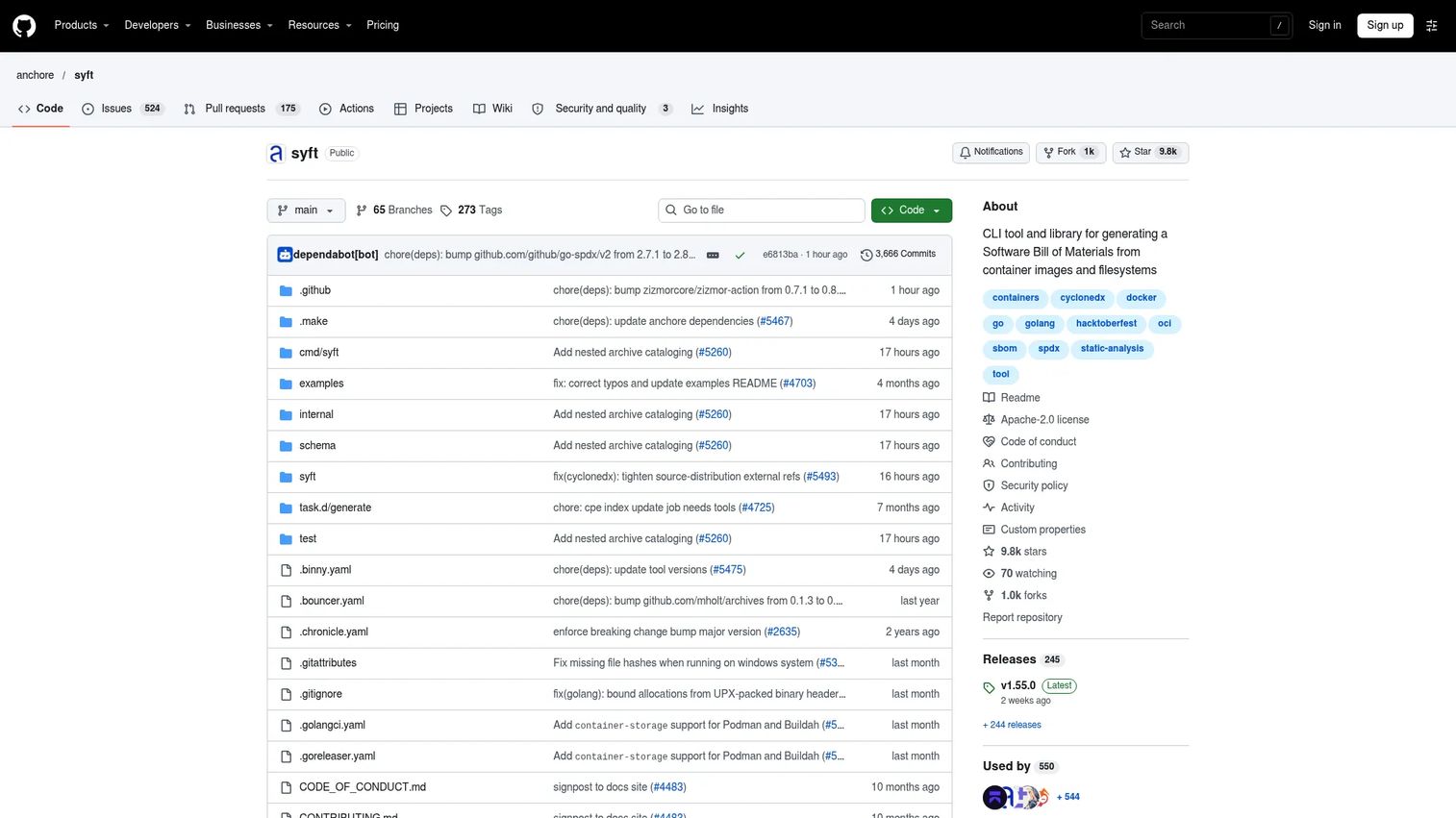
Syft is an open-source CLI tool from Anchore for generating software bills of materials (SBOMs) from container images, filesystems, and archives. It supports CycloneDX, SPDX, and Syft JSON output formats, covers a broad set of packaging ecosystems and image formats (OCI, Docker, Singularity), and can produce signed SBOM attestations using the in-toto specification.
Best for: Development and security teams that need automated SBOM generation as part of software supply-chain security and customer-facing diligence.
Key features
- SBOM generation from container images and filesystems
- CycloneDX and SPDX output formats
- Support for broad packaging ecosystems and image formats
- Signed SBOM attestations via in-toto
- Format conversion between SBOM standards
Why choose Syft: Syft helps teams answer what is inside an artifact before customers or auditors ask. SBOMs increasingly appear in enterprise diligence, and presales teams supporting security-heavy deals should understand which tools their buyers expect to see.
Syft pricing: Syft is free and open source under the Apache-2.0 license. Commercial support is available through Anchore; contact Anchore for enterprise packaging.
G2 rating: Not listed on G2.
14. IriusRisk
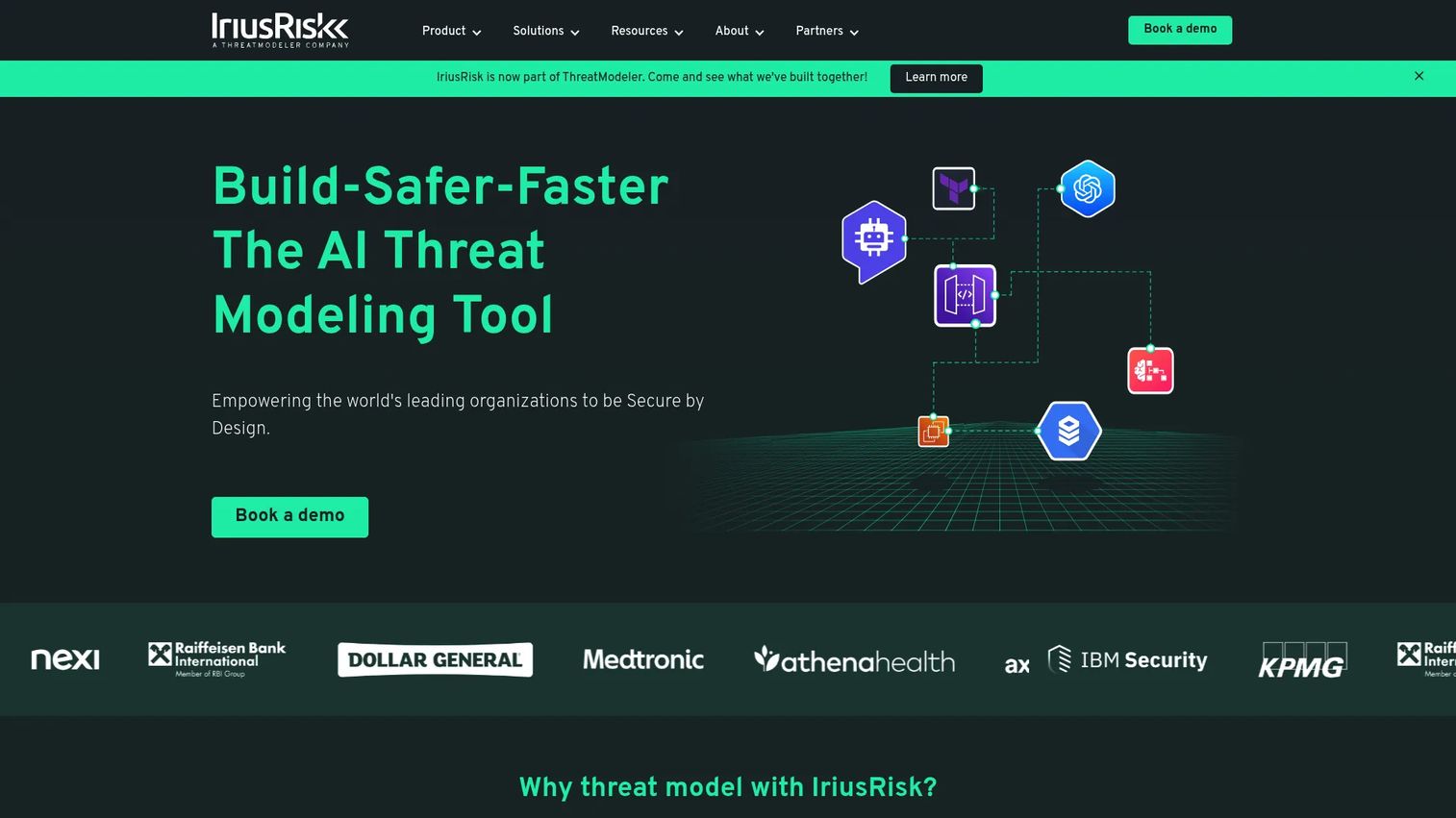
IriusRisk is an AI-powered threat modeling platform for product, AppSec, and security teams. It automates threat identification during design, generates security requirements, maps risks to controls, and integrates with engineering issue trackers. It fits teams that want to address security during architecture and design rather than waiting for a scanner to find issues in code.
Best for: Organizations that want structured, automated threat modeling integrated into secure software development before implementation begins.
Key features
- AI-powered automated threat modeling
- Security requirements generation
- Architecture questionnaires and risk scoring
- Standards mapping
- Integration with engineering issue trackers
Why choose IriusRisk: IriusRisk is strongest before code exists. Choose it when security review starts during design and architecture decisions, not after a scanner surfaces a problem. For presales teams, it speaks directly to buyers who ask about secure-by-design practices.
IriusRisk pricing: The Community Edition is free and supports up to 3 active threat models and one user. Enterprise pricing is custom; contact IriusRisk for a quote.
G2 rating: 4.7/5
15. Microsoft Defender for Cloud
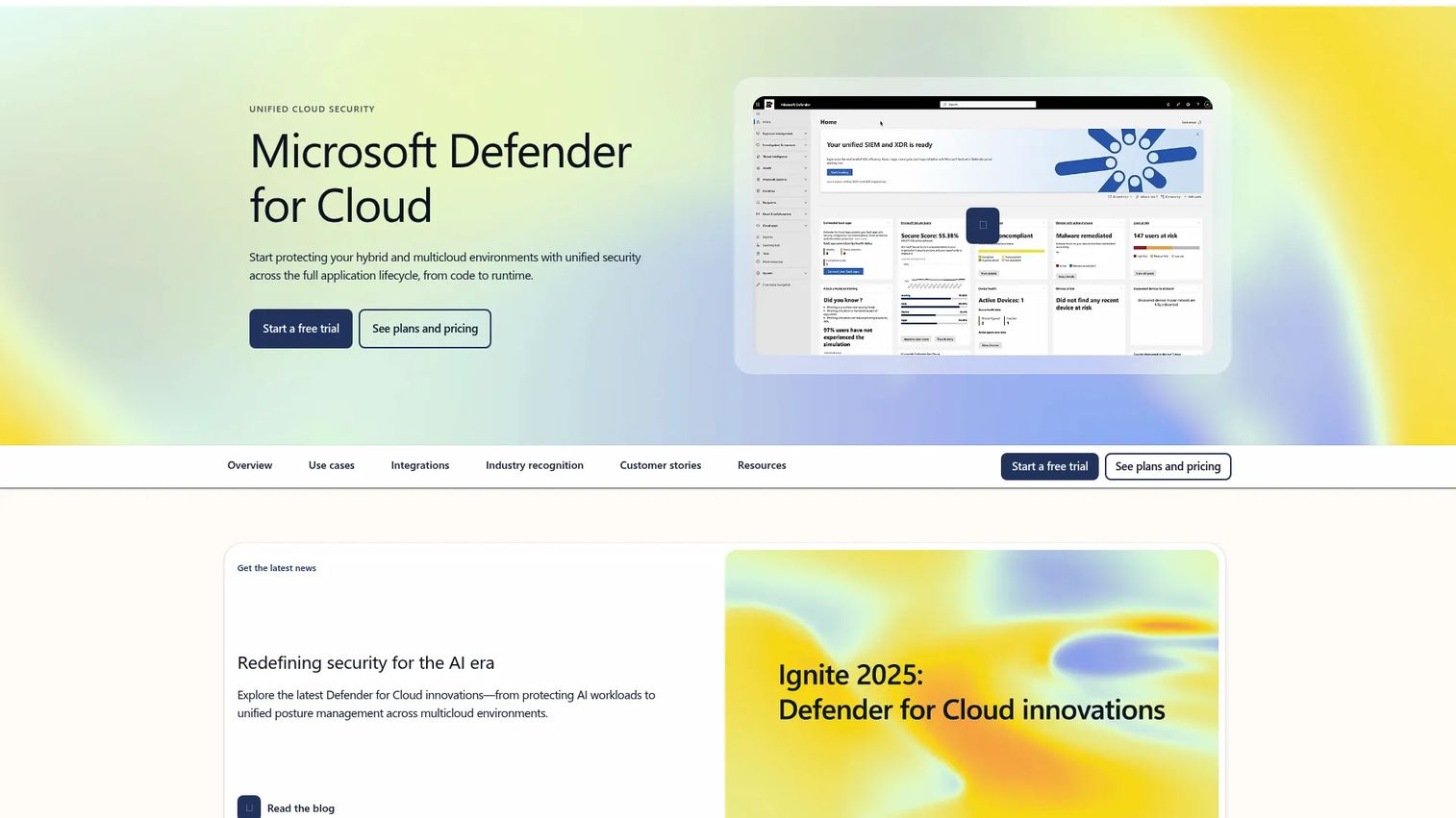
Microsoft Defender for Cloud is a cloud-native application protection platform providing cloud security posture management (CSPM), DevOps security integrations, and workload protection across Azure, AWS, and Google Cloud. It covers virtual machines, containers, databases, storage, and serverless workloads, and surfaces DevOps security context alongside posture recommendations and security alerts.
Best for: Enterprise teams running on Azure or a multicloud environment who need centralized posture management, workload risk visibility, and DevOps security context in one place.
Key features
- Cloud Security Posture Management (CSPM)
- DevOps security management
- Cloud workload protection across compute, containers, and databases
- Multicloud support for Azure, AWS, and Google Cloud
- Regulatory dashboards and AI threat protection
Why choose Microsoft Defender for Cloud: Choose it when cloud posture, workload risk, and DevOps security context need to come together for enterprise security teams. It is especially relevant when buyers are already standardized on Azure and need evidence of cloud-native security controls for compliance programs.
Microsoft Defender for Cloud pricing: Foundational CSPM is free with a Microsoft Azure subscription. Defender CSPM and cloud workload protection plans are usage-based, priced per protected resource. A 30-day free trial is available. Contact Microsoft for current per-resource rates.
G2 rating: 4.4/5
Considerations when choosing DevSecOps tools
Pipeline fit
Evaluate where each tool runs: IDE, repository, pull request, CI/CD, container registry, cloud account, Kubernetes cluster, or runtime. A tool that produces findings in a system no one checks will not improve your security posture. Map each tool to the pipeline stage where developers or operators can act on its output.
Signal quality
Noisy scanners kill adoption. Before committing to a DevSecOps tool, evaluate whether its findings include reachability context, exploitability scoring, asset criticality, and remediation guidance. A long list of low-priority findings with no context is harder to operationalize than a shorter list with clear ownership routing.
Developer adoption
The best DevSecOps tools are the ones developers actually use. Evaluate whether findings surface in pull request comments, IDE plugins, or existing ticketing systems. Fix guidance, owner routing, and low-friction exception handling all affect whether developers engage with findings or route around them.
Vendor relationships
Open-source tools in this category are rarely unowned. Trivy is maintained by Aqua Security, Syft by Anchore, Falco was created by Sysdig, OPA by Styra, Checkov is tied to Prisma Cloud, and ZAP is backed by Checkmarx. None of that makes a tool worse, but it shapes the roadmap, the support model, and the upgrade path into a commercial product. Know who is behind a tool before you standardize on it.
Governance and reporting
Enterprise buyers want audit trails, policy enforcement history, compliance mapping, and executive reporting. Ask which output formats each tool supports and whether it connects to your security information and event management (SIEM) or GRC platform. For presales teams supporting enterprise diligence, this is often the question that determines whether a tool clears the security review. See also our best AI security posture management tools guide for posture-layer governance context.
Stack overlap
Avoid paying for the same scan category multiple times. Map your planned tools against SAST, SCA, DAST, IaC scanning, container scanning, secrets scanning, policy as code, SBOM generation, artifact signing, cloud posture, and runtime security. Identify the gaps first, then fill them with the lowest-friction tool for each category.
Conclusion
No single DevSecOps tool covers every risk class. The right stack is built by identifying where your delivery process is most exposed, then selecting the tool that catches that exposure at the earliest practical pipeline stage.
For teams starting out: GitHub Advanced Security or Snyk handles code and dependency risk. Trivy covers containers and IaC with minimal setup. ZAP adds DAST for web applications. Falco closes the runtime gap after deployment.
For teams further along: Checkmarx adds enterprise-grade SAST, SCA, and ASPM under central governance. Microsoft Defender for Cloud handles cloud posture across a multicloud environment. IriusRisk moves security upstream into architecture decisions. Cosign and Syft address software supply-chain requirements that increasingly appear in enterprise security reviews.
For presales teams supporting security-heavy buyers: Understand which pipeline stages each tool addresses, ask which categories the prospect already covers, and identify where findings are going unaddressed. That conversation often moves a technical validation forward faster than any feature comparison.
Those diligence conversations go faster when a buyer can see the product working instead of reading about it. Guideflow lets presales and product marketing teams build interactive demos of their own product, so the demo a security-conscious buyer asks for mid-review is ready before the call rather than scheduled after it.
Start your journey with Guideflow today!
FAQs about DevSecOps tools
DevSecOps tools are software products that embed security checks into planning, coding, CI/CD pipelines, deployment, cloud infrastructure, and runtime operations. They differ from traditional security tools because they run inside developer and operations workflows, generating findings at the point where they can be fixed rather than routing them to a separate security queue.
The answer changes by risk class. For GitHub-native AppSec, GitHub Advanced Security embeds code scanning and secret scanning directly in pull requests. Snyk leads for developer-first vulnerability management across dependencies, containers, and IaC. Trivy covers open-source scanning across multiple artifact types. ZAP is the standard open-source DAST tool. Falco handles runtime security in containers and Kubernetes.
Start with dependency scanning, secrets scanning, and code scanning because they catch the most common vulnerabilities at the cheapest stage. Add IaC scanning next, since cloud misconfigurations are a frequent source of production exposure. Expand into DAST, SBOMs, artifact signing, and runtime monitoring as the program matures.
DevOps tools automate delivery processes: building, testing, deploying, and monitoring software. DevSecOps tools add security validation and policy enforcement inside those delivery workflows. Some tools, including Terraform and Docker, appear in both categories when paired with security controls like Checkov, OPA, or image scanning integrations.
Open-source tools can cover many needs. Trivy, Checkov, Falco, OPA, Cosign, Syft, and ZAP together address scanning, policy, runtime detection, SBOM generation, and artifact signing at no cost. Commercial platforms like Snyk, Checkmarx, and Microsoft Defender for Cloud typically add governance, prioritization, enterprise reporting, support, and integrations that matter when scaling across large development organizations or satisfying procurement requirements.
A complete DevSecOps stack covers SAST, SCA, DAST, IaC scanning, container scanning, secrets scanning, policy as code, SBOM generation, artifact signing, cloud posture management, and runtime security. Not every team needs all eleven categories on day one, but mapping the gaps against your delivery process is the right starting point.
They create repeatable, auditable evidence: scan results, SBOMs, policy check logs, vulnerability remediation records, and runtime control configurations. For presales teams supporting enterprise deals, this evidence directly answers the security questionnaires and diligence requests that stall technical validation. Buyers who can see the tooling in a demo and verify it against their security review criteria move faster to a decision.
Prioritize findings by exploitability, reachability, asset criticality, and internet exposure. Route findings into developer workflows rather than a separate security ticket queue nobody monitors. Start with a narrow set of high-confidence rules and expand coverage as the team builds confidence in the signal. Tools like Snyk include risk prioritization features; others require tuning custom policy rules to reduce false positives.