You shipped a fix Friday afternoon. It passed locally. It broke staging. Someone had to roll it back manually, and the whole team spent Monday morning figuring out what happened.
That is what releases feel like when build, test, and deployment live in disconnected tools. Every handoff is a place where context leaks, quality slips, and someone ends up firefighting instead of building.
CI/CD tools exist to close those gaps. They automate the path from a commit to a running deployment, catch failures early, and give you a repeatable pipeline instead of a manual ritual. The market reflects how central this has become: the global CI/CD tools market sits at roughly US$13.2B in 2026 and is projected to reach US$22.9B by 2033 at an 8.2% CAGR, according to Persistence Market Research (2026).
For a product manager, this is not a purely technical decision. Your CI/CD setup shapes release cadence, how fast you can validate a bet, and how much coordination overhead sits between engineering, QA, and security. Choose well and you ship more often with less risk. Choose poorly and you inherit operational debt that slows every future launch. This guide compares the most relevant CI/CD tools for teams choosing a delivery pipeline in 2026, with a decision framework built around workflow fit, governance, and release risk, not just feature lists.
What's inside
This guide is for teams evaluating CI/CD tools when they need to reduce release friction without creating new operational debt. It covers widely used platforms across cloud-hosted, self-hosted, Git-native, and Kubernetes-native models, so you can match a tool to your actual repo ecosystem and infrastructure.
We selected and compared tools on five criteria that matter most in practice:
- Integrations with your repo host, artifact registry, and cloud stack
- Ease of use and developer experience
- Scalability across teams and workloads
- Security and governance controls
- Deployment model (cloud-hosted, self-hosted, or hybrid)
The list spans both continuous integration tools and continuous delivery tools, since most teams need to solve build, test, and deploy together.
TL;DR
- Best for GitHub-centered teams: GitHub Actions keeps CI/CD inside the same repo where your code, pull requests, and reviews already live.
- Best all-in-one DevOps platform: GitLab CI/CD bundles source control, registry, security, and pipelines under one roof.
- Best for maximum self-hosted control: Jenkins gives mature engineering orgs deep customization through its plugin ecosystem.
- Best for developer-experience-first cloud CI: CircleCI pairs fast managed pipelines with caching, orbs, and self-hosted runner options.
- Best for enterprise governance: Azure DevOps and Harness bring approvals, audit trails, and policy controls to regulated release processes.
- Best for Kubernetes GitOps: Argo CD specializes in declarative, Git-driven continuous delivery for teams running on Kubernetes.
What are CI/CD tools?
CI/CD tools automate the process of integrating code changes, testing them, and delivering or deploying them to production through a repeatable pipeline. CI stands for continuous integration, CD stands for continuous delivery or continuous deployment, and together they replace manual, error-prone release steps with automation.
The distinction between the two halves matters when you choose a tool. Continuous integration is about merging code frequently and validating each change automatically. Continuous delivery keeps your code in a permanently deployable state, with a human approval gate before production. Continuous deployment removes that final gate, pushing every passing change straight to production. Delivery gives you control; deployment gives you speed. Most teams start with delivery and graduate to deployment for services where confidence is high.
CI/CD matters because it shifts failure detection left. Bugs surface at commit time instead of in production, releases get smaller and more frequent, and reliability improves because every change follows the same automated path. Adoption backs this up: GitHub Actions leads with 33% organizational adoption, Jenkins holds 28%, and GitLab CI reaches 19%, per the JetBrains State of Developer Ecosystem survey (2025). Notably, 18% of respondents report using no CI/CD tool at all, which is exactly the friction this category removes.
Core concepts worth knowing before you compare tools:
- Pipeline: the ordered sequence of stages a change moves through, from build to deploy.
- Automated tests: unit, integration, and end-to-end checks that gate progression.
- Build artifacts: the packaged output (containers, binaries) promoted through environments.
- Deployment gates: approvals or checks that must pass before promotion.
- Rollbacks: automated reversion when a deployment misbehaves.
- Audit trail: the record of who changed what, when, and with what approval.
One early decision shapes everything else: hosted versus self-hosted. Cloud-hosted tools remove infrastructure management and scale on demand, which is why 62.11% of the CI/CD market was cloud-based in 2025, per Mordor Intelligence (2026). Self-hosted tools give you full control over compute, data residency, and network boundaries, at the cost of owning the operations.
When to use CI/CD tools
Speed up releases without losing control
Teams reach for CI/CD when they need to ship more often but cannot afford to drop quality. Automated build, test, and deploy stages let you push feature releases, hotfixes, and launch-day changes on a predictable cadence, with quality gates catching regressions before customers do. The result is a faster release rhythm where each change is smaller and safer, so you validate product bets quicker without inviting more incidents.
Standardize delivery across teams
As an org grows, the "works on my machine" problem multiplies. CI/CD replaces inconsistent, person-dependent release steps with one codified pipeline every team follows. For a PM coordinating product, engineering, QA, and security, that standardization is what keeps a release predictable across squads. Everyone builds the same way, tests the same way, and promotes the same way, which cuts the coordination overhead that quietly eats release velocity.
Add governance and traceability
When you serve enterprise customers or operate in a regulated environment, you need to prove how code reached production. CI/CD pipelines give you approvals, controlled promotion between environments, and an audit trail for every change. This matters most when release risk carries real consequences, whether that is a compliance requirement, a security review, or a customer contract that demands controlled change management. Pipeline governance turns "trust us" into a documented, enforceable process.
Comparison table
The table below sorts tools by relevance to teams choosing a general-purpose CI/CD pipeline in 2026. Intent labels show what each tool is built around, from Git-native CI to Kubernetes GitOps.
| # | Product | Intent | Key differentiation | Pricing | G2 rating |
|---|---|---|---|---|---|
| 1 | GitHub Actions | Git-native CI/CD | Runs inside GitHub, triggered by repo events | Free tier; usage-based for private repos | Not verified |
| 2 | GitLab CI/CD | All-in-one DevOps | Built into the GitLab platform | Free; Premium $29/user/mo | 4.5/5 |
| 3 | Jenkins | Self-hosted automation | Open source with a large plugin ecosystem | Free (open source) | 4.4/5 |
| 4 | CircleCI | Cloud-first CI/CD | Fast pipelines, caching, orbs | Free; Performance from $15/mo | 4.4/5 |
| 5 | Azure DevOps | Enterprise delivery | Integrated Microsoft DevOps suite | First 5 users free, then $6/user/mo | 4.4/5 |
| 6 | TeamCity | Flexible CI/CD engine | Kotlin DSL, JetBrains ecosystem | Free on-prem; Cloud from $45/mo | Not verified |
| 7 | Harness | Governance-first delivery | Pipeline automation with guardrails | Free plan; paid via sales | 4.6/5 |
| 8 | Argo CD | Kubernetes GitOps | Declarative Git-driven CD | Open source | 4.5/5 |
The takeaway: your repo ecosystem and hosting model narrow the field faster than any feature comparison. Match those first, then evaluate governance depth and developer experience.
The 8 best CI/CD tools for 2026
1. GitHub Actions
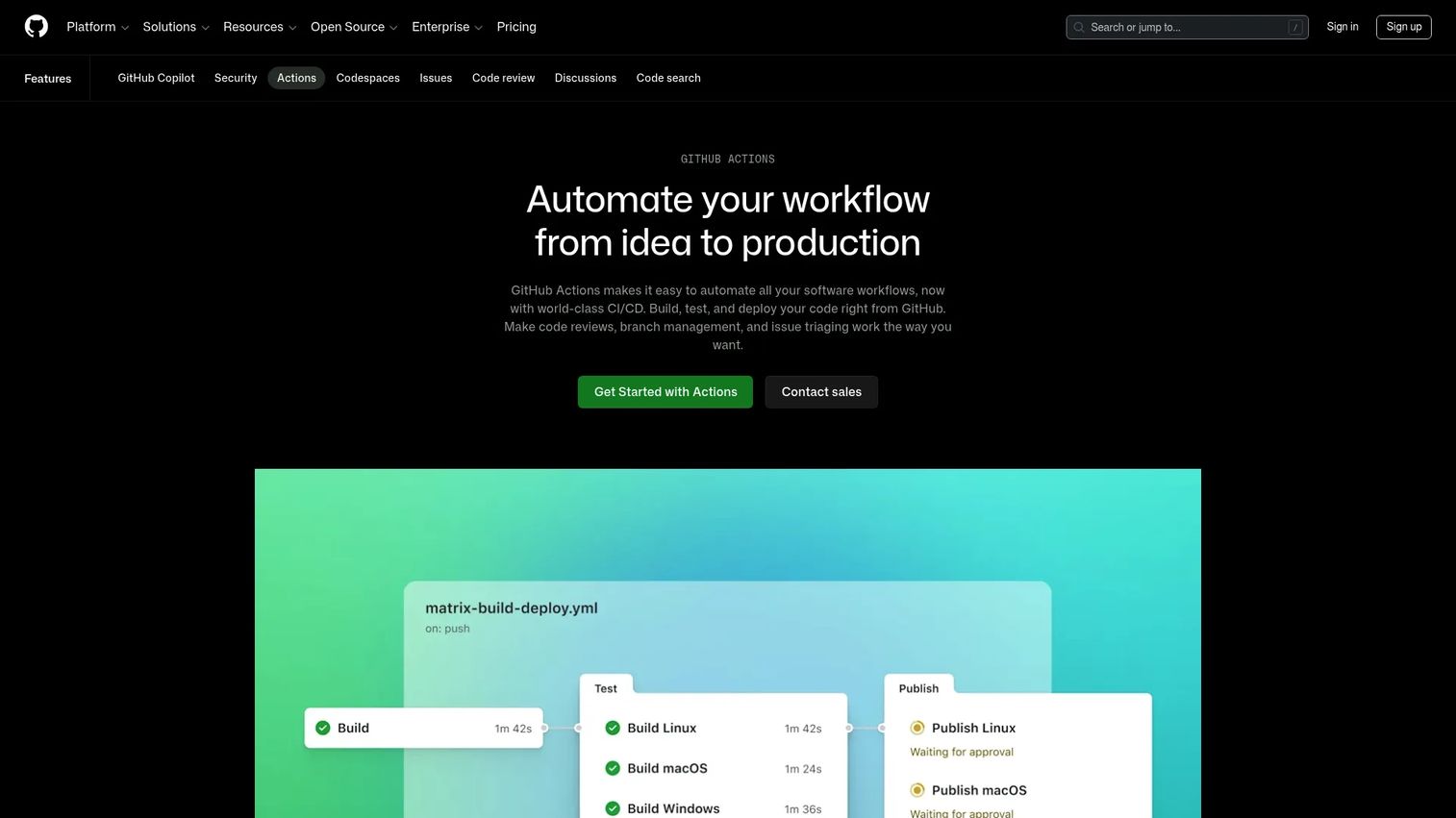
GitHub Actions is GitHub's built-in CI/CD and workflow automation product for building, testing, and deploying code directly from a GitHub repository. Workflows are defined in YAML and triggered by repo events like pushes, pull requests, and releases. Because it lives inside GitHub, your pipeline sits next to the code, reviews, and branch protection rules your team already uses, which removes the context-switching that comes with a separate CI server. It leads the category with 33% organizational adoption per the JetBrains survey (2025), which makes it the default starting point for most teams already on GitHub.
Best for: Teams and developers automating CI/CD and repository workflows on GitHub.
Key strengths
- Repo-native triggers: Workflows fire on GitHub events, so pull request checks and branch protection stay in one place.
- Runner flexibility: Choose GitHub-hosted runners for zero maintenance or self-hosted runners for custom hardware and network control.
- Actions Marketplace: Reusable community and vendor actions cut boilerplate for common build, test, and deploy tasks.
Why choose GitHub Actions: If your code already lives in GitHub, Actions is the path of least resistance. There is no separate system to integrate, secrets handling is built in, and YAML workflows keep pipeline config version-controlled alongside the code. For a PM, that repo proximity means faster onboarding for new engineers and fewer moving parts across the release process.
GitHub Actions pricing: GitHub Actions is free for public repositories. Paid usage applies to private repositories and any usage beyond the included minutes and storage quotas, billed on a usage basis. GitHub's pricing page exposes the Free plan starting at $0 per month, with additional consumption charged as you scale.
2. GitLab CI/CD
GitLab CI/CD is GitLab's integrated continuous integration and delivery capability, built directly into the broader GitLab DevOps platform. Instead of stitching together source control, a container registry, security scanning, and a pipeline engine, you get all of it in one place. Pipelines are configured in YAML, run on GitLab Runners included with every plan, and connect natively to the source code and issues that surround them. GitLab CI reaches 19% organizational adoption per the JetBrains survey (2025), and it is a strong fit for teams that want a single platform rather than a stack of integrated point tools.
Best for: Teams wanting an all-in-one DevOps platform with built-in CI/CD.
Key strengths
- Integrated pipelines: Build, test, and deploy stages live inside the same platform as your code and registry.
- Built-in security features: Scanning and compliance capabilities are part of the platform rather than bolt-ons.
- Runner support on all plans: GitLab Runner ships with every tier, including the free plan.
Why choose GitLab CI/CD: GitLab suits teams that want to consolidate their toolchain and reduce the number of integrations they maintain. When code, pipelines, registry, and security all live under one roof, cross-team alignment gets easier and there are fewer seams for context to leak through. That consolidation is especially valuable for PMs trying to keep release governance consistent as the org scales.
GitLab CI/CD pricing: The Free tier is $0 per user per month and includes source code management and core DevOps workflows. Premium runs $29 per user per month, billed annually, adding advanced CI/CD and support features. Ultimate uses custom pricing and layers on advanced security and compliance controls. GitLab holds a 4.5/5 rating on G2.
3. Jenkins
Jenkins is the open source automation server that has anchored CI/CD pipelines for well over a decade. It runs self-hosted, which gives you full control over compute, data, and network boundaries, and its plugin ecosystem covers hundreds of integrations for build tools, cloud providers, and testing frameworks. Distributed builds spread work across multiple machines, and pipelines can be scripted with as much custom logic as your delivery process demands. Jenkins holds 28% organizational adoption per the JetBrains survey (2025), which reflects how deeply it is embedded in mature engineering orgs.
Best for: Teams wanting a self-hosted, extensible CI/CD automation server.
Key strengths
- Plugin ecosystem: Hundreds of plugins connect Jenkins to nearly any tool in your stack.
- Distributed builds: Execute builds across multiple agents to scale throughput.
- Full self-hosted control: Own your infrastructure, data residency, and network topology end to end.
Why choose Jenkins: Jenkins fits mature engineering teams that run complex or legacy pipelines and want complete control over how delivery works. The teams that thrive on it are the ones with the appetite to own their CI infrastructure and shape it precisely to their needs. If you already have DevOps capacity and want maximum flexibility without vendor lock-in, Jenkins remains a serious option in 2026.
Jenkins pricing: Jenkins is free and open source, backed by community support. There is no public paid pricing on the official site. Your real costs come from the hosting infrastructure you run it on and any commercial support or managed distribution you choose to add. Jenkins holds a 4.4/5 rating on G2.
4. CircleCI

CircleCI is a cloud-first CI/CD platform focused on fast pipelines and developer experience. It builds, tests, and deploys software across flexible execution environments, with build optimization and autoscaling that keep pipelines quick even as workloads grow. Workflows orchestrate jobs, caching speeds up repeat runs, and orbs (reusable config packages) cut down boilerplate. For teams that want managed infrastructure without giving up control, CircleCI also offers self-hosted runners so sensitive workloads can stay inside your network.
Best for: Teams that need automated CI/CD with usage-based scaling.
Key strengths
- Execution environments: Run jobs across the compute types your builds need.
- Build optimization: Caching and parallelism keep pipeline times short.
- Autoscaling: Capacity flexes with demand so queues stay short during busy periods.
Why choose CircleCI: CircleCI appeals to teams that prioritize speed and a clean developer experience but still want the option to run self-hosted runners for sensitive jobs. It sits in a useful middle ground: managed infrastructure that handles scaling for you, with escape hatches for the workloads you need to keep in-house. That balance suits fast-moving product teams that do not want to run a CI server but still care about control.
CircleCI pricing: The Free plan is $0 per month. The Performance plan starts at $15 per month with usage-based credits on top. The Scale plan is custom and billed annually for larger organizations. CircleCI holds a 4.4/5 rating on G2.
5. Azure DevOps
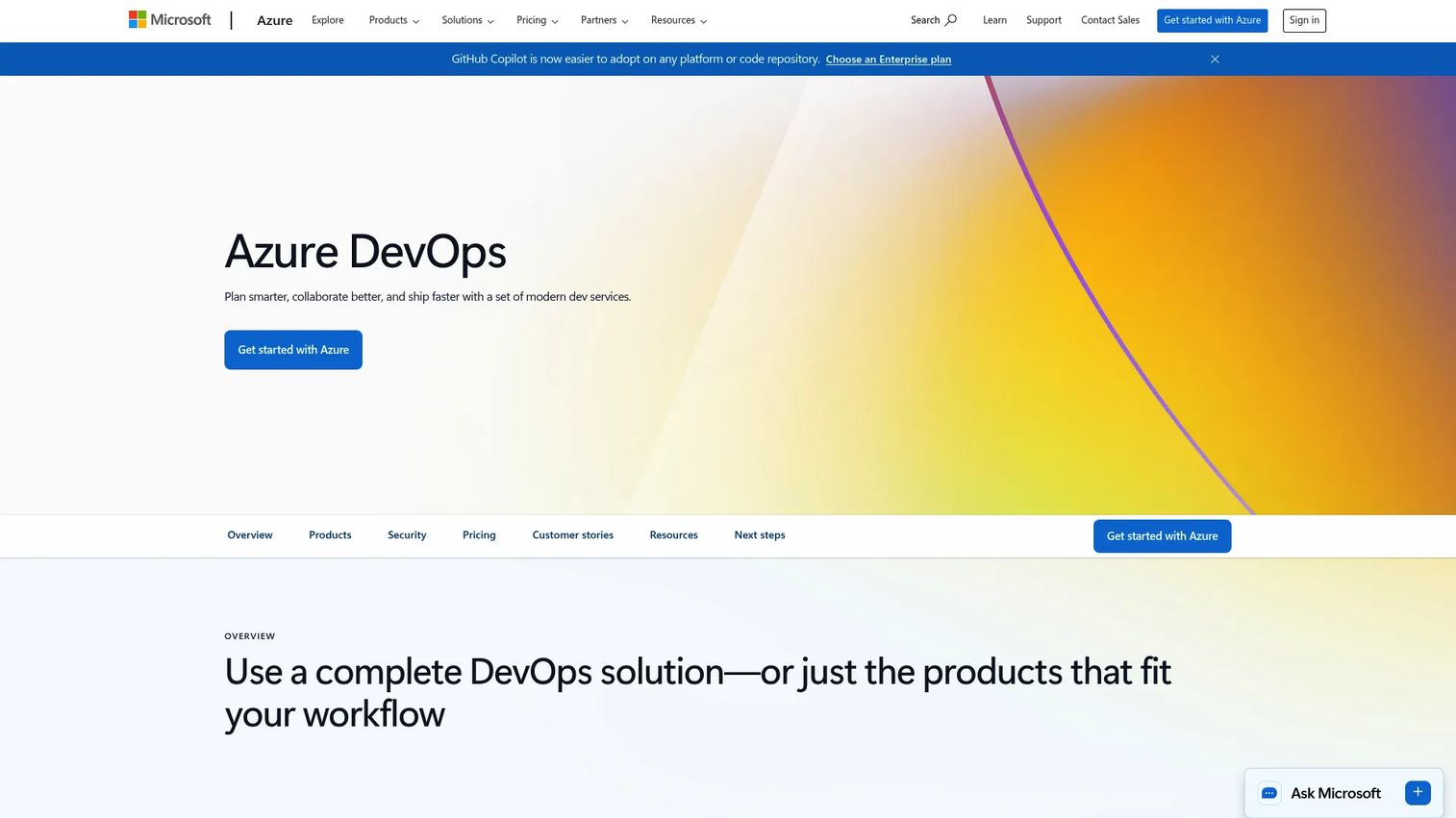
Azure DevOps is Microsoft's integrated suite of DevOps services spanning planning, code collaboration, CI/CD, testing, and artifacts. Azure Boards handles agile planning, Azure Pipelines runs CI/CD across Linux, macOS, Windows, cloud, and on-premises, Azure Repos manages source, Azure Artifacts hosts packages, and Azure Test Plans covers manual and exploratory testing. It is a natural fit for Microsoft-centric orgs and larger enterprises that want planning, repos, pipelines, and test management in one governed suite.
Best for: Teams that want an integrated Microsoft DevOps suite for planning, repos, pipelines, and test management.
Key strengths
- Azure Boards: Agile planning ties work items directly to code and pipelines.
- Azure Pipelines: CI/CD runs across every major OS, cloud, and on-premises target.
- Azure Test Plans: Manual and exploratory testing lives inside the same suite.
Why choose Azure DevOps: Azure DevOps makes the most sense for enterprises already invested in the Microsoft ecosystem or teams that want planning, delivery, and testing under one governed roof. Teams often evaluate it against newer Git-native options and choose it when they need the breadth of an integrated suite and enterprise governance over a lighter, repo-first workflow. For PMs, the connected Boards-to-Pipelines link keeps roadmap and release visibility in one system.
Azure DevOps pricing: The Basic plan gives the first 5 users free, then $6 per user per month. Basic plus Test Plans runs $52 per user per month. Individual services for Pipelines, Artifacts, and GitHub Advanced Security are priced separately. Azure DevOps holds a 4.4/5 rating on Capterra.
6. TeamCity
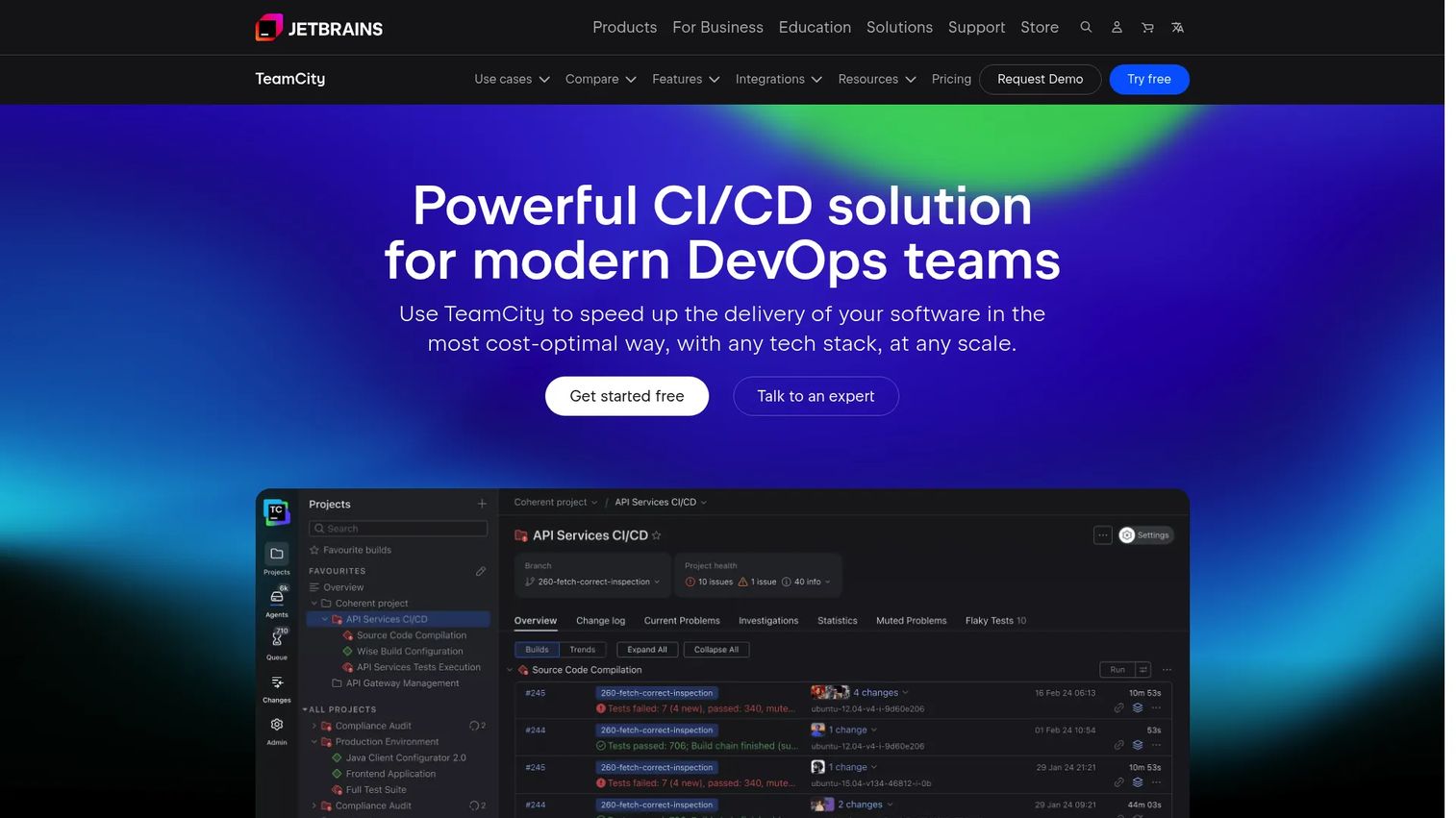
TeamCity is JetBrains' CI/CD server for building, testing, and deploying software, available in both cloud and on-premises editions. It is known for build chains that model complex dependencies, configuration as code through a Kotlin DSL, and a polished experience that fits teams already in the JetBrains ecosystem. For teams that want a refined self-hosted CI/CD engine with the option of a managed cloud version, TeamCity covers both without forcing a choice.
Best for: Teams needing a flexible JetBrains CI/CD platform with cloud and on-prem options.
Key strengths
- Build automation: Build chains model complex, dependent workflows cleanly.
- Configuration as code: The Kotlin DSL keeps pipeline config versioned and reviewable.
- Test automation: Built-in test handling surfaces failures and flaky tests early.
Why choose TeamCity: TeamCity is a strong fit when your build logic is complex and you want a self-hosted engine that stays polished rather than sprawling. The Kotlin DSL appeals to teams that treat pipeline configuration as real code they can review and refactor. For enterprises that value a clean UI and deep build-chain modeling, TeamCity is a serious enterprise CI/CD contender.
TeamCity pricing: TeamCity is free for small teams and free to download for on-premises use. TeamCity Cloud starts at $45.00 per month, with additional committers at $15.00 each per month and extra build credits sold in 25,000-credit packs for $20.00. Pricing is verified from JetBrains' own buy page.
7. Harness
Harness is a software delivery platform that spans CI/CD, feature flags, security, reliability, and cloud cost management. Its appeal is abstraction and guardrails: pipelines come with governance, deployment verification, and built-in strategies like canary and blue-green rollouts, so teams get safety rails without hand-building them. GitOps support and continuous delivery workflows sit alongside continuous integration, which makes Harness a fit for teams that want an integrated delivery platform rather than a collection of scripts.
Best for: Engineering teams needing an integrated platform for software delivery and DevOps tooling.
Key strengths
- Continuous delivery and GitOps: Deployment strategies and Git-driven workflows come built in.
- Continuous integration: Build and test pipelines sit in the same platform as delivery.
- Cloud cost management: Visibility into delivery-related cloud spend is part of the platform.
Why choose Harness: Harness suits teams that want more abstraction and stronger guardrails than a raw pipeline engine gives them. Built-in verification, approvals, and deployment strategies make it a fit for enterprise rollouts where release risk needs active management, not just logging. For DevSecOps-minded teams, the combination of security controls, approvals, and audit trails supports a governed delivery process out of the box.
Harness pricing: Harness offers a Free plan. The Essentials and Enterprise plans are priced through sales rather than displayed publicly, and the Enterprise tier typically adds advanced governance and premium support. Harness holds a 4.6/5 rating on G2.
8. Argo CD
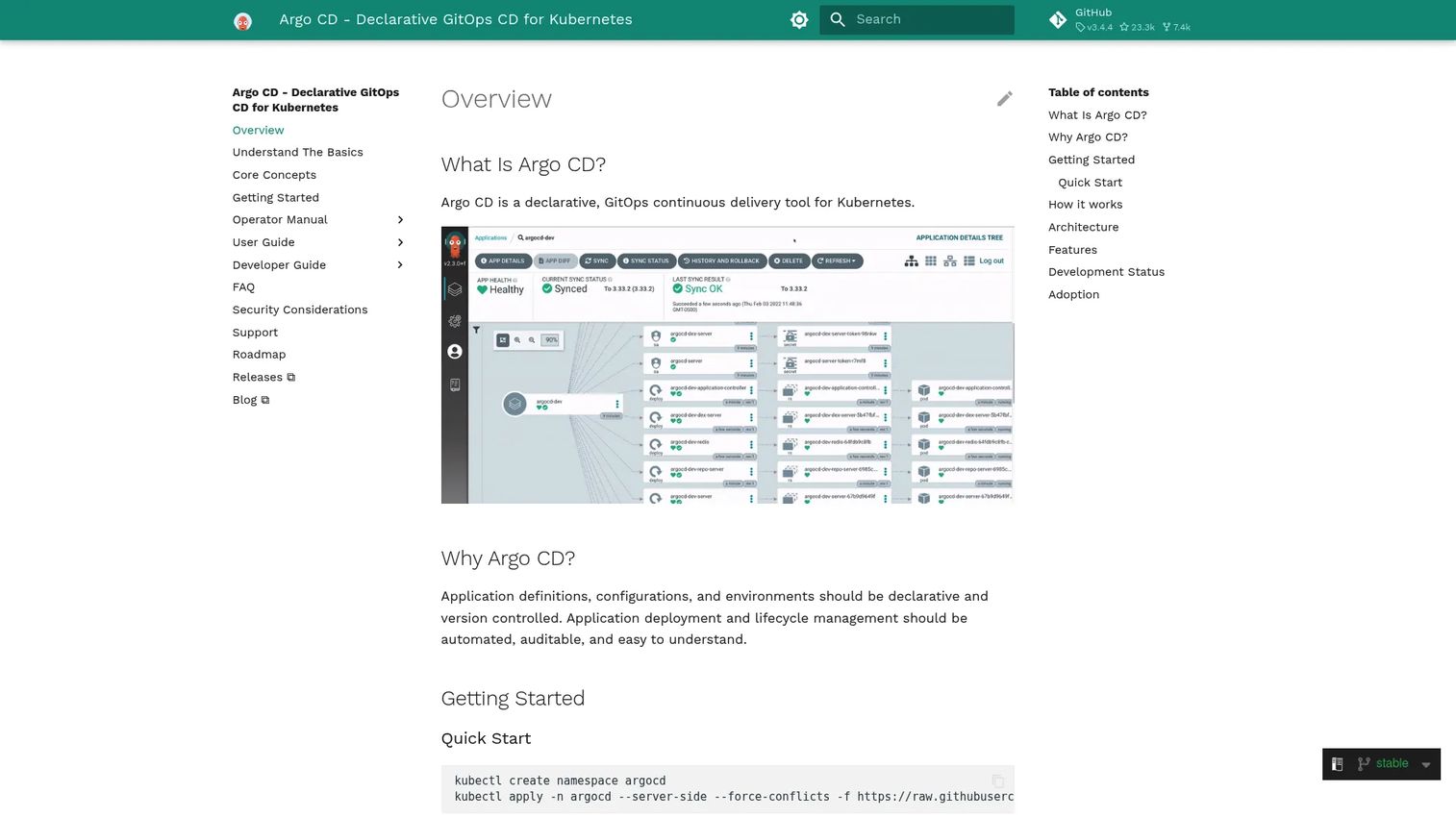
Argo CD is a declarative GitOps continuous delivery tool built specifically for Kubernetes. It treats a Git repository as the source of truth for your cluster's desired state, then continuously syncs the live environment to match. Drift detection flags when reality diverges from Git, automated sync brings it back, and multi-cluster support scales across environments. A web UI, CLI, and SSO/RBAC round out the operational side. Argo CD is a CD specialist, so pair it with a CI layer like GitHub Actions or GitLab CI/CD for the build and test stages.
Best for: Teams running Kubernetes who want GitOps-based continuous delivery.
Key strengths
- Git-based desired state: Your cluster configuration lives in Git, giving you a natural audit trail and rollback path.
- Drift detection and sync: Argo CD spots divergence and reconciles the live state automatically.
- Multi-cluster support: Manage deployments across many clusters from one place.
Why choose Argo CD: Argo CD is the strongest pick for teams already operating in Kubernetes who want deployments driven entirely by Git. Because it is a Kubernetes-native CD specialist rather than a full pipeline, you evaluate it in context with your CI layer, not as a standalone replacement. The GitOps model gives you traceability and rollback almost for free, since every change to production is a commit.
Argo CD pricing: Argo CD is open source, and no formal pricing page appears on its official documentation site. Your costs are the Kubernetes infrastructure it runs on and any managed offering or support you choose to add. Argo CD holds a 4.5/5 rating on G2.
Considerations before you choose
Integration fit
The single biggest predictor of whether a CI/CD tool works for you is how well it plugs into what you already run. Check the depth of support for your repo host, artifact registry, issue tracker, and cloud provider before anything else. Integration depth matters more than raw feature count, because a tool with fewer features that fits your stack cleanly beats a feature-rich tool you have to fight. Shallow integrations create the exact context leaks that CI/CD is supposed to eliminate.
Hosting model and control
Decide early where the pipeline should run. Cloud-hosted tools remove infrastructure management and scale on demand, which is why the majority of the market is now cloud-based. Self-hosted tools give you control over compute, data residency, and network boundaries. Hybrid setups split the difference with managed control planes and self-hosted runners. Whatever you pick, be explicit about who owns uptime, who maintains runners, and how much internal tooling burden the team is signing up for.
Security and governance
As you grow or start serving enterprise customers, governance stops being optional. Evaluate SSO, approval gates, audit logs, branch protection, secrets management, and policy controls. These are the controls that let you prove how a change reached production and enforce who can promote it. For DevSecOps, look for how security scanning and secrets handling fit into the pipeline itself, not as an afterthought bolted on later.
Developer experience
The best pipeline is one your engineers do not dread. Look at YAML ergonomics, UI clarity, how easy failures are to debug, and whether you can reproduce a build locally. Low-friction debugging saves real engineering hours every week, because a pipeline that is hard to troubleshoot quietly taxes velocity across every release. Treat developer experience as a first-class buying criterion, not a nice-to-have.
Cost and scale
List price rarely tells the whole story. Review the pricing model, usage-based billing, runner minutes, self-hosted capacity, and any support costs. A free open source tool can carry real infrastructure and maintenance cost, while a usage-based cloud tool can spike as build volume grows. Focus on total cost of ownership across your expected scale, not the entry-tier headline number.
Conclusion
There is no single best CI/CD tool, only the best fit for your repo ecosystem, governance needs, and infrastructure model. If your code lives in GitHub, GitHub Actions is the natural default. If you want one platform for everything, GitLab CI/CD consolidates the toolchain. Jenkins and TeamCity reward teams that want deep self-hosted control, while CircleCI delivers a fast, managed developer experience. For enterprise governance, Azure DevOps and Harness bring approvals and audit trails, and for Kubernetes GitOps, Argo CD is the specialist to pair with your CI layer.
The practical next step is to pilot two options against a real service: one Git-native tool that matches your repo host, and one enterprise or self-hosted option if governance is a priority. Run the same pipeline through both, measure setup time, build speed, and debugging friction, and let your own delivery process decide. The right tool is the one that fits how your team already ships, not the one with the longest feature list.
FAQs
Continuous integration (CI) is about merging code changes frequently and automatically building and testing each one, so problems surface early. Continuous delivery (CD) keeps your code in a deployable state with a manual approval before production, while continuous deployment pushes every passing change to production automatically. In short, CI validates the change, delivery adds a controlled release gate, and deployment removes that gate for speed.
For teams whose code already lives in GitHub, GitHub Actions is usually the best fit because it runs inside the same platform. Workflows trigger on repo events, pull request checks and branch protection stay in one place, and there is no separate CI server to integrate. That repo proximity reduces context switching and speeds up onboarding for new engineers.
Yes, for the right team. Jenkins remains a strong choice for mature engineering orgs that run complex or legacy pipelines and want full self-hosted control with no vendor lock-in. It carries real operational ownership, since you run the infrastructure and manage plugins yourself, so it fits teams with the DevOps capacity to maintain it. If you want managed infrastructure instead, a cloud-hosted tool may suit you better.
Enterprise teams typically evaluate approvals, audit logs, SSO, and policy controls, and both Azure DevOps and Harness are built with these in mind. Azure DevOps offers an integrated suite with governed pipelines and planning, while Harness layers governance, deployment verification, and guardrails into its delivery workflows. The best pick depends on whether you want a broad Microsoft-centric suite or a governance-first delivery platform.
For Kubernetes, a GitOps tool like Argo CD is purpose-built for continuous delivery. It uses a Git repository as the source of truth for cluster state, detects drift, and syncs the live environment automatically. Because Argo CD is a CD specialist, pair it with a CI tool such as GitHub Actions or GitLab CI/CD to handle the build and test stages.
Cloud-hosted CI/CD removes infrastructure management, scales on demand, and gets you running fast, which is why most of the market is now cloud-based. Self-hosted CI/CD gives you control over compute, data residency, and network boundaries, at the cost of owning operations and maintenance. The decision usually comes down to how much internal ownership you want and whether data residency or network requirements force the pipeline in-house. Hybrid setups let you keep a managed control plane while running sensitive workloads on self-hosted runners.
DevSecOps shifts security into the pipeline itself, so your tool choice should account for how it handles scanning, secrets management, and governance. Look for built-in security scanning, native secrets handling, approval gates, and audit trails rather than features you have to bolt on later. Tools with strong pipeline governance make it easier to enforce policy and prove compliance as the team and its customer base grow.