You can prototype a VR scene in a weekend. Shipping it at stable frame rates across headsets is the expensive part.
Pick the wrong engine early and you inherit its constraints: A rendering pipeline that fights your target headset, a licensing model that surprises finance at $1M revenue, or a scripting language your team cannot hire for. VR gaming was a $29.21 billion global market in 2025 (Fortune Business Insights, 2025), and the tooling decisions product and engineering teams make now will determine whether they can actually serve that demand.
This guide compares 12 VR game engines and frameworks by technical fit and product fit. The goal is to help product managers, technical leads, and innovation teams shortlist the right engine before committing a team to months of development.
What's inside
- Who this guide is for: Product managers, technical leads, VR developers, and innovation teams evaluating engines for games, training, simulation, or immersive product experiences
- How tools were selected: Headset support, rendering capability, developer workflow, licensing clarity, and ecosystem maturity
- What's included: Full engines, open-source engines, web frameworks, and specialized VR platforms, each labeled so you can tell the difference
- Verified data: Pricing figures and G2 ratings checked against live sources for 2026; entries with no reliable G2 listing show N/A
TL;DR
- Best overall for cross-platform VR: Unity, for broad headset support, a large asset store, and production-proven workflows
- Best for high-end visuals: Unreal Engine, for rendering quality, Blueprints, and Lumen global illumination
- Best open-source option: Godot Engine, MIT license, zero royalties, and growing XR support
- Best for enterprise simulation: UNIGINE, for planet-scale geospatial environments and high-precision simulation; Open 3D Engine for teams that need Apache-licensed source control
- Best for web VR: A-Frame, for browser-based WebXR prototyping with HTML syntax
- Best for HTC Vive hardware: VIVE Wave, purpose-built SDK for Vive standalone devices
What is a VR game engine?
A VR game engine is a real-time 3D development platform used to build interactive virtual reality experiences that run on headsets, controllers, and immersive displays.
VR engines bundle the tools a team would otherwise build from scratch: Rendering, physics, input handling, scripting, asset management, audio, UI, and deployment pipelines. What distinguishes VR development from flat-screen game development is the performance floor. Low frame rates in VR cause disorientation, so the engine must maintain 72 to 120 frames per second depending on the headset. Every architectural choice, from shader complexity to draw call count, has comfort consequences the engine must help the team manage.
The engine also needs to speak the language of the hardware: Headset tracking, controller input mapping, stereoscopic rendering for two eyes, spatial audio, and device-specific SDKs for stores like the Meta Quest App Lab or SteamVR.
A useful distinction before the list: "VR game engine" is used loosely. Some tools in this category are full general-purpose engines with VR support bolted on. Others are open-source engines that require engineering assembly. A few are web frameworks for browser-based XR, and one (VIVE Wave) is an SDK rather than a standalone engine.
Key features to look for
- Headset support: Meta Quest (standalone Android), PC VR (SteamVR, Valve Index), HTC Vive, Apple Vision Pro, WebXR
- Rendering pipeline: Physically based rendering, real-time lighting, foveated rendering for standalone headsets
- Performance tooling: Frame profiler, memory analyzer, draw call debugger, GPU usage tracking
- Interaction system: Hand tracking, controller input, locomotion, haptics
- Asset tools: Templates, prefabs, plugin marketplace, 3D model import formats
- Deployment targets: Android builds for standalone headsets, Windows for PC VR, web for WebXR
- Licensing: Free tier thresholds, royalty percentages, open-source license terms, enterprise pricing
When to use
Prototype a VR product concept quickly
Early VR prototypes should optimize for validation speed, not visual perfection. Choose an engine that ships a working scene to a headset in hours rather than days. Prefabs, sample scenes, and controller input templates dramatically cut the time between idea and something your stakeholders can actually put on their heads. Getting 10 minutes of real user feedback on a rough prototype is worth more than 10 days of polish on a scene nobody has tried in a headset.
Build high-fidelity immersive experiences
Architecture visualization, medical training, and enterprise simulation all need rendering quality that holds up under scrutiny. Here the priority shifts to lighting systems, physically based materials, large-world support, and GPU profiling. Budget extra engineering time for optimization: High-fidelity scenes that run smoothly on a PC VR headset often need a complete rework before they hit standalone headset frame-rate targets.
Ship across multiple headsets and platforms
Cross-platform VR is a product strategy decision before it is a technical one. Each target headset has its own store requirements, controller mapping, and SDK. Map your target devices before committing to an engine, then verify which build targets the engine officially supports. Maintaining multiple platform builds adds ongoing engineering cost to every release cycle.
VR game engines comparison
The table below summarizes the 12 engines covered in this guide. Pricing and G2 ratings are verified against live vendor sources and G2 listings. Tools with no current G2 listing show N/A.
| # | Product | Best for | Key differentiator | Pricing | G2 rating |
|---|---|---|---|---|---|
| 1 | Unity | Cross-platform VR development | Broad headset support and asset store | Free; Pro at $2,310/yr per seat | 4.5/5 |
| 2 | Unreal Engine | High-fidelity VR visuals | Lumen, Nanite, Blueprints | Free; 5% royalty above $1M lifetime revenue | 4.5/5 |
| 3 | Godot Engine | Open-source VR projects | MIT license, zero royalties | Free (MIT) | 4.5/5 |
| 4 | Open 3D Engine | Open-source enterprise 3D | Apache 2.0, modular Gems architecture | Free (Apache 2.0) | N/A |
| 5 | CryEngine | Visually rich 3D environments | Royalty-based model, Sandbox editor | Free to develop; 5% royalty above $5K/year | 3.7/5 |
| 6 | UNIGINE | Industrial simulation | Planet-scale geospatial, sensor simulation | Community free; Entertainment at $9,995/yr | 4.5/5 |
| 7 | Amazon Lumberyard | Legacy AWS-connected projects | Discontinued; succeeded by Open 3D Engine | No longer offered | N/A |
| 8 | VIVE Wave | HTC Vive hardware development | Open XR runtime for Vive all-in-one devices | Developer access; contact HTC for terms | N/A |
| 9 | A-Frame | WebXR and browser VR | HTML-based 3D and VR framework | Free (open source) | 4.8/5 |
| 10 | Panda3D | Python-based 3D development | Python and C++ scripting flexibility | Free (open source) | 3.5/5 |
| 11 | UPBGE | Blender-integrated game creation | Real-time engine inside Blender | Free (open source) | N/A |
| 12 | AppGameKit | Beginner-friendly 3D development | Simple scripting, broad export targets | Contact vendor for current pricing | 4.2/5 |
Best 12 VR game engines for 2026
1. Unity
Unity is a real-time 2D and 3D development platform used for games, XR applications, simulations, and interactive experiences. Its XR Interaction Toolkit and broad platform support make it the most common starting point for teams new to VR. The asset store, large developer community, and C# scripting mean most teams can hire for it and find answers to edge-case problems without filing tickets.
Best for: Teams that want the safest all-around VR engine for cross-platform development and fast iteration.
Key features
- XR Interaction Toolkit for hand tracking and controllers
- Universal Render Pipeline optimized for standalone headsets
- Unity Asset Store with thousands of prebuilt VR assets
- C# scripting with .NET support
- Built-in profiling and frame debugger
Why choose Unity: Unity is the practical default when the team wants broad headset coverage, a hiring pool, and a production-ready ecosystem. Teams targeting Meta Quest standalone should budget time for render pipeline optimization, since the Universal Render Pipeline needs tuning to hold 72 fps on mobile GPU hardware.
Unity pricing: Personal plan is free. Pro costs $2,310 per seat per year (billed annually) or $210 per seat per month. Enterprise and Industry plans require contacting sales.
G2 rating: 4.5/5
2. Unreal Engine
Unreal Engine is Epic's high-fidelity real-time 3D engine, widely used in premium games, film, architecture, and complex simulations. Its Lumen dynamic global illumination and Nanite virtualized geometry system produce visually dense environments that would require significant manual optimization in other engines. Blueprints visual scripting lets designers prototype logic without writing C++, though teams building complex systems typically reach for C++ eventually.
Best for: Teams that prioritize visual fidelity, advanced rendering, and deeper engineering control for premium VR experiences.
Key features
- Lumen dynamic global illumination and reflections
- Nanite virtualized micropolygon geometry
- Blueprints visual scripting alongside full C++ access
- World Partition for large open worlds
- Built-in VR template and OpenXR support
Why choose Unreal Engine: Unreal is the right call when the experience must look premium and the team can handle a more specialized production pipeline. PMs should budget for longer optimization cycles, because Lumen and Nanite are GPU-intensive and need careful profiling before they run acceptably on PC VR hardware.
Unreal Engine pricing: Free for individuals and small businesses earning under $1 million USD annually. Non-game commercial users above that threshold pay $1,850 per seat per year. Games that ship and earn more than $1 million in lifetime gross revenue owe a 5% royalty.
G2 rating: 4.5/5
3. Godot Engine
Godot Engine is a free, open-source game engine with a growing 3D and XR feature set. Its MIT license means no royalties, no revenue thresholds, and no vendor relationship to manage. Teams own their codebase outright. Godot's GDScript is purpose-built and approachable; it also supports C# and C++ via GDExtension for teams that need lower-level control.
Best for: Small teams, open-source projects, education programs, and VR prototypes where licensing freedom matters as much as ecosystem size.
Key features
- MIT open-source license, no royalties
- GDScript, C#, and C++ (GDExtension) support
- OpenXR and WebXR support
- Scene-based node workflow
- Lightweight editor with fast iteration cycles
Why choose Godot Engine: Godot is the strongest choice when ownership and cost control take priority over the largest commercial ecosystem. Before committing to it for production, validate that your target headset's SDK and any required plugins are mature enough for your release cadence. The XR community is active but smaller than Unity's.
Godot Engine pricing: Free under the MIT license, including commercial use. No paid tiers.
G2 rating: 4.5/5
4. Open 3D Engine
Open 3D Engine (O3DE) is an open-source, cross-platform real-time 3D engine governed by the Linux Foundation. It emerged from the Open 3D Foundation and is designed for high-performance games, simulations, and robotics applications. Its modular Gems architecture lets teams add or remove engine capabilities without rebuilding the whole runtime, which appeals to organizations that need source-level control over their engine layer.
Best for: Enterprise teams with engineering resources who want an Apache-licensed 3D engine with modular architecture and open governance.
Key features
- Apache 2.0 license, commercially permissive
- Modular Gems system for feature extensibility
- Atom renderer supporting DirectX 12, Vulkan, and Metal
- Script Canvas visual scripting and Lua
- Physics via NVIDIA PhysX, cloth, and TressFX
Why choose Open 3D Engine: O3DE is better suited to teams with dedicated engine engineers than to nontechnical VR prototyping. It is the natural path forward for teams evaluating what Amazon Lumberyard left behind, and a credible alternative to UNIGINE for simulation work that needs an open-source license.
Open 3D Engine pricing: Free under the Apache 2.0 license. No paid tiers.
5. CryEngine
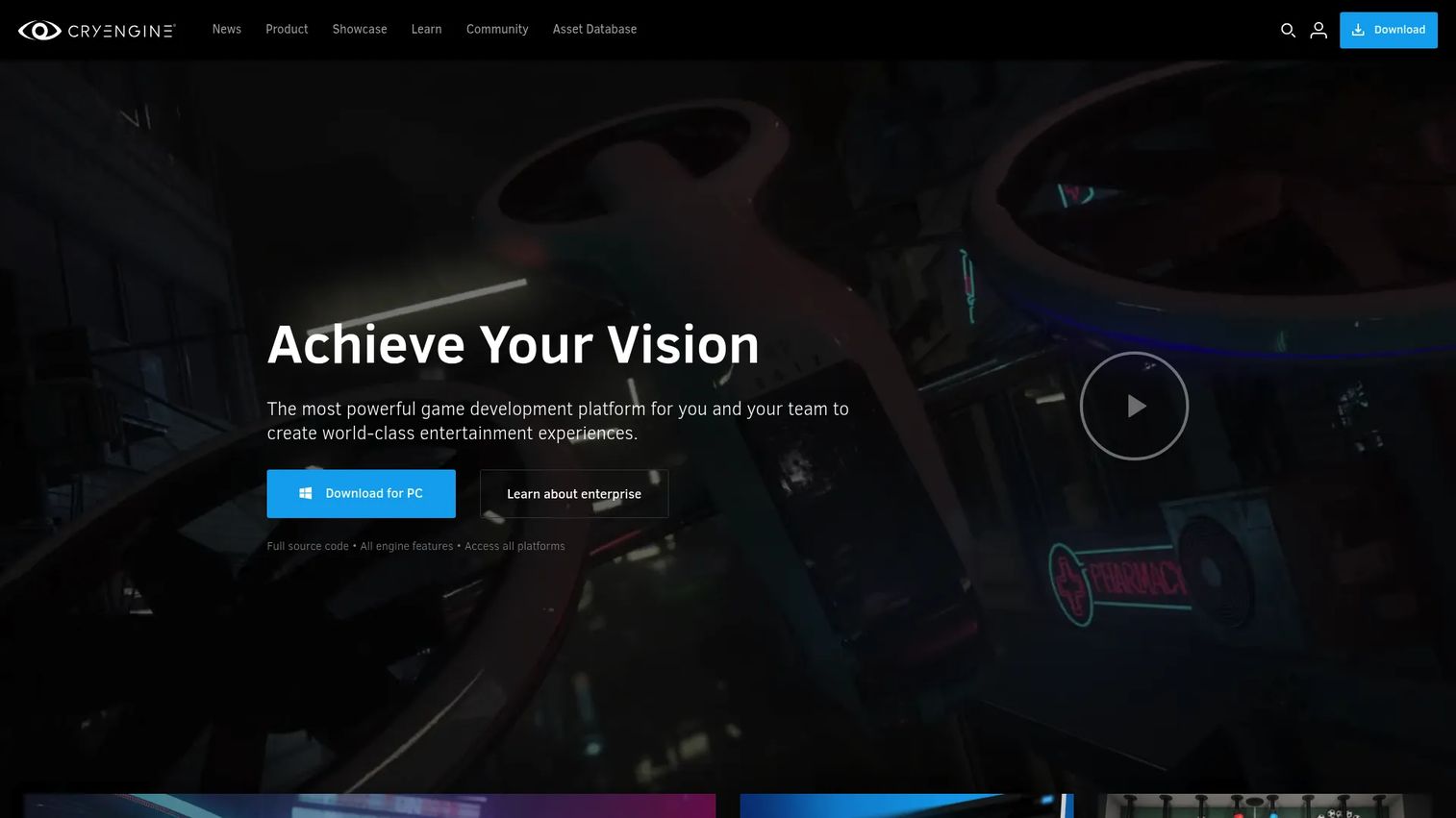
CryEngine is a real-time game development platform known for realistic outdoor environments, advanced lighting, and physics. Its Sandbox editor combines level design, material editing, and visual scripting in a single tool. CryEngine's rendering quality is well-regarded, particularly for large natural environments with dynamic weather and destructible geometry.
Best for: Teams building visually demanding VR environments with strong rendering requirements and access to specialist CryEngine developers.
Key features
- Physically based rendering with dynamic global illumination
- Sandbox editor with visual scripting and level design tools
- Built-in physics, destruction, and water simulation
- AI, navigation mesh, and procedural motion systems
- Cross-platform development support
Why choose CryEngine: CryEngine is a reasonable pick when visual fidelity rivals Unreal Engine but the team wants a royalty-based model rather than seat-based pricing. Hiring CryEngine-experienced developers is harder than hiring for Unity or Unreal, so factor that into your staffing plan before committing.
CryEngine pricing: Free to develop with. A 5% royalty applies when a project ships commercially; the first $5,000 of annual revenue per project is royalty-free. Enterprise licensing is custom.
G2 rating: 3.7/5
6. UNIGINE
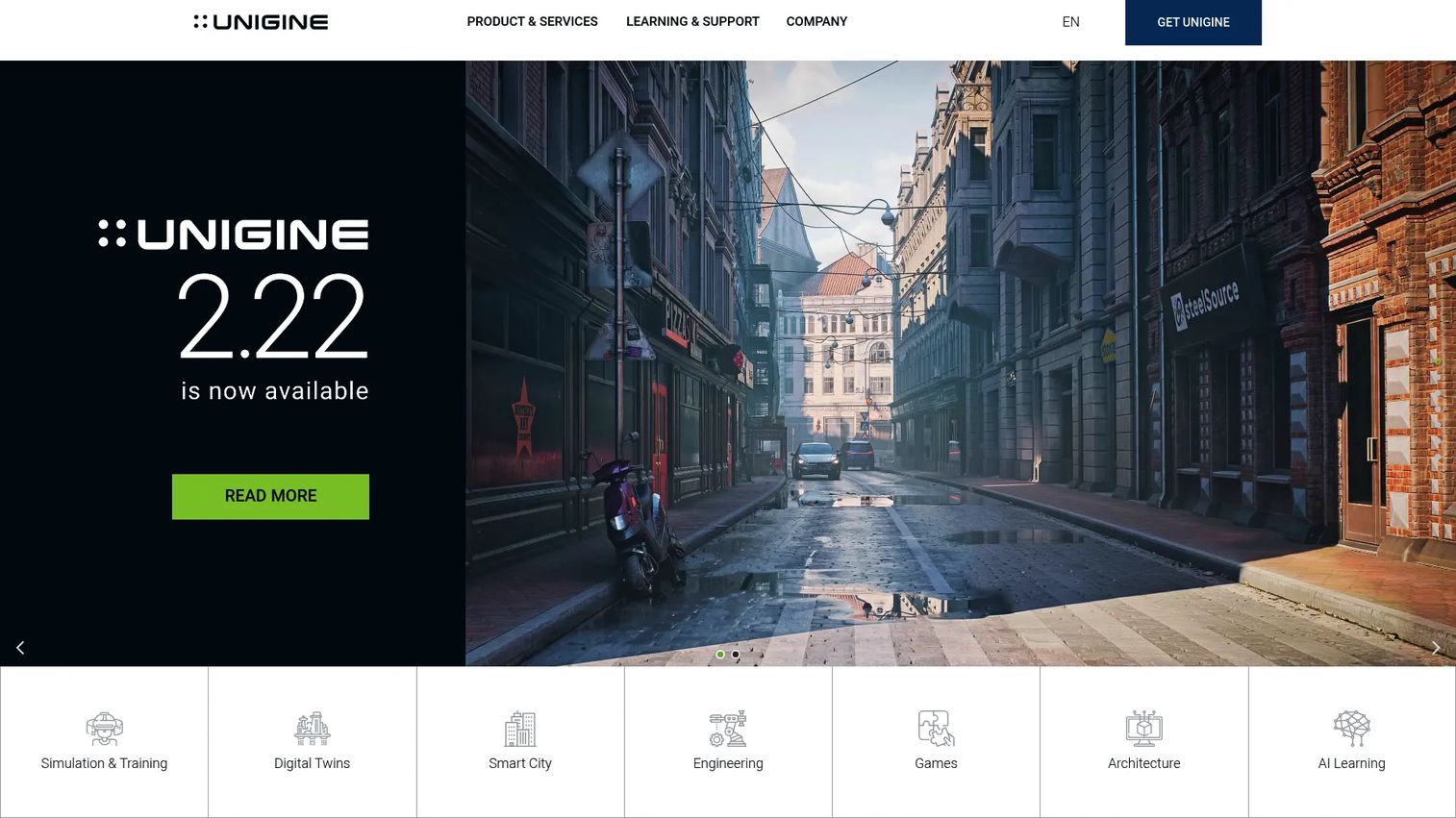
UNIGINE is a real-time 3D engine and simulation platform built for organizations that need precision at scale. Its double-precision 64-bit coordinate system supports planet-scale geospatial environments without floating-point drift, making it the engine of choice for flight simulators, digital twins, and industrial training. Sensor simulation capabilities, including camera, LiDAR, radar, and thermal, make it distinctive for autonomous systems and defense applications.
Best for: Industrial simulation, training systems, digital twins, and high-end VR visualization where precision and scale matter more than game-development convenience.
Key features
- 64-bit coordinate precision for planet-scale environments
- Sensor simulation: Camera, LiDAR, radar, and thermal
- Photorealistic rendering with vehicle physics
- C++ and C# APIs
- Community Free tier for evaluation
Why choose UNIGINE: UNIGINE is the right engine when simulation fidelity and large-world accuracy are the product requirement, not decoration. It is not a mass-market game engine, and teams should verify specialist availability before starting. The Community Free tier is a practical way to evaluate fit before committing to the Entertainment plan.
UNIGINE pricing: Community Free for hobbyists, indie teams, and students. Entertainment plan runs $9,995 per year for commercial studios. Academic Research starts at $15,595 per year. Sim pricing requires contacting the UNIGINE sales team.
G2 rating: 4.5/5
7. Amazon Lumberyard
Amazon Lumberyard was a cross-platform 3D game engine built on CryEngine roots, with AWS and Twitch integrations. Amazon no longer offers Lumberyard. The official AWS documentation states the product has been discontinued and recommends Open 3D Engine as its successor.
Best for: Teams maintaining existing Lumberyard codebases or researching the lineage of Open 3D Engine before migrating.
Key features
- Cross-platform 3D development (historical)
- AWS cloud service integration (historical)
- Twitch integration (historical)
- Visual scripting and C++ (historical)
- CryEngine-based rendering foundation (historical)
Why choose Amazon Lumberyard: This entry exists for context and migration planning, not as a new-project recommendation. If your team has a Lumberyard codebase, the practical path forward is evaluating Open 3D Engine, which shares architectural DNA and is actively maintained.
Amazon Lumberyard pricing: Lumberyard was previously available at no charge. Amazon no longer offers the product; separate AWS service costs applied during active use.
8. VIVE Wave
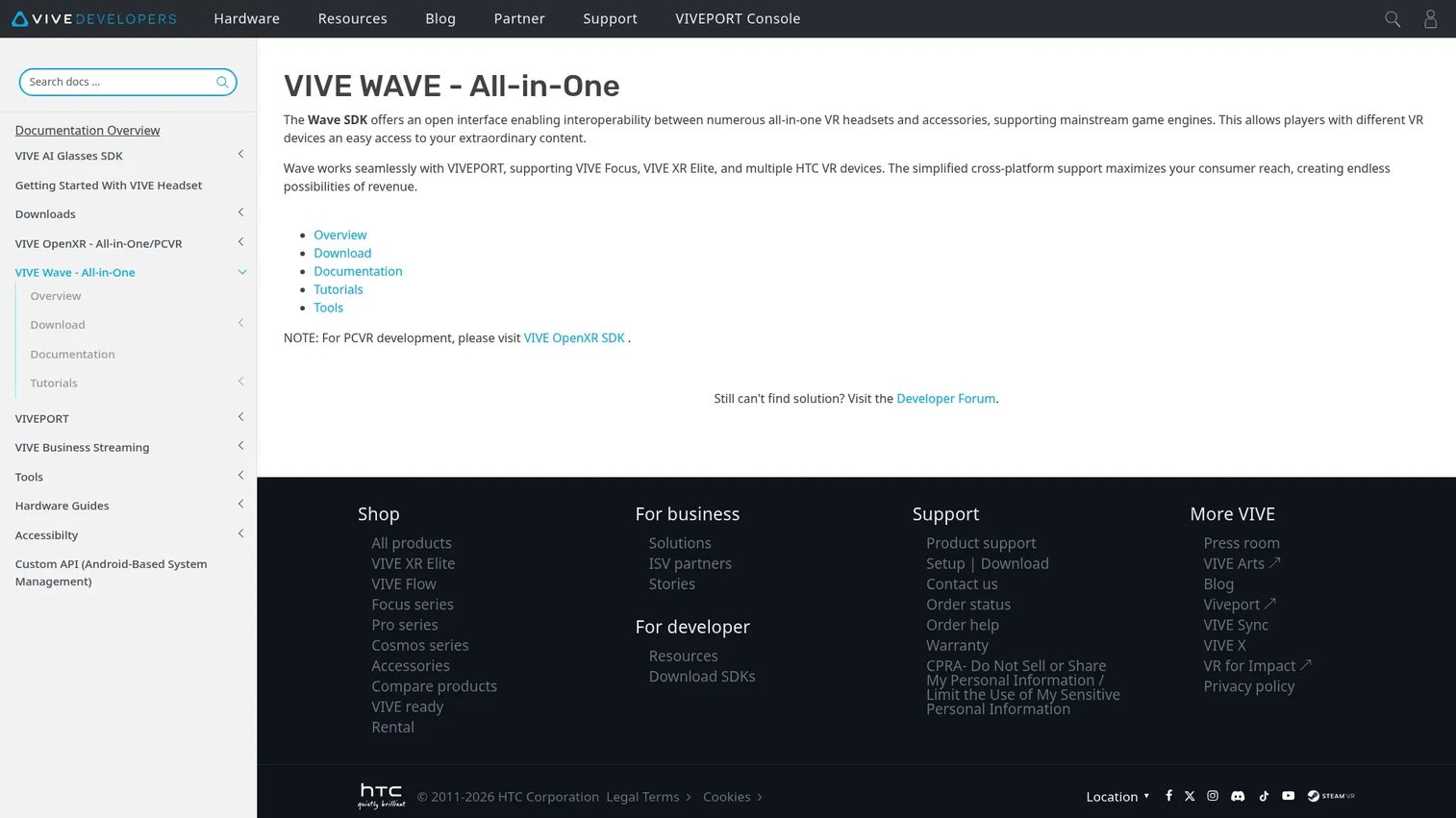
VIVE Wave is HTC's open XR runtime and toolset for developing standalone VR and mixed-reality applications on compatible VIVE all-in-one devices, including VIVE Focus and VIVE XR Elite. It is not a standalone game engine. Most teams use VIVE Wave alongside Unity or Unreal Engine to access Vive-specific hardware features that standard OpenXR plugins do not expose.
Best for: XR developers building for HTC Vive standalone headsets who need access to Vive-specific hardware capabilities beyond what OpenXR covers.
Key features
- Open interface supporting Vive all-in-one headsets
- Support for Unity, Unreal Engine, and native development
- Hand tracking and passthrough capabilities
- Scene perception APIs
- VIVE Focus and VIVE XR Elite compatibility
Why choose VIVE Wave: Hardware target is the decision driver here. If your product ships on Vive standalone devices and needs Vive-specific features, VIVE Wave gives you those APIs. It complements a broader engine rather than replacing one.
VIVE Wave pricing: VIVE Wave is a developer SDK. Contact HTC's developer program for current access terms and any associated costs.
9. A-Frame
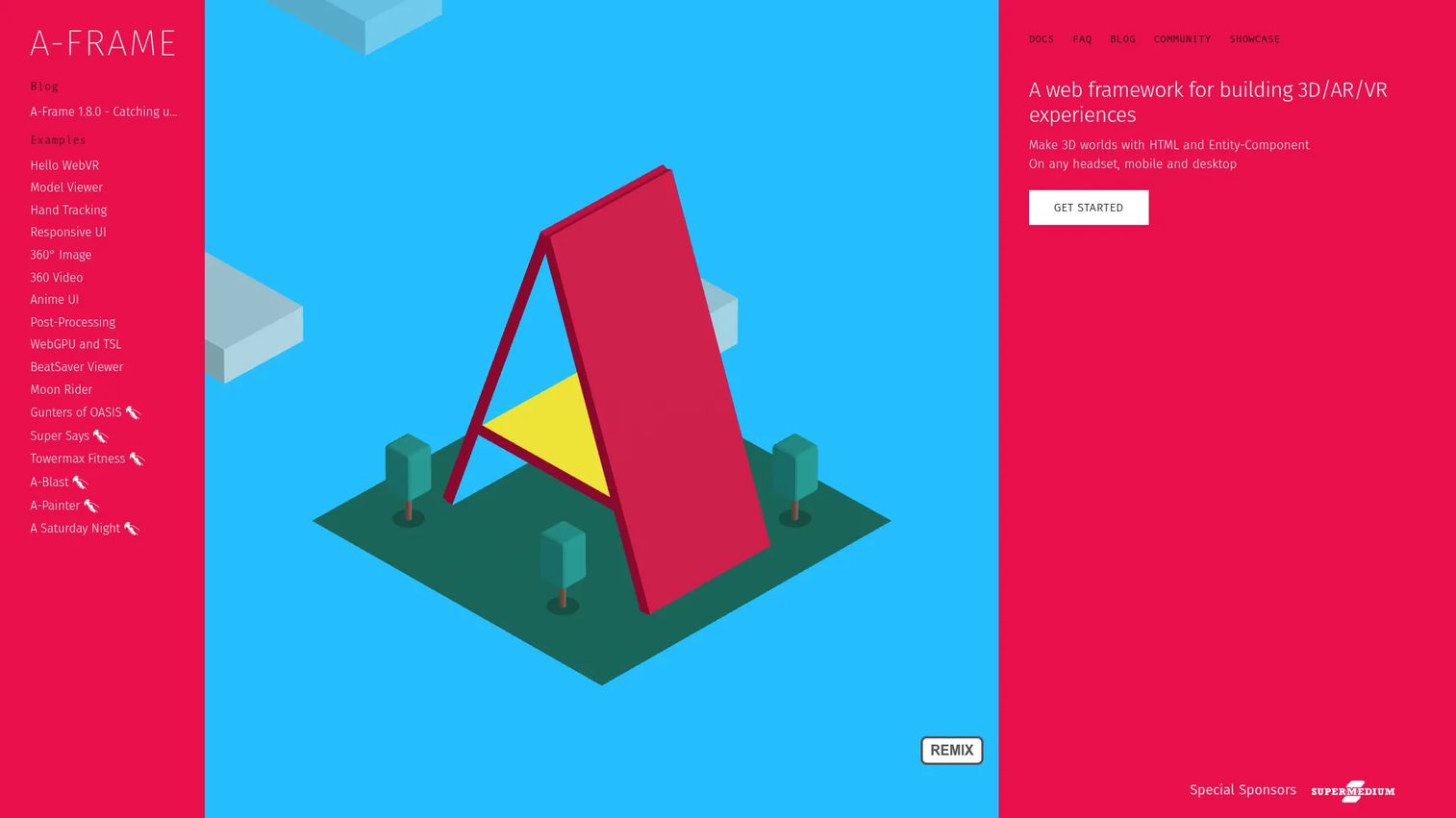
A-Frame is an open-source web framework for building 3D, AR, and VR experiences using HTML and JavaScript. It is built on three.js and exposes an entity-component architecture through declarative HTML syntax, which means designers familiar with web development can build a working VR scene without learning a game engine editor. Browser deployment removes the install barrier entirely: Users open a URL and the experience runs.
Best for: Developers, educators, and teams creating browser-based WebXR experiences, interactive prototypes, and lightweight VR accessible without a headset download.
Key features
- Declarative HTML authoring for 3D scenes
- Entity-component architecture on three.js
- Cross-platform WebXR support
- Built-in visual 3D inspector
- Core components for geometry, materials, lighting, and animation
Why choose A-Frame: A-Frame is the right tool when reach matters more than native performance. A prototype that anyone can access through a link is genuinely useful for early stakeholder validation, research studies, and educational applications. For complex physics, high-fidelity rendering, or store-distributed headset games, a native engine is the appropriate choice.
A-Frame pricing: Free and open source. No paid tiers.
G2 rating: 4.8/5
10. Panda3D
Panda3D is an open-source 3D rendering and game development framework with Python and C++ support. Disney developed it originally for internal production, and Carnegie Mellon University maintains it now. Its scene graph architecture and Python integration make it a strong match for research teams, academic projects, and developers who want to script complex behaviors quickly rather than configure a visual editor.
Best for: Programmers building customizable 3D games, simulations, or research applications who prefer Python-driven workflows over editor-centric engines.
Key features
- Python scripting with rapid prototyping workflow
- Portable C++ core with cross-platform support
- Flexible asset pipeline supporting multiple 3D formats
- Bullet physics, OpenAL audio, and shader support
- Performance profiling via pstats
Why choose Panda3D: Panda3D suits teams where scripting control and open-source licensing matter more than a polished editor experience. VR-specific workflows require more engineering assembly than you would get from Unity or Godot, so validate headset SDK availability and required integrations before starting a VR project here.
Panda3D pricing: Free and open source. No paid tiers.
G2 rating: 3.5/5
11. UPBGE
UPBGE is an open-source, Blender-integrated game engine that extends the concept of the legacy Blender Game Engine. The engine runs inside Blender, which means teams that model and animate in Blender can move from asset creation to interactive prototype without exporting to a separate tool. It supports Logic Bricks for visual scripting, Logic Nodes, and Python for more complex behaviors.
Best for: Developers and artists already working in Blender who want to add real-time interactivity to their 3D work without switching tools.
Key features
- Real-time engine fully integrated inside Blender
- Bullet physics with rigid bodies, soft bodies, and pathfinding
- Logic Bricks and Logic Nodes for visual scripting
- Python scripting with PyPI library access
- Exportable runtimes for Windows, Linux, and macOS
Why choose UPBGE: The value of UPBGE is tight Blender integration. If your team builds assets in Blender and wants to prototype interactive experiences without a full engine context switch, UPBGE removes that friction. For mainstream VR publishing, validate the deployment path and headset support early, as UPBGE's VR ecosystem is smaller than Unity's or Godot's.
UPBGE pricing: Free and open source. No paid tiers.
12. AppGameKit
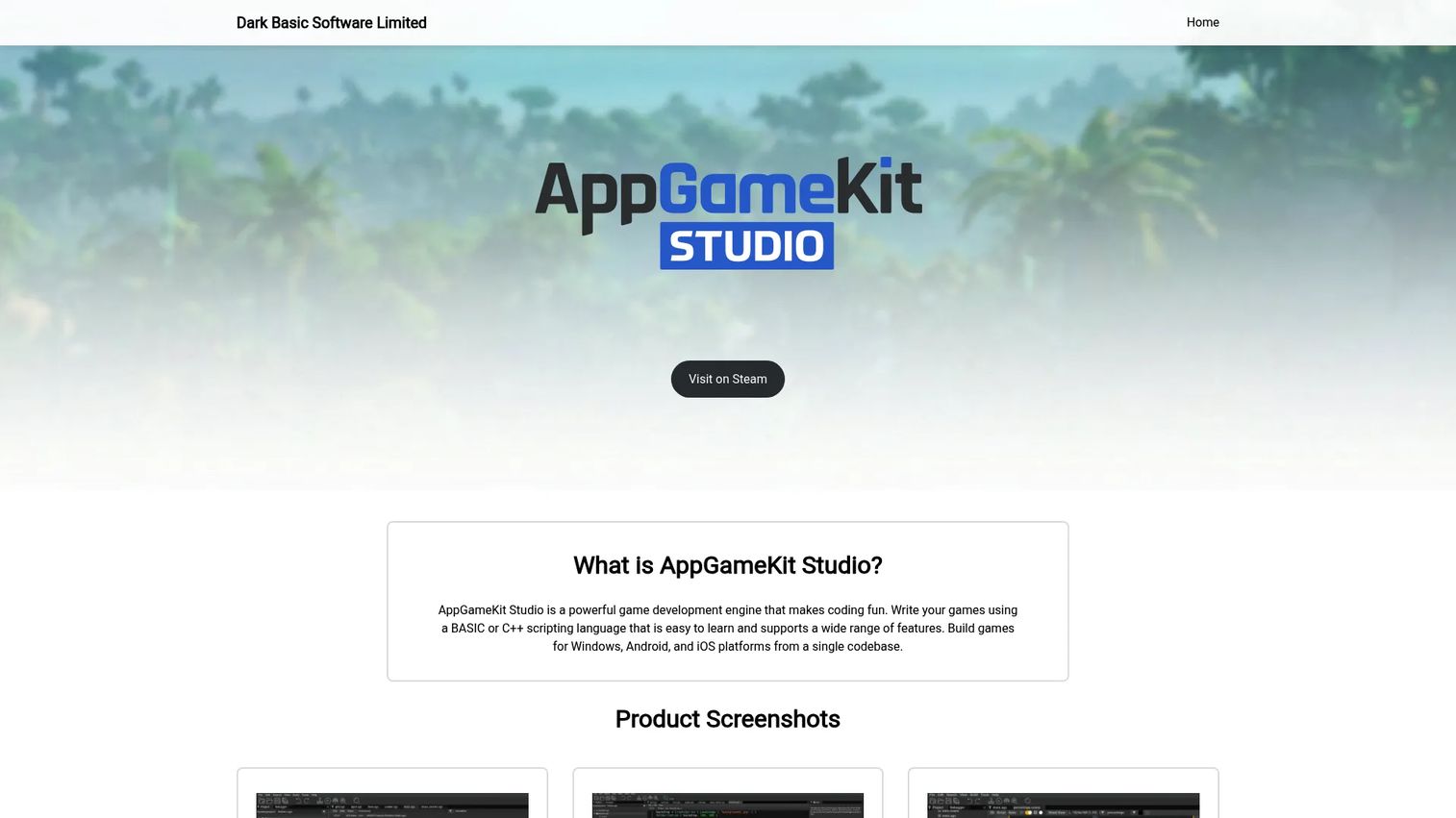
AppGameKit is a cross-platform game development tool designed for accessibility. Its scripting language is intentionally simple, and it supports 2D, 3D, and some AR/VR functionality across a wide range of export targets including iOS, Android, Windows, macOS, HTML5, and Raspberry Pi. It appears in VR engine roundups because of its stated AR and VR support, but teams should verify current headset compatibility before assuming it fits a specific VR production target.
Best for: Hobbyists and indie developers learning game development or testing simple 3D and interactive concepts before moving to a heavier engine.
Key features
- Simple scripting language with fast onboarding
- 2D and 3D engine with shader and lighting support
- AR and VR support (verify current headset coverage)
- Cross-platform export to mobile, desktop, and web
- Royalty-free commercial licensing
Why choose AppGameKit: AppGameKit is approachable for teams at the beginning of their game development journey. For complex VR production targeting specific headsets, evaluate whether its VR capabilities match your actual target before committing to a development sprint.
AppGameKit pricing: The official order page lists AppGameKit Classic and an Unlimited bundle.
G2 rating: 4.2/5
Considerations
Headset and platform fit
List your exact target devices before evaluating any engine. A standalone Meta Quest build runs on Android hardware with a mobile GPU. A PC VR experience on a Valve Index has a completely different performance ceiling. WebXR targets a browser runtime. Each of these demands different engine settings, build pipelines, and SDK integrations, and not every engine supports all of them equally.
Performance budget
VR performance is not cosmetic. A frame drop causes discomfort or motion sickness, which ends the user session. Evaluate each engine's profiling tools, its support for foveated rendering on standalone headsets, and its documentation on draw call limits and shader complexity. Ask the engine community what frame-rate targets are realistic for your target hardware before finalizing your choice.
Team skill and hiring market
The best engine for your project is often the one your team can maintain for two years without heroics. Unity has the deepest hiring pool. Unreal Engine is well-understood but requires more specialized optimization experience. Godot's pool is growing. Open-source engines like O3DE and Panda3D require engineers comfortable working closer to the metal.
Licensing and commercial risk
Map your licensing exposure before starting. Royalty models (Unreal, CryEngine) can surprise finance teams at revenue milestones. Open-source licenses (MIT for Godot, Apache 2.0 for O3DE) carry no royalties but may have attribution and distribution requirements. Commercial simulation tools like UNIGINE use annual subscription pricing that needs to appear in the project budget from day one.
Asset and plugin ecosystem
Prefabs, controller integrations, and ready-made VR locomotion systems reduce the time between prototype and something shippable. Unity's Asset Store and Unreal's Marketplace are the largest. Godot's asset library is growing but smaller. Open-source engines typically rely on community contributions and manual integration. Treat ecosystem depth as a roadmap risk factor: The thinner the ecosystem, the more your team builds from scratch.
Conclusion
For most teams evaluating VR game engines in 2026, Unity is the safest starting point. It covers more headsets, has the largest hiring pool, and ships faster from prototype to build than any alternative. Unreal Engine is the right choice when visual fidelity is the product differentiator and the team has the optimization experience to back it up. Godot Engine is worth a serious look for any team that wants MIT-licensed freedom and is building for platforms where its XR support is confirmed.
Enterprise simulation teams should put UNIGINE and Open 3D Engine through a parallel evaluation, since the right answer depends heavily on whether an Apache license or a subscription model fits the procurement model. Teams building for the web should start with A-Frame, which removes the install barrier and makes early stakeholder validation genuinely low-friction.
The most useful evaluation exercise: Pick two or three engines, build the same five-minute VR interaction in each, then compare build time, headset deployment steps, frame rate on your target hardware, and how confident the team feels maintaining it. The engine that wins that test is the one to ship with.
For related software research, our guides on 3D rendering software, 3D visualization software, AR development software, and best 3D modeling software cover adjacent tool categories worth reviewing alongside your VR engine decision.
FAQs
Unity is the safest default for most teams, covering the widest range of headsets, offering C# scripting, and providing the largest asset ecosystem. Unreal Engine is stronger for premium visual quality, while Godot Engine is the most capable open-source alternative with zero licensing cost. The best choice depends on target headset, team skill, and licensing model rather than a single universal ranking.
Unity is generally faster to get a working VR build onto a headset, especially for Meta Quest standalone, where its Universal Render Pipeline is well-documented for mobile GPU optimization. Unreal Engine produces higher visual fidelity through Lumen and Nanite, but those systems require more GPU budget and optimization experience. For teams with rendering engineers targeting PC VR or high-end standalone hardware, Unreal is competitive. For teams that need cross-platform coverage and faster iteration, Unity is the lower-risk choice.
Godot has functional OpenXR support and a growing XR community, making it a credible option for VR projects. Its MIT license is its strongest differentiator over commercial alternatives. Before committing to it for a production VR title, validate that your specific target headset's SDK is supported by the available Godot plugins, and confirm that the plugin you need is actively maintained against current headset firmware.
Unity is the most commonly used engine for Quest development, and Meta's developer documentation provides Unity-specific guidance. Unreal Engine can work for high-end Quest experiences, though the GPU budget on Quest's mobile hardware is more limiting than PC VR. Godot is a viable open-source path for Quest development, but requires additional validation of the XR plugin's current Quest compatibility before starting a full production cycle.
Godot, Open 3D Engine, Panda3D, and UPBGE are all production-capable in the right context. Production readiness depends on four factors: The target headset and whether that device's SDK has a mature plugin for the engine, the engineering team's ability to self-support without a commercial vendor, the depth of documentation for the VR-specific features you need, and how actively the community maintains the XR components. Godot is the most production-proven of the four for mainstream VR targets.
Headset compatibility is the starting constraint: The engine must support your target device's SDK. Frame-rate stability is the performance floor, since VR comfort depends on it. Developer workflow and hiring availability determine how fast the team can move. Licensing terms affect budget and commercial risk at revenue milestones. Asset and plugin ecosystem depth reduces how much the team builds from scratch. Address each of these before running a proof-of-concept sprint.
A-Frame is excellent for WebXR, educational experiences, browser-accessible prototypes, and research applications where reach matters more than rendering complexity. It does not replace native engines for complex physics simulations, high-fidelity rendering, or games distributed through store platforms like the Meta App Lab or SteamVR. Many teams use A-Frame for early validation, then move to Unity or Godot for the shipped product.
Run a structured sprint: Pick two or three candidate engines, build the same short interaction in each (a 5-minute walkthrough with one controller interaction and one UI element), then compare four metrics: Time to get a working build on the target headset, frame rate at that resolution, how much custom code the team had to write, and how confident the team feels maintaining it for 18 months. That exercise surfaces the real tradeoffs faster than any spec sheet comparison.