



Your virtual event had 800 registrations. By the keynote, 300 people were still watching. By the breakout sessions, you were down to 90.
Most teams blame the content. Better speakers, they think. Sharper sessions. A tighter agenda. They are solving the wrong problem.
The drop-off usually starts with the platform. Attendees fight a clunky login, land in a session that buffers, and can't figure out how to join a networking room. So they leave. And a one-time event that should have fed your pipeline becomes a spreadsheet of names you can't do anything with.
The right virtual conference software changes that math. It handles registration, streaming, networking, and lead capture in one place, then pushes clean data into your CRM so you can actually prove the event mattered. The global virtual event platform market is projected to reach USD 19.1 billion in 2026, according to Research and Markets (2026). Buyers have options. The trick is matching the platform to how your event actually runs.
What's inside
This guide is built for marketers and event owners comparing virtual event platforms before they commit budget.
Here's what it covers:
- What virtual conference software is and how it differs from a basic webinar tool
- How the seven top platforms compare on pricing, engagement, and lead capture
- Which tools fit webinars, full conferences, networking sessions, and hybrid events
- A buyer's checklist for judging integrations, branding, and event ROI
We selected platforms based on event-format fit, engagement and networking depth, lead capture and CRM integration, and pricing transparency, the factors that matter most when an event has to justify its cost.
TL;DR
- Best for all-in-one virtual conferences: Zoom Events, for teams already standardized on Zoom.
- Best for networking-first experiences: Remo, when conversation matters more than passive viewing.
- Best for enterprise-scale events: Webex Events, for governed, large-scale programs.
- Best for branded, immersive expos: vFairs, for trade shows and career fairs.
- Best for lead-gen marketing teams: ON24, for demand-gen webinars with deep analytics.
- Best for balanced marketing events: Airmeet, for interactive webinars and meetups.
- Best for flexible multi-format programs: Hopin, for teams running varied event types.
What is virtual conference software
Virtual conference software is a platform that hosts online events, webinars, conferences, exhibitions, networking sessions, and hybrid experiences from a single system. It combines registration, live streaming, audience engagement, and analytics so teams run an entire event without stitching together separate tools.
An online events platform typically bundles capabilities that a standalone video call cannot. Here's what to look for:
- Registration and attendee management: custom registration pages, ticketing, approval workflows, and attendee lists that sync to your marketing stack.
- Live streaming and session hosting: multi-session agendas, keynotes, breakouts, and pre-recorded or simulive content across single or multi-day programs.
- Networking and engagement tools: chat, Q&A, polls, breakout rooms, attendee matching, and sponsor or exhibitor booths.
- Analytics and lead capture: session attendance, engagement scoring, poll responses, and lead data you can push to sales.
- Integrations with CRM and marketing automation: connections to Salesforce, HubSpot, Marketo, and analytics tools so event signals feed nurture and scoring.
The difference between virtual event software and a plain video call comes down to structure. A video call handles one room. A virtual conference platform handles a program: many sessions, many attendees, sponsor value, and the data trail that tells you what worked.
When to use virtual conference software
Not every online event needs a dedicated platform. Here's when one earns its place.
Run large online events without stitching together separate tools
When your event has multiple sessions, hundreds of attendees, and a real agenda, piecing together a streaming tool, a registration form, and a separate chat app breaks down fast. Attendees get lost between links. You lose the data trail. A dedicated online conference platform keeps registration, sessions, and engagement under one roof, so attendees move through the event without friction and you keep one clean record of who did what.
Capture leads from webinars and product events
For marketers, the event is a pipeline source, not just a broadcast. The right platform ties registration data, session attendance, and poll or Q&A activity to individual contacts. That behavior becomes a lead score. Feed it into your CRM and you can prioritize follow-up by intent instead of guessing. This is where a strong virtual event platform separates itself from a webinar tool that only reports raw attendance.
Host networking-heavy or sponsor-driven events
Some events live or die on connection. Community meetups, user conferences, and sponsor-driven expos need breakout rooms, attendee matching, or virtual booths, not just a one-way stream. If your goal is conversation between attendees, or measurable value for sponsors, prioritize a platform built for interaction over one built for broadcast.
Comparison table
The right pick depends on what you prioritize: networking depth, registration and ticketing, branded expo environments, or pipeline capture. A team running a demand-gen webinar program has different needs from one hosting a multi-day hybrid conference. Use the table to shortlist, then read the sections below for fit.
| # | Product | Best for | Key differentiator | Pricing | G2 rating |
|---|---|---|---|---|---|
| 1 | Zoom Events | All-in-one virtual and hybrid events | Familiar Zoom backbone with expo and lobby | Pay-per-attendee, from $2.50/attendee over prepaid seats | Not published |
| 2 | Hopin | Flexible multi-format event programs | Virtual venue with branding and networking | Contact sales; free tier available | Not published |
| 3 | Webex Events | Enterprise-scale hybrid programs | Governance and large-scale delivery | Contact sales; free version up to 100 attendees | 4.6/5 |
| 4 | Remo | Networking-first interactive events | Table-based virtual floors | From $299/month | 4.5/5 |
| 5 | Airmeet | Balanced webinar and event marketing | Networking lounges and speed networking | From $167/month | 4.4/5 |
| 6 | vFairs | Branded, immersive expos | Custom virtual environments | Custom, quote-based | 4.7/5 |
| 7 | ON24 | Demand-gen and lead capture | Deep engagement analytics | Contact sales | 4.3/5 |
Best 7 virtual conference software tools for 2026
Below is a closer look at each platform: who it fits, what stands out, and where the pricing lands.
1. Zoom Events
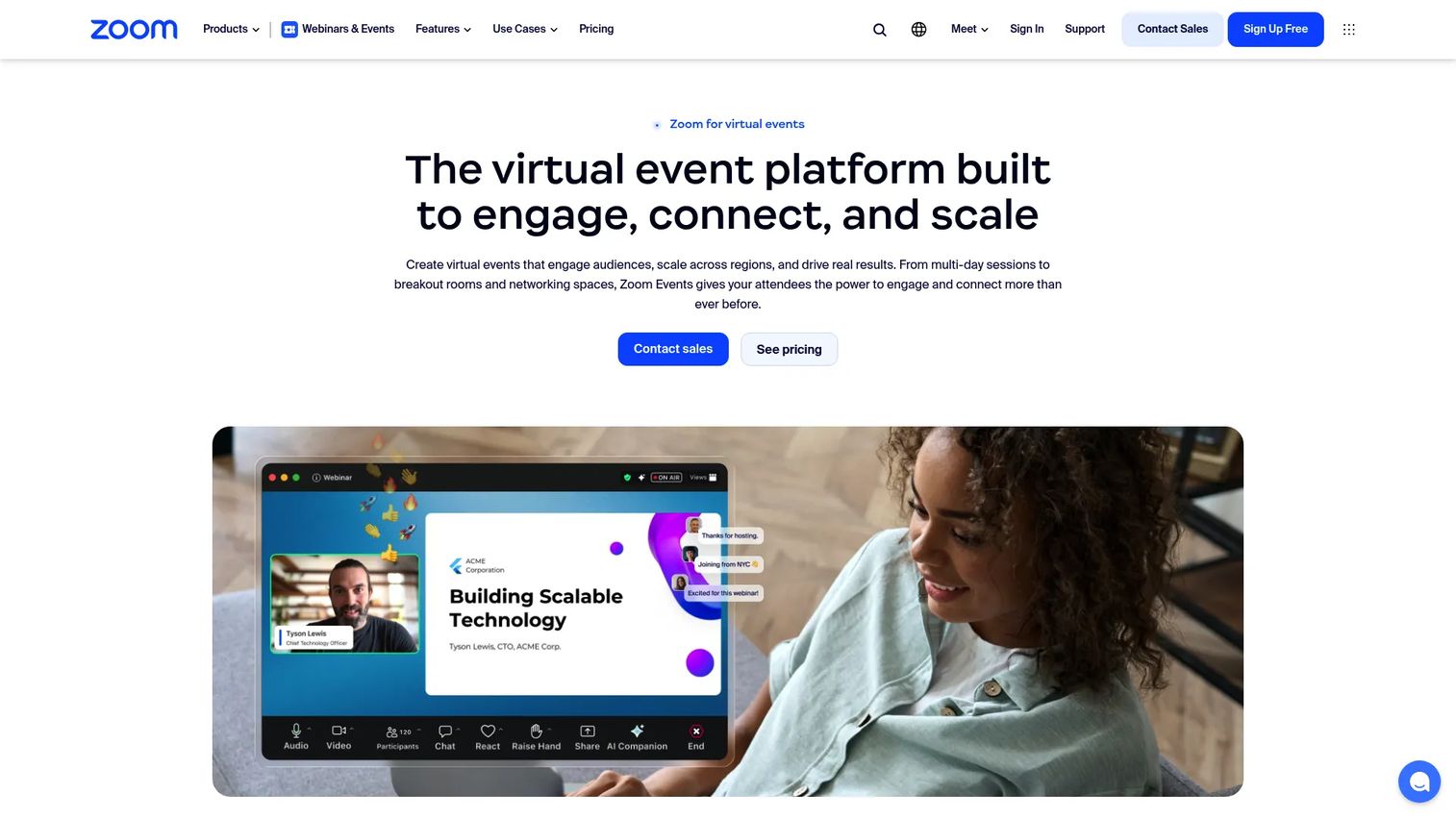
Zoom Events builds a full event layer on top of the Zoom backbone most teams already know. It handles multi-session, multi-day virtual and hybrid events with ticketing, a lobby experience, and an expo floor for sponsors. For teams standardized on Zoom, adoption friction is close to zero because attendees already know the video interface.
Best for: Mid-market and enterprise teams already running on Zoom who want to add structured, branded events without a new video tool.
Key strengths
- Multi-session programming across single or multi-day agendas
- Lobby experience to orient and route attendees
- Expo floor for sponsor and exhibitor visibility
Why choose Zoom Events: If your attendees and team already live in Zoom, this removes the learning curve that sinks first-time platform launches. You get event structure without asking anyone to figure out unfamiliar streaming controls.
Zoom Events pricing: Zoom prices Zoom Events based on the number of event attendees per event, and does not restrict the number of events or event hubs. Support documentation lists a $2.50 USD per-attendee fee for attendees over prepaid seats, alongside Pay-Per-Attendee and Unlimited plan structures.
2. Hopin
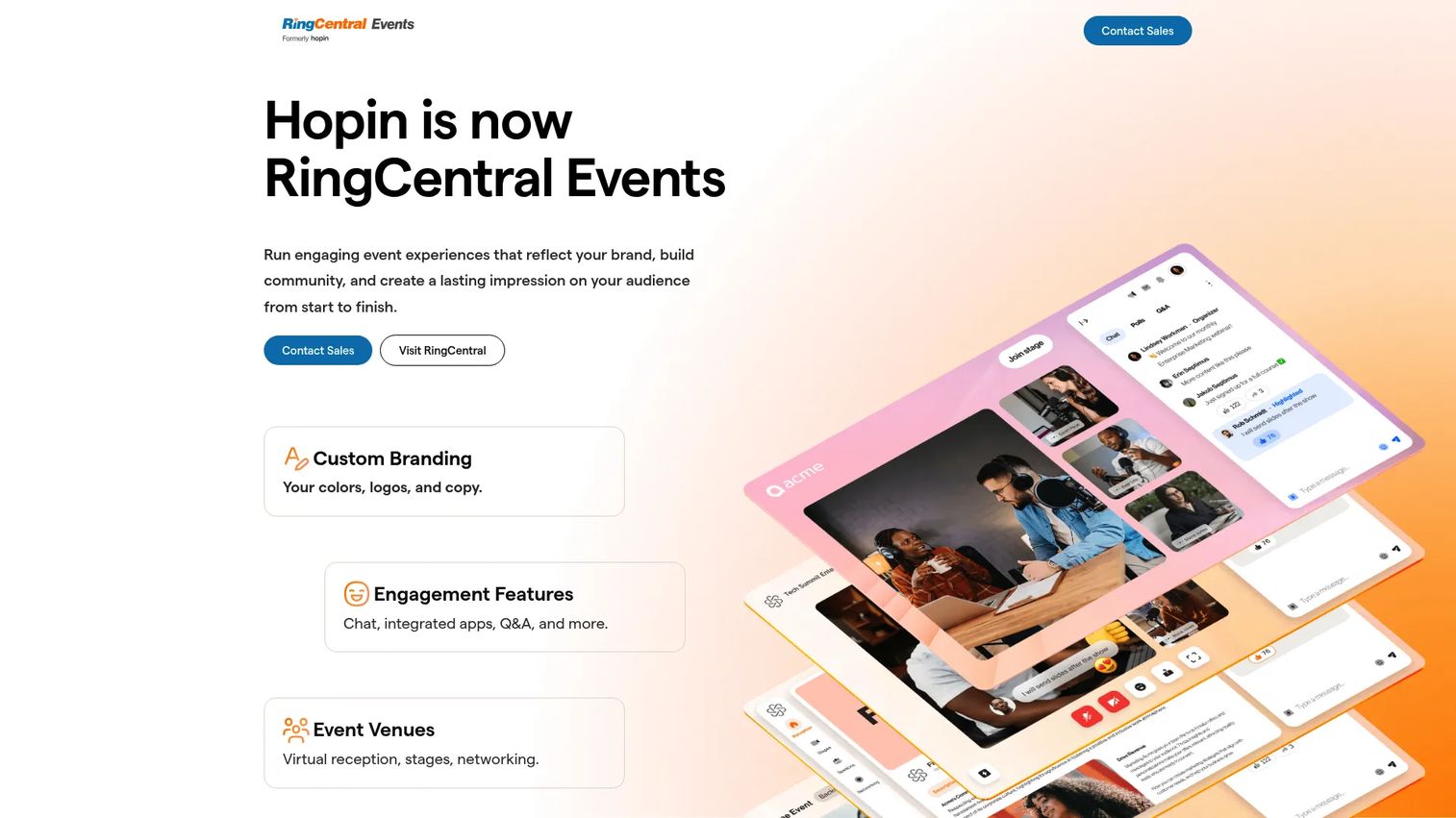
Hopin is an all-in-one event management platform for virtual, hybrid, and online events, now part of RingCentral Events. It centers on a virtual venue with distinct event areas, live video engagement, networking, ticketing, and event analytics. The format flexibility is the draw: one platform that adapts to a webinar, a conference, or an expo-style program.
Best for: Teams running varied event types who want a single platform for branding, engagement, and networking across formats.
Key strengths
- Virtual venue with configurable event areas
- Live video engagement and attendee networking
- Ticketing and event analytics in one place
Why choose Hopin: If your event calendar spans different formats through the year, a flexible venue beats maintaining separate tools for each. It fits teams that want branding and networking without locking into one rigid event shape.
Hopin pricing: Hopin offers a free tier, and its paid starter and growth plans are billed monthly or annually. Public base prices were not listed on its primary product pages during review, so request a quote from the sales team for current figures on paid plans.
3. Webex Events
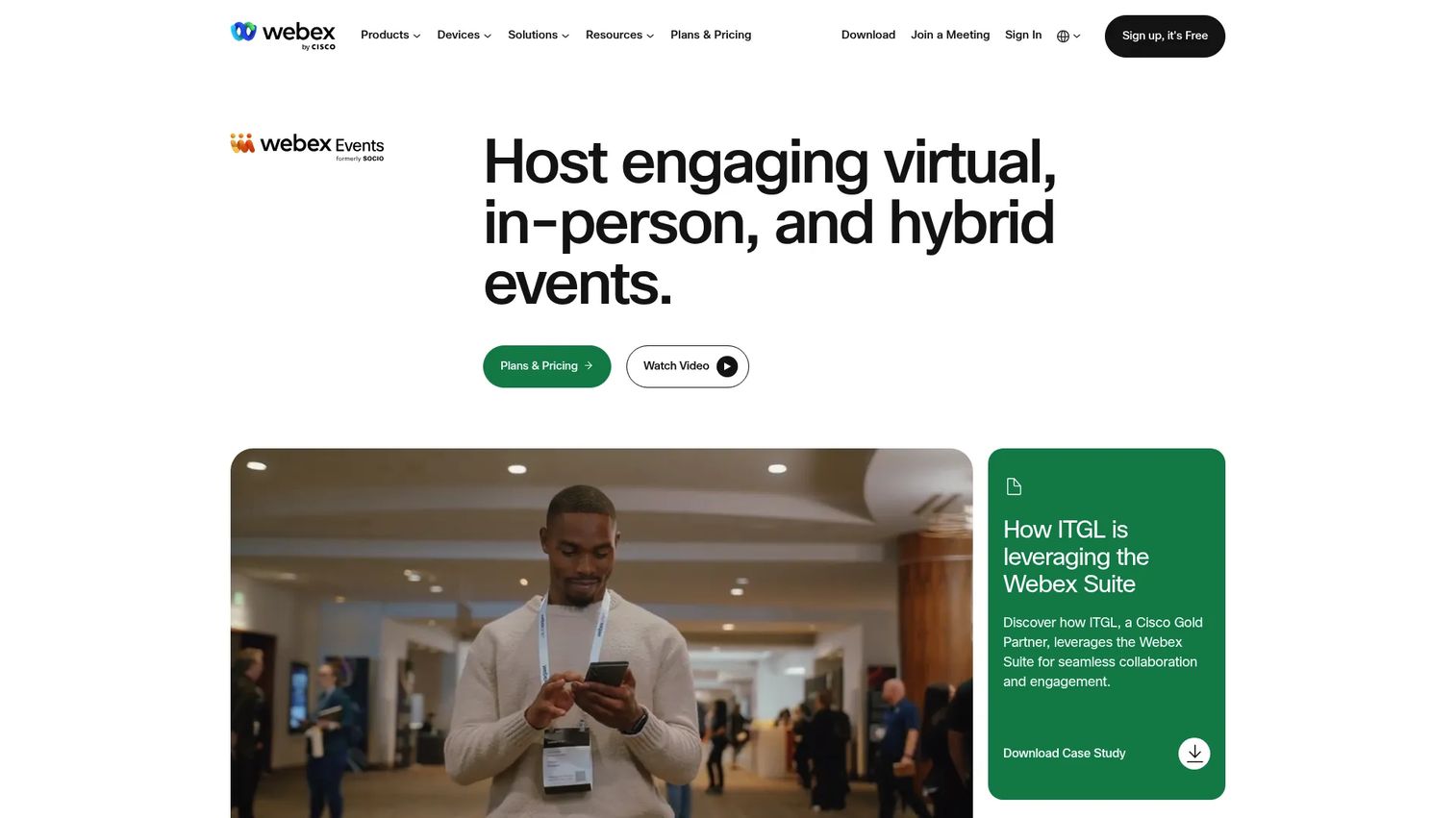
Webex Events is an event management platform for virtual, in-person, hybrid, and community events, built for organizations that need governance and scale. It delivers end-to-end event management with branding, networking, gamification, streaming, reporting, and integrations. The strength here is running large, structured programs with the controls enterprise operations require.
Best for: Organizations that need a single platform for large-scale hybrid event programs with governance and reporting built in.
Key strengths
- End-to-end event management across formats
- In-person, virtual, and hybrid event support
- Branding, networking, gamification, streaming, and reporting
Why choose Webex Events: When your events run at scale and pass through security or procurement review, the governance and enterprise controls matter more than a flashy interface. It suits structured event operations that need consistency across many events.
Webex Events pricing: Webex Events is available as part of select Suite Enterprise Agreements, so pricing is contact-sales. Webex offers a free version supporting up to 100 attendees, which is a practical way to trial the platform before an enterprise commitment. It holds a 4.6/5 rating on G2.
4. Remo
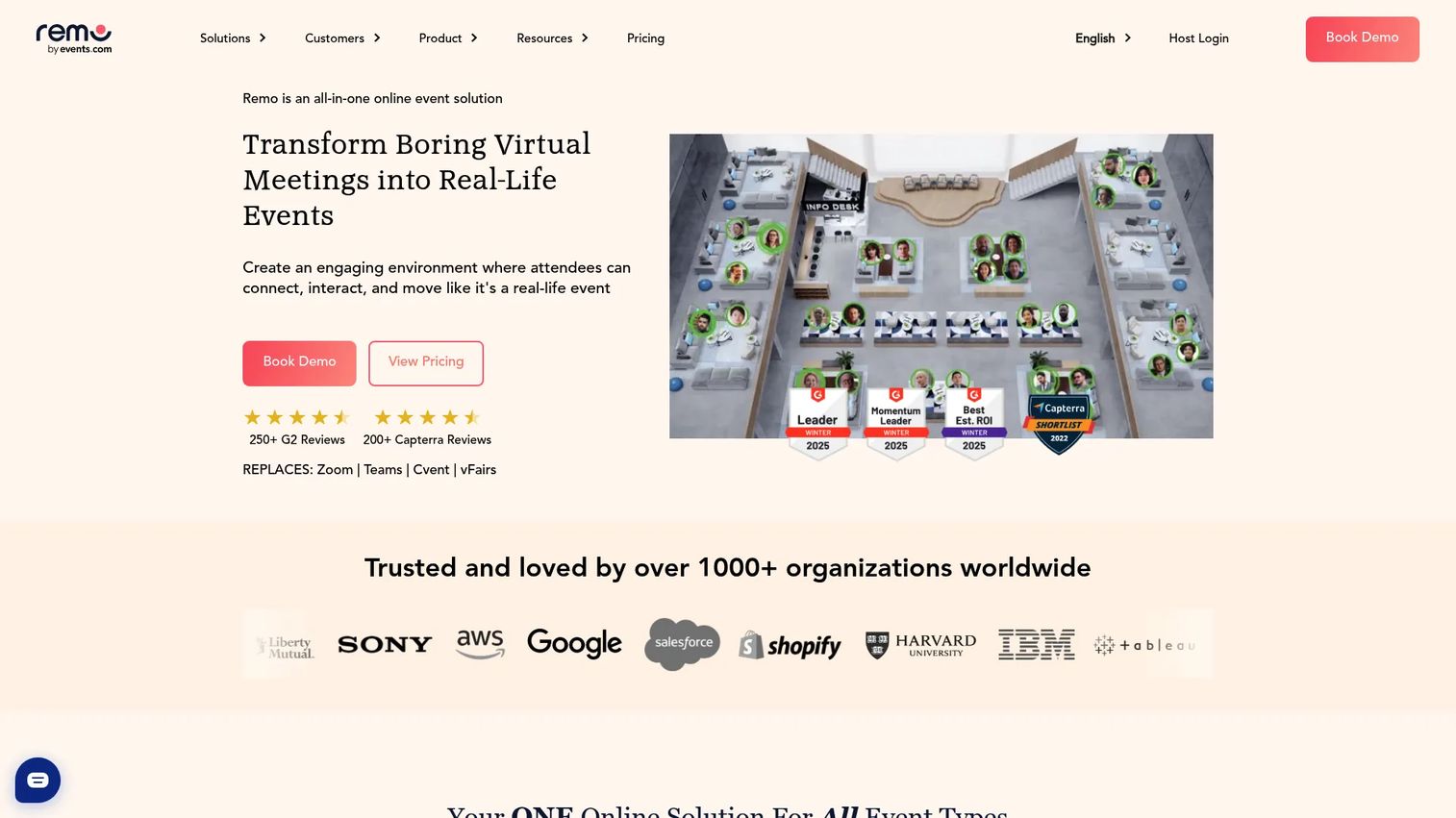
Remo is a virtual event platform built around interactive networking. Its signature feature is table-based virtual floors: attendees sit at tables, move between them, and hold real conversations instead of watching a one-way stream. It also supports 3D floor plans, polls, quizzes, Q&A, a whiteboard, and ticketing.
Best for: Teams hosting interactive virtual events, webinars, conferences, or networking sessions where attendee conversation is the point.
Key strengths
- Table-based virtual networking floors
- 3D floor plans for immersive layouts
- Polls, quizzes, Q&A, whiteboard, and ticketing
Why choose Remo: When engagement matters more than passive attendance, the table format changes how attendees behave. It fits community events, user meetups, and any program where you want people talking to each other, not just to the screen.
Remo pricing: Remo's Starter plan begins at $299/month, billed quarterly or annually. One-Time Events start at $699 per event, and Enterprise is a custom quote. A 14-day free trial is available. Remo Conference holds a 4.5/5 rating on G2.
5. Airmeet
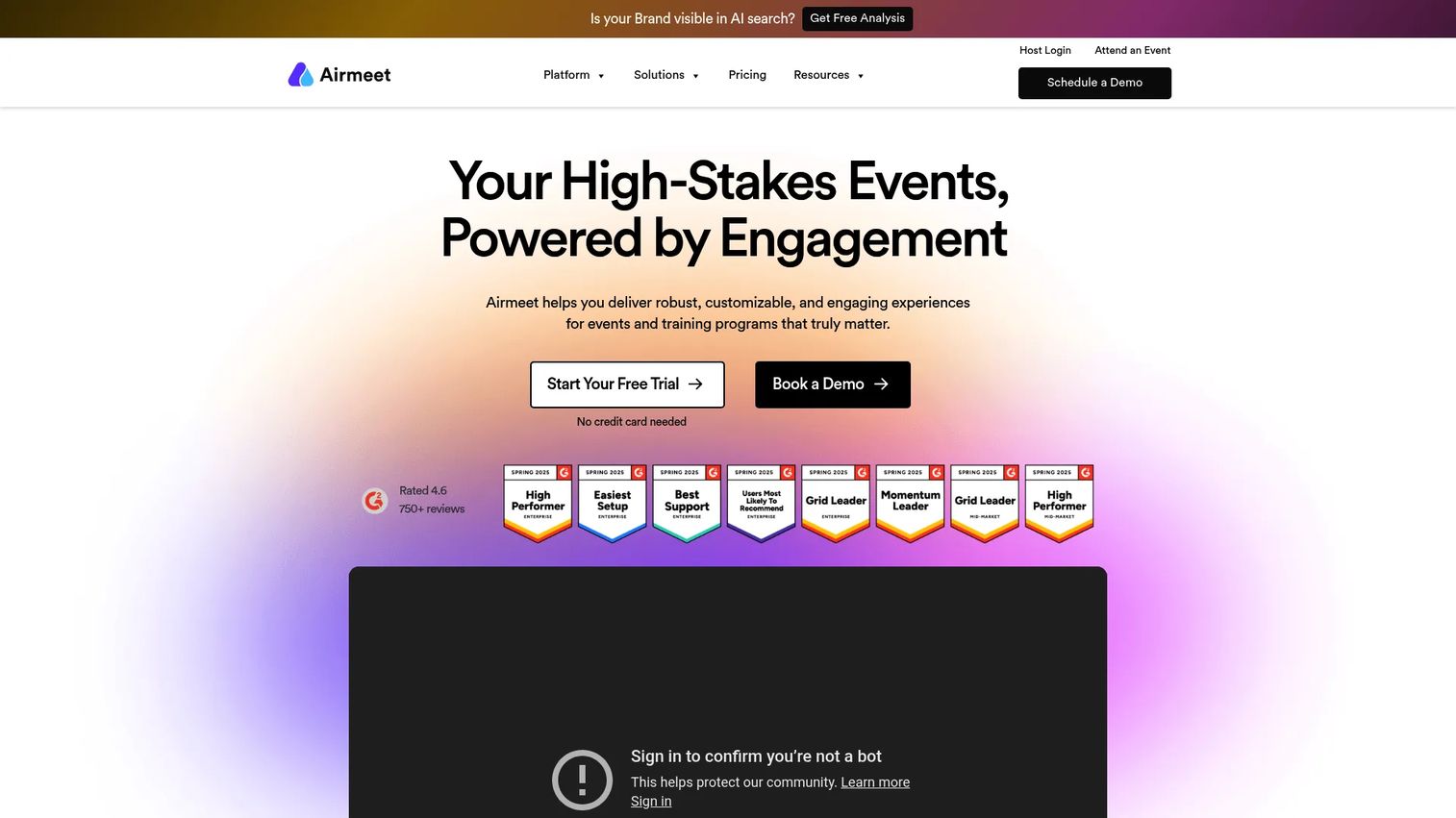
Airmeet is a virtual event and webinar platform for branded online, hybrid, and managed events. It balances broadcast and interaction with branded webinars plus networking features like a social lounge, speed networking, and breakout rooms. That mix makes it a solid middle ground for marketing teams that want engagement without a heavy expo build.
Best for: Teams running interactive webinars, virtual events, or hybrid events that need real networking features alongside the main stage.
Key strengths
- Branded webinars and virtual events
- Networking via social lounge, speed networking, and breakout rooms
- Hybrid and managed event options
Why choose Airmeet: For a marketing team that wants more than a webinar but less overhead than a full expo platform, Airmeet lands in the balanced middle. The managed event option also helps when you want production support rather than a fully self-run event.
Airmeet pricing: Airmeet's Premium Webinars plan starts at $167/month, with a discount on yearly billing. The Events plan is quote-based, Managed Events start from $4999 per event, and an Agency Plan is quote-based. A free tier is available. Airmeet holds a 4.4/5 rating on G2.
6. vFairs
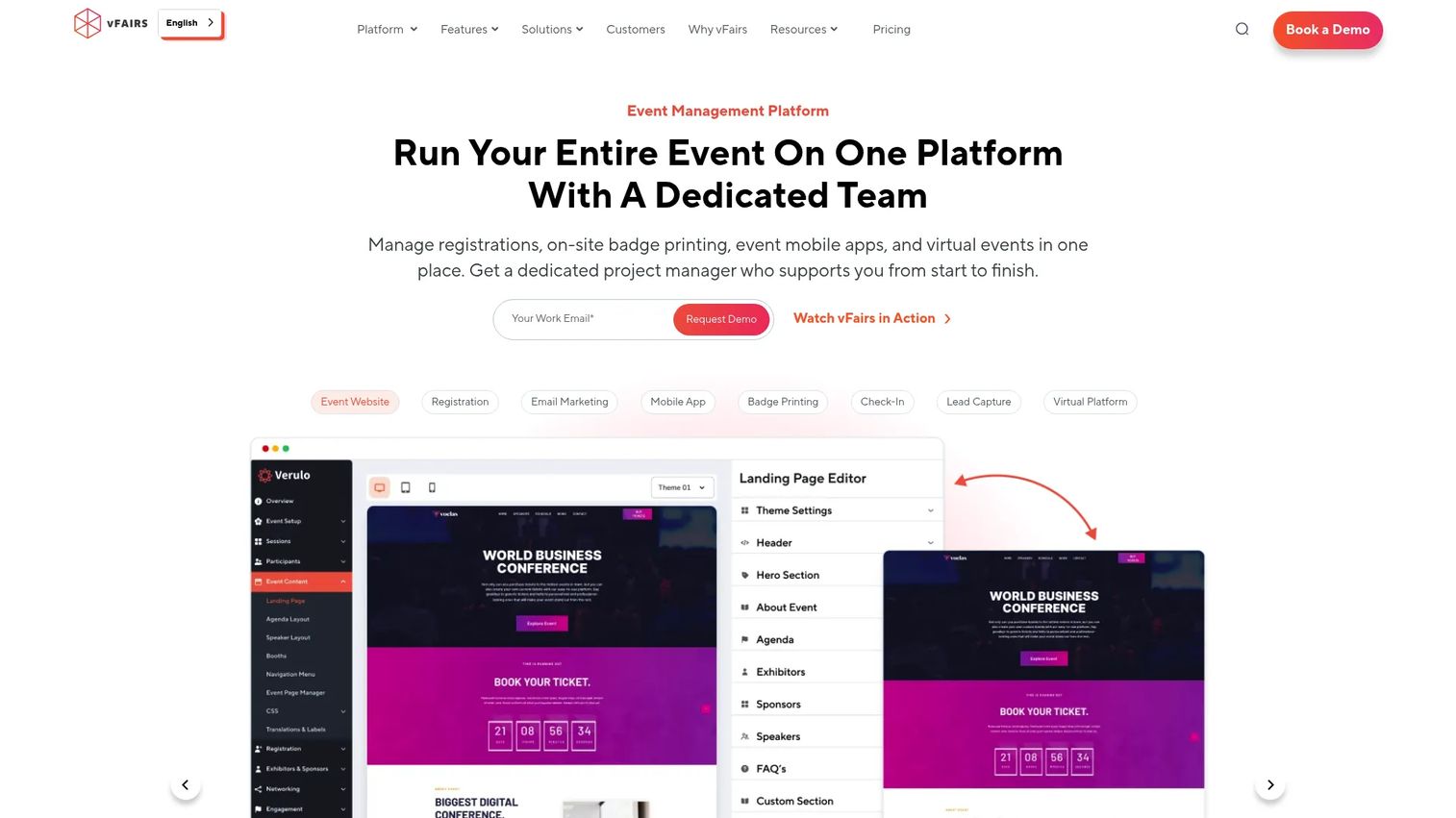
vFairs is event management software for in-person, virtual, and hybrid events, with a strong reputation for immersive, expo-style environments. It covers event registration and ticketing, onsite check-in and badge printing, plus virtual events, webinars, networking, and gamification. The branded environments are its calling card for conferences and exhibit-driven events.
Best for: Organizations running conferences, trade shows, hiring fairs, or hybrid and virtual events that need a highly branded, immersive environment.
Key strengths
- Event registration and ticketing
- Onsite check-in and badge printing
- Virtual events, webinars, networking, and gamification
Why choose vFairs: When the event experience itself is part of the brand promise, and sponsors expect real estate to show off, the custom environments carry weight. It fits career fairs and trade shows where an immersive expo floor drives value.
vFairs pricing: vFairs uses customized, quote-based pricing and offers annual license plans plus per-event and per-product packages. It does not offer a free plan. vFairs holds a 4.7/5 rating on G2, the highest in this list.
7. ON24
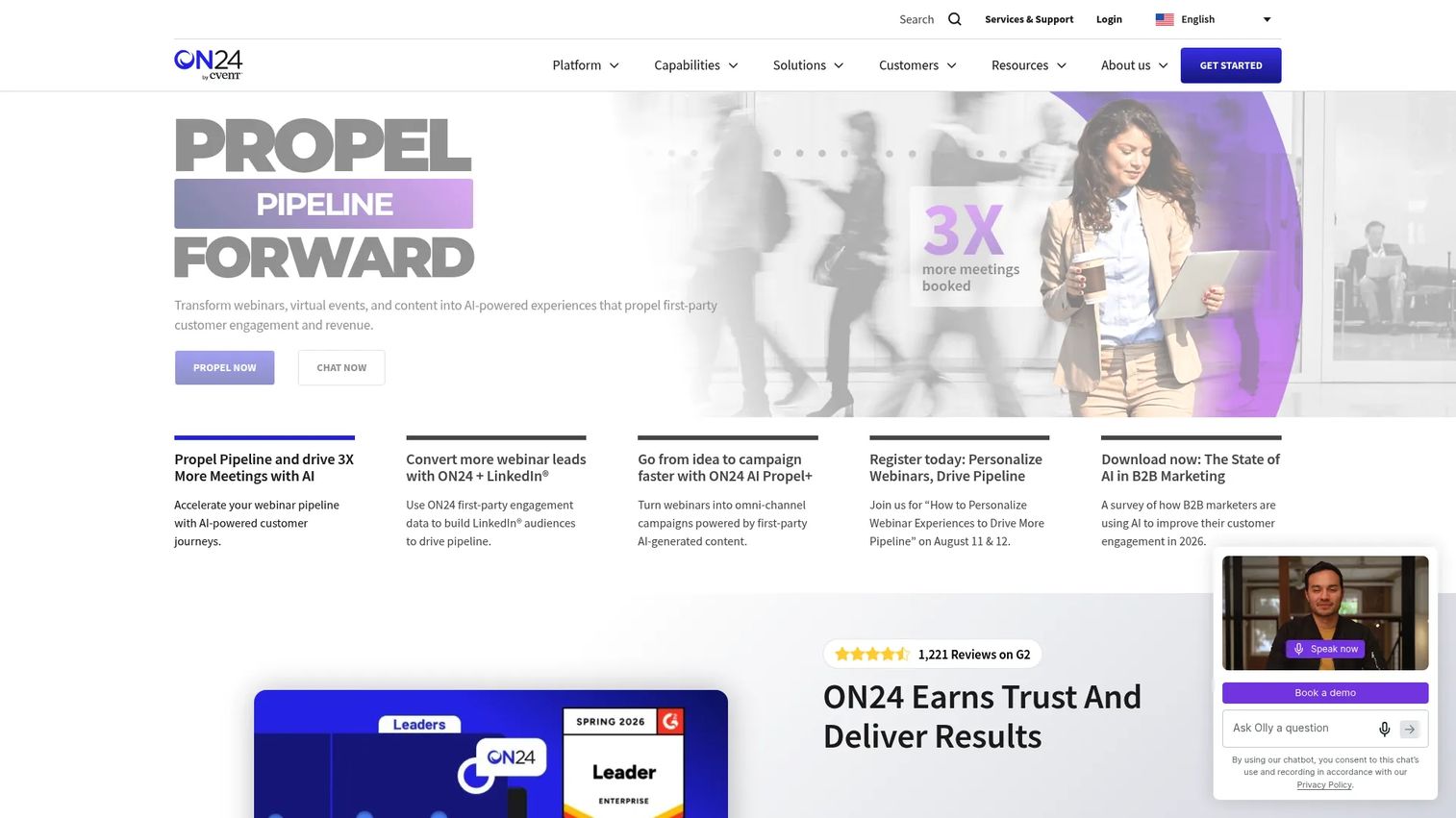
ON24 is an AI-powered webinar, virtual events, and digital engagement platform aimed squarely at B2B marketing teams. It combines webinars and videos, virtual events, content hubs, landing pages, integrations, and performance analytics, with AI-generated content and translation. The pull for demand-gen teams is the depth of engagement data feeding pipeline.
Best for: Enterprise marketing teams running webinars, virtual events, and content-led demand generation where lead quality and analytics drive the program.
Key strengths
- Webinars, videos, virtual events, and content hubs
- Landing pages and integrations for demand gen
- Performance analytics with AI-generated content and translation
Why choose ON24: If your virtual events exist to generate and score leads, ON24's analytics and content engine are built for that job. It suits pipeline-focused teams that treat every session as a source of first-party intent data.
ON24 pricing: ON24 offers Essentials, Standard, and Advanced plans, but does not display public prices; the pricing page directs visitors to request a quote. ON24 holds a 4.3/5 rating on G2.
Considerations
Before you sign, run your shortlist through this checklist. The goal is matching the platform to how your event actually operates, not to a feature list.
Event format
Verify the platform matches your dominant format. A webinar-led program has different needs from a multi-day conference, an expo, or a networking-first event. If most of your events are one-way broadcasts, a lighter tool fits. If they hinge on attendee conversation or sponsor booths, prioritize a platform built for interaction. Don't pay for expo infrastructure you'll never use.
Lead capture and attribution
Decide what data has to reach your CRM before you buy. Registration fields, session attendance, poll and Q&A activity, and engagement scores all become useful only if they map cleanly to contacts. Confirm the platform passes that data at the individual level, not just as aggregate reports, so your team can prioritize follow-up by intent.
Branding and attendee experience
Assess how much customization you need for sponsor value and brand consistency. A demand-gen webinar can live with light branding. A flagship user conference or a sponsor-driven expo often needs custom environments, branded lobbies, and dedicated booth space. Match the customization depth to what your event and sponsors actually expect.
Integrations and workflow fit
Check connectivity with your CRM, marketing automation platform, calendar tools, and analytics stack. An event platform that dumps data into a silo creates more work, not less. Confirm the specific integrations you rely on, Salesforce, HubSpot, or Marketo, are supported natively rather than through a fragile workaround.
Pricing and scale
Compare entry pricing, attendee limits, and feature gating carefully. Some platforms price per attendee, others per event or per year. A plan that looks cheap at 100 attendees can jump sharply at 1,000. Confirm which features sit behind higher tiers so you're not surprised when networking or analytics turns out to be an upgrade.
Conclusion
The best virtual conference software depends on what your event needs to do. There's no single winner, only a best fit.
If your team already runs on Zoom, Zoom Events removes the adoption hurdle. For networking-first events where conversation is the point, Remo's table-based floors stand out. Enterprise programs that need governance and scale point to Webex Events. Branded, immersive expos and career fairs suit vFairs. Marketing teams focused on lead generation and analytics lean toward ON24, while Airmeet covers the balanced middle and Hopin flexes across formats.
Whichever you shortlist, start with one platform and one event. Measure registration, attendance, engagement, and the leads that actually reach your CRM. Then judge ROI against that baseline before you lock into a year-long contract. A single validated event tells you more than any feature comparison can.
FAQs
The terms overlap heavily, and most vendors use them interchangeably. Virtual event software is the broader category, covering everything from a single webinar to a multi-day program. Virtual conference software usually implies the fuller end: multi-session agendas, networking, and often an expo floor. If you only need a one-off webinar, a lighter tool works. If you're running a program with tracks and sponsors, look for full conference features.
Remo is the standout for networking-first events, thanks to its table-based virtual floors that let attendees move between conversations instead of watching a one-way stream. Airmeet is a strong second, with social lounges, speed networking, and breakout rooms alongside its webinar features. Choose based on whether networking is the whole point of your event or one element among several.
Pricing models vary widely. Some online conference platforms charge per attendee, like Zoom Events at $2.50 per attendee over prepaid seats. Others charge a flat monthly rate, such as Remo from $299/month or Airmeet from $167/month. Enterprise platforms like Webex Events and ON24 use contact-sales pricing, and vFairs is quote-based. Watch attendee limits and feature gating, since a plan can jump sharply as your event grows.
Yes, and this is a critical checkpoint for marketers. Most major virtual event platforms connect to Salesforce, HubSpot, and Marketo, passing registration and engagement data into your CRM. ON24 and Webex Events emphasize integrations for demand-gen workflows. Confirm that the platform passes data at the individual contact level, not just as aggregate reports, so your team can score and prioritize follow-up.
Focus on four things: clean registration and attendee management, engagement tools that produce usable data, CRM and marketing automation integration, and analytics that tie behavior to individual leads. Networking and branding matter for specific event types, but for a marketer proving pipeline impact, lead capture and attribution are the features that justify the spend.
For a single meeting or a small webinar, plain Zoom is fine. For a structured event with multiple sessions, registration, networking, and sponsor value, a dedicated platform does what a video call can't: manage the full program and produce the data trail. Zoom Events itself exists precisely because a standalone video call doesn't scale to a conference. Match the tool to the event's complexity.
Start with a baseline from your first event, then track registration-to-attendance rate, session engagement, leads captured, and pipeline influenced. The last metric matters most: how much qualified pipeline the event generated once leads reached your CRM. A platform that surfaces individual engagement scores makes this far easier than one that reports only aggregate attendance. Validate ROI on one event before committing to an annual contract.










