A new hire starts Monday. By Wednesday they still can't log into three of the apps they need. Meanwhile, someone who left the company two months ago still has active access to a production system nobody remembered to revoke.
That gap is where breaches happen and where audits fall apart.
Manual identity work does not scale. Every joiner, mover, and leaver creates a chain of account changes across dozens of systems. Do it by hand and you get access drift, help desk backlogs, and stale permissions that no one can explain during a compliance review. The problem gets worse once you factor in contractors, service accounts, and machine identities that never show up in a headcount report.
The market has noticed. The global identity lifecycle management market was valued at USD 6.24 billion in 2024 and is projected to reach USD 15.72 billion by 2030, growing at a 15.9% CAGR, according to Grand View Research (2024). Teams are buying because the manual version is expensive, risky, and slow.
This guide is a practical shortlist for anyone evaluating identity lifecycle software in 2026. If you own provisioning, deprovisioning, access reviews, or the audit trail behind them, these are the platforms worth your time.
What's inside
This guide covers 8 identity lifecycle management platforms, what each is best for, and how they differ. We ranked them by relevance to core lifecycle jobs: onboarding automation, access changes, offboarding, and governance.
We evaluated each tool on:
- Automation depth: how much of the joiner, mover, leaver flow runs without custom scripting
- Governance and audit readiness: access reviews, approvals, logging, and reporting
- Integrations: HRIS connectors, directories, SaaS apps, and ticketing
- Non-human identity support: service accounts, machine identities, and API identities
- Fit across SMB through enterprise: does it scale with policy complexity and headcount
The focus here is lifecycle management specifically, not generic IAM. Single sign-on and MFA matter, but this list is about the create, provision, modify, review, and deprovision cycle.
TL;DR
- Best for Microsoft-centric environments: Microsoft Entra ID, especially teams already standardized on Microsoft infrastructure.
- Best for enterprise governance: SailPoint IdentityIQ, built for complex access policies, certifications, and compliance.
- Best for centralized workforce identity: Okta, strong when lifecycle sits inside a broader SSO and access operation.
- Best for security-tied access: CyberArk Identity, when lifecycle controls need to align with privileged and secure access.
- Best for smaller and mid-market IT teams: JumpCloud, unified identity, access, and device management with lifecycle automation.
- Best for modern app identity: Auth0 by Okta, when lifecycle workflows touch application identities and access orchestration.
What is identity lifecycle software?
Identity lifecycle software automates the full journey of a digital identity, from account creation through access changes to deprovisioning, across every system a person or machine touches.
The lifecycle runs in five stages:
- Create: an identity is generated, often triggered by an HR system record
- Provision: accounts and access are assigned based on role
- Modify: access changes as roles, teams, or projects shift
- Review: entitlements are certified, audited, and validated
- Deprovision: access is removed when someone leaves or a role ends
It helps to place this category against its neighbors. Identity and access management (IAM) is the broad umbrella covering authentication, single sign-on, and access control. Identity governance and administration (IGA) focuses on policy, certifications, and audit. Privileged access management (PAM) governs high-risk admin and root-level access. Identity lifecycle management sits inside IAM and overlaps heavily with IGA, but its core job is orchestrating the joiner, mover, leaver flow.
Core capabilities to expect from lifecycle management software:
- HR-driven onboarding and provisioning
- Automated access changes on role or team shifts
- Offboarding and deprovisioning workflows
- Access request handling and approval routing
- Audit logging and reporting
- Entitlement governance and role-based access control
When to use identity lifecycle software
Automate onboarding and first-day access
New hire provisioning is the most common entry point into this category. When someone joins, they need accounts, app access, and role-based setup on day one, not day five.
Lifecycle software connects to your HR system, reads the new record, and provisions the right access automatically. Role-based access control means a sales rep and an engineer get different bundles without anyone building each one by hand. First-day productivity goes up. Help desk tickets go down.
Remove access when roles change or people leave
Offboarding is where risk concentrates. Every account left active after someone departs is an open door.
Lifecycle software triggers deprovisioning the moment an HR record changes to terminated. Role changes work the same way: access that no longer fits the new role gets removed, not just added on top. This is how you enforce least privilege in practice and stay audit-ready. When a reviewer asks who had access to what and when, the log answers for you.
Govern access across cloud apps and non-human identities
People are only part of the picture. Service accounts, machine identities, and API identities now outnumber human users in many environments, and they rarely get the same lifecycle discipline.
Strong lifecycle platforms extend governance to these non-human identities, tracking ownership, certifying access, and flagging orphaned credentials. Just-in-time (JIT) access and non-standing privilege models reduce the standing attack surface by granting access only when needed and revoking it automatically.
Comparison table
Read the table across two axes: what each tool is best for, and what makes it distinct. Pricing reflects publicly listed entry points where available; several vendors route larger deployments through sales. Sort order follows relevance to core lifecycle jobs, not the alphabet.
| # | Product | Best for | Key differentiation | Pricing | G2 rating |
|---|---|---|---|---|---|
| 1 | Microsoft Entra ID | Microsoft-centric environments | Native lifecycle and governance across the Microsoft stack | From $6.00 user/month | Not listed |
| 2 | SailPoint IdentityIQ | Enterprise governance | Deep certifications and customizable IGA | Custom | Not listed |
| 3 | Okta | Centralized workforce identity | Lifecycle inside a broad identity platform | From $6 user/month | Not listed |
| 4 | CyberArk Identity | Security-tied access | Lifecycle aligned with privileged and secure access | From $5 user/month | 4.5/5 |
| 5 | JumpCloud | Smaller and mid-market IT teams | Unified identity, access, and device management | From $3.00 user/month | 4.5/5 |
| 6 | Ping Identity | Complex, multi-app enterprises | Configurable identity orchestration | From $3 user/month | 4.4/5 |
| 7 | OneLogin | Straightforward workforce identity | Simple admin and access automation | From $2 user/month | 4.4/5 |
| 8 | Auth0 (by Okta) | Modern app and customer identity | Lifecycle for application identities | From $0/month | 4.3/5 |
Best 8 identity lifecycle software tools for 2026
1. Microsoft Entra ID
Microsoft Entra ID is Microsoft's cloud identity and access management service for securing users, apps, devices, and resources. For lifecycle work, it pairs with Entra ID Governance to handle HR-driven provisioning, inter-directory provisioning, and customized access workflows. If your organization already runs on Microsoft infrastructure, the lifecycle story is close to native.
Its strength is depth of integration across the Microsoft estate. Conditional access, passwordless authentication, and app provisioning connect directly to the same directory that drives your lifecycle rules. That alignment reduces the number of moving parts you have to stitch together.
Best for: Organizations needing enterprise identity, SSO, and access control on Microsoft infrastructure.
Key strengths
- Authentication and single sign-on
- Conditional access policies
- Multifactor and passwordless authentication
Why choose Microsoft Entra ID: If your directory, email, and productivity stack already live in Microsoft, lifecycle automation slots in with less integration overhead. Best fit depends on how committed you are to the Microsoft ecosystem; teams with heavy non-Microsoft app estates should confirm connector coverage first.
Microsoft Entra ID pricing: Microsoft Entra ID P1 starts at $6.00 per user/month, paid yearly. Microsoft Entra ID P2 is $9.00 per user/month, paid yearly. Governance capabilities are licensed separately, starting at $7.00 per user/month, paid yearly.
2. SailPoint IdentityIQ
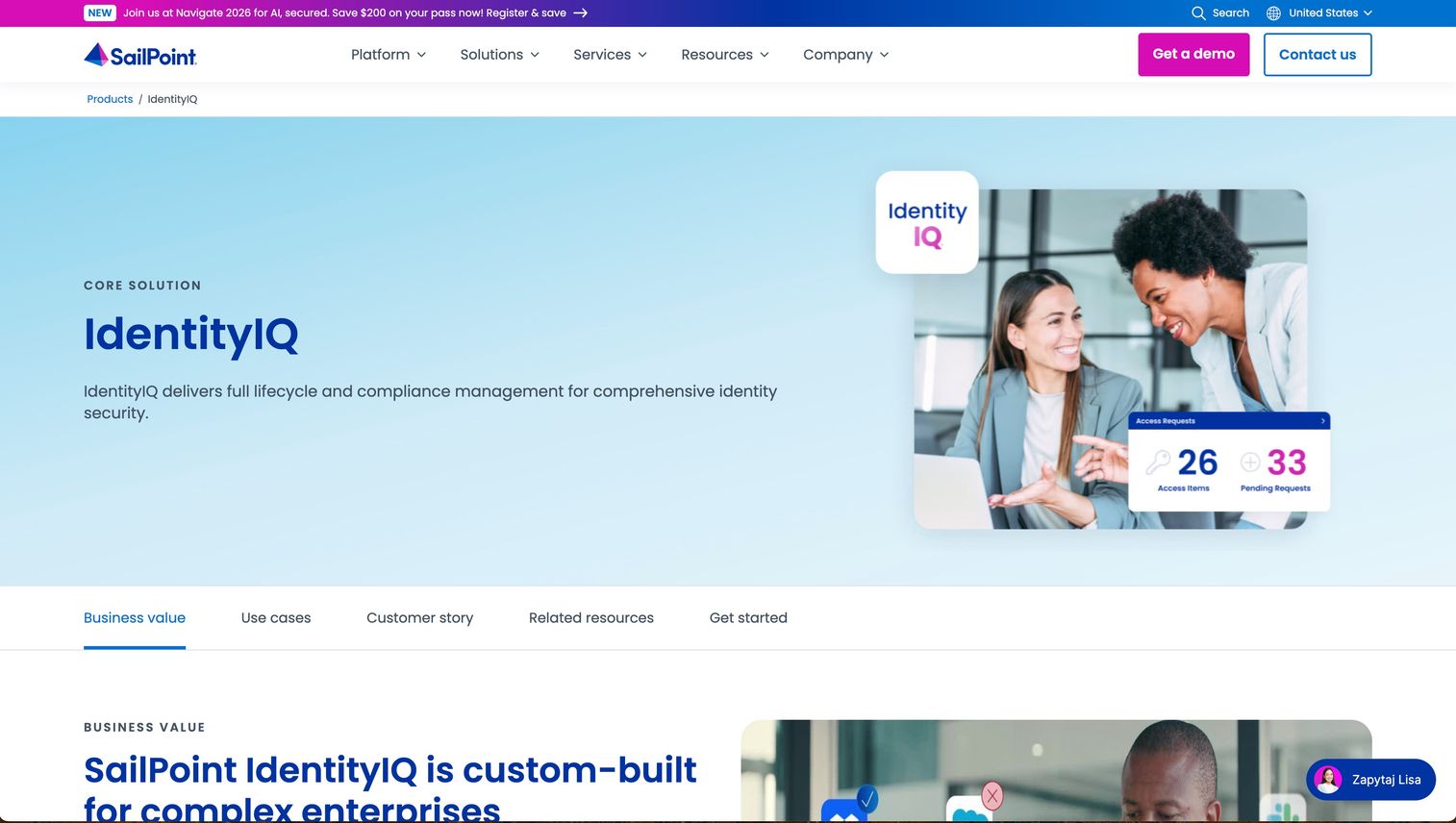
SailPoint IdentityIQ is an identity governance and administration platform built for complex enterprises, with on-premises deployment options. It centers on access certifications, compliance management, and automated lifecycle provisioning, backed by an identity warehouse and risk scoring. This is the option enterprises reach for when access policy is genuinely complicated.
Where lighter tools automate the basics, IdentityIQ handles the edge cases: nested entitlements, separation-of-duties rules, and certification campaigns across thousands of identities. Its analytics and risk scoring help governance teams prioritize what to review first rather than treating every entitlement equally.
Best for: Large enterprises needing customizable identity governance and compliance, including on-premises deployment.
Key strengths
- Access certifications and compliance management
- Lifecycle management and automated provisioning
- Risk scoring, analytics, and identity warehouse
Why choose SailPoint IdentityIQ: Enterprises pick IdentityIQ when audit and certification requirements outgrow what a simpler provisioning tool can express. It rewards teams with the resources to configure it to their exact governance model.
SailPoint IdentityIQ pricing: SailPoint does not publish pricing for IdentityIQ. It is offered as a term subscription priced on factors such as the number of digital identities governed. Contact SailPoint for a quote.
3. Okta

Okta is an identity and access management platform for employees, customers, and AI agents. Its lifecycle management capabilities live inside a broader workforce identity platform that includes single sign-on, adaptive MFA, and a Universal Directory. If your team already runs Okta for access, lifecycle automation is a natural extension rather than a separate purchase.
The advantage is centralization. When SSO, MFA, directory, and lifecycle all share one platform, provisioning and deprovisioning tie directly to the same identity records driving authentication. That keeps access consistent across the joiner, mover, leaver flow without reconciling multiple sources of truth.
Best for: Organizations needing centralized identity, SSO, MFA, and access management in one place.
Key strengths
- Single sign-on
- Adaptive MFA and passwordless authentication
- Universal Directory and identity governance
Why choose Okta: Teams already standardized on Okta for access get the cleanest path to lifecycle automation, since everything runs off one directory. It fits organizations that want identity operations consolidated rather than spread across tools.
Okta pricing: Workforce Identity suites start at $6 per user/month for the Starter Suite and $17 per user/month for the Essentials Suite, both billed annually. Professional and Enterprise tiers require a custom quote. Okta offers a 30-day free trial and a free Integrator plan for up to 10 active users.
4. CyberArk Identity
CyberArk Identity provides identity security and access management for workforce, customer, and external identities. It stands out when lifecycle controls need to connect to stronger security workflows, given CyberArk's roots in privileged access. For organizations where identity and security teams share the same mandate, that alignment matters.
Lifecycle management here sits alongside single sign-on, adaptive MFA, and workforce password management. The value is context: access provisioning and deprovisioning happen within a platform that also governs high-risk access, so the transition from standard to privileged access stays coherent.
Best for: Enterprises that need secure access, MFA, and identity governance across workforce and external users.
Key strengths
- Single sign-on
- Adaptive multi-factor authentication
- Workforce password management
Why choose CyberArk Identity: Choose CyberArk when lifecycle management needs to align with a broader identity security posture, especially where privileged access is a first-class concern. It suits security-led organizations that treat lifecycle and access risk as one conversation.
CyberArk Identity pricing: CyberArk Identity Compliance is publicly listed with a Standard plan at $5 per user/month. Broader platform pricing is partially disclosed, with many purchase paths routed through sales contact.
5. JumpCloud
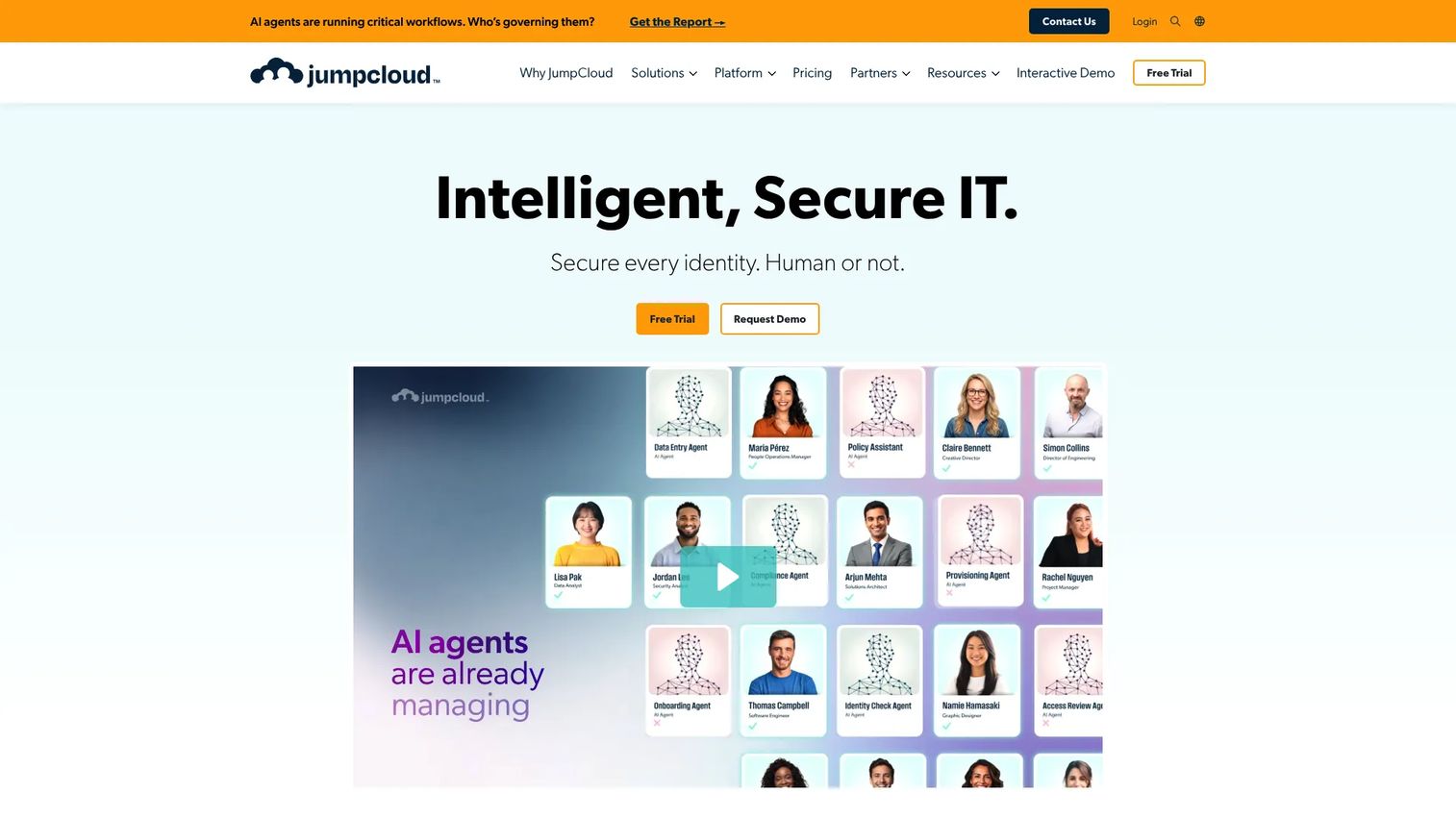
JumpCloud automates user onboarding, access changes, and offboarding from a centralized cloud directory platform. It positions itself for IT teams that want identity, access, and device management under one roof, without stitching together separate point tools. That makes it a strong fit for smaller and mid-market organizations.
The lifecycle capabilities cover automated identity creation and deactivation, access provisioning and deprovisioning, and group-based access control with MFA, conditional access, and SSO. Because JumpCloud also handles device management, IT teams can tie a user's lifecycle to their laptop and app access in one workflow rather than three.
Best for: IT teams needing centralized identity, access, and device management with lifecycle automation.
Key strengths
- Automated identity creation and deactivation
- Access provisioning and deprovisioning
- Group-based access control with MFA, conditional access, and SSO
Why choose JumpCloud: JumpCloud fits lean IT teams that want unified administration instead of managing identity and device tools separately. It trades some enterprise-grade governance depth for operational simplicity.
JumpCloud pricing: Cloud Directory and User Lifecycle Management are each listed at $3.00 per user/month, billed annually. Platform Essentials, Platform, and Platform Prime packages are contact-sales. A 30-day free trial is available.
6. Ping Identity
Ping Identity is an identity security and access management platform for customers, workforce, partners, and AI or agent identities. It suits complex environments with many apps and identity providers, where orchestration and flexibility matter more than a fixed workflow. Enterprises modernizing sprawling identity estates tend to shortlist it.
Ping's cloud IAM platform spans SSO, MFA and passwordless, directory, authorization, and governance, with tenant isolation and data residency controls. Its configurability is the draw: teams that need to orchestrate identity across hybrid environments and multiple IDPs get room to build the exact flow their architecture demands.
Best for: Enterprises needing a configurable identity security platform for workforce, customer, and partner access.
Key strengths
- Cloud IAM platform for customers, workforce, B2B, and agentic use cases
- SSO, MFA, passwordless, directory, authorization, and governance
- Tenant isolation, data residency control, and per-tenant backups
Why choose Ping Identity: Ping is a fit when your environment is genuinely complex and off-the-shelf workflows won't cover it. It rewards teams that want configurability over convention.
Ping Identity pricing: PingOne for Workforce Essential starts at $3 per user per month, and Plus is $6 per user per month. PingOne for Customers Essential starts at $35k annually, with Plus at $50k annually. Free 30-day trials are available for both Workforce and Customers.
7. OneLogin
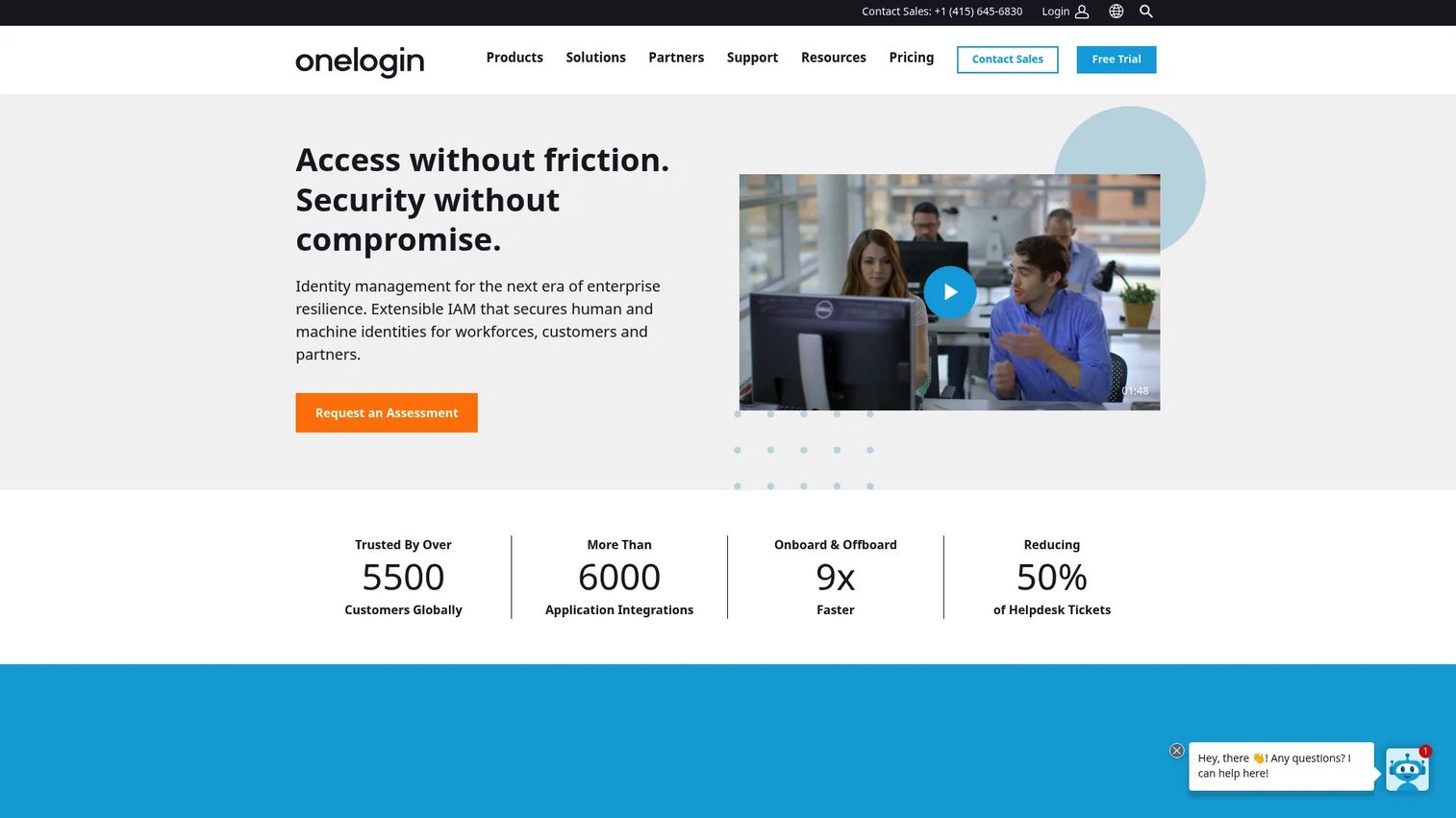
OneLogin is an identity and access management platform for workforce, B2B, customer, and education use cases. It leans toward simplicity, giving teams straightforward admin alongside SSO, MFA, and identity lifecycle management. For organizations that want access automation without a heavy configuration project, it's an accessible choice.
Its lifecycle features handle the core joiner, mover, leaver flow, and OneLogin Workflows adds automation for access provisioning steps. The appeal is ease of use: teams that don't need deep customization get a clean path to automated access management.
Best for: Organizations needing centralized identity, SSO, MFA, and lifecycle management with simpler administration.
Key strengths
- Single sign-on
- Multi-factor authentication
- Identity lifecycle management
Why choose OneLogin: OneLogin fits teams that want workforce identity and lifecycle automation without the overhead of a heavily configurable enterprise IGA suite. It prioritizes straightforward setup and daily admin.
OneLogin pricing: Workforce Identity plans run from Basic at $3 per user/month, Essentials at $6 per user/month, and Business at $10 per user/month. Enterprise is call-for-pricing. OneLogin Workflows is $2 per user/month.
8. Auth0 (by Okta)
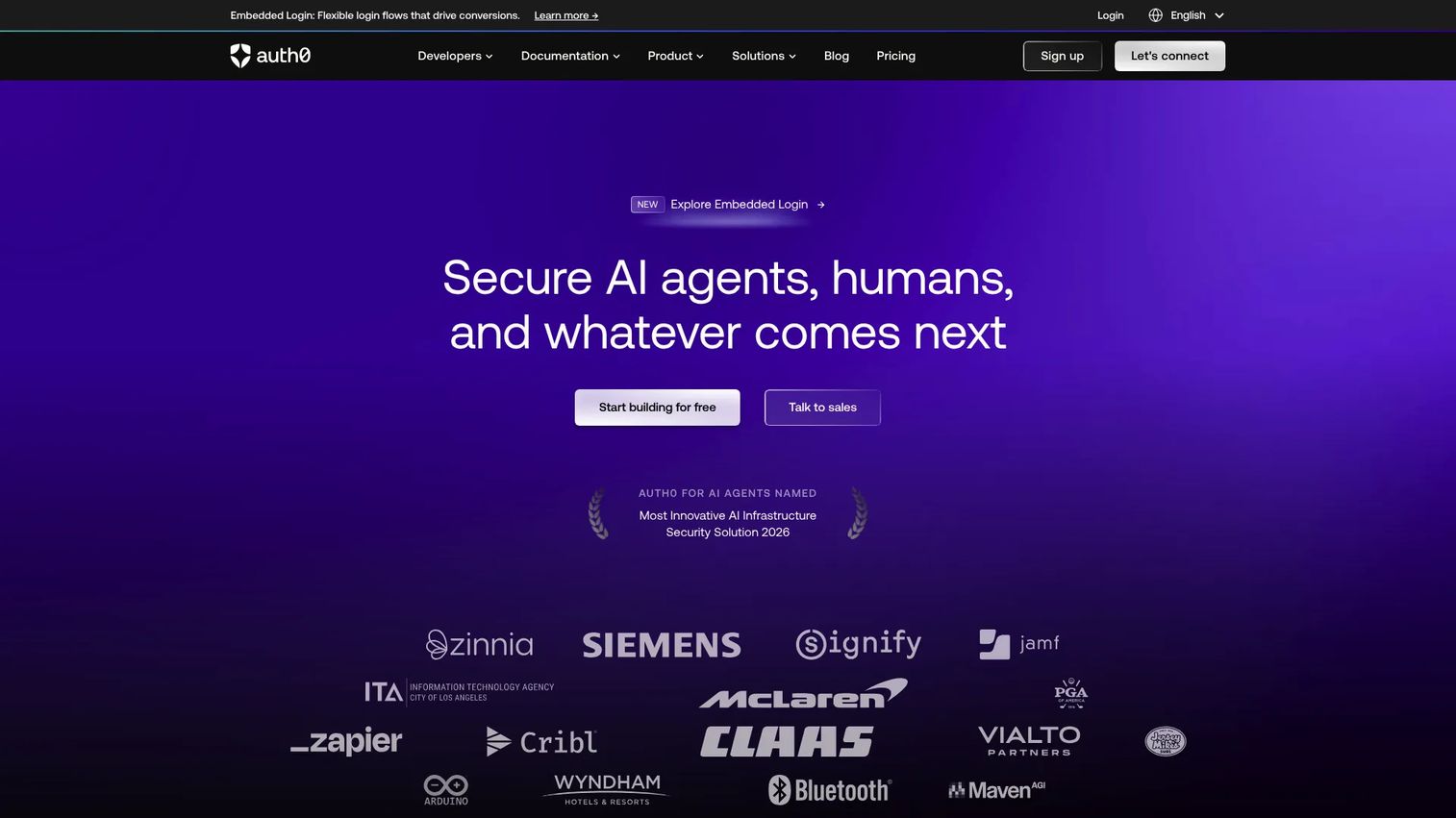
Auth0 is an identity and access management platform for adding authentication and authorization to applications. It sits adjacent to classic workforce lifecycle management, but it earns a place here where lifecycle workflows affect application identities and access orchestration. App teams building modern identity experiences are its core audience.
Auth0 handles Universal Login, single sign-on, and multi-factor authentication for the users of your product, not your employees. That distinction matters: it's the right call when the identities you manage are customers or application users, and less the default for classic joiner, mover, leaver workforce automation.
Best for: Teams needing a managed customer identity platform with login, SSO, and MFA for their applications.
Key strengths
- Universal Login
- Single Sign-On
- Multi-Factor Authentication
Why choose Auth0: Choose Auth0 when your lifecycle concern is application and customer identity rather than workforce provisioning. It fits product and app teams; workforce-focused buyers should treat it as adjacent rather than a direct lifecycle replacement.
Auth0 pricing: Free plan available. Paid self-serve plans include Essentials at $35/month and Professional at $240/month. The Enterprise tier is contact-sales.
What to look for in identity lifecycle software
Workflow automation depth
Check whether the platform runs onboarding, access changes, and offboarding without custom scripting. The best tools handle the full joiner, mover, leaver flow through configuration, not code. Ask how much of your day-to-day provisioning would still require manual steps after setup.
Governance and audit readiness
Evaluate access reviews, approval routing, logging, and reporting quality. Audit readiness is not a feature you bolt on later. Confirm the platform can produce a clean record of who had access, to what, when, and why, on demand.
Non-human identity support
Confirm the tool covers service accounts, machine identities, and API identities, not just people. These often outnumber human users and are the most likely to become orphaned. Ask how the platform tracks ownership and certifies access for non-human identities.
Integrations and HRIS connectivity
Look for connectors to HR systems, directories, SaaS apps, and ticketing tools. HR-driven provisioning only works if the HRIS connector is solid. Map your actual stack against the vendor's connector library before you commit.
Scalability and admin fit
Test how the platform handles growth, policy changes, and daily admin overhead. A tool that works for 200 identities may strain at 20,000. Weigh total operating burden, not just the feature list, against where your organization is headed.
Considerations
Match the tool to your identity model
Workforce-only assumptions break in hybrid environments. Before you shortlist, map every identity type you manage: employees, contractors, systems, and service accounts. A platform that handles human lifecycle beautifully may leave machine identities ungoverned, which is exactly where risk hides.
Check implementation complexity early
Assess setup effort, connector coverage, and change management before signing. A rich feature list means little if the connectors for your core apps do not exist or require custom development. Focus on total operating burden across the first year, not just the sticker price or the demo.
Validate governance and reporting
Ask whether the platform can prove who had access, when, and why. Tie this directly to your compliance and audit workflows. Run a mock access review during evaluation and see how long it takes to produce a defensible report. If it's painful in the trial, it will be worse at scale.
Verify offboarding and emergency access workflows
Make sure the tool supports fast deprovisioning and exception handling. Real incidents and off-cycle changes do not wait for a scheduled sync. Confirm you can revoke access immediately, grant JIT access when needed, and handle emergencies without breaking your least-privilege model.
Conclusion
The right identity lifecycle software depends on your environment more than any feature checklist. Microsoft-heavy organizations get the least friction from Microsoft Entra ID. Enterprises with genuinely complex access policy and certification demands should look hard at SailPoint IdentityIQ. Teams already centralized on a broader identity platform will find lifecycle automation easiest to add with Okta.
For security-led organizations, CyberArk Identity ties lifecycle to privileged access. Smaller and mid-market IT teams get unified identity and device management from JumpCloud. Complex, multi-IDP enterprises benefit from Ping Identity's orchestration, while OneLogin serves teams wanting simpler administration. Auth0 fits app and customer identity workflows rather than classic workforce provisioning.
Start by mapping your identity types, your HRIS, and your audit requirements. Then run a real onboarding and offboarding scenario through your top two shortlisted tools before you commit. The platform that survives that test is the one worth buying.
If your team also needs to show complex software to buyers without a live environment, Guideflow builds interactive demos, sandboxes, and demo centers that let prospects experience a product through guided walkthroughs, self-serve exploration, and centralized branded hubs.
Start your journey with Guideflow today!
FAQs
IAM is the broad category covering authentication, single sign-on, and access control for all identities. Identity lifecycle management is a subset focused on the joiner, mover, leaver flow: creating, provisioning, modifying, reviewing, and deprovisioning identities. Most IAM platforms include lifecycle features, but lifecycle management is the specific discipline of orchestrating access changes over an identity's lifespan.
Many modern platforms extend lifecycle governance to service accounts, machine identities, and API identities, not just people. Coverage varies widely, so confirm it explicitly. Non-human identities often outnumber human users and are the most likely to become orphaned, which makes tracking ownership and certifying their access a priority during evaluation.
HR-driven provisioning, role-based access control, and automated deprovisioning are the core three. Onboarding needs a solid HRIS connector so new records trigger the right access on day one. Offboarding needs immediate, reliable revocation the moment a record changes to terminated, plus clean audit logging so you can prove access was removed.
They overlap but are not identical. Identity governance and administration (IGA) emphasizes policy, access certifications, and compliance reporting. Identity lifecycle management emphasizes the operational flow of provisioning and deprovisioning. Enterprise platforms like SailPoint IdentityIQ combine both, while lighter tools may focus more on lifecycle automation than deep governance.
Just-in-time (JIT) access grants permissions only when needed and revokes them automatically, rather than leaving standing access in place. It complements lifecycle management by shrinking the standing attack surface between the provision and deprovision stages. JIT and non-standing privilege models are especially valuable for high-risk or infrequently used access.
Reporting should answer who had access, to what, when, and why, on demand. Look for access review workflows, certification campaigns, approval trails, and exportable audit logs. The real test is producing a defensible report during an actual audit without manual reconstruction. Run a mock access review during evaluation to gauge how much work that takes.
Yes, HR-driven provisioning is a core capability of most lifecycle platforms. They connect to HR systems so a new hire, role change, or termination in the HRIS triggers the matching access change automatically. Connector depth varies by vendor, so confirm your specific HR system is supported before you buy.
Microsoft Entra ID, paired with Entra ID Governance, is the most natural fit for organizations already running on Microsoft infrastructure. It handles HR-driven provisioning, inter-directory provisioning, and customized access workflows against the same directory that drives conditional access and authentication, which reduces the integration overhead of stitching a third-party tool into the Microsoft stack.