



A table cancels 20 minutes before their booking. A walk-in party of four leaves because nobody told them the wait was 15 minutes, not 40. Your front desk is texting guests from a personal phone and marking names off a paper list.
Every one of those moments is lost revenue you never see on a report.
The waitlist management software market hit USD 675 million in 2024 and is forecast to reach USD 1.41 billion by 2033, growing at 8.7% CAGR, according to Dataintelo (2024). The reason is simple. Manual queues leak money at every cancellation, reschedule, and confused walk-in.
Waitlist software closes those gaps. It fills empty slots, sends automatic notifications, and shows guests where they stand in line without a staff member picking up the phone. This guide breaks down seven tools so you can pick the one that matches how your business actually runs.
What's inside
This guide is for operators comparing waitlist and queue management software for restaurants, salons, clinics, retail, and other service businesses. It also serves founders benchmarking tools for a service or multi-location portfolio company.
We picked and ranked tools against four criteria that matter operationally:
- Notifications: SMS, text, and email alerts instead of manual calls
- Queue transparency: real-time wait-time estimates and guest visibility
- Reservations plus waitlist: unified handling of walk-ins and bookings
- Pricing and multi-location fit: clear costs and branch-level control
TL;DR
- Best free and low-cost option: Waitlist App, with a free offline app and a free online Starter plan
- Best for multi-location and operational scale: Waitwhile, with virtual queues plus appointment scheduling
- Best for analytics and enterprise service ops: Qminder, with check-in kiosks and service intelligence
- Best for wait-time transparency and simplicity: Waitlist Me, built around an add, notify, analyze flow
- Best for the Square ecosystem: Square Appointments, with booking, POS, and payments in one system
- Best for restaurants and hospitality: SevenRooms for full guest CRM, OpenTable for reservations plus discovery
What is waitlist management software?
Waitlist management software is a system that lets a business add customers to a digital queue, notify them automatically when a slot opens, and track the status of the line in real time.
It replaces the paper list, the clipboard, and the front-desk phone. Instead of guessing wait times and calling names into a crowded lobby, staff manage the queue from a tablet or dashboard while guests wait wherever they want.
Core features to expect:
- SMS, text, and email notifications: alert guests automatically when their turn is near
- Real-time wait estimates: show accurate wait times to reduce walk-offs
- Queue and reservation coordination: handle walk-ins and bookings in one view
- Reporting and analytics: track wait times, no-shows, and peak periods
- Multi-location support: run separate queues and reporting per branch
- Integrations: connect to calendar, POS, and booking systems
Cloud-based deployment accounts for over 65% of waitlist management software usage in 2024, per Dataintelo (2024). Most tools now run entirely in the browser or a mobile app, so there is no hardware to maintain.
When to use waitlist management software
Fill cancellations without manual calling
A no-show leaves a gap in your schedule, and every empty slot is revenue gone. Waitlist software lets you notify the next guest in line the moment a slot frees up. Instead of a staff member working through a call list, the system sends an SMS and holds the spot. You recover bookings that used to vanish.
Reduce front-desk congestion
A crowded lobby slows everyone down and stresses your team. Digital queues let guests check in and then leave, wait in their car, or grab a coffee. Staff work from a clean dashboard instead of shouting names over a full waiting room. The lobby stays calm and the line keeps moving.
Coordinate walk-ins and bookings
Most service businesses run both reservations and drop-ins, and juggling them by hand causes double-bookings. A unified system slots walk-ins around confirmed bookings in a single view. That is the core of the waitlist vs reservations question: you want one tool that handles both, not two systems fighting each other.
Comparison table
Here is how the seven tools compare on the factors that drive a buying decision. Pricing and ratings reflect each vendor's current published values.
| # | Product | Best for | Key differentiator | Pricing | G2 rating |
|---|---|---|---|---|---|
| 1 | Waitlist App | Free and low-cost queues | Free offline app plus free online Starter plan | Free; Pro $49.99/mo | Not yet rated |
| 2 | Waitwhile | Multi-location scale | Virtual queues plus appointment scheduling | Free; Starter from $31/mo | 4.9/5 |
| 3 | Qminder | Analytics and service ops | Check-in kiosks and service intelligence | Business from $869/mo | 4.6/5 |
| 4 | Waitlist Me | Wait-time transparency | Simple add, notify, analyze workflow | Free; Premium $34.99/mo | 5.0/5 |
| 5 | Square Appointments | Square ecosystem | Booking, POS, and payments in one | Free; Plus $49/mo per location | Not listed |
| 6 | SevenRooms | Restaurant guest data | Hospitality CRM plus reservations and waitlist | Custom pricing | 4.7/5 |
| 7 | OpenTable | Restaurant reservations | Diner discovery plus table management | Basic from $149/mo | Not listed |
Best waitlist management software for 2026
1. Waitlist App
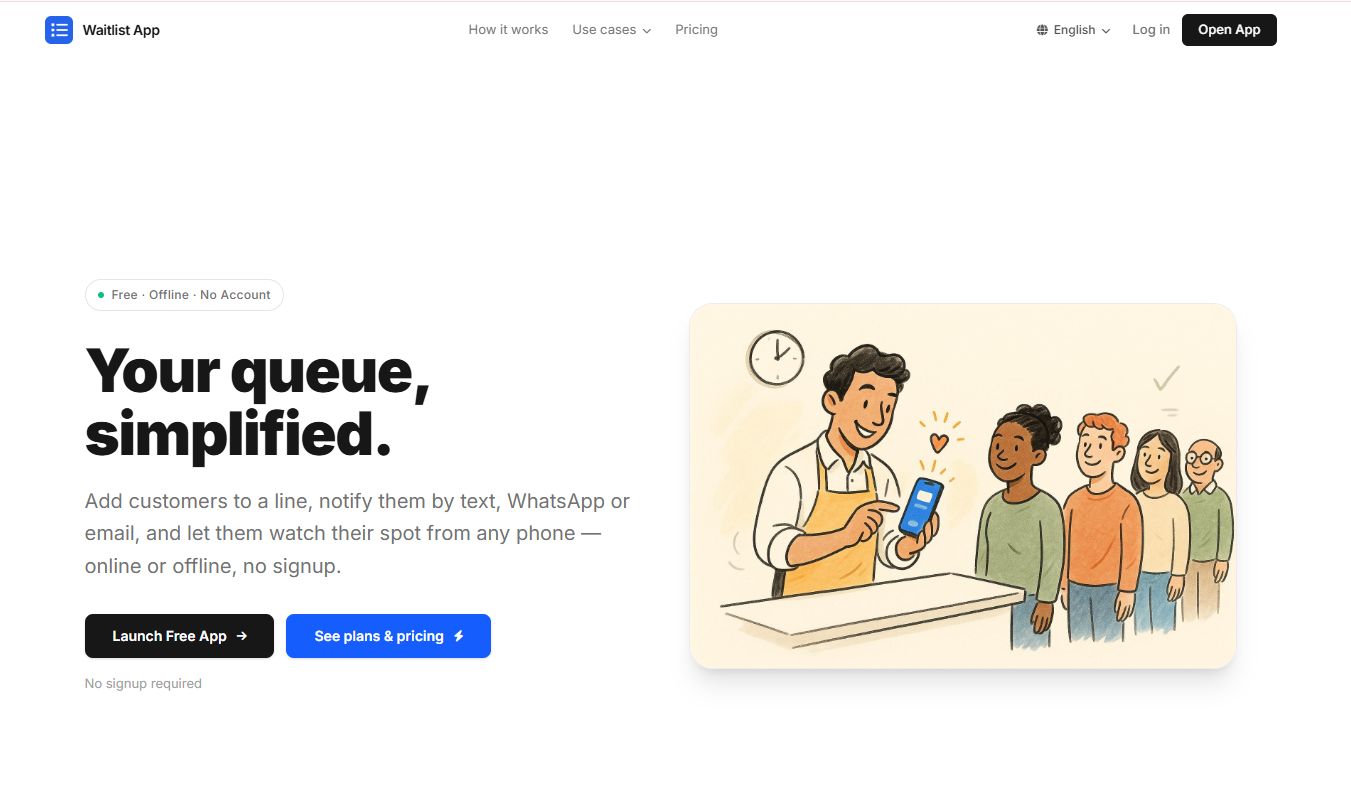
Waitlist App is a queue management app for businesses that need to manage waitlists, reservations, and customer notifications without heavy setup. It stands out for a genuinely low-friction start: a free offline app you can run on a tablet, plus a free online Starter plan that adds syncing. That combination makes it a strong first waitlist app for small businesses testing the waters before committing budget.
The tool handles real-time waitlist management, reservations, and data export, and it sends notifications by SMS, WhatsApp, and email. For a single-location salon, clinic, or counter service, that covers the essentials.
Best for: Small businesses that want a simple waitlist with online syncing and customer notifications.
Key strengths
- Free offline app for tablet-based queues
- SMS, WhatsApp, and email notifications
- Real-time waitlist management
- Reservations and data export
Why choose Waitlist App: If your priority is starting free and scaling only when you need to, the free-to-paid ladder here is the cleanest on this list. It fits operators who want to prove the workflow before paying.
Waitlist App pricing: Free offline app and a free online Starter plan. Pro is $49.99 per month with a 7-day free trial. Enterprise is $199 per month with BYOK and API access.
2. Waitwhile
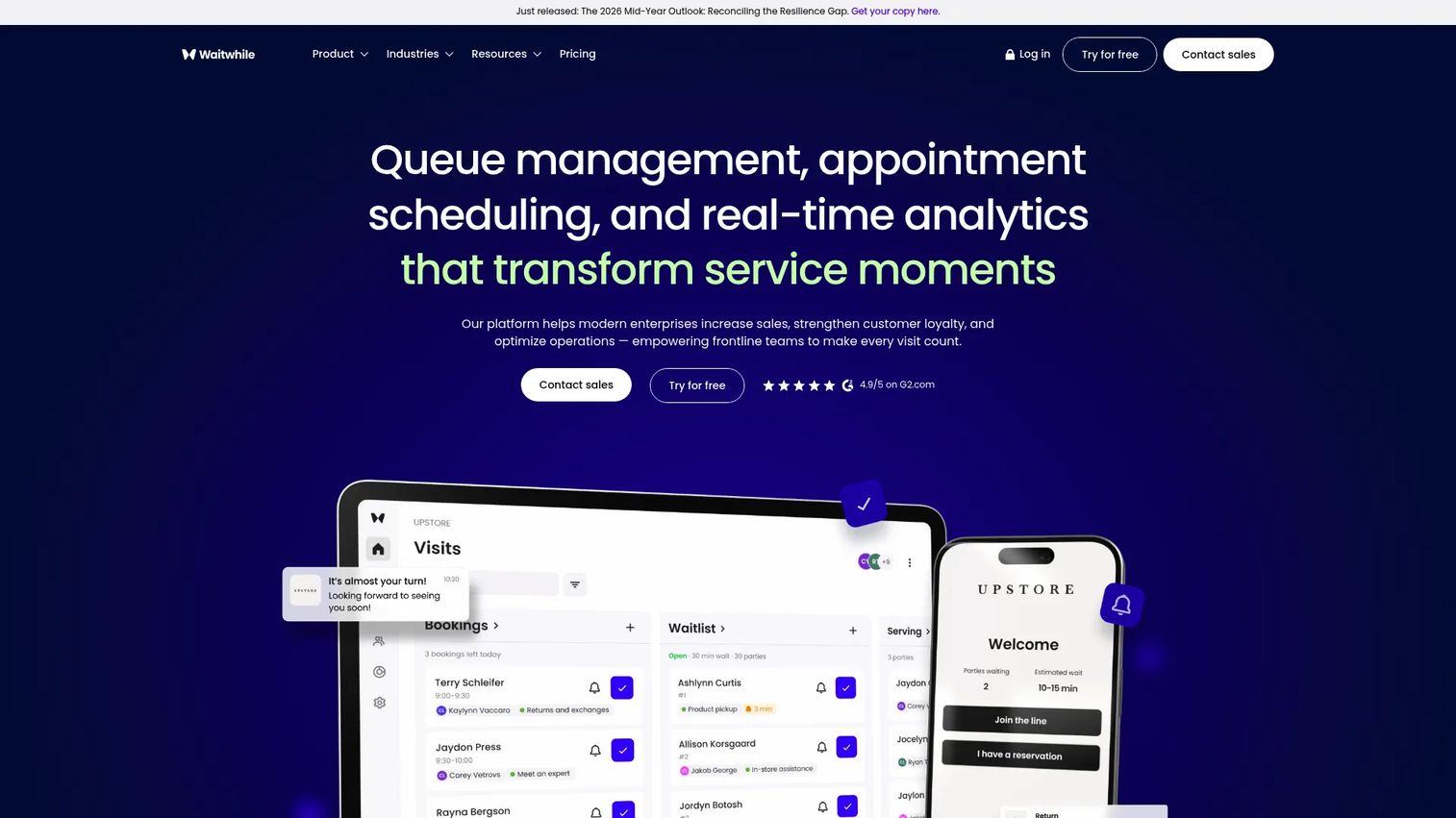
Waitwhile combines virtual queue management with appointment scheduling in one platform. That dual model is why it suits businesses running at scale or across several locations. You get a virtual waitlist, booking, and two-way customer communication, so guests can check in remotely and get updates by text.
The analytics and multi-location handling make it a fit for teams that need visibility across branches rather than a single counter. It carries a strong 4.9/5 on G2 across a large review base.
Best for: Businesses needing virtual queues plus appointment scheduling across one or more locations.
Key strengths
- Virtual waitlist and queue management
- Appointment scheduling
- Two-way customer communication
- Multi-location visibility
Why choose Waitwhile: Pick it when you need queues and bookings in the same system and want reporting that holds up across sites. It scales from a single shop to a chain without switching tools.
Waitwhile pricing: Free plan available. Starter starts at $31 per month and Business starts at $55 per month, both scaling by locations and visits. Enterprise is custom pricing.
3. Qminder
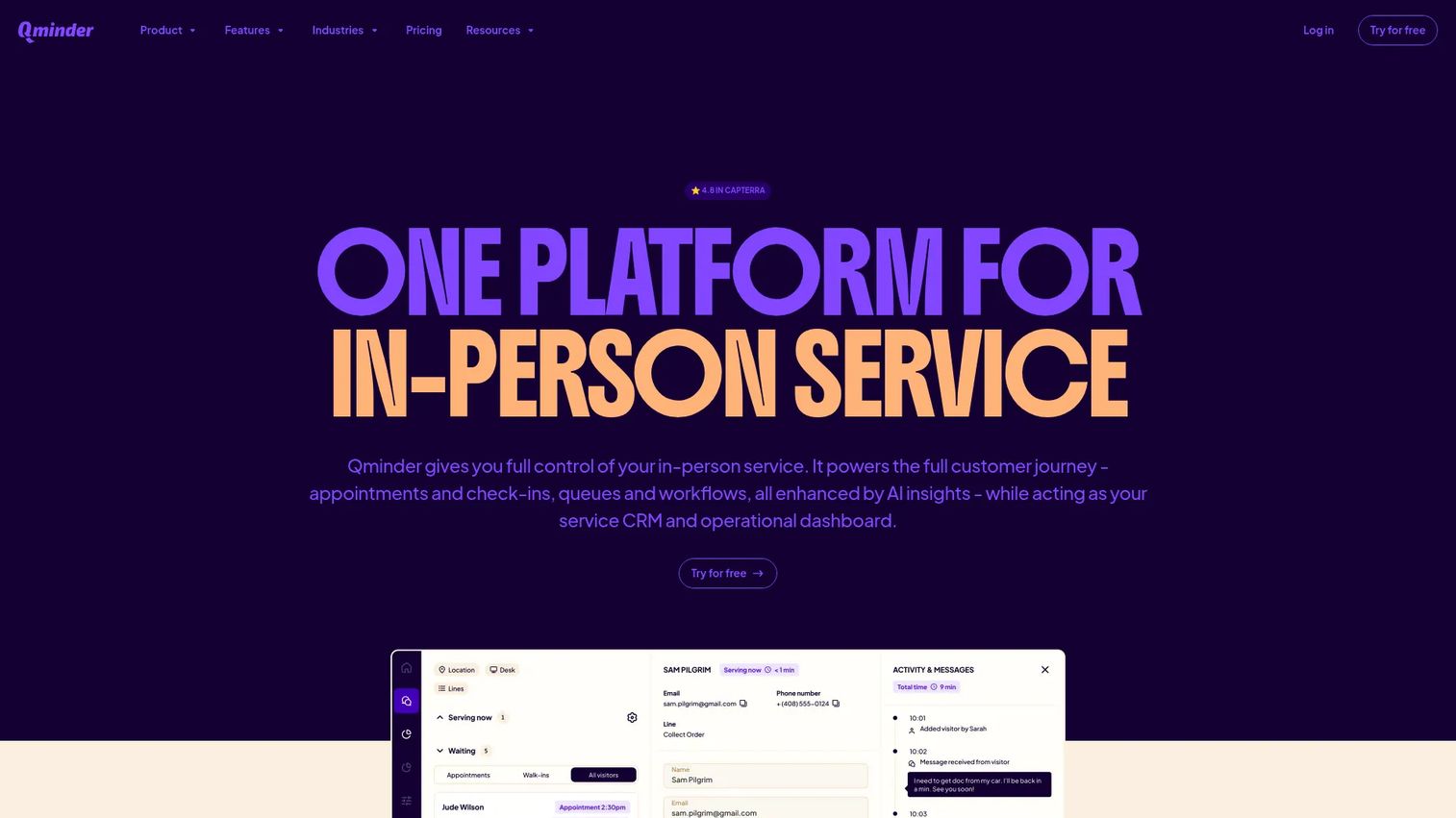
Qminder is an in-person service platform built for queue management, appointments, and service analytics. It targets multi-location organizations that need more than a waitlist: check-in kiosks, waiting-room displays, and service intelligence that turns queue data into operational insight.
This is the pick when analytics and scale matter as much as the queue itself. Retail chains, government offices, and larger clinics use it to standardize the check-in experience and measure service performance across sites. It holds a 4.6/5 rating on G2.
Best for: Multi-location organizations needing queue, check-in, and service analytics tools.
Key strengths
- Queue management system
- Appointment scheduling
- Service intelligence and analytics
- Check-in kiosk and display support
Why choose Qminder: Choose it when you run several locations and need branch-level reporting plus a self-serve check-in kiosk. It fits operators who treat queue data as a metric to manage, not just a line to clear.
Qminder pricing: Business is $869 per month and Premium is $1,149 per month. Enterprise is custom pricing. A 14-day free trial is offered.
4. Waitlist Me
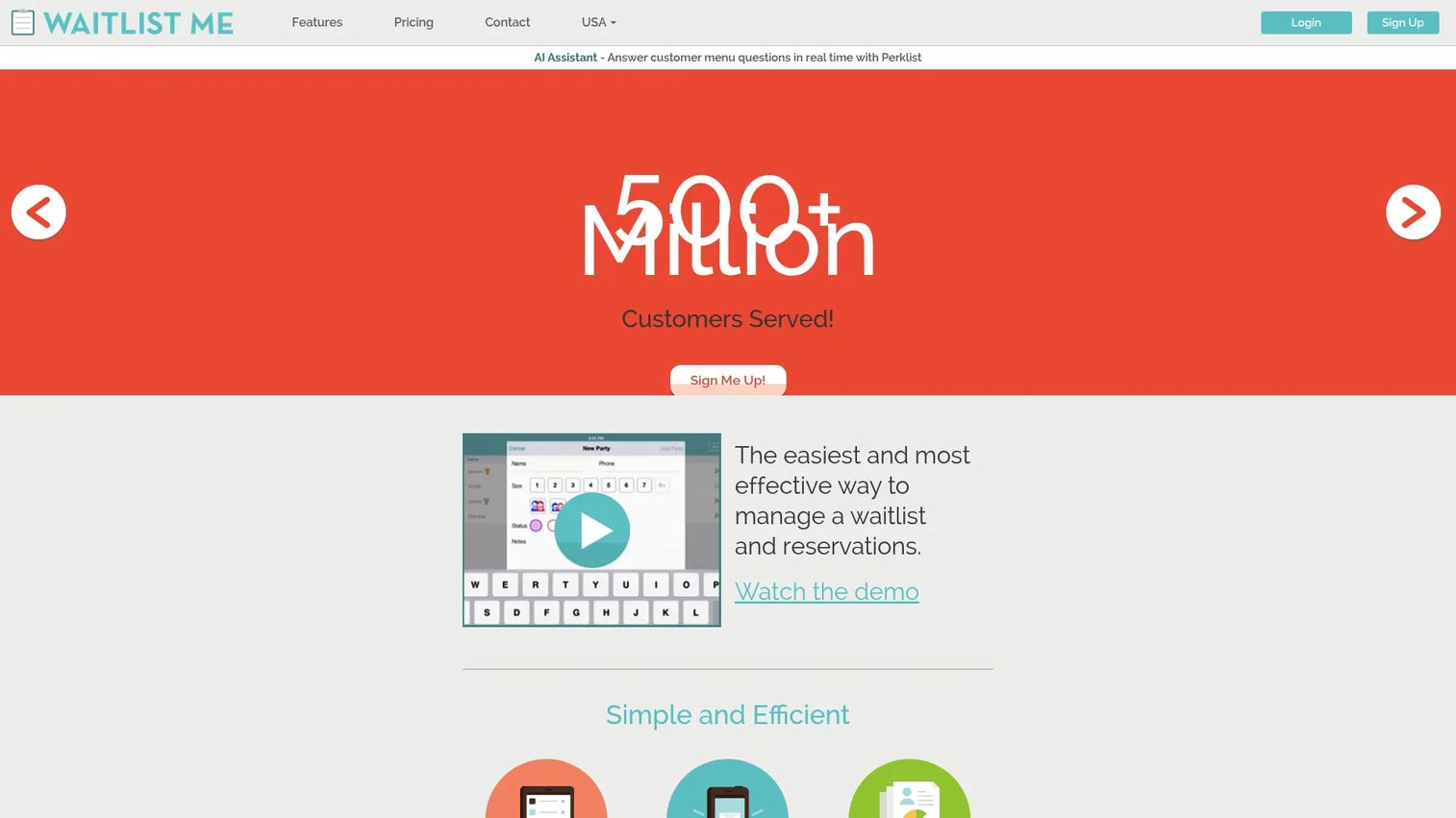
Waitlist Me is waitlist and appointment management software built around a simple add, notify, analyze flow. You add a guest, the tool notifies them by text or automated call, and you review analytics afterward. That clarity is why it works as the transparency and simplicity benchmark on this list.
Guests see estimated wait times, and staff notify them with a tap. It handles reservations, appointments, and table or resource management, and it works across a broad range of verticals from restaurants to clinics to retail. It shows a 5.0/5 rating on G2.
Best for: Businesses that need a simple waitlist plus customer texting and reservation handling.
Key strengths
- Waitlist management with estimated wait times
- Text and automated call notifications
- Reservations and appointments
- Table and resource management
Why choose Waitlist Me: Pick it when you want guests to see accurate wait times and you value a tool your front-line staff can learn in minutes. Simplicity is the point, and it fits teams that hate fighting their software.
Waitlist Me pricing: Free version available. Premium is $34.99 per month, Pro is $59.99 per month, and Platinum is $99.99 per month. Annual billing offers a 20% discount.
5. Square Appointments
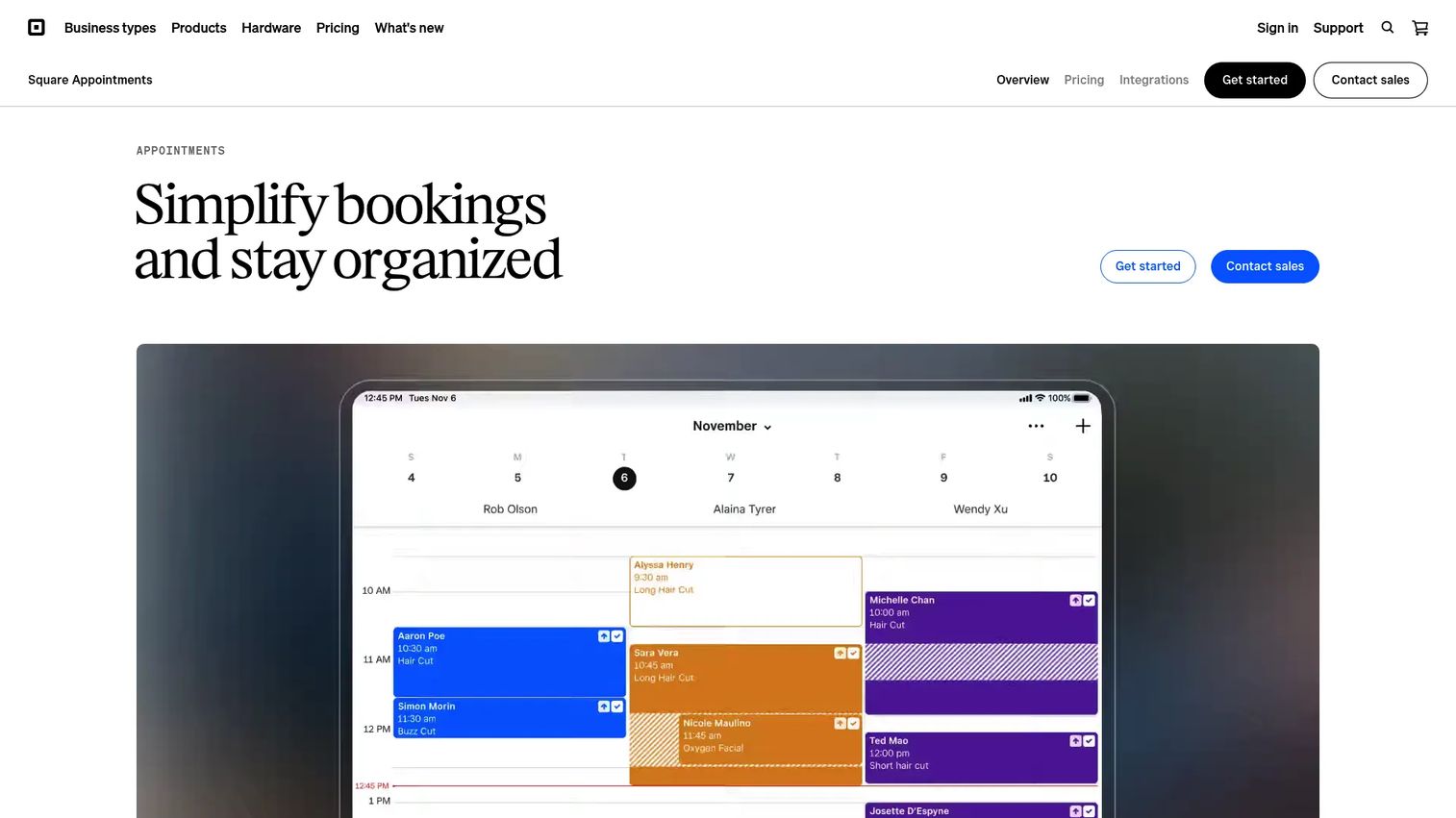
Square Appointments is appointment scheduling software from Square that combines booking, payments, and client communications in one system. Its advantage is the ecosystem: if you already run Square for payments and POS, waitlist and booking live in the same dashboard you use to take money.
You get an online booking site, calendar sync, unlimited staff calendars, and automated reminders and confirmations. For a salon, spa, or service business already on Square, that consolidation removes a separate tool from the stack.
Best for: Businesses that need booking, payments, and reminders in one Square-based system.
Key strengths
- Online booking site and booking widget
- Calendar sync and unlimited staff calendars
- Appointment reminders and confirmations
- Square Assistant for client communication
Why choose Square Appointments: Choose it when you are already inside the Square ecosystem and want booking, payments, and reminders under one login. It earns its place by replacing a standalone scheduler.
Square Appointments pricing: Square Free is $0 per month. Square Plus is $49 per month per location and Square Premium is $149 per month per location, both with a 30-day free trial. Square Pro is custom pricing for businesses processing over $250,000 per year.
6. SevenRooms
SevenRooms is a hospitality CRM, marketing, and operations platform for restaurants and related venues. Its waitlist and table management sit inside a broader guest-data layer, so a walk-in is not just a name in a queue but a profile you can market to later.
This is the pick when guest relationships drive revenue. Restaurant groups use it to combine reservations, waitlist, table management, and marketing automation, keeping the full guest history in one place. It holds a 4.7/5 rating on G2.
Best for: Restaurants and hospitality operators needing guest data, reservations, and marketing in one platform.
Key strengths
- Restaurant CRM and guest segmentation
- Reservations, waitlist, and table management
- Marketing automation and email/text marketing
- Reputation and review management
Why choose SevenRooms: Choose it when the waitlist is one part of a bigger guest-experience strategy. It fits operators who want to turn a walk-in into a repeat customer, not just seat them once.
SevenRooms pricing: SevenRooms does not publish pricing publicly and directs prospects to contact sales for a custom quote.
7. OpenTable
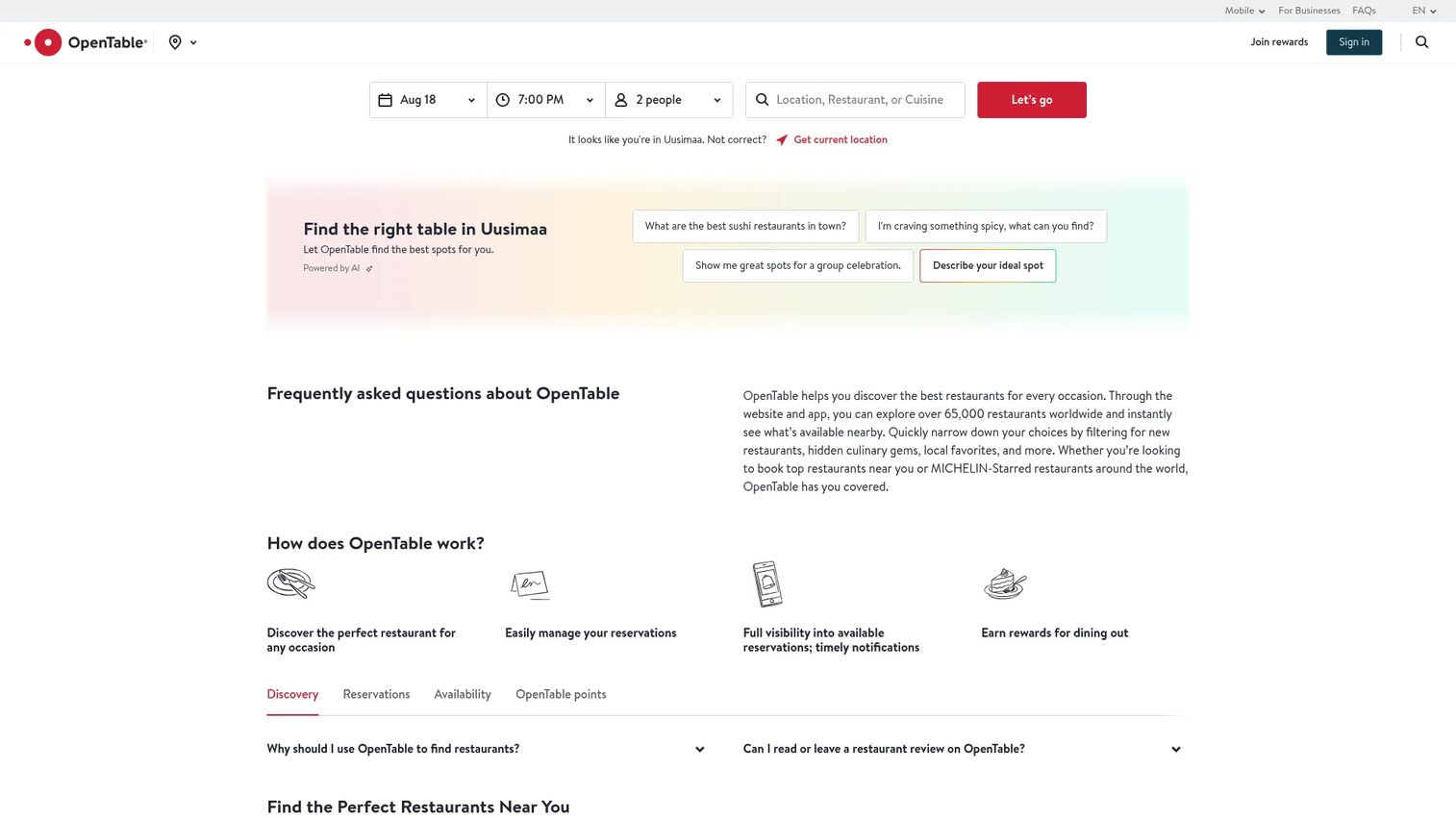
OpenTable is a restaurant discovery and reservation platform for diners, paired with management software for venues. Its edge is the diner network: guests find and book your restaurant through OpenTable itself, so you get acquisition on top of reservations and table management.
For restaurants, that combination of guest acquisition and operational tools is the draw. Waitlist handling sits alongside reservations, verified reviews, and a rewards program that keeps diners coming back through the platform.
Best for: Restaurants that want online reservations plus table-management and guest-relationship tools.
Key strengths
- Discover and book reservations through the diner network
- Verified diner reviews
- Table management and waitlist tools
- Rewards and loyalty program
Why choose OpenTable: Pick it when filling seats matters as much as managing them. The diner network brings new guests, which a standalone waitlist tool cannot do.
OpenTable pricing: Basic is $149 per month, Core is $299 per month, and Pro is $499 per month. Core and Pro include website reservations; Basic includes limited features and lower per-cover pricing.
Considerations
Before you commit, run the shortlist through five checks that decide whether a tool actually fits your operation.
1. Waitlist versus reservations
A pure waitlist is enough if you run mostly walk-ins and rarely take bookings. If you handle both, look for a reservations-plus-waitlist model that slots drop-ins around confirmed bookings. Choosing the wrong side of the waitlist vs reservations line means you buy a tool that fights your workflow.
2. SMS and notification costs
Notifications are the core of the value, so check the fine print. Look at included message credits, per-message overage rates, and whether SMS and WhatsApp cost the same. A high-volume location can burn through credits fast, and overage charges add up quietly.
3. Multi-location and multi-queue support
If you run more than one site, you need branch-level reporting and separate queues per location. Confirm the tool keeps each location's line distinct while rolling up analytics for the operator. Single-location tools rarely scale cleanly into a chain.
4. Integrations and workflow fit
Check that the tool connects to what you already run: POS, calendar, CRM, and booking systems. A waitlist that syncs to your calendar and payment system removes double entry. An isolated tool creates more manual work than it saves.
5. Staff adoption and setup speed
The best queue management software fails if your front-line team refuses to use it. Test the check-in flow on the actual device your staff will hold. If it takes more than a minute to learn, adoption stalls and you drift back to the paper list.
Conclusion
Match the tool to how your queue actually works, then validate pricing and integrations.
For a low-cost start, Waitlist App gives you a free offline app and a free online Starter plan. For scale across locations, Waitwhile pairs virtual queues with scheduling, and Qminder adds check-in kiosks and service analytics for larger operations. Waitlist Me is the transparency and simplicity pick for teams that want guests to see accurate wait times.
If you live in the Square ecosystem, Square Appointments folds booking and payments into one system. For restaurants, SevenRooms brings a full guest CRM, while OpenTable adds diner discovery on top of reservations and table management.
Start with the tool that fits your queue model. Shortlist two, run the free trial or plan, and put it in front of your front-desk staff before you pay. The right choice is the one your team will actually use every shift.
FAQs
Waitlist software adds customers to a digital queue, notifies them automatically when a slot opens, and tracks the line in real time. Staff manage the queue from a tablet or dashboard while guests wait wherever they want. It replaces the paper list, the clipboard, and manual phone calls.
Restaurants, salons, spas, clinics, retail stores, government offices, and any service business with walk-ins or bookings. The wait list becomes a managed queue instead of a crowded lobby. Multi-location operators use it to standardize the check-in experience across every site.
A digital waitlist fills cancellations, reduces front-desk congestion, and gives guests accurate wait-time estimates. It recovers revenue from no-shows by notifying the next person in line automatically. It also captures data on wait times and peak periods so you can staff smarter.
Most tools connect to common POS, calendar, CRM, and booking systems. Square Appointments, for example, ties booking and payments into one Square dashboard. Always confirm the specific integrations you need before buying, since coverage varies by vendor.
Adoption depends on the check-in flow, so test it on the device your staff will actually use. Tools like Waitlist Me are built around a simple add, notify, analyze workflow that front-line teams learn in minutes. Guests usually just tap a link or receive a text, with no app to download.
Costs range from free to enterprise. Waitlist App and Waitwhile both offer free plans, while paid tiers commonly start around $31 to $50 per month. Enterprise service platforms like Qminder run higher, starting at $869 per month, reflecting kiosks and analytics.
Prioritize POS, calendar, CRM, and online booking connections that match your existing stack. SMS and messaging integrations matter for notifications, and reporting exports help with analysis. The goal is to remove double entry between your waitlist and the systems you already run.
Often yes, for a single location with modest volume. Free plans from Waitlist App and Waitwhile cover core queue management and basic notifications. Upgrade when you need multi-location reporting, higher message volume, or deeper analytics that the free tier does not include.










