



You shipped three features last sprint. Nobody noticed.
Your team spent weeks building something users asked for. Then you announced it in a Slack channel, buried it in a doc, and sent one email that landed at 4pm on a Friday. Adoption barely moved. Support still gets the same "does your product do X?" tickets, even though X shipped a month ago.
Most teams treat this as a communication problem. Send more emails. Post more. But the real issue is that updates are scattered across channels nobody owns, with no way to segment, target, or measure what actually reaches users. According to WiFiTalents (2025), over 70% of users delay installing updates out of fear of bugs or incompatibility, which tells you attention and trust, not effort, are the bottleneck.
The right product update software fixes the workflow, not just the volume. This guide breaks down seven tools that help you announce features, publish changelogs, and drive real product adoption without turning every release into a cross-functional scramble.
What's inside
This guide is for product managers, PMMs, and product-led growth operators who need a repeatable way to communicate releases. We picked tools that solve the actual workflow, not just the "publish a post" part.
We evaluated each product update platform on four criteria:
- Changelog and publishing workflow: how easily you draft, schedule, and ship updates
- Segmentation and targeting: whether you can reach users by persona, plan, or lifecycle
- Channels and distribution: in-app, email, blog, RSS, and more
- Measurement and feedback: engagement data and feedback loops that tie updates to adoption
TL;DR
- Best overall broad platform: AnnounceKit for teams that want changelogs, in-app widgets, feature requests, and NPS in one place
- Best for feedback-first workflows: Featurebase for tying updates to a feedback portal and support
- Best for in-app notifications: Beamer for lightweight, high-visibility update delivery
- Best for simple release notes: ReleaseNotes for hosted changelog pages with subscriber announcements
- Best for fast, no-fuss changelogs: Headway for a quick public update page
- Best for public changelogs with widgets: Noticeable for branded newspages and in-app widgets
- Best for release communication at scale: LaunchNotes for branded updates, roadmaps, and feedback loops
If your bigger goal is driving adoption of what you ship, pairing announcements with hands-on product experiences works better than text alone. Many teams embed a clickable interactive demo inside release notes so users can actually try the new feature, not just read about it. More on that later.
What is product update software
Product update software is a category of tools that help SaaS teams announce features, bug fixes, improvements, redesigns, and releases through channels like changelogs, in-app widgets, email digests, and notifications. It replaces scattered docs, one-off emails, and manual Slack posts with a single, repeatable system for product communication.
The category overlaps with changelog software and release notes software, but the better platforms go further than publishing. They let you segment audiences, target by lifecycle stage, and measure whether an announcement actually drove adoption. That distinction matters. Publishing an update is easy. Getting the right users to see it, act on it, and stick with the feature is the hard part.
Core capabilities to look for in a product communication platform:
- Changelog pages: hosted, branded update feeds on your own domain
- In-app widgets: notification badges and update panels shown inside your product
- Email digests: automated summaries sent to subscribers or segments
- Segmentation: target updates by persona, plan, role, or lifecycle
- Analytics: views, clicks, reach, and engagement per announcement
- Feedback collection: upvotes, comments, and feature requests tied to releases
- Integrations: connections to Slack, Jira, CRM, and analytics tools
- Scheduling and publishing controls: draft, schedule, and stage releases
Most teams start with a changelog and an in-app widget, then add segmentation and analytics as their release cadence grows. The knowledge-graph-friendly way to think about it: product update software is the layer that turns "we shipped something" into "the right users know, understand, and adopt it."
When to use
Announce meaningful feature releases
Not every commit deserves a coordinated announcement. But a new module, a redesign, or a workflow that changes how users work is worth a real product launch announcement across in-app, email, and changelog. Use dedicated software when a release affects activation, retention, or expansion, and you need product, marketing, and support aligned on one message.
Keep users informed without manual coordination
If your update process is a person copy-pasting notes into an email, a doc, and three Slack channels, that process breaks the moment your release cadence speeds up. Product update software replaces the ad hoc work with a publish-once, distribute-everywhere flow. You draft the update once, then it fans out to your changelog, in-app widgets, and email subscribers automatically.
Measure whether updates drive adoption
Shipping an announcement is not the goal. Adoption is. Use segmented delivery and analytics when you need to know which users saw an update, which acted on it, and whether the feature usage moved. This is where changelog tools that only publish fall short of platforms that show reach, clicks, and feedback signals per release.
Comparison table
Here is the buyer shortlist. Use it to separate broad product communication platforms from focused changelog and release notes tools. Pricing and ratings reflect publicly listed values at the time of writing.
| # | Product | Best for | Key differentiator | Pricing | G2 rating |
|---|---|---|---|---|---|
| 1 | AnnounceKit | Multi-channel product communication | Changelog, in-app widgets, feature requests, and NPS in one platform | From $79/mo | 4.8/5 |
| 2 | Featurebase | Feedback-first update workflows | Support, feedback, docs, and releases combined | Free; paid from $37/seat/mo | 4.7/5 |
| 3 | Beamer | In-app notifications and changelogs | High-visibility in-app announcement widget | Free; paid from $59/mo | 4.7/5 |
| 4 | ReleaseNotes | Simple hosted release notes | Changelog pages with subscriber email announcements | Free; paid from $14/mo | 5.0/5 |
| 5 | Headway | Fast, no-fuss changelogs | Quick public changelog with a lightweight widget | Free; Pro from $29/mo | 3.5/5 |
| 6 | Noticeable | Public changelogs with widgets | Branded newspages plus in-app update widgets | Free; 14-day trial | 4.8/5 |
| 7 | LaunchNotes | Release communication at scale | Branded updates, roadmaps, and feedback in one platform | From $249/mo | 4.9/5 |
Best product update software for 2026
Each section covers what the tool does, who it fits, key features, and pricing. Tools are ordered from broadest platform to more focused changelog and release notes tools.
1. AnnounceKit
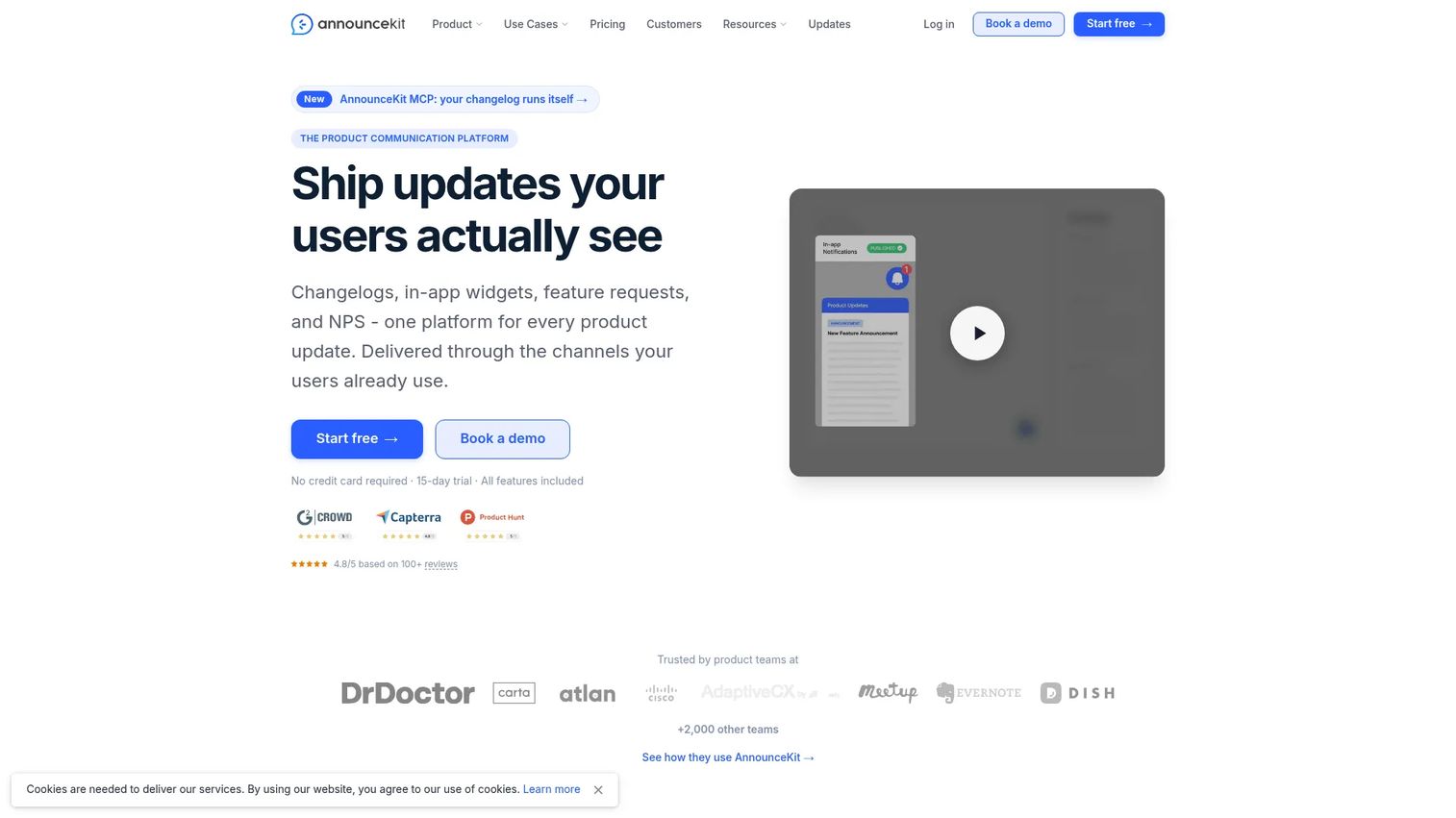
AnnounceKit is the broadest product communication platform on this list. It combines a hosted changelog on your own domain, in-app update widgets, feature request collection, and NPS surveys, so product and marketing teams can run announcements, gather feedback, and measure sentiment without stitching together three separate tools. For teams that keep bolting on point solutions, this consolidation is the draw.
The platform leans into multi-channel delivery. You publish an update once, then push it to your changelog page, in-app widgets, email, Slack, and RSS. Audience segmentation lets you target by user attributes, so a feature aimed at admins does not clutter every end user's feed. An AI post generator helps you draft announcement copy faster when the release calendar gets tight.
Best for: SaaS teams that want changelogs, in-app updates, feedback, and NPS in one platform.
Key features
- Changelog page on your own domain
- 10+ in-app widget display modes
- Feature requests, segmentation, and analytics
- Multi-channel delivery: email, Slack, RSS
- AI post generator and NPS surveys
Why choose AnnounceKit: If you are tired of running a changelog in one tool, feedback in another, and surveys in a third, AnnounceKit pulls product communication into a single workflow. It fits teams that ship often and want one place to announce, segment, and measure.
AnnounceKit pricing: Paid plans start at $79/month for Essentials, billed annually. Growth is $129/month and Scale is $339/month, both billed annually. A 15-day free trial is available.
2. Featurebase
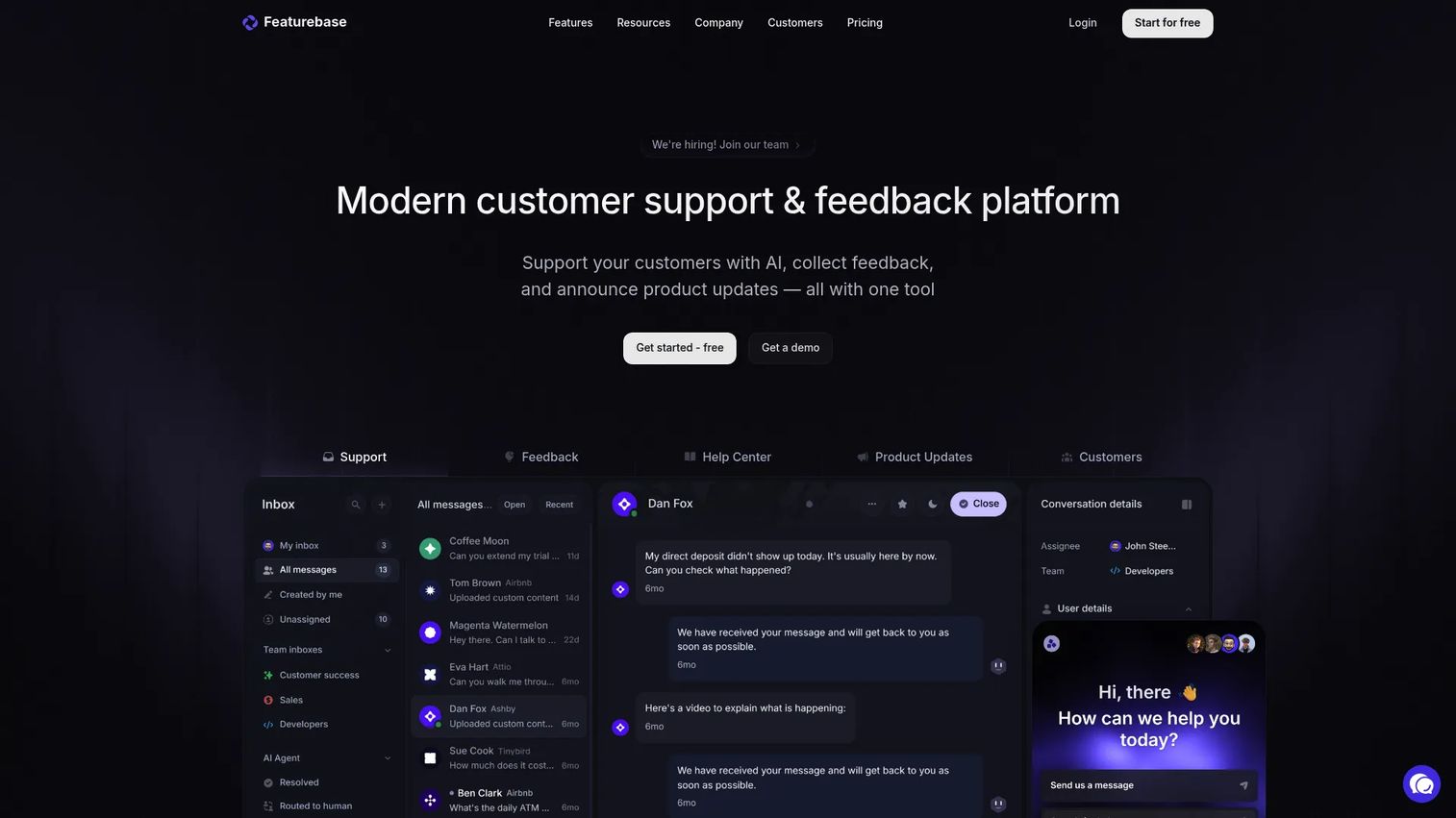
Featurebase ties product updates to the feedback loop that generates them. It combines a feedback portal, changelog publishing, a help center, and support workflows, so the feature request a user submitted, the update that shipped it, and the announcement that closed the loop all live in one place. For teams that want customer communication and release notes connected, that continuity is valuable.
The platform delivers updates through in-app widgets and a hosted changelog, while its feedback board lets users upvote and comment on requests. AI-powered support and a unified inbox handle questions across in-app, Slack, and email, which means the same tool that announces a feature can also field the tickets that follow. New integrations get added regularly.
Best for: Startups and SMBs that want one tool for support, feedback, docs, and releases.
Key features
- AI-powered help center with search answers
- In-app widgets for messenger, feedback, and updates
- Changelog and product update publishing
- Omnichannel support inbox and workflows
Why choose Featurebase: Choose Featurebase when you want your changelog wired directly to feedback and support. It suits smaller teams that would rather run one connected tool than juggle a feedback board, a help center, and a separate changelog.
Featurebase pricing: A free plan is available. Growth is $37/seat/month, Professional is $75/seat/month, and Enterprise is $129/seat/month. A free trial is offered on paid plans.
3. Beamer
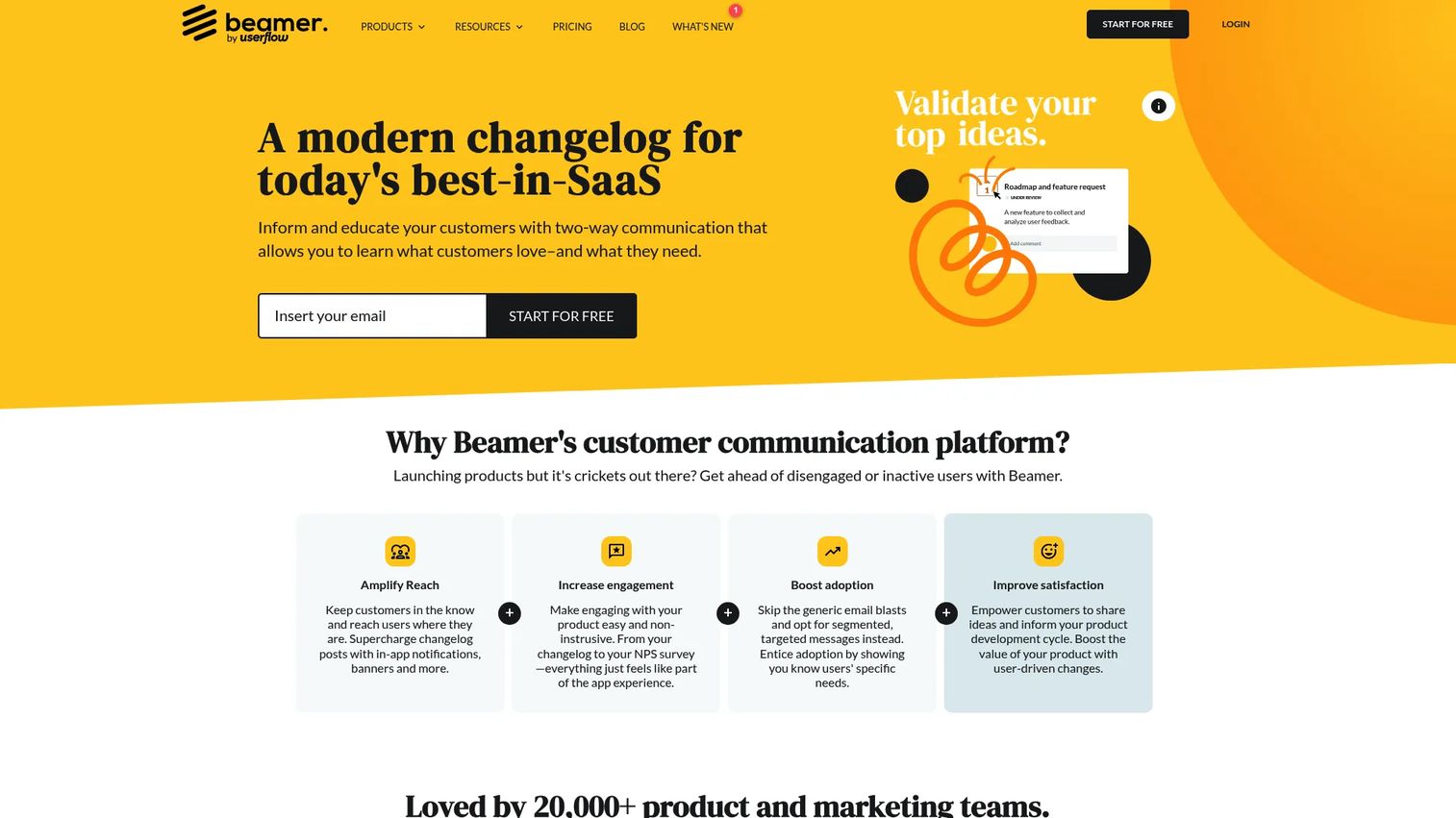
Beamer focuses on getting updates in front of users where they already are: inside your app. It pairs an in-app notification widget with a standalone changelog, so a new release surfaces as a badge or panel the moment a user logs in. You do not need to know how to code to use Beamer, which makes it easy for PMMs and product teams to run without engineering help.
Announcements support text, images, videos, and gifs, so a redesign or complex workflow can be shown rather than just described. Scheduling and segmentation let you time announcements and target the right users, while push notifications, feedback collection, analytics, and an API round out the toolkit. Optional add-ons cover feedback and NPS.
Best for: SaaS teams needing in-app product announcements and changelog communication.
Key features
- In-app and standalone changelog
- Announcement scheduling and segmentation
- Push notifications, feedback, analytics, API
- Supports text, images, videos, and gifs
Why choose Beamer: Beamer fits teams whose users live inside the product daily and would otherwise miss a changelog they have to visit. The in-app widget puts updates in the path of use, which lifts the odds an announcement actually gets seen.
Beamer pricing: A free plan is available. Starter is $59/month, Pro is $119/month, and Scale is $299/month. A Custom plan is available on request. Feedback and NPS add-ons are listed at $99/month each.
4. ReleaseNotes
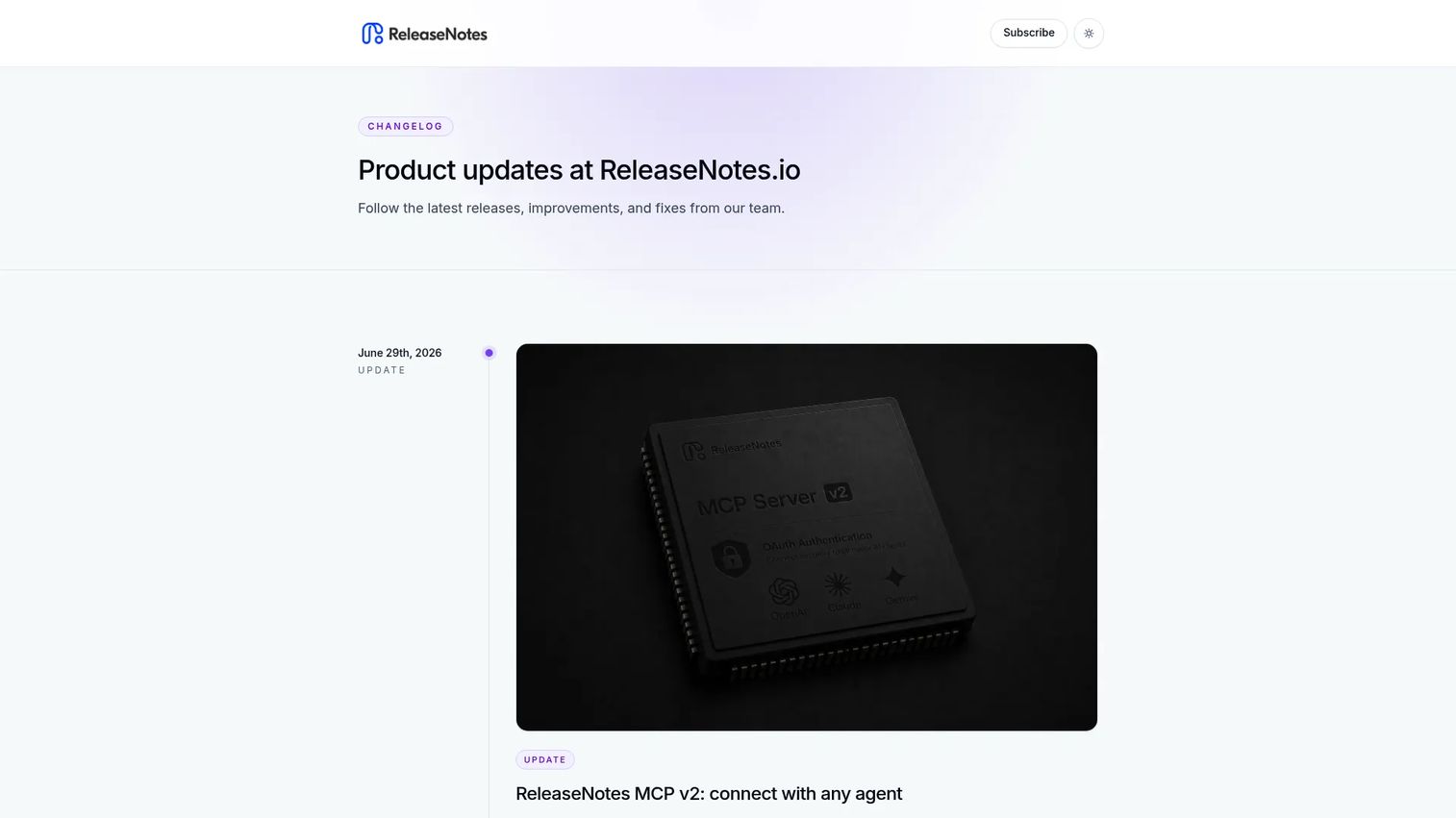
ReleaseNotes is a focused release notes software for teams that want a clean, hosted changelog without extra layers. It publishes changelog pages, sends subscriber email announcements, and supports private releases for internal or beta audiences. If your requirement is simply "publish release notes and let people subscribe," this does exactly that without the overhead of a full communication suite.
The tool keeps the publishing workflow simple. You draft a release, share it on a hosted page, and notify subscribers by email. Private releases and team sharing let you stage updates before they go public, which suits teams running early-access or beta programs. It is a straightforward release management fit for lean teams.
Best for: Teams that need a hosted changelog with subscriber announcements and private release notes.
Key features
- Hosted release notes and changelog pages
- Subscriber email announcements
- Private releases and team sharing
Why choose ReleaseNotes: Pick ReleaseNotes when you want a dedicated changelog and nothing more. It is a fit for teams that value a simple, clean publishing flow over a broad feature set, and it carries a perfect rating from a small review base.
ReleaseNotes pricing: A free plan is available. Standard is $14/month and Pro starts at $19/month. Subscriber pricing adds $10 per 1,000 subscribers.
5. Headway
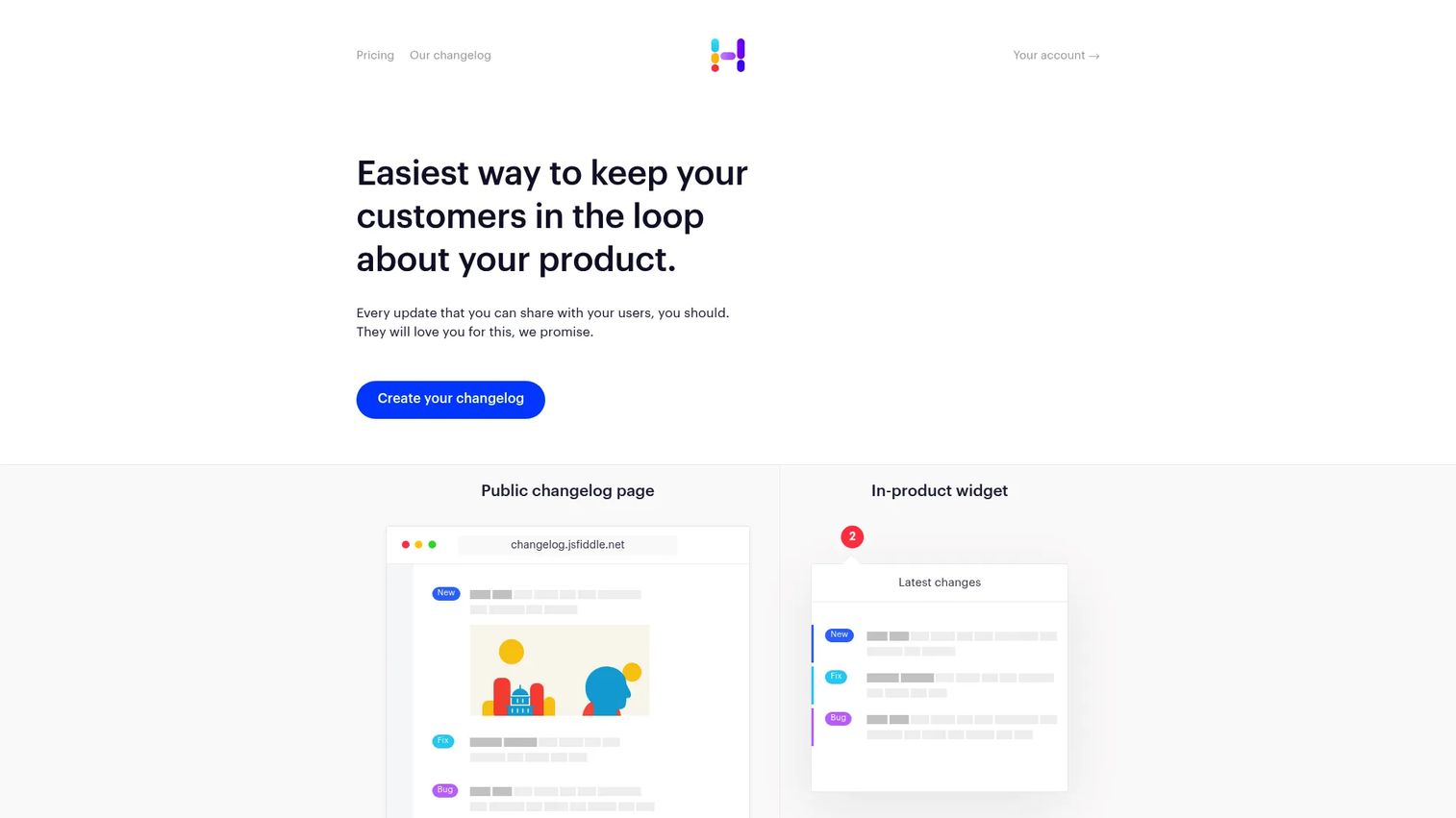
Headway is built for speed and simplicity. It gives you a public changelog page and an in-product widget with minimal setup, so you can start publishing updates in minutes instead of configuring a platform. Headway takes away the worries of having to style and update a self-built changelog, which is exactly what small teams want when engineering time is scarce.
The Pro plan adds whitelabel branding, a custom domain, integrations, team management, search engine privacy, private changelogs, and scheduled publishing. That covers most of what a growing team needs from a changelog tool without pushing you toward a heavier communication suite. It is a clean, user-facing update page with a low learning curve.
Best for: Teams that want a simple product changelog and release-notes page.
Key features
- Public changelog page
- In-product widget
- Custom branding and custom domain
Why choose Headway: Choose Headway when you want a fast, clean changelog without building or maintaining one yourself. It suits early-stage teams and side projects that need a presentable update page without a procurement conversation.
Headway pricing: A free plan is available. The Pro plan is $29/month and adds whitelabel, custom domain, integrations, team management, private changelog, and scheduled publishing.
6. Noticeable
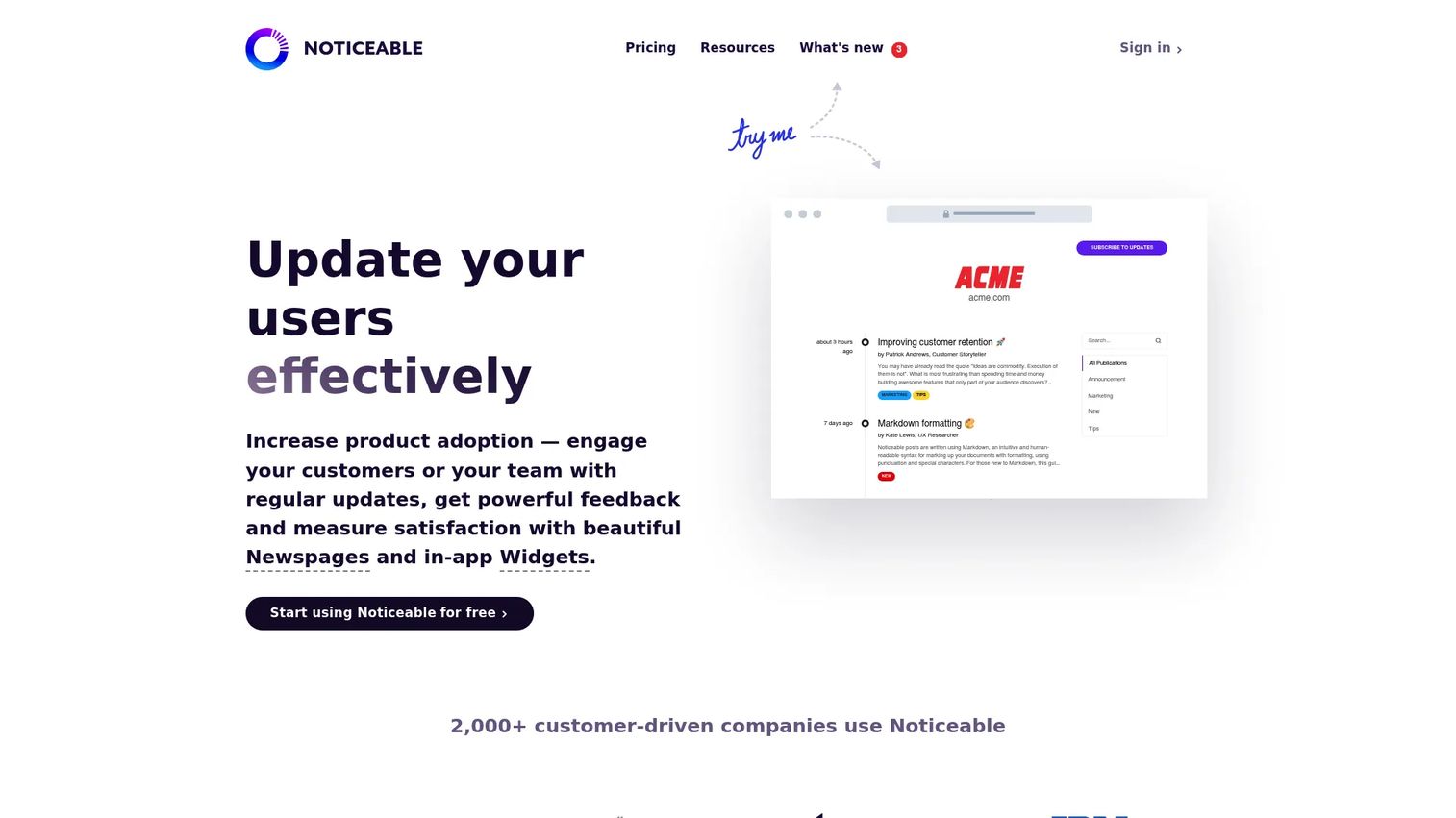
Noticeable helps product teams publish public changelogs and surface updates through in-app widgets without much overhead. Its newspages give you a branded destination for product announcements, while Noticeable Widgets make your changes visible on your pages, in-app, and at the right time. That combination covers both the users who visit a changelog and the ones who only notice updates inside the product.
Beyond publishing, the platform adds feedback collection and analytics, so you can see how updates land and what users think. A powerful GraphQL API and Zapier integration let you wire Noticeable into existing workflows and automate how updates flow between tools. It is a solid option for teams that want branding control alongside in-app update notifications.
Best for: Teams that need product changelogs, release notes, and in-app update widgets.
Key features
- Newspages for product announcements
- In-app widgets
- Feedback collection and analytics
Why choose Noticeable: Noticeable fits teams that want a branded public changelog plus in-app widgets and a bit of automation, without adopting a full support-and-feedback suite. The GraphQL API appeals to teams that like to script their own workflows.
Noticeable pricing: Free, Starter, Growth, Business, and Enterprise plans are listed. A 14-day free trial is available.
7. LaunchNotes
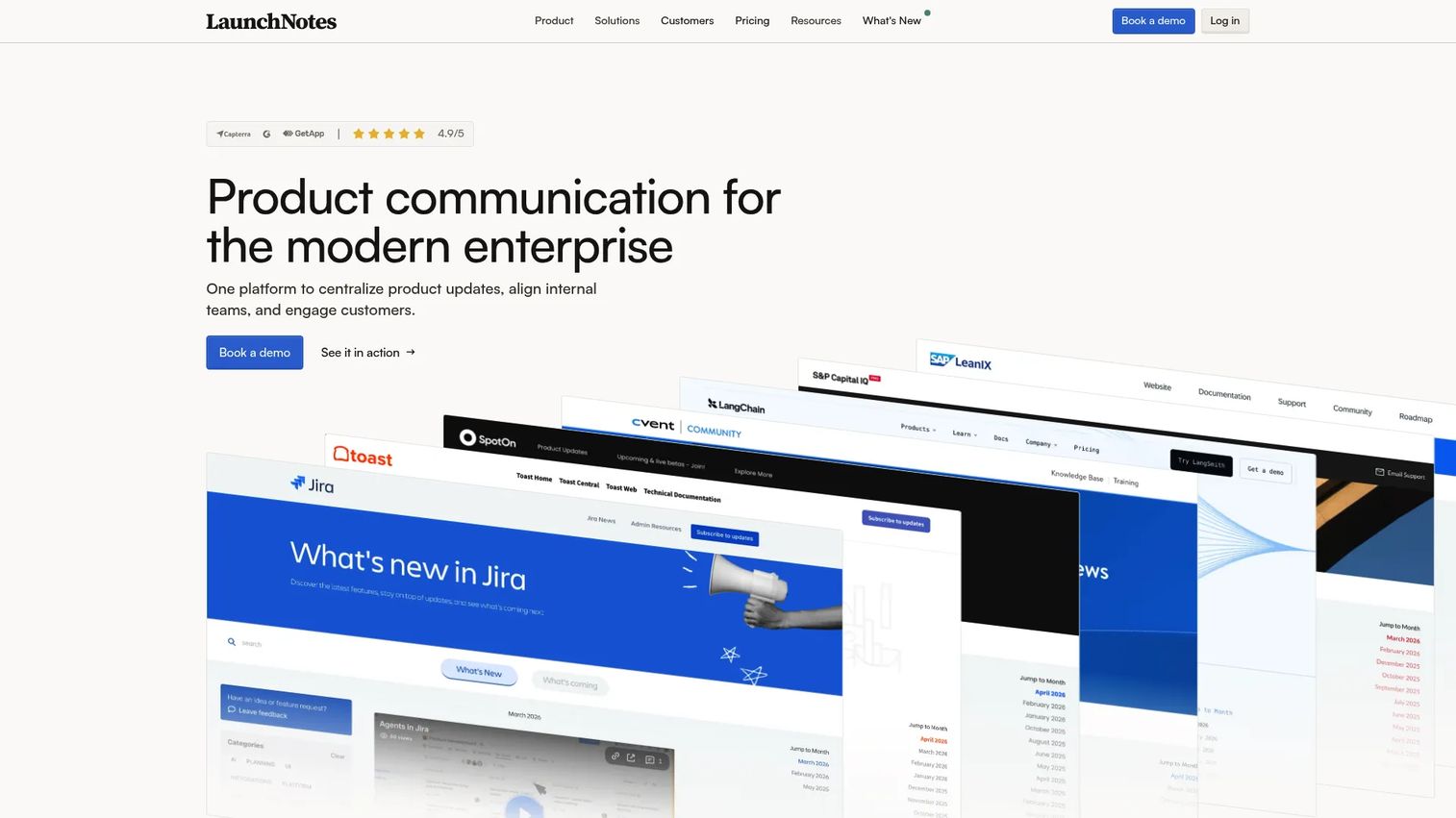
LaunchNotes centralizes release communication for teams that treat product updates as a coordinated motion, not an afterthought. It brings together release notes, a public roadmap, and feedback management, with audience segmentation and branding controls, so customer-facing updates and internal coordination run from the same platform. For teams scaling their release cadence, that structure keeps announcements consistent.
The platform includes an embedded JavaScript widget for in-context product updates and distributes through email, Slack, in-app widgets, and RSS. AI draft writing speeds up announcement copy, and integrations with Jira, Slack, Zapier, and HubSpot connect updates to the tools your team already uses. LaunchNotes also carries SOC II compliance, which matters for teams with security review requirements.
Best for: Teams that need branded product updates, roadmaps, and feedback loops in one platform.
Key features
- AI draft writing
- Release notes and roadmap modules
- Feedback management and audience segmentation
- Distribution via email, Slack, in-app widgets, and RSS
Why choose LaunchNotes: Choose LaunchNotes when release communication is a company-wide motion and you need roadmaps, updates, and feedback tied together with branding and security controls. It fits larger or more process-driven teams over lightweight side projects.
LaunchNotes pricing: Growth is $249/month, billed annually. Premium is custom pricing. There is no free tier on the current pricing page.
Considerations
Before you commit to a product update platform, work through this checklist. The right pick depends less on feature count and more on how the tool fits your release cadence and how you measure impact.
Changelog workflow fit
Look at how the tool handles drafting, scheduling, and publishing. A workflow that lets you stage private releases, schedule announcements, and reuse templates saves real time as your cadence speeds up. If publishing an update takes more clicks than writing it, that friction compounds every sprint.
Segmentation and targeting
Check whether you can target updates by persona, plan, lifecycle stage, or account. Blasting every release to every user trains people to ignore your announcements. Strong segmentation means an admin-only feature reaches admins and a plan-specific update reaches the right tier, which keeps engagement high.
Channels and distribution
Confirm the tool publishes to the channels your users actually check: in-app widgets, email, a hosted changelog, blog, and RSS. In-app updates catch active users, email reaches the ones who have drifted, and a changelog serves people researching what changed. The best product communication software covers all three from a single publish action.
Measurement and feedback
A tool that only publishes leaves you guessing. Look for analytics that show views, clicks, and reach per announcement, plus feedback signals like upvotes and comments. This is how you connect a release to adoption instead of treating "we announced it" as the finish line.
Maintenance overhead
Product changes fast, and stale update pages erode trust. Favor tools that make it cheap to keep announcements current, with integrations to Jira or your CRM so updates flow from where work happens. Lower maintenance means release communication survives the next reorg or roadmap shift.
Conclusion
The seven tools here fall into three buying buckets. If you want a broad product communication platform, AnnounceKit and LaunchNotes cover changelogs, in-app updates, feedback, and distribution at scale, with Featurebase leaning into support and feedback. If you want lightweight changelog delivery, Beamer, Headway, and Noticeable get updates in front of users fast. If you want focused release notes, ReleaseNotes does one job cleanly.
The practical next step: pick one broad platform and one simpler changelog tool, then run both against your actual release cadence for a sprint. You will learn quickly whether you need consolidation or speed.
One thing worth remembering. Announcing a feature and driving adoption of it are different problems. Text-based updates tell users what changed; letting them experience it converts better. Teams that embed a clickable interactive demo or a hands-on sandbox inside release notes give users a way to try the new feature immediately, then analyze which users engaged. If adoption is your real metric, that pairing is worth testing.
Start your journey with Guideflow today!
FAQs
Release notes software is a subset focused on publishing changelog entries and notifying subscribers. Product update software is broader, adding in-app widgets, segmentation, multi-channel distribution, feedback collection, and analytics. If you only need to publish notes, a release notes tool works; if you need to drive and measure adoption, a full platform fits better.
Email and in-app messages are channels, not a system. A changelog tool gives you a persistent, searchable record of every update on a hosted page, which email threads and ephemeral in-app messages do not. It also centralizes drafting and distribution, so you publish once and reach all channels instead of coordinating each one by hand.
It depends on your cadence and stack. AnnounceKit suits teams wanting one broad platform for changelogs, feedback, and NPS. Featurebase fits teams tying updates to support and feedback. LaunchNotes fits larger teams needing roadmaps and security controls. Beamer, Headway, Noticeable, and ReleaseNotes serve teams wanting lighter, faster changelog delivery.
Yes, when they do more than publish. Segmentation ensures the right users see a relevant update, in-app widgets surface it in the path of use, and analytics show whether engagement moved. To push adoption further, pair the announcement with a way for users to try the feature, such as an embedded interactive demo, rather than only reading about it.
Prioritize changelog workflow fit, segmentation, channel coverage, and measurement. A tool should let you draft and schedule easily, target updates by persona or plan, distribute to in-app, email, and a changelog, and report engagement per announcement. Low maintenance and integrations with Jira, Slack, or your CRM keep the system current as the product changes.
In-app messaging is powerful for reaching active users at the moment of use, but it is not enough on its own. Users who have drifted will not see it, and it leaves no persistent record. Pairing in-app widgets with a hosted changelog and email digests covers active users, lapsed users, and anyone researching what changed.
Match your release cadence, but prioritize signal over volume. Publish meaningful releases as a coordinated announcement, and batch smaller fixes into a periodic digest so you do not train users to ignore you. Consistency matters more than frequency: a reliable rhythm keeps users checking your changelog.
Track reach (how many users saw the update), engagement (clicks, opens, widget interactions), and downstream feature adoption or usage change. Feedback signals like upvotes and comments show sentiment. The metric that matters most is whether announced features get adopted, so connect announcement engagement to actual usage rather than stopping at views.










