
Two teams booked the same conference room for the same 2pm slot. One walks in, finds the other mid-meeting, and now both are scrambling for a spare corner. Meanwhile, half the desks upstairs sat empty all week because nobody checked in.
That is what happens when shared resources live in a shared spreadsheet. It works until the office goes hybrid, headcount grows, and three people are editing the same cell at once.
The fix is not more rules. It is software that shows real-time availability, blocks conflicts before they happen, and lets people book their own rooms and desks without pinging an office manager. The market agrees: global resource booking software is worth $3.23B in 2026 and growing at a 15% CAGR, according to Research and Markets (2026).
The problem is picking the right tool. Some handle rooms only. Some cover desks, parking, and equipment. Pricing swings from per-room to per-user to enterprise quotes. This guide compares 12 options so you can match features, integrations, and cost to how your team actually works.
What's inside
This guide is built for product managers, operators, and workplace leads comparing room and resource reservation tools before buying.
- Covers dedicated room schedulers and full hybrid workplace platforms
- Selected for real-time availability, calendar integrations, admin controls, and booking workflows
- Prioritizes pricing clarity, ease of use, and utilization reporting
- Includes a comparison table, per-tool breakdowns, and a buyer's checklist
Every pricing figure and rating here comes from the vendor's own pages or current G2 listings, so you are comparing verified numbers, not marketing rounding.
TL;DR
- Best for simple room and desk booking: Skedda, with interactive floor plans and unlimited users
- Best for enterprise workplace and maintenance: Accruent or Eptura for teams standardizing on one platform
- Best for Slack and Microsoft Teams workflows: deskbird or Robin for hybrid teams living in chat
- Best for office scheduling with strong analytics: YAROOMS or OfficeSpace when utilization data drives decisions
- Best for space and building operations at scale: Spacewell for multi-site portfolios
- Best for flexible, lightweight reservation: Joan, Ronspot, or Clearooms for smaller teams and fast setup
What is resource booking software
Resource booking software lets teams reserve shared resources such as meeting rooms, desks, equipment, and workspaces in real time, so two people never claim the same asset at once.
It replaces the spreadsheet, the shared calendar hack, and the "who has the projector?" Slack thread with a single system of record. Most tools in this room scheduling software category share a core feature set:
- Real-time availability so bookings reflect what is actually free right now
- Conflict prevention that blocks double bookings at the moment of reservation
- Recurring bookings and booking rules for standing meetings and usage limits
- Permissions and approvals with role-based access and location-specific policies
- Calendar and collaboration integrations across Microsoft 365, Outlook, Google Workspace, Google Calendar, Teams, and Slack
- Mobile access and self-service booking so employees reserve on their own
- Reporting and utilization insights to see what gets used and what sits idle
- Check-in, auto-release, and no-show protection to reclaim unused reservations automatically
The category spans three resource types, and not every tool covers all three equally:
| Resource type | What you book | Typical need |
|---|---|---|
| Rooms | Meeting rooms, conference rooms | Real-time availability, calendar sync, room displays |
| Desks | Hot desks, assigned seats | Floor plans, check-in, hybrid scheduling |
| Equipment and spaces | Parking, lockers, AV gear, labs | Booking rules, approvals, usage limits |
The tools that scale best treat all three as bookable assets under one set of permissions, so a conference room booking system does not turn into three disconnected systems.
When to use resource booking software
Replace spreadsheets with self-service reservations
A shared spreadsheet works for a 10-person office with one meeting room. It breaks the moment you go hybrid and 40 people compete for 12 desks on the same Tuesday. Self-service booking lets employees reserve a desk from their phone the night before, see what is open, and skip the office-manager bottleneck entirely. That is the first reason most teams buy a workspace reservation software tool.
Prevent double bookings across rooms, desks, and equipment
Double bookings are not a scheduling annoyance. They are a trust problem. Once people stop believing the calendar, they start hoarding rooms and booking "just in case." Real-time availability plus conflict prevention fixes this by locking a resource the instant someone reserves it. No overlap, no walk-in surprise, no side-channel negotiation over who actually gets the room.
Improve space utilization and planning
You cannot right-size an office you cannot measure. When a lease renewal or return-to-office policy is on the table, utilization data tells you whether you need more rooms, fewer desks, or a different floor layout. A meeting room booking software tool with analytics shows peak hours, no-show rates, and dead zones, so you plan around real behavior instead of a hunch.
Comparison table
The table below compares all 12 tools on fit, differentiator, pricing, and G2 rating. Pricing models vary widely: some charge per room or per space, some per user, and several enterprise platforms quote by configuration. Read the pricing column as a starting point, not a final total.
| # | Product | Best for | Key differentiator | Pricing | G2 rating |
|---|---|---|---|---|---|
| 1 | Skedda | Desk, room, and space booking with floor plans | Unlimited users and bookings per space | From $99/mo per space | 4.8/5 |
| 2 | Archie | Flexible workplace management | Desks, rooms, and visitors in one platform | From $2.80/desk/mo | 4.9/5 |
| 3 | Accruent | Enterprise workplace and maintenance | Workplace plus asset and maintenance software | From $110/user/mo | 4.4/5 |
| 4 | deskbird | Hybrid teams in Slack and Teams | Desk, room, parking, and visitor booking | From $3.75/user/mo | 4.5/5 |
| 5 | YAROOMS | Hybrid office scheduling with analytics | Desk, room, and hybrid work scheduling | From $99/mo | 4.3/5 |
| 6 | Robin | Mid-to-large hybrid workplaces | Rooms, desks, parking, and lockers | Custom quote | 4.4/5 |
| 7 | OfficeSpace | Enterprise space planning | Block and stack planning with booking | Custom quote | 4.8/5 |
| 8 | Joan | Room and desk booking with displays | Booking plus visitor management | Free trial, paid from $49 | 4.5/5 |
| 9 | Eptura | Enterprise worktech platform | Workplace, assets, and visitors unified | Custom quote | 4.3/5 |
| 10 | Spacewell | Multi-site building operations | Workplace, energy, and asset management | Custom quote | 4.4/5 |
| 11 | Ronspot | Desks, parking, and rooms together | Single system for space and parking | Custom quote | 4.5/5 |
| 12 | Clearooms | Hybrid desk, room, and parking booking | Usage-based pricing by bookable unit | Free trial, usage-based | 4.7/5 |
Best 12 resource booking software tools for 2026
1. Skedda
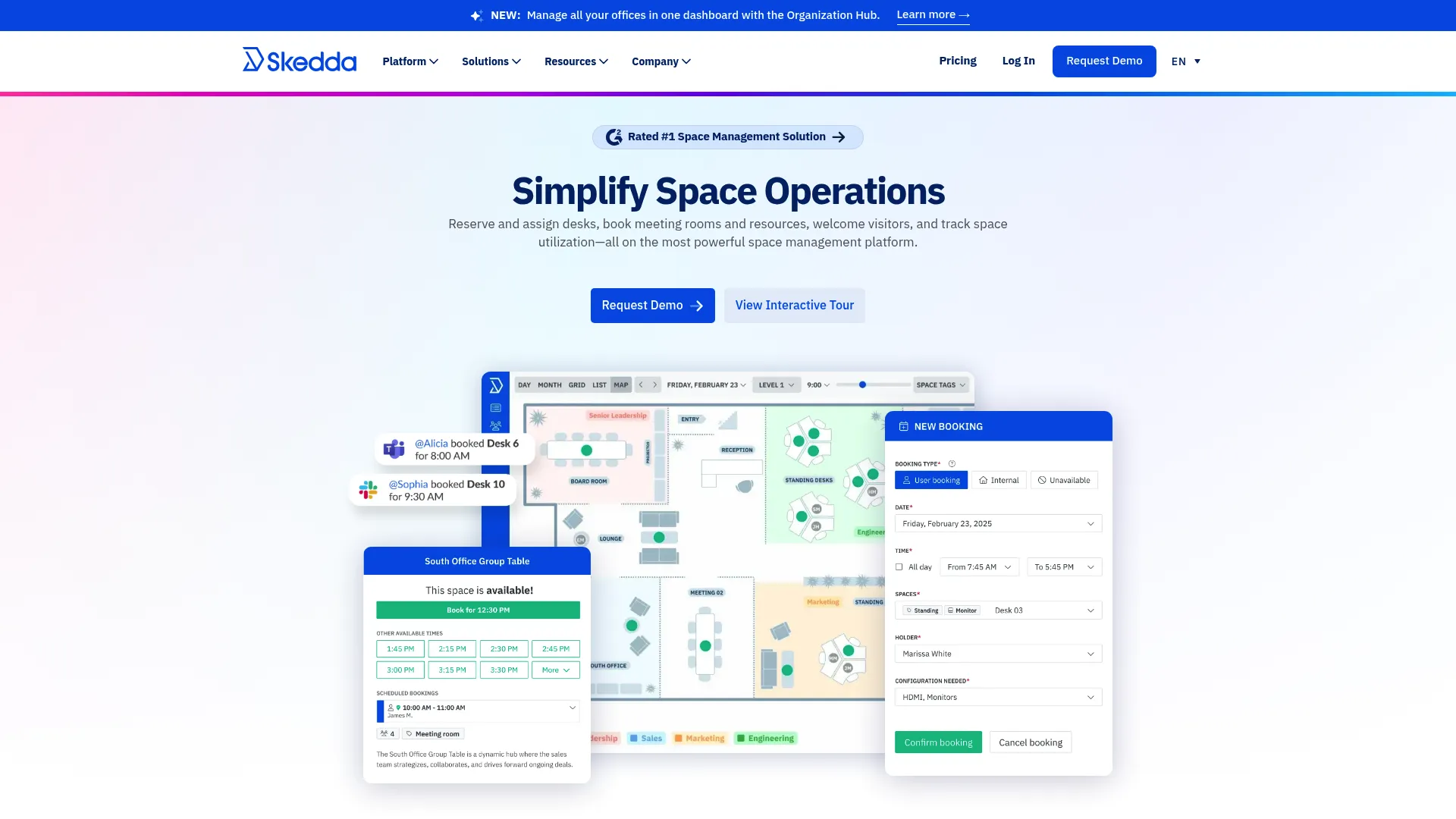
Skedda is space booking and scheduling software for desks, rooms, and workplaces. It leads with interactive floor plans, so employees pick a spot on a map instead of guessing from a list. Booking rules, quotas, and limits give admins control without micromanaging every reservation.
Best for: Organizations that want desk, room, and space booking with visual floor plans and policy controls.
Key features
- Interactive floor plans for desks and rooms
- Unlimited users and bookings per space
- Booking rules, quotas, and limits
Why choose Skedda: The unlimited-users model means cost stays tied to spaces, not headcount, which is useful when a whole company shares a handful of rooms. It fits teams that want strong self-service without an enterprise rollout.
Skedda pricing: Workplace plans start at $99/mo per space billed annually. Higher tiers run $149/mo and $199/mo, with Enterprise and AllBooked available through sales. A 30-day Premium trial is available.
2. Archie
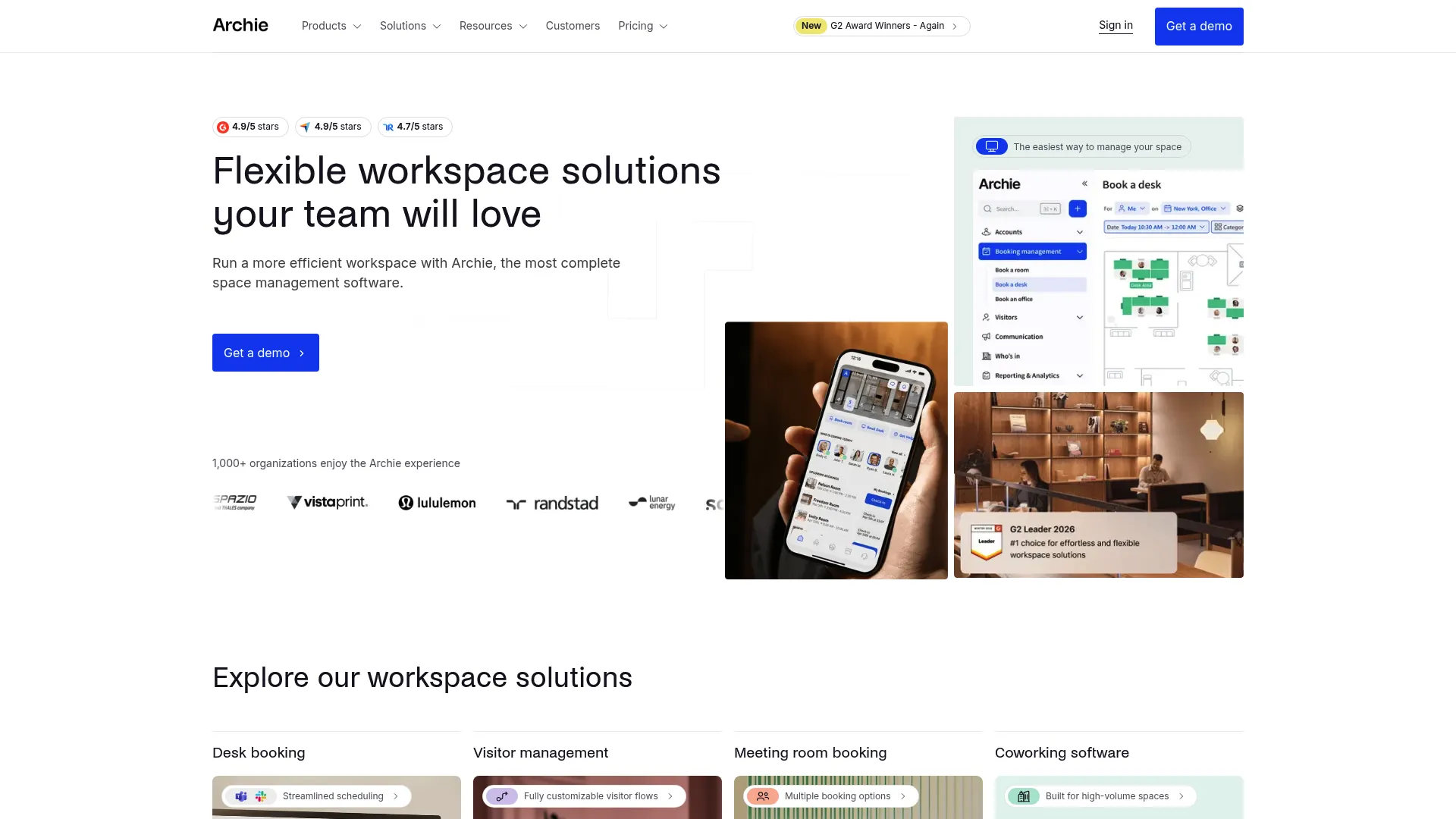
Archie is workspace management software covering desk booking, room booking, visitor management, and coworking operations. It pairs visual floor plans with occupancy analytics, so you see both what is booked and what is actually used.
Best for: Companies that need a flexible workplace platform for desks, rooms, and visitors in one place.
Key features
- Desk booking with visual floor plans and occupancy analytics
- Meeting room booking integrated with Teams and Outlook
- Visitor management with customizable registration flows
Why choose Archie: Per-desk pricing keeps entry costs low for smaller offices, and the visitor management piece means you do not need a separate front-desk tool. It suits teams that want room and desk booking plus visitor flows without stitching together three products.
Archie pricing: Starter is $2.80 per desk/month with a $159/month minimum. Pro is $3.50 per desk/month with a $249/month minimum. Enterprise is custom priced.
3. Accruent
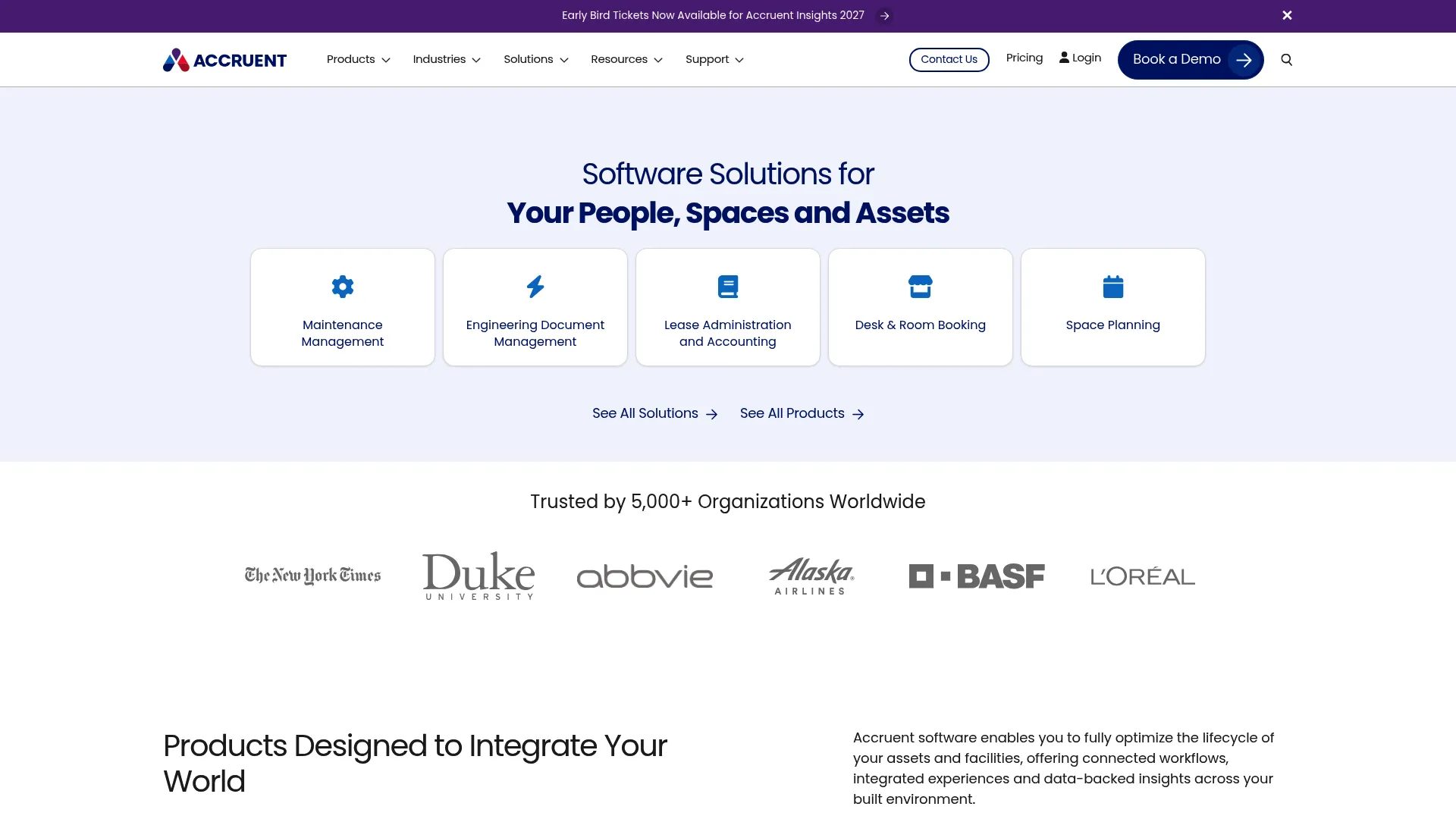
Accruent is software for managing workplaces, assets, maintenance, leases, and engineering documents. Room and desk booking sits inside a much broader platform built for organizations that run facilities, not just offices.
Best for: Organizations that need enterprise workplace, maintenance, and real-estate software from a single vendor.
Key features
- Work order and preventive maintenance management
- Asset and inventory tracking
- Space, lease, and engineering document management
Why choose Accruent: If your booking need is one part of a larger facilities and asset management mandate, Accruent consolidates those workflows under one roof. It fits enterprise teams already managing maintenance and real estate who want reservations in the same system.
Accruent pricing: Maintenance Connection pricing starts at US $110/user/month, or $1,325/user/year. A mobile add-on is $58/user/month or $700/user/year. Enterprise is a custom quote, and a free trial is available.
4. deskbird
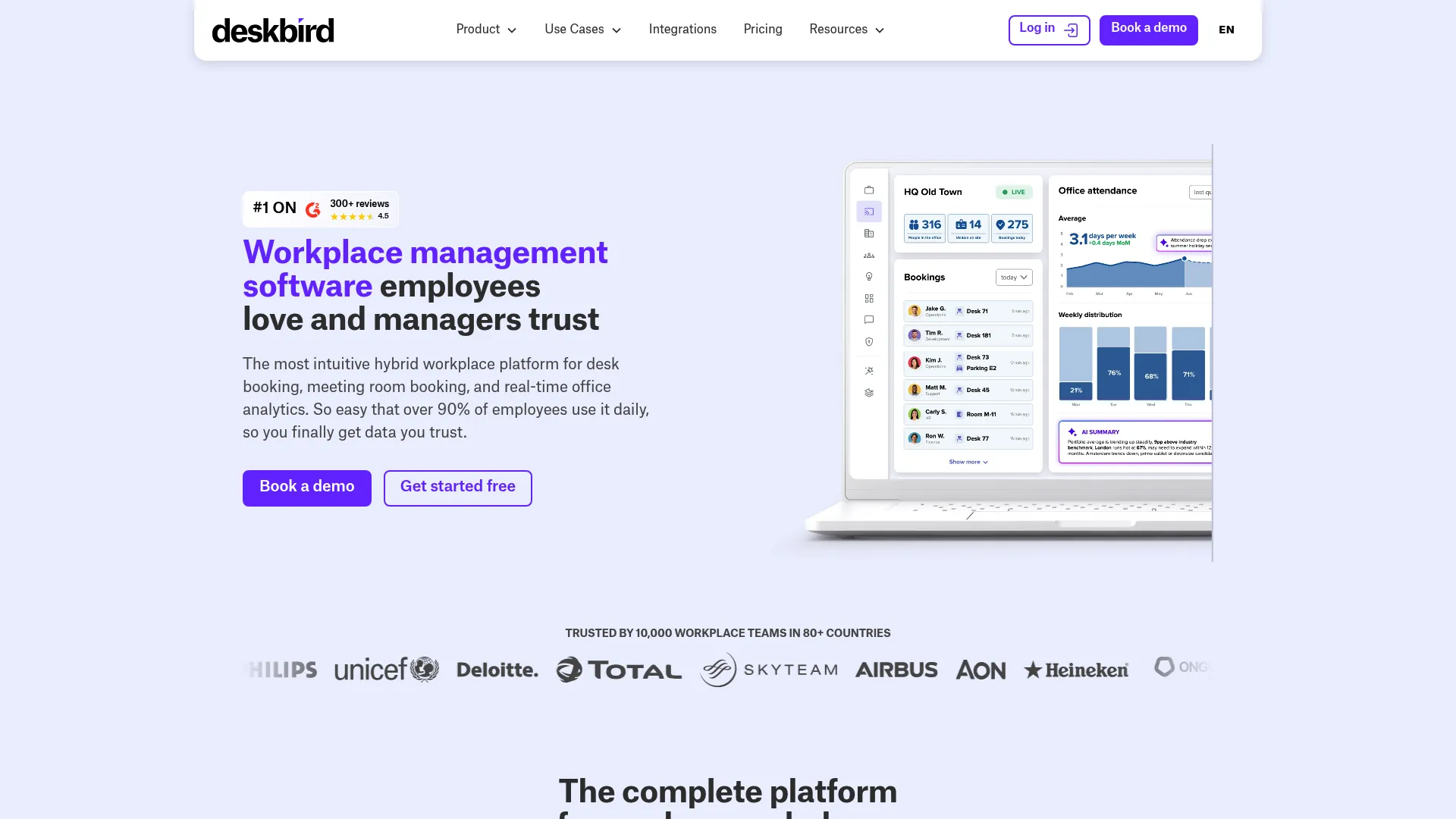
deskbird is a hybrid workplace management platform covering desk booking, room booking, parking, visitor experience, and workplace analytics. Its Slack, Teams, Outlook, and Google Calendar integrations let employees book without leaving the tools they already use.
Best for: Mid-market and enterprise hybrid workplaces that need desk and space management inside chat and calendar tools.
Key features
- Desk, room, parking, and visitor booking
- Workplace analytics and intelligence
- Microsoft Teams, Slack, Outlook, and Google Calendar integrations
Why choose deskbird: For teams that live in Slack or Teams, booking a desk from a chat message removes the friction that kills adoption. It fits hybrid companies that want reservations to happen where work already happens.
deskbird pricing: The Business plan starts at $3.75 per active user/month billed annually, or $4.75 billed monthly. Professional and Enterprise are custom priced. A free trial is available, and a limited Starter plan caps at 15 users.
5. YAROOMS
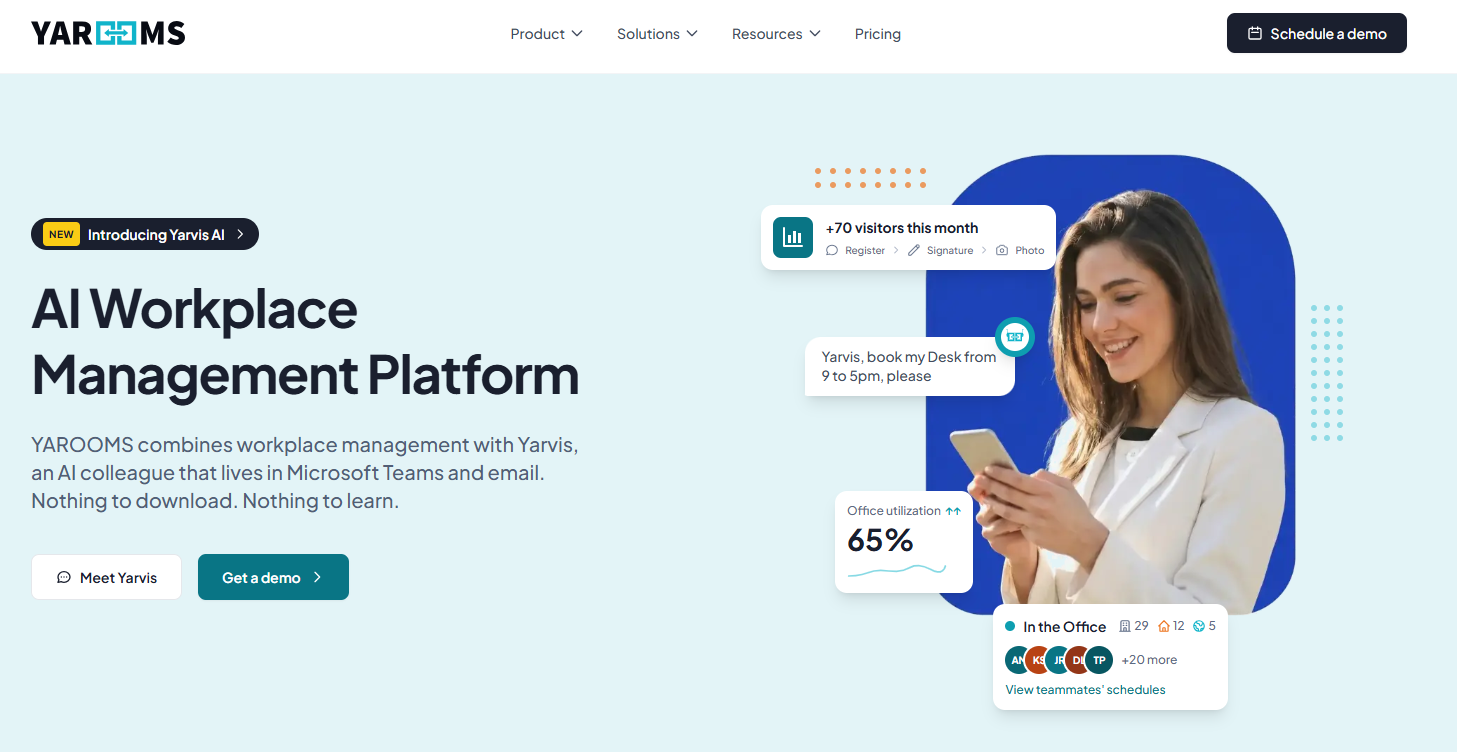
YAROOMS is a workplace management platform for desk, room, visitor, and hybrid work scheduling. It combines self-service booking with hybrid work planning, so you manage in-office days and reservations from one place.
Best for: Hybrid offices that want desk, room, and workplace management in a single platform.
Key features
- Desk booking
- Room booking
- Hybrid work scheduling
Why choose YAROOMS: Flat monthly pricing rather than per-user billing makes budgeting predictable as headcount shifts. It suits hybrid teams that want scheduling and analytics without a per-seat cost that climbs with every hire.
YAROOMS pricing: Starter is $99/month, Business is $399/month, and Enterprise is $899/month. A monthly and yearly toggle is available, with a discount shown for annual billing.
6. Robin
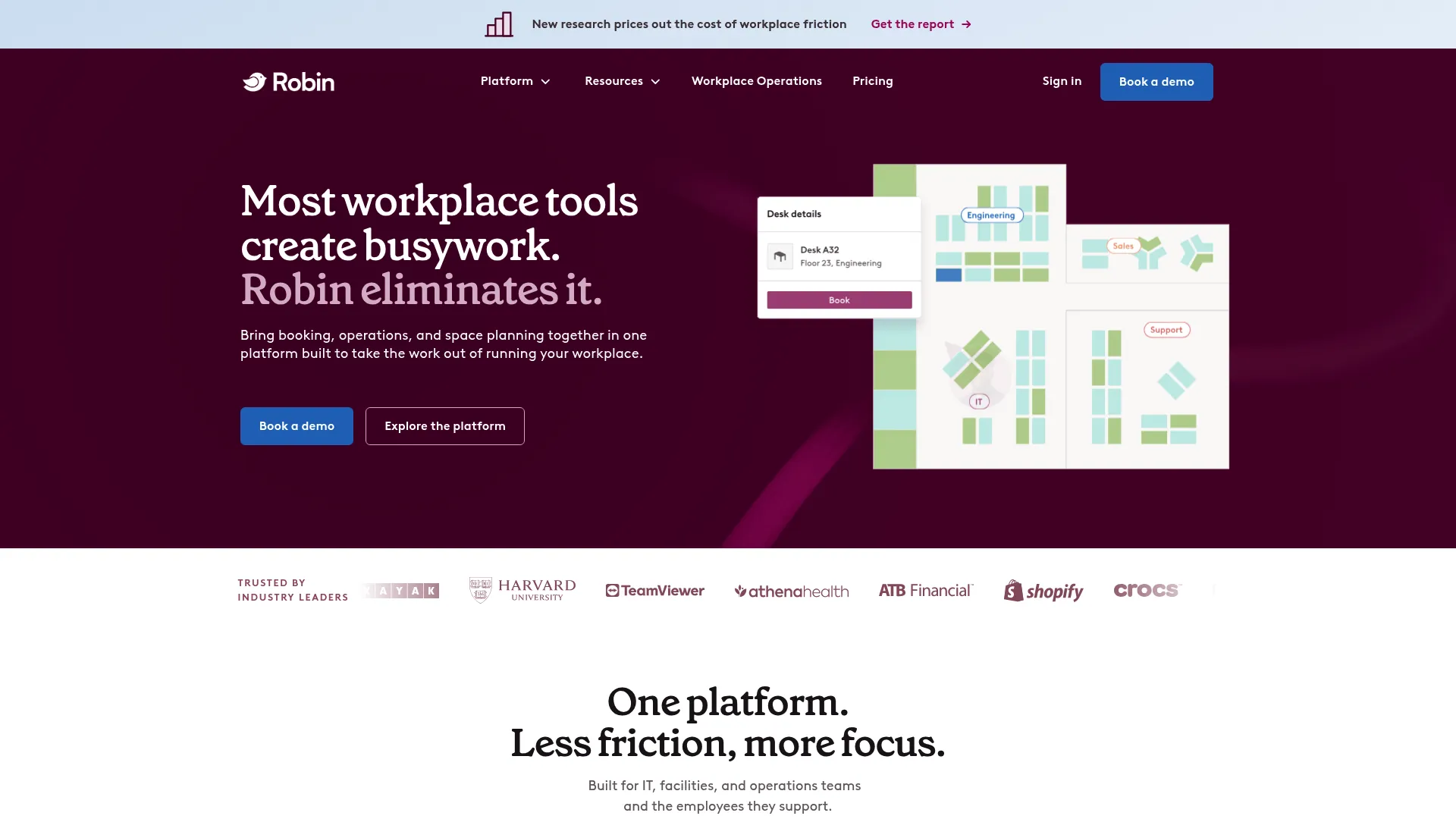
Robin is workplace management software for booking, managing, and analyzing offices and spaces. It handles desks, rooms, parking, and lockers, and pairs booking policies with room displays and calendar integrations.
Best for: Mid-to-large organizations managing hybrid workplace operations across multiple resource types.
Key features
- Resource booking for desks, rooms, parking, and lockers
- Space management and booking policies
- Meeting management with room displays and calendar integrations
Why choose Robin: Robin covers a wide range of bookable resources under one policy engine, which helps when you manage more than just rooms. It fits growing hybrid offices that want room displays and calendar sync working together.
Robin pricing: Robin uses customized pricing and asks teams to contact sales for a quote. Subscriptions are billed annually.
7. OfficeSpace
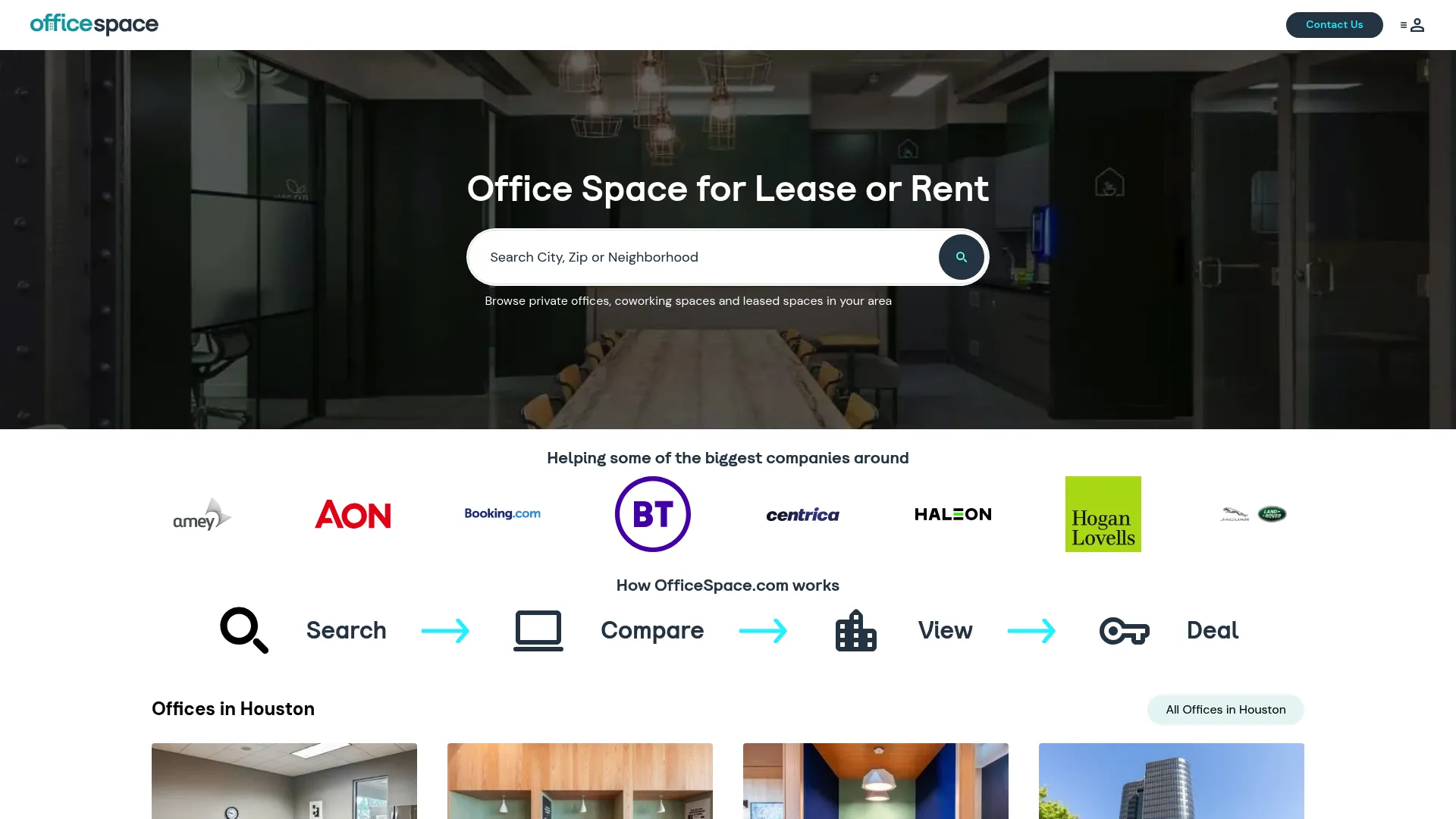
OfficeSpace is workplace management software for space planning, desk and room booking, asset tracking, and workplace analytics. Its block and stack planning tools go beyond reservations into how you lay out and reorganize floors.
Best for: Enterprise workplace teams managing space, bookings, and facilities across one or many offices.
Key features
- Desk booking
- Room booking
- Block and stack planning
Why choose OfficeSpace: The space planning depth makes it a strong pick when reservations are one input into bigger real-estate decisions. It fits enterprise teams that plan office layouts, not just book them.
OfficeSpace pricing: Plans are quote-based, built on a fixed platform fee plus synced employees. Advanced features can be added to Lite and Essentials packages on a per-feature basis.
8. Joan
Joan is a workplace management platform for room booking, desk booking, visitor management, digital signage, and analytics. It is known for its room displays, which show availability right outside the door.
Best for: Teams that want workplace booking and visitor management with physical room displays.
Key features
- Meeting room booking
- Desk reservation
- Visitor management
Why choose Joan: The display hardware makes availability visible at the room itself, which cuts down on walk-in conflicts. It suits offices that want a straightforward reservation flow plus at-the-door signage.
Joan pricing: A 30-day free trial is available at $0, a paid plan starts at $49, and Enterprise is custom priced.
9. Eptura
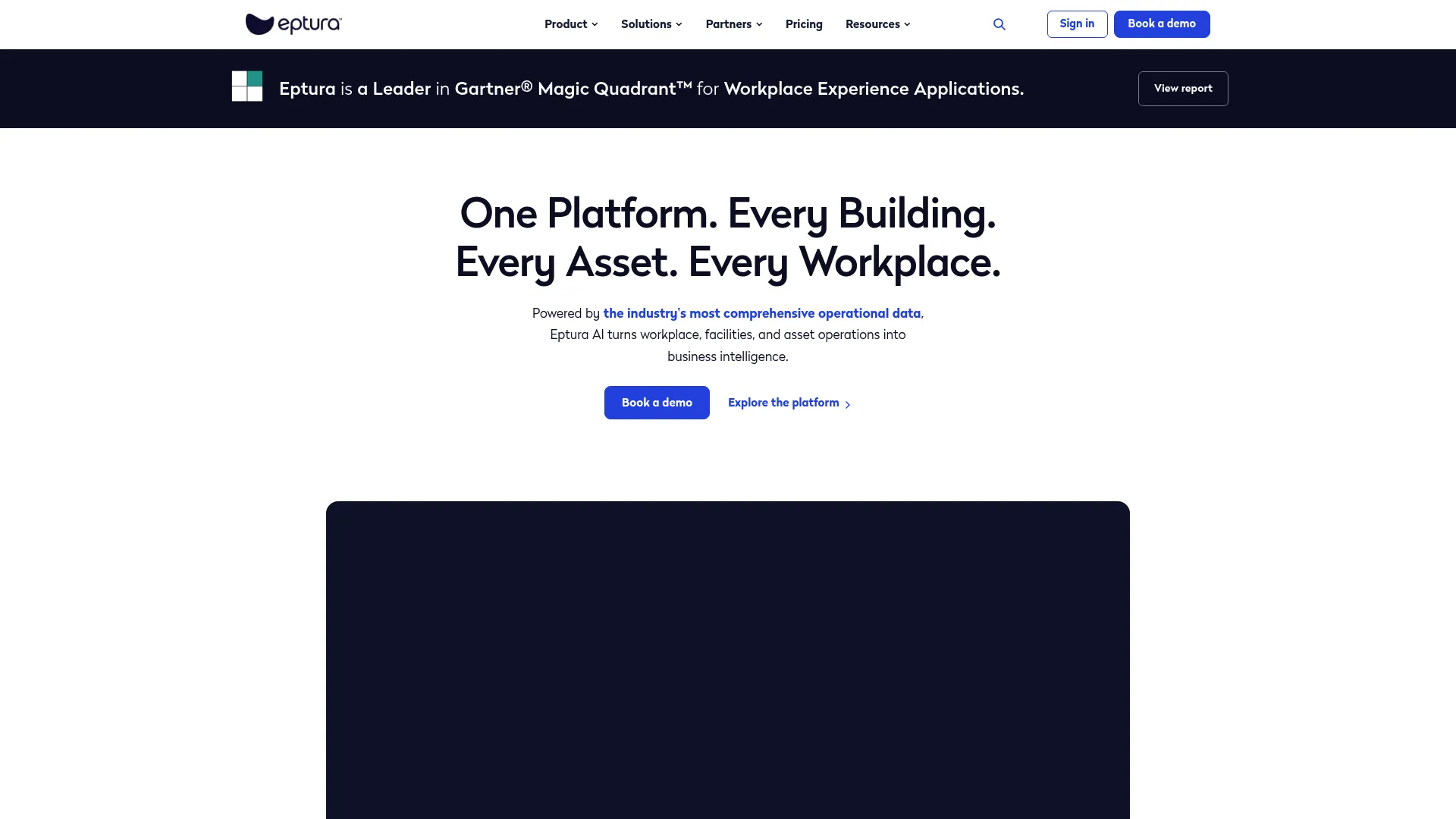
Eptura is global worktech software for workplace, facilities, asset, visitor, and space management. Room booking sits inside a unified platform with AI-driven workflows and deep Microsoft integration.
Best for: Enterprises managing workplaces, facilities, assets, and visitors in one platform.
Key features
- Unified workplace, facilities, assets, visitors, and space planning
- AI-powered workflows and insights
- Integrations with Microsoft, Copilot, Outlook, Teams, and ServiceNow
Why choose Eptura: For large organizations that want reservations, asset management, and facilities in one worktech platform, Eptura reduces vendor sprawl. It fits enterprise teams standardizing on Microsoft and ServiceNow.
Eptura pricing: Eptura uses tiered pricing with annual subscriptions across Advanced and Power plans. Public numeric prices are not listed, so pricing comes through a quote.
10. Spacewell
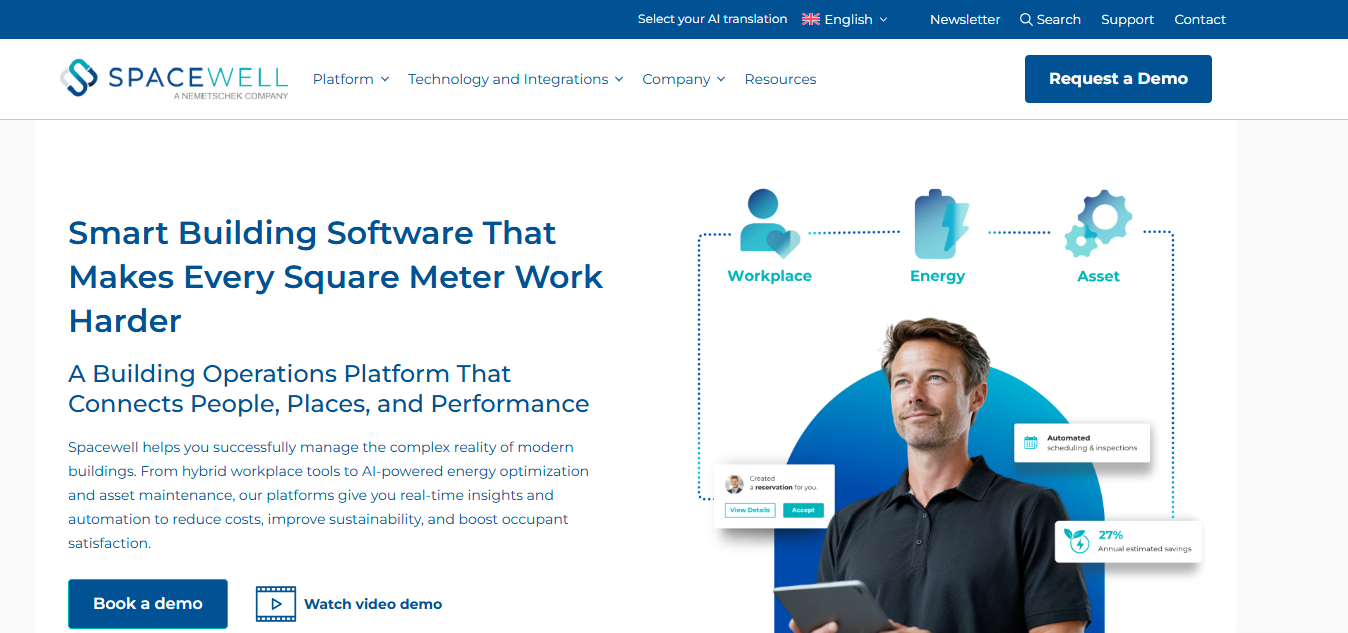
Spacewell is a modular building operations platform for workplace, energy, and asset management. Reservations, visitors, and occupancy sensors sit alongside energy monitoring and maintenance in one system.
Best for: Organizations managing workplaces, facilities, assets, and energy across multiple sites.
Key features
- Workplace management with space, reservations, visitors, and occupancy sensors
- Energy management with monitoring, benchmarking, and carbon reporting
- Asset and facility management with work orders and preventive maintenance
Why choose Spacewell: The energy and sustainability tracking sets it apart when carbon reporting is part of the mandate. It fits multi-site portfolios that need booking, occupancy sensing, and building operations together.
Spacewell pricing: Spacewell doesn't list its pricing. You'll need to book a demo or talk to an expert to get a quote.
11. Ronspot
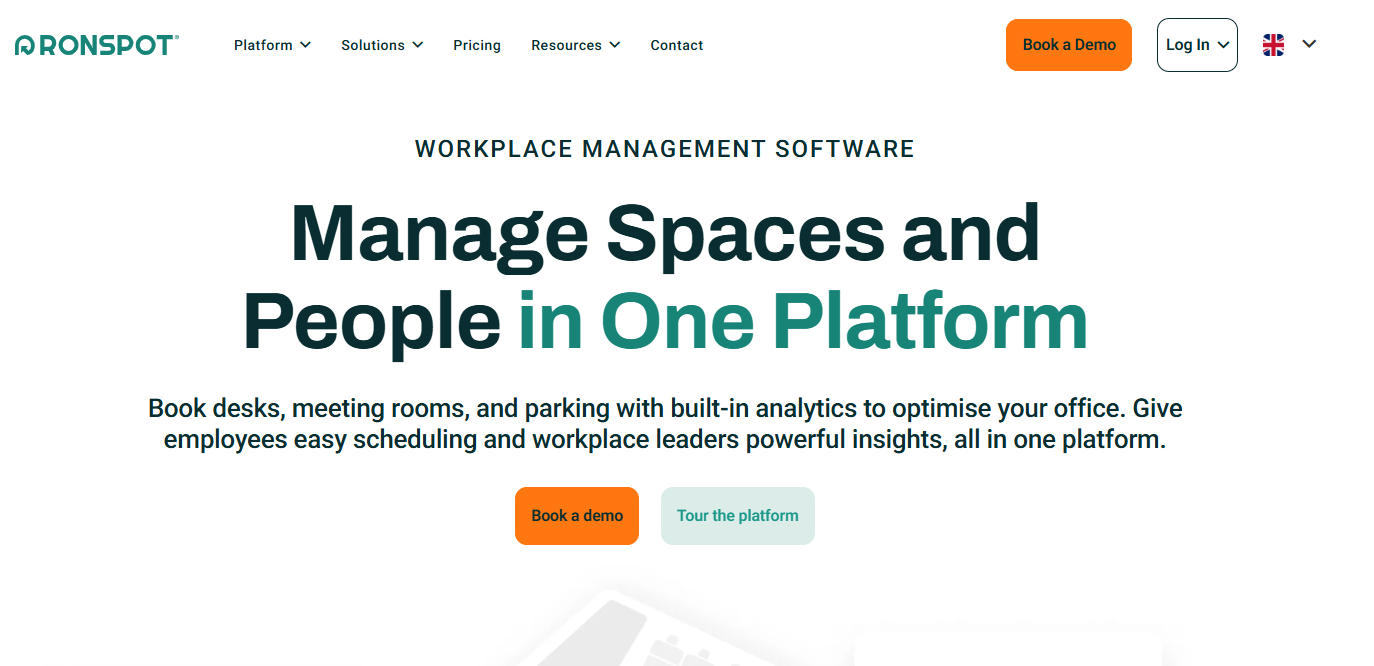
Ronspot is flexible workplace management software for desks, parking, and meeting rooms. It brings hot desk booking, parking space management, and room booking into a single system for distributed teams.
Best for: Organizations that want one system for workplace space booking, including parking.
Key features
- Hot desk booking
- Parking space management
- Meeting room booking
Why choose Ronspot: Parking management is a first-class feature here, which matters for offices where parking is as scarce as desks. It fits distributed teams that need desks, rooms, and parking managed together.
Ronspot pricing: Ronspot keeps pricing off its site. You'll need to reach out for a quote based on how many resources you're managing.
12. Clearooms
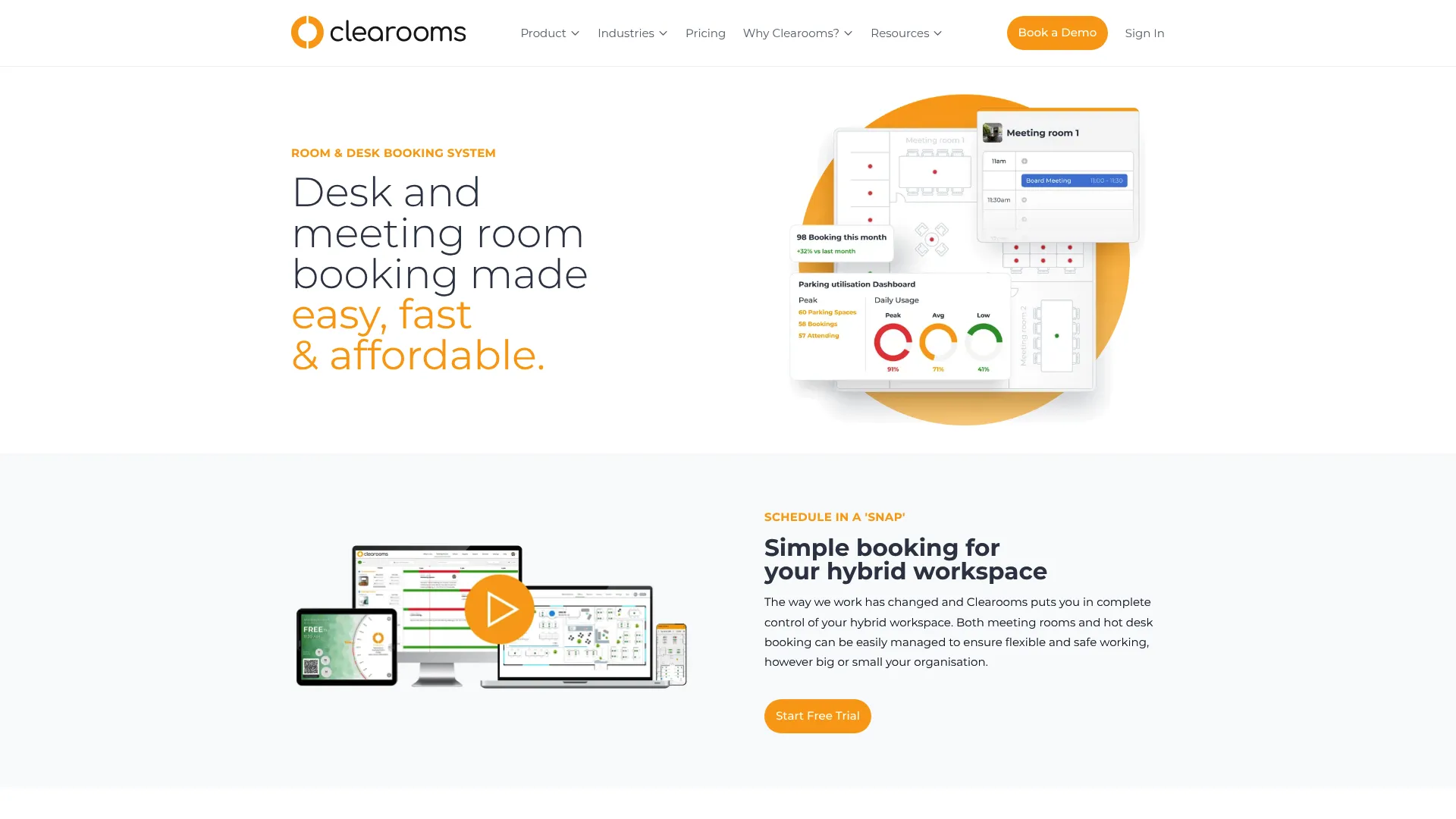
Clearooms is workspace management software for desk booking, meeting rooms, and parking. It combines floor plans, calendar sync, SSO, and a mobile app with usage-based pricing tied to how many resources you actually book.
Best for: Hybrid workplaces that want desk, meeting room, and parking booking in one system.
Key features
- Desk and room booking in one platform
- Floor plans, calendar sync, SSO/SCIM, and mobile app
- Visitor management, parking, reporting, and room display options
Why choose Clearooms: Usage-based billing by bookable desks, rooms, and parking spaces means you pay for capacity, not headcount. It fits smaller and hybrid teams that want a full feature set without per-user costs.
Clearooms pricing: A 30-day free trial is available. Paid pricing is usage-based by number of bookable desks, rooms, and parking spaces.
Considerations
Before you commit, run every shortlisted tool through this checklist. The right resource reservation system depends less on feature counts and more on how these five dimensions fit your reality.
Real-time availability and conflict handling
Confirm that availability updates live across every surface: web, mobile, and any room display. Ask how the tool locks a resource at the moment of booking, and whether it handles simultaneous requests cleanly. Double-booking prevention is the whole point, so test it under load, not just in a demo.
Integrations and calendar sync
Check for native support across Microsoft 365, Outlook, Google Workspace, and Google Calendar, plus Teams and Slack if your team books from chat. Two-way sync matters: a booking made in the tool should appear on the calendar and vice versa, without duplicates or drift.
Permissions and booking policies
Look for role-based access, recurring booking rules, approvals, and location-specific policies. A tool that lets you cap how long a room can be held, restrict certain spaces to certain teams, and require approval for premium resources will save you from the "just in case" hoarding that wrecks availability.
Reporting and utilization insights
Verify the tool surfaces occupancy, no-show rates, and peak-hour usage in a way you can actually export and act on. This is the data that justifies a lease decision or a return-to-office policy. If reporting is thin, you are flying blind on the biggest cost the software is supposed to help manage.
Total cost and pricing model
Compare per-room, per-user, and enterprise pricing against your growth curve. Per-space pricing rewards teams sharing few resources; per-user pricing scales with headcount; usage-based pricing tracks capacity. Model the cost at your projected size in 18 months, not today, so you do not get surprised at renewal.
Conclusion
There is no single best resource booking software, only the best fit for how your team works. If you want simple room and desk booking with floor plans and unlimited users, Skedda is a strong start. For hybrid teams living in Slack or Teams, deskbird and Robin keep booking where work already happens. When utilization data drives real-estate decisions, YAROOMS and OfficeSpace bring the analytics. And for enterprises consolidating facilities, assets, and reservations, Accruent, Eptura, and Spacewell handle the full stack.
The next step is practical: shortlist two tools that match your resource mix and pricing model, then run a real free trial with actual bookings from actual employees. Availability, conflict handling, and calendar sync feel very different in production than in a sales demo. Book the room, block the conflict, and see which one your team actually uses.
FAQs
It lets teams reserve shared resources like meeting rooms, desks, and equipment in real time, so two people never claim the same asset. It replaces spreadsheets and shared-calendar workarounds with a single system that shows availability, prevents conflicts, and gives employees self-service booking.
Room booking software focuses on meeting and conference rooms only. Resource booking software is broader: it covers rooms plus desks, parking, equipment, and other shared assets under one set of permissions and policies. If you only manage rooms, a room scheduler is enough. If you manage a hybrid office, you likely want the broader category.
Yes. That is its core job. When someone reserves a resource, the tool locks it in real time so no one else can book the same slot. Good systems handle simultaneous requests cleanly and reflect the change instantly across web, mobile, and room displays.
Expect native calendar sync with Microsoft 365, Outlook, Google Workspace, and Google Calendar. Most modern tools also integrate with Microsoft Teams and Slack so employees can book from chat. Look for two-way sync so a booking appears on the calendar and a calendar event reflects in the tool without duplicates.
Pricing models vary. Per-space tools like Skedda start around $99/mo per space. Per-user tools like deskbird start around $3.75/user/month. Per-desk tools like Archie start around $2.80/desk/month. Enterprise platforms like Robin, Eptura, and Spacewell quote by configuration. Model your cost at projected headcount, not today's.
Yes. Most platforms in this category book desks, parking, lockers, and equipment alongside rooms. Tools like Robin, Ronspot, and Clearooms treat all resource types as bookable assets under one policy engine, so you manage everything from one place instead of separate systems.
Prioritize occupancy rates, no-show rates, and peak-hour utilization, all exportable. This data tells you whether to add rooms, cut desks, or change your office layout. Utilization insights are what justify a lease renewal or a return-to-office policy, so thin reporting is a real gap.
Per-room or per-space pricing is cheaper when a whole company shares a small number of resources. Per-user pricing makes sense when most employees book regularly and your resource count is high relative to headcount. Model both at your expected size in 18 months, since the cheaper option today can flip at scale.