You can run a 60-minute discovery workshop and still leave with no decision, no owner, and no artifact anyone trusts two days later. The board fills up fast. Post-its multiply. Voting happens. Then nothing gets committed and the next sprint starts from memory.
The right collaborative whiteboard tool changes that dynamic. According to TechSmith's 2024 Workplace Flexibility Trends Report, 48% of workplace leaders said virtual whiteboards could replace at least a quarter of their meetings. The gap between tools that enable decisions and tools that just fill a canvas is wider than most PMs realize until they've shipped a roadmap built on a session nobody could reconstruct.
This guide helps you pick the right online whiteboard for your team's actual workflow, not for a generic "collaboration" use case.
What's inside
This guide compares 11 collaborative whiteboard tools selected for product teams running discovery, planning, and cross-functional alignment. Each tool was evaluated against four criteria:
- PM-relevant use cases: Discovery workshops, retrospectives, roadmap planning, and technical diagramming
- Collaboration depth: Real-time cursors, async comments, voting, timers, and templates
- Integration fit: Connections to design, project management, meeting, and documentation workflows
- Pricing and free-plan access: Verified against each vendor's live pricing page
TL;DR
- Best overall for product teams: Miro, for depth across discovery, planning, and cross-functional workflow integrations
- Best for design-led teams: FigJam, when discovery work lives next to Figma files and wireframes
- Best for facilitated workshops: Mural, built around structured sessions, voting, and facilitator controls
- Best free whiteboard tool: Excalidraw, for account-free quick sketches and low-fidelity diagrams
- Best for Microsoft or Zoom ecosystems: Microsoft Whiteboard or Zoom Whiteboard, depending on your meeting stack
- Best for structured diagrams: Lucidspark, when whiteboarding needs to connect to flowcharts and systems mapping
What is collaborative whiteboard software?
Collaborative whiteboard software is a shared digital canvas where multiple people can brainstorm, diagram, plan, and make decisions together in real time or asynchronously.
For product managers, the key word is "shared." A whiteboard that only works during the meeting becomes an artifact graveyard by Thursday. Good collaborative whiteboard software helps teams structure ambiguity, not just capture it.
Core capabilities the category covers:
- Infinite or expandable canvas for free-range ideation
- Sticky notes, text blocks, and shapes with connector logic
- Mind maps, flowcharts, and journey mapping tools
- Real-time collaborative cursors and presence indicators
- Comments, reactions, and async feedback threads
- Voting, timers, and facilitation controls for workshops
- Templates for retrospectives, planning, discovery, and decision-making
- Import and export (PDFs, images, presentations)
- Integrations with task management, design, meeting, and documentation tools
- Access controls and sharing settings for internal and external collaborators
PMs use these tools to translate raw discovery input into artifacts: Opportunity maps, user journey maps, impact-effort matrices, retrospective boards, workflow diagrams, and dependency charts. A strong virtual whiteboard moves that work forward, not just sideways.
The category is distinct from project management tools. Whiteboards help teams think visually before the work becomes tickets, specs, or roadmap items. Once the decision is made, the artifact should move into execution systems. The best whiteboarding tools make that handoff possible.
The collaborative whiteboard software market was estimated at $685 million in 2025 and is forecast to grow at a 17.4% CAGR through 2035, according to Research and Markets (2026). That growth reflects how central visual thinking has become in distributed product teams.
When to use collaborative whiteboard tools
Run discovery workshops with less meeting drift
PMs can use a digital whiteboard to give a session structure before it starts: Agenda on the left, assumptions cluster in the center, voting prompt ready. Facilitation controls like timers, private mode, and summoning keep the group moving from divergent to convergent. Output stays on the board after the call, searchable and editable, rather than lost in a recording no one watches.
Align cross-functional teams before roadmap decisions
Product, design, engineering, data, and GTM often need to compare tradeoffs on the same surface before a roadmap gets locked. A shared canvas for RICE scoring, impact-effort matrices, or dependency mapping reduces the number of Slack threads where misalignment hides. The whiteboard becomes the reference point, not the deck.
Turn complex workflows into shared visuals
Onboarding flows, permission models, support escalation paths, and integration architecture all benefit from a diagram before they become specs. A brainstorming tool that supports connectors, swimlanes, and conditional logic helps engineers and designers see what the PM intends without a three-hour walkthrough.
Collaborative whiteboard tools comparison
The table below gives a quick read on each tool's fit, pricing, and rating. For teams comparing brainstorming software or remote collaboration options, this scan helps narrow the list before going deeper into individual entries.
| # | Product | Best for | Key differentiator | Pricing | G2 rating |
|---|---|---|---|---|---|
| 1 | Miro | All-around product discovery and planning | 7,000+ templates plus broad integrations | Free; from $8/mo per member | 4.6/5 |
| 2 | FigJam | Design-led product collaboration | Tight Figma workflow connection | Free; from $3/mo per collab seat | 4.6/5 |
| 3 | Mural | Facilitated workshops and remote sessions | Strong facilitation controls and AI | Free; from $9.99/mo per member | 4.6/5 |
| 4 | Canva | Visual brainstorming and presentation output | Turns boards into polished assets | Free; from $144/year | 4.7/5 |
| 5 | Stormboard | Structured brainstorming and decision capture | Reporting and export to Office/Google formats | Free; from $10/user/mo | 4.4/5 |
| 6 | Excalidraw | Fast sketches and low-friction diagrams | Account-free open-source whiteboard | Free; Plus at $6/mo per user | 4.5/5 |
| 7 | Zoom Whiteboard | Meeting-native collaboration | Built into Zoom Workplace | Free basic; from $5.83/mo per user | 4.5/5 |
| 8 | Microsoft Whiteboard | Microsoft 365 teams | Native Teams integration | Free (included with Microsoft 365) | 4.0/5 |
| 9 | Webex Whiteboard | Cisco Webex meeting teams | Whiteboarding inside Webex | Free; from $144/license/year | 4.2/5 |
| 10 | Lucidspark | Diagram-heavy collaboration | Lucidchart connection and idea-to-task flow | Free; from $9/mo | N/A |
| 11 | Draft.io | Visual project planning and workshops | Voting, Jira integration, structured templates | Free; from €8.33/mo | 4.8/5 |
Best 11 collaborative whiteboard tools for 2026
1. Miro
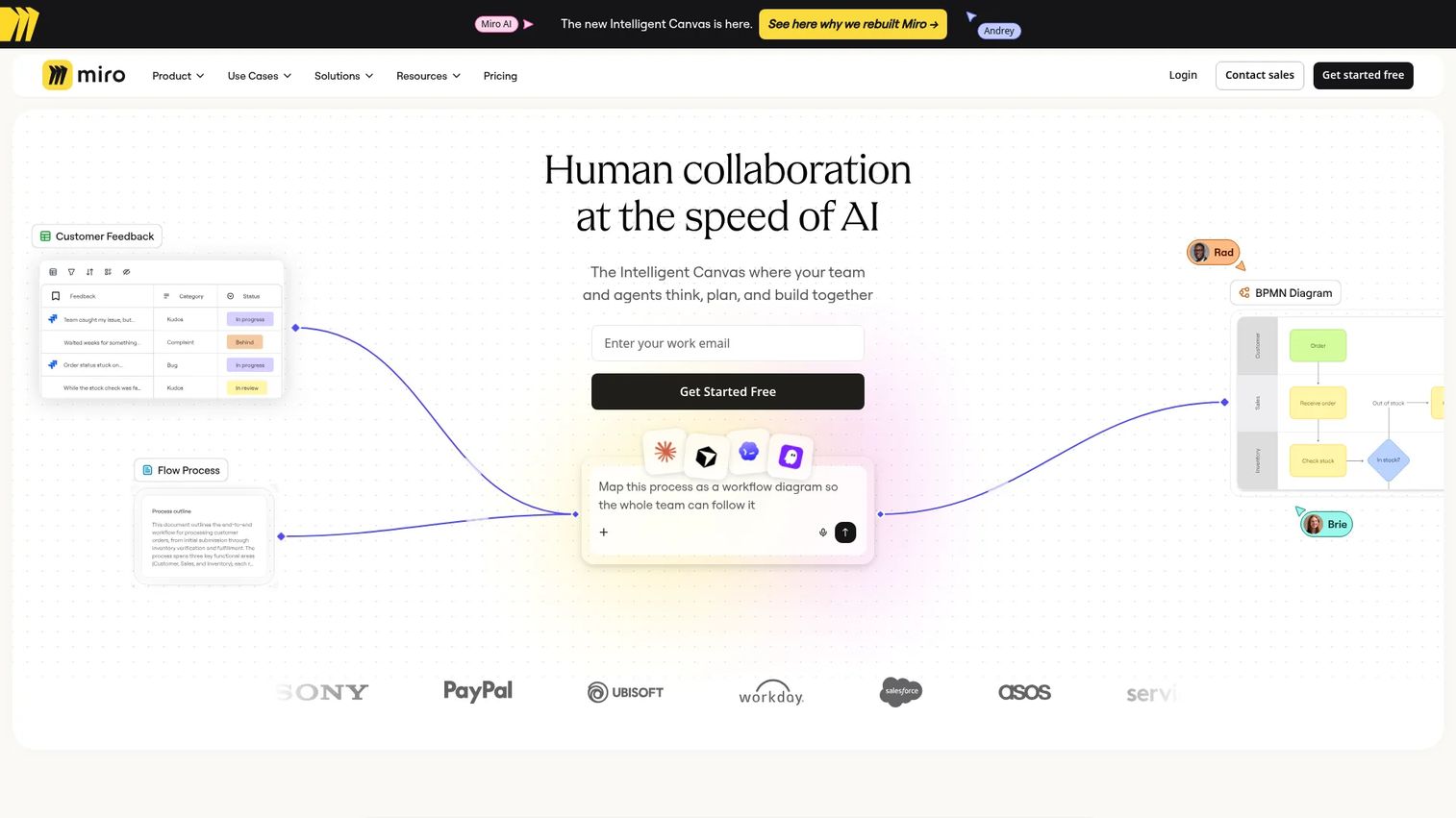
Miro is an AI-powered visual collaboration workspace for brainstorming, planning, diagramming, and cross-functional alignment. It is the broadest all-around option for product teams that need discovery, strategy, and roadmap work in one persistent environment. With over 7,000 templates and 250+ integrations, it scales from a quick retrospective to a multi-quarter planning program.
Best for: Product teams that need one scalable whiteboard for discovery, roadmap planning, and cross-functional alignment across engineering, design, and GTM.
Key features
- Infinite canvas with real-time cursors and collaborative presence
- 7,000+ templates for retrospectives, journey maps, and planning
- Voting, timers, and Talktrack video walkthroughs for async walkthroughs
- AI-powered diagram generation, summarization, and idea synthesis
- Integrations with Jira, Confluence, Slack, Figma, and more
Why choose Miro: Choose Miro when whiteboarding needs to continue after the meeting, with outputs that move into task systems and shared artifacts. It's the strongest pick when your team spans multiple functions and needs a surface that scales across the full product lifecycle.
Miro pricing: Free plan includes three editable boards. Paid Starter plan runs $8 per member per month, billed annually. Business and Enterprise pricing requires contacting sales.
G2 rating: 4.6/5
2. FigJam
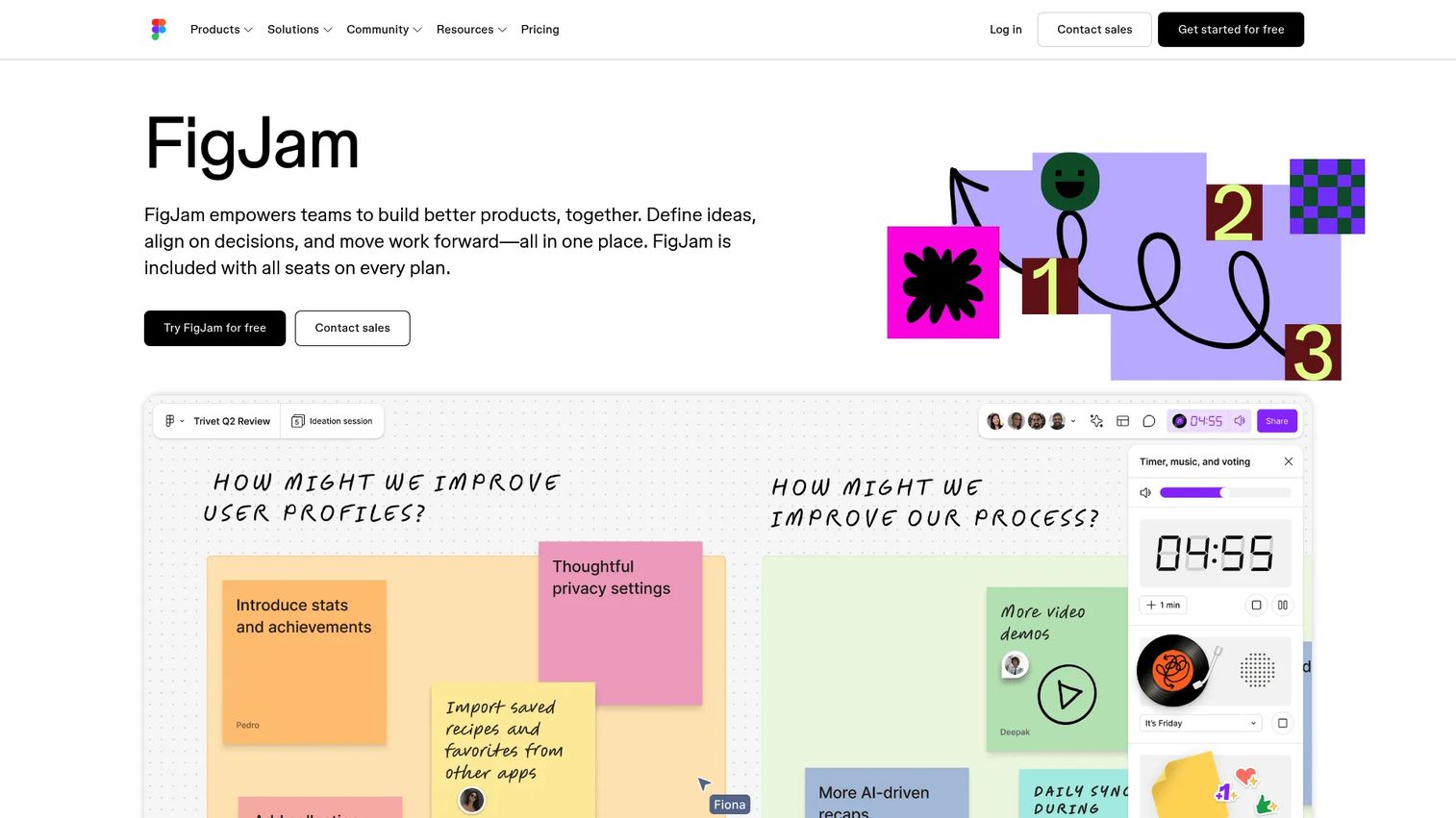
FigJam is the collaborative whiteboard built into the Figma ecosystem. It's designed for real-time brainstorming, diagramming, meeting facilitation, and planning, with tight proximity to wireframes and design files. For PMs who sit close to design, it removes the handoff gap between discovery artifacts and what gets built.
Best for: Product and design teams already using Figma, where discovery artifacts need to stay near wireframes, flows, and prototypes.
Key features
- Real-time collaboration with stamps, emotes, and open sessions
- Voting, timers, and workshop facilitation controls
- AI tools for generating boards, sorting stickies, and summarizing sessions
- Shapes, connectors, tables, widgets, and plugins
- Templates for retrospectives, planning, and journey mapping
Why choose FigJam: FigJam reduces the distance between a user journey map and the design that follows it. If your discovery output regularly becomes a Figma file, keeping both in the same ecosystem reduces alignment cost and version drift.
FigJam pricing: Free Starter plan available. Paid collab seats start at $3 per month on the Professional plan, billed monthly, or $5 per month per collab seat on Organization and Enterprise plans, billed annually.
G2 rating: 4.6/5
3. Mural
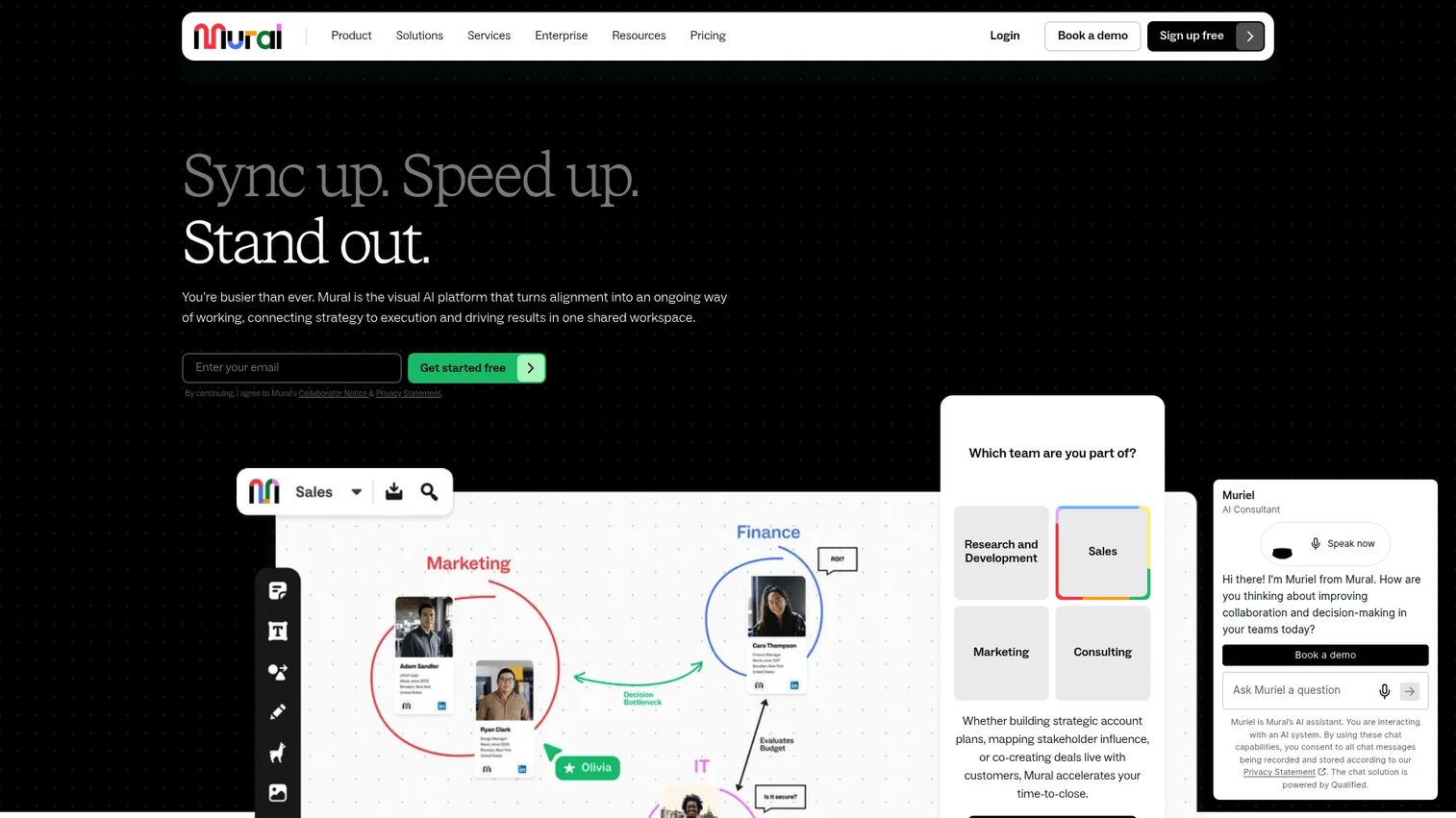
Mural is a visual work platform built around structured collaboration for workshops, design thinking sessions, retrospectives, and planning. Where many whiteboards offer a blank canvas, Mural layers in facilitation controls that help PMs guide a group through divergent and convergent thinking without losing the room.
Best for: Product teams that run recurring workshops and need facilitator-grade controls to keep sessions productive.
Key features
- Facilitator controls: Timer, private mode, summon, and voting sessions
- Mural AI for brainstorming, clustering, and summarization
- Infinite resizable canvas with sticky notes, drawing, and diagrams
- Templates for discovery, design thinking, retrospectives, and OKRs
- Comments, sharing, and integrations with Slack, Microsoft Teams, and more
Why choose Mural: Mural's facilitation layer is the differentiator. When a PM or facilitator needs to guide 15 people from a problem statement to a prioritized opportunity list in 90 minutes, Mural's controls reduce drift. It's the strongest pick for teams that run workshops repeatedly and need a repeatable structure.
Mural pricing: Free plan includes unlimited members and unlimited murals, with three editable at a time. Team+ plan runs $9.99 per member per month, billed annually ($12 billed monthly). Business and Enterprise pricing requires contacting sales.
G2 rating: 4.6/5
4. Canva
Canva is a visual design and publishing platform that includes a fully collaborative whiteboard tool. It's most useful when teams need ideation to become a polished artifact quickly, whether that's a launch planning doc, a stakeholder-facing summary, or a workshop recap deck. The whiteboard connects directly to Canva's design library, so turning a brainstorm into a presentation doesn't require a separate tool.
Best for: Teams that need whiteboarding output to become shareable visual content for executives, customers, or cross-functional stakeholders.
Key features
- Whiteboard templates with access to the full Canva visual asset library
- Real-time cursors, comments, and collaborative editing
- Direct export to presentations and documents within Canva
- Brand Kits for consistent visual output across boards
- Cross-device access on web, desktop, and mobile
Why choose Canva: Canva makes sense when the whiteboard output has an audience beyond the core team. If your retrospective becomes an exec update, or your discovery session becomes a product brief with visuals, Canva removes the production step between ideation and communication.
Canva pricing: Free plan available. Pro plan runs US$144 per year for one person. Business plan runs US$250 per year per person. Enterprise pricing requires contacting sales.
G2 rating: 4.7/5
5. Stormboard
Stormboard is a structured brainstorming and digital meeting tool built around organized sticky note workflows, templates, and session reporting. Rather than starting from a blank canvas, Stormboard structures sessions from the start, grouping ideas into sections, assigning ownership, and exporting follow-up reports directly into Microsoft Office and Google Workspace formats.
Best for: Teams running remote or hybrid workshops, strategic planning sessions, and retrospectives that need structured follow-up reports without manual cleanup.
Key features
- Sticky note-based workflows with categorization and voting
- Templates for Agile, Kanban, SWOT, and strategic planning
- Reporting and export to Word, PowerPoint, Excel, Google Docs, and CSV
- Real-time collaboration with task assignment
- Nested boards for organizing ideas within sessions
Why choose Stormboard: Stormboard reduces the post-workshop tax. When a session ends, the reporting feature generates a usable summary that maps to the structure of the meeting, rather than requiring someone to manually organize 80 sticky notes afterward. For PMs who run recurring planning cycles, that consistency adds up.
Stormboard pricing: Free Personal plan available. Business plan runs $10 per user per month (or $8.33 billed annually). Enterprise pricing requires contacting sales.
G2 rating: 4.4/5
6. Excalidraw
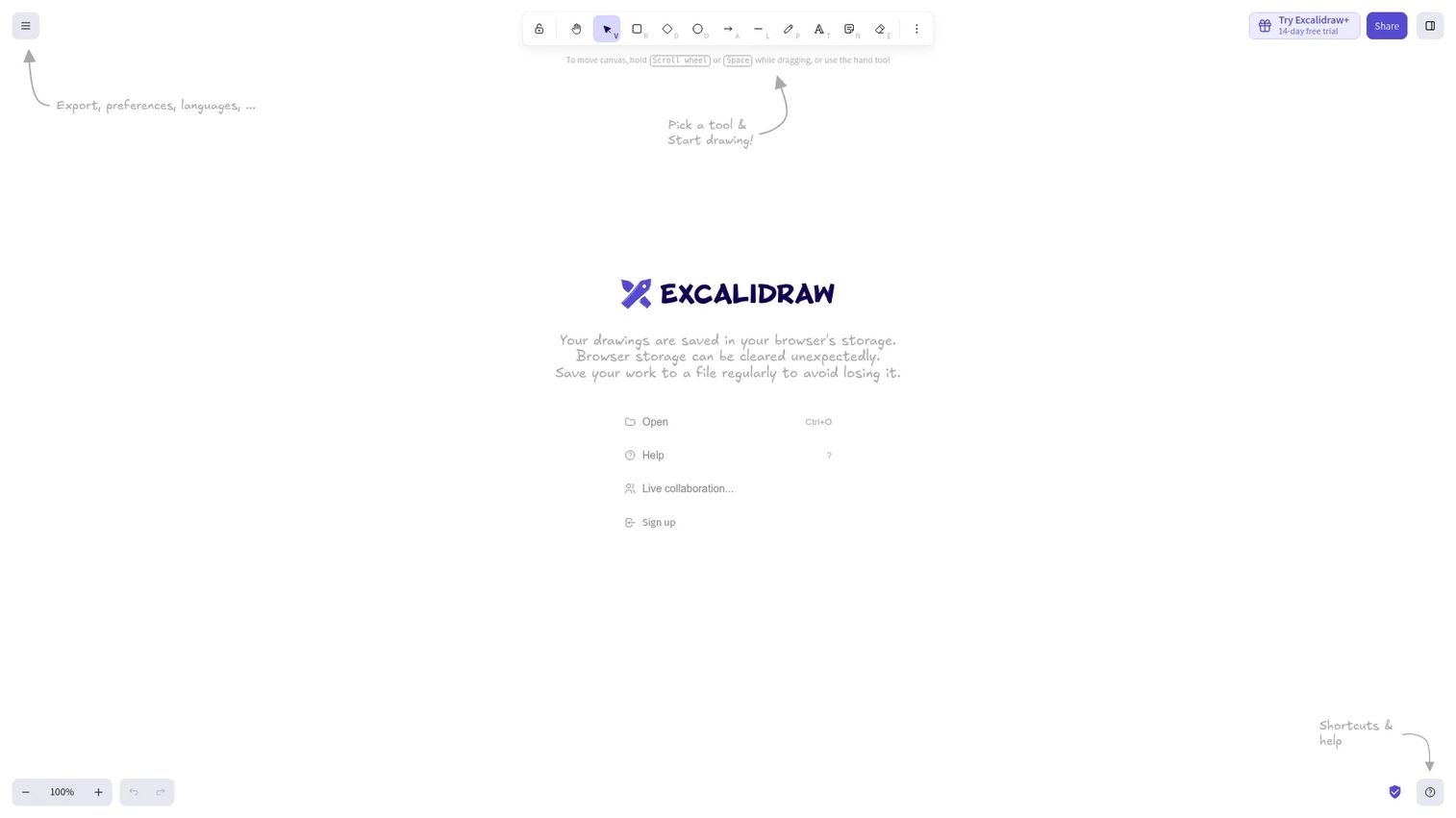
Excalidraw is an open-source online drawing whiteboard with a hand-drawn visual style and minimal setup. It's the fastest path to a shared diagram when the goal is a rough shared understanding rather than a long-lived planning artifact. No account required for basic use, making it a go-to for ad hoc sketches, architecture discussions, and quick wireframes.
Best for: PMs, engineers, and designers who need fast sketches or low-fidelity diagrams without heavyweight setup or account friction.
Key features
- Infinite canvas with hand-drawn style shapes and diagrams
- Account-free collaboration via shareable links
- AI text-to-diagram and wireframe-to-code generation
- Export to PNG, SVG, JSON, PDF, and PPTX
- Presentation mode using frames
Why choose Excalidraw: Excalidraw excels at speed and low ceremony. When a quick diagram is needed to unblock an engineering conversation or sketch a user flow before a discovery call, it's faster to reach for than any tool requiring login and workspace setup. The free whiteboard tool status makes it easy to share with anyone.
Excalidraw pricing: Free plan available with full editor access, unlimited canvas, and 10 AI requests per day. Plus plan runs $6 per month per user, adding cloud storage, unlimited scenes, advanced sharing, comments, and 100 AI requests per day.
G2 rating: 4.5/5
7. Zoom Whiteboard
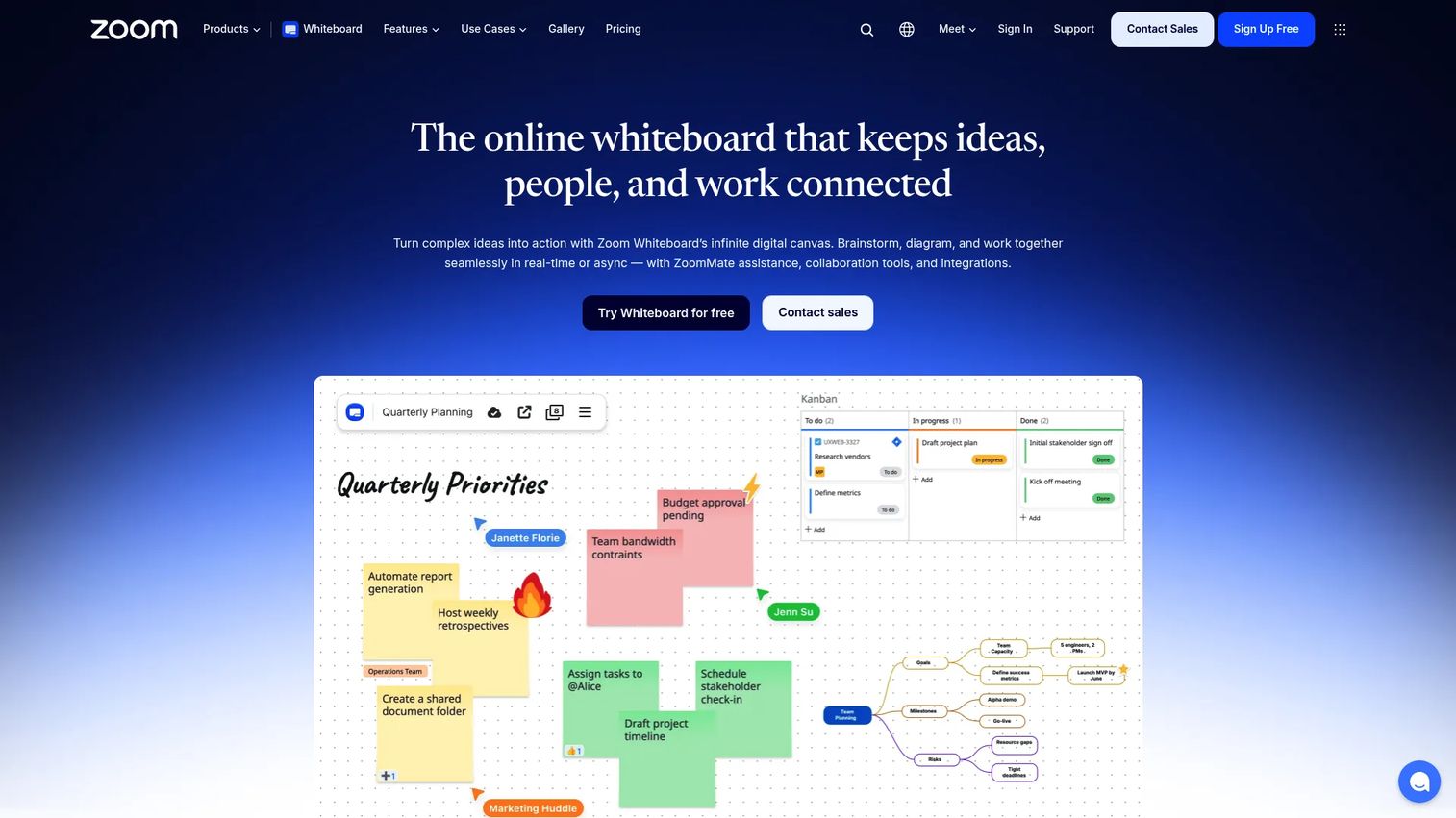
Zoom Whiteboard is a persistent digital whiteboard built into Zoom Workplace for brainstorming, diagramming, and collaboration. For teams that already run most collaboration inside Zoom, it removes the switching cost of moving participants into a separate whiteboard tool mid-meeting. Boards persist after calls end, so they serve as both live and async surfaces.
Best for: Distributed teams that want meeting-integrated visual collaboration without leaving the Zoom workflow.
Key features
- AI-generated boards and diagrams
- Templates for mind maps, Kanban boards, project planning, and flowcharts
- Sticky notes, shapes, annotations, and freehand drawing
- Task integrations with Jira, Asana, and Azure DevOps
- Export to high-resolution images, PDFs, and PPTX
Why choose Zoom Whiteboard: The strength is convenience, not depth. Zoom Whiteboard is the right pick when adoption has to be near-zero friction and your team already lives in Zoom. It's not the deepest specialist whiteboard, but it's the one people will actually use if they don't have to context-switch.
Zoom Whiteboard pricing: Free Whiteboard Basic plan includes three concurrently editable whiteboards. The paid Whiteboard plan runs $5.83 per user per month, billed annually ($7 billed monthly). Zoom Workplace Business and higher bundles may include whiteboard access.
G2 rating: 4.5/5
8. Microsoft Whiteboard
Microsoft Whiteboard is a free infinite canvas tool for real-time collaboration, brainstorming, and planning, built for organizations running on Microsoft 365. It surfaces directly inside Teams meetings, so product teams using Microsoft's stack can open a shared board without leaving the meeting room or switching accounts.
Best for: Product teams whose daily collaboration already happens inside Microsoft Teams and Microsoft 365.
Key features
- Native Microsoft Teams integration for in-meeting whiteboards
- Sticky notes, text, shapes, drawing tools, and pre-built templates
- Ink support for tablet and stylus input
- Automatic cloud saving with sharing permissions
- Access via web, Windows, iOS, Android, and Surface Hub
Why choose Microsoft Whiteboard: Enterprise governance and IT standardization often make the tool choice for product teams inside large Microsoft-centered organizations. If the IT policy, identity management, and data residency requirements already point to Microsoft, Whiteboard is the path of least resistance for internal collaboration.
Microsoft Whiteboard pricing: Included for free with Microsoft 365 accounts.
G2 rating: 4.0/5
9. Webex Whiteboard
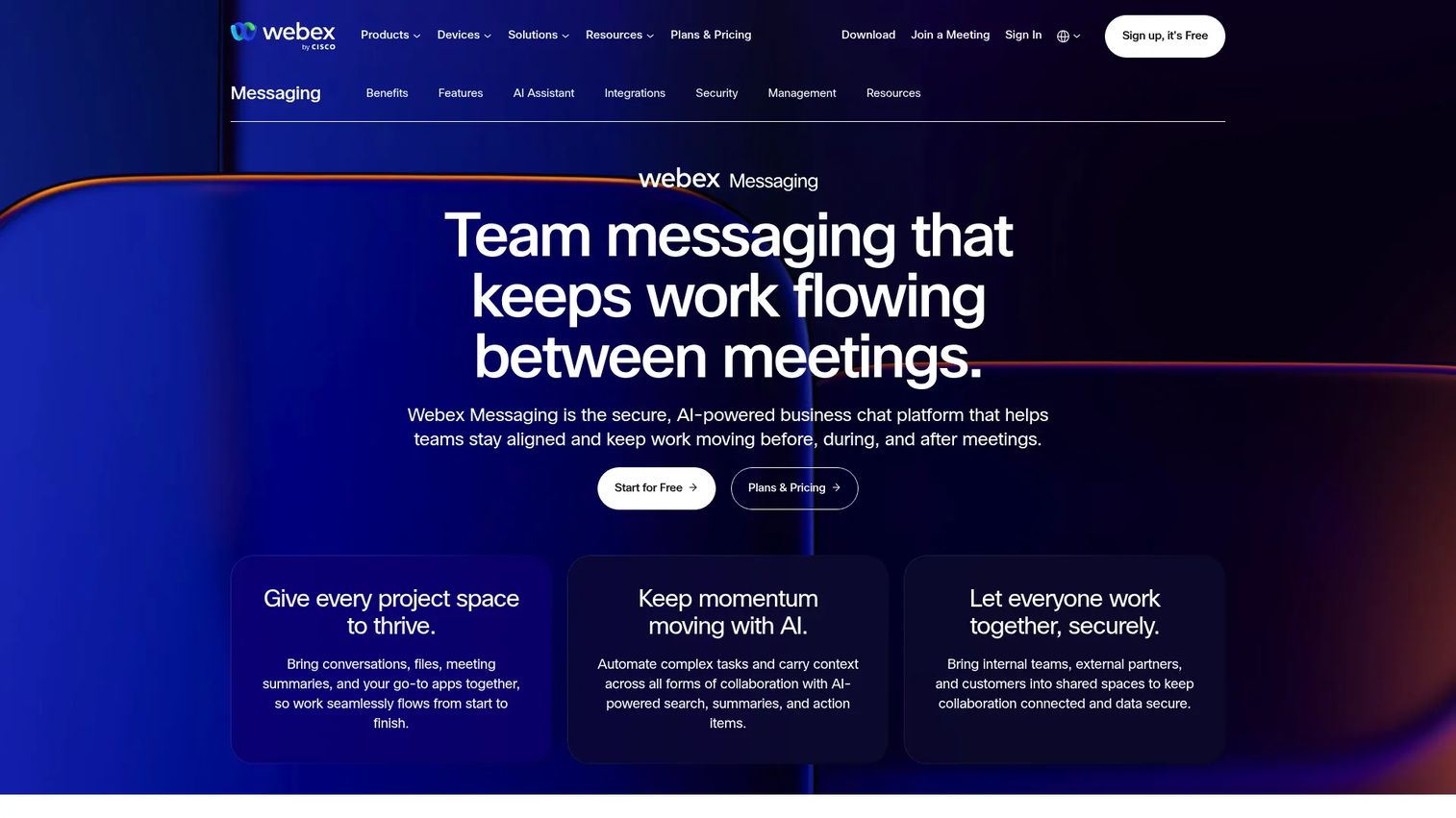
Webex Whiteboard is a secure collaborative whiteboarding tool built into the Cisco Webex platform. It supports real-time co-creation, annotation, and ideation across devices, with end-to-end encryption and enterprise-grade controls. For organizations standardized on Webex, it delivers whiteboarding continuity within the existing meeting and messaging infrastructure.
Best for: Product and cross-functional teams standardized on Cisco Webex for meetings, messaging, and hybrid work.
Key features
- Real-time collaborative whiteboarding on infinite canvas
- Drawing, text, shapes, sticky notes, and emoji support
- Magic pen shape recognition for clean diagram output
- Whiteboard sharing inside meetings and spaces
- PDF export and end-to-end encryption
Why choose Webex Whiteboard: Adoption depends on where the team already lives. For Webex-centered organizations, whiteboarding adoption is higher when it's embedded in the meeting flow rather than requiring a separate tool. Security and compliance teams familiar with Webex's enterprise controls will also find fewer friction points approving it for use.
Webex Whiteboard pricing: Included in the free Webex plan (unlimited whiteboards). The Webex Meet paid plan runs $144 per license per year ($12 per license per month). Webex Suite runs $270 per license per year. Enterprise pricing requires contacting sales.
G2 rating: 4.2/5
10. Lucidspark
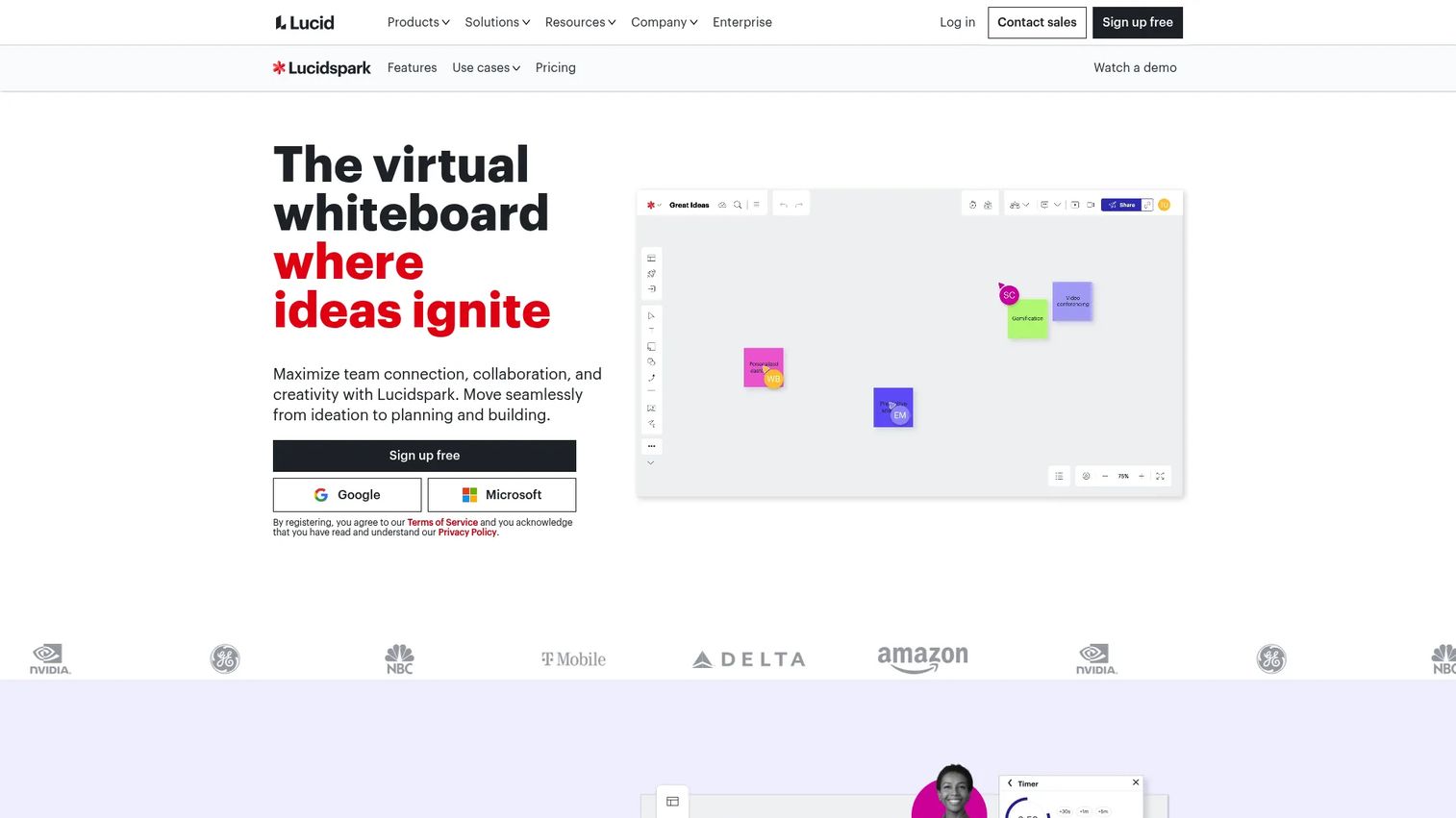
Lucidspark is a virtual whiteboard for freeform ideation and collaborative brainstorming that connects tightly to Lucidchart for structured diagramming. For PMs who move from "how should this work?" to "here's the diagram the engineering team needs," Lucidspark bridges that transition within one product suite. Visual Activities, breakout boards, and Lucid Cards for turning ideas into tasks make it stronger for decision-to-action workflows.
Best for: Product and technical teams that need collaborative brainstorming to connect directly to process maps, architecture diagrams, or structured flowcharts.
Key features
- Infinite canvas with real-time collaboration, comments, and reactions
- Visual Activities including voting sessions and collaborative exercises
- Dynamic mind maps and AI-powered idea generation
- Lucid Cards for converting ideas into actionable tasks
- Templates and breakout boards for sub-group work
Why choose Lucidspark: Choose Lucidspark when whiteboarding is a step in a larger diagramming workflow. If your discovery sessions regularly produce flowcharts, onboarding flow diagrams, or permission-model maps, the connection to Lucidchart's structured diagramming reduces the rebuild that happens when teams switch tools between ideation and documentation.
Lucidspark pricing: Free plan available. Individual plan runs $9 per month. Team plan runs $10 per month. Enterprise pricing requires contacting sales. (Pricing sourced from Lucid's official guide; confidence is medium due to redirect behavior on the pricing page.)
11. Draft.io
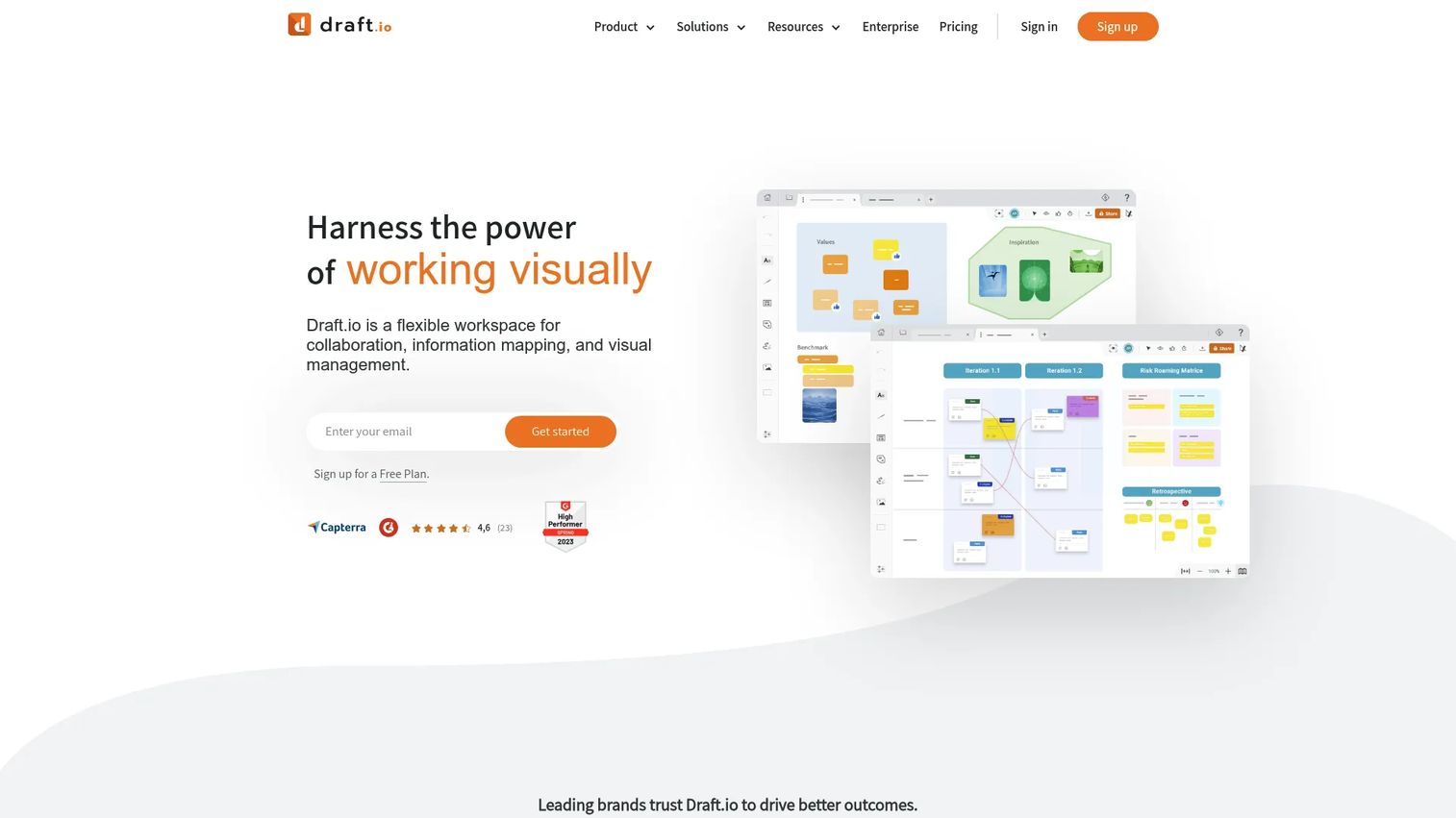
Draft.io is a flexible visual collaboration workspace for workshops, agile project management, product management, and UX design. It combines visual management cards, voting sessions, Jira integration, and 50+ pre-built templates in a structured board environment. For teams that want whiteboarding output to connect directly to Jira without manual copy-paste, Draft.io is worth evaluating.
Best for: Teams and consultants running collaborative workshops, agile workflows, and visual project planning where output connects to execution systems.
Key features
- Visual management cards for structured idea organization
- Voting sessions and polling booth mode for decision-making
- Jira integration for idea-to-ticket workflows
- Lists, anchor links, and 50+ pre-built templates
- Business plan adds SAML SSO, IP filtering, and visitor editors
Why choose Draft.io: Draft.io is strongest when a PM wants workshop structure plus a direct path to the backlog. The Jira integration and voting mechanics make it useful for prioritization sessions where output needs to become sprint work, not just a screenshot in a Confluence page.
Draft.io pricing: Free plan available with up to 500 objects. Pro and Team plans start from €8.33 per month, billed yearly (€10 per month billed monthly). Business plan starts from €10.83 per month, billed yearly. Enterprise pricing is custom.
G2 rating: 4.8/5
Considerations when choosing collaborative whiteboard tools
Match the board to the PM workflow
A tool optimized for free-form sketching won't serve a sprint retrospective the same way a template-and-voting workflow does. Discovery programs need structured artifacts, not just a canvas. Before evaluating tools, clarify whether the primary need is facilitated live sessions, async input collection, or technical diagramming. Each points to different tools.
Check what happens after the workshop
The board that generates a decision is only useful if that decision travels somewhere. Evaluate export formats, integrations with Jira or Confluence, and whether the tool supports assigning owners and follow-up tasks before the session closes. A whiteboard with no handoff path creates an artifact graveyard.
Evaluate async collaboration depth
Distributed product teams can't rely on live cursors alone. Look for threaded comments, board change visibility, mentions, shareable links without account requirements, and history. If teammates join 24 hours after the session, they need enough context to contribute without a re-run.
Compare templates and facilitation controls
Templates reduce setup time, but facilitation controls reduce workshop drift. For PMs running recurring rituals, timers, private mode, voting mechanics, and presentation mode are the difference between a productive session and 90 minutes of open-ended sticky note accumulation.
Verify pricing against adoption
Whiteboard tools spread across product, design, engineering, and GTM quickly. Evaluate seat pricing, guest access policies, editor versus viewer role distinctions, free-plan limits, and enterprise security controls before committing. A tool that starts free and charges per editor seat can get expensive when adoption scales.
Conclusion
The right collaborative whiteboard tool depends on where your workshop output goes next.
Miro is the strongest all-around pick for product teams that need discovery, planning, and cross-functional alignment in one place. FigJam fits when discovery work starts near Figma files. Mural is the right call for teams that run structured workshops repeatedly and need facilitator controls. Canva fits when the output has an external or executive audience. Excalidraw covers quick diagrams and ad hoc sketches without friction. Lucidspark serves teams whose whiteboarding regularly becomes a structured diagram.
For teams already locked into Microsoft or Zoom, Microsoft Whiteboard and Zoom Whiteboard remove adoption friction by embedding in the existing meeting stack. Webex Whiteboard does the same for Cisco-centered organizations. Stormboard fits structured brainstorming sessions where the follow-up report matters as much as the session itself. Draft.io rounds out the list for teams that want a direct path from whiteboard to Jira.
Pick the tool based on where decisions need to go next.
When your team has aligned on the workflow worth showing, turn that product experience into a guided, clickable demo. Start your journey with Guideflow today!
FAQs
The answer depends on where your workshop output goes. Miro is a strong all-around choice for discovery, planning, and roadmap alignment across functions. FigJam fits design-led teams whose artifacts connect to Figma files. Mural excels when the team runs structured facilitated sessions repeatedly. Lucidspark is worth evaluating when whiteboarding connects to flowcharts and process diagrams.
Whiteboards help teams think visually and explore ambiguity before the work is defined. Project management tools track committed work after the decision is made. PMs typically use a whiteboard to map assumptions, cluster opportunities, or run a retrospective, then move the resulting decisions into Jira, Linear, or a similar execution system. The two categories complement rather than replace each other.
Miro, FigJam, Mural, Canva, Excalidraw, Microsoft Whiteboard, Zoom Whiteboard (basic), Webex Whiteboard, Lucidspark, and Draft.io all offer free tiers. Free plan limits vary: Miro's free plan caps at three editable boards, Mural's at three simultaneously editable murals, and Excalidraw's at 10 AI requests per day. Verify current free-tier limits on each vendor's pricing page before committing.
Mural is the strongest workshop-specific option, with facilitation controls including timer, private mode, summon, and voting. Miro and FigJam also support structured workshops through templates and voting mechanics. Stormboard adds structured session reporting, which is useful when follow-up output matters as much as the session itself. The right choice depends on whether facilitation depth or reporting output is the priority.
Excalidraw is the fastest option for rough sketches and low-fidelity diagrams, with account-free collaboration and a hand-drawn visual style that signals "this is exploratory." Lucidspark is better when the diagram needs formal structure, such as a flowchart, swim lane diagram, or systems map, particularly when output connects to Lucidchart documentation.
Yes, but only if the tool supports async depth: Threaded comments, mentions, board history, sharing controls, and clear ownership. Async whiteboarding fails when boards become unstructured input dumps with no assigned owner and no decision record. The best use pattern is to collect async input before a session, use live time for decisions, and assign owners before the board goes stale.
Start with the artifact flow. Ask where the board output goes next: A Figma file (choose FigJam), a Jira backlog (consider Lucidspark or Draft.io), a Confluence doc (Miro integrates directly), or an executive presentation (Canva makes the export fast). The tool that reduces the gap between ideation and execution is the right one for your team's release cadence. Also factor in adoption, which is partly determined by whether the tool fits inside the meeting stack the team already uses.
They can reduce meeting volume for input collection and status updates, but they don't replace facilitation for decisions. According to TechSmith's 2024 Workplace Flexibility Trends Report, 21% of workplace leaders said virtual whiteboards could replace more than half their meetings. The practical use pattern is to collect input async before a session, run a shorter live call for decisions, and document owners before the board ages. The board replaces some prep time and follow-up clarification, not the moment of alignment itself.