You planned the workshop. You sent the calendar invite. Half the team joins late, the agenda collapses by minute fifteen, and the outputs end up in a shared doc nobody opens again.
That pattern is not a facilitation skill problem. It is a tooling and structure problem. According to the State of Facilitation 2025 report by SessionLab, 75.6% of facilitators use video conferencing as their primary delivery surface, yet most of those platforms provide zero support for agenda timing, live feedback, or structured participant interaction.
The gap between "we had a meeting" and "we made a decision" is where facilitation software earns its place. For product managers running discovery workshops, roadmap alignment sessions, or cross-functional retrospectives, the right tool means lower prep overhead, fewer follow-up questions, and outputs that actually inform prioritization.
This guide cuts through the noise and helps you match the tool to the job.
What's inside
This guide covers 8 virtual facilitation tools evaluated for workshop workflow fit in 2026. The list is for product managers, team leads, and facilitators who run structured sessions across distributed or hybrid teams.
Tools were selected based on:
- Agenda planning depth and timing support
- Real-time engagement options (polls, voting, ideation)
- Reporting, exportability, and post-session usability
- Ease of maintenance across recurring sessions and changing teams
TL;DR
- Best for agenda planning and repeatable workshop design: SessionLab, with a 4.9/5 G2 rating and a library of 1,000+ facilitation methods
- Best for live participant engagement: Mentimeter for interactive polls, word clouds, and quiz-driven sessions
- Best for visual collaboration: Miro, with an infinite canvas suited to discovery mapping and roadmap planning
- Best for structured audience interaction: Slido, especially in larger or more formal sessions
- Best for gamified participation: Kahoot!, ideal for icebreakers and energy resets
- Best free option: Padlet for lightweight idea collection, rated 4.9/5 on G2
What is facilitation software?
Facilitation software covers tools that help teams design, run, and document workshops or structured meetings with more participation and less chaos than a default video call.
The category spans a wide range of use cases, from pre-session agenda building to live interaction during the session to post-session reporting and output capture.
Core capabilities to look for:
- Agenda planning and timing: Build session flow, assign time blocks, and keep the group on track
- Participant interaction: Polls, Q&A, voting, quizzes, and open-text responses
- Collaborative ideation: Shared boards, sticky notes, card sorting, and visual mapping
- Feedback collection: Real-time and post-session surveys, word clouds, sentiment checks
- Reporting and analysis: Exportable outputs, engagement summaries, and session briefs
- Templates and repeatable workflows: Pre-built activity libraries and reusable session structures
For product managers, these capabilities connect directly to the work: Discovery sessions produce shareable artifacts, roadmap workshops generate alignment signals, and onboarding retrospectives surface friction before it hits activation rates.
How the category breaks down:
Most tools specialize in one of three layers. Planning tools (like SessionLab) focus on agenda architecture. Engagement tools (like Mentimeter or Slido) focus on live interaction during the session. Collaboration tools (like Miro or Padlet) focus on shared ideation surfaces. Some tools span two of these layers; very few cover all three well. Matching tool to layer is the main buying decision.
When to use facilitation software
Run remote workshops without losing structure
Distributed sessions collapse without visible structure. Facilitation software gives every participant a shared view of time remaining, current activity, and where to contribute. For PMs running discovery workshops across time zones, timing guardrails prevent the loudest voice from consuming the session.
Collect feedback live while the session runs
Polling and open-text tools surface input from participants who would not speak up in a group call. Word clouds, ranking exercises, and live voting give you quantitative signal during the session, which is far more useful than a follow-up survey sent three days later when context has faded.
Turn workshop output into decisions and follow-up
A workshop that produces sticky notes and no summary creates more work than it saves. Tools with reporting, export, and session brief features convert raw output into something your backlog or stakeholder update can actually use. This is the layer most PMs underweight when choosing workshop software.
Facilitation software comparison
Seven tools, one table. Compare by the criteria that matter most for structured workshops: Planning depth, key differentiator, starting price, and independent G2 rating.
| # | Product | Best for | Key differentiator | Pricing | G2 rating |
|---|---|---|---|---|---|
| 1 | SessionLab | Agenda planning and workshop design | Drag-and-drop agenda with 1,000+ activity library | From $9/month | 4.9/5 |
| 2 | Mentimeter | Live audience engagement | Interactive polls, quizzes, and word clouds in any presentation | Free tier available | 4.7/5 |
| 3 | Miro | Visual collaboration and ideation | Infinite canvas with built-in facilitation templates | Free tier; from $8/member/month | 4.6/5 |
| 4 | Slido | Structured audience Q&A and polling | Moderated Q&A with upvoting, embedded in major conferencing apps | Free tier available | 4.8/5 |
| 5 | Kahoot! | Gamified quizzes and energy sessions | Game-based format with live and self-paced modes | From $19/month | 4.6/5 |
| 6 | Stormz | Live workshop activities via chat | Run polls and boards directly from Zoom or Teams chat | From €12/month | N/A |
| 7 | Padlet | Lightweight idea boards and async input | Dead-simple shared boards for any content type | Free tier available | 4.9/5 |
Workshop design depth, engagement format, and reporting coverage vary significantly across these tools. Price alone is a weak selection criterion here.
Best 8 facilitation software tools for 2026
1. SessionLab
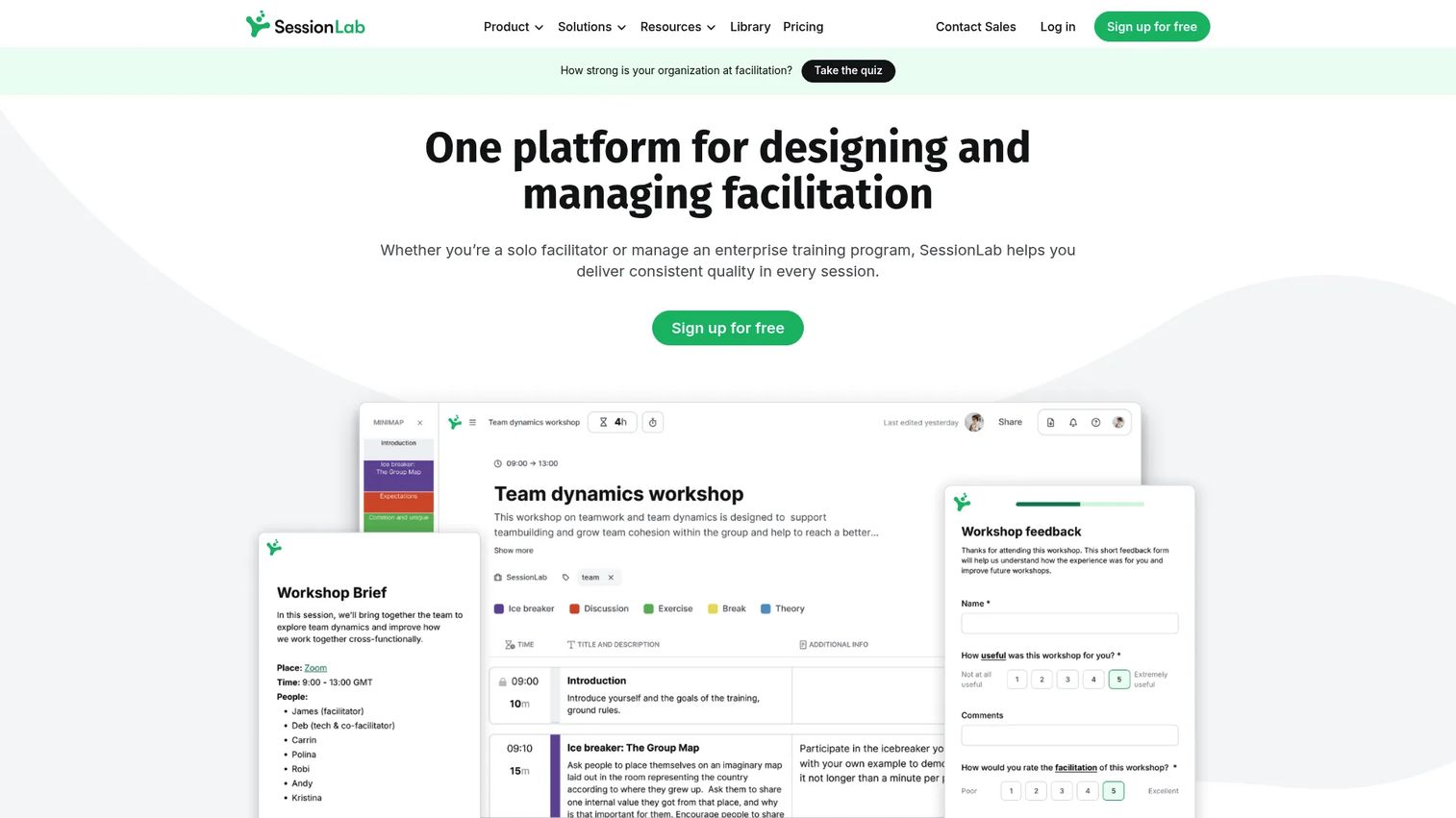
SessionLab is an online session and workshop planning platform built specifically for facilitators, trainers, and teams who run structured sessions regularly. Its core differentiator is a drag-and-drop agenda builder that calculates timing automatically as you move blocks around. The platform also ships with a library of over 1,000 workshop activities and facilitation methods, which reduces the prep time for recurring session types.
Best for: Product managers and facilitators who run repeatable workshops and need a structured planning workflow rather than a blank slide deck.
Key features
- Drag-and-drop agenda builder with automatic time calculation
- Library of 1,000+ activities and facilitation methods
- Real-time collaboration and shared workspaces for co-facilitators
- AI assistant for generating and refining agenda drafts
- PDF and Word export plus session briefs and forms
Why choose SessionLab: If your workshop prep currently lives in a spreadsheet or a cobbled-together doc, SessionLab is the direct replacement. It handles the planning layer thoroughly, which means less ad-hoc scrambling before sessions and reusable structures for recurring formats like sprint reviews or quarterly roadmap workshops.
SessionLab pricing: Free plan available. Individual plan starts at $9 per month billed annually. Pro is $15 per member per month and Business is $23 per member per month, both billed annually. Enterprise pricing is custom. Paid plans include a 15-day free trial.
G2 rating: 4.9/5
2. Mentimeter
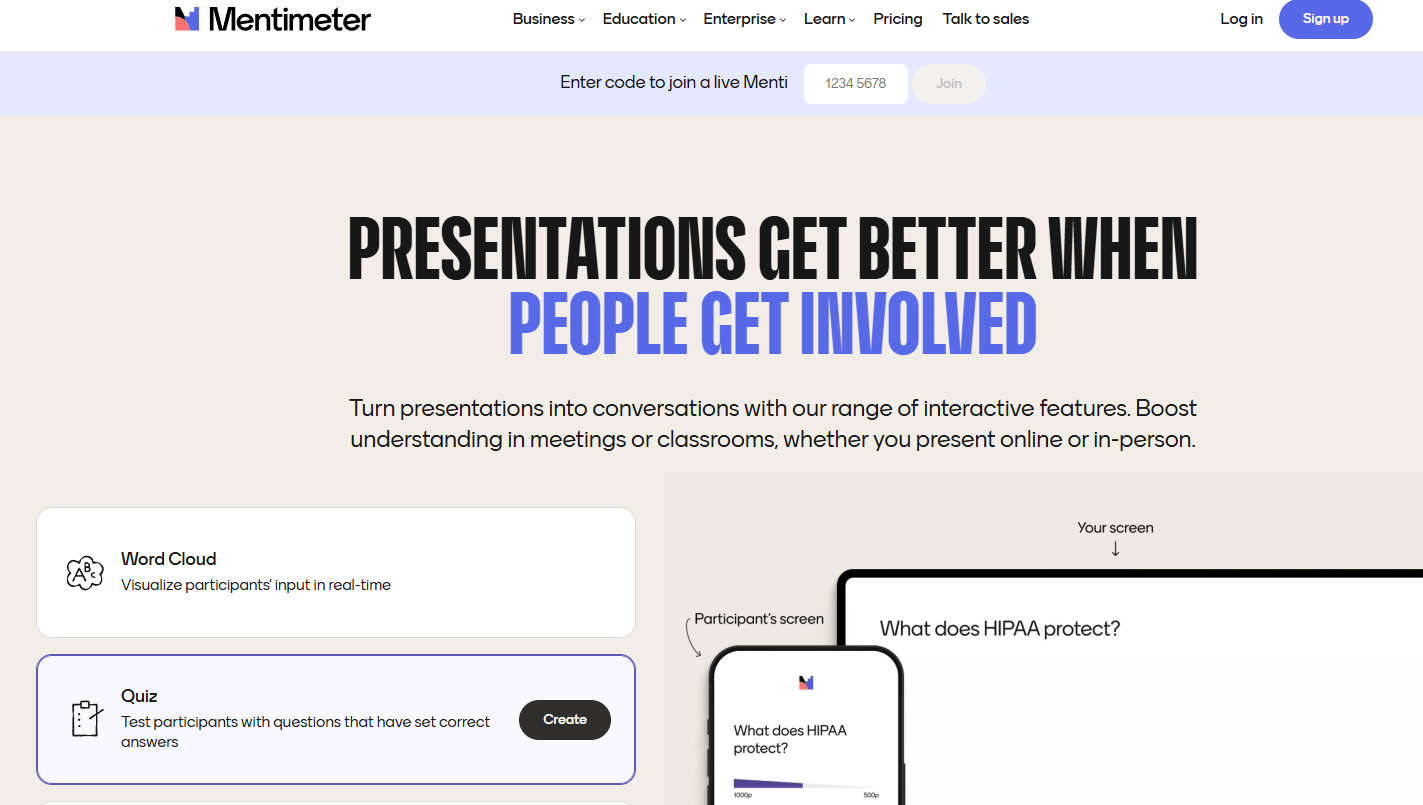
Mentimeter is an interactive audience engagement platform that turns standard presentations into live participation sessions. Facilitators build slide decks with embedded polls, word clouds, quizzes, and open-ended questions. Participants respond in real time from any device, and results appear on screen immediately. It is widely used in team meetings, training sessions, and online workshops where real-time feedback tools are the primary need.
Best for: Teams running online workshops that require live participant input, especially where the audience size makes open discussion difficult.
Key features
- Live polling: Multiple choice, word cloud, rating, open-ended, and ranking
- Q&A with upvoting and moderation
- Quizzes and quiz competitions with live leaderboards
- AI Menti Creator for generating presentation content
- Slide import and workspace collaboration
Why choose Mentimeter: The engagement layer is the strength. If your sessions suffer from low participation or you rely on asking "any questions?" to a silent room, Mentimeter gives every participant an anonymous, low-friction channel to respond. For PMs running discovery or feedback sessions, word clouds and open-text responses surface input that verbal discussion often misses.
Mentimeter pricing: Free plan available with a participant limit. Basic and Pro plans are billed per presenter per year; specific per-month figures were not publicly listed at verification time. Enterprise is custom. Check the Mentimeter plans page for current tier prices.
G2 rating: 4.7/5
3. Miro
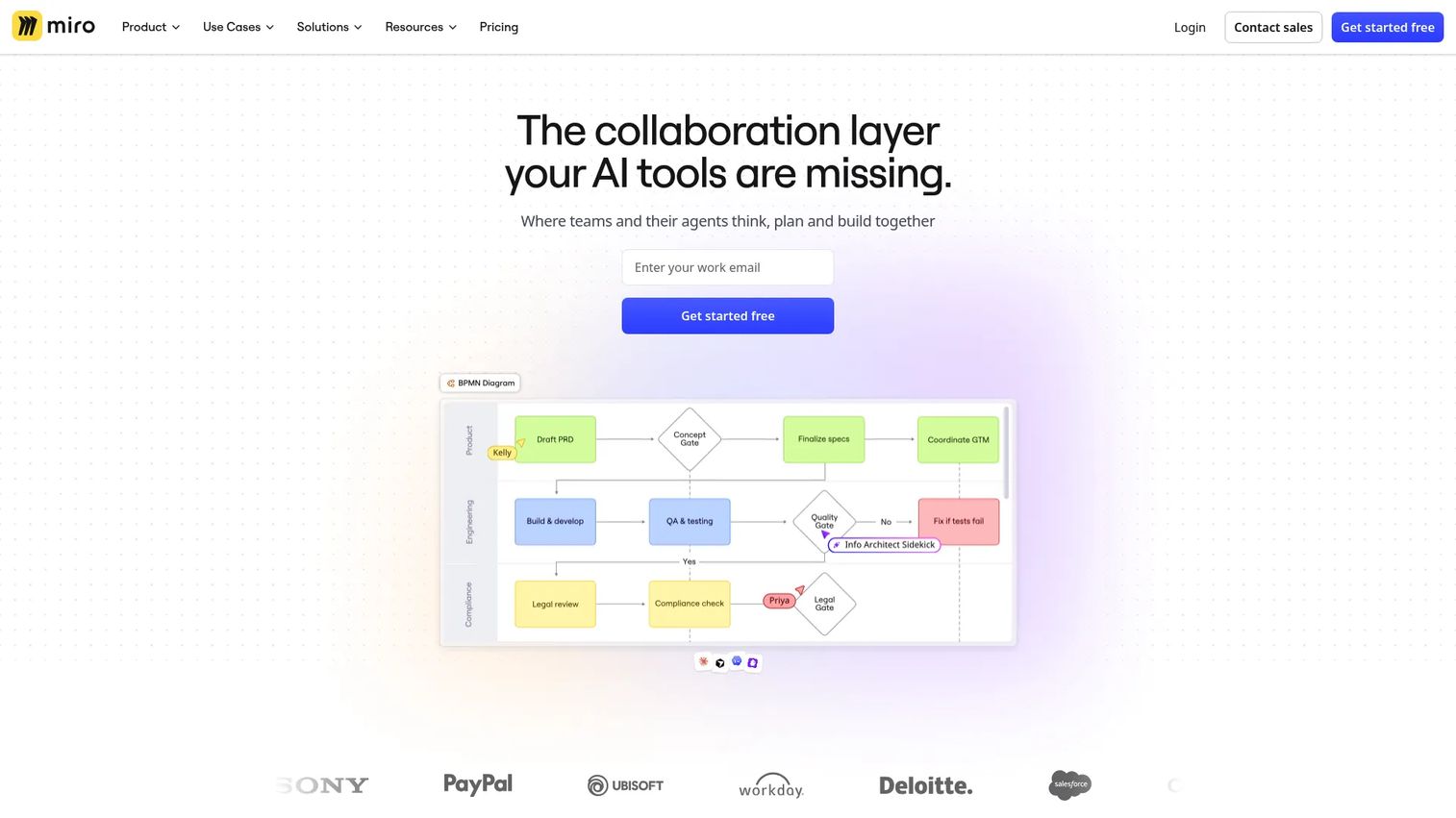
Miro is an AI-powered visual collaboration workspace used for brainstorming, diagramming, roadmap planning, and cross-functional workshops. Its infinite canvas lets distributed teams work simultaneously on sticky notes, flowcharts, user journey maps, and prioritization frameworks. Miro ships with a large library of built-in facilitation templates covering everything from retrospectives to product discovery.
Best for: Product and design teams who need a shared whiteboard for ideation-heavy sessions, journey mapping, or visual roadmap alignment across departments.
Key features
- Infinite canvas with real-time collaborative editing
- Facilitation templates for retrospectives, workshops, planning, and mapping
- Sticky notes, voting, timers, and presentation mode
- Integrations with Jira, Confluence, Notion, and major conferencing tools
- Free plan supports up to 3 editable boards
Why choose Miro: The canvas format fits sessions where the output is a map, diagram, or structured artifact rather than a text summary. For PMs running opportunity solution trees, affinity mapping workshops, or stakeholder journey sessions, Miro captures the output in a reusable, shareable format that a slide deck cannot replicate.
Miro pricing: Free plan includes 3 editable boards. Starter is $8 per member per month billed yearly. Business is $20 per member per month billed yearly. Business includes a 14-day free trial. Enterprise pricing is custom from 30 members.
G2 rating: 4.6/5
4. Slido
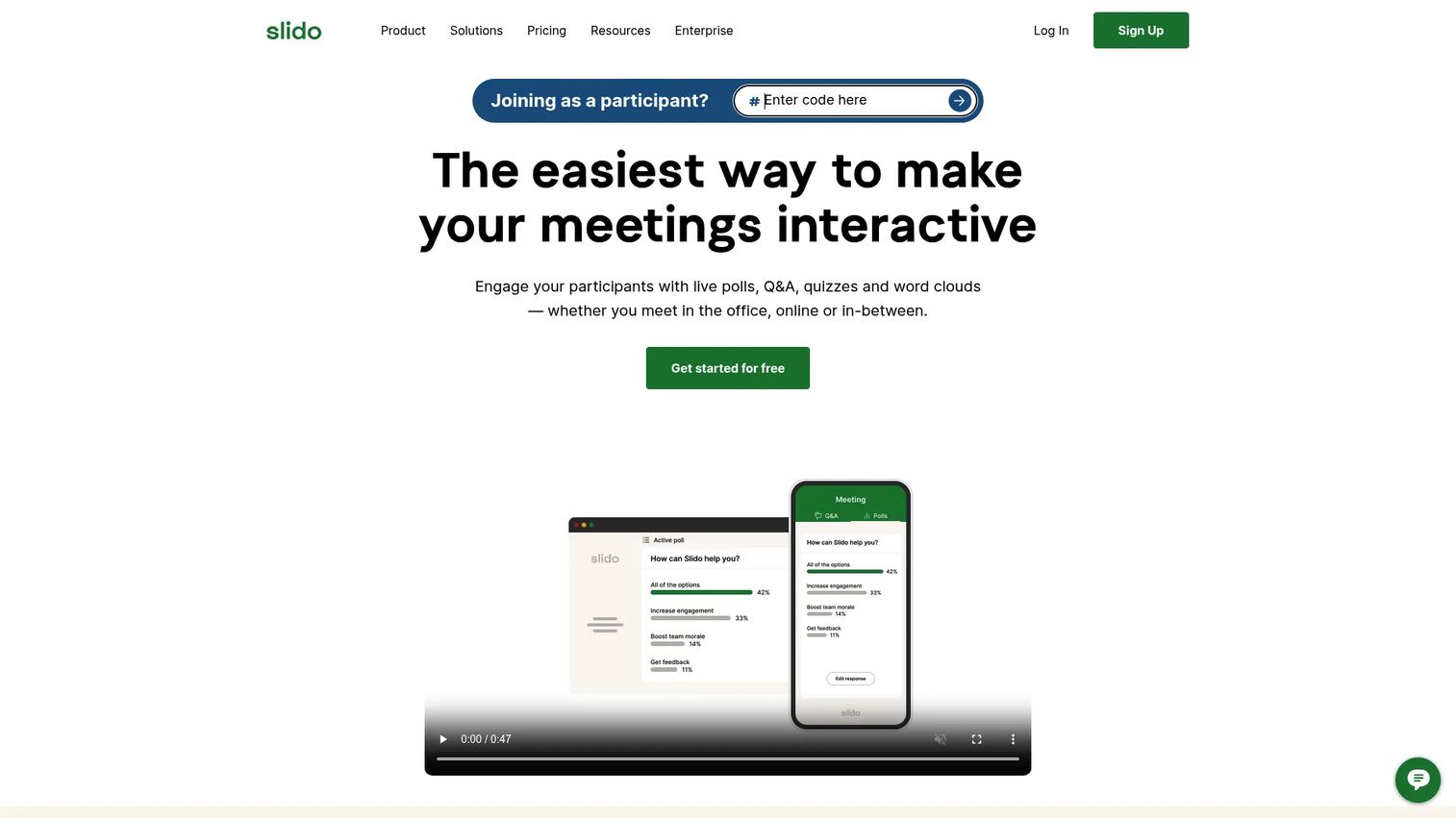
Slido is an audience interaction platform focused on polls, live Q&A, quizzes, surveys, and engagement analytics. It integrates directly with PowerPoint, Google Slides, Webex, Microsoft Teams, and Zoom, which means it works inside the presentation environment most teams already use rather than requiring a separate surface. Moderated Q&A with upvoting is its most distinctive feature for larger or more formal sessions.
Best for: Teams running meetings, webinars, or training sessions where structured participant interaction and moderated Q&A matter more than open-ended ideation.
Key features
- Live polls: Multiple choice, word cloud, rating, open text, and ranking
- Moderated Q&A with audience upvoting
- Quizzes and surveys with post-session analytics
- Native integration with PowerPoint, Google Slides, Teams, Webex, and Zoom
- Analytics export and reporting
Why choose Slido: The integration story is the practical differentiator. If your sessions already run in a specific conferencing or presentation platform, Slido adds interaction without forcing a tool switch. For all-hands workshops, town halls, or formal review sessions where moderation matters, its Q&A upvoting system keeps discussion focused.
Slido pricing: A free starting point is available. Slido also offers one-time event plans, annual subscriptions, education pricing, and enterprise packages. Specific tier prices require JavaScript to load on the pricing page; visit the Slido pricing page directly for current figures. G2 reviewers report paid plans starting in the range of $8 to $15 per month for smaller teams.
G2 rating: 4.8/5
5. Kahoot!
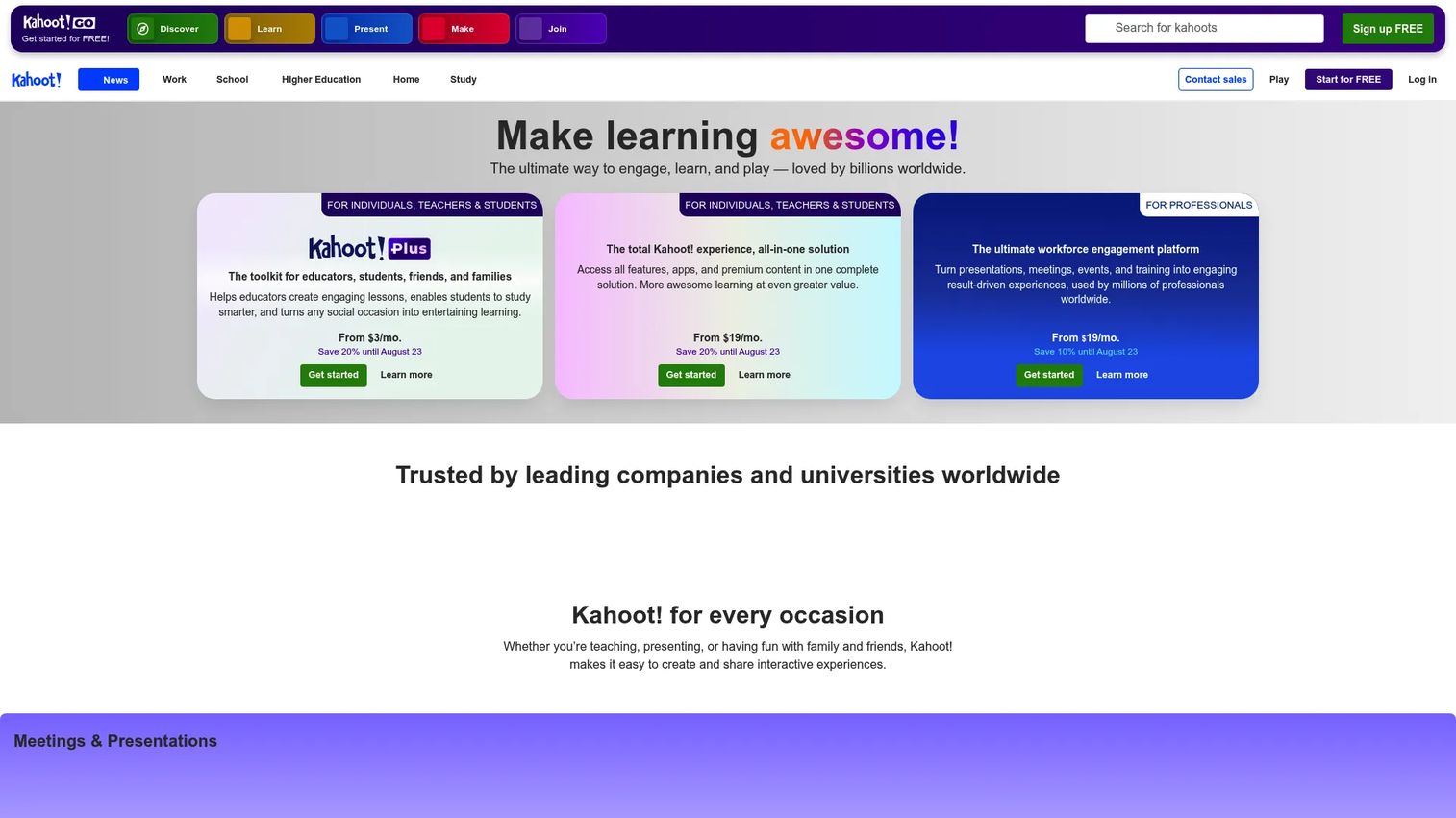
Kahoot! is a game-based learning and audience engagement platform built around interactive quizzes, polls, and presentations. Participants join live sessions or self-paced kahoots on any device, and the competitive leaderboard format drives participation in ways that standard polls do not. Beyond quizzes, Kahoot! supports interactive slides with embedded Q&A and reactions.
Best for: Teams and trainers wanting high-energy participation, icebreakers, or quick knowledge checks during longer workshop sessions.
Key features
- Live and self-paced quiz modes with real-time leaderboards
- Interactive presentations with slides, Q&A, polls, and reactions
- AI-assisted quiz creation and study tools
- Reporting and results export per session
- Free access available alongside business plans
Why choose Kahoot!: The format is deliberately energizing, which makes it the right call for sessions that need a participation reset or a structured opener. For product teams running training workshops on new features, onboarding sessions for cross-functional stakeholders, or retrospectives that have become low-energy, the game mechanic changes the room dynamic quickly.
Kahoot! pricing: Free access is available. Business plans start at $19 per month (360 Pro Start, billed as $228 annually). 360 Pro Standard is $25 per month, 360 Pro Plus is $49 per month, and 360 Pro Max is $69 per month, all billed annually.
G2 rating: 4.6/5
6. Stormz
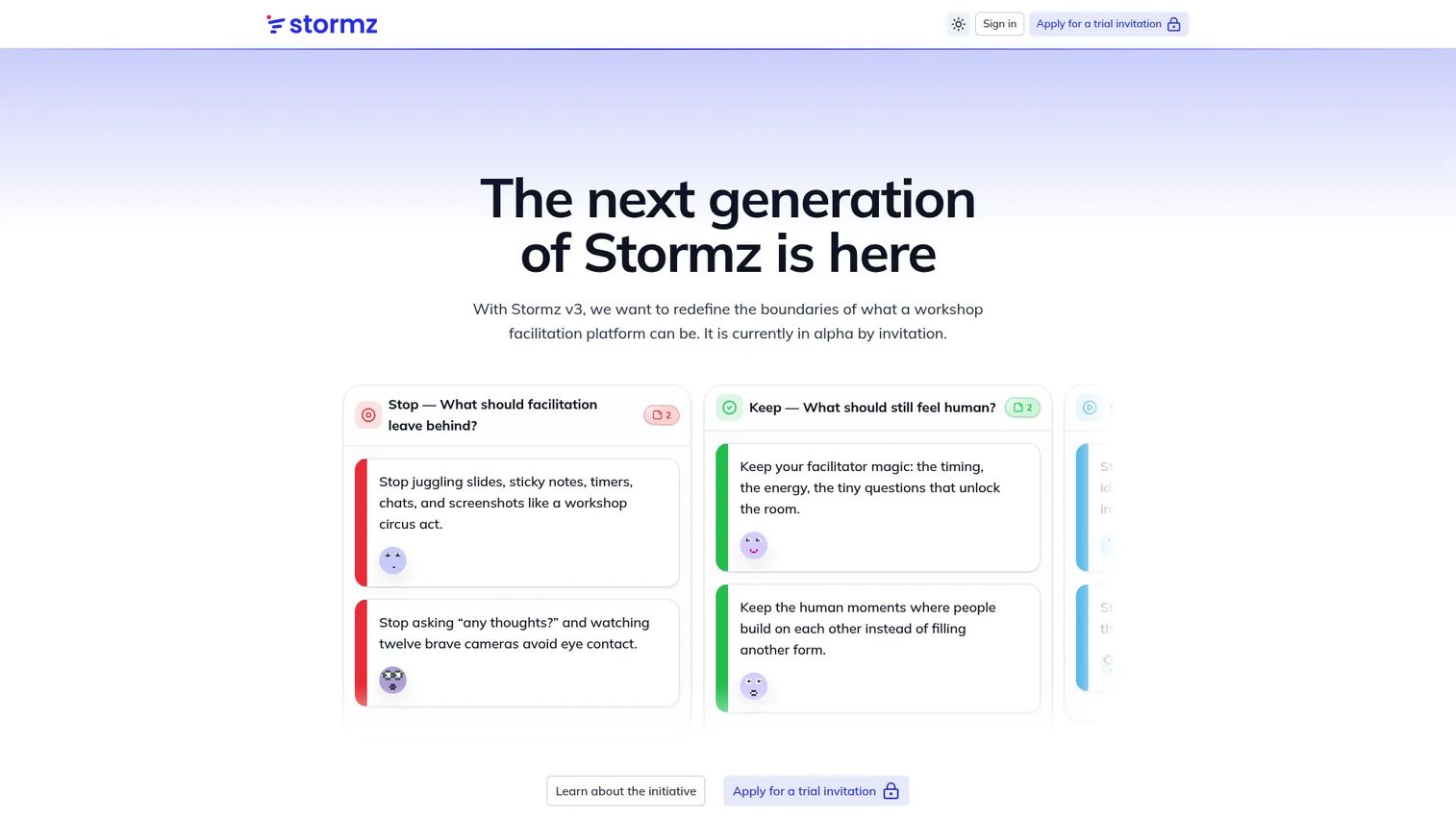
Stormz is a collaborative workshop facilitation platform that runs live activities directly through the chat of Zoom, Microsoft Teams, or Google Meet. Instead of requiring participants to open a separate tab, Stormz delivers polls, card boards, word clouds, and voting via the meeting chat they are already watching. A Stream Deck integration and meeting bot give facilitators control over session flow without interrupting the conversation.
Best for: Facilitators running interactive workshops, trainings, and live group sessions who want participant interaction inside existing conferencing tools rather than alongside them.
Key features
- Live workshop activities via Zoom, Teams, and Google Meet chat
- Polls, card boards, word clouds, image boards, and voting tools
- Stream Deck control for session management
- Meeting bot and session automations
- Structured facilitation workflow with session preparation tools
Why choose Stormz: The chat-native delivery model reduces the friction of asking participants to open a second tool. For distributed teams where context switching is a session-killer, running activities through the meeting chat keeps attention in one place. Stormz is particularly well suited for remote facilitation where participant tech fatigue is a real constraint.
Stormz pricing: Stormz v3 is currently in alpha and free during that period (invitation-only). Published future pricing shows Starter at €12 per month, Expert at €29 per month total, and Enterprise at €5,970 per year minimum package. Check the Stormz pricing page for current availability.
G2 rating: Not yet listed on G2
7. Padlet
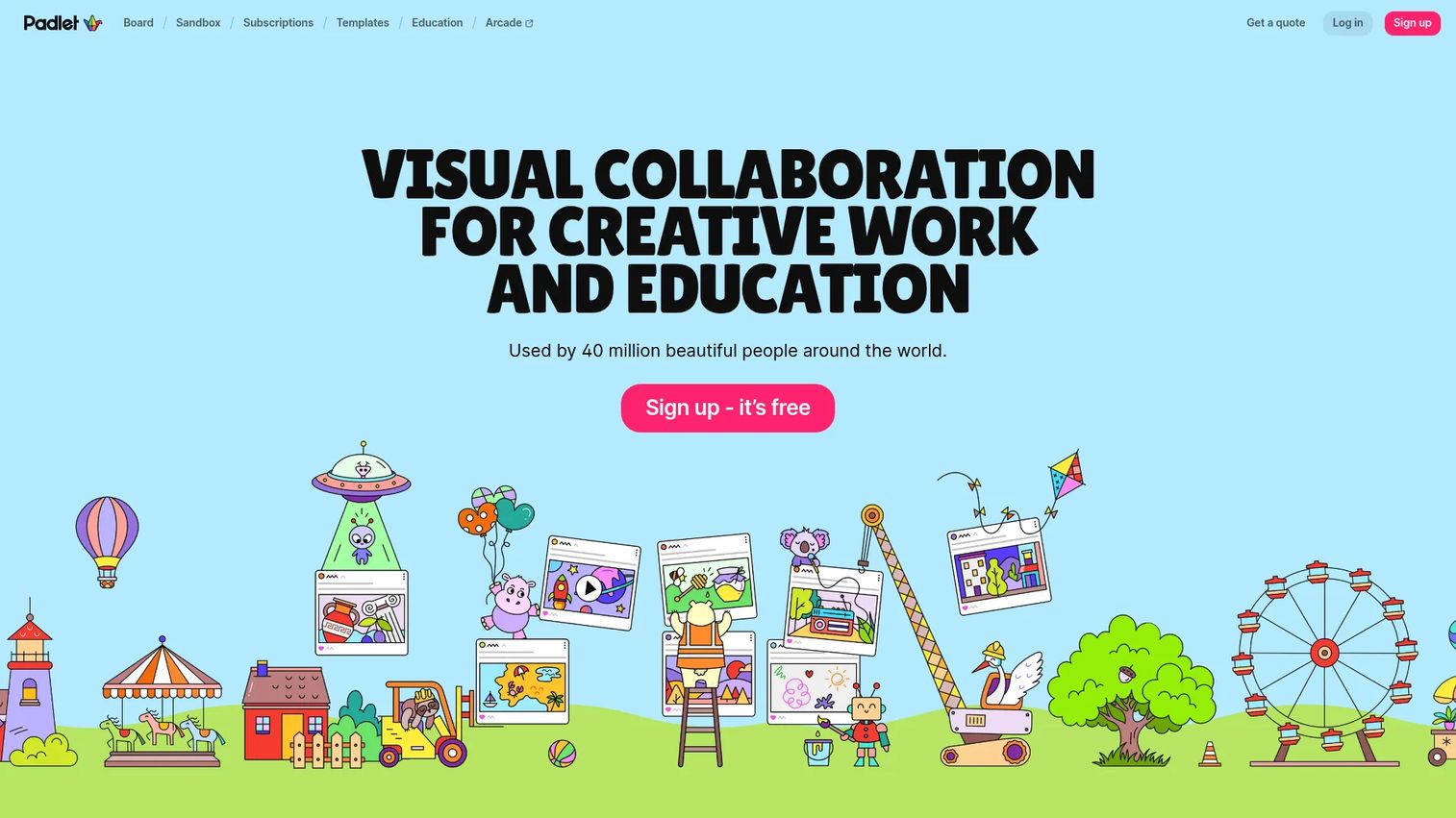
Padlet is a collaborative visual workspace for creating shared boards where participants post text, files, images, video, and links in real time. It is the simplest tool on this list, and that is the point. Participants can contribute without creating an account, and boards are shareable via link in seconds. Multiple layout formats (wall, stream, shelf, map, timeline) let facilitators shape how content is organized.
Best for: Teachers and teams that need a simple, low-friction collaborative board for collecting ideas, async contributions, or lightweight workshop output capture.
Key features
- Collaborative boards with real-time updates and no-account participation
- Multiple content types: Text, files, images, video, and links
- Layout options including wall, stream, shelf, map, and timeline
- Sharing controls and privacy settings
- Free tier supports up to 3 padlets
Why choose Padlet: When the goal is fast idea collection without setup friction, Padlet wins on accessibility. Participants do not need an account, the interface is self-explanatory, and boards work for both live sessions and async input. For hybrid workshops where some participants contribute before or after the live session, the async-friendly format is genuinely useful.
Padlet pricing: Free tier allows up to 3 padlets. Paid subscription plans are available for individuals and schools. Check the Padlet pricing page for current tier prices, as the pricing page was unavailable at verification time.
G2 rating: 4.9/5
Considerations
Buying facilitation software is less about finding the best-rated tool and more about matching capability to your actual session workflow.
Agenda planning depth
Ask whether the tool lets you design and time a full session before it runs, or whether it only activates during the session. Tools like SessionLab and Butter handle pre-session structure. Engagement-first tools like Mentimeter or Slido assume the agenda exists elsewhere.
Real-time engagement options
Verify the specific interaction types available: Multiple choice polls, open-text responses, word clouds, ranked voting, and quiz formats each serve different facilitation needs. Running a retrospective requires different input types than running a training comprehension check.
Reporting and exportability
Check whether outputs are downloadable in formats your team actually uses. A session where the word cloud disappears when you close the tab is not useful for PM work. Look for PDF export, CSV download, or direct integration with your documentation stack.
Collaboration and permissions
For cross-functional workshops, verify whether participants need accounts to join or contribute. Tools requiring signup create drop-off before the session starts. Also confirm whether co-facilitators can edit and manage sessions without full admin access.
Ease of maintenance
Consider how much work it takes to update a recurring session template when the product or process changes. A tool that requires rebuilding from scratch each release cycle creates exactly the kind of operational overhead PMs are trying to avoid.
Conclusion
Facilitation software is not a single category. It is three overlapping layers: Planning, engagement, and collaboration. Most teams need at least two tools, not one.
For product managers, the practical shortlist looks like this. SessionLab for structured agenda planning and repeatable session design. Mentimeter or Slido for live engagement, depending on whether you need a presentation-embedded tool or a standalone interaction layer. Miro for any session where the output is a visual artifact. Butter if you want to consolidate everything into one session runner.
Start by identifying where your workshops currently break down. Agenda drift points to a planning tool. Passive participants point to an engagement tool. Unusable outputs point to a collaboration and reporting tool. Pick the one layer that costs you the most and solve that first.
Start your journey with Guideflow today!
FAQs
The best tool depends on which part of the workshop is breaking down. SessionLab leads for agenda planning and session design, with a 4.9/5 G2 rating. Mentimeter and Slido lead for live engagement. Miro leads for visual collaboration and ideation output. Most teams running regular virtual workshops use two of these layers together.
Start with a structured agenda in a planning tool so timing is visible to facilitators before the session. Add an engagement layer (polling or voting) for activities that need participant input. Use a shared board for ideation activities. The combination of structured agenda, live interaction, and a shared output surface is what separates a productive workshop from a video call.
Core features to verify: Agenda builder with time tracking, real-time participant interaction (polls, Q&A, voting), collaborative ideation surface, post-session export or reporting, and template support for recurring formats. Secondary features worth checking include co-facilitator access, async contribution options, and integration with your existing documentation or project management tools.
Slido and Mentimeter are the two strongest options for live polling and real-time feedback tools in virtual workshops. Slido excels in moderated Q&A environments and integrates directly into major conferencing platforms. Mentimeter is stronger for presentation-driven sessions where polls are embedded in slides. Kahoot! is the pick when the engagement goal is gamified participation rather than structured feedback.
Several tools produce exportable outputs. SessionLab generates session briefs and PDF exports. Mentimeter and Slido offer results downloads. Butter produces AI-generated session recaps. Miro boards are shareable and exportable. The gap is that many engagement tools stop at results display rather than structured summaries, so verify export formats before committing if post-session documentation is a priority.
Yes, and most tools on this list support hybrid sessions where some participants are in a room and others are remote. Padlet and Mentimeter work well for hybrid because participants join via link from any device without accounts. Slido's integration with conferencing platforms makes it useful for hybrid sessions running on Zoom or Teams. The main hybrid challenge is ensuring in-room participants have a device to submit responses, which is a facilitation design decision as much as a software one.
Start with the question: Where does the session break down? If your agenda collapses and timing is never respected, start with a planning tool like SessionLab. If the agenda is fine but participants are passive, add an engagement tool like Mentimeter or Slido. If outputs disappear after the session, add a collaboration surface like Miro. Most product managers running discovery and roadmap sessions eventually need both a planning layer and an engagement layer; the order of adoption depends on which problem is costing more.
Yes, especially when sessions are recurring. The opportunity cost is in prep time and unusable outputs, not headcount. A four-person team running a weekly retrospective that produces no actionable output is wasting time at a significant rate. Free tiers from SessionLab, Miro, Mentimeter, Butter, and Padlet let small teams test the workflow before committing to a paid plan.