A security questionnaire lands in your inbox on a Tuesday. Your company has 40 people across three time zones, a mix of managed and unmanaged laptops, Microsoft 365 identities, and contractors connecting from home networks. The questionnaire wants to know your endpoint controls, incident response procedures, and access management policies.
Most SaaS teams in that position have some antivirus running and not much else documented. The problem is that antivirus alone covers only one layer of a business's exposure. Endpoints, cloud identities, remote connections, and the credentials used to access customer data each carry their own risk.
The global network security market reached $30.5 billion in 2025 and is projected to grow to $79.3 billion by 2033, according to Grand View Research (2026). That growth reflects how many organizations are filling gaps they previously ignored.
This guide gives product managers and operations leaders a practical shortlist of seven business network security software tools, explains what each layer protects, and provides a decision framework for matching tools to your actual risk profile and operational capacity.
What's inside
This guide is for SaaS product managers, operations leaders, and functional heads who need enough technical clarity to align engineering, IT, and leadership around a security stack decision.
- A shortlist of seven business-oriented network security tools, covering endpoint protection, EDR, managed detection, secure access, and administration
- How the tools differ by coverage type and operational ownership requirements
- Which products suit lean teams versus those building a more structured security program
- What to verify before adding any tool to your stack
- Verified pricing and G2 ratings, sourced from live vendor pages and G2 listings
Products were selected for business network coverage, operational fit, reporting capability, and pricing transparency.
TL;DR
- Best for endpoint and network coverage: CrowdStrike Falcon, for organizations that need endpoint protection, EDR, host firewall management, and optional managed response paths
- Best for Microsoft-centric SaaS teams: Microsoft Defender for Business, especially when Microsoft 365 Business Premium already anchors identity and device administration
- Best for managed detection and response: Huntress Managed EDR, for teams that need 24/7 human-led monitoring without building an internal SOC
- Best for centralized endpoint administration: Bitdefender GravityZone, for teams that want prevention, risk visibility, and policy controls from one console
- Best for protected remote access: Proton VPN for Business, for distributed teams that need managed VPN access alongside endpoint and identity safeguards
What is network security software?
Network security software is a set of business tools that helps prevent, detect, investigate, and contain threats across endpoints, user identities, remote connections, and the systems that move company data.
What network security software protects
The practical assets in scope for most SaaS companies include:
- Employee laptops and workstations across operating systems
- Servers and cloud-connected endpoints
- Microsoft 365 and Google Workspace identities
- Remote access connections from home and travel networks
- Credentials and privileged accounts
- Sensitive data accessed through business systems
Core categories to understand
Business network security is a stack, not a single product. The main categories are:
- Endpoint protection: Blocks malware, ransomware, and suspicious files on managed devices
- Endpoint detection and response (EDR): Records endpoint activity and helps teams investigate suspicious behavior after it occurs
- Managed detection and response (MDR): Adds human analysts who monitor alerts and support remediation around the clock
- Identity protection: Detects risky logins, privilege escalation, and account takeover attempts
- VPN software: Protects remote connections and controls business access over untrusted networks
- Security awareness training: Reduces phishing and credential-risk exposure driven by user behavior
What network security software does not replace
Choosing tools is the starting point, not the finish line. Business security still needs policies, access controls, patching schedules, backup routines, incident-response ownership, and regular review cycles. A product manager should understand that tool adoption does not equal a complete security program. The stack protects what humans decide to protect, and someone still needs to own each alert.
For a broader look at application security testing software and related controls, those categories address a different layer of the stack focused on the code and infrastructure your product runs on.
When to use network security software
Protect a growing remote workforce
When employee count grows or teams shift to remote work, home networks and unmanaged devices create exposure that basic antivirus cannot address. This is when centralized endpoint visibility, identity controls, and VPN access controls become practical necessities rather than aspirational additions.
Prepare for customer security reviews
Enterprise buyers increasingly ask for evidence of endpoint management, incident-response procedures, and access controls during procurement reviews. Documented controls and tooling history answer these questions with evidence rather than narrative. No tool automatically satisfies a framework, but having one makes it possible to generate the evidence at all.
Reduce alert and remediation gaps
An alert queue with no named owner becomes background noise. The difference between receiving a detection and doing something about it is often whether the team has a managed detection service or trained staff who investigate. Teams with limited internal security bandwidth often find that managed EDR closes an ownership gap that self-managed tooling leaves open. Our best endpoint protection software guide covers the prevention layer in more depth.
Network security software comparison
The table below is a shortlist, not a complete security architecture. Each row reflects one tool's primary strength. Pricing and ratings were verified against live vendor pages and G2 listings in October 2026.
| # | Product | Best for | Key differentiator | Pricing | G2 rating |
|---|---|---|---|---|---|
| 1 | CrowdStrike Falcon | Broad endpoint and EDR coverage | Unified endpoint, EDR, and host firewall from a single agent | From $7.99/device/month | N/A (Capterra: 4.7) |
| 2 | Microsoft Defender for Business | Microsoft 365 environments | Native fit with Microsoft identity and device administration | From $3.00/user/month | 4.5/5 |
| 3 | Huntress Managed EDR | Teams without an internal SOC | 24/7 human-led monitoring and active remediation | From $7.99/endpoint/month | 4.8/5 |
| 4 | Bitdefender GravityZone | Centralized endpoint policy and protection | Single console covering prevention, risk visibility, and EDR/XDR | Contact vendor for pricing | 4.1/5 |
| 5 | Trend Micro Worry-Free Business Security | Small businesses with limited IT | Centrally managed endpoint and web-threat protection | Contact vendor for pricing | N/A |
| 6 | Avast Business Antivirus Pro Plus | Small teams filling an endpoint gap | Antivirus, firewall, and server protection in one plan | From $56.99/year | N/A |
| 7 | Proton VPN for Business | Distributed teams needing secure remote access | Centralized VPN administration with dedicated server options | From $6.99/user/month | 4.3/5 |
Best 7 network security software tools for businesses
1. CrowdStrike Falcon
CrowdStrike Falcon is an AI-native, cloud-delivered security platform that provides unified protection across endpoints, identity, cloud, SaaS environments, and AI workloads. Its commercial bundles give growing businesses access to next-generation antivirus, endpoint detection and response, host firewall management, device control, and optional managed response paths from a single lightweight agent. Organizations that want to expand coverage over time can add modules without replacing the underlying platform.
Best for: Product and security teams that need endpoint visibility, EDR, and policy management across an expanding fleet of business devices.
Key features
- Next-generation antivirus and ransomware protection
- Endpoint detection and response with continuous visibility
- Centralized host firewall management
- Device and USB control
- Identity, cloud, and SaaS security options
Why choose CrowdStrike Falcon: The platform suits teams that want consolidated endpoint controls with room to add identity or cloud security modules as their risk profile grows. A product manager should involve IT and security early, because implementation ownership and alert-response workflows matter as much as prevention capabilities.
CrowdStrike Falcon pricing: A 15-day free trial is available. Falcon Go starts at $7.99 per device monthly (or $59.99 per device billed annually). Falcon Pro runs $14.99 per device monthly ($99.99 annually), and Falcon Enterprise is $19.99 per device monthly ($184.99 annually). Falcon Complete, which adds managed response, requires contacting sales.
G2 rating: A current G2 rating for CrowdStrike Falcon was not verified at publication. Capterra reports 4.7/5.
2. Microsoft Defender for Business
Microsoft Defender for Business is an AI-powered endpoint security product designed for small and medium-sized businesses. It brings enterprise-grade protection against malware, ransomware, and phishing into the Microsoft 365 administration model, covering Windows, macOS, iOS, and Android devices. For teams already standardized on Microsoft 365 Business Premium, Defender for Business integrates with existing identity and device management rather than requiring a separate console.
Best for: SaaS teams already using Microsoft 365 Business Premium and Microsoft Intune for identity and device administration.
Key features
- Endpoint threat detection and AI-powered EDR with automatic attack disruption
- Automated investigation and remediation
- Vulnerability management insights
- Device inventory and security posture reporting
- Wizard-based onboarding and simplified management console
Why choose Microsoft Defender for Business: For a product manager, the core decision is stack fit. If Microsoft 365 already anchors identity and device administration, adding Defender for Business means fewer disconnected tools rather than another separate dashboard to maintain. Feature availability varies by license tier and tenant configuration, so verify against your current Microsoft agreement before purchasing.
Microsoft Defender for Business pricing: The standalone plan runs $3.00 per user per month on an annual subscription and supports up to 300 users with up to five devices per user. Microsoft 365 Business Premium, which bundles Defender for Business alongside the full Microsoft 365 suite, is $22.00 per user per month (or $18.79 without Teams). A free 30-day trial is available for the standalone plan.
G2 rating: 4.5/5 (verified October 2026, G2 listings).
3. Huntress Managed EDR
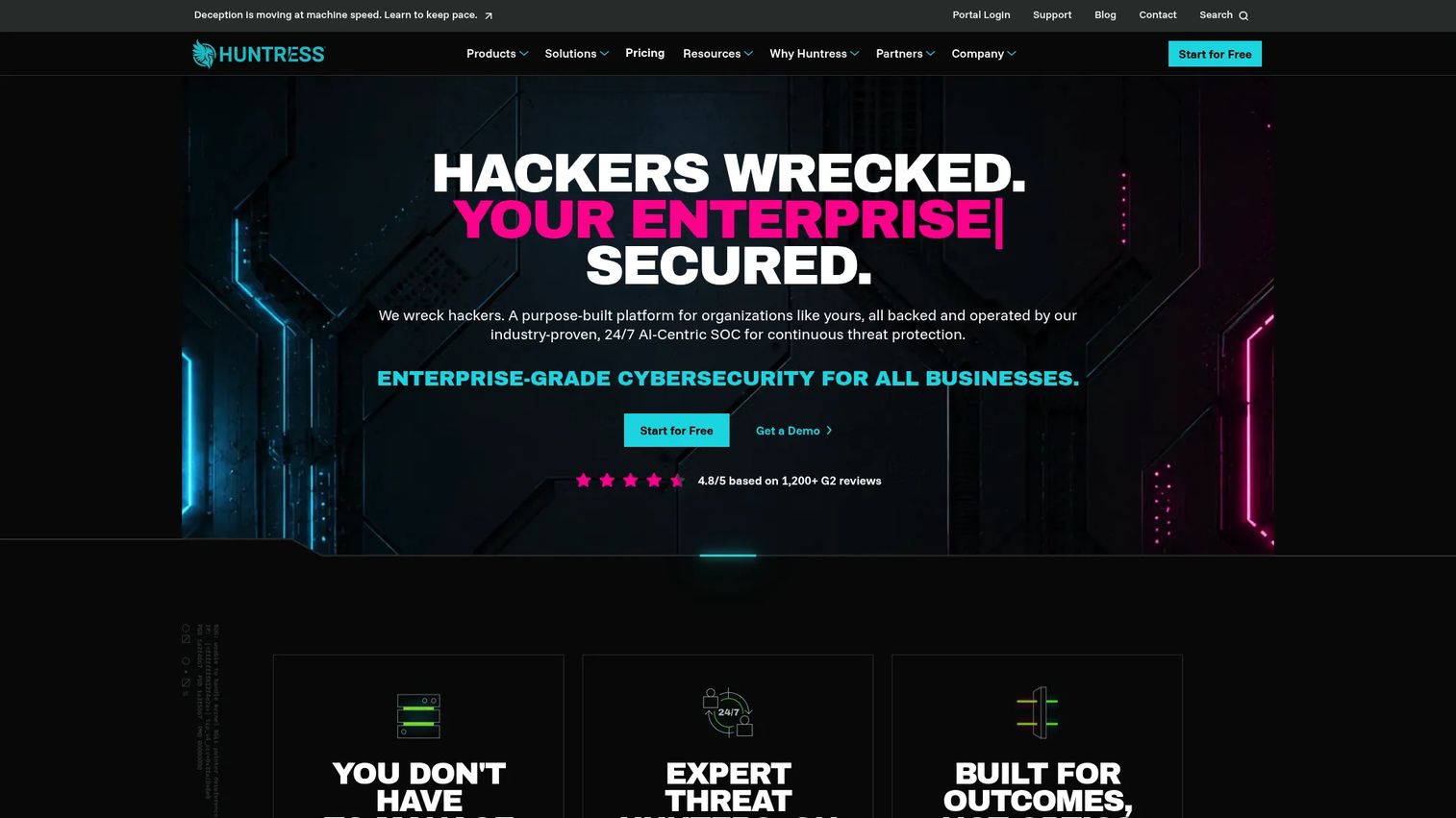
Huntress Managed EDR combines endpoint detection and response technology with a 24/7 human security operations center. When a suspicious event fires on a managed endpoint, Huntress analysts investigate the alert, assess the threat, and support remediation rather than leaving the response to an internal team. The platform covers Windows, macOS, and Linux endpoints and includes managed antivirus as part of the service.
Best for: Small and mid-sized SaaS companies that need managed endpoint detection and response without staffing a 24/7 internal security operations center.
Key features
- Managed EDR with 24/7 human SOC monitoring
- Active remediation support and incident reporting
- Native agents for Windows, macOS, and Linux
- Managed antivirus included
Why choose Huntress Managed EDR: Product and engineering leaders often underestimate the work that begins after a detection fires. Someone needs to investigate, decide on containment, and document the response. Huntress fills that ownership gap for teams where the security function is one person part-time or nonexistent. The service still requires internal decision-makers for deployment, integration, and incident follow-through.
Huntress Managed EDR pricing: Pricing is volume-based. The example rate is $7.99 per endpoint per month at 100 endpoints. A 50-agent minimum commitment may apply, and rates can vary by committed endpoint volume. Contact Huntress for current thresholds and contract terms.
G2 rating: 4.8/5 (verified October 2026, G2 listings).
4. Bitdefender GravityZone
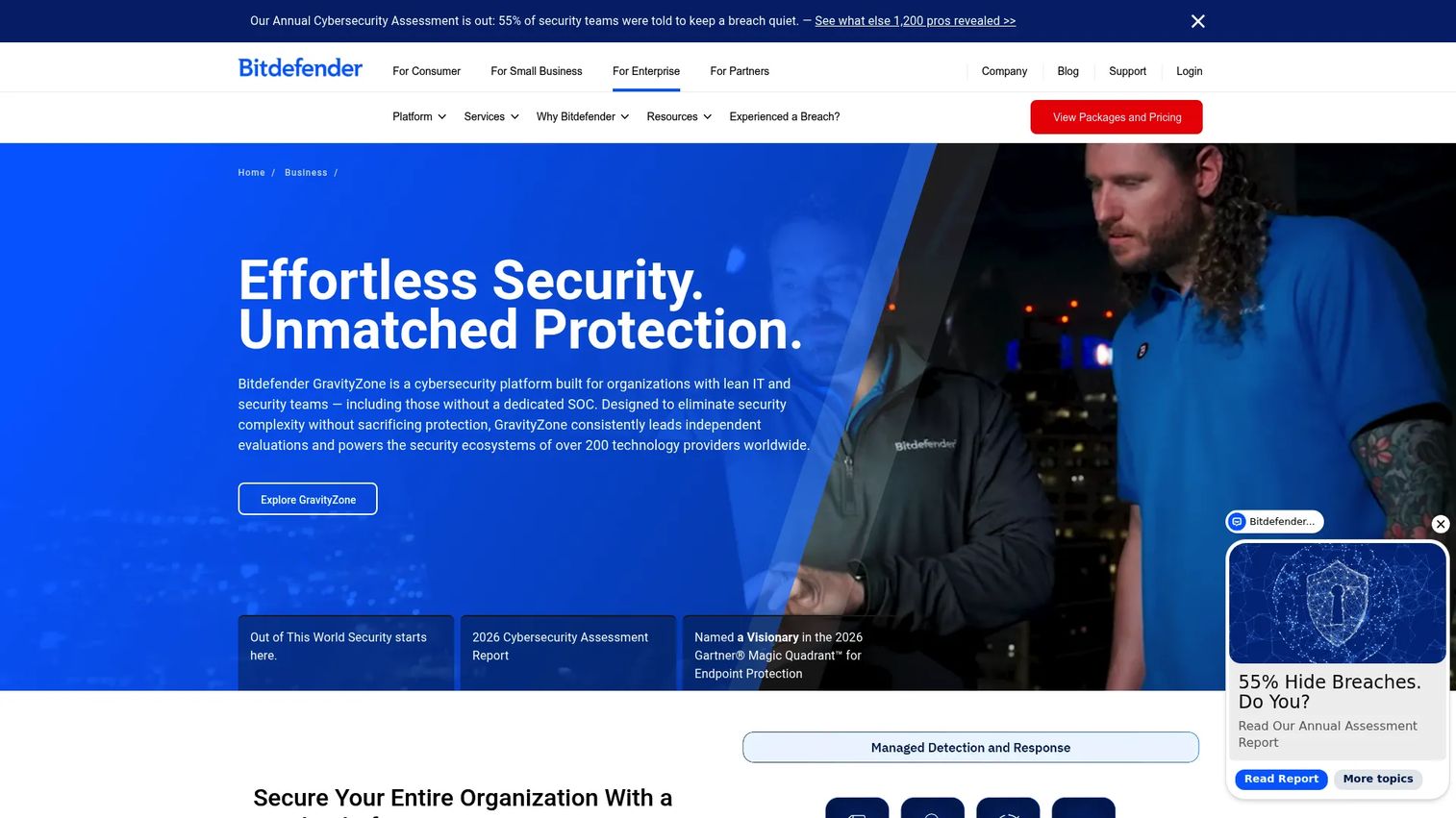
Bitdefender GravityZone is an XDR cybersecurity platform that consolidates prevention, detection, and response across endpoints, identities, email, cloud, and networks. Its centralized console lets security or IT administrators manage policies, investigate alerts, and view risk posture without switching between separate tools. Package options range from small business endpoint protection to full XDR and MDR coverage.
Best for: Businesses that need centralized endpoint security policies and reporting across distributed employee devices, with options to expand toward XDR as requirements grow.
Key features
- Unified prevention, protection, detection, and response console
- Endpoint, identity, email, and cloud coverage options
- Automated alert correlation, triage, and incident analysis
- Risk management and patch/vulnerability management
- Ransomware mitigation and sandbox analysis
Why choose Bitdefender GravityZone: For a product manager, the value is control and maintainability. A security administrator can manage policy, protection, and reporting from one interface, which reduces the manual exceptions and fragmented reporting that accumulate when teams add point tools over time. It suits organizations that want a clear view of whether endpoint controls match security commitments at any given moment.
Bitdefender GravityZone pricing: Bitdefender offers several packages including Small Business Security, Business Security, Business Security Premium, Business Security Enterprise, and XDR and MDR PLUS tiers. The pricing page allows selection by device count and coverage term, but numeric prices were not publicly displayed at the time of verification. Contact Bitdefender or a reseller for current package pricing.
G2 rating: 4.1/5 (verified October 2026, G2 listings for GravityZone XDR).
5. Trend Micro Worry-Free Business Security
Trend Micro Worry-Free Business Security is a centrally managed security product for small and medium-sized businesses that need standardized protection across employee devices. It covers malware and ransomware defense, web threat filtering, and email security options from a single management console. The product targets lean IT environments where security ownership often sits with a non-specialist.
Best for: Small businesses that need centrally managed endpoint protection without building a dedicated security operations function.
Key features
- Antivirus, anti-spyware, and ransomware defense
- Web reputation and URL filtering
- Behavior monitoring and predictive machine learning
- Email security options
- Centralized management console with firewall and device control
Why choose Trend Micro Worry-Free Business Security: It belongs on the shortlist when the immediate goal is standardizing protection across employee machines and reducing exposure to common web and email threats. Teams that have not yet deployed a managed endpoint product often find this a practical starting point. It does not replace managed detection, identity monitoring, or secure remote access, so factor those gaps into your evaluation.
Trend Micro Worry-Free Business Security pricing: Trend Micro offers Standard, Advanced, and Services editions. Numeric pricing was not publicly displayed on the product page at the time of verification. Request pricing through the Trend Micro website or a reseller for current per-device or per-user rates.
6. Avast Business Antivirus Pro Plus
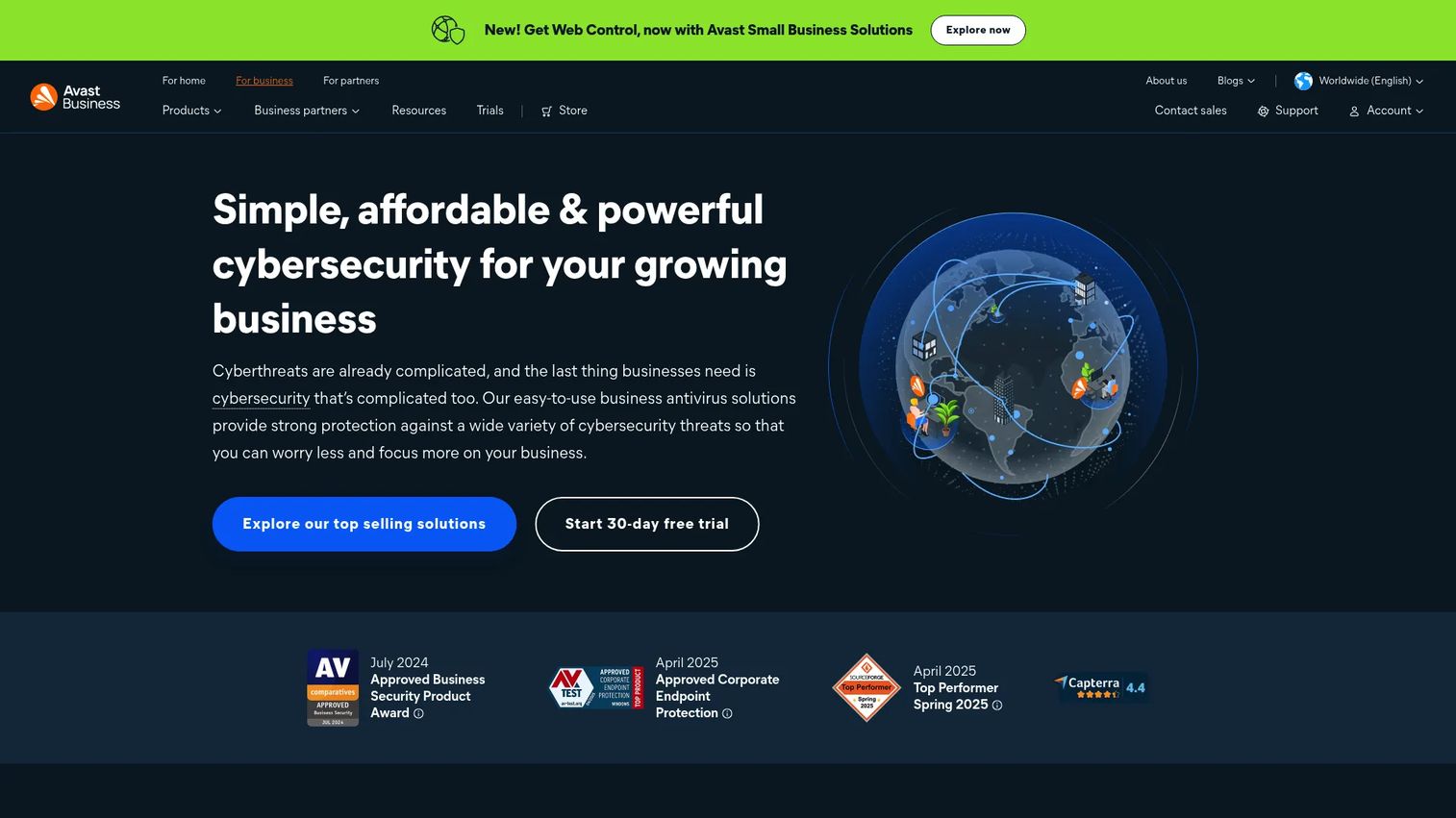
Avast Business Antivirus Pro Plus is a business endpoint protection product that extends antivirus coverage with firewall controls, server protection, employee privacy tools, and data-shredding capabilities. Its feature set covers Exchange Server and SharePoint Server protection alongside standard endpoint antivirus, making it relevant for small businesses that run on-premises server workloads alongside managed endpoints. Note that Avast's current product lineup has migrated toward Essential, Premium, and Ultimate Business Security tiers; Pro Plus features and pricing reflect the legacy plan confirmed via Capterra.
Best for: Small SaaS teams that need business endpoint protection, firewall controls, and web protections without a complex deployment model.
Key features
- File, web, mail, and behavior shields
- Firewall, sandbox, and CyberCapture
- Exchange Server and SharePoint Server protection
- SecureLine VPN, Webcam Shield, and Real Site
- Data Shredder and Remote Access Shield
Why choose Avast Business Antivirus Pro Plus: This is a useful entry point when the organization needs more than consumer antivirus but has not yet built a full security operations workflow. Check current plan names, endpoint minimums, and management features before purchasing, since Avast's current business lineup has evolved from the legacy Pro Plus structure.
Avast Business Antivirus Pro Plus pricing: Legacy Pro Plus pricing is reported at $56.99 per year per device via Capterra. Current Avast business plans (Essential, Premium, Ultimate) use different naming and pricing. Visit the Avast business store to confirm current plan pricing and feature sets.
7. Proton VPN for Business
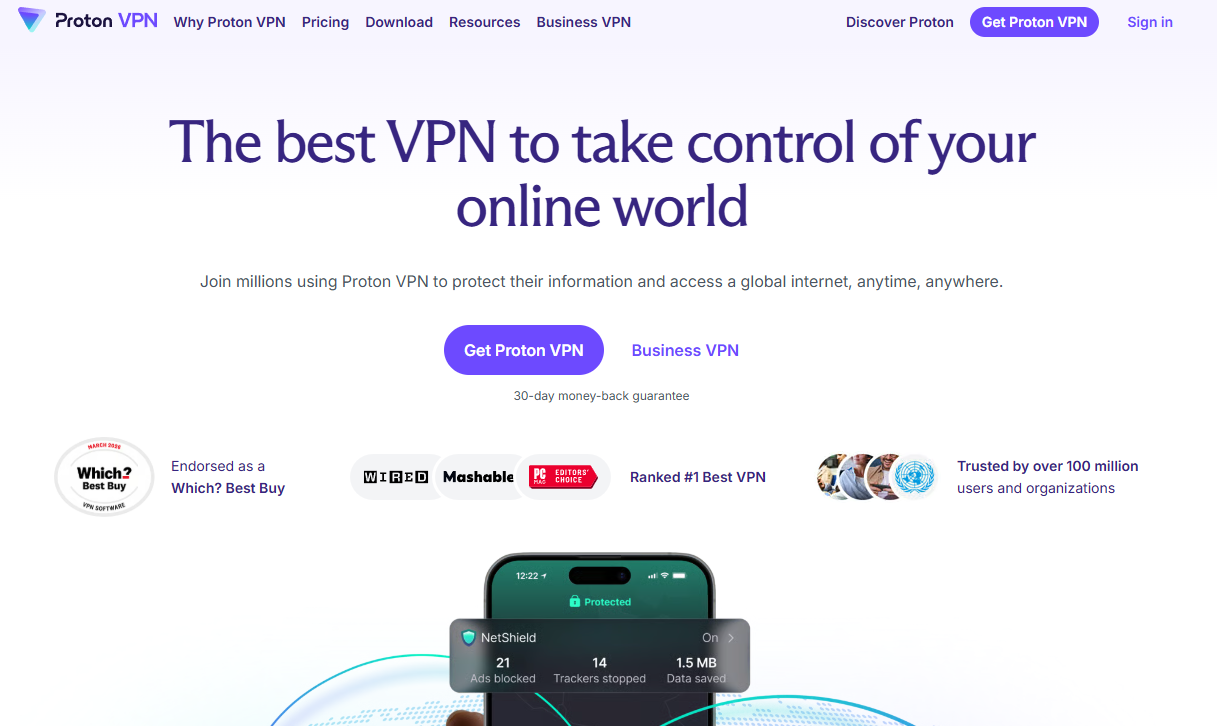
Proton VPN for Business is a centrally managed business VPN for securing remote, hybrid, and traveling employees while giving organizations control over access to company resources. It provides encrypted connections, dedicated server and static IP options, SSO and SCIM support, enforced two-factor authentication, and gateway monitoring from a central control panel. The platform suits teams that need business VPN administration beyond what a personal VPN subscription offers.
Best for: Distributed teams that need managed VPN access for employees connecting from remote or untrusted networks.
Key features
- Central control panel and organization management
- Dedicated servers and static IPs with private gateways
- SSO, SCIM, and enforced two-factor authentication
- Secure Core servers, WireGuard, split tunneling, and kill switch
- Up to 10 simultaneous device connections per user
Why choose Proton VPN for Business: A business VPN is an access-protection layer, not a standalone answer to ransomware, phishing, or account compromise. For product managers, the relevant question is where remote employees connect from and whether the company has administrative visibility into those connections. Proton VPN for Business adds that visibility and control without requiring complex infrastructure.
Proton VPN for Business pricing: VPN Essentials starts at $6.99 per user per month. VPN Professional is $9.99 per user per month and requires at least one dedicated server at an additional $39.99 per month. VPN + Pass Professional, which bundles Proton Pass, is $10.99 per user per month and also requires a dedicated server. All prices exclude tax.
G2 rating: 4.3/5 (verified October 2026, G2 listings).
Considerations when choosing network security software
Map coverage before choosing a vendor
List your endpoints, operating systems, cloud identities, remote access methods, and privileged accounts before evaluating products. A tool that protects laptops may leave identity risk or server exposure untouched. The gap you close with a purchase depends entirely on where your current coverage ends.
Decide who investigates and responds
An alert queue without a named owner becomes noise. Compare self-managed EDR against managed detection and response based on whether your team has trained staff who can investigate, contain, and document incidents. For engineering-heavy SaaS teams, managed EDR often closes a gap that self-service tooling leaves open. Our guide to AI security posture management tools covers how posture management complements detection and response.
Check deployment and maintenance cost
Ask who will install agents, enroll devices, tune policies, resolve false positives, and keep the platform current as the workforce changes. Security tooling that requires recurring engineering rescue work will lose internal support. For a product manager, this is opportunity cost measured against the roadmap.
Review identity and device-stack fit
Check how each tool integrates with Microsoft 365, Google Workspace, endpoint management, single sign-on, and existing security tooling. A product that fits current administration workflows reduces implementation work and reporting fragmentation. Mismatched integrations often become the reason tools go unused after deployment.
Validate reporting for stakeholders
Security leaders need investigation data. Product managers and executives need coverage, incident, and risk summaries they can share with customers and leadership without manual spreadsheet work. Evaluate whether the product generates that evidence automatically.
Conclusion
Network security software is a stack decision, not a single-product choice. Each tool in this list addresses a specific layer of exposure, and the right combination depends on where your current gaps sit.
CrowdStrike Falcon suits teams that want broad endpoint coverage with room to expand. Microsoft Defender for Business fits organizations already standardized on Microsoft 365. Huntress Managed EDR fills the ownership gap for teams without an internal SOC. Bitdefender GravityZone gives administrators centralized control across endpoint and extended detection options. Trend Micro Worry-Free Business Security and Avast Business Antivirus Pro Plus serve smaller businesses building a baseline endpoint program. Proton VPN for Business addresses the remote-access layer for distributed teams.
The practical next step: Inventory your current controls, identify the ownership gap (who responds when an alert fires), and then trial the one or two tools that match your architecture and response capacity. Starting with coverage mapping before vendor selection almost always produces a cleaner outcome than choosing a product first and fitting the architecture around it.
For related security planning resources, see our coverage of application security testing software and business process management software for broader operational context.
FAQs
Antivirus focuses on malware prevention at the device level, blocking known threats from executing on an endpoint. Network security software is broader: It can include endpoint detection and response, identity protection, access controls, VPN administration, monitoring, and response workflows. Antivirus is one component of a business security stack, not a substitute for the full set of controls.
EDR adds investigation and visibility capability that antivirus does not provide. Where antivirus blocks a known threat, EDR records endpoint activity so teams can understand what happened and contain the scope. Whether a small business needs EDR depends on device count, available IT support, the type of data the company handles, and who will respond when a detection fires. If no one has time to investigate alerts, managed EDR is a more practical choice than self-managed EDR.
A practical baseline includes centrally managed endpoint protection, identity security covering cloud accounts, secure remote access for distributed employees, a clear patch management process, and a named incident-response owner. The specific tools depend on the company's infrastructure: Microsoft-centric stacks have different options than Google Workspace environments. Coverage mapping before vendor selection produces better outcomes than choosing tools first.
Managed detection and response is most useful when internal security coverage is limited, employees work remotely, customers are asking for security evidence during procurement, or the company handles regulated data. A managed service still requires internal decision-makers for deployment and follow-through on incidents. It handles the monitoring and investigation work that most small businesses cannot sustain internally.
No. A VPN protects the connection between a device and a network, but it does not secure the device itself, patch vulnerabilities, defend against phishing, or protect identities. Remote workforce security requires endpoint protection, device patching, identity controls, and phishing defenses alongside VPN access management. A business VPN is one layer of a larger approach.
Pricing models vary by tool and coverage type. Common structures include per-device monthly billing (CrowdStrike Falcon from $7.99, Huntress from $7.99 per endpoint), per-user monthly billing (Microsoft Defender for Business from $3.00, Proton VPN from $6.99), and annual per-device pricing (Avast Business from $56.99 per year). Some vendors route pricing through sales for custom contracts. Total cost grows with employee count, contractor endpoints, server coverage, and the number of security layers you deploy.
Start with five questions: What specific threat does this tool address? Who owns deployment and ongoing maintenance? Which existing systems does it integrate with, and what engineering work does that integration require? Who investigates alerts when they fire? How will the team prove adoption and coverage to customers and leadership? These questions surface the operational cost of a security tool faster than a feature comparison does. For context on how software evaluation fits broader operational decisions, see our business process management software guide.