Month-end close still lives in spreadsheets at most companies. Numbers get copied from the ERP into a tab, reconciled by hand, broken by a stray formula, then rebuilt before the board deck goes out. The data sits in three places. The version control is somebody's initials in a filename.
The cost shows up in the calendar. Only 18% of finance teams close the books in three business days or less, and half still take longer than five business days, according to G-Accon's 2025 analysis of financial reporting statistics. Every extra day is a day leadership waits for numbers it needs to make decisions.
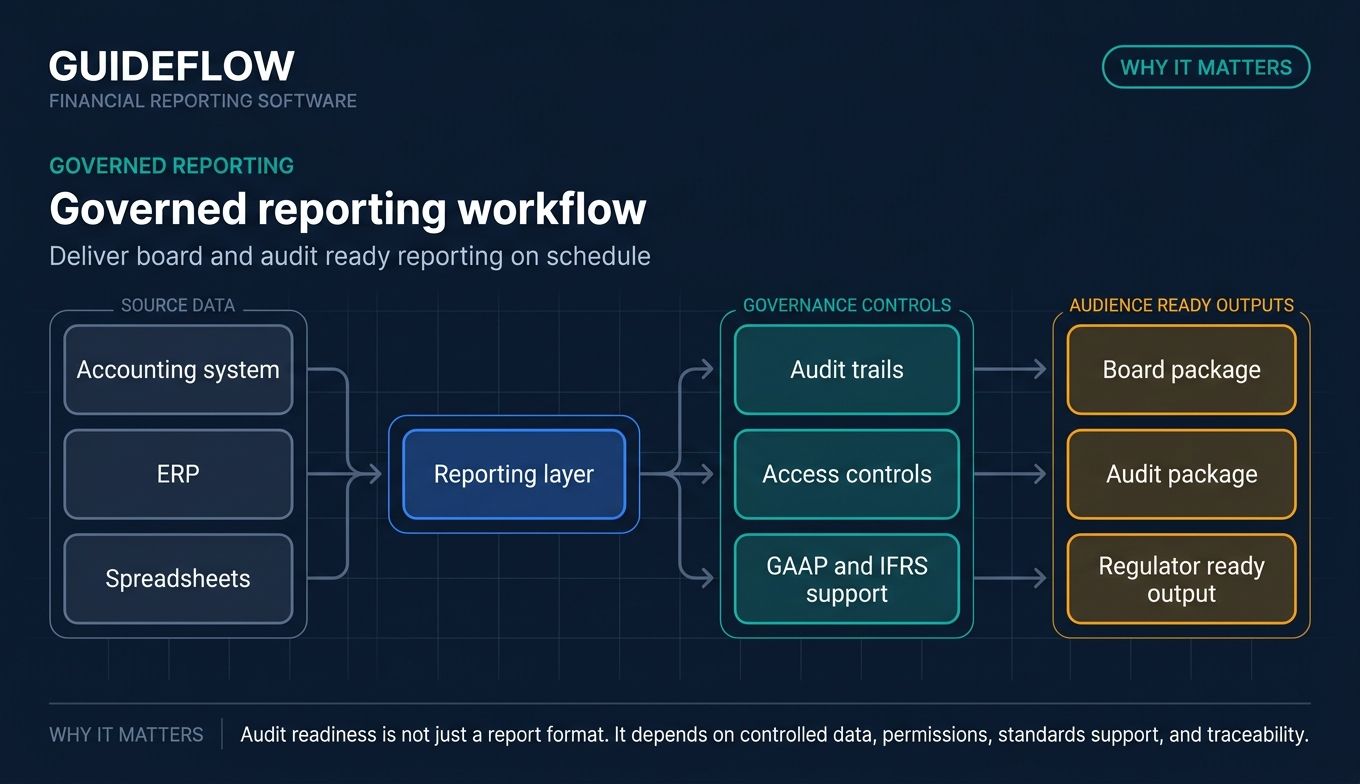
That is the friction this category solves. Financial reporting software pulls data straight from your accounting system, ERP, and spreadsheets, then automates the part you dread: building, consolidating, and distributing reports on schedule. HighRadius reports that reporting tools can cut errors by up to 90% compared with manual methods. Automation can also reduce consolidation workload by 50% per close cycle, per G-Accon.
For finance leaders and the operators who recommend these tools, the real question is sharper than "which one has the most features." It is "what does this replace?" Less time in spreadsheets. Fewer manual touchpoints. More time on the decisions that move the number. That is the lens this guide uses for all 12 tools.
What's inside
This guide is built for CFOs, controllers, FP&A managers, and the RevOps or growth operators who get asked to evaluate reporting tooling. We selected 12 genuine financial reporting tools, no payment processors or unrelated platforms, and judged each on four criteria. If you're also evaluating adjacent finance tooling, our roundups of the best pricing software and best revenue operations software cover neighboring categories.
- Data integration: native connectors to your ERP, accounting system, spreadsheets, and BI tools.
- Automation: how much of report creation, refresh, and distribution runs without manual work.
- Customization: dashboards, drill-down, commentary, and AI-assisted insights.
- Compliance and scale: audit trails, GAAP and IFRS support, access controls, and multi-entity handling.
Pricing transparency served as a tiebreaker. Every section flags what each tool replaces in your stack.
TL;DR
Short on time? Here are the fast picks by segment.
- Best all-in-one for SMBs and advisors: Fathom, reporting, forecasting, consolidation, and benchmarking in one place.
- Best for enterprise consolidation and CPM: OneStream and Anaplan for large, multi-entity finance organizations.
- Best for ERP-native, Excel-based reporting: insightsoftware, reporting straight off SAP, Oracle, Dynamics, and NetSuite.
- Best for spreadsheet-first FP&A teams: Cube and Vena, which keep you in Excel and Google Sheets.
- Best for regulated and public-company reporting: Workiva for disclosure, audit, and SOX workflows.
- Best low-cost multi-entity consolidation: Joiin for small businesses and advisors, with plans from $23 per month.
- Best real-time spreadsheet dashboards: LiveFlow, live accounting data synced into Sheets and Excel.
Background: what is financial reporting software?
Financial reporting software is a tool that automates the creation, consolidation, and distribution of financial statements and performance reports by connecting to accounting systems, ERPs, and spreadsheets. It sits one layer above your general ledger. The ledger records transactions. The reporting layer turns those transactions into board-ready statements, dashboards, and analysis without manual rebuilds.
Buyers also call this category financial reporting tools, financial statement software, finance reporting software, or a financial reporting system. The labels overlap. What they share is a job: replace the manual, spreadsheet-heavy work that slows the close and introduces errors.
Most financial reporting and analysis software shares a common feature set:
- Automated report creation, refresh, and distribution so numbers update without copy-paste.
- ERP, accounting, spreadsheet, and BI integrations to pull data from where it already lives.
- Dashboards, visualization, and drill-down analysis for moving from summary to transaction.
- Commentary, narrative, and AI-assisted insights that explain the variance, not just show it.
- Multi-entity consolidation and group reporting across companies, subsidiaries, and currencies.
- Compliance, audit trails, GAAP and IFRS support, and access controls for governed reporting.
- Forecasting and scenario planning, an adjacent capability many platforms bundle in.
The line between accounting reporting software and full FP&A or corporate performance management (CPM) platforms is blurry. SMB tools focus on reporting and light consolidation. Enterprise platforms add planning, close, and connected modeling. Both fall under the financial reporting software umbrella, and both replace spreadsheet chaos.
When to use financial reporting software
Not every team needs a dedicated reporting platform. Here are the three situations where it pays for itself.
Replace spreadsheet-based reporting
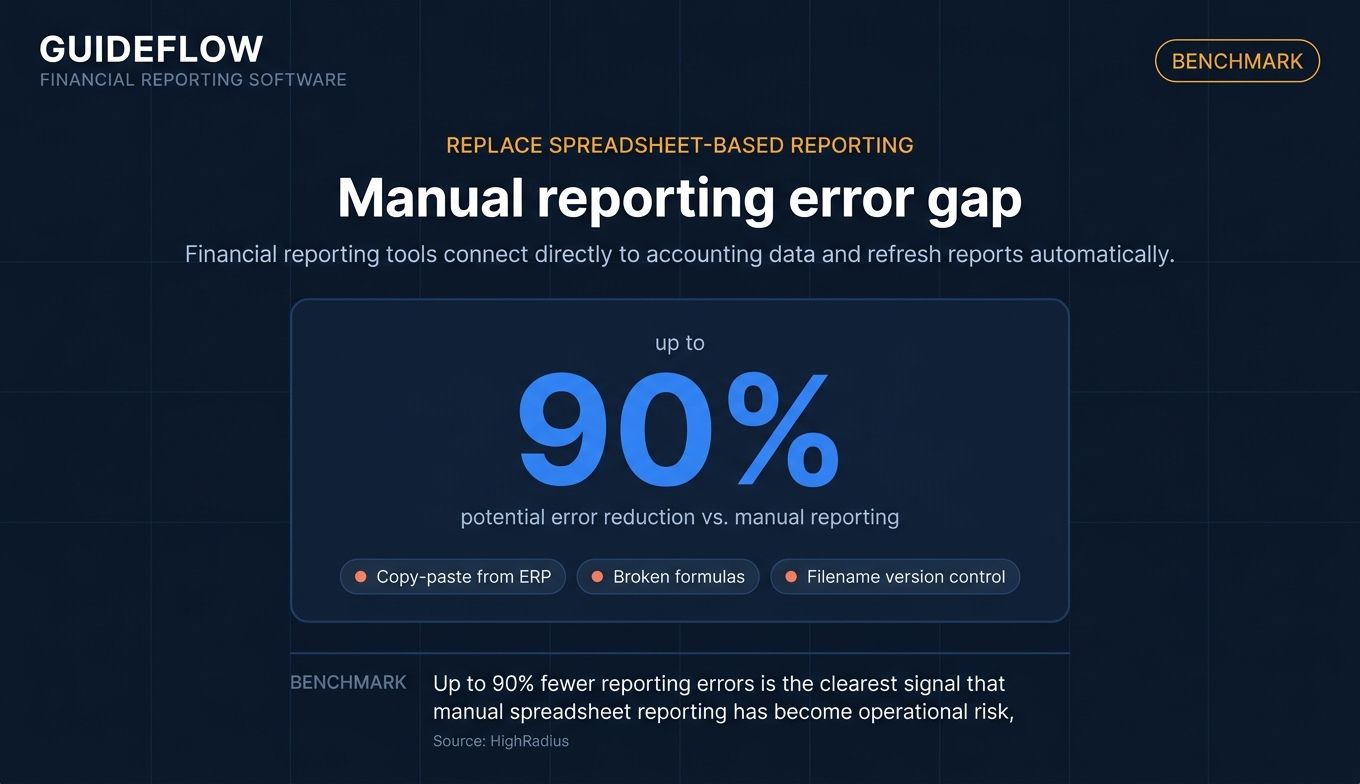
When your close depends on manual consolidation, copy-paste from the ERP, and version-control by filename, errors are inevitable. A formula breaks. A tab gets overwritten. The board deck ships with a number that does not tie. Financial reporting tools connect directly to your accounting data and refresh reports automatically, which is where the up-to-90% error reduction HighRadius cites comes from. This is the clearest "what does this replace" case: it replaces the spreadsheet sprawl and the hours spent reconciling it.
Consolidate multi-entity or group financials
When you manage multiple companies, subsidiaries, or franchisees, consolidation in spreadsheets becomes a monthly grind. Different currencies, intercompany eliminations, and separate accounting files all have to align by hand. Consolidation software handles entity structures and currency translation automatically, cutting that workload by roughly half per cycle. If you run a group, an advisory practice, or a franchise network, this is the trigger.
Deliver board- and audit-ready reporting on schedule
When governance matters, when you answer to a board, auditors, or regulators, financial performance reporting software gives you audit trails, access controls, and GAAP and IFRS support out of the box. You stop assembling the audit package manually and start producing it as a byproduct of the close. For public companies and regulated industries, this is non-negotiable.
Comparison table
Here is the full list at a glance. General-purpose and SMB-friendly financial reporting tools come first, then enterprise CPM and FP&A platforms, then niche consolidation tools. Pricing and G2 ratings reflect verified vendor and G2 data as of June 2026. Where vendors publish no list price, plans are quote-based.
| # | Product | Intent | Key use case | Pricing | G2 rating |
|---|---|---|---|---|---|
| 1 | Fathom | SMBs, advisors, groups | All-in-one reporting, forecasting, consolidation | From $62/mo (AUD, ex GST) | 4.7/5 |
| 2 | Vena | Excel-native finance teams | CPM with Excel front-end and governance | Quote-based | 4.5/5 |
| 3 | Cube | Lean FP&A teams | Spreadsheet-native FP&A layer | Quote-based | 4.5/5 |
| 4 | Workday Adaptive Planning | Mid-market to enterprise | Connected planning and reporting | Quote-based, 30-day trial | 4.3/5 |
| 5 | OneStream | Large enterprises | Unified consolidation and CPM | Quote-based | 4.6/5 |
| 6 | Prophix | Mid-market finance teams | Consolidation, close, FP&A automation | Quote-based | 4.5/5 |
| 7 | Anaplan | Enterprise planning | Connected planning and scenario modeling | Quote-based | 4.6/5 |
| 8 | insightsoftware | ERP-native reporting teams | Reporting off SAP, Oracle, Dynamics, NetSuite | Quote-based | 4.3/5 |
| 9 | Workiva | Public and regulated companies | Connected reporting and disclosure | Quote-based | 4.5/5 |
| 10 | Sage Intacct | SMB to mid-market | Accounting plus native reporting | Quote-based, annual | 4.3/5 |
| 11 | Joiin | Small businesses, advisors | Low-cost multi-entity consolidation | From $23/mo | 4.7/5 |
| 12 | LiveFlow | SMBs and startups | Real-time reporting in Sheets and Excel | Quote-based | 4.9/5 |
1. Fathom
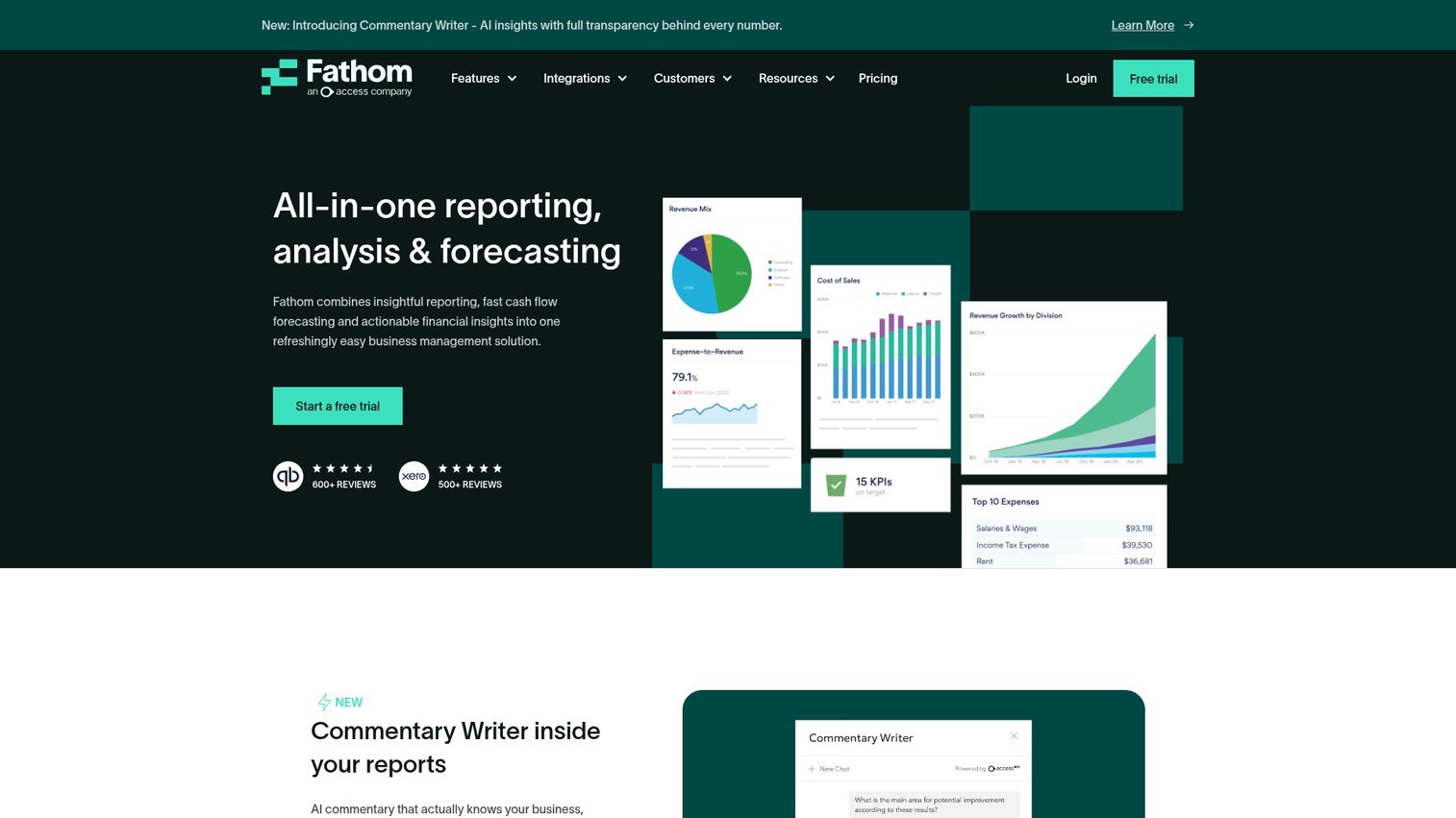
Fathom packages reporting, analysis, cash flow forecasting, consolidation, and benchmarking into a single tool aimed at smaller finance functions and the advisors who serve them. It connects directly to your accounting system and turns the data into management reports, KPI dashboards, and three-way forecasts. For a CFO at an SMB or an advisory firm juggling client books, Fathom replaces the patchwork of spreadsheet templates most teams rebuild every month.
The standout is consolidation paired with group benchmarking. If you run multiple entities or compare performance across a portfolio of companies, Fathom handles the rollup and lets you benchmark one entity against the group. That is work that otherwise lives in a manual master spreadsheet.
Best for: Finance teams, accounting advisors, franchises, and multi-entity groups that need reporting, forecasting, consolidation, and benchmarking in one place.
Key strengths
- Management reporting: Build custom, board-ready reports without rebuilding templates each cycle.
- Cash flow forecasting: Run three-way forecasts that tie profit, balance sheet, and cash together.
- Group benchmarking: Compare entities across a portfolio to surface outliers fast.
Why choose Fathom: It fits CFOs and advisors who want depth without an enterprise implementation. The trade-off: Fathom is purpose-built for reporting and analysis, not full FP&A planning or close orchestration. If your needs stop at reporting, forecasting, and consolidation, that focus is an advantage.
Fathom pricing: Fathom Pro starts at $65 per month for one connected company on the Starter plan, billed monthly. Silver covers 10 companies at $390, Gold covers 25 at $540, and Platinum covers 50 at $860. Prices on Fathom's pricing page are shown in AUD, excluding GST, so confirm your local total. Fathom Portfolio plans scale to 100, 300, or unlimited companies.
2. Vena
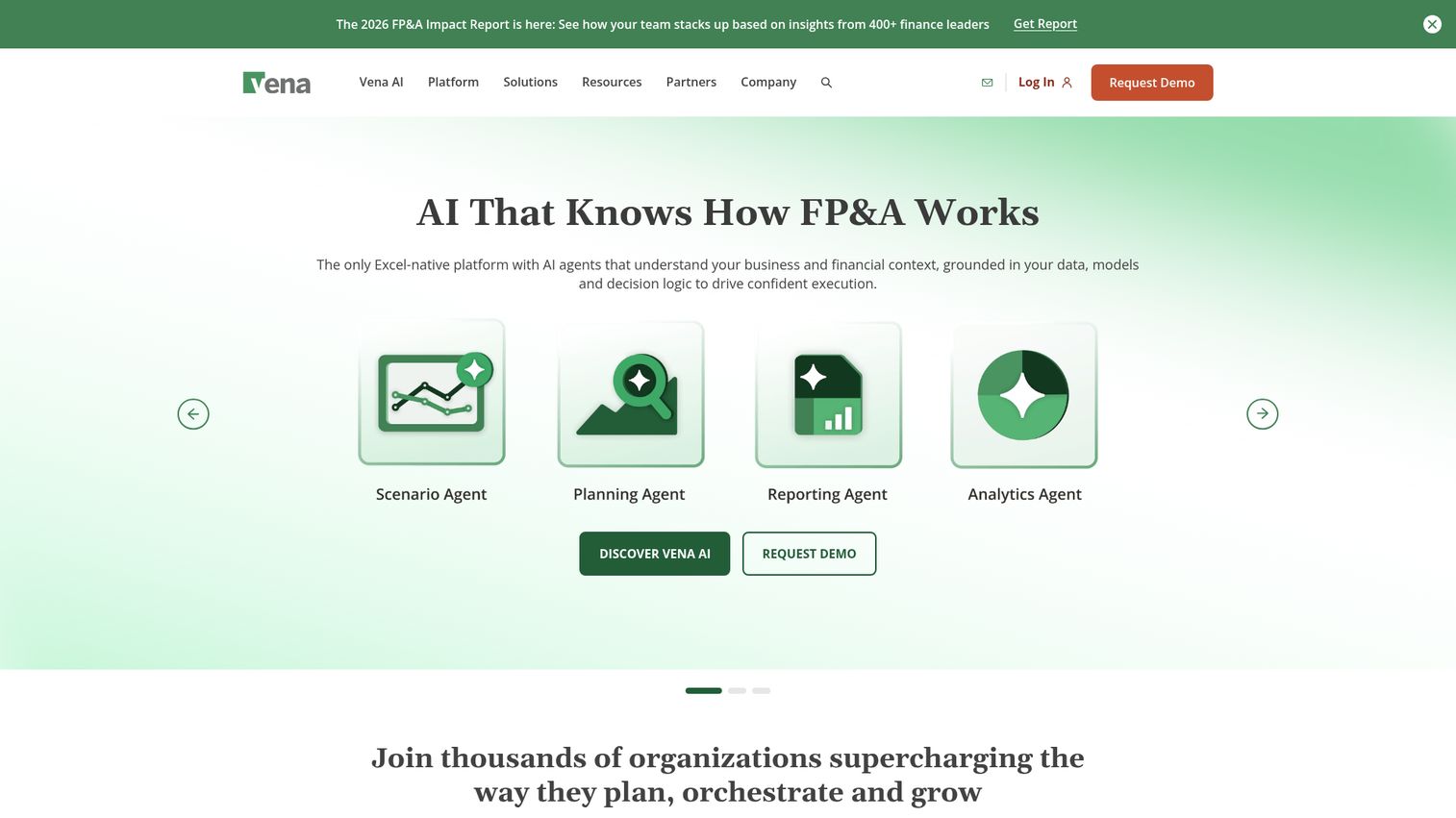
Vena is an Excel-native, Microsoft-powered FP&A platform for planning, reporting, analytics, and financial close. The pitch is simple: keep the Excel front-end your team already knows, but put a central database, workflow, and governance behind it. For teams that have tried to rip out spreadsheets and failed, Vena replaces the chaos of disconnected workbooks without replacing Excel itself.
That hybrid model is the differentiator. Analysts work in familiar spreadsheets while the data, approvals, and version control happen in a governed system. It removes the "which file is the source of truth" problem that plagues spreadsheet-only reporting.
Best for: Finance and accounting teams that want Excel-native budgeting, forecasting, reporting, and close workflows with Microsoft ecosystem integration.
Key strengths
- Native Microsoft Excel integration: Keep your spreadsheet front-end while gaining a governed back-end.
- Central database: Store planning and reporting data in one place, not scattered across files.
- Workflow and collaboration: Route tasks, approvals, and planning processes with built-in controls.
Why choose Vena: It suits finance teams committed to Excel who need governance, audit trails, and a single data source. The trade-off is platform commitment: Vena is a CPM system, not a lightweight reporting add-on, so expect a real implementation. For teams that want Excel plus structure, that is the point.
Vena pricing: Vena offers Professional and Complete plans. Professional includes the Vena Platform, a customer success manager, standard support, the customer portal, and Vena Copilot. Complete adds Vena Insights, premium support, a sandbox environment, and expert managed services. Vena's pricing page lists plan names and included features but does not publish numeric prices, so contact Vena for a quote.
3. Cube
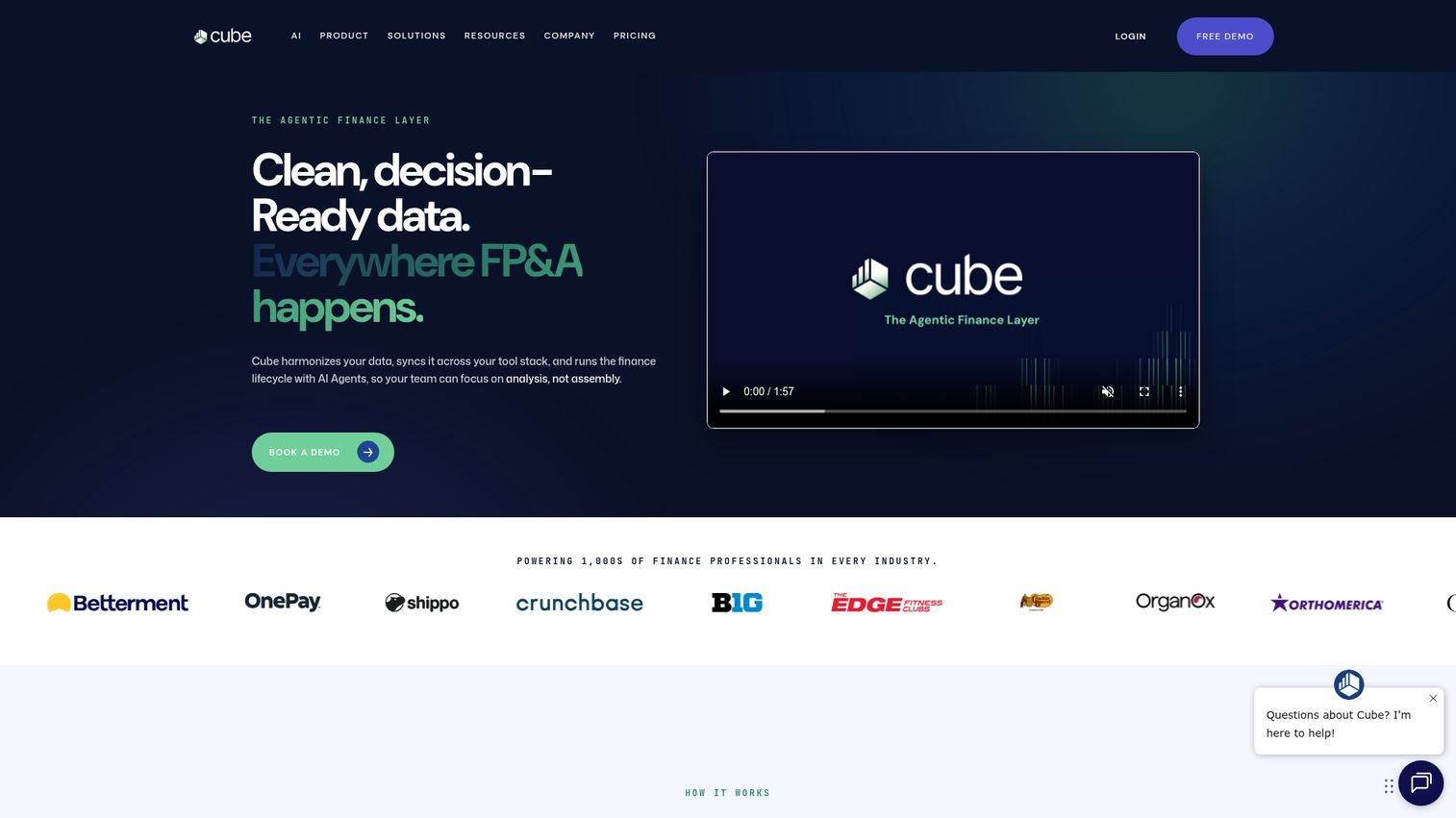
Cube is an AI-powered FP&A platform that sits as a reporting and planning layer over the spreadsheets you already use. It harmonizes financial data across Excel, Google Sheets, presentations, and collaboration tools, so your team plans and reports without leaving familiar surfaces. For a lean FP&A team that does not want a heavy migration, Cube replaces the manual data-pulling and reconciliation between spreadsheets and source systems.
The strong "works with Excel and Google Sheets" angle is what sets it apart. You connect your tools, and Cube keeps the data consistent across them, with transaction-level traceability when you need to drill down.
Best for: Finance and FP&A teams that want planning, forecasting, reporting, and analysis while continuing to work in Excel, Google Sheets, Slack, Teams, and PowerPoint.
Key strengths
- Spreadsheet-native FP&A: Plan and report in Excel and Google Sheets with a connected back-end.
- Budgeting and scenario modeling: Build budgets, forecasts, and what-if scenarios without rebuilds.
- Dashboards and variance reports: Surface variances and cash forecasts with traceability to transactions.
Why choose Cube: It fits teams that want FP&A structure without abandoning spreadsheets or running a long implementation. The trade-off: Cube is a layer over your tools rather than a full consolidation and close suite, so very large multi-entity enterprises may outgrow it. For lean teams, that lightness is the draw.
Cube pricing: Cube lists Bronze, Silver, and Gold plans, all of which require a custom quote. Add-ons include Premium Support+, additional modules, and API access. No public numeric pricing is published, so request a quote to match a plan to your needs.
4. Workday Adaptive Planning
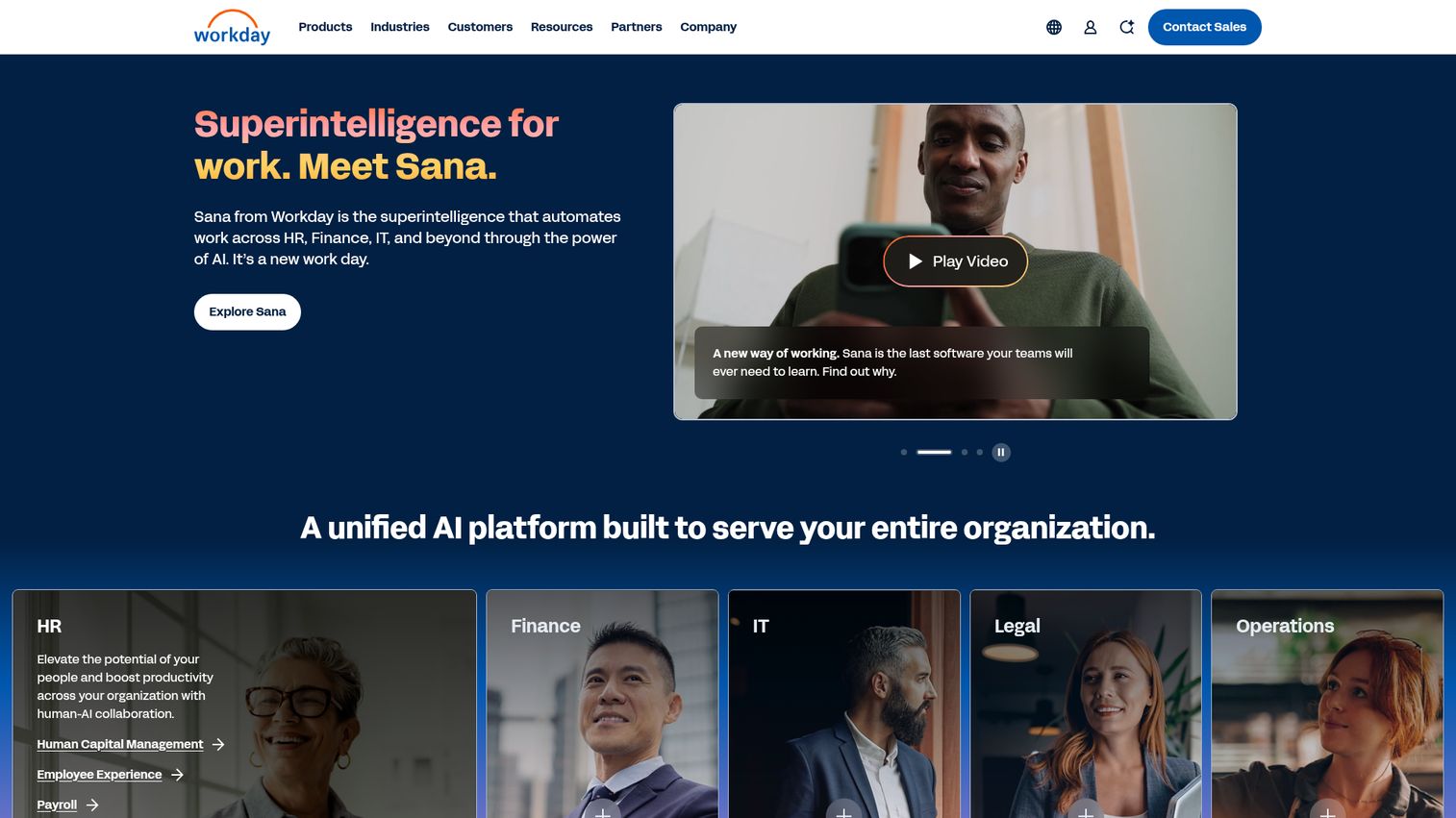
Workday Adaptive Planning is a cloud planning platform for budgeting, forecasting, reporting, and scenario modeling. It connects with any ERP or general ledger and supports unlimited versions and what-if scenarios, which is useful when leadership wants to model multiple outcomes fast. For mid-market and enterprise teams, especially those on the broader Workday stack, it replaces siloed planning spreadsheets and slow, manual scenario builds.
Active dashboards, reporting, and OfficeConnect (its Office integration) let finance distribute board-ready output without rebuilding decks each month. The connected-planning approach ties operational and financial data together.
Best for: Organizations that need connected FP&A, budgeting, forecasting, reporting, and scenario planning across finance and operations.
Key strengths
- Connects with any ERP or GL: Pull data from your existing systems without ripping anything out.
- Unlimited versions and scenarios: Model what-if outcomes without version limits.
- Active dashboards and OfficeConnect: Build live reports and Office-native board output.
Why choose Workday Adaptive Planning: It suits mid-market to enterprise teams that want robust planning plus reporting, particularly on connected Workday stacks. The trade-off is scope: this is a planning-first platform, so teams that need only lightweight reporting may find it more than they need.
Workday Adaptive Planning pricing: Workday offers a 30-day free trial. The Workday Adaptive Planning plan and the Close & Consolidation plan are both quote-based, listed as "Pricing varies" with a request-a-quote flow. No public price is displayed, so contact Workday for figures.
5. OneStream
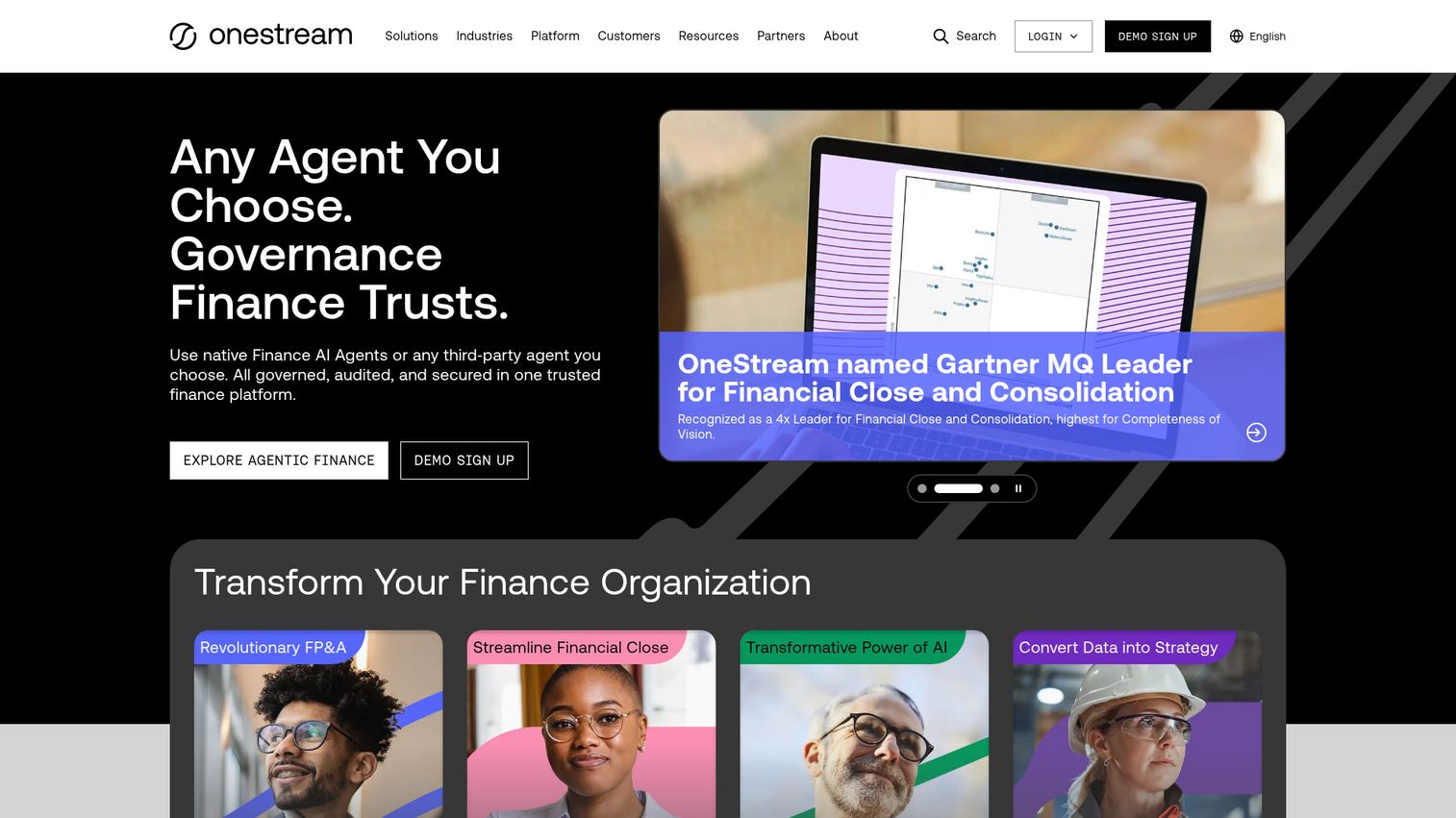
OneStream is an enterprise finance platform that unifies financial and operational data and runs close, consolidation, reporting, planning, forecasting, and analytics in one place. The consolidation story is its strongest. Large enterprises running several legacy CPM tools use OneStream to collapse them into a single unified model, which is the clearest "what does this replace" case on this list: it replaces a stack of point solutions.
A single data model with built-in integration and data quality means finance stops reconciling between disconnected systems. Embedded AI capabilities, including SensibleAI Forecast and SensibleAI Agents, add automation to forecasting and analysis.
Best for: Enterprise finance teams and CFO organizations that need unified CPM across close, consolidation, planning, forecasting, reporting, and analytics.
Key strengths
- Unified data model: Run finance on one model with built-in integration and data quality.
- Close, consolidation, and reporting in one platform: Replace multiple legacy CPM tools with a single system.
- AI-powered finance: Add automation with SensibleAI Forecast, Studio, and Agents.
Why choose OneStream: It fits large, complex enterprises consolidating multiple finance tools into one platform. The trade-off is fit: this is built for enterprise scale, so SMBs and lean teams will find it heavier than they need. For enterprises drowning in point solutions, consolidation is exactly the value.
OneStream pricing: OneStream does not publish public plan names or numeric pricing. Pricing is handled through direct conversations with the vendor, so contact OneStream for a quote scoped to your finance organization.
6. Prophix
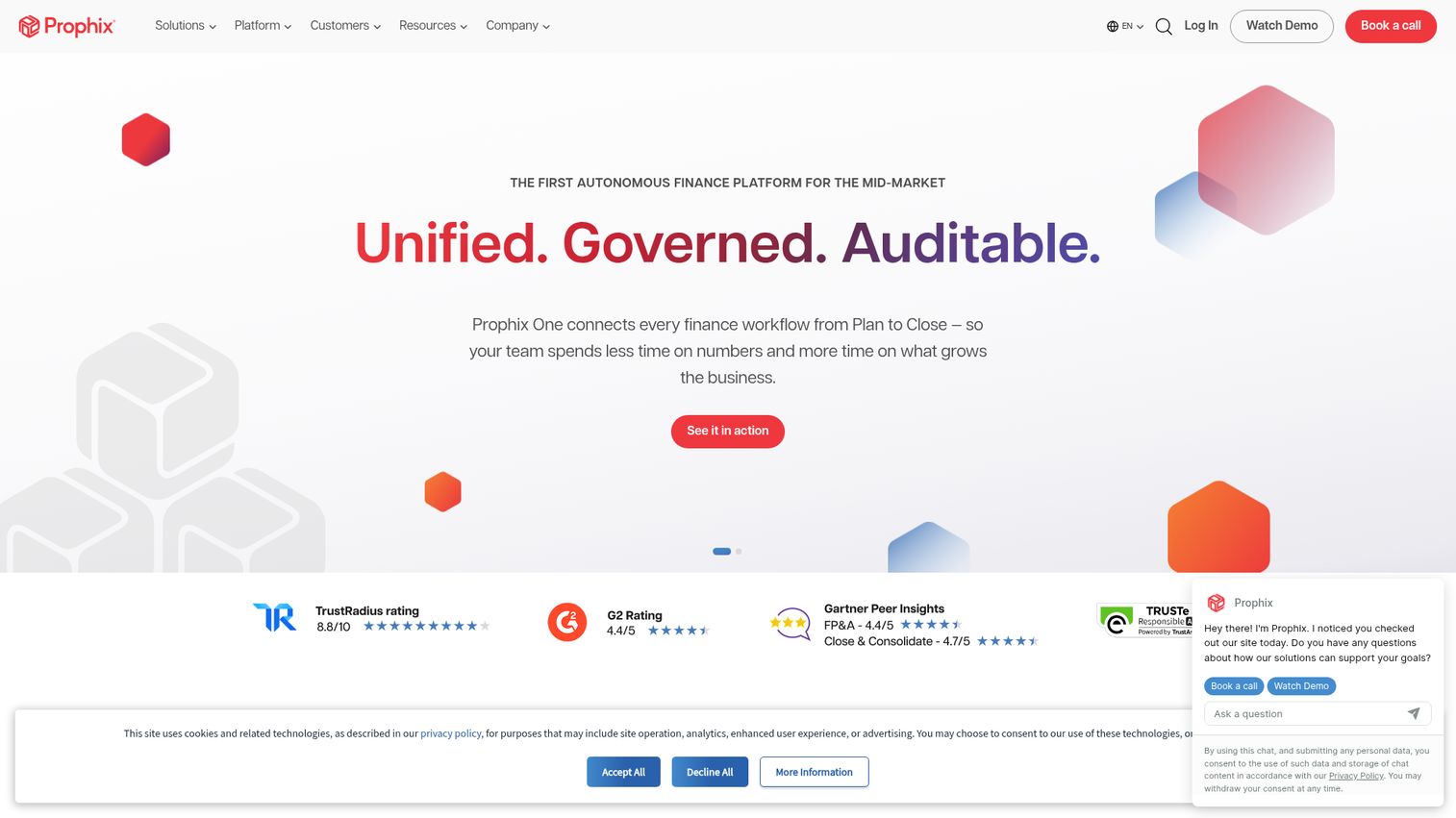
Prophix (Prophix One) is a unified financial performance platform covering planning, budgeting, forecasting, reporting, consolidation, and close. For mid-market finance teams automating a slow close, it replaces the manual intercompany eliminations, multi-currency translation, and reconciliation work that drag out month-end. Audit trails come built in, which matters when governance is in play.
The breadth is the differentiator at this tier: consolidation and close sit alongside FP&A, plus account reconciliation, lease accounting, cash flow planning, and disclosure management. Embedded AI agents add automation across those workflows.
Best for: Mid-market and multi-entity finance teams that need governed FP&A, consolidation, close, reporting, and AI-assisted workflows in one platform.
Key strengths
- Planning and scenario modeling: Budget, forecast, and model scenarios in a governed system.
- Consolidation and close: Handle intercompany eliminations, multi-currency translation, and audit trails.
- Reconciliation and disclosure: Add account reconciliation, lease accounting, and disclosure management.
Why choose Prophix: It suits mid-market teams that want consolidation, close, and FP&A in one governed platform without enterprise-scale complexity. The trade-off is that it is a full platform commitment, not a lightweight reporting add-on, so expect an implementation.
Prophix pricing: Prophix does not publish public software pricing, plan names, or a free tier. Its pricing page offers guidance resources and a request-demo flow. Contact Prophix for a quote based on your entity structure and module needs.
7. Anaplan
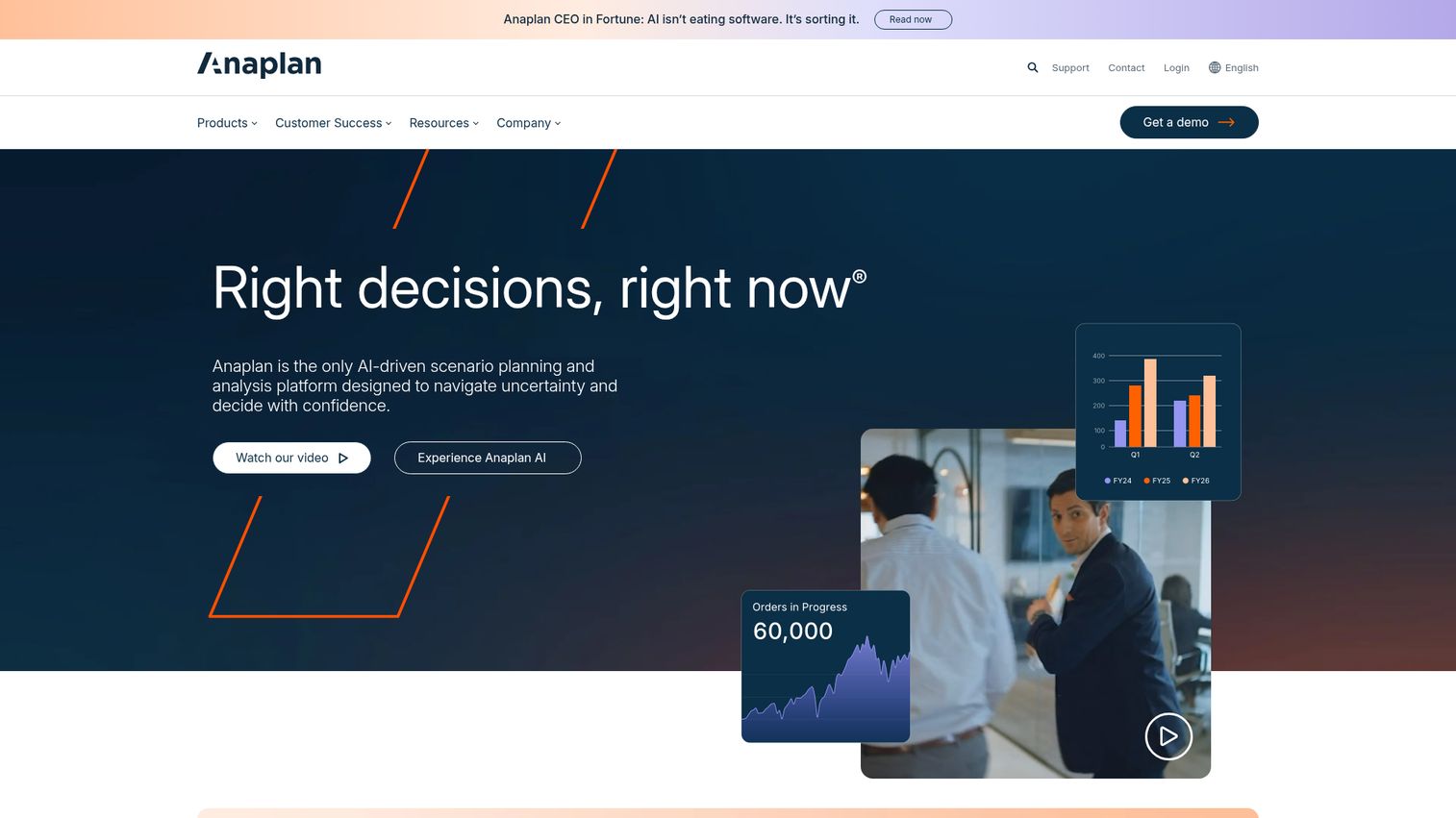
Anaplan is an AI-driven scenario planning and analysis platform for enterprise planning across finance, sales, supply chain, and workforce functions. Its strength is connected, cross-functional modeling: finance plans alongside operations on a shared multidimensional model. For enterprises where reporting depends on inputs from many teams, Anaplan replaces the disconnected spreadsheets each function maintains separately.
The modeling engine and scalability handle complex, multidimensional plans, and AI-driven scenario planning lets teams test outcomes quickly. Reporting sits on top of that connected data, so the numbers leadership sees trace back to a single model.
Best for: Large enterprises that need connected, AI-driven planning and scenario analysis across finance, sales, supply chain, and workforce teams.
Key strengths
- AI-driven scenario planning: Model and compare outcomes across the business quickly.
- Data management and integrations: Connect multidimensional planning data from many sources.
- Modeling and scalability: Build flexible, large-scale plans across functions.
Why choose Anaplan: It fits enterprises that need cross-functional connected planning, not just finance reporting in isolation. The trade-off: Anaplan is a planning-first platform built for scale, so teams whose primary need is straightforward financial reporting may find it broader than required.
Anaplan pricing: Anaplan does not publish public numeric pricing or plan tiers. Its pages route to a request-demo or contact-sales flow, so reach out to Anaplan for pricing scoped to your use case and seat count.
8. insightsoftware
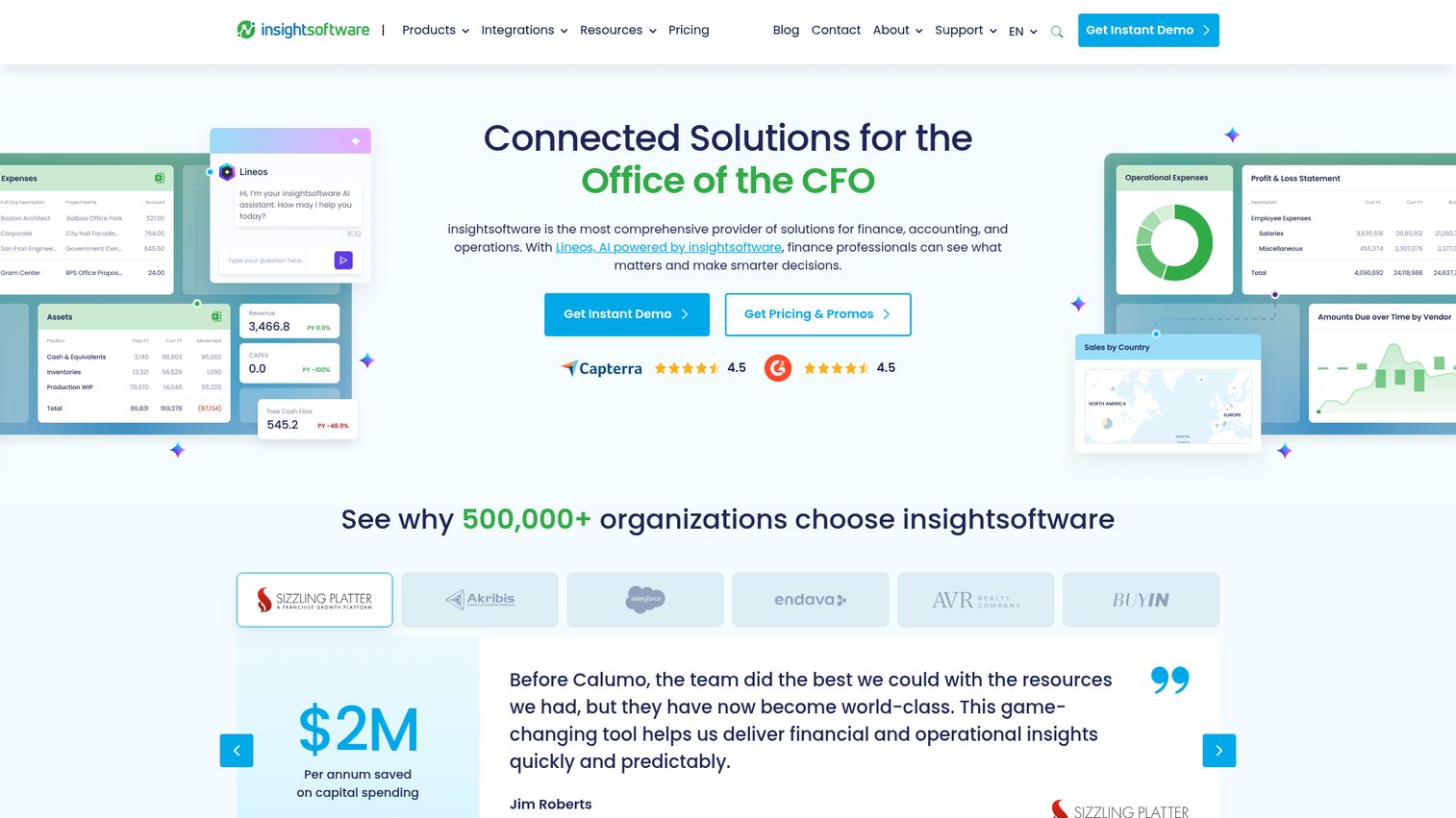
insightsoftware provides connected software for finance, accounting, operations, and data teams in the office of the CFO. Its reporting portfolio is ERP-connected and largely Excel-native, which means teams report directly off their ERP without exporting and reconciling first. For finance functions tied to a specific ERP, it replaces the manual extract-and-rebuild cycle that eats the first week of close.
The breadth spans financial reporting, operational reporting, budgeting, planning, close and consolidation, tax, and disclosure management, with embedded analytics and dashboards layered on. The differentiator is depth of ERP connectivity across the CFO's software needs.
Best for: Finance, accounting, and operations teams that need ERP-connected reporting, planning, consolidation, tax, compliance, and analytics.
Key strengths
- Financial and operational reporting: Report off your ERP with budgeting, planning, and forecasting built in.
- Close, consolidation, and tax: Handle close, tax reporting, disclosure, and lease lifecycle management.
- Data connectivity and analytics: Add embedded analytics, dashboards, and automation on connected data.
Why choose insightsoftware: It fits teams whose reporting is tightly coupled to their ERP and who want Excel-native output. The trade-off is that the portfolio spans many products, so scoping the right fit takes a conversation rather than a self-serve signup.
insightsoftware pricing: insightsoftware does not publish public numeric pricing. Its pricing page is a request-a-price form. Because the portfolio includes multiple products, contact insightsoftware to scope pricing to your ERP and the specific solutions you need.
9. Workiva

Workiva is an AI-powered platform for finance, risk, sustainability, and reporting with governed data, automation, and assurance. Its strength is connected, controlled reporting for public companies and regulated environments. For teams that assemble disclosures, SOX documentation, and audit packages by hand, Workiva replaces the error-prone copy-paste between documents, spreadsheets, and presentations with linked data that updates everywhere at once.
Data linking across documents, spreadsheets, and presentations is the core differentiator: change a number once and it updates wherever it appears. The Workiva AI Intelligent Companion adds a prompt library, and 70-plus connectors plus open APIs handle integration.
Best for: Enterprise finance, risk, audit, compliance, and sustainability teams that need governed collaborative reporting with connected data and assurance.
Key strengths
- Data linking: Update a figure once and have it change across every document, spreadsheet, and deck.
- AI Intelligent Companion: Use a pre-built prompt library to speed up reporting work.
- 70+ connectors and open APIs: Integrate with your existing finance and data systems.
Why choose Workiva: It fits public companies and heavily regulated reporting where disclosure accuracy and audit trails are non-negotiable. The trade-off is that this depth is aimed at compliance-heavy reporting, so smaller teams without those requirements may not need it.
Workiva pricing: Workiva prices based on each organization's needs, using good-better-best packaging for some solutions and including unlimited seats across offerings. No public numeric pricing is shown, so speak with Workiva sales for a customized quote.
10. Sage Intacct
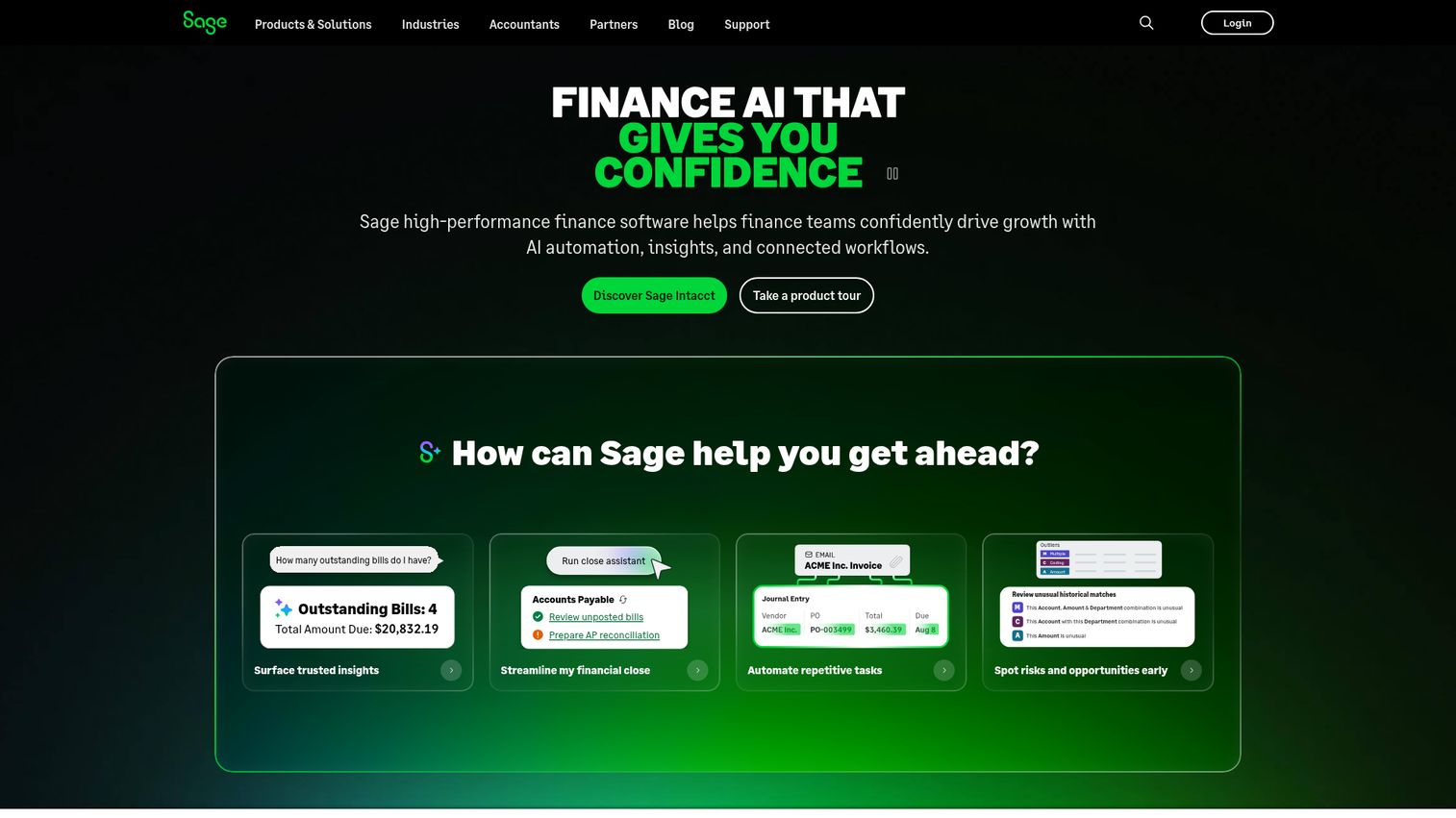
Sage Intacct is cloud accounting and financial management software for growing and mid-sized organizations, with strong native reporting and dashboards. Unlike most tools on this list, it is the accounting system and the reporting layer in one. For SMB-to-mid-market teams, it replaces the need to bolt a separate reporting tool onto basic accounting software, since the dimensions-based reporting is built in.
Real-time dashboards, multi-entity insights, and dimensions-based reporting let finance slice results by department, location, or any tracked dimension without exporting to a spreadsheet. AP and AR automation round out the financial management side.
Best for: Growing and mid-sized organizations that need cloud financial management, accounting automation, real-time reporting, and multi-entity visibility.
Key strengths
- AP and AR automation: Automate payables and receivables alongside reporting.
- Real-time dashboards: See financial results update live without manual refresh.
- Multi-entity, dimensions-based reporting: Slice results across entities and dimensions natively.
Why choose Sage Intacct: It fits teams that want accounting and reporting in a single cloud platform rather than stitching two systems together. The trade-off: as a full accounting system, adopting it for reporting alone means changing your system of record, a bigger move than adding a reporting layer.
Sage Intacct pricing: Sage tailors Sage Intacct pricing to organization size and needs and offers it as an annual subscription. No public price is listed, so contact Sage for a customized quote.
11. Joiin
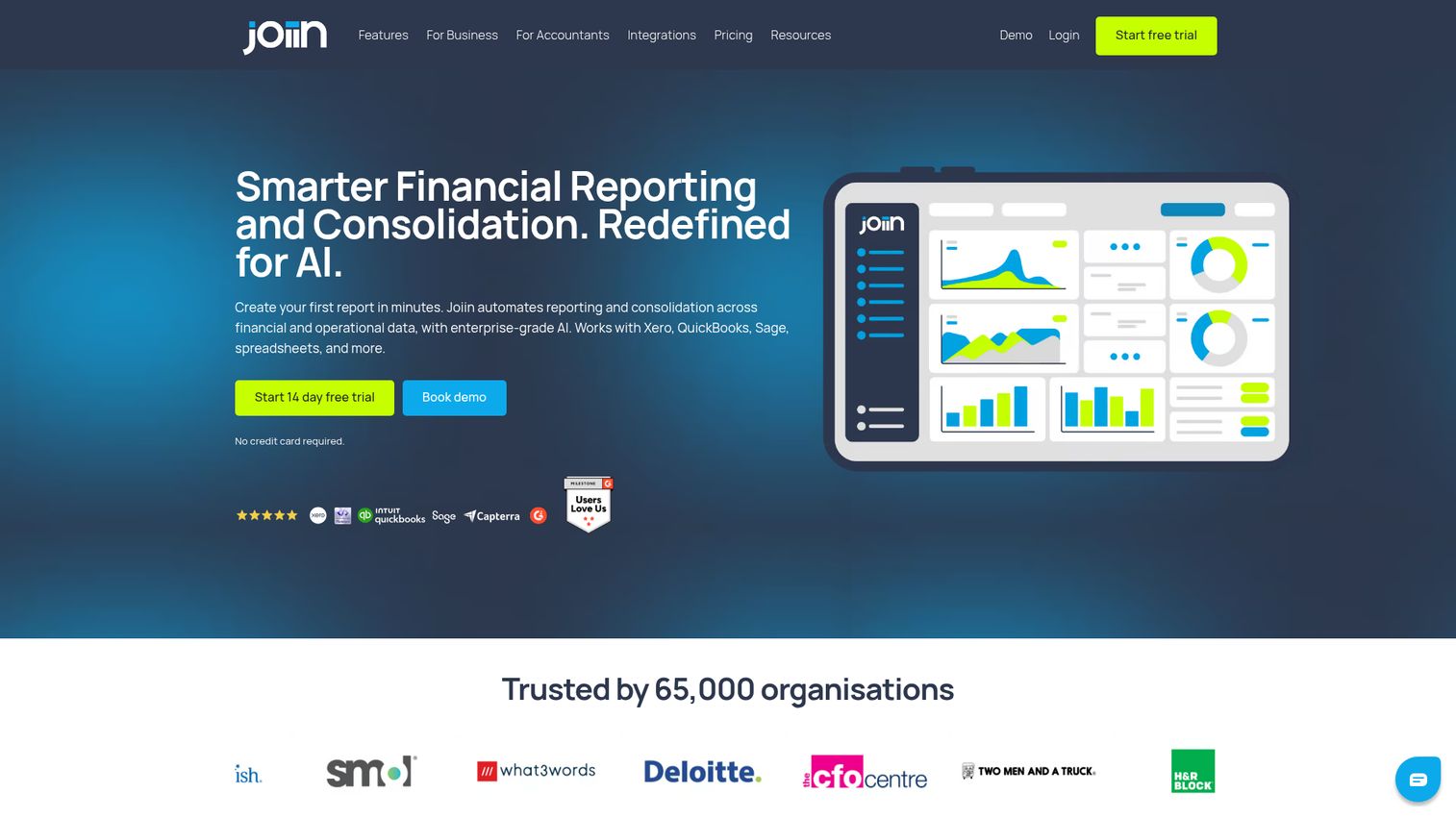
Joiin is financial reporting and consolidation software that pulls from sources like Xero, QuickBooks, Sage, and spreadsheets. Its focus is multi-entity consolidation done affordably. For small businesses and advisors who consolidate across several entities, Joiin replaces the manual master spreadsheet that combines multiple accounting files, and it does so at a price that undercuts enterprise consolidation tools.
Report packs bundle financial reports, KPI dashboards, and sales, purchase, and AR/AP reports. Multi-currency reporting, budgeting, forecasting, intercompany management, and AI insights round out the feature set. Transparent, company-based pricing is the standout.
Best for: Finance teams, accountants, and multi-entity organizations that need consolidated reporting across accounting systems and spreadsheets.
Key strengths
- Multi-entity consolidation: Combine multiple accounting files into one consolidated view.
- Report packs: Bundle financial reports, KPI dashboards, and AR/AP reports together.
- Multi-currency and intercompany: Handle currencies and intercompany management with AI insights.
Why choose Joiin: It fits small businesses and advisors who need real consolidation without enterprise pricing. The trade-off is scope: Joiin is built for consolidated reporting, not full FP&A planning or close orchestration. For its core job at its price, it is hard to beat.
Joiin pricing: Joiin uses company-based pricing with all features, unlimited users and reports, and a free trial with no credit card. A single company costs $28 monthly or $23 per month billed annually. Two companies run $36 or $29, five companies $70 or $57, and 10 companies $111 or $92. Larger tiers scale up to 100-plus companies, starting from $336 per month plus $2.80 per company.
12. LiveFlow
LiveFlow is a multi-entity finance platform that brings FP&A reporting into Google Sheets and Excel, with accounting data synced from QuickBooks Online. For SMBs and startups that live in spreadsheets, it replaces the manual export-and-refresh routine with live, always-current data. You build dashboards where your team already works, and the numbers update without a re-import.
The real-time spreadsheet sync is the differentiator. Instead of choosing between a rigid reporting tool and stale spreadsheet exports, LiveFlow keeps the flexibility of Sheets and Excel with the freshness of a connected platform. Multi-entity consolidation, budgeting, and forecasting come built in.
Best for: Finance teams that need spreadsheet-native reporting, budgeting, forecasting, and consolidation across multiple entities.
Key strengths
- Multi-entity consolidation: Roll up entities while staying in your spreadsheet environment.
- Budgeting and forecasting: Build budgets and forecasts alongside live actuals.
- Sheets and Excel sync: Keep accounting data current in spreadsheets, synced to QuickBooks Online.
Why choose LiveFlow: It fits SMBs and startups that want live dashboards without leaving spreadsheets or learning a new interface. The trade-off: its spreadsheet-first model suits leaner finance functions more than large enterprises needing a unified CPM platform.
LiveFlow pricing: LiveFlow tailors pricing to what each customer needs and directs visitors to book a demo. Its pricing page lists included capabilities such as multi-entity consolidation, AP and AR reporting, budgeting, forecasting, and cash flow forecasting, but shows no public price or plan tiers. Contact LiveFlow for a quote.
When you evaluate platforms like these, the buying process itself has changed. Many finance software vendors now let you explore the product through an interactive demo before booking a call, which is a low-friction way to see how the reporting and dashboards actually work on your kind of data. The best vendors build these out using a dedicated demo center so prospects can self-serve through real workflows, and many publish a live demo that mirrors the actual product experience.
Considerations: how to choose financial reporting software
The right tool depends on your stack, your entity structure, and what you are trying to retire. Run every shortlist candidate through this checklist.
Integration depth with your existing stack
Verify native connectors for your ERP, accounting system, and BI tools before you buy. A reporting tool is only as good as the data it can reach. If it cannot pull cleanly from your general ledger or your warehouse, you are back to manual exports, which defeats the purpose. The same logic applies to the rest of your finance stack, including your CRM software and reporting layers.
Consolidation and multi-entity support
Confirm the tool handles your specific entity structure and currencies. Multi-entity consolidation, intercompany eliminations, and currency translation are where spreadsheet-based reporting breaks down most often. Test it against your actual org chart, not a simplified version.
Compliance, audit trails, and security
Check for GAAP and IFRS support, granular access controls, and security certifications like SOC 2. If you answer to a board, auditors, or regulators, audit trails and governed access are not optional features. Verify them per vendor, since coverage varies.
Total cost and what it replaces
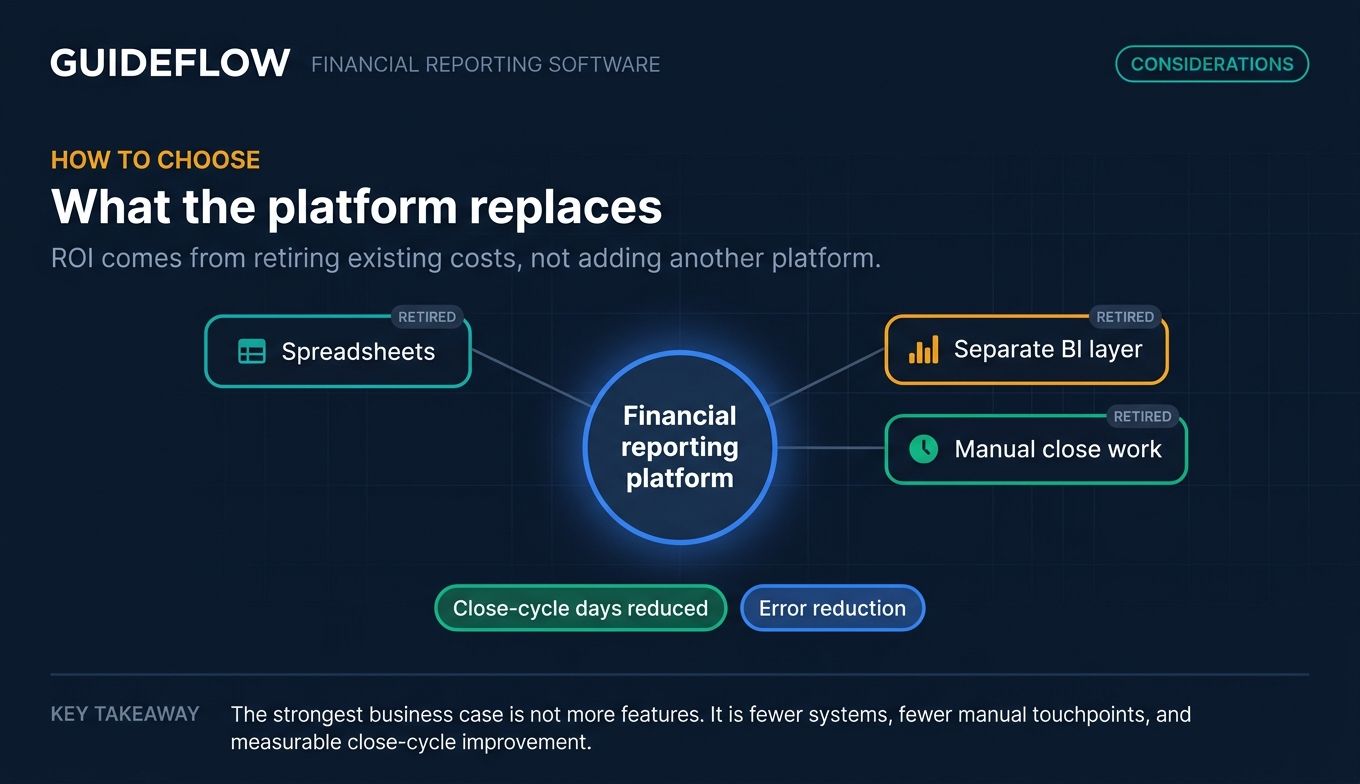
Model whether the tool consolidates spreadsheets, a separate BI layer, and manual close work into one spend. The defensible ROI here is consolidation: if a single platform retires three things you already pay for or staff for, the math gets easier. Quantify the close-cycle days and error reduction it should deliver.
Ease of use and time-to-value
Assess how fast finance can self-serve without leaning on IT. A tool that needs a developer for every new report becomes a bottleneck. Look for spreadsheet-native interfaces or strong templates if speed to value matters more than maximum configurability. Vendors that let buyers explore through a product tour before committing tend to deliver faster time-to-value.
Conclusion
The right financial reporting software depends on where you sit. For SMBs and advisors, Fathom delivers reporting, forecasting, and consolidation in one tool, while Joiin and LiveFlow handle multi-entity consolidation and live spreadsheet dashboards affordably. Spreadsheet-first FP&A teams should look at Cube and Vena, which keep you in Excel and Google Sheets with governance behind them. Mid-market teams automating close will weigh Prophix and Sage Intacct. Enterprises consolidating legacy tools should evaluate OneStream, Anaplan, Workday Adaptive Planning, and Workiva for regulated reporting, with insightsoftware for ERP-native output.
The next step is concrete. Shortlist two or three tools that match your stack and entity structure, request a demo or trial, and run a real month-end close on each. Nothing exposes a tool's fit faster than your own data on a real deadline.
One last note for 2026: AI commentary that explains variances and real-time reporting that updates as transactions post are moving from differentiators to expectations. Weigh them when you compare, because the teams closing in three days instead of five are already using them.
FAQ
Financial reporting software automates the creation, consolidation, and distribution of financial statements and performance reports. It connects to your accounting system, ERP, and spreadsheets, then turns that data into board-ready reports and dashboards without manual rebuilds. The goal is to replace error-prone, spreadsheet-heavy reporting with a faster, governed process.
For small businesses, Fathom, Joiin, and LiveFlow are strong picks. Fathom bundles reporting, forecasting, and consolidation, with plans starting at $65 per month. Joiin offers low-cost multi-entity consolidation from $23 per month, and LiveFlow brings real-time reporting into Google Sheets and Excel. All three avoid the cost and complexity of enterprise platforms.
Accounting software records and stores transactions, your general ledger, invoices, and payments. Financial reporting software sits one layer above and analyzes, consolidates, and presents that data as statements, dashboards, and analysis. Some platforms like Sage Intacct combine both, but most reporting tools connect to your accounting system rather than replacing it.
Most tools augment Excel rather than fully replace it. Vena, Cube, and LiveFlow keep Excel or Google Sheets as the front-end while adding a governed back-end for data, version control, and automation. This hybrid model lets analysts work in familiar spreadsheets without the "which file is correct" problem that plagues spreadsheet-only reporting.
Pricing spans a wide range. SMB tools start low: Joiin from $23 per month and Fathom from $65 per month. Mid-market and enterprise platforms like OneStream, Anaplan, Workiva, and Vena use quote-based pricing scoped to your needs, with no public list price. Budget for implementation on enterprise CPM platforms, not just subscription.
Yes. Tools like OneStream, Prophix, Joiin, and LiveFlow handle multi-entity consolidation, including intercompany eliminations and multi-currency translation. The depth varies: Joiin and LiveFlow target smaller multi-entity groups affordably, while OneStream and Prophix serve larger, more complex structures. Always test consolidation against your actual entity setup before buying.
Many platforms support GAAP and IFRS reporting along with audit trails and access controls, but coverage varies by vendor. Workiva, in particular, targets regulated and public-company reporting with disclosure management and assurance workflows. Confirm compliance support per vendor against your specific reporting standards before committing.
Look for native connectors to your ERP (SAP, Oracle, NetSuite, Dynamics), accounting systems (QuickBooks, Xero, Sage), spreadsheets (Excel, Google Sheets), and BI tools (Power BI, Tableau). The more directly a tool pulls from where your data already lives, the less manual exporting you do. Verify the specific connectors you need before purchase.