You pick a host because it looks simple. Then reality arrives. Your feed needs to hit Apple Podcasts and Spotify without breaking. Your marketing lead wants download numbers that survive scrutiny. Someone asks about ad revenue. Someone else asks about a website. Suddenly a "publishing tool" is a consolidation decision that touches distribution, analytics, monetization, and migration all at once.
That decision is getting more expensive to get wrong. The global podcasting market is estimated at $41.39 billion in 2026 and projected to reach $223 billion by 2033, a 27.2% CAGR, according to Coherent Market Insights (2026). With worldwide listeners expected to reach 619 million by the end of 2026 per Podcastatistics, the host you choose sets the ceiling on how much of that audience you can actually reach and measure.
Most guides read like directories or vendor landing pages. This one treats the choice the way a marketer treats any stack decision: what does it replace, what does it measure, and what breaks if I switch. If you also spend time evaluating marketing analytics and analytics platforms that drive ROI, the same instincts apply here. And if audience measurement is your priority, the way these hosts report data matters as much as any customer data platform you already run.
Below are the 8 best podcast hosting platforms for 2026, compared on the features that actually move the decision.
What's inside
This guide is for creators, marketers, and teams choosing where to host, publish, and grow a show in 2026. We compared 8 podcast hosting platforms on the five criteria that decide the outcome:
- Distribution: how easily episodes reach Apple Podcasts, Spotify, YouTube, and every other app
- Analytics: depth of podcast analytics, including IAB-certified podcast analytics for advertisers
- Monetization: ads, subscriptions, listener support, and ad marketplaces
- Website and player: custom domain, podcast website, and embed player support
- Migration: how cleanly you can move a show without breaking the RSS feed
Each pick includes verified pricing, a G2 rating where available, and a clear "best for" so you can shortlist fast.
TL;DR
- Best all-in-one for creators and businesses: Podbean bundles hosting, monetization, a podcast website, and analytics in one place.
- Best for simplicity and support: Buzzsprout pairs easy publishing with strong analytics and a well-regarded support experience.
- Best budget starting point: RSS.com offers a free tier with unlimited episodes plus distribution, analytics, and monetization.
- Best for multiple shows and teams: Transistor lets you host unlimited podcasts on one account with private podcasts and segmentation.
- Best for ad revenue at scale: Acast leans into its ad marketplace, dynamic ads, and network-style monetization.
- Best recording-first workflow: Riverside combines remote recording, video, and AI repurposing before you publish.
What is a podcast hosting platform?
A podcast hosting platform stores your audio and video files, generates the RSS feed that directories read, and distributes your episodes to listening apps while measuring the audience. It is the infrastructure layer between your recording and your listeners.
The core functions every serious podcast platform covers:
- RSS feed management: the single feed that Apple Podcasts, Spotify, and other apps subscribe to
- Distribution: automatic podcast distribution to major directories from one upload
- Episode hosting and publishing: file storage, scheduling, and publishing workflow
- Podcast analytics: downloads, listeners, retention, and device data, ideally IAB-certified for advertisers
- Monetization: dynamic ad insertion, subscriptions, listener support, and ad marketplaces
- Website and embed player: a podcast website, custom domain, and an embed player for external pages
- Video and transcripts: video podcast hosting, transcripts, and show notes where offered
The RSS feed is the part that matters most during a switch. Every subscriber, every app, every directory points at that one feed. A good host makes distribution automatic and migration safe, so you never lose an audience you spent years building.
When to use podcast hosting platforms
Launch a new show with a simple publishing workflow
Before you invest in a full production stack, you need somewhere to publish. A host gives you a feed, a publishing calendar, and one-click distribution the day you launch. For creators and marketers testing whether a show earns attention, that speed matters more than advanced features you will not use in month one.
Grow distribution across Apple Podcasts, Spotify, and YouTube
Reach is the whole point. The best hosts push a single upload to Apple Podcasts, Spotify, YouTube, Amazon Music, and dozens of smaller apps automatically. If your audience lives across platforms, syndication from one feed saves hours and keeps your metadata consistent everywhere listeners find you.
Monetize a podcast with ads, subscriptions, or listener support
At some point publishing is not enough. When podcast monetization becomes the goal, revenue features outrank pure publishing convenience. Look for dynamic ad insertion, an ad marketplace, subscriptions, and listener support, plus reporting that ties revenue back to episodes and audience.
Switch hosts without breaking your feed
Most people switch at least once. The concern is always the same: will migration break the feed and lose subscribers. A host built for podcast migration handles the 301 redirect from your old feed so every existing subscriber follows automatically. Reliability here is non-negotiable, because a broken feed is invisible subscriber loss.
Podcast hosting platforms compared
The table below is your fast shortlist. Scan the intent and key differentiation columns first to narrow to two or three, then read the full sections for pricing detail and fit. Ratings come from each tool's G2 listing where available; pricing reflects each vendor's published rates.
| # | Product | Intent | Key differentiation | Pricing | G2 rating |
|---|---|---|---|---|---|
| 1 | Podbean | All-in-one hosting plus revenue | Monetization, podcast website, and analytics in one platform | From $12/mo (annual) | 4.2/5 |
| 2 | Buzzsprout | Simple creator-friendly hosting | Easy publishing, transcripts, and strong support | From $15/mo (annual) | 4.8/5 |
| 3 | RSS.com | Budget all-in-one | Free tier with unlimited episodes and distribution | Free; from $11.99/mo (annual) | 4.9/5 |
| 4 | Libsyn | Established, stable hosting | Long-running host with IAB-verified analytics | From $12/mo | 4.5/5 |
| 5 | Transistor | Multi-show teams and networks | Unlimited podcasts on one account | From $19/mo | 5.0/5 |
| 6 | Captivate | Growth-focused creators | Unlimited shows with growth and audience tools | From $17/mo (annual) | - |
| 7 | Riverside | Recording-first workflow | Remote recording, video, and AI repurposing | Free; from $19/mo (annual) | 4.8/5 |
| 8 | Acast | Ad revenue at scale | Ad marketplace and dynamic ads | Free; from $14.99/mo | 3.9/5 |
1. Podbean
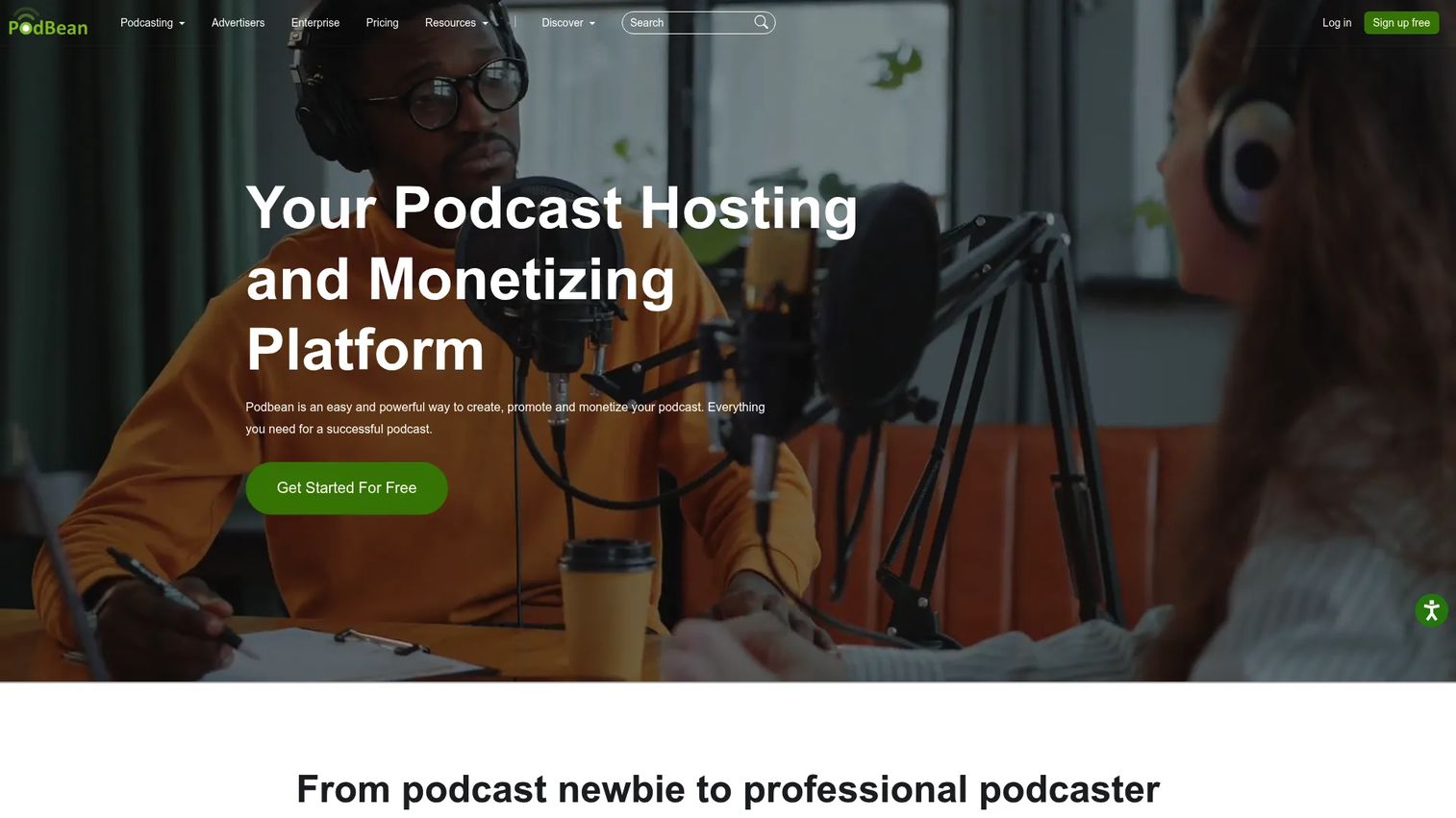
Podbean positions itself as an all-in-one platform to publish, promote, and monetize podcasts. It bundles hosting, a customizable podcast website, analytics, and a stack of monetization tools, which is why it appeals to buyers who want revenue features and hosting in one bill instead of stitching plugins together. Distribution to Spotify, Apple Podcasts, and other major apps is handled from a single upload.
The monetization side is where Podbean earns its all-in-one claim. It offers an ads marketplace, PodAds for dynamic ad insertion, and Apple Podcasts Subscriptions, so creators can layer ad revenue and paid subscriptions on the same show. Analytics cover listener engagement and episode-to-episode comparison, giving marketers something to report against.
Best for: podcasters and businesses that want hosting, analytics, and monetization in a single platform.
Key strengths
- Built-in monetization: ads marketplace, PodAds, and Apple Podcasts Subscriptions in one place
- Podcast website: a customizable site so your show has a home beyond the apps
- Engagement analytics: listener engagement and episode comparison to guide content decisions
Why choose Podbean: If you want to treat a podcast like a revenue channel, Podbean consolidates the pieces most creators would otherwise buy separately. That consolidation is the pitch for marketers weighing what a new tool actually replaces.
Podbean pricing: Paid plans start at $12/mo for Unlimited Audio when billed annually, or $17/mo monthly. Unlimited Plus is $29/mo annual, Network is $79/mo annual, and Business is $99/mo annual. A free account option is available to start.
2. Buzzsprout
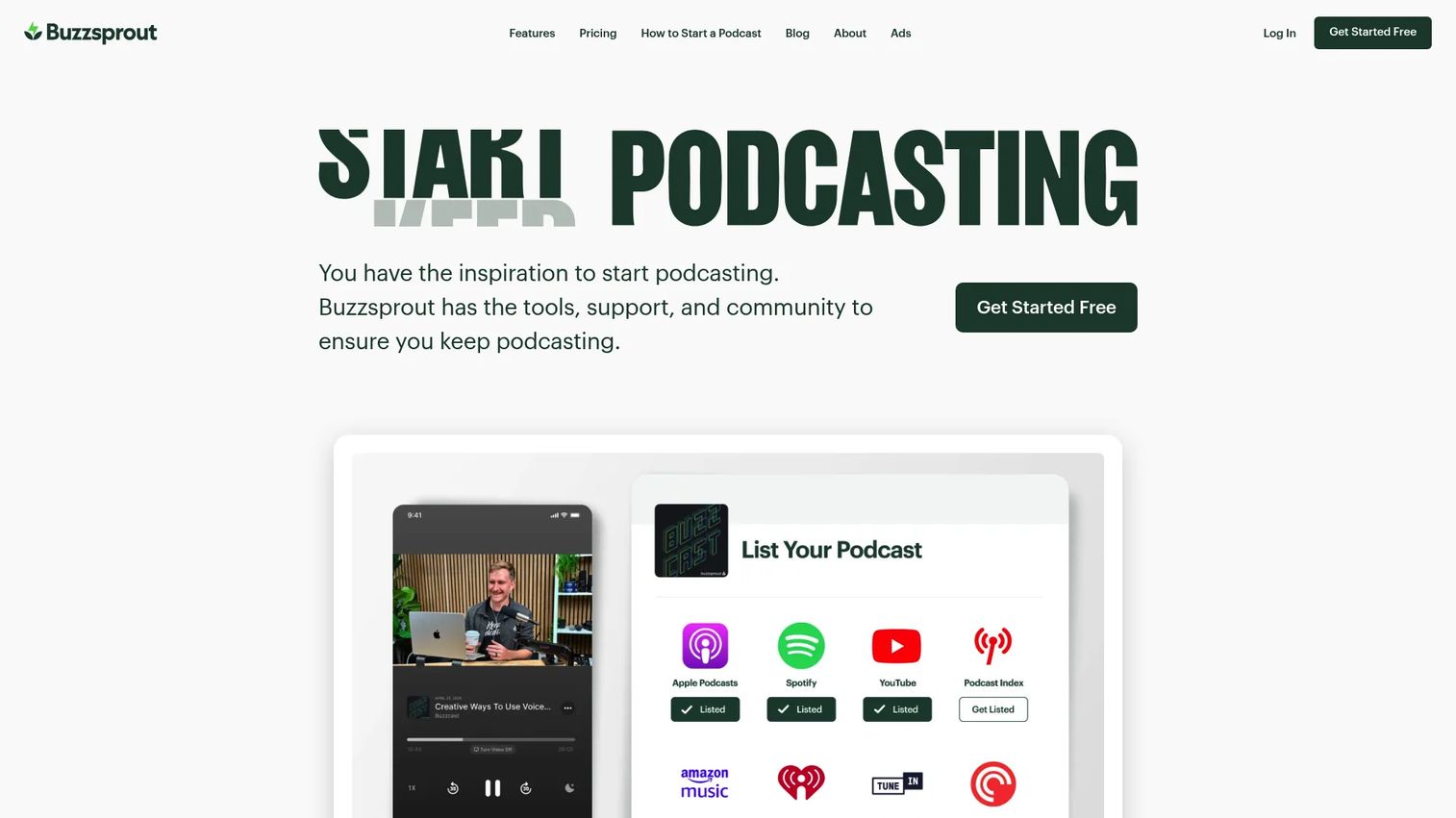
Buzzsprout is one of the most recommended hosts for creators who want to get online without a learning curve. It handles audio and video podcast hosting, distributes to every major directory, and adds the practical extras that make publishing feel easy: transcripts on paid plans, advanced statistics, and visual promotion assets. Its reputation for support is a real differentiator for first-time podcasters.
The analytics are a highlight. Buzzsprout offers advanced podcast statistics designed to hold up for advertisers and sponsors, so you can report on downloads, listener location, and device data with confidence. Built-in monetization through listener support, subscriptions, and ads means you can grow revenue without leaving the platform.
Best for: podcasters who want simple hosting, distribution, analytics, and built-in monetization.
Key strengths
- Advanced statistics: clear, sponsor-ready podcast analytics out of the box
- Transcripts and promotion assets: transcripts on paid plans plus visual clips for social
- Audio and video hosting: publish both formats from one workflow
Why choose Buzzsprout: For creators who value simplicity and responsive support over deep configuration, Buzzsprout removes friction from launch to publish. It is the safe first host that still scales as your show grows.
Buzzsprout pricing: Paid plans start at $15/mo for Audio when billed annually, $25/mo for Audio + Video, and $30/mo for Multi-Podcast. A free plan includes 2 hours of uploads per month with episodes hosted for 90 days, so you can try before you buy.
3. RSS.com
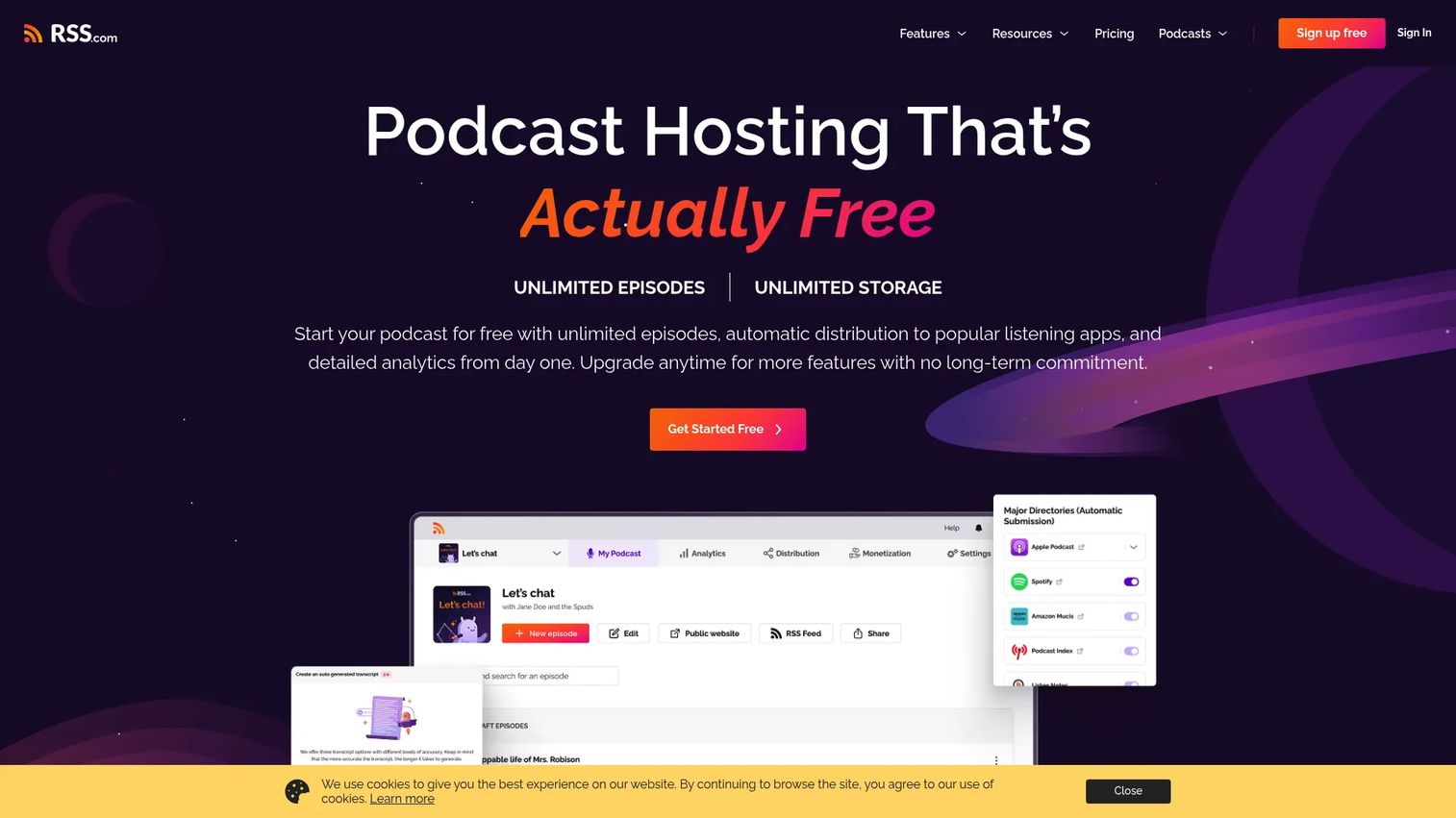
RSS.com belongs on any pragmatic shortlist because it pairs a genuinely useful free tier with the full feature set most creators need. The free Local and Niche plan includes unlimited episodes and audio, which is rare, and paid plans add cross-platform analytics, transcripts, and monetization. Automatic podcast distribution to major directories comes standard, and the platform actively supports migration for creators switching from another host.
For a marketer counting tools, RSS.com folds hosting, distribution, an embeddable player, and analytics into one subscription. That consolidation, plus a strong G2 rating, is why it competes with hosts that charge more for the same basics.
Best for: podcasters who want an all-in-one host with distribution, analytics, and monetization.
Key strengths
- Free tier with unlimited episodes: unlimited episodes and audio on the free plan
- Automatic distribution: one upload reaches major podcast directories
- Analytics and transcripts: cross-platform podcast analytics, transcripts, and an embed player
Why choose RSS.com: If budget discipline matters and you still want distribution, analytics, and migration support, RSS.com delivers the essentials without gating them behind an expensive tier.
RSS.com pricing: The Local and Niche plan is free. All in One Podcasting is $11.99/mo when paid annually, and Podcast Networks is $18.75/mo when paid annually, with a 25% annual discount noted on the pricing page.
4. Libsyn
Libsyn is one of the longest-running names in podcast hosting, and that history is exactly its appeal. Established shows and publishers gravitate to it for stability, dependable distribution, and IAB verified analytics that advertisers already trust. It handles both audio and video hosting, offers a customizable website and player, and includes monetization options across its plans.
For publishers who value a proven track record over the newest interface, Libsyn is the safe institutional choice. Multi-user access makes it workable for teams, and the IAB-certified podcast analytics remove a common friction point in sponsorship conversations.
Best for: podcasters who want hosted audio and video distribution with monetization and analytics.
Key strengths
- IAB verified analytics: advertiser-grade measurement built in
- Audio and video hosting: both formats supported with a customizable website and player
- Multi-user access: team-friendly account management for established shows
Why choose Libsyn: If your show is already generating sponsorship revenue and you need stability plus credible numbers, Libsyn's longevity and IAB-verified data are the draw. It rewards publishers who value reliability over novelty.
Libsyn pricing: Basic is $12/mo, Advanced is $25/mo, and Max is $150/mo, each billed monthly after a 30-day free trial. All plans include audio and video hosting, multi-user access, IAB verified analytics, a customizable website, and monetization options.
5. Transistor
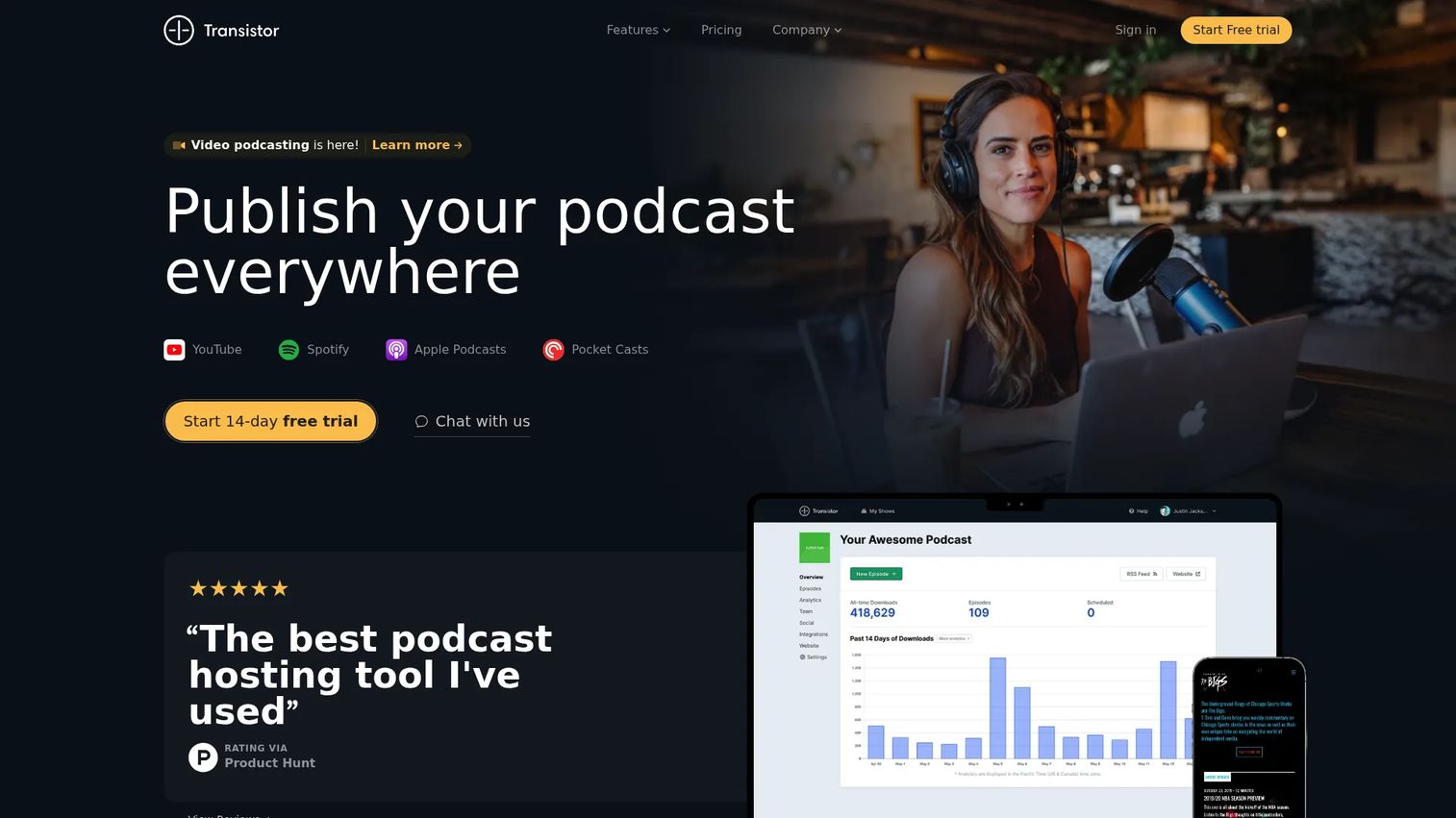
Transistor is built for people who run more than one show. Its defining feature is that you can host unlimited podcasts on a single account without paying per show, which makes it a favorite for agencies, networks, and companies running a portfolio of branded podcasts. It adds video podcast hosting, private podcasts, a website builder, an embeddable player, dynamic ads, and analytics with audience segmentation.
For teams, the multi-show model changes the math entirely. Instead of a separate subscription per podcast, one plan covers the whole slate, and analytics let you segment audiences across shows. Private podcasts also open up internal and gated use cases that pure publishing hosts do not prioritize.
Best for: teams that want podcast hosting with analytics, private podcasts, and multi-show support.
Key strengths
- Unlimited podcasts: host as many shows as you need on one account
- Private podcasts: gated feeds for internal, premium, or client shows
- Analytics and website builder: audience segmentation plus a built-in podcast website
Why choose Transistor: If you manage a network or multiple branded shows, Transistor's single-account model and segmentation analytics scale without multiplying your bill. Its 5.0/5 G2 rating reflects how well teams respond to that structure.
Transistor pricing: Starter is $19/mo, Professional is $49/mo, Business is $99/mo, and Enterprise starts at $199+/mo. Yearly billing is charged as 12 months for the price of 10, and a 14-day free trial is available.
6. Captivate
Captivate markets itself as growth-oriented hosting, and its feature set backs that up. You get unlimited podcasts and uploads, distribution to Apple, Spotify, YouTube, Amazon, and other apps, advanced analytics, and a built-in podcast website builder. For creators who care about scaling audience and revenue together, the growth tooling is the differentiator.
Pricing is download-based, which suits creators who are actively building an audience and want a plan that maps to reach. Combined with a website builder and monetization hooks, Captivate is aimed at podcasters treating the show as a serious channel rather than a hobby.
Best for: creators and networks who want unlimited shows, strong distribution, and growth-focused hosting.
Key strengths
- Unlimited podcasts and storage: no per-show limits on uploads or shows
- Broad distribution: reaches Apple, Spotify, YouTube, Amazon, and more
- Growth and analytics tools: advanced analytics plus a podcast website builder
Why choose Captivate: If your priority is growing an audience and monetizing it, Captivate's growth features and download-based plans align cost with reach. It fits creators who are scaling deliberately.
Captivate pricing: Personal is $17/mo paid yearly with 30,000 downloads per month, Professional is $44/mo yearly with 150,000 downloads, and Business is $90/mo yearly with 300,000 downloads. All plans include a 30-day free trial, and there is no free plan.
7. Riverside
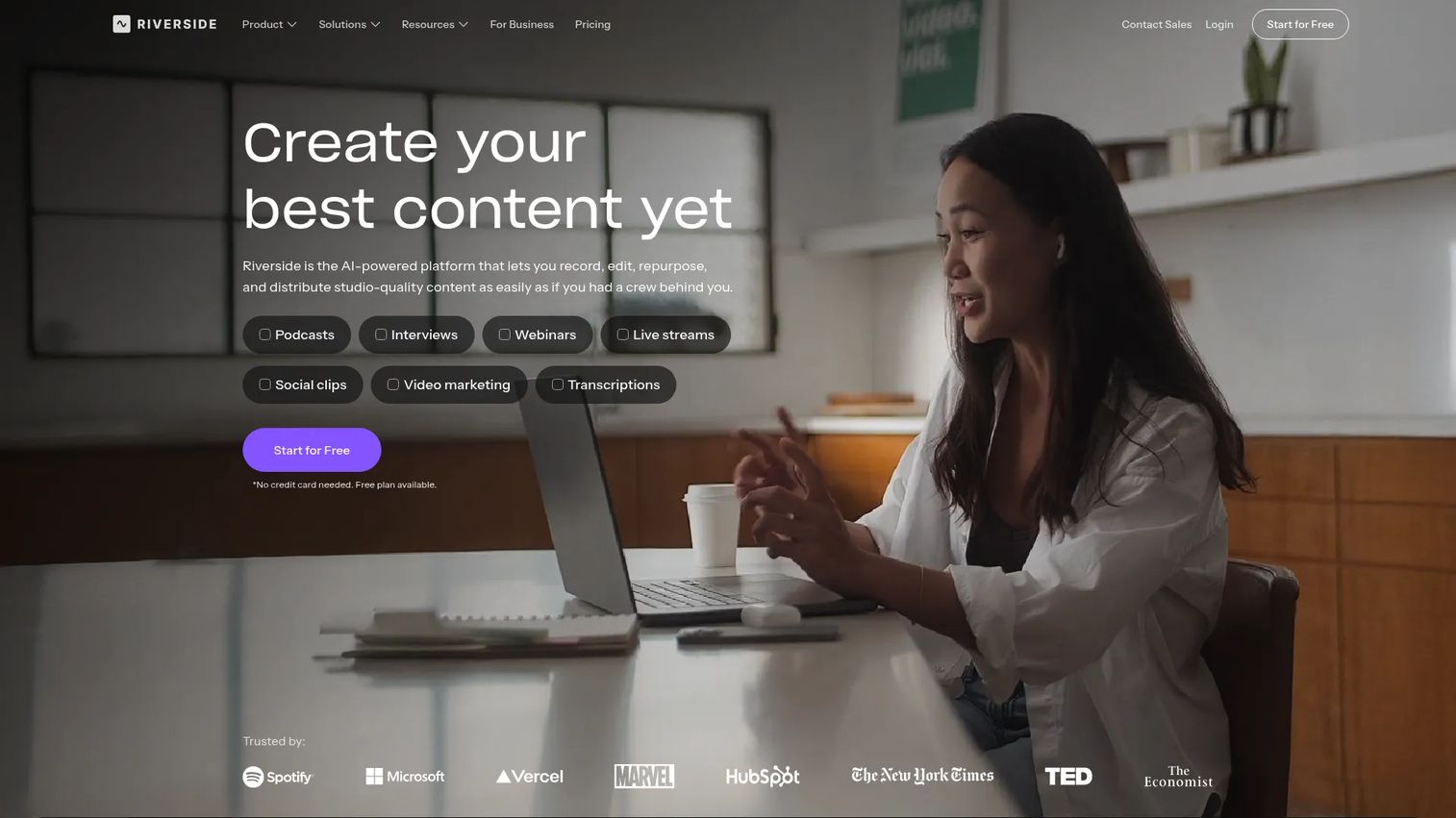
Riverside approaches podcasting from the recording side rather than the hosting side. It captures remote audio and video up to 4K, offers text-based editing and AI clipping, and adds live streaming and transcription, so teams that prioritize production quality can record, edit, and repurpose in one workflow. For video podcast hosting specifically, its recording-first approach is a strong fit.
Riverside is best understood as the production layer that pairs with a distribution host. You record and polish in Riverside, then publish audio clips to a host like Transistor or push video through Spotify for Podcasters. For teams that value content production speed and video, that split workflow is the point.
Best for: podcasters, interviewers, and teams recording remote audio and video with editing in one workflow.
Key strengths
- High-quality remote recording: studio-grade audio and video up to 4K
- AI repurposing: text-based editing and AI clipping to spin episodes into clips
- Live streaming and transcription: stream live and generate transcripts automatically
Why choose Riverside: If your show is video-first or interview-heavy and production quality is the bottleneck, Riverside solves recording and repurposing before publishing. Pair it with a distribution host for the full pipeline.
Riverside pricing: A free plan is available. Standard is $19/mo, Pro is $29/mo, and Live is $39/mo, each billed annually, with a custom-priced Business tier for larger teams.
8. Acast
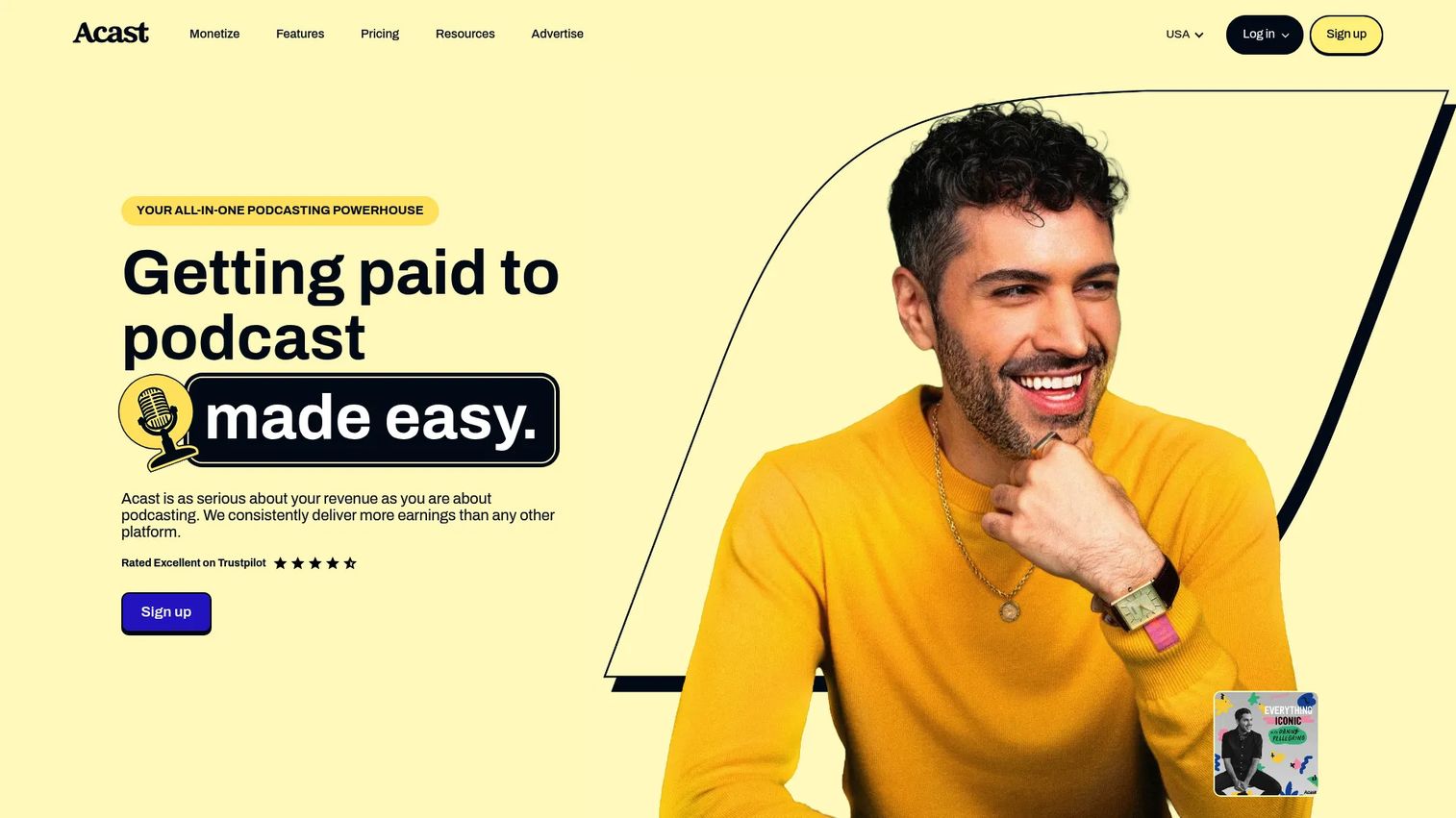
Acast makes the most sense when ad revenue is the priority. Its all-in-one CMS covers managing, editing, distributing, and monetizing shows, but the standout is its monetization engine: an ad marketplace, dynamic ad insertion, and network-style tools built for creators who want sponsors and programmatic ads working together. Distribution reaches every podcast app, and you can host multiple shows from one account.
Acast also offers a customizable podcast website and embed player, plus a free Starter tier to begin. For creators and publishers whose growth plan runs through advertising rather than subscriptions alone, the ad marketplace is the reason to choose it.
Best for: podcast creators who want hosting plus serious monetization tools.
Key strengths
- Ad marketplace and dynamic ads: programmatic and host-read monetization at scale
- Distribution to every app: reach across all major listening platforms
- Website and embed player: a customizable podcast website plus an embed player
Why choose Acast: If your revenue model leans on advertising and you want a host that actively fills ad inventory, Acast's marketplace and dynamic ad insertion do the heavy lifting. It suits creators optimizing for ad income.
Acast pricing: The Starter plan is free. Influencer is $14.99/mo and Ace is $29.99/mo on the US pricing page, with monthly and yearly billing options and plan-by-plan feature comparisons available.
What to check before you commit
Before you migrate a feed or lock into an annual plan, run through this checklist.
Distribution reach and control
Confirm the host pushes to every directory your audience uses, not just Apple Podcasts and Spotify. Check whether you keep control of your RSS feed and metadata so nothing is locked to the platform. One upload should reach every app without manual resubmission.
Analytics depth and IAB certification
If sponsors are part of your plan, IAB-certified podcast analytics are close to mandatory. Look past raw downloads to retention, device, and geography data. For marketers, exportable numbers that reconcile with your other reporting matter more than a pretty dashboard.
Monetization model fit
Match the monetization tools to your actual revenue plan. Ad-driven shows need dynamic ad insertion and an ad marketplace; premium shows need subscriptions and listener support. Do not pay for revenue features you will not activate this year.
Migration and feed safety
Verify the host handles a 301 redirect from your old feed so subscribers transfer automatically. Ask how long the redirect stays active. A clean podcast migration should be invisible to your listeners.
Website, player, and ownership
Decide whether you need a full podcast website with a custom domain or just an embed player for an existing site. Confirm you can export your content and feed if you ever leave, so you are never trapped by your own back catalog.
Choosing the right podcast hosting platform for 2026
The best podcast hosting platforms for 2026 do not rank in a single order, because the right pick depends on what you value most. For all-in-one hosting plus revenue, Podbean consolidates the pieces. For simplicity and support, Buzzsprout is the low-friction choice. On a budget, RSS.com gives you distribution and analytics without an expensive tier. For established shows that need stability and advertiser-grade numbers, Libsyn earns its longevity. For teams and networks, Transistor's unlimited-show model scales cleanly. For growth-focused creators, Captivate ties cost to reach. For recording and video, Riverside owns the production layer. And for ad revenue at scale, Acast's marketplace does the work.
Do not migrate on a spreadsheet alone. Shortlist two or three of these podcast hosting platforms compared above, test the publishing workflow with a real episode, and confirm the migration path protects your feed before you move. The host you pick should replace tools, not add them, and give you numbers you can defend.
FAQs
A podcast hosting platform stores your audio and video files, generates your RSS feed, distributes episodes to listening apps, and reports on your audience. You need one because directories like Apple Podcasts and Spotify pull from an RSS feed rather than hosting files themselves. Without a host, there is no feed for apps to read and no reliable way to measure listeners.
Yes, in almost every case. Modern podcast hosting handles distribution by generating one RSS feed that Apple Podcasts, Spotify, YouTube, Amazon Music, and other apps subscribe to. You upload once and the host syndicates the episode everywhere. Confirm the specific directories a host supports before you commit, since coverage of smaller apps can vary.
It depends on your revenue model. Acast is built around an ad marketplace and dynamic ad insertion for ad-driven shows, while Podbean bundles ads, PodAds, and Apple Podcasts Subscriptions for a mixed approach. Buzzsprout and RSS.com also offer listener support and subscriptions. Match the podcast monetization tools to whether your income comes from ads, subscriptions, or listener support.
Set up a 301 redirect from your old feed to your new one, which most hosts handle as part of podcast migration. The redirect tells every app and subscriber to follow the new feed automatically, so you keep your audience. Keep the old feed and redirect active for as long as your new host recommends, and verify episodes appear correctly in the major apps before you close the old account.
Not always, but it helps. Several hosts now offer video podcast hosting directly, including Buzzsprout, Libsyn, Transistor, and Captivate. If your show is video-first, a recording-first tool like Riverside handles capture and repurposing, and you can pair it with a distribution host. Check where video actually publishes, since YouTube and Spotify handle video differently from audio-only apps.
Look for IAB-certified podcast analytics if sponsors are involved, because certified numbers are what advertisers trust. Beyond downloads, prioritize retention, listener geography, device data, and episode comparison. Exportable metrics that reconcile with your existing reporting matter most, so the podcast data behaves like the rest of your marketing stack rather than a silo.
Most hosts include a podcast website or at least an embed player. Podbean, Buzzsprout, Transistor, Captivate, Libsyn, and Acast all offer customizable sites, and many support a custom domain. Decide whether you need a full standalone podcast website or just an embed player to drop episodes into an existing site, then confirm the host supports your choice.
Apple Podcasts requires a valid RSS feed with correct metadata: a title, description, category, valid cover art within Apple's size and format rules, and at least one published episode. Any reputable host generates a compliant feed automatically. Once your feed is live, you submit it once through Apple Podcasts Connect, and future episodes appear automatically as long as the feed stays valid.