You booked the corner conference room three days ago. You show up with a client. Someone else is already inside, laptop open, mid-call.
This happens because the calendar said the room was free, or because the last meeting ran long, or because a "ghost meeting" is still holding a slot nobody ever used. Multiply that friction across a hybrid office where half the team is remote on any given day, and room availability turns into a daily guessing game.
Room scheduling software fixes the guessing. It shows real-time availability, syncs booking to your calendar, checks people in, and releases rooms nobody actually uses. The category is growing fast for a reason. According to Market Research Future (2024), the meeting room booking system software market was worth USD 1.318 billion in 2024 and is forecast to reach USD 3.623 billion by 2035, a 9.63% CAGR. Verified Market Reports (2024) puts room scheduling revenue on a 12.4% CAGR path through 2033.
The problem is picking the right tool. Pricing models differ wildly, some charge per space, some per user, some per resource. Integrations vary. No-show prevention is not standard everywhere. This guide breaks down the eight best options for 2026 so you can shortlist the right two or three and test them against your real office workflow.
What's inside
This guide covers room scheduling software, meeting room booking software, and conference room reservation tools built for hybrid offices, workplace operations teams, and anyone managing shared spaces at scale.
We selected and ranked each tool against the factors that actually decide fit:
- Calendar integrations: two-way sync with Microsoft 365, Outlook, and Google Calendar
- Real-time availability: live room status, floor plans, and room displays
- No-show prevention: check-in, auto-release, and reminders
- Analytics and security: room utilization data, permissions, SSO, and compliance
- Pricing transparency: how each vendor bills and what you actually pay
TL;DR
- Best overall for transparent pricing and room-first scheduling: Skedda
- Best for unified workplace coordination: Robin
- Best for enterprise booking inside a broader platform: Envoy
- Best for hybrid workplace operations with room plus desk booking: YAROOMS
- Best for Slack or Teams-first teams: Officely
- Best for analytics and hybrid workplace controls: deskbird
- Best for operations teams needing broader workplace management: OfficeRnD Workplace
- Best for offices wanting straightforward setup: Archie
Most buyers land between two decisions: do you need simple room booking, or a full workplace management platform? The answer shapes both cost and rollout effort.
What room scheduling software is
Room scheduling software is a system that lets people find, book, and manage shared meeting rooms in real time, with calendar sync, availability views, and usage tracking built in.
The terminology overlaps a lot, and that trips up buyers. Room scheduling software, meeting room booking software, conference room booking software, and room reservation software all describe roughly the same job. "Conference room" tends to show up in enterprise contexts. "Room booking" and "room reservation" are more common in mid-market and smaller offices. The underlying feature set is the same.
Core capabilities you should expect:
- Calendar sync: two-way integration with Microsoft 365, Outlook, and Google Calendar
- Real-time availability: see which rooms are open right now
- Booking policies: rules, permissions, and roles that control who books what
- Check-in and auto-release: confirm attendance or free the room automatically
- Room utilization analytics: data on how spaces actually get used
- Floor plans and room displays: map-based discovery and hallway screens
- Integrations: Teams, Slack, SSO, and identity providers
The best meeting room scheduling software connects these pieces so booking a room takes seconds and no-shows stop wasting space.
How room scheduling software works
The workflow is simple on the surface. You find an open room, check its availability, book it, check in when you arrive, and the system tracks usage in the background.
Calendar integration is what makes it feel invisible. Book through Outlook or Google Calendar, and the room updates everywhere. Room displays mounted outside each space show live status, so nobody guesses whether the room behind the door is free.
No-show prevention is where the operational value lives. Most tools send a reminder before a meeting, then ask attendees to check in via a room display, QR code, or mobile app. If nobody checks in within a set window, auto-release frees the room for others. That single mechanism recovers hours of wasted capacity every week in a busy office.
When to use room scheduling software
Reduce double bookings in shared offices
Real-time availability and calendar sync matter most when demand for rooms spikes. Fast-growing teams, hybrid schedules, and shared conference rooms create constant contention. When two people can grab the same slot through different calendars, you get double bookings. A room scheduling system with two-way sync closes that gap by making one source of truth for every space.
Prevent ghost meetings and wasted space
Ghost meetings are the recurring calendar holds nobody actually attends. They lock rooms that could serve real meetings. Check-ins, reminders, and auto-release solve this directly. When a booking goes unconfirmed, the room returns to the pool. Over a quarter, that recovered capacity often means you avoid leasing or building new rooms you did not really need.
Standardize booking across multiple offices
Once you have multiple floors, locations, or security requirements, maps, permissions, and centralized rules become essential. Interactive floor plans help staff find rooms across sites. Role-based permissions control who books executive or restricted spaces. Centralized booking policies keep every office consistent, which matters for IT, facilities, and compliance teams managing shared-space software at scale.
Room scheduling software comparison for 2026
Read this table as a shortlist filter, not a final verdict. Sort by the two questions that decide most purchases: what pricing model fits your office shape, and do you need standalone room booking or a full workplace platform. The differentiator column is deliberately short so you can scan fast, then read the full section on any tool that fits.
| # | Product | Best for | Key differentiator | Pricing | G2 rating |
|---|---|---|---|---|---|
| 1 | Skedda | Room-first scheduling with transparent per-space pricing | Interactive floor plans plus flat per-space billing | From $99/mo per space | 4.8/5 |
| 2 | Robin | Unified workplace coordination | Room, desk, and visitor management in one platform | Quote-based | 4.4/5 |
| 3 | Envoy | Room booking inside a broader workplace platform | Reservations paired with visitor management | Free tier; paid from $109/location/mo | 4.7/5 |
| 4 | YAROOMS | Hybrid workplace operations | Room plus hybrid work planning and visitor tools | From $99/mo | 4.3/5 |
| 5 | deskbird | Analytics and hybrid controls | Workplace analytics with per-user pricing | From €2.75/user/mo | 4.5/5 |
| 6 | OfficeRnD Workplace | Broader workplace management | Coworking and hybrid workplace tooling | From $265/mo | 4.6/5 |
| 7 | Officely | Slack and Teams-first teams | Native booking inside chat tools | Free tier; paid from $3/user/mo | 4.6/5 |
| 8 | Archie | Straightforward setup for office-first teams | Desk plus room booking with QR check-ins | From $2.8/desk/mo | 4.9/5 |
Best room scheduling software for 2026
1. Skedda
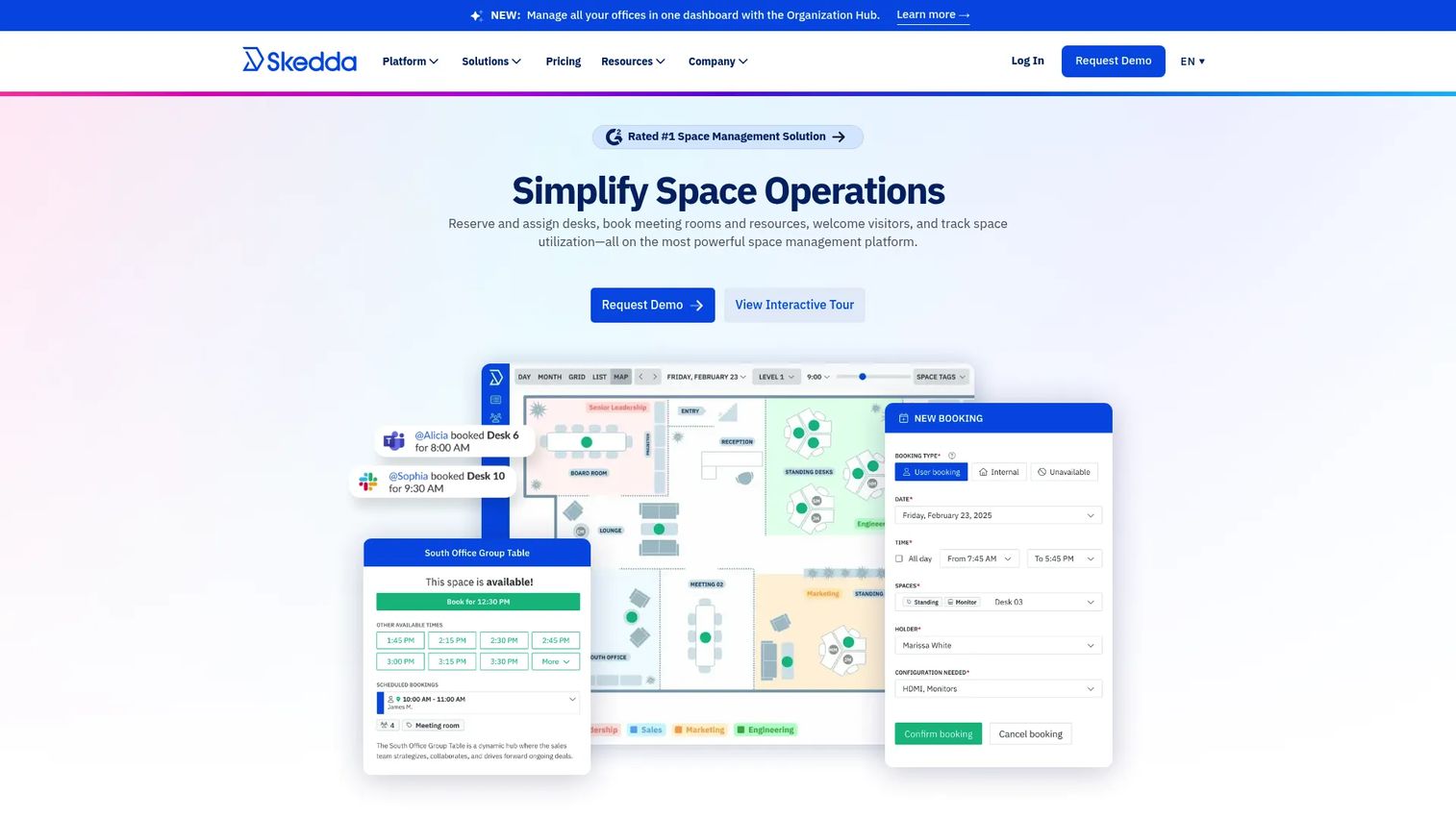
Skedda is workplace and space-booking software for managing desks, rooms, and other shared spaces. It leans room-first, with interactive floor plans and real-time availability that make finding an open conference room fast. The per-space pricing model is unusually transparent for this category, which matters when you are trying to forecast cost against office size rather than headcount.
Best for: Organizations that need desk, room, or shared-space booking with floor plans and clear scheduling controls.
Key strengths
- Interactive floor plans with real-time availability
- Custom rules and roles for booking controls
- Two-way calendar sync with Microsoft 365, Outlook, and Google Workspace
Why choose Skedda: If you want predictable cost tied to the number of spaces you manage instead of per-user seat math, Skedda's model is the clearest in this list. Facility-heavy and mid-market hybrid offices tend to like the room-first design because it maps to how they actually think about the building.
Skedda pricing: Starter starts at $99/mo per space billed annually. Plus starts at $149/mo per space billed annually. Premier starts at $199/mo per space billed annually. The AllBooked plan is quote-based. A 30-day Premium trial is available.
2. Robin
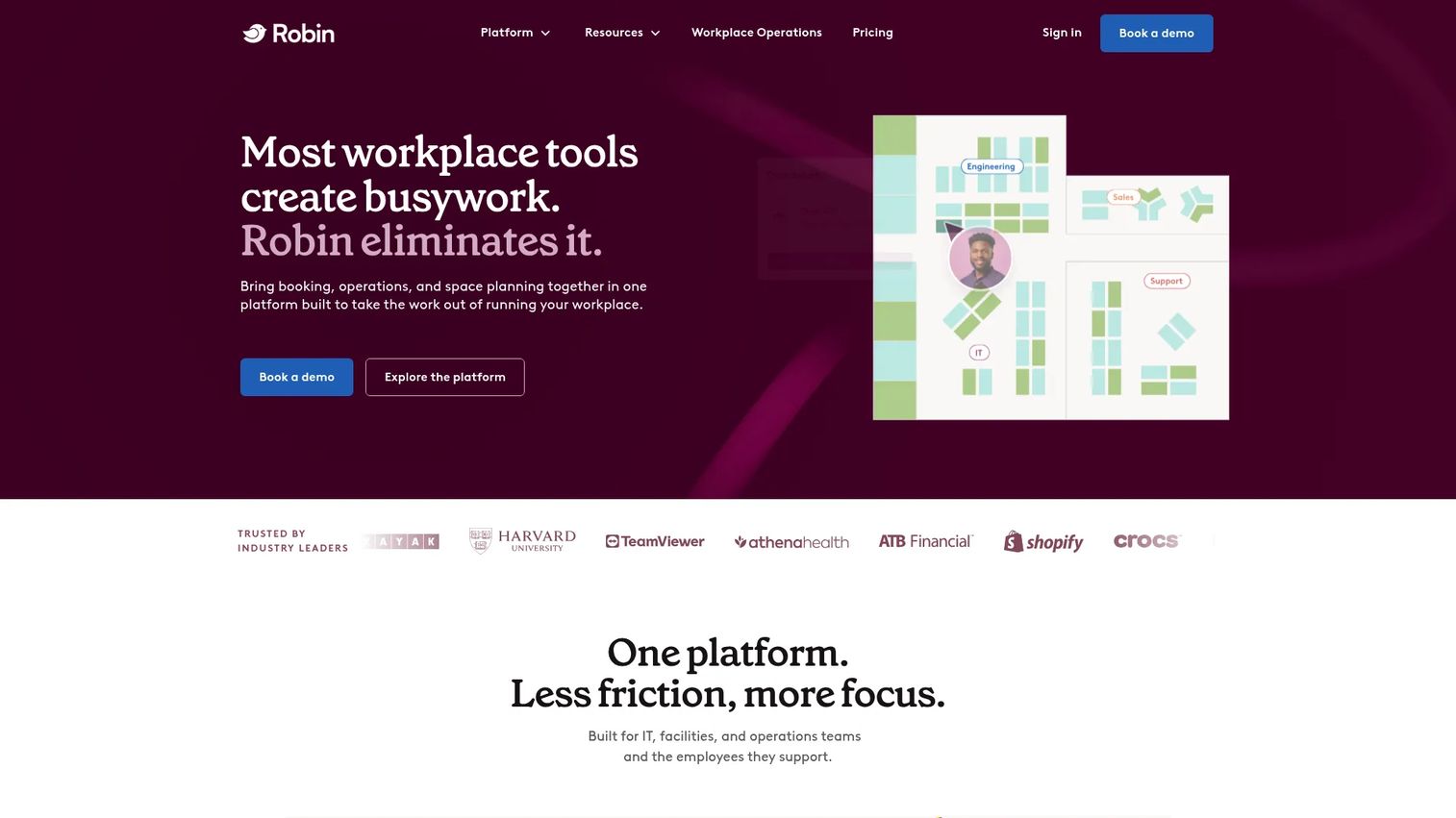
Robin is workplace management software for booking desks and rooms, managing spaces and visitors, and tracking workplace usage. It fits organizations that want room scheduling as one part of a wider hybrid workplace strategy rather than a standalone booking tool. Interactive maps and workplace analytics give operations teams a live picture of how space gets used.
Best for: Mid-market and enterprise teams managing hybrid workplace operations across floors or locations.
Key strengths
- Desk, room, parking, and locker booking
- Visitor management
- Workplace analytics and interactive maps
Why choose Robin: Choose Robin when room booking cannot live in isolation and needs to sit alongside desk booking, visitor flows, and utilization reporting. It suits teams standardizing workplace operations who value one platform over stitched-together point tools.
Robin pricing: Pricing is request-only. Robin's site asks you to request a customized quote, and subscriptions are billed annually. There is no public numeric price.
3. Envoy
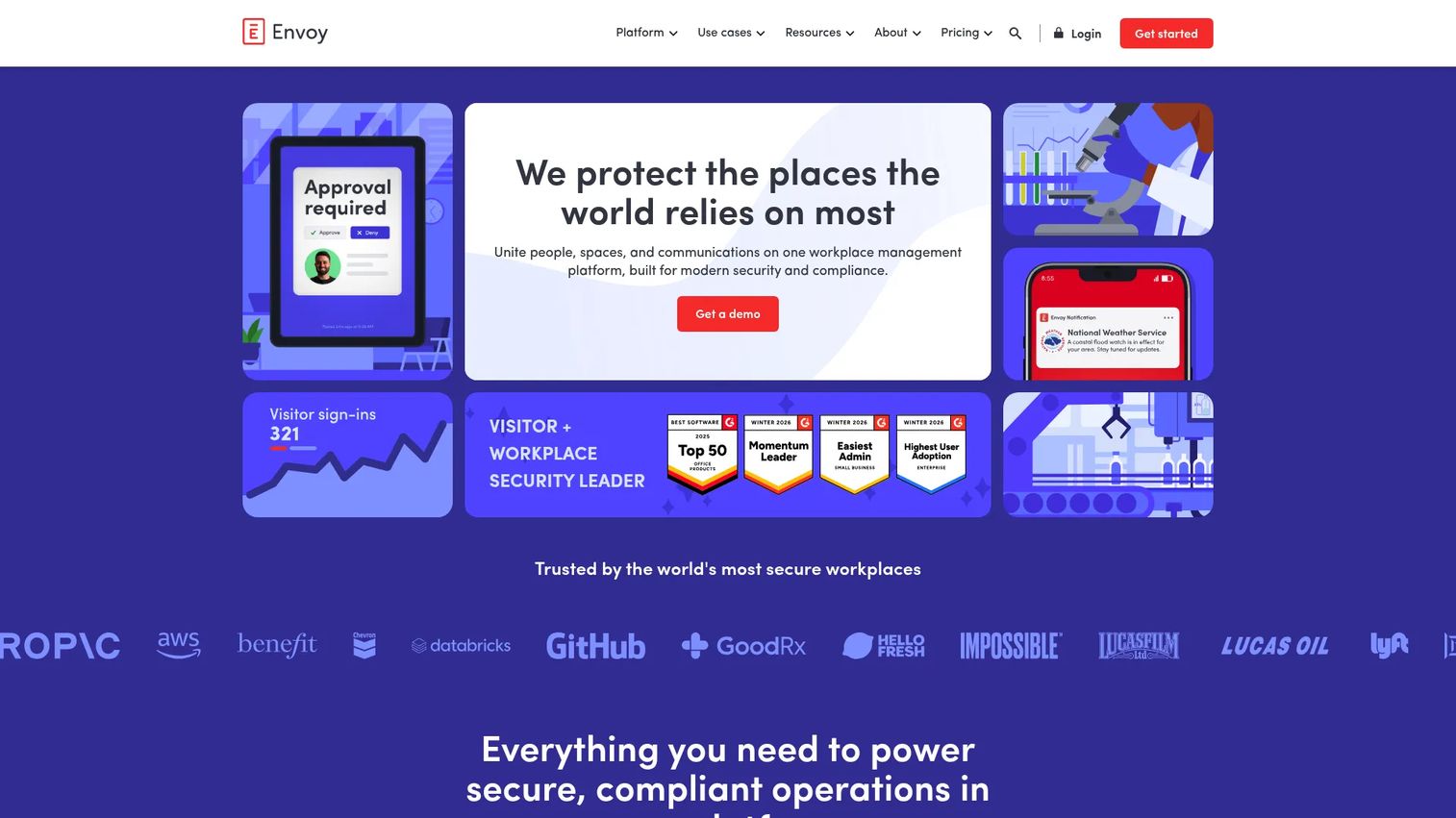
Envoy is a workplace platform for visitor management, deliveries, reservations, emergency notifications, screens, and workplace analytics. Room booking lives inside its Reservations module, which pairs well with the front-desk and visitor workflows Envoy is known for. For companies that want room scheduling and visitor check-in from one vendor, that consolidation is the draw.
Best for: Organizations that need room booking plus visitor management and front-desk workflow automation in one platform.
Key strengths
- Visitor check-in and host notifications
- Room, desk, and reservation management
- Delivery and mailroom tracking
Why choose Envoy: Choose Envoy when the front desk and the meeting rooms are the same problem. Reservations, room analytics, and Slack or Teams integration mean staff book and check in without leaving their existing tools, while facilities gets utilization data across the office.
Envoy pricing: Envoy offers a free Basic tier with limited features. Paid plans start at $109 per location per month billed annually, with Standard and Premium tiers. Enterprise is custom pricing. The platform is sold with at least one module, so confirm which modules you need with sales.
4. YAROOMS
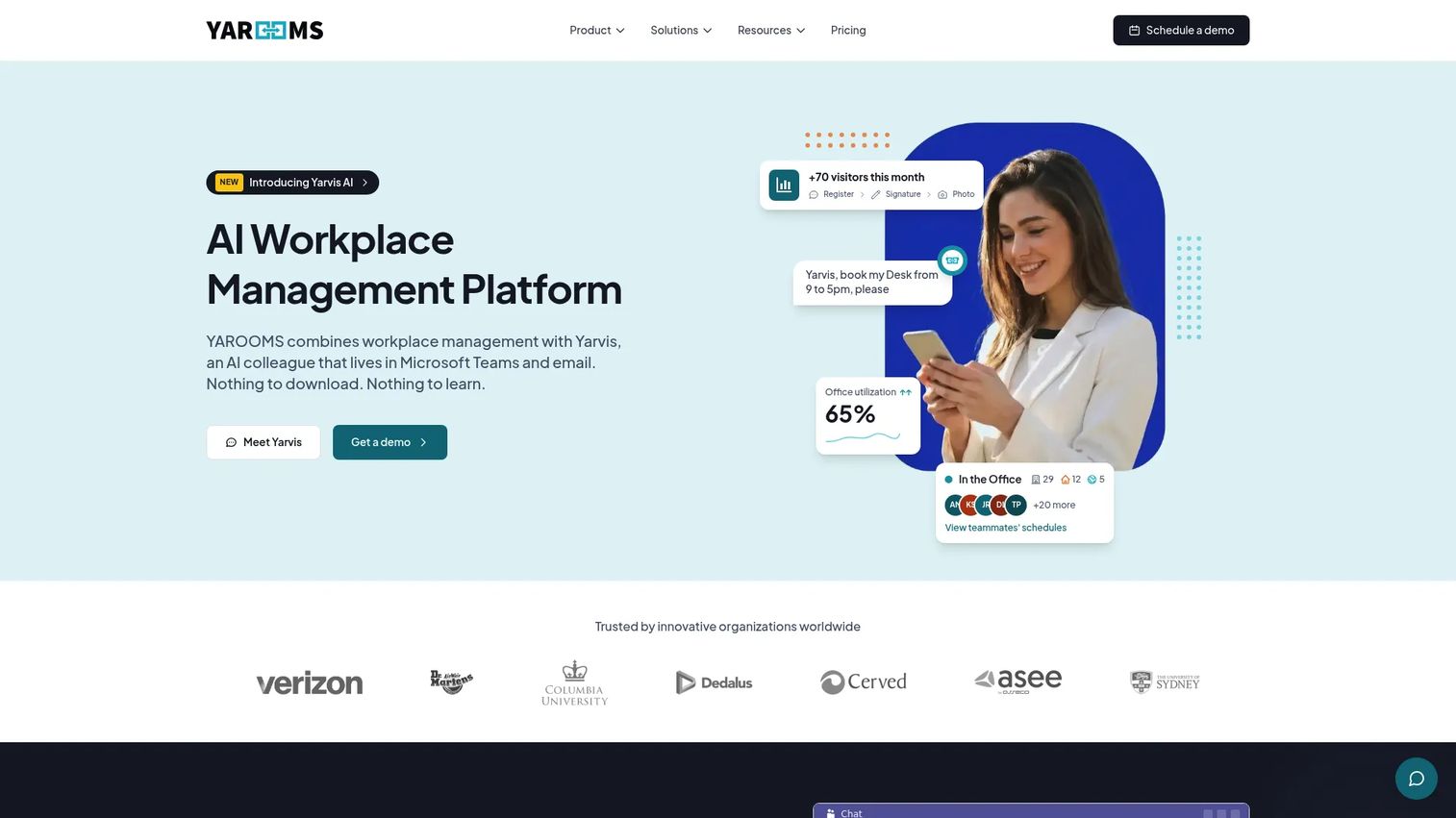
YAROOMS is a workplace management platform for desk and room booking, hybrid work scheduling, visitor management, and workplace analytics. It leans heavily into Microsoft 365 and Teams workflows, which makes it a natural fit for offices already standardized on Microsoft. Real-time room availability and interactive office maps cover the core booking job, and hybrid work planning adds coordination on top.
Best for: Hybrid workplaces that want an all-in-one booking and workplace management platform.
Key strengths
- Room booking with real-time availability
- Desk booking with interactive office maps
- Hybrid work scheduling and colleague finder
- Visitor management with notifications and analytics
- Integrations with Microsoft Teams, Google Calendar, Outlook, and Azure AD
Why choose YAROOMS: Choose YAROOMS when Teams is the center of your workday and you want booking, hybrid planning, and visitor management to flow through it. The colleague finder helps distributed teams coordinate in-office days around actual room and desk availability.
YAROOMS pricing: Starter starts at $99/month. Business starts at $399/month. Enterprise starts at $899/month. A separate Visitor Management System is priced at $99 per location per month. No free tier is shown.
5. deskbird
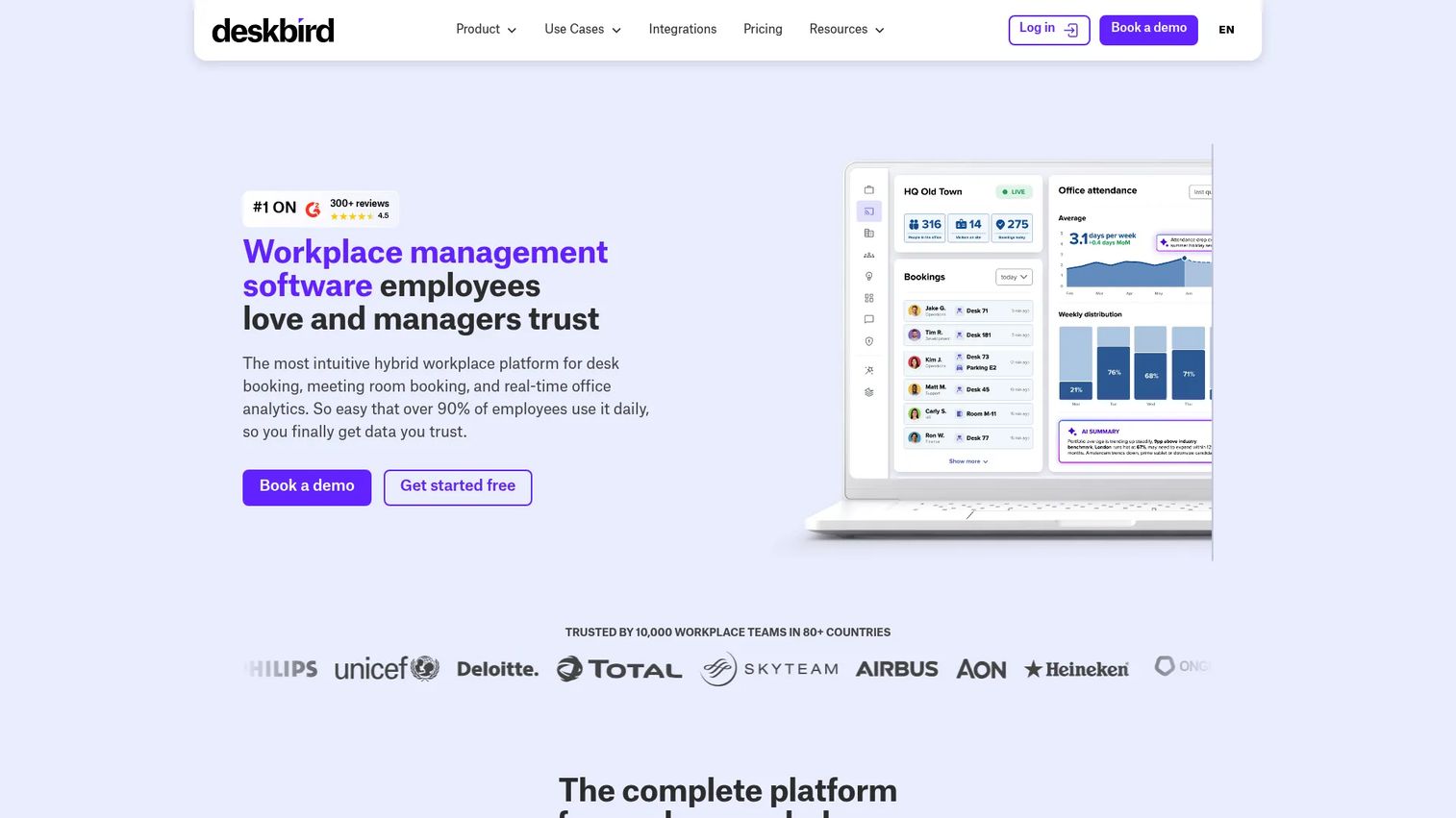
deskbird is a workplace management platform for desk booking, room booking, scheduling, visitor management, and workplace analytics. It suits hybrid teams that want room and desk booking backed by strong utilization data and a per-user pricing model. Calendar integrations, interactive maps, and attendance coordination round out a stack aimed at teams optimizing office use.
Best for: Hybrid workplaces that need an all-in-one booking and workplace management tool with per-user billing.
Key strengths
- Desk, room, parking, and visitor booking
- Workforce scheduling and office attendance views
- Workplace analytics and AI copilot integrations
Why choose deskbird: Choose deskbird when you want workplace analytics to drive space decisions and prefer paying per active user rather than per space or resource. The attendance views help managers see who is coming in, so rooms and desks get planned around real demand.
deskbird pricing: The Business plan starts at €2.75 per user per month billed annually, or €3.50 per user per month billed monthly. Professional and Enterprise are custom pricing. A free trial is available, and a Starter plan limited to 15 users can follow the trial.
6. OfficeRnD Workplace
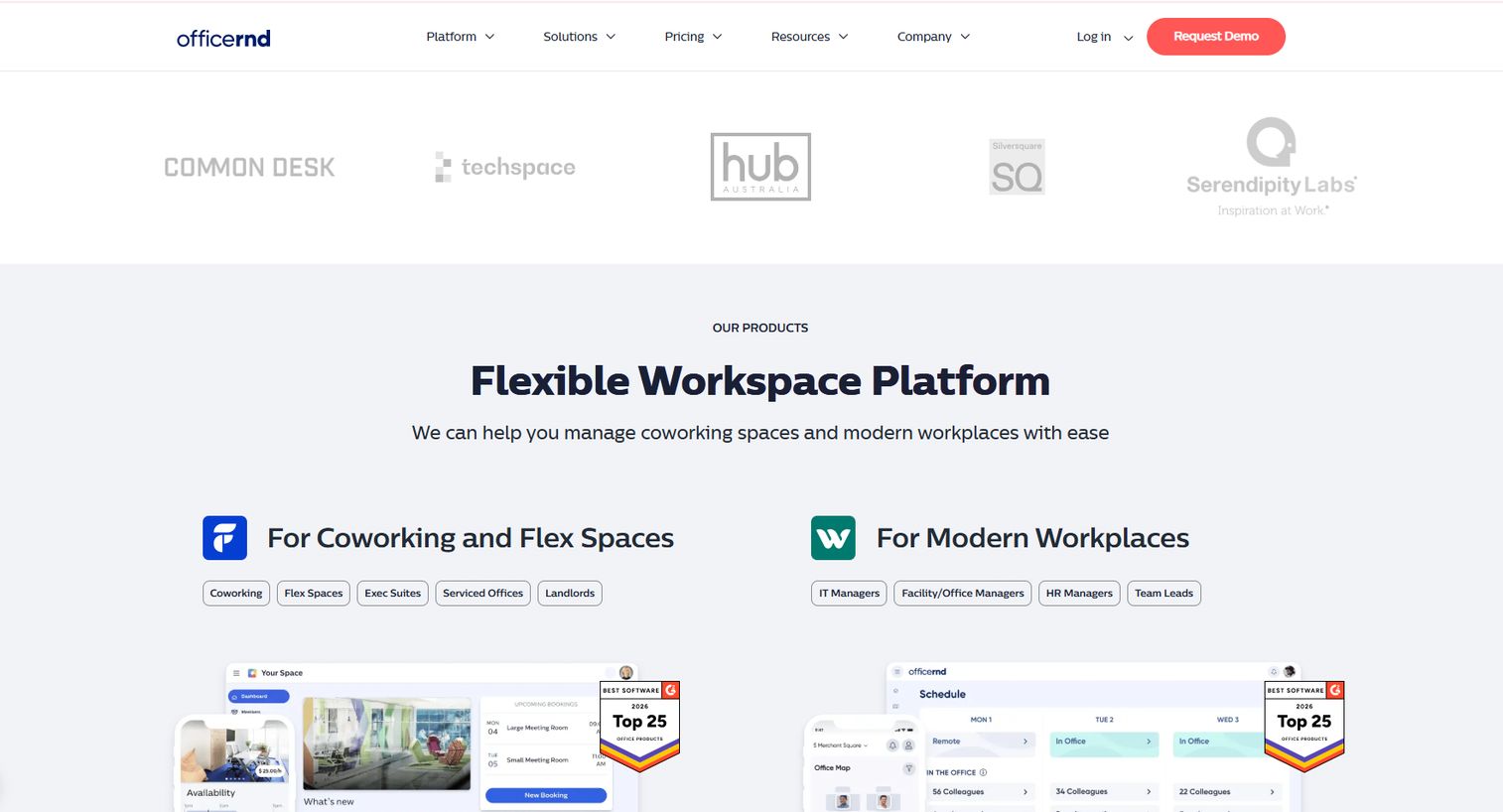
OfficeRnD Workplace is workplace management software for hybrid offices, covering desk booking, meeting room booking, visitor management, and workplace analytics. It fits coworking and hybrid workplace operations where room booking is one piece of a broader space-management picture. Interactive office maps and calendar integrations handle the day-to-day, while analytics and presence tracking support planning.
Best for: Hybrid organizations that need desk and room booking plus wider workplace coordination.
Key strengths
- Meeting room booking with calendar integrations
- Desk bookings and an interactive office map
- Workplace analytics and presence tracking
Why choose OfficeRnD Workplace: Choose OfficeRnD Workplace when your operation looks more like coworking or multi-team space management than a single office booking rooms. It gives operations teams the coordination layer to manage presence and space across a growing footprint.
OfficeRnD Workplace pricing: The Start plan begins at $265/month. Professional begins at $532/month. Enterprise is custom pricing. A 14-day free trial of the Professional plan is available.
7. Officely
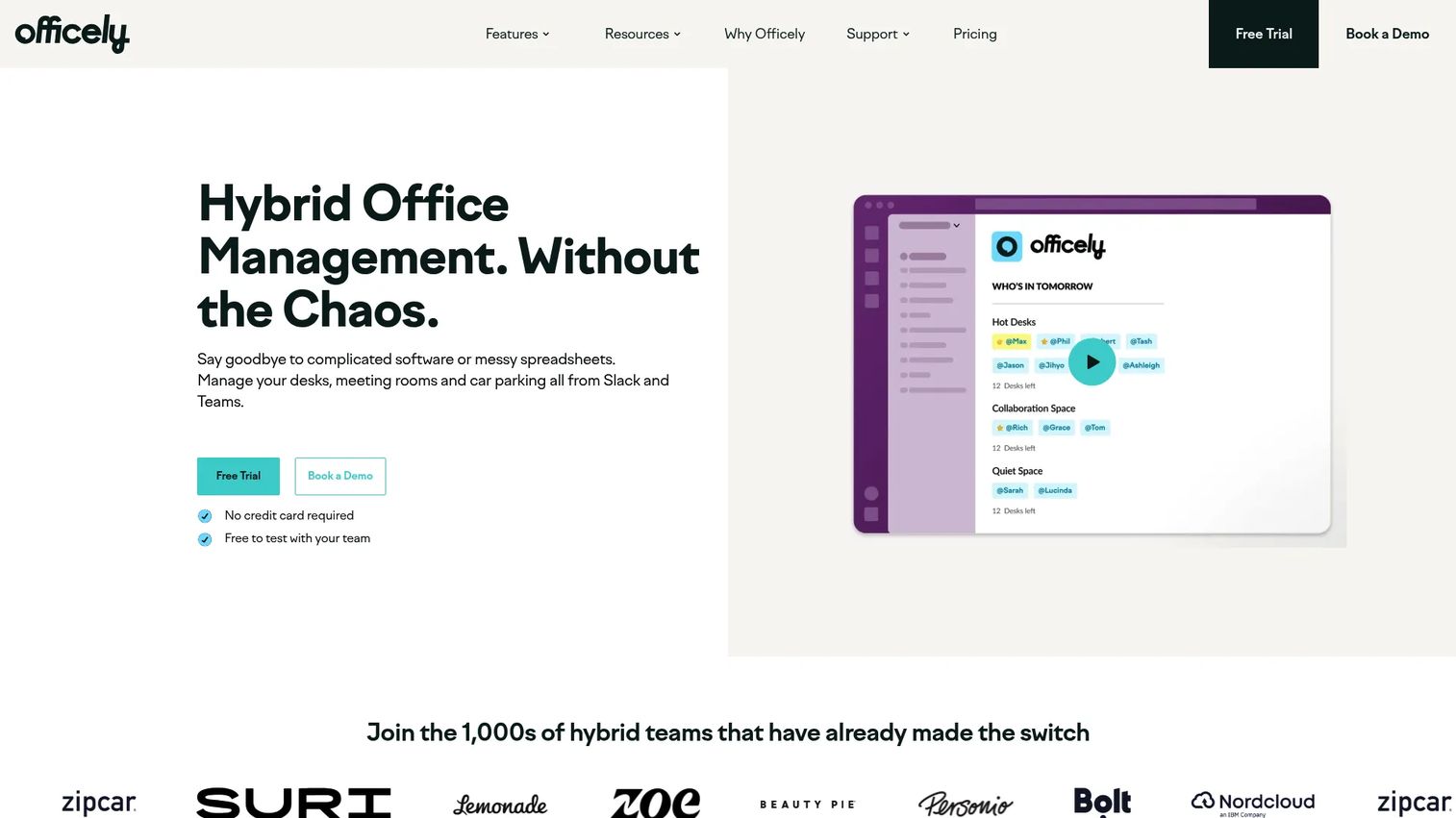
Officely is hybrid workplace software for desk booking, office visibility, meeting rooms, and parking, delivered inside Slack and Microsoft Teams. Because it lives where people already work, adoption tends to be high, nobody has to open a separate app to book a room. That makes it a strong pick for lightweight teams that want booking without a heavy rollout.
Best for: Hybrid teams that want desk and room booking and office coordination inside Slack or Teams.
Key strengths
- Desk booking in Slack and Microsoft Teams
- Office attendance and working-location visibility
- Meeting room booking
- Parking space booking
Why choose Officely: Choose Officely when your team lives in Slack or Teams and you want room booking to feel like sending a message. The low-friction flow drives adoption, which is often the real reason booking tools fail to stick elsewhere.
Officely pricing: A free plan covers up to 5 users. Basic is $3.00 per user per month, and Premium is $4.50 per user per month. Enterprise is custom. Meeting rooms and parking are separate product sections, so confirm the exact bundle for your use case.
8. Archie
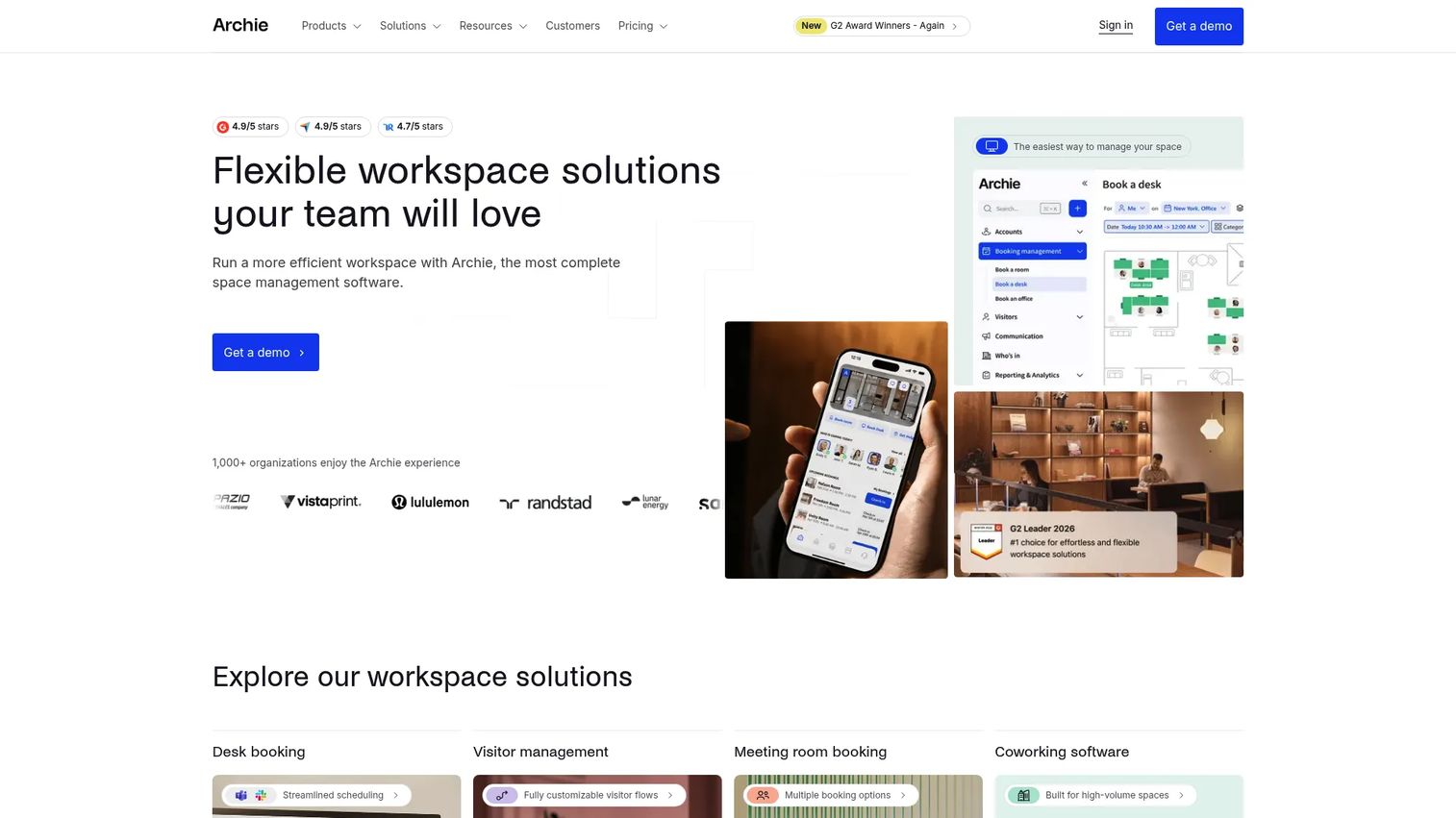
Archie is workplace space management software for desk booking, room scheduling, visitor management, and coworking operations. It keeps setup practical, with room scheduling that works straight from Microsoft Teams and Outlook, plus QR check-ins for confirming room use. Smaller and office-first teams often prefer it because it covers the essentials without a long implementation.
Best for: Companies that need workplace booking and space management across desks, rooms, and visitors without heavy setup.
Key strengths
- Room scheduling and booking from Microsoft Teams and Outlook
- Desk booking with web and mobile app, floor plans, colleague search, and QR check-ins
- Visitor management plus integrations and API access
Why choose Archie: Choose Archie when you want desk and room booking that is quick to stand up and easy for staff to use. QR check-ins make no-show prevention practical without asking anyone to learn a new system.
Archie pricing: Starter is $2.8 per desk per month with a $159/month minimum. Pro is $3.5 per desk per month with a $249/month minimum. Enterprise is custom. A 14-day test environment is available after a demo.
What to check before you buy
Pricing model fit
Room scheduling tools bill in three main ways: per space, per user, or per resource. Per-space pricing suits offices with many people sharing few rooms. Per-user pricing suits smaller teams where headcount is the better proxy for value. Map the model to your office shape before comparing sticker prices, or you will misjudge cost at scale.
Calendar and identity integrations
Two-way sync with Microsoft 365, Outlook, and Google Calendar is the baseline. Without it, you get the double bookings you bought the tool to stop. For larger offices, also check SSO, SCIM provisioning, and identity provider support so IT can manage access cleanly.
No-show prevention and auto-release
Check-in, reminders, and auto-release are what convert a booking system into real utilization gains. Confirm how each tool handles unconfirmed bookings and whether check-in works through room displays, QR codes, or mobile. This is where wasted space gets recovered.
Maps, displays, and mobile booking
Interactive floor plans and hallway room displays make availability obvious. Mobile and QR booking let staff grab a room on the way to it. For multi-floor or multi-location offices, map-based discovery is close to essential.
Analytics and enterprise security
Room utilization analytics tell you whether you have too many rooms, too few, or the wrong sizes. On security, IT should confirm SSO, permission controls, GDPR handling, SOC 2, and audit logs before rollout, especially in regulated industries.
Conclusion
The right room scheduling software depends less on brand and more on office shape and scope. If you want transparent, room-first pricing and clean floor plans, Skedda is the clearest pick. For unified workplace coordination across desks, rooms, and visitors, Robin fits. Envoy suits teams that treat the front desk and meeting rooms as one system, while YAROOMS and deskbird serve hybrid operations, with YAROOMS leaning Microsoft-first and deskbird leaning analytics and per-user pricing.
For broader workplace and coworking management, OfficeRnD Workplace goes wider. Officely wins on adoption for Slack and Teams-first teams, and Archie delivers straightforward desk and room booking for office-first buyers who want quick setup.
Shortlist two or three, then validate them against a real office workflow. Book a room, check in, let a booking lapse, and watch whether auto-release works the way you need. That single test tells you more than any feature list.
FAQs
The terms are used interchangeably. Room scheduling software, meeting room booking software, and room reservation software all describe tools that let people find, book, and manage shared meeting spaces. "Conference room booking software" tends to appear in enterprise contexts, but the underlying feature set is the same.
It combines a few mechanisms: reminders before a meeting, check-in via room display, QR code, or mobile app, and auto-release that frees the room if nobody confirms within a set window. Some tools add occupancy detection through sensors and room-display nudges. Together these recover rooms that ghost meetings would otherwise waste.
Real-time availability, two-way calendar sync, interactive floor plans, booking policies and permissions, room utilization analytics, and mobile access. For larger offices, no-show prevention through check-in and auto-release and enterprise security features move up the list quickly.
Pricing follows a few models. Per-space pricing, like Skedda from $99/mo per space, suits offices with many people and few rooms. Per-user pricing, like deskbird from €2.75/user/mo or Officely from $3/user/mo, suits smaller teams. Some vendors bill per resource or use custom quotes, as Robin does. Match the model to your office shape before comparing prices.
Yes, two-way calendar sync with Microsoft 365, Outlook, and Google Calendar is standard across the tools in this guide. Two-way sync matters because it keeps room status accurate everywhere. A one-way integration can still leave gaps that cause double bookings.
If you have one or two rooms and rarely hit conflicts, a shared calendar resource may be enough. The threshold is when double bookings, no-shows, or availability confusion start wasting real time. Lightweight tools like Officely with a free tier for up to 5 users make the jump cheap to test.
Look for SSO, SCIM provisioning, granular permission controls, GDPR handling, SOC 2 compliance, and audit logs. For multi-location or regulated environments, identity provider support and role-based access controls matter most, since they govern who can book restricted or executive spaces across the organization.