
Your activation rate looks fine in aggregate. Then you segment by persona, and the number for end users is half what it is for admins. Your latest feature shipped three weeks ago, usage is flat, and CS just flagged that onboarding tickets are up 30% from last quarter.
Most SaaS products don't lose users because the product is bad. They lose users because the path from signup to first value is unclear, inconsistent, or breaks every time the UI changes. According to industry benchmarks, roughly 40 to 60% of new SaaS signups never return after their first session. That's not a product problem. It's an adoption problem.
The standard fix (more tooltips, another welcome modal, a longer getting-started email sequence) treats the symptom. The underlying issue is structural: onboarding ownership is fragmented across product, CS, and lifecycle comms, and every change requires engineering time the PM doesn't have.
Software adoption platforms and digital adoption software exist to close that gap. But the category has expanded in multiple directions, and choosing the wrong tool means adding maintenance overhead without moving the metrics that matter.
What's inside
This guide covers 15 software adoption platforms evaluated for SaaS product teams in 2026. Each tool gets an honest assessment of its strengths, ideal use case, pricing, and connection to the metrics PMs actually report on: activation rate, TTFV, onboarding completion, and early retention. Tools were chosen based on category coverage (in-app guidance, interactive product experiences, enterprise DAPs), G2 and peer review data, and relevance to SaaS product teams.
TL;DR
- Software adoption platforms split into three categories: in-app guidance layers, interactive product experience tools, and enterprise DAPs. Choosing the right one depends on whether you're solving for user onboarding, employee training, or both.
- Guideflow stands out for interactive, self-serve product experiences that let users learn by doing, with no-code creation and session-level analytics.
- WalkMe and Whatfix dominate enterprise employee adoption. Pendo and Appcues are the go-to for SaaS product teams building in-app flows.
- The biggest differentiator isn't features. It's how cleanly the platform integrates with your existing analytics stack so activation data stays in one place.
- Free tiers and trials exist on most platforms. Test with a single onboarding flow before committing.
What is a software adoption platform
A software adoption platform is a tool that helps organizations guide users (customers or employees) through learning, using, and getting value from software applications. Also known as digital adoption platforms, product adoption tools, or user onboarding platforms, these tools sit on top of or alongside the product experience and provide in-app guidance, interactive walkthroughs, onboarding flows, analytics, and segmentation to reduce time-to-value and increase feature adoption.
The digital adoption platform market reached USD 1.9 billion in 2025 and is projected to grow at a 23.5% CAGR through 2034, according to Dimension Market Research. That growth reflects how critical adoption has become to SaaS retention and expansion economics.
Three sub-categories fall under the software adoption tools umbrella:
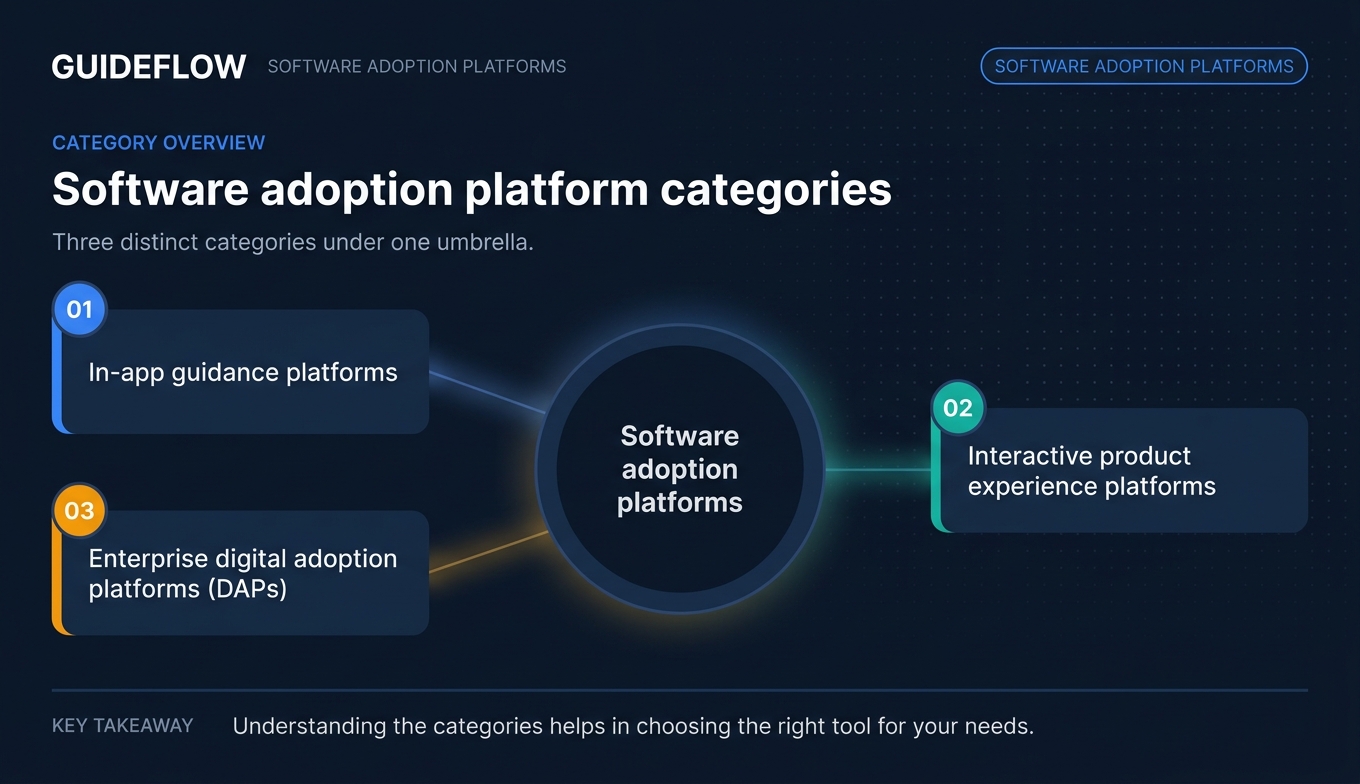
In-app guidance platforms layer tooltips, modals, checklists, and hotspots on the live product. They trigger based on user behavior and segment. Think Pendo, Appcues, Chameleon.
Interactive product experience platforms provide guided interactive demos, sandboxes, and product tours that simulate the product for self-serve learning. Users learn by doing inside a controlled experience, with no risk of breaking anything.
Enterprise digital adoption platforms (DAPs) are designed for employee training on internal tools like Salesforce, SAP, and Workday. They include workflow automation, compliance tracking, and cross-application guidance.
Core capabilities across the category include:
- In-app guidance (tooltips, walkthroughs, checklists)
- User segmentation by role, plan, lifecycle stage, and behavior
- Analytics and tracking (activation events, completion rates, drop-offs)
- A/B testing and experimentation
- Knowledge base integration
- Interactive walkthroughs and guided product tours
When to use a software adoption platform
User onboarding and activation When new users sign up but don't reach the activation event within your target window. The adoption platform provides guided flows, checklists, and interactive experiences that reduce TTFV and improve day-7 retention. Explore onboarding flow software purpose-built for this use case.
Feature adoption and re-engagement When you ship a new feature and usage is flat. Targeted in-app prompts or interactive product demos surface the feature to the right segment at the right moment, driving adoption without another email blast.
Employee training on internal tools When your team rolls out Salesforce, HubSpot, or an internal tool and support tickets spike. Enterprise DAPs and employee training software provide in-app guidance layered on third-party software without modifying the underlying application.
Self-serve product education When CS is spending hours on repetitive training calls. Interactive product experiences let users click through guided, hands-on walkthroughs on their own schedule, reducing CS bandwidth while improving comprehension and retention. Learn how to boost product adoption with interactive demos for this exact scenario.
Software adoption platforms comparison table
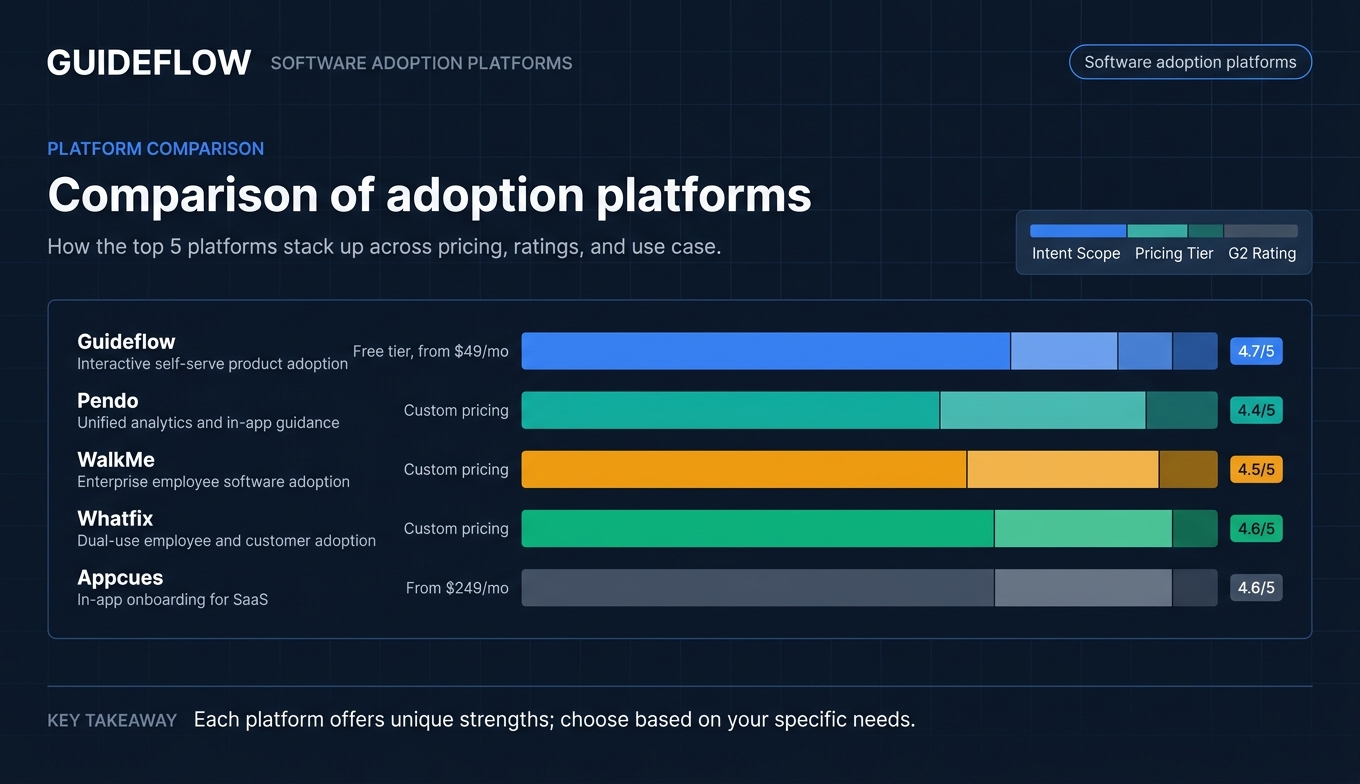
Here's how all 15 platforms compare across intent, differentiation, pricing, and ratings.
| # | Product | Intent | Key differentiation | Pricing | G2 rating |
|---|---|---|---|---|---|
| 1 | Guideflow | Interactive self-serve product adoption | Hands-on product experiences with no-code capture and session-level analytics | Free tier, from $49/mo | 4.7/5 |
| 2 | Pendo | Unified analytics and in-app guidance | Product analytics and onboarding in one platform | Custom pricing | 4.4/5 |
| 3 | WalkMe | Enterprise employee software adoption | Workflow automation and cross-app guidance | Custom pricing | 4.5/5 |
| 4 | Whatfix | Dual-use employee and customer adoption | Multi-format content across web, desktop, and mobile | Custom pricing | 4.6/5 |
| 5 | Appcues | In-app onboarding for SaaS | No-code flow builder with built-in A/B testing | From $249/mo | 4.6/5 |
| 6 | Userpilot | Product growth and onboarding analytics | In-app experiences tied to feature-level analytics | From $249/mo | 4.6/5 |
| 7 | Chameleon | Design-native in-app guidance | CSS-level UI customization for UX consistency | From $279/mo | 4.4/5 |
| 8 | UserGuiding | Budget-friendly SaaS onboarding | Full onboarding suite at accessible pricing | From $69/mo | 4.7/5 |
| 9 | Userflow | Fast-deploy in-app onboarding | Cloud-based builder with AI flow generation | From $240/mo | 4.8/5 |
| 10 | Apty | Enterprise process compliance | Workflow validation and audit tracking | Custom pricing | 4.7/5 |
| 11 | Gainsight PX | Adoption tied to customer health | Native Gainsight CS integration for retention | Custom pricing | 4.4/5 |
| 12 | ProductFruits | Lightweight SaaS onboarding | Life ring widget and in-app announcements | From $79/mo | 4.7/5 |
| 13 | Userlane | Enterprise employee onboarding | HEART analytics framework for adoption | Custom pricing | 4.5/5 |
| 14 | SAP Enable Now | SAP-native adoption and training | Purpose-built for SAP application environments | Bundled with SAP licensing | 4.3/5 |
| 15 | Spekit | Just-in-time sales enablement | Chrome extension for contextual in-app learning | From $10/user/mo | 4.6/5 |
15 best software adoption platforms reviewed
1. Guideflow
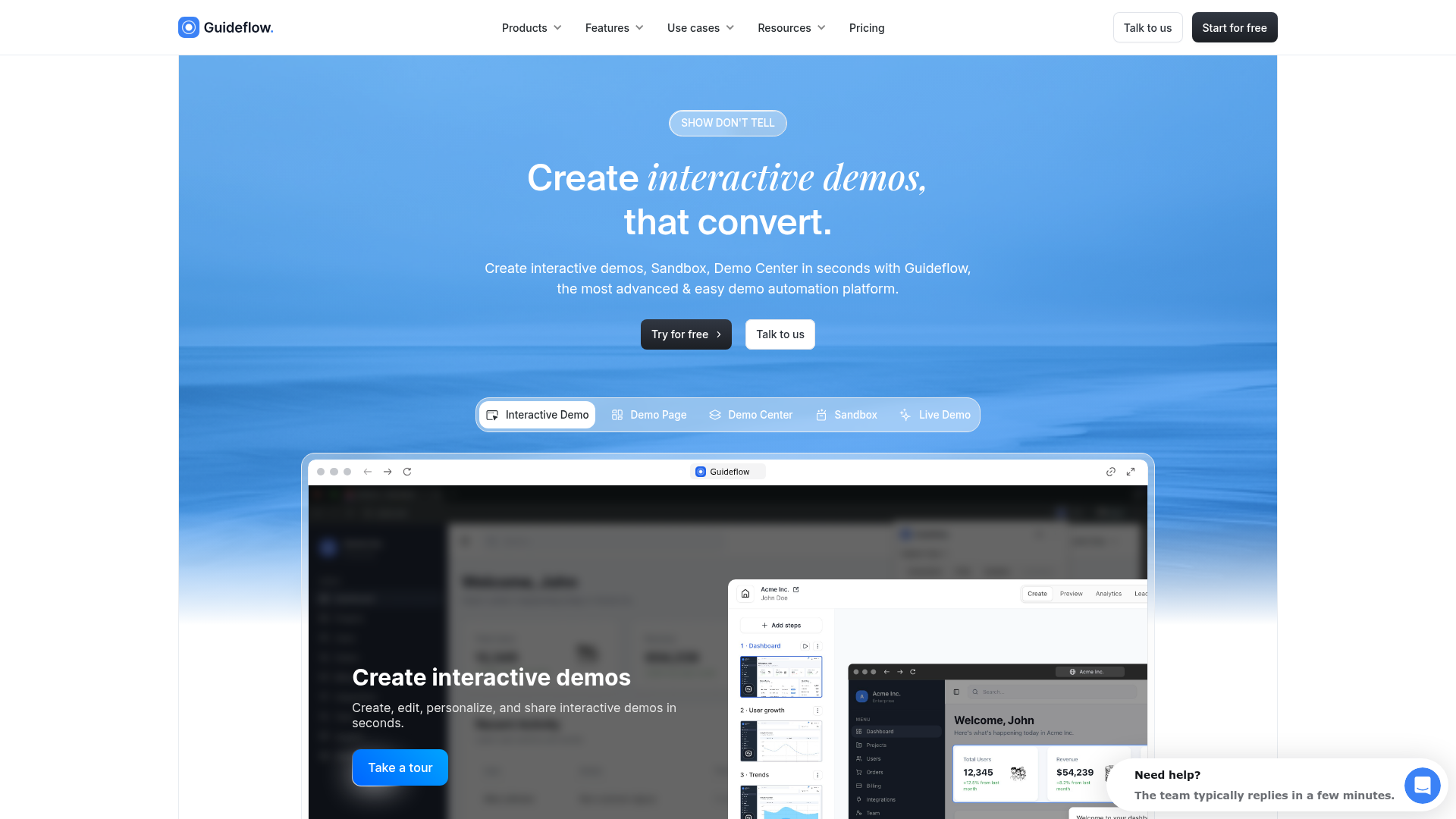
Guideflow takes a fundamentally different approach to software adoption. Instead of layering tooltips on the live product, Guideflow lets you capture your actual product flows and turn them into guided, clickable experiences that users complete at their own pace. This is the "show, don't tell" approach to adoption: users learn by doing inside a simulated version of the product, with no risk of breaking anything and no need for a live call.
Best for: Product teams that want users to reach activation through hands-on product exploration, not passive tooltips. Particularly strong for self-serve onboarding, feature education, and reducing CS training calls.
Capture product flows in minutes via browser extension (screenshot, HTML, or video capture). No engineering involvement. The no-code editor lets any team member build, edit, and publish interactive demos the same day they start.
Personalization scales with your user base. Dynamic variables pull from CRM data to tailor text, images, and charts per segment. Persona-specific branching paths let you serve different activation journeys to admins versus end users without building separate flows from scratch.
AI features accelerate production: auto-generated steps, translations into multiple languages, voiceovers, and avatars. Teams scale to dozens of personalized demos without adding headcount.
Advanced analytics track engagement at the session level, including steps viewed, clicks, time spent, drop-offs, and completions. That data syncs to CRM, Slack, and analytics platforms so activation insights flow into the dashboards you already use.
Multiple product formats serve different adoption moments: Interactive Demo, Sandbox, Demo Center, Mobile Demo, and Live Demo. Distribute anywhere: embed in-app, in help centers, in emails, on landing pages, or share via link.
Pricing: Free tier available. Paid plans from $49/month. See full pricing details.
Key strengths
- No-code capture and editing workflow (ship same day)
- Deep personalization with CRM-driven variables
- Session-level analytics with CRM and analytics stack integrations
- Multiple demo formats for different adoption stages
- AI-powered content generation, translation, and voiceovers
Start your journey with Guideflow today!
2. Pendo

Pendo is a product experience platform that combines in-app guidance with product analytics. For PMs, the draw is that adoption data and in-app flows live in the same tool, so you can instrument activation events and build onboarding experiences without switching between platforms.
Best for: SaaS product teams that want analytics and in-app guidance unified. If you're currently running Amplitude for analytics and a separate tool for onboarding, Pendo consolidates both.
Pendo covers guides (tooltips, modals, walkthroughs), NPS and in-app surveys, product analytics, and session replay. Segmentation by role, plan, and lifecycle stage lets you target different onboarding paths to different user types. Retroactive analytics mean you can analyze user behavior on events you didn't pre-instrument, which is a significant advantage when your tracking is incomplete.
When to choose Pendo over alternatives: When your primary need is tying onboarding flow performance directly to product analytics in one dashboard, and you want retroactive data capture without pre-instrumentation.
Pricing: Custom pricing (enterprise-oriented). Contact for quote.
Key strengths
- Unified product analytics and in-app guidance
- Strong segmentation and targeting
- NPS and in-app feedback collection
- Retroactive analytics (no pre-instrumentation required)
- Enterprise-grade security (SOC 2, GDPR)
3. WalkMe
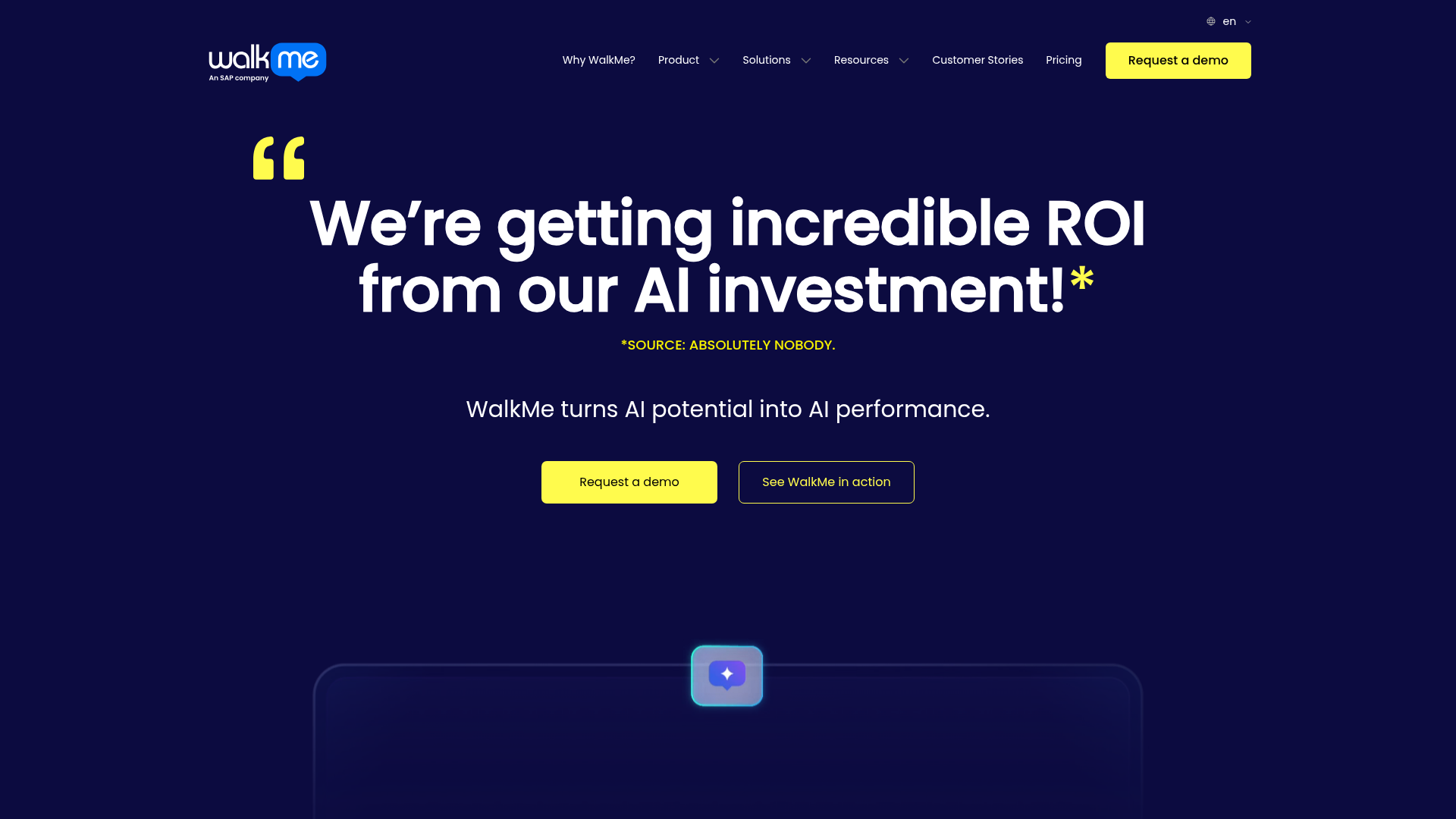
WalkMe is the original enterprise digital adoption platform, built primarily for employee-facing use cases: onboarding teams onto Salesforce, SAP, Workday, and other internal tools. It layers guidance on top of any web application without modifying the underlying software.
Best for: Enterprise organizations rolling out or migrating internal tools where you need adoption tooling that works across complex, multi-application workflows. WalkMe is the platform large IT teams reach for when the rollout involves thousands of employees and compliance requirements.
WalkMe's strength goes beyond guidance. Workflow automation capabilities (auto-complete fields, workflow triggers) reduce manual errors during complex processes. Deep analytics on employee software usage reveal where teams get stuck and which processes have the highest abandonment rates.
Honest trade-off: WalkMe typically requires a dedicated admin or WalkMe-certified partner for implementation and ongoing management. This makes it a strong fit for organizations with the resources to support it, but a mismatch for lean SaaS product teams looking for quick-deploy onboarding.
Pricing: Custom/enterprise only. Contact for quote.
Key strengths
- Works on any web-based enterprise application
- Workflow automation beyond just guidance
- Deep analytics on employee software usage patterns
- Strong enterprise compliance and security
- Large partner and implementation support network
4. Whatfix
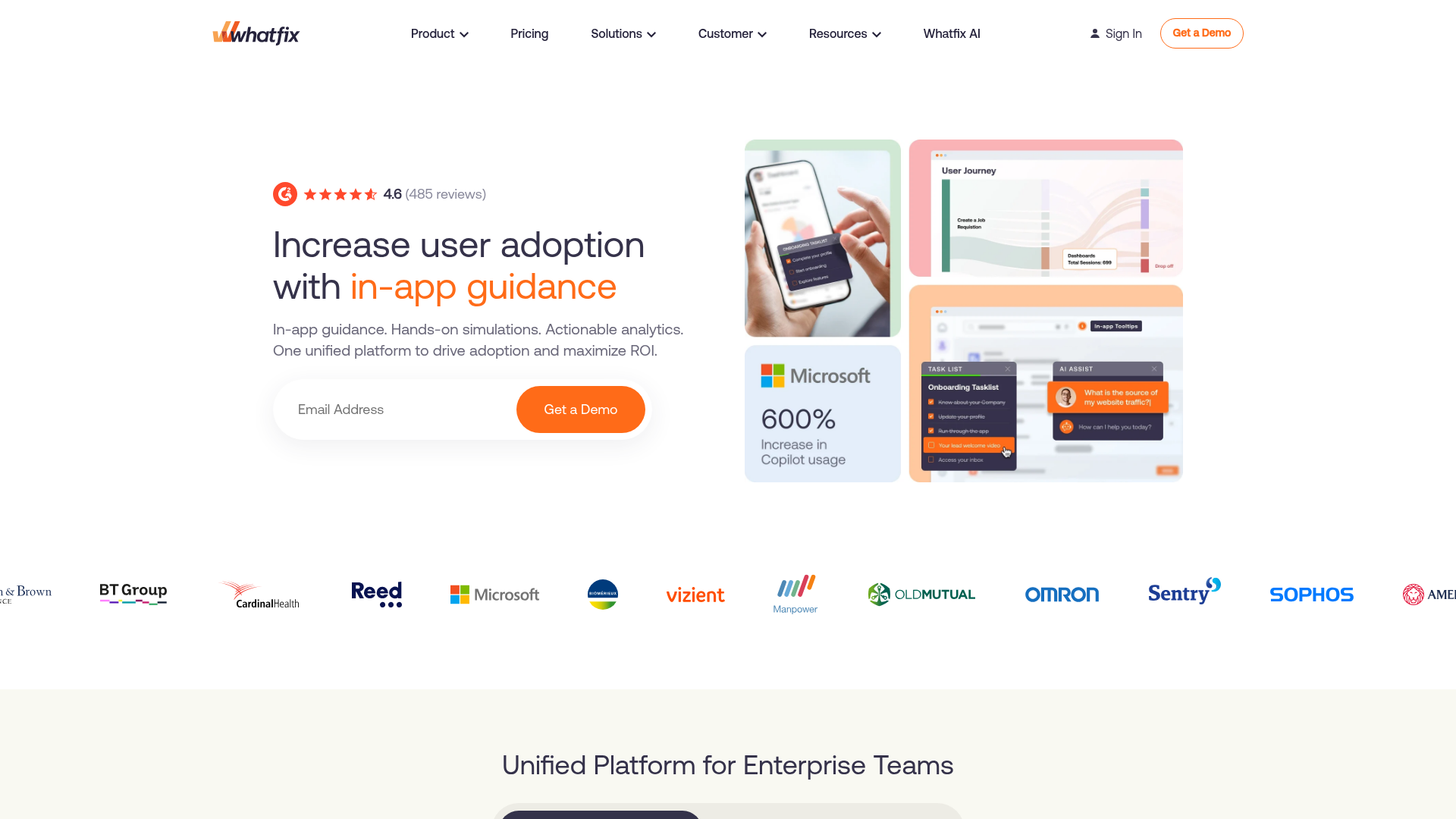
Whatfix is an enterprise digital adoption platform that serves both employee training and customer-facing onboarding. It provides in-app guidance, self-help widgets, and content analytics across web, desktop, and mobile applications.
Best for: Mid-market and enterprise teams that need adoption tooling for both internal tools and customer-facing products from a single platform. If your organization is deploying Salesforce internally while also onboarding customers to your own SaaS product, Whatfix covers both use cases.
Multi-format content creation is a standout: build a guided flow once, and Whatfix auto-generates smart tips, task lists, pop-ups, and self-help articles from the same source. This reduces the content duplication that plagues teams managing separate onboarding and help center assets.
User journey analytics track how employees and customers navigate through software, revealing friction points that traditional page-view analytics miss.
When to choose Whatfix: When you need a single product adoption platform that spans employee training and customer onboarding, with cross-platform support (web, desktop, mobile).
Pricing: Custom pricing. Contact for quote.
Key strengths
- Dual-use: employee training and customer onboarding
- Multi-format content creation from a single flow
- Works across web, desktop, and mobile
- Auto-generated self-help content
- User journey analytics and segmentation
5. Appcues
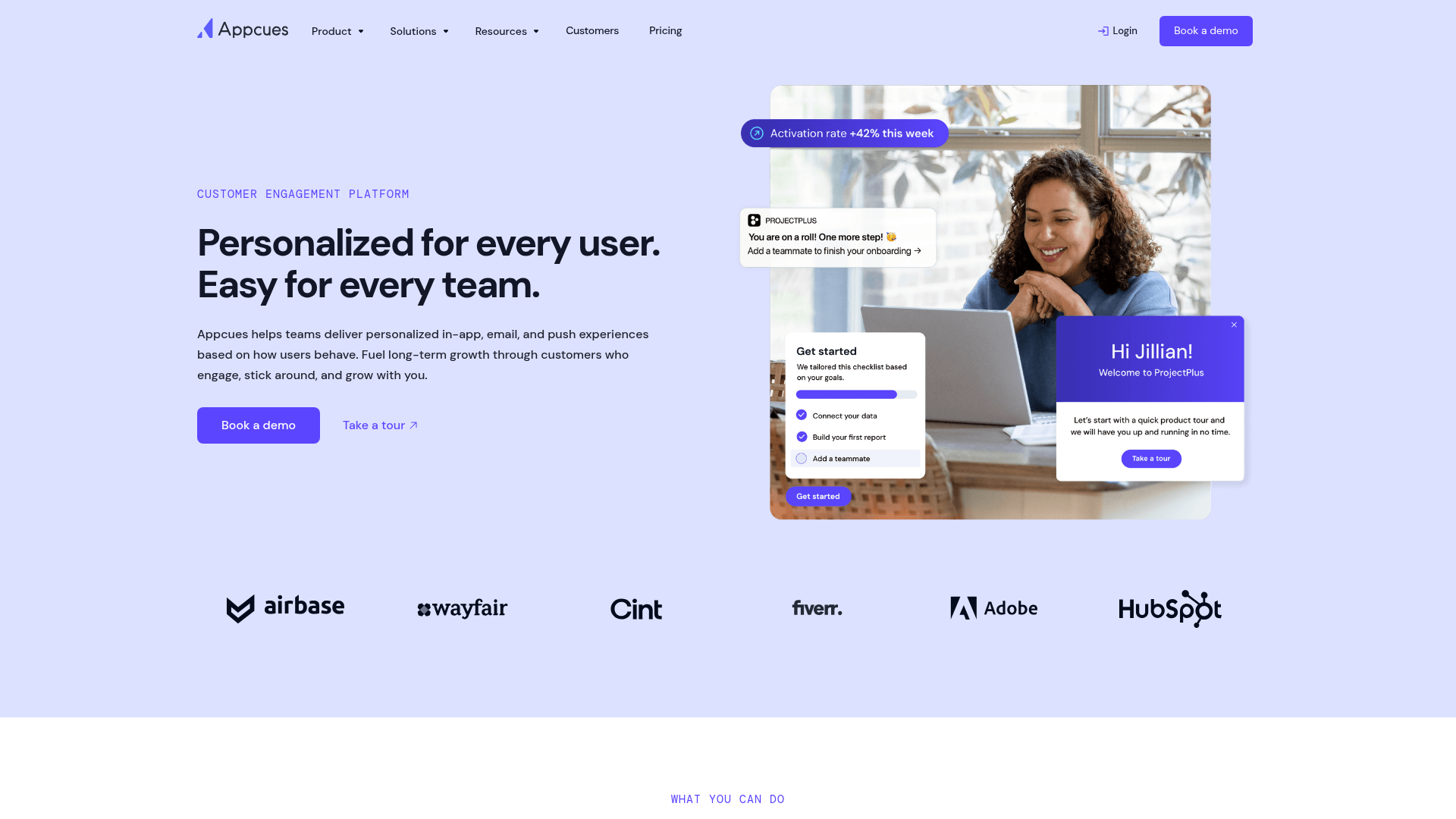
Appcues is an in-app onboarding platform designed for SaaS product teams that want to build user flows without engineering. It focuses on modals, tooltips, slideouts, checklists, and banners that guide users through activation.
Best for: SaaS product teams (Series A through growth stage) that need fast, no-code onboarding flows with built-in experimentation. If your primary goal is improving activation rate through in-app guidance and you want to A/B test onboarding variants, Appcues is purpose-built for that workflow.
The UI builder is clean and intuitive. Event-based targeting lets you trigger flows based on what users have (or haven't) done, not just time-based delays. Built-in A/B testing means you can run onboarding experiments without involving engineering or a separate testing tool.
Integration depth is a strong point: Segment, Amplitude, Mixpanel, and HubSpot connections mean activation data flows into your existing analytics stack rather than creating a new silo.
When to choose Appcues over Pendo: When you want a lighter-weight, more focused onboarding tool and your analytics needs are already covered by Amplitude or Mixpanel. Appcues does less than Pendo, but what it does, it does with less complexity.
Pricing: From $249/month.
Key strengths
- No-code flow builder with clean UI
- Event-based targeting and segmentation
- Built-in A/B testing for onboarding experiments
- Strong analytics integrations (Segment, Amplitude, Mixpanel)
- Checklists and progress tracking for onboarding completion
6. Userpilot

Userpilot is a product growth platform that combines in-app experiences, user analytics, and micro-surveys. It targets SaaS product and growth teams that want to build, test, and measure onboarding flows tied to specific activation events.
Best for: Mid-market SaaS teams that want onboarding, analytics, and feedback in one tool, with feature-level adoption tracking. If you need to know not just whether users completed onboarding, but whether they adopted the specific features that correlate with retention, Userpilot's feature tagging gives you that visibility.
Contextual in-app experiences (tooltips, modals, driven actions, checklists) trigger based on user attributes and behavior. Built-in NPS and micro-surveys let you collect qualitative feedback at the exact moment a user completes (or abandons) an onboarding step.
Segmentation by user attributes and behavior supports persona-specific onboarding paths. The no-code builder includes custom CSS support for teams that need design consistency.
When to choose Userpilot: When you want Pendo-like analytics depth combined with Appcues-like onboarding flexibility, at a mid-market price point.
Pricing: From $249/month.
Key strengths
- In-app experiences tied to product analytics
- Feature tagging for adoption measurement
- Built-in NPS and micro-surveys
- Contextual targeting by user behavior and attributes
- No-code builder with custom CSS support
7. Chameleon

Chameleon is an in-app guidance platform built for SaaS product teams that want fine-grained control over the look and UX of their onboarding flows. Its strength is design flexibility: flows match the product's native UI rather than looking like a third-party overlay.
Best for: Design-conscious product teams where UX consistency matters. If your design team pushes back on onboarding tools that "look bolted on," Chameleon's CSS-level customization addresses that objection directly.
Tours, tooltips, launchers, and micro-surveys cover the core in-app guidance use cases. Launchers provide persistent, user-initiated help (a floating button that opens contextual guides), which is a distinct approach from the "pop up and interrupt" model most tools default to.
Strong targeting and segmentation rules let you build persona-specific flows. Integrations with Segment, Amplitude, and HubSpot keep data flowing to your existing stack.
When to choose Chameleon: When design quality of onboarding flows is a top-three buying criterion, and you need CSS-level control over how in-app guidance looks and behaves.
Pricing: From $279/month.
Key strengths
- Deep UI customization (matches native product design)
- Launchers for persistent, user-initiated help
- Strong segmentation and targeting rules
- Micro-surveys for in-context feedback
- Clean integrations with analytics and CRM tools
8. UserGuiding
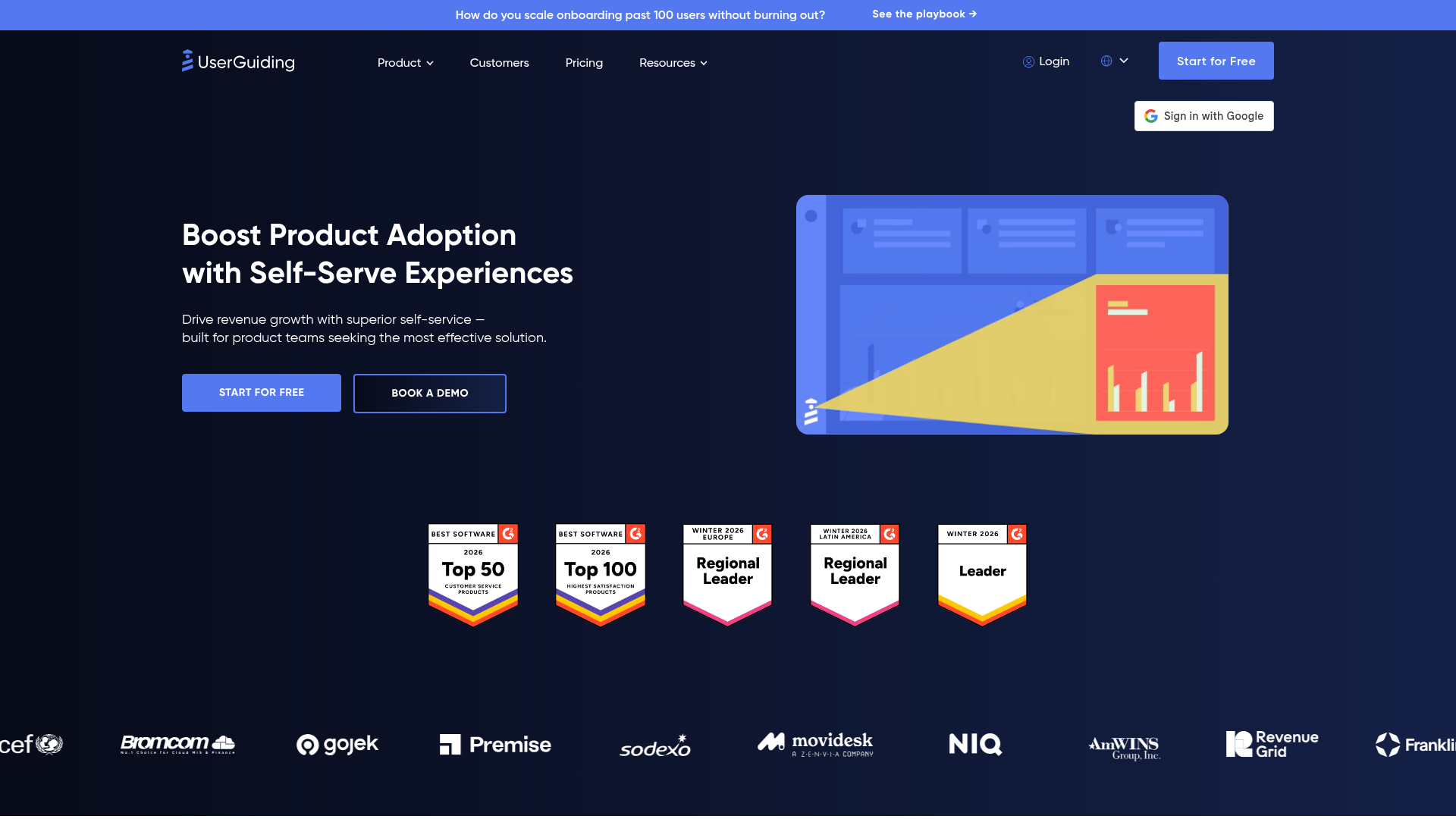
UserGuiding is a no-code user onboarding platform aimed at teams with limited engineering resources. It provides product tours, onboarding checklists, resource centers, and hotspots at a lower price point than Pendo or Appcues.
Best for: Early-stage SaaS teams or smaller product teams that need onboarding tooling without enterprise pricing. If you're a Series A company with a 3-person product team and need to ship onboarding flows this week, UserGuiding's combination of fast setup and accessible pricing makes it a strong starting point.
Product tours, checklists, hotspots, resource centers, and NPS surveys cover the essential adoption use cases. Segmentation by user attributes lets you differentiate onboarding paths by role or plan. Multi-language support is included for teams with an international user base.
Honest trade-off: UserGuiding covers the fundamentals well. Teams that need deep analytics, advanced A/B testing, or enterprise-grade segmentation will eventually outgrow it, but for the price, it delivers strong value at the early stages.
Pricing: From $69/month.
Key strengths
- Budget-friendly pricing for smaller teams
- No-code setup with fast time-to-live
- Onboarding checklists and resource centers
- NPS surveys and user segmentation
- Multi-language support
9. Userflow

Userflow is an in-app onboarding tool focused on speed and simplicity. Its flow builder is designed for non-technical users to create product tours, checklists, and surveys without writing code or installing browser extensions.
Best for: SaaS teams that want the fastest path from "we need onboarding" to "it's live." The cloud-based builder (no browser extension required for building flows) removes one more friction point from the creation workflow.
Flows, checklists, launchers, surveys, and resource centers cover the standard adoption use cases. AI-assisted flow generation helps teams get a first draft of an onboarding flow quickly, which they can then refine. Event tracking and segmentation support targeted delivery.
When to choose Userflow: When implementation speed is the top priority and you want to be live within days, not weeks.
Pricing: From $240/month.
Key strengths
- Cloud-based builder (no extension needed to create flows)
- AI-assisted flow generation
- Checklists, launchers, and resource centers
- Event tracking and segmentation
- Fast implementation timeline
10. Apty
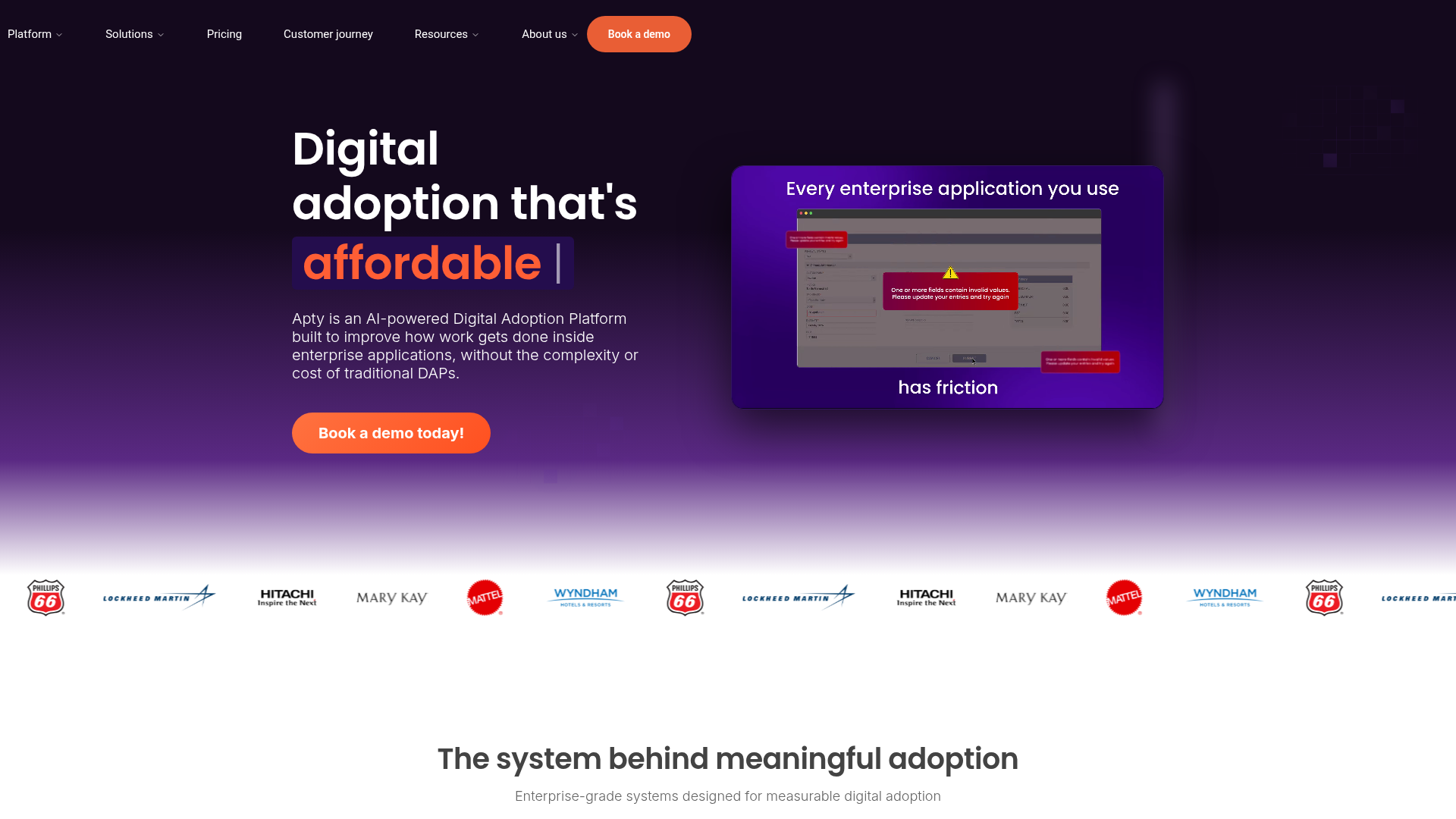
Apty is an enterprise digital adoption platform focused on driving adoption of complex internal applications (Salesforce, SAP, Oracle, ServiceNow). It provides on-screen guidance, workflow validation, and compliance tracking.
Best for: Enterprise IT and ops teams deploying or migrating complex internal tools where process compliance matters as much as user adoption. If you need to ensure that employees complete Salesforce data entry correctly (not just that they complete it at all), Apty's workflow validation catches errors before they propagate.
Cross-application guidance supports workflows that span multiple enterprise tools. Audit trails and compliance reporting serve regulated industries where process documentation is mandatory. Analytics on process completion rates and user proficiency give IT leaders visibility into where training gaps exist.
When to choose Apty: When adoption of internal enterprise tools requires not just guidance but validation that processes are completed correctly.
Pricing: Custom/enterprise pricing. Contact for quote.
Key strengths
- Workflow validation and process compliance
- Cross-application guidance for complex enterprise stacks
- Audit trails and compliance reporting
- Analytics on process completion rates
- Strong Salesforce and SAP support
11. Gainsight PX
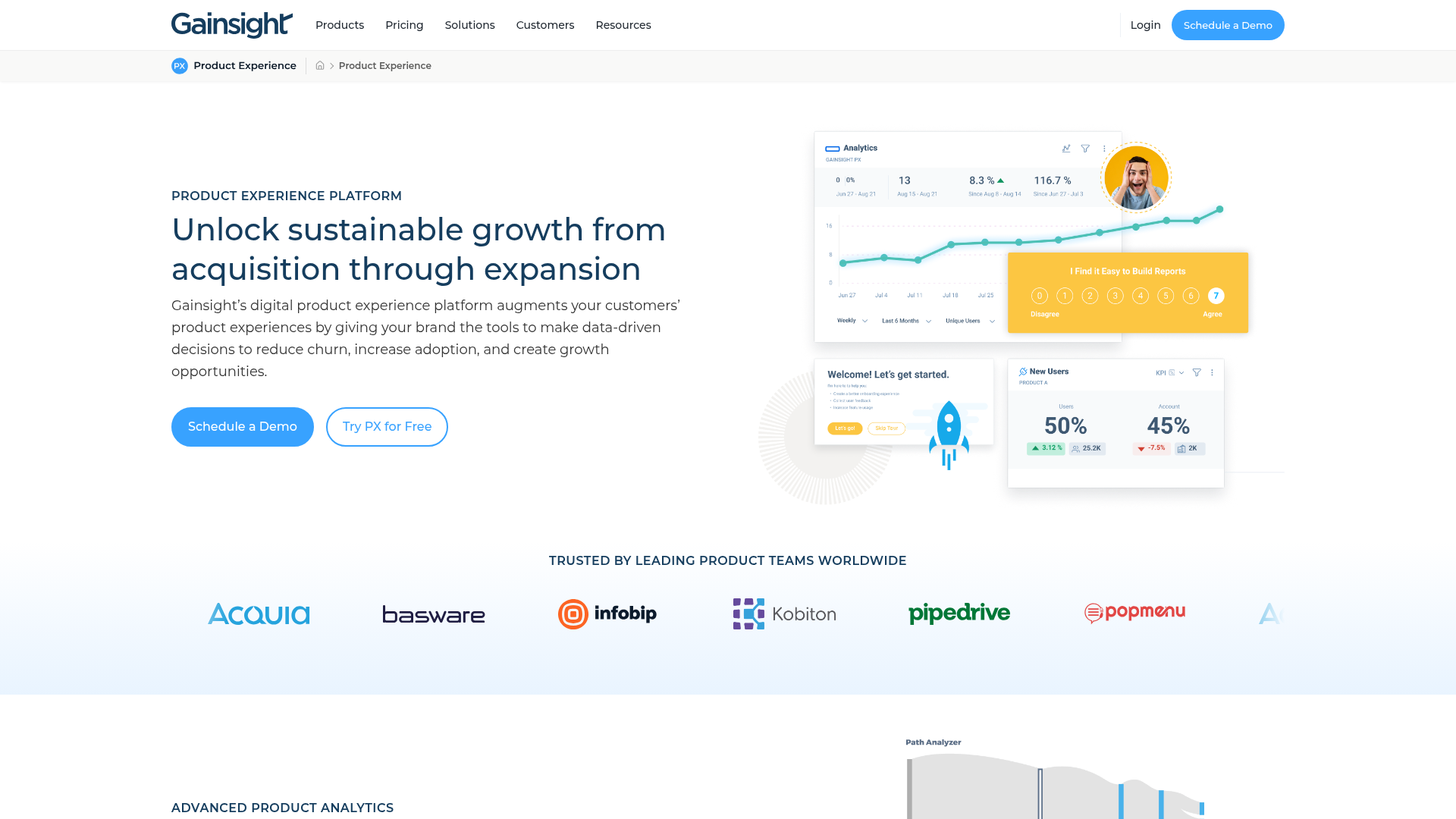
Gainsight PX is the product experience arm of Gainsight, the customer success platform. It combines in-app engagement (guides, surveys, knowledge center) with product analytics. Its strongest differentiator is the native connection to Gainsight's CS platform for health scoring and churn prediction.
Best for: SaaS companies already using Gainsight CS that want adoption data to feed directly into customer health scores. If your CS team runs on Gainsight and your product team needs adoption tooling, PX creates a direct data pipeline between product usage and retention risk.
In-app guides, a knowledge center bot, surveys, and product analytics cover the core adoption use cases. Segmentation by user, account, and feature usage lets you target onboarding by account health, not just user behavior. Account-level views connect individual adoption to organizational retention.
When to choose Gainsight PX: When you're already a Gainsight CS customer and want adoption data flowing directly into health scores without building custom integrations.
Pricing: Custom pricing. Contact for quote.
Key strengths
- Native integration with Gainsight CS for health scoring
- In-app knowledge center and engagement bot
- Product analytics with feature-level adoption tracking
- Account-level segmentation and targeting
- Unified adoption and retention data
12. ProductFruits

ProductFruits is a lightweight onboarding and adoption tool for SaaS teams that want core functionality (tours, hints, checklists, announcements, feedback) without the complexity or cost of enterprise platforms.
Best for: Small to mid-size SaaS teams that need straightforward onboarding tooling at a reasonable price. If you want product tours, checklists, and a help widget without negotiating enterprise contracts, ProductFruits delivers the essentials.
The life ring widget provides persistent in-app help that users can access on demand, surfacing relevant guides, announcements, and feedback forms without interrupting the workflow. Announcements and changelog features help with feature adoption by notifying users of new capabilities inside the product.
Segmentation by events and user properties supports basic targeting. User feedback collection is built in, giving product teams a direct channel for qualitative input.
Pricing: From $79/month.
Key strengths
- Lightweight and fast to implement
- Life ring widget for persistent in-app help
- Announcements and changelog features
- User feedback collection built in
- Affordable pricing for growing teams
13. Userlane

Userlane is a digital adoption platform focused on employee onboarding and software training. It provides step-by-step interactive guides that overlay any web application, with a focus on reducing support tickets and training costs for enterprise software rollouts.
Best for: Enterprise L&D and IT teams managing software adoption at scale, particularly for global rollouts where multi-language support is a requirement. Userlane's HEART analytics framework (Happiness, Engagement, Adoption, Retention, Task success) provides a structured way to measure adoption beyond simple completion rates.
Interactive step-by-step guides work on any web application without modifying the underlying software. Content management features help teams organize and maintain guide libraries as internal tools evolve. Multi-language support covers global deployment needs.
When to choose Userlane: When your primary use case is enterprise employee training and you want a structured analytics framework for measuring adoption outcomes.
Pricing: Custom/enterprise pricing. Contact for quote.
Key strengths
- Step-by-step interactive guides on any web application
- HEART analytics framework for adoption measurement
- Multi-language support for global rollouts
- Content management for guide libraries
- Enterprise security and compliance
14. SAP Enable Now

SAP Enable Now is SAP's native digital adoption and performance support platform, designed specifically for organizations running SAP applications. It provides in-app guidance, e-learning content, and documentation tools tightly integrated with the SAP application stack.
Best for: Organizations with deep SAP investments that need adoption tooling purpose-built for SAP environments. If your company runs SAP S/4HANA, SuccessFactors, or other SAP products, Enable Now provides context-sensitive help tied directly to SAP transactions, which generic DAPs cannot match.
In-application help, guided tours, simulations, and e-learning content creation cover the full spectrum of employee training needs within SAP. Integration with SAP SuccessFactors connects adoption data to your training management system.
Honest trade-off: SAP Enable Now is tightly scoped to the SAP world. If your enterprise stack extends significantly beyond SAP, you'll need a complementary DAP for non-SAP applications.
Pricing: Bundled with SAP licensing. Contact SAP for details.
Key strengths
- Purpose-built for SAP application environments
- In-application help and guided tours
- Simulation and e-learning content creation
- Context-sensitive help tied to specific SAP transactions
- Integrated with SAP SuccessFactors for training management
15. Spekit

Spekit is a just-in-time learning platform that surfaces training and enablement content inside the tools employees already use (Salesforce, Slack, Chrome). It focuses on revenue teams and is often positioned as a sales enablement and adoption tool rather than a traditional DAP.
Best for: Revenue operations and sales enablement teams that need contextual training inside Salesforce and other GTM tools. If your sales team is adopting a new Salesforce process and you need them to see the right guidance at the right moment without leaving the CRM, Spekit's Chrome extension delivers that.
Speks (micro-learning cards) appear as tooltips inside any web app, providing bite-sized training content exactly where employees need it. Knowledge base and change management features help rev ops teams communicate process updates without relying on email announcements that get ignored.
When to choose Spekit: When your adoption challenge is specifically about revenue team enablement and you want training embedded inside Salesforce and Chrome-based tools.
Pricing: From $10/user/month.
Key strengths
- Contextual, just-in-time learning inside existing tools
- Chrome extension for in-app knowledge surfacing
- Change management alerts for process updates
- Knowledge base with micro-learning cards
- Strong Salesforce integration
How to choose the right software adoption platform
A practical checklist for PMs evaluating digital adoption tools, organized by the decisions that eliminate options fastest:

- Define your primary use case first. User onboarding (SaaS customers), employee training (internal tools), or both. This eliminates half the list immediately. SaaS customer onboarding points to Appcues, Userpilot, Chameleon, or Guideflow. Enterprise employee training points to WalkMe, Whatfix, Apty, or Userlane.
- Check analytics stack integration. Does the platform send events to your existing analytics tool (Amplitude, Mixpanel, Segment, PostHog)? If activation data lives in a separate dashboard, you've created a new silo. Ask specifically about event-level data, not just aggregate reporting. See how Guideflow handles this with its integration ecosystem.
- Evaluate maintenance surface. How do flows behave when the UI changes? Visual selectors that break on every deploy create onboarding rot. Ask vendors what happens to existing flows after a product redesign.
- Test segmentation depth. Can you target by persona, role, plan, lifecycle stage, and custom events? One-size onboarding is the problem you're solving, not the tool you should buy.
- Assess engineering cost. SDK complexity, performance impact, and ongoing maintenance. Get your engineering lead's input before committing. A tool that requires a ticket for every onboarding change defeats the purpose.
- Run the security check early. SOC 2, data residency. Don't discover a blocker after you've built 20 flows.
- Price against your segment. Enterprise DAPs (WalkMe, Whatfix) price for 5,000-person orgs. SaaS onboarding tools (Appcues, UserGuiding) price for product teams. Interactive product experience platforms (Guideflow) start with free tiers. Match the tool to your company's stage.
Conclusion
The right software adoption platform depends on whether you're solving for customer onboarding, employee training, or both. And the biggest differentiator across the category is how cleanly the tool integrates with your existing analytics stack so adoption data feeds the metrics you already report on.
Interactive product experiences (like Guideflow) and in-app guidance layers (like Pendo, Appcues) serve different moments in the adoption journey. Many teams use both: in-app guidance for live product onboarding, and interactive demos for self-serve product education, pre-signup experiences, and CS training. The approaches are complementary, not competing.
Here's the concrete next step: pick one onboarding flow that's underperforming. Identify the segment where activation is weakest. Test 2 to 3 platforms against that specific flow, and measure the activation rate change within 30 days. The data will tell you which tool earns its place in your stack.
Start your journey with Guideflow today!
FAQs about software adoption platforms
A software adoption platform is a tool that helps users learn, navigate, and get value from software applications through in-app guidance, interactive walkthroughs, onboarding flows, and analytics. Also called digital adoption platforms (DAPs), product adoption tools, or user onboarding platforms, they sit on top of or alongside the product experience to reduce time-to-value and increase feature adoption.
Digital adoption platforms (like WalkMe, Whatfix) are typically enterprise-focused, designed for employee training on internal tools, and include workflow automation and compliance features. In-app onboarding tools (like Appcues, Chameleon) are SaaS-focused, designed for customer-facing product onboarding, and emphasize segmentation and experimentation. Some platforms (like Pendo, Userpilot) bridge both. The distinction matters because the implementation model, pricing, and feature emphasis differ significantly. Choosing the wrong category means paying enterprise prices for a SaaS use case, or getting SaaS-grade tooling for an enterprise rollout.
Interactive demos and product tours let users learn by clicking through a guided version of the product. They are particularly effective for self-serve onboarding, feature education, and reducing CS training calls because users experience the product hands-on rather than reading documentation or watching videos. Interactive demos deliver materially higher engagement than static formats like PDFs or slide decks. They complement in-app guidance tools by covering the "before the user is in the product" and "self-serve education" use cases, where traditional tooltip-based approaches don't reach. You can build an interactive demo library to boost both employee and customer product understanding.
Pricing varies widely by category. SaaS onboarding tools range from $49/month (Guideflow) to $279/month (Chameleon) at entry tiers. Enterprise DAPs (WalkMe, Whatfix, Apty) use custom pricing, typically starting at $10,000+ per year. Most platforms offer free tiers or trials. Pricing models include per-user, per-MAU, or flat-rate, so compare based on your user volume and expected growth.
Primary: activation rate (percentage of users reaching defined activation events), time-to-first-value (TTFV), onboarding completion rate, and day-7 or week-1 cohort retention. Secondary: support ticket volume for "how do I" questions, CS time spent on setup calls, and feature adoption rate for core workflows. Measure by segment (persona, plan, channel) to identify where adoption is strong and where it drops off. The platforms that integrate with your analytics stack make this segmentation straightforward.
Yes, and many teams do. A common pattern is using an in-app guidance tool (Pendo, Appcues) for live product onboarding and an interactive demo platform (Guideflow) for self-serve product education, pre-signup experiences, and CS training. The key is ensuring both tools send data to the same analytics platform so you have a unified view of the adoption funnel. Overlapping tools that create separate data silos are the pattern to avoid.
Address the three things engineering cares about: SDK complexity (how heavy is the install), performance impact (does it slow the app), and maintenance surface (do flows break on every deploy). Choose a platform with a lightweight integration, test it in staging first, and present the data on CS ticket reduction and activation improvement after a 30-day pilot. Frame it as reducing engineering interrupts for onboarding changes, not adding a new system to maintain.
Onboarding rot is when onboarding flows become outdated as the product UI changes, and nobody notices until activation metrics drop. Adoption platforms with visual selectors are vulnerable to this when selectors break as CSS or DOM changes. Platforms that use HTML capture, screenshot-based flows, or stable element targeting reduce this risk. The best prevention is pairing the adoption platform with a regular review cadence tied to your release schedule, and choosing tools that surface broken flows proactively rather than silently failing.