New users sign up, click around for 30 seconds, and disappear. The product works fine. The problem is nobody showed them what to do next.
Onboarding flow software fixes that gap by guiding users through your product with step-by-step experiences that actually stick. This guide breaks down the five main categories of onboarding tools, how to evaluate them, and 10 options worth considering for SaaS teams in 2026.
What's inside
This guide covers the main categories of onboarding flow software, evaluation criteria for SaaS teams, and a breakdown of 10 tools worth considering. You'll find:
- Definition and purpose: What onboarding flow software does and why it matters for user activation
- Tool categories: Five types of user onboarding software and when each fits
- Evaluation framework: Criteria that separate useful tools from shelfware
- Comparison table: Pricing, ratings, and key differentiators at a glance
- Tool breakdowns: Strengths and ideal use cases for each option
TL;DR
Onboarding flow software guides new users through your product with step-by-step experiences, cutting time-to-value and support load. Five tool categories exist: in-app guidance, interactive demos, knowledge bases, onboarding portals, and data platforms. Most SaaS teams combine two or three.
Guideflow leads for teams wanting self-serve, interactive product experiences across marketing, sales, and customer success. Start with interactive or in-app experiences first, then layer email, analytics, and support tools as your user base grows. No-code builders now let non-technical teams create and update flows without engineering dependencies in a market moving toward 70% of new enterprise apps.
What is onboarding flow software
Onboarding flow software automates the process of guiding new users through your product. The goal is helping users reach their first "aha moment" faster by showing them exactly what to do next with interactive guides, rather than leaving them to figure things out alone.
The category includes product onboarding software, SaaS onboarding tools, and onboarding apps. What they share is a focus on reducing friction during the critical first interactions with your product. Delivery methods vary: tooltips, modals, checklists, videos, or clickable walkthrough
- Core purpose: Help users reach value faster by showing, not telling
- How it works: Delivers guided experiences through tooltips, modals, checklists, videos, or interactive walkthroughs
- Who uses it: Product teams, customer success, marketing, and pre-sales
Without onboarding flow software, teams rely on documentation users don't read, support tickets that pile up, and hope that new signups will somehow discover value on their own even though 75% leave in the first week.
Types of user onboarding software for SaaS teams
No single onboarding app handles everything. Different tools serve different moments in the user journey, so understanding the categories helps you build a stack that actually works.
Product walkthrough and in-app guidance tools
In-app guidance tools overlay instructions directly inside your product interface. Think tooltips that highlight features, hotspots that draw attention to key actions, and checklists that track progress. The guidance appears in context, right when users encounter a feature or workflow for the first time.
Interactive demo and sandbox platforms
Interactive demos let prospects or users experience your product in a controlled, clickable environment. Instead of watching a video or reading documentation, they click through actual workflows and see how things work. This category reduces support tickets through interactive guides by letting users learn through doing.
Knowledge base and self-serve education tools
Documentation hubs, help centers, and video libraries fall into this category. Users access resources on-demand when they get stuck or want to learn more about specific features. Knowledge bases scale support without adding headcount, though they require users to actively seek help.
Customer success and onboarding portals
Onboarding portals are collaborative workspaces where CSMs and customers track onboarding progress together. For teams focused on enablement, interactive demos drive product understanding at scale. They typically include task lists, shared timelines, and resource libraries.
This type works best for high-touch enterprise implementations where multiple stakeholders coordinate complex rollouts.
Data integration and onboarding automation tools
Data platforms handle the technical side of onboarding: data migration, API connections, and workflow automation. When your product's value depends on imported user data, data integration tools ensure that setup happens smoothly.
When to use each type of onboarding app
Choosing the right tool type depends on where users are in their journey and what's blocking them from reaching value
| Tool type | Best for | Primary user | Typical outcome |
|---|---|---|---|
| In-app guidance | Active users learning features | Product teams | Faster feature adoption |
| Interactive demos | Pre-signup or early onboarding | Marketing/Pre-sales | Higher trial conversion |
| Knowledge base | On-demand troubleshooting | Support/CS teams | Reduced ticket volume |
| Onboarding portals | Enterprise implementations | Customer success | Shorter time-to-value |
| Data platforms | Technical setup | Product/Engineering | Successful data migration |
Most SaaS teams combine two or three tool types. A common pattern: interactive demos for pre-signup education, in-app guidance for active users, and a knowledge base for ongoing support.
How to evaluate product onboarding software
The difference between a tool that gathers dust and one that actually improves activation often comes down to a few key criteria.
Ease of use for non-technical teams
Simple onboarding software lets marketers and CSMs build flows without engineering help. Look for no-code builders, drag-and-drop editors, and browser-based capture tools that record your product as you click through it. If every update requires a developer ticket, your onboarding content will always lag behind your product.
Targeting and personalization capabilities
One-size-fits-all onboarding fails because different users have different goals. Good tools let you segment by role, use case, or behavior and personalize content for each segment to cut churn by 25%. A marketing user and a sales user signing up for the same product often benefit from completely different first experiences.
Content types and onboarding flow features
Consider what formats the tool supports: tooltips, modals, checklists, videos, interactive walkthroughs. More range means fewer tools in your stack. Some tools excel at one format but lack others, so match the tool's strengths to how your users prefer to learn.
Analytics and user behavior tracking
You can't improve what you can't measure. Look for analytics that show where users drop off, what they complete, and which flows drive activation. Without this data, you're guessing at what works instead of optimizing based on evidence.
Integration with your existing stack
Onboarding products work best when they sync data with your CRM, marketing automation, product analytics, and support tools. Native integrations let you trigger the right flows at the right time based on user behavior across systems.
Pricing transparency and value
Watch for hidden costs like MAU overages, feature gating, and implementation fees. Compare total cost of ownership, not just the listed price on the pricing page.
Quick comparison of the best SaaS onboarding tools
This table summarizes the 10 tools covered in detail below. The "Intent" column helps you identify which tool fits your primary goal.
| # | Product | Best for | Key differentiator | Pricing | G2 rating |
|---|---|---|---|---|---|
| 1 | Guideflow | Interactive demos for onboarding | Capture and personalize product experiences in minutes | Free plan available | 5.0/5 |
| 2 | Userflow | AI-powered in-app guidance | FlowAI automates tour building and copy | Starts at $200/mo | 4.7/5 |
| 3 | Chameleon | Customizable product tours | Deep styling control and native feel | Starts at $279/mo | 4.5/5 |
| 4 | Intercom | Conversational onboarding | Chat + tours + help center unified | Custom pricing | 4.5/5 |
| 5 | Customer.io | Behavioral email onboarding | Event-triggered messaging | Starts at $100/mo | 4.4/5 |
| 6 | Mixpanel | Onboarding funnel analytics | Track user paths to activation | Free plan available | 4.5/5 |
| 7 | Heap | Retroactive behavior analysis | Auto-capture without manual tagging | Free plan available | 4.4/5 |
| 8 | Hotjar | Heatmaps and session recordings | See where users struggle visually | Free plan available | 4.3/5 |
| 9 | Segment | Customer data infrastructure | Centralize data across onboarding tools | Free plan available | 4.6/5 |
| 10 | Zendesk | Self-serve support for onboarding | Scalable help center and ticketing | Starts at $19/mo | 4.3/5 |
10 best onboarding flow software tools
The following tools represent strong options across categories. Selection criteria included ease of use, onboarding-specific features, integration capabilities, and real-world adoption by SaaS teams.
1. Guideflow
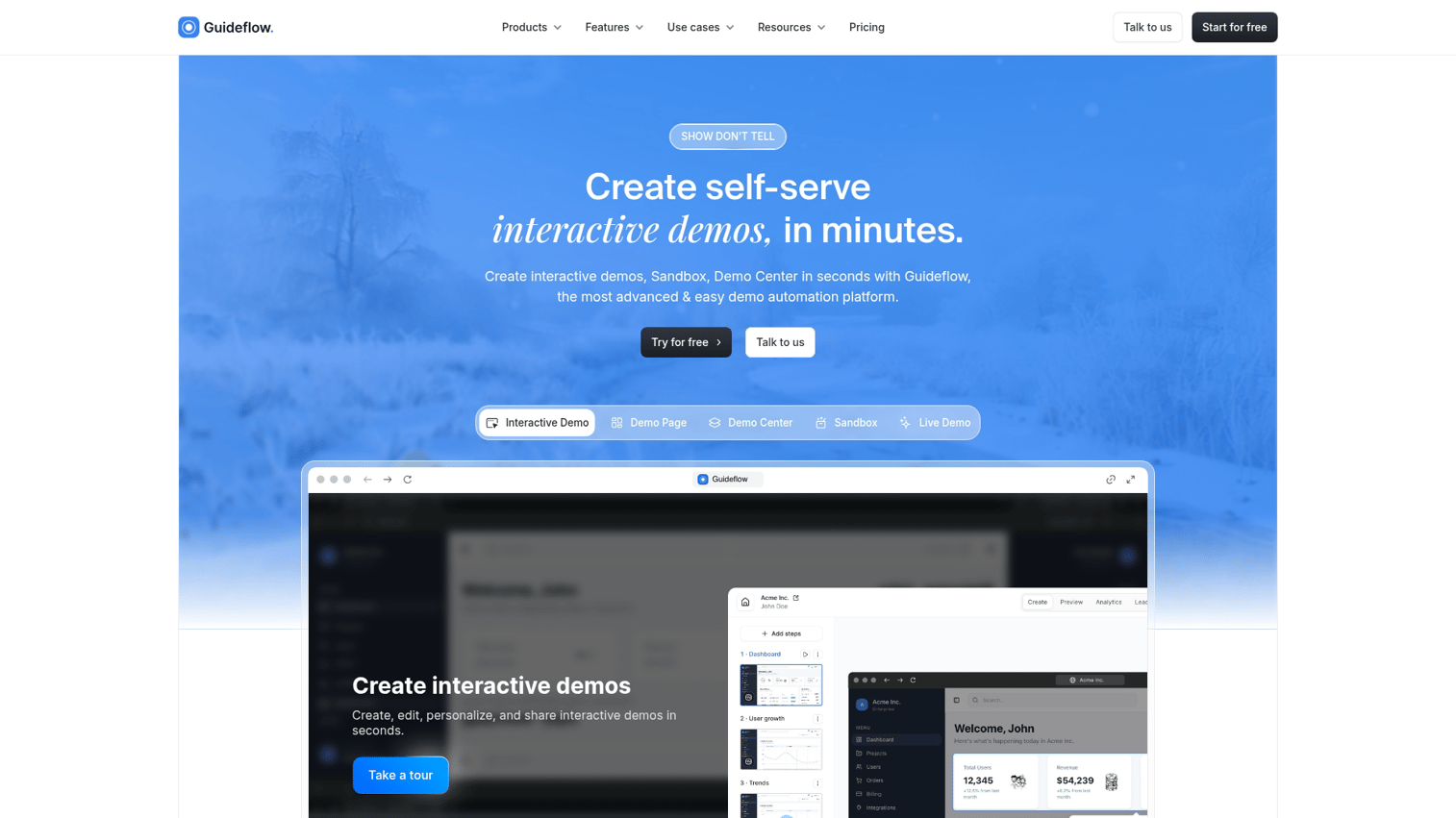
Guideflow is an interactive demo platform that lets you capture your product with a browser extension and turn it into guided, clickable experiences. Instead of scheduling calls or sending static screenshots, you give users a self-serve way to experience your product's value.
The platform works across the entire user journey. Marketing teams embed demos on landing pages to convert visitors.
Customer success teams create self-serve training that reduces repetitive support questions. Pre-sales teams send personalized walkthroughs that prospects can explore on their own time.
Key strengths
- Browser-based capture creates demos in minutes without engineering help
- No-code editor for branding, text, and image customization
- AI features for translations, voiceovers, and automatic polish
- Share via links, embeds, email, or social platforms
- Analytics show what users explore and where they drop off
Why choose Guideflow
Pick Guideflow when you want users to experience your product before they commit to a call or trial. Interactive demos function like automation because they scale a core sales and success action: showing instead of telling.
Guideflow pricing
- Free: $0/month (5 guideflows, unlimited viewers, 7-day analytics)
- Solo: $40/month (unlimited guideflows, advanced analytics, lead forms, AI features)
- Growth: $499/month
- Advanced: $1,499/month
- Enterprise: from $2,999/month
Start your journey with Guideflow today!
2. Userflow
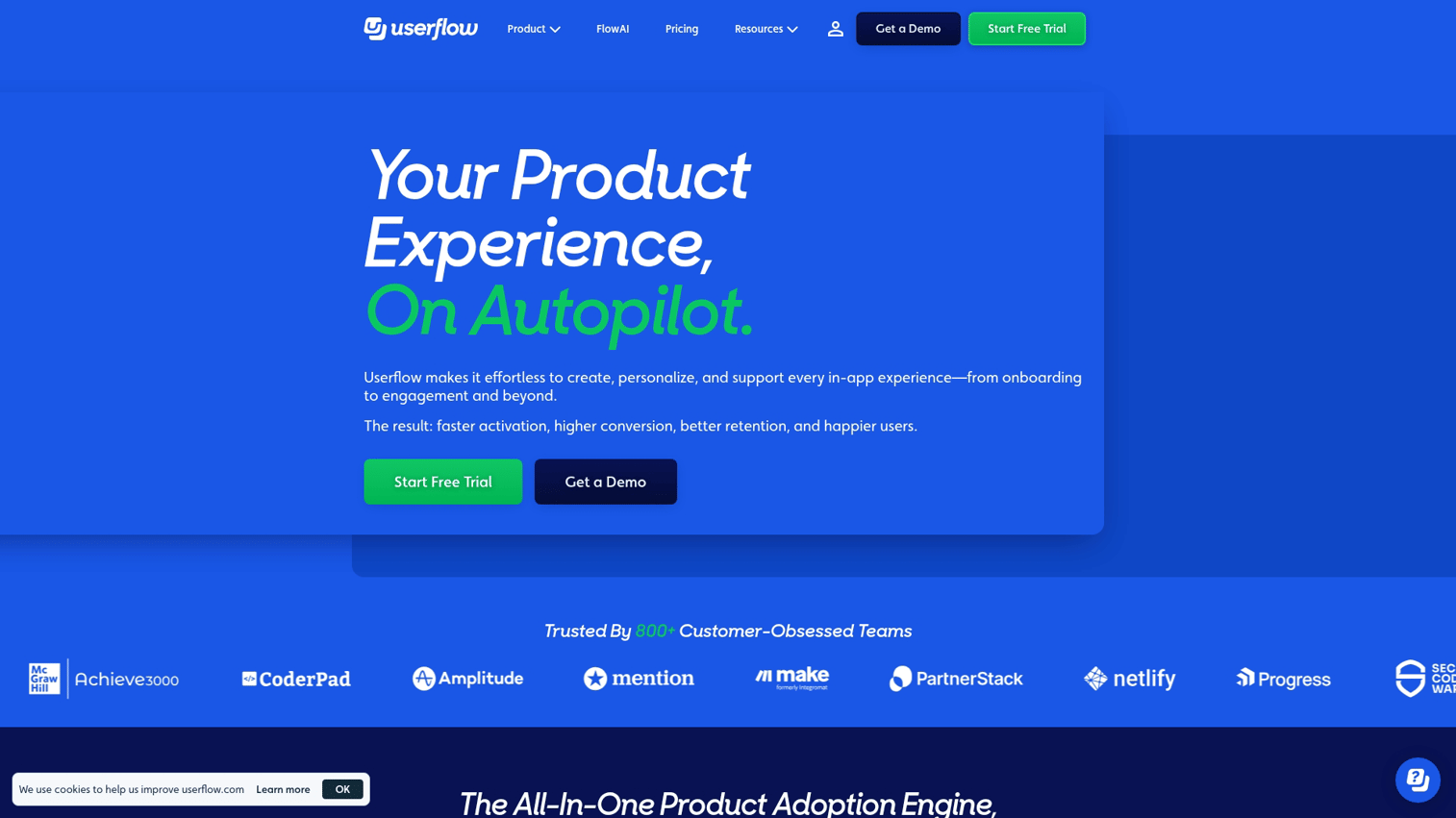
Userflow is an AI-powered onboarding app for building in-app tours, checklists, and resource centers. Its FlowAI feature generates onboarding flows from your product data, reducing the time from idea to live tour. The platform targets product and growth teams who want to guide users through features without writing code.
Key strengths
- FlowAI generates onboarding flows from product data automatically
- No-code builder with live preview
- Resource center for self-serve help articles
- NPS and survey collection built into the platform
Pricing
Starts at $200/month for the Startup plan. Growth and Enterprise tiers scale with features and usage.
3. Chameleon
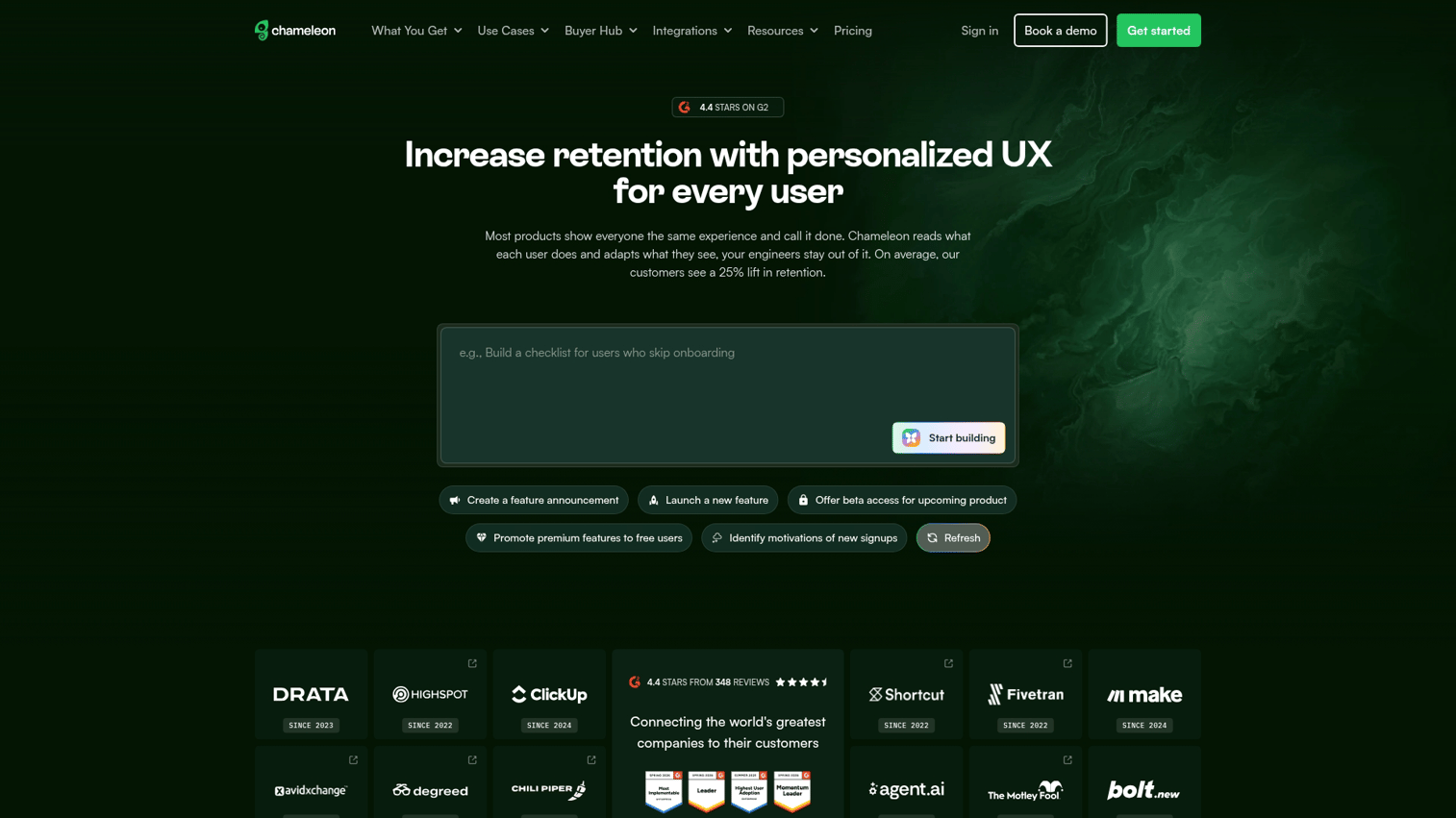
Chameleon offers highly customizable in-app guidance with CSS-level styling control. Tours and tooltips can match your product's design system exactly, making guidance feel native rather than bolted on. The platform appeals to design-conscious teams who care about user experience details.
Key strengths
- CSS-level styling customization for pixel-perfect tours
- Microsurveys and launchers for contextual feedback
- Targeting by user properties or behavior
- A/B testing for flow optimization
Pricing
Starts at $279/month for the Startup plan. Growth and Enterprise plans add features like unlimited tours and advanced targeting.
4. Intercom
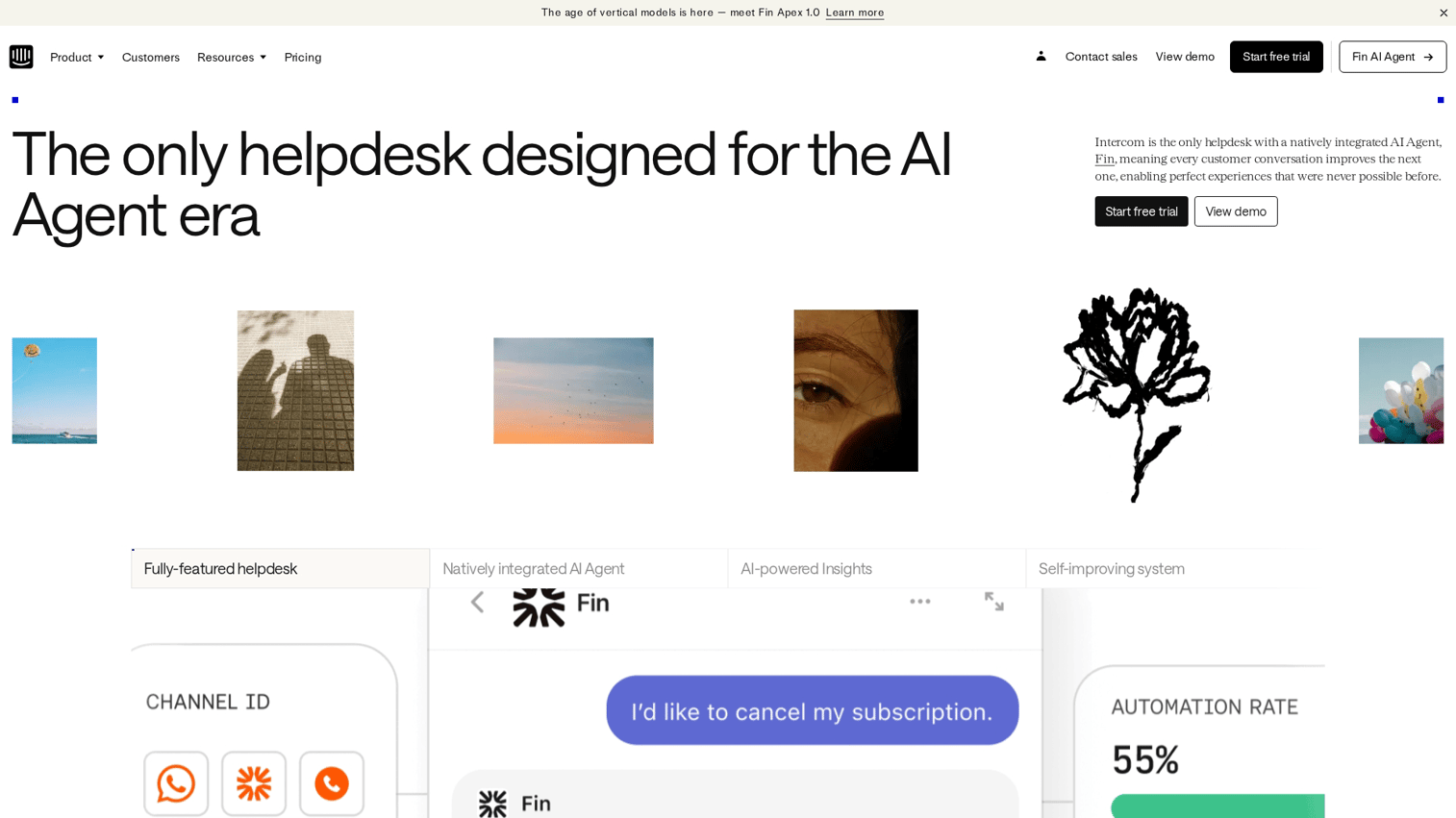
Intercom combines conversational support with product tours and a help center in one platform. Onboarding happens through chat interactions, guided tours, and self-serve articles working together. The unified approach means users can start with a tour, ask a question via chat, and find detailed documentation without switching contexts.
Key strengths
- Product tours triggered by chat interactions
- Unified inbox for support and onboarding questions
- Help center with searchable articles
- Bot-powered answers to common questions
Pricing
Custom pricing based on usage and features.
5. Customer.io
Customer.io specializes in behavior-triggered email for onboarding sequences. The platform sends messages when users take specific actions or skip key steps, keeping communication relevant to what each user actually does. Event-based triggers mean you're not blasting the same sequence to everyone.
Key strengths
- Event-based email triggers tied to product behavior
- Visual workflow builder for complex sequences
- Segmentation by user behavior and attributes
- Integrates with product analytics tools
Pricing
Essentials plan starts at $100/month for up to 5,000 profiles. Premium and Enterprise tiers add features and capacity.
6. Mixpanel
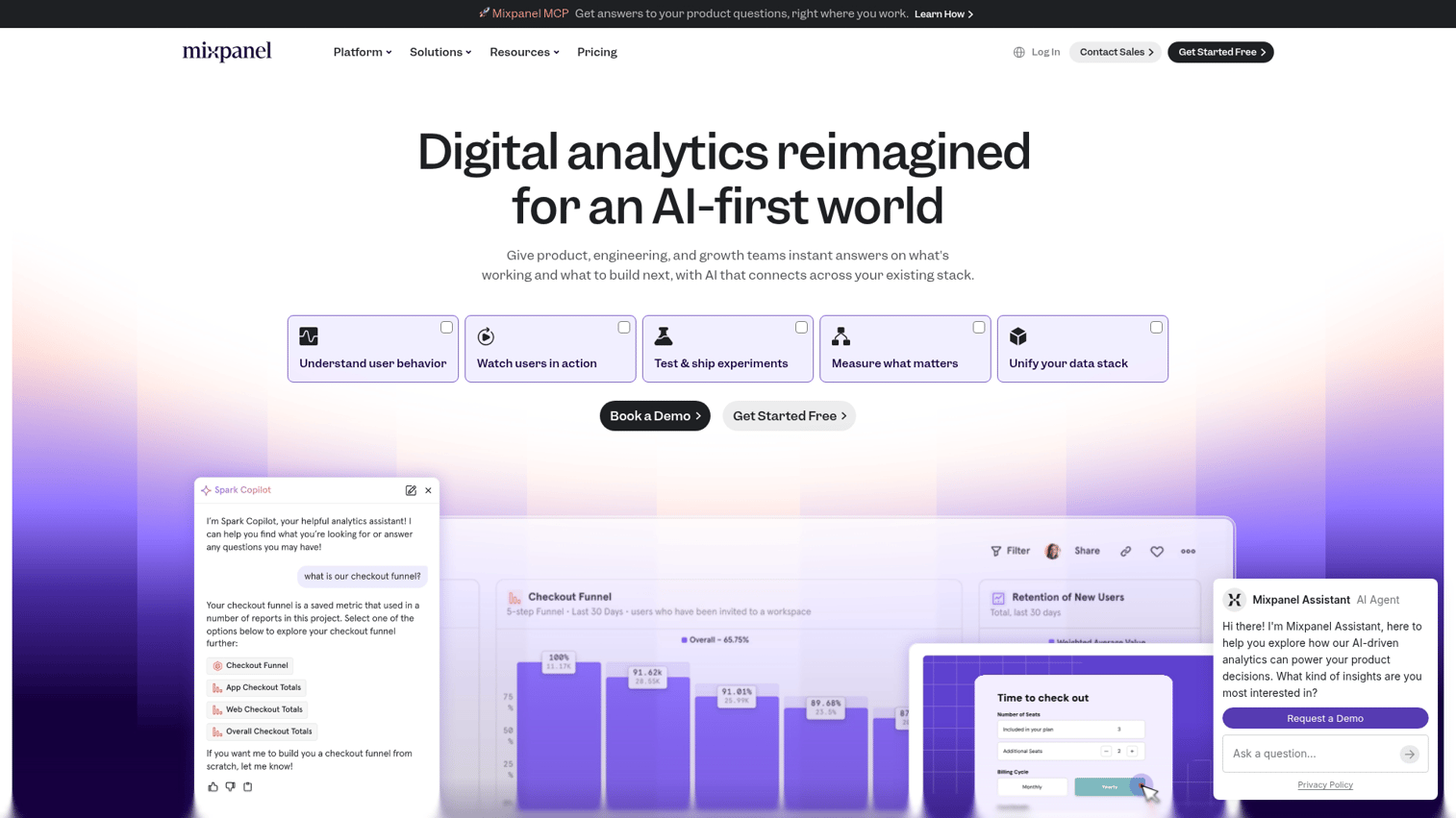
Mixpanel provides product analytics focused on understanding onboarding funnels. You can track where users drop off before activation and identify which paths lead to successful outcomes.
The platform helps you answer questions like: Which features do activated users engage with first? Where do users abandon the onboarding flow?
Key strengths
- Funnel analysis for onboarding steps
- Cohort retention tracking
- User path visualization
- Custom event tracking
Pricing
Free plan available with limited history. Growth plans start based on tracked users.
7. Heap
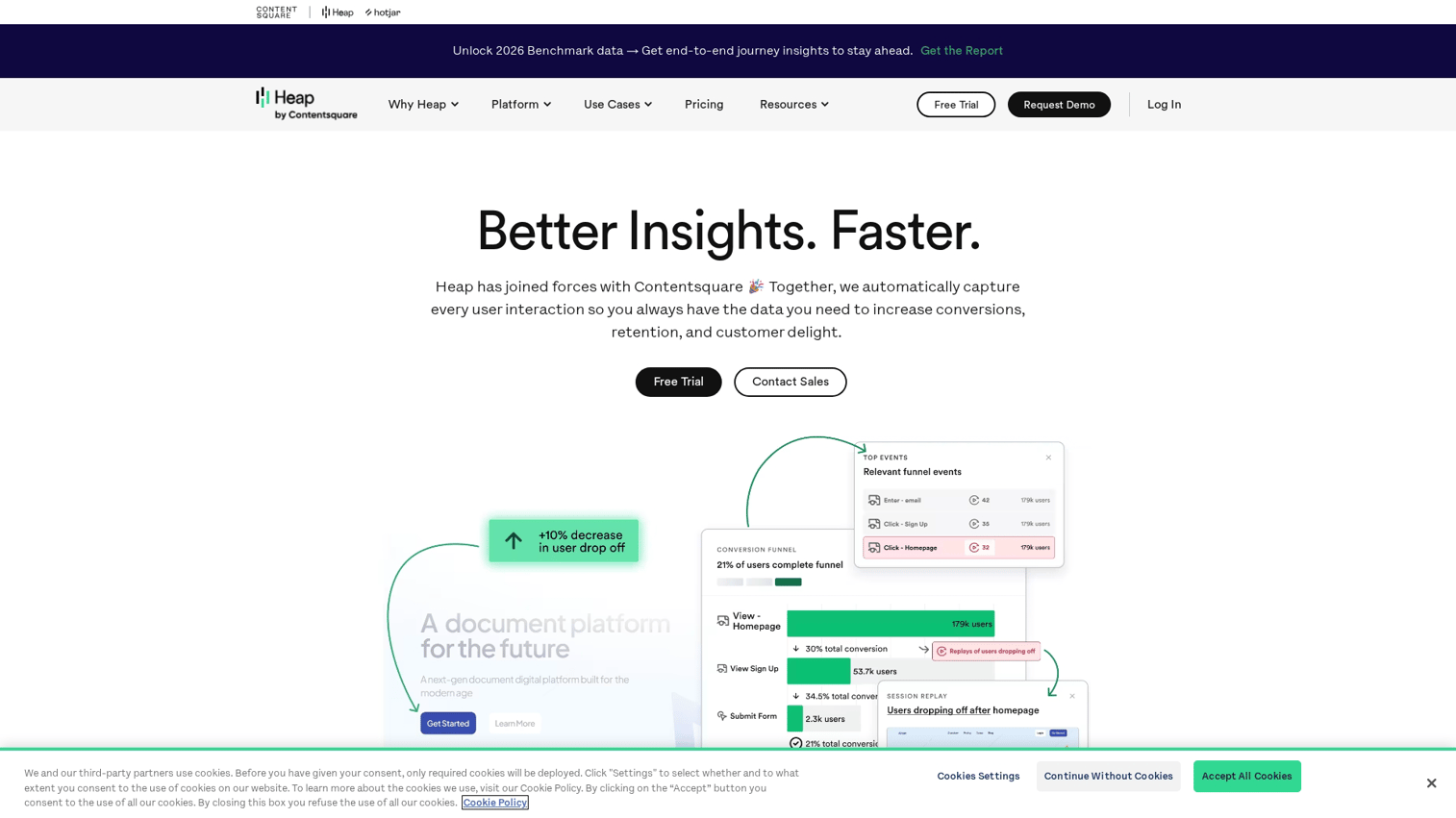
Heap captures user behavior automatically without manual event setup. Everything users do gets recorded, and you can analyze it retroactively without having planned ahead. This approach solves a common problem: you realize you want to understand a specific behavior, but you never set up tracking for it.
Key strengths
- Auto-capture all user interactions without instrumentation
- Retroactive analysis of past behavior
- Session replay integration
- No manual event tagging required
Pricing
Free plan available. Paid plans scale with data volume and features.
8. Hotjar
Hotjar shows you exactly where users struggle through heatmaps and session recordings. Instead of guessing why users drop off, you watch what actually happens. Visual behavior analysis complements quantitative analytics: numbers tell you that 40% of users abandon a step, while recordings show you why.
Key strengths
- Heatmaps show click and scroll patterns
- Session recordings capture individual user journeys
- In-app feedback widgets
- Lightweight surveys
Pricing
Free plan available with limited sessions. Paid plans start based on session volume.
9. Segment
Segment serves as customer data infrastructure that connects your onboarding stack. Instead of each tool collecting data separately, Segment centralizes collection and distributes it everywhere. When your onboarding involves multiple tools, keeping user data consistent across them becomes a challenge that Segment addresses.
Key strengths
- Single API for all data collection
- Sends data to multiple destinations simultaneously
- Identity resolution across tools
- Data governance controls
Pricing
Free plan available for startups. Team and Business plans scale with volume and features.
10. Zendesk
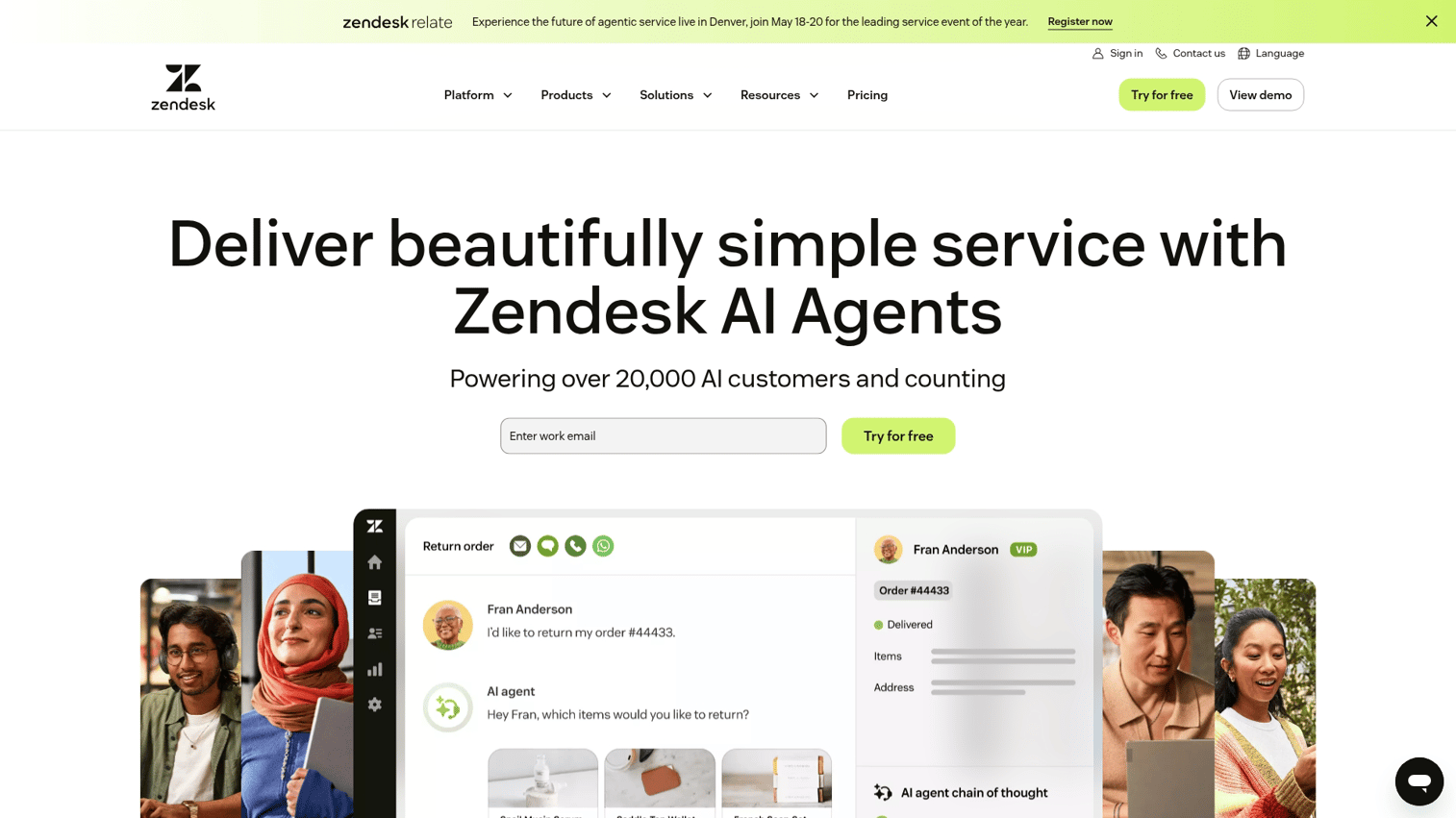
Zendesk provides self-serve support infrastructure that reduces the burden during user activation. A well-built help center answers common questions before they become tickets. During onboarding, users encounter predictable questions, and Zendesk lets you surface answers proactively.
Key strengths
- Customizable help center
- Ticket routing and automation
- Community forums
- Knowledge base analytics
Pricing
Starts at $19/month per agent for basic plans. Suite plans with full features start higher.
How to build a simple onboarding software stack
Most teams combine multiple tools rather than relying on one platform for everything. Here's a practical sequence for building your stack.
1. Start with interactive or in-app experiences
Begin with a tool that guides users inside the product or through an interactive demo. This is where users spend time during onboarding, and it's where guidance has the most impact. Browser-based tools let you record flows and publish them in minutes.
2. Add behavioral email after defining activation milestones
Once you know which actions indicate successful onboarding, layer in email. Trigger messages based on what users did or didn't do in the product. Email works best as a complement to in-product guidance, not a replacement.
3. Layer product analytics around activation events
After flows are running, add analytics to measure what's working. Track completion rates, drop-off points, and time to activation. The data informs iteration.
4. Add self-serve support as ticket volume grows
When repetitive questions emerge, build a knowledge base. Help center content reduces CSM workload and scales with user growth. Look for patterns in support tickets to identify candidates for proactive documentation.
Key considerations for choosing advanced onboarding solutions
For enterprise or scaling teams, additional factors come into play beyond basic functionality
- Security and compliance: Does the tool meet your data protection standards? SOC 2, GDPR, and industry-specific requirements matter.
- Implementation timeline: How long until you see value? Some tools launch in hours; others take weeks of setup.
- Maintenance burden: Who updates flows when your product changes? Tools that require engineering for every update create bottlenecks.
- Contract flexibility: Can you scale up or down without penalty?
- Support quality: What happens when something breaks? Evaluate response times and support channels.
- Onboarding software for contractors: If you onboard external users, confirm the tool supports guest access and appropriate permissions.
Start building better onboarding flows today
The right onboarding flow software reduces time-to-value and support burden while improving activation rates beyond the 37.5% SaaS average. For most SaaS teams, starting with interactive demos lets users experience value immediately without waiting for a call or figuring things out alone.
The tools in this guide cover the full spectrum of onboarding needs. Pick based on where your users struggle most, then expand your stack as you learn what works.
Start your journey with Guideflow today!
FAQs about onboarding flow software
Product tours are one feature within broader user onboarding software. A complete onboarding stack also includes checklists, behavioral emails, analytics, knowledge bases, and support tools that work together to guide users to value.
Simple onboarding software with no-code builders can launch in hours. Advanced onboarding solutions requiring custom integrations, data migrations, or enterprise security reviews may take weeks to fully implement.
Most SaaS onboarding tools offer native integrations with Salesforce, HubSpot, and other CRMs. Connections sync user data and let you trigger personalized flows based on account attributes or deal stages.
Modern onboarding apps offer no-code builders so marketing, product, and customer success teams can create and edit flows independently. Developer involvement is typically only needed for custom integrations or advanced tracking requirements.
Key metrics include completion rate, time to activation, feature adoption during the onboarding period, and support ticket volume from new users. Compare metrics before and after implementing new flows to measure impact.
Pricing ranges from free tiers for basic features to several hundred dollars monthly for advanced personalization and analytics. Enterprise plans with custom integrations and dedicated support are typically priced on request based on usage and requirements.