You set a quota of 100 dials a day. Your reps hit 38. Half of those go to voicemail. The CRM shows ten "called and left voicemail" notes with no other context.
This is what cold calling looks like without the right tooling. Manual dialing helps explain why reps spend 70 percent of their time on non-selling tasks. Calls drop into voicemail black holes. Call notes never make it back to Salesforce or HubSpot. Managers cannot hear what reps actually say, so coaching turns into guesswork.
Cold calling still works. The data backs it up. RAIN Group's 2024 Top Performance in Sales Prospecting research found that 82% of buyers accept meetings with sellers who proactively reach out. The problem is not the channel for 57 percent of executives who prefer the phone. The problem is what sits around the channel: the dialer, the data, the recording, the analytics, the compliance layer.
Modern cold calling software fixes the gap between effort and outcome. Power dialers, parallel dialers, local presence, AI-powered transcription, real-time coaching, and CRM sync now live inside one workflow. The right setup turns 38 dials into 150, voicemails into one-click drops, and call notes into searchable transcripts that auto-log against the right contact record.
This guide breaks down 11 tools. Each one is built for a specific sales motion. Some are designed for high-velocity SDR teams. Some are built for enterprise revenue operations. Some are tuned for North American connect rates. You will see what each does well, where it falls short, and which one fits your team.
What's inside
This guide is for sales leaders, RevOps practitioners, and operators evaluating cold calling software for the first time or planning a stack upgrade. The 11 tools below were selected based on four criteria:
- Active product development and customer base as of 2025
- Coverage of at least one common sales motion (SMB, mid-market, or enterprise)
- Native or deep integrations with major CRMs (Salesforce, HubSpot, or both)
- Public reviews on G2 and verifiable feature sets
Compliance, dialer mechanics, integration depth, AI capabilities, and pricing models are covered before the tool list. You can read the comparison with the right vocabulary in mind.
TL;DR
If you only have a minute, here are the picks by use case:
- Best for AI-driven coaching: Dialpad Sell. Live transcription, sentiment, and on-screen prompts.
- Best for conversation intelligence at scale: Gong. Strong for enterprise revenue teams.
- Best for SMBs that want fast deployment: Aircall. Cloud phone with broad integrations.
- Best for high-volume parallel dialing: Orum. Up to 10 simultaneous dials with AI human detection.
- Best for North American connect rates: PhoneBurner. ARMOR spam protection built in.
- Best for HubSpot-first SMB teams: Kixie. True local presence and native HubSpot sync.
Everything below explains why.
Background: what cold calling software actually does
Cold calling software, also called sales calling software, outbound dialer software, or sometimes telemarketing apps, automates the workflow around making outbound calls. It removes manual number entry, captures every conversation, syncs activity to a CRM, and surfaces analytics that show what is working.
The category sits between a phone system (general business calling, IVR, support) and a sales engagement platform (sequences, email, social touches). Modern cold calling tools borrow from both. They include dialer mechanics from outbound call centers and CRM logging from sales engagement platforms. The best ones capture every customer conversation for coaching, compliance, and deal context. They analyze call patterns to surface coaching moments and pipeline risk.
Core capabilities:
- Automated dialing. Power, predictive, or parallel modes that handle the number entry.
- CRM sync. Calls, notes, and outcomes log automatically against contact records.
- Recording and transcription. Every conversation is captured, transcribed, and searchable.
- Real-time coaching. On-screen prompts, talk-to-listen ratios, sentiment cues during live calls.
- Local presence. Caller ID that matches the prospect's area code to lift pickup rates.
- Voicemail drop. Pre-recorded voicemails that drop with one click when calls do not connect.
- Compliance tooling. DNC scrubbing, recording consent prompts, STIR/SHAKEN authentication.
- Analytics and reporting. Connect rates, talk time, calls-to-meeting conversion, rep-level dashboards.
Compliance is no longer an optional layer. The FCC tightened TCPA enforcement in 2024 and 2025, with one-to-one consent rules and stricter STIR/SHAKEN attestation requirements (FCC, 2024). Tools that handle DNC scrubbing, consent prompts, and caller ID authentication keep your team out of regulatory exposure.
When to use cold calling software
The category is broad. Not every sales team needs the same setup. SDRs running outbound need different tooling than pre-sales teams qualifying inbound. Here are three common scenarios.
When your SDRs are dialing manually
If your reps type numbers into a soft phone and copy call notes into Salesforce by hand, a power dialer pays back fast. Most teams double their daily dial volume within two weeks of switching from manual to a power dialer. The minute-by-minute friction adds up over a quarter into hundreds of lost conversations per rep.
When your call data does not match your forecast
If your manager dashboards show "high activity" but pipeline does not move, the problem is usually data fidelity. Modern cold calling software ties every call to a specific contact, outcome, and follow-up task. Pipeline conversations become measurable rather than anecdotal.
When you need to coach without listening to every call
A team of ten reps making 100 dials a day produces 1,000 calls daily. No manager listens to that volume. Tools with AI transcription, sentiment analysis, and live coaching prompts give managers a way to spot coaching moments without reviewing every recording. Teams that collaborate on call review weekly ramp new reps faster.
Cold calling software comparison table
The table sorts the 11 tools by relevance for a typical B2B sales team. Pricing and G2 ratings reflect publicly listed information as of late 2025 (G2, 2025) and should be verified against each vendor's current site before purchase.
# | Product | Intent | Key use case | Pricing (starting) | G2 rating (2025) |
|---|---|---|---|---|---|
1 | AI coaching | Mid-market teams with manager-led coaching | $95 / user / month | 4.4 | |
2 | Conversation intelligence | Enterprise revenue teams with deep call review | Custom pricing | 4.7 | |
3 | Cloud phone with dialer | SMBs needing quick setup and CRM integrations | $30 / user / month | 4.3 | |
4 | Unified communications | Teams consolidating phone, video, and messaging | $30 / user / month | 4.0 | |
5 | Multi-line power dialer | Real estate and insurance prospecting | $99 / user / month | 4.0 | |
6 | Connect rate protection | North American SMBs prioritizing pickup rates | $165 / user / month | 4.7 | |
7 | Local presence and HubSpot | High-growth SMBs on HubSpot, Salesforce, or Pipedrive | $35 / user / month | 4.7 | |
8 | International dialing | Distributed teams with multi-country calling needs | $29 / user / month | 4.3 | |
9 | Parallel dialing | High-velocity SDR teams maximizing talk time | Custom pricing | 4.7 | |
10 | Virtual sales floor | SDR teams wanting collaborative dialing | Custom pricing | 4.7 | |
11 | Sales engagement | Teams combining calling with multi-channel cadences | Custom pricing | 4.5 |
11 best cold calling tools for sales teams
1. Dialpad Sell
Dialpad Sell is an AI-native sales calling platform that combines a cloud phone system with real-time transcription, sentiment analysis, and live coaching prompts. It is built around the idea that managers should be able to coach without sitting next to a rep. The platform integrates natively with Salesforce, HubSpot, Outreach, and Salesloft.
Best for: Mid-market sales teams that want manager-led coaching baked into the call workflow.
Key strengths
- Real-time transcription: Every call is transcribed live, so coaches see talk patterns as they happen.
- Sentiment analysis: AI flags positive and negative tone shifts during the call, giving managers a heads-up before things go off track.
- Native Salesforce sync: Calls, recordings, and transcripts log automatically against the right contact record.
Why choose Dialpad Sell: If your team is on Salesforce and your managers spend hours reviewing call recordings, Dialpad replaces that with automated summaries. Live signal lets coaches act in the moment. The trade-off is that the platform sits at the higher end of the market, so smaller teams may find it heavy.
Dialpad Sell pricing: Public pricing starts around $95 per user per month for the Sales plan, billed annually. Enterprise and custom plans are available. Check the Dialpad site for current tiers.
2. Gong
Gong is a revenue intelligence platform that captures and analyzes customer conversations across calls, emails, and meetings. It is not a pure dialer. The dialer functionality sits inside a broader analytics layer that surfaces deal risk, forecast signals, and coaching insights. Most enterprise revenue teams use Gong as the system of record for what was said in every customer conversation.
Best for: Enterprise revenue teams that prioritize deep call analytics over high-volume dialing mechanics.
Key strengths
- AI-powered conversation insights: Every call is analyzed for keywords, competitor mentions, pricing discussions, and risk signals.
- Deal-level intelligence: Calls feed into deal health scoring, so RevOps sees which opportunities are at risk before the forecast call.
- Forecast integration: Conversation data ties to pipeline so revenue leaders can defend the number with evidence.
Why choose Gong: Gong is the right pick when conversation data is a strategic asset, not just a coaching artifact. The trade-off is cost. Gong is priced for enterprise and rarely fits an SMB budget without negotiation.
Gong pricing: Gong does not publish pricing. Custom pricing applies and is typically tied to seat count plus a platform fee. Expect enterprise-tier annual contracts.
3. Aircall
Aircall is a cloud-based phone system with a built-in dialer and CRM integrations. It is one of the easier tools to deploy because there is no hardware to install. Reps log in through a browser or desktop app and start dialing in minutes. The integration library covers Salesforce, HubSpot, Pipedrive, Zendesk, and more than 100 other tools.
Best for: SMBs that want a cloud phone with dialer features and broad integrations without an IT project.
Key strengths
- Fast deployment: Reps are dialing the same day. No PBX, no SIP configuration, no IT ticket.
- Integration library: Over 100 native integrations with CRMs, helpdesks, and sales engagement tools.
- Power dialer: Sequential dialing for outbound campaigns, with built-in call recording and notes.
Why choose Aircall: Aircall fits teams that need a working phone system fast. It is less feature-dense on AI coaching than Dialpad or Gong. Teams that need real-time conversation intelligence may want to layer in another tool.
Aircall pricing: Public pricing starts at $30 per user per month for the Essentials plan and goes up to $50 for Professional. Custom plans are available for larger teams.
4. RingCentral
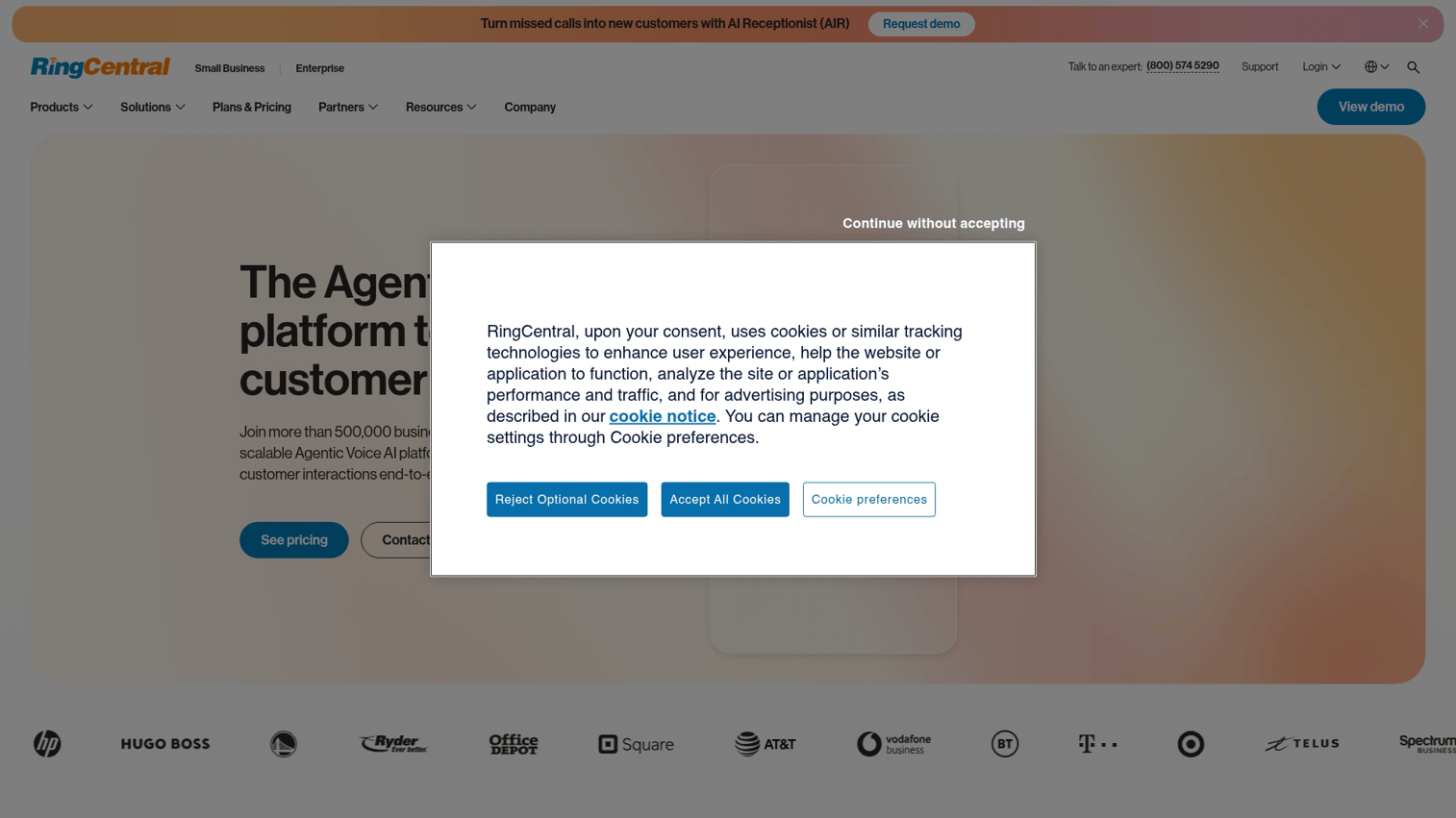
RingCentral is an all-in-one business communications platform covering phone, video, messaging, and contact center. For outbound sales specifically, RingCentral offers RingCX (its contact center product) and Engage Voice for high-volume outbound dialing. The platform is broad rather than sales-specialized, so it works well for teams that want a single communications vendor across the company.
Best for: Companies consolidating phone, video, and messaging into one platform with sales calling as one of several use cases.
Key strengths
- Unified platform: Phone, video, messaging, and contact center inside one product.
- Engage Voice dialer: Supports predictive, progressive, and preview dialing modes for outbound campaigns.
- Enterprise scale: Built for organizations with thousands of seats and global deployments.
Why choose RingCentral: RingCentral makes sense when consolidating vendors across the org is the goal. For sales teams looking for a sales-specialized dialer with deep coaching features, more focused tools like Dialpad or Kixie often fit better.
RingCentral pricing: Public pricing for RingEX starts around $30 per user per month. RingCX and Engage Voice are quoted separately and typically require a sales conversation.
5. Mojo Dialer
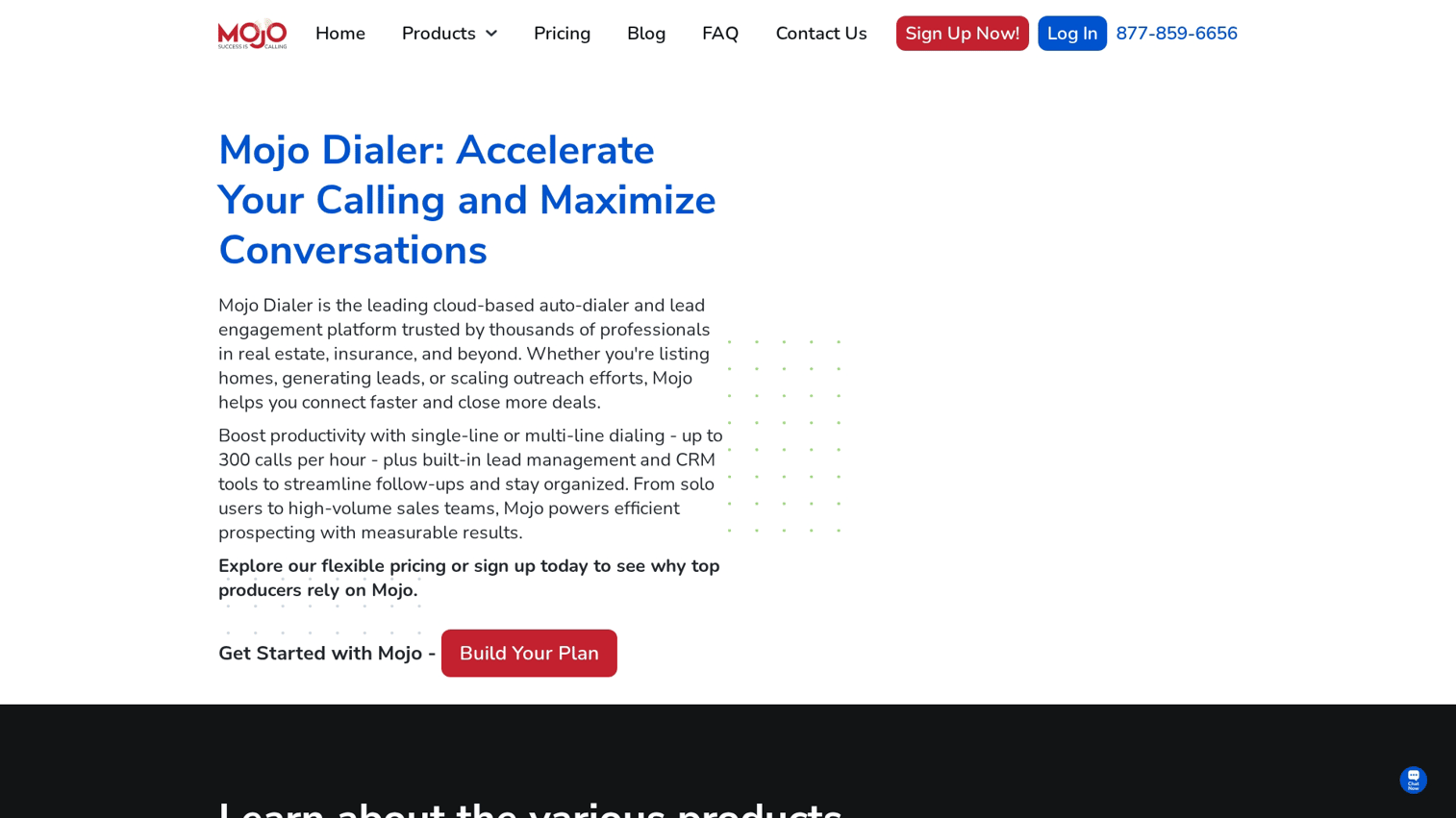
Mojo Dialer is a multi-line power dialer built for real estate and insurance prospecting. It can call up to three lines at once and connects reps only when a live person picks up. The product includes a lead manager and access to property data, which makes it a near one-stop tool for high-volume real estate outbound.
Best for: Real estate agents, insurance brokers, and high-volume prospectors in property-driven verticals.
Key strengths
- Multi-line power dialer: Three lines simultaneously, with live answer detection.
- Property data: Built-in access to homeowner, expired listing, and FSBO data sets.
- Lead manager: Lightweight CRM for managing prospect lists and follow-ups.
Why choose Mojo Dialer: Mojo is the right pick for vertical-specific prospecting where property data is core to the workflow. For general B2B sales teams that need Salesforce integration and AI coaching, Mojo is not the best fit.
Mojo Dialer pricing: Public pricing starts at approximately $99 per user per month for the Dialer plan. Lead manager and property data are priced as add-ons.
6. PhoneBurner
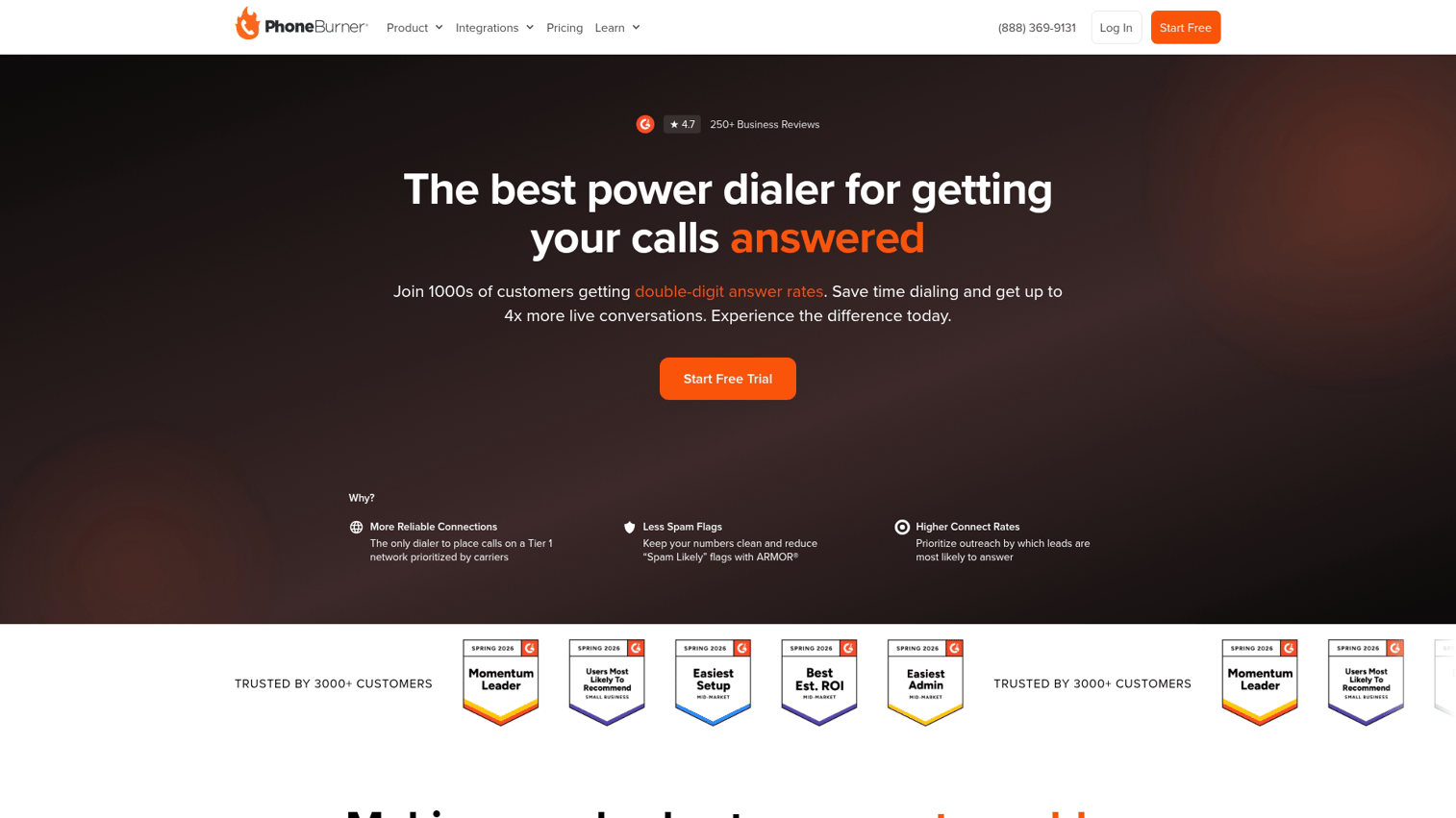
PhoneBurner is a power dialer focused on connect rates in North America. Its standout feature is ARMOR. The service monitors caller ID reputation and rotates numbers to keep them from being flagged as "Scam Likely" by carriers. For SMBs whose pickup rates have collapsed due to spam labeling, this is the differentiator. Only 44 percent of phone companies have fully installed the mandated software.
Best for: Small to mid-sized teams in North America whose calls are getting flagged by carrier spam filters.
Key strengths
- ARMOR spam protection: Active caller ID monitoring and number rotation to maintain reputation.
- Power dialer with one-click voicemail drop: Sequential dialing with pre-recorded voicemails available on every call.
- Local presence: Caller ID that matches the prospect's area code, increasing pickup rates.
Why choose PhoneBurner: If your connect rates have dropped because numbers are being flagged as spam, PhoneBurner's ARMOR layer is the most direct fix available. The trade-off is that it is less feature-rich on AI conversation analysis than Gong or Dialpad.
PhoneBurner pricing: Public pricing starts around $165 per user per month for the Standard plan. ARMOR is included on most plans. Annual billing typically discounts the monthly rate.
7. Kixie
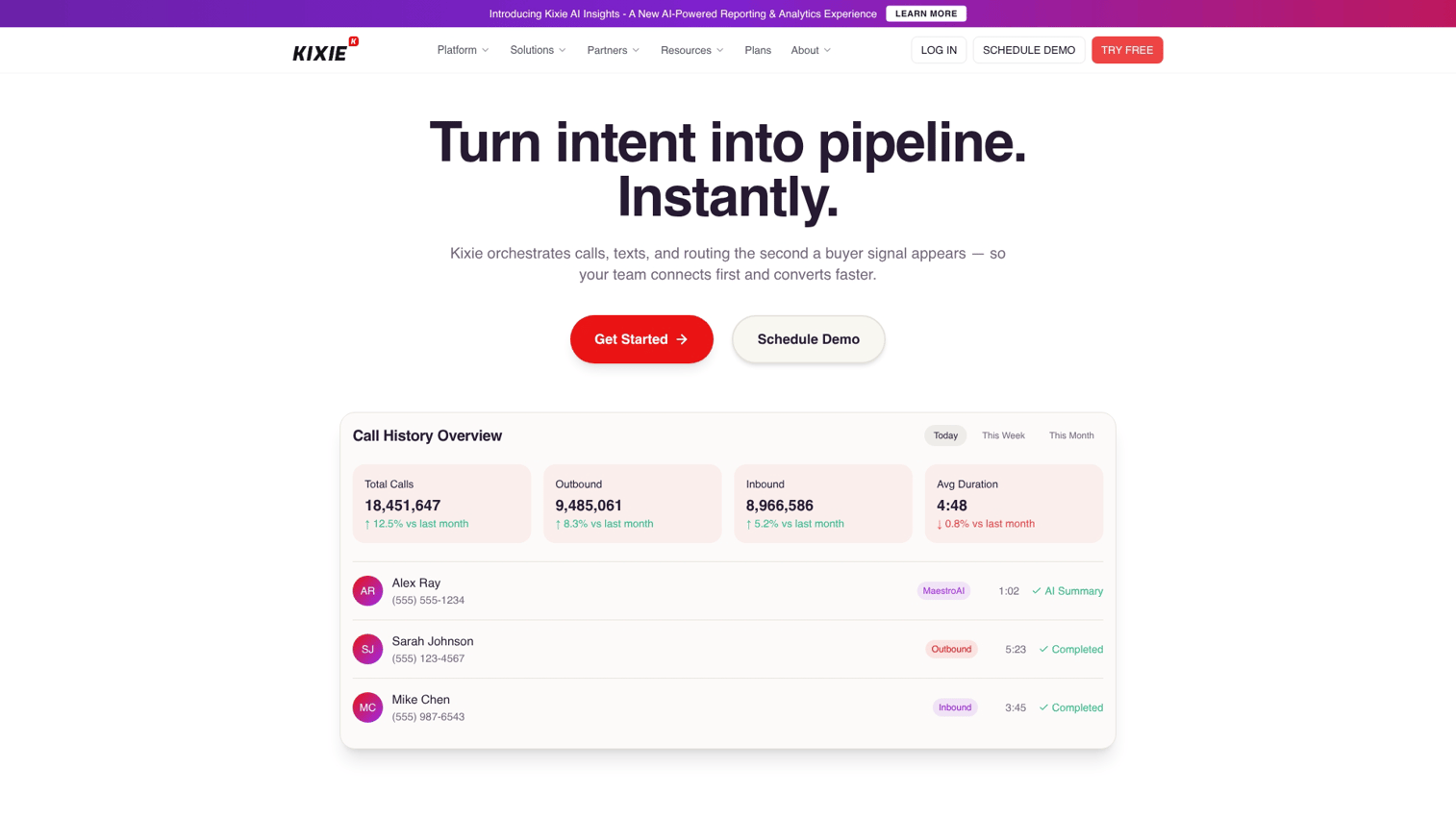
Kixie is a power dialer and SMS platform with native integrations into HubSpot, Salesforce, Pipedrive, and ActiveCampaign. Its "True Local Presence" rotates verified local numbers automatically, and its AI Coach surfaces objection-handling prompts during live calls. Kixie is popular with high-growth SMBs that have outgrown a basic cloud phone but are not ready for enterprise pricing.
Best for: High-growth SMB sales teams on HubSpot, Salesforce, or Pipedrive that want local presence and real-time coaching.
Key strengths
- True Local Presence: Verified local numbers that rotate to maintain caller ID reputation.
- AI Coach: Live objection-handling prompts and call summaries.
- Native CRM sync: Deep bidirectional integration with HubSpot, Salesforce, and Pipedrive.
Why choose Kixie: Kixie is a strong middle option for teams that have outgrown a basic phone system but cannot justify enterprise pricing. The integration depth with HubSpot in particular is a standout.
Kixie pricing: Public pricing starts at around $35 per user per month for the Integrated plan and scales up for AI features. Annual billing reduces the per-user cost.
8. JustCall
JustCall is a cloud phone and dialer platform built for distributed and remote sales teams. It supports international calling in over 70 countries, SMS workflows, and integrations with more than 100 CRMs and tools. For teams with reps spread across multiple time zones or countries, JustCall removes the need to procure local numbers in every region.
Best for: Distributed sales teams making calls across multiple countries or time zones.
Key strengths
- International calling: Local numbers in over 70 countries with native dialer support.
- SMS workflows: Inbound and outbound SMS automation tied to call activity.
- AI conversation intelligence: Transcription, summaries, and call coaching included on higher tiers.
Why choose JustCall: JustCall fits teams that need calling capabilities across geographies without managing a patchwork of regional providers. It is less specialized than Orum on pure dial volume or Gong on call analytics.
JustCall pricing: Public pricing starts at around $29 per user per month for the Essentials plan. Higher tiers cover AI features and team analytics.
9. Orum
Orum is a parallel dialer built for high-velocity SDR teams. It dials up to 10 numbers simultaneously and uses AI to filter out voicemails, busy signals, and bad numbers. Reps only see live human pickups. The result is up to 4x more conversations per hour compared to a single-line power dialer (Orum customer data, 2024).
Best for: High-velocity SDR teams where maximizing live conversations per hour is the primary metric.
Key strengths
- Parallel dialing: Up to 10 lines at once with AI human detection.
- Voice activity detection: AI filters voicemails, busy signals, and IVR menus.
- Native CRM and sales engagement integration: Pulls call lists from Salesforce, HubSpot, Outreach, and Salesloft.
Why choose Orum: Orum is the right pick when your team's primary constraint is talk time. The trade-off is that parallel dialers create a noisier outbound experience, and not every market or vertical is well suited to high-volume parallel calling.
Orum pricing: Orum does not publish pricing. Custom pricing applies and depends on seat count and parallel-line concurrency.
10. Nooks
Nooks is an AI-powered virtual sales floor that combines parallel dialing with a real-time collaboration layer. Reps dial together in a shared space, hear each other's pitches, and get AI-generated call summaries and coaching. The product was built for remote SDR teams that lost the bullpen energy of the in-office sales floor.
Best for: Remote SDR teams that want a collaborative dialing experience plus AI coaching.
Key strengths
- Virtual sales floor: Reps dial in a shared room, hear each other, and ramp through peer learning.
- AI call assistant: Auto-generated summaries, next steps, and coaching notes.
- Parallel dialer: Multi-line dialing with AI human detection.
Why choose Nooks: Nooks fits remote SDR teams that struggle with isolation and slow ramp times. If your team is fully in-office or you do not run a high-volume SDR motion, the collaboration layer is less relevant.
Nooks pricing: Nooks does not publish pricing. Custom pricing applies based on seat count and feature set.
11. Salesloft
Salesloft is a full-cycle sales engagement platform with calling built in alongside email sequencing, social touches, and deal management. Calling is one channel inside a broader cadence. For teams that already think in multi-channel cadences, Salesloft keeps the dialer inside the same workflow as email and LinkedIn.
Best for: Sales teams that want calling integrated with email, social, and deal management cadences.
Key strengths
- Multi-channel cadences: Calls, emails, and social touches orchestrated inside one sequence.
- Conversations module: Call recording, transcription, and AI insights tied to deal records.
- Deal management: Pipeline visibility and deal health scoring inside the same platform.
Why choose Salesloft: Salesloft fits teams that think in cadences rather than single channels. If you only need a dialer, lighter tools like Aircall or Kixie are simpler and less expensive.
Salesloft pricing: Salesloft does not publish pricing. Custom pricing applies and is typically a multi-thousand-dollar-per-seat annual contract.
Considerations: how to evaluate sales calling software
A 20-minute demo will not tell you if a tool fits your team. Here is the buyer's checklist to run before signing a contract.
Ease of setup and rep adoption
The best cold calling software gets reps dialing in days, not weeks. Ask how long onboarding takes for a team of your size. A tool that requires a dedicated admin to maintain is a tool that fails on adoption when that admin leaves.
Integration depth with your existing tools
"We integrate with HubSpot" can mean a basic Zapier connection or a deep bidirectional sync. Ask whether calls log automatically against the right contact record. Ask whether lead data pulls into the dialer from your CRM without manual list uploads. Strong tools integrate with the rest of your GTM stack across CRM, email, calendar, and conversation intelligence.
Scalability and pricing model
Per-seat pricing scales linearly. Usage-based pricing scales with volume. Hybrid pricing is the trickiest because optional features (local presence, additional numbers, AI features) often sit behind extra fees. Get the all-in cost per rep for the features you actually need.
Mobile and remote work support
Distributed sales teams need mobile calling apps that match the desktop experience. Ask whether the mobile app supports the same dialer modes, integrations, and call recording features. Test call quality on mobile networks before committing.
Reporting and call tracking capabilities
Out-of-the-box reports rarely match what managers actually want to see. Ask which reports come pre-built and which require custom setup. Confirm whether the platform offers real-time dashboards for managers or only batch-generated reports. The best dashboards let you personalize views by team, rep, and call outcome.
How top sales teams measure cold calling ROI
The metrics that matter are not "dials per day". They are downstream conversion metrics tied to revenue.
- Calls-to-meeting conversion rate. How many dials produce a booked meeting?
- Cost per qualified meeting. All-in cost of the calling motion divided by meetings booked.
- Rep ramp time. How fast does a new hire reach full productivity? Tools with strong coaching analytics often cut ramp time materially.
- Call volume vs. quality balance. A 20% lift in volume that produces a 30% drop in connect quality is not a win.
Teams that pair calling data with engagement signals from interactive demos and post-call follow-up assets get a fuller view of buyer intent. Cold calling produces the conversation. The follow-up asset produces the engagement signal that tells you whether the meeting is worth running.
Adjacent stack components matter too. Strong marketing automation feeds cleaner lists into the dialer, and demand generation defines which audiences the team is calling in the first place. Product marketing tools shape the messaging and assets reps use in conversations. The calling tool is one piece of the GTM motion, not the entire motion.
Conclusion
The best cold calling software depends on team size, motion, and existing stack. SMBs on HubSpot tend to land on Kixie or Aircall. Enterprise revenue teams that prioritize call review and forecast accuracy gravitate to Gong or Salesloft. High-velocity SDR teams optimize for parallel dialing with Orum or Nooks. North American teams hit by spam labeling find PhoneBurner's ARMOR layer hard to replace.
The recommendation: pick two or three tools from the list, run trials in parallel, and measure on calls-to-meeting conversion. A 14-day trial with real call volume tells you more than a 20-minute demo ever will.
If you are scaling fast and your motion is HubSpot or Salesforce centric, start with Kixie or Aircall. If you are building a revenue intelligence layer alongside calling, look at Gong or Salesloft. If your bottleneck is talk time and not data, Orum or Nooks will move the needle fastest. Whichever direction you go, pair the calling tool with sharper sales materials. Reps need assets that match what the prospect actually cares about.
FAQs about cold calling software
AI-assisted cold calling, where AI coaches reps, transcribes calls, or generates summaries, is legal. Fully automated AI voice calls (robocalls placed to cell phones without prior consent) violate TCPA. The FCC clarified in 2024 that AI-generated voices in robocalls are restricted under existing rules. Tools that use AI to support a live human caller remain compliant.
Cold calling is not banned federally. It is restricted by TCPA, state-level telemarketing rules, and industry-specific regulations (financial services has additional requirements under FINRA). Compliant cold calling software scrubs your call list against the FTC's national Do Not Call registry and state-level DNC lists automatically.
A power dialer calls one number at a time and waits for the rep to be available before dialing the next. A predictive dialer calls multiple numbers simultaneously and routes only live answers to whichever rep is free. Predictive dialers are built for high-volume call centers. Power dialers fit most B2B sales teams.
Yes. Most modern sales calling software integrates with sales engagement platforms like Salesloft, Outreach, or HubSpot Sequences. Calls become one step inside a multi-channel cadence that includes email, LinkedIn touches, and follow-up tasks. Some tools, like Salesloft, build calling directly into their cadence engine.
Local presence dialing automatically displays a caller ID that matches the prospect's area code. People answer calls from local numbers far more often than from out-of-state or toll-free numbers. Vendors like PhoneBurner and Kixie report 2x or higher pickup rate improvements with local presence on (PhoneBurner, 2024). Results vary by region and call list quality.
Cloud-based cold calling tools like Aircall, Kixie, and JustCall deploy in days. Reps can dial within the same week. Enterprise tools with custom CRM integrations, compliance configurations, or call routing setups (Gong, Salesloft, RingCentral Engage) can take several weeks to fully roll out.
STIR/SHAKEN is a framework that authenticates caller ID to reduce spam and number spoofing. Calls signed with an A-level attestation are less likely to be labeled "Scam Likely" by carriers. Cold calling tools with STIR/SHAKEN compliance help maintain caller ID reputation and pickup rates over time.
A typical B2B SDR on a single-line power dialer makes 60 to 120 dials per day. Reps on a parallel dialer like Orum or Nooks can reach 200 to 500 dials per day. The right number depends on call list quality, sales motion, and target persona. Dialing volume without conversion follow-up does not produce pipeline.
No. Most cold calling tools handle both. The workflow is similar: dial a contact, log the call, schedule a follow-up. Warm calling typically pulls from a CRM segment (existing leads, opportunities, accounts), while cold calling pulls from a prospecting list. The dialer mechanics do not change.
Voicemail drop lets reps leave a pre-recorded voicemail with one click when a call goes to voicemail. It is legal under TCPA when the call is placed manually and the voicemail does not ring the recipient's phone. Ringless voicemail enforcement varies by state. Standard voicemail drop tied to a live dial is the safest mode.