

You have 12 tools in your PLG stack. Half of them claim to "drive product-led growth." You still can't tell your VP which ones actually moved activation last quarter, and your pipeline review is in two hours.
The conventional wisdom is to add more product analytics. More dashboards. More event tracking. But the real problem isn't a lack of data. It's that most PLG stacks are assembled by tool category ("we need an analytics tool, an onboarding tool, a messaging tool") instead of by outcome ("we need to improve activation rate from 18% to 30%"). The result: impressive dashboards that don't help you make decisions or prove impact.
Here's what the data shows: PLG companies grow 30 to 50% faster than sales-led competitors at the same spend levels, and customer acquisition costs drop 40 to 60% with self-service onboarding (Product Fruits, 2025). But that growth only materializes when the tools in your stack connect behavioral data to revenue metrics. The 15 product-led growth tools below were selected for one reason: they connect to the metrics PMMs actually report on.
What's inside
This guide covers 15 PLG tools across six categories: product analytics, user onboarding, interactive demos and self-serve experiences, in-app communication, session replay and behavior insights, and customer data infrastructure. Tools were selected based on relevance to PMM workflows, integration depth with GTM platforms, pricing transparency, and measurable impact on activation, adoption, or pipeline metrics. Each tool includes pricing, a G2 rating, and a clear "best for" designation.
TL;DR
- Product-led growth tools fall into six functional categories. Most teams need 3 to 5 tools, not 15. Start with your activation metric and work backward.
- Best product analytics software tools (Amplitude, Mixpanel, PostHog) form the measurement backbone. Without clean event data, nothing else in your PLG stack works.
- Interactive demos and self-serve product experiences (Guideflow, Appcues) let prospects and users experience value before talking to sales, compressing activation and evaluation timelines.
- In-app messaging (Intercom) and session replay (Hotjar, FullStory) close the feedback loop between what users do and what they need.
- The best PLG stacks are built around outcomes (activation rate, time-to-value, expansion signals), not tool categories.
What are product-led growth tools
Product-led growth tools are software platforms that help SaaS companies use the product itself as the primary driver of customer acquisition, activation, retention, and expansion. Instead of relying on sales teams to walk every prospect through a pitch, product-led growth software puts the product experience front and center, letting users discover value on their own terms.
What makes PLG tools different from traditional sales-led tools is the direction of the motion. In a sales-led model, a human guides the buyer. In a product-led model, the product does the guiding, and humans step in when the data says it matters. This shift requires a different stack, one built around behavioral signals, self-serve experiences, and automated engagement.
Product-led growth strategy tools typically fall into six core categories:

- Product analytics: Behavioral tracking, funnel analysis, cohort retention, and feature adoption measurement.
- User onboarding and activation: In-app guides, product tours, tooltips, and checklists that help users reach value fast.
- Interactive demos and self-serve product experiences: Guided walkthroughs, sandboxes, and demo centers that let prospects and users experience the product without scheduling a call.
- In-app communication and messaging: Lifecycle messages, announcements, and chat triggered by product behavior.
- Session replay and behavior insights: Recordings and heatmaps that show why users drop off, not just that they did.
- Customer data infrastructure: CDPs and event routing that unify behavioral data across every tool in your stack.
Core capabilities PMMs should look for in any PLG tool:
- Event-based tracking tied to specific user actions, not just page views
- Segmentation by persona, plan, acquisition channel, and lifecycle stage
- Self-serve product experiences that work across marketing, sales, and CS
- In-app guidance triggered by behavior, not just time delays
- Lifecycle messaging connected to product usage signals
- Bidirectional integration with CRM and marketing automation platforms
When to use product-led growth tools
Launching a self-serve or freemium tier. You need analytics and onboarding flow software to measure activation without relying on sales to report back. If you can't see which users hit the activation milestone and which ones stall, you're guessing at what "self-serve" means.
Reducing sales cycle length. Interactive demos and sandboxes let prospects evaluate the product before (or instead of) scheduling a live call. When 80% of SaaS buyers prefer self-service product trials over sales demos (Product Fruits, 2025), the tool that lets them try before they talk wins the evaluation.
Scaling onboarding without adding CS headcount. In-app guides and product tours replace repetitive training calls. A single well-built onboarding flow can serve thousands of users simultaneously, something your CS team can't do at 50 accounts per person.
Proving GTM impact with behavioral data. Product analytics tied to CRM give PMMs metrics they can defend in pipeline reviews. "Feature X adoption correlates with 2.3x higher expansion rate" is a statement that changes budget conversations.
Competing against incumbents with better brand recognition. A strong self-serve product experience lets the product differentiate itself, even when feature sets converge. When every competitor's website says the same thing, the one that lets prospects click through the actual product stands out.
Product-led growth tools comparison table
Here's how all 15 PLG tools compare across intent, differentiation, pricing, and ratings.

| # | Product | Intent | Key differentiation | Pricing | G2 rating |
|---|---|---|---|---|---|
| 1 | Guideflow | Self-serve product experiences | No-code interactive demos, sandboxes, and demo centers with CRM-driven personalization | Free tier; paid from $35/mo | 4.7/5 |
| 2 | Amplitude | Product analytics | Event-based behavioral analytics with built-in experimentation | Free tier; paid custom | 4.5/5 |
| 3 | Mixpanel | Product analytics | Self-serve query builder with no SQL required | Free tier; Growth from $28/mo | 4.6/5 |
| 4 | PostHog | Product analytics | Open-source all-in-one: analytics, session replay, feature flags, experiments | Free tier; usage-based | 4.4/5 |
| 5 | Pendo | Product analytics + in-app guidance | Combined analytics and in-app guides with retroactive data capture | Free tier (500 MAUs); paid custom | 4.4/5 |
| 6 | Appcues | User onboarding | Visual no-code flow builder for onboarding and activation | From $249/mo | 4.6/5 |
| 7 | Userpilot | User onboarding + analytics | Onboarding, analytics, and micro-surveys in one platform | From $249/mo | 4.6/5 |
| 8 | Intercom | In-app messaging + support | Unified messaging, chat, and AI-powered support (Fin) | From $39/seat/mo | 4.5/5 |
| 9 | Hotjar | Behavior insights | Heatmaps, recordings, and on-site surveys for qualitative analysis | Free tier; paid from $39/mo | 4.3/5 |
| 10 | FullStory | Session replay | Auto-captured sessions with frustration detection (rage clicks, dead clicks) | Custom pricing | 4.5/5 |
| 11 | Segment | Customer data platform | Unified event collection with 400+ integrations and identity resolution | Free tier; Team from $120/mo | 4.6/5 |
| 12 | Gainsight PX | Product analytics + CS | Product usage analytics tied to customer health scores and renewal workflows | Custom pricing | 4.4/5 |
| 13 | Heap | Product analytics | Auto-capture all interactions, define events retroactively | Free tier; paid custom | 4.4/5 |
| 14 | Customer.io | Lifecycle messaging | Event-driven messaging (email, push, SMS, in-app) based on product usage | From $100/mo | 4.4/5 |
| 15 | Chameleon | User onboarding | Highly customizable in-app UX patterns with CSS-level design control | From $279/mo | 4.4/5 |
1. Guideflow

Best for: PMMs and growth teams that need self-serve product experiences across the full buyer and user journey, from landing page embeds to sales follow-ups to customer onboarding.
You're running three launches this quarter, enabling a sales team that keeps asking for "just one more custom demo," and trying to get prospects to understand the product without scheduling 45-minute calls for every stakeholder on the buying committee. That's the job Guideflow was built for.
Guideflow is a demo automation platform that lets you capture your product flow directly from your browser in a few clicks, customize it per persona or account, and share it anywhere: website, email, ads, Notion, help center, social media. The capture-to-publish workflow takes minutes, not days.
The Demo Automation suite includes five product formats for different moments in the buyer and user journey. Interactive demos provide guided, step-by-step clickable walkthroughs for controlled storytelling across landing pages, email outreach, sales follow-ups, onboarding, partner enablement, and more. Sandboxes give users full freedom to explore the product on their own terms, excelling when prospects want hands-on validation. Demo centers serve as branded hubs where all demos are organized by use case, persona, or product line. Live demos support real-time, presenter-led demonstrations. Mobile demos deliver the experience on any device.
Key strengths
- No-code capture and editing: create a guided demo in minutes from your browser
- Deep personalization: CRM-driven variables, persona-specific flows, dynamic text, images, and graphs
- AI features: auto-generated steps, translations, voiceovers, and avatars
- Multi-channel distribution: embed on websites, share via links, add to emails, social, and ads
- Advanced analytics: track impressions, completion rate, leads collected, and conversion in real time
- Integrations with Salesforce, HubSpot, Slack, Segment, and major GTM platforms
Pricing: Free tier available. Paid plans from $35/month. See full pricing details.
Start your journey with Guideflow today!
2. Amplitude
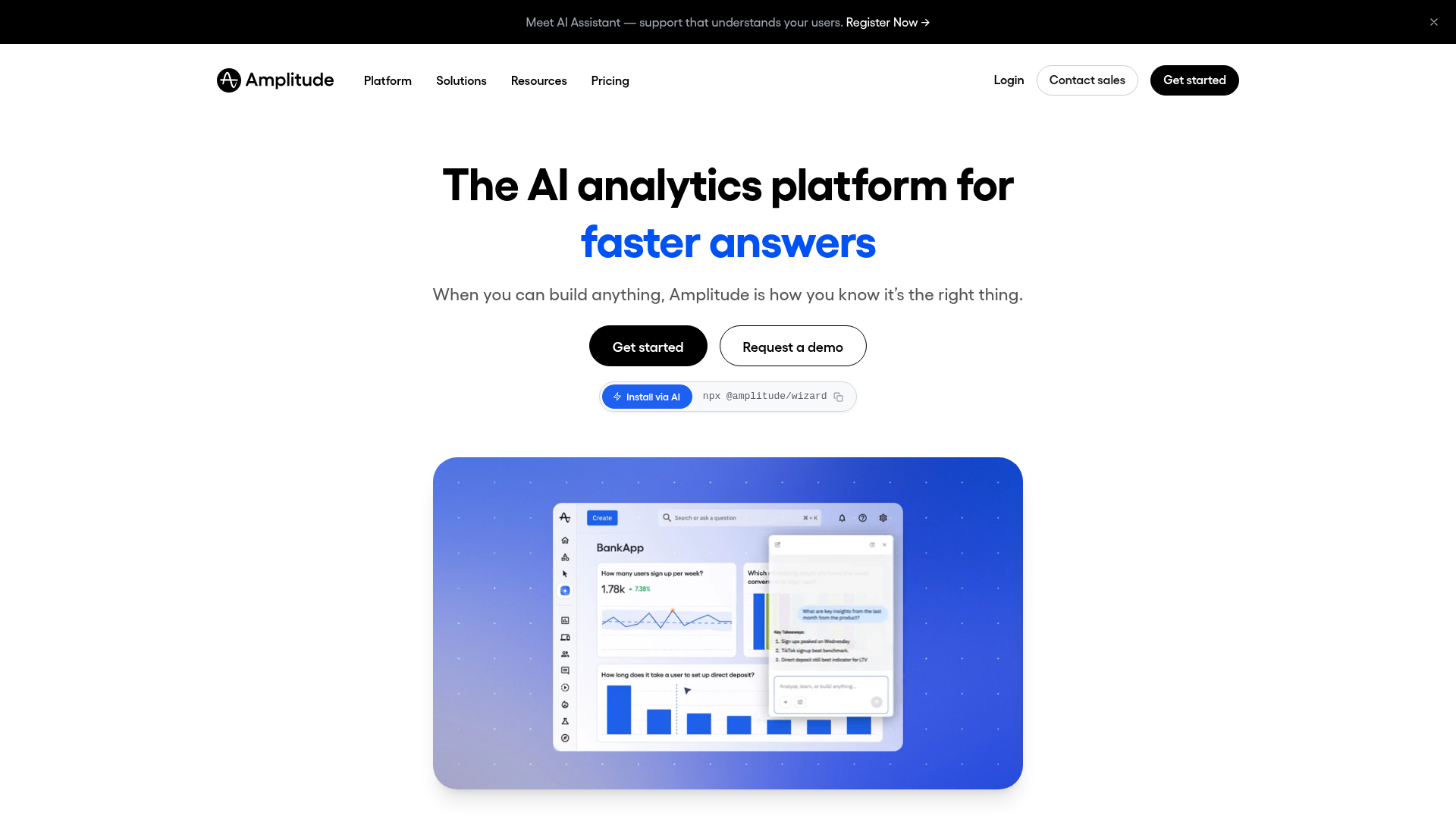
Best for: PMMs who need behavioral product analytics to measure activation, retention, and feature adoption across user segments.
You need to know which features drive retention and which messaging segments actually convert, but your analytics are either too shallow (page views) or too complex (requires a data team to query every time you have a question). Amplitude sits in the middle: event-based product analytics tools with cohort analysis, funnel visualization, and experimentation built in, accessible enough for PMMs to self-serve.
For PLG specifically, Amplitude matters because self-serve products generate massive behavioral data. Every signup, every feature click, every drop-off is a signal. Without a tool that segments by persona, plan, and acquisition channel, you're flying blind on which GTM motions work and which ones just look busy. Amplitude gives you the retention curves and funnel breakdowns that turn "we think onboarding is working" into "activation rate for the marketing segment increased from 22% to 31% after the flow change."
Key strengths
- Event-based behavioral analytics with real-time cohort tracking
- Built-in experimentation and A/B testing
- Funnel analysis and retention curves by segment
- Strong integrations with CDPs (Segment), CRMs, and data warehouses
- Generous free tier for startups (up to 100,000 monthly tracked users)
Pricing: Free tier available. Paid plans from custom pricing.
3. Mixpanel

Best for: Growth teams that want fast, self-serve product analytics without heavy engineering setup.
Mixpanel is the product analytics tool PMMs reach for when they need answers fast. Its strength is speed to insight: you can build funnels, segment users, and track feature adoption without writing SQL or waiting for a data team to queue your request. The self-serve query builder means you ask the question, you get the answer, and you move on.
For PLG, this matters because activation metrics change frequently as the product evolves. The onboarding flow you measured last month might be irrelevant after this sprint's release. Mixpanel lets you iterate on measurement as fast as you iterate on messaging, which is the difference between a PMM who reacts to quarterly reports and one who adjusts weekly. According to Mixpanel's 2026 State of Digital Analytics report (analyzing 12,000+ companies), 58% of companies now use a PLG model, making fast, self-serve analytics a baseline requirement, not a nice-to-have.
Key strengths
- Intuitive self-serve query builder (no SQL required)
- Real-time event tracking and funnel analysis
- Signal reports that surface statistically significant trends automatically
- Strong mobile analytics
- Free tier with 20M events/month
Pricing: Free tier available. Growth plan from $28/month.
4. PostHog
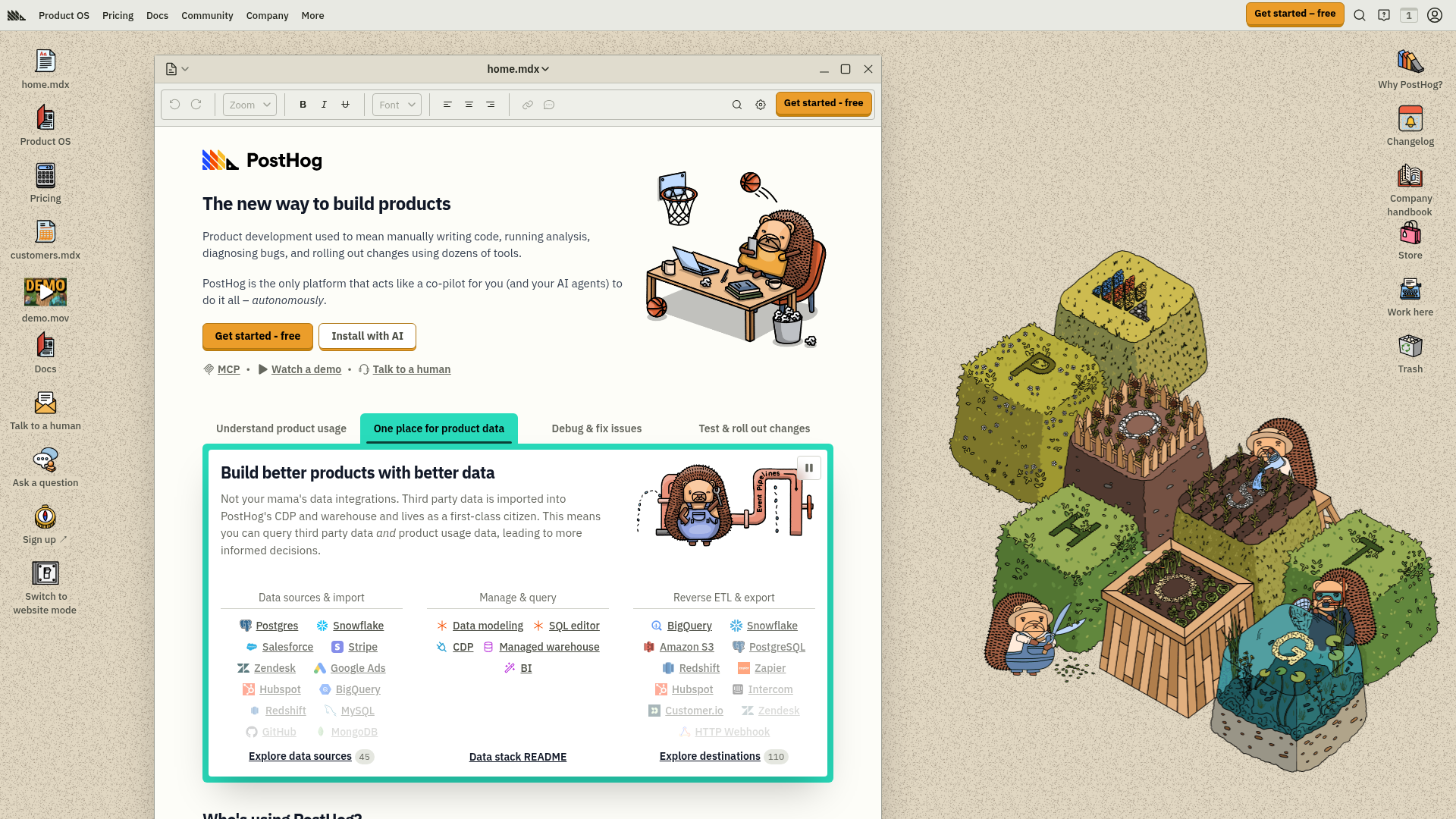
Best for: Engineering-friendly teams that want product analytics, session replay, feature flags, and experimentation in a single open-source platform.
PostHog is the PLG tool for teams that don't want to stitch together five separate analytics products. It combines product analytics, session recording, feature flags, A/B testing, and surveys in one platform. For PMMs at developer-tool or technical SaaS companies, this is relevant because the engineering team will actually adopt it (it's open-source, self-hostable, and developer-first), which means the data PMMs need will actually exist.
This solves a real problem. The best analytics tool in the world is useless if your engineering team won't instrument it. PostHog's developer-first approach means engineers treat it as infrastructure, not overhead. And for PMMs, that means activation data, feature adoption metrics, and experiment results are available without filing a ticket and waiting two sprints.
Key strengths
- All-in-one: analytics, session replay, feature flags, experiments, surveys
- Open source with self-hosting option (full data control)
- Generous free tier (1M events/month free)
- SQL access for custom queries
- Strong community and transparent, usage-based pricing
Pricing: Free tier available. Paid from usage-based pricing (starts at $0 for low volume, scales with usage).
5. Pendo

Best for: PMMs at mid-market and enterprise SaaS companies who need combined product analytics and in-app guidance in one platform.
Pendo bridges the gap between understanding what users do (analytics) and guiding what they should do next (in-app guides, tooltips, announcements). For PMMs, this is the digital adoption platform that lets you measure feature adoption and then act on it with targeted in-app messaging, without filing an engineering ticket for every onboarding tweak.
The retroactive analytics capability is worth highlighting. Unlike tools that only track events you've pre-defined, Pendo captures data automatically and lets you define events after the fact. This means when your VP asks "how many users tried the new export feature last month?" you have the answer, even if nobody thought to instrument that event before launch. For PMMs juggling multiple launches, that's the difference between "I'll get back to you next sprint" and "here's the number."
Key strengths
- Combined product analytics and in-app guidance
- NPS and user feedback collection built in
- Roadmap and feature request management
- Retroactive analytics (captures data without pre-defining events)
- Strong enterprise governance and permissions
Pricing: Free tier (up to 500 MAUs). Paid plans from custom pricing.
6. Appcues
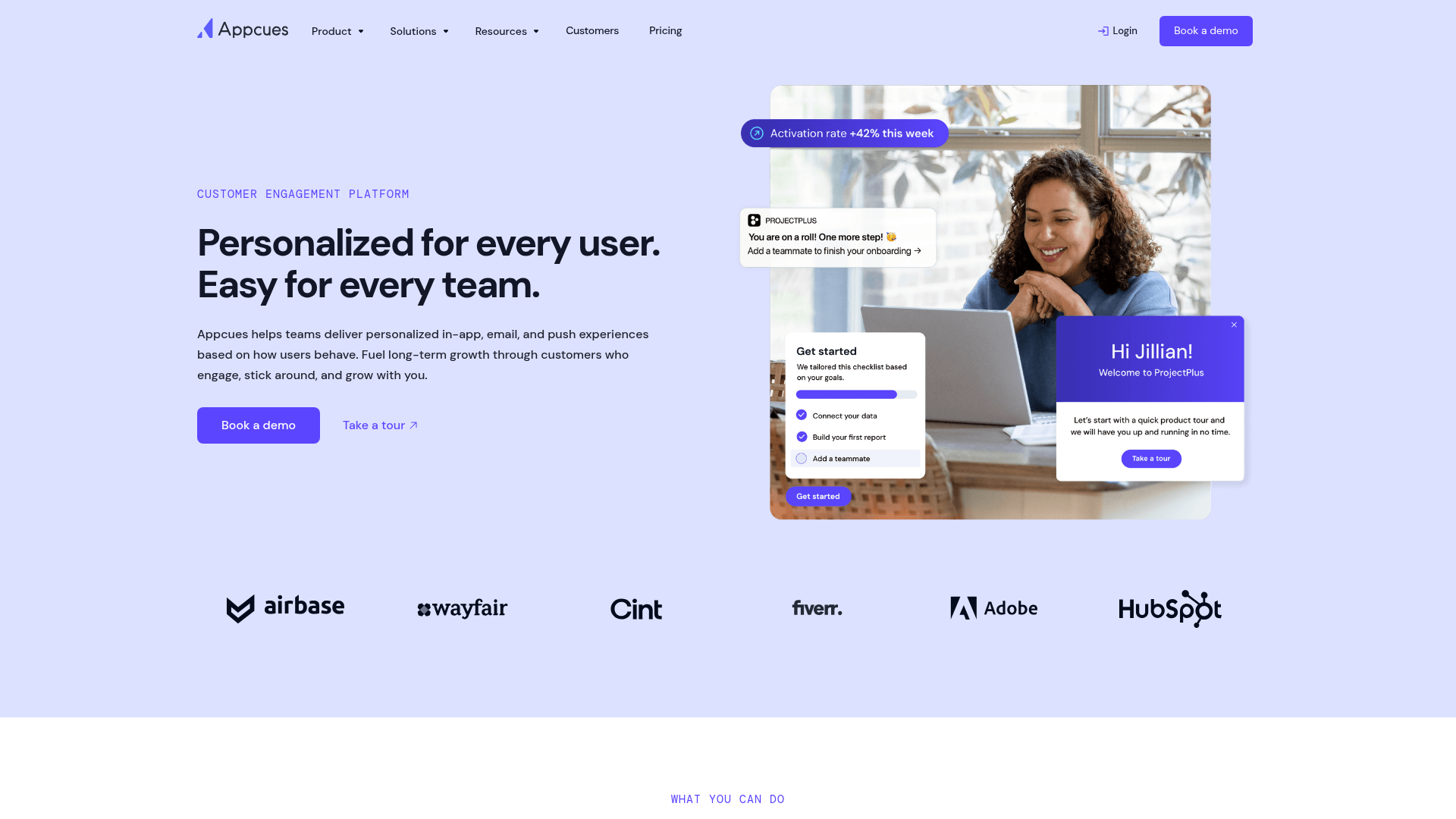
Best for: PMMs and product teams that need to build and iterate on user onboarding flows without engineering support.
Your activation rate is stuck at 19%. You suspect the first-run experience is the problem, but the engineering team is two sprints deep in a platform migration and can't touch onboarding for six weeks. Appcues is the user onboarding tool that solves this: build modals, tooltips, checklists, and multi-step flows with a visual editor. No code, no engineering queue.
For PMMs, the value is speed. You can test a new onboarding narrative this week instead of waiting for next sprint. Hypothesis: users who see the integration setup step first activate faster than users who see the dashboard tour first. With Appcues, you can run that test in days, measure the result, and iterate. That speed of experimentation is what separates teams that improve activation from teams that talk about improving activation.
Key strengths
- Visual, no-code flow builder for onboarding and in-app experiences
- Event-based targeting and segmentation
- Checklists, modals, tooltips, and slideouts
- Built-in NPS and survey tools
- Integrations with Amplitude, Mixpanel, Segment, HubSpot
Pricing: From $249/month (Essentials).
7. Userpilot
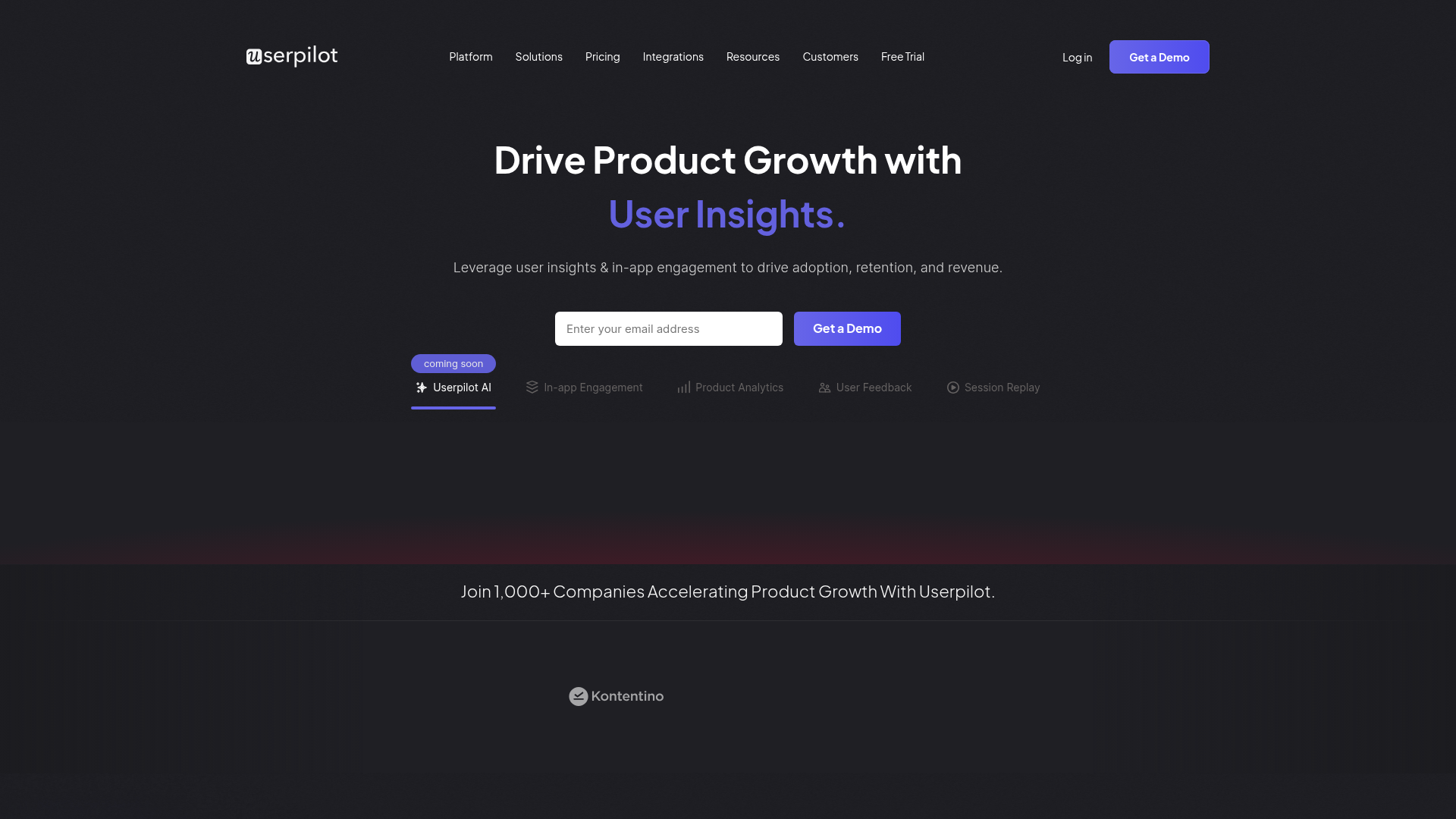
Best for: Mid-market SaaS teams that want onboarding, product analytics, and user feedback in a single platform.
Userpilot combines onboarding flows with product analytics and micro-surveys. For PMMs who don't want to manage three separate tools for "understand users," "guide users," and "ask users," Userpilot consolidates the loop. The analytics aren't as deep as Amplitude's dedicated platform, and the onboarding builder isn't as flexible as Appcues' standalone editor, but the combination reduces tool sprawl and keeps the feedback loop tight.
The practical advantage: when you notice a drop-off in your onboarding funnel, you can deploy a micro-survey at that exact step to understand why, then adjust the flow, all within the same tool. That closed loop between data, feedback, and action is what makes Userpilot a strong pick for teams that want to move fast without managing multiple vendor relationships.
Key strengths
- In-app experiences: flows, tooltips, banners, checklists
- Built-in product analytics and funnel tracking
- Micro-surveys and NPS at the point of experience
- Feature tagging to track adoption without engineering
- Segment-based targeting by plan, role, or behavior
Pricing: From $249/month (Starter).
8. Intercom
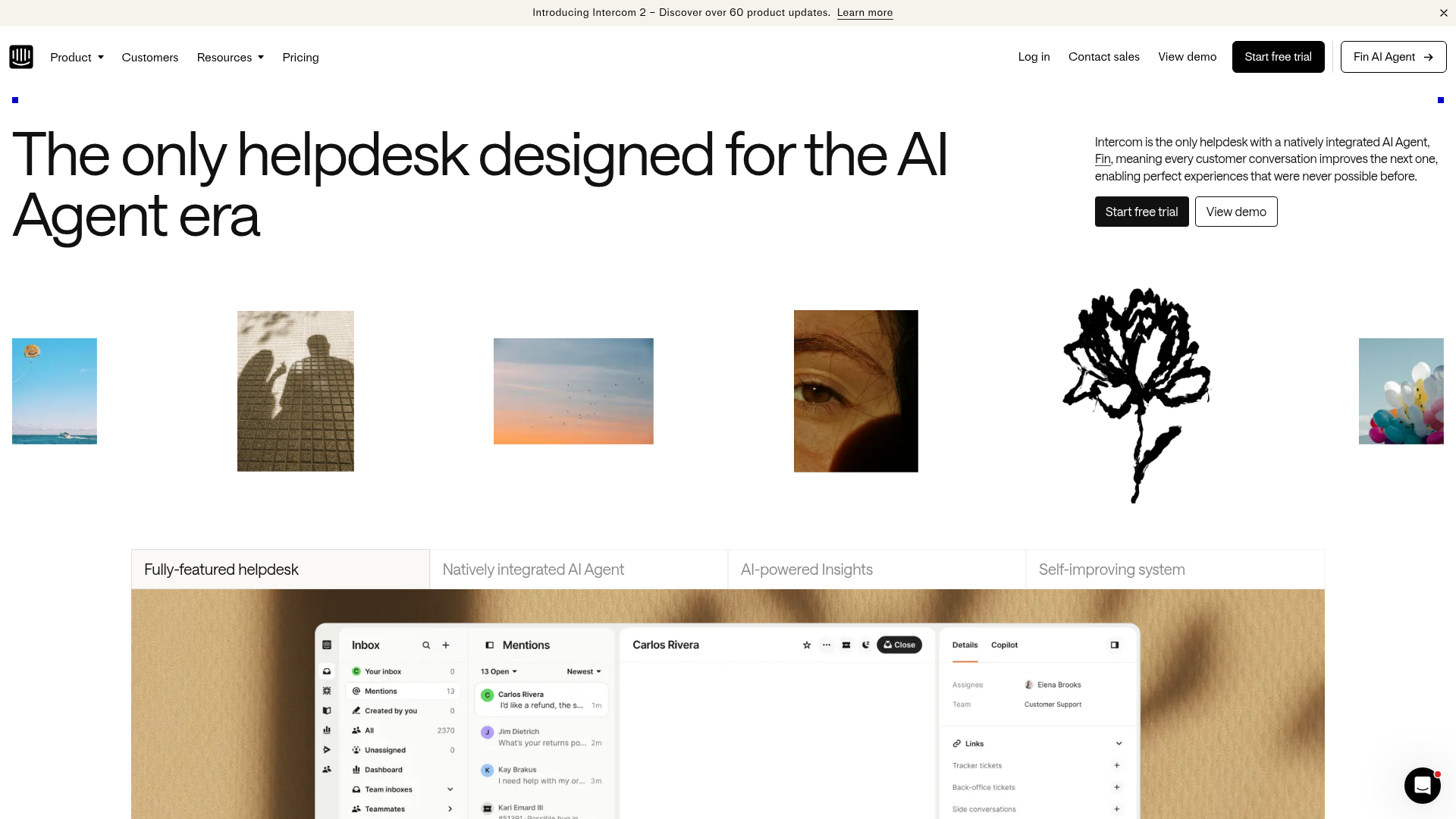
Best for: PLG companies that need unified in-app messaging, support, and lifecycle communication in one platform.
Intercom is the communication layer of the PLG stack. For PMMs, it matters because it's where product announcements, onboarding messages, support conversations, and lifecycle nudges all converge. When messaging drifts across channels (the PMM's recurring headache), Intercom is often the tool that either fixes it or makes it worse, depending on whether it's set up with consistent narrative.
The AI-powered chatbot Fin handles automated support, which is relevant for PLG because self-serve users generate support volume that scales with signups, not with your CS headcount. If your free tier adds 2,000 users this month and 40% of them have the same setup question, Fin handles that without your CS team touching a ticket. That's the in-app messaging tool doing the work a human can't do at scale.
Key strengths
- In-app messaging, chat, and email in one platform
- AI-powered chatbot (Fin) for automated support
- Product tours and onboarding flows
- Custom bots and workflow automation
- Strong CRM and analytics integrations
Pricing: From $39/seat/month (Essential).
9. Hotjar
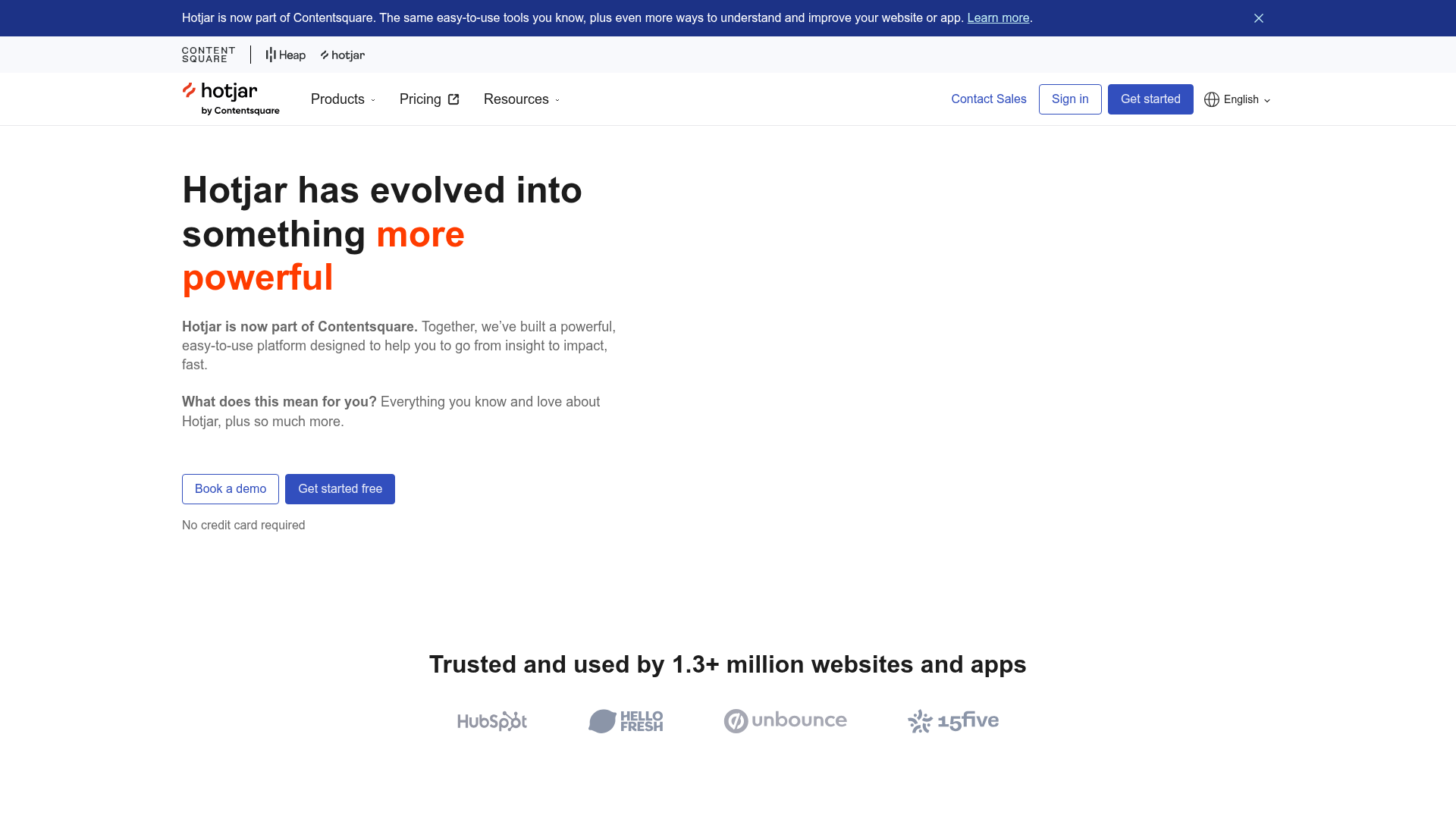
Best for: PMMs and growth teams that need qualitative behavior data (heatmaps, recordings, surveys) to understand why users drop off.
Product analytics tell you what happened. Hotjar shows you why. For PMMs working on activation or conversion, session recordings and heatmaps reveal the friction points that quantitative data misses. When your landing page has a 40% bounce rate, Hotjar shows you whether users are confused by the copy, distracted by the layout, or simply not finding the CTA.
This is the qualitative layer that makes your quantitative data actionable. Amplitude might tell you that 35% of users drop off at step 3 of onboarding. Hotjar shows you that they're clicking a non-clickable element, scrolling past the key instruction, or spending 45 seconds reading a tooltip that should take 5. That specificity is what turns a data point into a fix.
Key strengths
- Heatmaps (click, scroll, move)
- Session recordings with filtering by behavior
- On-site surveys and feedback widgets
- Funnel and form analysis
- Easy setup (one script tag)
Pricing: Free tier (35 daily sessions). Paid from $39/month (Plus).
10. FullStory

Best for: Product and PMM teams at scale that need enterprise-grade session replay with advanced search and frustration detection.
FullStory is Hotjar's more powerful (and more expensive) counterpart. Its core strength is auto-capture: it records every user interaction without requiring you to pre-define events. For PMMs at larger companies, the value is in frustration signals: rage clicks, dead clicks, error clicks. These are the behavioral indicators that something in the product experience is broken, and they surface problems that NPS surveys and support tickets miss entirely.
Consider the scenario: your activation rate dropped 4% last week and nobody knows why. FullStory lets you search sessions by frustration signal, find the pattern (users rage-clicking a button that's broken on Safari), and hand engineering a specific, reproducible bug. That's a session replay tool earning its place in the PLG stack by connecting user behavior to product fixes.
Key strengths
- Auto-capture of all user interactions (no manual event setup)
- Frustration signals: rage clicks, dead clicks, error clicks
- Advanced search and segmentation across sessions
- Integrations with analytics, CRM, and support tools
- Privacy controls and data governance features
Pricing: Custom pricing (enterprise focus). Free trial available.
11. Segment

Best for: PLG teams that need a customer data platform (CDP) to unify event data across analytics, marketing, and sales tools.
Segment is the plumbing of the PLG stack. It collects behavioral events from your product and routes them to every other tool: analytics (Amplitude, Mixpanel), CRM (Salesforce, HubSpot), marketing automation (Customer.io, Braze), and warehouses (Snowflake, BigQuery). For PMMs, the value is indirect but critical: without clean, unified data flowing into the tools you rely on, every metric you report is suspect.
Here's the practical impact. When you tell your VP that "interactive demo viewers convert at 2.4x the rate of non-viewers," that number is only defensible if the event data behind it is consistent across your analytics tool and your CRM. Segment is what makes "influenced pipeline" a defensible number instead of a guess. It's not glamorous, but it's the foundation that makes every other PLG tool in your stack trustworthy.
Key strengths
- Unified event collection across web, mobile, and server
- 400+ pre-built integrations (analytics, CRM, MAP, warehouse)
- Identity resolution across anonymous and known users
- Protocols for data governance and schema enforcement
- Reverse ETL to activate warehouse data in downstream tools
Pricing: Free tier (1,000 visitors/month). Team plan from $120/month.
12. Gainsight PX
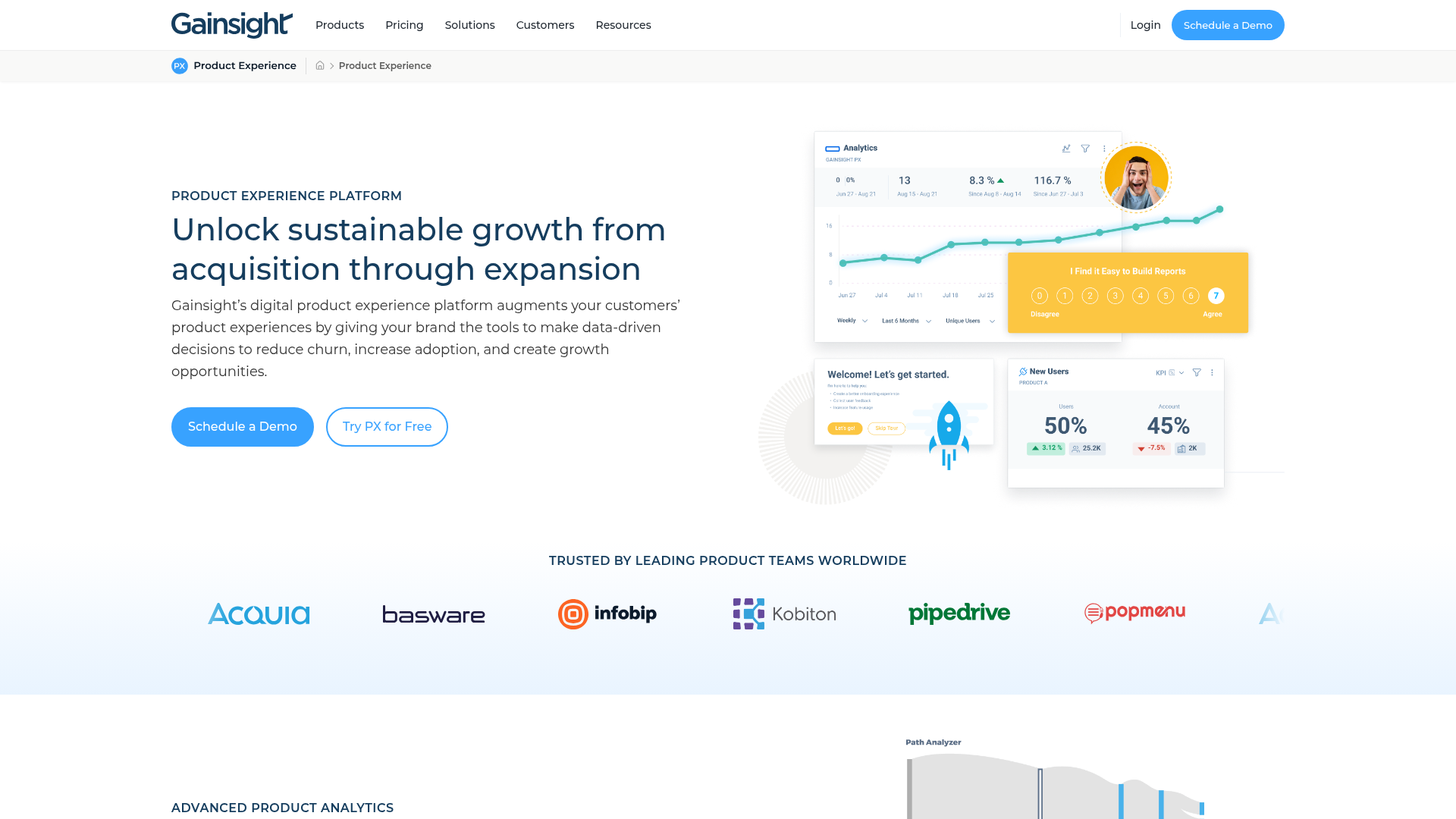
Best for: Enterprise SaaS companies that need product analytics and in-app engagement tied directly to customer health scores and renewal workflows.
Gainsight PX is the PLG tool for companies where retention and expansion matter as much as acquisition. It connects product usage data to Gainsight's customer success platform, which means PMMs can see not just "are users activating?" but "are the accounts we care about activating, and is that showing up in health scores and renewal forecasts?"
For PMMs at post-Series B companies with a CS team, this connection between product behavior and revenue outcomes is the analytics story they've been trying to tell. When you can show that accounts with 80%+ feature adoption have a 95% renewal rate while accounts below 40% adoption have a 60% renewal rate, you've moved from "product marketing influences retention" to "here's the proof." That's the kind of data that changes how leadership allocates budget.
Key strengths
- Product analytics tied to customer health and revenue data
- In-app engagement (guides, surveys, announcements)
- Account-level usage analytics (not just user-level)
- Integration with Gainsight CS for renewal and expansion workflows
- Journey orchestration across in-app and email
Pricing: Custom pricing.
13. Heap

Best for: Teams that want auto-captured product analytics without manual event instrumentation.
Heap (now part of Contentsquare) solves the instrumentation gap. Instead of deciding upfront which events to track (and inevitably missing the ones you need three months later), Heap auto-captures all user interactions: clicks, swipes, form submissions, page views. You define events and build funnels retroactively, after the data already exists.
For PMMs, this solves a specific, recurring pain. You launch a feature on Tuesday. On Friday, your VP asks "how many users tried the new workflow?" With traditional analytics, the answer is "we didn't instrument that, we'll add tracking next sprint." With Heap, the data is already there. You define the event, build the funnel, and have the answer in minutes. That speed gap between "we need to wait" and "here's the number" is worth more than most feature comparisons suggest.
Key strengths
- Auto-capture of all user interactions (clicks, swipes, form submissions, page views)
- Retroactive event definition and funnel analysis
- Session replay (added via Contentsquare acquisition)
- Effort analysis to identify high-friction workflows
- Integrations with major analytics, CRM, and marketing platforms
Pricing: Free tier available. Paid plans from custom pricing.
14. Customer.io
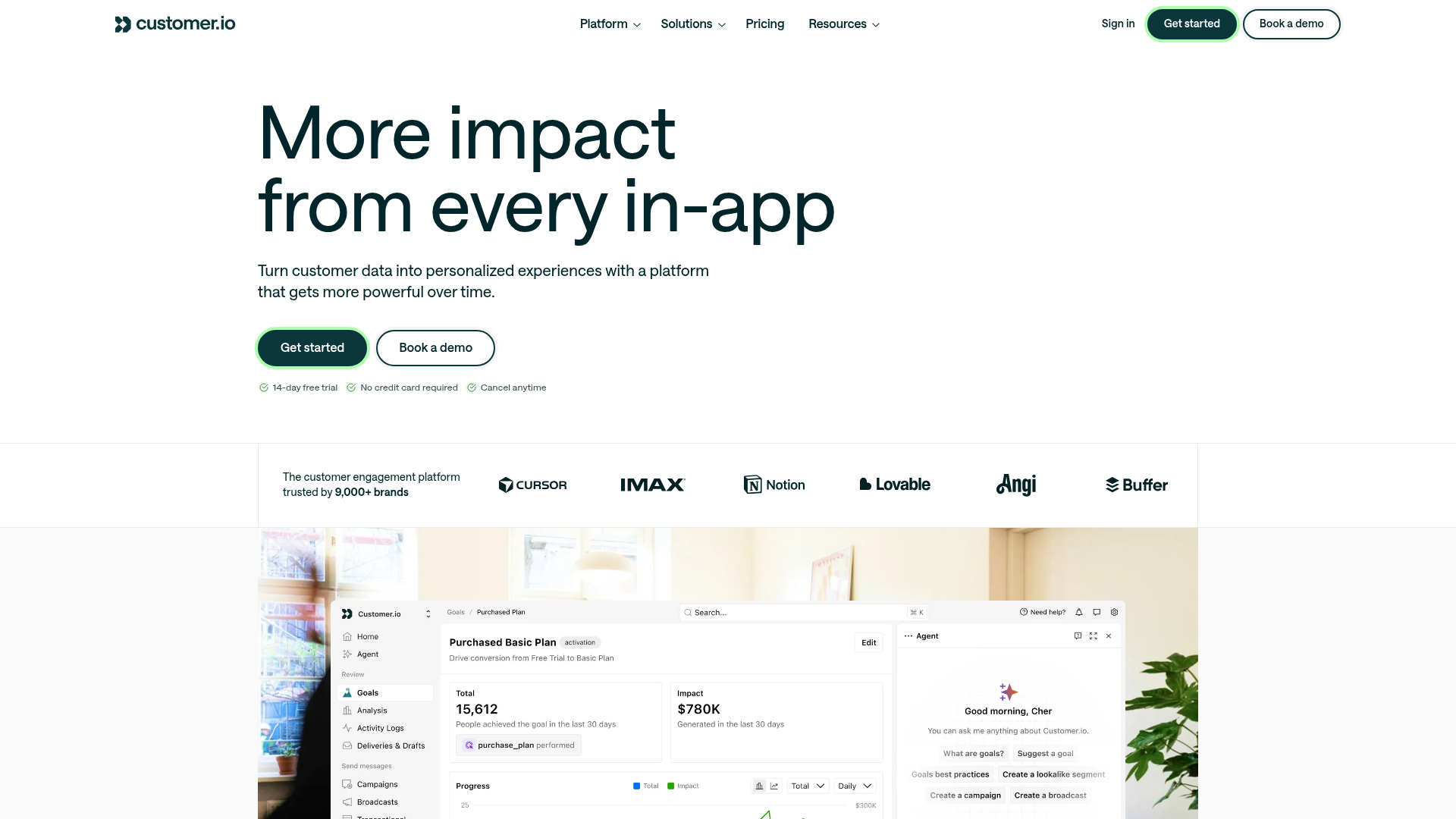
Best for: PLG teams that need behavior-triggered lifecycle messaging (email, push, SMS, in-app) based on product usage data.
Customer.io is the lifecycle messaging tool built for product-led companies. Unlike traditional marketing automation that triggers messages based on form fills and list membership, Customer.io triggers messages based on what users do in the product. For PMMs running onboarding campaigns, feature announcements, or re-engagement sequences, this means messages arrive at the right moment: when a user completes setup, when they haven't logged in for 7 days, or when they hit a usage milestone that signals expansion readiness.
The practical difference: a traditional marketing automation tool sends "check out our new feature" to everyone on Tuesday. Customer.io sends it to users who have used the related workflow at least three times in the past week, because those are the users who will actually care. That targeting precision is what turns lifecycle messaging from noise into revenue signal.
Key strengths
- Event-driven messaging: email, push, SMS, in-app, webhooks
- Visual workflow builder for lifecycle journeys
- Liquid templating for deep personalization
- Strong integration with CDPs (Segment), analytics, and data warehouses
- Transparent, usage-based pricing
Pricing: From $100/month (Essentials).
15. Chameleon
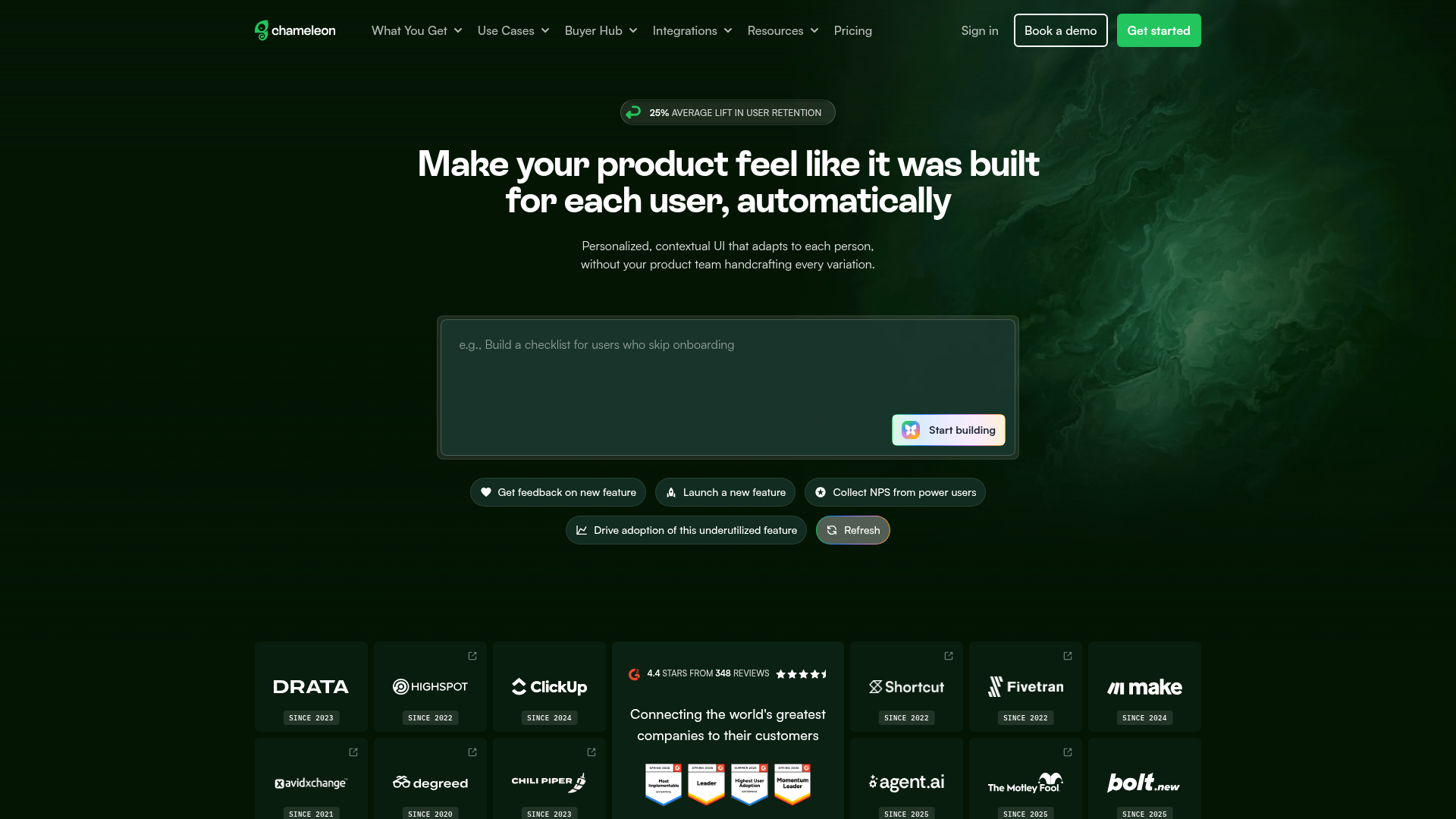
Best for: Product teams that need highly customizable in-app UX patterns (tours, tooltips, surveys, launchers) that match their product's design system.
Chameleon differentiates from Appcues and Userpilot on design flexibility. If your product has a strong visual identity and you need in-app experiences that look native (not like a third-party overlay), Chameleon gives you deep CSS control and styling options. For PMMs at design-conscious SaaS companies, this matters because a clunky onboarding tooltip undermines the brand story you're trying to tell.
The design control goes beyond cosmetics. When in-app guides look like they belong in the product, users engage with them differently. They feel like product features, not marketing interruptions. That perception shift is measurable: native-looking guidance typically sees higher completion rates than obviously third-party overlays. For a PMM who owns the product narrative, that consistency between messaging and experience is the whole point.
Key strengths
- Highly customizable styling (CSS-level control)
- Tours, tooltips, surveys, launchers, and microsurveys
- Targeting by user properties, segments, and behavior
- A/B testing for in-app experiences
- Integrations with Segment, Amplitude, HubSpot, Salesforce
Pricing: From $279/month (Growth).
How to choose the right PLG tools for your stack
Start with your activation metric, not a tool category. Define what "activated" means for your product. Is it "completed first project"? "Invited a teammate"? "Connected an integration"? Work backward from that definition to which tools help you measure and improve that number. If you start with "we need an analytics tool," you'll buy one. If you start with "we need to increase activation from 18% to 30%," you'll buy the right one.
Check integration depth, not just integration count. A tool that "integrates with Salesforce" might mean a one-way data push that updates a field once. You need bidirectional sync if you want product signals in CRM and CRM context in product. Ask: what data flows where, and how often?
Evaluate analytics skeptically. Ask: what data does this tool produce that I can defend in a pipeline review? If the answer is "engagement score" with no clear definition of what drives it, keep looking. The metric needs to connect to something your VP cares about. Explore how analytics platforms drive ROI to frame this evaluation.
Prioritize speed to first value. PMMs don't have 90 days to see results. If a tool requires 6 weeks of implementation before you can run your first experiment, factor that into the cost. A tool that ships a result in week one is worth more than a tool that promises better results in quarter two.
Plan for 3 to 5 tools, not 15. The best PLG stacks are lean. One analytics platform, one onboarding/in-app tool, one messaging tool, one data layer, and one self-serve product experience tool covers most PMM needs. Every additional tool adds integration overhead, data reconciliation work, and vendor management time.
Test with a real use case, not a sandbox. Run a pilot on an actual launch or onboarding flow. Sandbox evaluations don't reveal adoption friction, integration bugs, or the real time-to-value that matters when the tool is under production load.
Conclusion
The best PLG stacks are built around outcomes, not tool categories. A PMM who picks 3 to 5 tools that connect behavioral data to revenue metrics will outperform a team with 15 disconnected platforms generating dashboards nobody checks.
Start with your activation metric. Pick one tool per layer of your PLG stack. Measure impact within the first 30 days. If a tool can't show you a number that matters by day 30, it's not earning its place.
The 15 product-led growth tools in this guide cover the full PMM workflow: measure behavior, guide users to value, let the product sell itself, communicate at the right moment, understand why users struggle, and unify the data that makes all of it defensible. Pick the ones that match your current bottleneck, not the ones with the longest feature list.
Start your journey with Guideflow today!
FAQs about product-led growth tools
Product-led growth tools are software platforms that help SaaS companies use the product itself to drive acquisition, activation, retention, and expansion. They include product analytics, user onboarding, interactive demos, in-app messaging, session replay, and customer data infrastructure. The common thread: they all generate or act on behavioral data from the product experience.
PLG tools focus on the product experience and user behavior. Sales enablement tools focus on equipping sales reps with content, training, and collateral. Some tools serve both motions: interactive demos enable self-serve evaluation for PLG and provide shareable assets for sales follow-up. The key difference is who's driving the experience: the user (PLG) or the rep (sales enablement). Learn more about how teams build self-service experiences that bridge both motions.
Most teams need 3 to 5 core tools: one for analytics, one for onboarding and in-app guidance, one for lifecycle messaging, one for data infrastructure, and one for self-serve product experiences. Adding more often creates integration overhead without proportional value. Start lean, measure what's missing, and add only when you can tie the new tool to a specific metric gap.
Activation rate: the percentage of new users who complete a defined set of actions within a specific timeframe. It's the metric that connects product experience to downstream revenue. Time-to-value is a close second, because it measures how quickly users reach the moment where the product becomes worth paying for.
No. PLG tools reduce dependence on sales for early-stage evaluation and onboarding, but complex deals still require human conversation. The best PLG stacks complement sales by qualifying and warming prospects before the first call. When a prospect has already explored the product through an interactive demo and engaged with three features, the sales conversation starts at "here's how we solve your specific problem," not "let me show you what we do."
Interactive demos let prospects and users experience the product through guided, clickable walkthroughs without scheduling a live call or creating an account. They compress activation timelines by letting multiple stakeholders evaluate the product asynchronously. PMMs use them on landing pages to drive top-of-funnel conversion, in email outreach for sales follow-ups, during onboarding to accelerate time-to-value, and in demo centers as organized, branded hubs for product storytelling by persona. See how companies use them in the Guideflow demo showcase.
Event-based tracking (not just page views), segmentation by persona, plan, and acquisition channel, funnel visualization, cohort retention analysis, and integration with your CRM so product behavior data shows up where pipeline decisions are made. Be skeptical of tools that promise "measure everything" without explaining how the data connects to revenue. The analytics tool that matters is the one your team actually queries weekly.
Yes, for getting started. Amplitude, Mixpanel, PostHog, and Segment all offer free tiers with meaningful limits. The risk is outgrowing the free tier mid-launch and needing to upgrade under time pressure. Before committing to a free plan, check the paid tier pricing and the migration path. A free tier that locks you into an expensive upgrade at 10,000 users is more costly than a $100/month tool that scales predictably.