
Long URLs stuffed with tracking parameters look messy in emails, break in text messages, and eat up precious character counts on social platforms. They also make it impossible to know if anyone actually clicked.
A URL shortener solves both problems by converting unwieldy web addresses into compact, trackable links. This guide covers how link shortening works, what separates free tools from paid platforms, and reviews 10 options based on analytics, branding, and integrations.
What's inside
This guide covers what a URL shortener actually does, why marketing teams rely on them, and how to pick the right one for your workflow. We review 10 link shortening tools based on analytics depth, custom branding options, integrations, and pricing. Whether you want a free option for quick sharing or an enterprise platform with detailed click tracking, you'll find a fit here.
TL;DR
URL shortener: A tool that converts long web addresses into compact, shareable links that redirect to the original destination.
Best free option: TinyURL for quick, no-signup use.
Best for enterprise: Bitly for analytics and integrations.
Best for branding: Rebrandly for custom domains.
Key difference between free and paid: Branded domains, detailed click analytics, and team collaboration features.
For teams sharing product content, pairing a URL shortener with trackable interactive demos gives you visibility from the first click through to conversion.
What is a URL shortener and how does link shortening work
A URL shortener takes a long, complex web address and creates a shorter link that redirects to the original page. You paste your long URL into the service, click a button, and get back a condensed link you can share anywhere.
The mechanics are straightforward. The shortener stores your original URL in a database and assigns it a unique short code. When someone clicks the short link, the service looks up that code and instantly redirects the visitor to your original destination.
Here are the key terms:
Long URL: The original, full web address you want to shorten.
Short link: The condensed URL the service generates.
Redirect: The automatic forwarding from the short link to the original destination.
Custom alias: A human-readable ending you choose (like
yourbrand.link/demoinstead ofbit.ly/3xY2zAb).
Why marketing teams use short links
Link shortening goes beyond making URLs smaller. Marketing teams use short links to track campaign performance, maintain brand consistency, and improve user experience across channels.
Clean URLs for social media and ads
Short links look professional in social bios, tweets, LinkedIn posts, and ad copy. On platforms with character limits like X (formerly Twitter), they're essential. A tidy link also appears more trustworthy than a long URL stuffed with tracking parameters.
Click tracking and campaign attribution
Most URL shorteners track clicks, referral sources, and geographic data. Short links can also mask long URLs containing UTM parameters, keeping them user-friendly while still enabling detailed attribution in your analytics tools.
Custom branded domains
Branded short links use a domain you own (like yourbrand.co/offer instead of bit.ly/xyz123). For email campaigns, social posts, and SMS marketing, branded links build trust and drive up to 39% more clicks because users recognize who they're engaging with.
QR code generation from short URLs
Many link shorteners automatically generate QR codes for any short link you create. With over 100 million US smartphone users scanning QR codes, the short URL encoded in each code lets you track scans from physical assets like print materials and event banners.
How to choose the best link shortener
The right tool depends on your specific requirements for analytics, branding, integration, and scale.
Analytics and reporting depth
Basic services offer simple click counts. Advanced platforms provide detailed reports on click-through rates over time, device types, geographic locations, and referrer data.
Custom domain support
Free tiers typically use the provider's generic domain. To build brand trust, you'll want a plan supporting custom branded domains.
Integration with your marketing stack
Look for native integrations with your CRM, email platform, or social media scheduler. Strong integrations automate link creation and data syncing.
Link expiration and management controls
For time-sensitive promotions, link expiration dates matter. Also evaluate management features: Can you edit a link's destination after creation? Can you password-protect links?
Pricing tiers and usage limits
Free plans often cap the number of links or tracked clicks per month. Paid plans unlock higher limits, advanced features, and seats for multiple team members.
URL shortener comparison table
# | Product | Best for | Key differentiator | Pricing | G2 rating |
|---|---|---|---|---|---|
1 | Switchy | Affiliate marketers and A/B testing | Link rotation and traffic distribution | Free tier; paid from $29/mo | 4.7/5 |
2 | Bitly | Enterprise teams | Robust analytics and integrations | Free tier; paid from $8/mo | 4.5/5 |
3 | Rebrandly | Branded link management | Custom domain focus | Free tier; paid from $13/mo | 4.6/5 |
4 | TinyURL | Quick anonymous use | No signup required | Free; Pro from $12.99/mo | 4.5/5 |
5 | Short.io | Developers and teams | API-first approach | Free tier; paid from $19/mo | 4.6/5 |
6 | Dub | Modern startups | Open-source option | Free tier; paid from $24/mo | 4.8/5 |
7 | BL.INK | Data-driven businesses | Deep analytics | Free tier; paid plans available | 4.6/5 |
8 | T2M | Unlimited link creation | Lifetime deal pricing | One-time payment option | 4.7/5 |
9 | Ow.ly | Social media managers | Built into Hootsuite | Included with Hootsuite plans | 4.1/5 |
10 | Sniply | Lead generation | CTA overlays on links | Free tier; paid from $9/mo | 4.5/5 |
10 best URL shortener tools
1. Switchy
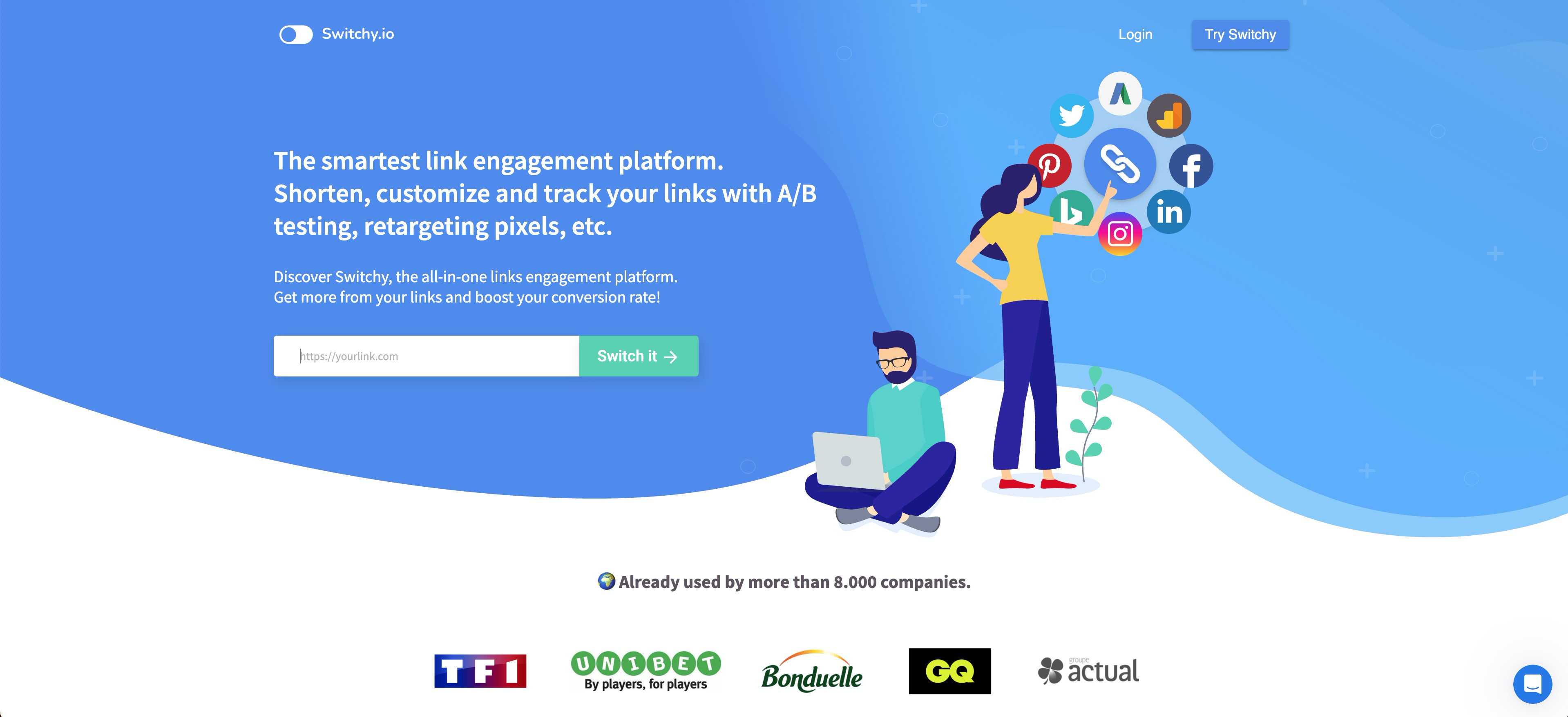
Switchy is best for affiliate marketers and performance-driven teams who need advanced link rotation and split testing capabilities. The platform goes beyond basic link shortening by letting you create smart links that automatically rotate between multiple destination URLs based on rules you define, making it ideal for A/B testing landing pages, distributing traffic across affiliate offers, or managing seasonal campaigns that need different destinations over time.
Key strengths
Link rotation: Create a single short link that rotates between multiple destination URLs based on percentage splits, geographic location, device type, or time-based rules—perfect for testing which landing page converts best or balancing traffic across multiple affiliate offers.
Traffic distribution: Set precise traffic allocation rules to send specific percentages of clicks to different destinations, with real-time adjustments that let you shift more traffic to winning variations without changing your published short link.
Conversion tracking: Track not just clicks but actual conversions by integrating with your analytics platform, giving you clear ROI data on which traffic sources and destinations drive the most valuable actions.
Custom domains: Connect your own branded domain with straightforward DNS configuration, maintaining brand consistency while leveraging advanced rotation and testing features.
Choose Switchy when you need to A/B test multiple landing pages through a single short link, manage affiliate campaigns that require traffic distribution across multiple offers, or run seasonal promotions where the destination needs to change automatically based on date ranges. Free tier available with basic features; paid plans start at $29/month and unlock unlimited rotations, advanced rules, and detailed conversion analytics.
2. Bitly
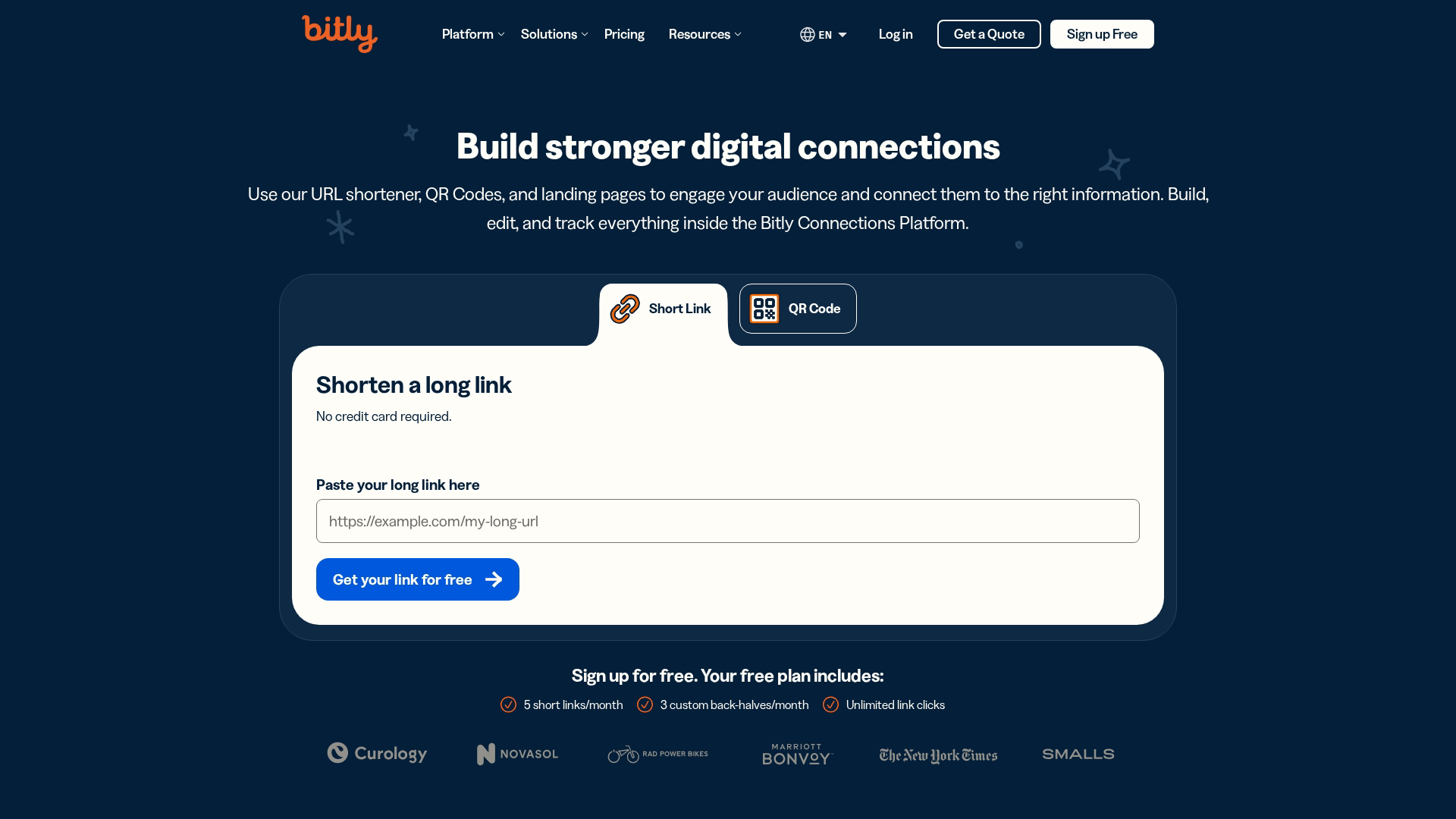
Bitly is one of the most recognized names in link shortening, and it's best for enterprise businesses that want robust analytics and powerful integrations. The platform offers a comprehensive link management dashboard where you can organize, tag, and track all your shortened URLs across multiple campaigns, with folders and custom tags that let you filter and search through thousands of links instantly.
Key strengths
Link management dashboard: Organize links using custom folders, tags, and campaigns with advanced search filters that let you find specific links by date range, performance metrics, or team member. Bulk edit multiple links at once and archive old campaigns to keep your workspace clean.
QR code generation: Create scannable codes for any short link automatically with customization options for colors, file formats (PNG, SVG, EPS), and embedded logos. Download high-resolution codes optimized for both digital screens and print materials.
Team collaboration: Add multiple team members with granular role-based permissions that control who can create, edit, delete, or view links and analytics. Set up approval workflows for branded links and maintain audit logs of all team activity.
Deep analytics: Track clicks with detailed breakdowns by device type (mobile, desktop, tablet), operating system, browser, geographic location down to the city level, referrer source, and time of day. Export custom reports as CSV or PDF, set up automated email reports, and compare performance across date ranges with visual trend charts.
Choose Bitly when you want enterprise-grade analytics with exportable reports for stakeholder presentations, need native integrations with tools like Salesforce, HubSpot, Hootsuite, or Zapier to automate link creation and data syncing, or manage large teams that require permission controls and collaboration features. Free tier available with basic features and 10 links per month; paid plans start at $8/month and unlock custom domains, unlimited links, advanced analytics, and team seats.
3. Rebrandly
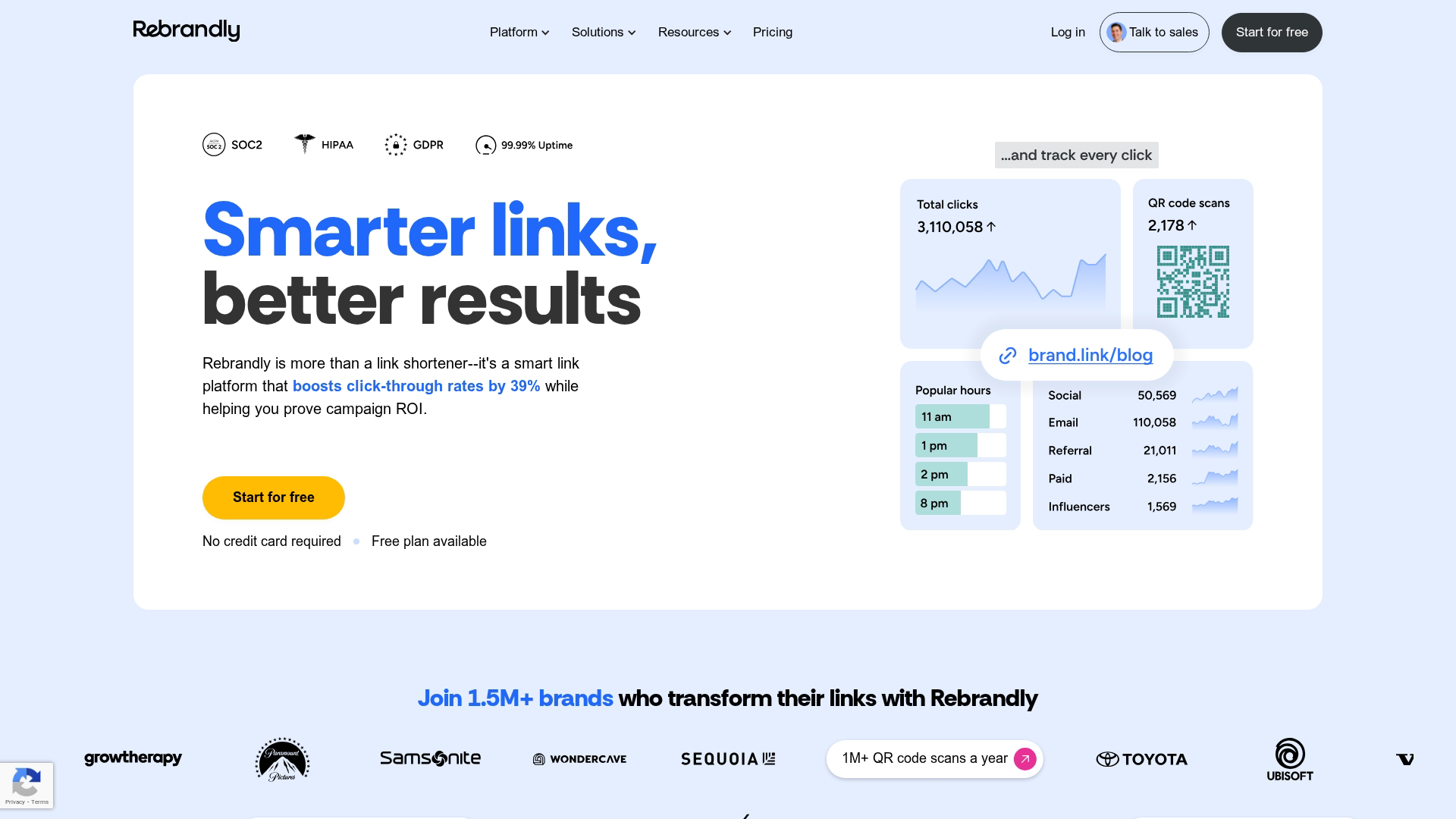
Rebrandly is built specifically for businesses focused on branded link management. The entire platform centers on creating, sharing, and managing links with custom domains, making it the go-to choice when you want every shortened URL to reinforce your brand identity. Unlike generic shorteners that use their own domain, Rebrandly lets you connect multiple custom domains and create memorable, on-brand short links that build trust with your audience.
Key strengths
Custom domain setup: Connect your own branded domains with straightforward DNS configuration and automatic SSL certificate provisioning. Manage multiple domains from one account, allowing different teams, products, or clients to use their own branded short links while maintaining centralized control.
Link retargeting: Add Facebook, Google, LinkedIn, and custom retargeting pixels directly to your short links, enabling you to build remarketing audiences from anyone who clicks—even when they're visiting third-party content you're sharing.
UTM builder: Automatically append UTM tracking parameters to destination URLs through templates and presets, ensuring consistent campaign attribution across all your marketing channels without manually editing each link.
Team workspaces: Create separate workspaces to organize links by project, client, or campaign with role-based permissions that control who can create, edit, or delete links. Each workspace maintains its own link library, analytics dashboard, and custom domain settings.
Pick Rebrandly when brand consistency across every shared link matters more than deep analytics, when you're managing multiple brands or clients that each need their own custom domain, or when you want to build retargeting audiences from every link you share. Free tier available with limited features; paid plans start at $13/month and unlock multiple custom domains, advanced analytics, and team collaboration tools.
4. TinyURL
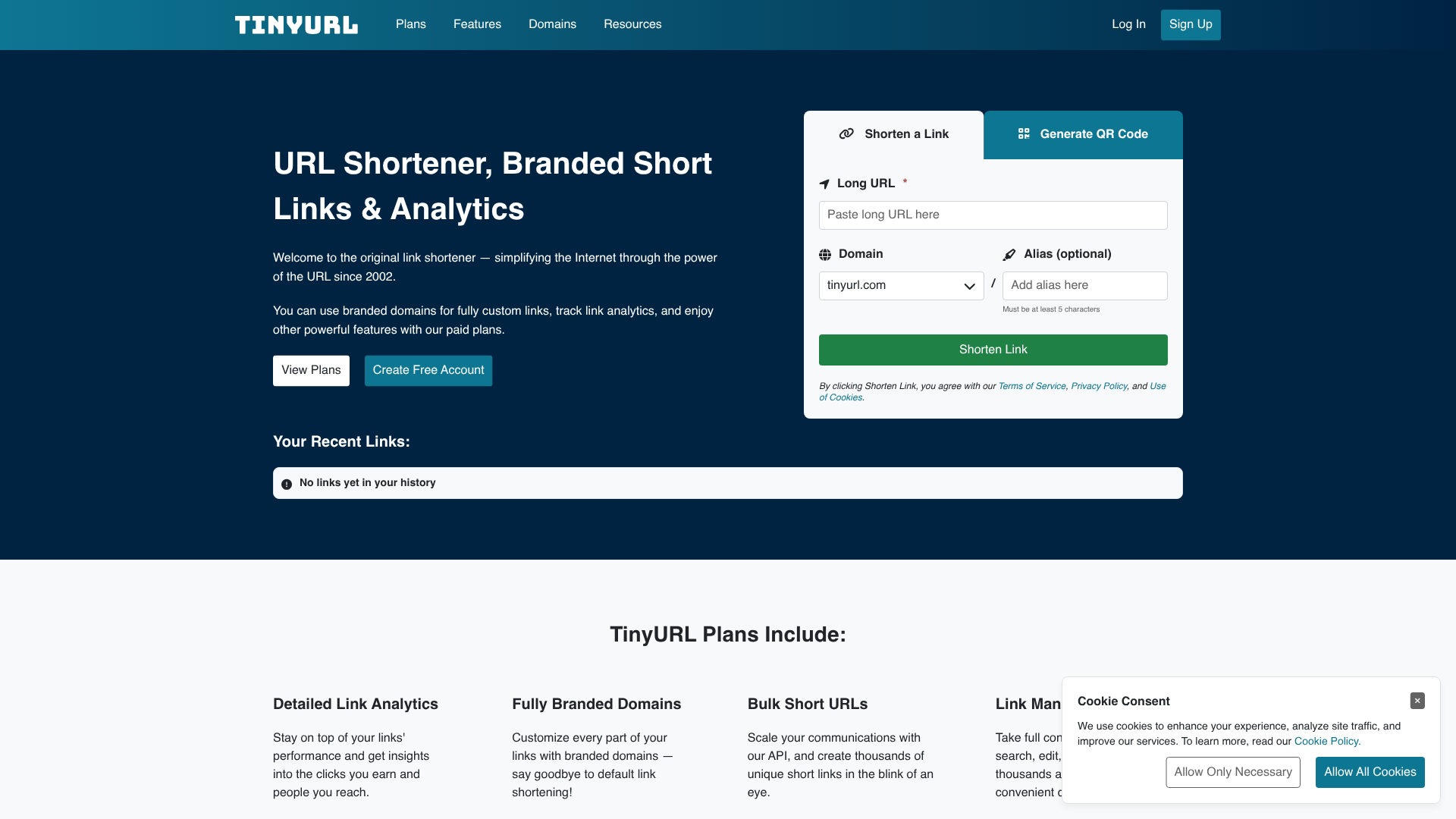
TinyURL is the best free URL shortener for quick, anonymous use. Launched in 2002, it pioneered the link shortening space and remains the go-to choice when you need a short link immediately without creating an account or logging in. You can instantly shorten a URL, customize the ending with a memorable alias, and start sharing—all within seconds. The platform's straightforward approach makes it ideal for one-off link sharing, personal use, or situations where you don't need detailed analytics.
Key strengths
No signup required: Create short links instantly without an account, email verification, or any registration process—just paste your URL and get a shortened link immediately.
Custom aliases: Add memorable, human-readable endings to your short URLs (like
tinyurl.com/your-event-2024) instead of random character strings, making links easier to remember and share verbally.Simple interface: Paste your long URL, click shorten, copy your new link, and you're done—no complex dashboards, settings, or configuration steps to navigate.
Preview feature: Add a preview page option that shows users the destination URL before redirecting, building trust when sharing links with new audiences.
Choose TinyURL when speed and simplicity matter more than tracking, when you need to shorten a single link without committing to a platform, or when you're sharing links in casual contexts where branded domains aren't necessary. Free for basic use with unlimited link creation; Pro plans start at $12.99/month and add click analytics, custom domains, and link management features.
5. Short.io
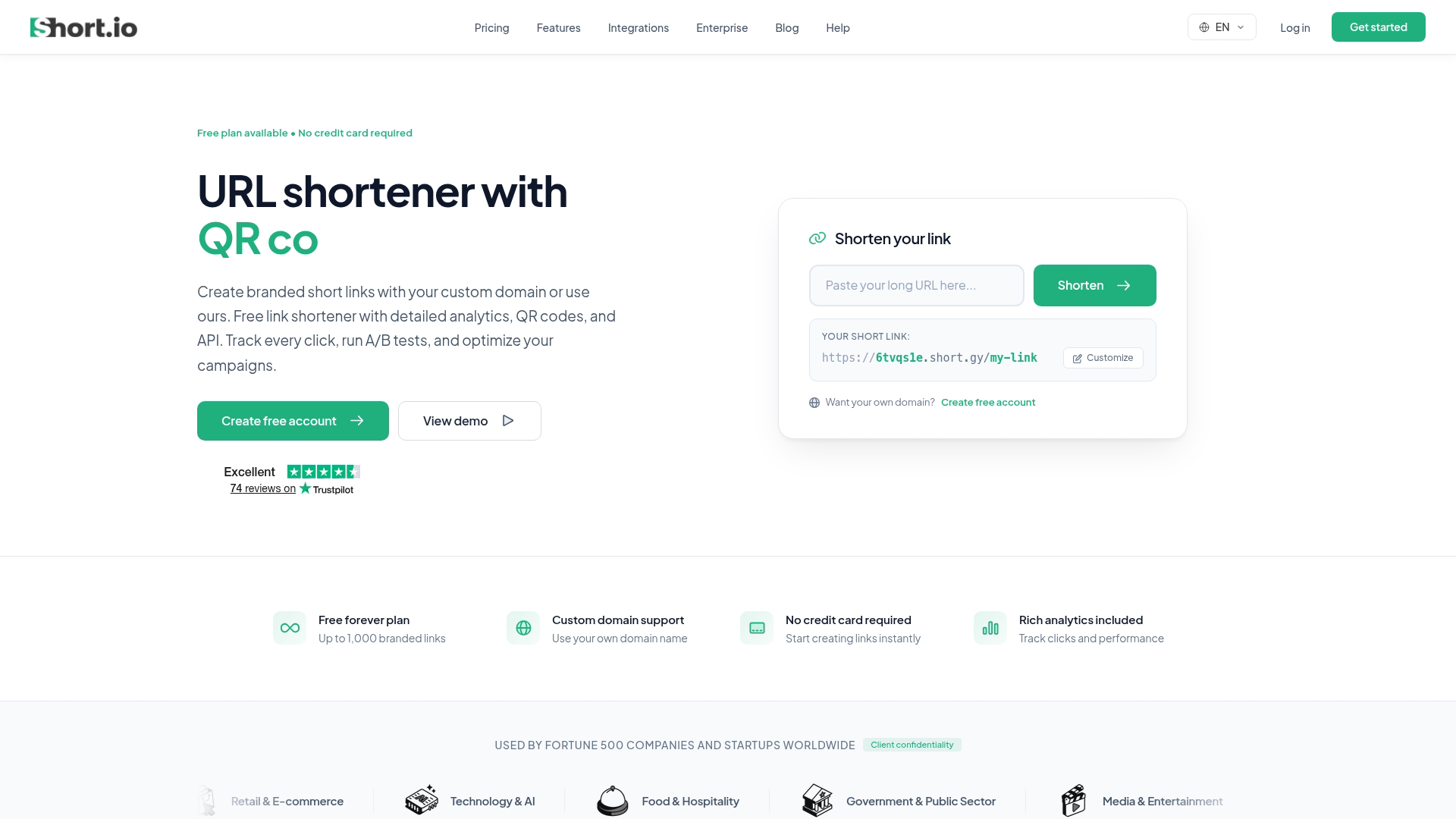
Short.io is best for developers and technical teams who want a flexible, API-first solution. The platform offers a powerful RESTful API with comprehensive documentation, support for multiple custom domains under a single account, and detailed click statistics that break down performance by referrer, device type, browser, and geographic location.
Key strengths
API-first design: Build link shortening directly into your own products and workflows with RESTful endpoints that support bulk operations, webhook notifications, and real-time link creation.
Multiple custom domains: Manage several branded domains from one account, allowing different teams or clients to use their own branded short links while maintaining centralized control and reporting.
Detailed statistics: Track clicks with granular data on sources, devices, operating systems, browsers, and geographic locations down to the city level, with exportable reports and real-time dashboards.
Link editing and redirects: Update destination URLs after creation without changing the short link, and configure advanced redirect rules based on device type or location.
Pick Short.io when you want programmatic control over link creation and management, need to integrate link shortening into your application or internal tools, or manage multiple branded domains for different projects. Free tier available; paid plans start at $19/month.
6. Dub
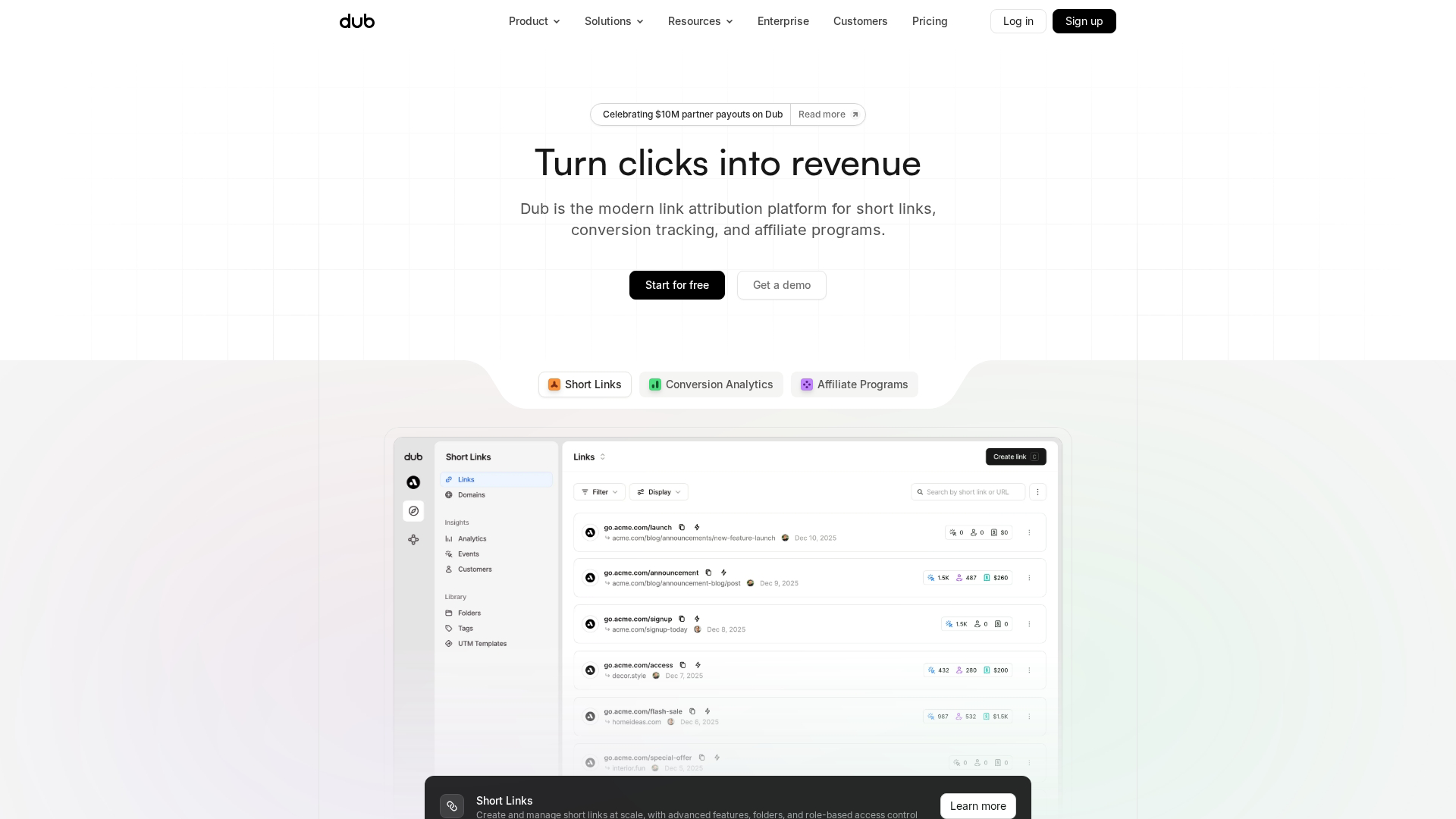
Dub is a modern URL shortener built for startups and tech-savvy businesses that want transparency and control. The platform's open-source codebase on GitHub means you can inspect every line of code, self-host on your own infrastructure, or use the fully managed cloud version.
Key strengths
Open-source flexibility: Deploy on your own servers for complete data ownership, or use the hosted version with zero infrastructure management. The MIT license allows unlimited customization.
Modern interface: Clean dashboard with real-time link performance updates, drag-and-drop organization, and a mobile-responsive design that works across devices.
Built-in analytics: Track clicks, geographic distribution, device types, and referral sources with visual charts and exportable reports - no third-party analytics tools required.
Custom domains: Connect your own branded domain with straightforward DNS configuration and automatic SSL certificate provisioning.
Choose Dub when you prioritize data ownership, want the option to self-host, or need a developer-friendly platform with transparent code. Free tier available; paid plans start at $24/month.
7. BL.INK
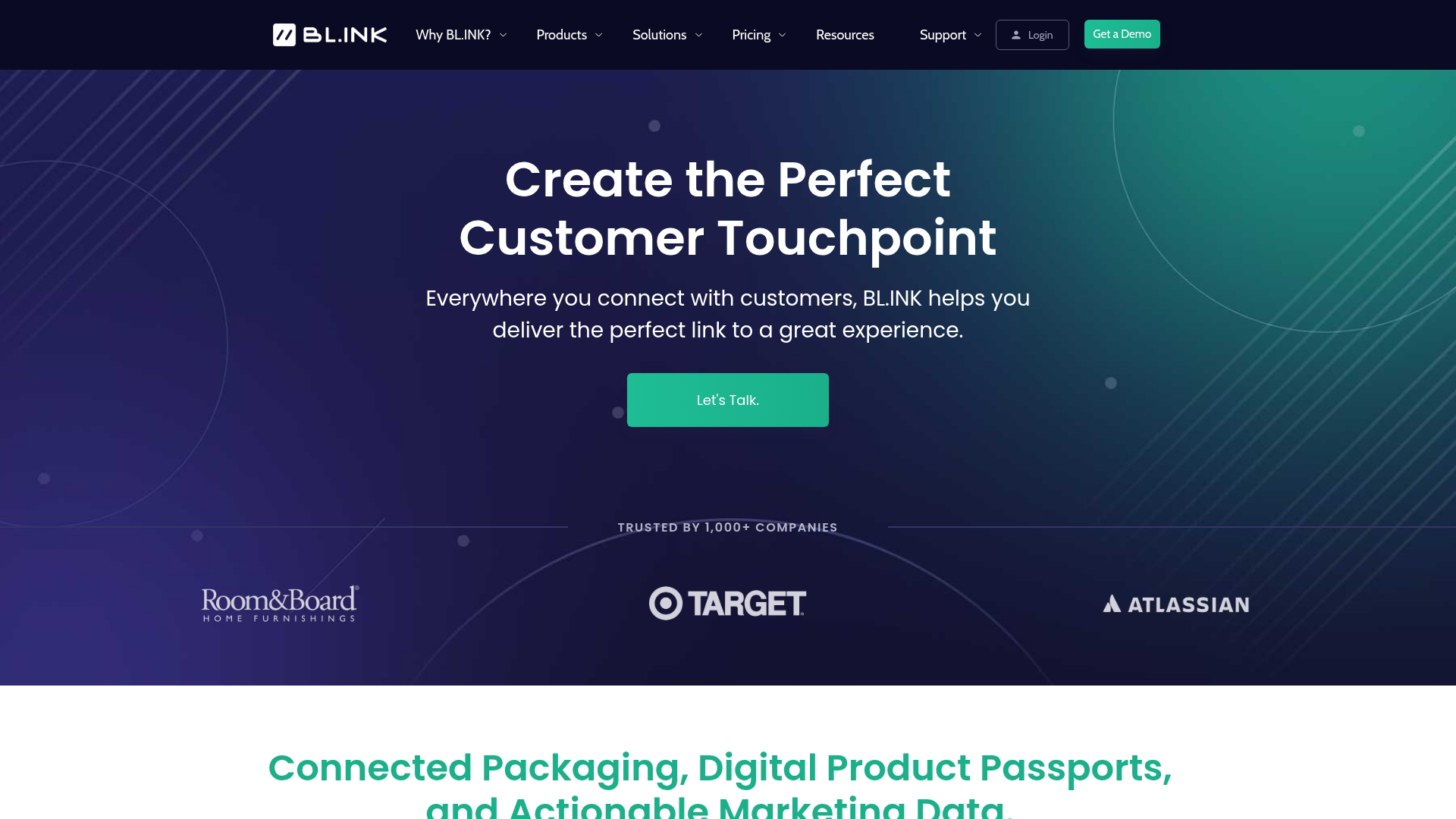
BL.INK offers enterprise-grade reporting for businesses of all sizes. The platform focuses on delivering actionable insights from every shortened link, with dashboards that break down click data by device type, operating system, geographic location down to the city level, and referrer source. You can analyze performance trends over custom date ranges and export detailed reports for stakeholder presentations.
Key strengths
Deep analytics: Comprehensive reporting on click behavior, traffic sources, conversion paths, and audience demographics with visual charts and exportable CSV files for further analysis in your BI tools.
Custom domains: Connect multiple branded domains to organize links by brand, product line, or client, with straightforward DNS configuration and automatic SSL provisioning.
Link tags and folders: Organize thousands of links using custom tags, nested folders, and advanced search filters by campaign, channel, team, or date range for quick retrieval and bulk management.
Team permissions: Assign role-based access controls so team members can create and view links within their scope while administrators maintain oversight across all campaigns.
Pick BL.INK when analytics depth drives your link strategy and you need granular data to optimize campaign performance across channels. Free tier available with basic features; paid plans vary by feature set and usage volume.
7. T2M
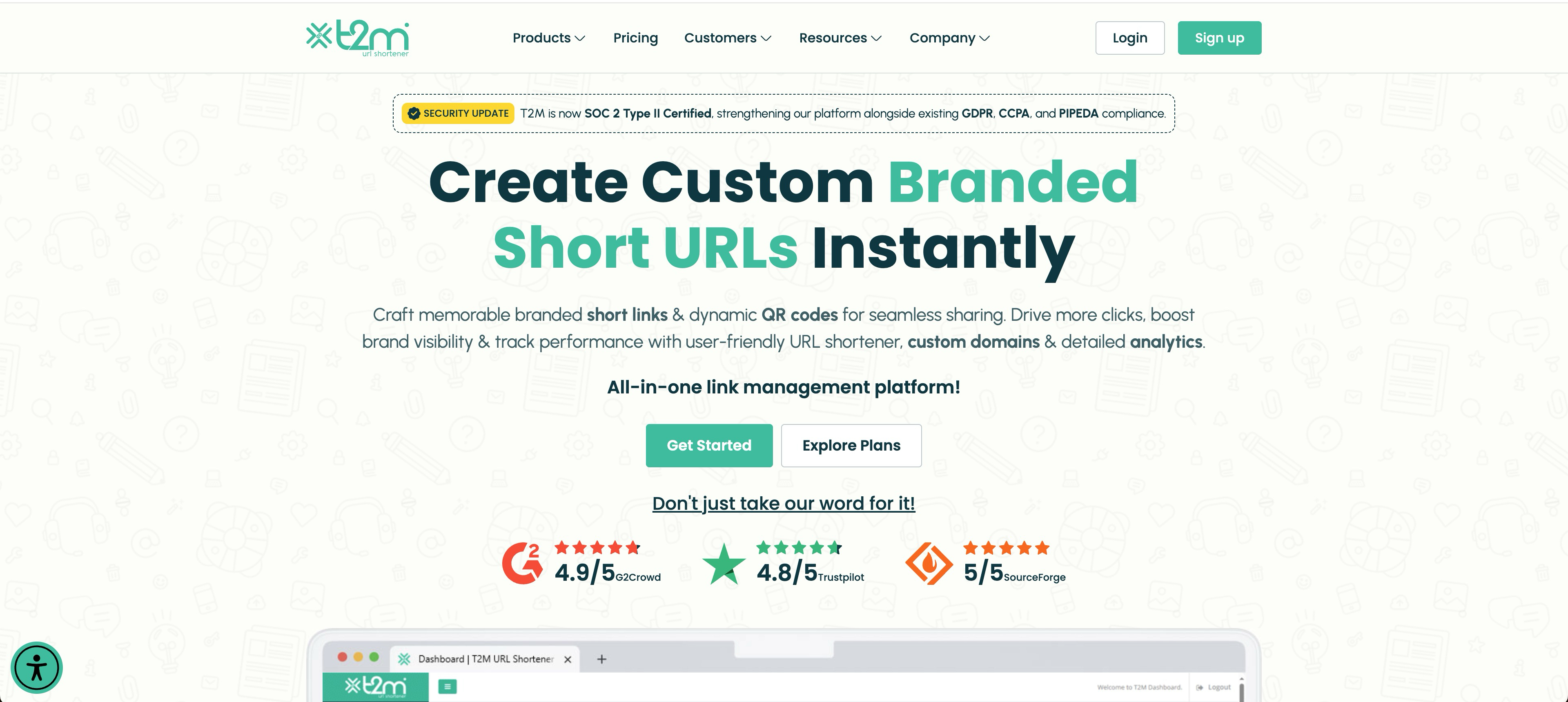
T2M stands out for users who want unlimited link creation without recurring subscription fees. The platform offers a lifetime pricing model where you pay once and gain permanent access to core features including custom domains, detailed click analytics, and QR code generation. This makes it particularly attractive for businesses with high link volumes that want predictable costs.
Key strengths
Lifetime pricing: One-time payment grants permanent access to the platform with no monthly or annual renewals, eliminating ongoing subscription costs from your budget.
Unlimited links: Create as many short URLs as you need with no monthly caps or throttling, making it ideal for agencies managing multiple clients or businesses running continuous campaigns.
QR codes: Automatically generate scannable QR codes for every shortened link, with customization options for colors, logos, and download formats.
Custom domains: Connect your own branded domain to maintain brand consistency across all shortened links without additional domain fees.
Choose T2M when you want to avoid recurring subscription costs, need to create hundreds or thousands of links monthly, or prefer a one-time investment over ongoing payments. The lifetime deal works best for established businesses with predictable, high-volume link shortening needs.
8. Ow.ly by Hootsuite
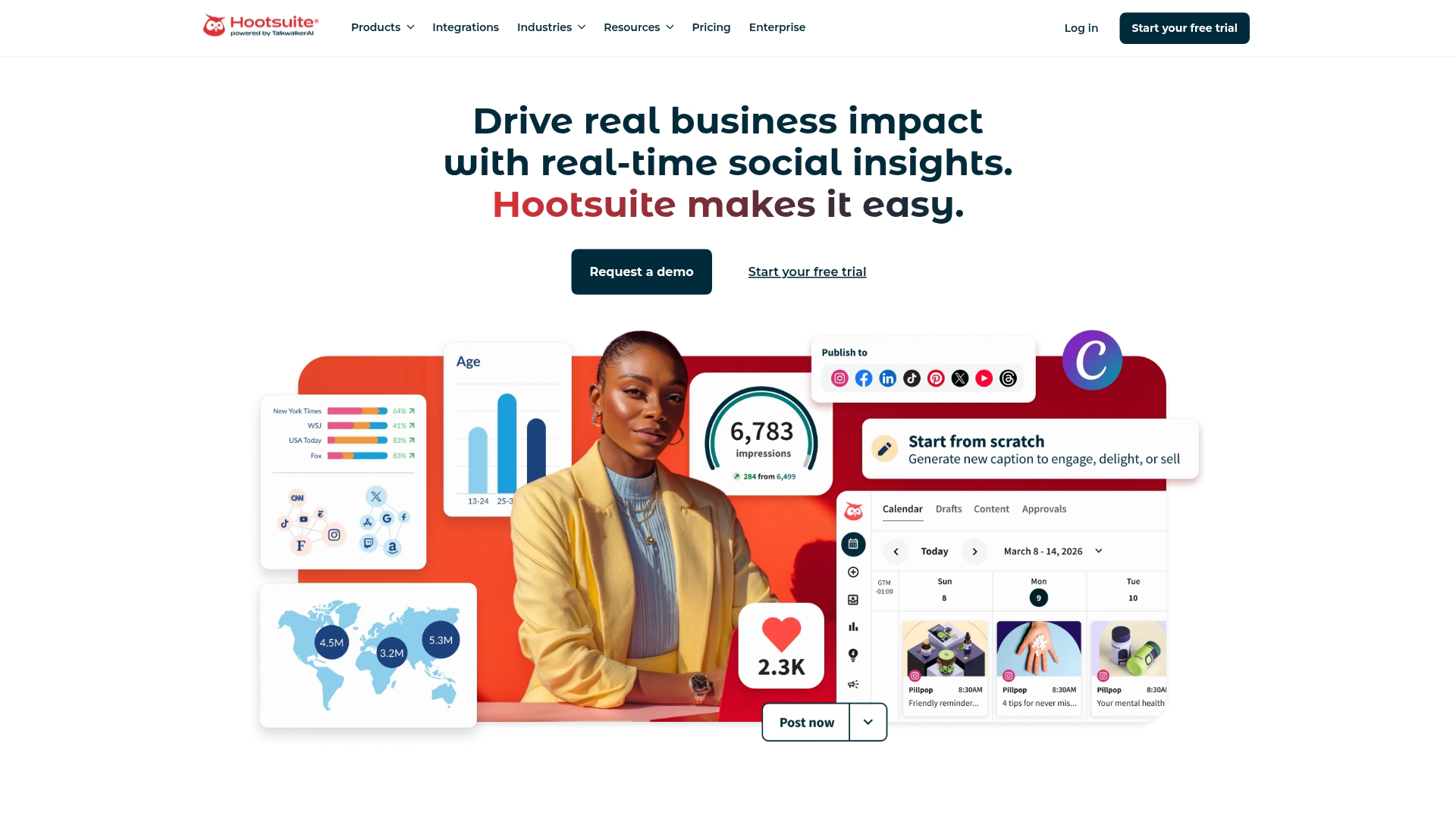
Ow.ly is the best URL shortener for social media managers already using the Hootsuite platform. It's not a standalone service but integrates directly into the Hootsuite dashboard, automatically shortening any link you schedule or post across connected social networks. When you compose a post in Hootsuite, any URL you paste gets shortened to an ow.ly link without leaving the composer window.
Key strengths
Hootsuite integration: Automatic shortening within your existing workflow as you schedule posts, with no need to switch between tools or copy-paste between browser tabs.
Basic analytics: Track clicks on shortened links directly in your Hootsuite dashboard alongside other post metrics like engagement and reach, giving you a unified view of social performance.
No additional setup: Works out of the box for Hootsuite users with zero configuration—just paste a URL into any post composer and it shortens automatically.
Multi-network support: Shortened links work across all social platforms connected to Hootsuite, from Twitter and LinkedIn to Facebook and Instagram, maintaining consistent tracking regardless of where you share.
Pick Ow.ly when you're already invested in Hootsuite and want link shortening that requires zero extra steps in your social media workflow. Included with all Hootsuite plans at no additional cost.
9. Sniply
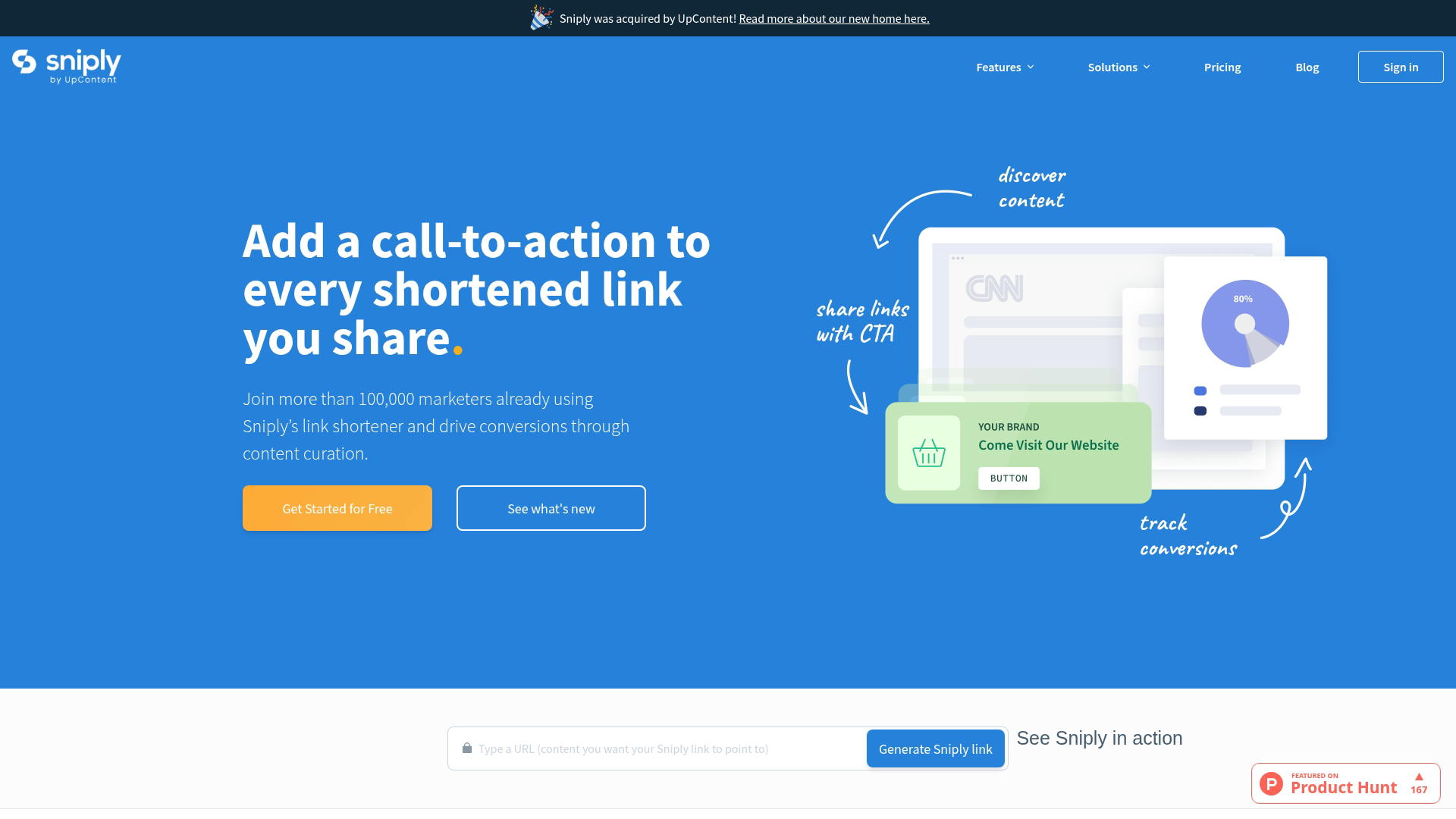
Sniply is best for marketers focused on lead generation from curated content. Unlike traditional shorteners that simply redirect users, Sniply overlays a custom call-to-action banner on any page you share—even content you don't own. When you share a third-party article, industry report, or competitor blog post, your CTA appears as a small banner at the bottom of the page, driving visitors back to your landing page, product demo, or lead magnet while they consume the shared content.
Key strengths
CTA overlays: Add customizable call-to-action banners to any shared page with options for button text, colors, messaging, and destination URLs. Choose from multiple banner styles including bottom bars, side panels, and pop-ups that appear after a set scroll depth or time delay.
Retargeting pixels: Attach Facebook, Google, LinkedIn, and custom retargeting pixels to your Sniply links, building remarketing audiences from everyone who clicks—even when they're viewing third-party content. Track these audiences separately in your ad platforms for targeted follow-up campaigns.
Conversion tracking: Monitor how many people click your CTA overlays versus simply viewing the shared page, with detailed analytics on conversion rates by link, campaign, and traffic source. Export performance data to identify which content types and CTA messages drive the most engagement.
A/B testing: Test different CTA messages, button colors, and banner placements on the same shared link to optimize conversion rates, with automatic traffic splitting and statistical significance reporting.
Choose Sniply when you regularly share third-party content and want to capture leads from every link, need to monetize your content curation efforts with direct conversion opportunities, or want to build retargeting audiences from industry articles and resources you share. Free tier available with limited features; paid plans start at $9/month and unlock unlimited CTAs, advanced analytics, and A/B testing.
Free URL shortener options vs paid plans
The choice between free and paid depends on your goals.
Free tiers typically include:
Basic link shortening
Limited number of active links
Simple click tracking
Provider's generic domain (e.g., bit.ly/xyz)
Paid plans typically unlock:
Custom branded domains
Advanced analytics and reporting
Multiple team member seats
API access for automation
Link management features like expiration and editing
A free plan often works for personal use or low-volume sharing. Marketing teams running high-volume campaigns will find the branding and analytics features of paid plans essential for measuring ROI.
What happened to Google URL shortener
Google URL Shortener (goo.gl) was discontinued for new users in March 2018 and shut down completely in March 2019. The service was retired as part of Google's shift toward Firebase, with the company citing declining usage and a strategic focus on mobile app deep linking over general web link shortening. Existing goo.gl links created before the shutdown still redirect to their destinations and will continue to work indefinitely, but you can't create new short links through the service or access the goo.gl dashboard to view analytics for old links. Google now directs developers to Firebase Dynamic Links, a more complex solution designed specifically for linking to content within mobile apps rather than general web pages. Firebase Dynamic Links require technical setup including SDK integration and are built for app-to-app navigation, making them impractical for most marketing teams who simply need to shorten URLs for social media, email campaigns, or general web sharing. For former goo.gl users, migrating to dedicated URL shorteners like Bitly or Rebrandly provides similar functionality with better analytics and custom branding options.
How to shorten a URL
For first-time users, creating a short link takes only a few seconds.
1. Copy your long URL
Navigate to the page you want to link to. Highlight the full URL in your browser's address bar and copy it.
2. Paste into the shortener tool
Go to your chosen URL shortener's website. Paste the long URL into the main input field.
3. Customize your short link and share
Optionally add a custom alias if the tool supports it. Click the "Shorten" button. Copy your new short link and share it via email, social media, or anywhere else.
URL shortener security and privacy considerations
Shortened links come with security and privacy factors worth understanding:
Link trust: Short links hide the final destination, which malicious actors can exploit. Be cautious clicking unfamiliar short links.
Link preview tools: Some browser extensions let you preview a short link's destination before clicking.
Data privacy: URL shorteners track data about who clicks your links. Review the provider's privacy policy.
Password protection: For sensitive content, choose a shortener with password-protected links on paid plans.
Key factors when selecting a link shortening service
Use this checklist to evaluate potential services:
Volume: How many links do you create and track monthly?
Branding: Is a custom domain a priority?
Analytics: Do you want basic click counts or detailed audience reports?
Collaboration: Will multiple team members create and manage links?
Integrations: Does the tool connect with your CRM, email platform, or social scheduler?
Budget: Are you looking for free, or can you invest in paid features?
Start shortening and tracking your links today
A URL shortener is an essential tool for modern marketing. It cleans up your links, provides performance data, and strengthens your brand. The best way to start is trying a free tier from one of the tools in this guide to see how the workflow fits your requirements.
For teams focused on sharing product demos and interactive content, Guideflow provides built-in link sharing with powerful analytics to track exactly how prospects engage with your interactive product experiences.
Start your journey with Guideflow today!
FAQs about URL shorteners
Do shortened links hurt SEO?
No, shortened links generally don't hurt SEO. Most reputable URL shorteners use permanent 301 redirects, which correctly pass link equity to the destination page.
How long do shortened links last before they expire?
Most URL shorteners keep links active indefinitely by default. Paid plans often let you set custom expiration dates. Some free services may deactivate links after long periods of inactivity.
Can you edit a shortened URL after creating it?
Many paid plans allow editing the destination URL after creation. Free tiers typically don't offer this feature.
Is TinyURL safe to use?
Yes, TinyURL is a legitimate service operating since 2002. However, be cautious clicking unfamiliar TinyURL links from untrusted sources, as any shortener can mask malicious destinations.
Does Google still offer a URL shortener?
No, Google discontinued goo.gl in 2019. Existing links still work, but you can't create new ones.
Can you bulk shorten multiple URLs at once?
Yes, most paid plans include bulk shortening via CSV upload or API.
Do URL shorteners generate QR codes automatically?
Many modern shorteners including Bitly, Short.io, and T2M include QR code generation as a built-in feature, reflecting that over 90% of marketers now use QR codes according to Bitly's survey data.
What is the difference between a URL shortener and a link management platform?
A basic URL shortener simply creates short links. A link management platform adds advanced features like detailed analytics dashboards, team collaboration, custom branded domains, and integrations with other marketing tools.