You closed the quarter. Then finance asked for the receipts behind three trips, a stack of software renewals, and a client dinner. Half of them live in your inbox. The rest sit crumpled in a wallet or lost inside a photo roll of 4,000 pictures.
That gap is where clean books go to die. And it gets worse as headcount grows, because every person who spends adds another pile of paper and PDFs nobody wants to chase.
The receipt scanner market reflects how big this problem has become. The receipt scanner app market was valued at $1.22 billion in 2024 and is expected to reach $4.2 billion by 2035, growing at an 11.8% CAGR, according to WiseGuy Reports (2024). Mobile capture already accounts for 42.5% of the broader receipt scanner market by revenue, per Marketintelo (2025).
The tool you choose decides whether receipts become a searchable, tax-ready record or another manual chore that lands back on the founder or finance lead. This guide compares seven options by OCR quality, mileage tracking, offline capture, accounting integrations, and how audit-safe the exports really are.
What's inside
This guide is for founders, finance leads, and small business owners who want a receipt scanning software shortlist without wading through vendor pages. We picked tools by these criteria:
- OCR accuracy and how receipts convert to structured expense data
- Accounting integrations, especially QuickBooks and Xero
- Extras that decide fit: mileage tracking, offline capture, email forwarding, paper receipt handling
- Pricing clarity, including free tier limits and what each plan actually unlocks
TL;DR
- Best paper receipt workflow: Shoeboxed, with mail-in scanning plus a receipt scanner app.
- Best free entry point for teams: Zoho Expense, with a free plan and low per-user paid tiers.
- Best for fast-moving teams with cards and travel: Expensify, with SmartScan and reimbursements.
- Best for accountants and bookkeeping automation: Dext, with document capture and data extraction.
- Best low-cost option for existing users: Wave, with a receipt scan add-on on top of free accounting.
- Best if you already run QuickBooks: QuickBooks Online, with a built-in receipt scanner.
- Best mobile-first organizer: SimplyWise, with AI receipt extraction and tax-oriented workflows.
What is receipt scanning software
Receipt scanning software is a tool that captures a photo, PDF, or emailed receipt, reads the key fields with OCR, and turns them into structured expense records you can categorize, store, and export for accounting or taxes.
The category overlaps with expense tracking, but the core job is capture and conversion. A good receipt tracker app removes manual data entry, keeps a searchable archive, and pushes clean data into your books.
Most tools in this category share a common feature set:
- OCR receipt scanning: Reads merchant, date, amount, and tax from an image or PDF automatically.
- Receipt capture: Mobile photo, desktop upload, email forwarding, and sometimes mail-in for paper.
- Receipt-to-expense conversion: Turns each scan into a categorized expense line.
- Accounting integrations: Syncs to QuickBooks, Xero, and similar platforms.
- Tax-ready receipts: Stores images with data so records hold up at tax time.
- Mileage tracking: Logs trips for deductible travel in many receipt organizer apps.
- Receipt storage and export: Cloud sync plus CSV, PDF, or accounting-format exports.
The best receipt scanner app for you depends less on raw OCR and more on how the output fits your workflow: paper volume, integrations you already run, and how tax-ready the export needs to be.
When to use receipt scanning software
Kill manual expense data entry
If someone is retyping receipts into a spreadsheet, that time is a hidden tax on month-end close. An expense tracking app with OCR captures the receipt at the moment of spend and converts it to a line item. Founders get cash visibility without babysitting the process.
Build tax-ready and audit-ready records
Come tax season, scattered receipts turn into a scramble. Receipt scanning and expense reporting software keeps images tied to structured data, so audit-ready expense records exist year-round, not just in April. Retention rules stay satisfied because nothing depends on a shoebox surviving a move.
Handle paper receipts at volume
Some businesses still drown in physical receipts from job sites, client meetings, or trade shows. A paper receipt scanning service like mail-in digitization clears the backlog without your team feeding a scanner one slip at a time. That matters when the pile is measured in bags, not pages.
Receipt scanning software comparison
Here is how the seven tools compare on intent, standout use case, pricing, and rating. Pricing reflects each vendor's published plans as of mid-2026. Use it to shortlist, then read the sections below for the fit details that pricing tables never capture.
| # | Product | Best for | Key use case | Pricing | G2 rating |
|---|---|---|---|---|---|
| 1 | Shoeboxed | Paper-heavy businesses and bookkeepers | Mail-in paper receipt scanning plus app | From $9/month | 4.4/5 |
| 2 | Zoho Expense | Teams wanting a free entry point | Full expense platform with free plan | Free; paid from $4/user/month | Not listed |
| 3 | Expensify | Fast-moving teams with cards and travel | SmartScan plus reimbursements | Free for individuals; from $5/member/month | 4.5/5 |
| 4 | Dext | Accountants, bookkeepers, growing finance orgs | Document capture and data extraction | From $25.21/month | 4.5/5 |
| 5 | Wave | Very small businesses on free accounting | Receipt scan add-on on free books | Free; Pro $19/month; Receipts add-on $8/month | 4.3/5 |
| 6 | QuickBooks Online | Founders standardized on QuickBooks | Built-in receipt scanner in your books | From $19/month | Not listed |
| 7 | SimplyWise | Mobile-first individuals and small teams | AI receipt extraction and tax workflows | From $29.99/month | 5.0/5 |
Best 7 receipt scanning tools for 2026
1. Shoeboxed
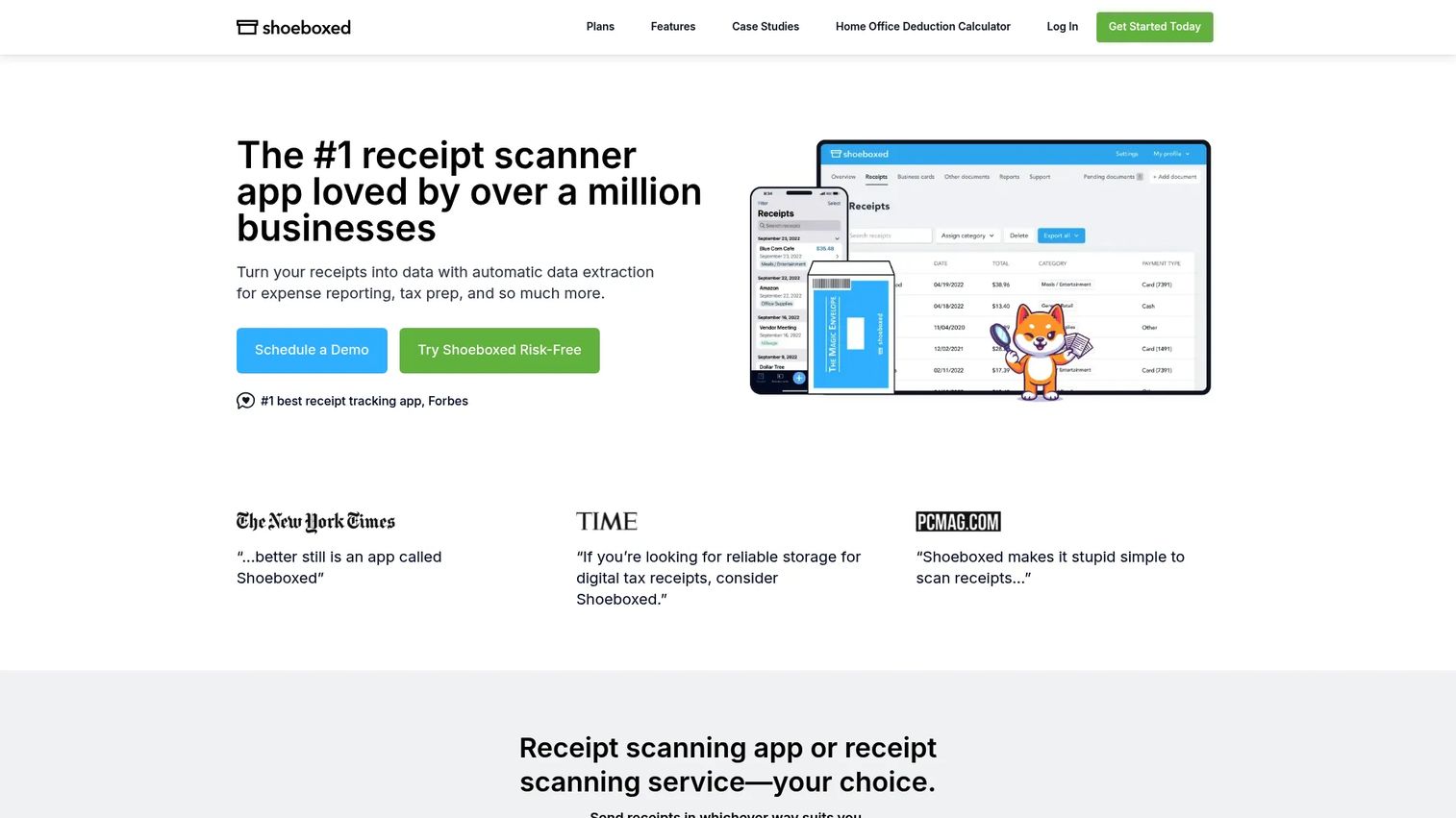
Shoeboxed is built for the paper problem most modern apps ignore. Alongside a mobile receipt scanner app, it offers a mail-in service: you send physical receipts in a prepaid envelope, and Shoeboxed scans, verifies, and organizes them for you. That combination makes it a receipt organizer app for businesses that still generate real paper.
OCR is paired with human data verification, which raises confidence on messy or faded receipts. It also handles mileage tracking and exports to accounting tools, so digitized receipts do not dead-end in the app.
Best for: Small businesses, freelancers, and bookkeepers who need to clear paper receipt backlogs without manual scanning.
Key strengths
- Mail-in receipt scanning for physical paper
- OCR scanning with human data verification
- Mileage tracking and accounting exports
Why choose Shoeboxed: If your receipts arrive as paper more than pixels, Shoeboxed removes the step that other tools assume you have handled. It fits teams that value a done-for-you digitization workflow over pure DIY capture.
Shoeboxed pricing: Plans start at $9/month for Starter, with Pro at $29/month, Plus at $79/month, and Paper Plus at $179/month. Annual billing is also available on the pricing page.
2. Zoho Expense
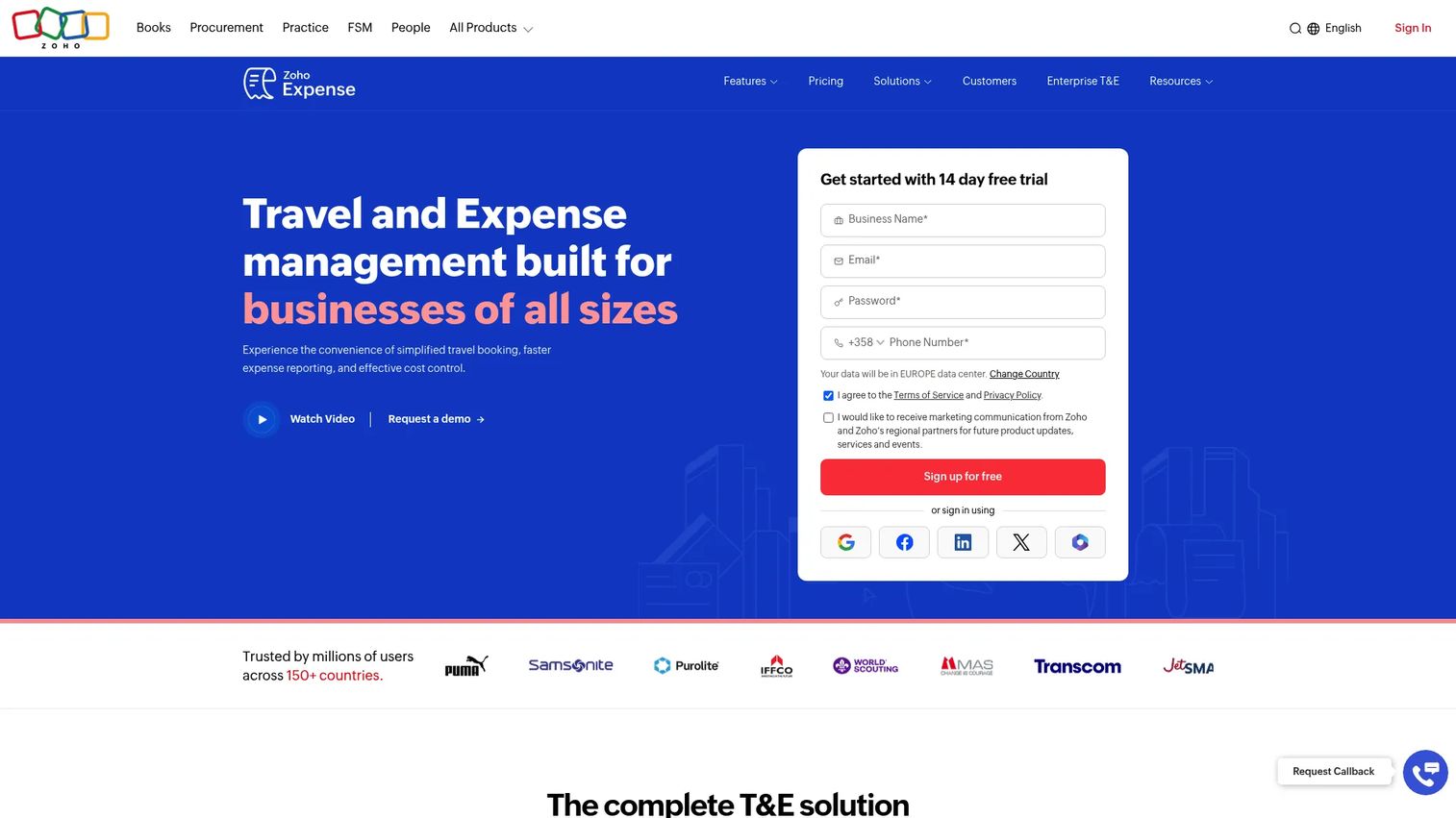
Zoho Expense is a full expense management platform with a genuinely useful free plan, which makes it a strong first step for teams not ready to pay per seat. It handles the receipt job well, then extends into approvals, policies, and reporting as spend grows.
AI-powered receipt capture reads receipts on upload, and the app supports mobile capture, corporate card feeds, and mileage. It integrates with accounting, ERP, and travel systems, so the receipt is the start of a workflow, not the end.
Best for: Businesses that want configurable expense reporting and approvals with a low-cost or free starting point.
Key strengths
- AI-powered receipt capture and OCR
- Expense policies, approvals, and audits
- Integrations with accounting, ERP, and travel systems
Why choose Zoho Expense: It scales from a free single-user setup to a policy-driven platform without switching tools. That path suits founders who want the receipt problem solved now and the approval layer ready later.
Zoho Expense pricing: A Free plan is available. Standard is $4 per user/month billed monthly or $3 billed annually. Premium is $6 per user/month billed monthly or $5 billed annually. A 14-day free trial is offered, and prices exclude local taxes.
3. Expensify
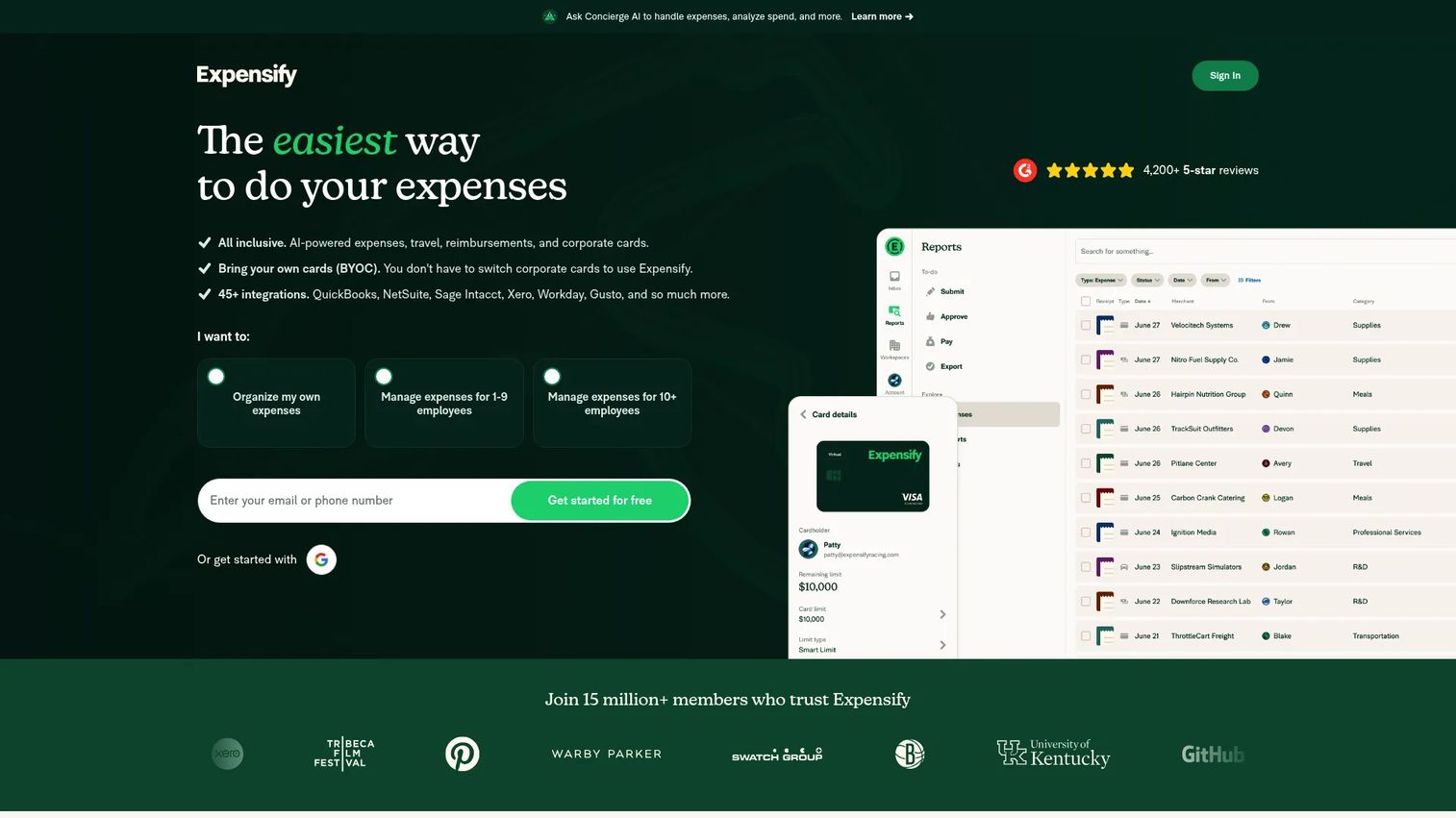
Expensify pairs its SmartScan receipt capture with the full spend stack: reimbursements, corporate cards, travel, and approvals. Snap a receipt and SmartScan reads it, then routes it into an expense report that can trigger reimbursement without manual chasing.
For teams moving fast, that end-to-end flow matters. It integrates with QuickBooks and Xero, manages corporate card transactions, and supports travel booking and bill pay in the same app. The free tier for individuals lets you test SmartScan before rolling it out.
Best for: Teams that want expense, card, travel, and reimbursement workflows in one app rather than several.
Key strengths
- SmartScan receipt scanning
- Expense reimbursement and approvals
- Corporate card management, travel, and bill pay
Why choose Expensify: When receipts are only step one and reimbursement speed is the real goal, Expensify closes the loop. It fits growing teams tired of stitching capture, approval, and payout across tools.
Expensify pricing: Free for individuals on New Expensify. The Collect plan starts at $5 per member/month, and Control is custom, described as low as $9 per active member/month.
4. Dext
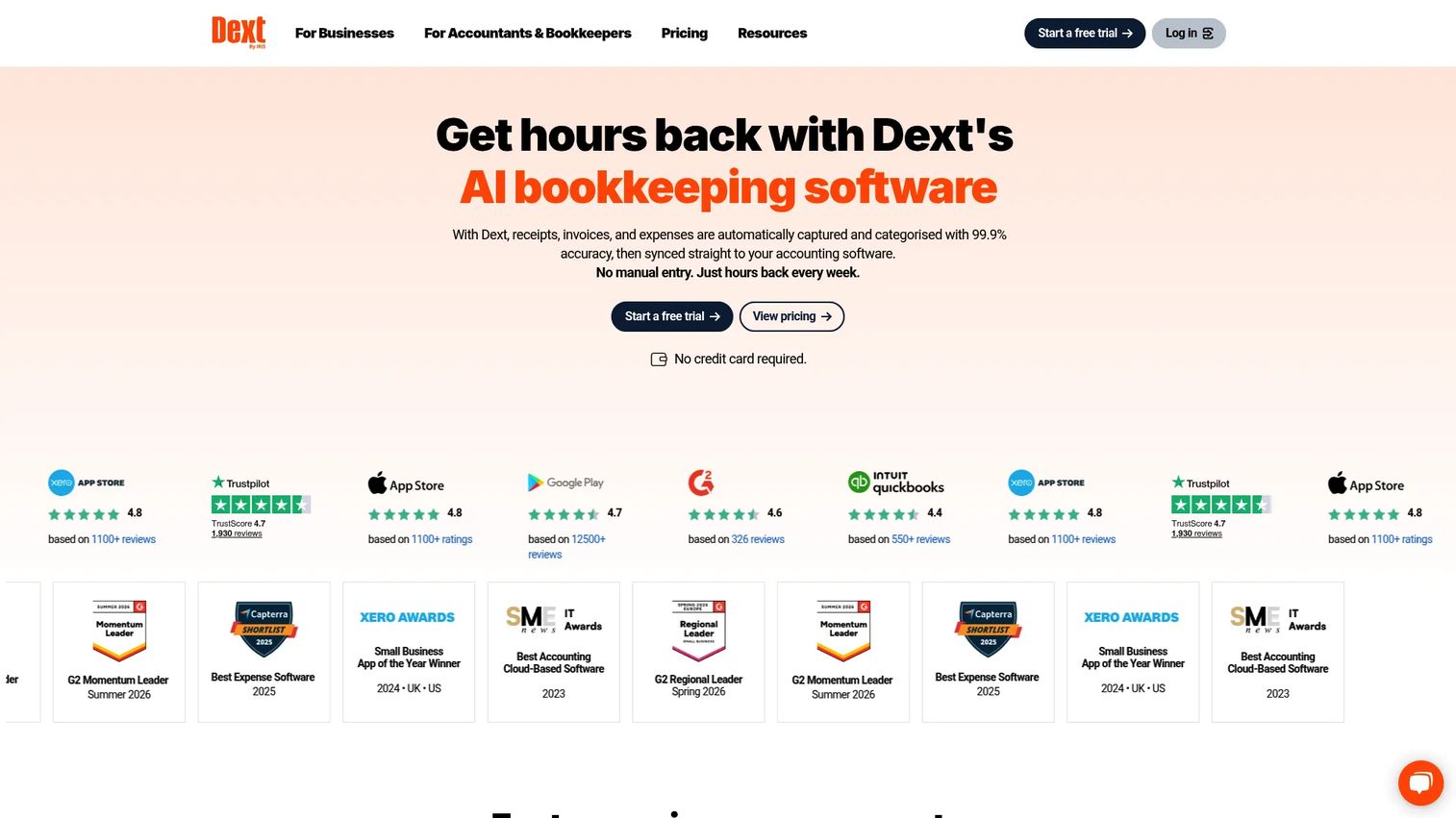
Dext leans into bookkeeping automation for businesses and accounting practices. Beyond receipt and invoice capture, it does automatic data extraction and connects into accounting software, so the captured document becomes a posted transaction with less manual handling.
That makes it a fit for anyone treating receipts as one input in a broader books workflow. Practices get plan options built for handling many clients, while individual businesses get a straightforward capture-to-books pipeline.
Best for: Businesses and accounting firms that want to automate receipt capture and bookkeeping workflows end to end.
Key strengths
- Receipt and invoice capture
- Automatic data extraction
- Accounting software integrations
Why choose Dext: If your bottleneck is bookkeeping, not just receipt storage, Dext removes data entry deeper into the process. It suits finance orgs and bookkeepers who want capture and posting to feel like one motion.
Dext pricing: Business pricing starts at $25.21/month, or $302.50/year, covering 250 documents and 5 users, and excludes tax. Practice plans use custom, configurable pricing without a public starting number.
5. Wave
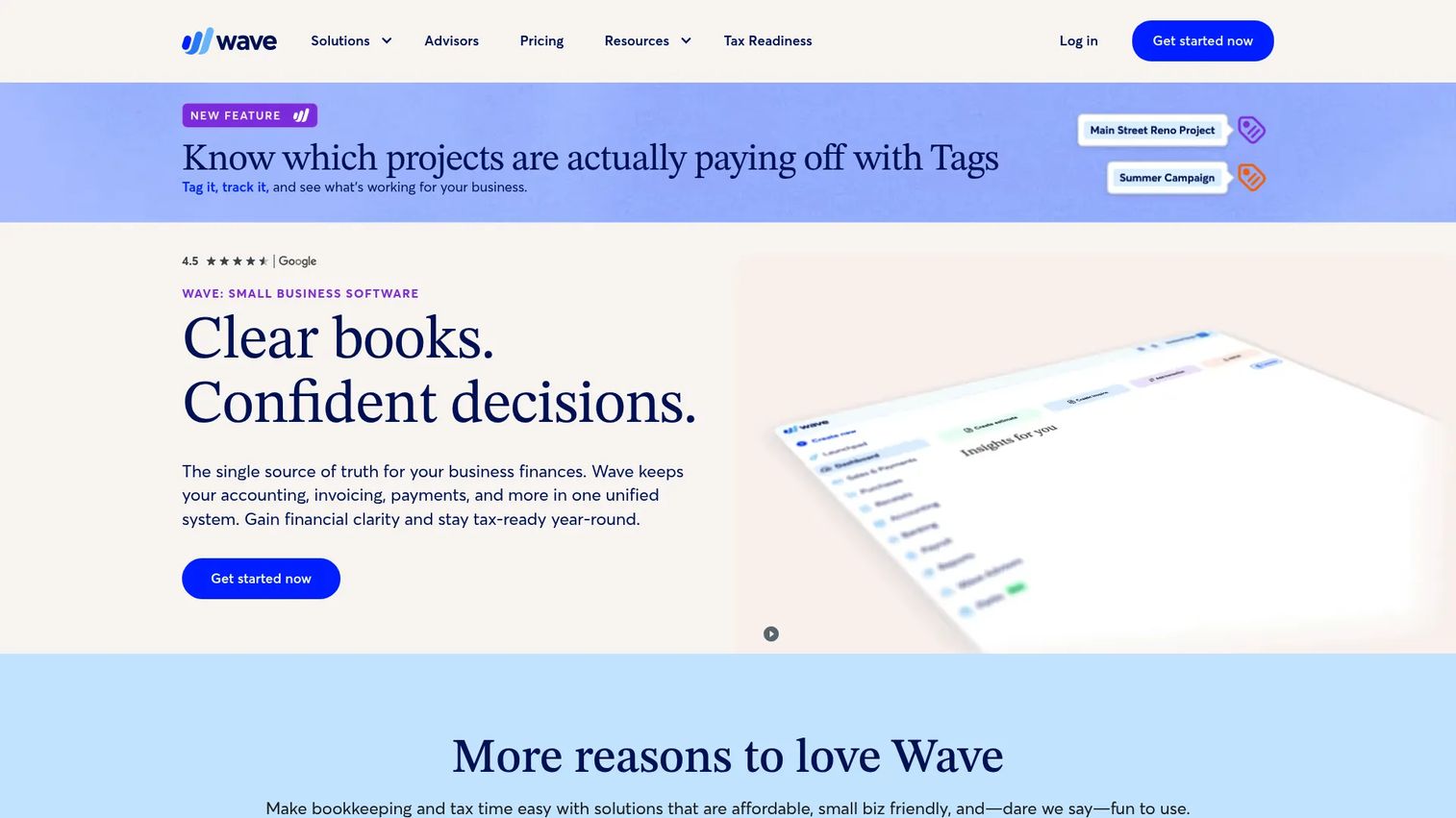
Wave is worth a look if you want free core accounting and only need receipts as an add-on. The Starter plan covers basic accounting and invoicing at no cost, and receipt scanning comes in on the Pro plan or as a dedicated Receipts add-on.
Capture works on mobile and desktop, with email forwarding for receipts that land in your inbox. Because it lives inside Wave's books, scanned receipts can match against imported bank transactions, keeping the loop tight for very small operations.
Best for: Freelancers and small businesses that want free core accounting with optional paid add-ons.
Key strengths
- Free Starter plan with accounting and invoicing
- Pro plan with auto-import bank transactions and receipt scanning
- Payments, payroll, and advisor add-ons
Why choose Wave: For a solo operator or micro-business, Wave keeps costs near zero while still handling receipts and transaction matching. It fits people who want one lightweight home for books and receipts.
Wave pricing: Starter is free. Pro is $19/month or $190/year. The Receipts add-on is $8/month or $72/year. Payroll starts from $25/month, and Wave Advisors from $149/month.
6. QuickBooks Online
QuickBooks Online has a receipt scanner built into the accounting platform many small businesses already run. Snap or forward a receipt, and it captures the data, matches it to transactions, and categorizes it inside your books, no separate tool required.
That is the real pull here: if you are already standardized on QuickBooks, the QuickBooks receipt scanner keeps receipts, categorization, and export in one system. Mobile app access means capture happens on the go, and everything stays inside the ledger you close from.
Best for: Founders and finance leads already running QuickBooks who want receipts inside their existing books.
Key strengths
- Built-in receipt scanner and mobile app access
- Accounting-native categorization and export
- App integrations across the stack
Why choose QuickBooks Online: Staying inside one system beats syncing two. For QuickBooks users, the built-in scanner removes an integration and a subscription while keeping data audit-ready.
QuickBooks Online pricing: Simple Start is $19/month, Essentials $37.50/month, Plus $57.50/month, and Advanced $137.50/month. The pricing page shows a 50% off for three months promotion across plans.
7. SimplyWise
SimplyWise is a mobile-first receipt and document organizer with AI-powered extraction. It pulls data from receipts and documents, supports imports, and organizes everything for tax-oriented workflows, which makes it a practical free receipt scanner app alternative for individuals and small teams who live on their phones.
Beyond receipts, the SimplyWise app suite adds mileage tracking and tax-compliant reports, plus AI construction estimates for contractors. That breadth makes it a strong fit for tradespeople and solo operators who want scanning, mileage, and estimates in one place.
Best for: Contractors and small teams who want fast AI extraction plus receipts and mileage tracking in one app suite.
Key strengths
- AI-powered receipt and document scanning
- Mileage tracking and tax-compliant reports
- AI construction estimates from a photo
Why choose SimplyWise: If your work is mobile and paper-light, SimplyWise keeps receipts, mileage, and reports in your pocket. It fits contractors and freelancers who want tax-ready output without a desktop workflow.
SimplyWise pricing: The subscription is $29.99/month or $239.99/year, with a 7-day free trial and no permanent free tier. One subscription includes the full feature set and access to the SimplyWise apps.
Considerations before you choose
OCR accuracy and verification
Test OCR on your ugliest receipts, not clean ones. Faded thermal paper and foreign-currency receipts expose weak extraction fast. Tools that add human verification, like Shoeboxed, trade some speed for fewer correction cycles later.
Accounting integrations
Match the tool to the books you already run. If you live in QuickBooks, a native scanner or a tool with tested QuickBooks and Xero sync saves reconciliation headaches. A weak integration turns "automated" capture into manual re-entry on the accounting side.
Mileage tracking and offline capture
If travel is a real expense line, mileage tracking belongs in the same tool as receipts. Offline receipt scanning also matters more than people expect: trade shows, job sites, and flights all kill connectivity. Confirm captures queue and sync later rather than failing.
Free tier limits and paper handling
Read the free plan fine print. Free receipt scanner app tiers often cap scans, users, or exports in ways that break at scale. Separately, if you generate physical paper, a mail-in paper receipt scanning service is worth paying for rather than DIY-scanning hundreds of slips.
Tax-readiness and export
The point of scanning is a record that survives an audit. Check that the tool stores the original image alongside extracted data and exports in formats your accountant accepts. Receipt storage and export flexibility is what makes records genuinely tax-ready.
Conclusion
There is no single best receipt scanning software, only the one that fits your paper volume, your accounting stack, and how tax-ready your records need to be. For paper-heavy operations, Shoeboxed clears backlogs with mail-in scanning. For a free entry point that scales, Zoho Expense earns the shortlist. Fast-moving teams with cards and travel lean Expensify, while accountants and bookkeepers get more from Dext.
If you want costs near zero, Wave adds receipts to free books. If you already run QuickBooks, the built-in QuickBooks receipt scanner keeps everything in one system. And for mobile-first individuals and contractors, SimplyWise covers receipts, mileage, and tax reports from a phone.
Pick by workflow maturity, not just price. A solo operator and a growing finance org need different things, and the wrong fit shows up at month-end close. Start a free trial on your top two, run a week of real receipts through each, and choose the one that survives your messiest expenses.
FAQs
It depends on your stack. If you already use QuickBooks, its built-in scanner keeps everything in one place. If you want a free start with room to grow, Zoho Expense is strong. For paper-heavy small businesses, Shoeboxed handles physical receipts through mail-in scanning.
QuickBooks Online has a native receipt scanner, so nothing beats staying inside it if you already use QuickBooks. If you want a dedicated capture tool that syncs in, Expensify and Dext both integrate with QuickBooks and push structured expense data into your books.
Yes. Zoho Expense has a genuinely usable free plan for individuals and small teams, and Expensify is free for individuals with SmartScan. Wave offers free accounting where receipts come in as a low-cost add-on. Read scan and user caps before you commit.
Many do. Shoeboxed, Zoho Expense, Expensify, and SimplyWise all include mileage tracking alongside receipt capture. If deductible travel is a real expense category for you, choosing one tool for both receipts and mileage keeps your tax records in a single place.
Test extraction on faded, crumpled, and foreign-currency receipts, since clean receipts hide weak OCR. Look for accuracy on merchant, date, amount, and tax fields. Tools with human verification, like Shoeboxed, reduce correction work on messy receipts at the cost of some speed.
It can be, if it stores the original receipt image alongside the extracted data. That pairing is what makes records tax-ready and audit-safe. Confirm the tool exports in formats your accountant accepts and retains images for as long as your jurisdiction requires.
More than people expect. Trade shows, job sites, and flights all cut connectivity right when you need to capture a receipt. Check that your app queues captures offline and syncs when you reconnect, so a receipt is never lost because the signal dropped.
Choose an expense app like Expensify or Zoho Expense when receipts feed into approvals, reimbursements, and reporting. Choose a dedicated receipt organizer app like Shoeboxed or SimplyWise when your main job is digitizing and storing receipts, especially paper, for clean tax records.