It's Friday at 11 PM. Four bartenders are running 60 open tabs. A regular wants to move his tab to the patio. A four-top wants to split a check five ways. Someone's card just declined on a $340 round and nobody preauthorized it. Every one of those moments is either handled in three taps or it costs you money, time, and a table.
That friction is not a staffing problem. It's a software problem. The point of sale you run behind the bar decides how fast you close tabs, whether you catch walkouts before they happen, how tightly you track liquor pour cost, and whether you can see live sales without walking to a back office. Bars operate on speed and margin, and the wrong system quietly taxes both.
The category is growing fast for a reason. The global bar POS software market was valued at USD 1.5 billion in 2024 and is projected to reach USD 3.2 billion by 2033, a 9.5% CAGR through 2033, according to the Bar POS Software Market Report (2024). Cloud-based restaurant POS deployments already account for about 58.3% of global restaurant POS revenue in 2025, per MarketIntelo (2025). Bars are moving off legacy terminals, and the systems built for hospitality now compete hard on tabs, preauth, and reporting.
This guide compares seven bar POS systems on the things that actually matter behind a busy bar: tab handling and preauthorization, checkout speed and split bills, inventory and pour tracking, staff permissions, live reporting, and hardware. We prioritized bar point of sale software that gets tab-heavy service right, not generic restaurant tools bolted onto a bar.
What's inside
This list covers seven bar POS systems chosen for bar-specific workflows, not just general restaurant fit. We evaluated each on four criteria: tab and preauthorization handling, checkout speed with split-bill support, inventory and reporting depth, and hardware plus pricing transparency. Every pricing figure and rating here comes from each vendor's own pages or verified rating sources, current as of mid-2026. The picks range from all-in-one ecosystems to iPad-first setups and budget-friendly bundles, so you can match a system to your bar's size, volume, and margin structure rather than chasing a generic "best" label.
TL;DR
- Best overall for a broad feature set and ecosystem: Square, with a free tier, integrated payments, and hardware that scales from one bar to several.
- Best for multi-location bars and advanced reporting: Lightspeed Restaurant, built for centralized menu control and deep analytics.
- Best for a full restaurant-and-bar stack: Toast, with a hardware ecosystem and operations tools made for hospitality.
- Best for quick setup and clear hardware options: Clover, flexible devices and straightforward payment processing for smaller teams.
- Best for iPad-first, service-heavy venues: Lavu, a customizable iPad POS for bars and restaurants.
- Best for all-in-one value: Harbortouch, hospitality POS with hardware and reservation tooling.
- Best for simple service speed and bartender controls: TouchBistro, an iPad-based POS with strong table and tab management.
What is bar POS software?
Bar POS software is the point of sale system a bar uses to open and manage tabs, take payments, split checks, track liquor inventory, control staff access, and report on sales in real time. It combines the terminal or tablet a bartender touches with the back-end software that records every transaction and syncs it to inventory and accounting.
A bar has needs a generic retail or restaurant POS often misses. The essential capabilities to look for:
- Open tabs and preauthorization: Start a tab against a held card, keep it open across rounds, and authorize a hold so you're covered if the guest walks. This is the single most bar-specific workflow.
- Fast checkout and split bills: Close a tab in a few taps, split by item, by seat, or evenly, and process the payment without slowing the line.
- Inventory and ingredient tracking: Track liquor depletion by pour, count bottles, and link menu items to ingredients so you see pour cost and shrinkage.
- Staff permissions and bartender controls: Assign roles, lock down voids and comps, track sales by bartender, and require manager approval where it matters.
- Live reporting and sales visibility: See sales, item mix, and labor in real time from a phone or dashboard, not a end-of-night report.
- Hardware and peripherals: Terminals, handhelds, receipt and kitchen printers, cash drawers, a kitchen display system, and offline mode for when the wifi drops.
Get those six right and service moves faster, margin gets clearer, and you stop losing money to walkouts and blind inventory.
When to use a bar POS system
Run fast service with tabs and high turnover
When your bar runs on tabs, rounds, and quick closes, a bar-specific point of sale earns its keep every shift. Bartenders juggle dozens of open tabs at once, and each one needs to open against a card hold, move between staff, and close fast. A system built for this lets a bartender start a tab, fire a round, and settle out in seconds instead of fighting menus. During a rush, seconds per transaction compound into shorter lines and more sales per hour.
Manage inventory, pricing, and staff controls in one place
A bar leaks margin in places you can't see without software. Linking drink inventory to menu items shows you pour cost and flags shrinkage before it becomes a monthly surprise. Updating a menu price or 86ing a keg should push to every terminal instantly. Staff permissions matter too: you decide who can void, comp, or open the drawer, and you get per-bartender sales so you know who's actually moving product. Doing all of this in one system beats stitching together a POS, a spreadsheet, and a separate scheduling tool.
Support multi-location or growth-stage operations
Once you run more than one bar, centralized control stops being a nice-to-have. You want to push a menu change to every location at once, compare item mix and labor across venues, and pull consolidated reporting without exporting three separate files. Growth-stage operators care about repeatability: a system that makes location two run like location one, without the founder in the office reconciling numbers every night.
Comparison table
Here's how the seven bar point of sale systems stack up on intent, differentiation, pricing, and rating. Guideflow is not a POS vendor, so it does not appear below; the picks are ranked by relevance to bar-specific workflows.
| # | Product | Intent | Key differentiation | Pricing | G2 rating |
|---|---|---|---|---|---|
| 1 | Square | Best overall for broad features and ecosystem | Free tier plus integrated payments, hardware, and banking | Free; Plus $29/mo, Premium $79/mo (billed annually) | 4.6/5 |
| 2 | Lightspeed Restaurant | Best for multi-location and advanced reporting | Centralized menu control and deep analytics | Starter $69/mo, Essential $189/mo, Premium $399/mo | Not listed |
| 3 | Toast | Best for a full restaurant-and-bar stack | Hospitality-built hardware and operations suite | Starter Kit $0/mo, Point of Sale $69/mo, Custom | 4.2/5 |
| 4 | Clover | Best for quick setup and hardware flexibility | Modular devices with straightforward payments | Configuration-based; device and add-on pricing | 3.9/5 |
| 5 | Lavu | Best for iPad-first, service-heavy venues | Customizable iPad POS with labor and inventory tools | Configuration-based quote | 3.8/5 |
| 6 | Harbortouch | Best for all-in-one value | Hospitality POS with reservation and gift-card tooling | Contact vendor | Not listed |
| 7 | TouchBistro | Best for simple service speed and bartender controls | iPad POS with strong table and tab management | POS $69/mo; Reservations $229/mo flat | 4.1/5 |
1. Square
Square is a business software and payments platform that runs POS, accepts payments, and manages commerce operations for small to mid-sized businesses. For bars, that means bar tabs with card preauthorization, fast checkout, split checks, and hardware that ranges from a mobile reader to a full register. Payments, hardware, reporting, loyalty, marketing, and banking all live under one account, which is why it's the most flexible starting point for most bars.
Best for: Bars that want a low-commitment start with room to add payments, hardware, loyalty, and banking as they grow.
Key strengths
- Tabs and preauth: Open tabs against a held card, keep them running across rounds, and close in a few taps with split-check support by item or evenly.
- Integrated hardware and payments: Readers, terminals, registers, stands, and kiosks all run on Square's own processing, so there's no third-party gateway to manage.
- Reporting and add-ons: Live sales reporting, staff management, loyalty, marketing, and Square Banking layer on without adding a separate vendor.
Why choose Square: The free tier lets a single-bar operator get running without a software bill, then Plus and Premium unlock deeper features as volume grows. If you value one account for POS, payments, hardware, and money movement, Square keeps the stack tight. It's the pick for operators who want fast setup and a clear upgrade path rather than a heavy implementation.
Square pricing: Square POS starts at Free ($0/month), with Plus at $29/month and Premium at $79/month, both billed annually. Payment processing fees apply per transaction on top of the software tier. Square holds a 4.6/5 rating on G2 for Square Point of Sale.
2. Lightspeed Restaurant
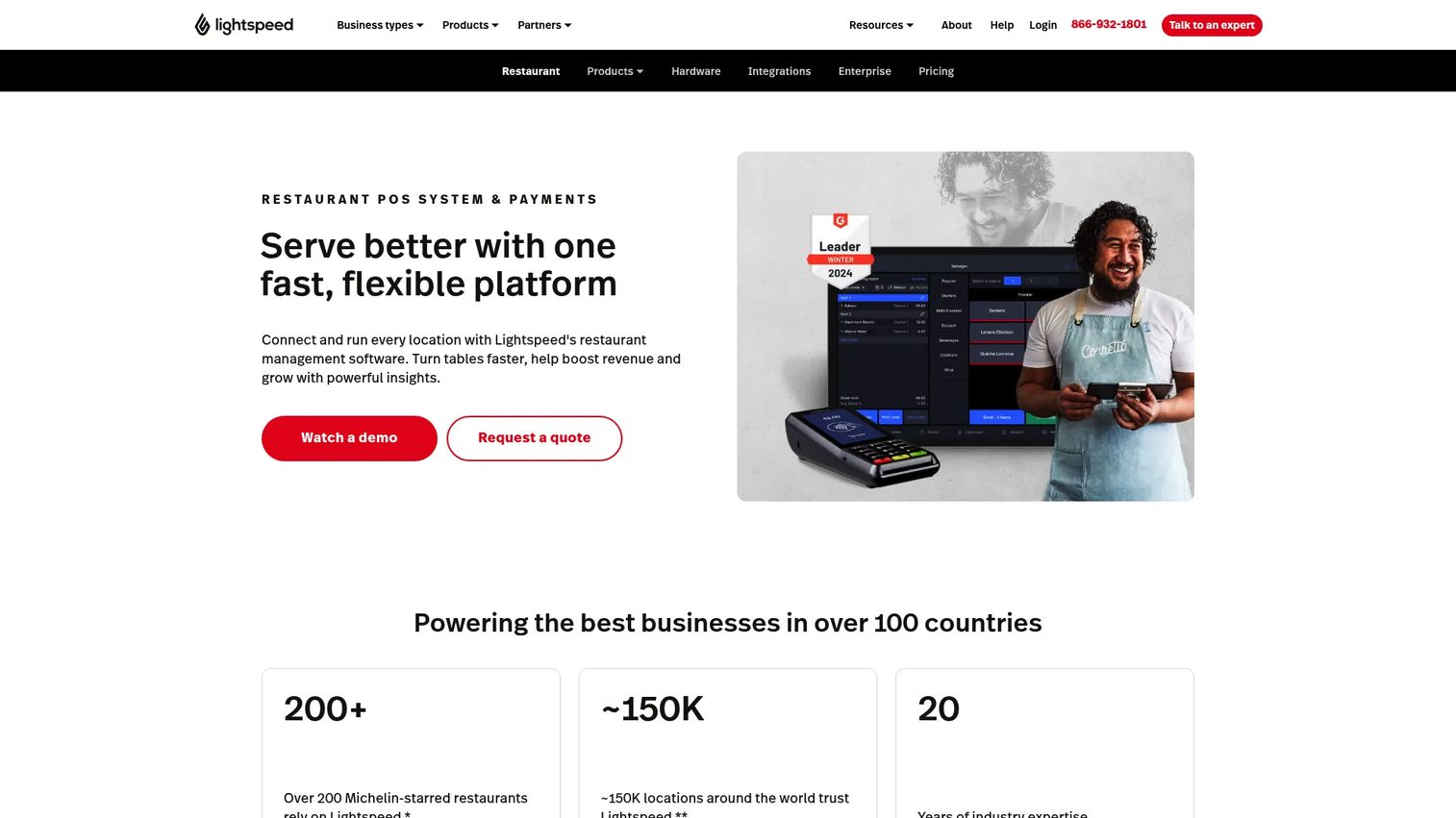
Lightspeed Restaurant is a cloud-based restaurant POS built for orders, payments, reporting, and multi-location operations. For bars, its strengths show up in preauth bar workflows, price lists, and the kind of centralized menu control and reporting depth that a single-location system can't match. Offline mode keeps you selling when the connection drops, and 24/7 support matters when something breaks mid-shift.
Best for: Multi-location bars and growth-stage operators who need centralized control and deep reporting across venues.
Key strengths
- Multi-location control: Push menu and price changes to every location at once, and pull consolidated reporting without exporting separate files per venue.
- Advanced reporting: Detailed sales, item mix, and labor analytics give operators the live visibility they need to make weekly decisions.
- Reliability tooling: Offline mode and 24/7 support keep service running and back you up during a rush.
Why choose Lightspeed Restaurant: If you run more than one bar or plan to, the centralized menu and reporting layer is the reason to pick it. You get repeatability across venues and the analytics to compare them. It's a heavier, more capable system than a single-bar tool, aimed at operators who want control and data over the simplest possible setup.
Lightspeed Restaurant pricing: Plans run Starter at $69/month, Essential at $189/month, and Premium at $399/month, with a quote-based Enterprise tier for larger operations. The first-party pricing page shows monthly USD plan pricing and no free tier.
3. Toast
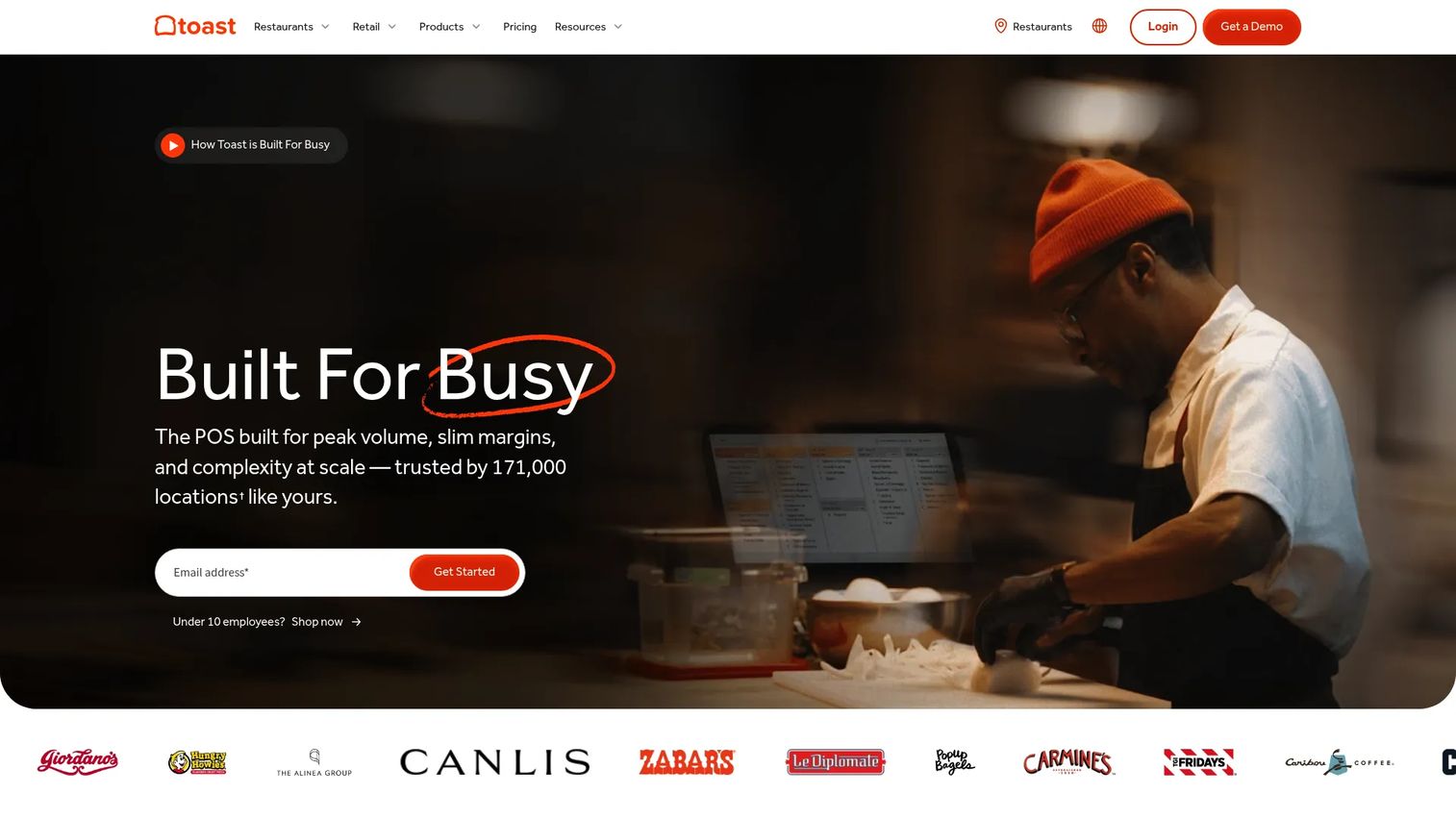
Toast is a restaurant-focused point of sale and management platform, and its hardware and operations tooling are built specifically for hospitality. That focus carries into bar service: tabs, quick fires, and handhelds for tableside and patio ordering, backed by online ordering, delivery, loyalty, marketing, and team management. Toast's hardware ecosystem is designed for the physical realities of a busy floor.
Best for: Bars that also run food service and want a single platform for POS, ordering, and operations.
Key strengths
- Hospitality-built hardware: Terminals, handhelds, and kitchen displays are engineered for spill-prone, high-volume environments rather than generic retail.
- Operations suite: Online ordering, delivery, loyalty, marketing, and team management run inside one platform.
- Scalability: Restaurant-focused tooling scales from a single bar with a kitchen to a multi-venue operation.
Why choose Toast: If your bar has a real food program or you want ordering, delivery, and staffing in the same system as your POS, Toast's hospitality focus pays off. The trade-off is that hardware and implementation costs vary and sit on top of the software fee, so total cost is more than the subscription line. It's the pick for operators who want an all-in-one hospitality platform, not just a bar tab tool.
Toast pricing: Toast lists a Starter Kit at $0/month, a Point of Sale plan at $69/month, and Custom pricing via sales. Toast notes upfront hardware and implementation costs vary and that listed pricing applies to new, single-location customers. It holds a 4.2/5 rating on G2.
4. Clover
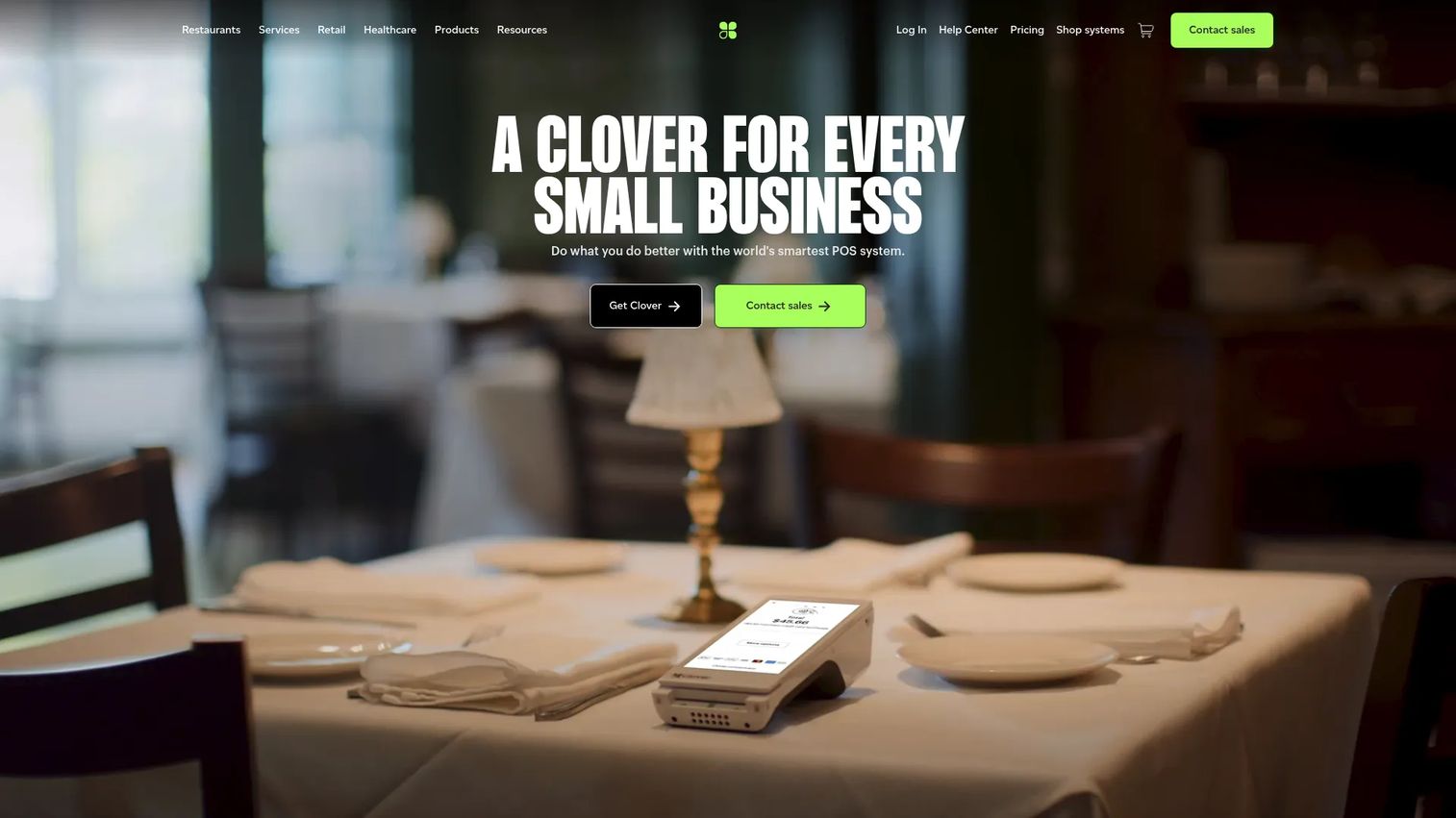
Clover is a cloud-based POS and payments platform for small businesses, known for hardware flexibility and straightforward payment processing. For a bar, that means you can start with a compact device and add terminals, kitchen displays, and peripherals as you need them, with an app-based add-on ecosystem to extend tabs, inventory, and loyalty. It's a practical fit for smaller bars that want modular hardware without a heavy setup.
Best for: Small bars that want flexible hardware and simple payments with room to add capabilities through apps.
Key strengths
- Hardware flexibility: A modular device lineup lets you match hardware to your bar's footprint and add terminals or kitchen displays over time.
- Payment processing: Payments are built in, so checkout and settlement run through one system.
- Add-on ecosystem: An app marketplace extends the base POS with inventory, loyalty, and reporting features.
Why choose Clover: Clover suits operators who want to buy the hardware that fits and layer software on through apps rather than commit to a fixed feature set. Sales reporting and customer loyalty come standard, and the modular approach keeps the entry point light. It's a fit for smaller bars prioritizing straightforward payments and flexible devices.
Clover pricing: Clover advertises device and software options that vary by business type, with published device pricing such as its kitchen display units and per-device monthly software fees. Core plan pricing is configuration-based and depends on the hardware and add-ons you choose. Clover holds a 3.9/5 rating on G2.
5. Lavu
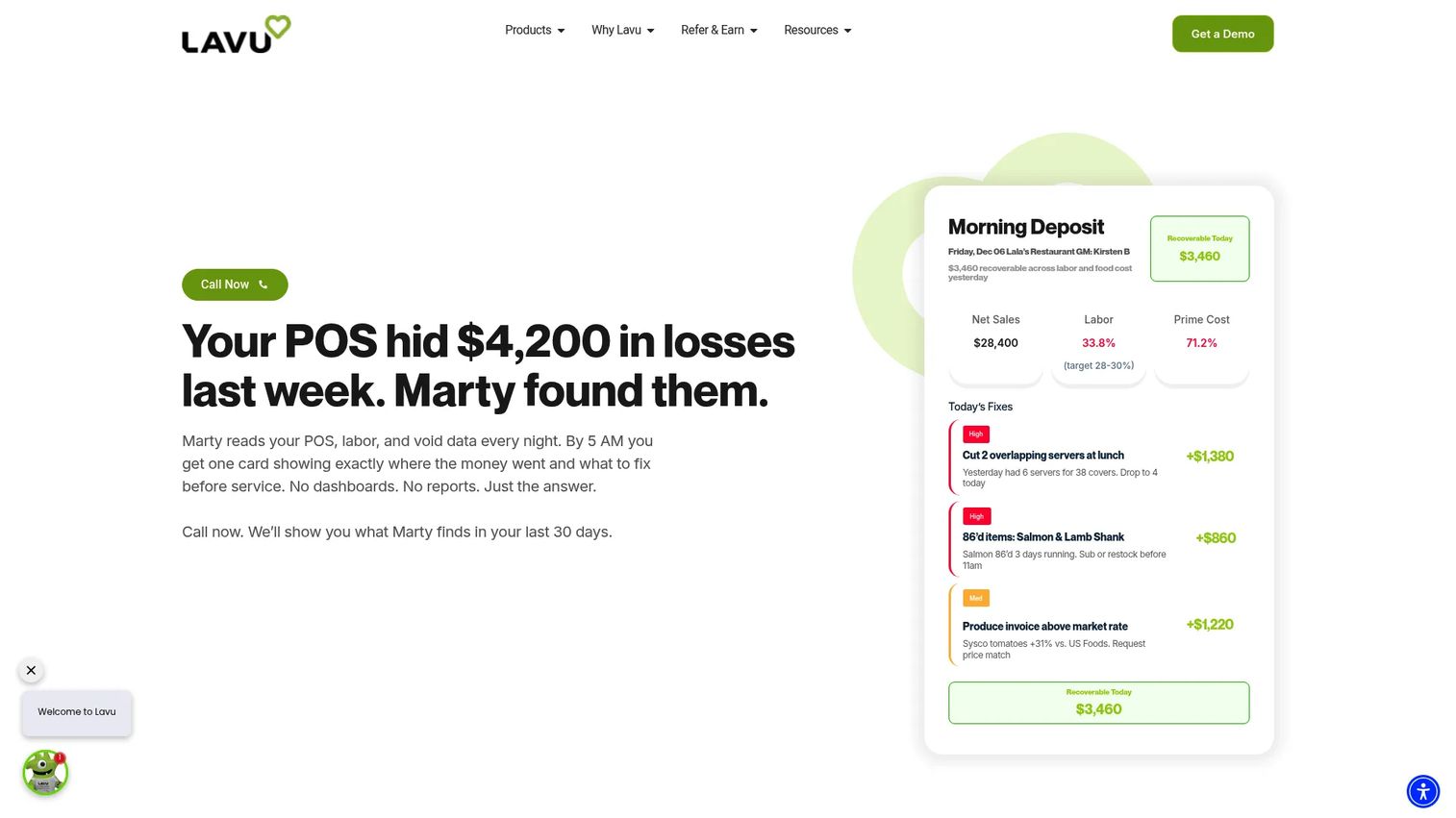
Lavu is a restaurant operating system and iPad-based POS built for foodservice operators, including bars and cafes. Its iPad-first design suits service-heavy venues where bartenders and servers move around, and it bundles a kitchen display system, online ordering, payment processing, dual pricing, and payroll. That breadth makes it more than a tab tool: it's a fuller operating layer for bars that also handle labor and inventory in-house.
Best for: Bars that want a customizable iPad POS with integrated payments, online ordering, and built-in labor and inventory tools.
Key strengths
- iPad-first workflows: A tablet-based POS keeps bartenders mobile and speeds up tableside and patio service.
- Operating tools: Kitchen display, online ordering, payments, and payroll run in one platform.
- Dual pricing: Built-in dual pricing lets operators offset processing costs at the point of sale.
Why choose Lavu: If you want an iPad setup that handles more than tabs, Lavu's labor, inventory, and payroll tooling make it a broader operating system for the bar. Its configuration-based pricing means you scope the setup to your device count and features. It's a fit for operators who want customization and depth on iPad hardware.
Lavu pricing: Lavu states that pricing depends on configuration, the number of devices, and whether its Marty add-on is activated, so it's quote-based rather than a fixed public price. Lavu holds a 3.8/5 rating on G2 across its reviews.
6. Harbortouch
Harbortouch is a point of sale and payment software brand operated under Shift4 branding, positioned for merchants who want a hospitality POS with added tooling like a reservation widget and a gift-card ordering wizard. For a bar, the all-in-one framing is the draw: POS, payments, and service tools packaged together, with an online login portal for account management. It targets SMB operators who want a bundled setup rather than assembling pieces.
Best for: SMB bars that want a bundled hospitality POS with reservation and gift-card tooling.
Key strengths
- All-in-one hospitality setup: POS, payments, and service tooling are packaged for hospitality merchants.
- Reservation and gift-card tools: A reservation widget and gift-card ordering wizard extend the base system.
- Account portal: An online login portal centralizes account and service management.
Why choose Harbortouch: Harbortouch fits operators who prefer a packaged POS-and-payments relationship, now under the Shift4 umbrella, with hospitality extras like reservations and gift cards included. Because pricing is handled through the vendor rather than a public page, it's worth a direct conversation to scope hardware and processing. It's a fit for SMB bars that value a bundled, service-first setup.
Harbortouch pricing: Harbortouch does not publish a public price on its accessible pages; pricing is handled directly through the vendor. Some Harbortouch pages carry Shift4 branding, reflecting its parent company. Reach out to the vendor to scope hardware, processing, and software for your bar.
7. TouchBistro
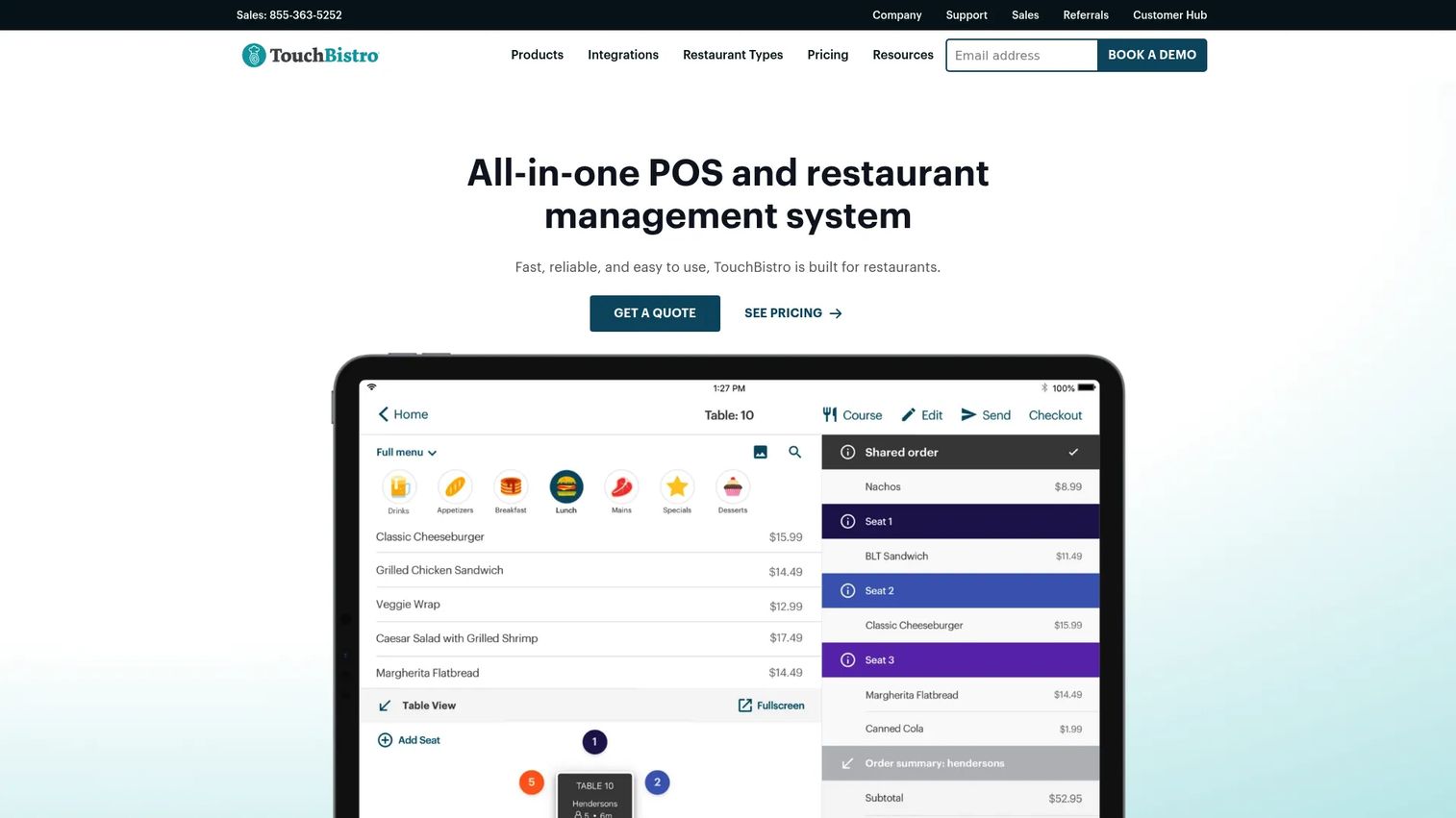
TouchBistro is a restaurant POS and management platform for restaurants, bars, and cafes, built around an iPad with strong table and tab management. Its tableside ordering, floor plan and table management, and menu management tools make it a clean fit for bars that want simple service speed and clear bartender controls. Integrated reservations and online ordering round out the platform for venues that need them.
Best for: Bars that want an iPad POS focused on service speed, table management, and straightforward tab handling.
Key strengths
- Tableside ordering: Take and fire orders from the floor or bar on an iPad, cutting trips back to a fixed terminal.
- Floor plan and table management: Map your bar and tables so staff can track tabs and seating visually.
- Menu management: Update items, prices, and modifiers and push them across the system.
Why choose TouchBistro: TouchBistro suits operators who want an iPad-based POS that keeps service fast and tab handling simple, with table management built for hospitality. Reservations are available as a flat-fee add-on if your bar takes bookings. It's a fit for service-heavy venues that value a focused, hospitality-native POS over a broad ecosystem.
TouchBistro pricing: TouchBistro's POS software starts at $69/month, with Reservations offered at a $229/month flat fee and other add-ons available for additional cost. It holds a 4.1/5 rating on G2.
Considerations before you buy
Tab management and preauthorization
Tabs are where bar POS software earns or loses your business. Verify how the system opens a tab against a held card, whether it supports true preauthorization holds to protect against walkouts, and how easily a tab transfers between bartenders. Test split checks by item, seat, and even split, and confirm the fraud protection on open tabs. If preauth is clunky, you'll feel it every busy night.
Inventory and menu control
Check how the system tracks liquor depletion and whether it counts down by pour or only by item sold. Look for ingredient-level tracking so cocktails deplete their components, and confirm modifiers work the way your menu does. Menu sync matters across terminals and locations: a price change or an 86'd item should push everywhere instantly, not require a manual update per device.
Hardware and setup
Confirm the terminals, handhelds, receipt and kitchen printers, cash drawers, and any kitchen display system you need are supported and priced clearly. Ask about offline mode, because a bar that stops selling when the wifi drops is losing money by the round. If you run multiple stations, test how the hardware handles simultaneous tabs and fast switching between staff.
Reporting and live visibility
You want live sales, item mix, and labor visible from a phone during service, not a report you read the next morning. Verify the dashboards show what you'll actually check nightly, and if you run multiple bars, confirm consolidated multi-location visibility. The best systems turn reporting into a decision tool, not a compliance chore.
Pricing and contract fit
Software fees are only part of the cost. Confirm payment processing rates, hardware bundles, add-on fees, and contract length before you commit. Some vendors publish clear tiers; others quote based on configuration. Get the total monthly cost including processing on the table so you can compare bars-to-bars, not sticker-to-sticker.
Conclusion
The best bar POS system is the one that matches your checkout speed, inventory complexity, and budget, not the one with the longest feature list. Square is the strongest all-around starting point, with a free tier and integrated payments that scale. Lightspeed Restaurant is the pick for multi-location operators who need centralized control and deep reporting. Toast fits bars with a real food program that want one hospitality platform. Clover suits smaller bars wanting flexible hardware, Lavu and TouchBistro are the iPad-first picks for service-heavy venues, and Harbortouch bundles hospitality tooling for SMB operators.
Shortlist two or three that fit your bar type, then pressure-test the workflows that break during a rush: opening a tab against a preauth hold, moving it between staff, splitting a five-way check, and closing fast. Request demos from your finalists and run those exact scenarios before you sign. The system that handles Friday night at 11 PM is the one worth paying for.
FAQs
Bar POS software is the point of sale system a bar uses to open and manage tabs, take payments, split checks, track liquor inventory, control staff access, and see sales in real time. It pairs the terminal or tablet a bartender uses with back-end software that records transactions and syncs to inventory and reporting. A good bar point of sale system is built around tab-heavy, high-turnover service rather than generic retail checkout.
Most bar POS systems open a tab against a card by placing a preauthorization hold, which reserves an amount so you're protected if the guest leaves without paying. The tab stays open across multiple rounds, can transfer between bartenders, and closes with a final settlement that captures the actual total plus tip. Strong systems make opening, transferring, and closing a tab take just a few taps so service stays fast during a rush.
A typical bar POS setup includes one or more terminals or iPads, a card reader or payment terminal, a receipt printer, and a cash drawer. Many bars add handhelds for tableside and patio ordering, a kitchen display system if there's food, and a second station for high volume. Offline mode is worth confirming so the bar keeps selling if the internet drops.
Pricing ranges widely. Some systems start free, like Square at $0/month, while others begin around $69/month, such as Lightspeed Restaurant, Toast's Point of Sale plan, and TouchBistro. Several vendors, including Clover, Lavu, and Harbortouch, use configuration- or quote-based pricing. Remember that payment processing fees and hardware costs sit on top of the software fee, so compare total monthly cost, not just the subscription.
For a high-volume bar, prioritize the systems with the fastest tab and preauth workflows and reliable offline mode. Square, Toast, and TouchBistro all handle fast tab-based service well, and Lightspeed Restaurant adds strength for multi-location operations. The best pick depends on whether you also run food, how many locations you have, and your budget, so test each on real rush-hour scenarios before deciding.
Yes, for most bars inventory tracking is where margin is protected or lost. A POS that tracks liquor depletion by pour and links cocktails to their ingredients shows you real pour cost and flags shrinkage before it becomes a monthly surprise. Without it, you're guessing at variance and leaving money on the bar top.
A small bar should prioritize fast tab and preauth handling, clear and predictable pricing, flexible hardware, and simple staff controls. A free or low-cost tier like Square's, or a modular hardware approach like Clover's, keeps the entry point light. Confirm the system supports split checks, live reporting from a phone, and offline mode, then verify total cost including payment processing before committing.