A rush order arrives at 10:15 a.m. By lunch, the spreadsheet says the plant can still hit every due date. The floor knows it cannot.
This gap is the core problem APS software solves. ERP systems hold accurate data, but that data is too coarse for detailed production sequencing. A planner needs a schedule the plant can actually execute, one built around finite machines, real labor shifts, material availability, setup times, and the disruptions that arrive daily. Without that layer, theoretical schedules reach the floor and fall apart on contact.
According to Deloitte (2025), 35% of manufacturing executives ranked advanced production scheduling among their top two system investment priorities for the next two years. The global APS software market was estimated at $4.7 billion in 2025, growing at an 11.3% CAGR through 2032, according to MarketsandMarkets (2026). The problem is real, the market is moving, and the tooling is maturing fast.
This guide helps you cut through the options and find what fits your operation.
What's inside
This guide covers 12 advanced planning and scheduling software tools for 2026, evaluated for manufacturing environments ranging from job shops to multi-site enterprises.
- Who the guide is for: Founders, operations leaders, and plant managers comparing APS options
- How tools were selected: Verified product capabilities, G2 ratings, pricing transparency, and manufacturing use-case fit
- Selection criteria: finite-capacity scheduling depth, ERP and MES integration quality, scenario planning, and implementation realism
- What you'll also get: A system comparison table, a buyer's checklist, and baseline metrics to track before a pilot
TL;DR
- Best overall dedicated APS: PlanetTogether APS for manufacturers needing constraint-aware schedules, scenario planning, and ERP or MES connectivity
- Best for high-complexity scheduling: Asprova for detailed finite-capacity optimization across dense production constraints
- Best for Siemens environments: Siemens Opcenter APS for operations already standardized on Siemens industrial software
- Best for enterprise optimization: DELMIA Quintiq for large, multi-constraint planning programs with significant data and implementation capacity
- Best for ERP-native scheduling: Epicor Kinetic or Microsoft Dynamics 365 Supply Chain Management for manufacturers standardizing around those platforms
- Best for smaller manufacturers: MRPeasy or Odoo Manufacturing when the immediate need is a practical system with capacity planning support
What is advanced planning and scheduling software?
Advanced planning and scheduling software, often called APS software, helps manufacturers build feasible production schedules by accounting for finite capacity, materials, labor, routing rules, changeovers, due dates, and production constraints.
The key word is feasible. A theoretical schedule says work will be done. An APS-generated schedule says work can be done, given what machines are available, what materials have arrived, which operators are certified, and how long each changeover takes.
What APS software does
- Finite-capacity production scheduling: Prevents plans from assigning more work than resources can complete
- Constraint-based scheduling: Models machines, labor, tooling, and materials simultaneously
- Changeover-aware sequencing: Reduces costly setup time by optimizing job order
- Bottleneck management: Identifies constrained resources and balances load across the plant
- Forward and backward scheduling: Builds schedules from order release dates or due dates depending on the mode
- What-if scenario planning: Models disruptions such as outages, rush orders, and supplier delays before changing the live plan
- ERP, MRP, and MES integration: Pulls orders, inventory, and routings from ERP; feeds execution reality back from MES
APS versus ERP, MRP, MES, and spreadsheets
| System | Primary job | What it does well | Where APS adds value |
|---|---|---|---|
| ERP | System of record for orders, finance, and inventory | Master data, transactions, reporting | Converts data into detailed, feasible sequences |
| MRP | Materials planning | Calculates demand and supply requirements | Does not resolve sequencing and finite-resource conflicts |
| MES | Shop-floor execution | Tracks work, labor, machine events, and quality | Supplies execution reality back into APS |
| Spreadsheet | Manual planning | Fast local adjustments by a single planner | Breaks at scale, version conflicts, and changing constraints |
| APS | Constraint-aware scheduling | Produces feasible sequences and scenario models | Coordinates planning decisions across all constraints simultaneously |
APS does not replace ERP, MRP, or MES. It sits between planning data and plant execution, translating that data into schedules a floor can actually run.
When to use advanced planning and scheduling software
Build schedules around finite capacity
Most ERP schedulers assume infinite capacity: Work gets planned without regard to whether the machine, operator, or tool is actually free. APS exposes infeasible dates before the schedule reaches the floor. If your planners regularly find out about overloads after the fact, that is the trigger.
Respond to disruption without rebuilding the plan manually
A machine breaks down. A supplier delays a critical material. An urgent customer order arrives and needs to be slotted in. Each event forces a planner to rebuild the schedule by hand. APS scenario modeling lets you test the impact of a change before publishing it, so the floor gets a revised plan rather than a revised spreadsheet.
Scale beyond spreadsheet scheduling and basic ERP logic
Signs you have outgrown your current process include repeated expedite costs, frequent disagreements between planning and shop-floor reality, low schedule adherence, high mix with short runs, complex routings, and planners spending most of their time fixing yesterday's plan rather than building tomorrow's.
APS readiness check:
- Do missed due dates trace back to overloaded machines or missing materials?
- Does your planner spend more than 20% of the week rebuilding the schedule?
- Do you have more than two facilities or production lines to coordinate?
- Are changeover costs or sequencing decisions materially affecting throughput?
- Has schedule adherence been below 85% for more than one quarter?
If you answered yes to at least two, a dedicated APS layer will likely generate a measurable return.
Advanced planning and scheduling software comparison
The list below covers dedicated APS platforms, enterprise optimization systems, ERP-connected manufacturing suites, and practical tools for smaller operations. Fit depends on plant complexity, existing stack, data maturity, and implementation capacity.
| # | Product | Best for | Key differentiator | Pricing | G2 rating |
|---|---|---|---|---|---|
| 1 | PlanetTogether APS | Dedicated finite-capacity manufacturing planning | Constraint-aware scheduling and scenario planning | Contact sales | 4.6/5 |
| 2 | Asprova | High-complexity detailed scheduling | Advanced optimization and visual scheduling | Contact sales | 4.5/5 |
| 3 | Siemens Opcenter APS | Siemens manufacturing environments | APS connected to Siemens industrial software | Contact sales | 4.1/5 |
| 4 | DELMIA Quintiq | Large enterprise optimization programs | Complex multi-resource production optimization | Contact sales | N/A |
| 5 | Optessa | Automotive and sequencing-intensive operations | Constraint-based sequence optimization | Contact sales | 4.3/5 |
| 6 | Infor Advanced Scheduling | Infor-centered manufacturers | Manufacturing scheduling within the Infor stack | Contact sales | N/A |
| 7 | Epicor Kinetic | Epicor manufacturing customers | ERP-native production scheduling and manufacturing workflows | Contact sales | 3.9/5 |
| 8 | MRPeasy | Small manufacturers moving beyond spreadsheets | Accessible cloud MRP with finite-capacity scheduling | From $49/user/month | 4.6/5 |
| 9 | JobBOSS+ | Job shops and make-to-order manufacturers | Shop management and scheduling for job-shop workflows | Contact sales | 3.8/5 |
| 10 | Microsoft Dynamics 365 Supply Chain Management | Microsoft-centric manufacturing operations | Planning and scheduling inside the Dynamics ecosystem | From $210/user/month | 3.7/5 |
| 11 | Oracle NetSuite | Cloud ERP buyers needing manufacturing planning | Native cloud ERP manufacturing and planning capabilities | Contact sales | 4.1/5 |
| 12 | Odoo Manufacturing | Cost-conscious manufacturers needing modular ERP | Modular manufacturing with scheduling support and a free tier | From $0 (one app free) | 4.2/5 |
Best 12 advanced planning and scheduling software tools for 2026
1. PlanetTogether APS
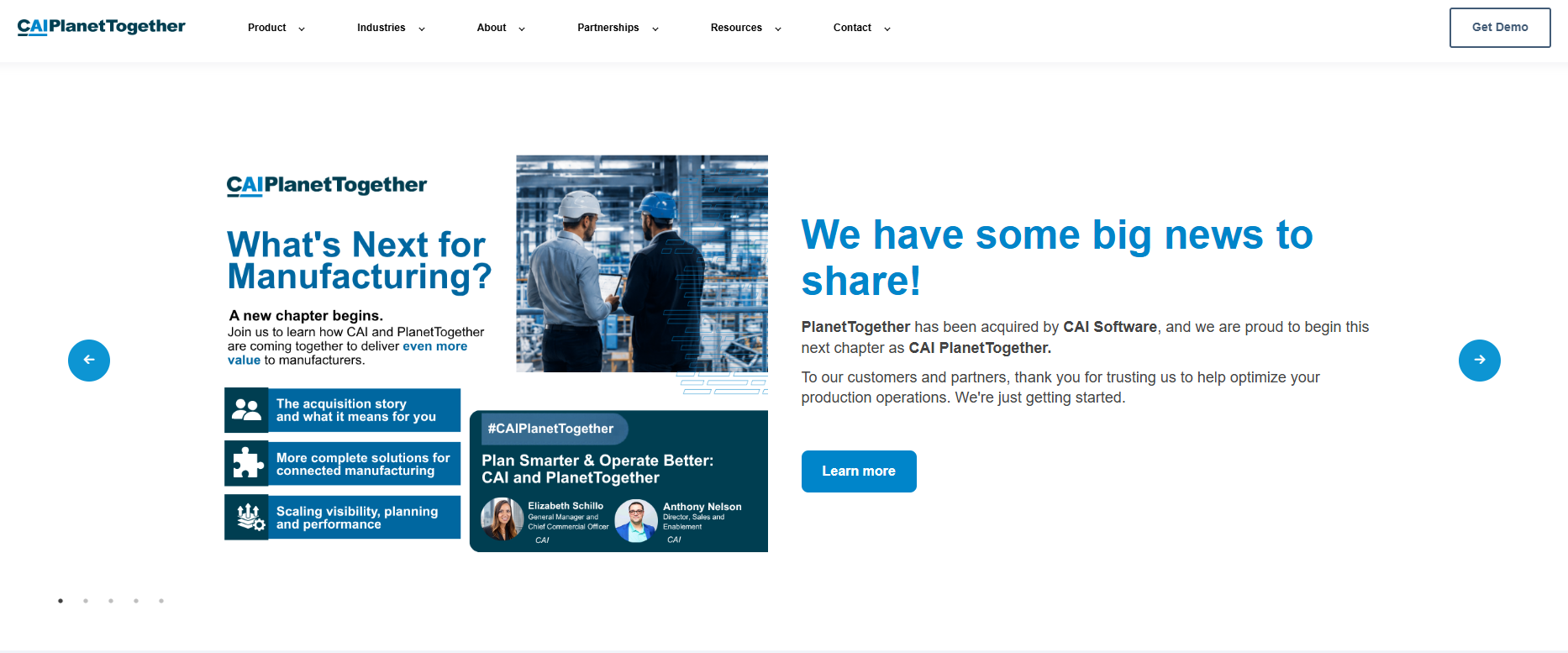
PlanetTogether APS is a dedicated advanced planning and scheduling platform built for manufacturers that need production schedules constructed around actual plant constraints. It covers capacity, material availability, labor, routings, changeovers, and due dates in a single scheduling engine. The platform connects to major ERP and MES systems, pulling live data rather than requiring manual imports.
Best for: Mid-market and enterprise manufacturers replacing spreadsheet scheduling or basic ERP planning with a dedicated APS layer.
Key features
- Finite-capacity production scheduling across machines and labor
- Bottleneck identification and capacity heat maps
- What-if scenario simulation for rush orders and outages
- ERP and MES data connectivity (SAP, Oracle, Microsoft, and others)
- Changeover-aware job sequencing
Why choose PlanetTogether APS: It fits teams whose ERP holds the data but cannot produce an executable detailed schedule. This is a strong choice for a focused APS initiative where the goal is a feasible floor plan, not a full ERP replacement. If your board is asking why delivery performance is slipping despite accurate order data, this is the layer that answers that question.
PlanetTogether APS pricing: PlanetTogether directs buyers to contact sales for subscription and implementation pricing. No self-serve pricing tier exists on the vendor's site as of October 2026.
G2 rating: 4.6/5
2. Asprova
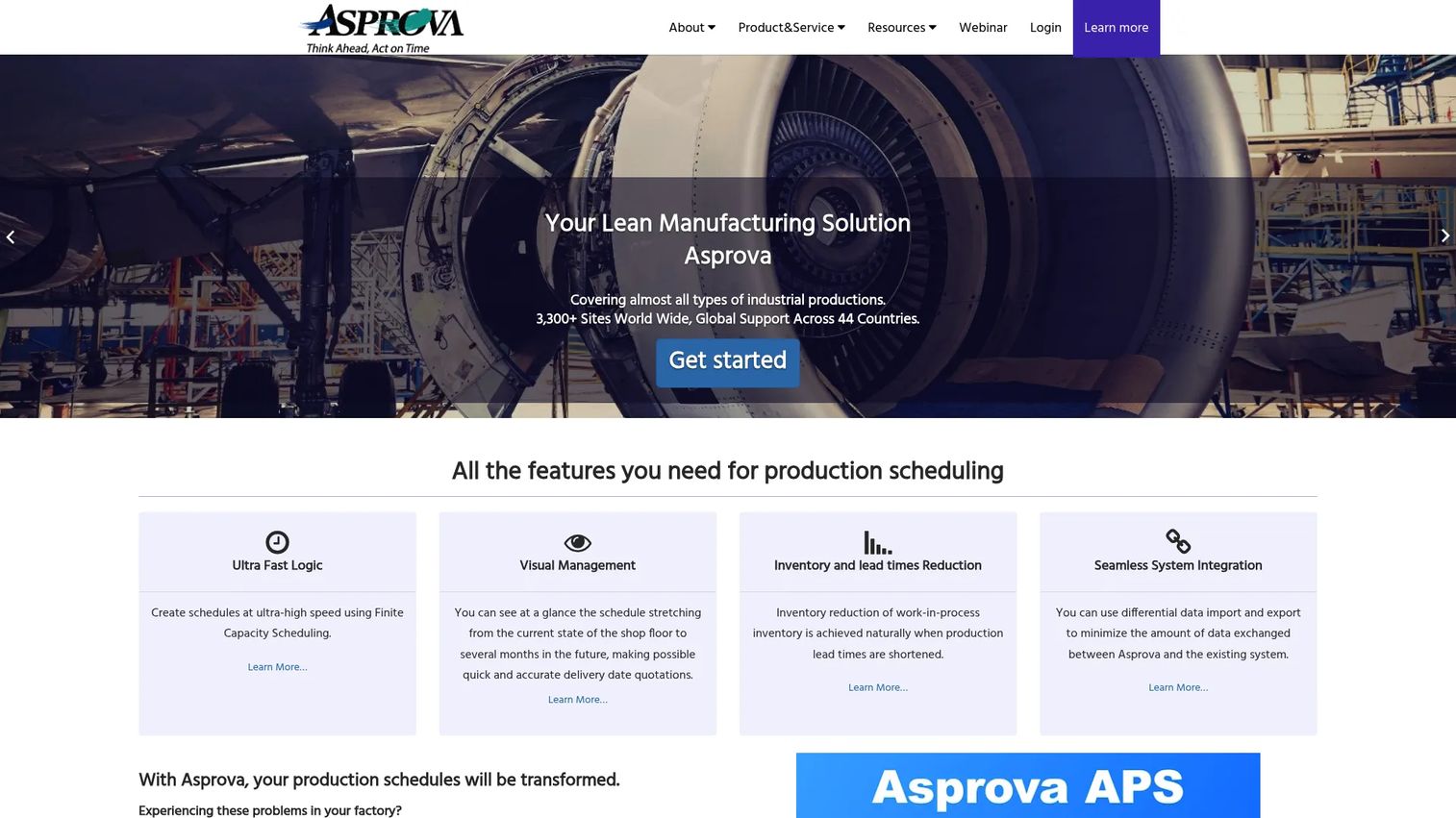
Asprova is a specialized production scheduling system built for manufacturers with detailed constraint-based requirements. It handles multi-process planning across sales, manufacturing, and purchasing in a single model, which means the schedule reflects the full operational picture rather than just shop-floor capacity. Visual scheduling boards let planners inspect and adjust the sequence without rebuilding the entire plan.
Best for: Operations with complex sequencing requirements, high product mix, or production resources that are heavily constrained across multiple stages.
Key features
- Finite-capacity scheduling with constraint modeling across resources
- Visual Gantt-based scheduling boards for planner adjustments
- Inventory and lead-time reduction through optimized sequencing
- Multi-process planning covering sales, production, and purchasing simultaneously
- ERP and production-control-system integration
Why choose Asprova: It suits teams prepared to model their production reality in depth. Where scheduling accuracy creates a material margin or throughput advantage, the investment in detailed constraint modeling pays back through fewer expedites and better on-time performance. It is likely a stronger fit for manufacturers where the sequence of work directly determines quality output or changeover cost.
Asprova pricing: Asprova describes its pricing as open and directs buyers to authorized distributors for quotations. No fixed price is advertised on the vendor's own site as of October 2026.
G2 rating: 4.5/5
3. Siemens Opcenter APS
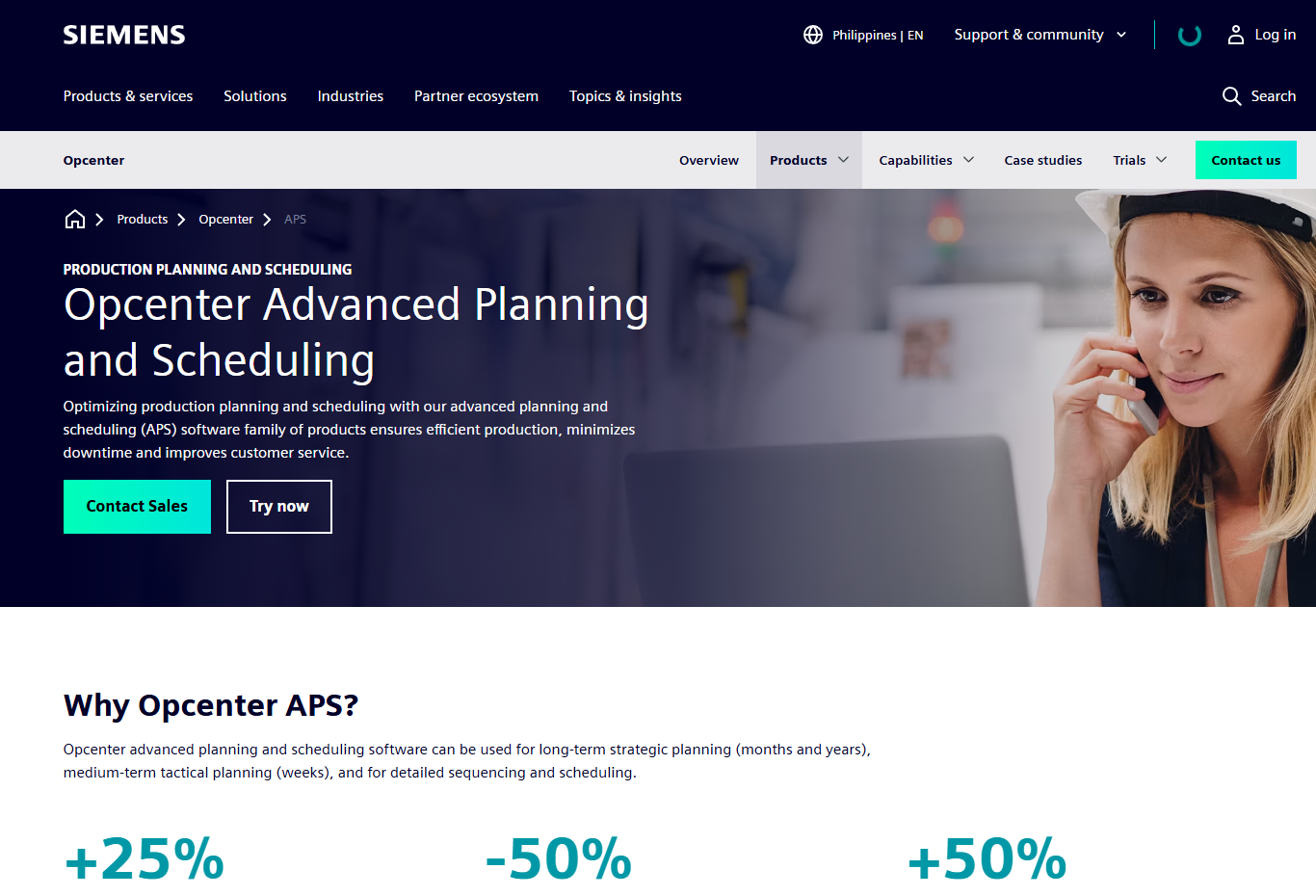
Siemens Opcenter APS provides production planning and scheduling across strategic, tactical, and detailed horizons for manufacturers already operating within the Siemens industrial software environment. It handles order-based multi-constraint scheduling with material dependency visualization and what-if scenario support, connecting naturally to other Opcenter manufacturing operations modules.
Best for: Industrial manufacturers with existing Siemens software investments and complex plant operations that need scheduling integrated with broader manufacturing operations management.
Key features
- Finite-capacity scheduling across machines, labor, and materials
- Order-based multi-constraint production plans
- Material dependency and shortage visualization
- What-if scenario planning for disruption management
- Enterprise deployment options with Siemens manufacturing connectivity
Why choose Siemens Opcenter APS: Stack alignment matters. For a manufacturer already running Siemens software across operations, reducing integration fragmentation can deliver more operational value than a technically superior standalone scheduler that sits outside the existing environment. Ask your operations lead whether the integration maintenance cost of a best-of-breed tool outweighs the scheduling depth advantage.
Siemens Opcenter APS pricing: Siemens does not display license pricing for Opcenter APS on its product pages. Contact the Siemens sales team for a scoped quote. G2 reviewers report enterprise contract structures typical of large industrial software programs.
G2 rating: 4.1/5 for Opcenter MOM
4. DELMIA Quintiq
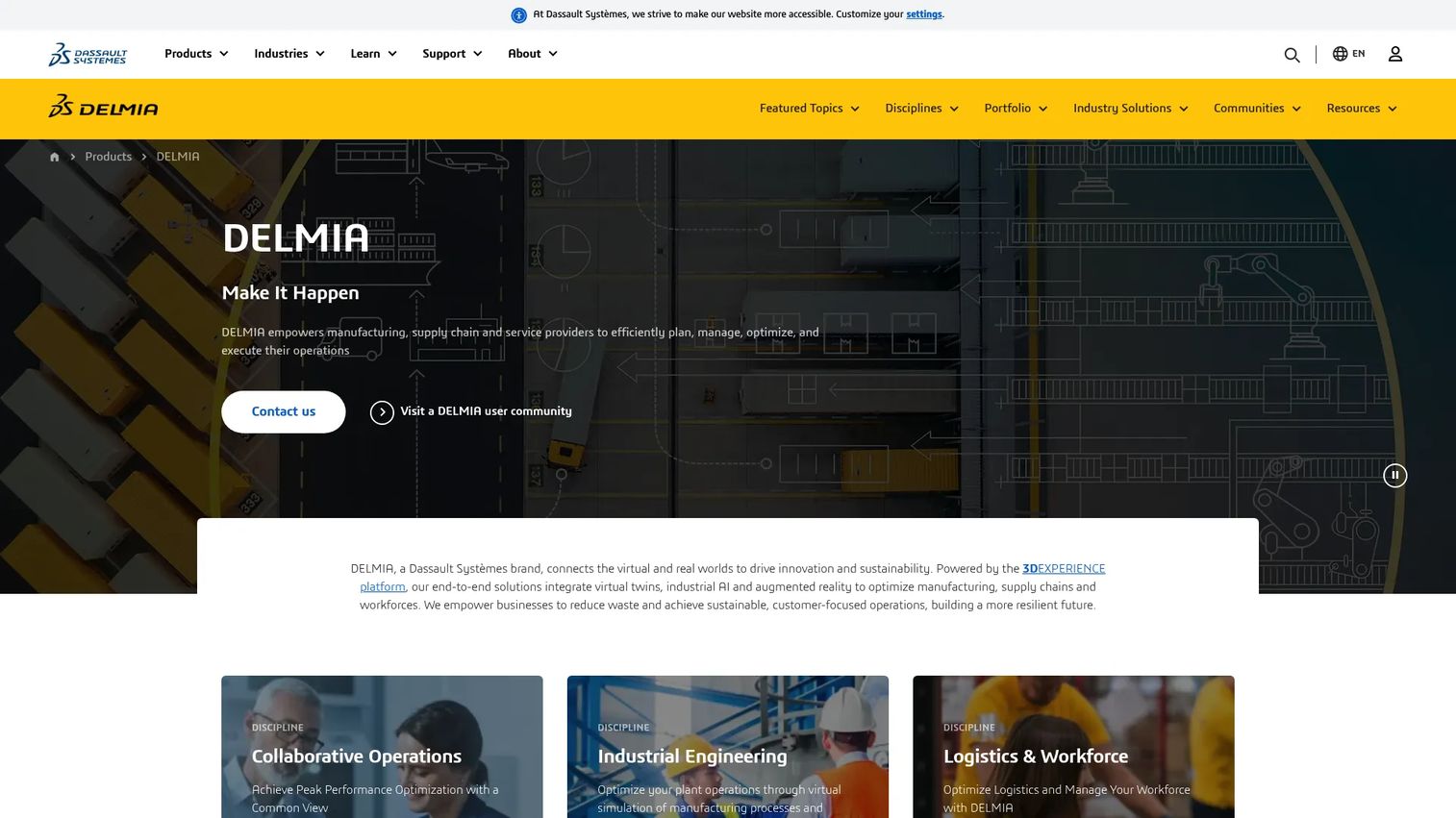
DELMIA Quintiq is an enterprise-grade supply chain planning and optimization platform from Dassault Systèmes. It handles complex manufacturing, logistics, production scheduling, sales and operations planning, and workforce planning across large, constraint-heavy environments. Real-time dynamic schedule recalculation and end-to-end supply chain coordination distinguish it from narrower APS tools.
Best for: Large manufacturers that need advanced optimization across plants, resource types, and complex operational rules, with the data quality and leadership sponsorship to support a substantial program.
Key features
- Advanced constraint-based planning and optimization models
- Real-time visibility, analytics, and dynamic schedule recalculation
- End-to-end supply chain coordination across forecasting, production, and logistics
- Multi-resource constraint planning with workforce scheduling
- Complex scenario analysis for network-level decisions
Why choose DELMIA Quintiq: This is the right tool when the planning problem is genuinely large and expensive. If you are managing multiple plants, complex workforce constraints, and supply-chain decisions that interact with production sequencing, the optimization depth here creates real financial impact. Be clear-eyed about implementation scope: This is a program, not a plug-in.
DELMIA Quintiq pricing: Dassault Systèmes states that pricing varies by package, business size, contract duration, and requirements. Request a quote directly from the vendor. No fixed tiers are displayed as of October 2026.
G2 rating: Insufficient reviews on G2 for a reported rating as of October 2026
5. Optessa
Optessa (now presented as part of Eyelit Technologies) is an advanced planning and scheduling platform for complex discrete manufacturers, with particular depth in sequencing-intensive environments such as automotive and mobility. Its constraint-aware planning engine models capacity, materials, labor, tooling, and business rules across multiple plants. Scenario simulation lets planners test the impact of demand changes or disruptions before committing to a revised schedule.
Best for: Automotive, mobility, and other manufacturers where the order and sequence of work materially affects throughput, changeover costs, or quality output.
Key features
- Constraint-aware production planning and multi-plant scheduling
- Sequence optimization across capacity, materials, labor, and tooling
- Production mix optimization for complex order combinations
- What-if scenario analysis and disruption re-planning
- Integration with SAP, Oracle, Infor, and other ERP systems
Why choose Optessa: The business case is straightforward for high-mix, sequence-sensitive operations: Every improvement in sequencing directly reduces changeover time and improves throughput. If your sequencing decisions are currently handled by experienced planners with spreadsheets, and those planners are a single point of failure, a dedicated optimization engine adds both capacity and consistency.
Optessa pricing: No self-serve pricing is displayed on the Eyelit Technologies site as of October 2026. Buyers should contact the vendor for a scoped commercial proposal.
G2 rating: 4.3/5
6. Infor Advanced Scheduling
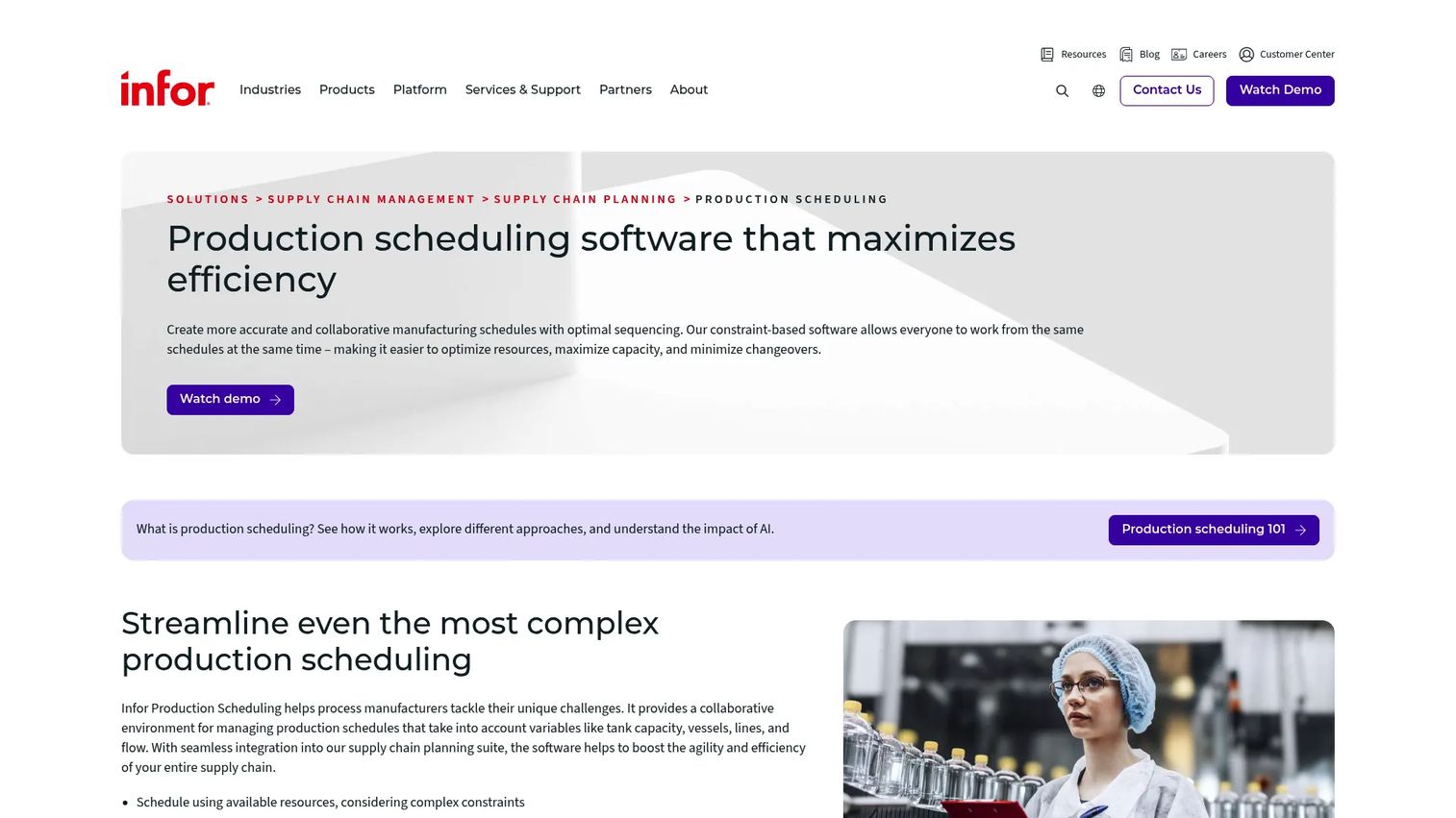
Infor Advanced Scheduling is a constraint-based production scheduling tool for manufacturers using the Infor platform. It optimizes production plans against demand, capacity, and operational constraints, with capabilities covering production order sequencing, changeover reduction, and resource, material, calendar, and shift constraint management.
Best for: Infor customers who want scheduling that fits their existing manufacturing data model and workflows without adding a separate integration layer.
Key features
- Constraint-based production scheduling within the Infor stack
- Production order sequencing with changeover reduction
- Resource, material, calendar, and shift constraint management
- ERP-connected scheduling data with Infor platform alignment
- Capacity visibility for planners managing multiple resources
Why choose Infor Advanced Scheduling: Platform fit reduces integration friction for existing Infor customers. If your team already maintains routings, calendars, and work-center data inside Infor, this module uses that data directly. Before committing, confirm that the scheduling depth available within Infor Advanced Scheduling matches your actual finite-capacity requirements rather than assuming ERP-native functionality covers complex constraint scenarios.
Infor Advanced Scheduling pricing: Infor does not display module pricing on its product pages. Pricing is included as part of broader Infor contract negotiations. Contact Infor sales for a scoped quote as of October 2026.
7. Epicor Kinetic
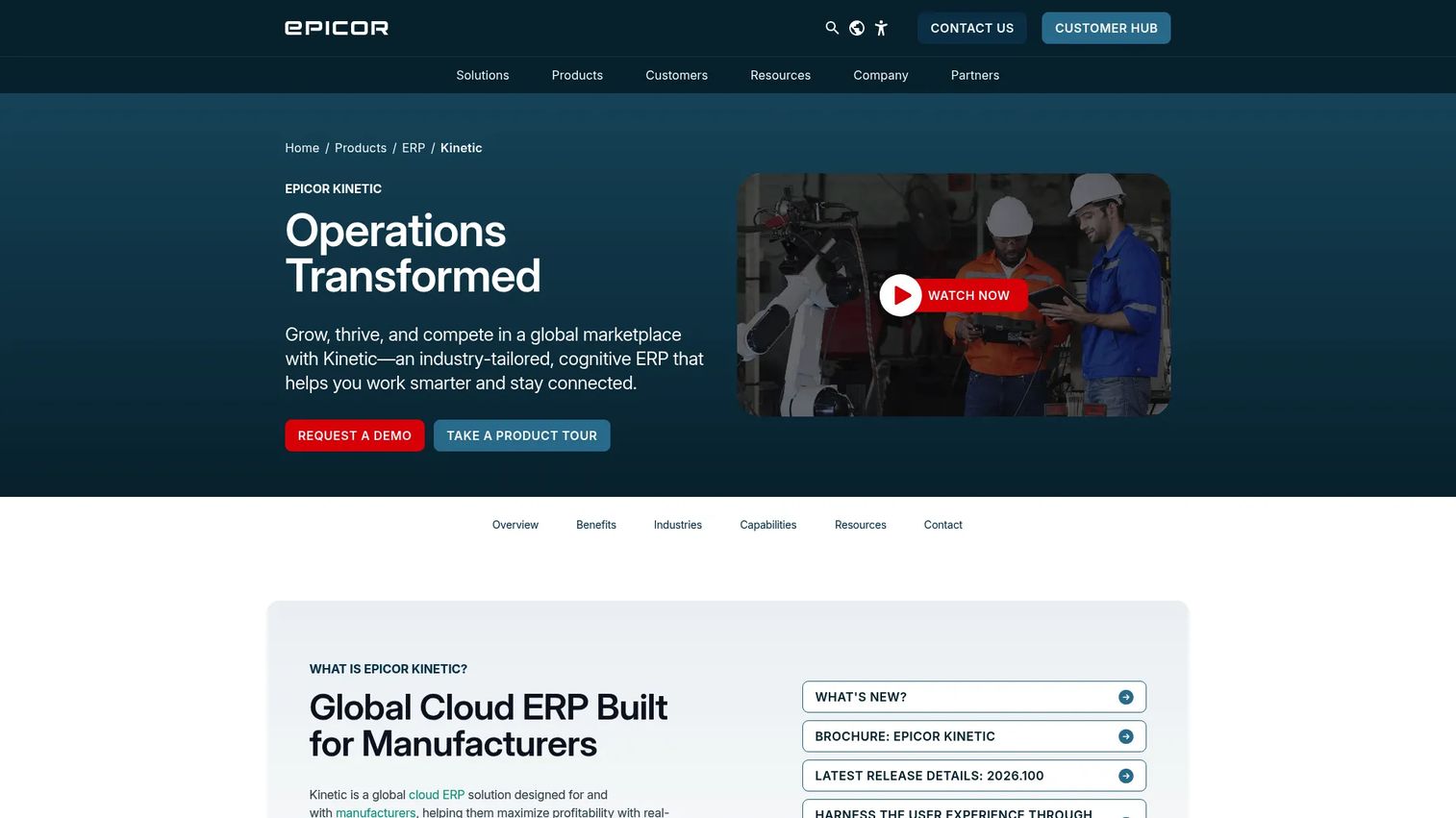
Epicor Kinetic is a cloud ERP platform built for manufacturers. It covers production management, supply chain, finance, planning, and analytics in a single system, making it a strong candidate for manufacturers that want an integrated operational backbone rather than a point solution. Scheduling capabilities include master production scheduling, MRP, and advanced planning tools within the ERP context.
Best for: Mid-market manufacturers already running Epicor or seeking a manufacturing ERP with integrated scheduling, multi-site management, and engineering change control.
Key features
- Manufacturing management for make-to-order, engineer-to-order, and make-to-stock
- Forecasting, master production scheduling, MRP, and advanced planning
- Job and operation scheduling with shop-floor data support
- Product data management with bills of operations and engineering change control
- Open REST APIs and configurable workflows for integration
Why choose Epicor Kinetic: It fits buyers who value an integrated manufacturing backbone where scheduling, inventory, finance, and customer orders share a single data model. Operations with highly complex sequencing requirements should validate APS depth during a pilot before assuming ERP-native functionality replaces a dedicated constraint-based scheduler.
Epicor Kinetic pricing: Epicor does not display pricing on its product pages. Contact Epicor sales for deployment options and licensing structure. G2 reviewers report enterprise contract arrangements.
G2 rating: 3.9/5
8. MRPeasy
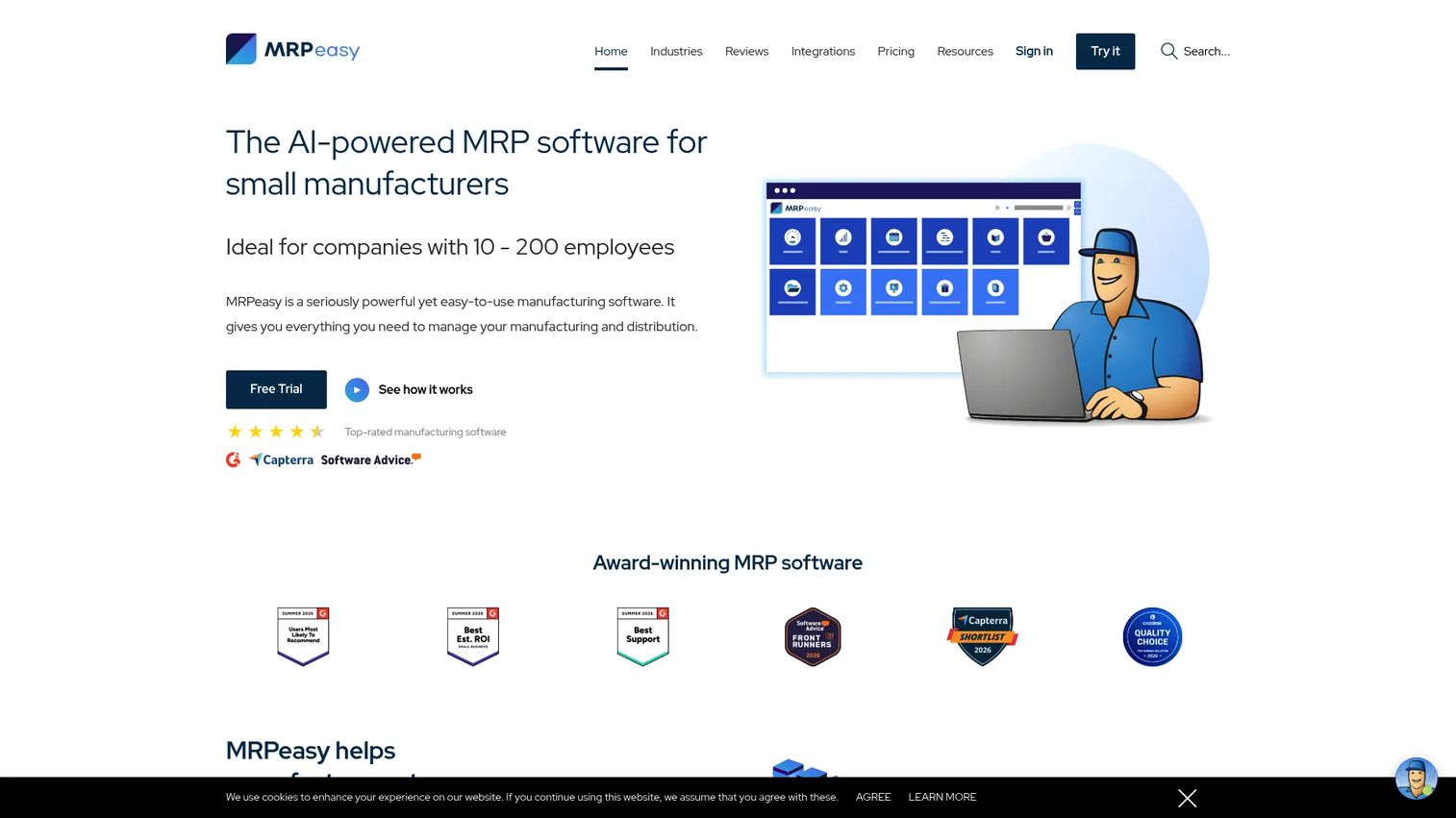
MRPeasy is a cloud-based MRP platform for small and midsize manufacturers, covering production planning, inventory control, procurement, sales, and shop-floor reporting in one accessible system. It includes finite-capacity scheduling and Gantt chart views, making it a practical first APS-adjacent system for teams that have outgrown spreadsheets but are not yet ready for a large enterprise program.
Best for: Small manufacturers and growing operations that need integrated MRP, production planning, inventory visibility, and scheduling without an enterprise-scale implementation.
Key features
- Cloud MRP with finite-capacity scheduling and Gantt views
- Inventory control with lot and serial-number tracking
- Work-order management and shop-floor reporting
- Procurement and purchase-order management
- BOM and routing management
Why choose MRPeasy: The founder case is clear. If your immediate goal is to standardize planning, reduce manual coordination, and generate reliable operational data, MRPeasy can deliver a first operational win quickly. It is not the right tool for highly complex multi-plant sequencing, but it gives a growing manufacturer the discipline and data visibility to operate without a scheduling spreadsheet.
MRPeasy pricing: Plans start at $49 per user per month (Starter), with Professional at $69, Enterprise at $99, and Unlimited at $149 per user per month. Annual billing is available at 11 times the monthly rate. A 15-plus-15-day free trial is available; there is no permanent free tier.
G2 rating: 4.6/5
9. JobBOSS+
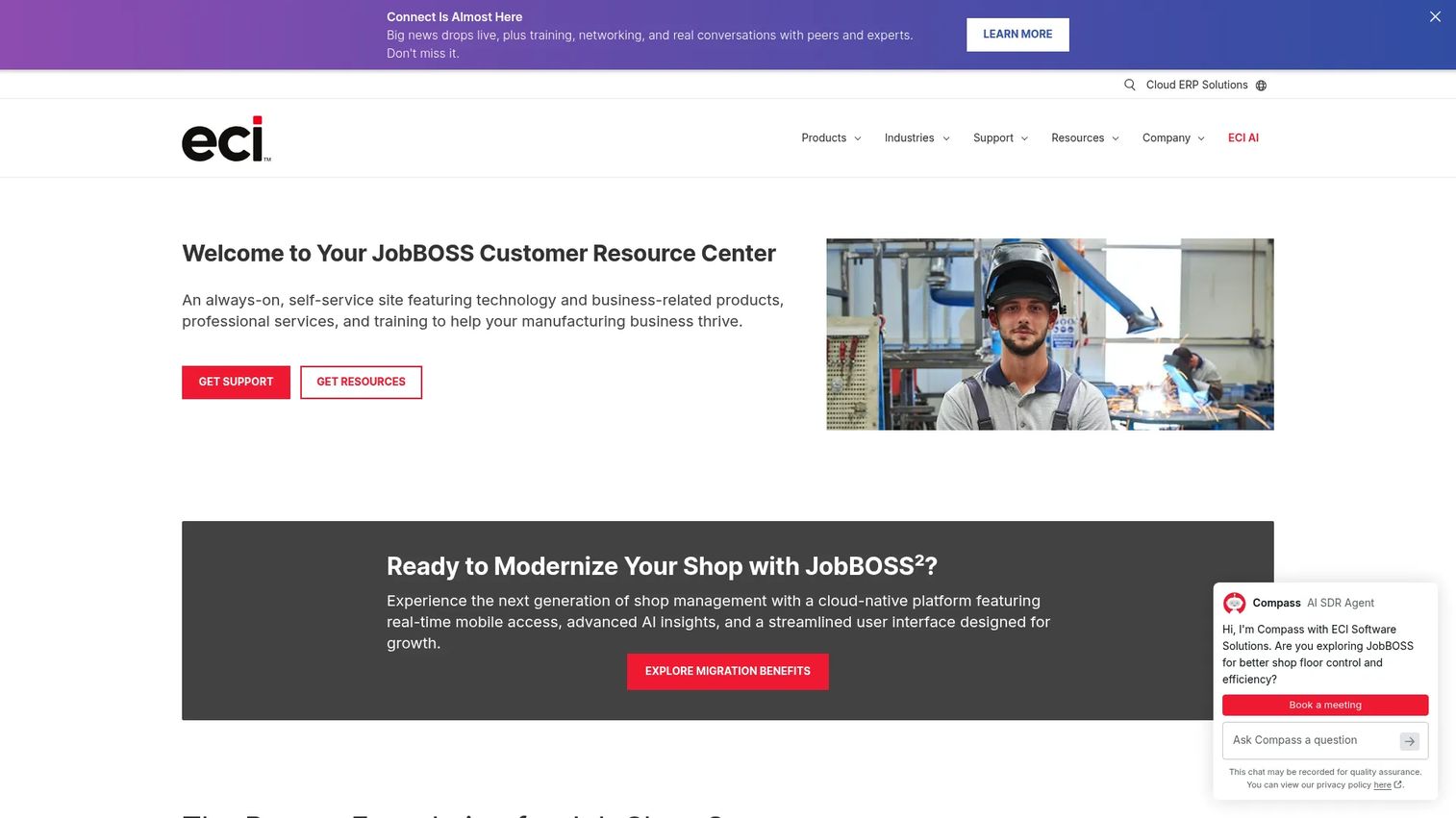
JobBOSS+ (also marketed as JobBOSS²) is a cloud-based job and machine shop management system for small to mid-size manufacturers. It brings together quoting, work-order management, visual scheduling, routing, shop-floor control, and back-office workflows in a single platform designed around make-to-order and custom manufacturing operations.
Best for: Job shops, contract manufacturers, and make-to-order operations that need quote-to-cash workflows integrated with scheduling and shop-floor control.
Key features
- Visual scheduling board for job-shop operations
- Quote-to-production workflow with CRM
- Work-order tracking and routing management
- Labor and material management
- Quality management and serial control
Why choose JobBOSS+: Workflow fit matters more than optimization vocabulary for a job shop. The question is whether the tool supports actual quoting, job movement, and schedule changes in the way your shop works, not whether it runs the most complex solver. For operations where every job is custom and the schedule changes daily, this kind of purpose-built shop management system often delivers more practical value than a heavyweight APS.
JobBOSS+ pricing: Pricing is not displayed on the vendor's site as of October 2026. Contact ECI Software Solutions (the parent company) for current subscription and licensing terms.
G2 rating: 3.8/5
10. Microsoft Dynamics 365 Supply Chain Management
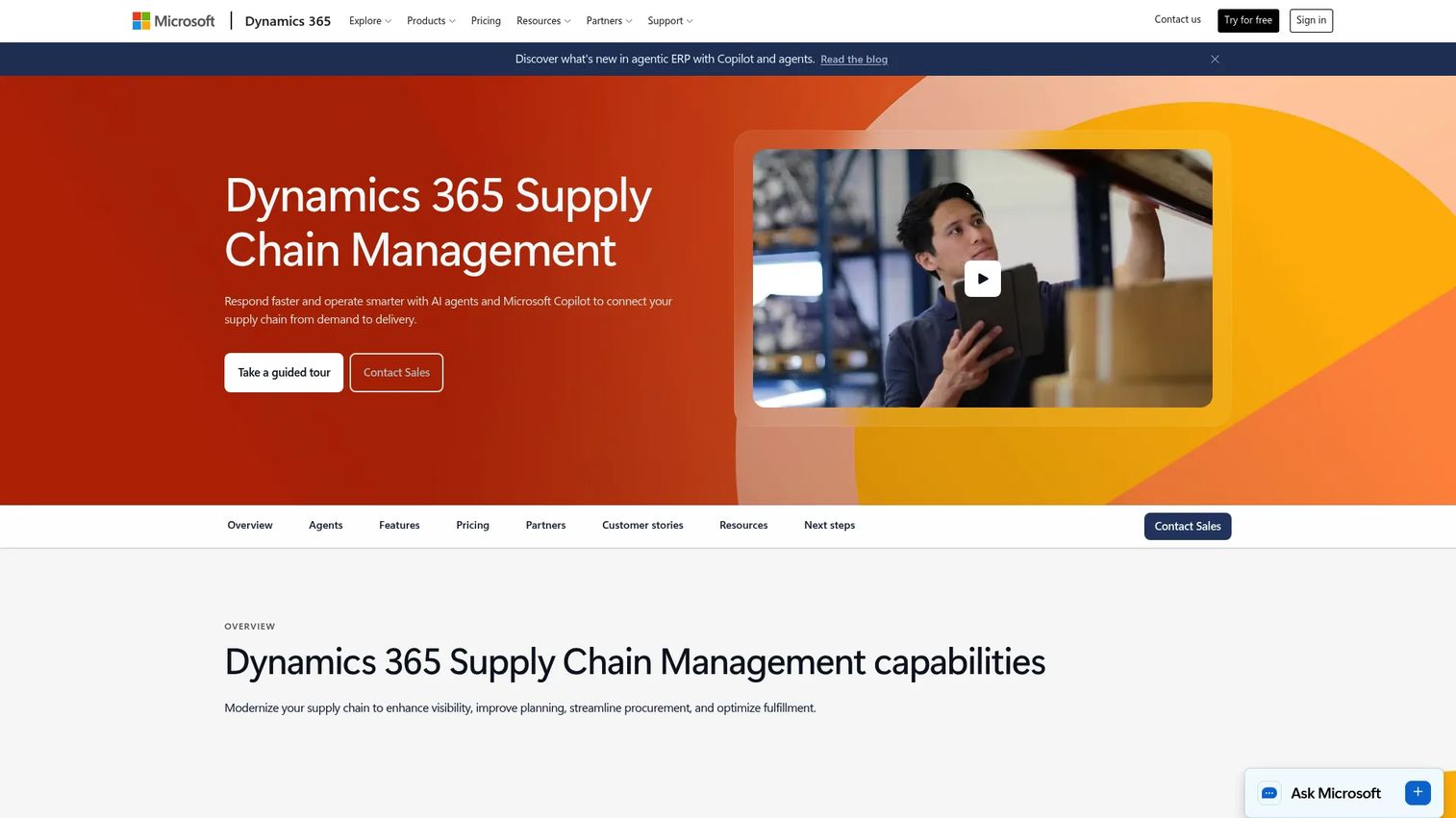
Microsoft Dynamics 365 Supply Chain Management is a cloud platform for improving visibility, planning, procurement, manufacturing, inventory, and fulfillment across the Microsoft business application ecosystem. For manufacturers already running Microsoft applications across finance, operations, and sales, it provides planning and scheduling connected to shared data and governance.
Best for: Microsoft-centric organizations that want manufacturing planning linked to broader ERP, supply-chain, and analytics processes within the Dynamics ecosystem.
Key features
- Demand planning with AI and machine-learning capabilities
- Supply planning and replenishment using MRP
- Manufacturing and shop-floor management
- Warehouse management and fulfillment
- Asset management and maintenance
Why choose Microsoft Dynamics 365 Supply Chain Management: Ecosystem fit and cross-functional data consistency are the primary arguments. If finance, sales, and operations already run on Microsoft, adding supply chain management in the same platform reduces data friction across the business. Test detailed scheduling capabilities against actual plant-level complexity before assuming ERP-native functionality replaces a dedicated APS for constraint-heavy operations.
Microsoft Dynamics 365 Supply Chain Management pricing: The standard plan starts at $210 per user per month billed yearly. The Premium plan, which adds advanced demand planning and analytics, costs $300 per user per month billed yearly. No free tier is available.
G2 rating: 3.7/5
11. Oracle NetSuite
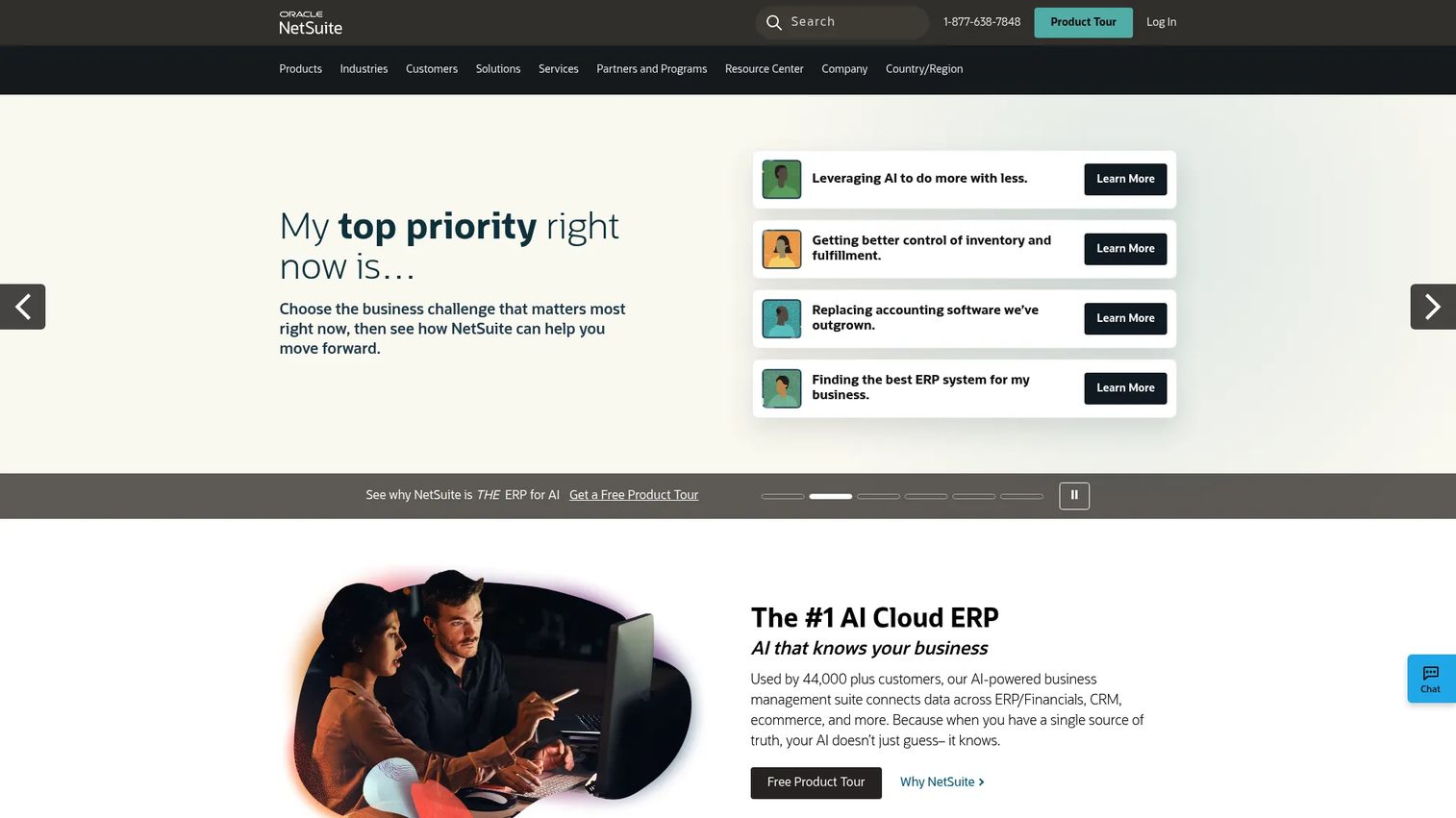
Oracle NetSuite is a cloud ERP platform covering financials, CRM, inventory, order management, and manufacturing operations in one system. For manufacturers adopting cloud ERP for the first time, or consolidating fragmented systems onto a shared platform, NetSuite provides foundational planning and production coordination alongside core business processes.
Best for: Growing manufacturers adopting cloud ERP who want finance, inventory, orders, and production workflows on a single shared platform.
Key features
- Cloud ERP manufacturing modules with work-order management
- Demand and supply planning
- Inventory, order, warehouse, and procurement coordination
- Analytics, reporting, and dashboards
- Embedded AI capabilities and workflow automation
Why choose Oracle NetSuite: It fits companies standardizing core business operations on one cloud system where the planning requirement is foundational rather than highly optimized. Manufacturers with complex finite-capacity requirements should validate whether NetSuite's native manufacturing modules meet their scheduling depth before committing, since it is primarily an ERP with manufacturing support rather than a dedicated APS.
Oracle NetSuite pricing: Annual license pricing is based on the core platform, optional modules, and user count, with a one-time implementation fee. Contact NetSuite sales for a scoped quote; no self-serve pricing tier is displayed as of October 2026.
G2 rating: 4.1/5
12. Odoo Manufacturing
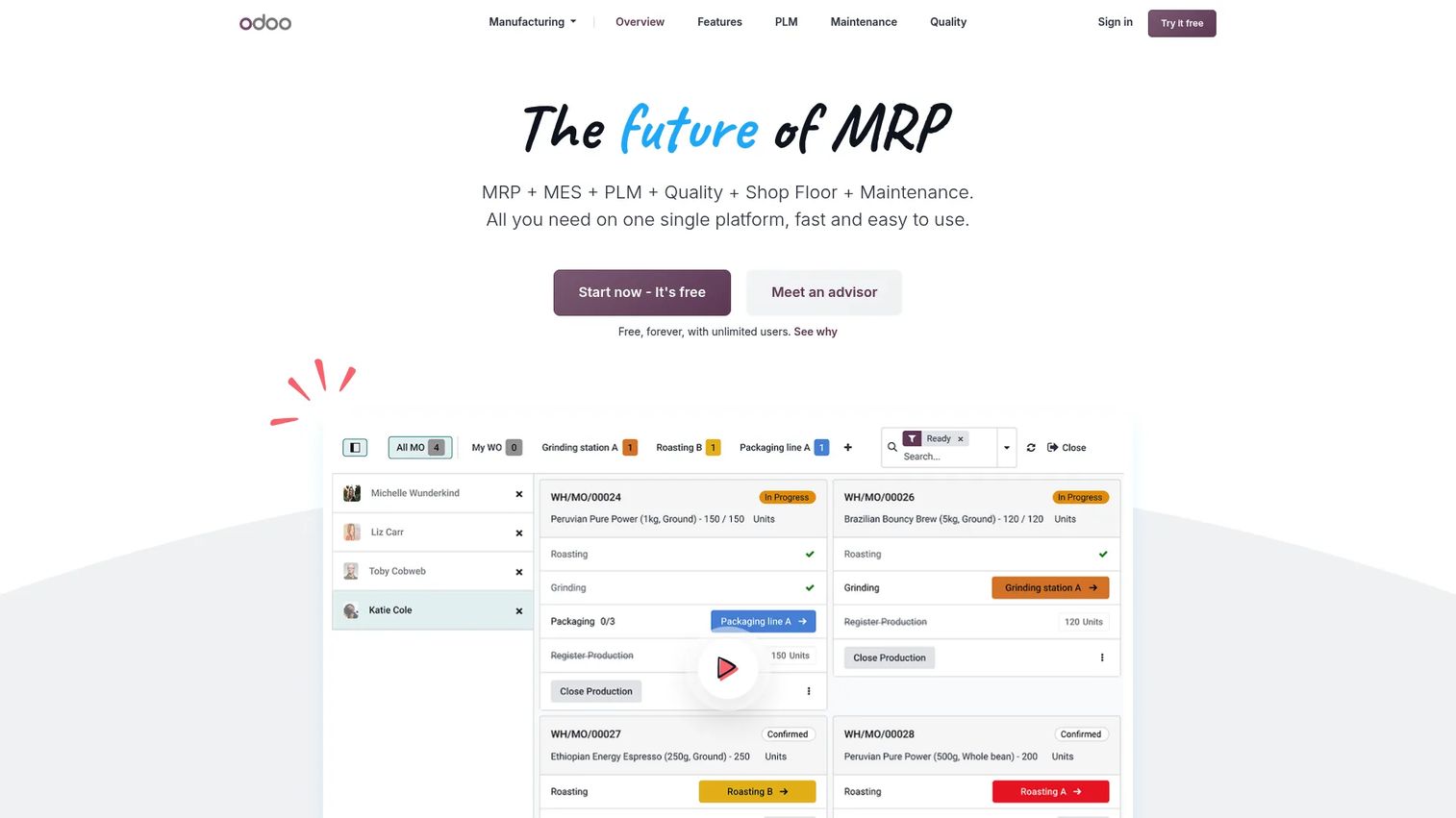
Odoo Manufacturing is a modular manufacturing management application within the Odoo open-source ERP platform. It covers manufacturing orders, work orders, bills of materials, shop-floor operations, quality control, and maintenance. Kanban and Gantt scheduling views give planners visibility into production sequences, and the broader Odoo platform connects manufacturing to inventory, purchasing, sales, and finance.
Best for: Cost-conscious smaller manufacturers with internal technical capacity that want configurable manufacturing, inventory, and planning workflows in a modular open-source system.
Key features
- Manufacturing orders and work orders with Kanban and Gantt views
- Multi-level bills of materials management
- Barcode-based shop-floor operations
- Quality control points, checks, and alerts
- Preventive and corrective maintenance with OEE reporting
Why choose Odoo Manufacturing: The modular approach and accessible pricing make Odoo attractive when teams want a configurable system and can manage implementation decisions internally. It is less suited to buyers expecting a specialized APS engine with deep constraint optimization without meaningful configuration work. The One App Free tier is a practical way to test the manufacturing module before committing to a broader deployment.
Odoo Manufacturing pricing: The One App Free tier gives access to a single app for unlimited users at no charge. The Standard plan costs $24.90 per user per month billed yearly, covering all Odoo Online apps. The Custom plan costs $49 per user per month billed yearly and adds Odoo Studio, multi-company support, and on-premise or Odoo.sh deployment options.
G2 rating: 4.2/5
Considerations when choosing advanced planning and scheduling software
Start with the scheduling problem, not the vendor demo
Document the specific constraints causing missed dates before evaluating any tool. Is the bottleneck machine capacity, tooling availability, labor certification, batching rules, or sequencing dependencies? A tool that addresses your actual constraint type will deliver more value than a technically superior platform that solves a problem you do not have.
Match APS depth to operating complexity
A job shop managing 50 active jobs may need fast scheduling and work-order visibility. A multi-site manufacturer with tight sequencing requirements and supplier dependencies needs scenario planning, multi-plant coordination, and integration governance. Buying depth you cannot use creates maintenance overhead without operational return. Buying less depth than you need guarantees the same planning failures at higher cost.
Treat data quality as part of the implementation
APS produces better schedules only when routings, cycle times, calendars, inventory, and work-center capacity reflect how the plant actually operates. Bad master data surfaces during implementation rather than before it. Budget time for data cleanup as part of the project scope, not as a separate later effort.
Confirm integration ownership early
Ask who owns ERP, MES, machine data, data integration, and schedule publication. The most common post-go-live failure is a functional tool with no one accountable for keeping the data connections current. Establish an operating model before signing a contract.
Measure the baseline before the pilot
Baseline these metrics before any APS pilot begins: On-time delivery, schedule adherence, throughput at the bottleneck resource, expedite frequency and cost, changeover time, WIP exposure, and planner hours spent rebuilding schedules. Without a pre-pilot baseline, you cannot demonstrate return. With one, the improvement case makes itself.
Conclusion
Advanced planning and scheduling software gives manufacturers something ERP alone cannot: A schedule the plant can execute, built around the actual constraints of machines, labor, materials, and routings rather than theoretical capacity.
For dedicated APS needs, PlanetTogether APS is the strongest starting point across mid-market and enterprise manufacturing environments. High-complexity sequencing operations should evaluate Asprova, Siemens Opcenter APS, DELMIA Quintiq, or Optessa depending on stack and planning requirements. Manufacturers standardizing on a single ERP platform will find strong native scheduling in Epicor Kinetic, Microsoft Dynamics 365 Supply Chain Management, Oracle NetSuite, and Infor Advanced Scheduling. Smaller manufacturers or growing operations building operational discipline for the first time should look at MRPeasy, JobBOSS+, or Odoo Manufacturing.
The practical next step: Shortlist three tools, map each against one real scheduling bottleneck in your plant, and run a time-boxed pilot with baseline metrics in place. A good APS should show measurable schedule adherence improvement within 60 to 90 days of a focused pilot.
Start your journey with Guideflow today!
FAQs
APS software builds feasible manufacturing schedules by modeling constraints including machine capacity, labor availability, material availability, routing rules, setup times, changeovers, and customer due dates. It helps planners understand what the plant can realistically run and in what sequence, before the schedule reaches the floor. The output is an executable plan rather than a theoretical one.
ERP is the system of record for orders, inventory, and finance. MRP calculates material requirements from demand. MES tracks execution on the floor. Spreadsheets support manual planner adjustments. APS adds the constraint-aware scheduling layer that converts ERP data into a detailed, sequenced, feasible production plan. Each system handles a distinct job; APS does not replace the others.
Clear triggers include persistent missed delivery dates despite accurate order data, frequent expediting to rescue late jobs, overloaded bottleneck resources, heavy manual planner workload rebuilding schedules daily, growing product mix or multiple plants, and repeated conflict between what planning says and what the floor actually runs. If on-time delivery has been below target for more than two quarters and the root cause traces to scheduling, APS is worth a pilot.
Finite-capacity scheduling prevents a production plan from assigning more work to a machine, team, tool, or other resource than it can perform in a defined time window. Unlike infinite-capacity scheduling, which assumes resources are always available, finite-capacity scheduling respects actual availability and produces a plan the plant can execute without overloading any constraint.
Yes, most dedicated APS platforms connect to ERP systems to pull orders, inventory levels, routings, and master data. MES and shop-floor systems can supply execution feedback, such as actual completion times and machine downtime, back into the APS to trigger rescheduling. Before selecting a tool, verify the specific connectors available for your ERP, the data refresh frequency, and who owns the integration after go-live.
No. MRP plans what materials are needed and when, based on demand and bills of materials. APS uses that information along with production constraints to determine whether the manufacturing schedule is feasible. MRP answers the materials question; APS answers the sequencing and capacity question. Both remain relevant in most manufacturing environments.
Implementation timelines depend on plant count, data quality, integration scope, production complexity, and whether you run a narrow pilot or a full rollout. A focused pilot targeting one bottleneck resource or one product family at a single facility can show results in 60 to 90 days. A multi-site rollout with ERP integration and full constraint modeling typically takes six to eighteen months. Starting with a limited pilot reduces implementation risk and establishes the business case before broader investment.
Track on-time delivery, schedule adherence, throughput at the most constrained resource, overtime hours, expedite frequency and cost, average changeover time, WIP value on the floor, and planner hours spent rebuilding the schedule. Establish a pre-pilot baseline for each metric. The comparison between pre-pilot and post-pilot performance is the clearest way to quantify the return and support the case for broader rollout.