Pick the wrong database as a service provider and you will find out the hard way. The migration cost, the schema refactor, the compliance review, the production incident that happens because failover behaved differently than the docs suggested.
Engineering wants to move fast. Finance wants spend that does not surprise them at month-end. Security wants evidence that backup, encryption, and access controls will hold up. All three constraints land on the same decision.
DBaaS providers had already captured 64.2% of database-market spend by 2025, according to Mordor Intelligence. The market keeps growing, which means more options, more tradeoffs, and more opportunity to pick a platform that creates a roadmap constraint you did not budget for.
This guide is a product manager's shortlist brief. It covers 10 cloud database providers across relational, NoSQL, distributed SQL, and serverless workloads, gives you a comparison table for rapid triage, and closes with a buyer checklist that covers reliability, migration risk, and cost at scale.
What's inside
This guide covers:
- 10 DBaaS providers evaluated on workload fit, operational model, cloud alignment, pricing mechanics, and portability
- A comparison table for rapid shortlisting before you involve engineering
- When-to-use guidance for different product stages and traffic profiles
- A considerations checklist covering reliability, cost modeling, and migration risk
- FAQ answers for the most common questions PMs face before a database platform decision
Selection criteria used: Workload match, pricing transparency, cloud alignment, and portability evidence.
TL;DR
- Best for AWS managed relational workloads: Amazon RDS, with broad engine support across PostgreSQL, MySQL, MariaDB, Oracle, and SQL Server
- Best for Google Cloud teams: Google Cloud SQL, for MySQL, PostgreSQL, or SQL Server workloads already running on Google infrastructure
- Best for Microsoft stacks: Azure SQL Database, for teams building on SQL Server with Azure identity and governance requirements
- Best for document data models: MongoDB Atlas, with free tier entry and multi-cloud deployment
- Best for fast Postgres-based product builds: Supabase, which pairs managed PostgreSQL with auth, APIs, and storage
- Best for multi-cloud open-source data: Aiven, covering managed PostgreSQL, Kafka, ClickHouse, and more across clouds
- For distributed or globally consistent transactional workloads, evaluate CockroachDB or Google Cloud Spanner. For high-scale key-value or multi-model NoSQL in AWS or Azure, compare Amazon DynamoDB and Azure Cosmos DB carefully against your access-pattern and cost assumptions.
What is database as a service?
Database as a service, or DBaaS, is a cloud delivery model where a provider runs the database infrastructure and handles operational work such as provisioning, patching, backups, monitoring, replication, and scaling.
How DBaaS works
The provider manages infrastructure, failover mechanisms, and platform-level updates. Your team still owns data modeling, query design, access policies, cost governance, and application-level reliability. Managed does not mean maintenance-free. Schema migrations, performance budgets, observability instrumentation, and incident response remain your team's responsibility regardless of provider.
Common DBaaS categories
- Managed relational databases: SQL workloads, transactional records, structured application data
- Document databases: Flexible JSON-based schemas for evolving product workflows
- Key-value and wide-column databases: Predictable access patterns and high read/write throughput
- Distributed SQL databases: Global consistency and multi-region transactional needs
- Specialty databases: Cache, graph, time-series, search, analytics, and vector workloads
Core capabilities to evaluate
- Automated backups and point-in-time recovery
- High availability and multi-region replication
- Vertical and horizontal scaling options
- Identity, encryption, network isolation, and audit controls
- Performance monitoring and alerting
- Data export, migration tooling, and engine compatibility
- Usage metrics and budget controls
When to use DBaaS providers
Launch a product without building a database operations team
DBaaS fits teams that need a reliable production database without owning patching cycles, backup testing, replica health, and infrastructure capacity planning from day one. Before selecting a tier, define expected traffic volume, failure-tolerance requirements, and data sensitivity. Starting on a managed platform keeps engineering focused on activation flows and feature work rather than database administration.
Modernize a self-managed database
Common migration triggers include too much engineering time spent on upgrades, backup verification, availability work, or production firefighting. A managed database handles the operational layer, but the migration itself still requires compatibility testing, query benchmarks on representative data, a tested rollback plan, and a named owner for each migration phase.
Support variable or global application demand
Serverless, autoscaling, distributed SQL, and globally replicated options matter when your product's demand profile changes significantly, or when customer-facing latency crosses a region boundary. Checkout flows, onboarding sequences, and background jobs all carry activation and retention risk when the database tier cannot match load. Match the database model to the actual traffic shape before assuming horizontal scale will fix a design problem.
DBaaS provider comparison
The 10 providers below cover different database models and operating assumptions. Start by identifying your workload type, then check cloud alignment, operational requirements, migration constraints, and cost mechanics. Pricing figures reflect verified vendor information as of October 2026.
| # | Product | Best for | Key differentiator | Pricing | G2 rating |
|---|---|---|---|---|---|
| 1 | Amazon RDS | AWS-native managed relational workloads | Broad engine support with deep AWS integration | Usage-based; free tier available | 4.5/5 |
| 2 | Google Cloud SQL | Google Cloud managed SQL applications | Native fit for MySQL, PostgreSQL, SQL Server | Usage-based; 30-day free trial | 4.5/5 |
| 3 | Azure SQL Database | Microsoft application stacks | Managed SQL Server capabilities across Azure | Usage-based; free tier available | Not verified |
| 4 | MongoDB Atlas | Document-oriented applications | Managed MongoDB across major clouds | Free tier; from $0.011/hour (Flex) | 4.5/5 |
| 5 | Supabase | Fast Postgres-based product development | Managed Postgres with auth, APIs, storage | Free tier; Pro from $25/month | 4.6/5 |
| 6 | Aiven | Multi-cloud managed open-source data | Managed Kafka, PostgreSQL, ClickHouse across clouds | Free tier; Developer from $5/month | 4.3/5 |
| 7 | CockroachDB | Distributed SQL applications | PostgreSQL-compatible distributed SQL | Free trial; from $0.092/vCPU-hour | 4.3/5 |
| 8 | Amazon DynamoDB | High-scale key-value workloads on AWS | Serverless NoSQL with on-demand and provisioned modes | Usage-based; free tier available | 4.3/5 |
| 9 | Google Cloud Spanner | Globally distributed transactional systems | Strong consistency with horizontal scale | Free trial; from $0.030/100 PU/hour/replica | 4.2/5 |
| 10 | Azure Cosmos DB | Multi-model globally distributed applications | Multiple APIs with global distribution | Usage-based; free tier available | 4.2/5 |
Best DBaaS providers for 2026
1. Amazon RDS
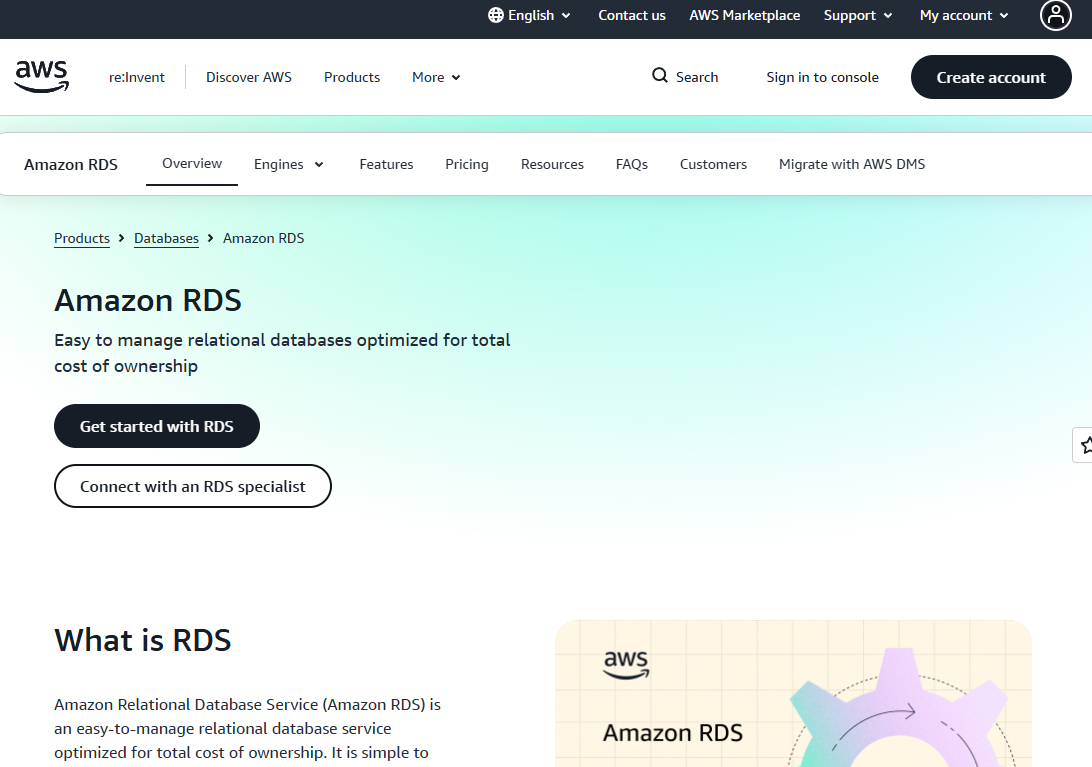
Amazon RDS is AWS's fully managed relational database service. It handles provisioning, patching, backups, monitoring, and recovery for PostgreSQL, MySQL, MariaDB, Oracle Database, and SQL Server. Teams committed to AWS infrastructure get a managed relational layer that fits directly into their existing VPC, IAM policies, and monitoring stack.
Best for: Product teams running transactional SaaS applications in AWS that want managed relational database operations without changing their SQL data model.
Key features
- Managed provisioning, patching, backups, and recovery
- Multi-AZ deployments for high availability and automated failover
- Read replicas for horizontal read scaling
- AWS IAM integration for access control
- Point-in-time recovery and automated snapshots
Why choose Amazon RDS: The ecosystem advantage is real for AWS-native teams. Fewer integration points to manage means faster production timelines. The trade-off to evaluate honestly: Deep AWS service dependencies raise migration effort later, particularly when surrounding services such as Lambda, Secrets Manager, or CloudWatch become load-bearing parts of the application.
Amazon RDS pricing: Pricing is usage-based with no setup fees. Costs vary by engine, instance class, storage type, backup retention window, and region. AWS Free Tier covers 750 hours per month of db.t3.micro or db.t4g.micro usage for select engines in the first 12 months, plus 20 GB of storage. Reserved Instance options reduce hourly charges significantly compared to on-demand rates.
G2 rating: 4.5/5
2. Google Cloud SQL
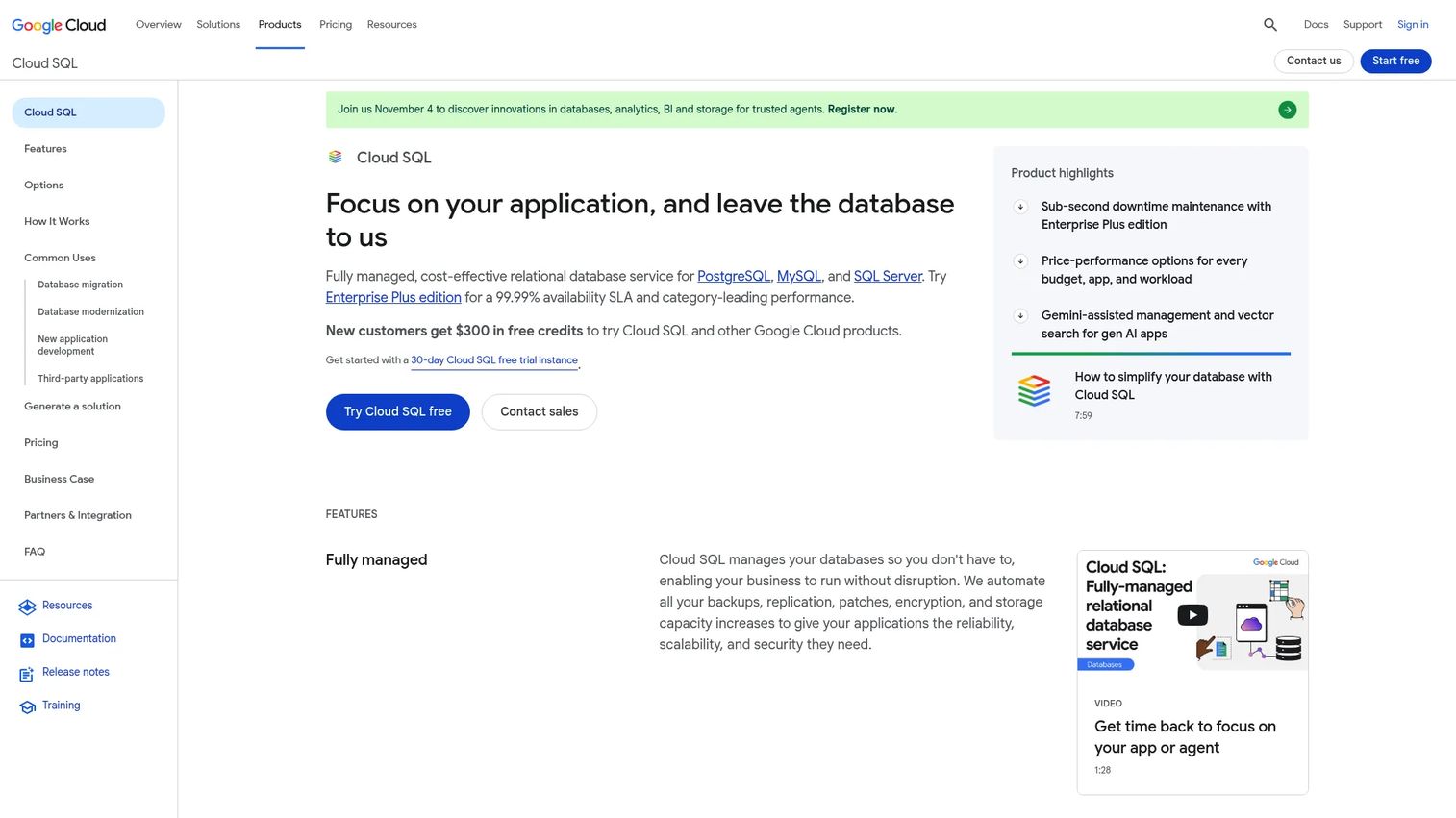
Google Cloud SQL is a fully managed relational database service supporting MySQL, PostgreSQL, and SQL Server. It fits product teams whose services, data pipelines, and analytics are already concentrated in Google Cloud. Connectivity, identity, monitoring, and deployment all operate within the same cloud environment your team already manages.
Best for: Product teams whose application services and data pipelines already run in Google Cloud.
Key features
- Managed PostgreSQL, MySQL, and SQL Server
- Automated backups with point-in-time recovery
- Read replicas and read-pool autoscaling
- High availability with automatic failover
- Private IP connectivity for VPC-native access
Why choose Google Cloud SQL: Reducing cross-cloud operational coordination is the primary benefit. Engineers spend less time managing networking and identity across providers. Before committing, validate regional instance availability, connection limits under peak load, replica propagation behavior, and how storage autoscaling interacts with your monthly cost model.
Google Cloud SQL pricing: Pricing varies by database engine, machine configuration (Enterprise or Enterprise Plus edition), storage class, network usage, and high-availability settings. A 30-day free trial is available through the Google Cloud free program. There is no single starting price because component charges for compute, storage, backups, and networking accumulate based on actual configuration.
G2 rating: 4.5/5
3. Azure SQL Database
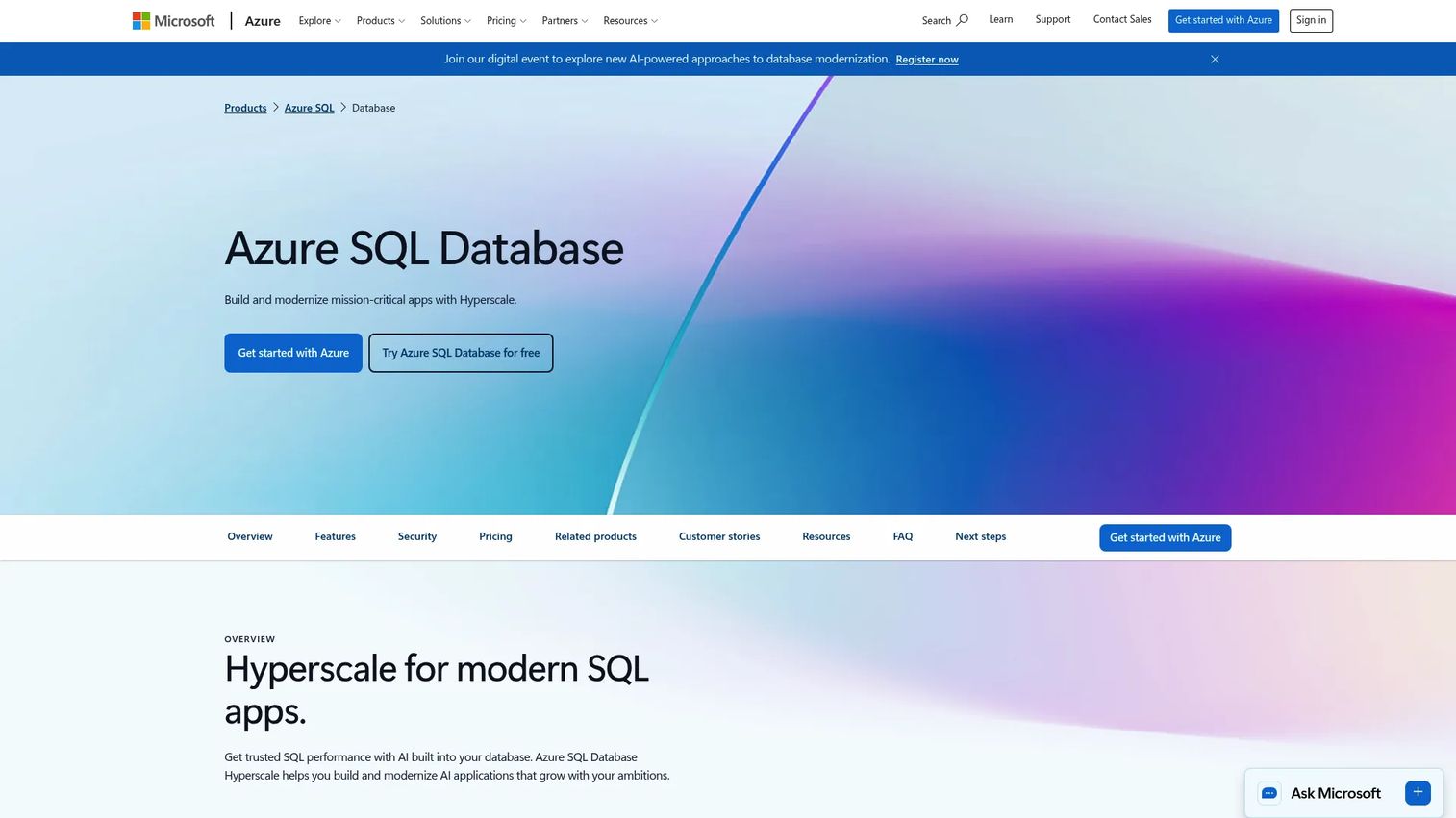
Azure SQL Database is Microsoft's fully managed SQL Server platform in Azure. It handles provisioning, patching, backups, high availability, and query optimization, and integrates with Microsoft Entra ID for identity. Teams modernizing SQL Server workloads while retaining Microsoft-oriented governance patterns will find the operational model familiar.
Best for: B2B SaaS product teams building on Microsoft technologies, or teams serving enterprise customers with Azure-aligned infrastructure and identity requirements.
Key features
- Fully managed SQL Server database service
- Automated backups and point-in-time restore
- Elastic pools for managing multiple databases under shared compute
- Built-in high availability and Hyperscale tier for independent storage scaling
- Microsoft Entra ID integration for role-based access
Why choose Azure SQL Database: SQL Server familiarity lowers the learning curve for teams already using T-SQL. Azure-native authentication and compliance tooling align with enterprise procurement requirements. Teams should run performance testing for peak-load scenarios before settling on a service tier, since compute sizing decisions at the vCore level affect both cost and latency under production traffic.
Azure SQL Database pricing: Azure SQL Database offers a free tier providing 100,000 vCore seconds of serverless compute and 32 GB of storage per month for up to 10 databases. Paid tiers include Basic, Standard, Premium, and General Purpose, with charges based on purchase model (DTU or vCore), compute configuration, storage, and region. The Azure pricing page renders amounts as currency placeholders in some markets, so verify current figures for your region directly on the Azure pricing page.
4. MongoDB Atlas
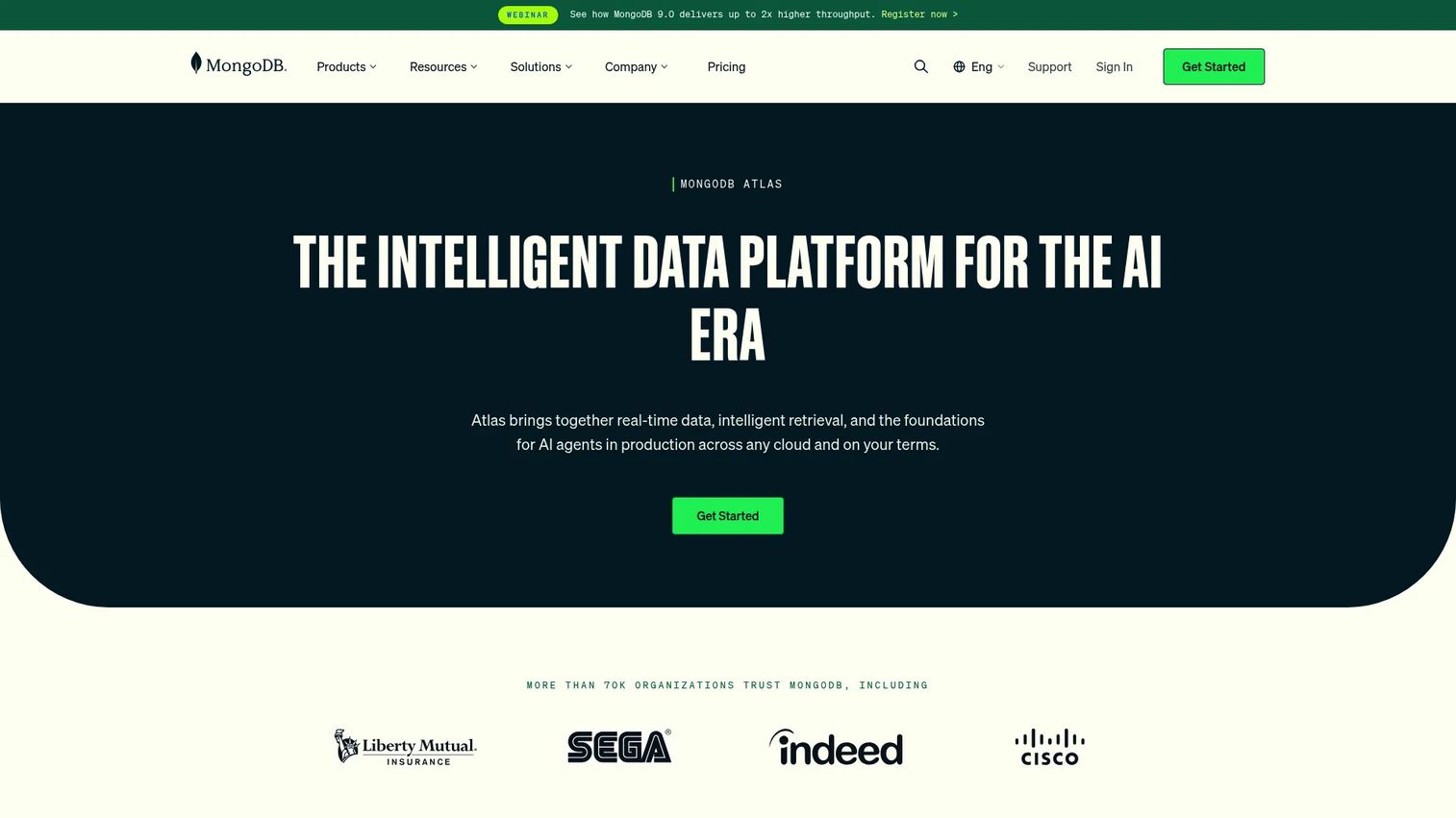
MongoDB Atlas is a fully managed document database service available across AWS, Azure, and Google Cloud. Its flexible document model suits applications where data structures change frequently or where nested JSON objects map naturally to the product's domain, such as user profiles, content records, catalogs, and event-driven application data.
Best for: Product teams with document-oriented data models, evolving schemas, and a need to avoid operating their own MongoDB clusters.
Key features
- Managed MongoDB clusters across major cloud providers
- Full-text and vector search built into the cluster
- Self-healing clusters with automated failover
- Global cluster configuration and regional deployment options
- Queryable encryption and lifecycle data encryption
Why choose MongoDB Atlas: Fast-changing product models benefit from schema flexibility without requiring migration scripts for every data structure change. The trade-off to be clear about: Document flexibility does not remove the need for indexing discipline, data governance, and query planning. Poorly designed documents and missing indexes create performance problems that look like infrastructure issues.
MongoDB Atlas pricing: Atlas offers a permanent free tier on shared infrastructure. The Flex tier starts at $0.011/hour and is capped at $30/month, suited for low-traffic development workloads. Dedicated clusters start at $0.08/hour (approximately $56.94/month for the entry configuration). An Atlas Infinite tier at $0.09/hour is available in public preview. Final costs depend on cloud provider, region, storage, backup, data transfer, and additional services such as Atlas Search.
G2 rating: 4.5/5 (verified October 2026)
5. Supabase
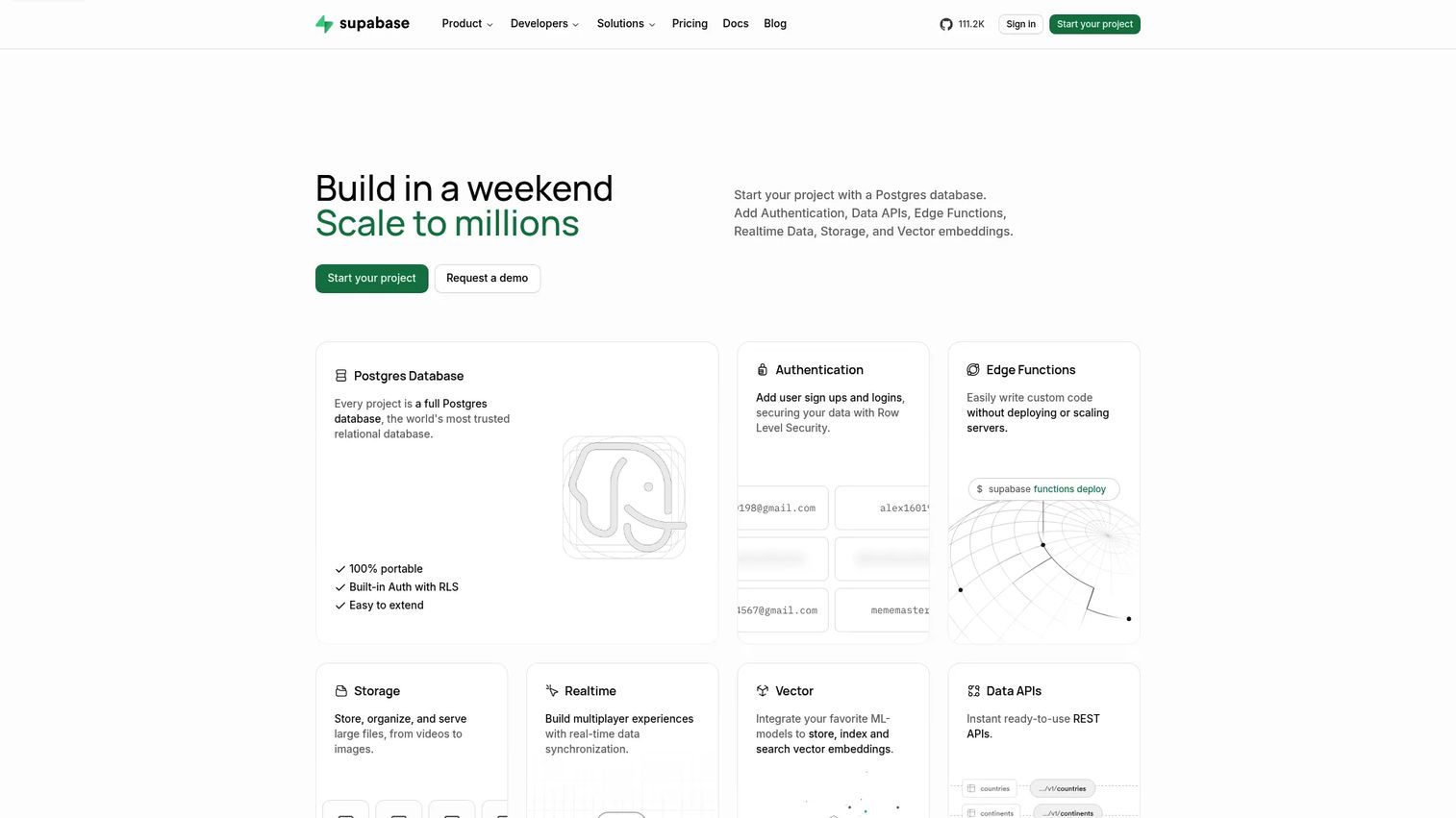
Supabase is an open-source backend platform built around managed PostgreSQL. Beyond the database, it includes authentication, auto-generated REST and GraphQL APIs, file storage, edge functions, realtime subscriptions, and database branching for development workflows. Product teams that want to ship a SaaS product quickly on Postgres without assembling separate backend services find it compelling.
Best for: Product managers and small engineering teams building SaaS products on PostgreSQL who need auth, storage, and APIs alongside the database.
Key features
- Managed PostgreSQL database with connection pooling
- Built-in authentication and user management
- Auto-generated REST and GraphQL APIs
- Edge functions and realtime data subscriptions
- Database branching for isolated development environments
Why choose Supabase: The integrated backend reduces the number of services to coordinate before reaching a usable product. Time to first user session shrinks. Before moving to production, validate connection pooling configuration, extension compatibility with your PostgreSQL version, permission model behavior under multi-tenant access patterns, and how bandwidth and compute charges scale with your user base.
Supabase pricing: The Free plan is available at no cost, with limits on database size, bandwidth, and edge function invocations. The Pro plan starts at $25/month per organization and adds 8 GB database size, 250 GB bandwidth, and daily backups. The Team plan starts at $599/month and includes SSO, compliance controls, and enhanced support. Enterprise pricing is custom.
G2 rating: 4.6/5
6. Aiven
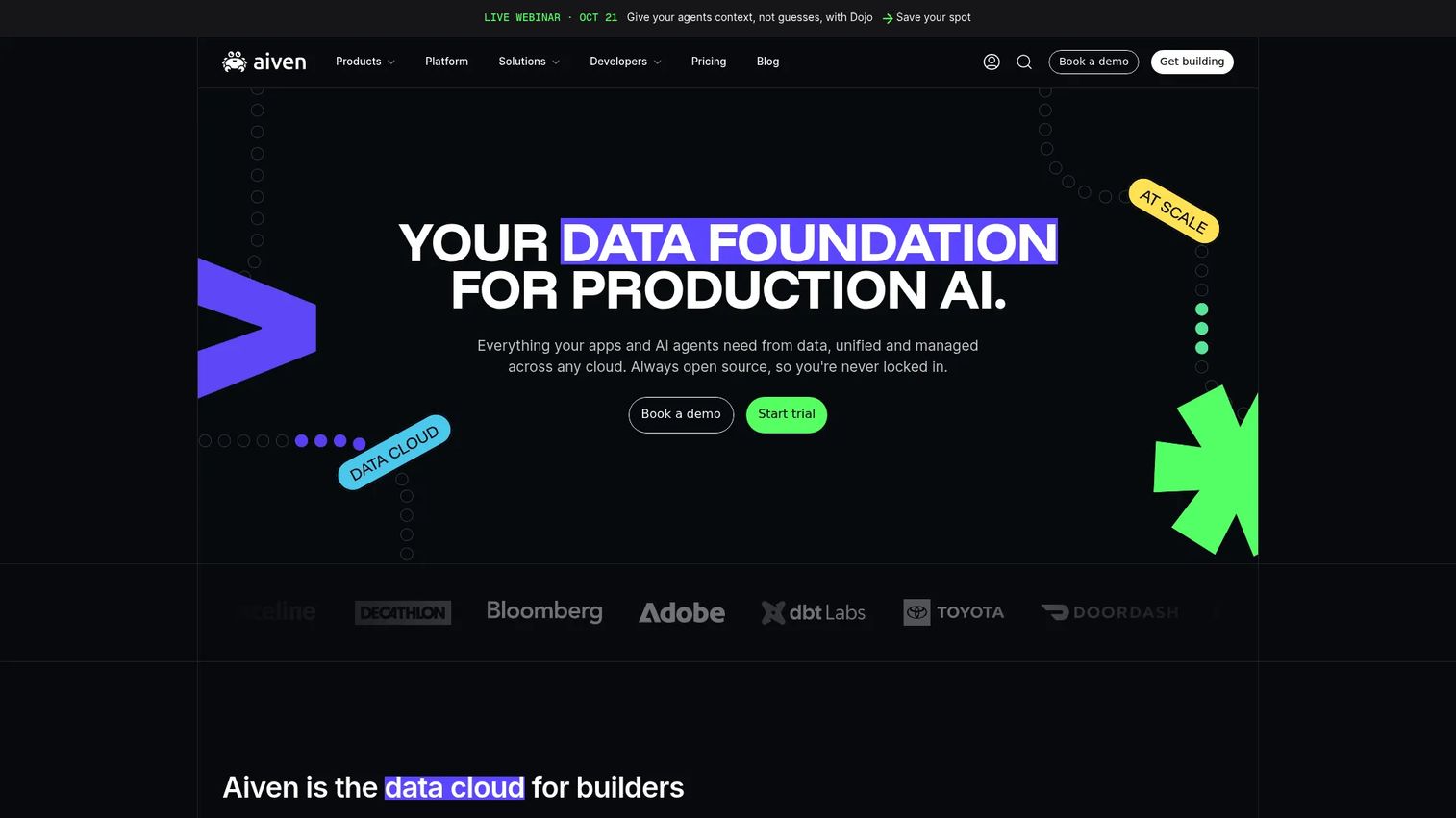
Aiven is a managed, open-source data platform covering streaming, databases, analytics, search, caching, and AI-related workloads across AWS, Google Cloud, Azure, and bring-your-own-cloud configurations. Teams that need managed PostgreSQL, MySQL, Kafka, ClickHouse, OpenSearch, or Valkey without committing to a single hyperscale cloud find Aiven's multi-cloud portability valuable.
Best for: Engineering teams that want managed open-source data services across multiple clouds without trading portability for convenience.
Key features
- Managed PostgreSQL, MySQL, and Valkey across multiple clouds
- Managed Apache Kafka and ClickHouse services
- Multi-cloud deployment including BYOC options
- AI capabilities including vector search and MCP integrations
- Built-in observability, backup tooling, and private networking
Why choose Aiven: Multi-cloud portability is a genuine operational advantage for teams with cloud-agnostic infrastructure policies or multi-vendor data requirements. Verify region coverage per service, performance benchmarks for your workload type, and the cost differential between Aiven's pricing and running the equivalent managed service directly on your primary cloud before treating portability as automatically worth the delta.
Aiven pricing: A free tier is available for PostgreSQL, MySQL, Kafka, OpenSearch, and Valkey. Developer plans start at $5/month for PostgreSQL and MySQL and at $35/month for Kafka. Higher tiers (Startup, Business, Premium) are usage-based per service and vary by cloud provider, region, instance size, and high-availability configuration.
G2 rating: 4.3/5
7. CockroachDB
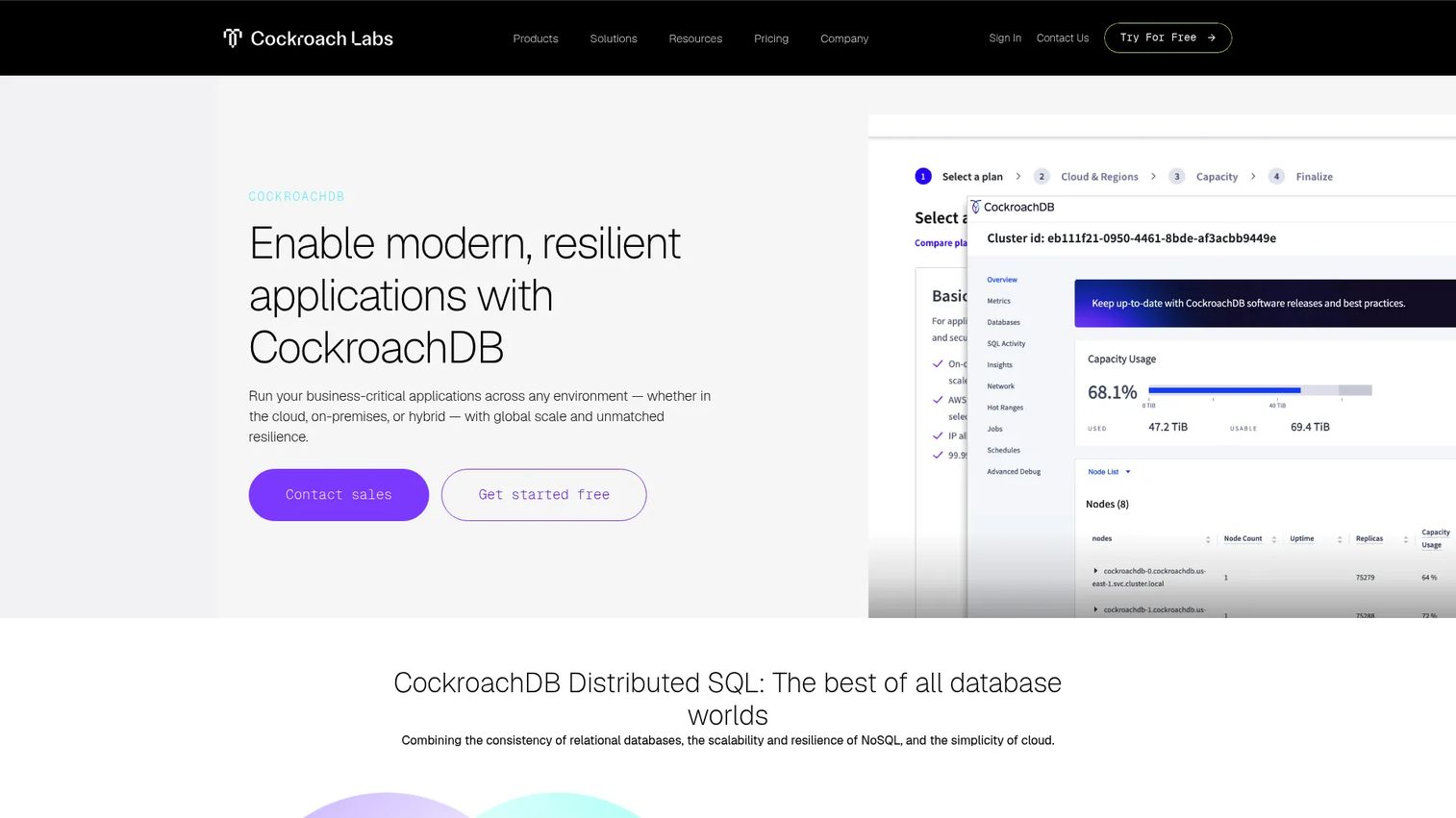
CockroachDB is a distributed SQL database designed for applications that cannot treat a regional database outage as an acceptable production event. It provides ACID transactions, PostgreSQL wire-protocol compatibility, automatic data replication, and multi-region deployment options in a managed cloud offering called Cockroach Continuum.
Best for: Product teams with multi-region transactional applications, high-availability requirements, or global user bases that need SQL semantics across regions.
Key features
- Distributed SQL with full ACID transaction support
- PostgreSQL wire-protocol compatibility
- Multi-region deployment with automatic replication
- Native vector data and distributed vector indexing
- 30-day trial with $400 in credits for new organizations
Why choose CockroachDB: Distributed SQL simplifies certain global application designs by removing the need for manual sharding or application-level conflict resolution. The cost of the simplification is validating SQL compatibility against your specific query patterns before migration. Not all PostgreSQL extensions are supported, and transaction semantics at scale behave differently from single-region Postgres in ways that require testing on representative workloads.
CockroachDB pricing: Standard plan pricing starts at $0.092 per vCPU-hour, with an estimated reference configuration of 2 vCPUs and 100 GB at approximately $203/month. The Mission Critical plan starts at $0.162 per vCPU-hour for dedicated infrastructure. New cloud organizations get a 30-day trial with $400 in credits.
G2 rating: 4.3/5
8. Amazon DynamoDB
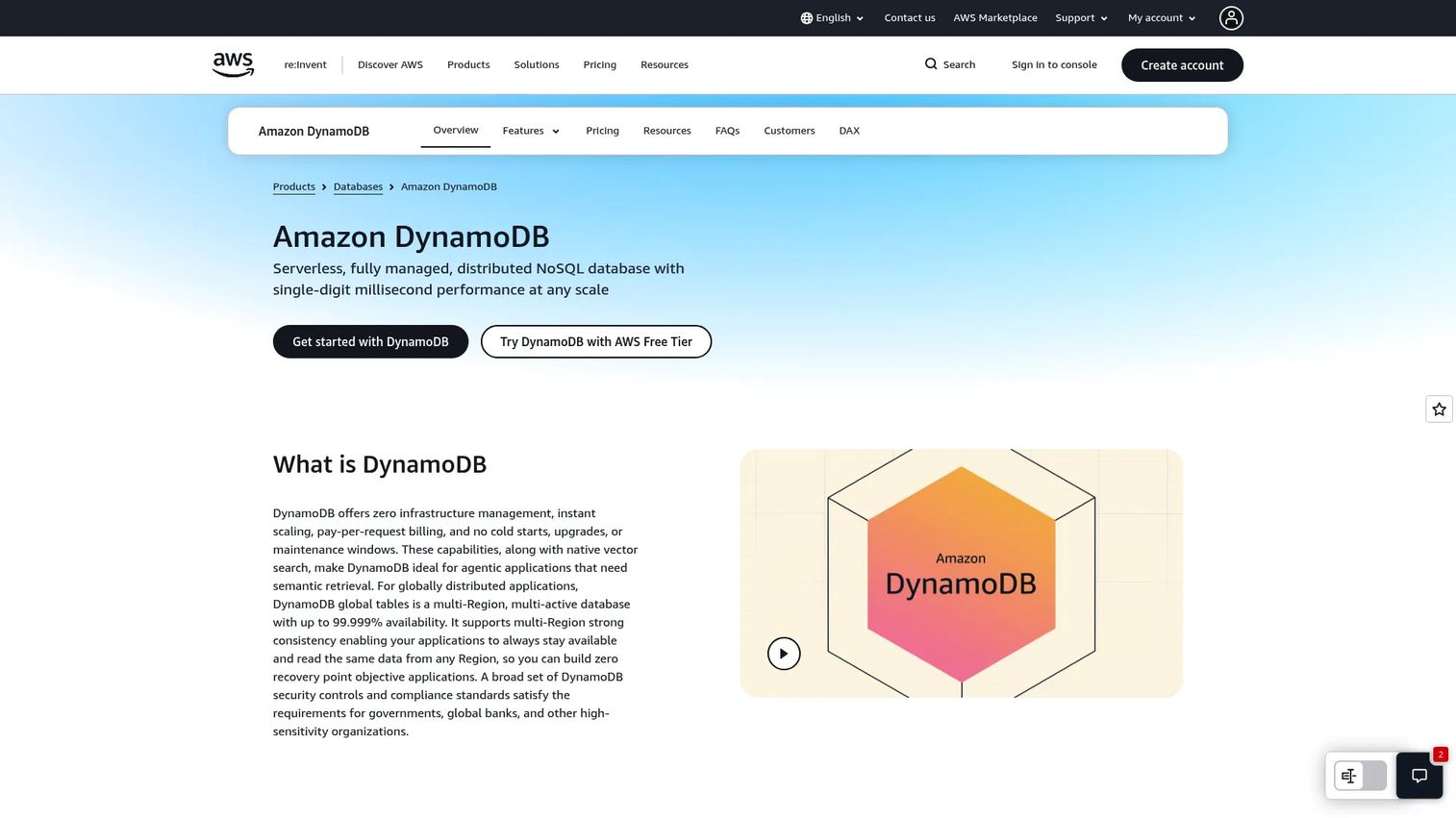
Amazon DynamoDB is AWS's fully managed, serverless NoSQL key-value and document database. It delivers single-digit millisecond performance at scale for workloads with predictable access patterns, including session data, event metadata, shopping carts, feature flags, and application state. On-demand capacity means you pay per request rather than provisioning ahead of traffic.
Best for: AWS teams with high-throughput, low-latency NoSQL workloads and access patterns that can be defined clearly at design time.
Key features
- On-demand and provisioned capacity modes with automatic scaling
- Global tables for multi-region active-active replication
- ACID transactions and secondary indexes
- Point-in-time recovery
- Event-driven integration with AWS Lambda and Streams
Why choose Amazon DynamoDB: Removing server provisioning from high-scale workloads reduces operational overhead and eliminates capacity-planning guesswork at launch. The design constraint to respect upfront: Partition key selection affects both performance and cost in ways that are difficult to change after data accumulates. Teams that skip the access-pattern design phase early often discover cost and latency problems at scale that require significant refactoring.
Amazon DynamoDB pricing: DynamoDB offers a permanent free tier covering 25 GB of storage, 25 provisioned write capacity units, and 25 provisioned read capacity units per month. On-demand mode charges per read and write request consumed. Provisioned mode charges hourly based on reserved capacity. Additional costs apply for global tables, DynamoDB Streams, backups, and data transfer.
G2 rating: 4.3/5
9. Google Cloud Spanner
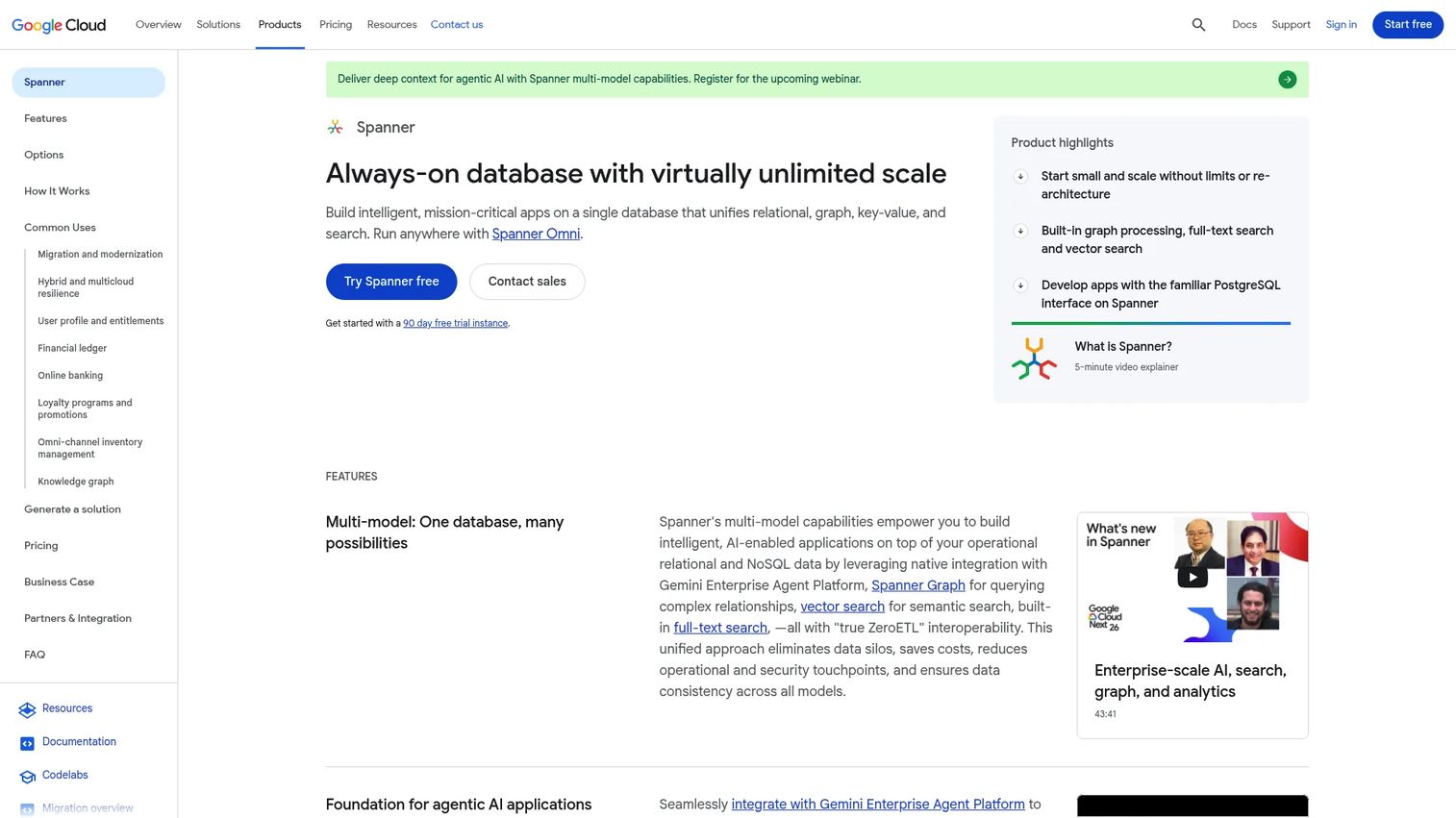
Google Cloud Spanner is a managed distributed relational database that combines strong transactional consistency with horizontal scalability and global replication. It supports relational, graph, key-value, vector search, and full-text search workloads in a single service. The architecture targets applications where regional database failure is not an acceptable outage.
Best for: Enterprise product teams building globally distributed transactional systems in Google Cloud where consistency and regional resilience are non-negotiable.
Key features
- Strong transactional consistency across globally distributed nodes
- Horizontal scaling with automatic sharding and synchronous replication
- Multi-model support including relational, graph, and vector search
- Multi-region configuration options
- Managed backup and recovery with a 90-day free trial instance
Why choose Google Cloud Spanner: Globally consistent transactions without manual sharding removes a significant architecture burden for products that serve users across multiple regions simultaneously. Spanner belongs on a shortlist when those requirements are real, not aspirational. For applications that run comfortably in a single region, managed PostgreSQL or MySQL meets the requirement with less architectural overhead and lower minimum cost.
Google Cloud Spanner pricing: Spanner pricing is usage-based. The Standard edition starts at $0.030 per 100 processing units per hour per replica. The Enterprise edition starts at $0.041 and Enterprise Plus at $0.057 per 100 processing units per hour per replica. Storage, backups, replication, and network usage add to the compute charge. A free trial instance is available for 90 days with up to 10 GiB of data.
G2 rating: 4.2/5
10. Azure Cosmos DB
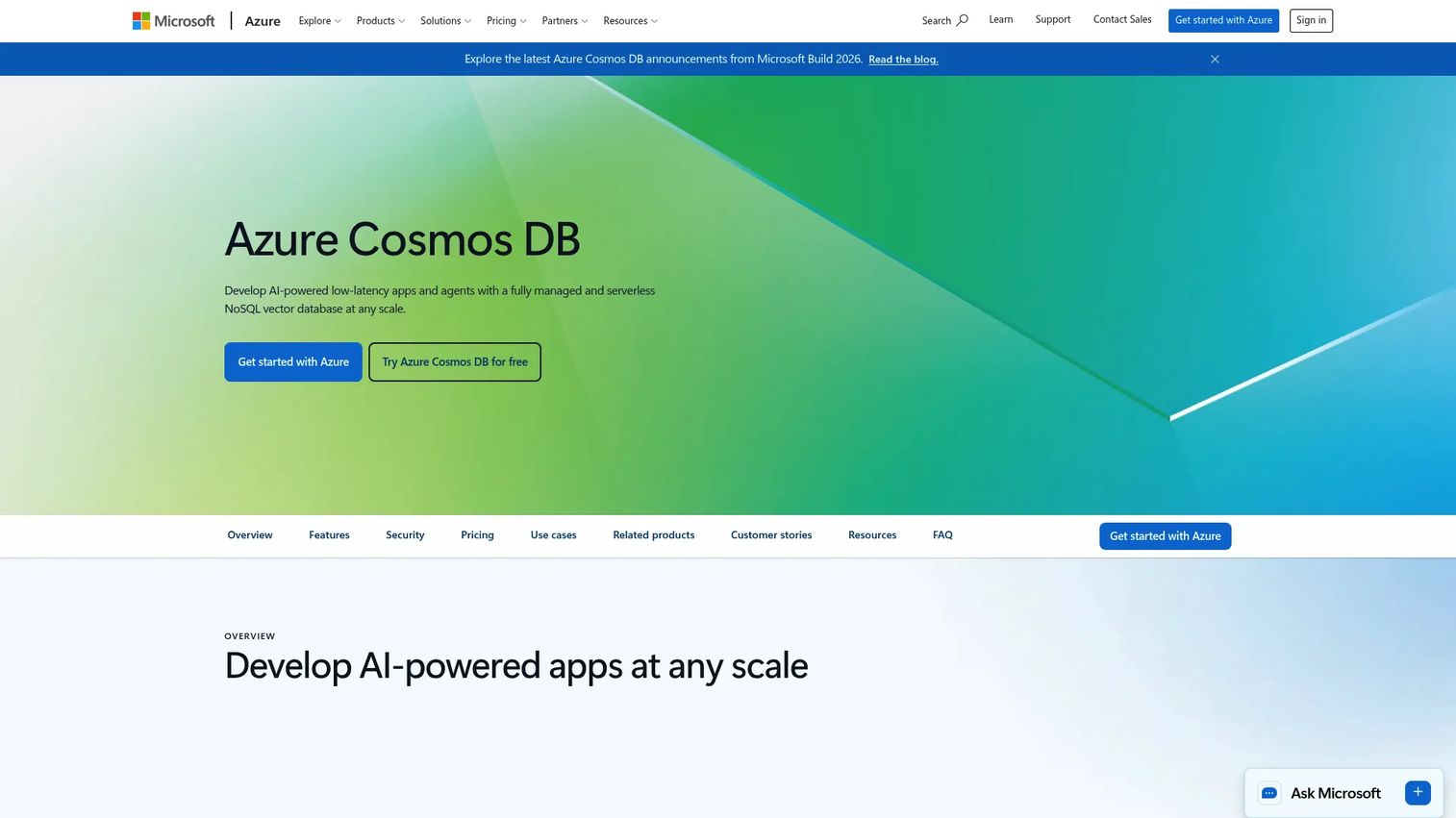
Azure Cosmos DB is a fully managed, globally distributed database service that supports NoSQL, PostgreSQL, MongoDB, Cassandra, Gremlin, and Table APIs. It offers provisioned throughput, autoscale, and serverless pricing models, with tunable consistency levels and automatic indexing across supported APIs.
Best for: Product teams building globally available applications on Azure that need distributed NoSQL capabilities and flexibility across data model APIs.
Key features
- Global distribution across Azure regions with automatic replication
- Support for NoSQL, PostgreSQL, MongoDB, Cassandra, Gremlin, and Table APIs
- Provisioned throughput, autoscale, and serverless pricing models
- Tunable consistency levels from strong to eventual
- Automatic indexing and replication
Why choose Azure Cosmos DB: Multi-API support means teams can choose the query interface closest to their existing data model without migrating to a new API after selecting the platform. For Azure-centered teams needing global distribution with low-latency reads and writes, Cosmos DB covers the requirement without a separate caching or replication layer. The planning work that matters most: Request unit modeling and partition key design affect both cost and throughput. Test representative traffic patterns before forecasting monthly spend.
Azure Cosmos DB pricing: Cosmos DB includes a free tier offering 1,000 RU/s provisioned throughput and 25 GB of storage each month per Azure subscription account. Paid pricing varies by throughput mode (standard provisioned, autoscale, or serverless), storage, replicated regions, backups, and API selection. No single numeric starting price was displayed on the Azure pricing page at time of verification; check current rates for your region directly.
G2 rating: 4.2/5
Considerations when choosing DBaaS providers
Match the database model to the workload first
Start with the application's access patterns, consistency requirements, and data shape before evaluating providers. A managed relational database suits most transactional SaaS products. Key-value or distributed SQL services should solve a specific, documented requirement rather than a vague assumption that they will scale better. Choosing a complex model to solve a simple problem increases engineering opportunity cost without a corresponding product benefit.
Model the full operating cost, not just the entry tier
Build a cost estimate that covers compute, storage, replicas, backups, cross-region traffic, data transfer, and support tier for your next product milestone, not only today's traffic. Storage growth, read replica charges, and network egress between regions are the line items that most frequently surprise teams at the end of their first high-growth quarter. Check whether cloud cost optimization software can help you model and monitor these charges continuously.
Verify reliability commitments and recovery mechanics
High availability claims require specifics. Confirm regional topology, failover behavior under real failure conditions, restore workflows, recovery point objectives (RPO), and recovery time objectives (RTO). Your team still owns application-level recovery testing. A provider that meets its SLA during a failover event does not guarantee your application recovers cleanly unless you have tested the reconnect and retry logic yourself.
Test portability before the architecture becomes fixed
Review export formats, extension support, API compatibility with open standards, SQL dialect differences, and available migration tools. Run a migration rehearsal for your top two candidates on a representative data sample. Discovering a lock-in constraint after production data, cloud backup software schedules, and compliance reviews are in place is significantly more expensive than discovering it during evaluation.
Treat observability as a product requirement, not an infrastructure afterthought
Query insight, performance metrics, alerting, audit records, and integration with your monitoring tools are prerequisites for protecting customer experience during incidents. A DBaaS provider that does not give your team enough signal to identify a slow query or a replication lag before customers notice it is a reliability risk. Connect application performance monitoring tools to your database layer from the start, not after the first production incident.
Conclusion
The right DBaaS provider for your team depends on workload type, cloud alignment, and how much operational risk you can absorb.
Amazon RDS, Google Cloud SQL, and Azure SQL Database are the natural starting points for conventional managed relational workloads inside their respective cloud environments. MongoDB Atlas and Amazon DynamoDB serve document and key-value workloads with different data-model and cost assumptions. Azure Cosmos DB fits globally distributed Azure applications that need multi-model flexibility. Supabase shortens time to first usable product for teams building on PostgreSQL. Aiven covers multi-cloud managed open-source requirements. CockroachDB and Google Cloud Spanner belong in conversations about globally consistent, regionally resilient transactional systems.
The next step is not picking the one that sounds best in a comparison table. Shortlist two or three candidates based on workload fit, run a representative benchmark on real query patterns, model year-one operating cost including replicas and backups, and run a migration and recovery exercise before finalizing the platform.
The cloud migration software and cloud compliance tools your team uses during that process will determine how accurately you can evaluate each provider before a commitment.
FAQs
DBaaS shifts infrastructure operations to the provider: Provisioning, patching, backups, and managed failover. Your team retains ownership of database schema, access control design, query performance, data quality, and application-level resilience. Self-managed databases give more configuration control but require dedicated engineering time for operational tasks that DBaaS handles automatically.
The answer depends on your cloud environment and product needs. Amazon RDS and Google Cloud SQL offer managed Postgres within their respective clouds. Supabase provides managed Postgres alongside backend development tools suited for faster product iteration. Aiven runs managed Postgres across multiple clouds for teams with portability requirements. CockroachDB offers a Postgres-compatible distributed SQL option for global applications.
Startups should prioritize launch speed, operational simplicity, predictable early-stage costs, and a credible migration path as the product grows. Test the free or entry tier against a real workload rather than choosing on headline price alone. Supabase and MongoDB Atlas both offer meaningful free tiers with upgrade paths. Amazon RDS and Google Cloud SQL free-tier access through their respective cloud programs is worth evaluating too.
Providers combine several inputs: Compute capacity, storage, request volume, read and write throughput, replicas, backup retention, network egress, and regional deployment. Each provider weights these inputs differently. DynamoDB charges per request in on-demand mode. Spanner charges per processing unit per hour per replica. Supabase charges a flat monthly plan plus usage overages. Always ask engineering to model costs under three scenarios: Current traffic, next milestone, and a 5x growth spike.
It can, and the risk increases with proprietary APIs, cloud-specific integrations, database extensions not supported by alternatives, custom replication models, and data formats that require transformation before export. Reduce lock-in risk by testing export and recovery workflows before committing, choosing providers that support open wire protocols where possible, and keeping API dependencies documented so the migration surface is visible. The api monitoring tools you use alongside your database layer can surface unexpected dependency accumulation over time.
Most managed databases support high availability, automated backups, encryption at rest and in transit, access controls, and multi-region configuration. Whether a specific provider meets your reliability requirements depends on the contractual SLA, the failover architecture, and your team's recovery testing. Confirm RPO and RTO commitments against your product's tolerance for data loss and downtime, not against the category average.
NoSQL fits workloads with flexible or deeply nested document structures, predictable key-value access patterns, very high read/write throughput requirements, or global distribution needs where eventual consistency is acceptable. Relational databases remain the stronger default for transactional products that need joins, foreign key constraints, schema enforcement, and standard SQL workflows. Choose NoSQL when your access patterns genuinely map to it, not because it sounds more scalable.
Ask engineering to build a workload-based cost estimate rather than comparing headline plan prices. The estimate should include base compute capacity, a growth scenario for the next product milestone, high-availability replica charges, backup retention costs, data transfer fees, and the cost of support tier you need for production incidents. Compare that figure across your two or three finalists before involving security and finance in a deeper review.