The line is six deep. Two orders are oat milk lattes with three modifiers each. Your barista is toggling between the register, a separate loyalty app, and a tablet running online orders that keep pinging in from a delivery marketplace. Somewhere in that shuffle, a mobile order gets missed, a regular's rewards do not apply, and the end-of-day report does not match the drawer.
That friction is not a staffing problem. It is a systems problem. When your coffee shop point of sale does not talk to your loyalty, your online ordering, and your back office, every rush period turns into manual reconciliation. And the cost compounds: slower lines, weaker repeat visits, and reporting you cannot trust for margin decisions.
The market has moved fast. The global cafe POS system market was valued at USD 3.2 billion in 2024 and is projected to reach USD 8.7 billion by 2033 at a 10.5% CAGR, per OpenPR (2024). Cloud-based systems now account for 62 to 65% of cafe POS revenue, a clear shift away from legacy on-premise registers. Yet only 28% of independent coffee shops have a detectable online ordering system integrated with their POS or website, according to joe.coffee (2026). That gap is exactly where the wrong coffee shop POS software quietly costs you revenue.
What's inside
This guide compares nine coffee shop POS systems built or commonly used for cafes, coffee bars, and bakeries. We chose them based on order and modifier handling, loyalty and marketing, inventory and reporting, hardware fit, team management, and pricing clarity. The list favors real coffee shop fit over generic restaurant breadth, so a shop pulling shots all day is weighted differently than a full-service dining room. The goal is simple: help you pick a cafe POS system based on your service model and growth stage, not on whichever brand markets the loudest.
TL;DR
- Best for all-in-one operations: Dripos bundles POS, online ordering, loyalty, payroll, and accounting into one coffee shop point of sale.
- Best for simple setup: Square gets a new shop live fast with recognizable payments and a free starting tier.
- Best for busy service and food-heavy cafes: Toast leans into kiosks, KDS, offline mode, and peak-hour throughput.
- Best for Shopify-based shops: POS Cafe adds fast tap ordering and modifiers on top of Shopify POS.
- Best for budget-conscious owners: Loyverse offers a free core app with paid back-office add-ons.
- Best for modular hardware: Clover fits owners who want to assemble a stack from an app marketplace.
What is a coffee shop POS system?
A coffee shop POS system is the software and hardware that takes orders, processes payments, and connects the rest of your cafe operations into one place. It is the operational hub where a sale becomes inventory movement, loyalty credit, labor data, and a reporting line.
A strong coffee shop point of sale handles a specific set of jobs:
- Ordering and modifiers: fast entry for drinks with milk swaps, syrups, sizes, and add-ons, plus split payments and open tabs.
- Omnichannel ordering: counter service, mobile order-ahead, pickup, and delivery flowing into one queue.
- Payments: card, tap, mobile wallets, and tips, with clear processing terms.
- Loyalty and marketing: a coffee shop loyalty program, customer directory, and email or SMS follow-up.
- Inventory management: ingredient-level tracking, low-stock alerts, and cost visibility for a modifier-heavy menu.
- Labor and team management: scheduling, time tracking, and in some cases a cafe POS with payroll built in.
- Reporting: sales, labor, inventory, and menu performance in one dashboard, not just a daily total.
- Hardware: terminals, printers, cash drawers, scanners, kiosks, and KDS screens that stay compatible.
- Integrations: accounting, delivery, e-commerce, and coffee shop POS integrations for multi-location growth.
The distinction that matters most: a basic register only records sales. A full cafe point of sale system connects those sales to the operations that decide whether your shop is profitable.
When to use a coffee shop POS
Reduce friction during rush periods
Speed is the whole game during a morning rush. A point of sale for a coffee shop needs to fire off a three-modifier oat latte in a few taps, route it to the bar, and free the register for the next customer. Look for line-busting workflows, kiosk ordering to offload simple transactions, and order-ahead so regulars skip the queue entirely. When modifier entry is slow, throughput drops and lines get longer, which directly costs you tickets during your highest-margin hours.
Unify online and in-person ordering
Most coffee shops now sell across counter service, mobile order-ahead, pickup, and delivery. When each channel lives in a separate app, orders get missed and customer history fragments. A single coffee shop point of sale system pulls every channel into one queue and one customer record. That unified view is what makes reporting trustworthy and loyalty actually work, because a regular is the same person whether they walk in or order from their phone.
Replace multiple disconnected tools
The strongest case for a modern cafe POS system is consolidation. Instead of paying for a register, a separate loyalty app, a scheduling tool, an inventory spreadsheet, and a payroll service, some platforms fold most of that into one subscription. Fewer tools means fewer handoffs, cleaner data, and a lower total cost than the sum of the parts. For an owner planning a second location, one system that scales beats stitching five together.
Comparison table
Read this table as a shortlist, not a ranking. The "intent" column tells you which operator each system fits best, and "key differentiation" points to the single reason a shop picks it. Pricing reflects publicly listed starting figures and G2 ratings reflect current listings where available. Always confirm current pricing with each vendor, since add-ons and processing rates shift.
| # | Product | Intent | Key differentiation | Pricing | G2 rating |
|---|---|---|---|---|---|
| 1 | Dripos | All-in-one cafe operations | POS plus payroll, accounting, loyalty in one | $160/month | Not listed |
| 2 | Square | Simple setup and payments | Free starting tier, recognizable hardware | $0/month | 4.6/5 |
| 3 | Toast | Busy, food-heavy service | Kiosks, KDS, offline mode | $0/month | 4.2/5 |
| 4 | POS Cafe | Shopify-based shops | Cafe workflows on Shopify POS | $29/month | 5.0/5 |
| 5 | eatOS | Operations-heavy cafes | Workforce and ordering suite | From $799 | Not listed |
| 6 | Clover | Modular hardware stacks | App marketplace, device flexibility | Varies by plan | 3.9/5 |
| 7 | Focus POS | Inventory-focused operators | Configurable order entry and reporting | Contact vendor | 3.0/5 |
| 8 | TouchBistro | Multi-location iPad cafes | Front-of-house tools on iPad | $69/month | 4.1/5 |
| 9 | Loyverse | Budget-conscious small shops | Free core POS app | Free | 4.7/5 |
1. Dripos
Dripos is built specifically for coffee shops, and it makes the strongest consolidation case on this list. Instead of a register that only rings sales, it combines POS, online ordering, a coffee shop loyalty program, team management, marketing, payroll, and accounting into one platform. For an owner tired of paying five vendors and reconciling their data by hand, that single-system approach is the whole pitch.
Best for: Coffee shop owners who want one platform to run POS, staffing, and financial operations instead of stitching tools together.
Key strengths
- All-in-one operations: POS, online ordering, loyalty, and reporting live in one system, so a sale flows into inventory and customer records automatically.
- Financial ops built in: Optional payroll and bookkeeping add-ons pull labor and sales data into one place, which is rare in a coffee shop point of sale.
- Coffee-specific workflows: Modifiers, subscriptions, and cafe-style ordering are native rather than bolted onto a generic restaurant tool.
Why choose Dripos: If your operating headache is tool sprawl, Dripos replaces the most tools of any option here. That consolidation is worth more than a lower sticker price when you factor in the hours spent moving data between systems. It fits owners who value fewer handoffs and one dashboard over piecing together best-in-class point tools.
Dripos pricing: The Core Product starts at $160/month, billed monthly, with no free tier. Optional add-ons layer on top: payroll runs $30 per EIN plus $6 per employee monthly, a branded app is $100/month, self-serve accounting is $50/month, full bookkeeping and accounting is $250/month, and delivery integration is $50/month. Pricing is verified from the Dripos pricing page.
2. Square
Square is the clean entry point for a coffee shop that wants to be live this week. Payments are recognizable to customers, hardware is easy to source, and the free starting tier lets a new shop open without a monthly software commitment. It handles POS, online ordering, and business management, with loyalty, marketing, and a customer directory available as it grows.
Best for: New or single-location coffee shops that value straightforward deployment and a payments brand customers already trust.
Key strengths
- Fast, familiar setup: A shop can get a register running quickly with widely available hardware and a recognizable checkout experience.
- Ecosystem that scales: Loyalty, marketing, team management, and APIs are available to add as the shop grows, without switching systems.
- Free starting tier: Square Free carries no monthly subscription, so early-stage shops keep software costs low while validating.
Why choose Square: Square wins on simplicity and speed to launch. If you do not want to evaluate an operations suite before you have even opened, Square gets you selling and lets you add capabilities later. It suits operators who prioritize a low-friction start over maximum consolidation on day one.
Square pricing: Square Free costs $0/month. Square Plus is $49/month per location and Square Premium is $149/month per location, both billed monthly with a 30-day free trial. Pricing is verified from Square's US pricing page. Payment processing rates apply on top of subscription tiers.
3. Toast
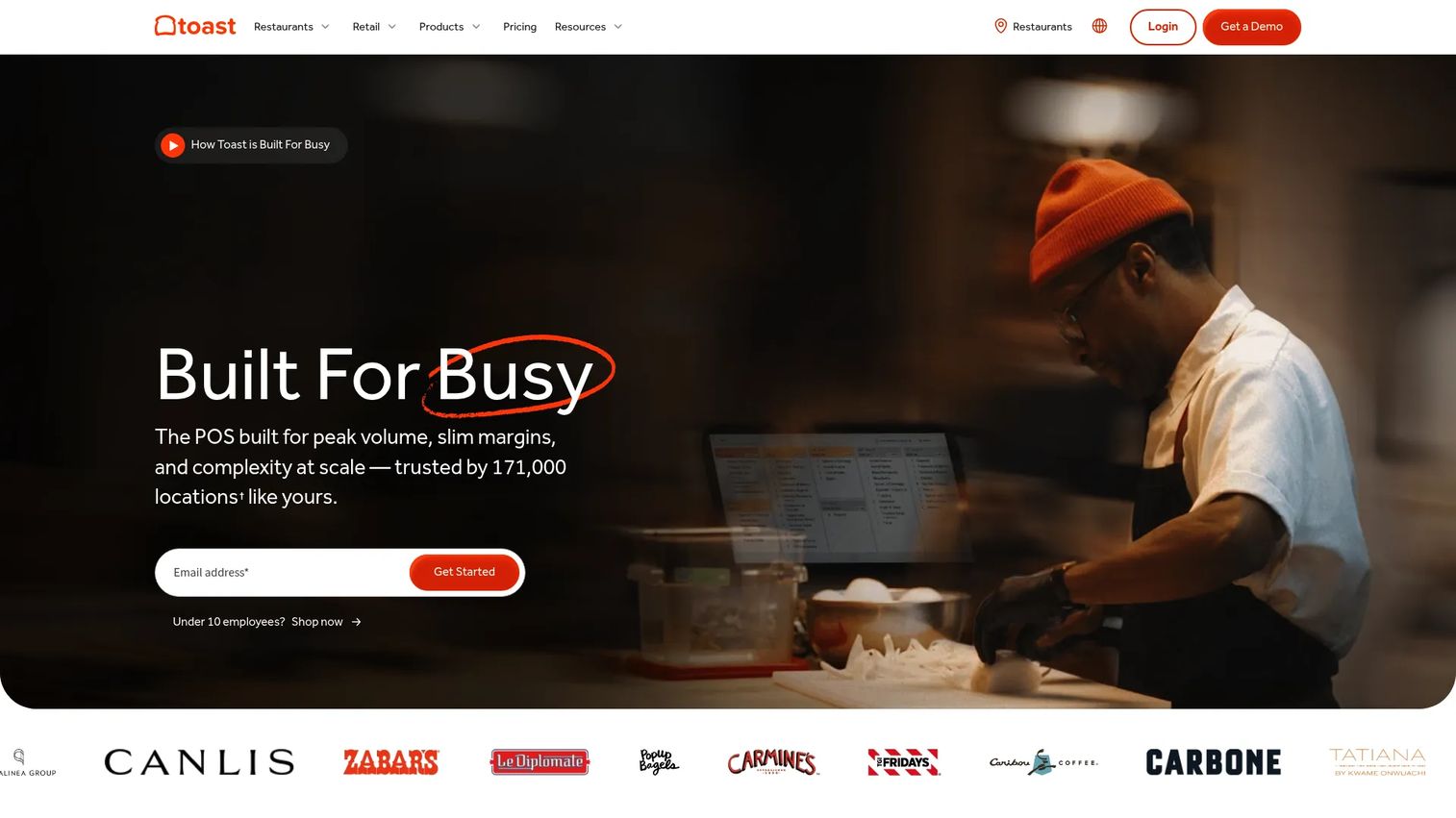
Toast is the option for cafes that run more like restaurants. If you have heavy dine-in, a real food menu, or peak-hour complexity, Toast's kiosk support, KDS for coffee shops, offline mode, and restaurant-grade workflows are built for that pressure. It is a cloud POS with online ordering, delivery, menu, inventory, payroll, scheduling, loyalty, and marketing under one roof.
Best for: Busy cafes and bakeries with food service, dine-in volume, or peak-hour operational complexity that a lighter register cannot absorb.
Key strengths
- Service-speed hardware: Kiosks, KDS screens, and offline mode keep orders flowing when wifi drops or the line stacks up.
- Restaurant-grade operations: Menu, inventory, scheduling, and payroll tools handle a food-plus-coffee operation, not just drink sales.
- Omnichannel ordering: Online ordering and delivery route into the same kitchen workflow as counter orders.
Why choose Toast: Toast performs best when your cafe carries meaningful food and dine-in volume. The trade-off is that it is more platform than a small espresso bar needs, but for a bakery-cafe managing kitchen tickets and a menu, that depth pays off during every rush.
Toast pricing: Publicly listed plans include a Starter Kit at $0/month and Point of Sale starting at $69/month, both billed monthly, plus a Build Your Own option with custom pricing. Pricing is verified from Toast's platform page. Hardware and payment processing are additional.
4. POS Cafe
POS Cafe is a Shopify-native app that adds real cafe workflows on top of Shopify POS. The fit is narrow and explicit: it is built for coffee shops already running on Shopify. Within that world, it delivers unlimited modifiers, fast tap-based ordering, open orders, kitchen printing, and Fresh KDS integration, so a Shopify shop gets espresso-bar speed without leaving its existing stack.
Best for: Cafe and coffee shop operators already committed to Shopify who want coffee-specific ordering on top of Shopify POS.
Key strengths
- Unlimited modifiers: Modifier sets handle milk swaps, syrups, and sizes without slowing down checkout.
- Kitchen workflow: Order tickets and Fresh KDS integration route drinks and food to the right station.
- Multi-location support: Printer and store-hour configuration scales across more than one shop within Shopify.
Why choose POS Cafe: If your commerce already lives in Shopify, POS Cafe extends that investment instead of forcing a migration. The dependency is the point to understand clearly: outside the Shopify ecosystem, it is not the right pick. Inside it, it turns a general commerce POS into a coffee-ready one.
POS Cafe pricing: Plans run Essential at $29/month, Growth at $59/month, Expansion at $99/month, and Enterprise at $199/month, all billed monthly with a 21-day free trial and scaling by number of POS locations. Pricing is verified from the POS Cafe site. It holds a 5.0/5 rating on the Shopify App Store.
5. eatOS
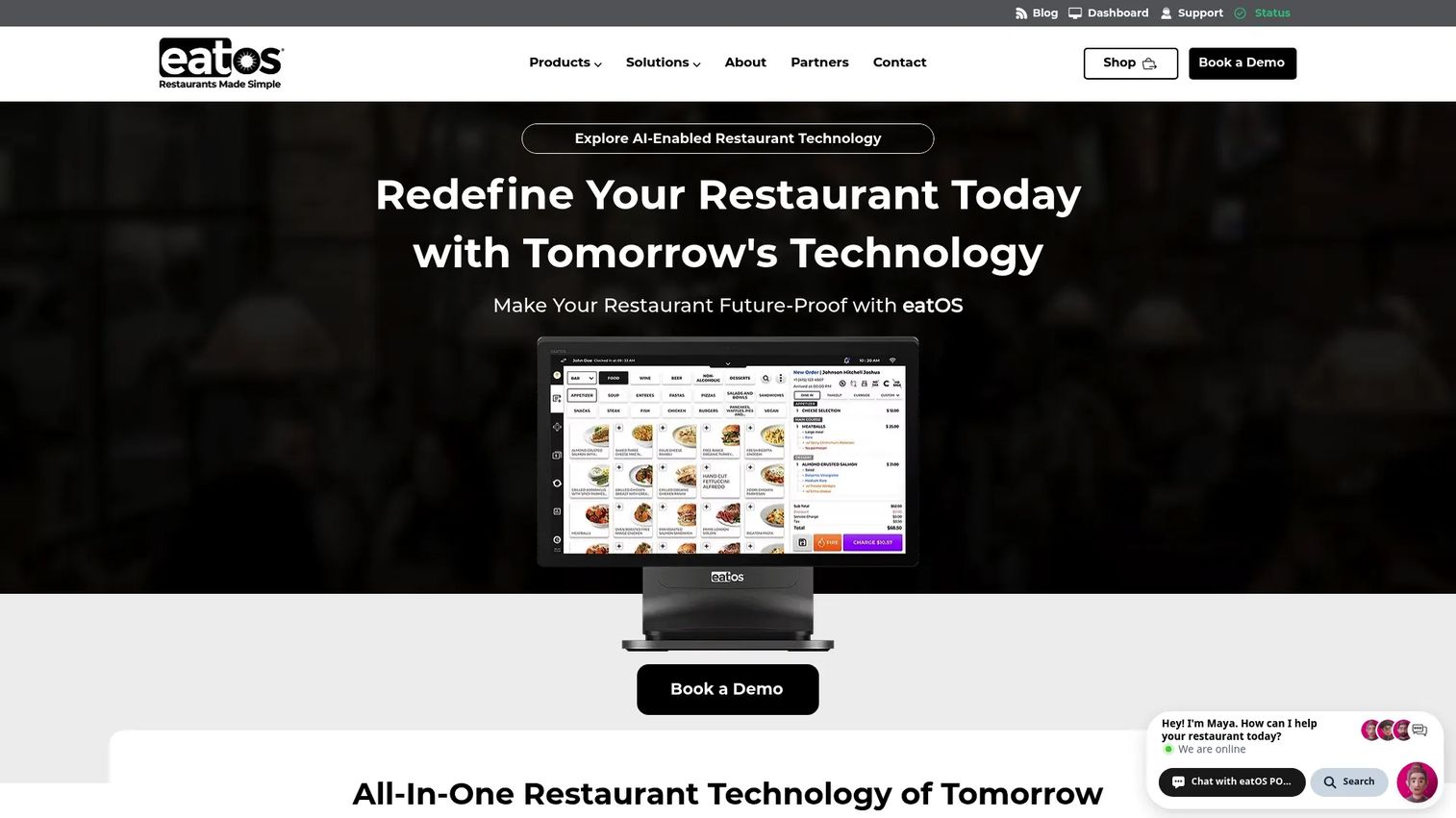
eatOS is a restaurant technology cloud covering POS, online ordering, and workforce management. For a cafe operator who wants deeper operational control, it leans into shift management, kiosk ordering, KDS integration, and payroll and time tracking. That makes it more operationally involved than a lightweight register, and better suited to owners who want to run staffing and service from one system.
Best for: Cafe operators who want an operations-heavy stack with strong workforce and ordering tools rather than a minimal POS.
Key strengths
- Workforce management: Shift management, time tracking, and payroll tools centralize staffing alongside sales.
- Kiosk and KDS: Self-order kiosks and kitchen display integration support faster throughput during rush.
- Full ordering suite: POS and online ordering work together for counter, pickup, and off-premise sales.
Why choose eatOS: eatOS suits an operator who treats staffing and service as core, not afterthoughts. It is more platform than a two-person espresso cart needs, but for a growing cafe managing schedules, kiosks, and a kitchen, that operational depth is the draw.
eatOS pricing: The public site shows multiple restaurant bundles, including a Full Service Bundle at $1,498 to buy now or $799 pay-as-you-go, with some $0*/month offers that carry processing fees and custom pricing on certain product pages. Pricing is verified from the eatOS site, though figures vary across pages, so confirm your exact bundle directly.
6. Clover
Clover is the modular pick. It is a cloud POS and payments platform with an app marketplace and flexible hardware, so owners can assemble a stack tailored to how their shop runs. It accepts payments in person, online, by phone, and via mobile wallets, and layers on inventory, sales, employee, and reporting tools plus industry-specific configurations.
Best for: Coffee shops that want hardware flexibility and are comfortable assembling their own stack from an app marketplace.
Key strengths
- Hardware flexibility: A range of devices lets shops match hardware to counter space and service style.
- App marketplace: Add-on apps extend the base system for loyalty, scheduling, and other needs.
- Multi-channel payments: In-person, online, phone, and mobile wallet payments run through one platform.
Why choose Clover: Clover fits owners who want to build rather than buy prepackaged. The consideration to weigh is add-on economics: the base system is a starting point, and the apps you bolt on shape the real monthly cost. For an operator who wants control over the exact toolset, that modularity is the advantage.
Clover pricing: Clover offers Starter, Standard, and Advanced software and hardware plans, but the public pricing page does not expose a readable starting software price, since pricing varies by business type. Request a quote for your shop's configuration. Clover holds a 3.9/5 rating on G2.
7. Focus POS
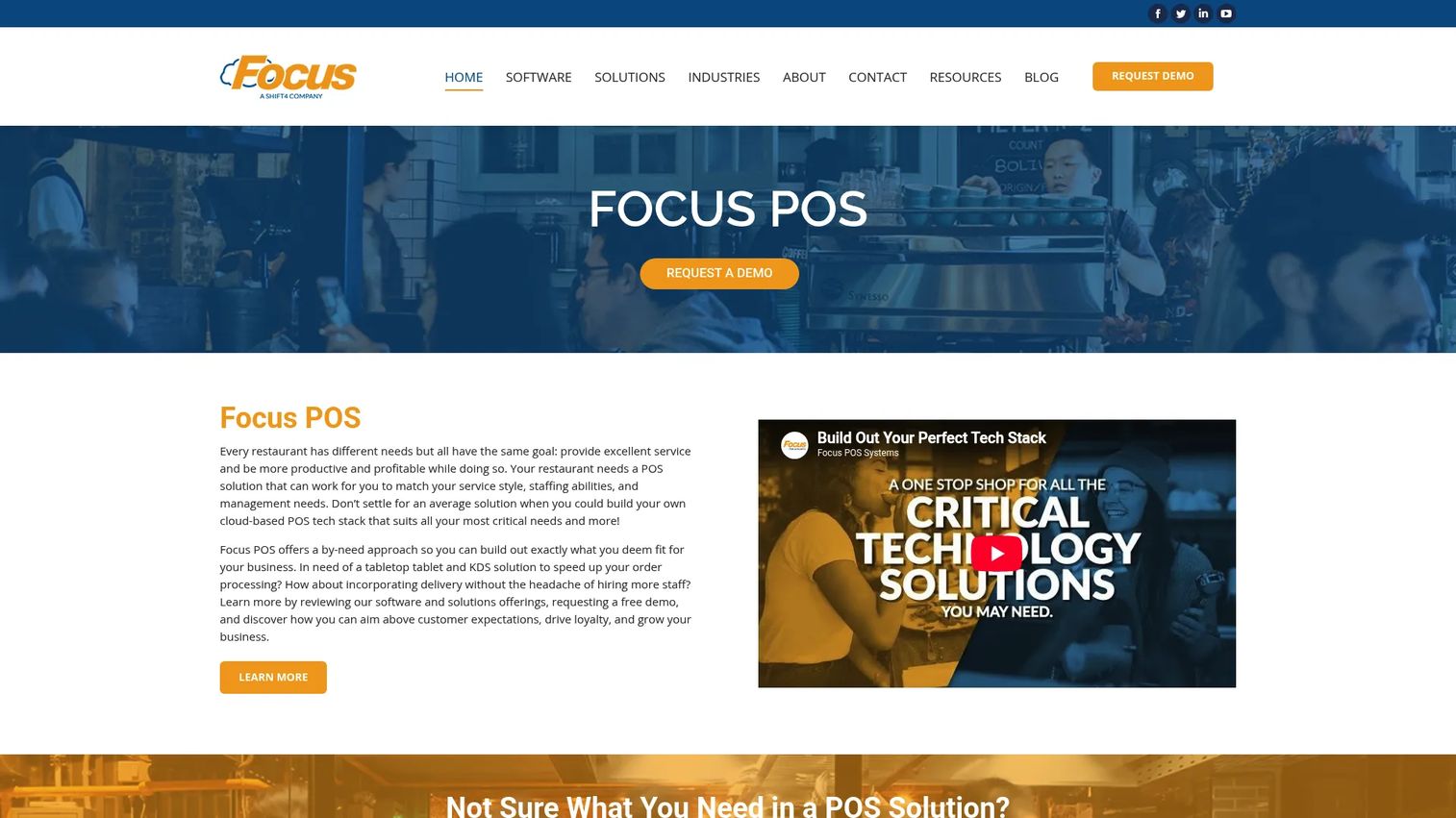
Focus POS is a restaurant and hospitality POS with configurable order entry, table and bar service workflows, and inventory, reporting, and labor management. It appeals to operators who care most about inventory-linked selling and food-cost visibility, with size selectors and upsell prompts that tie each sale back to stock. The interface reads more traditional than the newest cloud tools, which some operators prefer for its familiarity.
Best for: Operators who prioritize inventory control and reporting depth over a modern-looking interface.
Key strengths
- Configurable order entry: Touchscreen entry adapts to size selectors, upsells, and modifier-heavy menus.
- Inventory and labor management: Stock and staffing tools support food-cost visibility across the operation.
- Reporting depth: Sales and labor reporting help operators track margins beyond daily totals.
Why choose Focus POS: Focus POS is a fit for owners who value configurability and inventory-linked selling. It requires a conversation with a dealer to configure and price, which suits operators who want a tailored setup over a self-serve signup. Its G2 rating sits at 3.0/5, so weigh reviews against your specific needs.
Focus POS pricing: No public pricing figure is listed on the Focus POS site, which directs prospects to contact the company or locate a dealer. Request a quote based on your configuration and hardware needs.
8. TouchBistro
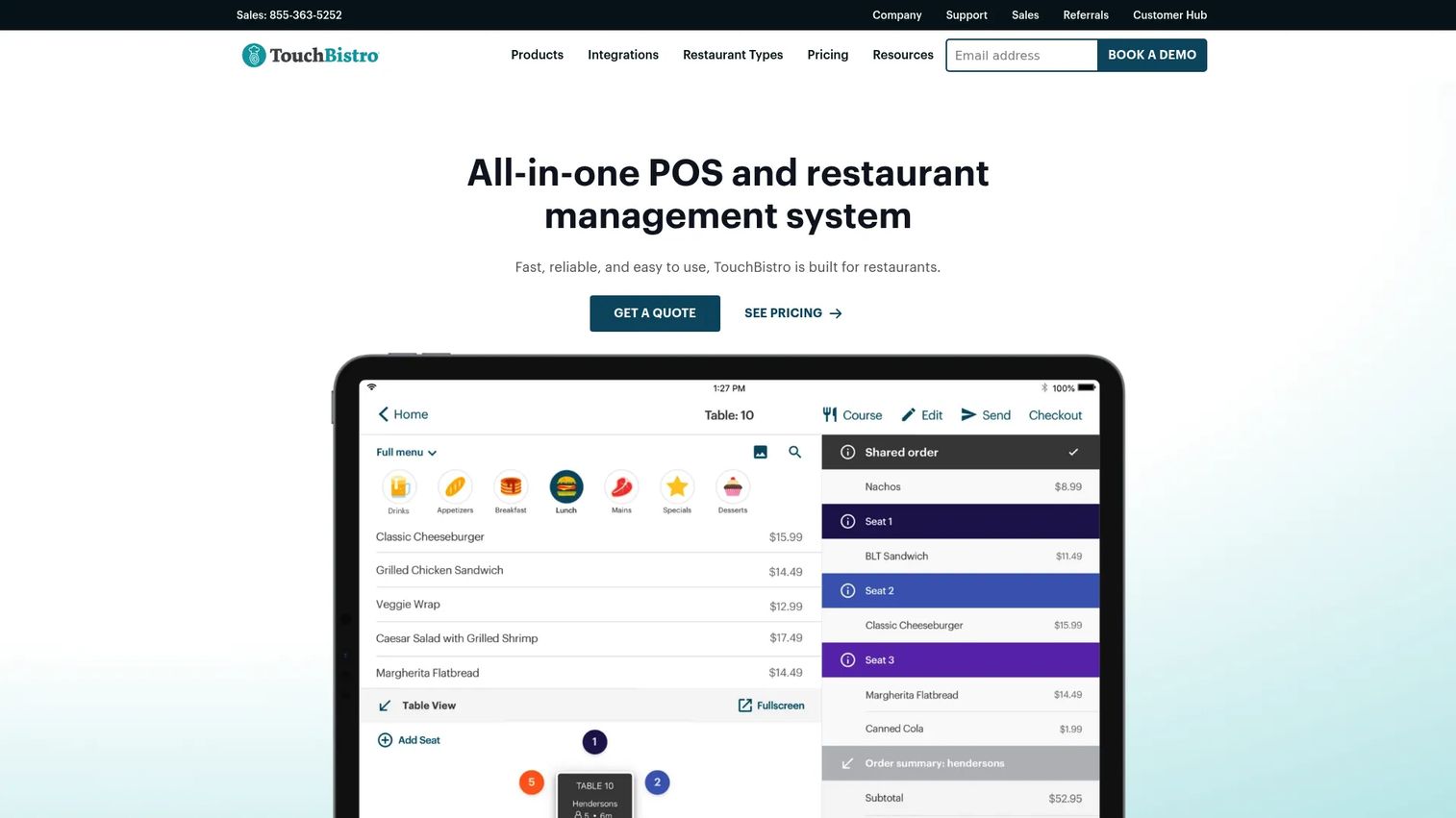
TouchBistro is an iPad-based POS and restaurant management system that suits cafes scaling beyond one store. It centers on tableside ordering, floor plan and table management, menu management, staff management, and reporting, with centralized management for operators running multiple locations. For a growing cafe group, that iPad-based, menu-syncing approach keeps every store consistent.
Best for: Cafe operators scaling to multiple locations who want iPad-based front-of-house tools and centralized management.
Key strengths
- iPad-based workflows: Tableside ordering and floor plans run on familiar iPad hardware.
- Menu and staff management: Menus and staffing sync across locations for consistency as you grow.
- Reporting and analytics: Location-level reporting supports multi-store margin visibility.
Why choose TouchBistro: TouchBistro fits operators moving from one shop to several who want centralized control on iPad. Customization is more constrained than a fully modular platform, which is a fair trade for the front-of-house polish and multi-location syncing it delivers. It suits cafes with a dine-in or table-service element.
TouchBistro pricing: Point of Sale starts at $69/month and the Essentials Bundle starts at $119/month, both billed monthly, with a Custom quote-based option. Pricing is verified from TouchBistro's pricing page. Hardware, payment processing, and additional fees may apply. TouchBistro holds a 4.1/5 rating on G2.
9. Loyverse
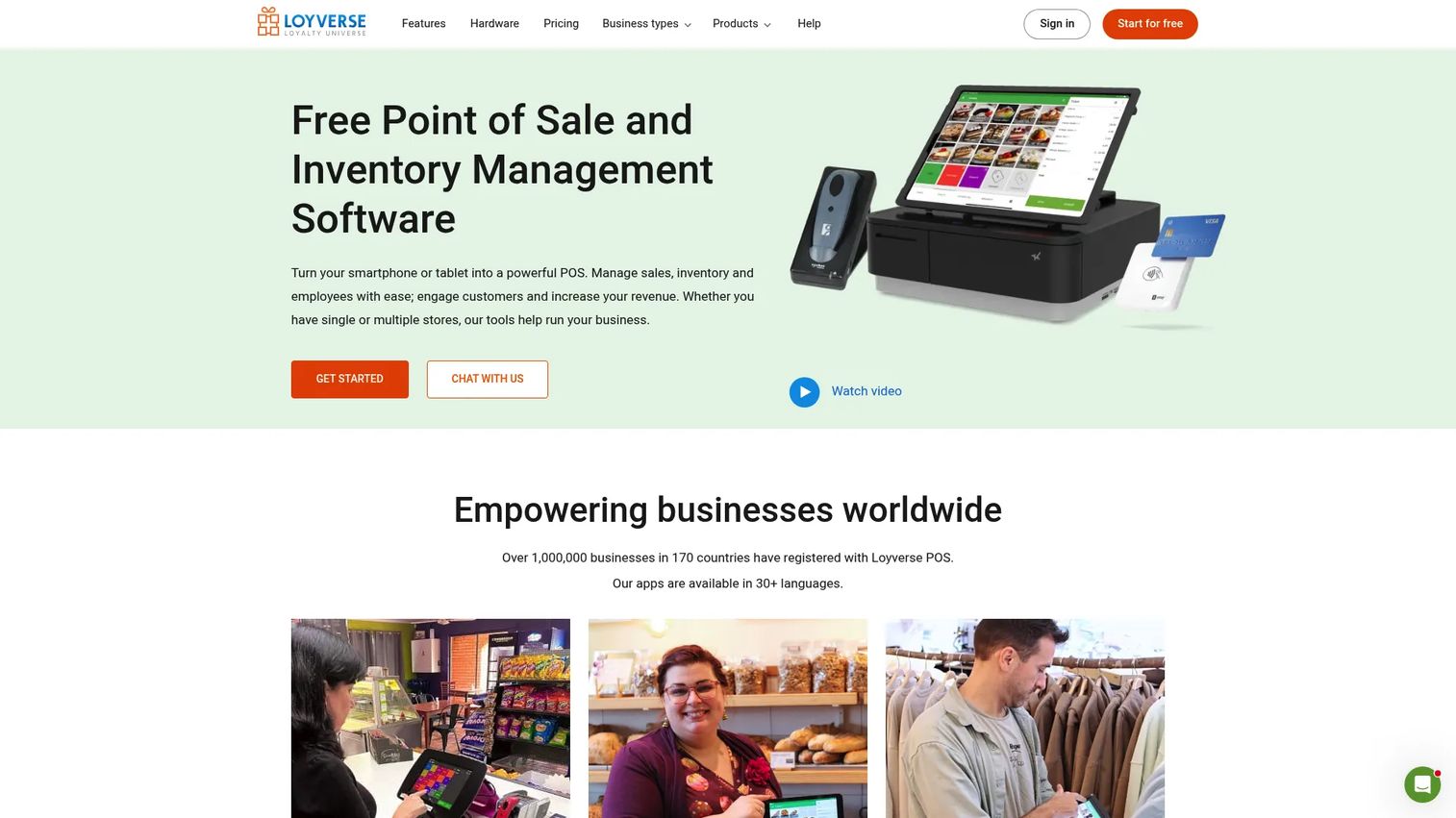
Loyverse is the budget-friendly starting point. The core POS, dashboard, kitchen display, and customer display are free, running on iPhone, iPad, and Android devices. It handles ticket management, inventory tracking with purchase orders and stock counts, sales reporting, and a loyalty program, with paid add-ons for the deeper back-office features. For a small shop or a first location, it is a low-cost way to get a real POS running.
Best for: Smaller coffee shops or owners who want a capable free POS with optional paid back-office upgrades.
Key strengths
- Free core app: POS, dashboard, KDS, and customer display cost nothing to start, on common hardware.
- Inventory tools: Stock tracking, purchase orders, transfers, counts, and valuation are available.
- Add-on flexibility: Employee management, extended sales history, and advanced inventory unlock as needs grow.
Why choose Loyverse: Loyverse is the pick when budget is the constraint and you want to keep upfront cost near zero. The upgrade path is clear: start free, then add paid modules as the shop grows. It suits owners who want a low-risk entry rather than a full operations suite from day one.
Loyverse pricing: The core POS, dashboard, kitchen display, and customer display are free. Optional add-ons include unlimited sales history at €5/month per store, employee management at €5/month per employee, and advanced inventory at €25/month per store, with 14-day trials. Pricing is verified from the Loyverse pricing page and shown in EUR as displayed. Loyverse holds a 4.7/5 rating on G2.
Considerations
Ordering speed
Test the modifier flow before you commit. A coffee menu is modifier-heavy by nature, so count the taps it takes to ring an oat latte with an extra shot and a syrup. Verify how the system handles peak-hour throughput, whether it supports kiosk ordering to offload simple transactions, and how quickly the register clears for the next customer. Speed at the counter is the difference between serving the line and losing it.
Hardware fit
Map the coffee shop POS hardware to your counter. Confirm compatibility for terminals, receipt and kitchen printers, cash drawers, barcode scanners, self-order kiosks, and KDS screens. Ask whether you can bring existing hardware or must buy the vendor's devices, and what happens to hardware costs if you add a location. The right terminal footprint depends on your counter space and service model.
Loyalty and marketing
Decide whether you need a built-in coffee shop loyalty program or can run marketing through external software. Built-in loyalty keeps customer records unified with sales, so rewards apply automatically whether someone orders in person or ahead. If you already run email and SMS elsewhere, check the coffee shop POS integrations before assuming a switch is worth it.
Reporting and margins
A daily total is not reporting. Insist on visibility into sales, labor, inventory, and menu performance so you can see which drinks carry margin and where cost leaks. Inventory management for coffee shops matters most as menu complexity rises, because ingredient-level tracking is what turns a busy day into a profitable one.
Total cost of ownership
Compare the full stack, not the sticker price. Add software fees, payment processing rates, hardware, add-ons, and support into one number. A free core app with paid modules can end up costing more or less than an all-in-one subscription depending on what you actually use. Coffee shop POS system pricing only makes sense when you total everything a running shop requires.
Integrations and expansion
Think one location ahead. Check support for delivery marketplaces, accounting, payroll, e-commerce, and multi-location management. A cafe POS with payroll or accounting built in reduces handoffs, while strong coffee shop POS integrations let you keep tools you already trust. If a second store is on the roadmap, confirm the system scales without a rebuild.
Conclusion
The best POS for coffee shops is the one that matches your service model, staffing, and growth plans, not the one with the longest feature list. For all-in-one consolidation, Dripos folds the most operations into one coffee shop point of sale. For a fast, low-friction start, Square gets a new shop live this week. For food-heavy, high-volume cafes and bakeries, Toast brings kiosks, KDS, and offline resilience. For Shopify shops, POS Cafe extends what you already run. And for owners watching every dollar, Loyverse starts free and scales with add-ons.
The practical next step is to shortlist two or three finalists that fit your operating model, then pressure-test each one on the metrics that actually matter to you: modifier speed at the counter, total monthly cost with hardware and processing, and whether reporting gives you real margin visibility. Run a real morning rush through a demo before you sign. The system that survives your busiest hour is the one worth buying.
FAQs
There is no single winner, because the best coffee shop point of sale depends on your operating model. Owners who want everything in one system tend toward all-in-one platforms like Dripos, shops that value fast, simple setup lean toward Square, and food-heavy or high-volume cafes gravitate to service-speed systems like Toast. Match the tool to your service style before comparing feature lists.
Coffee shop POS system pricing has four parts: software subscription, payment processing rates, hardware, and optional add-ons. Software can range from free, like Loyverse's core app, to a couple hundred dollars a month for an all-in-one platform. Total cost matters far more than the software sticker price, because processing fees and hardware often outweigh the monthly subscription.
At minimum, a cafe POS system should handle fast modifier entry, split payments, a loyalty program, inventory tracking, staff controls, reporting, and hardware support for terminals, printers, and kiosks. Online ordering for counter, pickup, and delivery is increasingly essential as more sales move off-premise. Prioritize modifier speed and reporting depth, since those two shape both service and margins.
Small shops with a tight menu can often start with basic inventory tracking. As menu complexity rises, ingredient-level inventory management for coffee shops becomes important, because milk, syrups, and beans move at different rates and drive food cost. If you want to see which drinks carry margin, you need inventory that ties back to each modifier, not just finished-product counts.
Small shops usually do best with systems that offer easy setup, clear pricing, and minimal overhead. Loyverse starts with a free core app, and Square offers a free tier plus recognizable hardware and quick deployment. Both let a single location get running without a large upfront commitment, then add paid capabilities as the shop grows.
Busy cafes and bakeries benefit most from kiosk ordering, KDS for coffee shops, and high-speed checkout workflows. Toast is built for that pressure, with kiosks, kitchen display screens, and offline mode that keeps orders flowing during a rush or a wifi drop. eatOS also supports kiosk and KDS workflows for operators who want deeper workforce management alongside service speed.
Yes, the stronger systems handle pickup, delivery, and order-ahead alongside in-store transactions in a single queue. Dripos, Square, and Toast all support online ordering that flows into the same system as counter sales, so a mobile order and a walk-up order land in one workflow. That unified ordering is what keeps reporting accurate and loyalty consistent across channels.