Legal friction compounds quietly until it's blocking revenue. Customer contracts pile up before quarter-end. Security questionnaires from enterprise prospects sit in a queue waiting for outside counsel who charges by the hour and responds in days. Employment questions, vendor agreements, and compliance reviews pull founders into triage mode when they should be focused on growth.
AI legal assistant software doesn't fix this by replacing lawyers. It fixes it by reducing how much raw lawyer time you need to answer routine questions, review first drafts, and organize matter materials. According to the American Bar Association's 2025 report, 31% of lawyers already use generative AI at work, up from 27% the previous year. The category is moving fast, and the tools vary significantly in what they're actually built for.
The question isn't whether legal AI is useful. It's which tool fits the specific legal work you need to accelerate, and which one you should avoid for that job.
What's inside
This guide compares 12 AI legal assistant software products for 2026, chosen based on workflow fit, accuracy and citation quality, security posture, pricing clarity, and integration depth. It covers tools for legal research, contract drafting, litigation, practice management, and general legal Q&A.
- Who this is for: Law firms, in-house legal teams, SaaS founders evaluating legal operations, legal ops leaders, and solo practitioners
- Selection criteria: Source grounding and citation quality, confidentiality and data controls, workflow fit by use case, and pricing transparency
- What this guide does not do: Treat any AI output as legal advice or a substitute for licensed attorney review
TL;DR
- Best overall for enterprise legal research: CoCounsel Legal combines Westlaw-backed research, document analysis, and drafting in one environment with SOC 2 and ISO 42001 certification
- Best for litigation teams: Paxton centers work around case files and matter analysis, supporting brief drafting, discovery responses, and deposition outlines
- Best for contract-heavy workflows: Spellbook works inside Microsoft Word and focuses on contract drafting, redlining, and clause management
- Best for law firms on Clio: Clio Duo (now Clio Manage AI) adds AI-assisted matter management, deadline extraction, and billing directly inside the Clio ecosystem
- Best low-cost legal Q&A: TheLawGPT starts at $19.99/seat/month with a free tier, and LegesGPT starts at $19.99/month with a 3-day trial
- Best general AI fallback: ChatGPT works for non-confidential brainstorming and first-pass drafting, with free and $20/month paid options
What is AI legal assistant software?
AI legal assistant software helps legal professionals and business teams research legal questions, summarize documents, draft legal language, review contracts, organize matter materials, and answer workflow-specific questions using artificial intelligence.
The category spans a wide range of tools:
- Legal research assistants: Provide cited answers grounded in primary law and secondary legal materials
- Litigation assistants: Center analysis around case files, pleadings, and matter-specific document sets
- Contract drafting and review tools: Generate, redline, and analyze commercial agreements
- Practice-management AI: Add AI capabilities inside firm operations software for billing, scheduling, and matter management
- Consumer or solo-lawyer assistants: Provide accessible legal Q&A and document help at lower price points
- General-purpose AI: Broad assistants used cautiously for legal-adjacent tasks
Key capabilities to look for
- Citation-backed legal research with links to primary sources
- Jurisdiction and authority filtering
- Contract drafting and redlining
- Document review and summarization
- Matter and case file analysis
- Template generation
- Secure document handling and access controls
- Practice-management integrations
- Audit trails and permissions
- Lawyer review workflows
An important boundary
AI legal assistant software does not replace legal judgment. It can speed research, drafting, and review, but lawyers must verify authorities, apply jurisdiction-specific rules, and approve final work product. For SaaS founders, use these tools to prepare and accelerate conversations with counsel, not to skip counsel entirely.
When to use AI legal assistant software
Accelerate legal research without starting from a blank page
Research-focused legal AI tools help legal teams find relevant authorities, generate cited answers, and build first-pass research memos. The value is in reducing search time, not removing professional review. A lawyer who would spend four hours building a research memo can use AI to get a solid first draft in under an hour, then focus time on judgment and verification.
Review contracts before they block revenue
Contract bottlenecks slow procurement, renewals, vendor onboarding, and enterprise sales cycles. AI legal assistants built for contracts can flag risky clauses, summarize obligations, draft alternative language, and help counsel focus on judgment calls rather than routine review. For a Series B company closing enterprise deals, faster contract turnaround is a direct revenue accelerant.
Analyze litigation or matter files at scale
Litigation teams deal with document volume that makes manual review expensive and slow. AI tools built for matter-centered analysis can summarize pleadings, identify contradictory facts, draft discovery responses, and build case chronologies. The best ones need matter context, document handling, jurisdiction awareness, and defensible security before they're worth trusting with client files.
AI legal assistant software comparison
The table below reflects verified pricing and ratings at time of writing. Tools with quote-based pricing show "Custom pricing." Verify against vendor pages before purchase, as legal AI pricing changes frequently.
| # | Product | Best for | Key differentiator | Pricing | G2 rating |
|---|---|---|---|---|---|
| 1 | CoCounsel Legal | Enterprise legal research and drafting | Westlaw-backed research with SOC 2 and ISO 42001 | From $1,694.90/month | 4.8/5 |
| 2 | Lexis AI | LexisNexis-anchored research workflows | Conversational research grounded in LexisNexis content | Activity-based pricing from $99 | 4.0/5 |
| 3 | Paxton | Litigation and matter-centered workflows | Matter file analysis with drafting and research | From $499/user/month | Not yet rated |
| 4 | AI Lawyer | Solo lawyers, consumers, and students | Broad legal Q&A with mobile access | Free trial available | Not rated |
| 5 | TheLawGPT | Solo lawyers and small firms | Cited research with case organization | Free tier; paid from $19.99/seat/month | Not rated |
| 6 | Vincent AI | Legal research and litigation analysis | Multi-jurisdictional research with full citations | Custom pricing | 5.0/5 (1 review) |
| 7 | Spellbook | Contract drafting and review | AI contract tools inside Microsoft Word | 7-day free trial; paid pricing by quote | 4.7/5 |
| 8 | Clio Duo | Law firms on Clio | Practice-management AI inside the Clio ecosystem | From $49/user/month (Core and above) | 4.6/5 |
| 9 | Smokeball | Small law firm operations | Integrated practice management with AI (Archie) | Custom pricing | 4.7/5 |
| 10 | LegesGPT | Budget-conscious legal Q&A | Case-law search with contract review | From $19.99/month (3-day trial, $1 fee) | Not rated |
| 11 | DocDraft | Legal document generation | AI drafting paired with licensed attorney access | From $39.99/month | Not rated |
| 12 | ChatGPT | General drafting and brainstorming | Broad AI with file analysis and web search | Free; paid from $20/month | Not rated on G2 |
Best 12 AI legal assistant software for 2026
1. CoCounsel Legal
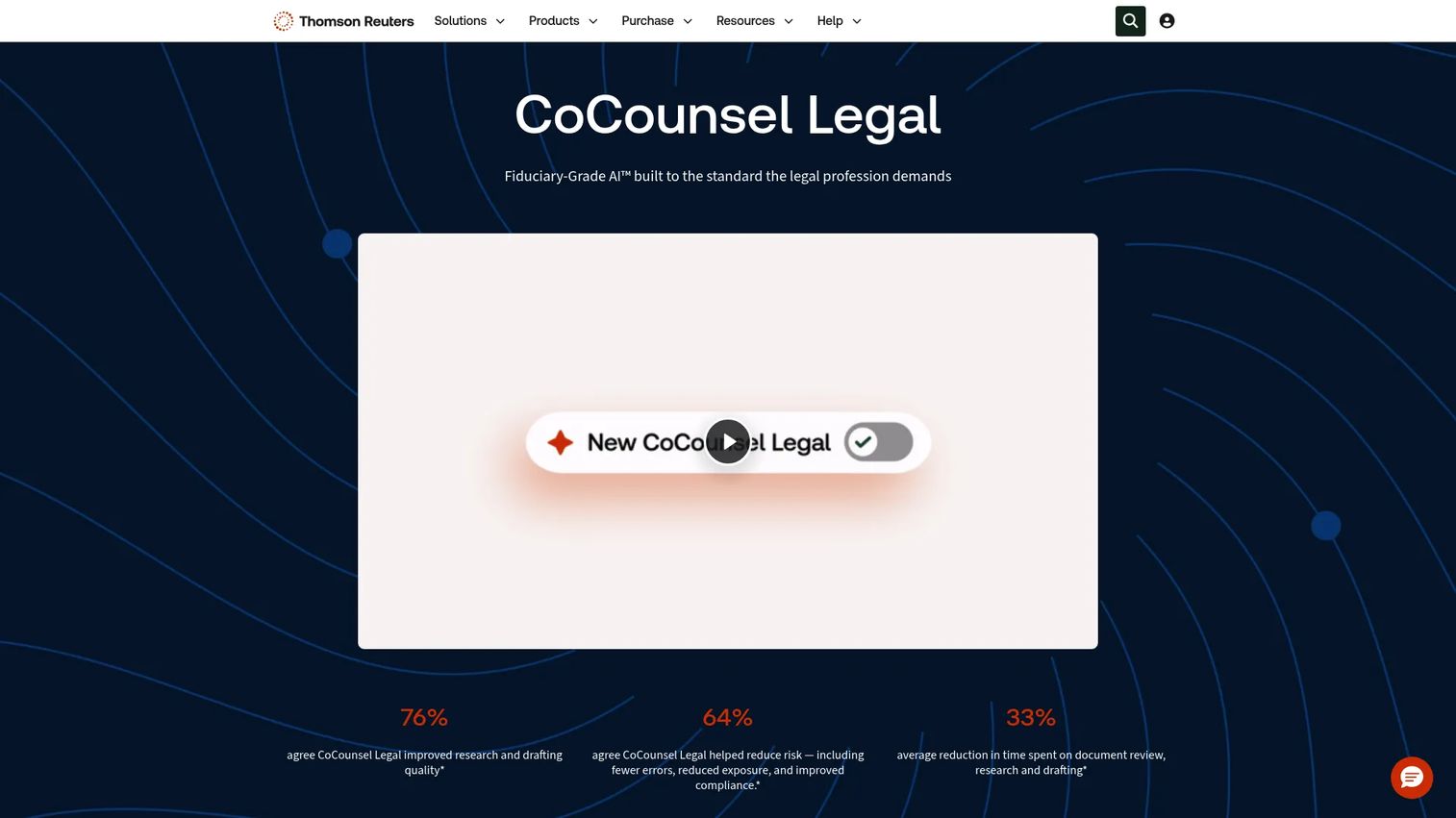
CoCounsel Legal is Thomson Reuters' AI legal assistant, combining legal research, document analysis, drafting, and matter workspaces in one platform. It grounds every answer in Westlaw and Practical Law content, which means citations trace back to authoritative legal sources rather than general web results. The platform is built for enterprise legal teams and law firms that cannot afford unverified AI output in client work.
Best for: Enterprise legal departments and law firms that need citation-backed research, document analysis, and drafting in a single, governed environment.
Key features
- Westlaw-backed legal research with transparent, step-by-step reasoning
- Practical Law integration for practice guides and standard documents
- Document and matter workspaces with linked citations
- Drafting support for contracts, memos, and legal communications
- Microsoft Word, Outlook, and Teams integrations
Why choose CoCounsel Legal: This is the right call when source authority and auditability matter as much as speed. SOC 2 and ISO 42001 certification makes it a defensible choice for legal teams under board or regulatory scrutiny.
CoCounsel Legal pricing: Plans start at $1,694.90/month. Thomson Reuters also lists separate CoCounsel Essentials and combined Practical Law plans at different price points, so buyers should request a comparison of tiers based on their practice areas and content access needs.
G2 rating: 4.8/5
2. Lexis AI
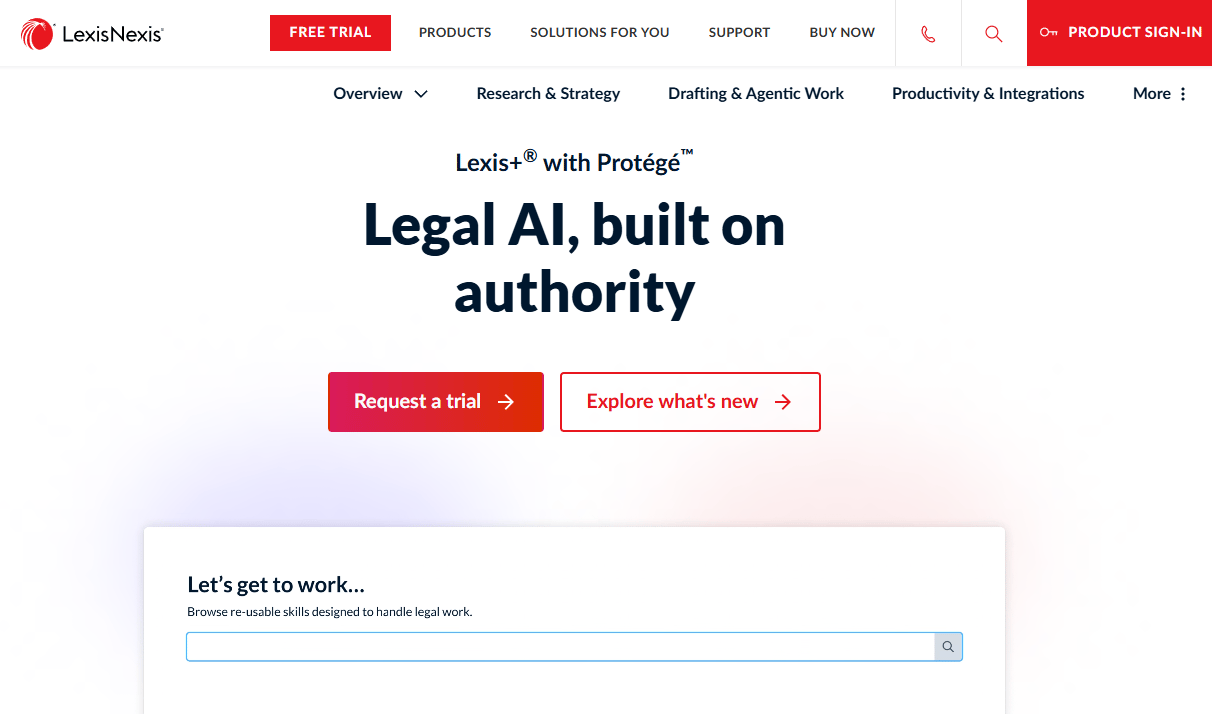
Lexis AI is LexisNexis's AI assistant for legal research, summarization, drafting, and document analysis. The product is now presented as Lexis+ with Protégé on LexisNexis pages. It grounds answers in LexisNexis's legal content library, which is one of the most extensive primary source databases available. Teams already subscribed to LexisNexis research services will find the AI layer integrates naturally into existing workflows.
Best for: Legal teams anchored in LexisNexis research workflows who want AI-assisted Q&A, summarization, and drafting inside their existing subscription.
Key features
- Conversational legal search with citations from LexisNexis content
- AI-assisted drafting of legal documents and communications
- Document summarization and analysis
- Document upload and question-answering against uploaded files
- Generative AI Summarize and Drafting modules
Why choose Lexis AI: Choose it when your team already invests heavily in LexisNexis research access and wants AI that stays inside that content environment rather than pulling from a separate database.
Lexis AI pricing: LexisNexis lists activity-based transactional charges: $99 per Generative AI Ask, $250 per Summarize or Drafting activity, and $12 per Document Upload and Ask. Subscription pricing is not displayed and requires a conversation with the LexisNexis sales team. Ask about bundle pricing against your existing subscription.
G2 rating: 4.0/5
3. Paxton
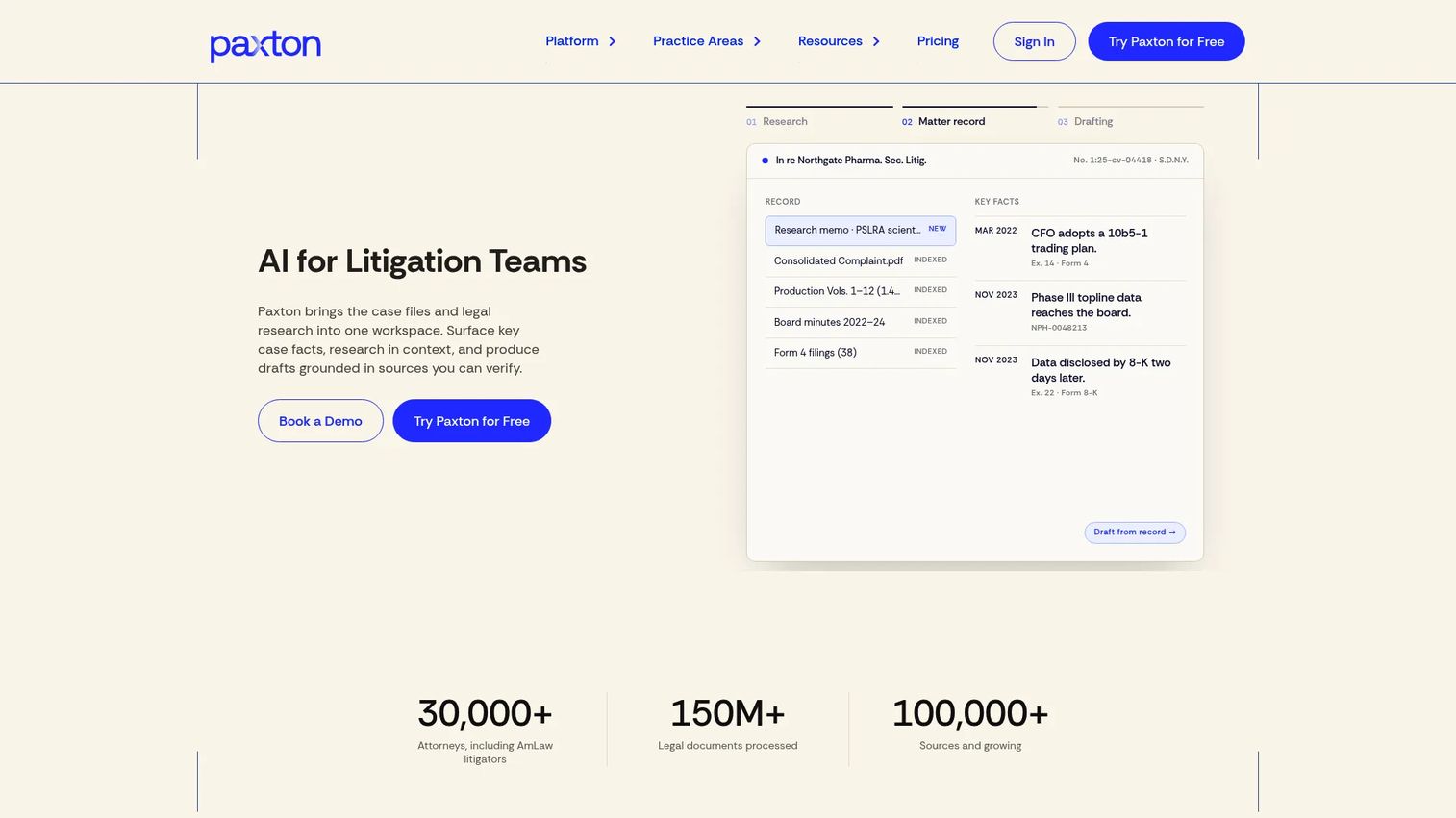
Paxton is an AI legal assistant built specifically for attorneys and litigation teams. It organizes work around matters and case files rather than generic prompts, which means the AI's research and drafting draws from the specific documents, facts, and procedural context of each case. The platform supports legal research across U.S. federal law and all 50 states with citations, matter-based document analysis, and drafting for motions, briefs, discovery responses, and deposition outlines.
Best for: Litigation attorneys and legal teams that need matter-centered AI analysis, cited research, and drafting support for complex case workflows.
Key features
- AI drafting for motions, briefs, discovery responses, and deposition outlines
- Matter-based document analysis for key facts, gaps, and contradictions
- Cited legal research across U.S. federal and all state jurisdictions
- Medical chronologies and billing summaries
- Microsoft Word, Outlook, and document-management integrations
Why choose Paxton: Paxton earns its place when the core problem is litigation volume. The matter-centered architecture means research and drafts reflect your actual case record, not generic legal patterns.
Paxton pricing: Individual plans run $499/user/month billed monthly, or $2,999/user/year billed annually. Enterprise plans use volume-based custom pricing. A 7-day free trial is available. Buyers should ask about seat count and matter volume requirements when evaluating enterprise tiers.
4. AI Lawyer
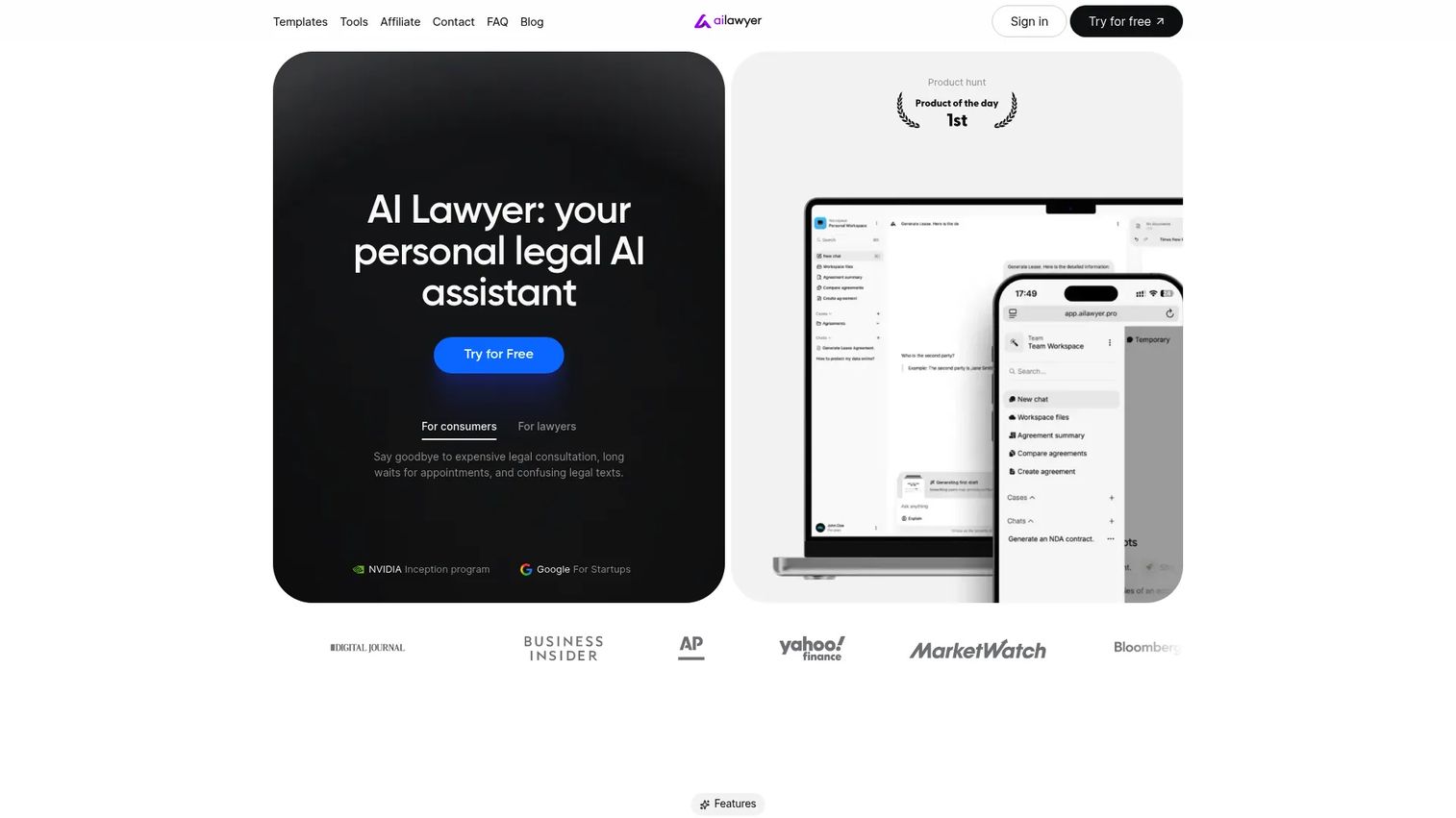
AI Lawyer is a personal AI legal assistant designed for consumers, law students, solo lawyers, and small firms. It covers legal Q&A, document summarization, image-to-text conversion, translation, and document comparison. The platform is available on web, iOS, and Android, which makes it accessible for solo practitioners who work across devices. Lawyers using it must verify AI output before relying on it in any professional context.
Best for: Solo lawyers, consumers, law students, and small teams that need broad legal assistance features at accessible price points.
Key features
- Internet-powered legal research and Q&A
- Document summarization and image-to-text (OCR) support
- Translation across multiple languages
- Personalized preferences and conversational assistance
- Web, iOS, and Android access
Why choose AI Lawyer: The combination of mobile access and broad legal-assistance features makes it a practical starting point for individual practitioners or non-lawyer teams handling routine legal questions. It's not a substitute for enterprise research platforms.
AI Lawyer pricing: The official site confirms a free trial and a Pro plan, but specific pricing figures were not displayed on the first-party pages reviewed at time of writing. Visit the pricing page directly to confirm current tiers before committing. G2 does not yet have enough reviews to report a rating for this tool.
5. TheLawGPT
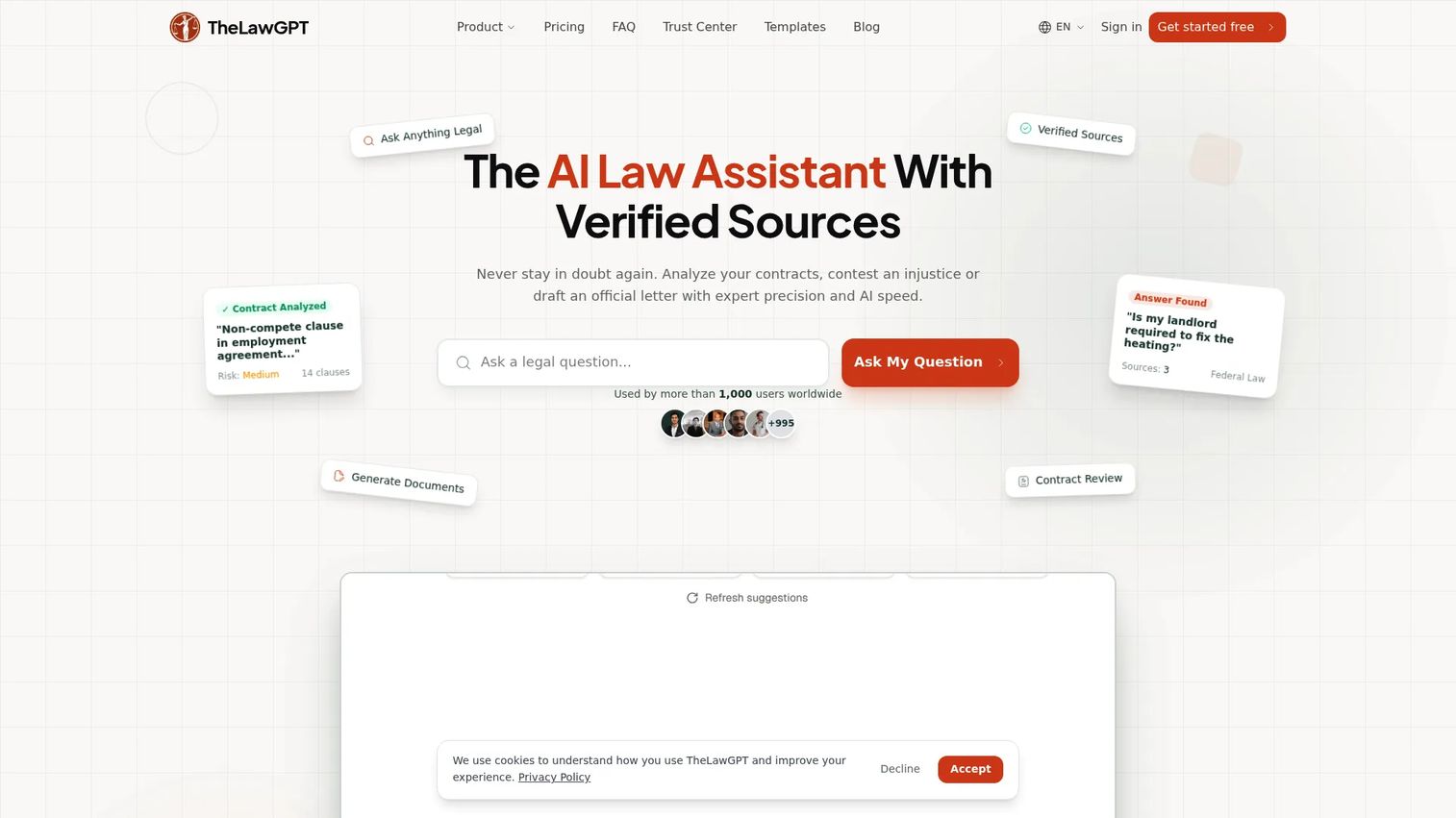
TheLawGPT is an AI legal assistant built for individuals, solo lawyers, and small legal teams. It combines cited legal research, contract and document review, legal document generation, and case-based organization in one platform. The case organization feature groups shared chats, documents, and matter context in a single workspace, which is a practical differentiator for solo practitioners managing multiple client files.
Best for: Solo lawyers and small practices that need a legal-specific AI tool covering research, document review, and case organization without enterprise procurement overhead.
Key features
- Cited legal research and case-law search
- AI contract and document review with risk and clause analysis
- Legal document generation
- Case-based workspace with shared chats and documents
- Real-time web search on Business plan
Why choose TheLawGPT: The free tier and low entry price make it easy to test before committing. For solo practitioners who need research plus document workflows in one place, the case organization structure reduces context-switching across tools.
TheLawGPT pricing: A free plan is available. Paid plans start at $19.99/seat/month (Starter), with Pro at $39.99/seat/month and Business at $89.99/seat/month. A 1-day free trial applies to paid plans. Enterprise pricing requires contacting the team.
6. Vincent AI
Vincent AI is an AI legal assistant from vLex that supports legal research, litigation analysis, transactional work, and document review. Its multi-jurisdictional research capability stands out: The platform supports 50-State Survey and Compare Jurisdictions workflows, which matters for legal teams handling matters that span state lines. Citations link directly to primary sources in the vLex database. Document workflows cover contracts, pleadings, depositions, timelines, summaries, and redline analysis.
Best for: Law firms and in-house legal teams that need AI-assisted research across multiple jurisdictions, combined with litigation and transactional document workflows.
Key features
- Natural-language legal research with full citations to primary sources
- Multi-jurisdictional analysis, including 50-State Survey workflows
- Document drafting for contracts, pleadings, complaints, and depositions
- Redline analysis and document summarization
- Timeline generation and case summarization
Why choose Vincent AI: The multi-jurisdictional research architecture makes it a strong fit for matters that cross state or national legal boundaries. Teams that handle both litigation and transactional work in one practice will find the range of document types practical.
Vincent AI pricing: Custom pricing. Contact vLex directly to discuss seat count, practice area, and content access requirements.
G2 rating: 5.0/5 (based on 1 review at time of writing).
7. Spellbook
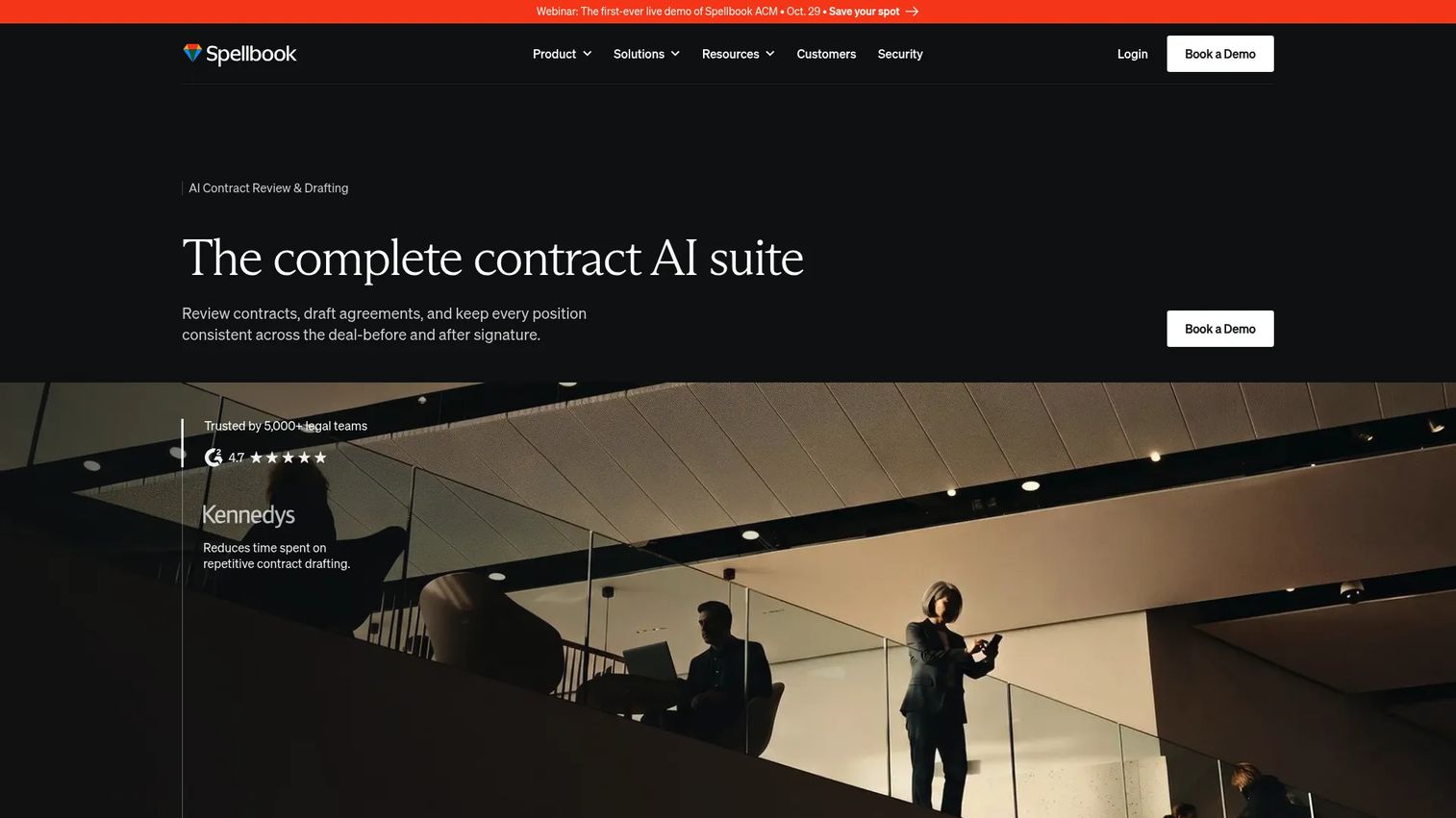
Spellbook is an AI contract drafting and review tool built specifically for lawyers handling commercial agreements. It works inside Microsoft Word, which means lawyers don't shift out of their existing document environment to use it. The platform supports AI contract review with issue spotting and suggested redlines, clause drafting, custom and prebuilt playbooks for rule-based review, and a precedent clause library. For SaaS founders, Spellbook addresses the contract throughput problem directly: Sales agreements, vendor contracts, and partnership deals move faster when review cycles shorten.
Best for: Legal teams and commercial lawyers that draft and review contracts regularly and want AI that lives inside their existing Word workflow.
Key features
- AI contract review with issue spotting, comments, and redline suggestions
- Clause drafting and full document generation in Microsoft Word
- Custom and prebuilt Playbooks for rule-based document reviews
- Precedent clause library for reuse across matters
- Associate feature for comparing and analyzing multiple documents
Why choose Spellbook: The Word-native workflow removes friction for lawyers who already live in Word. The Playbooks feature means teams can encode their own review standards rather than relying entirely on generic AI judgment.
Spellbook pricing: A 7-day self-serve trial is available and does not auto-convert to a paid subscription. Paid subscription pricing requires contacting Spellbook directly. Ask about seat count and contract volume when requesting a quote.
G2 rating: 4.7/5
8. Clio Duo
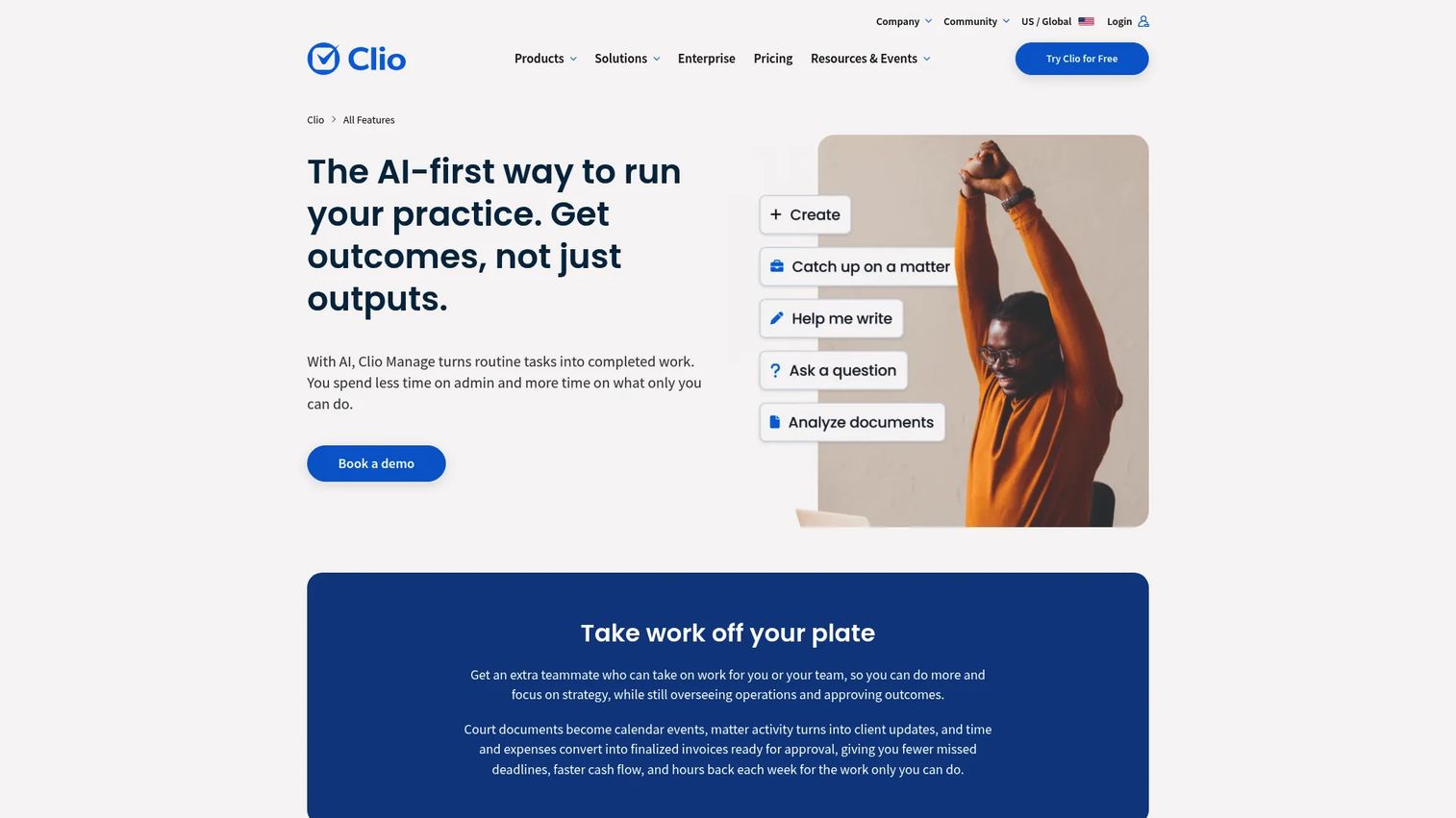
Clio Duo has evolved into Clio Manage AI, the AI layer inside Clio's legal practice-management platform. It focuses on operational tasks: Extracting deadlines from court documents and creating related calendar events and tasks, automatically generating draft invoices and routing bills for approval, and providing smart task recommendations. This is not a legal research tool. Its value is in reducing the administrative load on attorneys who already run their practice operations in Clio.
Best for: Law firms already running practice operations in Clio Manage that want AI-assisted matter management, scheduling, and billing workflows.
Key features
- Deadline extraction from court documents with automatic calendar events
- Draft invoice generation and billing approval routing
- Smart task recommendations linked to matter context
- Client communication support within Clio workflows
- Integrated with Clio Manage data across matters and clients
Why choose Clio Duo: The AI value here is in operational efficiency, not legal research. If your firm runs on Clio and administrative overhead is the bottleneck, this is the most practical addition because it requires no separate tool or workflow change.
Clio Duo pricing: Clio Manage plans start at $49/user/month (Starter). AI features are available on Core and above. Pricing for Core, Signature, and Elite plans requires checking the Clio pricing page, as tier amounts were not displayed in accessible content at time of writing.
G2 rating: 4.6/5 (for Clio Manage).
9. Smokeball
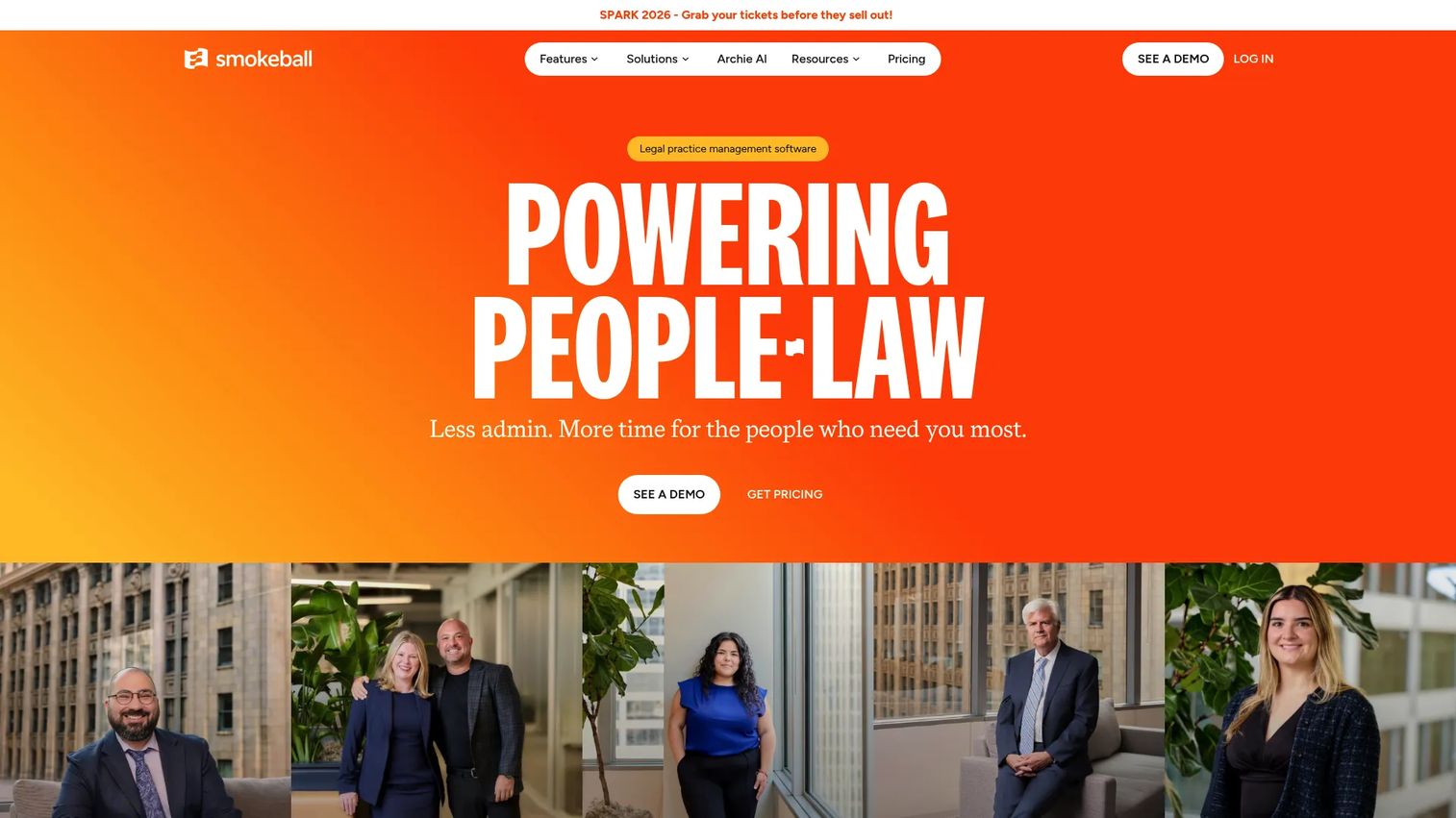
Smokeball is legal practice management software for small and growing law firms, with an AI assistant called Archie built into the platform. Core capabilities include client and matter management, document automation, time and expense tracking, trust accounting, and a client portal. Archie adds AI assistance across these operational layers. The Microsoft Word and Outlook integration means firms working in standard office tools don't need to change their document environment.
Best for: Small law firms that need integrated practice management across billing, documents, and matter workflows, with AI assistance built in rather than bolted on.
Key features
- Client and matter management with lead and intake tracking
- Document automation and template library
- Time and expense tracking with trust accounting
- AI assistant (Archie) for practice operations
- Microsoft Word, Outlook integration, and secure client portal
Why choose Smokeball: Choose Smokeball when the core problem is firm operations, not pure legal research. The integrated approach means billing, documents, matter management, and AI assistance all share the same data rather than requiring separate tools.
Smokeball pricing: Four plans are available (Bill, Boost, Grow, and Prosper+). Pricing depends on firm size, plan selection, and contract terms. Request a quote directly from Smokeball's pricing page, as figures are not displayed.
G2 rating: 4.7/5
10. LegesGPT
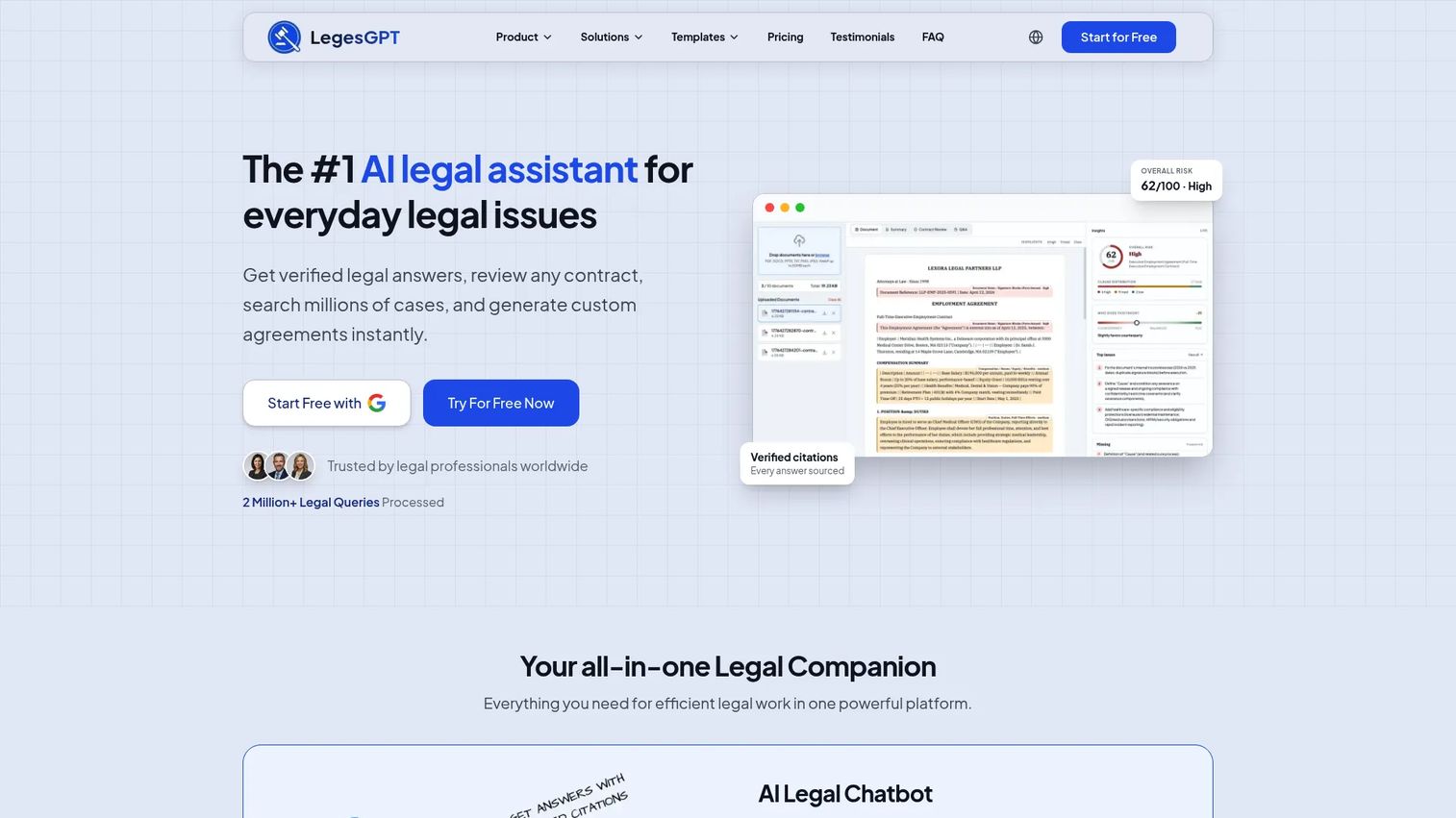
LegesGPT is an AI legal assistant covering legal Q&A, case-law search, document review, and legal document generation. The platform includes an AI chatbot with verified citations, access to millions of cases, contract and document review, and a deep research mode with web search. At $19.99/month for the Basic plan, it's positioned as an accessible entry point for legal professionals who want legal-specific AI without enterprise pricing.
Best for: Budget-conscious legal professionals, business owners, and individuals who need AI-assisted legal research and document review at a low entry cost.
Key features
- AI legal chatbot with verified citations
- Case-law search across millions of cases
- AI contract and document review
- Legal document generation
- Web search and deep research mode
Why choose LegesGPT: LegesGPT is a practical first step for users who want to evaluate legal AI capabilities before committing to an enterprise platform. The citation feature separates it from general-purpose AI for legal use cases.
LegesGPT pricing: Basic plan starts at $19.99/month (or $13.99/month billed annually). Plus runs $49.99/month, Premium $99.99/month, and Enterprise uses custom pricing. A 3-day free trial is available with a $1 activation fee. Annual billing saves approximately 30%.
11. DocDraft
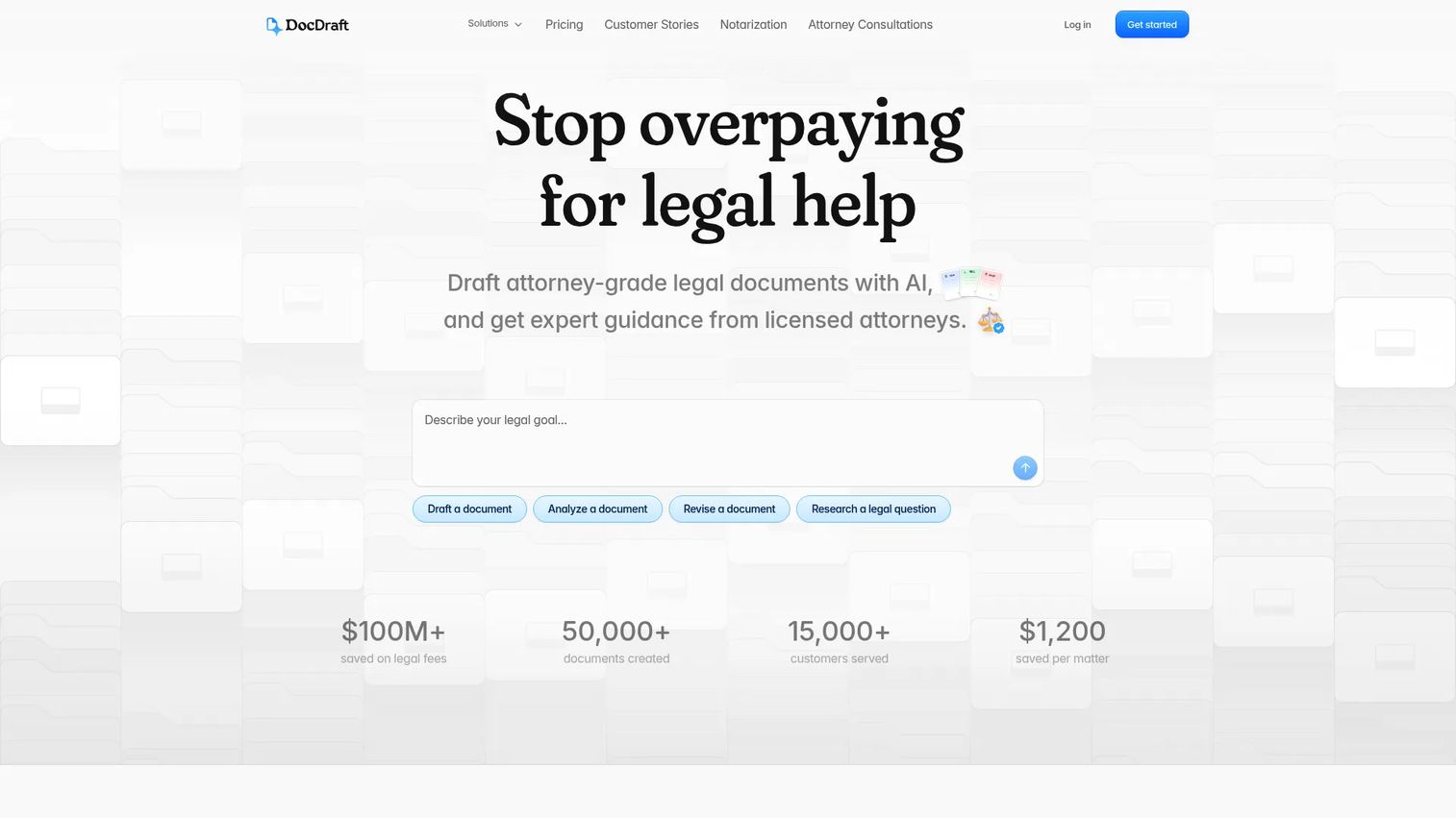
DocDraft combines AI-powered legal document drafting with access to licensed U.S. attorneys. The platform generates state-specific legal documents and pairs AI drafts with written attorney consultations, video calls, and hands-on revisions depending on the plan tier. This makes it a practical choice for individuals and small businesses that need AI-assisted documents but want a human attorney in the loop rather than relying on AI output alone.
Best for: Individuals and small businesses needing AI-drafted legal documents with optional licensed attorney review and consultation access.
Key features
- AI-drafted state-specific legal documents
- Written attorney consultations included in all plans
- Attorney video consultations on higher tiers
- Hands-on document revisions
- Export and delivery of finalized documents
Why choose DocDraft: The attorney access layer makes DocDraft unusual in this category. For users who want AI speed but need a licensed attorney to review output before signing anything, the subscription model is more cost-effective than hourly outside counsel for routine documents.
DocDraft pricing: Essentials starts at $39.99/month, Ongoing at $99.99/month, Comprehensive at $139.99/month, and Priority at $399.99/month. All plans are billed monthly with no lock-in.
12. ChatGPT
ChatGPT is OpenAI's general-purpose AI assistant. It supports writing, research, coding, data analysis, file uploads, web search, and voice mode. Many founders and legal teams already use it for brainstorming, clause outlining, plain-English summaries of non-confidential materials, and first-pass drafting. It is not built specifically for legal authority verification, and it does not reliably cite primary law. Without enterprise controls, it should not be used for confidential client documents.
Best for: Non-confidential brainstorming, issue-spotting, plain-English explanations of legal concepts, and first drafts that a lawyer will verify and revise.
Key features
- General drafting and writing assistance
- Web search and deep research mode
- File and image uploads for analysis
- Canvas for iterative document editing
- Custom GPTs and broad integration ecosystem
Why choose ChatGPT: For legal-adjacent tasks that don't require citation verification or involve confidential information, ChatGPT's flexibility and low cost make it a practical starting point. The line is clear: Use it to prepare, not to conclude.
ChatGPT pricing: Free plan available at $0/month. Plus costs $20/month, Pro $200/month, and Team $25/user/month (billed annually) or $30/user/month (billed monthly). Enterprise pricing requires contacting OpenAI. The free plan includes access to GPT-4o with some usage limits.
Considerations when choosing AI legal assistant software
Source grounding and citation quality
Check whether the tool cites primary law, secondary legal materials, firm documents, or general web sources. For legal research, cited output matters more than polished prose. A tool that generates confident-sounding answers without traceable citations creates liability, not efficiency.
Confidentiality and data controls
Before uploading contracts, client files, or privileged communications to any AI platform, verify how the vendor handles data retention, model training, access controls, and contractual commitments. Founders should loop in legal and security before uploading sensitive customer or employee information to any tool in this category.
Workflow fit by use case
A strong contract AI tool may be a weak litigation research tool. Separate the tools by workflow: Research, litigation, contracts, practice management, document generation, and general Q&A. Buying a broad platform when you only need contract review wastes budget and creates unnecessary complexity.
Integrations and handoff
Look for compatibility with Microsoft Word, Outlook, document-management systems, practice-management software, and CRM where relevant. The right tool reduces copy-paste work. If using a legal AI tool creates a separate review queue that lawyers have to manually reconcile with existing systems, the efficiency gain disappears.
Pricing against the bottleneck it removes
Compare the tool's cost against the specific bottleneck it addresses: External counsel hours saved, contract cycle time reduced, or internal legal team capacity freed up. For SaaS founders, the right metric is whether the tool removes a legal bottleneck that's costing revenue or delaying deals, not whether it's the cheapest option.
Conclusion
The legal AI software market reached an estimated $2.67 billion in 2026, according to Mordor Intelligence, and the tools vary substantially in what they're actually built for. Matching tool to workflow is the entire decision.
For research-heavy legal teams, CoCounsel Legal and Lexis AI are the strongest options where authoritative source grounding matters. Paxton and Vincent AI serve litigation and case-analysis workflows well. Spellbook and DocDraft address contract and document generation directly. Clio Duo and Smokeball are the right picks for law firms that want AI embedded in practice operations rather than as a separate tool. TheLawGPT and LegesGPT offer accessible entry points for solo practitioners and budget-conscious users. ChatGPT belongs in the stack only for non-confidential, low-stakes drafting with mandatory attorney review on anything that matters.
If legal friction is slowing revenue, identify the specific bottleneck first: Contracts, research, matter review, or firm operations. Then choose the tool built for that job. Buying a broad AI assistant because it sounds capable is how teams end up with an expensive subscription that nobody uses.
Start your journey with Guideflow today!
FAQs
AI legal assistant software uses artificial intelligence to help with legal research, document drafting, contract review, summarization, and workflow support. It supports legal professionals and business teams but does not replace licensed attorney judgment. Lawyers must verify AI-generated research, apply jurisdiction-specific rules, and approve final work product before it is used in a professional context.
The answer depends on the firm's primary workflow. Research-heavy firms doing litigation or complex advisory work may prefer CoCounsel Legal or Lexis AI for authoritative source grounding. Litigation teams will find Paxton's matter-centered architecture more useful. Contract-focused practices should look at Spellbook. Firms running operations in Clio will get the fastest return from Clio Duo.
No. AI legal assistants can speed research, drafting, review, and summarization, but licensed attorneys must verify authorities, apply judgment to jurisdiction-specific questions, and approve final work. For founders, the practical frame is: Use AI to prepare and accelerate conversations with counsel, not to skip counsel on anything with real legal or financial consequences.
Safety depends on the vendor's specific data controls. Before uploading privileged communications or sensitive client files, check retention policies, model-training terms, access controls, audit logs, encryption standards, and any contractual commitments the vendor makes. Do not upload sensitive documents until your legal and security teams have reviewed the vendor's data handling terms.
Spellbook is the strongest purpose-built option for contract review, working inside Microsoft Word with issue spotting, suggested redlines, and a Playbook system for rule-based review. DocDraft is a good fit when you also want licensed attorney review of the output. CoCounsel Legal covers contract analysis as part of a broader research and drafting platform.
Paxton is built specifically for litigation workflows, organizing work around matter files and supporting drafting for motions, briefs, discovery responses, and deposition outlines. Vincent AI offers strong multi-jurisdictional research with full citations, which complements litigation analysis well. CoCounsel Legal also supports litigation research through its Westlaw integration.
TheLawGPT offers a free tier with basic legal research and document capabilities. LegesGPT has a 3-day trial (with a $1 activation fee) starting at $19.99/month. AI Lawyer confirms a free trial on its site. ChatGPT has a free plan that can be used for non-confidential legal-adjacent work. Free plans across purpose-built legal AI tools typically restrict document volume, research depth, or support access, so verify what's included before committing.
Start with the specific bottleneck costing time or revenue: Contract cycle time, routine research questions, policy review, procurement, or matter organization. Then evaluate security and confidentiality controls, integrations with your existing stack, lawyer review workflows, and pricing relative to the alternative (usually outside counsel at hourly rates). The safest pattern is AI-assisted preparation combined with attorney review on anything with real risk exposure.