You have a convincing 3D prototype. The hard part starts when someone asks who will turn it into a customer-facing AR experience, keep the models current, instrument usage, and maintain everything after launch.
AR software for ecommerce and product teams is a fast-moving space, and the wrong platform creates a long dependency chain across design, engineering, ecommerce, and content operations. According to Grand View Research (2026), the AR market is projected to reach $120.2 billion in 2025 alone, and a Snap/Ipsos survey (2026) found that 71% of consumers say they would shop more often if they could use AR to try products. The opportunity is real. So is the operational overhead.
The right choice depends on whether your team needs a product configurator, a 3D model viewer, industrial guided workflows, or a custom application build. Each category carries different engineering costs, asset requirements, and release maintenance burdens. This guide helps you make that call before you commit a sprint to the wrong tool.
What's inside
This guide is for product managers evaluating AR visualization tools for ecommerce, product education, field service, or custom AR initiatives. Tools were selected based on four criteria:
- Category fit: Each tool solves a distinct AR visualization job, from configurators to development engines
- PM decision data: Pricing direction, engineering dependency, and instrumentation options
- Asset workflow: 3D format support, model governance, and update requirements
- Deployment coverage: Browser, iOS, Android, headset, and enterprise device support
TL;DR
- Best for enterprise product configuration: Threekit, for brands with complex variant logic and ecommerce integration requirements
- Best for ecommerce customization: Zakeke, with paid plans starting at $59/month and a 14-day free trial
- Best for publishing and sharing 3D models: Sketchfab, with a free tier and paid plans from $15/month
- Best for spatial product storytelling: JigSpace, with a free plan and contact-sales paid tiers
- Best for industrial frontline workflows: TeamViewer Frontline, for guided AR in manufacturing and field service
- Best for interactive 3D commerce: Emersya, for brands needing polished browser-based product experiences
- Best for custom AR builds: Unity and Unreal Engine, for teams with engineering capacity and specialized requirements
What is AR visualization software?
AR visualization software helps teams place, inspect, configure, or interact with 3D digital objects in a real-world environment through a phone, tablet, browser, headset, or custom application.
The category breaks into four practical groups, and choosing the wrong one is the most common PM mistake in this space.
Customer-facing AR visualization
Product previews, room placement, virtual try-ons, and AR configurators for commerce. Platforms in this group need optimized 3D assets, mobile delivery, and a way to measure engagement. For context on the opportunity: More than 100 million consumers used AR shopping features in 2025, according to BigCommerce (2026). Relevant tools include 3D visualization software built for product-first workflows.
3D model hosting and sharing
Browser-based viewers, embeds, annotations, and model libraries for design reviews or lightweight product visualization. Think of this as publishing infrastructure for 3D assets, closer to a best component content management systems decision than a commerce platform decision.
Industrial and workflow AR
Contextual instructions, remote guidance, work orders, and training overlays for physical operations. The distinction from commerce AR is meaningful: Success metrics here are task completion and error rate, not add-to-cart.
AR development platforms
SDKs and engines that provide a build layer rather than a ready-made product. They require engineering ownership across design, QA, and release cadence, but support custom interactions and integrations that packaged platforms cannot match.
Key capabilities to evaluate
- 3D asset import, optimization, and format support (GLB, USDZ, OBJ, FBX)
- WebAR, iOS, Android, tablet, and headset delivery
- Product configuration and variant logic
- Browser embeds, APIs, and ecommerce integrations
- Analytics for engagement, interaction, and conversion
- Access controls, governance, and publishing workflows
- Model versioning tied to product release cycles
| Category | Primary job |
|---|---|
| AR configurator | Customer-facing product customization and purchase |
| 3D model viewer | Publishing, sharing, and embedding 3D assets |
| Industrial AR | Guided workflows for frontline workers |
| AR development platform | Custom application build and deployment |
When to use AR visualization software
Let buyers inspect configurable products before purchase
Furniture, automotive, consumer electronics, and complex modular products all benefit from a realistic 3D preview. When buyers need confidence before committing, a working configurator with AR placement reduces sample requests and shortens decision cycles. Track configuration completion and add-to-cart rate as your pilot metrics. This overlaps closely with decisions covered in guides on best ecommerce platforms and best ecommerce personalization software.
Explain complex physical products without shipping samples
B2B equipment, industrial systems, and modular architecture benefit when stakeholders can inspect features, materials, and components remotely. A well-built spatial presentation replaces multiple sample shipments and accelerates cross-functional sign-off. Measure engagement depth on key components rather than session time alone.
Guide work in the field or on the factory floor
Maintenance, assembly, training, and inspection workflows can carry AR instructions directly into the field worker's view. Operational accuracy and knowledge retention are the metrics that matter here. Content governance matters as much as the technology: Who owns the work instructions when a process changes?
AR visualization software comparison
These eight tools solve distinct AR visualization jobs. Compare the category first, then evaluate platform fit, integration model, asset workflow, and pricing.
| # | Product | Best for | Key differentiator | Pricing | G2 rating |
|---|---|---|---|---|---|
| 1 | Threekit | Enterprise product configuration | Rules-based 3D configuration with AR visualization | Custom pricing | 4.4/5 |
| 2 | Zakeke | Ecommerce customization | Visual personalization with 3D and AR workflows | From $59/month | 4.7/5 |
| 3 | Sketchfab | 3D model publishing | Browser-based model viewing, embeds, and sharing | Free; paid from $15/month | 4.4/5 |
| 4 | JigSpace | Spatial product storytelling | Interactive spatial presentations for product and training | Free plan available | 4.5/5 |
| 5 | TeamViewer Frontline | Industrial frontline work | AR-guided procedures and enterprise workflow support | Custom pricing | 4.3/5 |
| 6 | Emersya | Interactive 3D commerce | Configurable 3D product experiences for brands | Custom pricing | N/A |
| 7 | Unity | Custom AR application development | Cross-platform real-time 3D development environment | Free; Pro from $210/month | N/A |
| 8 | Unreal Engine | High-fidelity custom AR experiences | Advanced real-time rendering with royalty-based licensing | Free; royalty-based above $1M revenue | 4.5/5 |
Pricing and G2 ratings verified October 2026 from each vendor's pricing page and G2 listing.
Best 8 AR visualization software tools for 2026
1. Threekit
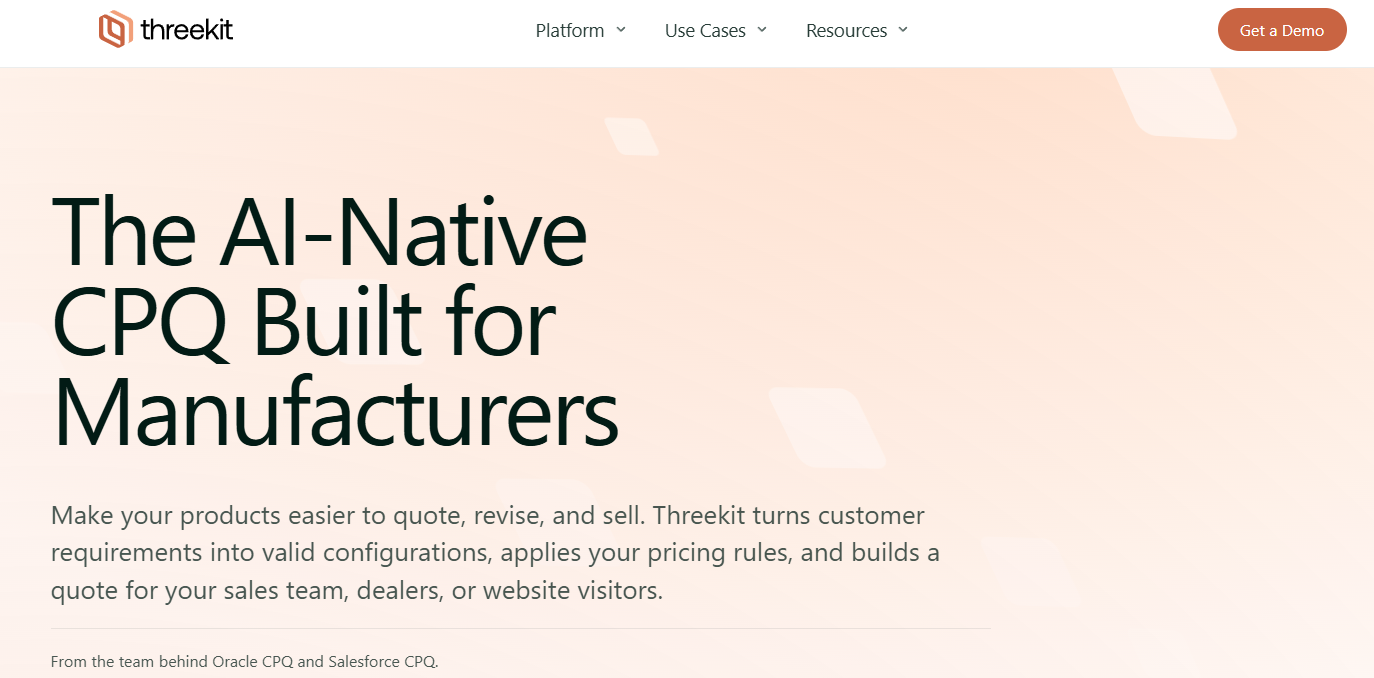
Threekit is an AI-powered visual commerce platform built for brands selling complex, configurable physical products. It handles 3D product configuration, photorealistic product imagery, augmented reality visualization, real-time quoting, and bill-of-materials outputs from a single platform. Teams at B2B and B2C companies use it to create scalable configuration experiences that connect directly to ecommerce and ERP systems.
Best for: Product and ecommerce organizations that need governed, scalable configuration logic for complex product catalogs.
Key features
- Rules-based 3D product configuration with real-time customization
- Virtual Photographer for photorealistic 2D product images from 3D data
- AR product previews on mobile
- Real-time quoting and bill-of-materials generation
- Integrations with ecommerce, ERP, CPQ, and PIM systems
Why choose Threekit: Choose Threekit when your product has meaningful configuration complexity, clean product data, and an ecommerce integration requirement. A one-off AR campaign is not the right fit; this platform earns its value when configuration logic is repeatable and governed. Define your pilot metric before implementation: Configurator completion rate, reduction in sample requests, or add-to-cart lift.
Threekit pricing: Threekit uses custom pricing based on use case, product catalog size, and visualization requirements. Contact Threekit directly for a quote.
G2 rating: 4.4/5
2. Zakeke
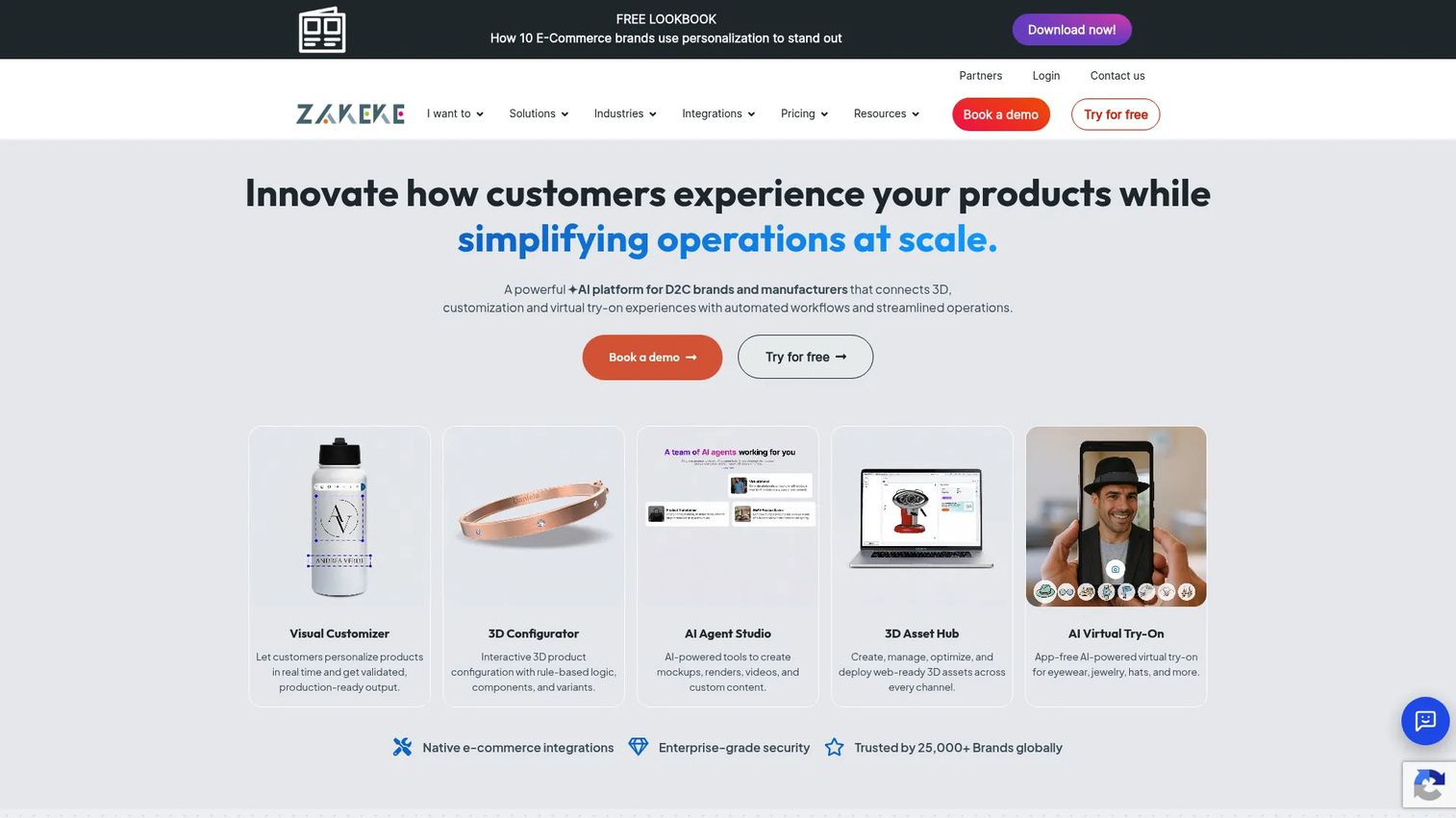
Zakeke is an AI-powered visual commerce platform for product customization, 3D configuration, and virtual try-on. It serves ecommerce brands and manufacturers that need customer-facing personalization without building a custom configurator from the ground up. Native integrations connect directly to major ecommerce platforms, and a print-ready output workflow handles made-to-order production requirements.
Best for: Ecommerce teams launching product personalization for apparel, accessories, print products, or made-to-order items.
Key features
- Visual product customization with print-ready output
- 3D product configurator with variants and rule-based logic
- AR product previews via mobile browser
- AI-powered virtual try-on
- Native ecommerce platform integrations and API webhooks
Why choose Zakeke: Zakeke suits teams that need a faster path to AR product visualization without heavy engineering work. The platform works well when catalog complexity is manageable and visual quality requirements align with its rendering approach. Track customization starts, completed designs, and conversion by product type during your pilot.
Zakeke pricing: The Starter plan runs $59/month billed annually ($69.90/month on monthly billing). The Grow plan is $110/month annually, Scale is $255/month annually, and Enterprise pricing is custom. A 14-day free trial is available with no credit card required.
G2 rating: 4.7/5
3. Sketchfab
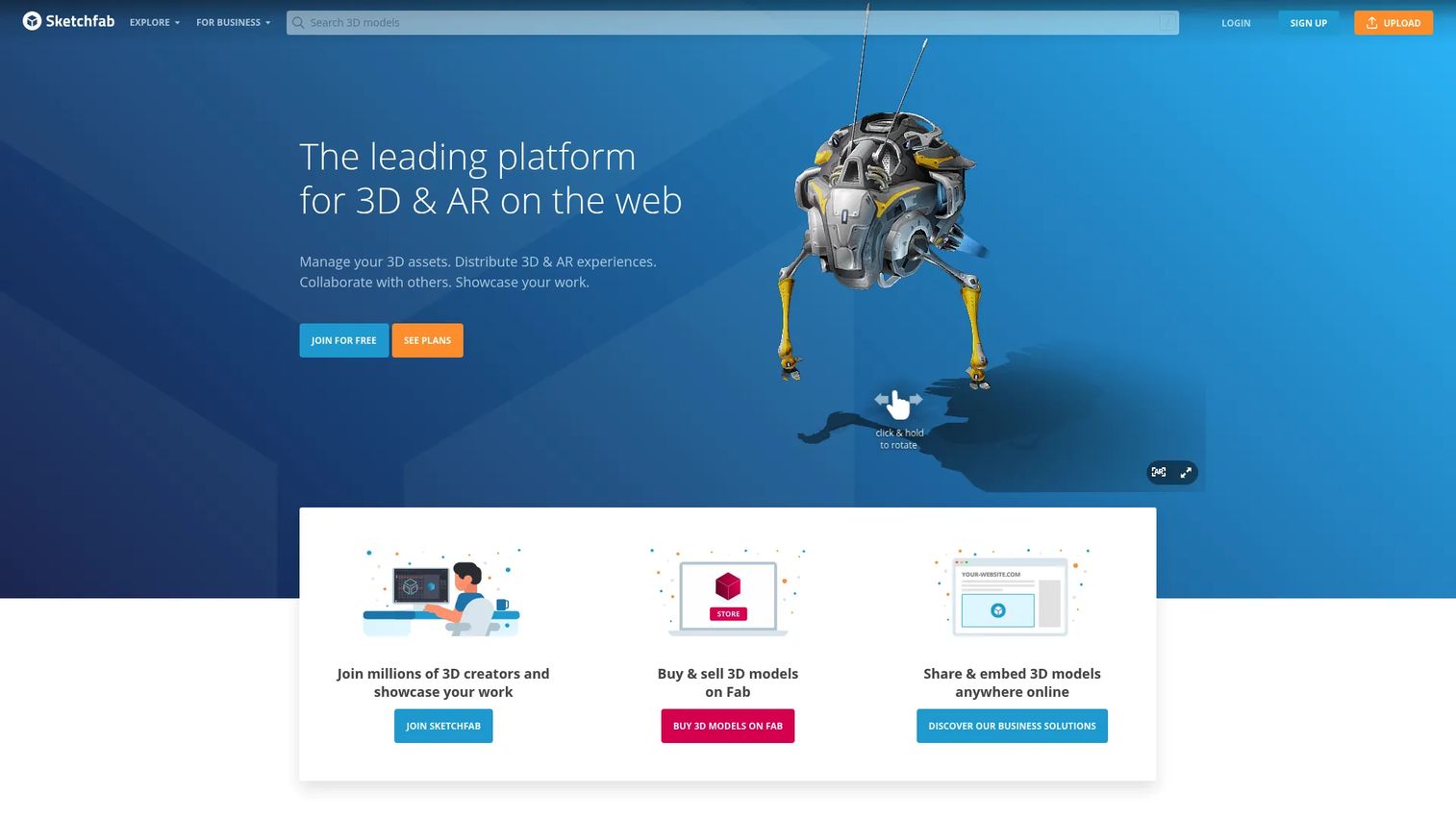
Sketchfab is a web platform for publishing, sharing, embedding, and experiencing interactive 3D and AR content. It is strongest for model discovery, design reviews, product education, and embedded visualization rather than deep product configuration. The platform's marketplace and viewer APIs make it useful for teams that need 3D assets accessible across surfaces without a custom viewer build.
Best for: Teams that need to publish, review, share, or embed 3D models without engineering a custom viewer.
Key features
- Embeddable cross-platform 3D and VR viewer
- 3D model publishing, discovery, and marketplace
- 3D editor with lighting, materials, animation, and annotations
- AR and VR viewing from the browser
- Viewer and Download APIs for custom applications
Why choose Sketchfab: Choose Sketchfab for lower-friction 3D model distribution, design review workflows, or product education embeds. When product configuration rules, ecommerce logic, or variant-level AR are requirements, a dedicated configurator is the better fit. Before embedding, run a mobile performance check and confirm your model polygon counts are optimized for the target device range.
Sketchfab pricing: The Basic plan is free. Pro runs $15/month billed yearly, Premium is $79/month billed yearly, and Enterprise requires a quote.
G2 rating: 4.4/5
4. JigSpace
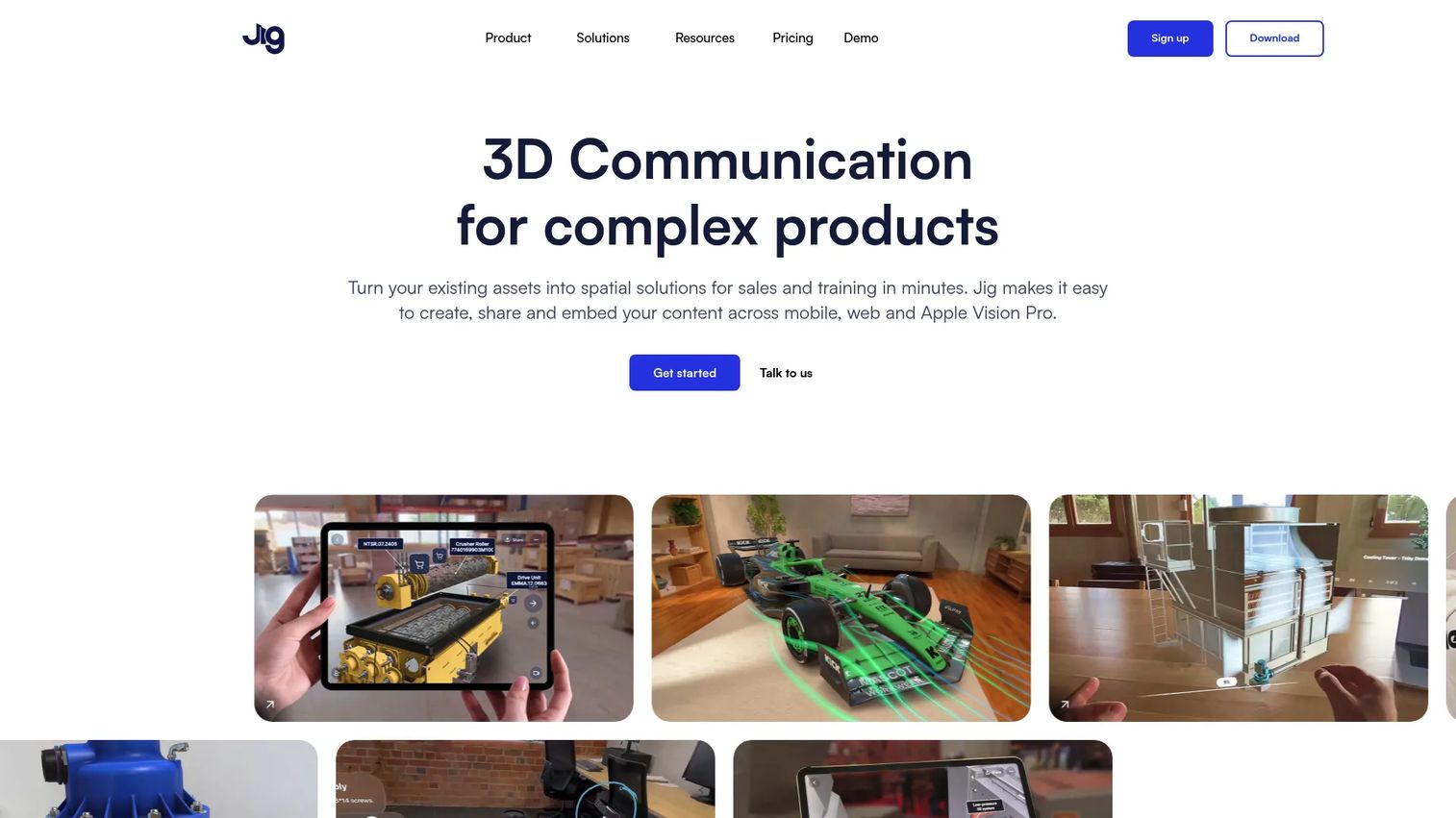
JigSpace creates interactive 3D and augmented-reality presentations for explaining, demonstrating, selling, and supporting complex products or processes. It is designed for teams that need to make a complicated physical product inspectable and understandable without building a custom application. Supported file formats include SolidWorks, Fusion 360, STEP, GLTF, and USDZ, and sharing happens via web embed, QR code, or WebAR without requiring an app download.
Best for: Product teams that need to explain a complex physical product, system, or process through an interactive spatial presentation.
Key features
- Step-by-step interactive 3D presentations with annotations and narration
- Import from CAD formats including SolidWorks, Fusion 360, STEP, and GLTF
- WebAR sharing via links and QR codes without an app
- Team collaboration with shared libraries and permission management
- Apple Vision Pro support with spatial viewing and multiplayer mode
Why choose JigSpace: JigSpace fits a PM who needs cross-functional stakeholder alignment on a complex product before committing to a full AR commerce build. It also works well for sales enablement and field storytelling where a polished spatial presentation carries more weight than a plain slide deck. Measure presentation completion, key-component interactions, and feedback from sales and field teams.
JigSpace pricing: A free plan is available. Starter and Enterprise tiers require contacting JigSpace sales; pricing is in US dollars, billed annually. The free plan is clearly structured for individual users evaluating the platform.
G2 rating: 4.5/5
5. TeamViewer Frontline
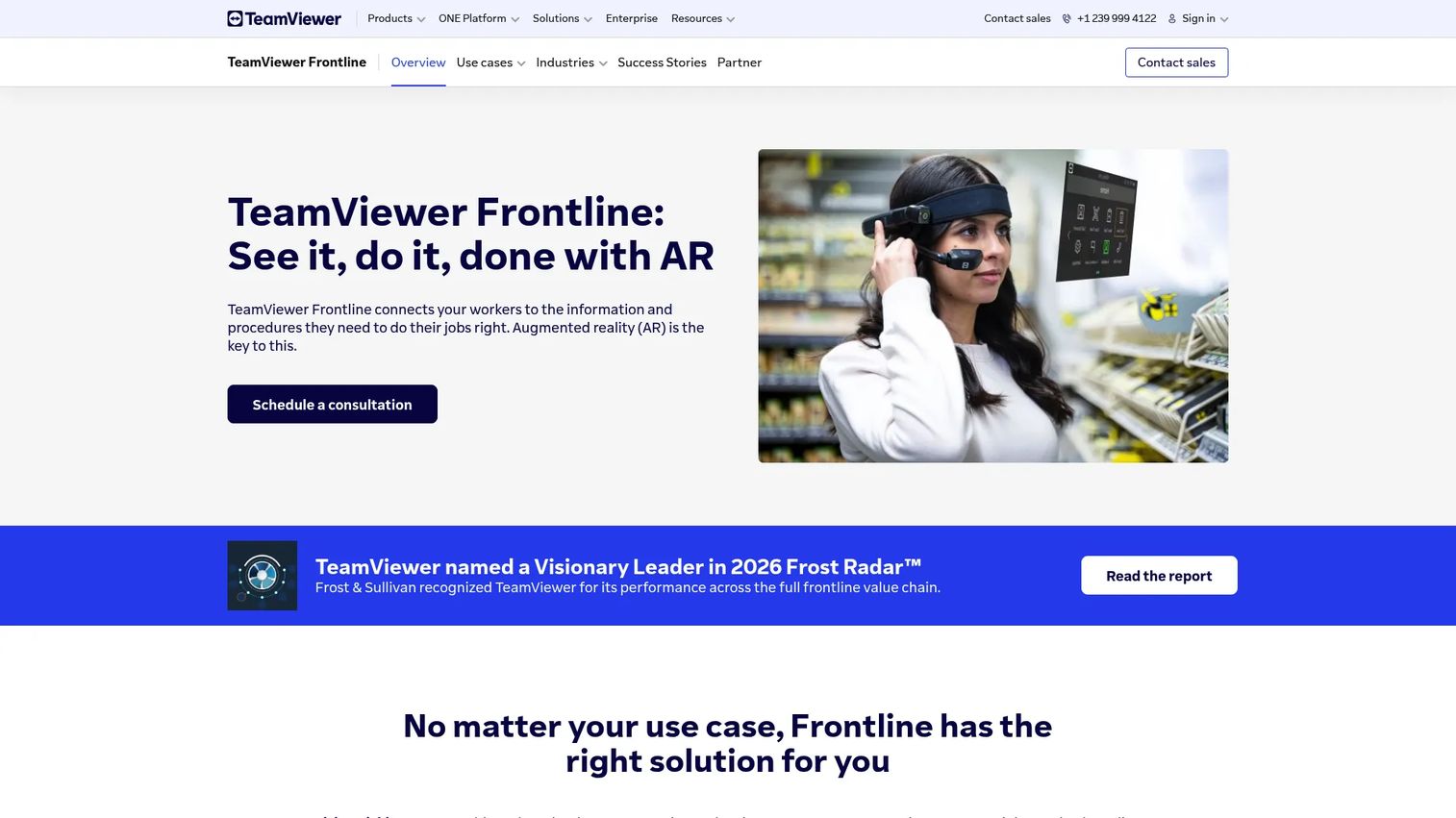
TeamViewer Frontline is an enterprise augmented-reality platform connecting frontline workers with digital workflows, information, and remote expertise. It covers AR-guided picking, assembly, inspection, maintenance, remote assistance, and training across logistics, manufacturing, and field service environments. Its Frontline Command Center handles user management, device management, task assignment, and remote support centrally.
Best for: Enterprise product and operations teams supporting technicians, warehouse workers, service crews, or manufacturing processes where AR guidance improves task accuracy.
Key features
- AR-guided procedures for picking, assembly, inspection, and maintenance
- Wearable and mobile device support
- Remote assistance workflows with live video and annotation
- Centralized Frontline Command Center for users, devices, and tasks
- Backend integrations with WMS, PLM, and ERP systems via secure APIs
Why choose TeamViewer Frontline: Choose Frontline when task accuracy, procedural consistency, and enterprise deployment matter more than a polished consumer product preview. This is not an ecommerce tool. Plan for change management, content authoring ownership, and device provisioning before selecting it. Your pilot metric should be a measurable operational outcome: Task completion time, error rate, training completion, or remote-expert escalation volume.
TeamViewer Frontline pricing: TeamViewer directs prospective customers to contact sales. No self-serve pricing tier is available.
G2 rating: 4.3/5
6. Emersya
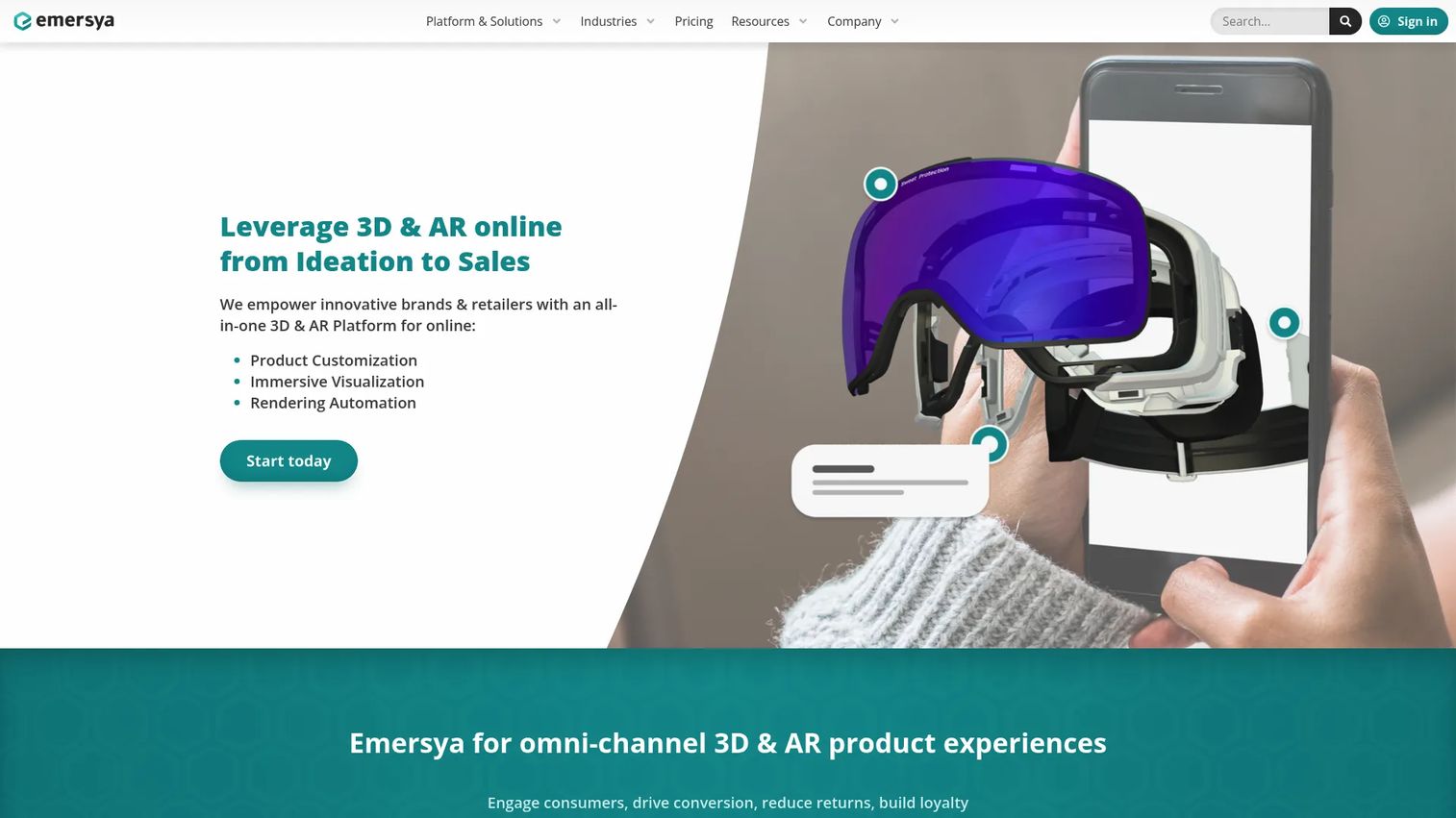
Emersya is a SaaS 3D and augmented-reality platform for brands and retailers building interactive product experiences. It covers 3D asset management and optimization, interactive product viewers with animations and variant support, and product configurators with AR visualization. Deployment is web-based, which removes app installation as a barrier for customers. Teams building best-in-category ecommerce personalization workflows often evaluate Emersya alongside commerce-first configurators.
Best for: Digital product and ecommerce teams that need polished interactive 3D visualization for product catalogs and shopping experiences.
Key features
- Interactive 3D product viewers with animations, annotations, and variants
- 3D product configurators with AR visualization
- 3D asset management and optimization
- Web-based deployment for browser-accessible experiences
- Commerce-focused rendering for product pages
Why choose Emersya: Emersya fits teams focused on visual product exploration and rich product-page experiences. It is more than a general 3D viewer but requires less custom engineering than a game engine build. Before a broad rollout, test page performance, mobile rendering on target devices, interaction depth, and conversion lift by product category.
Emersya pricing: Emersya offers annual subscriptions across multiple plans. Contact Emersya for a quote; pricing is not publicly displayed.
G2 rating: Emersya shows limited G2 review data at time of publication. Check the G2 listing for current reviewer feedback before shortlisting.
7. Unity
Unity is a real-time development platform for creating and deploying 2D and 3D applications across platforms, including AR and VR targets. It is not a packaged AR visualization product. Teams use it to build proprietary AR experiences that require custom interactions, data integrations, or cross-platform application control. A large developer ecosystem, extensive documentation, and cross-platform publishing make it the most common starting point for custom AR application projects. Decisions like these sit alongside broader product management tools and build-versus-buy frameworks.
Best for: Product organizations building a proprietary AR experience that requires custom interaction logic, specialized integrations, or cross-platform control.
Key features
- Real-time 2D and 3D development with cross-platform publishing
- AR framework support for mobile, browser, and headset targets
- URP and HDRP rendering pipelines for visual quality control
- Unity Cloud collaboration and asset management
- Unity AI tools for content and workflow automation
Why choose Unity: Unity gives you broader control over interaction design, data integration, and device coverage than any packaged AR platform. The tradeoff is real: Engineering scope, QA requirements, and ongoing maintenance are substantially higher. Write a product brief before starting, covering target devices, offline requirements, tracking needs, accessibility, release cadence, and acceptance criteria.
Unity pricing: The Personal plan is free for eligible individuals and small organizations. Pro runs $210/month per seat (or $2,310/year per seat prepaid). Enterprise and Industry tiers use custom pricing.
G2 rating: Not available at time of publication. Check Unity's G2 listing for current data.
8. Unreal Engine
Unreal Engine is a real-time 3D creation tool for games, film, simulation, visualization, and interactive experiences. Teams building high-fidelity AR or mixed-reality applications where visual quality and custom behavior define the product requirement reach for Unreal when packaged visualization platforms cannot meet the rendering, simulation, or deployment specifications. Its Nanite virtualized geometry and Lumen dynamic global illumination systems set a high bar for visual fidelity in custom builds. For context on related rendering workflows, see the 3D rendering software guide.
Best for: Product and engineering teams building high-fidelity AR or mixed-reality experiences where visual quality and custom behavior justify a deeper development investment.
Key features
- Nanite virtualized geometry and Virtual Shadow Maps for scene detail
- Lumen dynamic global illumination and reflections
- World Partition for managing and streaming large-scale environments
- AR and mixed-reality framework support
- Developer and creator tooling including Blueprint visual scripting
Why choose Unreal Engine: Choose Unreal when your product's competitive advantage depends on a rendering quality or interaction fidelity that Unity or a packaged configurator cannot deliver. Before committing, build a total-cost view that covers 3D production, engineering, device testing, QA, hosting, content updates, and post-launch support. The free licensing is genuinely accessible, but the engineering investment is not.
Unreal Engine pricing: Unreal Engine is free for game developers, educators, and organizations earning under $1 million annually in qualifying revenue. Games and runtime applications pay a 5% royalty on qualifying revenue above $1 million. Certain commercial non-game users above the revenue threshold require seat licenses at $1,850/seat/year.
G2 rating: 4.5/5
Considerations when choosing AR visualization software
Match the platform to the actual job
Before shortlisting vendors, define what the product needs to do. A product configurator and a game engine are not interchangeable, even if both can technically render 3D objects. Choose a packaged platform for repeatable commerce or field workflows. Choose a development engine when custom interaction logic or unique deployment requirements define the product's core value. The category distinction in the table above is the starting point, not an afterthought.
Audit your 3D assets before selecting software
Your AR initiative will move at the speed of its models. Inventory current assets, formats, polygon counts, textures, and variant data before evaluating platforms. Identify who owns changes when a product, material, or configuration rule updates. An asset audit often reveals that the real bottleneck is 3D content production, not platform selection. Related decisions appear in 3D modeling software and 3D rendering software comparisons.
Specify device and delivery requirements early
Browser, iOS, Android, tablet, headset, and enterprise device support each carry different implementation costs and QA plans. Specifying target environments before shortlisting eliminates platforms that cannot meet the requirement and prevents late-stage surprises when testing reveals a gap.
Instrument the experience from the start
Define what a useful AR event looks like for your use case. For commerce: Configuration completion, add-to-cart, or return reduction. For industrial work: Task completion time or error rate. For product education: Engagement depth on key components. If you cannot name the instrumentation plan before launch, you cannot judge whether the pilot succeeded. Useful framing appears in guides on product analytics software.
Plan for maintenance across release cycles
AR experiences become stale when product variants, materials, work instructions, or UI controls change. Name an owner, define a review cadence, and connect content updates to your product release management process before launch. An unmaintained AR experience erodes trust faster than having no experience at all.
Conclusion
Each tool in this list solves a different AR visualization job. Threekit handles complex configurable products with enterprise-grade configuration logic. Zakeke gives ecommerce teams a faster path to product personalization with AR previews. Sketchfab covers 3D model publishing and embedding for teams that need accessible browser-based visualization without a custom build. JigSpace suits spatial product storytelling and stakeholder alignment. TeamViewer Frontline addresses industrial frontline workflows where AR guidance improves task accuracy and consistency. Emersya fits brands building polished interactive 3D commerce experiences for product pages. Unity and Unreal Engine are the right choice when custom interaction logic, specialized rendering, or proprietary application requirements exceed what a packaged platform can deliver.
A practical next step: Shortlist two tools from the category that matches your use case, then run a proof of concept around one measurable workflow. Track adoption, experience performance, and the ongoing effort required to keep the content current. That operational reality, not a features checklist, is what determines whether an AR investment pays off.
Start your journey with Guideflow today!
FAQs
AR visualization software lets users view, place, configure, or interact with 3D digital objects in a physical or spatial context. Delivery happens through browsers, phones, tablets, headsets, or custom applications, depending on the platform and the use case.
AR visualization platforms (configurators, 3D viewers, industrial AR systems) provide ready-to-use publishing, configuration, or workflow features that teams can deploy without building from the ground up. AR development platforms like Unity and Unreal Engine provide the tools to build a custom application and require substantially more engineering ownership across design, QA, and ongoing maintenance.
The right tool depends on catalog complexity, variant logic, product data quality, and ecommerce platform integration requirements. Threekit suits brands with complex configuration logic and enterprise integration needs. Zakeke covers ecommerce personalization for customizable products with a faster setup path. Emersya fits teams focused on polished interactive 3D product pages. Start with the category that matches the job, then evaluate platforms within it.
Many do. WebAR and browser-based 3D viewers reduce app-install friction, which matters for consumer-facing experiences. Sketchfab, Emersya, and JigSpace all support browser delivery. Model optimization, device support coverage, and mobile performance testing remain important regardless of platform, since rendering quality and load times vary significantly across devices.
GLB and USDZ are the most widely supported formats across browser and mobile AR targets. GLB works broadly across WebAR and Android, while USDZ is the format for iOS AR Quick Look. OBJ, FBX, and STEP are common source formats that most platforms can import and convert. The required format depends on the platform and the delivery target, so confirm format requirements before commissioning 3D production.
The right metric depends on the use case. For commerce: Configuration completion rate, add-to-cart events, conversion lift by product type, or reduction in sample requests. For industrial work: Task completion time, error rate, training completion, or remote-expert escalation volume. For product education: Engagement depth on key components or stakeholder sign-off speed. Establish a baseline before launch so you can judge whether the pilot moved the number.
AR can reduce early-stage sample requests and improve remote evaluation, particularly for visual and spatial properties. According to Snap/Ipsos (2026), 71% of consumers say they would shop more often with AR try-on access. AR will not replace physical validation when material feel, fit, safety testing, or regulated evidence is required. The most practical approach is to use AR to reduce the number of samples needed before the final validation stage.
Timeline depends heavily on whether the team uses an existing platform or builds a custom product. A packaged configurator with existing 3D assets can reach a testable state in weeks. A custom Unity or Unreal Engine build with new 3D content, integrations, and multi-device QA typically takes months. The largest variables are 3D asset readiness, product data complexity, integration scope, device coverage requirements, and QA depth. Audit assets and define device requirements before estimating.