You run three customer interviews. You surface a promising opportunity. Then it lands in a Google Doc, a solution idea goes in a Slack thread, and the experiment you meant to run lives in someone's notebook. Two weeks later, nobody can reconstruct why you picked that direction.
That is the real problem with product discovery. Not the framework. The tooling around it.
An opportunity solution tree is supposed to keep your desired outcome, your opportunities, your solutions, and your experiments in one visible structure. Teresa Torres popularized the format precisely because discovery falls apart when those pieces scatter. But the tree only works if the software holds it together, keeps it editable, and lets your product trio and stakeholders see the same thing at the same time.
Over 70% of mature product teams report using a structured discovery framework like opportunity solution trees, according to Product School (2024). The opportunity management software market they build on sat at USD 1.2 billion in 2024 and is projected to reach USD 3.5 billion by 2033, per LinkedIn Pulse (2024). Demand is real. So is the confusion about which tool fits your workflow.
This guide fixes that. We evaluate seven tools you can use to build, maintain, and share an opportunity solution tree without losing discovery context.
What's inside
This guide is for product managers, discovery leads, and design partners choosing software to build and maintain opportunity solution trees. We selected tools based on four criteria that decide whether a tree stays useful past week one:
- Collaboration depth: how many people can edit, comment, and react in real time
- Template quality: whether a prebuilt opportunity solution tree template speeds adoption
- Linkage to execution: whether the tree connects to roadmap and delivery work
- Ease of maintenance: how simple it is to keep the tree current as discovery evolves
No invented pricing. No tools outside the shortlist. Just a practical software buyer's guide for the product trio.
TL;DR
Short on time? Here are the decision shortcuts.
- Best all-round for diagramming and collaboration: Lucidchart, with strong tree structure, real-time editing, and template support.
- Best template-first option with execution handoff: Aha! Whiteboards, which moves discovery straight into roadmaps.
- Best for distributed discovery workshops: Miro, built for facilitation and synthesis with remote teams.
- Best for design-adjacent teams: Figma, where FigJam collaboration sits next to design work.
- Best for tying the tree to prioritization: airfocus, which links opportunities to roadmap decisions.
- Best for fast, low-friction trees: Whimsical, when you want to sketch a tree in minutes.
- Best for learning the framework itself: Product Talk, the methodology source before or alongside any tool.
What is opportunity solution tree software?
Opportunity solution tree software is a visual tool that lets product teams map a desired outcome to the opportunities, solutions, and experiments that could deliver it, all in one connected structure.
The tree follows a strict hierarchy. Your target outcome sits at the top. Beneath it branch the opportunities, the customer needs and pain points you uncover through customer discovery. Under each opportunity sit the solutions you might build. And under each solution sit the assumption tests and experiments that tell you whether the idea holds up.
Why does the software matter versus a static slide or a doc? Because discovery is not a one-time artifact. Opportunities shift as you interview more customers. Solutions get killed. Experiments produce results that reshape the whole tree. A slide freezes that thinking. A living tree in the right tool keeps it moving and keeps your team aligned around it.
Core capabilities to expect from an opportunity solution tree tool:
- Tree structure: a clean hierarchy from outcome to opportunities to solutions to experiments
- Collaborative editing: multiple people building and refining the tree at once
- Research inputs: a way to attach interview notes, insights, and evidence to nodes
- Decision support: branching, tagging, and prioritization to compare directions
- Export and sharing: links, embeds, or exports so stakeholders can see the tree
The strongest tools handle all five. The Teresa Torres opportunity solution tree method is agnostic about software, so your job is matching the tool to how your team actually runs discovery.
What opportunity solution tree software should help you do
Map outcomes to opportunities
Good software keeps your desired outcome visible at all times. That sounds trivial. It is not. The most common discovery failure is solution-first thinking, where a team jumps to "let's build a dashboard" before naming the outcome it serves.
When the outcome anchors the top of the tree, every opportunity below has to justify itself against it. A product goal like "increase weekly active users by 15%" or "reduce trial-to-paid drop-off" stays in view while you branch out. The tree forces the question: does this opportunity actually move the outcome, or is it just interesting?
Compare solutions without losing context
Every solution should trace back to the opportunity that generated it. When ideas float free of their origin, prioritization turns into opinion.
The software should make that linkage structural, not manual. Look for:
- Branching that ties each solution to a parent opportunity
- Notes attached to individual nodes for rationale and evidence
- Assumptions captured alongside each solution so you know what has to be true
- Tagging to group solutions by effort, confidence, or theme
With linkage in place, you can compare three solutions under one opportunity and see exactly which customer need each addresses.
Turn research into a shared artifact
Customer interviews are worthless if the insights die in a transcript. The tree should be where research becomes a decision.
Interview notes, snapshots, and synthesized insights should feed directly into opportunities. When a customer names a frustration in a call, that frustration becomes a node, backed by the quote. Team collaboration matters here: your researcher, designer, and PM should all be attaching evidence to the same structure, not maintaining separate files.
Track assumptions and experiments
The bottom of the tree is where discovery gets honest. Under each solution sit the assumptions you are making and the experiments that will test them.
Strong assumption testing needs a simple workflow: name the riskiest assumption, design the smallest test, record the result, and let it flow back up the tree. The visual hierarchy makes it obvious what to test next, because the branch with the shakiest assumptions is the branch you have not validated yet.
When product teams use opportunity solution tree software
During discovery
You reach for the tree when you are exploring customer problems and forming hypotheses. Interview after interview, you cluster pain points into opportunities and watch patterns emerge.
This is where synthesis sessions live. Your product trio pulls insights from a week of calls, groups them, and argues about which opportunities matter. The tree gives that argument a shared surface instead of a whiteboard photo nobody can read later.
During prioritization
Once opportunities are mapped, the tree helps you compare solution directions before committing roadmap effort. You are not prioritizing features in a vacuum. You are asking which opportunity, if solved, moves the outcome most.
The tradeoff framing is built in. Two opportunities compete for the same quarter. One has strong evidence and a cheap experiment. The other is a bigger bet with more risk. The tree makes that comparison visible so the decision is defensible.
During stakeholder alignment
The tree is a communication tool as much as a thinking tool. It helps product, design, engineering, and leadership align on what matters and why.
Comment threads and shared visibility let a skeptical VP see the reasoning behind a roadmap choice without a meeting. When stakeholders can trace a solution back through its opportunity to the outcome, roadmap alignment and stakeholder buy-in get much easier to earn.
Opportunity solution tree software comparison
Here is a side-by-side view of the seven tools. Pricing and ratings reflect verified values where the vendor publishes them; where a figure is not public, we note it rather than guess.
| # | Product | Best for | Key differentiator | Pricing | G2 rating |
|---|---|---|---|---|---|
| 1 | Lucidchart | Collaborative diagramming and tree structure | Real-time editing with deep integrations | Free tier available | 4.6/5 |
| 2 | Aha! Whiteboards | Template-first discovery with roadmap handoff | Whiteboards tied to product management | Advanced from $9/user/mo | 4.4/5 |
| 3 | Product Talk | Learning the discovery framework | The methodology source itself | Course-based | Not listed |
| 4 | Miro | Distributed discovery workshops | Facilitation and synthesis at scale | Free tier available | 4.6/5 |
| 5 | Figma | Design-adjacent collaboration | FigJam next to design work | Free tier available | Not listed |
| 6 | airfocus | Tying the tree to prioritization | Roadmaps and prioritization in one | Contact for pricing | 4.4/5 |
| 7 | Whimsical | Fast, low-friction tree sketching | Speed and simplicity | Free tier available | 4.6/5 |
Best opportunity solution tree software tools for 2026
1. Lucidchart
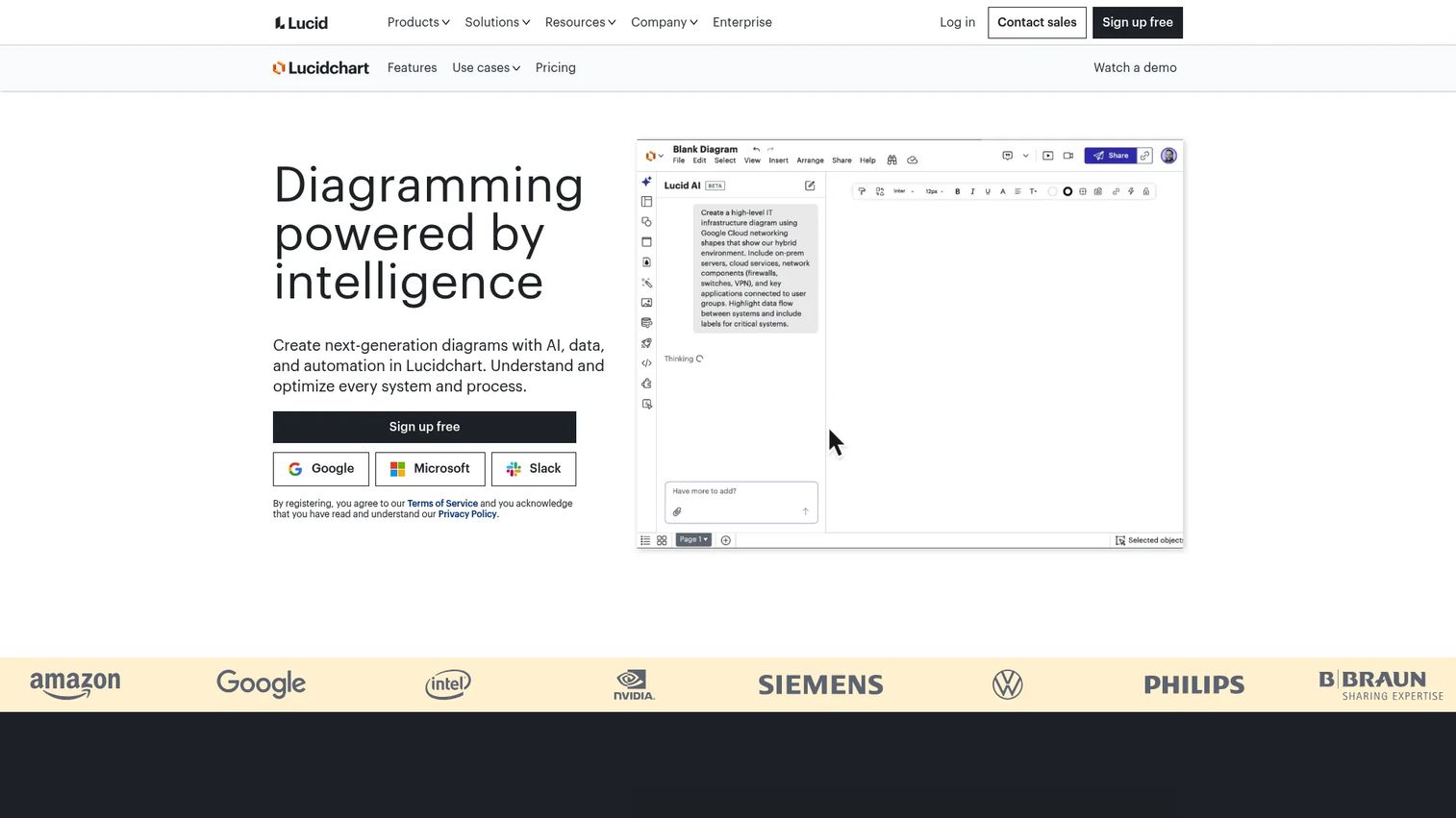
Lucidchart is cloud-based diagramming software built for teams and enterprises. Its core strength is structured visuals: flowcharts, process maps, system diagrams, and hierarchies like opportunity solution trees. If your team thinks in nodes and branches, Lucidchart gives you a clean canvas that stays readable as the tree grows across dozens of opportunities and solutions.
It works especially well for teams already standardized on Lucid for visual collaboration. Your discovery tree lives next to your architecture diagrams and process maps, so nobody hunts across tools to find it.
Best for: Teams that want diagramming precision plus real-time collaboration on a growing tree.
Key strengths
- Real-time collaboration across the whole team
- Visio import and export
- Integrations with Google Workspace, Microsoft 365, Slack, Jira, and Confluence
- Clean hierarchy that stays legible at scale
Why choose Lucidchart: If your product trio values structured, professional diagrams over freeform sketching, Lucidchart fits. The Jira and Confluence integrations also help when you want the tree to sit close to delivery work.
Lucidchart pricing: A free tier is available, and paid plans and a free trial are offered through the pricing page. Public per-seat prices were not readable at the time of writing, so check the current pricing page before you commit.
2. Aha! Whiteboards
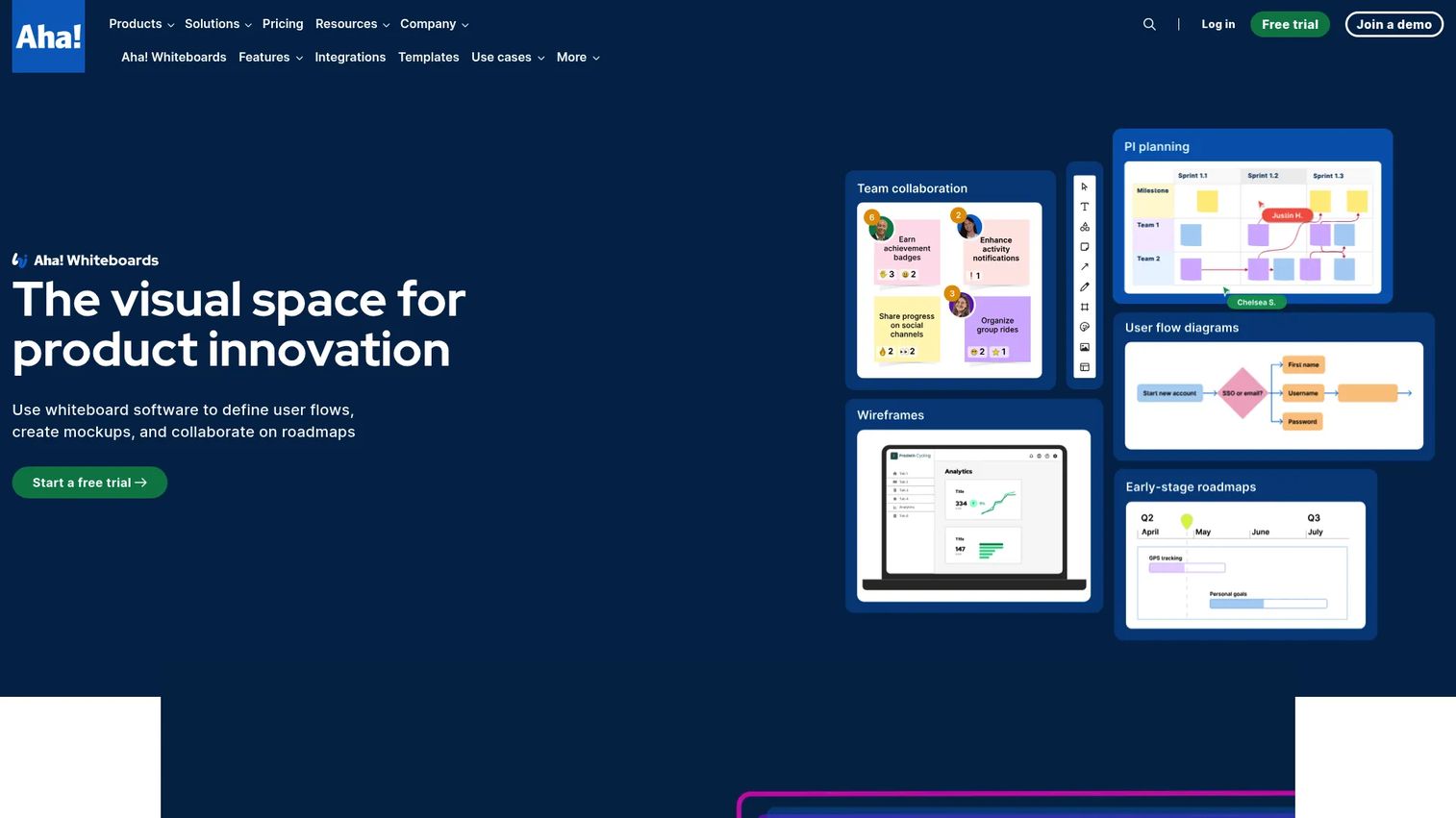
Aha! Whiteboards is collaborative whiteboard software for product teams, and it sits inside the broader Aha! product management suite. That placement is the whole point. You build your opportunity solution tree with guided templates, then move discovery straight into roadmaps, features, and delivery without exporting anything.
For product and strategy teams, that discovery-to-execution handoff removes the usual gap where insight gets lost between the whiteboard and the roadmap. The tree is not a dead-end artifact. It feeds the work.
Best for: Product and strategy teams that want whiteboards tightly connected to roadmap and delivery workflows.
Key strengths
- Unlimited whiteboards and guided templates
- Real-time collaboration with guests
- Wireframes, voting, and timers for workshops
- Direct connection to Aha! roadmaps
Why choose Aha! Whiteboards: If you already run roadmaps in Aha! or you want discovery and delivery in one system, this is the natural pick. The guided templates also lower the barrier for teams new to the opportunity solution tree format.
Aha! Whiteboards pricing: Advanced functionality can be added to annual plans for $9 per user per month, or to monthly plans for $11 per user per month. A free 30-day trial is available.
3. Product Talk
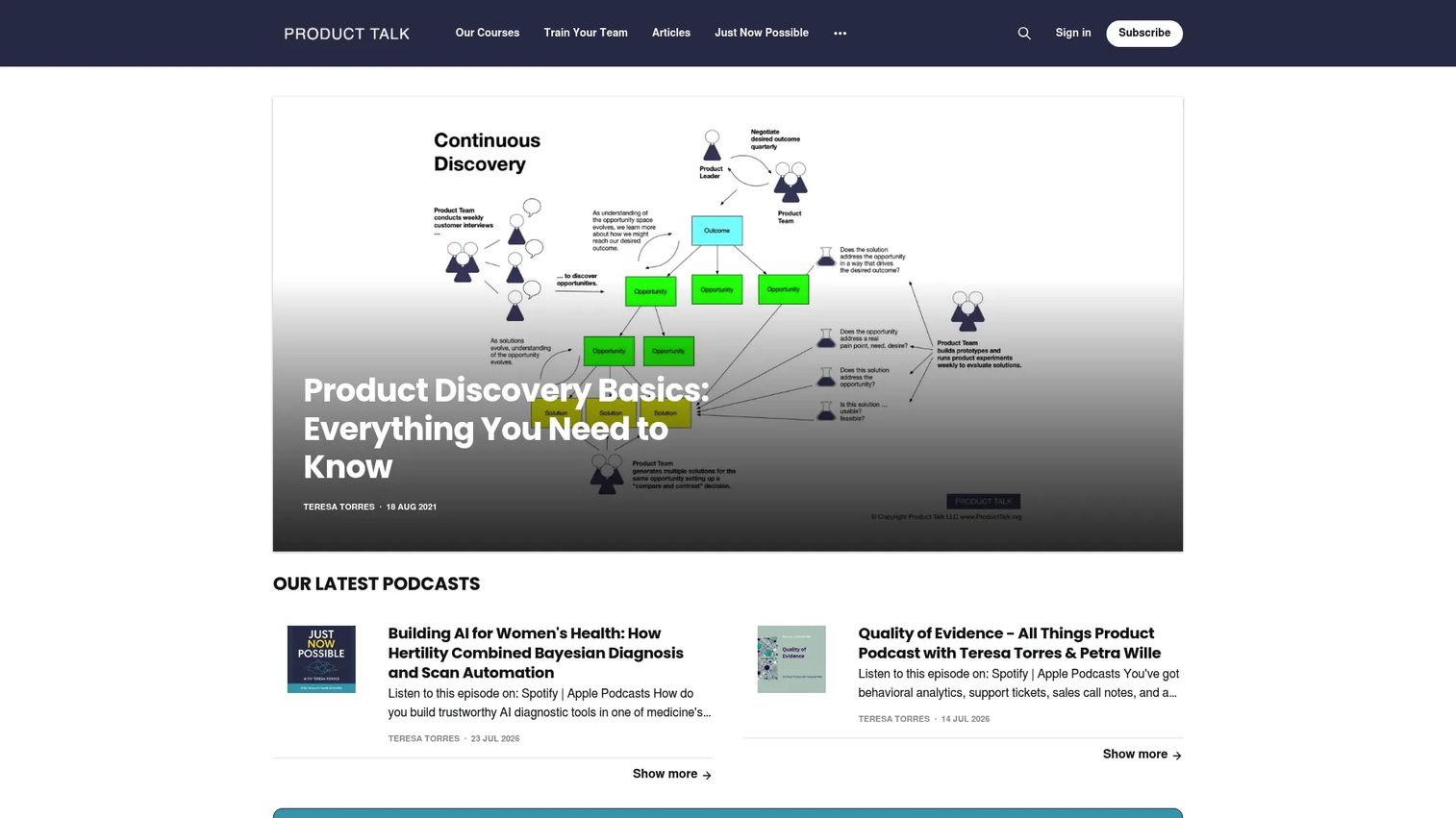
Product Talk is not a diagramming tool, and that is exactly why it belongs here. It is the home of Teresa Torres and the methodology behind continuous discovery and the opportunity solution tree. Before you pick software, you need the framework right, and Product Talk is where teams learn it through articles, courses, and community.
Many teams get the tool before they understand the practice, then wonder why the tree feels hollow. Product Talk fixes the sequence. Learn the method, then apply it in whichever canvas tool you choose.
Best for: Product teams learning continuous discovery practices before or while adopting a build tool.
Key strengths
- Deep product discovery articles and guides
- Live and on-demand discovery courses
- Community membership for ongoing practice
- Direct source of the opportunity solution tree method
Why choose Product Talk: If your team keeps building trees that do not drive decisions, the gap is usually understanding, not software. Product Talk closes that gap, then pairs with any of the other tools on this list.
Product Talk pricing: Product Talk offers paid courses and community access through its learning platform. Public course pricing was not readable at the time of writing, so check the current course page for details.
4. Miro
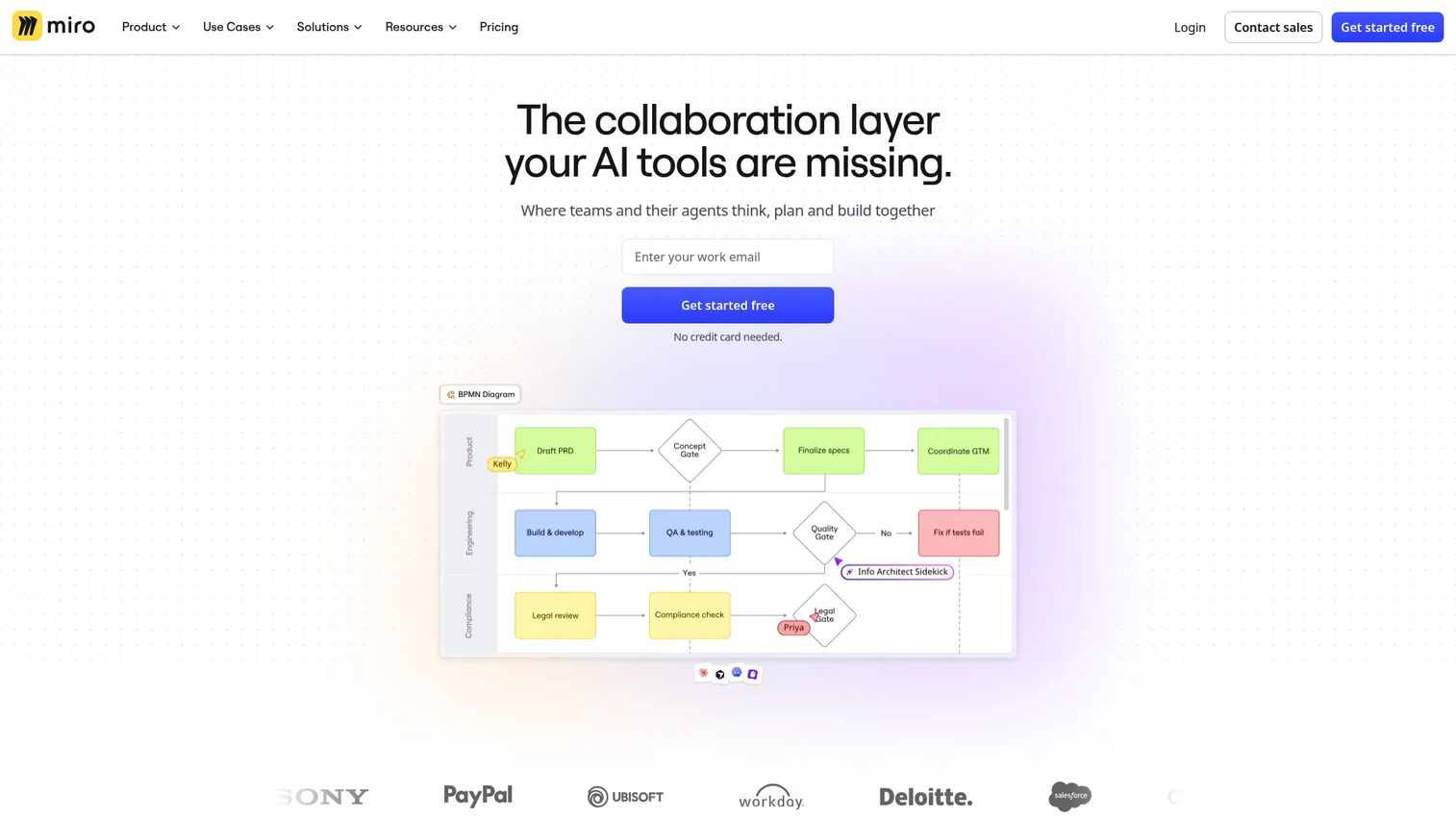
Miro is an online collaborative whiteboard and innovation workspace built for teams to brainstorm, plan, and build together. For opportunity solution trees, its edge is facilitation. Distributed product teams run discovery synthesis, opportunity clustering, and live workshops on one infinite canvas where everyone edits at once.
If your product trio is remote or hybrid, Miro is often the default. Sticky notes from a week of interviews become opportunities, opportunities branch into solutions, and the whole room, wherever they sit, shapes the tree together in real time.
Best for: Distributed teams running discovery workshops and synthesis sessions.
Key strengths
- Unlimited boards and team collaboration
- AI workflows and AI credits
- Integrations with Jira, Azure DevOps, and more
- Infinite canvas built for live facilitation
Why choose Miro: When your discovery is workshop-driven and your team is spread across time zones, Miro's facilitation depth is hard to beat. The Jira integration also helps when validated solutions need to move toward delivery.
Miro pricing: A Free plan is available at $0 per month, and a 14-day Business trial is offered. Paid Starter and Business tiers exist, with Enterprise available via contact sales; check the pricing page for current per-seat figures.
5. Figma
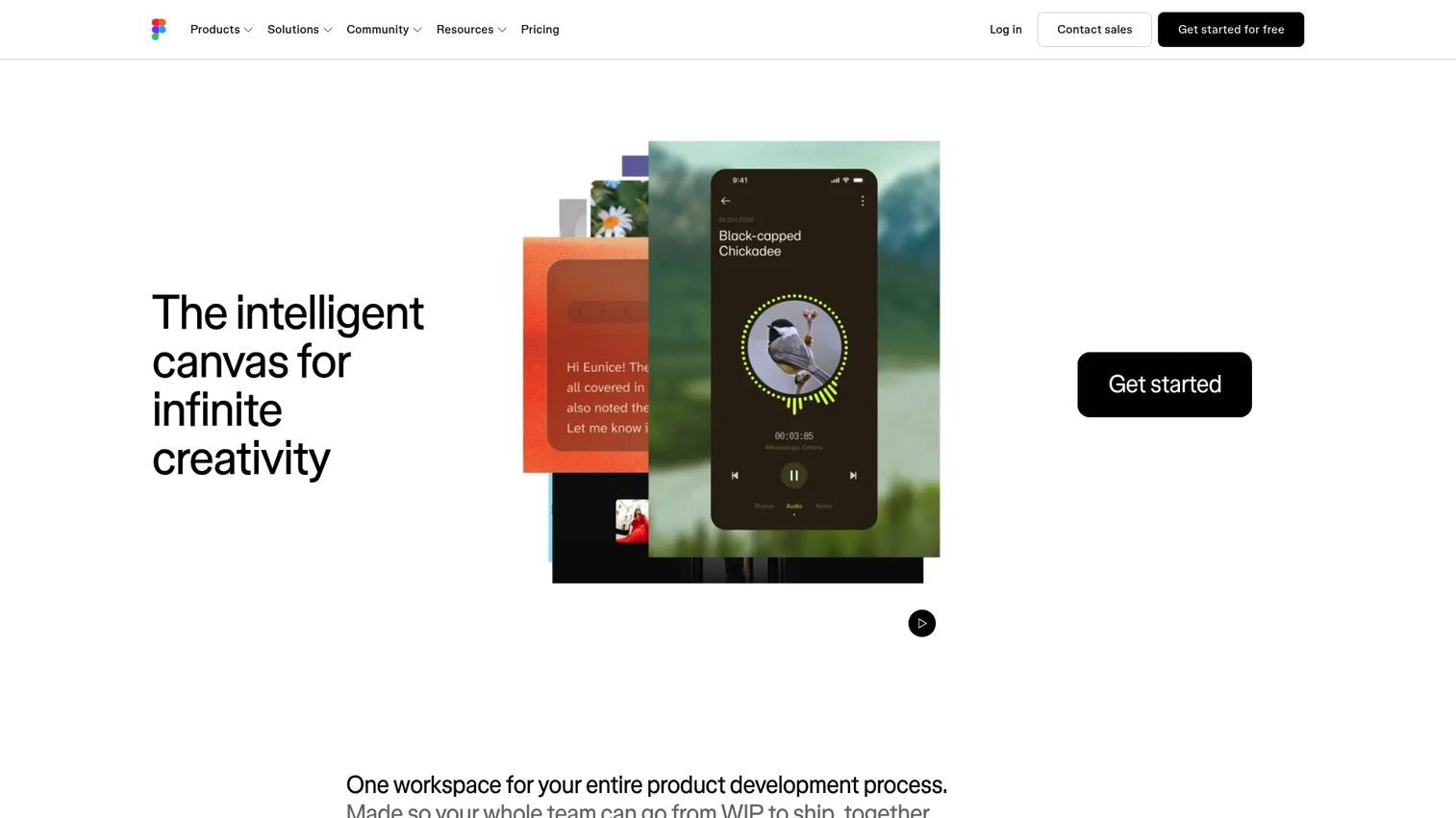
Figma is a collaborative design and product-building platform, and its FigJam whiteboard makes it a natural home for opportunity solution trees on design-heavy teams. When your designers already live in Figma, building the tree there keeps discovery next to the prototypes and flows it will eventually shape.
This matters for cross-functional workshops. A designer sketching a solution and a PM mapping the opportunity above it can work in the same file, then jump straight into wireframes without switching tools.
Best for: Design-adjacent product teams that already run in Figma and FigJam.
Key strengths
- FigJam whiteboarding for trees and workshops
- Design editor with components and auto layout
- Dev Mode for inspection and handoff
- Tight link between discovery and design work
Why choose Figma: If design and discovery happen side by side on your team, keeping the tree in Figma removes context-switching. Solutions move from opportunity node to prototype in the same workspace.
Figma pricing: A free Starter plan is available. Professional starts at $3 per month for some seat types, with Organization from $5 per month and Enterprise from $5 per month, all billed annually and priced by seat type. Check the pricing page to match seat types to your team.
6. airfocus
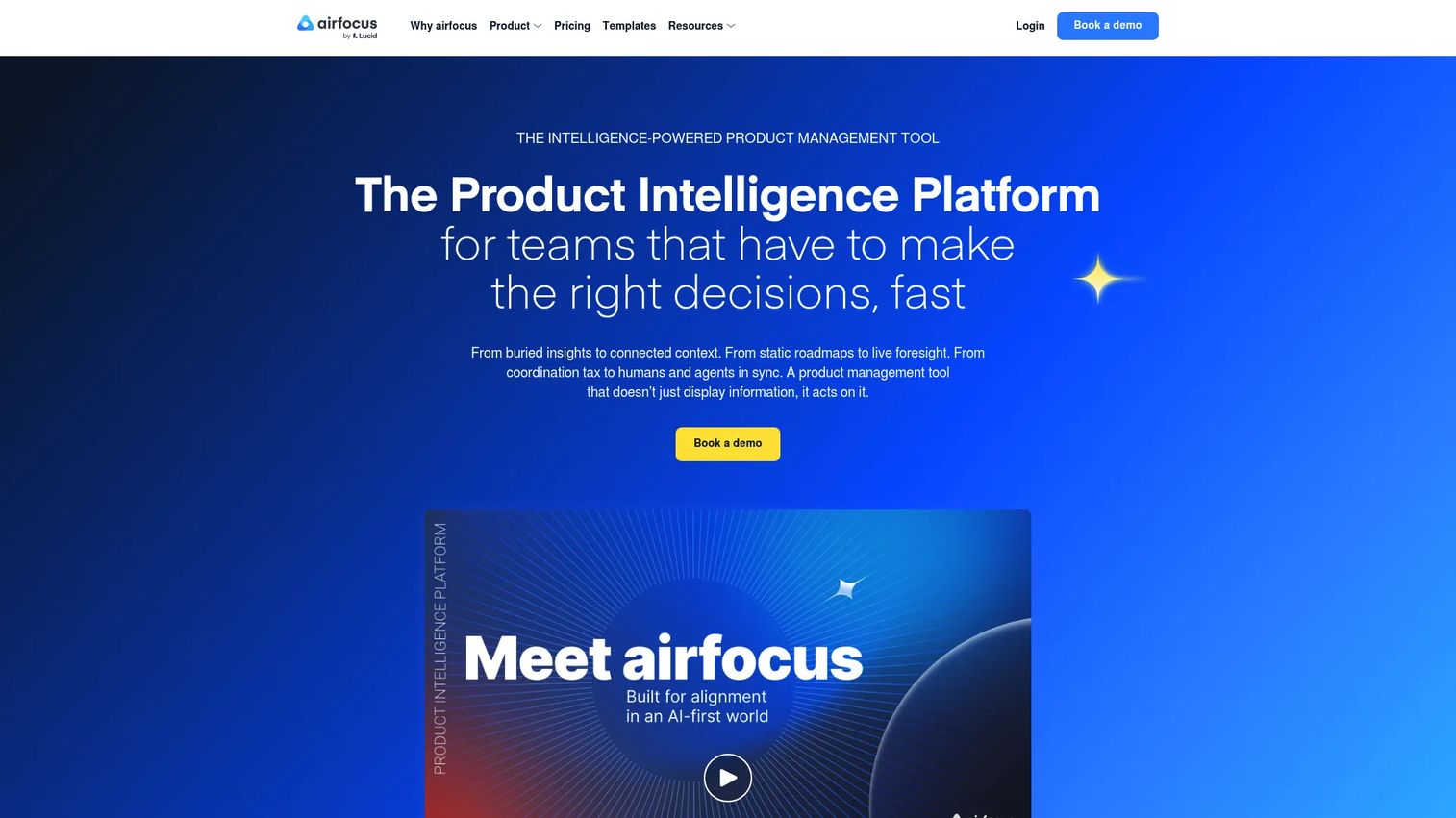
airfocus is an AI-powered product management and roadmapping platform, and its value for opportunity solution trees is the connection to prioritization. Teams that want the tree tied directly to roadmap decisions, not floating on a separate whiteboard, tend to evaluate airfocus.
The reason is decision support. When opportunities and solutions live in the same system as your prioritization scores, OKRs, and feedback, the leap from "this opportunity matters" to "this is on the roadmap" is short and traceable.
Best for: Product teams that want the tree connected to prioritization and roadmap decisions.
Key strengths
- Roadmaps and prioritization in one platform
- Feedback and insights capture
- Objectives and OKRs tracking
- Portfolio management across product lines
Why choose airfocus: If your discovery keeps stalling at the handoff to prioritization, airfocus closes that gap by keeping opportunities, scores, and roadmaps together. It suits teams that treat discovery and delivery as one continuous flow.
airfocus pricing: airfocus offers tiered plans through its pricing page. Public plan prices were not readable at the time of writing, so contact airfocus or check the pricing page for current figures.
7. Whimsical
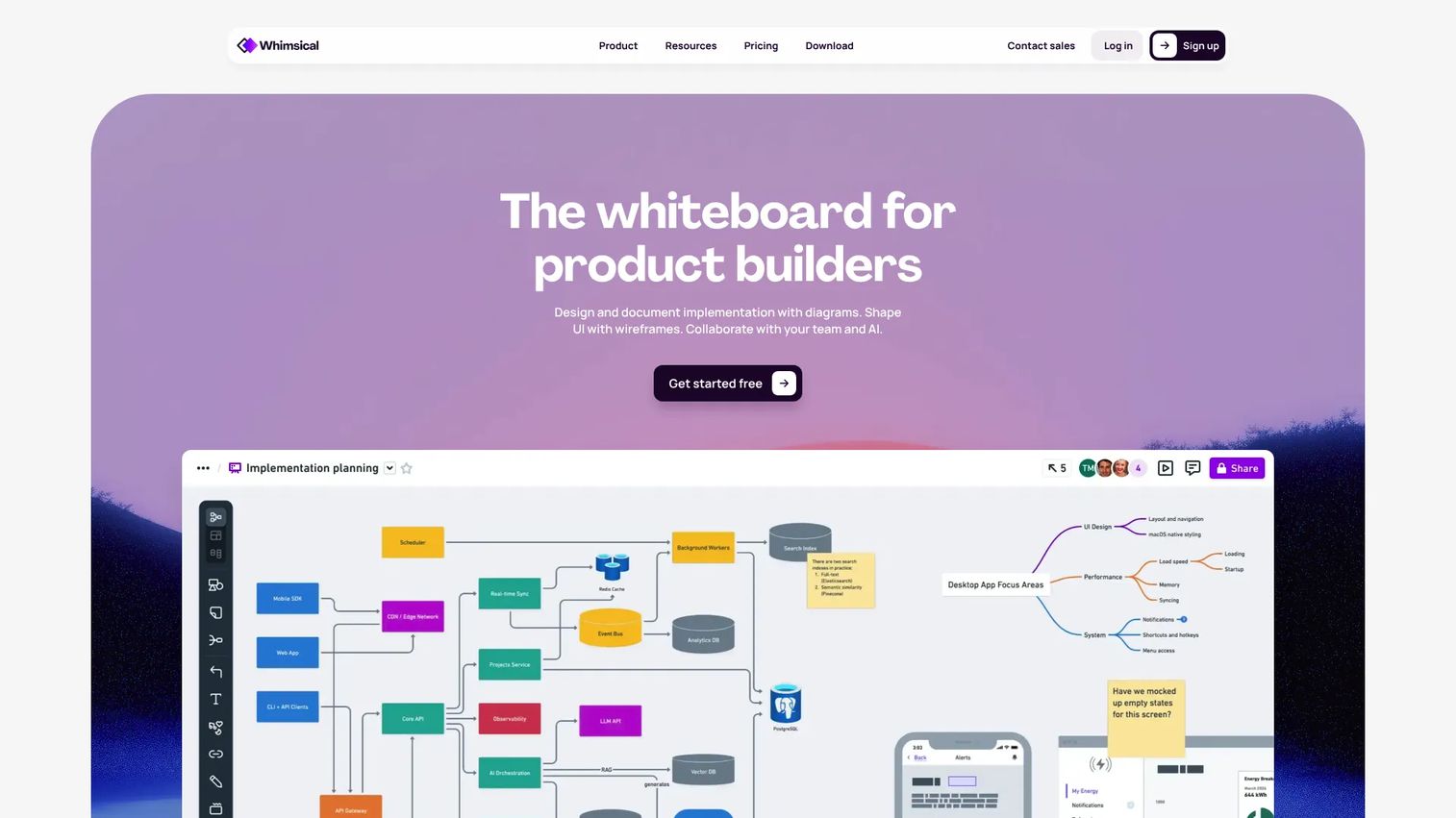
Whimsical is a visual collaboration and planning tool for boards, diagrams, wireframes, and flowcharts. Its strength for opportunity solution trees is speed. When you want to sketch a tree in minutes without fighting a heavy canvas, Whimsical gets out of the way.
For teams that value low-friction discovery, this matters. You open a board, drop your outcome at the top, and branch out fast. The simplicity keeps the tree easy to update, which is exactly what keeps discovery trees alive over time.
Best for: Teams that want a fast, lightweight way to build and update trees.
Key strengths
- Unlimited workspace members
- Boards, diagrams, mind maps, and wireframes
- Real-time collaboration with guest access and version history
- Fast, low-friction canvas for quick trees
Why choose Whimsical: If your team abandons trees because the tool feels heavy, Whimsical's speed keeps them current. Viewers are always free, so sharing with stakeholders costs nothing.
Whimsical pricing: A Free plan is available at $0 per editor per month. Pro is $10 per editor per month and Business is $20 per editor per month. Viewers are always free.
Considerations
Before you commit, run your shortlist through these five criteria.
Collaboration depth
Count how many people need to edit, comment, and react at once. A tree built by one PM in isolation misses the point. Real discovery needs the product trio and often researchers and stakeholders in the same canvas. Check whether guest access, live cursors, and comment threads match your team's actual workflow.
Template quality
A strong opportunity solution tree template lowers the barrier for teams new to the format. Look for a prebuilt structure that already includes the outcome-to-opportunity-to-solution-to-experiment hierarchy. Good discovery templates encode the method so people do not have to remember it. Weak ones are just blank shapes with a title.
Handoff to execution
Decide whether you need the tree to stay a whiteboard or connect to roadmap work. Some tools keep discovery visual and standalone. Others tie opportunities directly to features, prioritization, and delivery. If your team loses insight in the gap between discovery and roadmap, prioritize integration and execution handoff.
Research workflow fit
Your tree is only as good as the evidence behind it. Check how the tool handles interview notes, assumptions, and evidence. Can you attach a customer quote to an opportunity node? Tag solutions by confidence? Link out to a research doc? Evidence capture is what separates a real discovery tree from a pretty diagram.
Maintenance over time
Trees rot when nobody owns them. Ask how the tool supports keeping the tree current: versioning, clear ownership, and a realistic update cadence. The best tool is the one your team will actually revisit after every round of customer discovery, not the one that gets abandoned by week three.
Conclusion
The right opportunity solution tree software depends on how your team runs discovery, not on a single best answer.
If you want diagramming precision and real-time collaboration, Lucidchart fits. If you need discovery to flow straight into roadmaps, Aha! Whiteboards handles the handoff. For distributed workshops and synthesis, Miro leads. Design-heavy teams stay in Figma. Teams that want the tree tied to prioritization evaluate airfocus. And when speed matters most, Whimsical keeps trees fast and current. If the framework itself is shaky, start with Product Talk before any tool.
Match the tool to whether your team needs discovery collaboration, template structure, or execution handoff. Then commit, assign an owner, and keep the tree alive through every round of customer discovery. A living tree earns roadmap alignment and stakeholder buy-in that a static slide never will.
Pick one, build your first tree this week, and see how much clearer your next prioritization conversation becomes.
FAQs
It helps product teams map a desired outcome to opportunities, solutions, and experiments in one visible, connected structure. Instead of scattering discovery across docs and slides, the tree keeps outcome, customer needs, ideas, and assumption tests aligned so teams make better prioritization decisions.
No. An opportunity solution tree is a discovery artifact that maps how you might reach an outcome, including opportunities you are still exploring. A roadmap is a delivery plan that commits to what you will build and when. Discovery thinking feeds roadmap planning, but they are different tools for different jobs.
Prioritize four things: guided templates that encode the outcome-to-experiment hierarchy, real-time collaboration for your product trio, a way to link research and evidence to nodes, and decision support like tagging and branching. Execution handoff to roadmaps is a strong bonus if discovery and delivery need to stay connected.
Yes. Both are flexible whiteboard tools that handle trees well when the team stays disciplined about structure. Miro excels at distributed facilitation and workshops, while Figma keeps the tree next to design work. Neither enforces the hierarchy for you, so a template or shared convention helps a lot.
Because they force better discovery decisions. The tree keeps the outcome visible, ties every solution back to a real customer opportunity, and makes prioritization defensible. It also earns stakeholder buy-in, since leadership can trace any roadmap choice back through its opportunity to the outcome it serves.
Assign one owner, set a recurring update cadence tied to your discovery rhythm, and review experiments as results come in. Trees rot when nobody revisits them after interviews or tests. A short, regularly updated tree beats a detailed one that froze three months ago.
Aha! Whiteboards and airfocus both connect discovery directly to roadmap and prioritization work, which matters when execution handoff is your bottleneck. Aha! Whiteboards moves tree-based discovery into the broader Aha! suite, while airfocus keeps opportunities, prioritization scores, and roadmaps in one system.
You do not strictly need one, but an opportunity solution tree template speeds adoption, especially for cross-functional teams new to the format. A good template encodes the outcome, opportunity, solution, and experiment structure so people build correctly from day one instead of relearning the method each time.