The schedule lives in one system. Contractor updates arrive by email. CAPEX reporting runs through three spreadsheets. Leadership still asks why the project slipped six weeks ago.
That gap between data and decision is the core problem in oil and gas project management. According to EY's Future of Energy Survey (2025), only 14% of companies using digital technologies say those investments are living up to expectations. The implementation is happening; the visibility and execution are not.
The right software closes that gap. But the category is not one thing. Portfolio governance, EPC construction scheduling, contractor coordination, and lightweight action tracking all sit under the same search query. Choosing the wrong tool for your operating model means paying for features you do not use while the workflows that actually break remain unresolved.
This guide helps you find the right fit across all 16 options.
What's inside
This guide compares 16 oil and gas project management tools for 2026. It covers tools from enterprise project controls platforms to general collaboration systems, evaluated against the criteria that matter most for capital-intensive environments.
- Tools for capital projects, EPC work, turnarounds, and advanced planning and scheduling
- A side-by-side comparison table with verified pricing and G2 ratings
- Use-case guidance for PMOs, EPC teams, field execution, and executive reporting
- Selection criteria for integration readiness, governance depth, and adoption speed
- Buying checklist covering schedule-cost integration and contractor workflows
Selection criteria used: industry workflow fit, scheduling and controls depth, portfolio visibility, and integration readiness with existing ERP or EAM stacks.
TL;DR
- Best overall for oil and gas project control: Celoxis, with project plans, budgets, resources, and dashboards in one PMO view at $10/user/month
- Best for enterprise capital portfolio governance: Cora, where investment prioritization and capital visibility matter most
- Best for oil and gas construction scheduling and simulation: ALICE, built for generative scheduling and optioneering on complex capital construction projects
- Best for established project controls teams: Primavera P6, because EPC and capital-project teams often already have the P6 skills and dependencies in place
- Best for flexible work tracking: Smartsheet (from $9/user/month), Monday.com (from $9/seat/month), ClickUp (from $7/user/month), or Asana (from $10.99/user/month), depending on governance requirements
- Rule of thumb: Choose specialized tools for CAPEX-heavy, contractor-coordinated environments; use general PM tools for internal coordination and action tracking
What is oil and gas project management software?
Oil and gas project management software helps energy, EPC, and operations teams plan, schedule, budget, execute, and report on complex projects across upstream, midstream, downstream, LNG, petrochemical, and energy infrastructure environments.
It is distinct from generic project management platforms because it addresses the specific failure modes of capital-intensive, contractor-heavy, and regulation-constrained environments. A typical refinery turnaround involves hundreds of contractors, thousands of work packages, a fixed maintenance window, and executive pressure to hit every milestone. A spreadsheet or a simple Kanban board does not cover that operating reality.
Key capabilities to look for
- Portfolio visibility across sites and assets
- Resource-loaded scheduling with critical path analysis
- CAPEX and OPEX forecast tracking connected to live schedules
- Contractor and vendor access with role-based permissions
- Risk registers, HSE workflows, and compliance checkpoints
- Stage-gate governance across FEL, FEED, execution, and commissioning
- ERP, EAM, and CMMS integration for asset and maintenance alignment
- Executive dashboards and audit-ready reporting
- Scenario planning and change control for turnaround and shutdown events
What the category covers: oil and gas project portfolio management tools range from enterprise platforms built specifically for capital programs to general work management systems that energy teams adapt for coordination and reporting. The right choice depends on whether the core problem is project controls rigor, portfolio visibility, construction execution, or lightweight team coordination.
When to use oil and gas project management software
Control capital projects without spreadsheet stitching
Large CAPEX projects fail when cost, schedule, risk, and resource data live in different systems. By the time someone stitches the spreadsheets into a leadership report, the data is already wrong. Dedicated oil and gas planning software keeps those data points connected through FEED, EPC, procurement, construction, commissioning, and handover. Early warning signals reach the right people before a schedule slip becomes a board conversation.
Coordinate contractors and vendors across disciplines
Email threads collapse when multiple contractors share a critical path. Packages get updated in isolation. Approvals stall. Field status is unclear until someone makes a phone call. Project software with structured contractor access, package ownership, and approval workflows replaces that email-driven coordination with a traceable process. This matters most during construction and turnaround phases when external teams outnumber internal staff.
Recover schedules before delays hit the board deck
Turnarounds and shutdowns have hard boundaries. A delay does not just push a milestone; it affects production revenue and maintenance contracts. Oil and gas scheduling software that supports scenario modeling and contingency planning lets operations teams test recovery options before committing resources. The executives reviewing the board deck want early signals, not postmortems.
Oil and gas project management software comparison
The table below covers all 16 tools in this guide. Pricing reflects the lowest publicly available tier at time of writing. G2 ratings are drawn from current listings. Both should be confirmed before purchase, since vendor pages update frequently.
| # | Product | Best for | Key differentiator | Pricing | G2 rating |
|---|---|---|---|---|---|
| 1 | Celoxis | PMO project and portfolio control | Plans, budgets, resources, and dashboards in one view | From $10/user/month | 4.6/5 |
| 2 | Cora | Enterprise capital portfolio governance | Investment prioritization and portfolio risk visibility | Contact sales | 4.1/5 |
| 3 | ALICE | Oil and gas construction scheduling | Generative scheduling and construction simulation | Custom pricing | Not rated on G2 |
| 4 | Businessmap | Strategy-to-execution portfolio visibility | Kanban portfolio control and dependency mapping | Contact sales | 4.0/5 |
| 5 | Primavera P6 | EPC and project controls teams | Resource-loaded CPM scheduling | From $275/hosted user | Not rated on G2 |
| 6 | Microsoft Project | Microsoft-standardized teams | Scheduling and portfolio tools inside Microsoft 365 | From $10/user/month | 4.0/5 |
| 7 | Smartsheet | Spreadsheet-to-dashboard upgrade | Grid, Gantt, and automation with portfolio reporting | From $9/user/month | 4.4/5 |
| 8 | Monday.com | Cross-functional coordination | Visual work management with 200+ templates | From $9/seat/month (free plan available) | 4.7/5 |
| 9 | Wrike | Enterprise workflows and approvals | Request forms, approval paths, and permission controls | From $10/user/month (free plan available) | 4.2/5 |
| 10 | ClickUp | All-in-one team workspace | Tasks, docs, goals, dashboards, and automations | From $7/user/month (free plan available) | 4.6/5 |
| 11 | Asana | Simple task ownership and milestone visibility | Clean work tracking with timelines and portfolios | From $10.99/user/month (free plan available) | 4.4/5 |
| 12 | Zoho Projects | Cost-conscious project teams | Project tracking inside the Zoho suite | From $4/user/month (free plan available) | 4.4/5 |
| 13 | Petrofly | Oil and gas operations management | Production, accounting, and project management for petroleum operations | Contact sales | 5/5 (homepage-reported) |
| 14 | antaivo | Autonomous portfolio intelligence | AI-assisted strategy, EVM, and portfolio management | Contact sales | Not rated on G2 |
| 15 | Intergraph Smart Construction | Workface planning and field execution | Work packages, material tracking, and commissioning support | Contact sales | 3.6/5 |
| 16 | GroundProbe SSR-Viewer | Geotechnical site risk monitoring | Radar monitoring data for slope stability and site safety | Contact sales | Not rated on G2 |
Best 16 oil and gas project management software tools for 2026
1. Celoxis
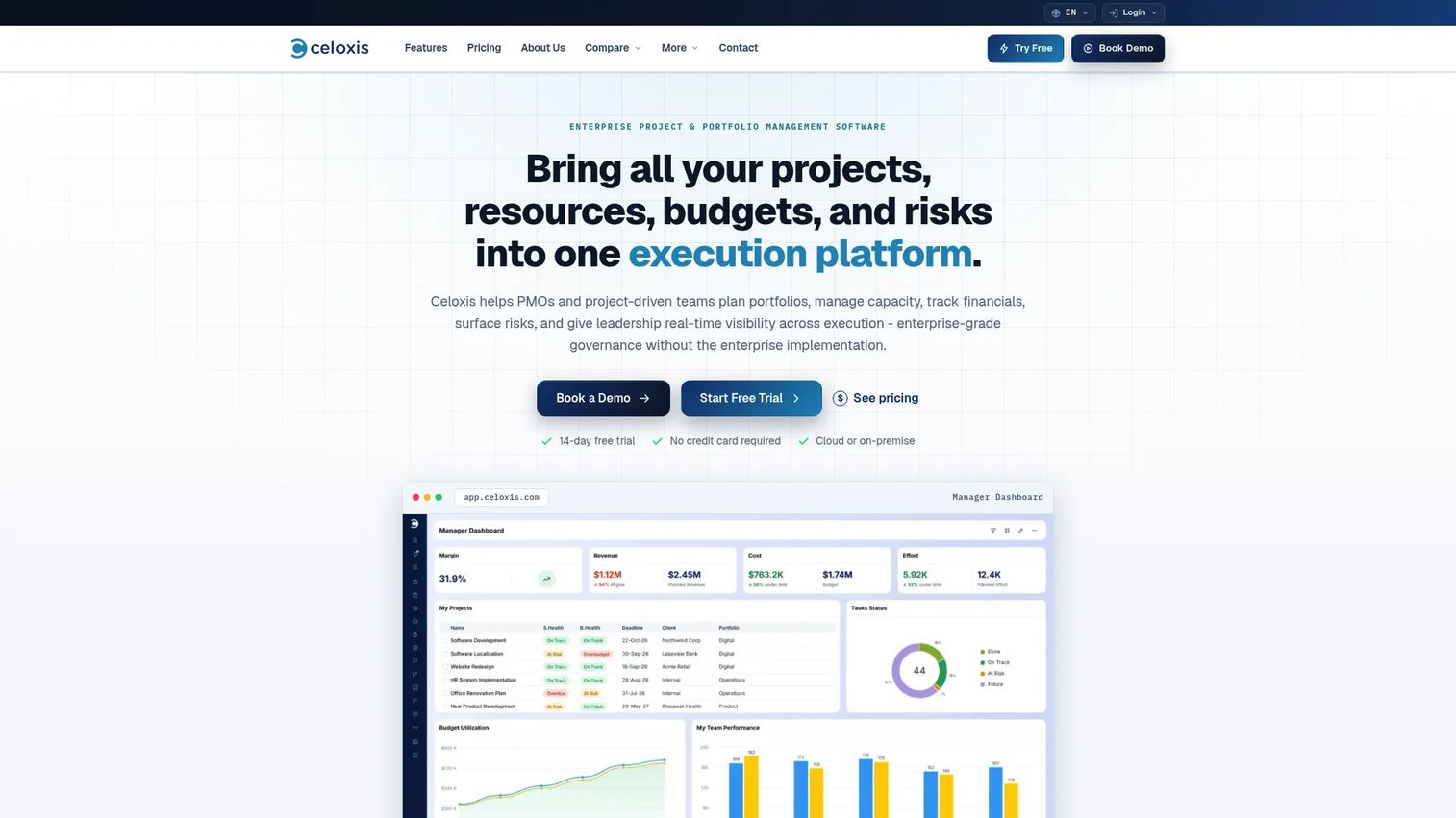
Celoxis is an enterprise project and portfolio management platform covering planning, resource management, financial control, workflows, and reporting. It positions itself as the operational layer for PMOs that have outgrown spreadsheet-heavy project controls, bringing cost, schedule, and resource data into a single portfolio view. For oil and gas teams managing multiple capital projects with contractor portals and executive dashboards, it covers more ground than most general-purpose tools at this price point.
Best for: PMOs managing multiple capital projects, contractor updates, budgets, and executive reporting.
Key features
- Portfolio dashboards with business-intelligence reporting
- Resource workload and capacity planning
- Timesheets, expenses, costing, and billing
- Project intake, risk, and issue management
- Client and contractor portals with collaboration tools
Why choose Celoxis: It fits organizations that need cost, schedule, and resource data connected without a full enterprise implementation. A 14-day free trial lets teams test the workflow before committing.
Celoxis pricing: Plans start at $10/user/month (Core, billed annually), with Essentials at $25, Professional at $35, and Business at $45. Enterprise is custom-priced. A minimum of five full-access users applies.
G2 rating: 4.6/5
2. Cora
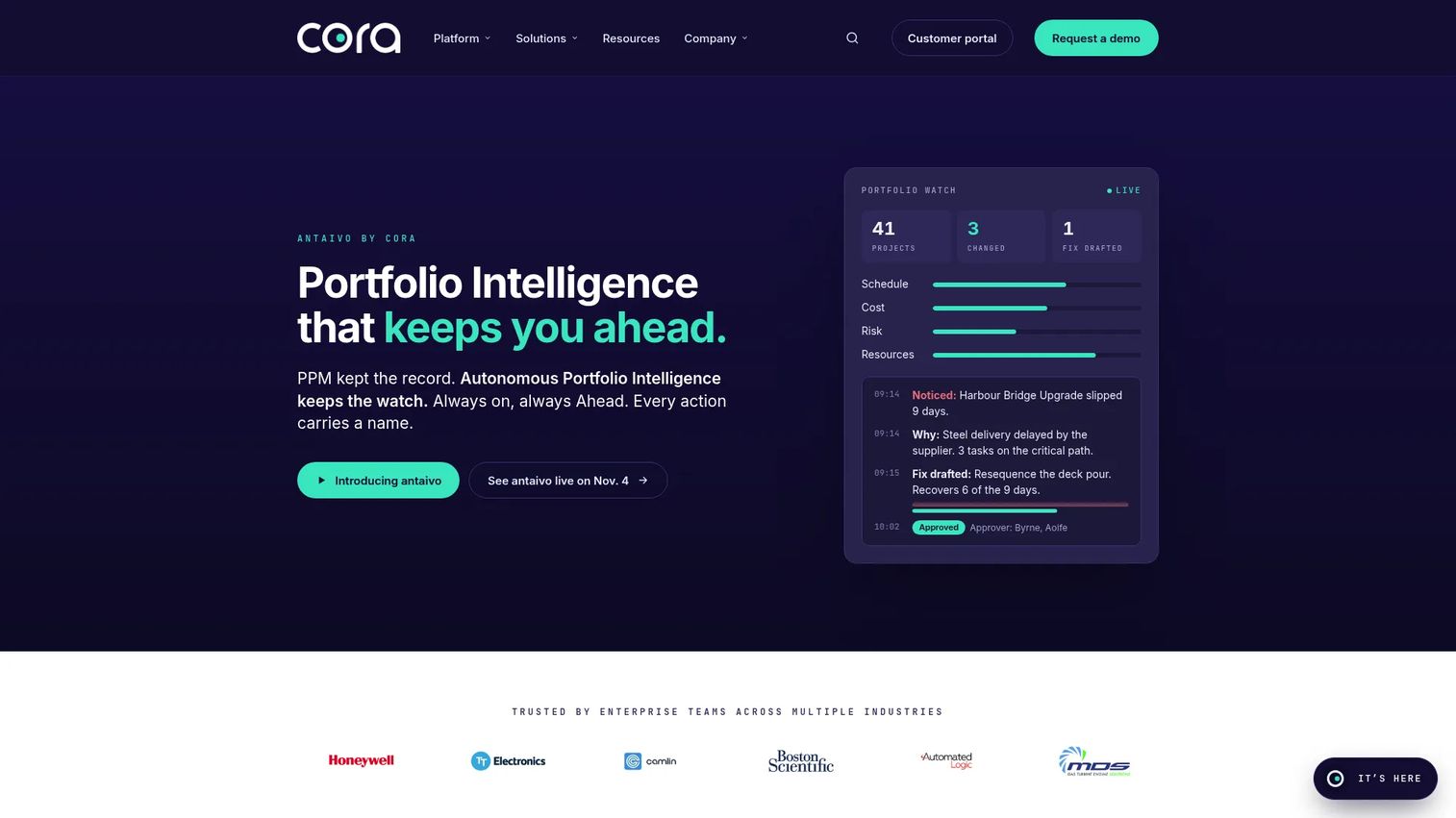
Cora provides enterprise project and strategic portfolio management for large, complex organizations. Its focus is the full capital program lifecycle: Investment prioritization, capital budgeting, scenario planning, portfolio risk, workforce capacity, and governance reporting. Oil and gas and energy companies use it when the problem extends beyond individual project delivery into how capital is allocated across a portfolio of competing initiatives.
Best for: Enterprise PMOs that need capital project governance across a program portfolio.
Key features
- Strategic alignment and project prioritization
- Scenario planning and portfolio comparison
- Resource and capacity planning
- Financial, cost, and schedule management
- Risk, issue, and opportunity management
Why choose Cora: Choose it when the real question is not just "are projects on schedule" but "are we funding the right projects and can we see portfolio-level risk." It addresses capital project management governance at a depth that general tools do not reach.
Cora pricing: Pricing is available directly from Cora's team. No numerical tiers appear on the product pages; this is a sales-led buying motion typical of enterprise portfolio software.
G2 rating: 4.1/5
3. ALICE
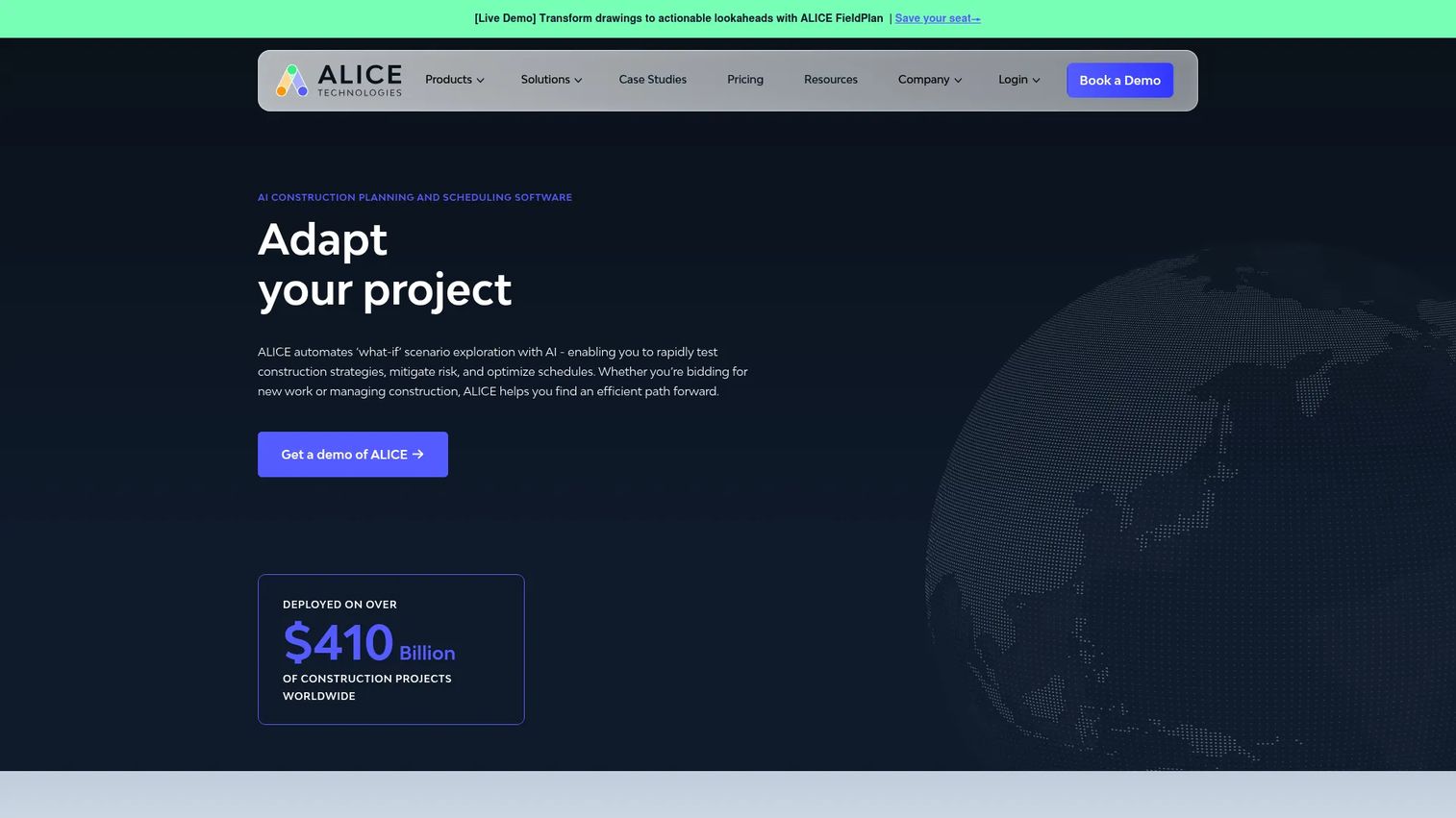
ALICE Technologies is an AI-powered construction optioneering and scheduling platform for industrial and capital construction projects. Where most scheduling tools produce a single schedule, ALICE generates multiple schedule options, simulates resource and sequence trade-offs, and identifies the plan most likely to hit the target date. Oil and gas construction teams use it for EPC projects, pipeline construction, LNG facilities, and refinery work where a single schedule failure is expensive.
Best for: Oil and gas construction teams modeling schedule options before and during execution on complex capital projects.
Key features
- Generative construction scheduling and scenario simulation
- Schedule optimization and targeted acceleration
- Resource allocation and leveling
- Construction sequencing and risk management
- Integration with Microsoft Project and Primavera P6
Why choose ALICE: Use it when a single baseline schedule is not enough. The "what-if" planning capability reduces schedule risk before crews mobilize, and the delay recovery modeling supports fast decisions when something goes wrong on site.
ALICE pricing: Custom pricing based on project size and scope. Prospects request a quote directly from ALICE Technologies.
4. Businessmap
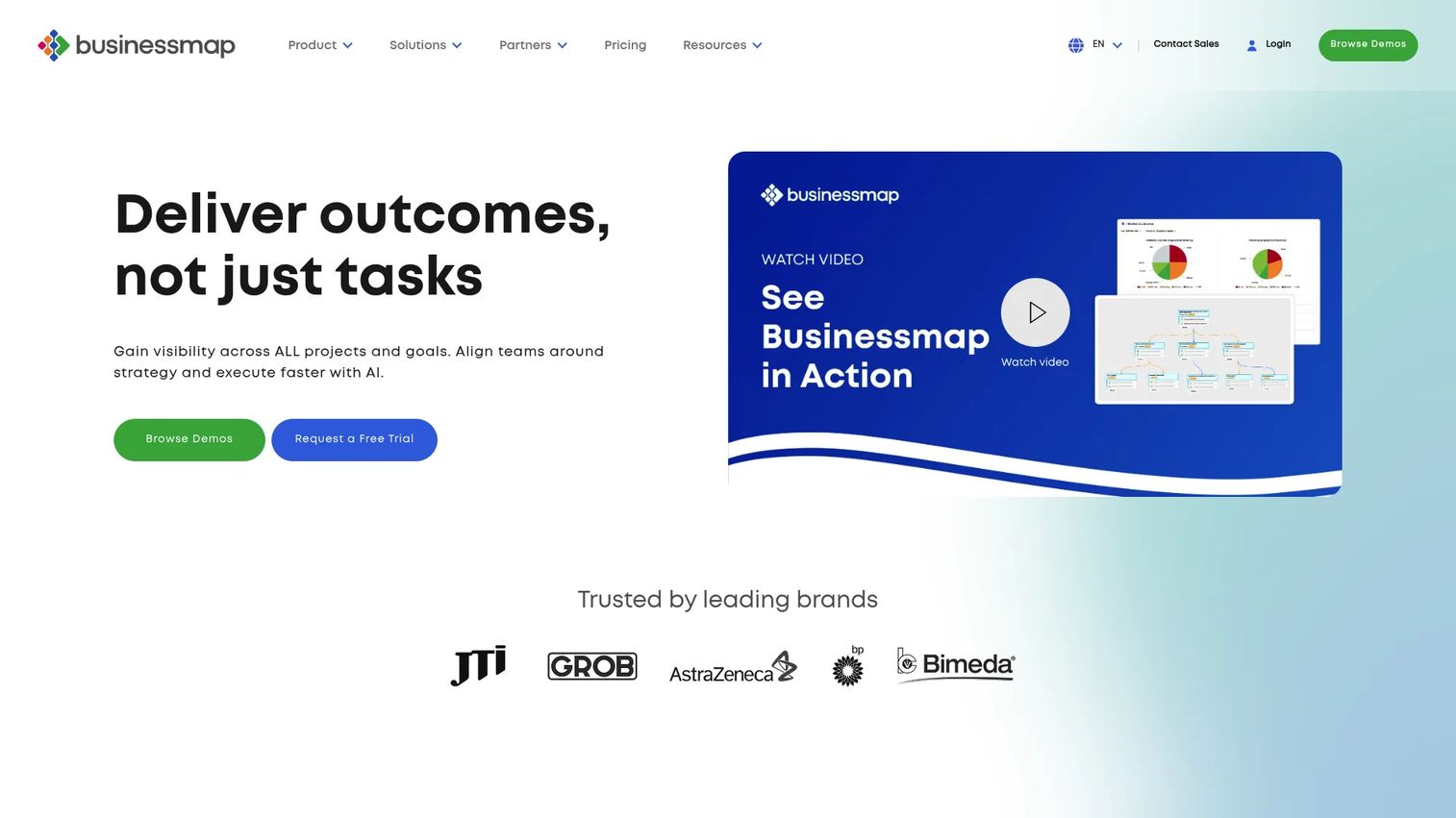
Businessmap connects strategy, projects, workflows, and execution in a single portfolio platform. It uses Kanban-style portfolio boards, dependency mapping, OKR visualization, and workflow analytics to give leaders a view of how strategic initiatives connect to operational delivery. For oil and gas teams moving from disconnected spreadsheets toward structured portfolio visibility, it provides a practical step up without a full enterprise implementation.
Best for: Teams that need portfolio visibility and workflow control across upstream, midstream, downstream, or energy initiatives without deep construction-scheduling capability.
Key features
- Portfolio Kanban boards with OKR and KPI visualization
- Dependency mapping across initiatives
- Scenario planning and workflow analytics
- Audit trails and process analytics
- AI tools and integrations
Why choose Businessmap: It fits leaders who want to see how strategic investments connect to execution across multiple business units. The audit trail and dependency mapping are particularly useful for application portfolio management in complex organizations.
Businessmap pricing: Two tiers (Standard and Enterprise) with pricing available on request. No numerical figures appear on the pricing page.
G2 rating: 4.0/5
5. Primavera P6
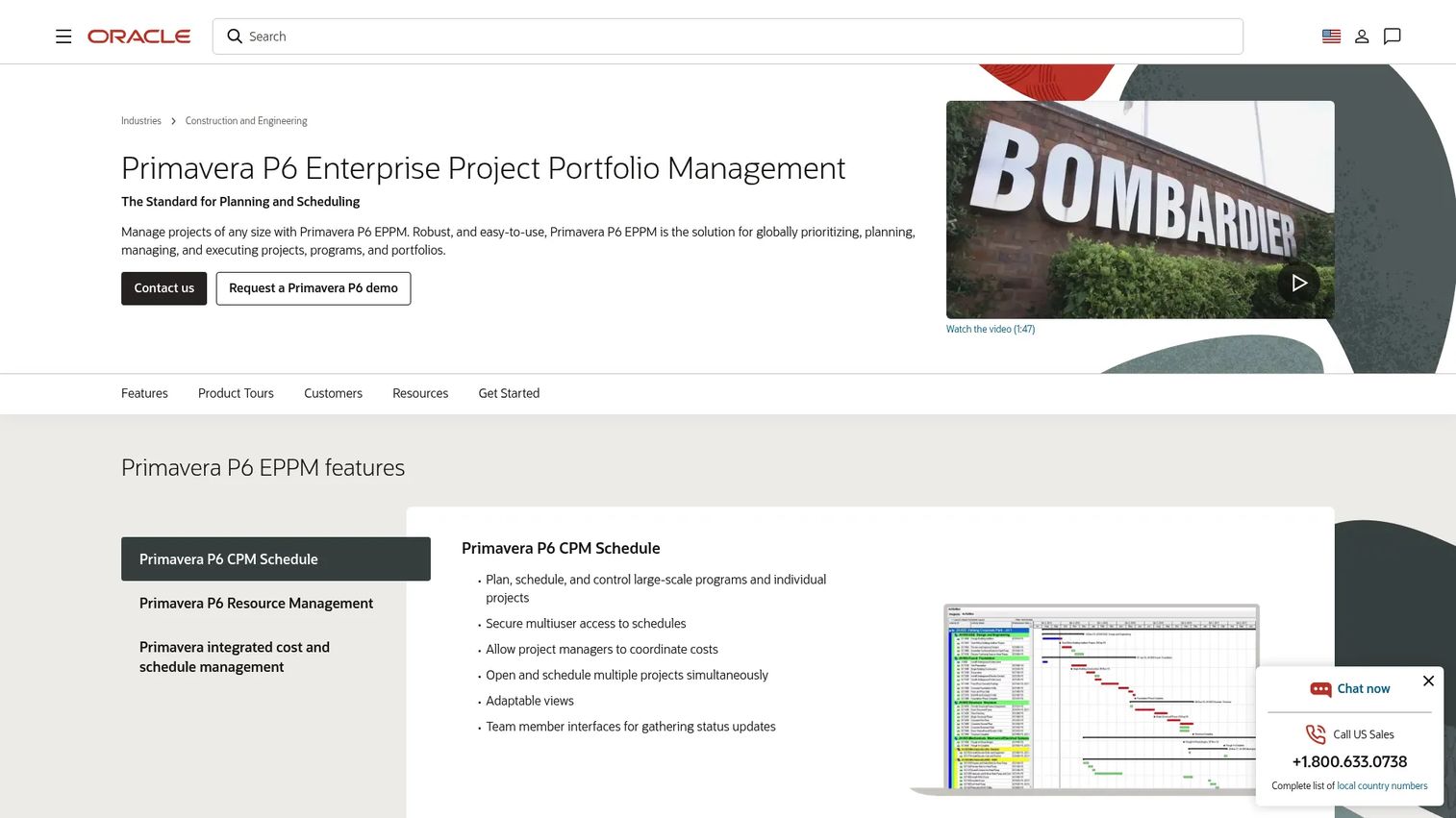
Oracle Primavera P6 EPPM is the enterprise project controls standard for large construction, engineering, and infrastructure programs. It handles CPM scheduling, resource-loaded schedules, baseline management, progress tracking, and portfolio reporting for multi-project environments. Many EPC firms, capital project owners, and oil and gas operators already have P6 skills and existing data in the platform, which reduces the risk of switching costs.
Best for: EPC and capital project teams with mature project controls processes and existing P6 skills or dependencies.
Key features
- Critical path method scheduling for large-scale programs
- Resource-loaded schedules with demand and utilization analysis
- Integrated cost and schedule management
- Baseline management and progress tracking
- Portfolio and program management
Why choose Primavera P6: Choose it when schedule rigor, project controls discipline, and industry familiarity matter more than lightweight collaboration. If your organization already runs on P6, the switching cost of moving elsewhere often outweighs any feature comparison.
Primavera P6 pricing: The cloud service is listed at $275/hosted named user, with a Progress Reporter option at $30/hosted named user. P6 Professional is licensed separately. Confirm current Oracle packaging before purchasing, as pricing documents update.
6. Microsoft Project
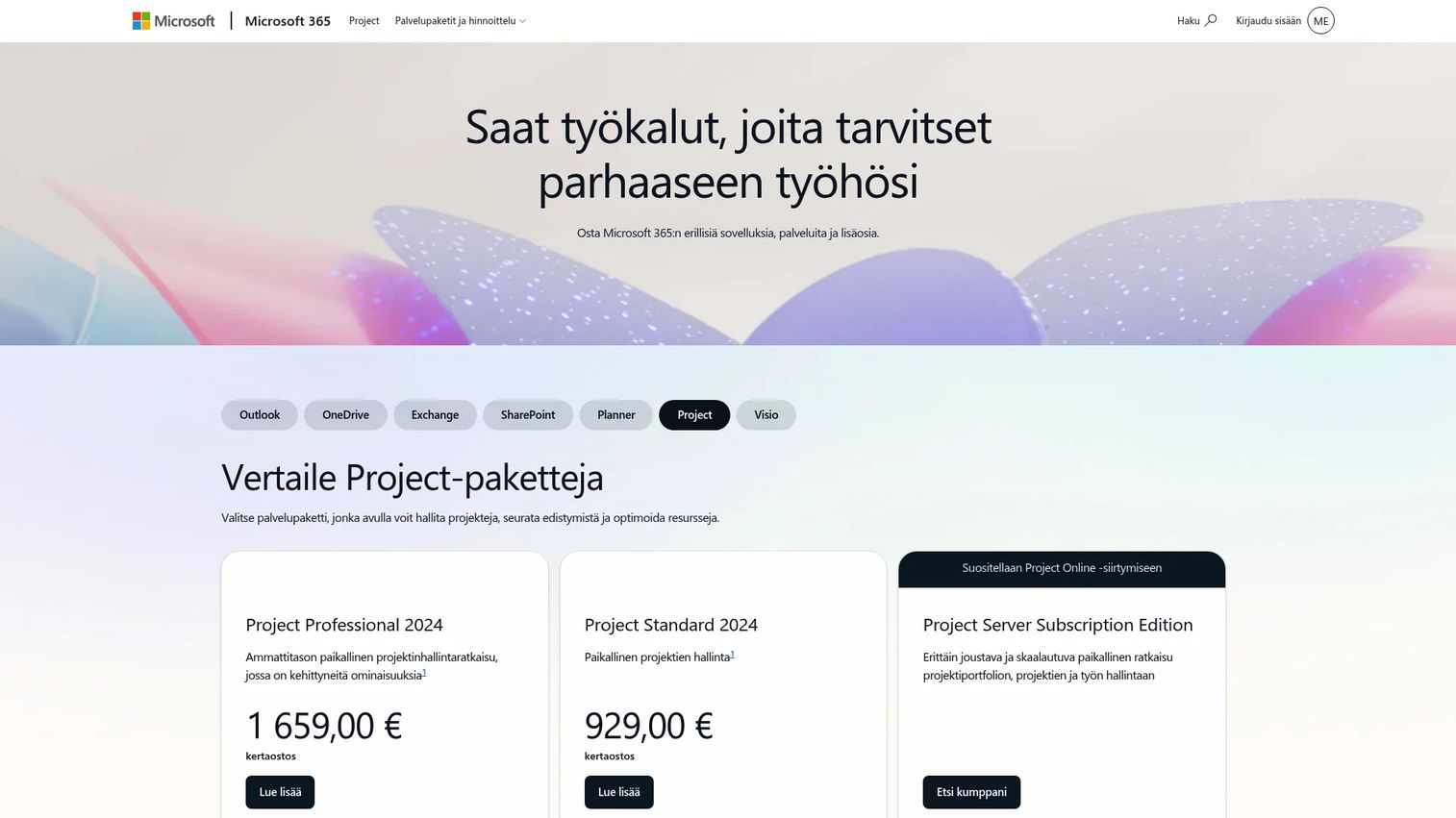
Microsoft Project is project scheduling and portfolio management software positioned inside the Microsoft 365 stack. It covers Gantt scheduling, task dependencies, resource planning, budgeting, portfolio views, and Power BI reporting. For oil and gas teams already standardized on Microsoft tools, it offers familiar interfaces and deep integration with the broader Microsoft infrastructure.
Best for: Oil and gas teams already using Microsoft 365 who need structured schedule planning without changing the underlying stack.
Key features
- Gantt and timeline views with task dependencies and milestones
- Resource management, costing, and budgeting
- Portfolio views and roadmap planning
- Power BI integration for executive reporting
- Microsoft 365 integration across Teams and SharePoint
Why choose Microsoft Project: It reduces adoption friction for Microsoft-standardized organizations. Note that Microsoft has been consolidating Project and Planner; confirm current product names and packaging directly with Microsoft before purchasing, as Plan 5 was listed as moving to end of sale in May 2026.
Microsoft Project pricing: Planner Plan 1 starts at $10/user/month (paid yearly). Plan 3 is $30/user/month and Plan 5 is $55/user/month. One-time purchase options for Project Standard 2024 ($679.99) and Project Professional 2024 ($1,129.99) are also available.
G2 rating: 4.0/5
7. Smartsheet
Smartsheet is an AI-powered work management platform that appeals to teams moving from static spreadsheets to live project trackers with automation. It supports grid, Gantt, board, and calendar views, layered with forms, approval workflows, dashboards, and portfolio reporting. Oil and gas teams use it for action tracking, turnaround coordination, field reporting, and cross-functional visibility where full project controls depth is not required.
Best for: Teams replacing static spreadsheets with live project trackers, approval workflows, and executive dashboards.
Key features
- Grid, Gantt, board, and calendar views
- Forms, approvals, and automated workflows
- Project dashboards and portfolio reporting
- Workload tracking across resources
- AI-powered insights and broad integration library
Why choose Smartsheet: Choose it when spreadsheet familiarity matters but the team needs workflow automation and real-time reporting. It is stronger for coordination, action tracking, and turnaround management than for deep EPC project controls.
Smartsheet pricing: Pro plan starts at $9/user/month (billed yearly). Business is $19/user/month. Enterprise and Advanced Work Management use custom pricing. A free trial is available, and free users can collaborate on shared sheets.
G2 rating: 4.4/5
8. Monday.com
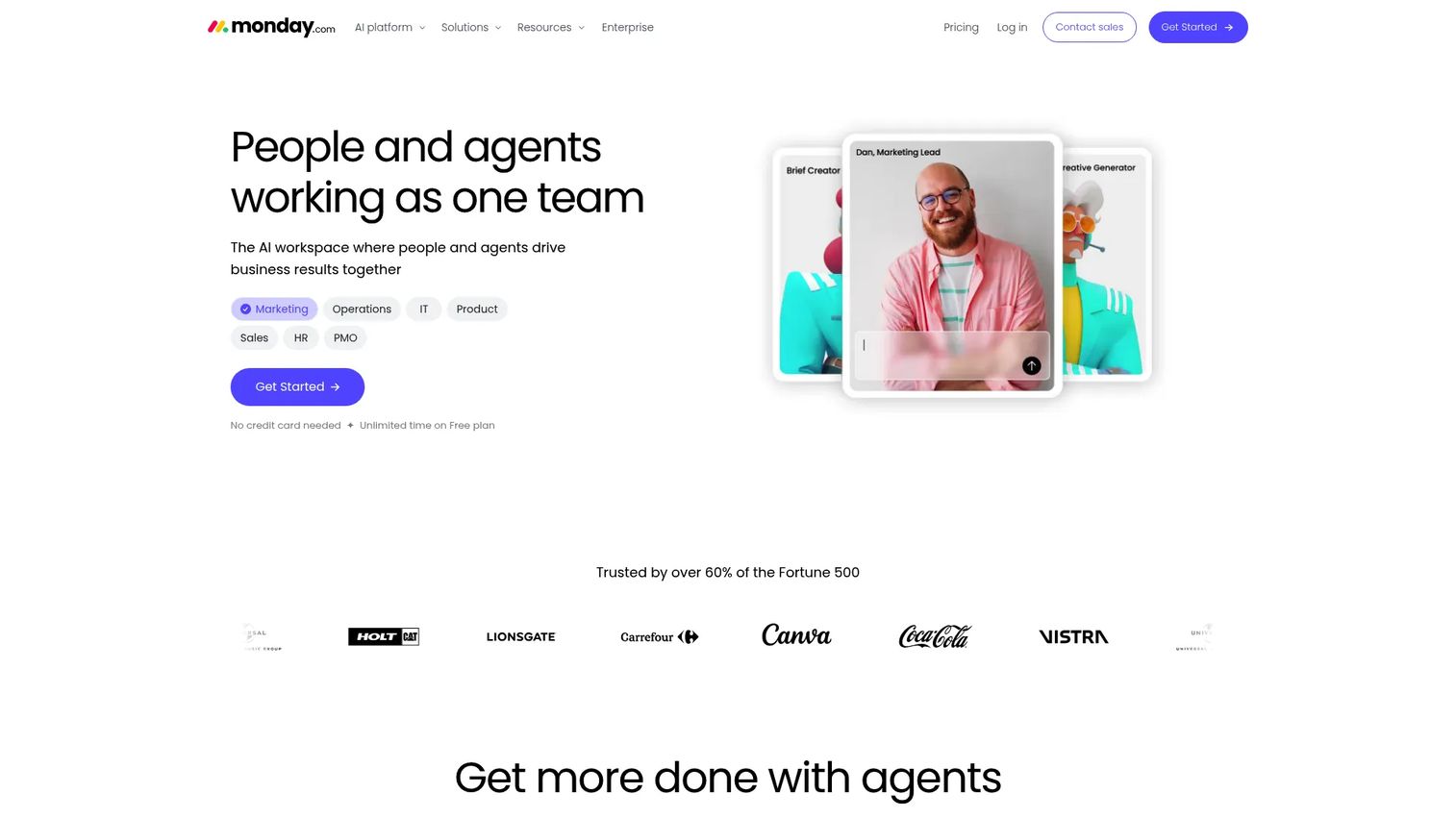
Monday.com is a visual work management platform for cross-functional coordination, project tracking, and workflow automation. It provides customizable boards, 200+ templates, automations, dashboards, and integrations across business, CRM, and development use cases. Energy and operations teams use it when the core problem is team visibility and coordination rather than engineering project controls.
Best for: Operations, project, and business teams coordinating work across functions where status visibility and approvals are the priority.
Key features
- Customizable visual project boards
- Workflow automations and trigger-based notifications
- Forms and request management
- Dashboards with cross-board reporting
- 200+ integrations across the business stack
Why choose Monday.com: Best when the problem is coordination and status visibility across multiple teams. It is stronger for business operations than for deep EPC scheduling, and the free plan lets small teams start without a budget commitment.
Monday.com pricing: Free plan available. Basic starts at $9/seat/month (billed annually). Pro is $28/seat/month. Enterprise pricing requires a quote from Monday.com's sales team.
G2 rating: 4.7/5
9. Wrike
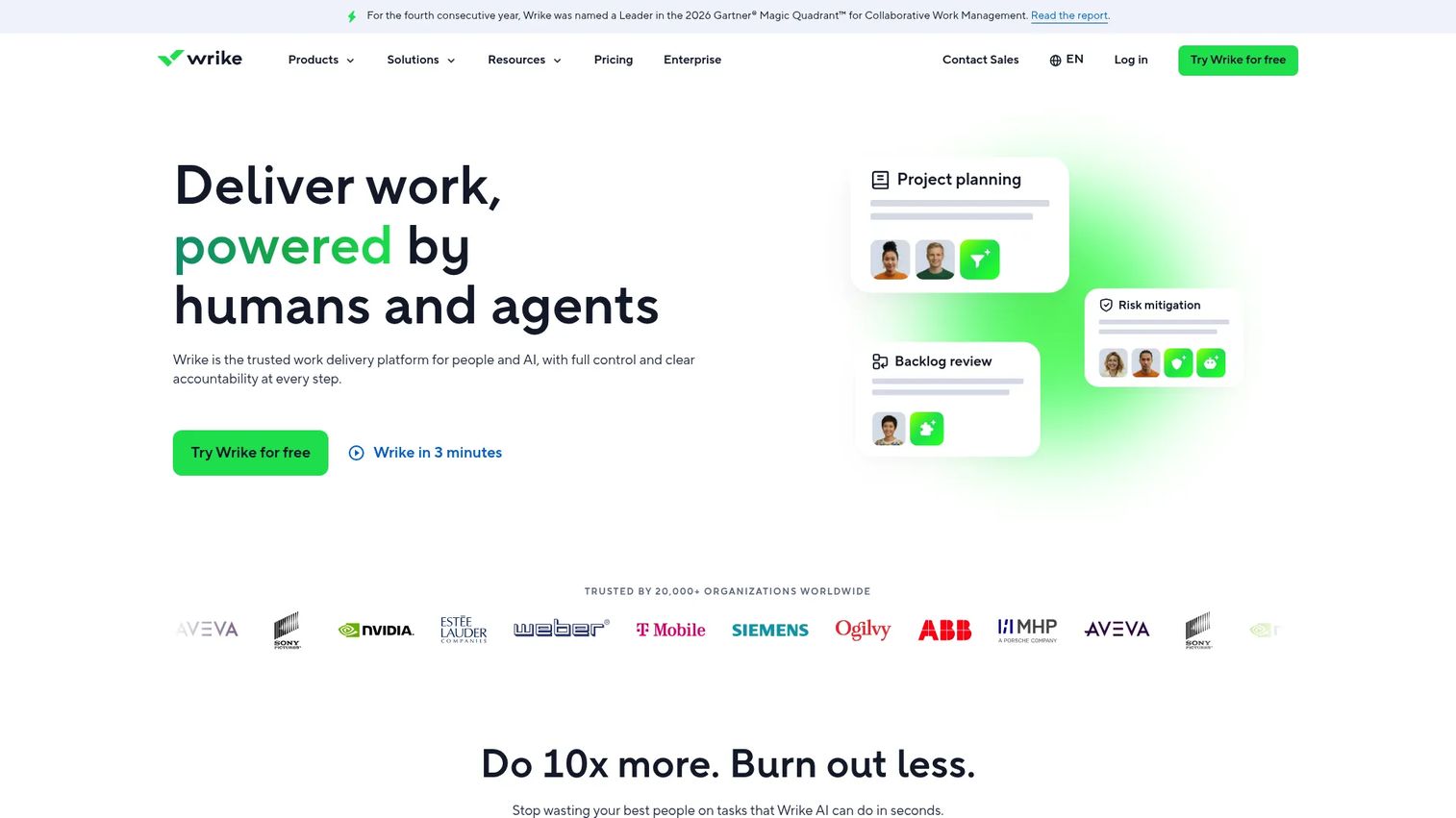
Wrike is an enterprise collaborative work management platform with structured workflows, request forms, approval paths, dashboards, and permission controls. It suits organizations that need governed intake, structured collaboration, and reporting visibility across many internal groups. Energy companies use it for project coordination, document approvals, and cross-departmental task management.
Best for: Enterprise teams needing governed workflows, structured intake, and cross-team approval visibility.
Key features
- Custom request forms and dynamic intake workflows
- Approval workflows with multi-stage routing
- Interactive Gantt charts and multiple project views
- Dashboards, reporting, and advanced analytics
- Time tracking, resource planning, and permission controls
Why choose Wrike: Choose it when structured intake control and approval governance matter more than construction scheduling depth. It is not a substitute for EPC project controls, but it handles complex enterprise collaboration well.
Wrike pricing: Free plan available. Team plan is $10/user/month (billed annually). Business is $25/user/month. Pinnacle and Apex plans require contacting Wrike for pricing.
G2 rating: 4.2/5
10. ClickUp
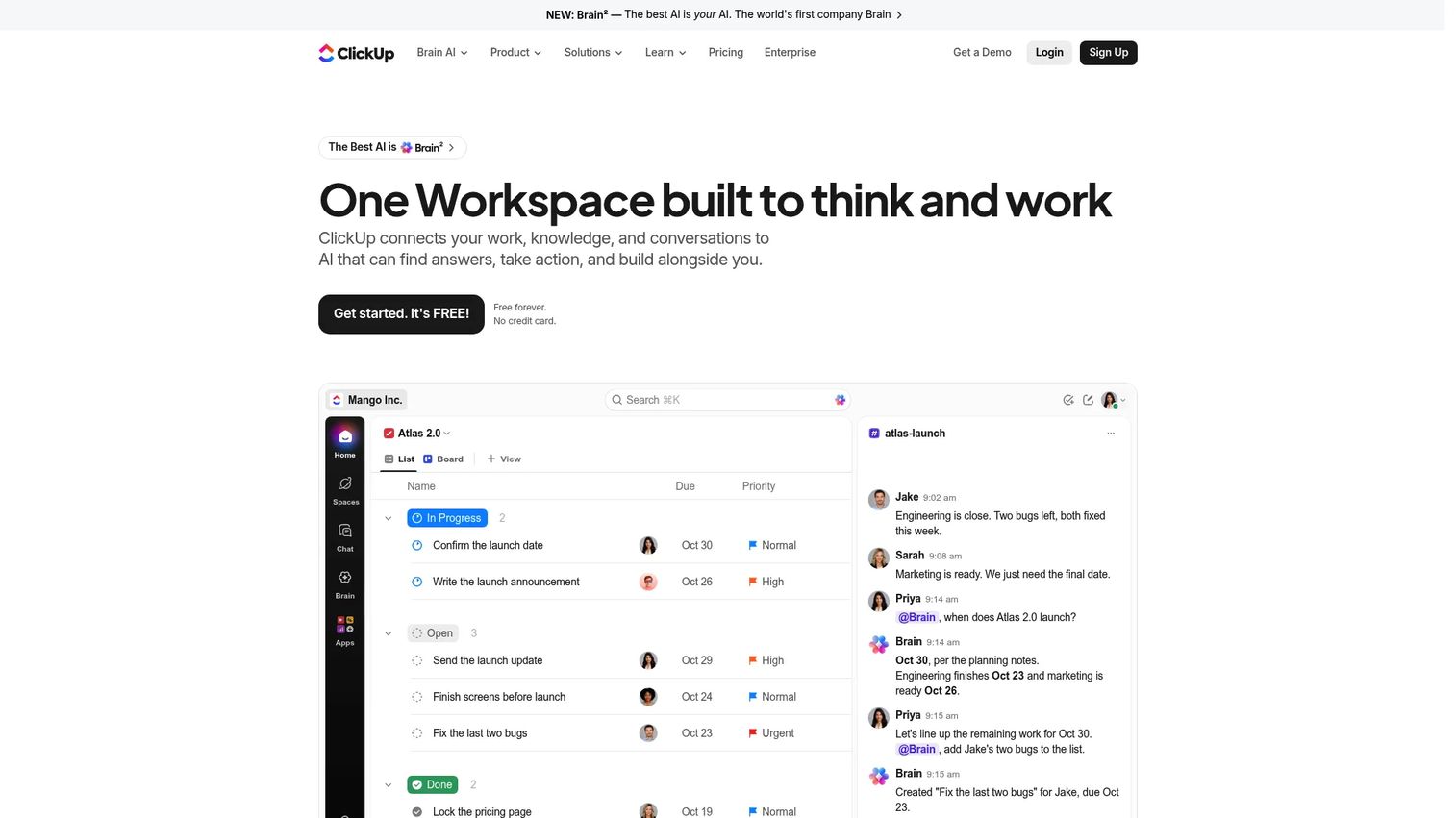
ClickUp is an all-in-one work management platform combining tasks, projects, docs, chat, goals, dashboards, automations, and AI in a single workspace. It is built for teams that want flexibility and breadth without switching between multiple tools. Oil and gas teams use it for internal project coordination, documentation, and operational task management where a purpose-built controls platform is not needed.
Best for: Fast-moving project and operations teams that need flexible task and workflow tracking in a unified workspace.
Key features
- Task management with List, Board, Calendar, Gantt, and Timeline views
- Docs, wikis, Whiteboards, and collaborative Chat
- Goals, portfolios, dashboards, and automations
- Time tracking and custom fields
- AI-powered features across the workspace
Why choose ClickUp: Choose it for broad internal coordination and execution management. Specialized oil and gas project controls may require integrations with dedicated scheduling or ERP tools alongside ClickUp, so be clear about that boundary before rollout.
ClickUp pricing: Free Forever plan available. Unlimited plan is $7/user/month (billed yearly). Business is $12/user/month. Enterprise requires contacting sales.
G2 rating: 4.6/5
11. Asana

Asana is a work management platform focused on task ownership, milestone visibility, cross-functional coordination, and workflow automation. It provides clean list, board, calendar, timeline, and portfolio views with forms, rules, templates, and reporting dashboards. Energy teams use it for lighter project coordination, action tracking, and team alignment where adoption speed matters.
Best for: Teams that need clear task ownership and milestone visibility with fast adoption across departments.
Key features
- Task and project management with subtasks and dependencies
- Timeline, Gantt, portfolio, and board views
- Custom fields, forms, rules, and automation
- Reporting dashboards and status updates
- Integration with common business tools
Why choose Asana: Choose Asana when adoption speed and cross-functional coordination are the primary drivers. Avoid positioning it as a deep project controls tool; it performs well for coordination-heavy work and executive reporting at the team level.
Asana pricing: Free Personal plan available for up to two users. Starter is $10.99/user/month (billed annually). Advanced is $24.99/user/month. Enterprise and Enterprise+ require contacting sales.
G2 rating: 4.4/5
12. Zoho Projects
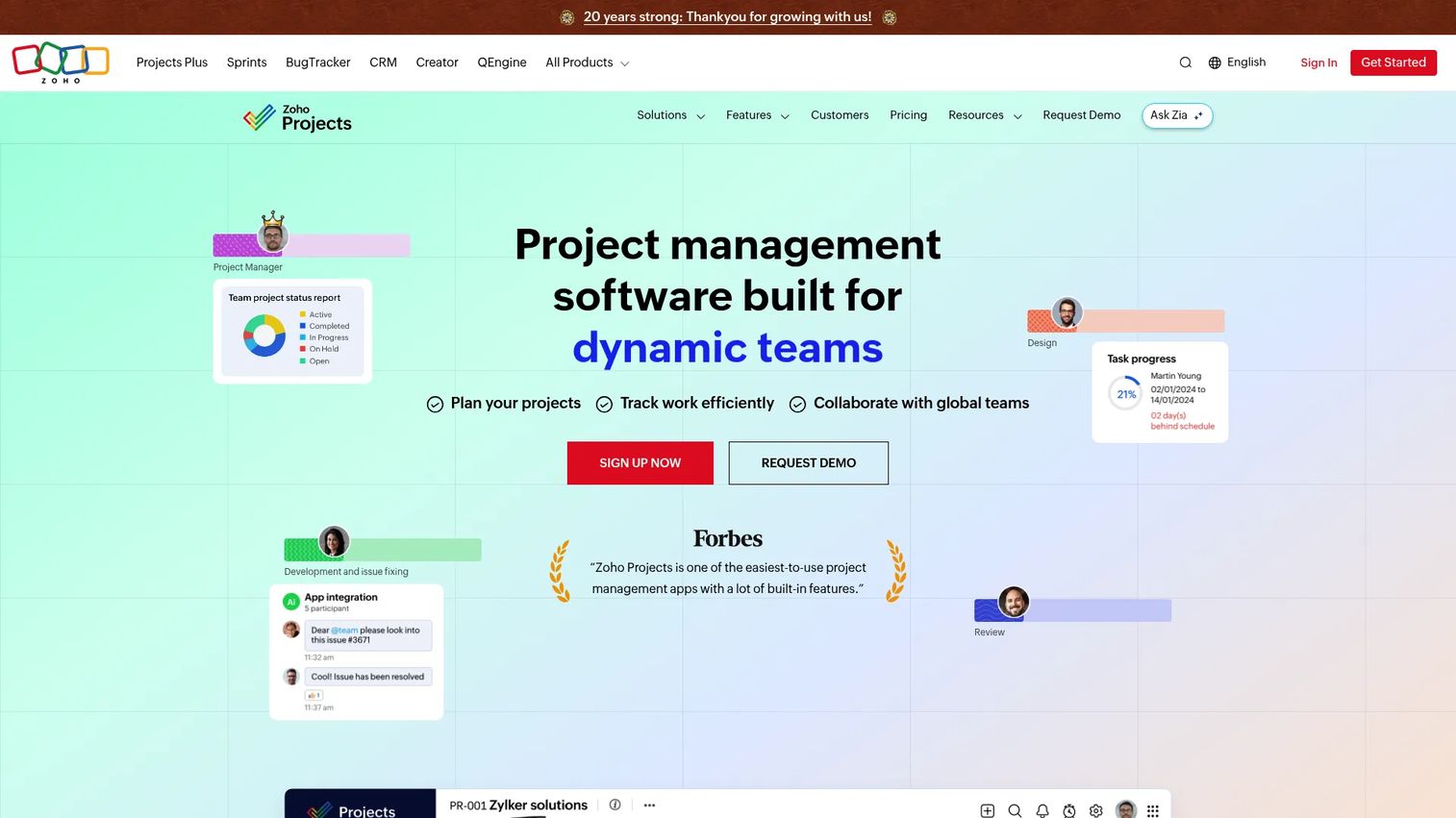
Zoho Projects is cloud-based project management software inside the Zoho suite, covering task tracking, milestones, Gantt charts, time tracking, issue management, budgeting, and workflow automation. It is a cost-competitive option for smaller teams or organizations already running on Zoho CRM, Books, or Desk who want project tracking without adding another vendor.
Best for: Smaller teams or cost-conscious groups already using Zoho who need structured project tracking without a major new vendor relationship.
Key features
- Task tracking with subtasks, dependencies, and Kanban views
- Gantt charts, critical path, and baselines
- Time tracking, timesheets, and budgeting
- Issue management and workflow automation
- Integration across the Zoho suite
Why choose Zoho Projects: Strong fit when budget and existing Zoho adoption drive the decision. For complex capital portfolio governance without additional tooling, the depth may not meet the requirement.
Zoho Projects pricing: Free plan for up to five users and three projects. Premium is $4/user/month (billed annually). Enterprise is $9/user/month and Ultimate is $14/user/month.
G2 rating: 4.4/5
13. Petrofly
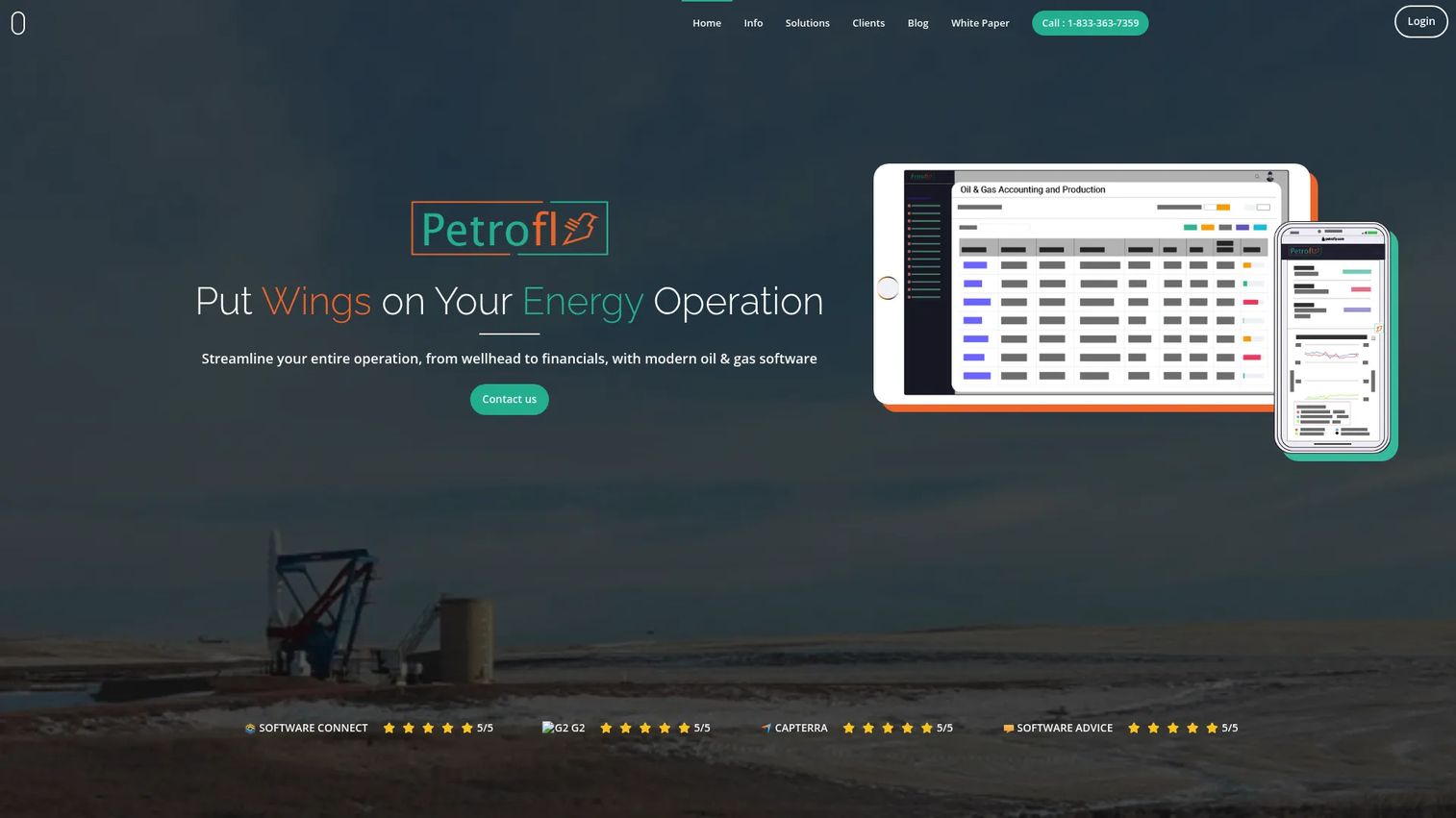
Petrofly provides customizable cloud or on-premise software specifically for oil and gas operations, covering production management, joint interest billing, royalty payments, accounting, inventory, fixed assets, and project management. The project management module includes budgeting and critical-path tools within the broader operational context of a petroleum business.
Best for: Oil and gas operators who need production, accounting, and project management in a single vertically integrated platform.
Key features
- Oil and gas production management
- Joint interest billing and royalty payments
- Integrated accounting with accounts payable and receivable
- Inventory management with purchase and sales orders
- Project management with budgeting and critical-path tools
Why choose Petrofly: Choose it when the organization needs both back-office petroleum operations and project tracking under the same platform. The vertical-specific workflows reduce the configuration effort required compared to adapting a generic PM tool for petroleum operations.
Petrofly pricing: Pricing is available by contacting Petrofly's sales team directly. The platform is customized to each organization's scope and scale.
G2 rating: 5/5 (reported on Petrofly's homepage; an independent G2 profile was not verified during this review)
14. antaivo
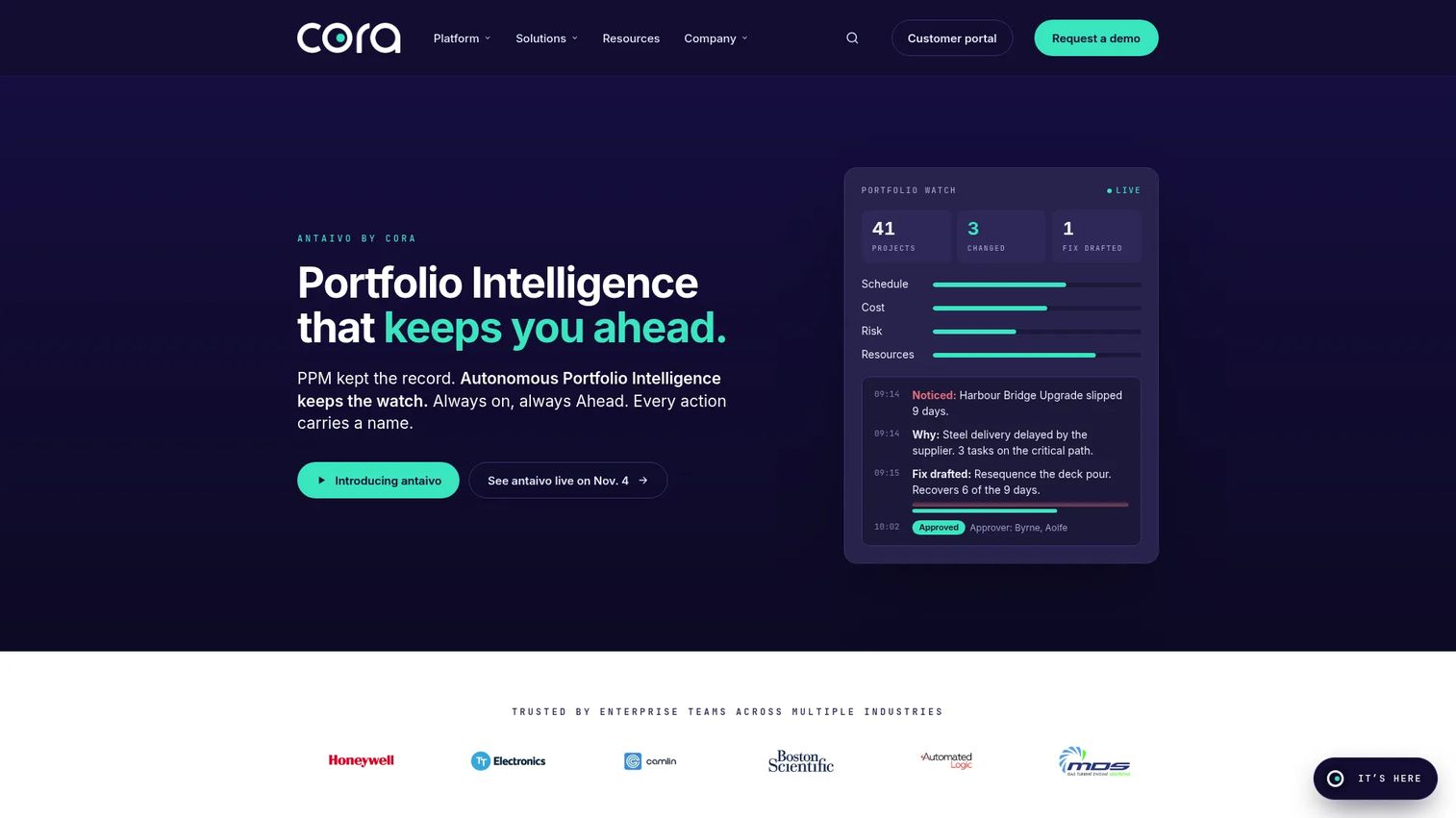
antaivo is an autonomous portfolio intelligence platform from the Cora Systems group, designed for organizations managing strategy, projects, finances, earned value, risks, and resources. It introduces the taivo AI assistant for portfolio recommendations and governance, with unlimited-user pricing across three tiers. Energy, government, and professional services organizations use it when they need AI-assisted portfolio oversight without per-seat cost pressure.
Best for: Enterprise organizations managing strategic portfolios, capital programs, or government contracts where earned value management and AI-assisted governance are priorities.
Key features
- Strategy execution and project tracking
- Earned value management (EVM)
- Financial management for budgets, forecasts, and actuals
- taivo AI assistant for portfolio recommendations
- Resource and capacity planning with dashboards and open API
Why choose antaivo: It fits organizations where unlimited-user access and AI-powered portfolio intelligence matter more than deep construction scheduling. The EVM capability is relevant for capital project organizations that report performance against planned value baselines.
antaivo pricing: Three tiers (Standard, Premium, and Enterprise) with unlimited users. Pricing is available directly from the sales team. No numerical figures appear on the pricing page.
G2 rating: Not currently rated on G2.
15. Intergraph Smart Construction
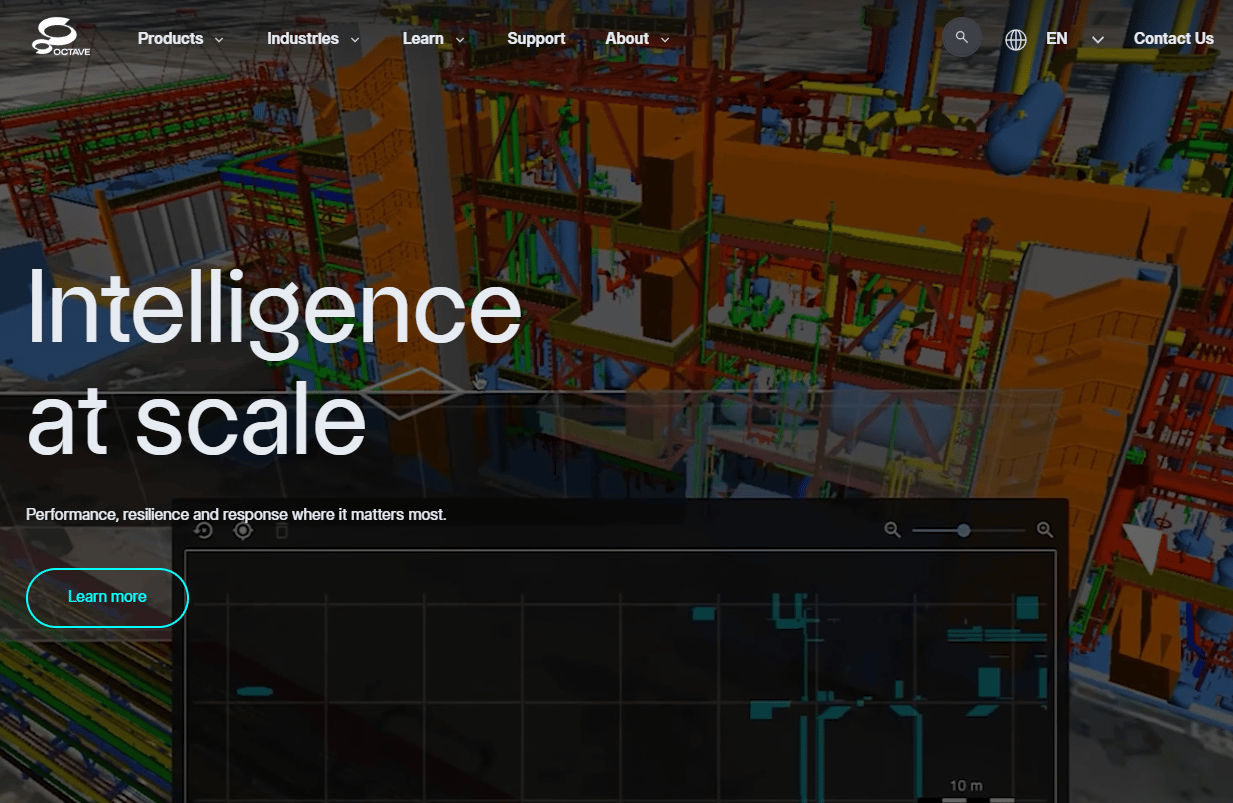
Intergraph Smart Construction is a Hexagon product for workface planning and construction execution in industrial environments. It manages work packages, construction resources, materials, schedules, and field progress, with 3D model visualization and integration into project controls and scheduling systems. EPC firms and construction-phase project management offices use it when work package readiness and field execution determine schedule outcomes.
Best for: EPC and construction teams managing work packages, material readiness, and field execution on industrial construction projects.
Key features
- Work package planning with project controls integration
- Construction resource, material, and schedule management
- 3D model and drawing visualization with 4D animation
- Real-time material forecasting, status, and reservation
- Mobile field progress tracking, including offline capability
Why choose Intergraph Smart Construction: It is more specialized than general task tools. The work package planning and material visibility capabilities are directly relevant for EPC construction phases and commissioning handover on refineries, LNG facilities, and large infrastructure projects.
Intergraph Smart Construction pricing: Pricing is sales-led and available from Hexagon directly. No numerical figures were found on the product pages during this review.
G2 rating: 3.6/5
16. GroundProbe SSR-Viewer
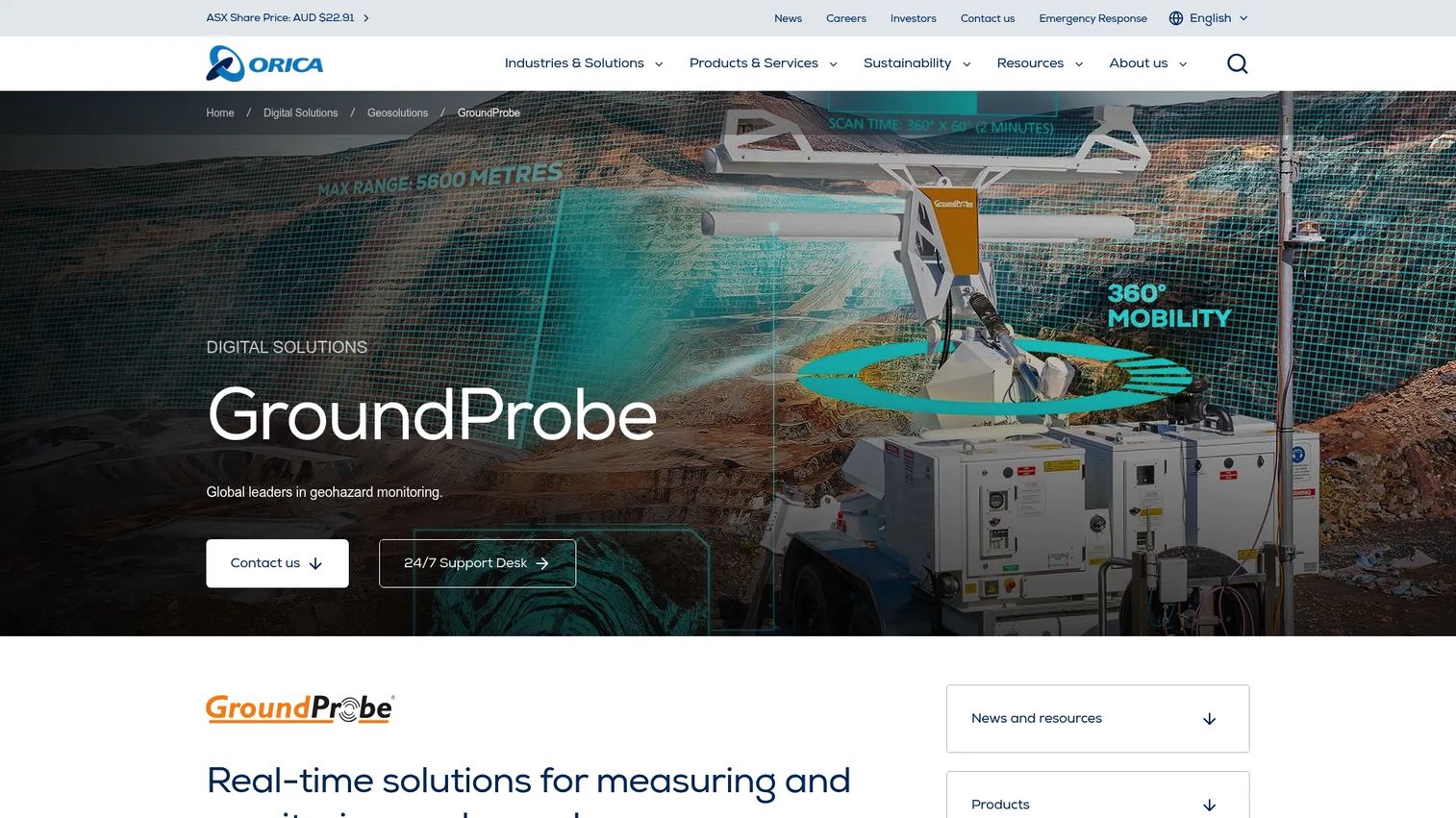
GroundProbe SSR-Viewer is specialized software for viewing, analyzing, and reporting slope-stability radar data from GroundProbe monitoring systems. It provides safety-critical monitoring, high-speed data processing, Plan View and Front View visualization, atmospheric correction, custom analysis charts, and automatic server backup. It is not a general project management platform.
Best for: Site teams that need geotechnical monitoring visibility where slope, wall, or landslide movement affects project safety and work planning.
Key features
- Safety-critical radar monitoring and data visualization
- High-speed data processing and long-term data storage
- Plan View and Front View site visualization
- Atmospheric correction and custom analysis charts
- Automatic server backup and radar health monitoring
Why choose GroundProbe SSR-Viewer: Include it as a specialized site-risk monitoring complement to a broader project management stack, not as a full PM system. Organizations managing open-pit operations, pipeline corridors, or slope-sensitive construction sites use it to integrate geotechnical risk signals into project decision-making.
GroundProbe SSR-Viewer pricing: Pricing is available directly from GroundProbe. No numerical figures appear on the product pages.
Considerations when choosing oil and gas project management software
Match the tool to the project type
A visual task board that works for internal coordination will not manage a refinery turnaround with 400 contractors and a fixed 21-day window. Before shortlisting, clarify whether the primary need is capital project controls, EPC construction scheduling, turnaround planning, portfolio governance, or lighter operational coordination. The right answer changes the category entirely.
Check schedule and cost integration
Oil and gas projects fail when schedule truth and cost truth live apart. Evaluate whether the platform connects schedules to budgets, change orders, resource forecasts, and risk registers in a live view. A tool that requires manual exports to produce a budget-at-completion figure will create the same problem as the spreadsheets it replaced.
Validate contractor and vendor workflows
Ask specifically how external users access the system, what permissions control their view, and how approvals and progress updates are tracked. Contract management and contractor transparency matter when multiple parties share a critical path and a delay from one party cascades to everyone else.
Confirm ERP, EAM, CMMS, and spreadsheet integration
Most oil and gas organizations already run on SAP, Oracle, Maximo, or Microsoft tools. The right project software should fit that stack rather than force a parallel system. Ask for specific connector documentation before shortlisting, not just a general claim of "integration support."
Test executive reporting before rollout
Buy decisions made on task views alone often fail. Test whether leadership can see portfolio risk, budget variance, forecast changes, and resource bottlenecks without waiting for a manual report. If the answer requires a BI export, factor that into the total implementation cost.
Conclusion
Oil and gas project software is not one category. The right shortlist depends on which failure mode is costing the team time or money right now.
For broad capital project control with portfolio dashboards, resource planning, and contractor portals in one place, Celoxis is the strongest starting point. Cora fits organizations where capital allocation decisions and investment prioritization are the core governance challenge. ALICE belongs on any shortlist where construction scheduling and simulation are the differentiator between a project that finishes on time and one that needs a recovery plan.
Primavera P6 remains the project controls standard for EPC and capital project teams with existing skills and data in the platform. For lighter coordination, action tracking, and cross-functional reporting, Smartsheet, Monday.com, ClickUp, and Asana all offer capable options at accessible price points, with free plans to test adoption before committing. Intergraph Smart Construction and GroundProbe SSR-Viewer are specialized tools that complement a broader stack rather than replace it.
Pick the tool that fits the operating model you have today and can scale to the one you are building toward.
If your team sells complex software and needs prospects to understand it faster, interactive demos can help buyers experience the product before a live call. Start your journey with Guideflow today!
FAQs
Oil and gas project management software helps energy, EPC, and operations teams plan, schedule, budget, execute, and report on complex projects. It covers capital project controls, contractor coordination, risk management, portfolio governance, and integration with ERP, EAM, and CMMS systems across upstream, midstream, and downstream environments.
The most important capabilities are portfolio visibility across sites and assets, resource-loaded scheduling, CAPEX and forecast tracking, contractor access with role-based permissions, risk registers, and executive dashboards that update from live project data. Integration with ERP and asset-management systems is a practical requirement for most operators.
Generic tools can handle coordination, action tracking, and lighter workflows well. Capital projects, EPC execution, and turnarounds typically need deeper scheduling controls, cost-schedule integration, and contractor governance that general platforms do not provide out of the box. The deciding factor is whether the team needs project controls rigor or project coordination.
ALICE is the strongest option for teams that need generative scheduling and construction simulation, where a single baseline is not sufficient. Primavera P6 covers critical path scheduling and resource-loaded plans for organizations with mature project controls processes. The choice comes down to whether the priority is schedule optioneering or established project controls rigor.
It connects CAPEX planning, budget tracking, investment prioritization, schedule forecasting, and portfolio governance in a live operating view. That connection means leadership sees current cost-at-completion and schedule variance without waiting for a manual report, which reduces the gap between data and decision.
Set up permission-based access so contractors see only the work packages relevant to their scope. Assign package ownership, route approvals through defined workflows, and require progress updates against the schedule rather than accepting status by email. Audit trails on approvals and submittals protect the project record when disputes arise.
Key integrations include ERP platforms (SAP, Oracle), EAM and CMMS systems (Maximo and similar), scheduling tools, document management systems, business intelligence platforms, and collaboration infrastructure. The integration requirement varies by organization, but most oil and gas operators need the project platform to read and write data into at least one existing enterprise system rather than operating in isolation.
Specialized tools fit capital-intensive, regulated, contractor-heavy environments where schedule rigor, cost-schedule integration, and contractor governance are non-negotiable. General tools fit internal coordination, action tracking, and teams that prioritize fast adoption and lower cost. A practical test: If a delay on this project generates a board conversation, it probably needs a specialized platform.