You open the center at 6:45 a.m. A parent texts asking why last month's invoice still shows a balance. Two staff members are marking attendance on a clipboard while the state ratio clock is already running. Three enrollment forms sit half-finished in a folder. And you have not even had coffee yet.
That is the real cost of running a childcare operation on paper, spreadsheets, and group texts: not one big failure, but a hundred small leaks that drain hours and revenue every single week. The global childcare management software market reached USD 218.2M in 2025 and is forecast to hit USD 386.8M by 2034 at a 6.37% CAGR, according to IMARC Group (2025). Around 59% of new daycare ventures in 2025 integrated digital management tools as core operational infrastructure from day one, per Coherent Market Insights (2026). Operators are not adopting software because it is trendy. They are adopting it because manual operations do not scale.
The question is no longer whether you need a system. It is which system fits your center's size, your billing model, and your appetite for hands-on support. If you evaluate software the way you would any other operational investment, the same discipline you would apply to reading a marketing automation buyer's guide or an event management comparison, you will land on the right platform faster. This guide gives you the shortcut.
What's inside
This guide is for daycare directors, preschool operators, and multi-site childcare owners choosing an operating system for their business, not a single-feature app. We focused on all-in-one childcare management software that handles the workflows that eat the most time: attendance and check-in, billing and tuition, parent communication, enrollment, reporting, and compliance.
We evaluated each platform on seven criteria: attendance tracking depth, billing automation, parent communication quality, enrollment management, reporting and compliance support, onboarding and customer support, and how well it scales from a single room to multiple sites. Pricing and ratings reflect verified, publicly available sources at the time of writing.
TL;DR
- Best all-in-one for established centers: Procare, with the deepest operations, billing, and compliance track record in the category.
- Best for automation and enrollment growth: Playground, with strong AI-assisted workflows and a director-first design.
- Best for detailed workflows and multi-site depth: ChildPilot, built for operators who want granular reporting and structured enrollment.
- Best for comparison shopping and small programs: MyKidReports, with transparent per-child pricing and a genuine free tier.
- Best for daily classroom simplicity: brightwheel, for fast-moving centers that live in the parent app.
- Best for parent experience and learning: HiMama, for teams that prioritize daily reports and family engagement.
- Best for family engagement at scale: Lillio, combining communication, operations, and curriculum in one platform.
What is childcare software?
Childcare software is a management platform that centralizes the daily operations of a daycare, preschool, or early education center, including attendance, billing, parent communication, enrollment, reporting, and compliance, into a single system.
The strongest platforms in this category, often called childcare management software or daycare management software, share a common set of capabilities. Here is what to expect from a complete system:
- Attendance tracking: Digital check-in and check-out for children and staff, with timestamps, signatures, and room-level ratio visibility.
- Billing and tuition: Automated invoicing, recurring tuition plans, online payments via ACH and card, autopay, and delinquency tracking.
- Parent communication: In-app messaging, daily reports, photo and video sharing, and a family portal or parent app.
- Enrollment management: Lead capture, inquiry forms, tour scheduling, digital registration, waitlists, and deposits.
- Reporting: Financial reports, attendance exports, and state-specific compliance documentation.
- Compliance: Ratio tracking, immunization records, subsidy management, and audit-ready recordkeeping.
- Support and onboarding: Data migration, implementation help, and training for staff and families.
Cloud-based platforms now account for 63% of the market, according to Coherent Market Insights (2026), reflecting how operators favor systems they can run from any device, in any room, without on-premise infrastructure. The same discipline that governs adjacent categories, from loyalty management to community management software, applies here: pick the platform that consolidates the most manual work into one place.
When to use childcare software
Not every center needs every module on day one. Here is how to know which pain point should drive your decision.
Replace paper attendance and manual check-in workflows
If your staff still tracks attendance on clipboards, you are exposed on two fronts: accuracy and compliance. State inspectors want defensible ratio records, and parents want to know their child arrived safely. Digital check-in and check-out captures timestamps and signatures automatically, updates room ratios in real time, and removes the transcription errors that creep in when someone copies a sign-in sheet into a spreadsheet at the end of the day.
Automate tuition, billing, and payment collection
Late payments are the quiet killer of childcare cash flow. If you are chasing balances by text and reconciling checks by hand, billing automation pays for the software on its own. Recurring tuition plans, autopay, ACH and card processing, and automated late-payment reminders reduce delinquency and cut the hours you spend on collections. For multi-site operators, consolidated billing across locations turns a weekly headache into a dashboard.
Centralize parent communication and enrollment
Missed messages erode trust, and paper enrollment packets stall growth. A family portal keeps daily reports, photos, and messages in one thread parents actually check. On the front end, digital registration and lead capture move prospective families from inquiry to enrolled without printing a single form. When communication and enrollment live in the same system as billing, you stop losing families in the gaps between tools.
Comparison table
The table below ranks the seven platforms by relevance to a general childcare operator searching for all-in-one software. Pricing reflects publicly available information; several vendors quote based on enrolled families and tuition revenue, so request a quote for an exact figure. Ratings are drawn from verified review sources.
| # | Product | Intent | Key use case | Pricing | G2 rating |
|---|---|---|---|---|---|
| 1 | Procare | Established all-in-one operations | Billing, attendance, and compliance at scale | Quote-based; Procare Touch hardware $1,363 one-time | 4.4/5 |
| 2 | Playground | Automation and enrollment growth | Director-first all-in-one with AI workflows | Free state-sponsored access in select states | 4.8/5 |
| 3 | ChildPilot | Detailed workflows and multi-site | Enrollment pipeline and deep reporting | Quote-based (Economy, Business, First) | Not listed |
| 4 | MyKidReports | Comparison shopping and small programs | Transparent per-child pricing | Free up to 5 children; $0.99/child/mo | Not listed |
| 5 | brightwheel | Daily classroom simplicity | Parent app and contactless check-in | Custom flat monthly rate | 4.5/5 |
| 6 | HiMama | Parent experience and learning | Daily reports and classroom documentation | Photo Plus add-on $2.99/mo | Not listed |
| 7 | Lillio | Family engagement at scale | Communication, operations, and curriculum | Request pricing | Not listed |
1. Procare
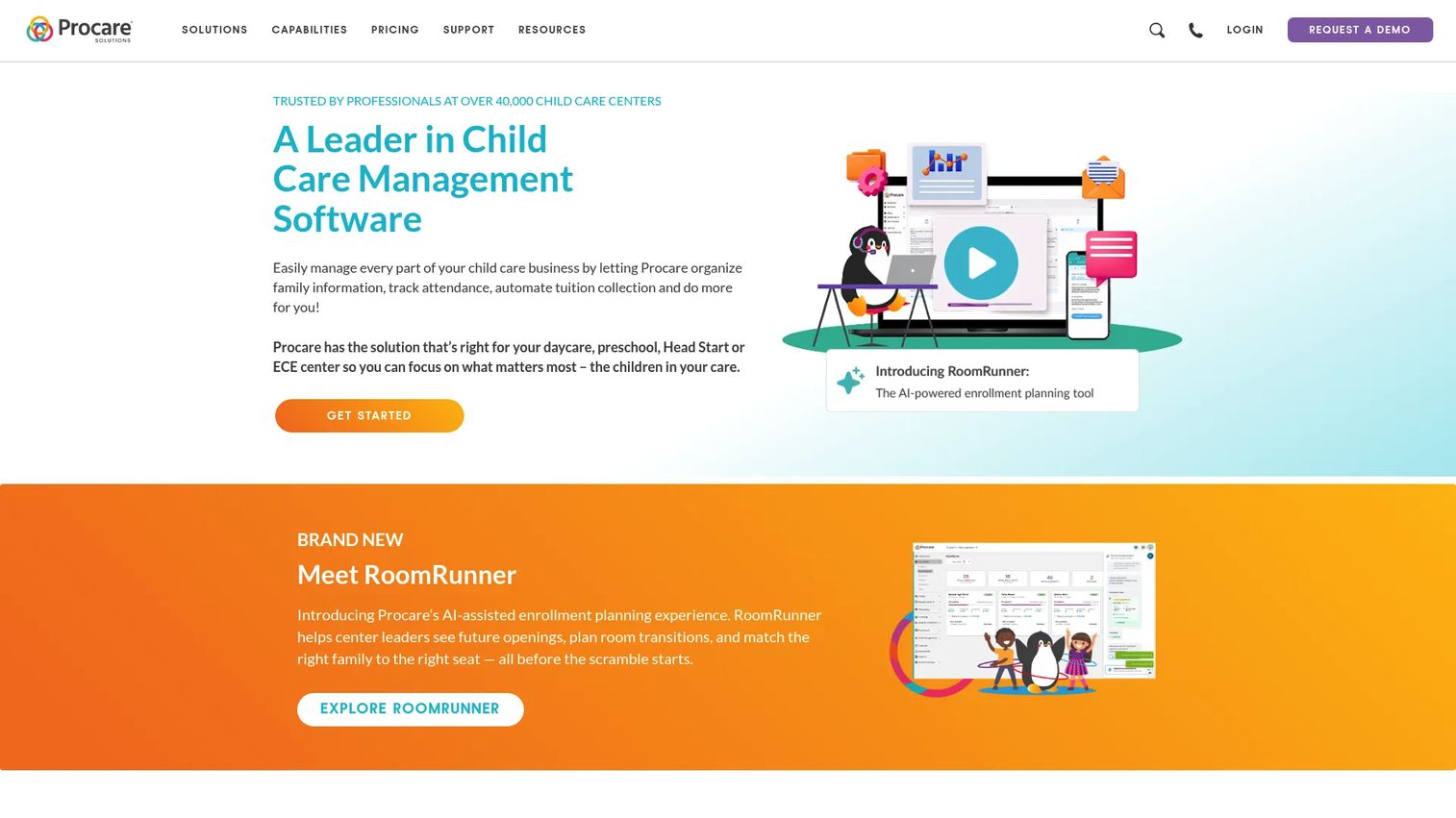
Procare is the longest-standing name in childcare management software, built for daycare, preschool, Head Start, and early education centers that need every operational workflow under one roof. It covers family information and registration, attendance tracking with check-in and check-out, and automated billing and tuition collection, with the kind of compliance and reporting depth that established multi-site operators lean on. If you want a single system of record that has been battle-tested across tens of thousands of programs, Procare is the incumbent to beat.
Best for: Established childcare centers and multi-site operators needing deep all-in-one operations, billing, and compliance.
Key strengths
- Automated billing and tuition: Recurring invoicing, online payments, and collections that reduce delinquency and manual reconciliation.
- Attendance and check-in: Digital check-in and check-out with room-level records that support ratio compliance.
- Family registration and communication: Centralized family information paired with parent-facing communication in one platform.
Why choose Procare: Procare fits operators who value maturity and breadth over a lightweight app. Its enrollment planning tooling and long compliance track record make it a safe choice for centers that cannot afford gaps in reporting or billing. The trade-off is that it is a fuller platform, so teams that want a bare-bones app may find it more than they need.
Procare pricing: Procare does not publish its core software subscription price; the site directs you to request a quote calibrated to your program. The one publicly listed figure is Procare Touch hardware at $1,363 as a one-time cost. There is no free tier. Request pricing directly through Procare for an accurate software quote based on your size.
2. Playground
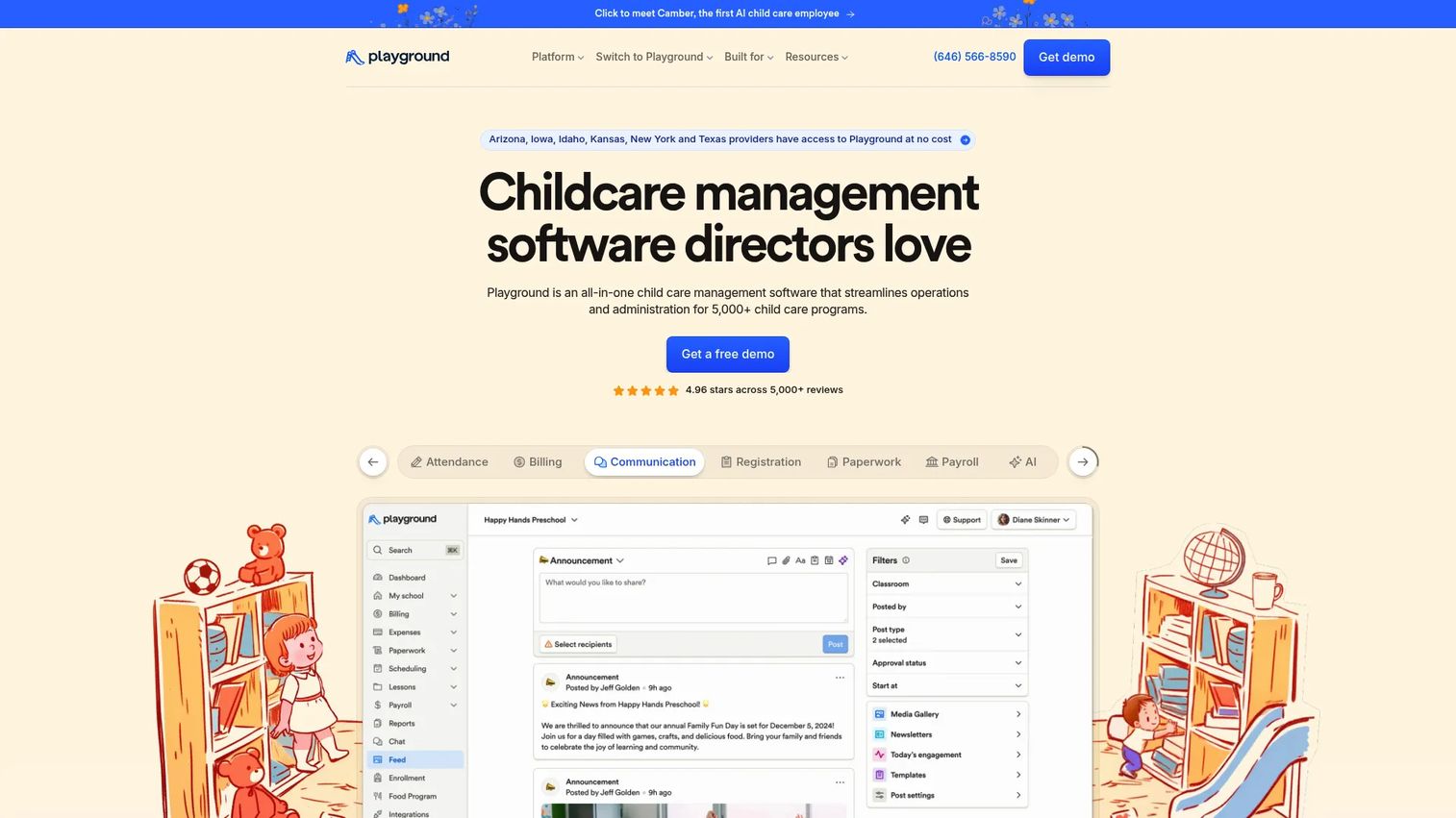
Playground is an all-in-one childcare management platform designed with directors in mind, pulling attendance, billing, communication, registration, paperwork, payroll, and AI-assisted workflows into a single system. Its automation angle is the differentiator: the platform leans on AI to reduce the repetitive admin that consumes a director's day, from chasing paperwork to managing enrollment. For operators focused on efficiency and growth, Playground positions itself as the modern alternative to legacy suites.
Best for: Child care centers that want an all-in-one operations platform with strong automation and enrollment growth features.
Key strengths
- AI-assisted workflows: Automation that trims repetitive admin across paperwork, billing, and communication.
- Billing and payroll: Tuition collection plus staff payroll in one platform, reducing tool sprawl.
- Registration and communication: Digital enrollment paired with parent messaging to move families from inquiry to enrolled.
Why choose Playground: Playground earns strong review sentiment and is built around the director's daily reality rather than a classroom-only view. Teams that want to consolidate billing, payroll, and communication without stitching together separate apps will find the breadth compelling. It is the pick for centers that treat efficiency as a growth lever.
Playground pricing: Playground does not publish a broad public price table. Free state-sponsored access is available to eligible programs in select states including Arizona, Iowa, Idaho, Kansas, New York, and Texas. For centers outside those programs, request pricing directly from Playground for a quote based on your enrollment.
3. ChildPilot
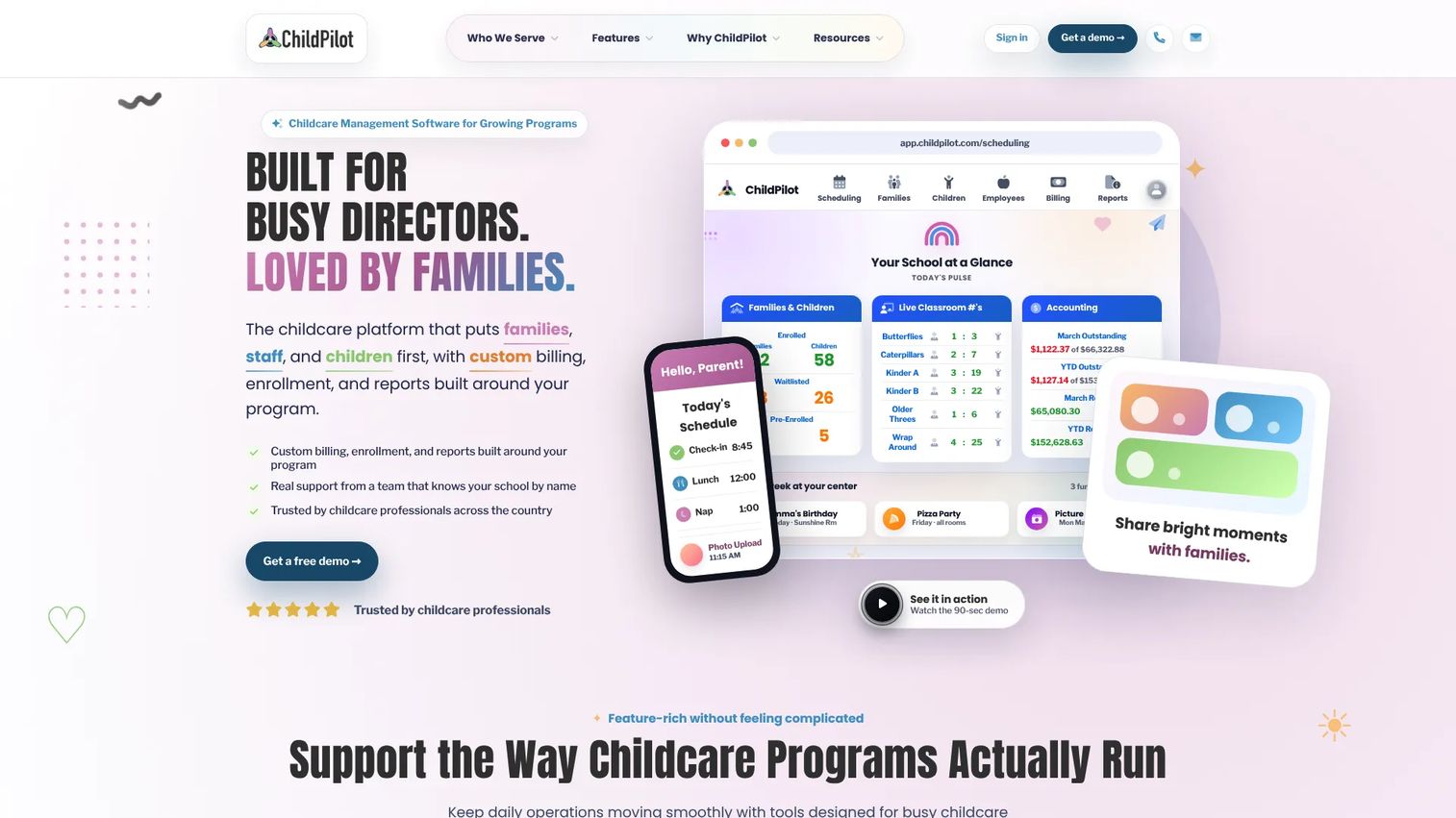
ChildPilot is childcare management software built for single centers and multi-site programs that want depth in every workflow. It combines a parent portal and mobile app with messaging, daily reports, and media sharing, a full enrollment pipeline with inquiry forms, leads, tour scheduling, digital registration, waitlists, and deposits, plus billing, online payments, attendance, staffing, reporting, and multi-site management. If your operation runs on detailed reporting and structured enrollment, ChildPilot is engineered for that reality.
Best for: Childcare centers and multi-site operators who want granular workflows, a structured enrollment pipeline, and deep reporting.
Key strengths
- Enrollment pipeline: Inquiry forms, lead tracking, tour scheduling, waitlists, and deposits in one funnel.
- Multi-site management: Consolidated attendance, billing, and reporting across locations.
- Parent portal and daily reports: Messaging, media sharing, and documentation that keep families informed.
Why choose ChildPilot: ChildPilot suits operators who think in pipelines and reports, not just daily check-ins. The enrollment funnel is a standout for centers focused on filling seats, and the multi-site tooling scales with you. It is a strong fit when detailed reporting and compliance documentation are non-negotiable.
ChildPilot pricing: ChildPilot uses quote-based pricing across three plan classes: Economy, Business, and First. All quotes are in USD and calibrated to your enrolled families and tuition revenue, so no fixed public price is listed. Contact ChildPilot for a tailored quote that matches your center's size.
4. MyKidReports
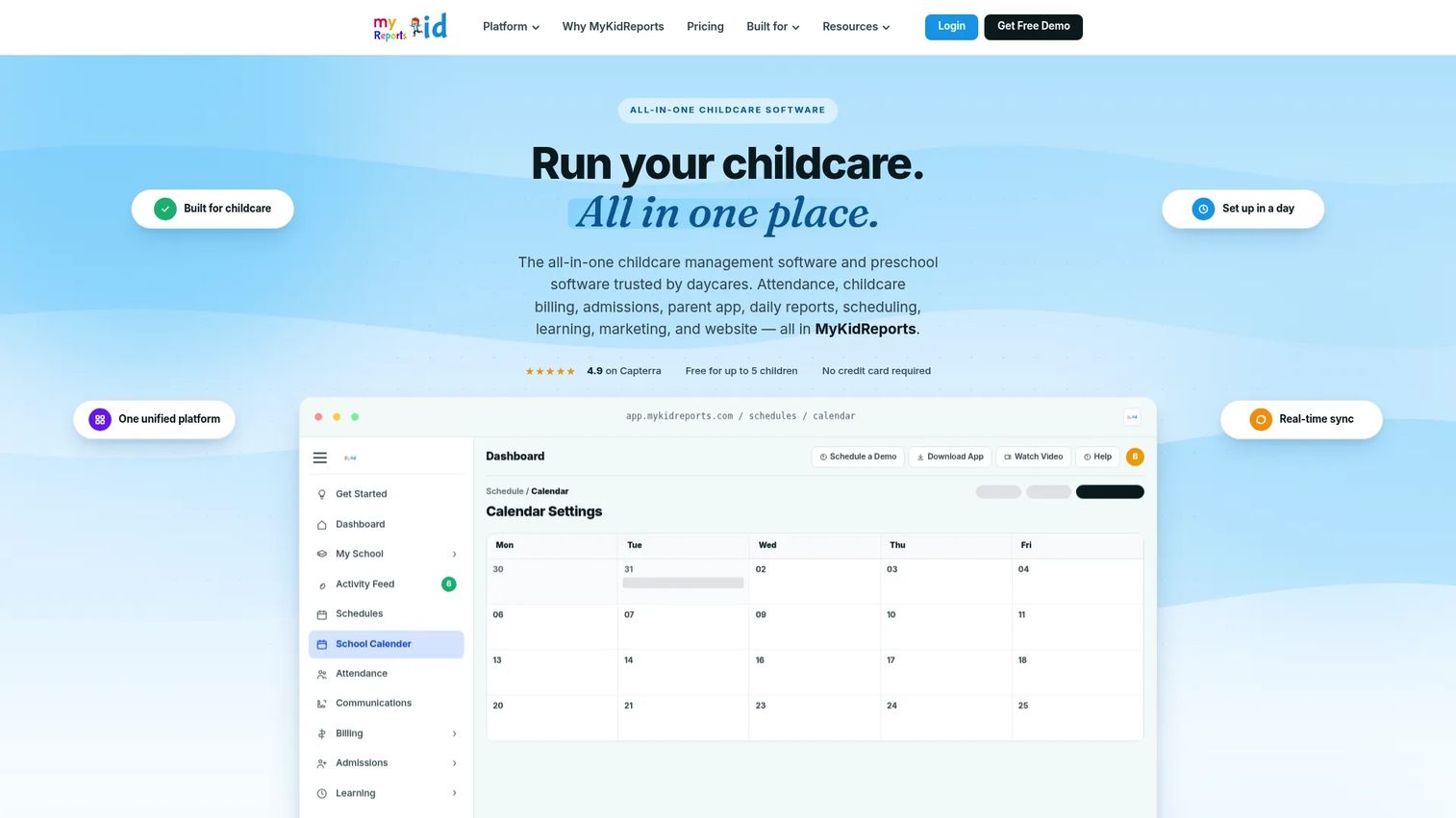
MyKidReports is childcare management software for daycares, preschools, and home-based programs, with the most transparent pricing in this list. It handles attendance and check-in, billing and invoicing, and parent messaging with daily reports. Its clearest advantage for buyers is that you can see exactly what you will pay before you talk to anyone, which makes it a genuinely useful reference point when you are comparison shopping across the category.
Best for: Small to mid-sized childcare centers and home-based programs that want transparent, per-child pricing and core admin without a sales call.
Key strengths
- Transparent per-child pricing: A clear, published rate that scales with enrollment, no quote required.
- Attendance and billing: Digital check-in plus invoicing and payments in one place.
- Parent messaging and daily reports: Family updates and communication built into the core plan.
Why choose MyKidReports: MyKidReports is the easiest platform to evaluate on cost, which is why it doubles as a benchmark when you compare quote-based competitors. It is well suited to smaller programs that want to start without a contract negotiation. Larger multi-site operators may eventually want the deeper reporting that heavier suites provide.
MyKidReports pricing: MKR Lite is free forever for up to 5 children, no credit card required. MKR Pro is $0.99 per child per month for up to 100 children. Enterprise pricing is custom for programs over 100 children or multi-center operations. That published structure makes MyKidReports one of the few platforms you can budget for instantly.
5. brightwheel
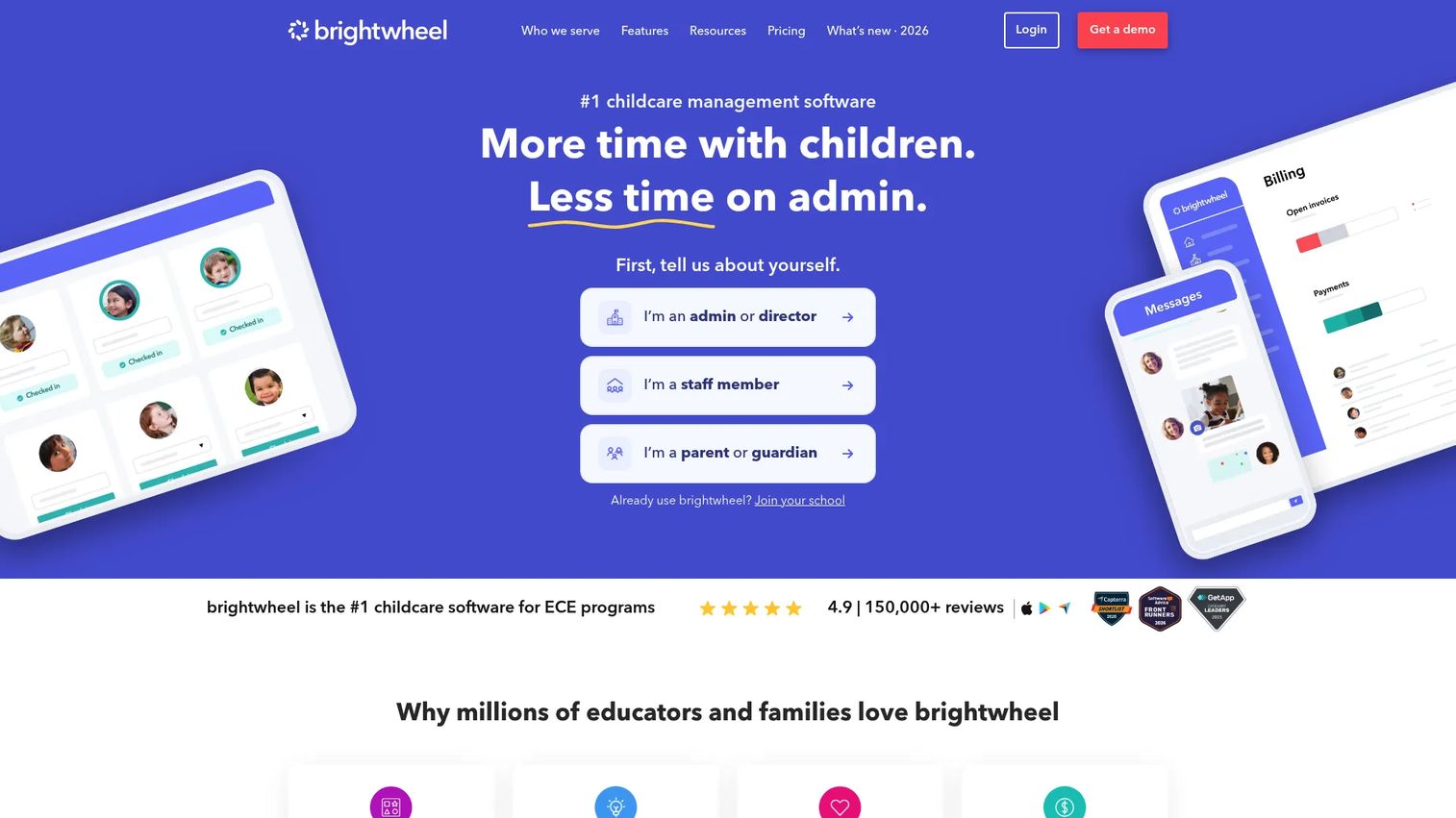
brightwheel is childcare and early-education management software built around billing, communication, attendance, and learning, with a parent app that families actually use daily. Its billing and payments cover online payments, autopay, and tuition plans; communication spans parent and staff messaging plus photo and video sharing; and attendance includes contactless check-in, health screens, and reports. For fast-moving centers that want the daily experience to feel effortless for staff and parents alike, brightwheel is a strong fit.
Best for: Childcare centers and preschools that want a polished parent app and simple daily classroom workflows.
Key strengths
- Contactless check-in: Fast attendance with health screens and reporting built in.
- Parent communication: Messaging plus photo and video sharing that keeps families engaged every day.
- Billing and payments: Online payments, autopay, and tuition plans that reduce collection admin.
Why choose brightwheel: brightwheel wins on daily usability. Staff and parents adopt it quickly because the app is intuitive, which matters when you are onboarding families who are not technical. It is ideal for centers that prioritize a smooth daily experience over the deepest possible reporting stack.
brightwheel pricing: brightwheel does not publish a public price. The company uses a flat monthly rate and asks you to request customized pricing based on your center. There is no public numeric figure to quote, so contact brightwheel directly for a rate tied to your size and needs.
6. HiMama
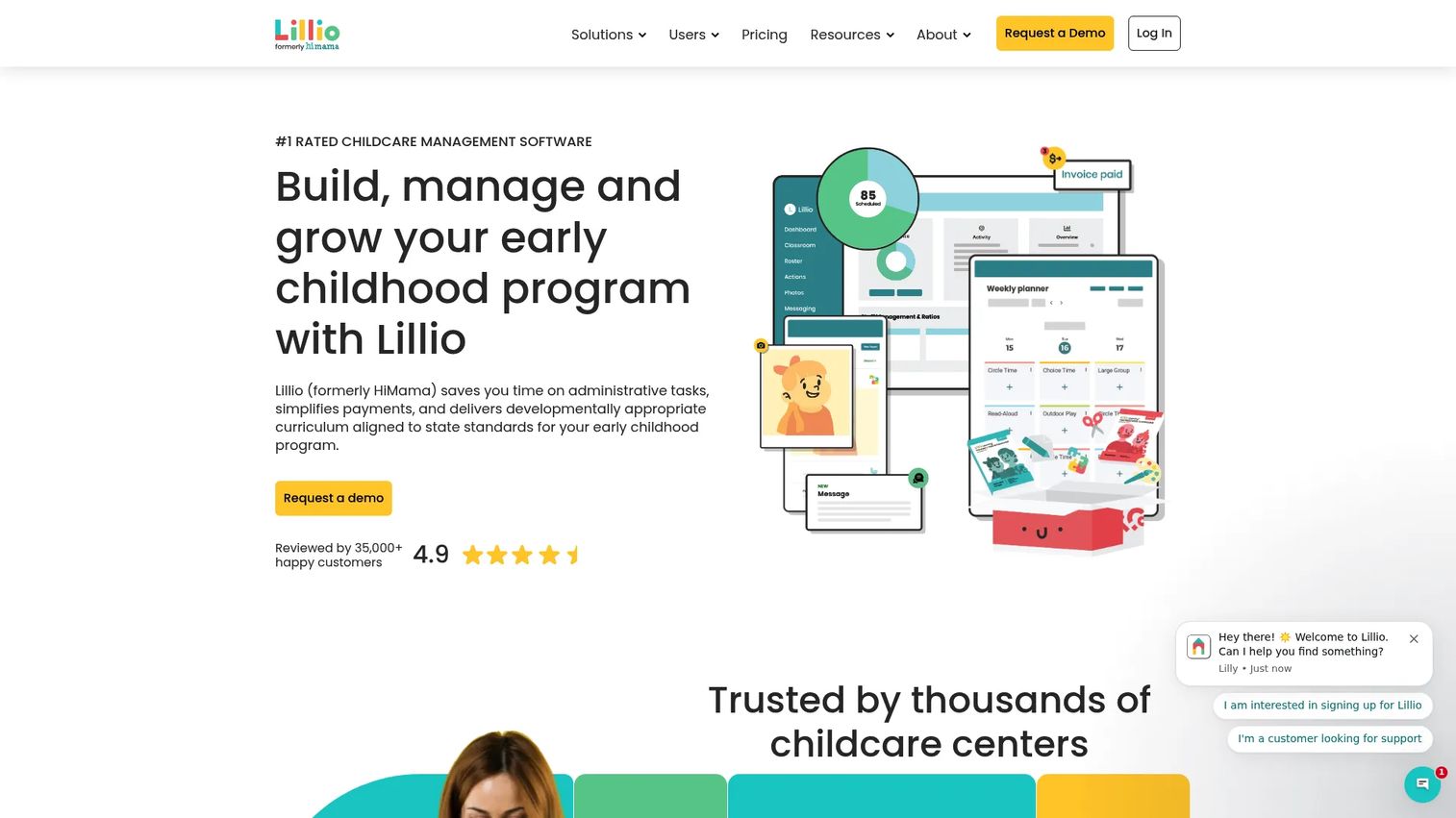
HiMama, now branded as Lillio on its site, is childcare software focused on the parent experience, with strength in daily childcare reporting and documentation, parent communication via app and portal, and attendance, scheduling, and assessments. Teachers can spend a meaningful chunk of every day on documentation, and HiMama is designed to cut that time while keeping families closely informed. For teams that treat parent experience as a retention lever, its daily reports and communication tools are the draw.
Best for: Childcare centers that prioritize parent communication, daily reports, and classroom documentation.
Key strengths
- Daily reports and documentation: Structured childcare reporting that reduces teacher paperwork time.
- Parent communication: App and portal messaging that keeps families in the loop.
- Attendance and assessments: Scheduling and observation tools alongside core attendance.
Why choose HiMama: HiMama is built for classrooms that live and die on parent trust. If daily reports and family engagement drive your retention, its documentation tools are purpose-built for that. Note that the brand is transitioning to Lillio, so evaluate both under the same roof when you request pricing.
HiMama pricing: HiMama does not publish core platform pricing on a first-party page. The one publicly visible figure is the Photo Plus add-on at $2.99 per month. For core platform pricing, request a quote directly, and confirm current terms given the ongoing Lillio rebrand.
7. Lillio
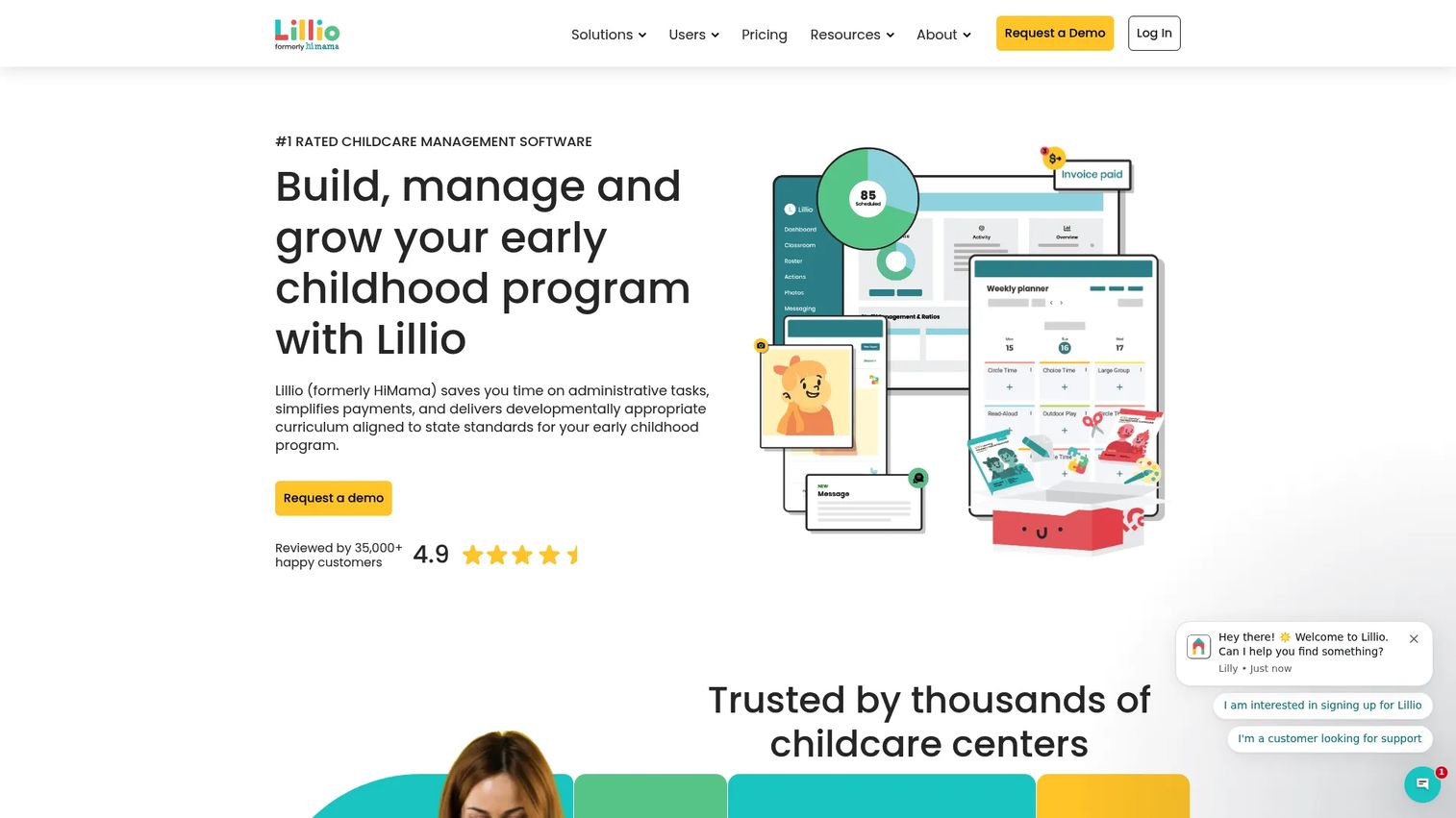
Lillio is the family engagement and daily operations platform that HiMama has been rebranding into, combining communication, attendance, billing, reporting, and engagement workflows with a curriculum layer. It positions family engagement as the center of gravity: parent communication, daily reports, and learning content sit alongside the operational basics. For teams that want operations and family experience in a single platform, Lillio brings both together under one brand.
Best for: Childcare centers and early education programs that want family engagement, curriculum, and daily operations in one platform.
Key strengths
- Family engagement: Communication and daily reporting designed to deepen parent involvement.
- Curriculum and learning: Content and assessment tools layered onto core operations.
- Attendance and billing: Core operational workflows kept in the same system as engagement.
Why choose Lillio: Lillio is the natural landing spot for teams that liked HiMama's parent-first approach and want the added curriculum and engagement depth. It suits programs that see family engagement and early learning as inseparable from operations. Confirm feature mapping during your evaluation, since the platform consolidates the former HiMama experience.
Lillio pricing: Lillio asks you to request pricing rather than publishing a fixed public rate. Because it is the successor brand to HiMama, confirm which modules are included at your tier when you request a quote for your center.
Considerations before you buy
Feature lists blur together fast. Use this checklist to pressure-test any platform against your center's actual operations before you sign.
Attendance workflow fit
Confirm that check-in and check-out match how your center actually runs. Ask whether the system updates room ratios in real time, supports staff attendance alongside children, and works on the devices your teachers already use. If your team relies on a shared tablet at the door, verify the mobile experience holds up under a morning rush.
Billing and tuition automation
Verify the platform handles your exact billing model, whether that is weekly, monthly, or per-session tuition. Check for ACH and card support, autopay, recurring plans, and automated delinquency reminders. The goal is fewer late payments and less time reconciling by hand, so ask for the specific collection features, not just "billing."
Parent communication
Evaluate the family portal and parent app the way a parent would. Are daily updates, messaging, and photo sharing genuinely usable on a phone? A communication tool only works if families open it, so test the actual app before committing, not just the marketing screenshots.
Enrollment and reporting
Confirm the enrollment flow captures leads, schedules tours, and handles digital registration without paper. On the back end, check that reporting exports the data you need and produces the compliance documentation your state requires. Subsidy handling and ratio reporting are often where thin platforms fall short.
Support and onboarding
Ask exactly what implementation looks like. Is there data migration help, hands-on training for staff and families, and a defined response time when something breaks? For a busy operator, onboarding quality often matters more than any single feature, because a powerful platform nobody adopts is worse than a simple one everyone uses.
Conclusion
The right childcare software depends less on feature counts and more on which pain point is costing you the most right now. If you run an established or multi-site operation and need proven billing and compliance depth, Procare is the incumbent standard. If automation and enrollment growth drive your decision, Playground is built for that. For structured enrollment pipelines and granular reporting, ChildPilot goes deep.
If you want transparent pricing and a genuine free tier to start, MyKidReports is the easiest to evaluate. For daily classroom simplicity and a parent app families love, brightwheel wins on usability. And if parent experience and family engagement drive retention, HiMama and its successor brand Lillio are purpose-built for that.
Your next step: pick the two platforms that match your single biggest operational pain, request quotes tied to your actual enrollment, and run each through the considerations checklist above. Test the parent app yourself before you decide. The best system is the one your staff and families actually use every day.
FAQs
For small centers and home-based programs, MyKidReports stands out because it publishes transparent per-child pricing and offers a free tier for up to 5 children, so you can start without a contract negotiation. brightwheel is also worth evaluating if daily classroom simplicity and a strong parent app matter most. Match the choice to your billing model and how technical your staff and families are.
Procare and Playground both handle billing automation well, with recurring tuition plans, online payments, autopay, and delinquency tracking. Procare brings the longest track record for established and multi-site operators, while Playground pairs billing with payroll in one platform. Confirm the system supports your exact tuition cadence, whether weekly, monthly, or per-session, before committing.
Yes. Every platform in this guide supports digital check-in and check-out, replacing paper sign-in sheets with timestamped records. The stronger systems, including brightwheel with contactless check-in and Procare with room-level records, also update ratios in real time to support compliance. Verify the mobile experience works during a busy morning arrival window.
Preschool operators should look for attendance tracking, billing and tuition automation, parent communication, enrollment management, reporting, and compliance documentation at minimum. Learning and assessment tools matter more for education-focused programs, which is where HiMama and Lillio add curriculum depth. Prioritize the workflows that consume the most staff time today.
Very. Parent communication is often the feature that drives family retention, because informed parents trust the center more and stay longer. A good family portal keeps daily reports, photos, and messages in one thread parents actually check. HiMama, Lillio, and brightwheel all lean heavily into the parent experience, so test the app from a parent's point of view.
Ask about data migration from your current system, hands-on training for staff and families, and defined response times when issues arise. Onboarding quality often determines whether a platform gets adopted at all, so weigh it as heavily as features. A powerful system nobody uses is worse than a simple one your whole team embraces.
For multi-site operators, the return is clear: consolidated billing, attendance, and reporting across locations turn a weekly reconciliation headache into a single dashboard. Procare and ChildPilot are both built for multi-site depth with the reporting and compliance tooling larger operations require. The efficiency gain typically pays for the platform through reduced admin hours and lower delinquency.
Strong platforms produce state-specific compliance documentation, ratio tracking, immunization records, subsidy management, and audit-ready reports. Procare and ChildPilot go deepest on reporting, which matters most for programs facing frequent inspections or managing subsidy funding. Confirm the platform supports your specific state requirements before you buy, since compliance depth varies across vendors.